 2
UPERFECT BE22BQ Review - A Bigger Kind of Portable
(2 Comments) »Introduction

This display started life under a different name. UPERFECT originally sold it as the UMax 22 Touch, and the current catalog splits it into two SKUs: the touch-enabled BE22BQ reviewed here, and a non-touch BE22CQ that simply drops the digitizer. Apart from the touch layer, the two are the same monitor, so everything below applies to both, except for the touch-specific sections and the performance measurements, which I can only vouch for on the touch variant I actually tested.
At the heart of the BE22BQ is a 21.5-inch IPS panel (UPERFECT markets it as 22-inch) running a native 2560×1440 resolution. That is an unusual combination for a portable. Most travel monitors settle for a 15.6-inch 1080p panel, whereas here you get a much larger canvas and a pixel density around 137 PPI, which keeps text and interface elements crisp at a normal desk distance. The panel is covered edge to edge with glossy glass that doubles as a 10-point capacitive touchscreen, and touch works without any drivers.
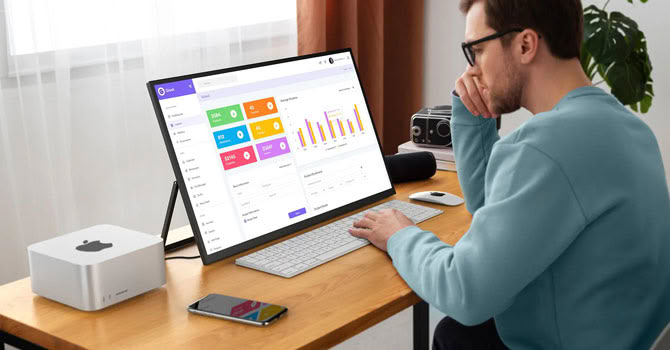
The port selection looks tidy. Two USB-C ports carry DisplayPort Alt Mode video, touch, and power delivery, and a single USB-C cable to the monitor's top port does carry both picture and touch, so one-cable operation is possible with a USB-C source. The one catch is brightness: unlocking full brightness means adding the bundled adapter into the second USB-C port. There is also a mini-HDMI input for devices without a video-capable USB-C, a Micro-USB OTG port for attaching a keyboard, mouse or USB drive directly to the monitor, and a 3.5 mm headphone jack. Two 1 W speakers are built in, and the bundled 30 W USB-C PD adapter supplies power.
The rest of the package is sensible for the class. An integrated metal kickstand folds out from the back and adjusts across a wide 0 to 180° range, letting the monitor stand upright for desktop work or lie almost flat for drawing and touch. A 75×75 mm VESA pattern is exposed on the rear for arm or wall mounting. The BE22BQ accepts an HDR10 signal, though as we will see it cannot display real HDR. Let's take a closer look.
Specifications
| UPERFECT BE22BQ | |
|---|---|
| Screen Size | 21.5" (marketed as 22") |
| Native Resolution | 2560×1440 (16:9), ~137 PPI |
| Panel Technology | IPS (model M220T02), 8-bit |
| Refresh Rate | 60 Hz |
| Curvature | Flat |
| Screen Coating | Glossy glass, capacitive touch layer |
| Touch | 10-point capacitive, driver-free |
| Supported Adaptive Synchronization | None |
| Brightness | 300 cd/m² typical |
| Contrast | 1,000:1 (static) |
| Viewing Angles | 178°/178° |
| Response Time | 20 ms GtG (rated) |
| HDR | Accepts HDR10 input, no true HDR playback |
| Color Gamut | Rated 100% sRGB/72% NTSC |
| Adjustability | Integrated kickstand, 0 to 180° |
| Video Inputs | 2× USB-C 3.1 (DP Alt Mode), 1× Mini-HDMI |
| USB-C | DP Alt Mode, USB data, and power delivery |
| USB Hub | 1× Micro-USB OTG (keyboard/mouse/storage) |
| Audio | 1× 3.5 mm headphone jack |
| Speakers | 2× 1 W |
| VESA Mounting | 75×75 mm (M4x4) |
| Power Input | 5 V/3 A, 9 V/3 A, 12 V/2 A via USB-C (30 W PD adapter included) |
| Dimensions & Weight | 491 × 285 × 26 mm (19.33 × 11.22 × 1.02 in) with stand folded, 1.43 kg (3.15 lb) |
The Package
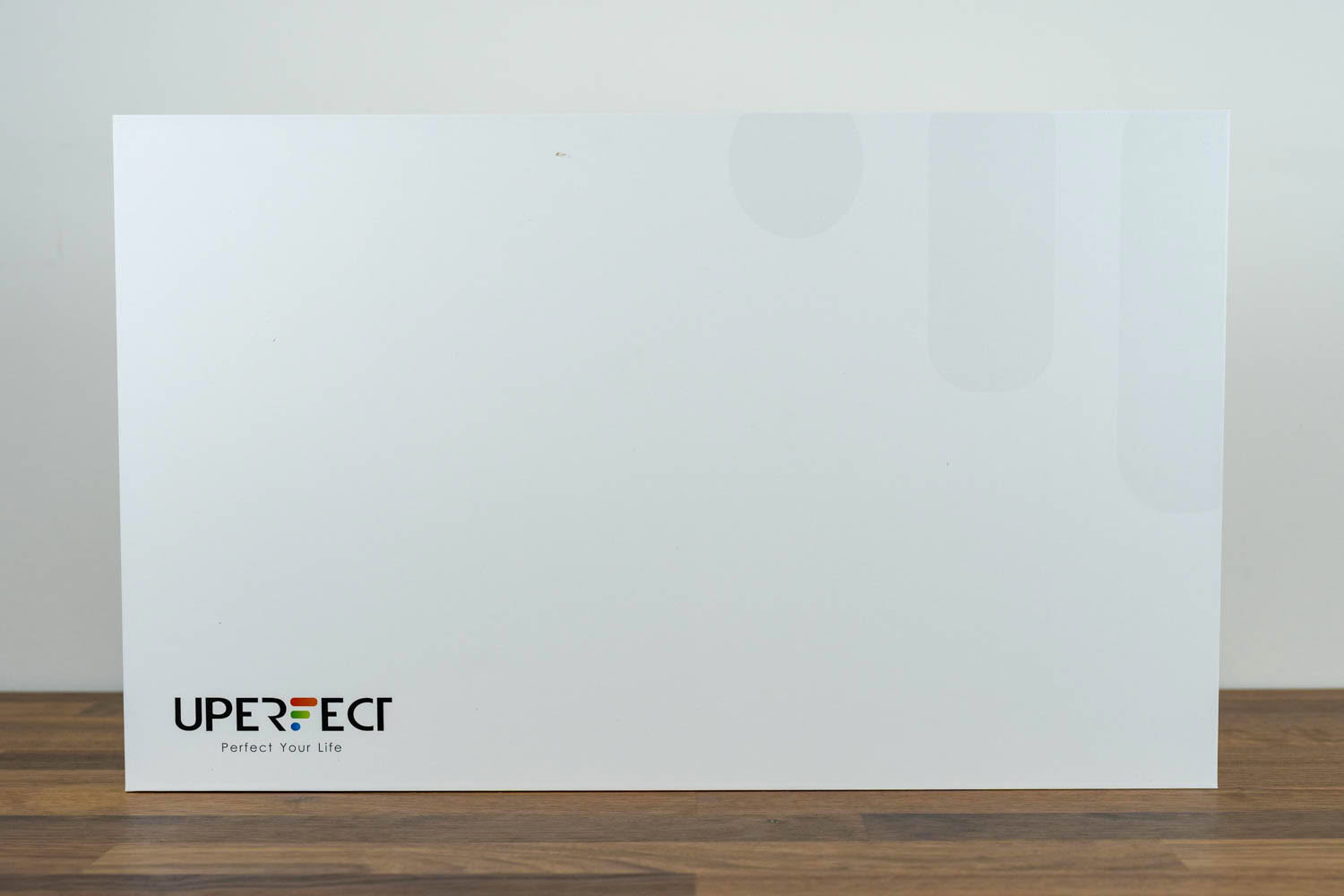
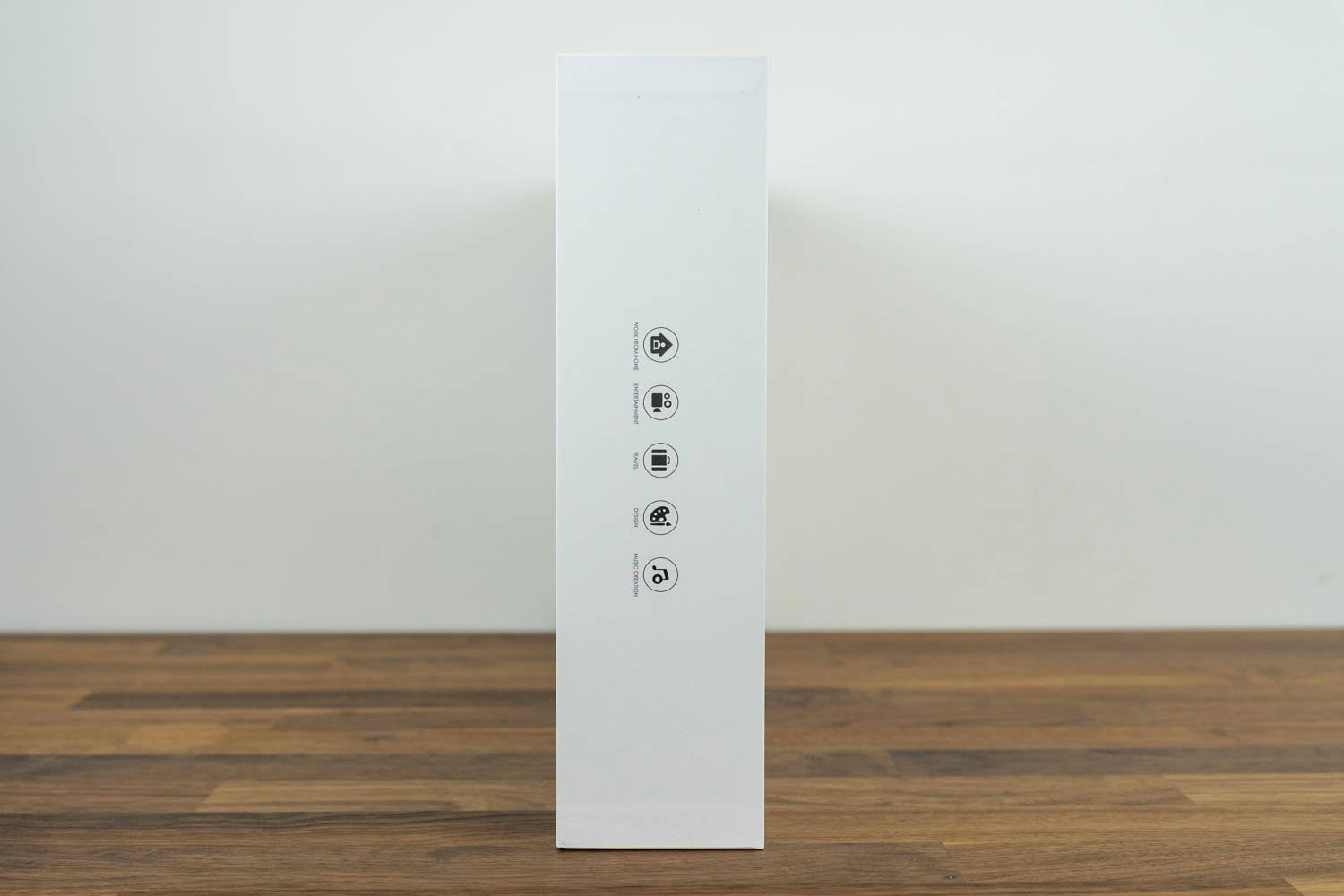
The BE22BQ arrives in a clean white box with almost nothing on it besides the UPERFECT logo and the tagline "Perfect Your Life." There is no product photography and no spec sheet on the front, but that hardly matters here: this is not a monitor you pick off a store shelf, so the box never has to sell itself to a passing shopper. What actually counts is what's inside, and there the packaging does its job well, with the monitor cradled in a thick layer of foam and dedicated compartments keeping all the accessories in place. The side of the box carries a small column of pictograms outlining intended use cases, from working from home and entertainment to travel, design, and music creation.
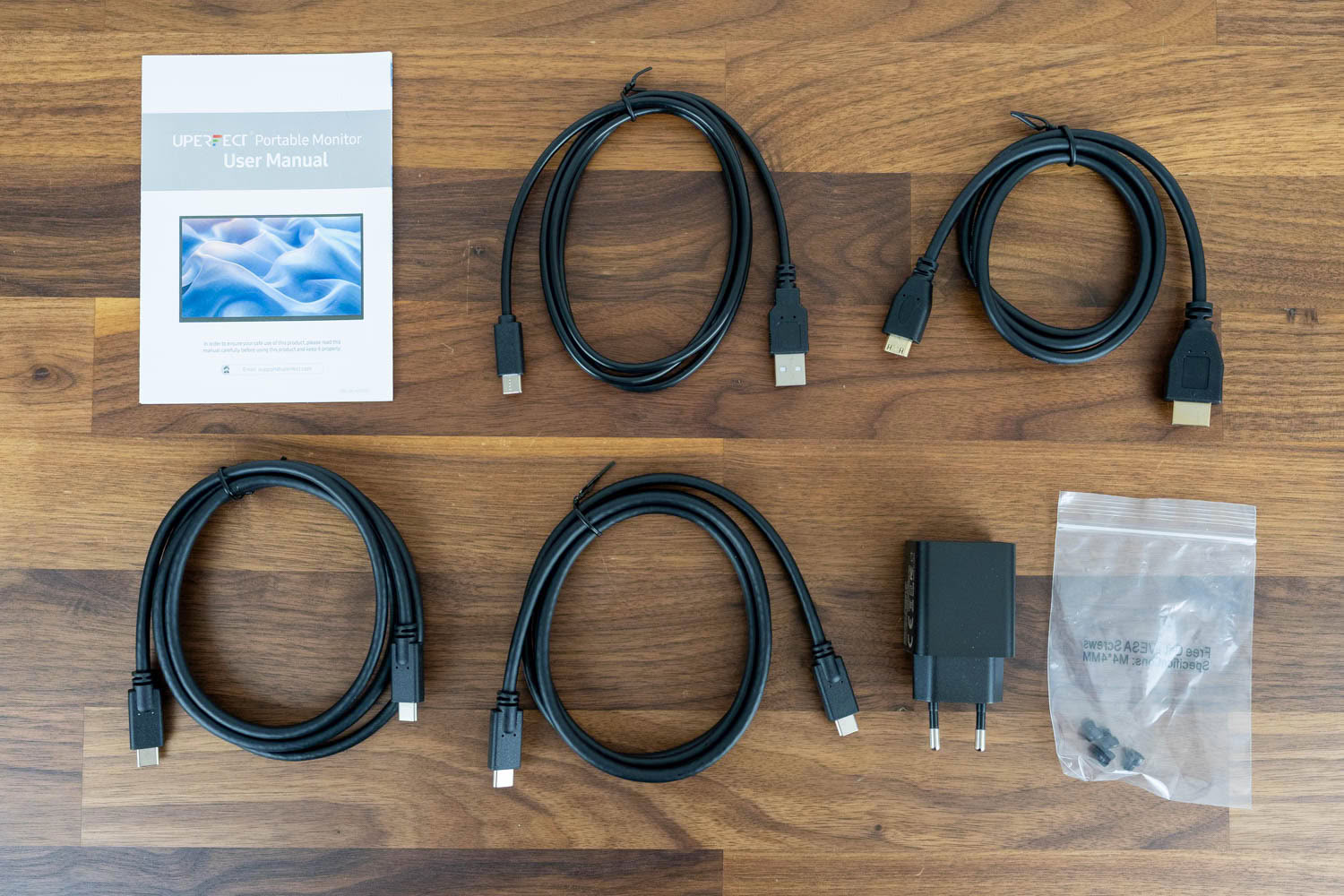
Inside you get a fuller bundle than the spec sheet suggests. UPERFECT includes the monitor, a printed user guide, a mini-HDMI to standard HDMI cable, two USB-C to USB-C cables, a USB-A to USB-C cable, the power adapter, and a small bag of M4x4 VESA screws. Having both USB-C leads and an HDMI cable in the box means every input is usable straight away, which is not always a given.
Our Patreon Silver Supporters can read articles in single-page format.
Nov 20th, 2026 13:19 PST
change timezone
Latest GPU Drivers
New Forum Posts
- Honestly, do you care about GTA VI? (205)
- GTA VI (20)
- Anthrophics IPO (25)
- GeekMagic Ultra Smart WiFi Weather Station (8)
- Very unusual two gaming-pc scenarios. (35)
- Can i play GTA 6 now? (Joke) (14)
- How to prevent OLED burn damage due to PC freezes or power outtages? (47)
- Zen 3 IF/IMC degradation (239)
- The Final Upgrade for Legacy AiO's (10)
- Last game you purchased? (1410)
Popular Reviews
- AMD Zen 6 Technical Deep Dive
- Ugreen NASync DXP4800 GT Review
- Microsoft Surface Laptop Ultra Review - The Next-gen Arm Laptop
- Corsair RM1200e (Second Generation) Review
- Acemagic Retro X3 Review
- Upcoming Hardware Launches 2027 (Updated Nov 2026)
- Pulsar Office Tour & First Look at P1 Dual-Sensor Mouse
- Biwin Black Opal NV7400 2 TB Review
- AMD Ryzen 7 9800X3D Memory Performance Scaling
- AMD Ryzen 7 9800X3D Review - The Best Gaming Processor
TPU on YouTube
Controversial News Posts
- NVIDIA Co-Founder and CEO Jensen Huang Officially Resigns (490)
- Report: Jensen Huang Eyes NVIDIA Comeback (254)
- Open Letter Asking NVIDIA to Reinstate Jensen Huang Passes 115,000 Signatures (184)
- OpenAI CEO Argues Home PCs Waste the World's Limited DRAM Supply (152)
- NVIDIA Launches Investigation Into Jensen Huang's Relationship With Suspected Chinese Spy (136)
- Intel "Raptor Lake Next" 16-Core and 20-Core CPUs Surface (130)
- Legendary Game Studio BioWare Shuts Down Following EA Layoffs (104)
- Dell CEO Says the Memory Shortage Will Get Worse in 2027 (95)