 4
UPERFECT GR14BU Review - A Touch-Enabled OLED for the Road
(4 Comments) »Introduction

UPERFECT has been busy renaming its portable monitor range, and the OLED models are no exception. What used to be the 16-inch UColor O2 now goes by GR16HQ, and the smaller 14-inch version, originally sold as the UColor O2 mini, has been split into two models. The GR14CU is the version without touch, while the GR14BU, which I'm reviewing here, adds a 10-point multitouch layer. Both belong to UPERFECT's Blaze Gaming series, although, as we'll see, the GR14BU is much more of a travel companion for a laptop, tablet, or phone than a gaming monitor.
The core of the GR14BU is a 14-inch OLED panel with a 16:10 aspect ratio and a native resolution of 2880×1800. That works out to roughly 243 PPI, which is laptop and tablet territory, and far beyond what you get from a typical 15.6-inch FHD portable monitor. The panel supports up to 120 Hz at its native resolution over USB-C, while the Mini HDMI input is limited to 100 Hz at that resolution. The screen is covered by glossy glass that runs almost edge to edge. With a compatible source device, a single USB-C cable can carry video, touch data, and power, provided the source supports DisplayPort Alt Mode, touch input, and can supply sufficient wattage.
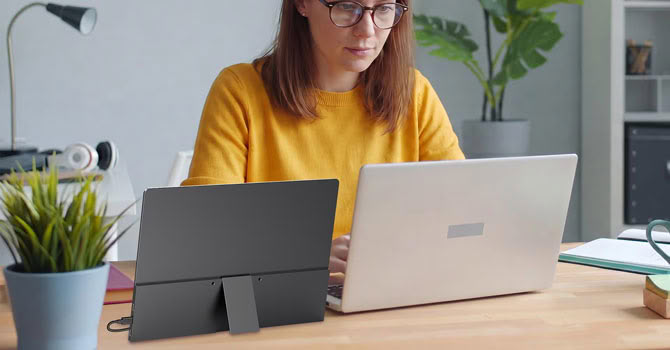
The chassis is made of aluminium, measures just 7 mm (0.28 in) at its thickest point, and weighs 0.59 kg (1.3 lb). Instead of the folding magnetic cover used by the 16-inch UColor O2, the GR14BU has an integrated metal kickstand on the back. Connectivity consists of two full-featured USB-C ports with DisplayPort Alt Mode and one mini HDMI input, and there's a pair of 1 W speakers, but no headphone output.
UPERFECT's marketing is, as usual, more optimistic than its spec sheet. The product page promises 500 cd/m², 120% DCI-P3, a 500,000:1 contrast ratio, and a 0.1 ms response time, while the specification table on the same page lists 109.9% DCI-P3, a 100,000:1 contrast ratio, and 1 ms. The marketing material mentions 16.7 million colors, while the spec table says 1.07 billion (8-bit + FRC). It also states that HDR is not supported, even though the monitor accepts an HDR signal. I'll get to what the panel actually delivers in the measurement sections. The GR14BU currently sells for $399.99 on UPERFECT's US web store, down from a $629.99 list price.
Specifications
| UPERFECT GR14BU | |
|---|---|
| Screen Size | 14" |
| Native Resolution | 2880×1800 (16:10), ~243 PPI |
| Panel Technology | OLED, 8-bit + FRC |
| Refresh Rate (At Native Resolution) | 120 Hz (USB-C), 100 Hz (HDMI) |
| Screen Coating | Glossy |
| Supported Adaptive Synchronization | No |
| Brightness | 500 cd/m² (claimed) |
| Contrast | 100,000:1 (spec sheet), 500,000:1 (marketing) |
| Color Gamut | 109.9% DCI-P3, 110.5% Adobe RGB (spec sheet), 120% DCI-P3 (marketing) |
| Response Time | 1 ms (spec sheet), 0.1 ms (marketing) |
| HDR | Not listed (accepts HDR10 signal) |
| Touch | 10-point multitouch |
| Adjustability | Integrated kickstand (tilt) |
| Video Inputs | 2× USB-C (DP Alt Mode), 1× Mini HDMI |
| Headphone Output | No |
| Speakers | 2× 1 W |
| VESA Mounting | 75 mm (two screw points) |
| Dimensions & Weight | 310 × 216 × 7 mm (12.2 × 8.5 × 0.28 in), 0.59 kg (1.3 lb) |
| Supplied Cables | 2× USB-C to USB-C, 1× USB-A to USB-C, 1× Mini HDMI to HDMI |
The Package
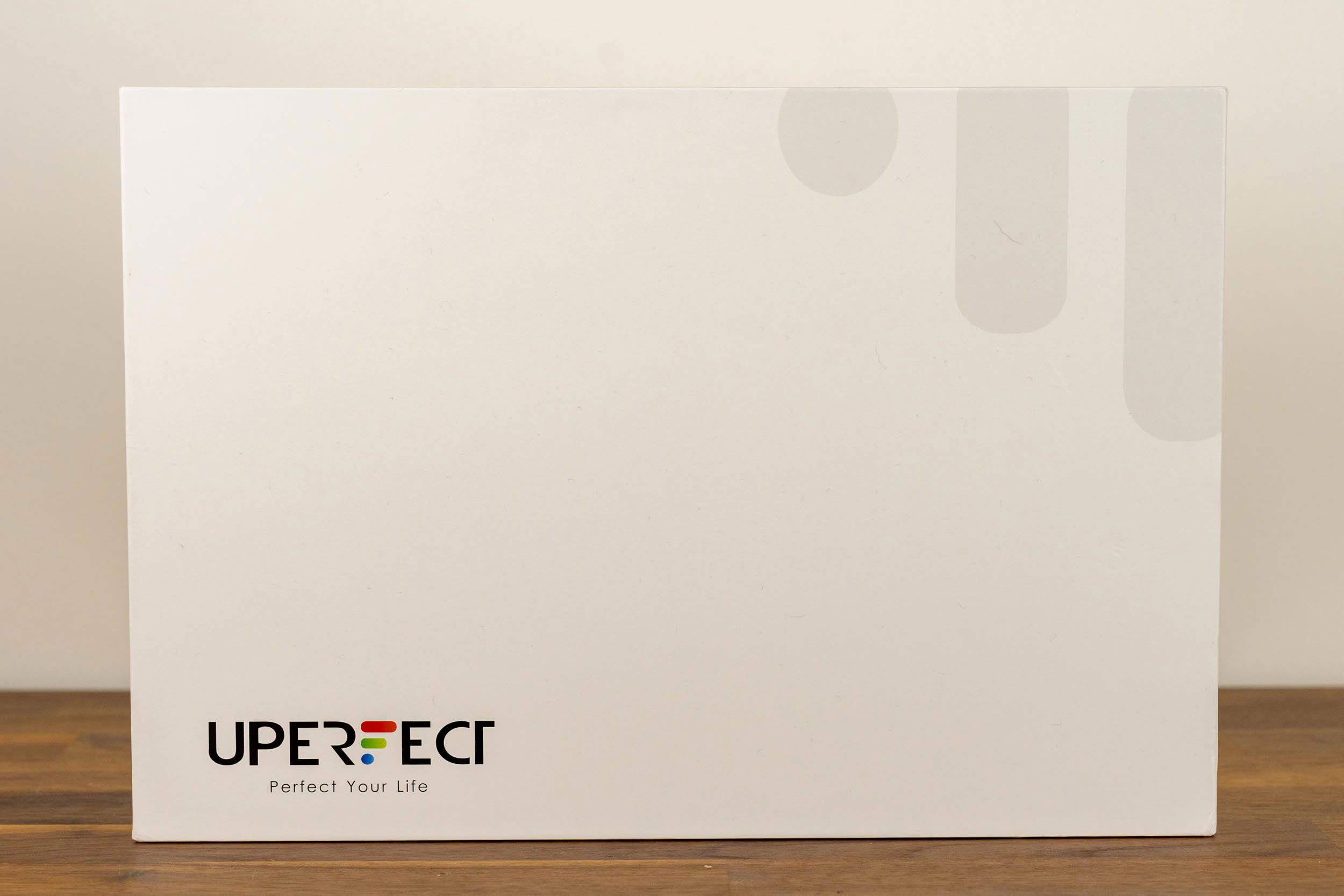
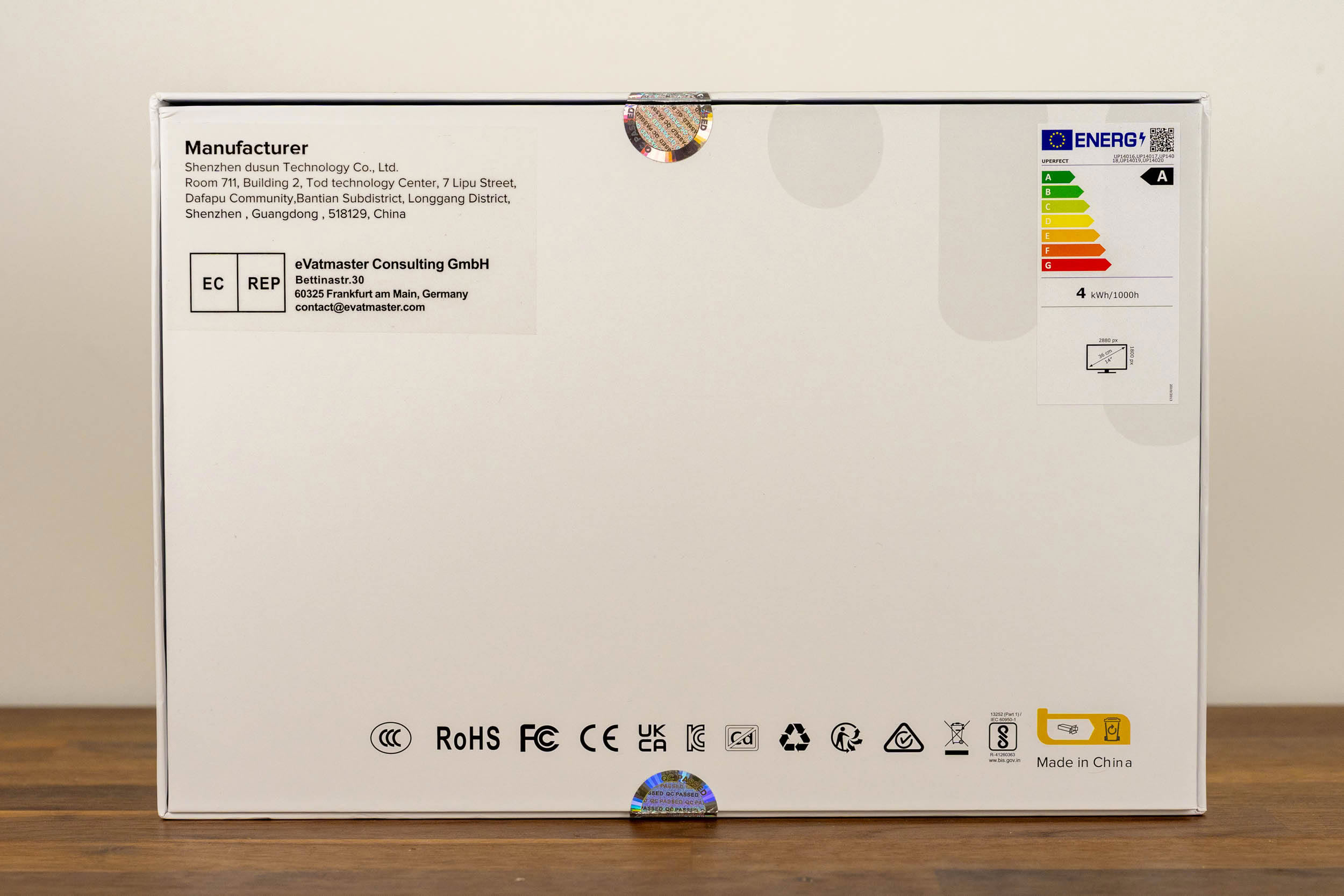
The GR14BU arrives in a plain white box with the UPERFECT logo on the front. The back of the box lists the manufacturer and its EU representative, along with a row of certification marks and an EU energy label, which places the monitor in class A, with a consumption of 4 kWh per 1,000 hours.
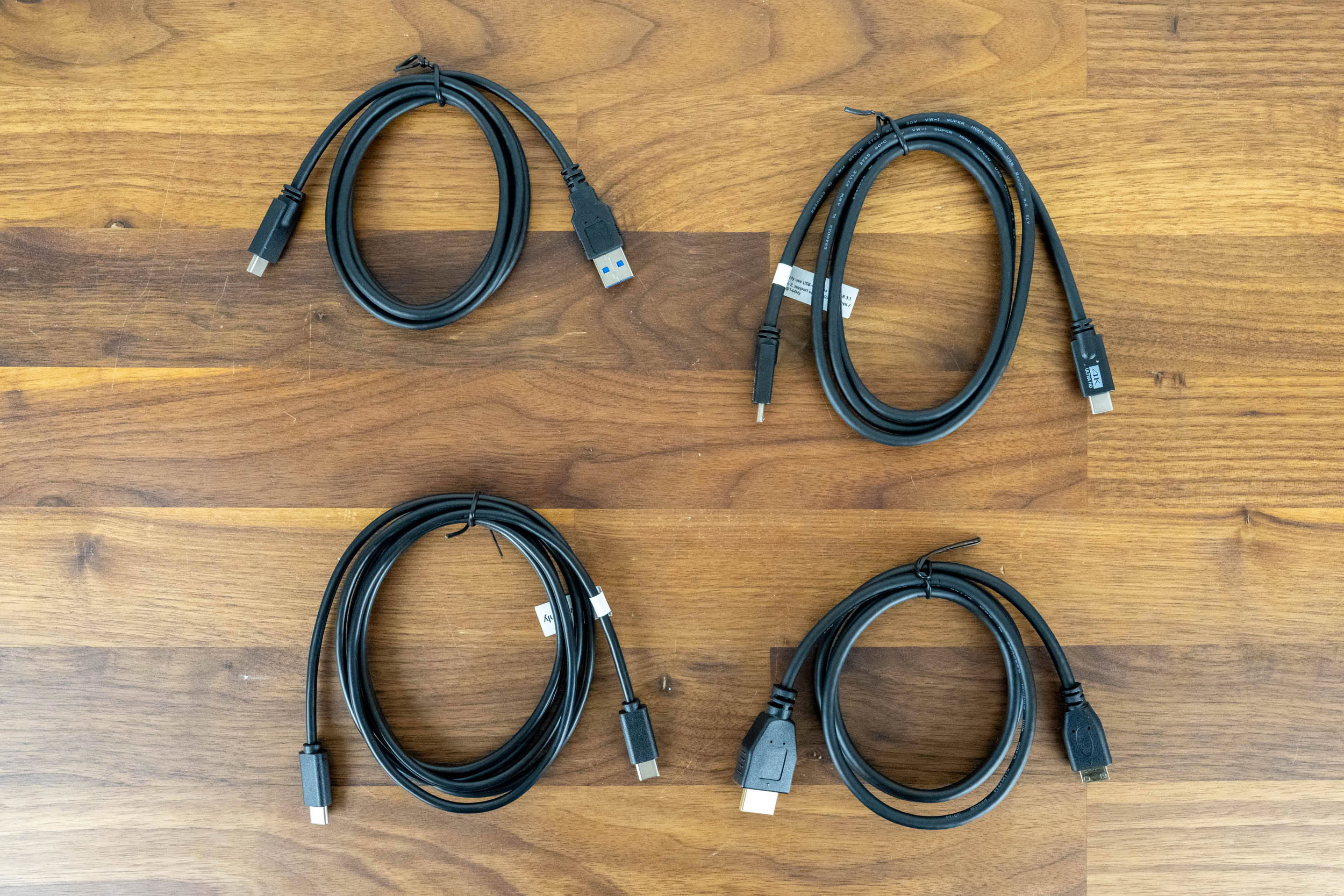
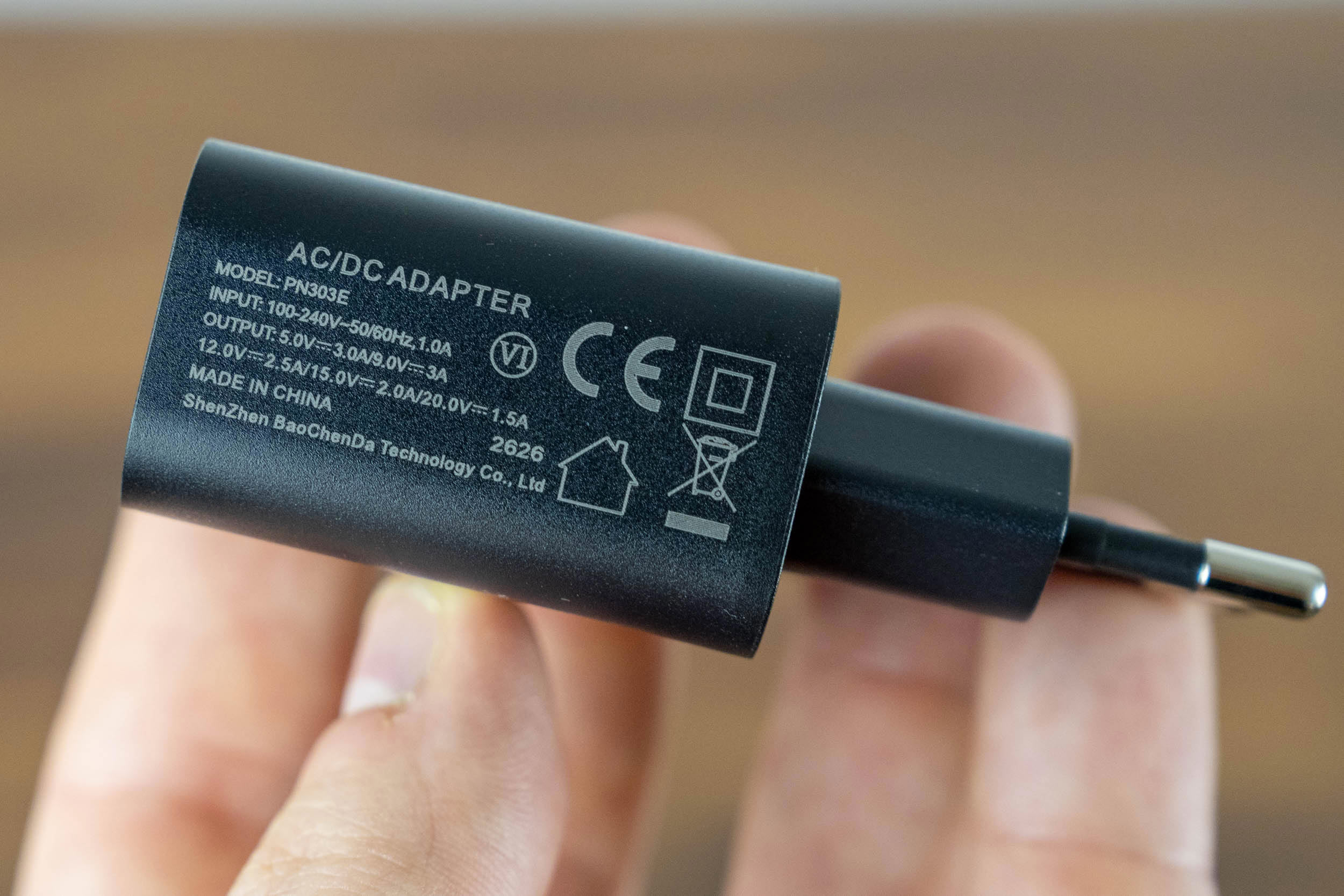
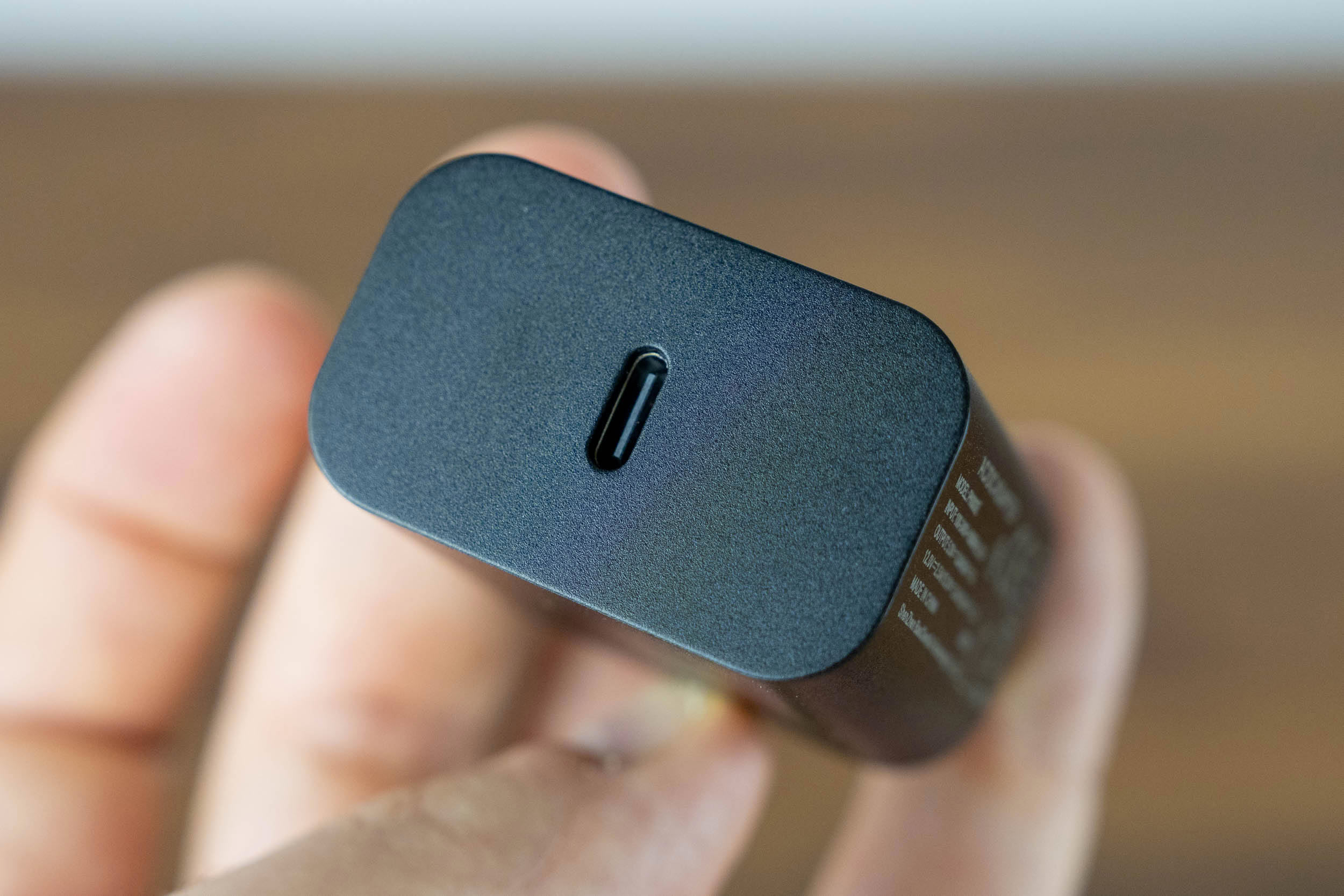
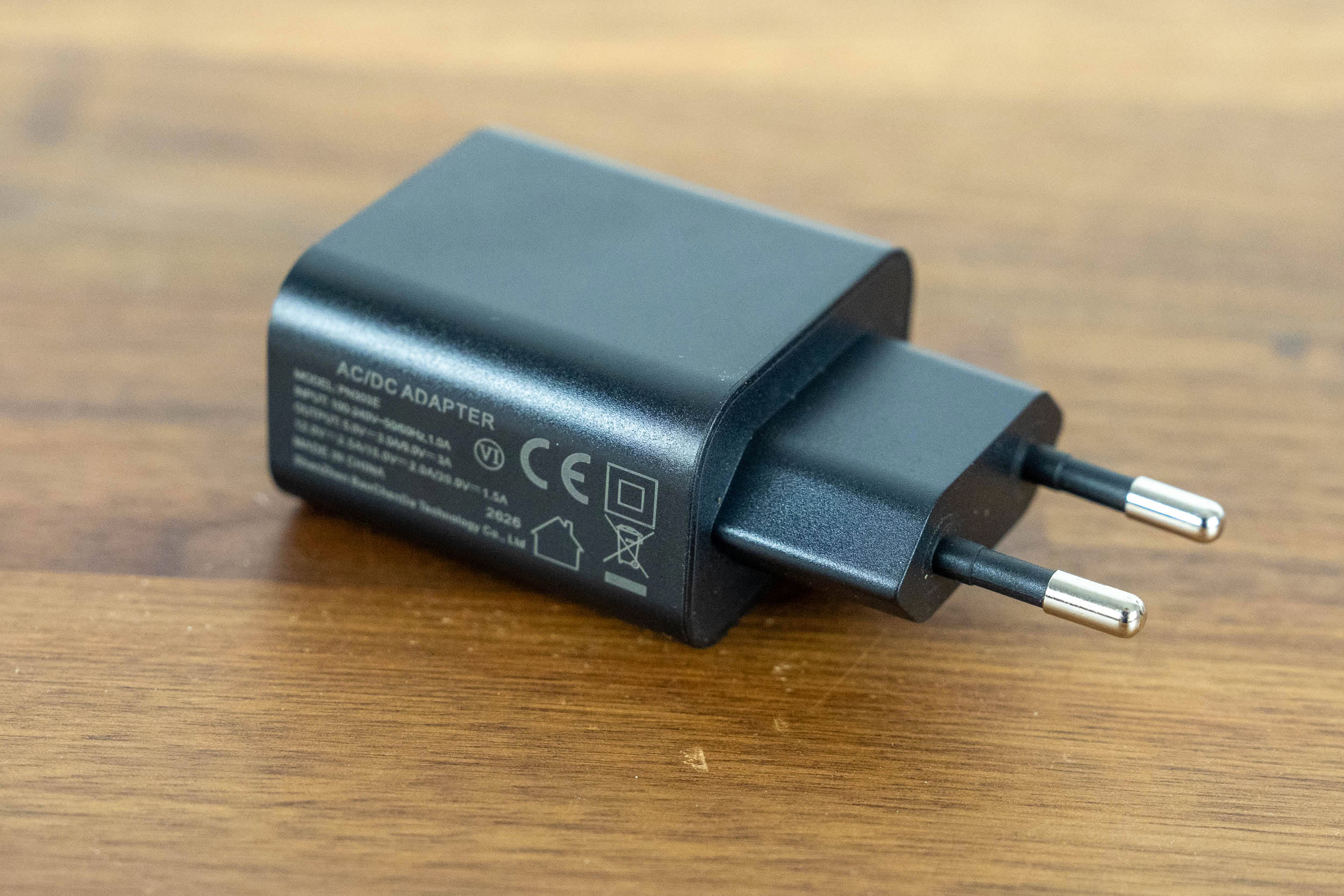
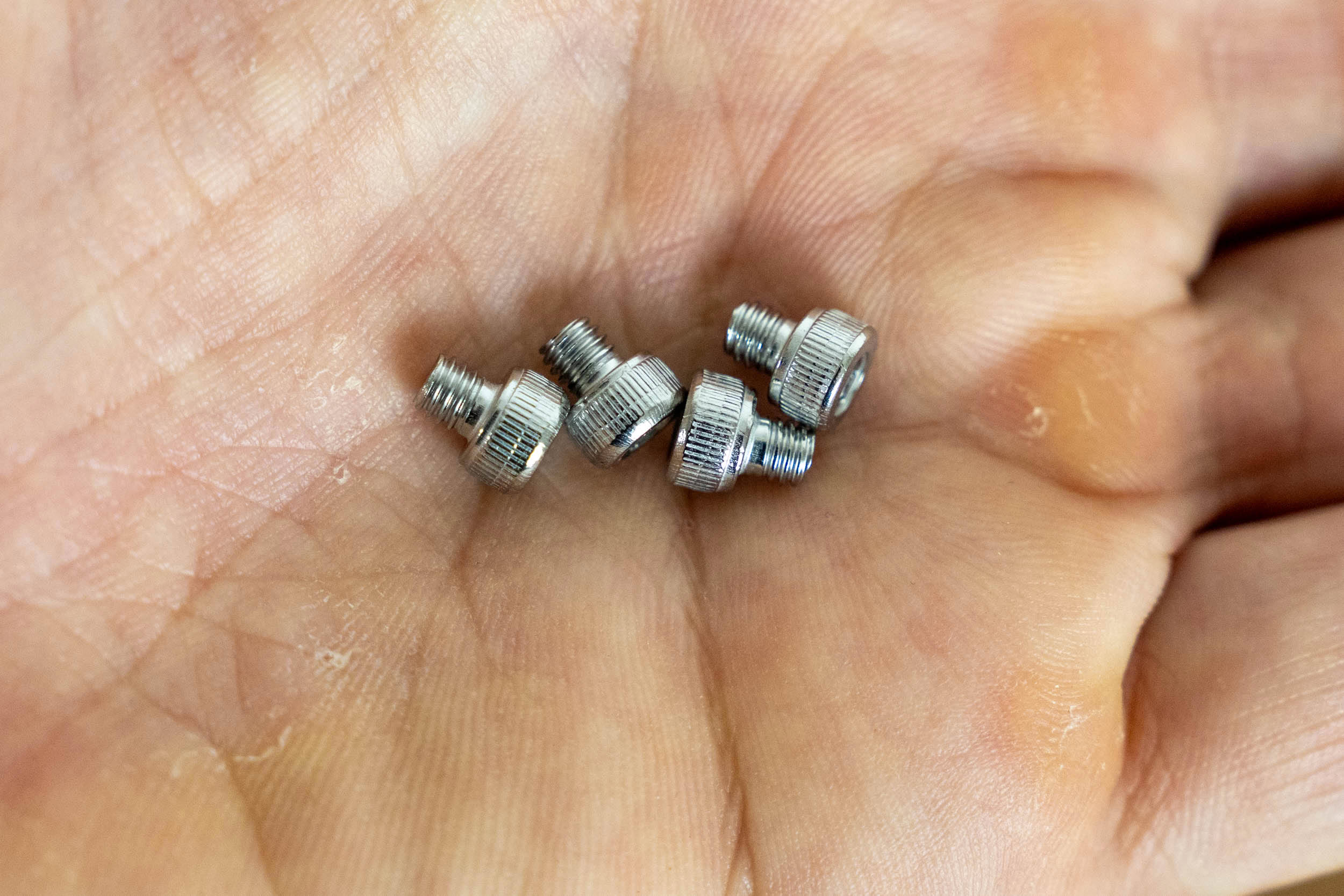
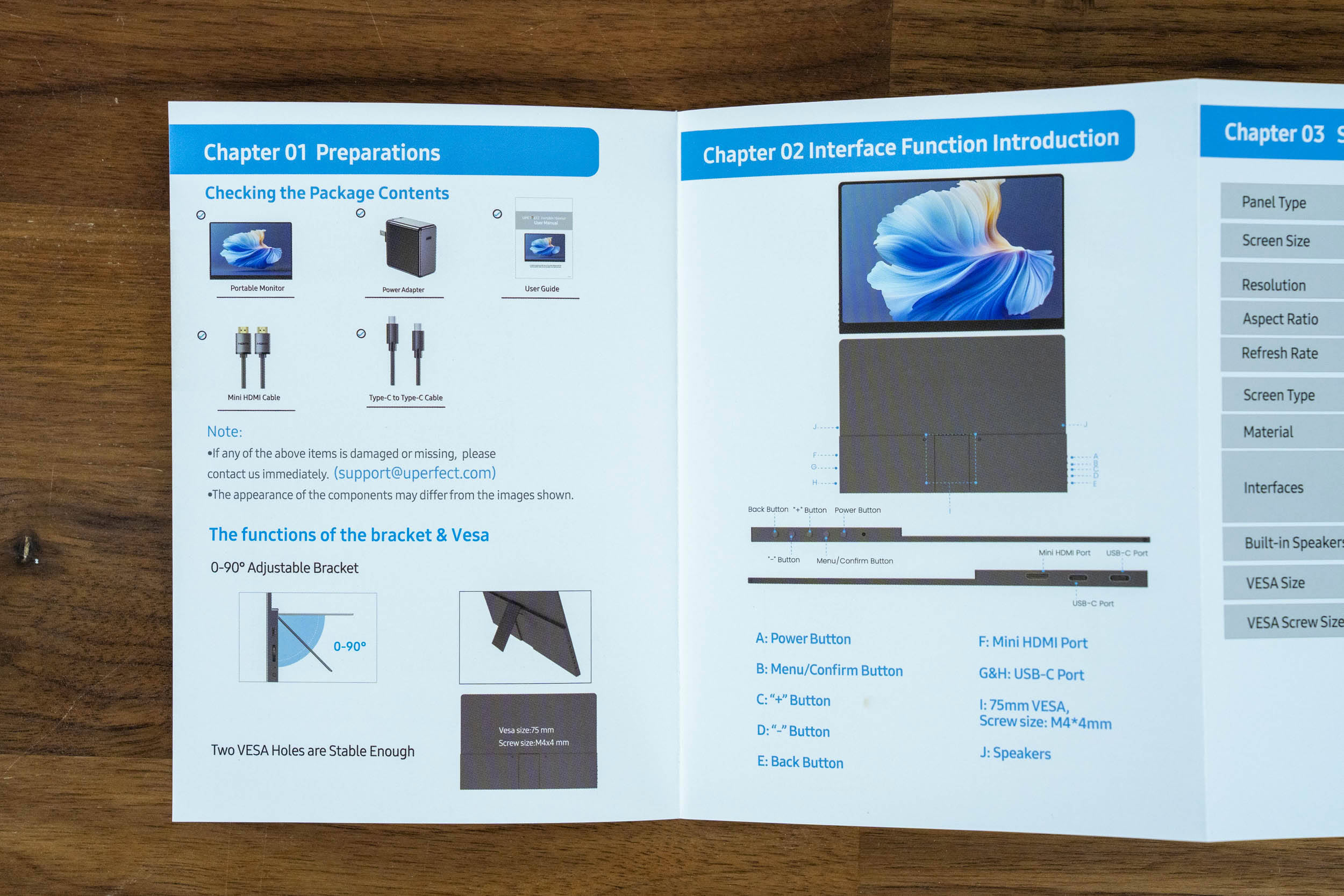
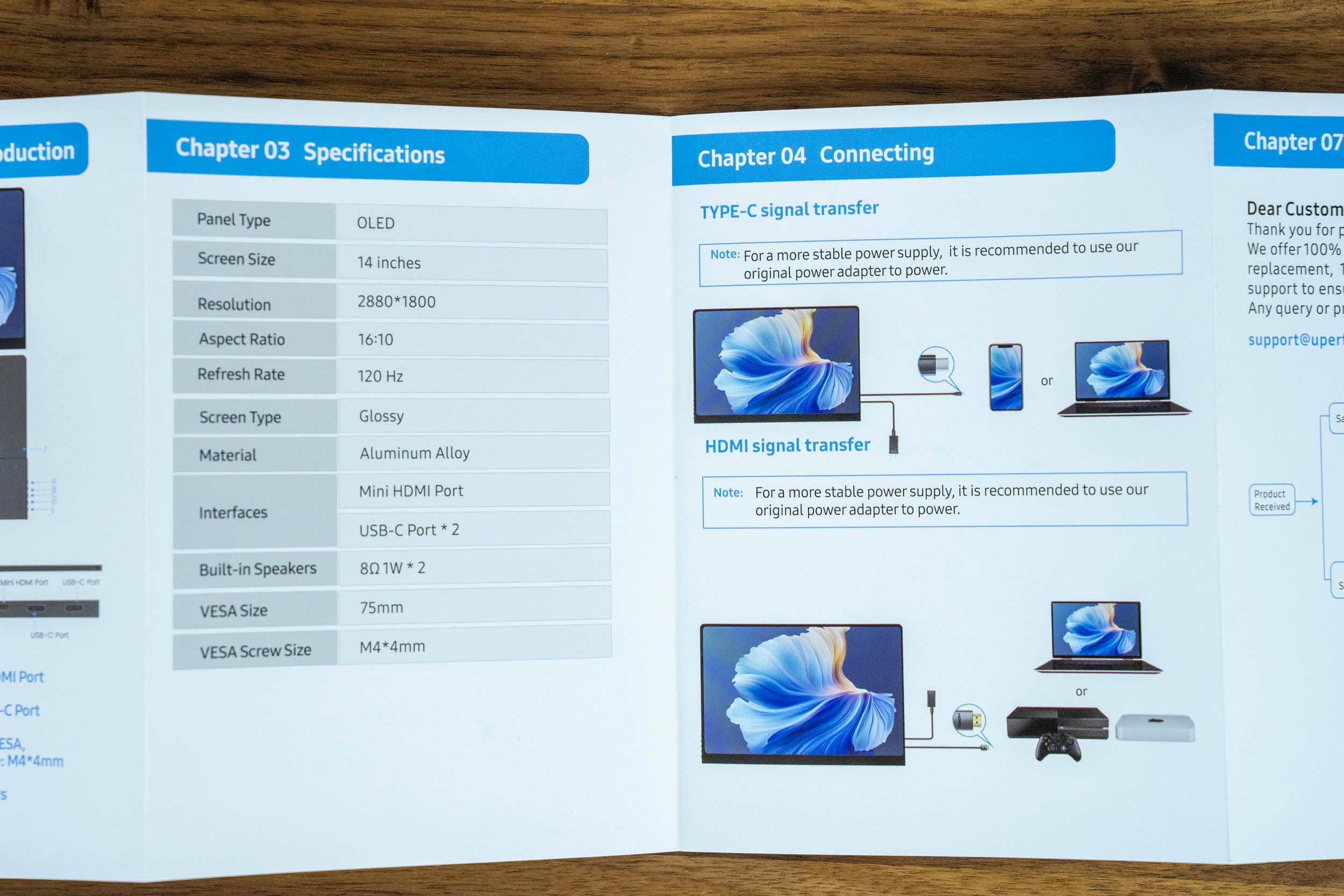
The bundle is complete. Inside, you'll find two USB-C to USB-C cables, a Mini HDMI to HDMI cable, a USB-A to USB-C cable, a 30 W USB-C power adapter, a small set of VESA thumbscrews, and a user manual. The adapter (model PN303E) supports the standard USB PD voltage steps, from 5 V/3 A, through 9 V/3 A, 12 V/2.5 A, and 15 V/2 A, up to 20 V/1.5 A, so it can also charge a phone or a tablet when it's not powering the monitor. Bizarrely, it comes in a small white box with the words "Data Cable" printed on it. The manual is short but useful, with clear illustrations of the controls, ports, and connection scenarios. With a cable for every input and a charger in the box, there's nothing extra you need to buy to start using the GR14BU.
Our Patreon Silver Supporters can read articles in single-page format.
Nov 18th, 2026 13:38 PST
change timezone
Latest GPU Drivers
New Forum Posts
- Can i play GTA 6 now? (Joke) (6)
- Very unusual two gaming-pc scenarios. (12)
- Dell Workstation Owners Club (3513)
- Any other old-timers here planning to play WoW Forever? (151)
- Time to upgrade CPU and MOBO (33)
- The Filthy, Rotten, Nasty, Helpdesk-Nightmare picture clubhouse (2876)
- WarpCoreBench scores! (67)
- Honestly, do you care about GTA VI? (144)
- Acer Predator BiFrost Radeon RX 9070 OC (9)
- DTS DCH Driver for Realtek HDA [DTS:X APO4 + DTS Interactive] (2814)
Popular Reviews
- Acemagic Retro X3 Review
- Upcoming Hardware Launches 2027 (Updated Nov 2026)
- AMD Zen 6 Technical Deep Dive
- ASUS ROG Strix B850-I Gaming Wi-Fi7 W Review
- Corsair HX1000i Shift Crystal Review
- Biwin Black Opal NV7400 2 TB Review
- Chieftec Iceberg PRO 360 DARK Review
- AMD Ryzen 7 9800X3D Review - The Best Gaming Processor
- Pulsar Office Tour & First Look at P1 Dual-Sensor Mouse
- Phantom Blade Zero Performance Benchmark Review - 35 GPUs Tested
TPU on YouTube
Controversial News Posts
- NVIDIA Co-Founder and CEO Jensen Huang Officially Resigns (478)
- Report: Jensen Huang Eyes NVIDIA Comeback (187)
- Open Letter Asking NVIDIA to Reinstate Jensen Huang Passes 115,000 Signatures (184)
- OpenAI CEO Argues Home PCs Waste the World's Limited DRAM Supply (152)
- NVIDIA Launches Investigation Into Jensen Huang's Relationship With Suspected Chinese Spy (136)
- Intel "Raptor Lake Next" 16-Core and 20-Core CPUs Surface (130)
- Legendary Game Studio BioWare Shuts Down Following EA Layoffs (104)
- Dell CEO Says the Memory Shortage Will Get Worse in 2027 (95)