 44
Vampire The Masquerade Bloodlines 2 Performance Benchmark Review - 30+ GPUs Tested
(44 Comments) »Introduction
Vampire: The Masquerade – Bloodlines 2 is a narrative-driven action-RPG set in the dark, seductive underworld of modern Seattle, where Vampires rule. The game is developed by The Chinese Room under Paradox Interactive. It captures the gothic style and moral decay of the World of Darkness, reimagining the series with an emphasis on personal horror, political intrigue, and the struggle to maintain humanity in the eternal night. Players navigate a complex web of conspiracies and supernatural factions, where their dialogue choices can lead to alliances or betrayals.
More than fifteen years after the cult classic Bloodlines (2004), Bloodlines 2 (VTMB 2) brings the franchise into a new era, blending immersive storytelling with first-person combat and vampire powers. Built on Unreal Engine 5, it leverages technologies like Lumen and Shadow Maps. I'm not 100% sure if it uses Nanite, there's not much super-fine geometry to see. The environments are rich, bathed in neon and shadow. Although native ray tracing isn't available, players can boost performance using NVIDIA DLSS and AMD FSR. Additionally, frame generation is supported for NVIDIA DLSS. However, Intel XeSS upscaling is not supported.
This review will evaluate the performance of Vampire The Masquerade - Bloodlines 2 across a wide range of contemporary graphics cards, compare image quality settings, and analyze the game's VRAM usage to provide insight into the hardware requirements needed for an optimal experience.
Screenshots
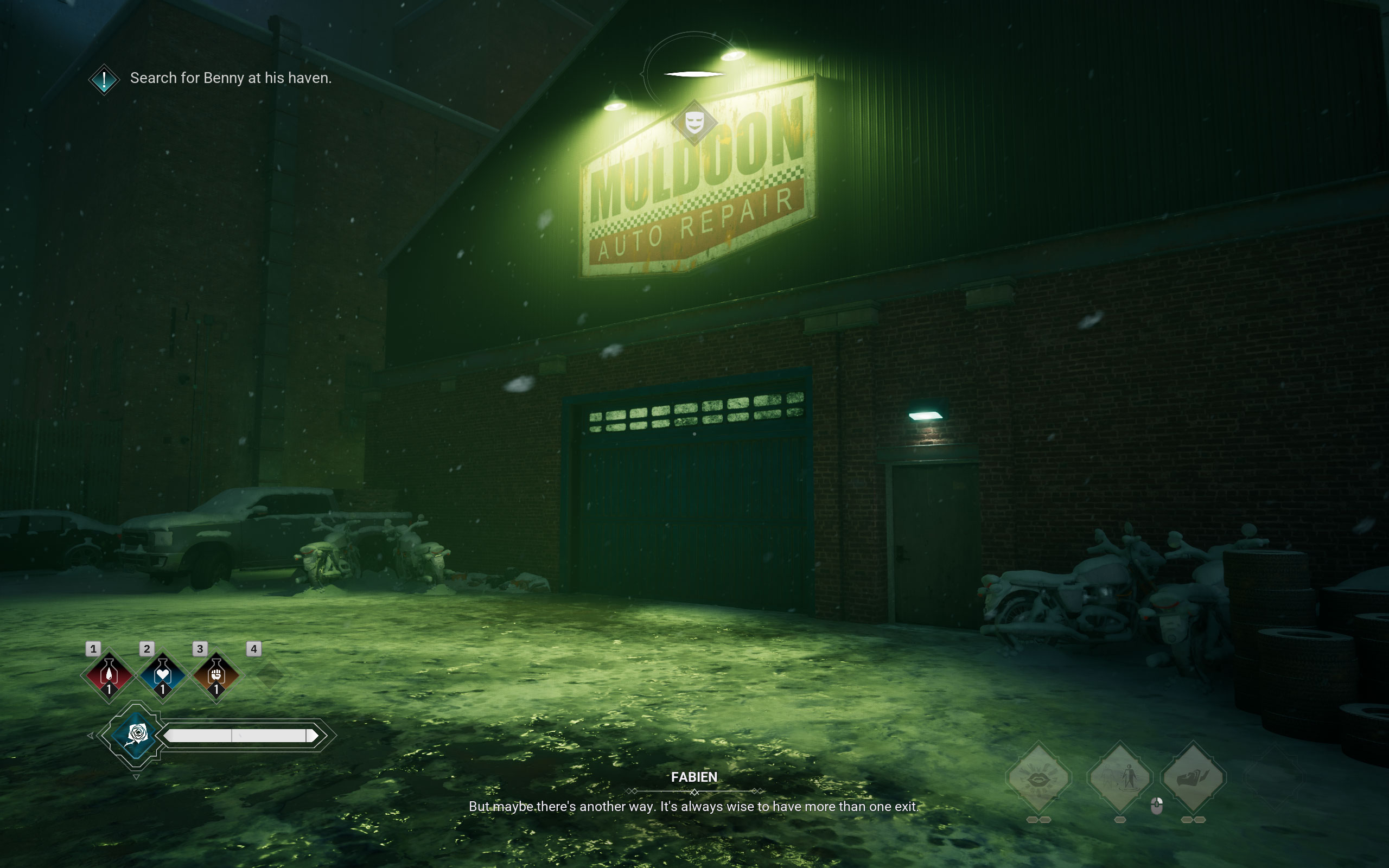
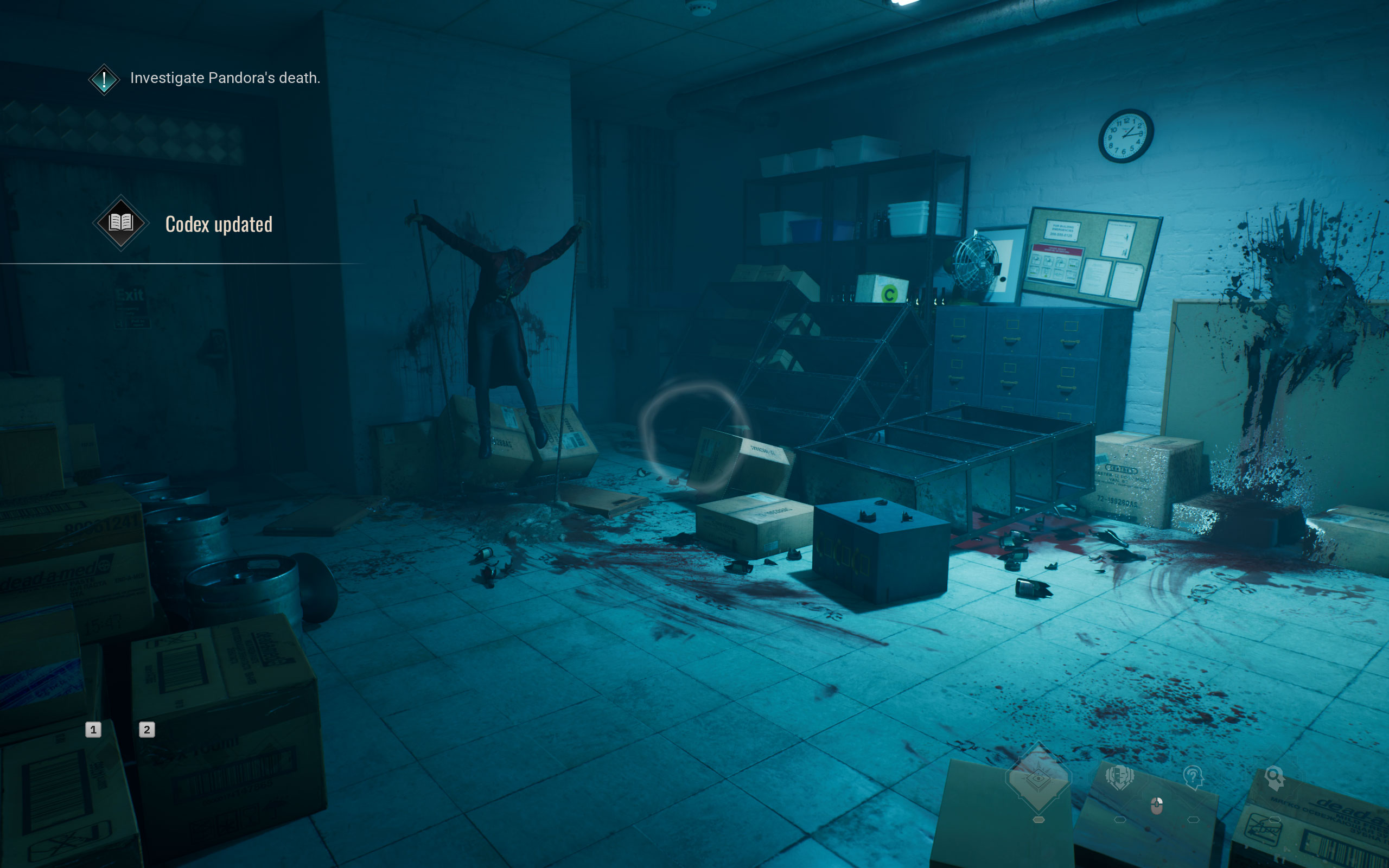
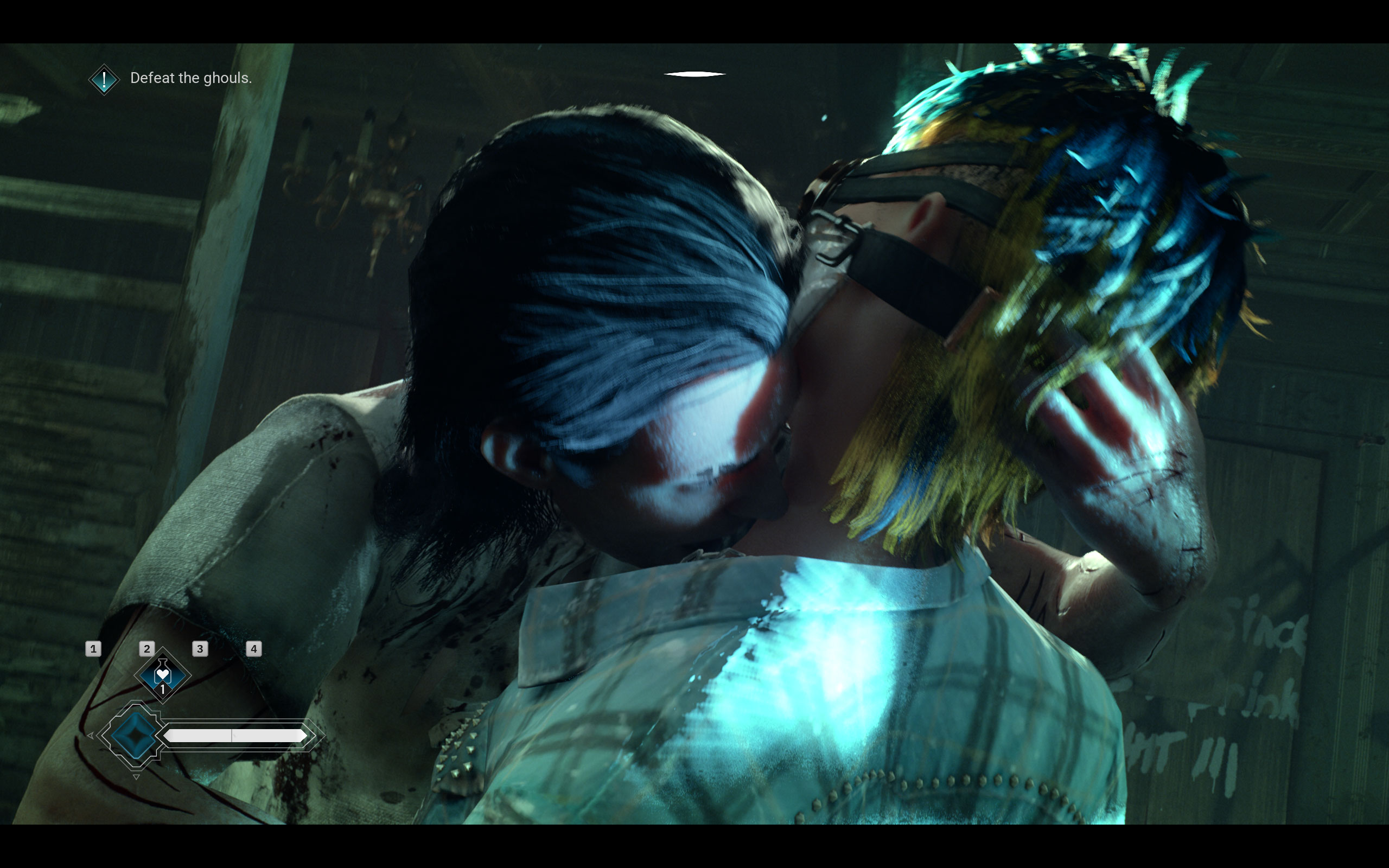
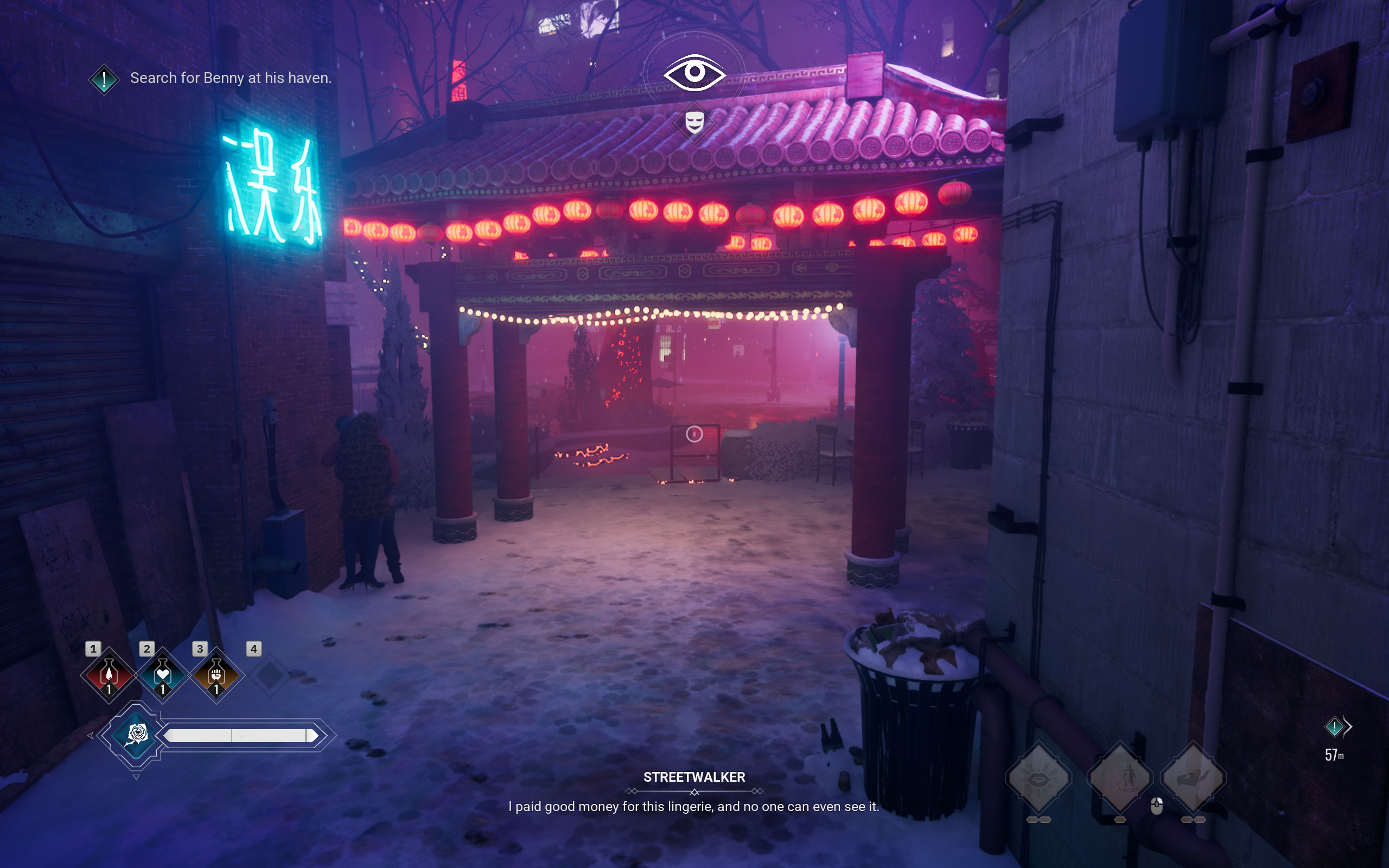
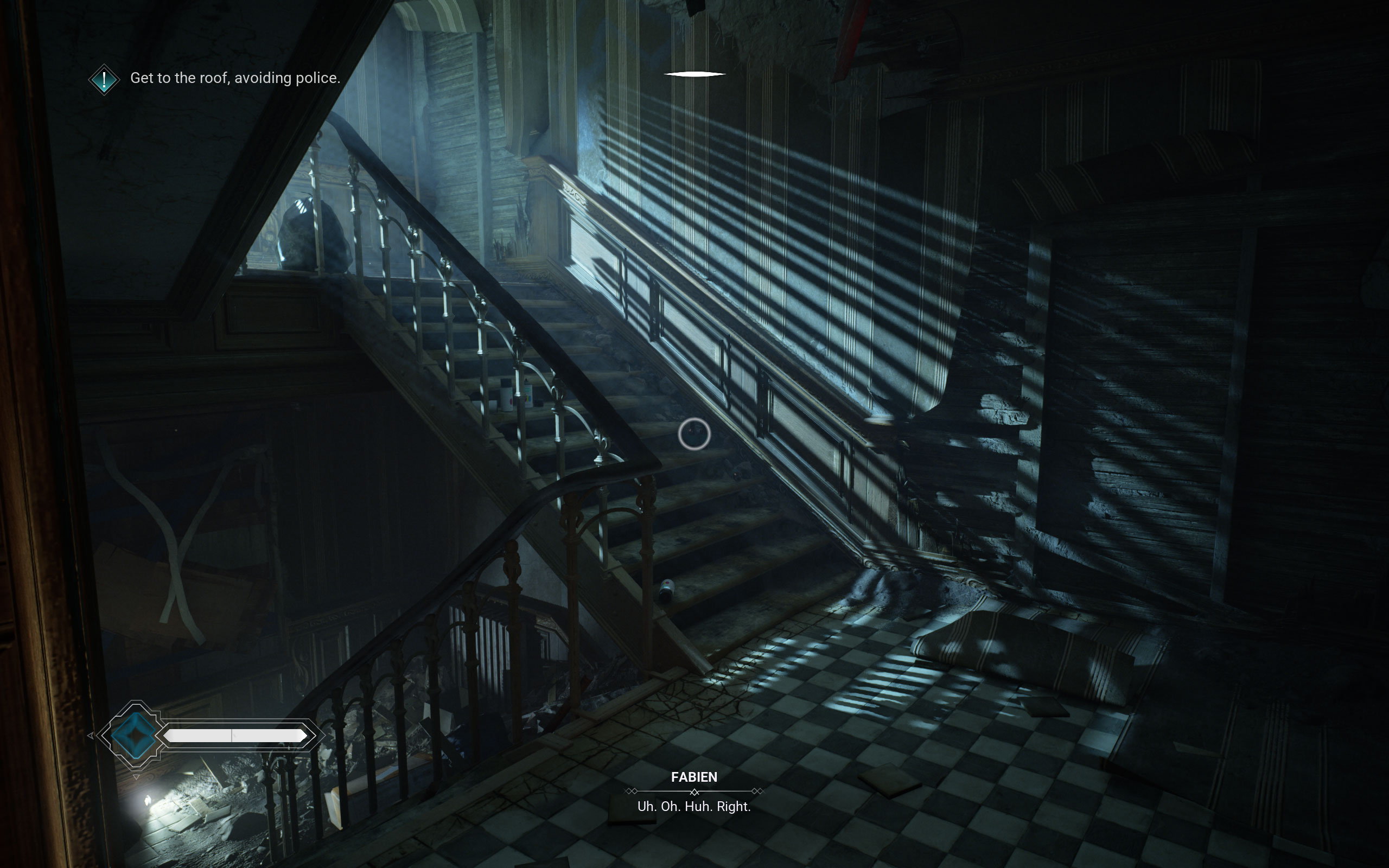
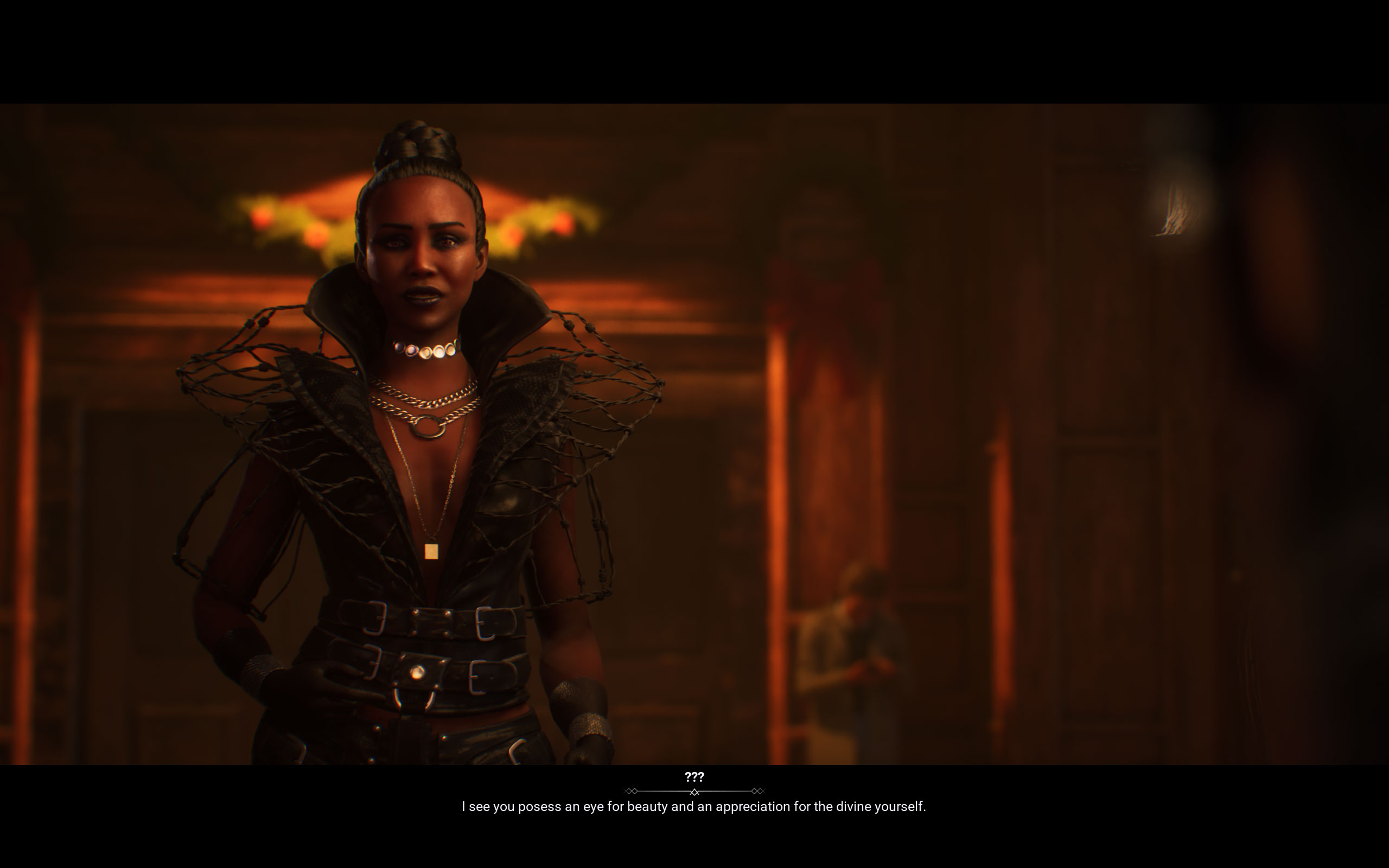
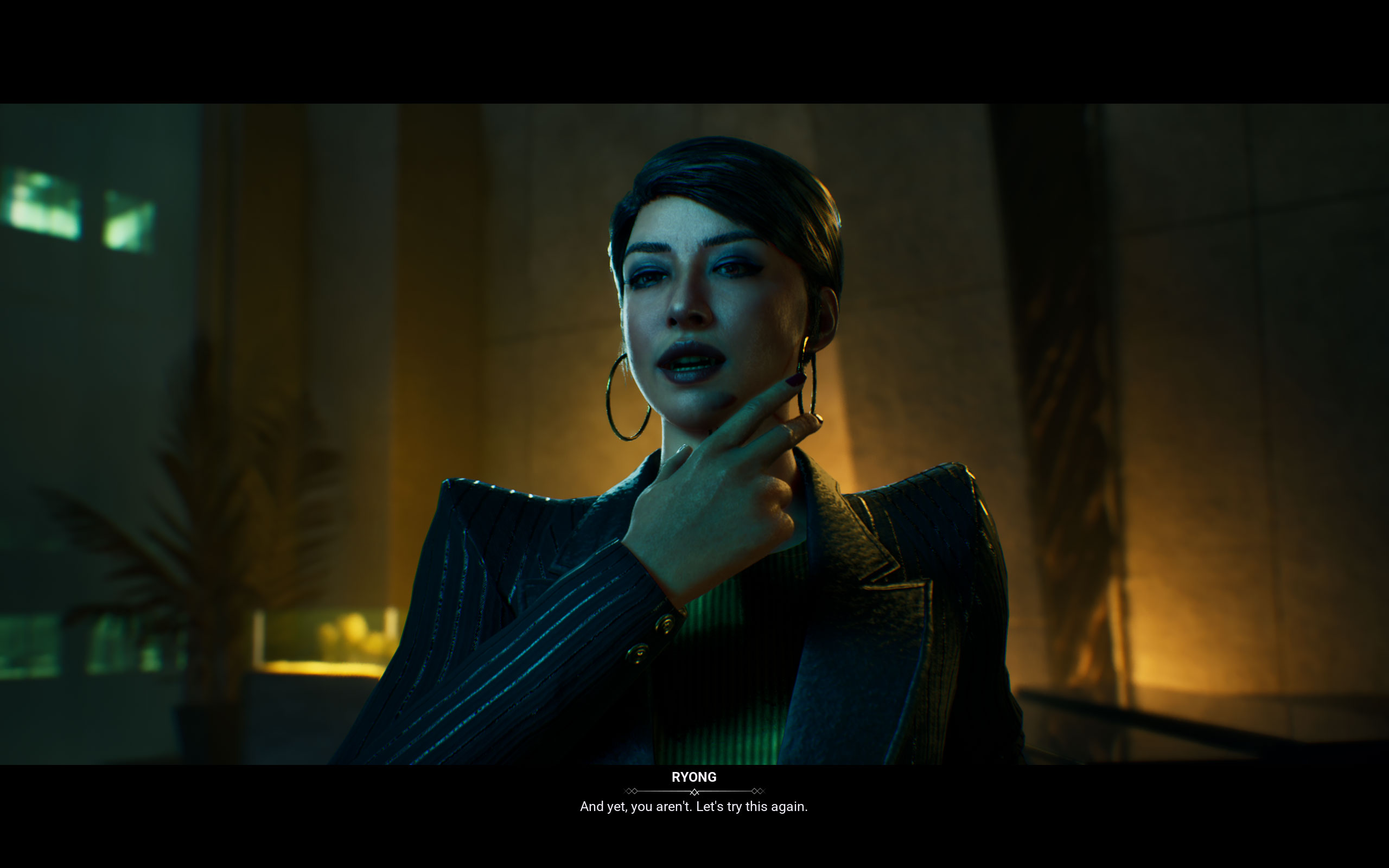
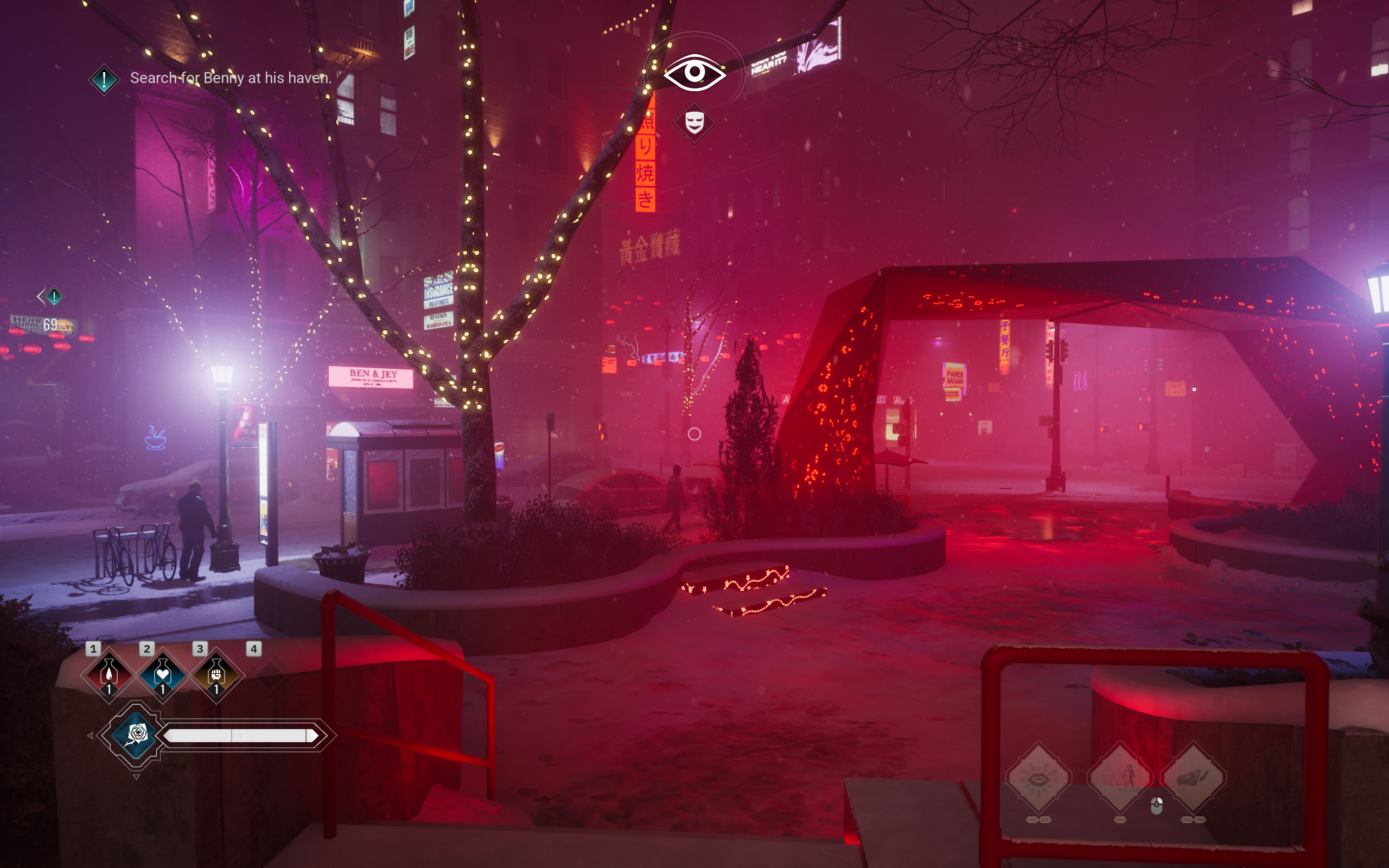
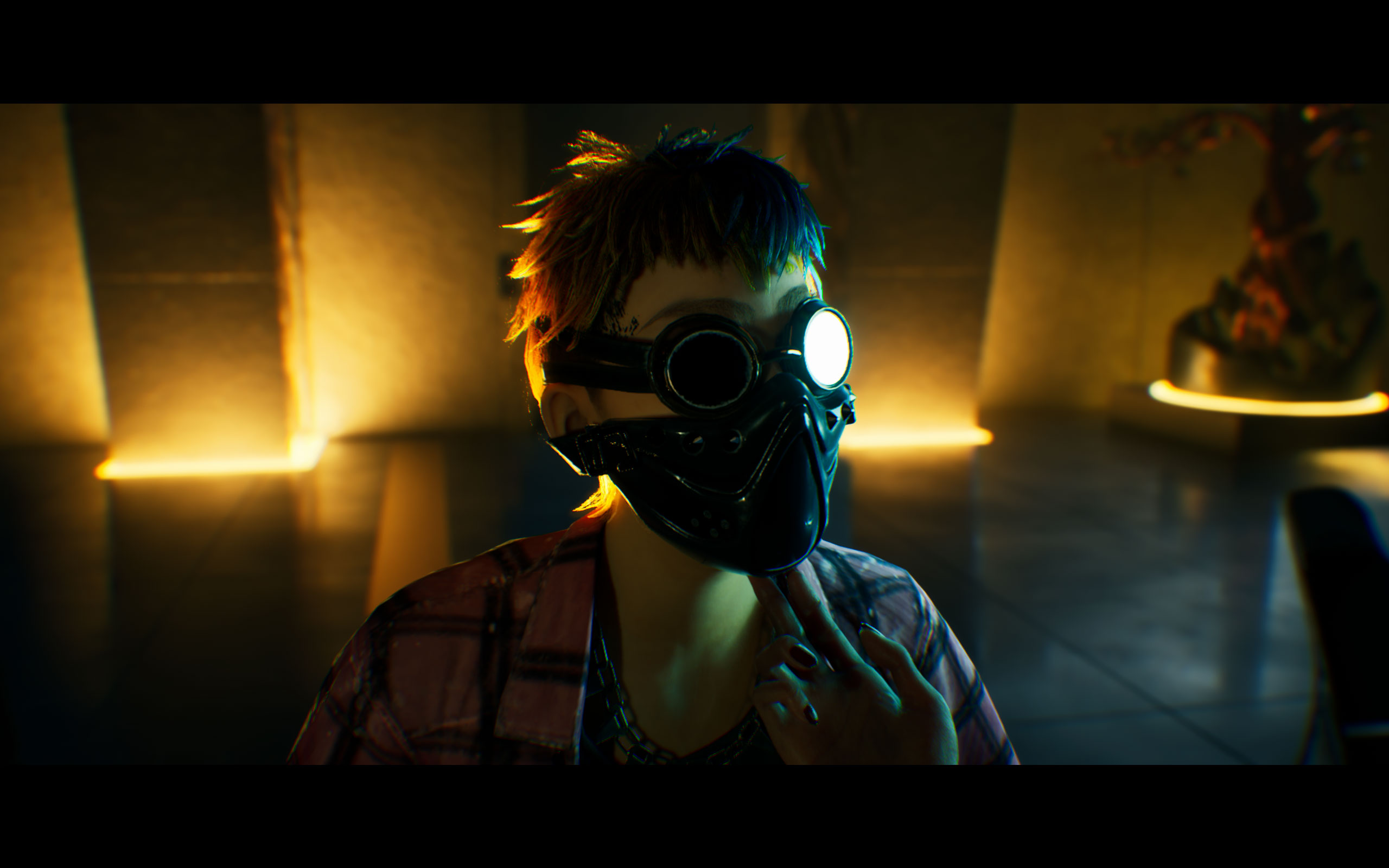
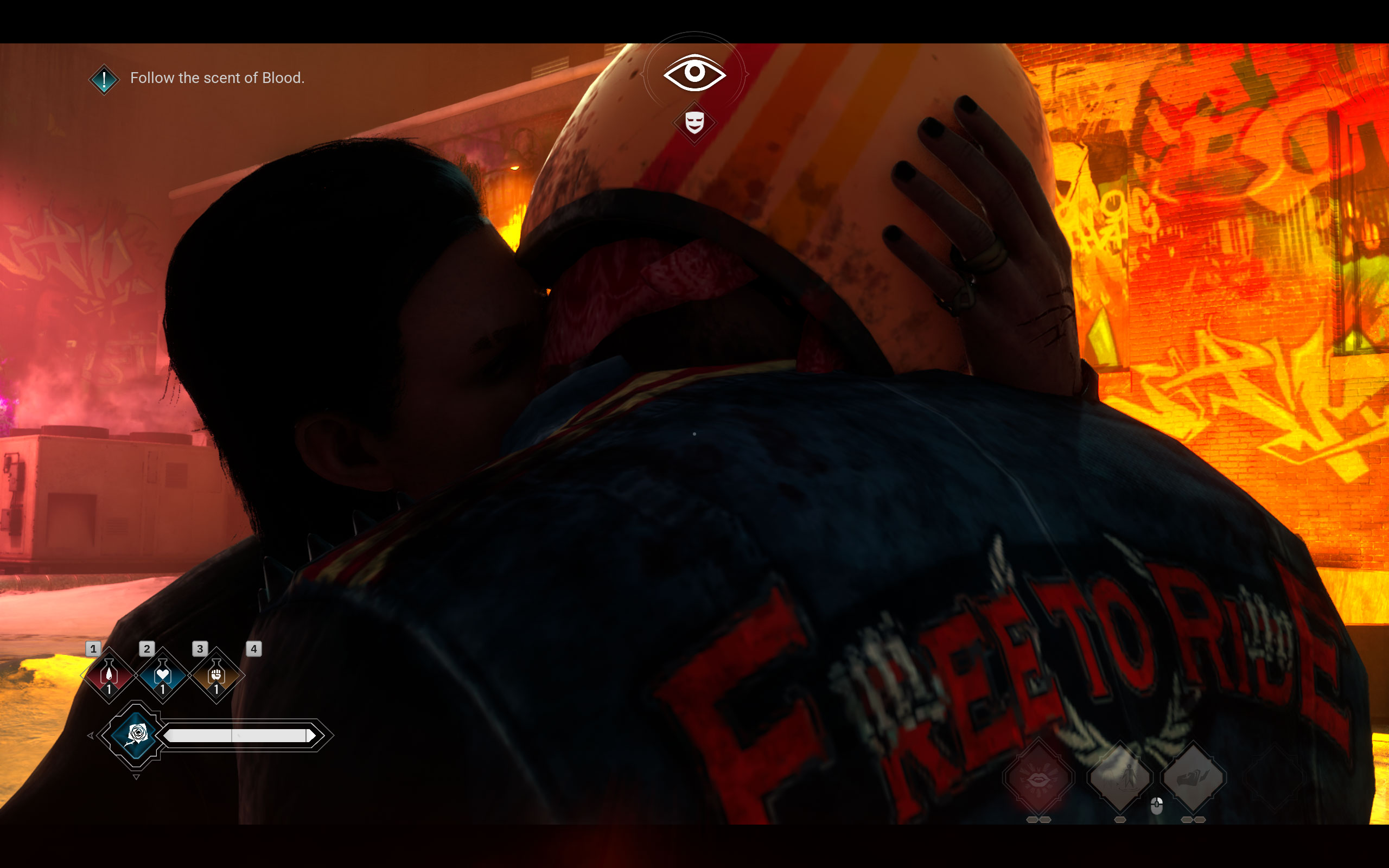
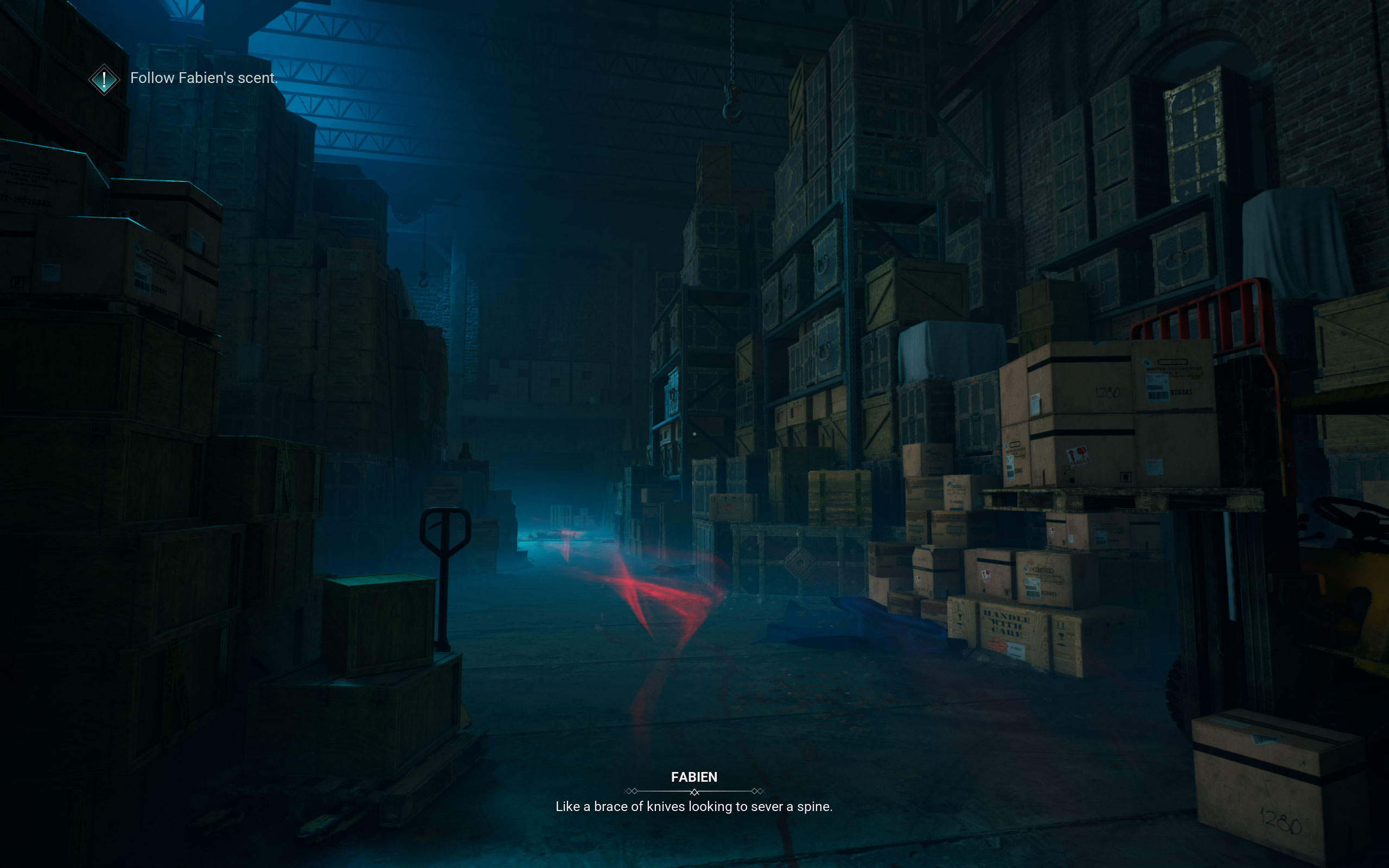
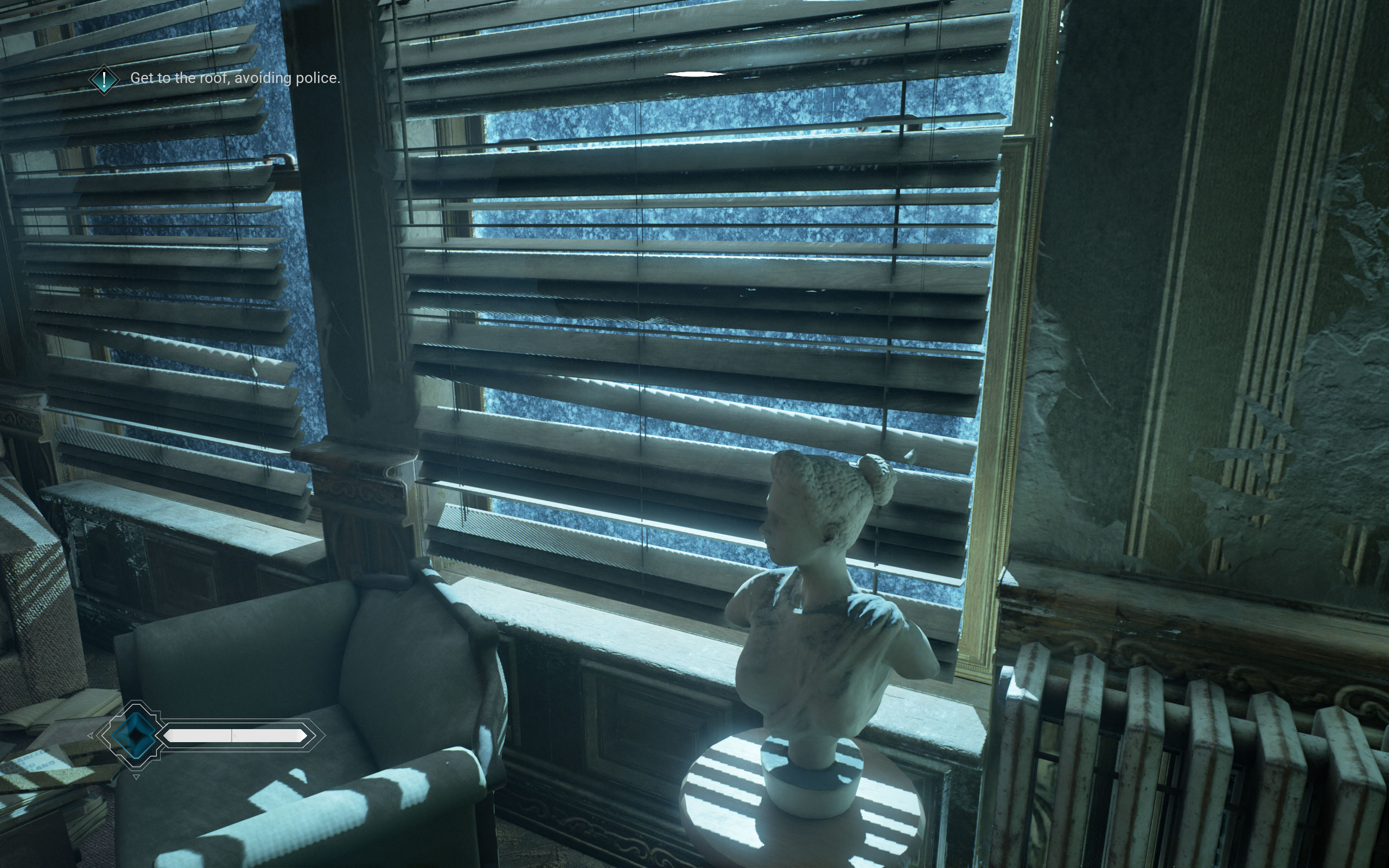
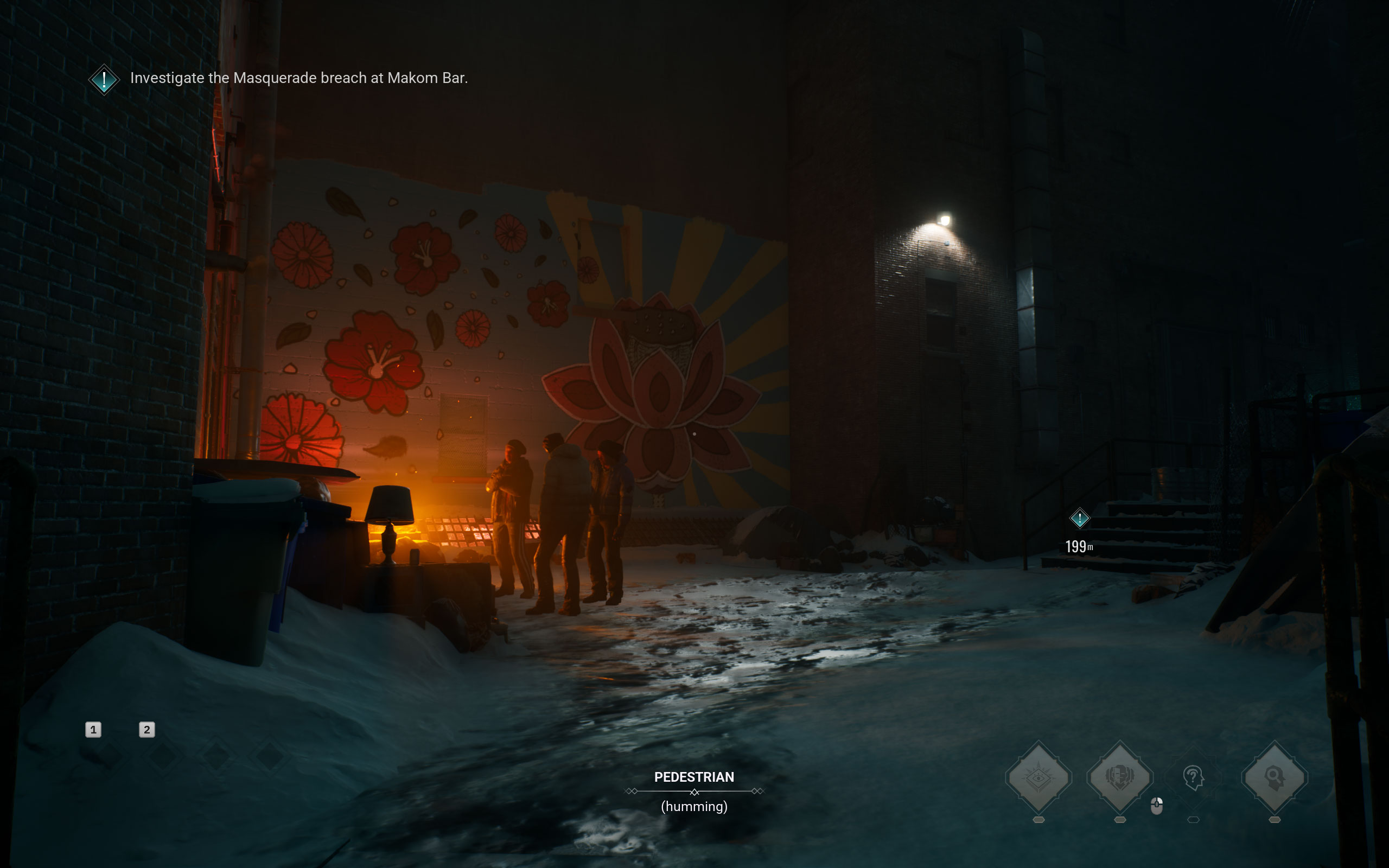
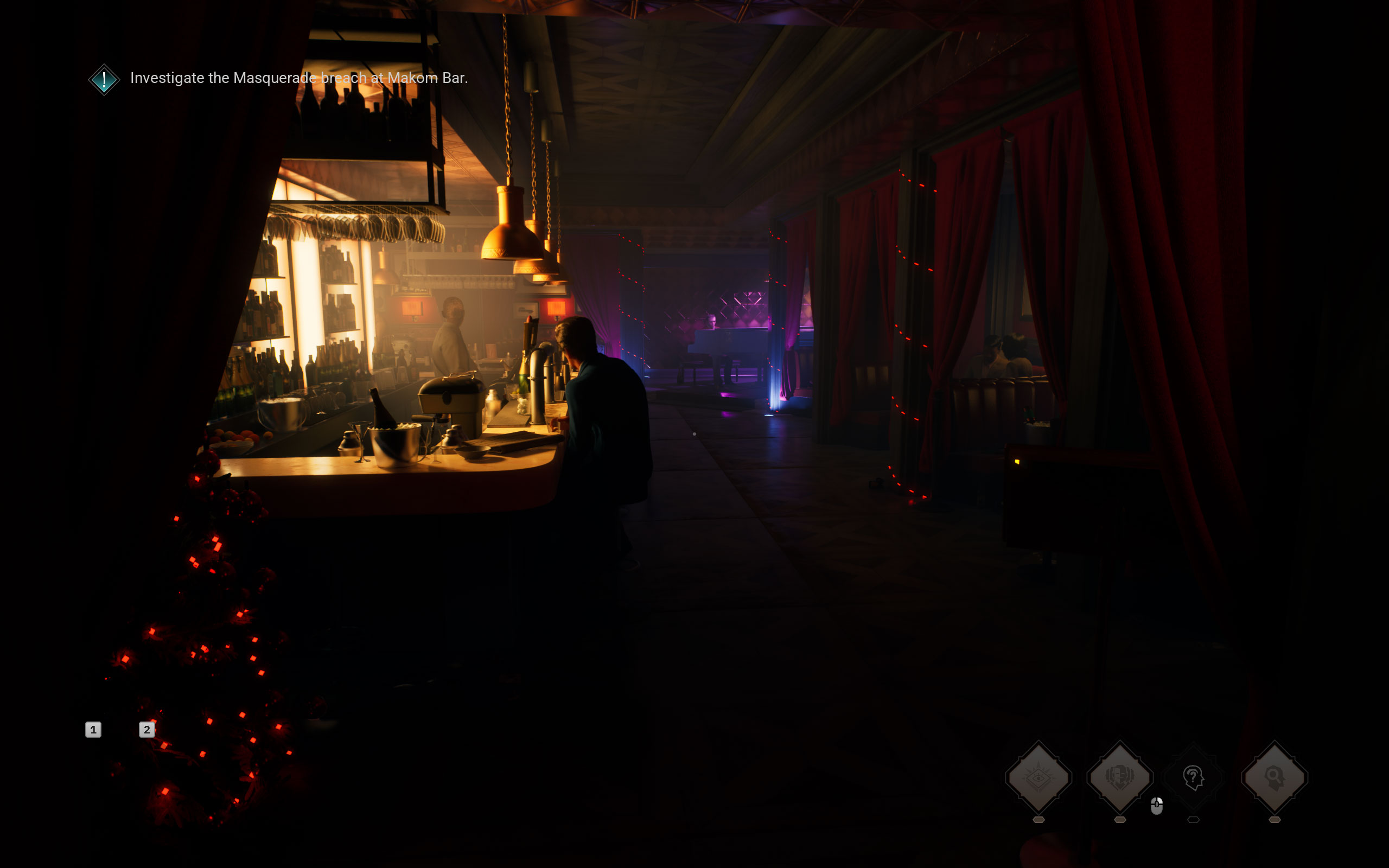
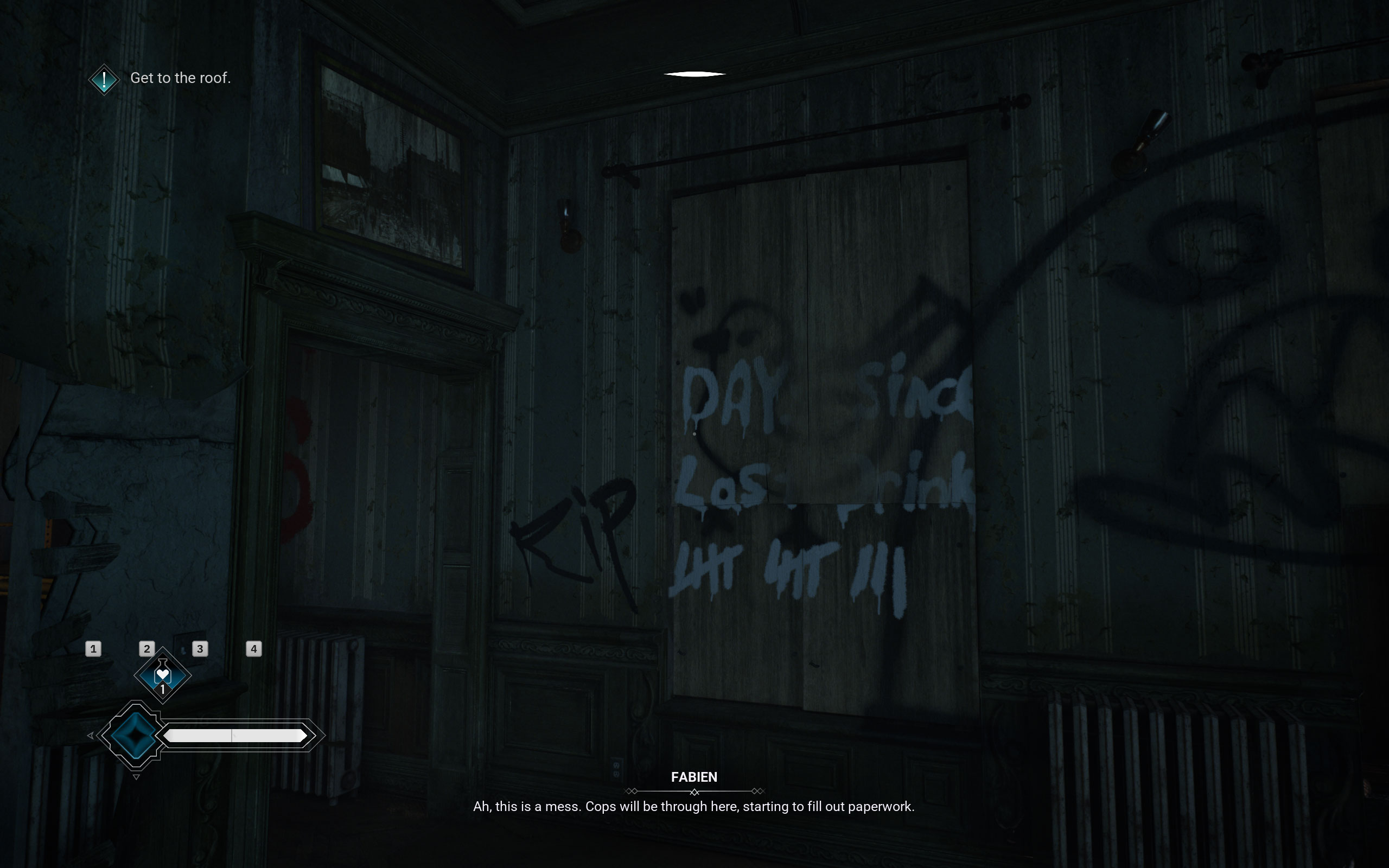
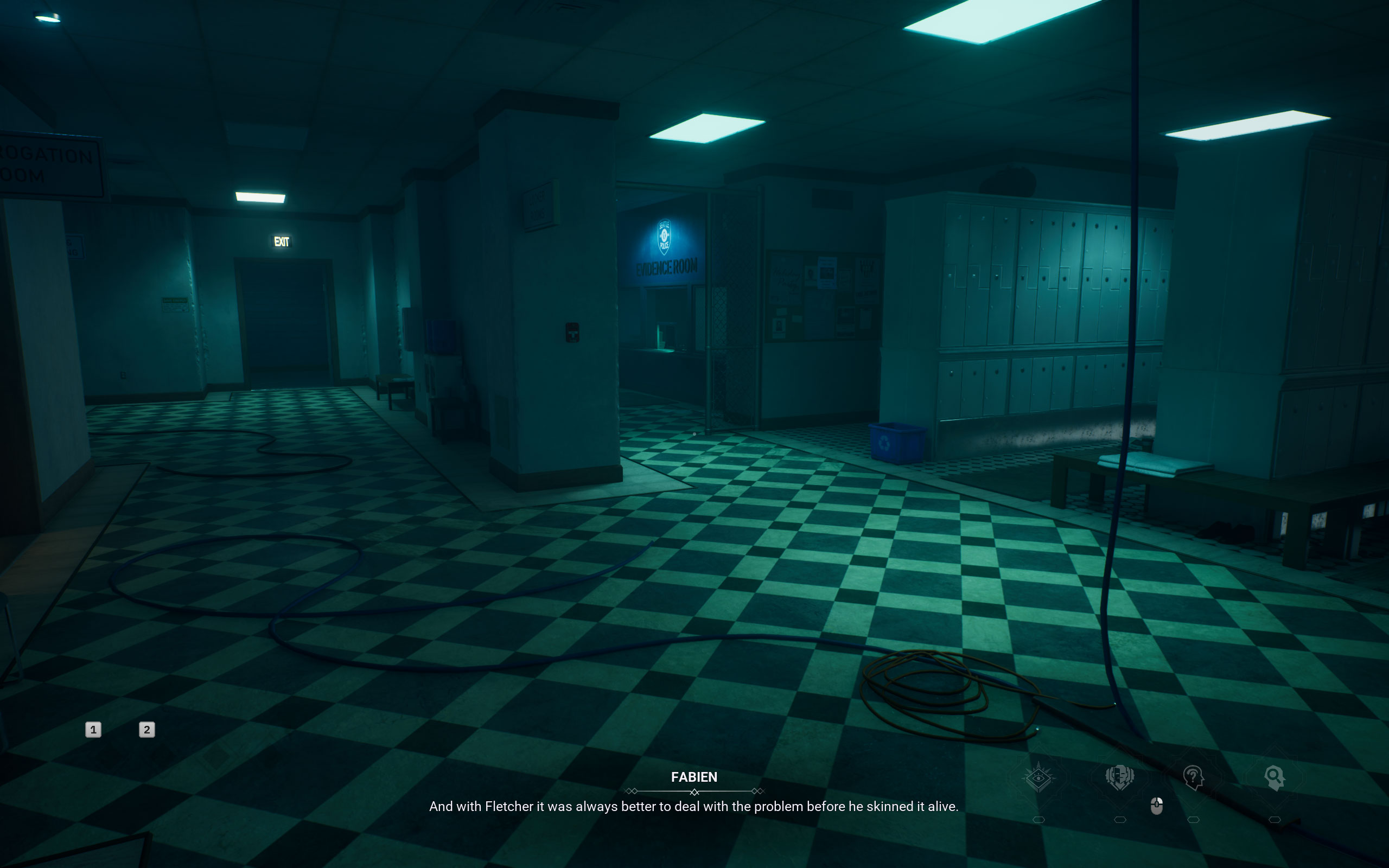
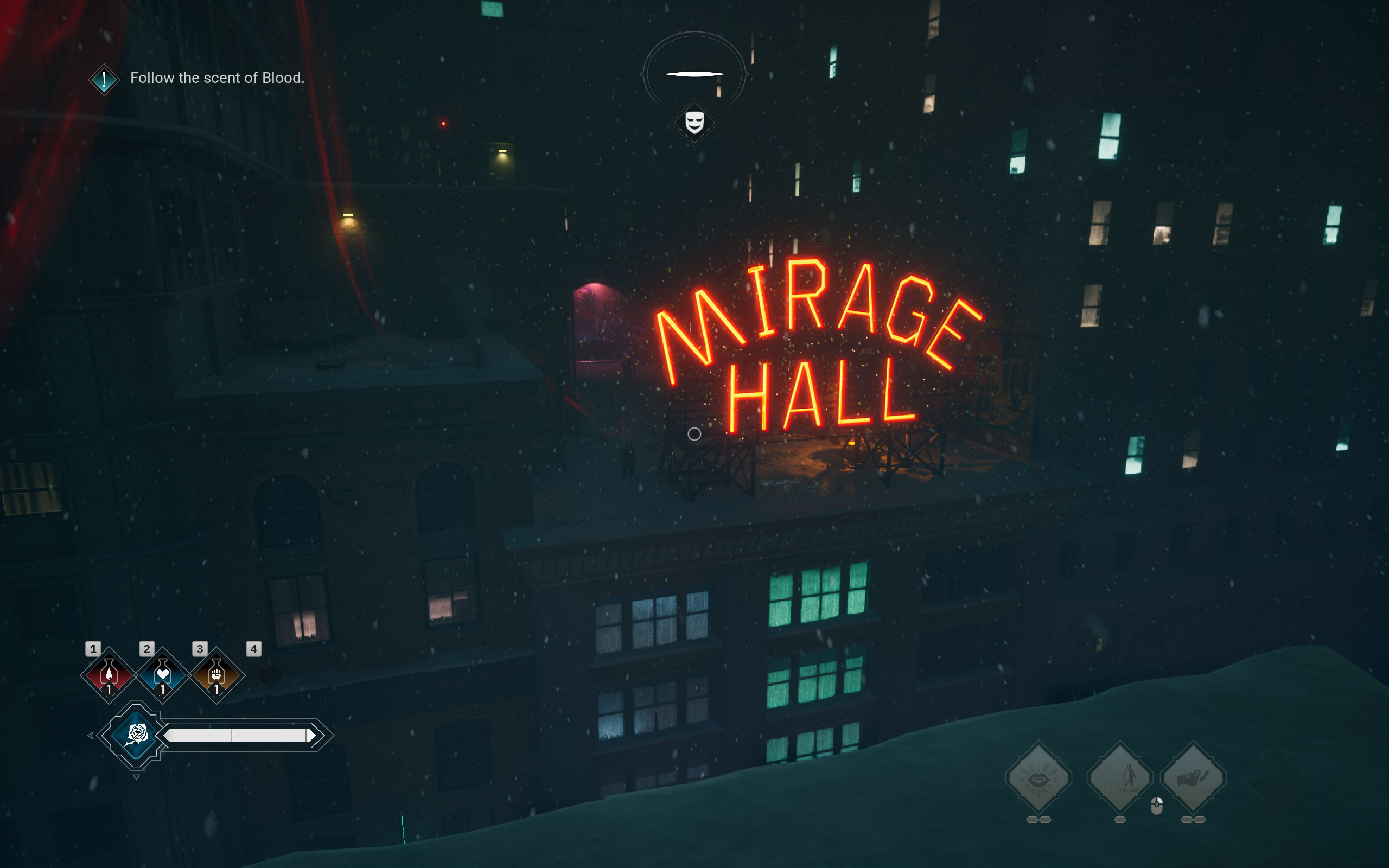
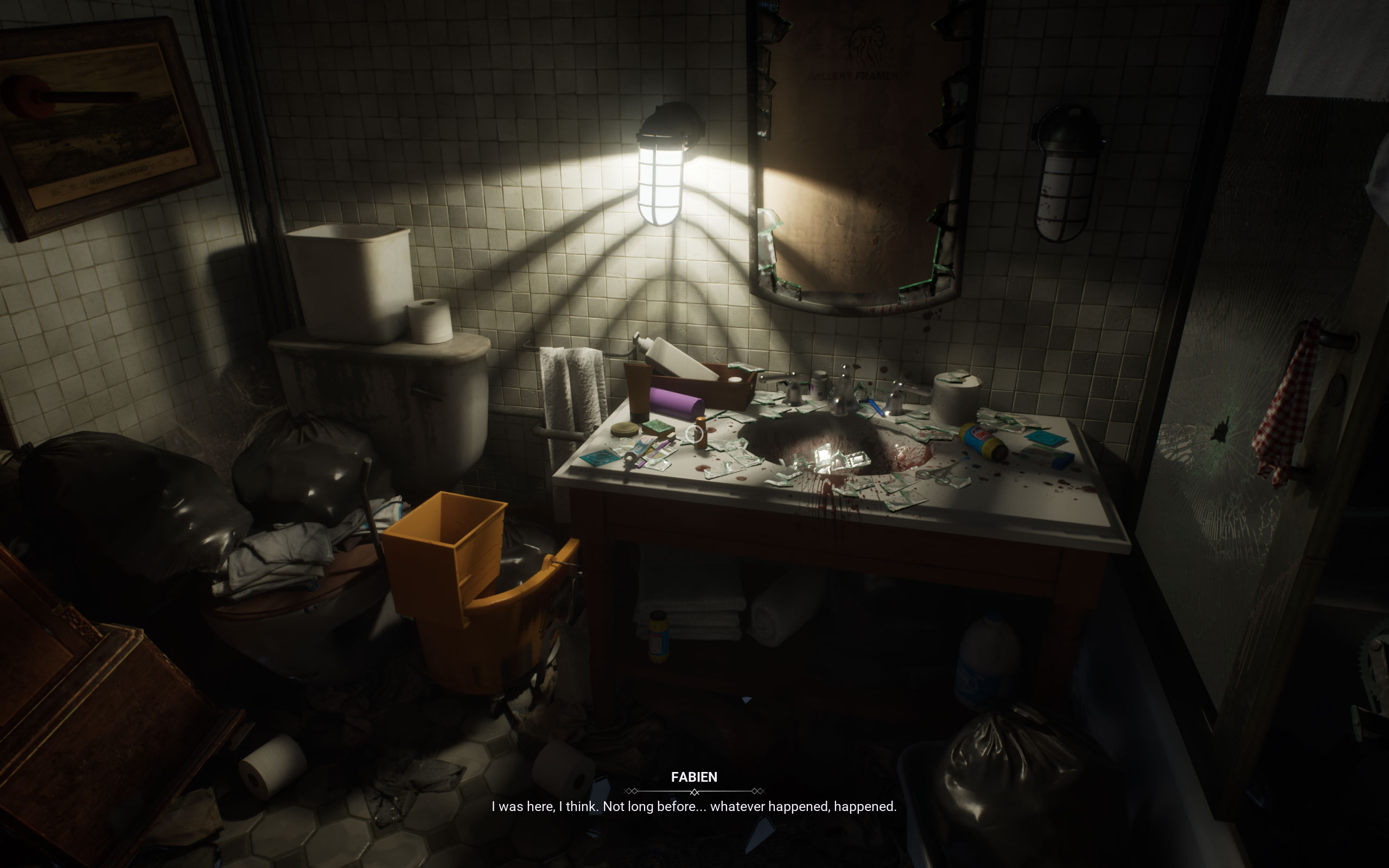
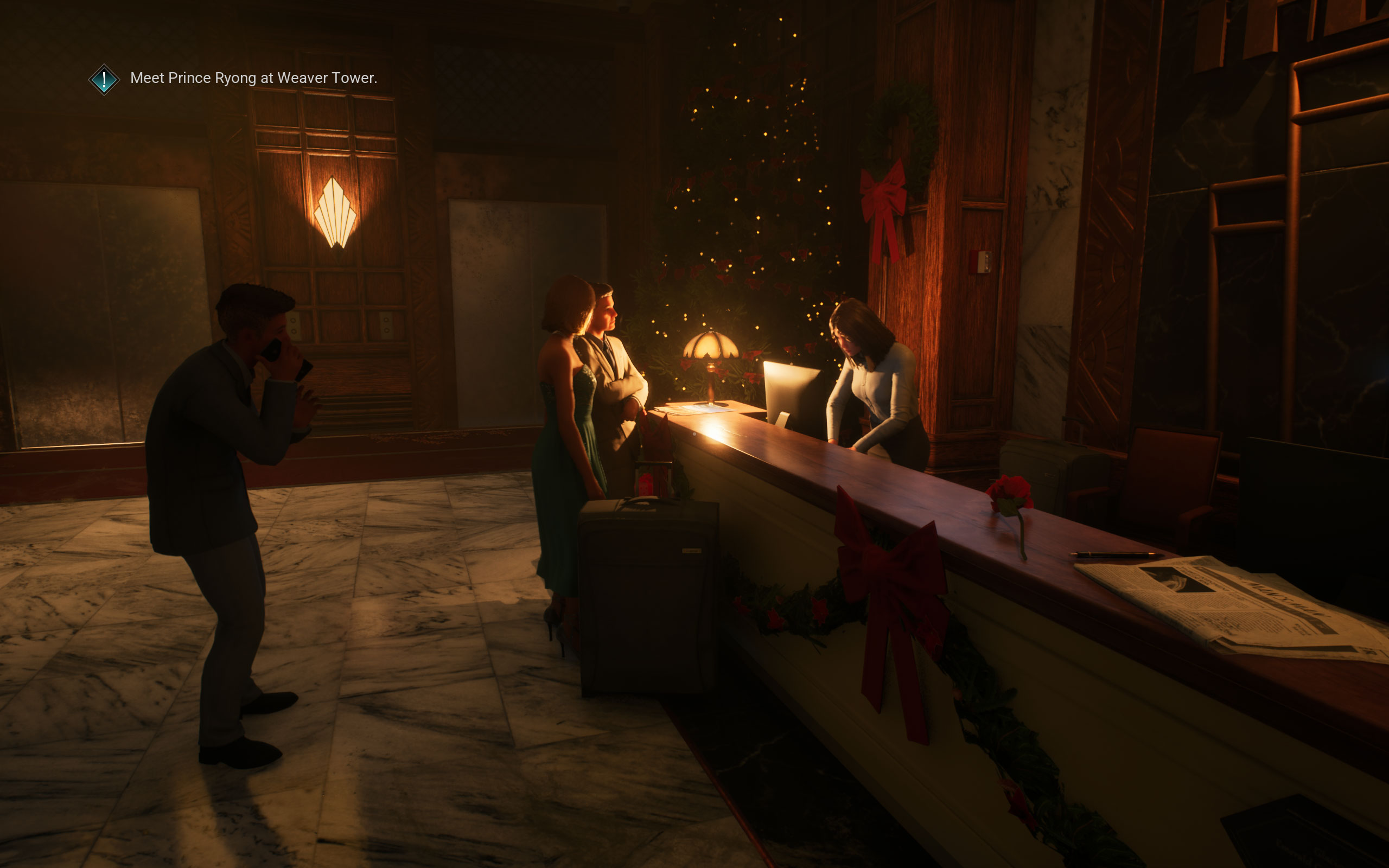
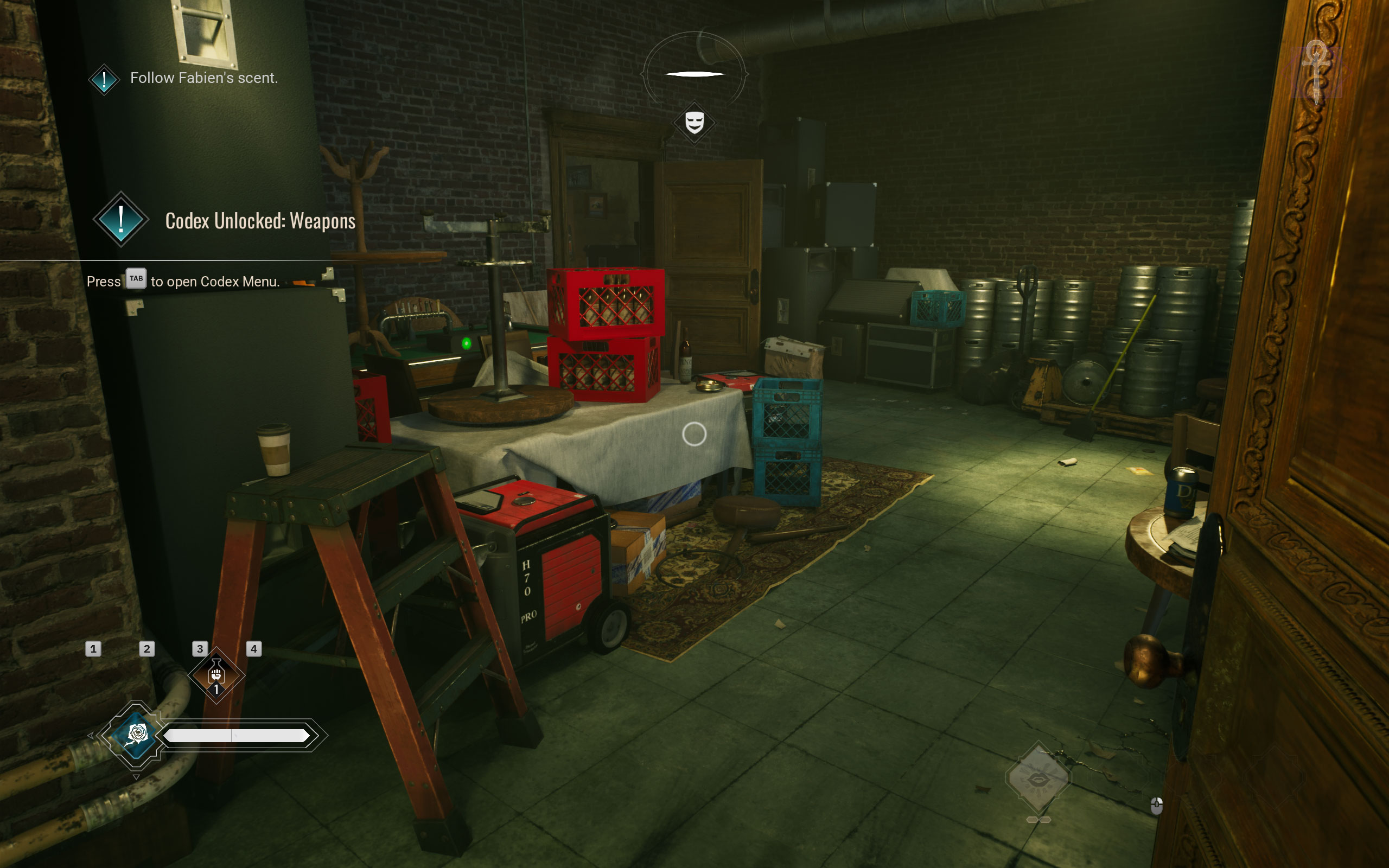
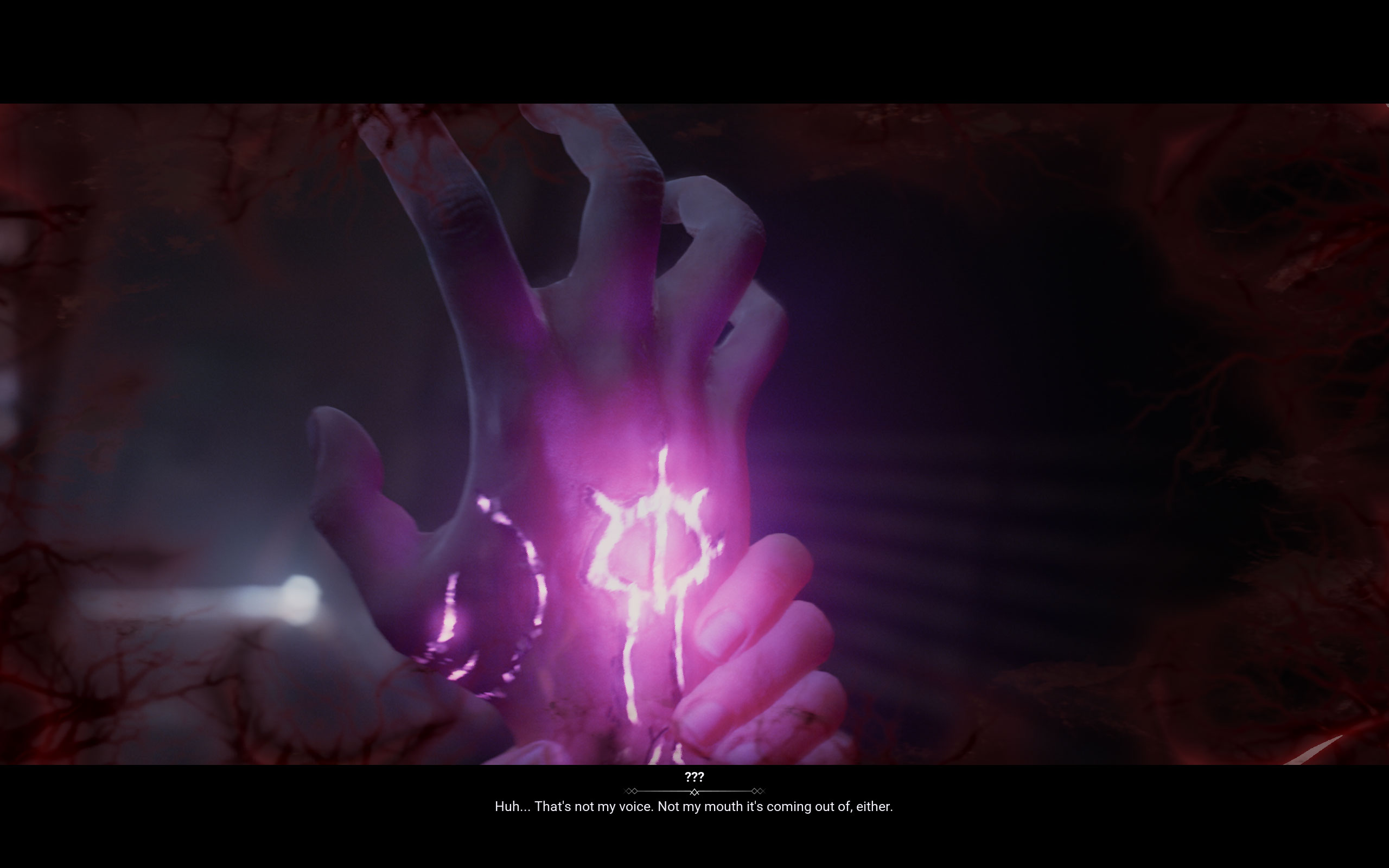
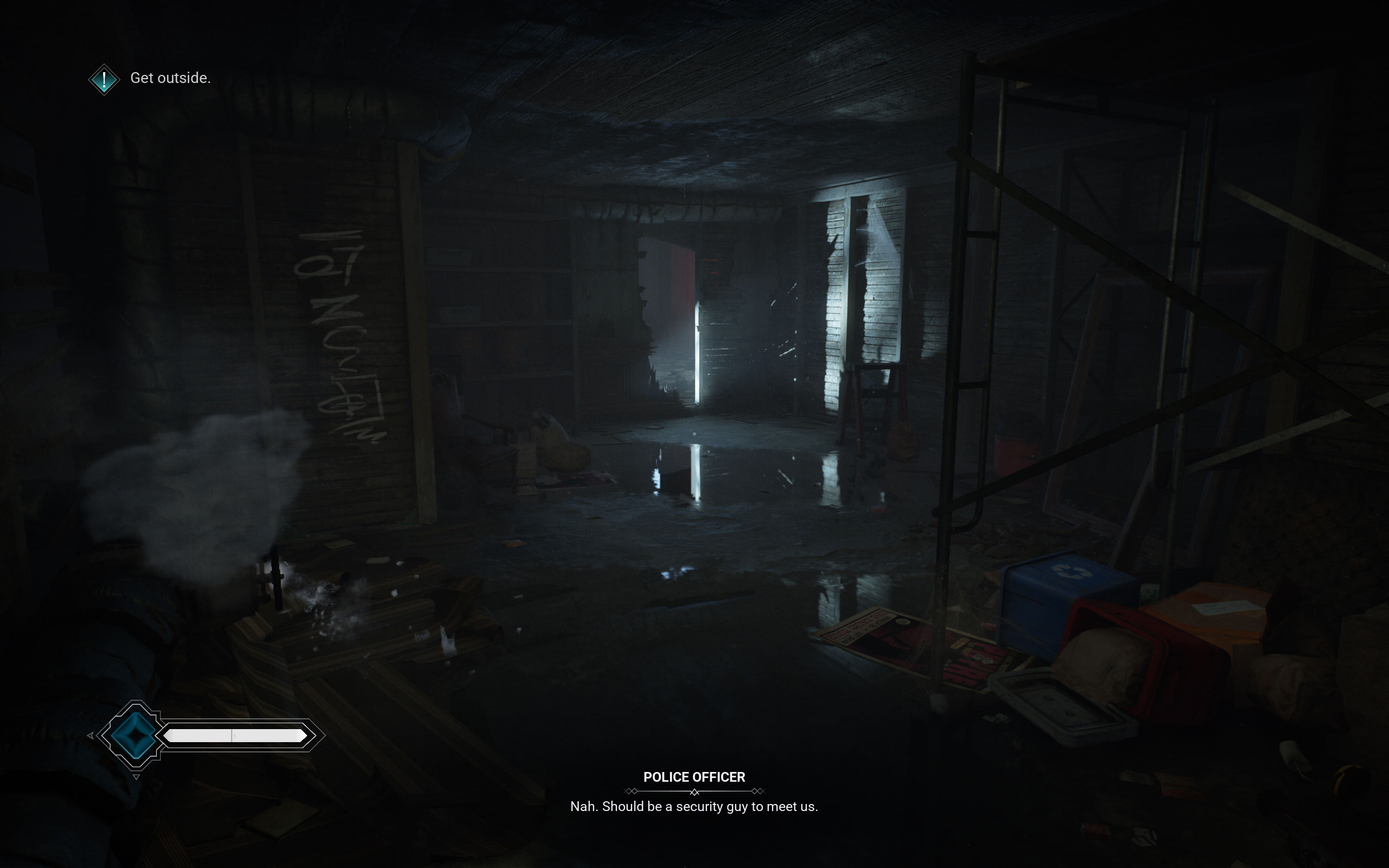
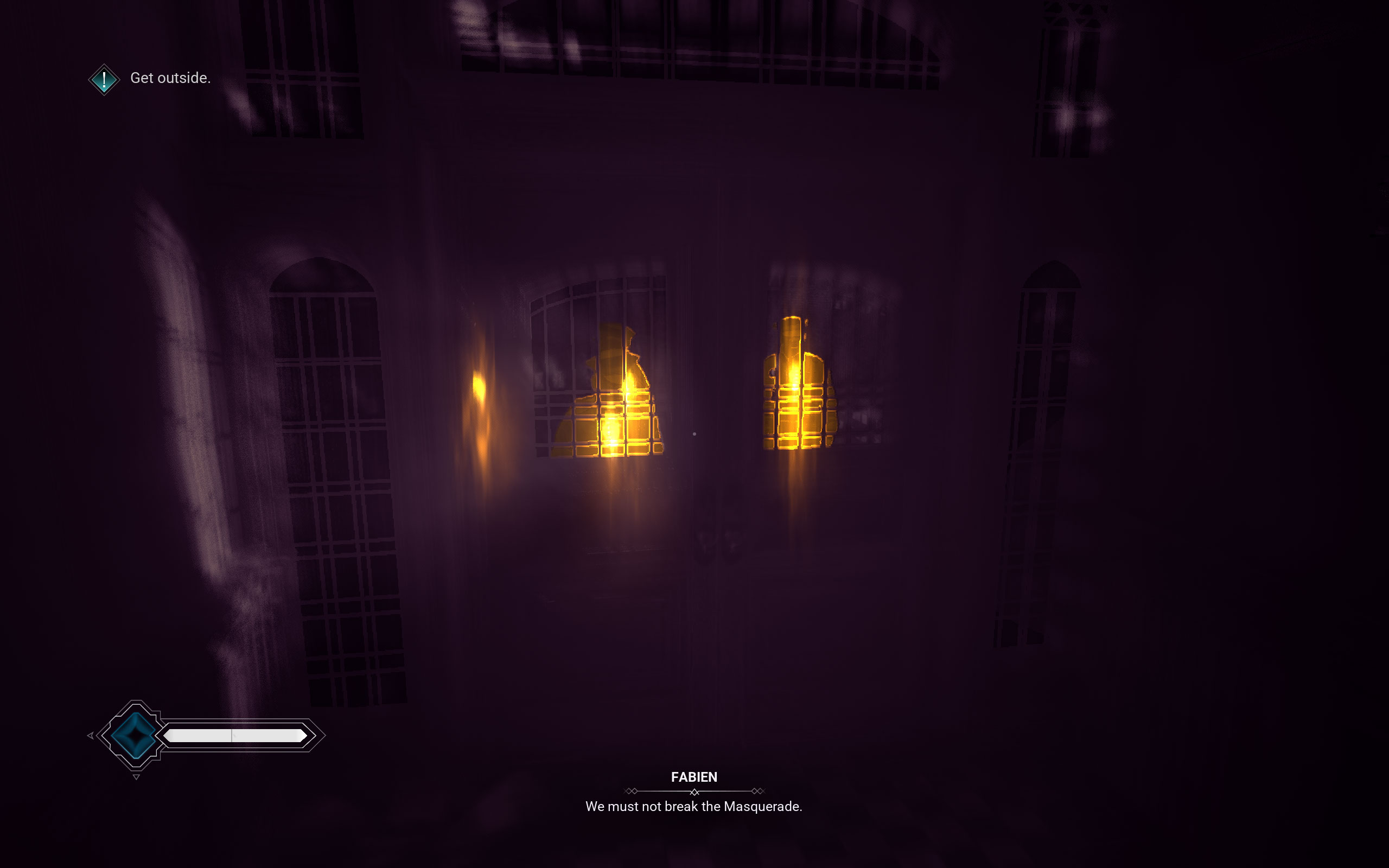
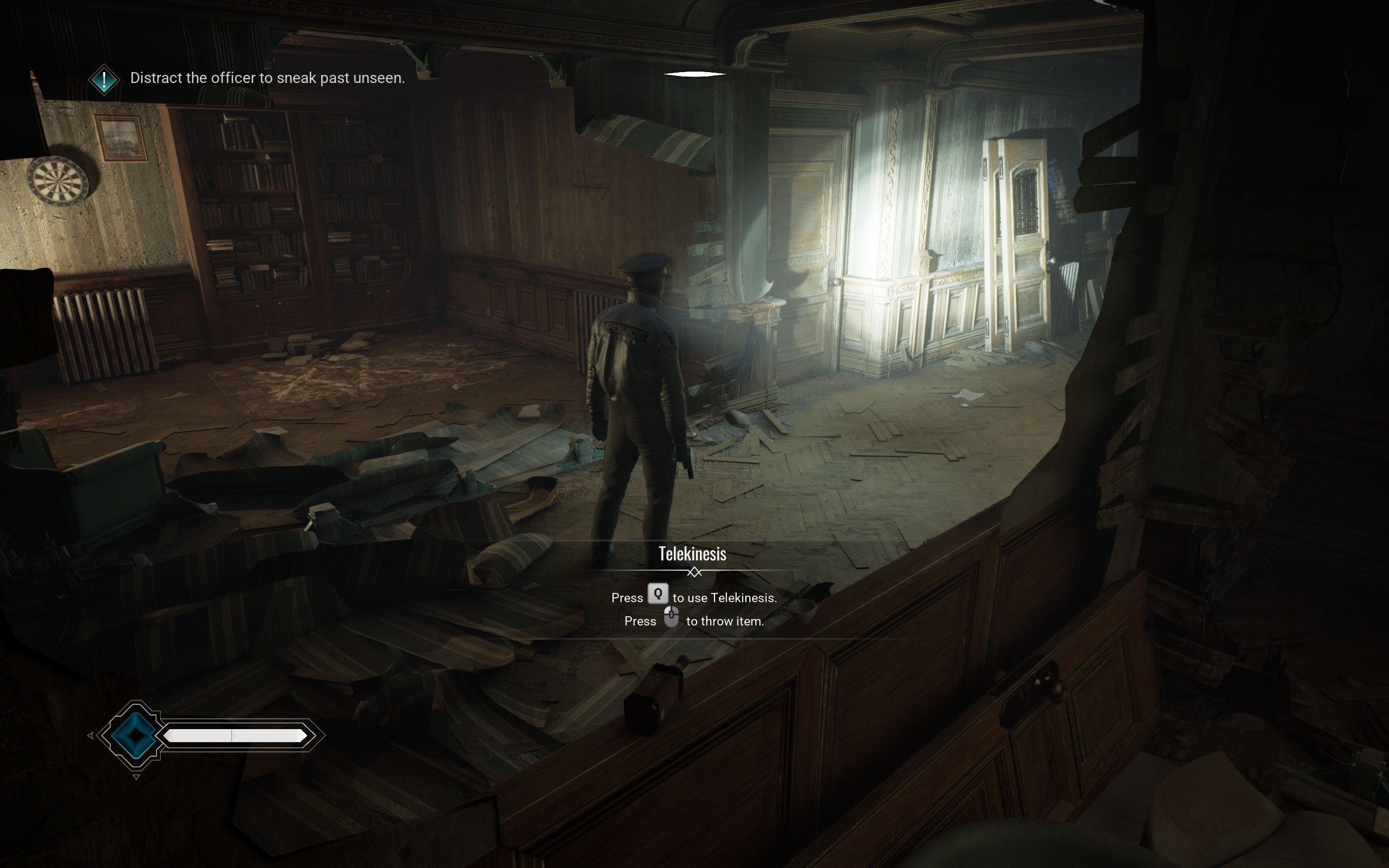
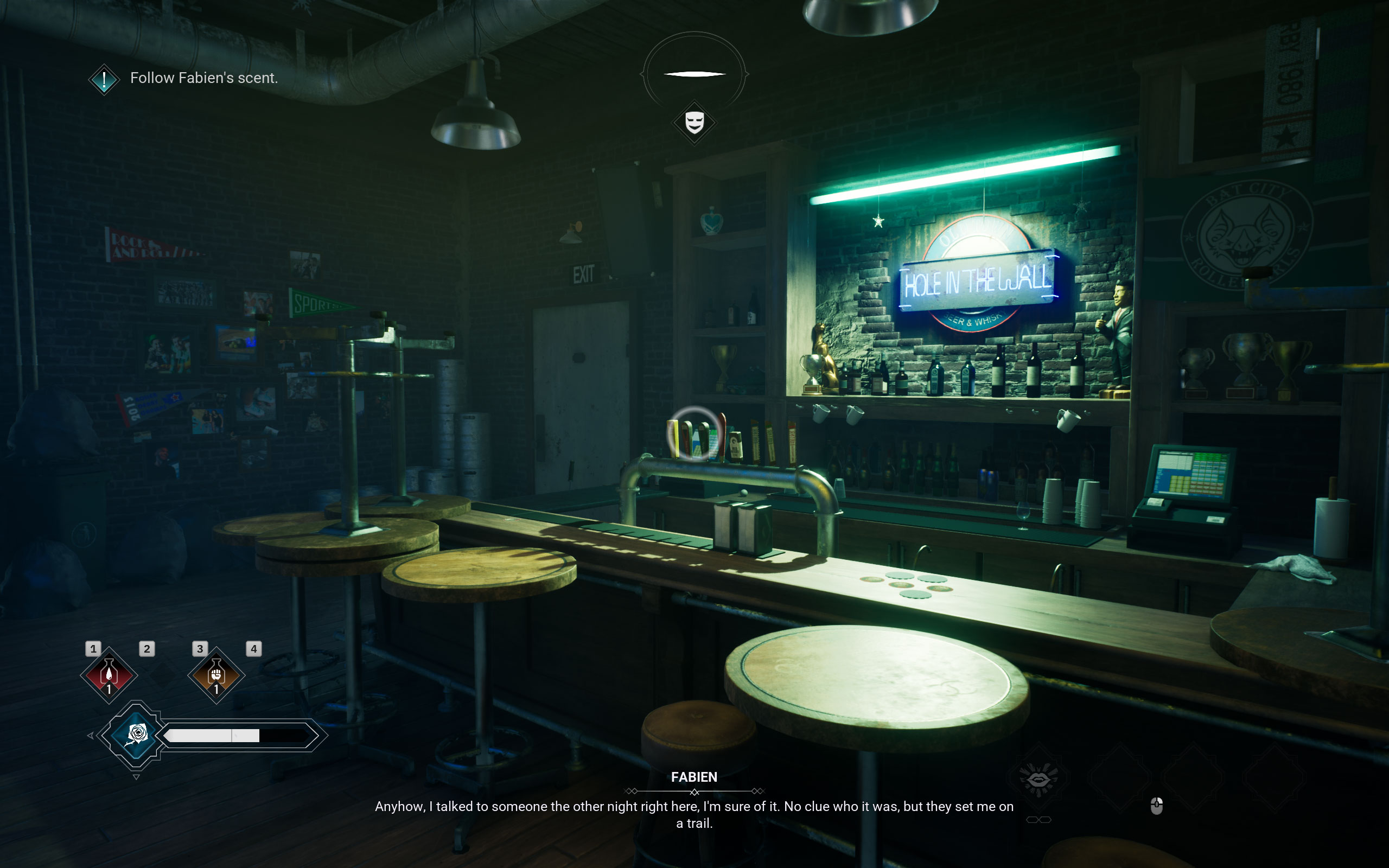
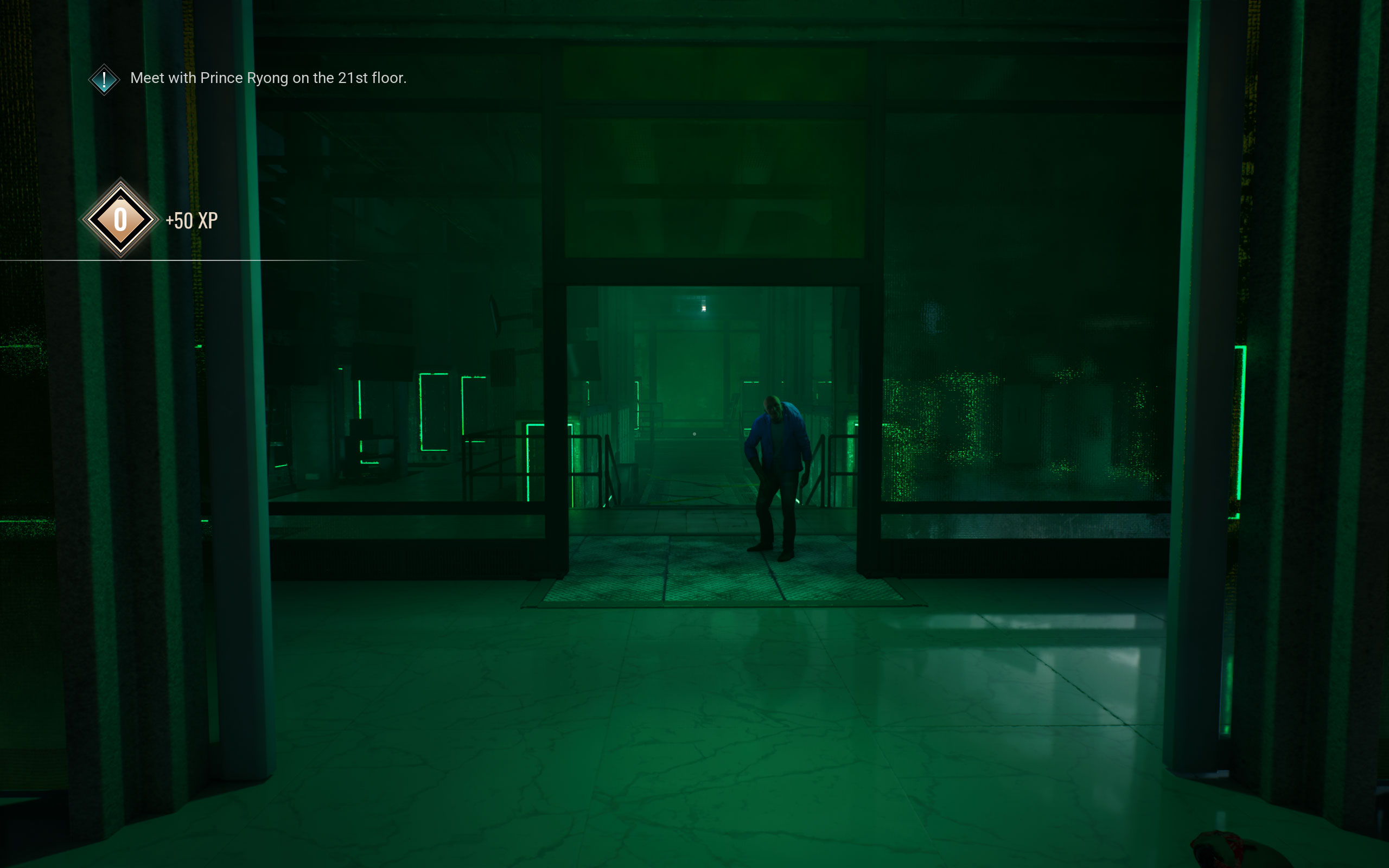
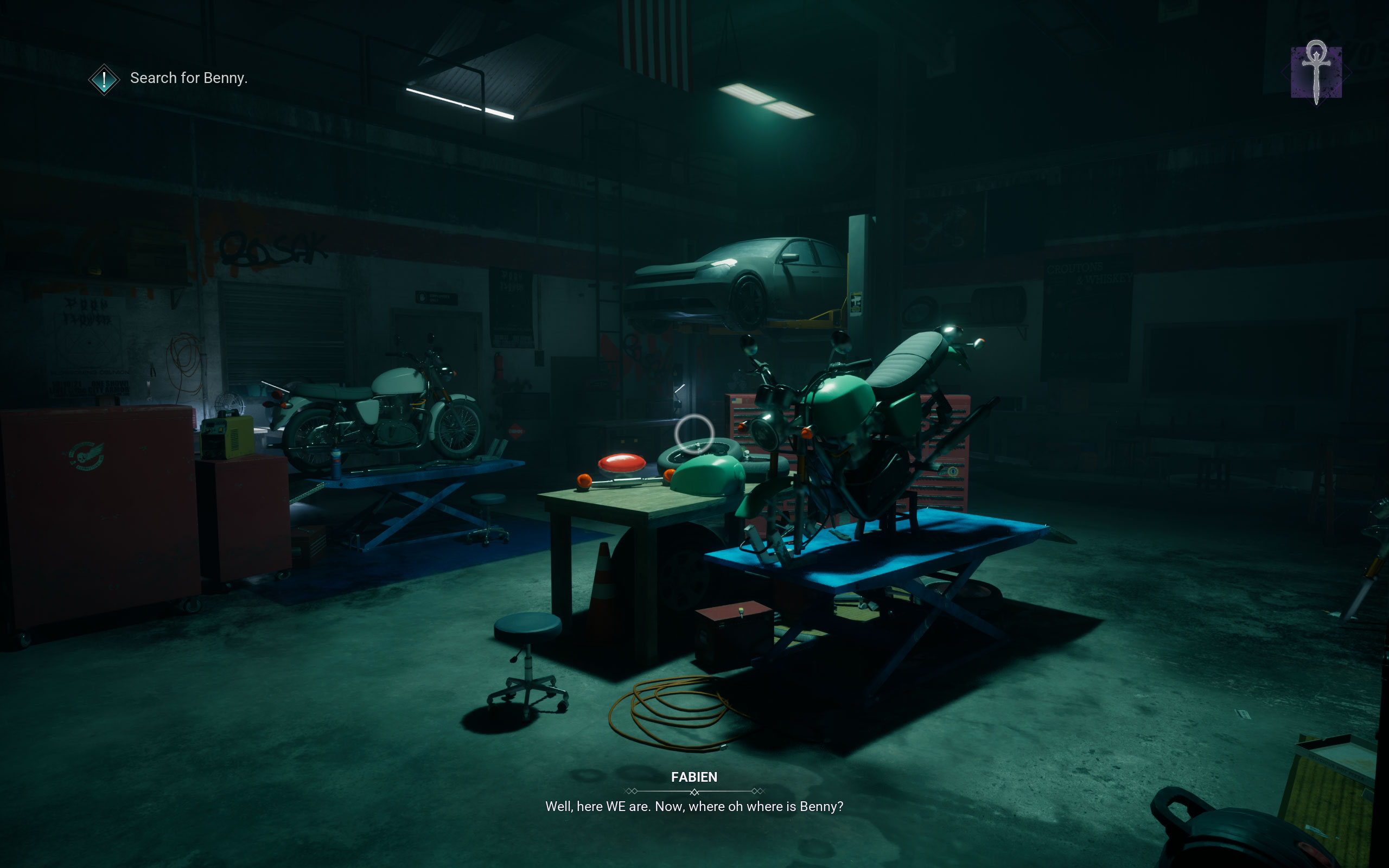
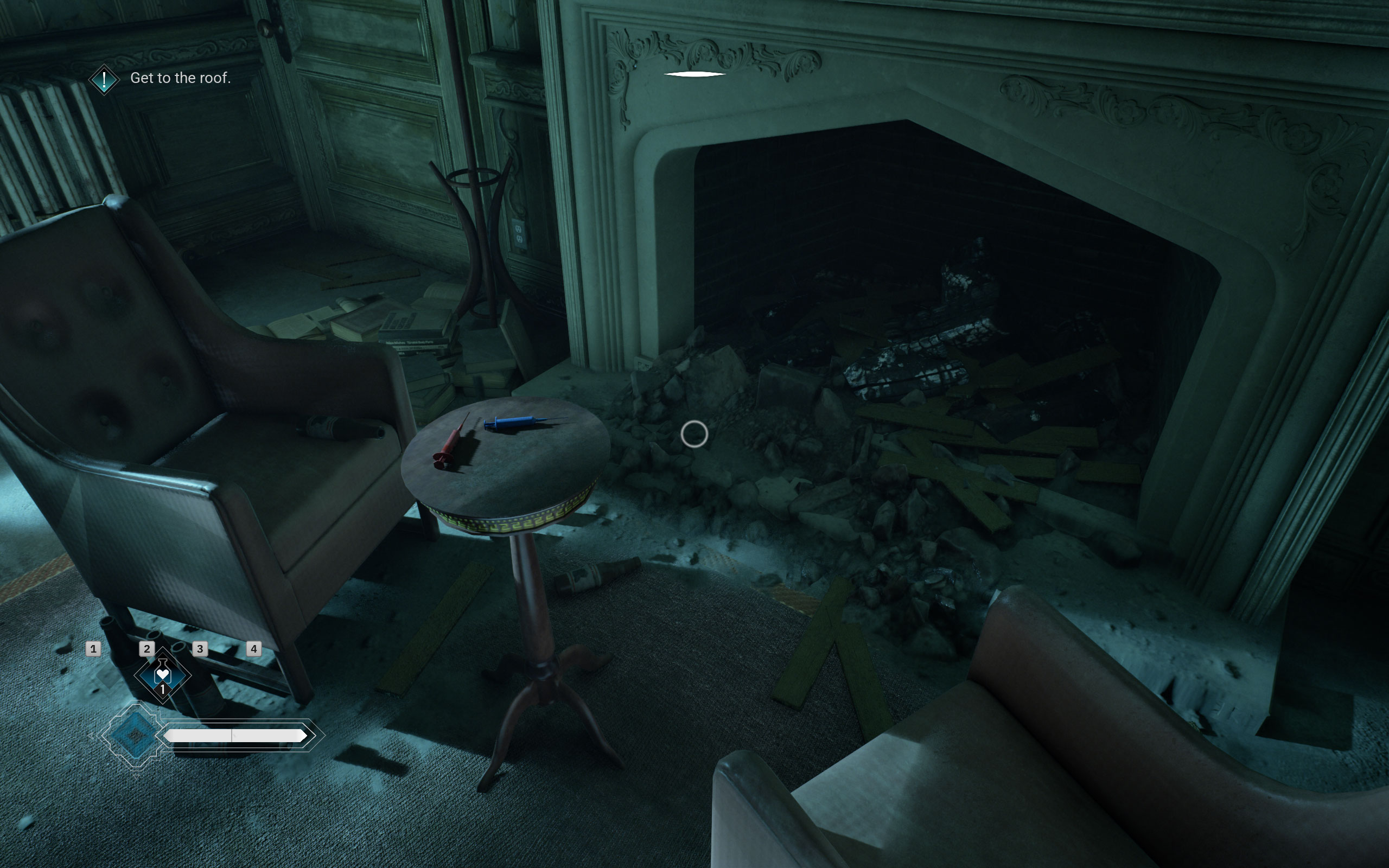
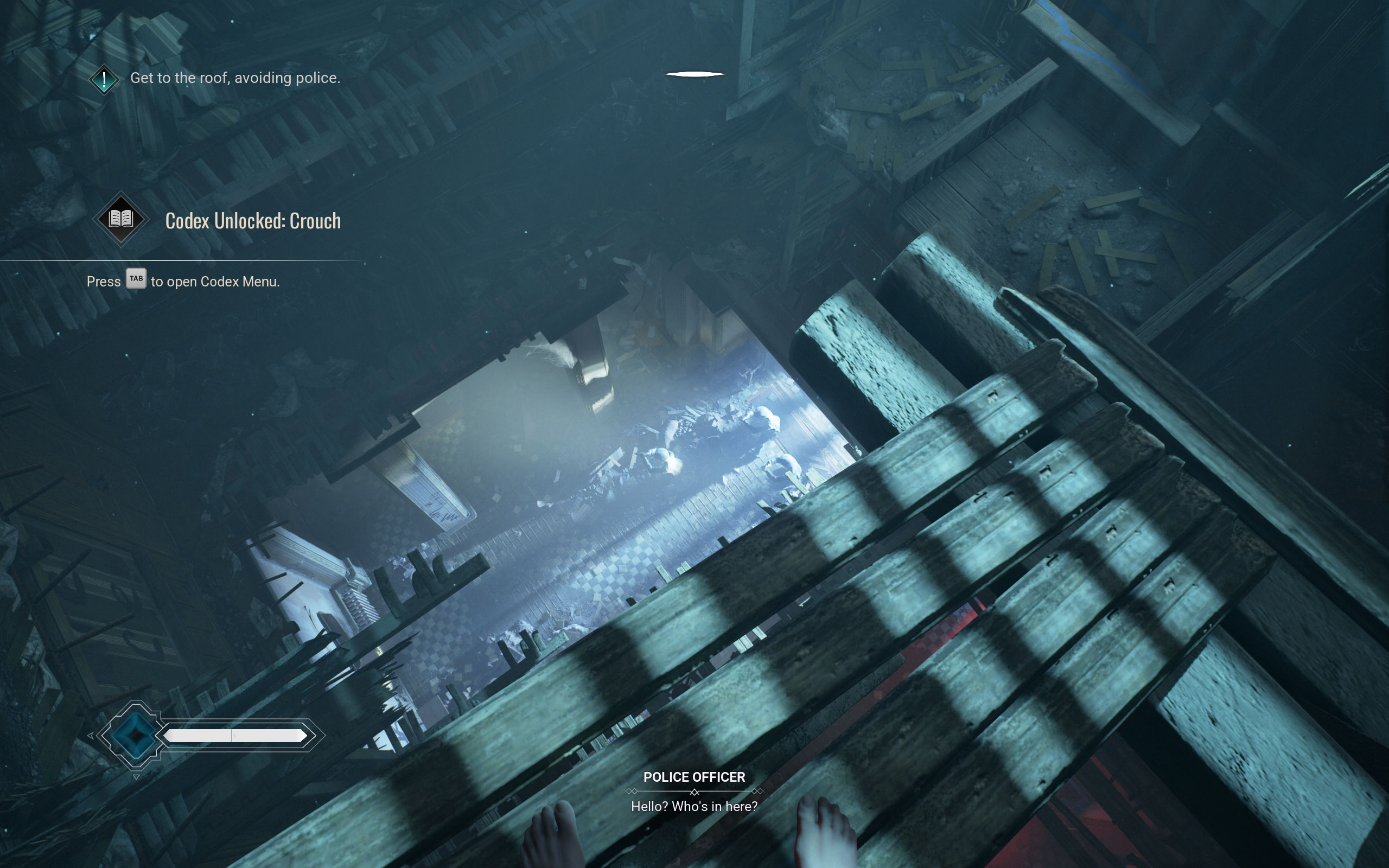
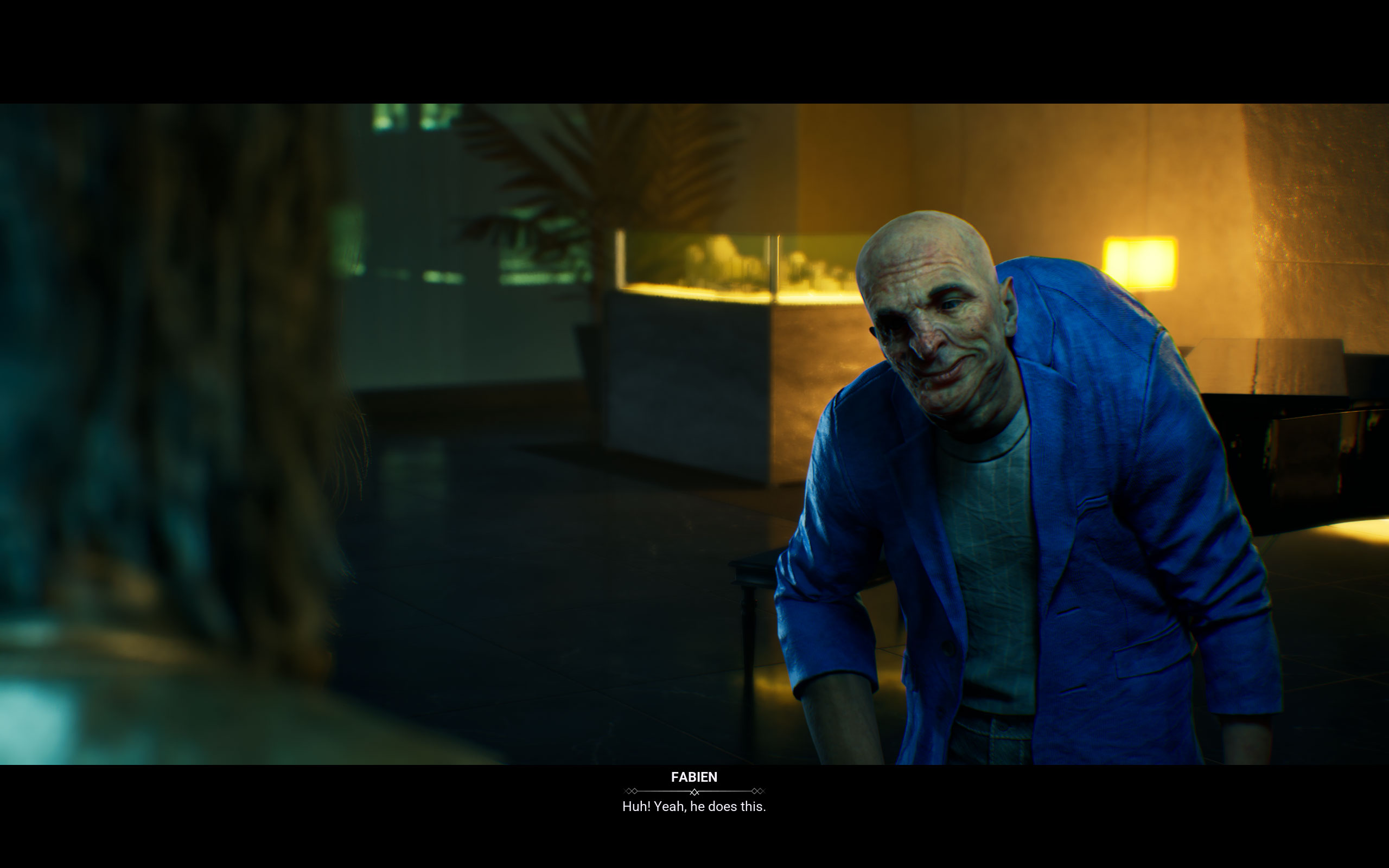
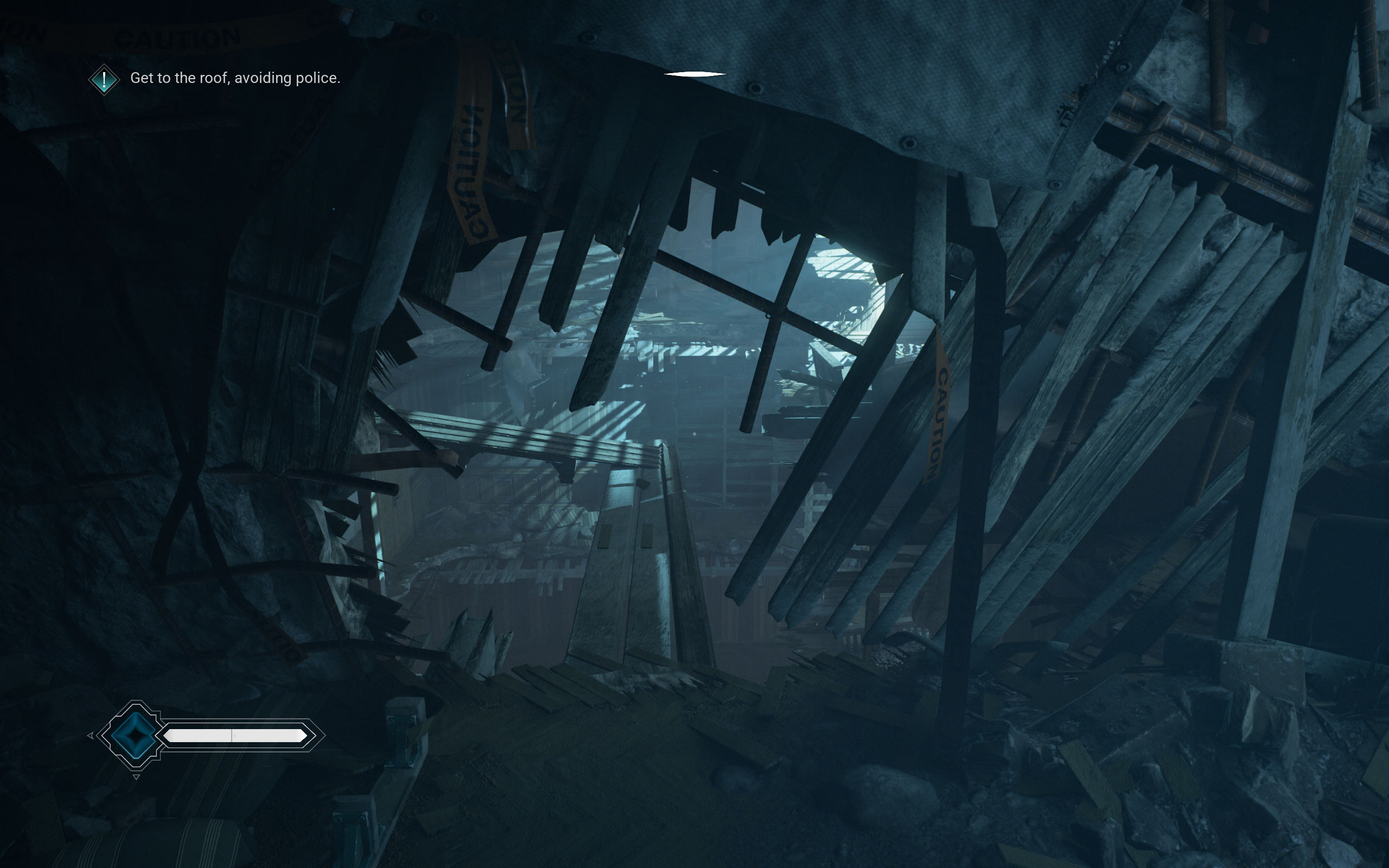
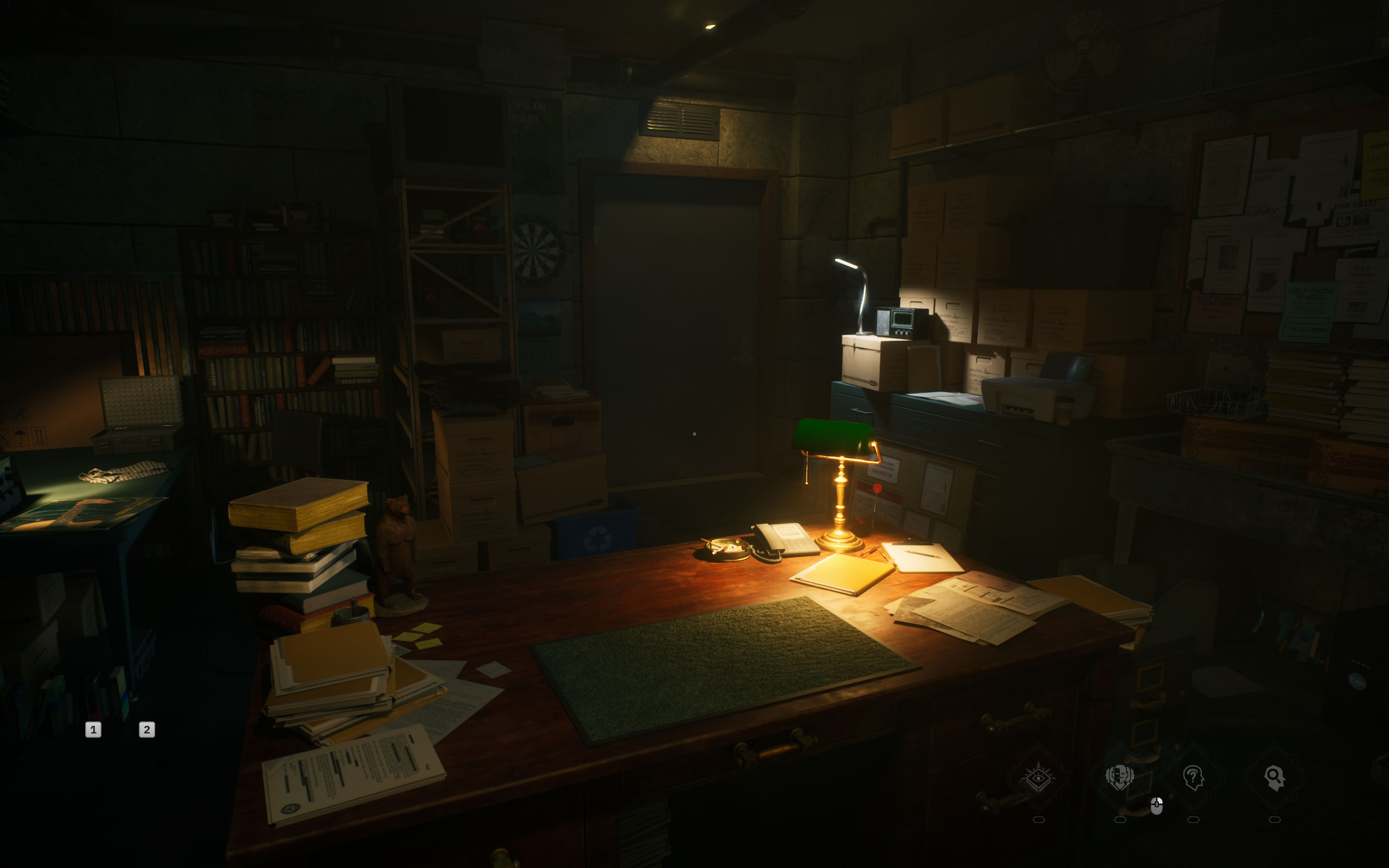
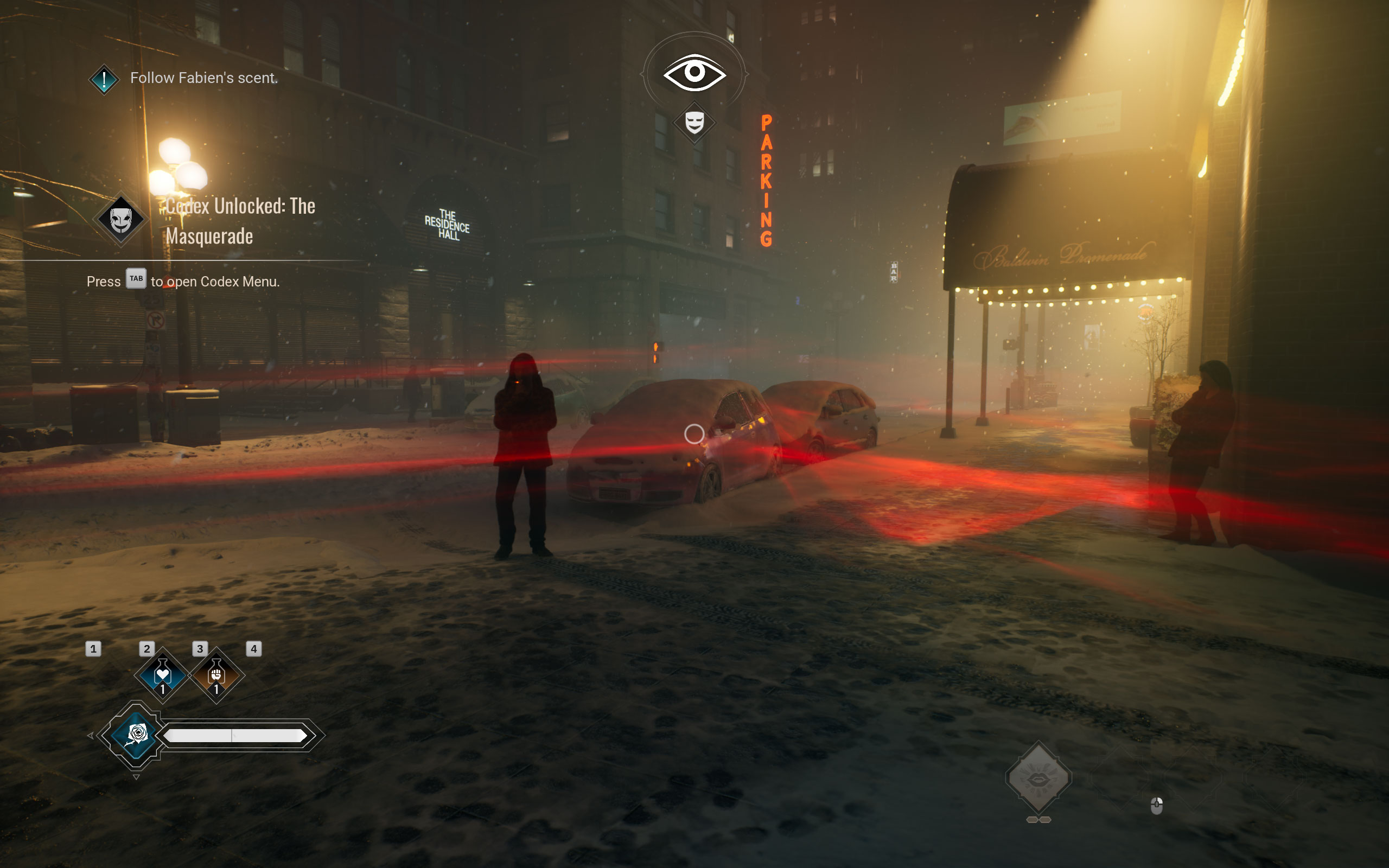
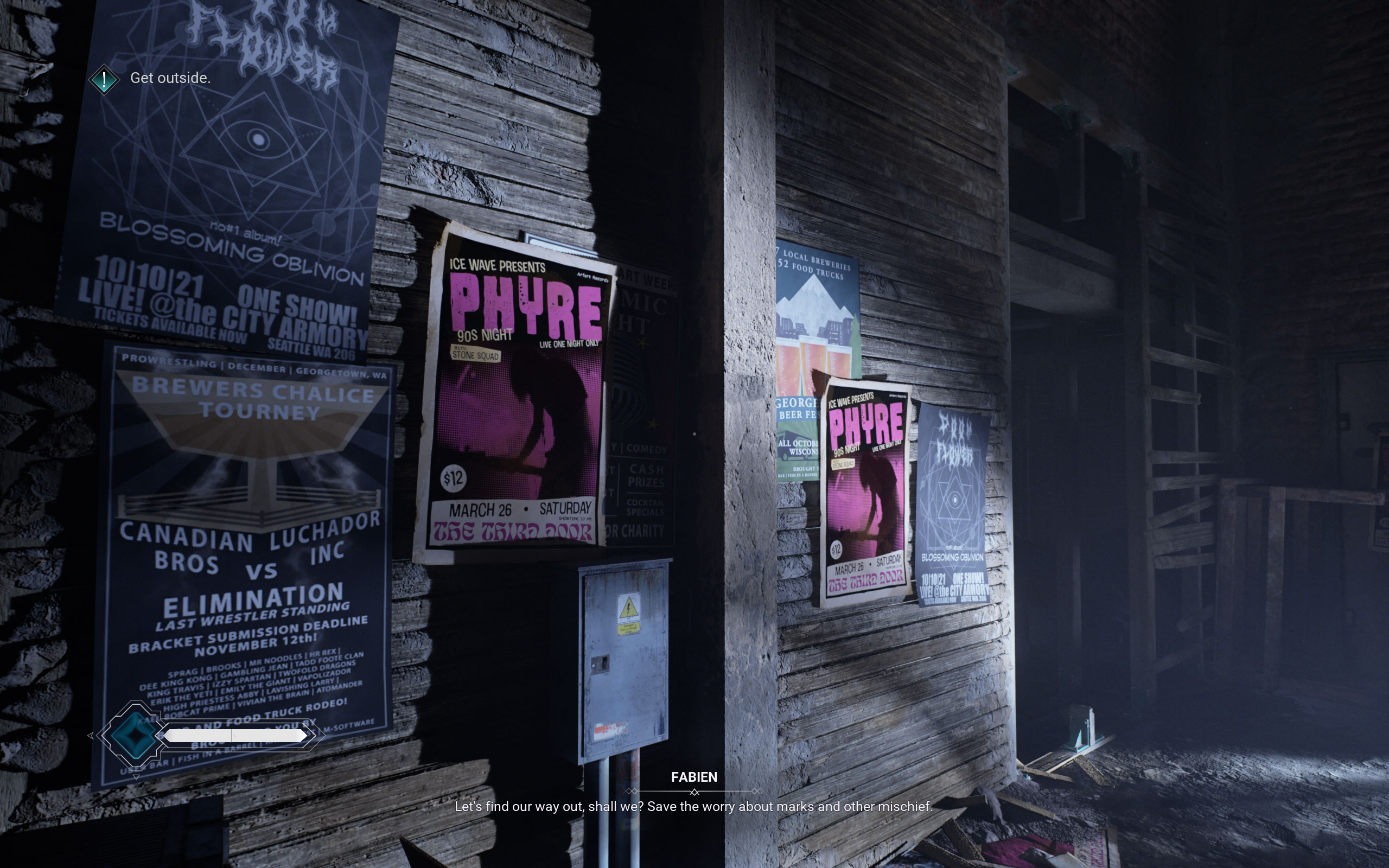
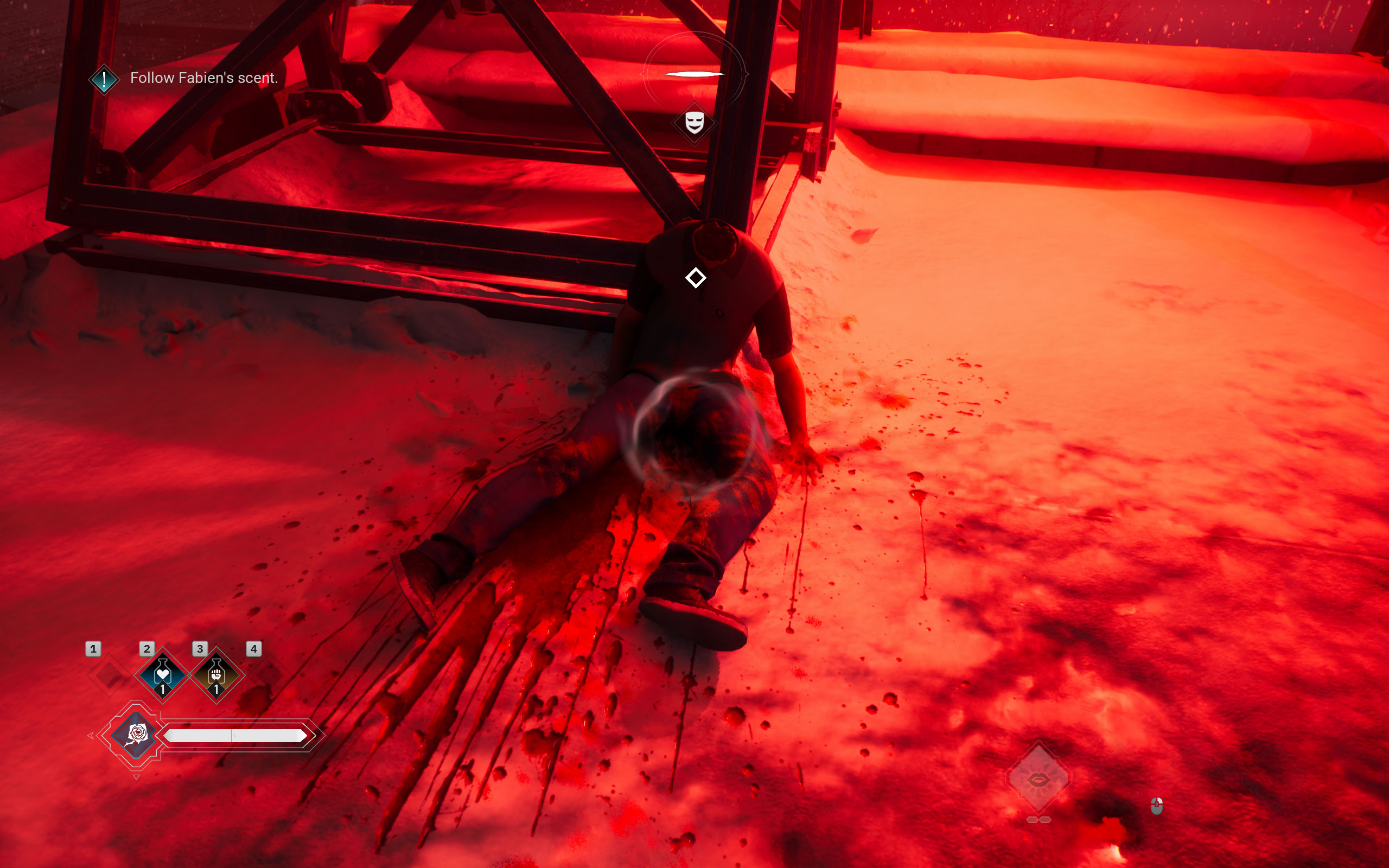
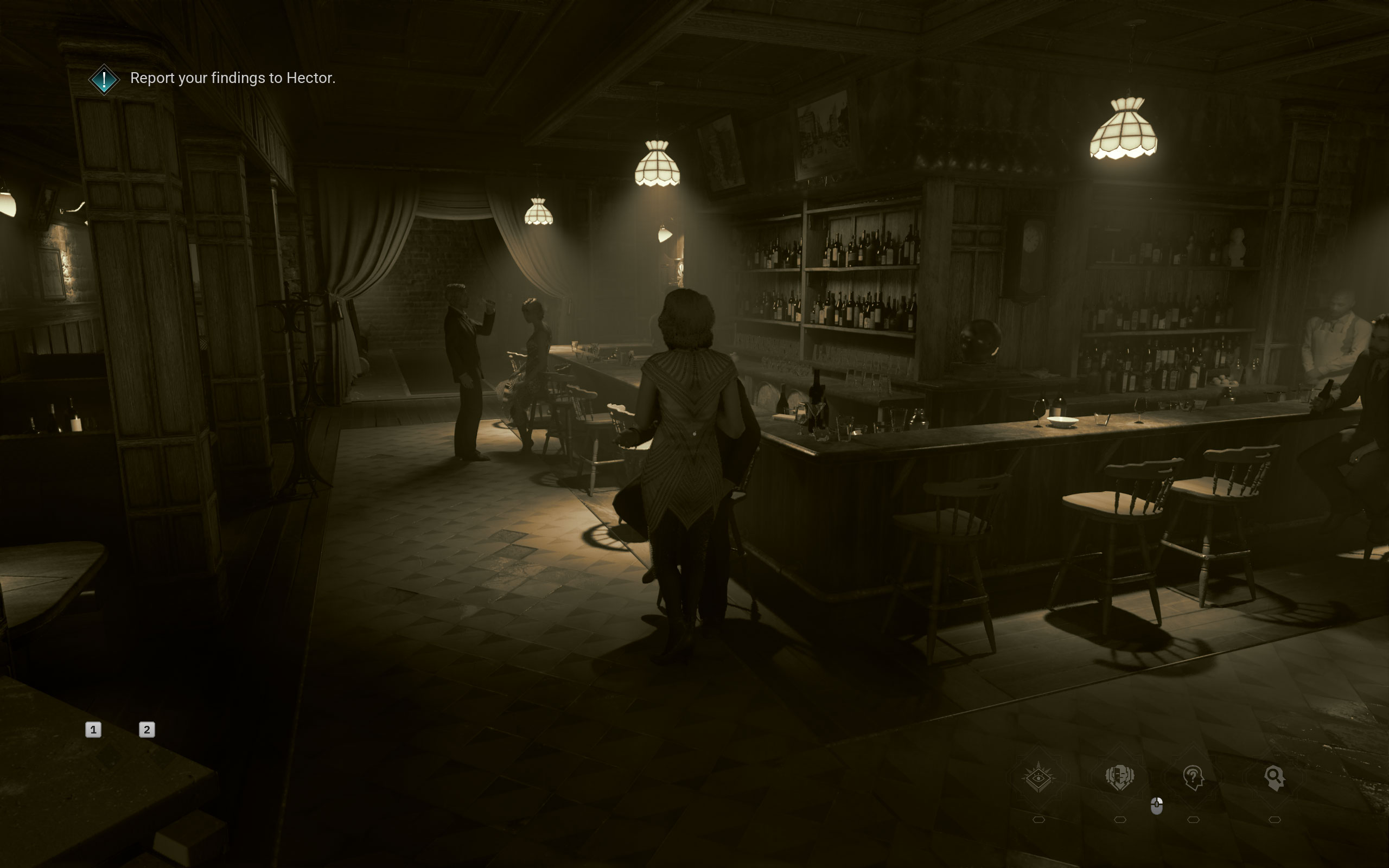
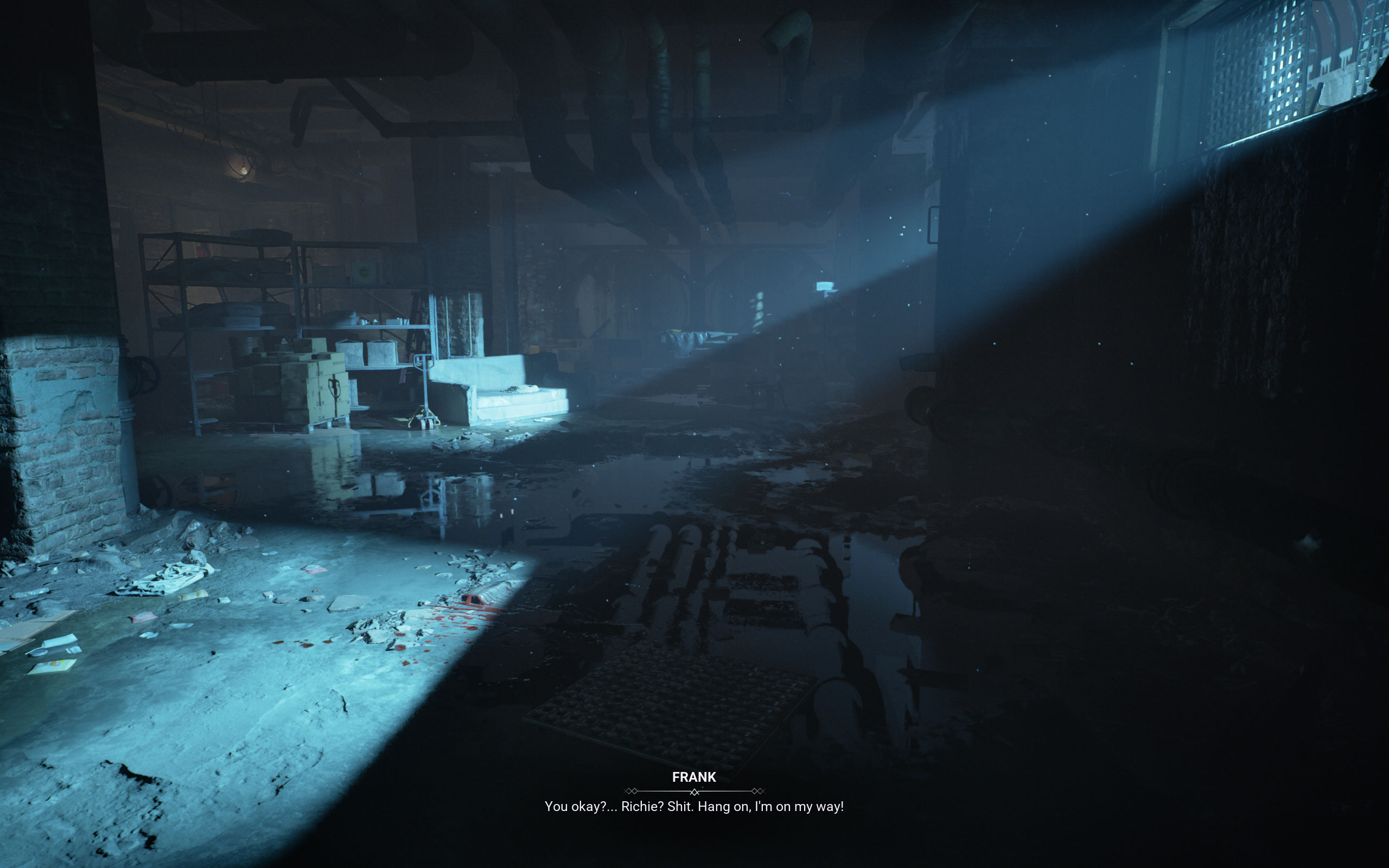
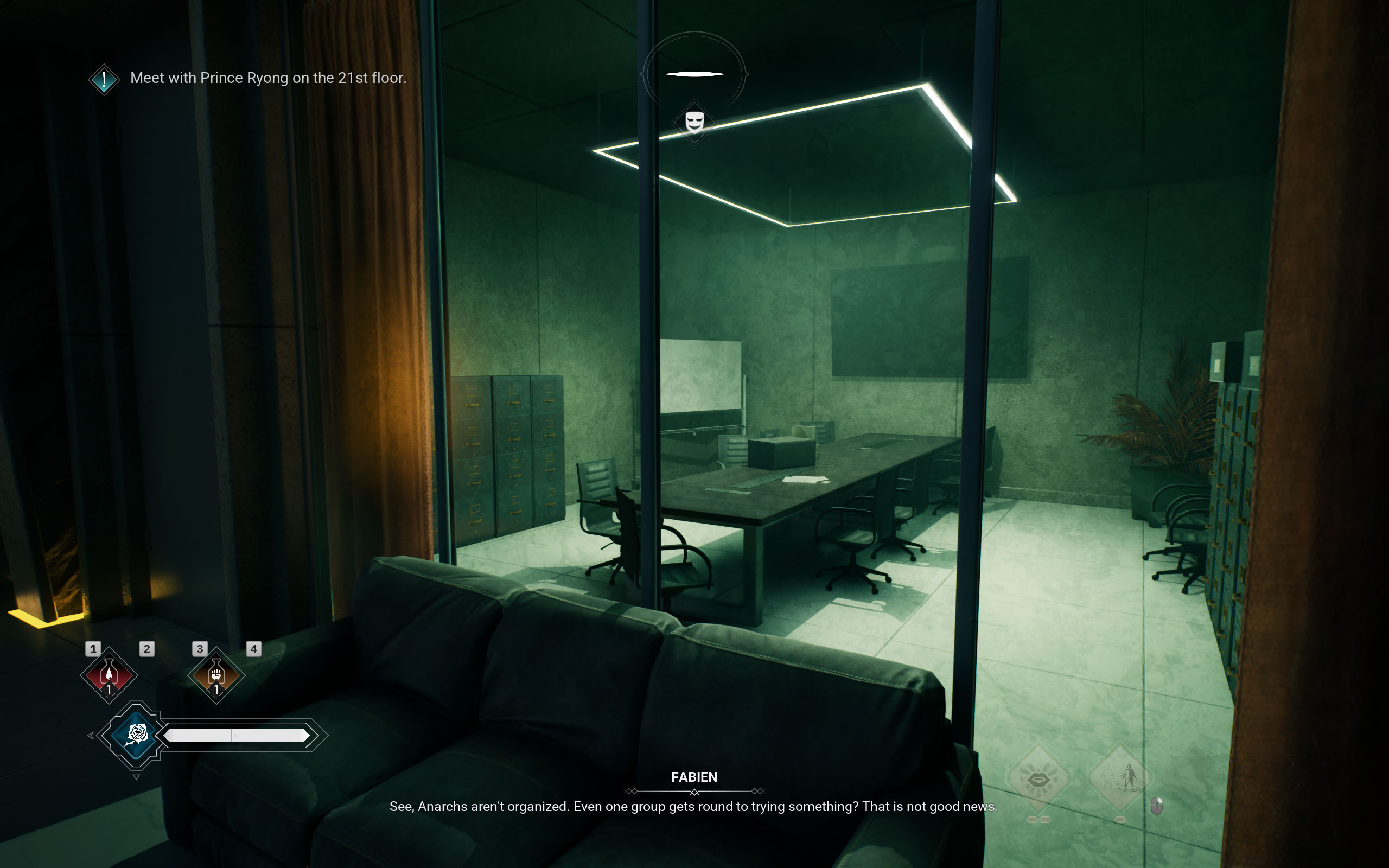
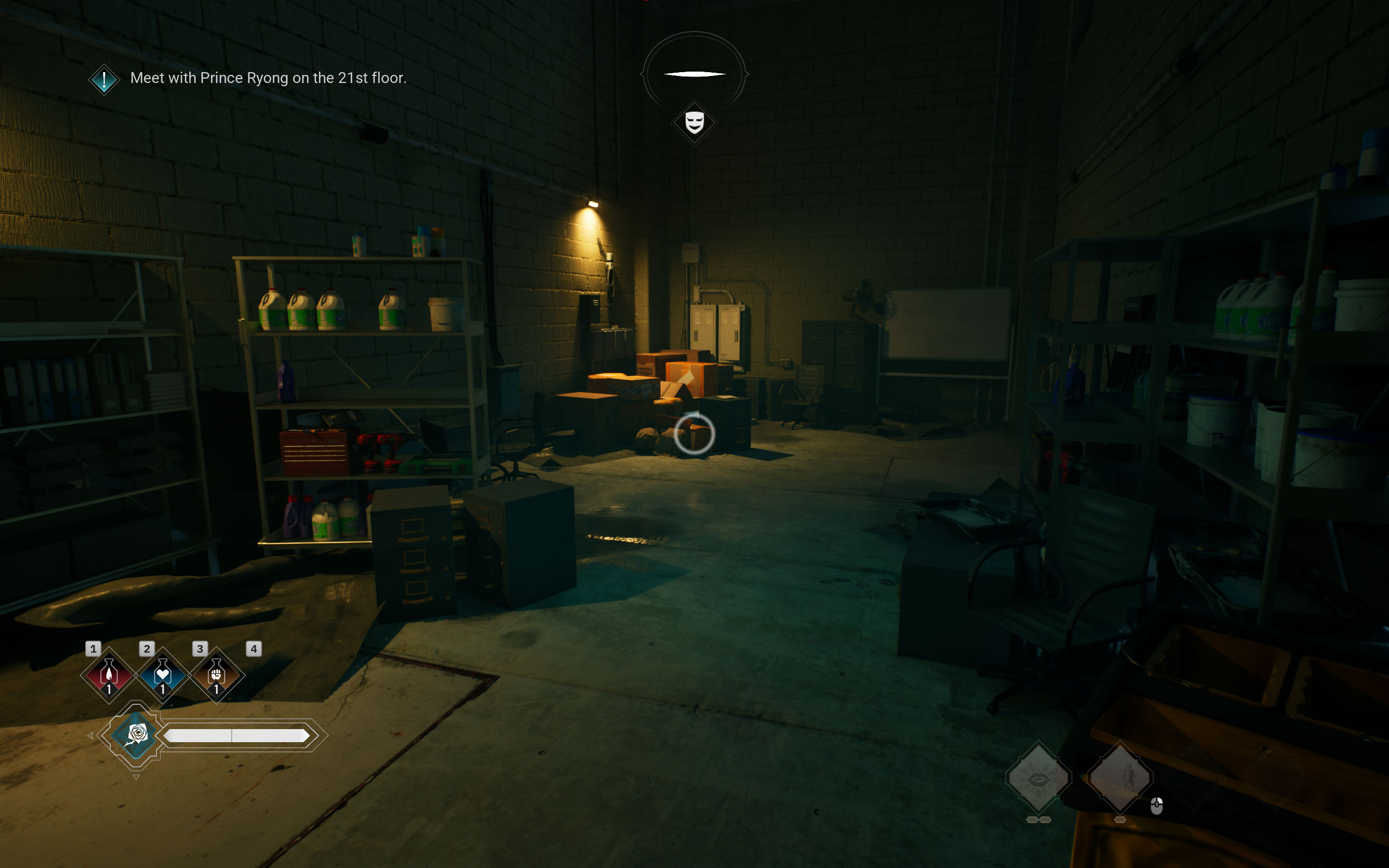
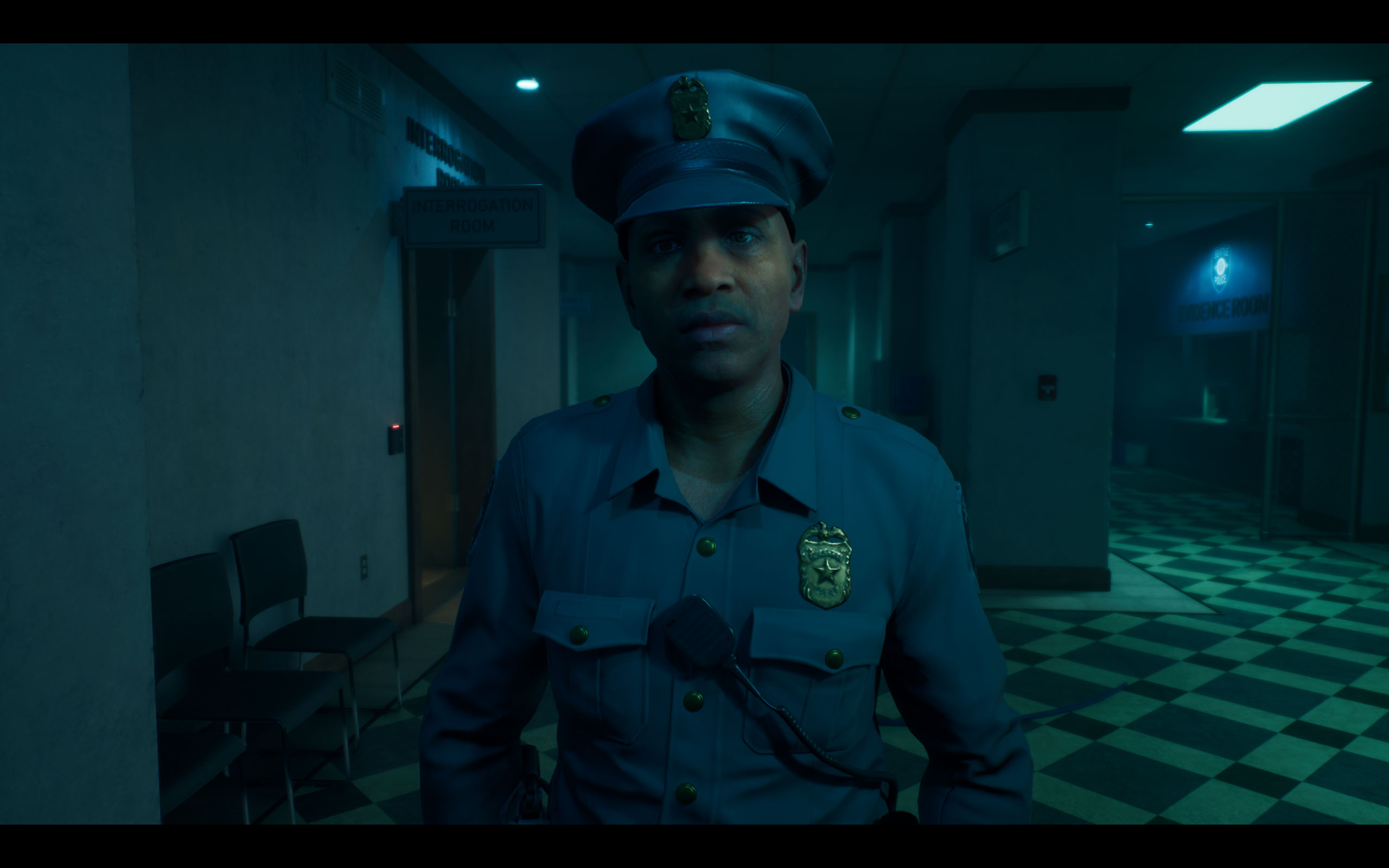
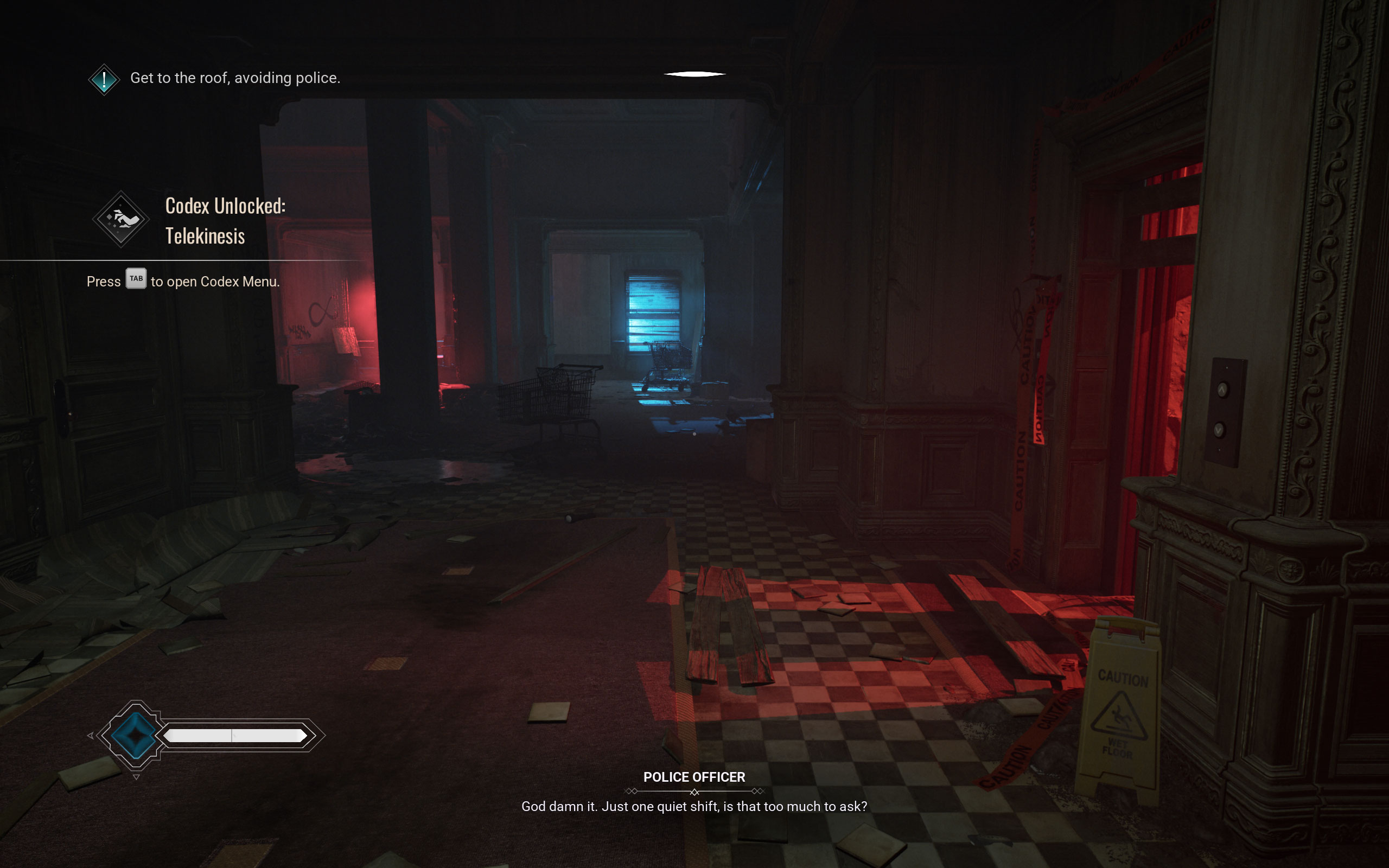
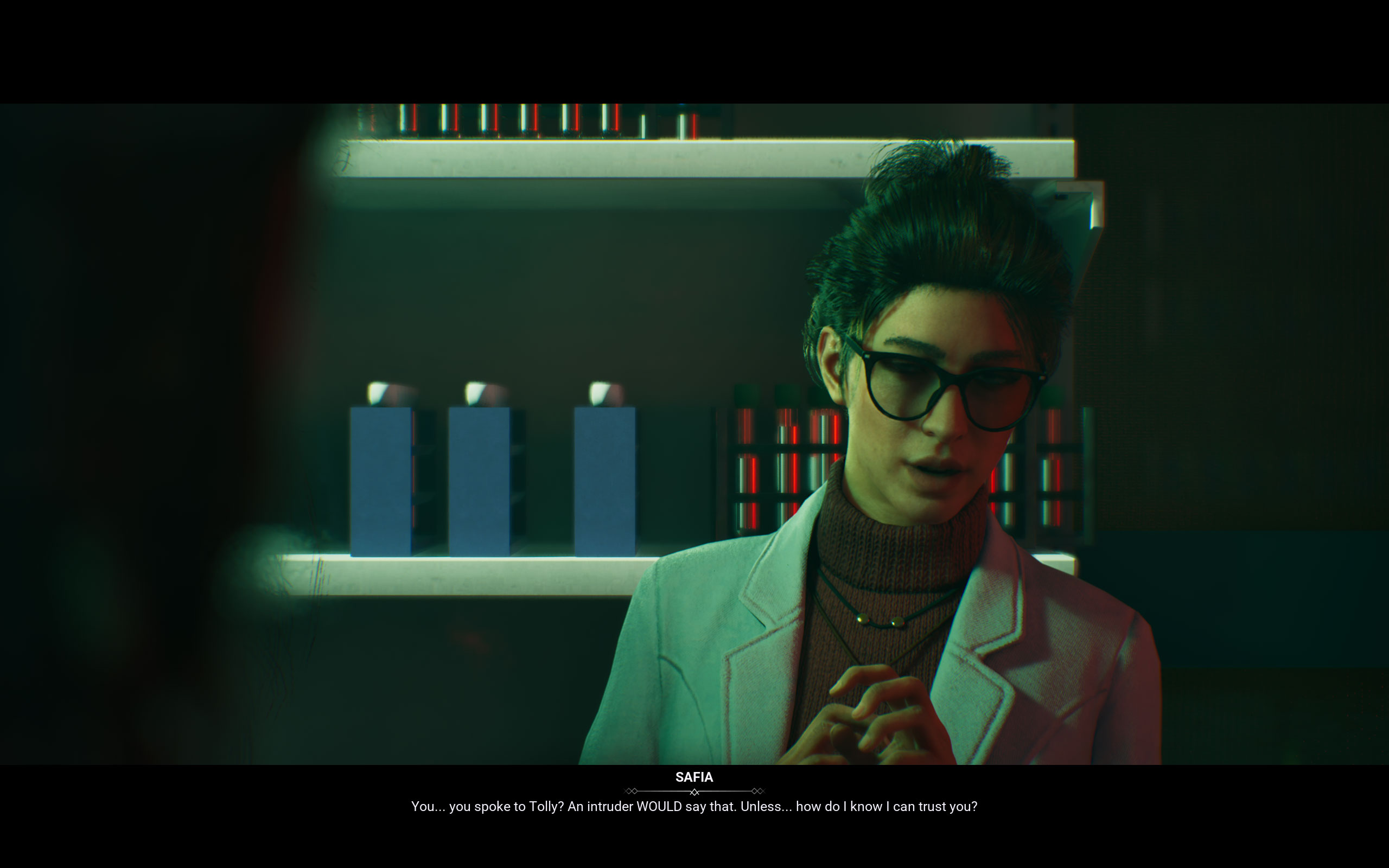
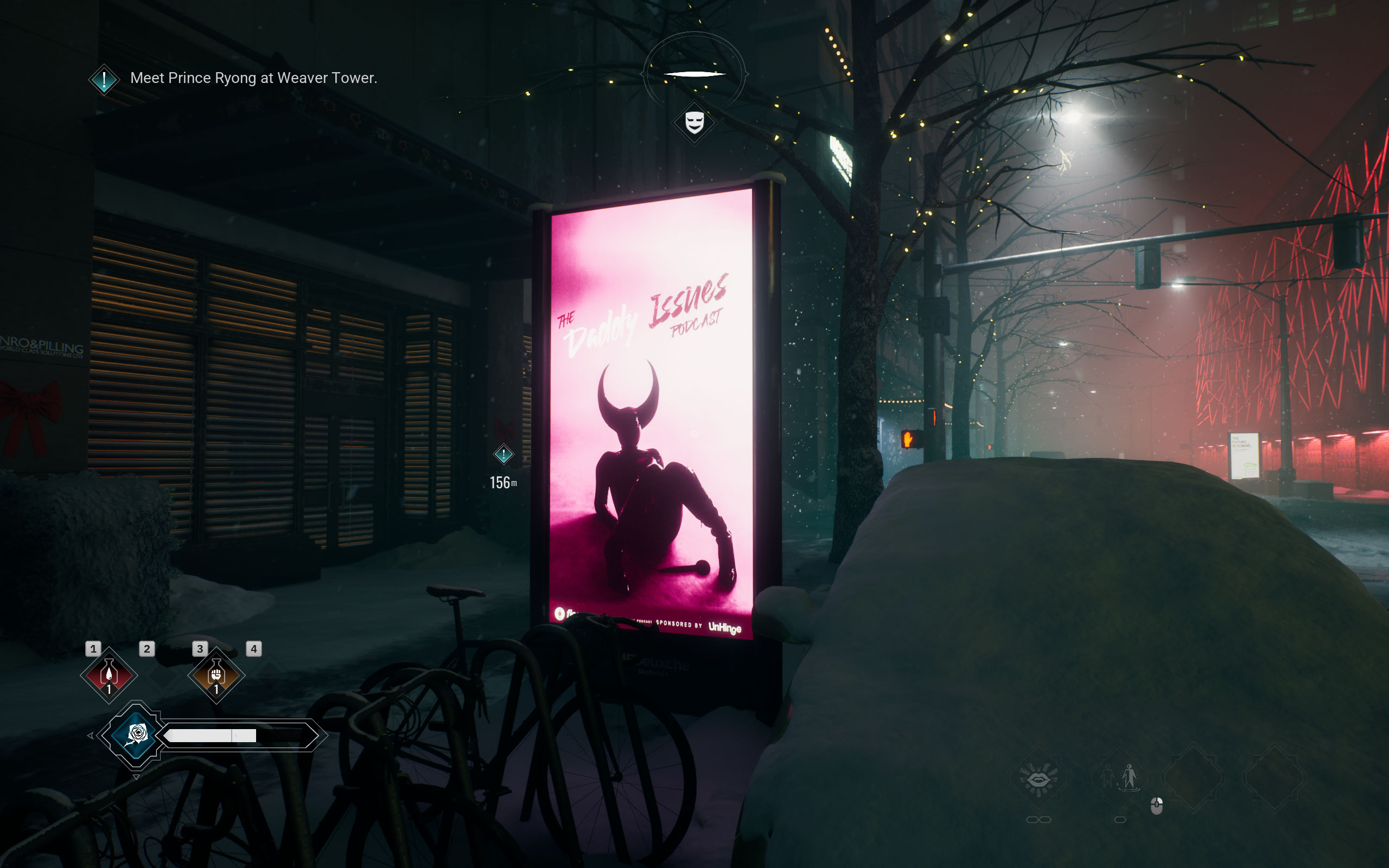
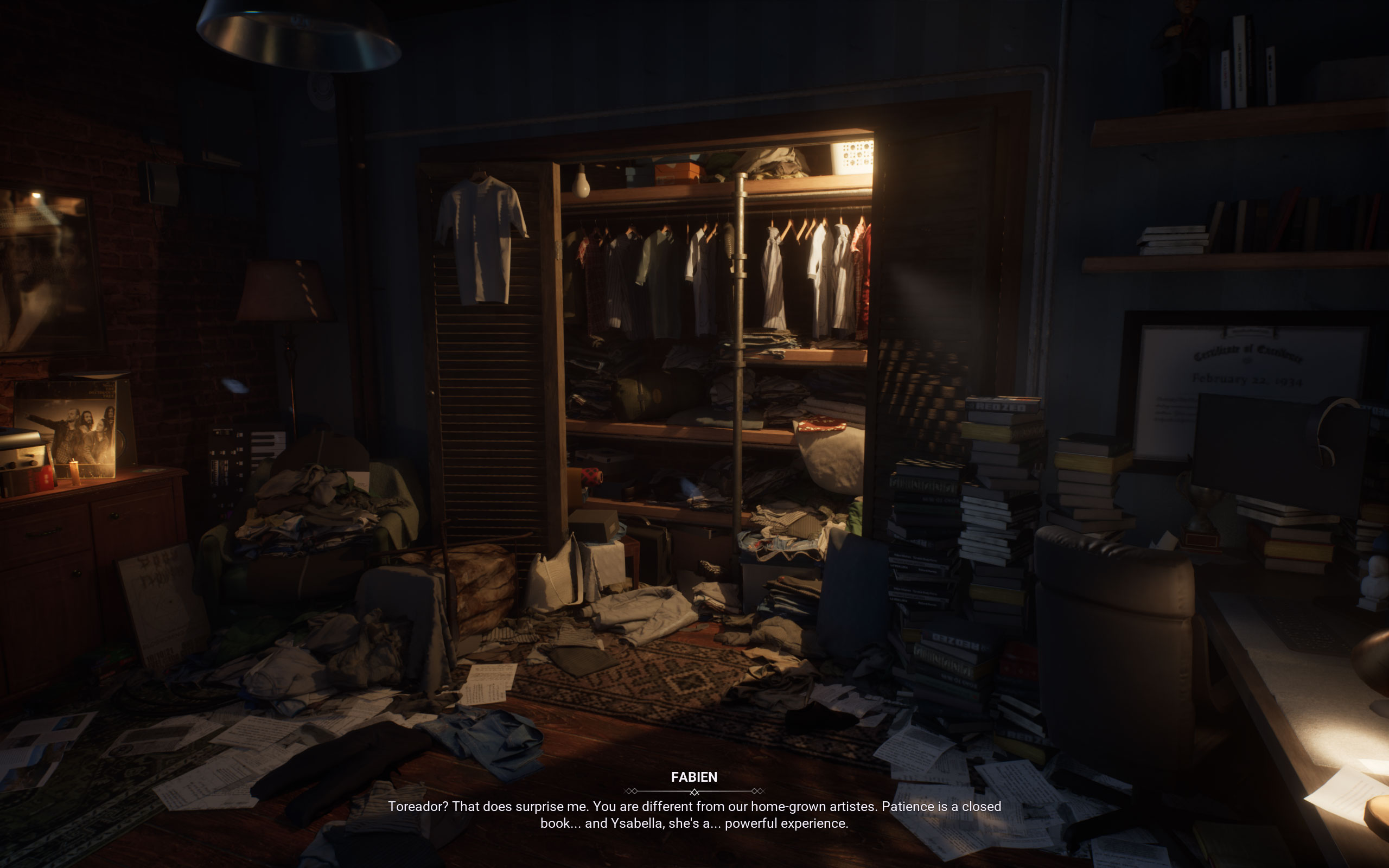
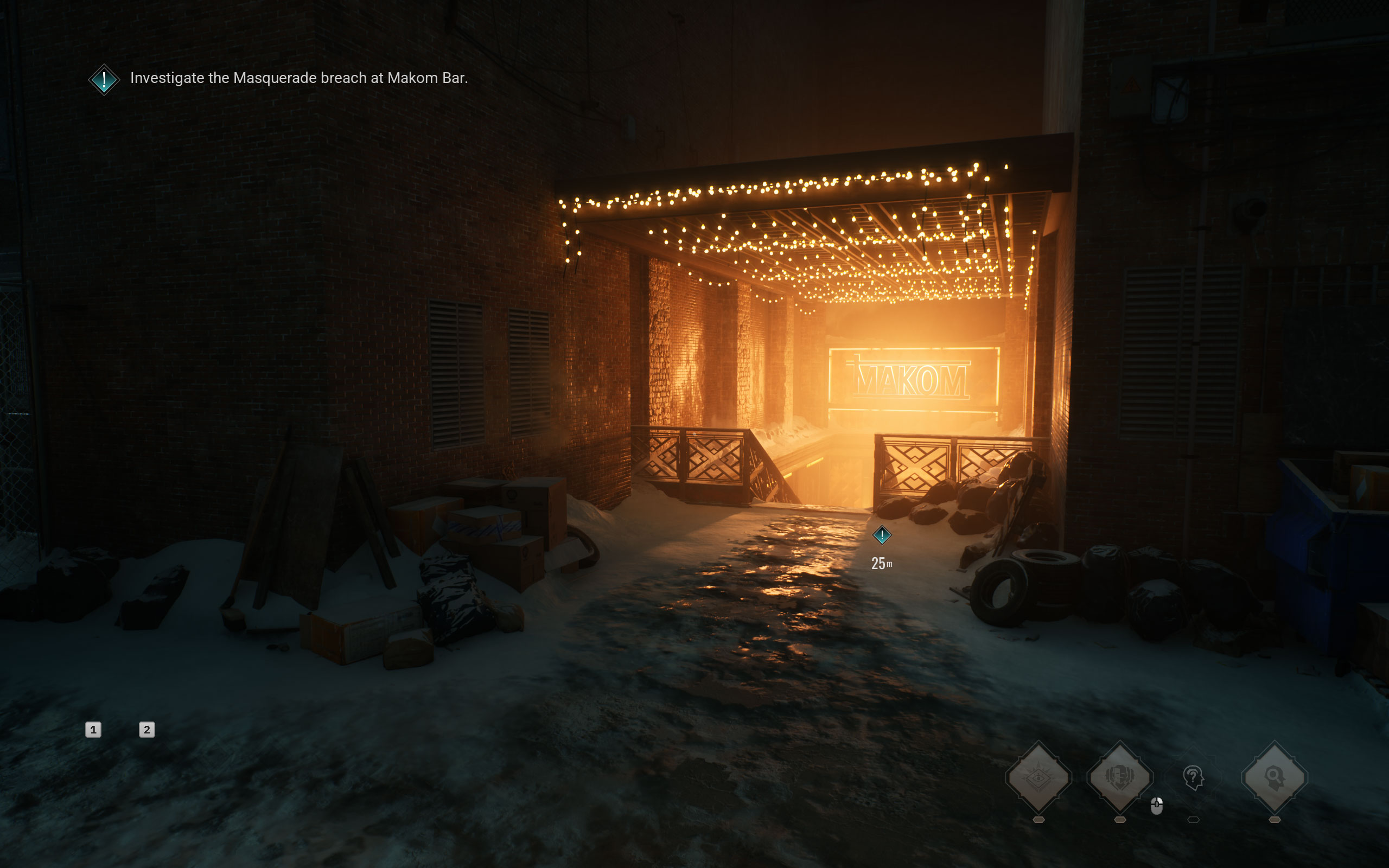
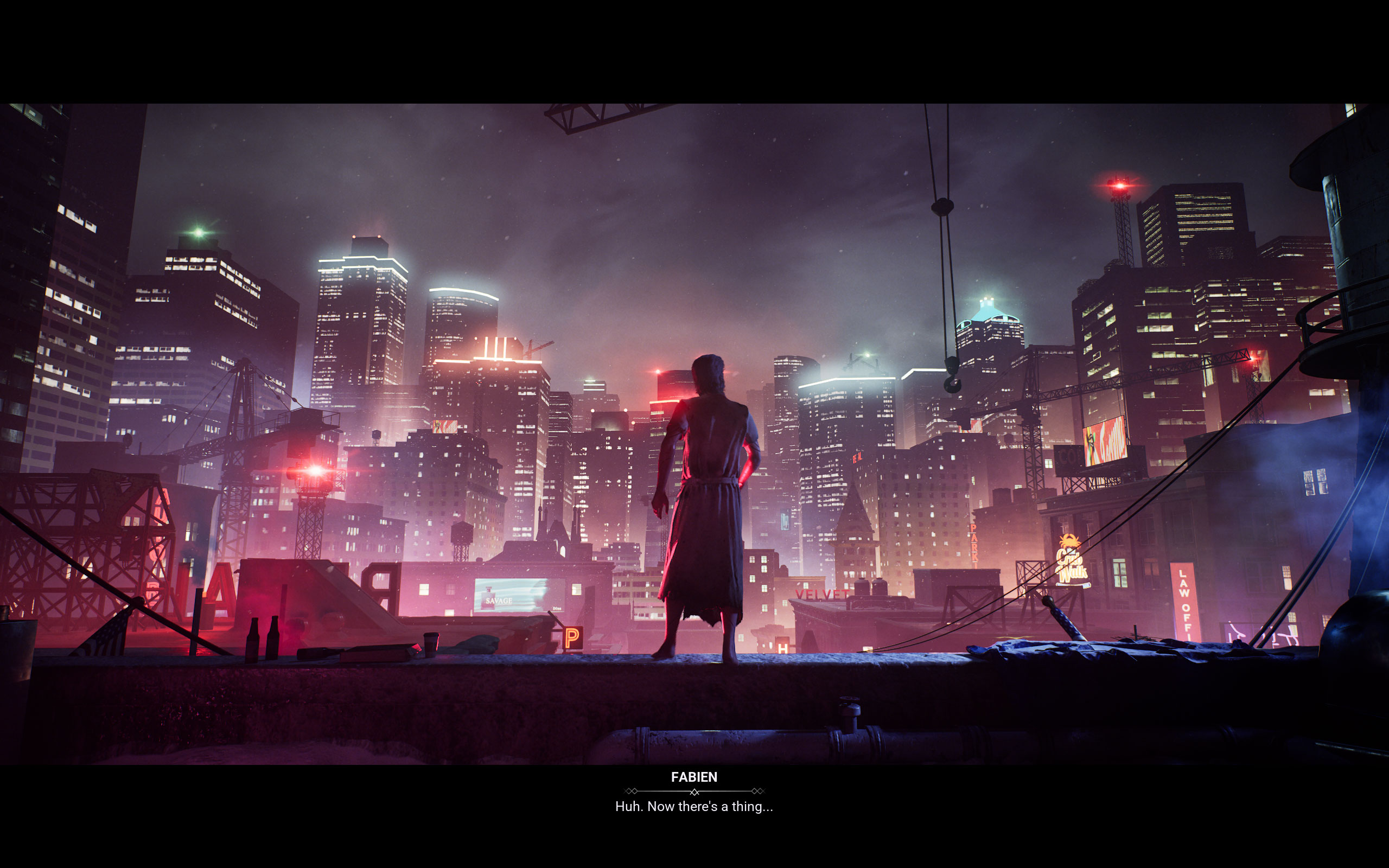
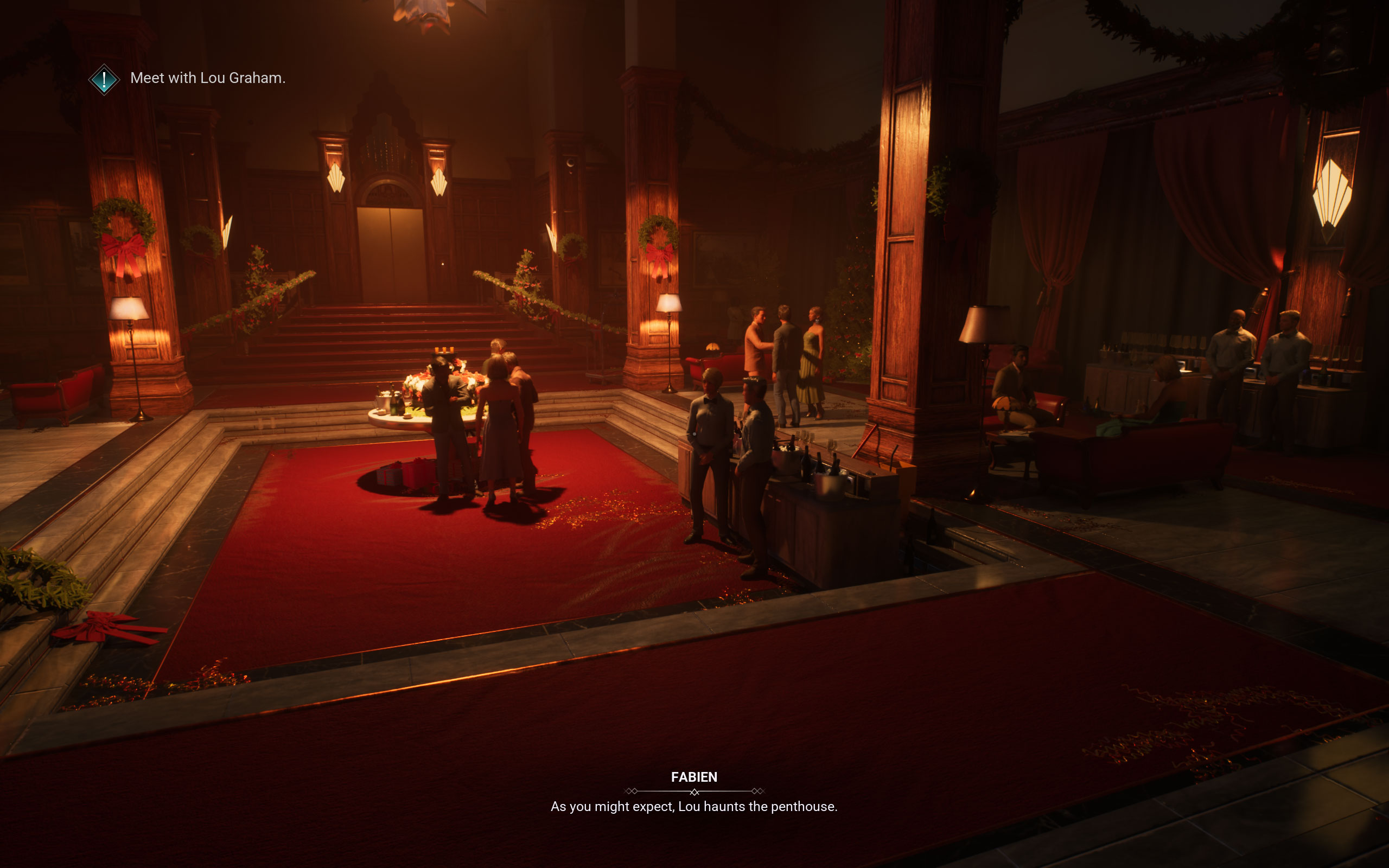
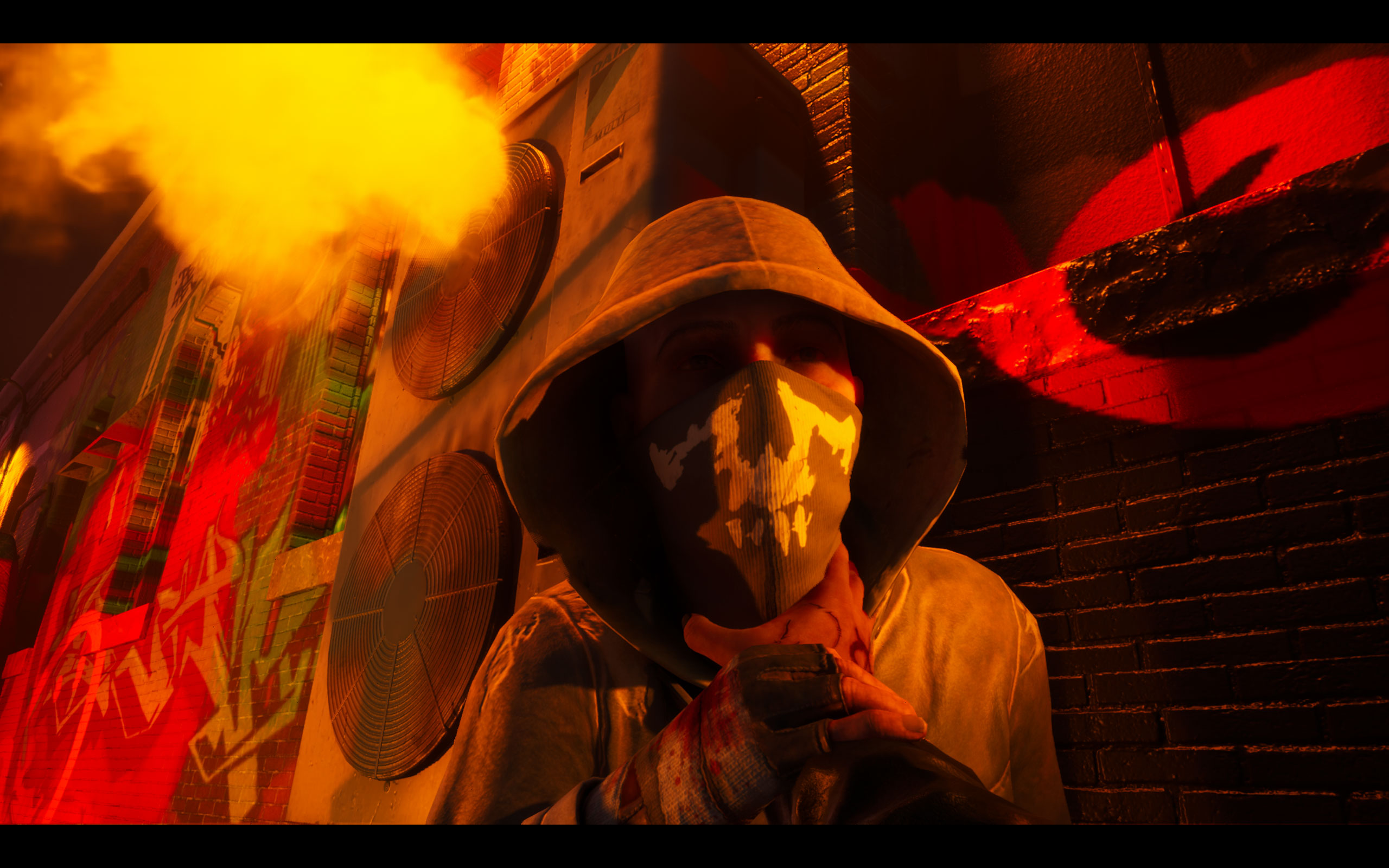
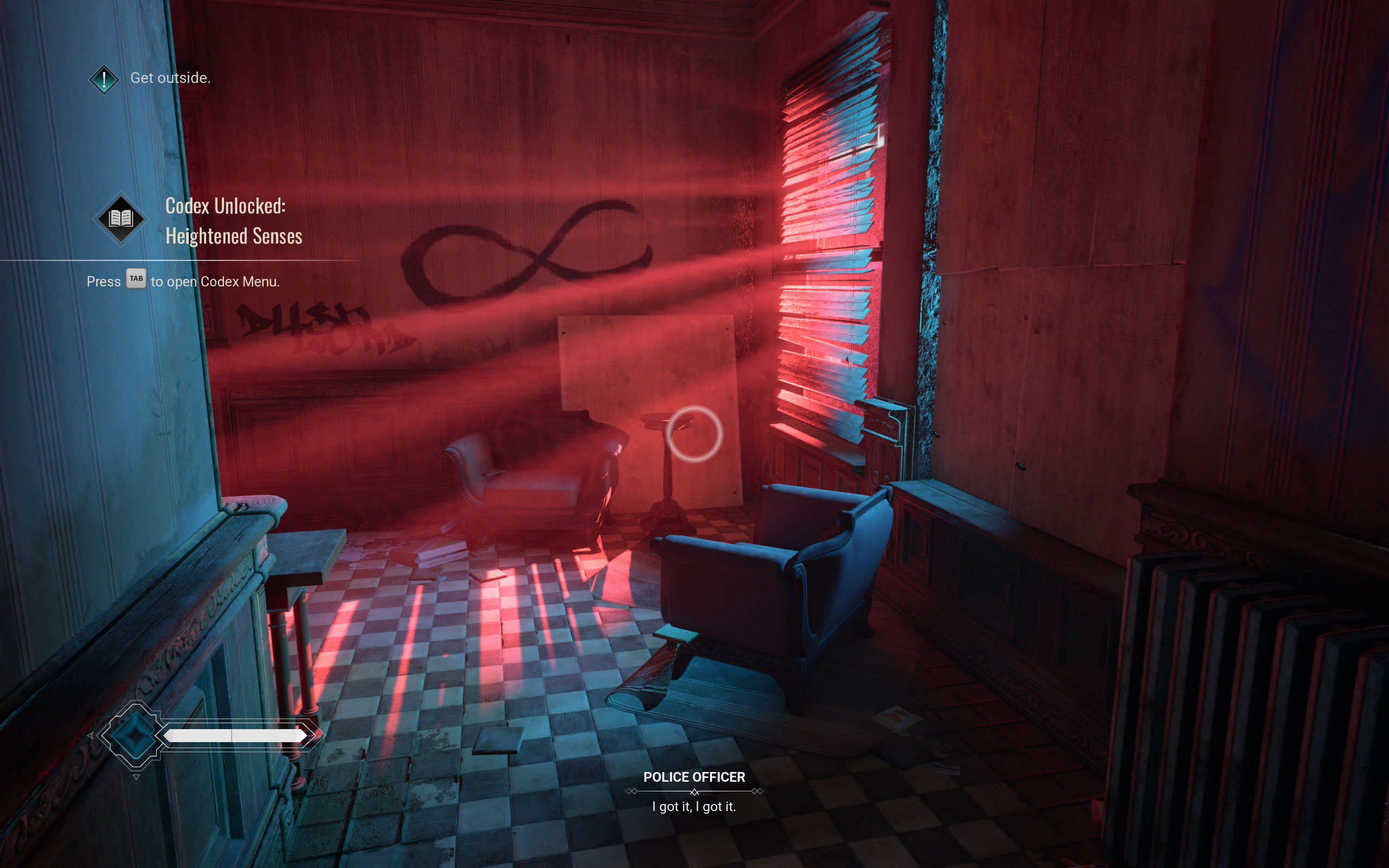
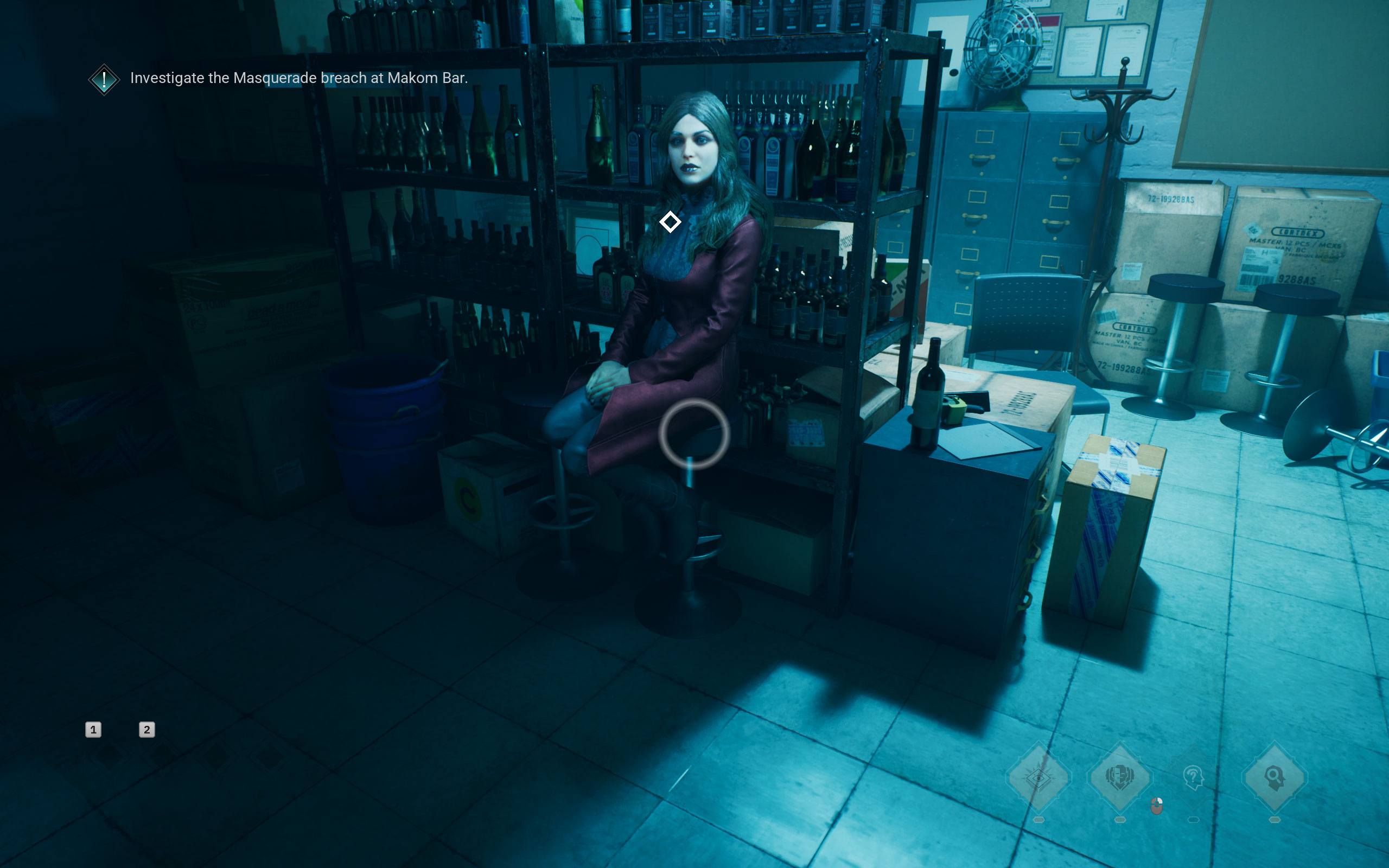
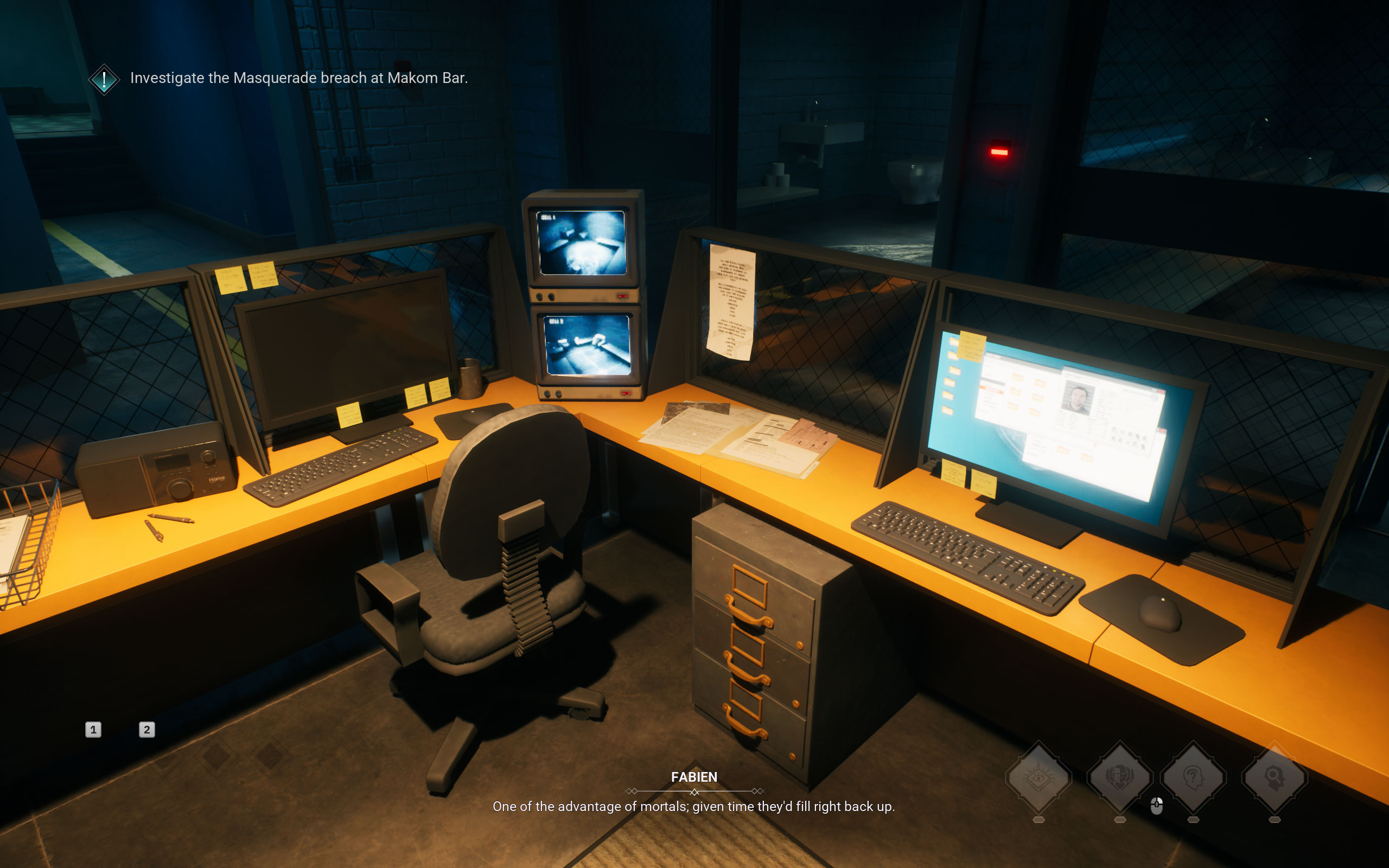
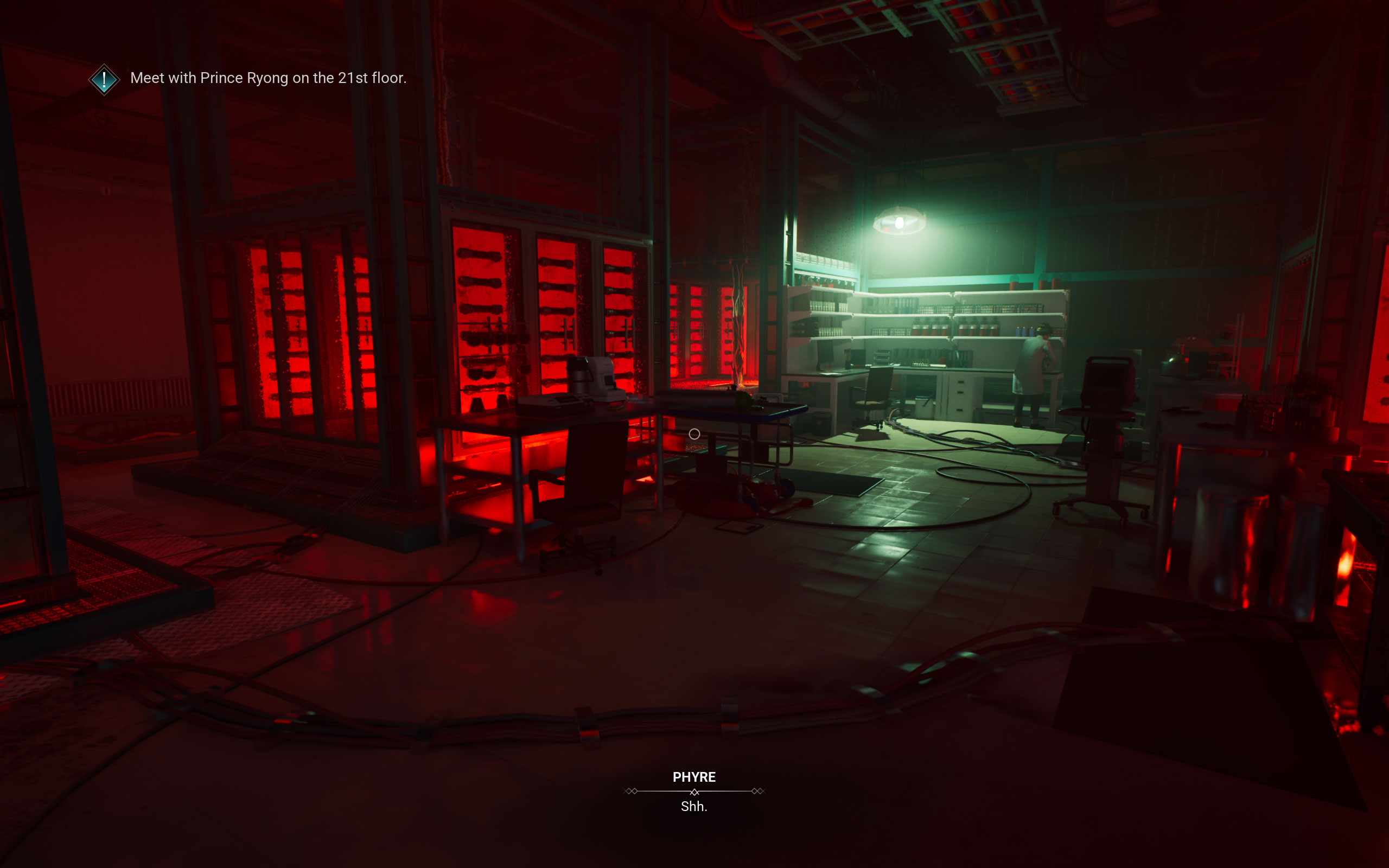
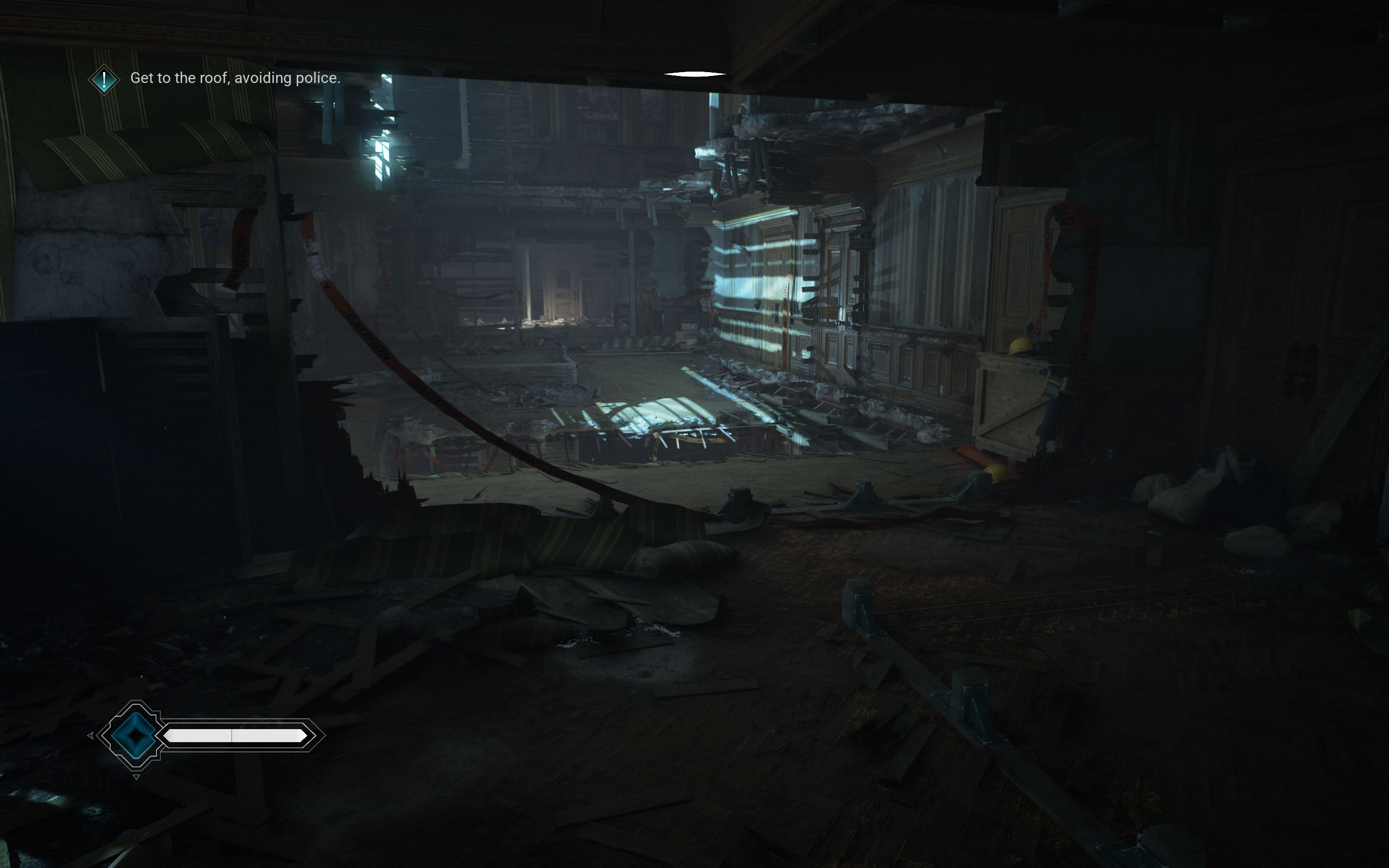
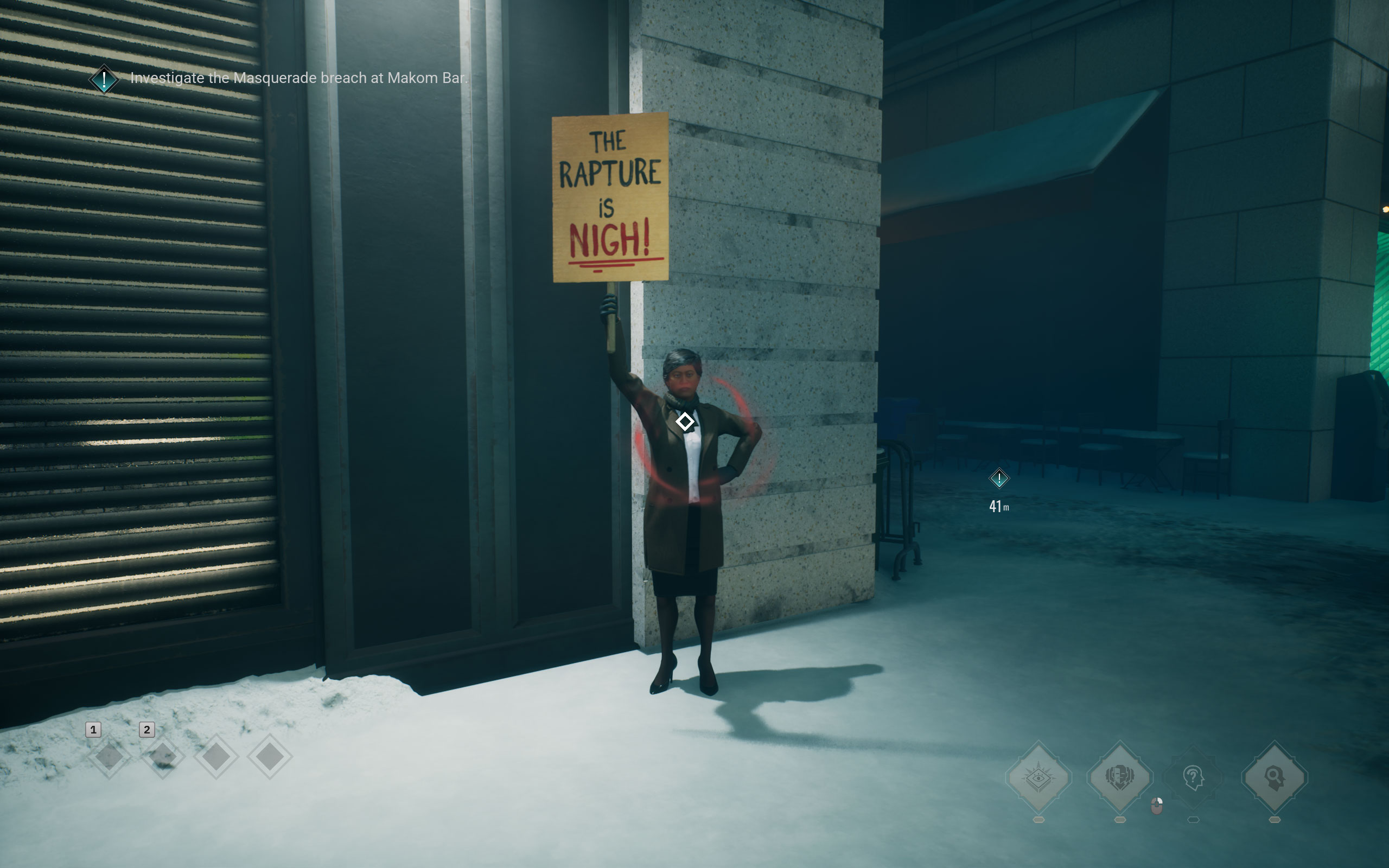
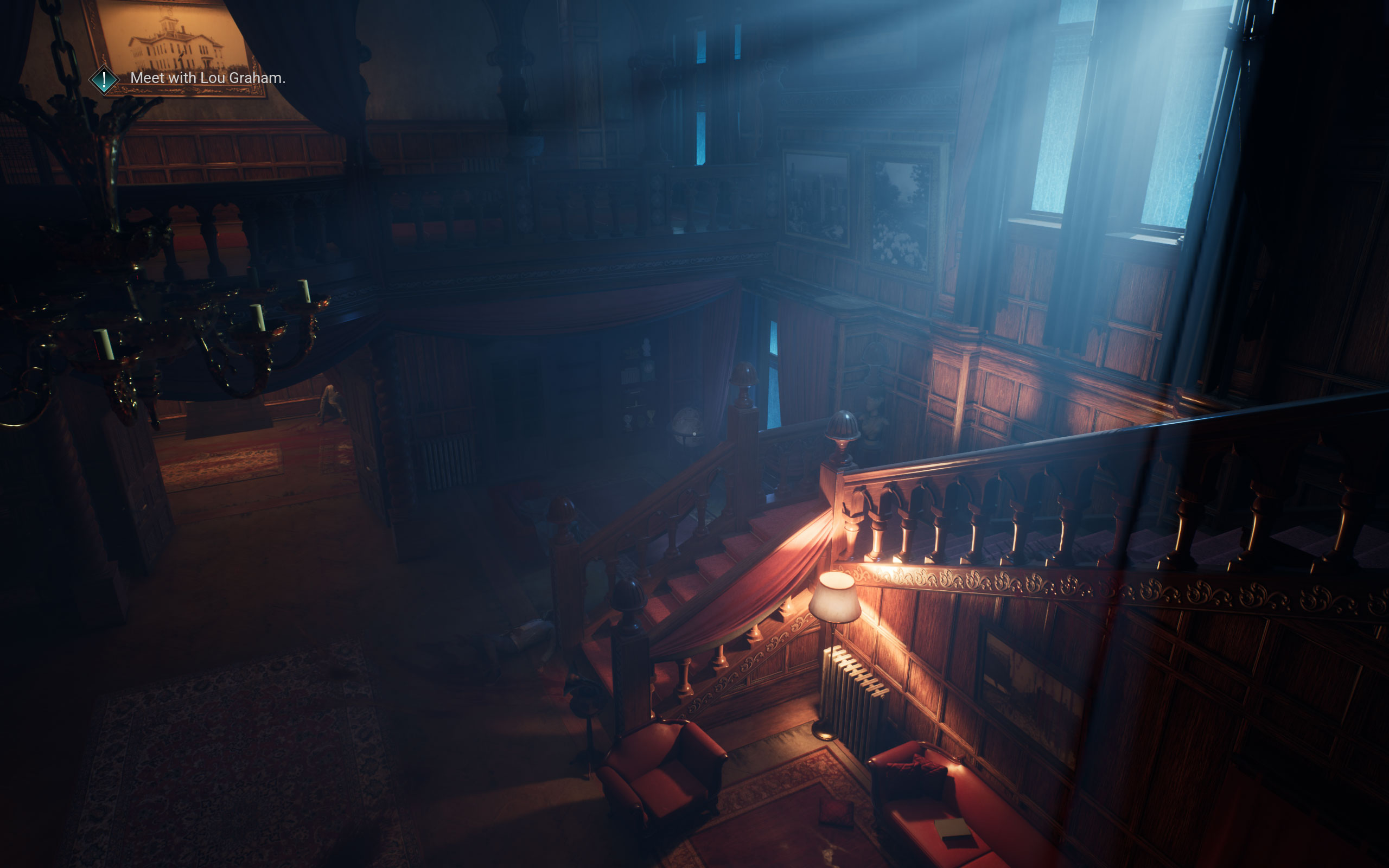
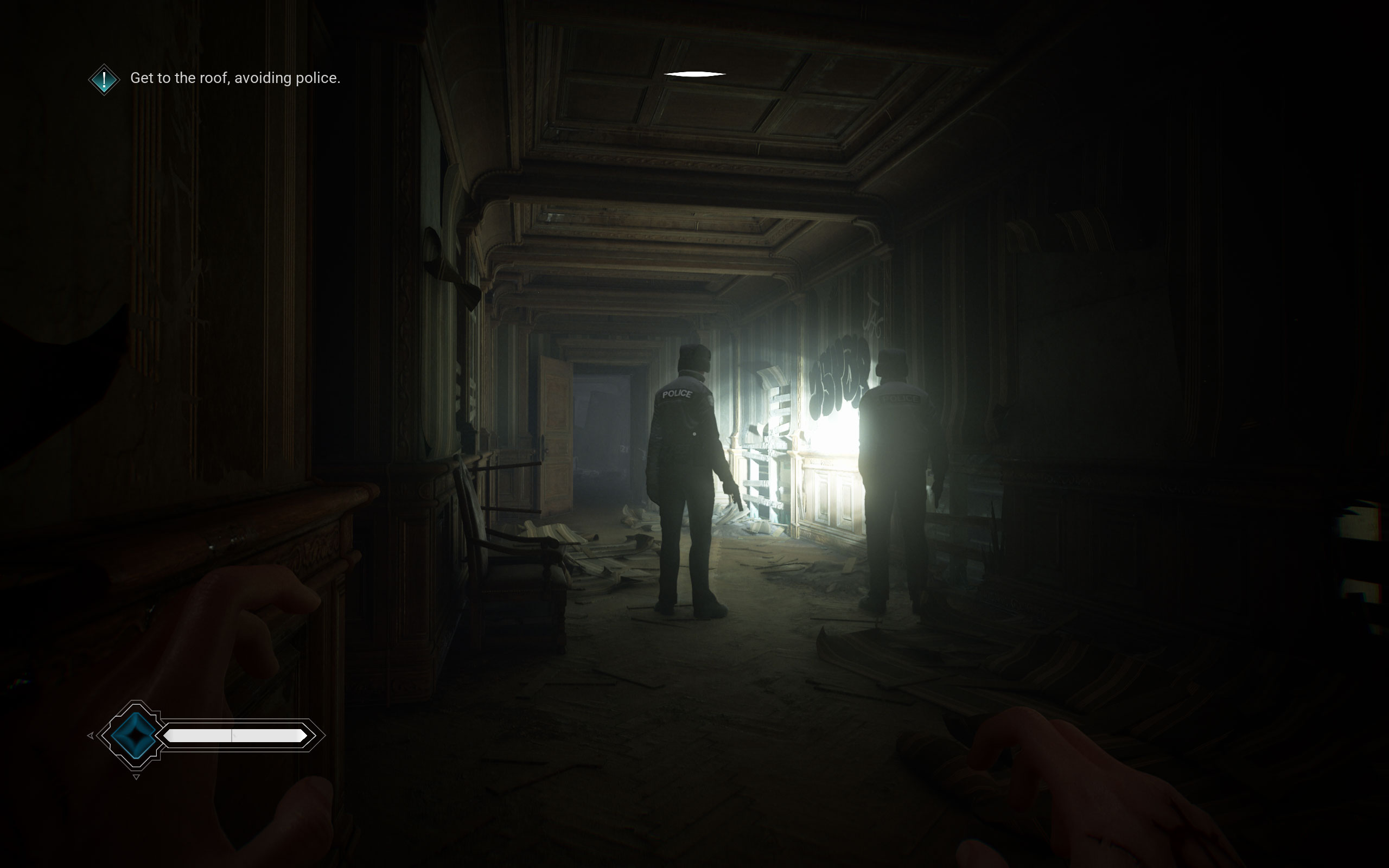
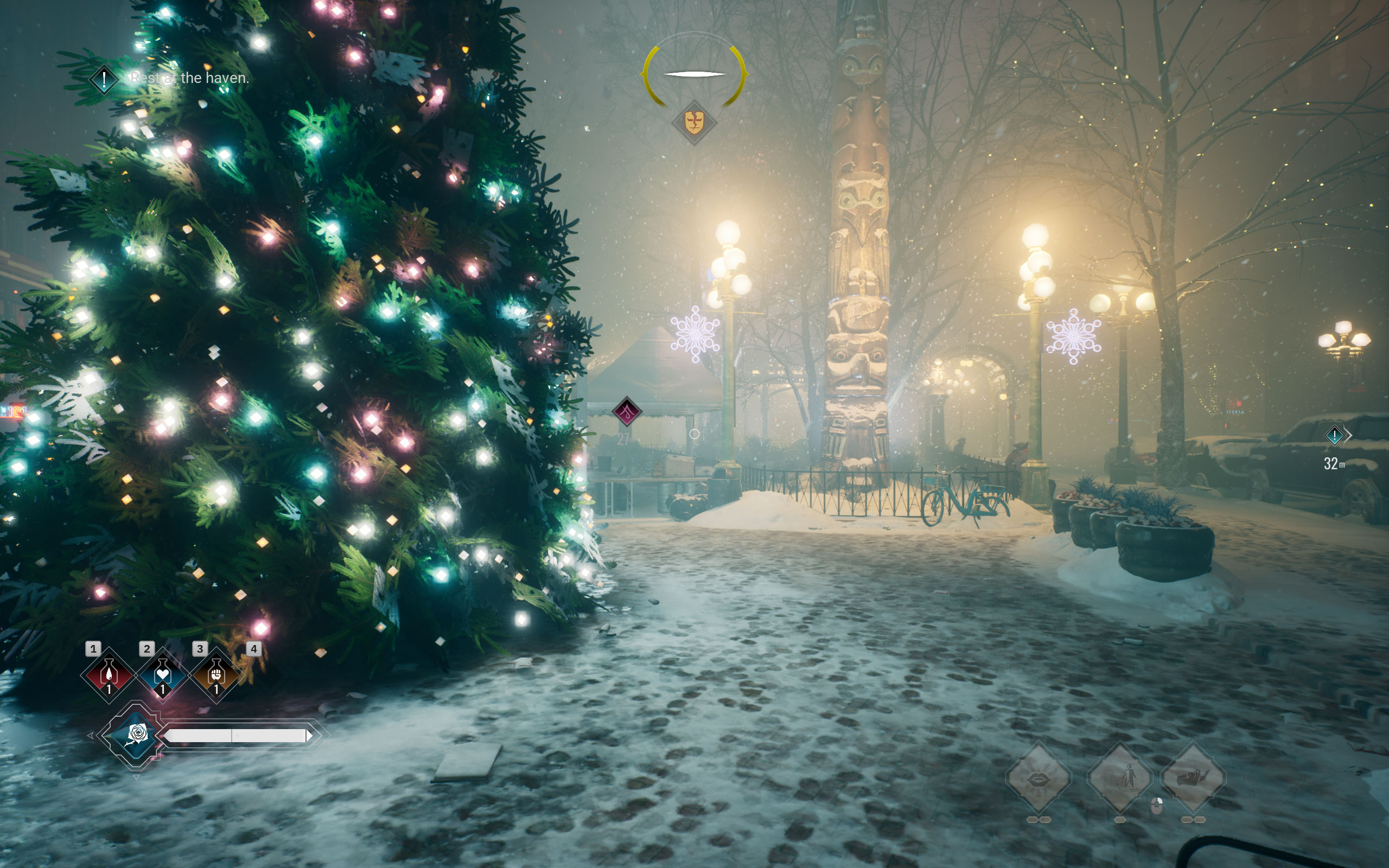
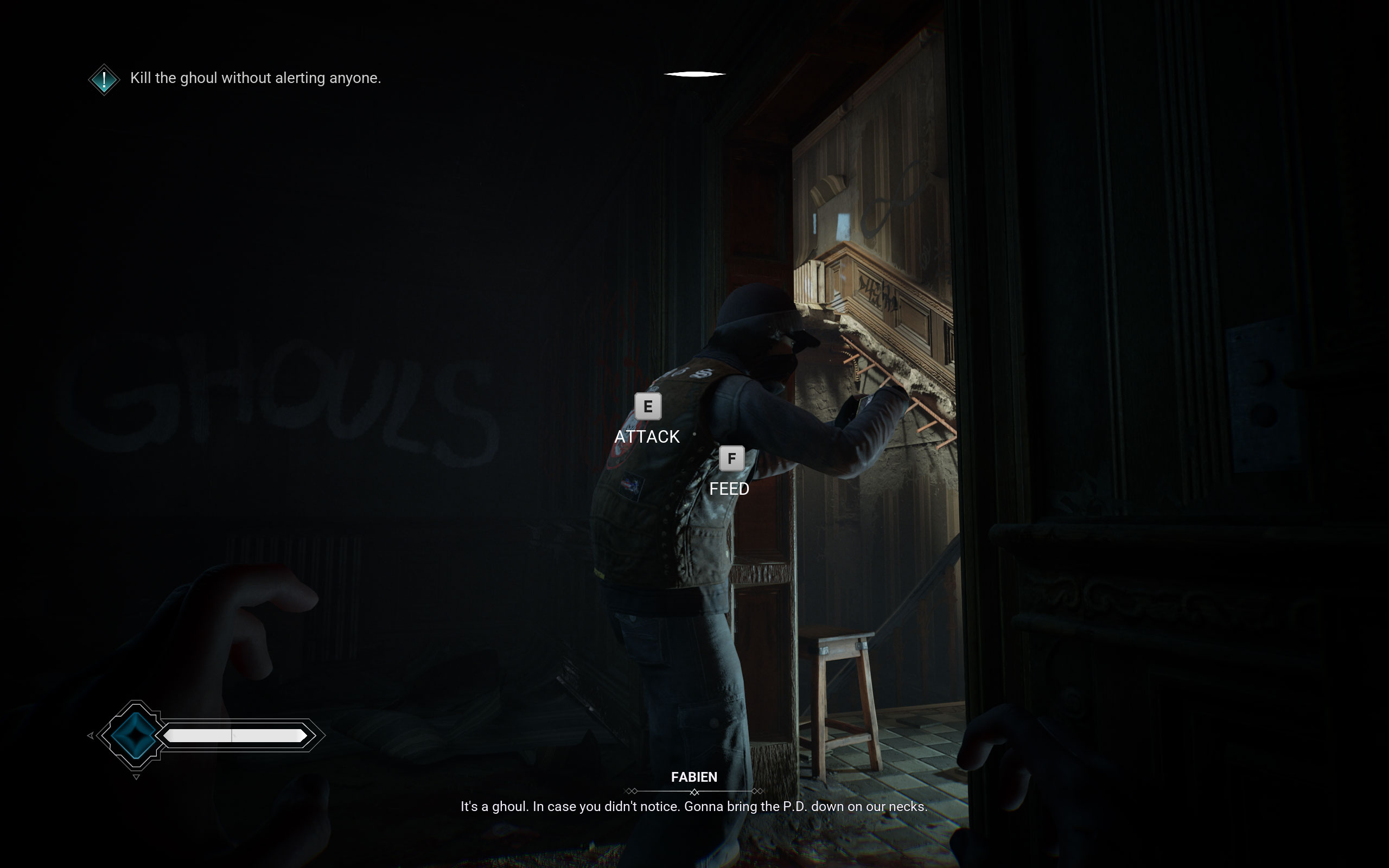
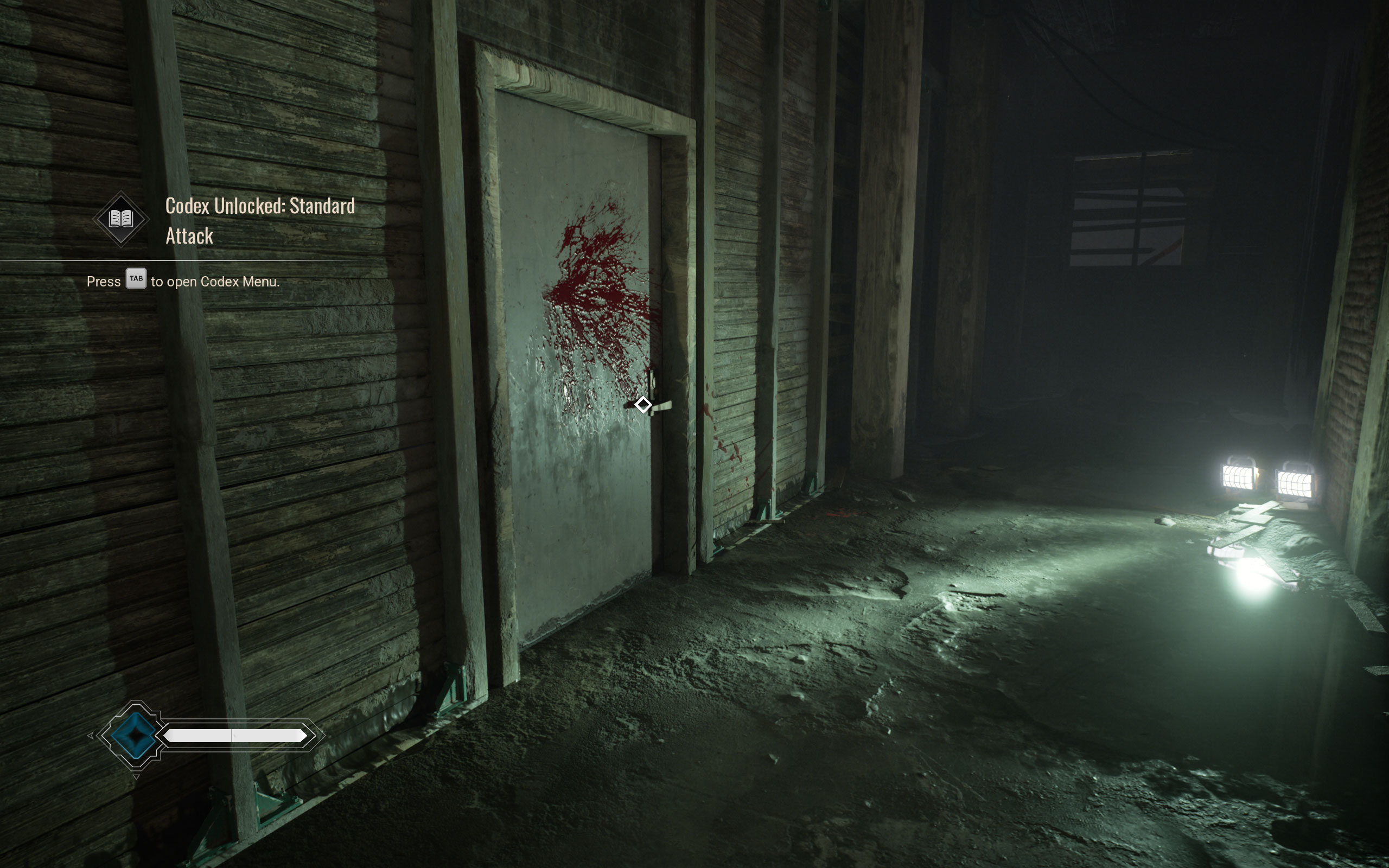
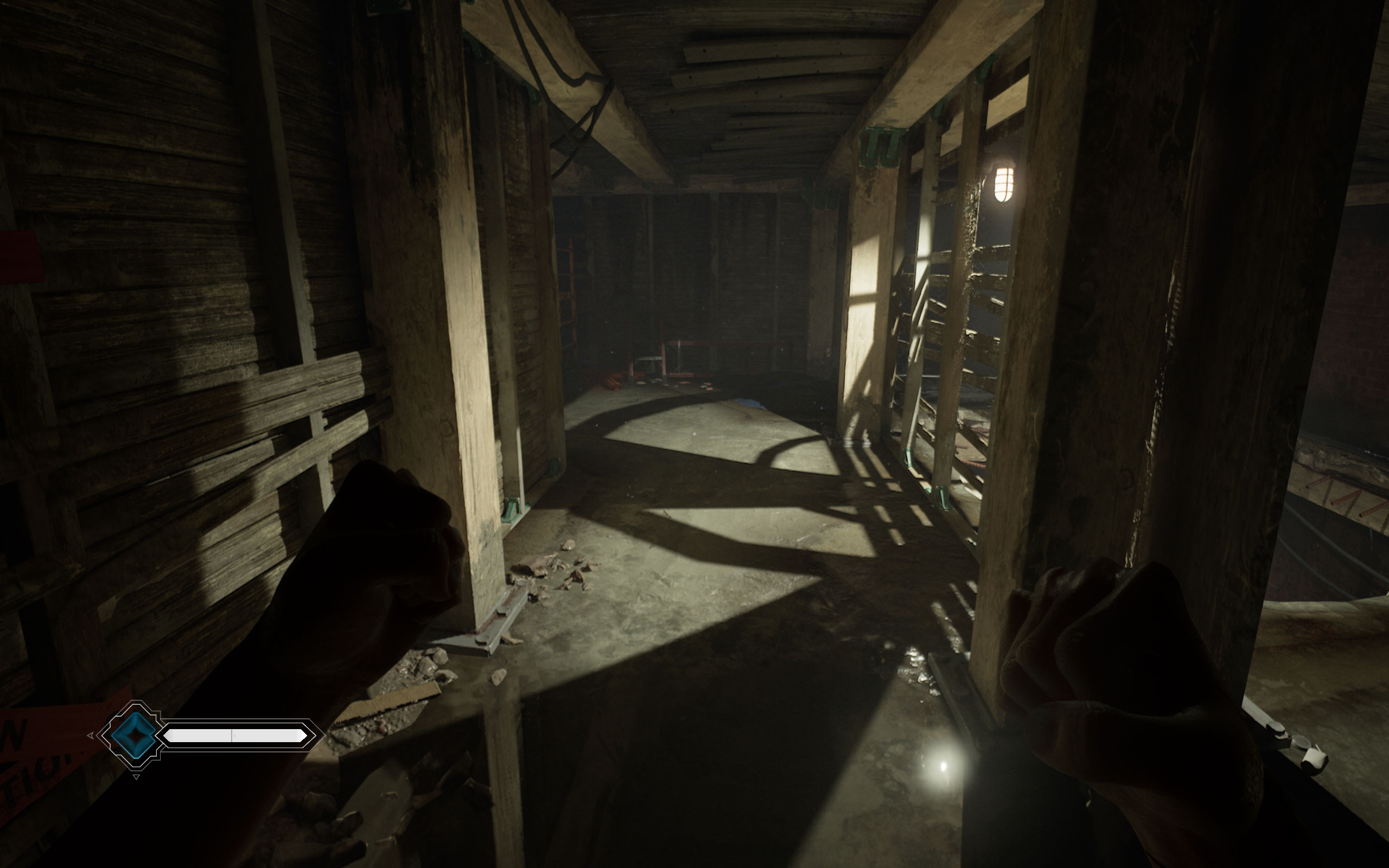
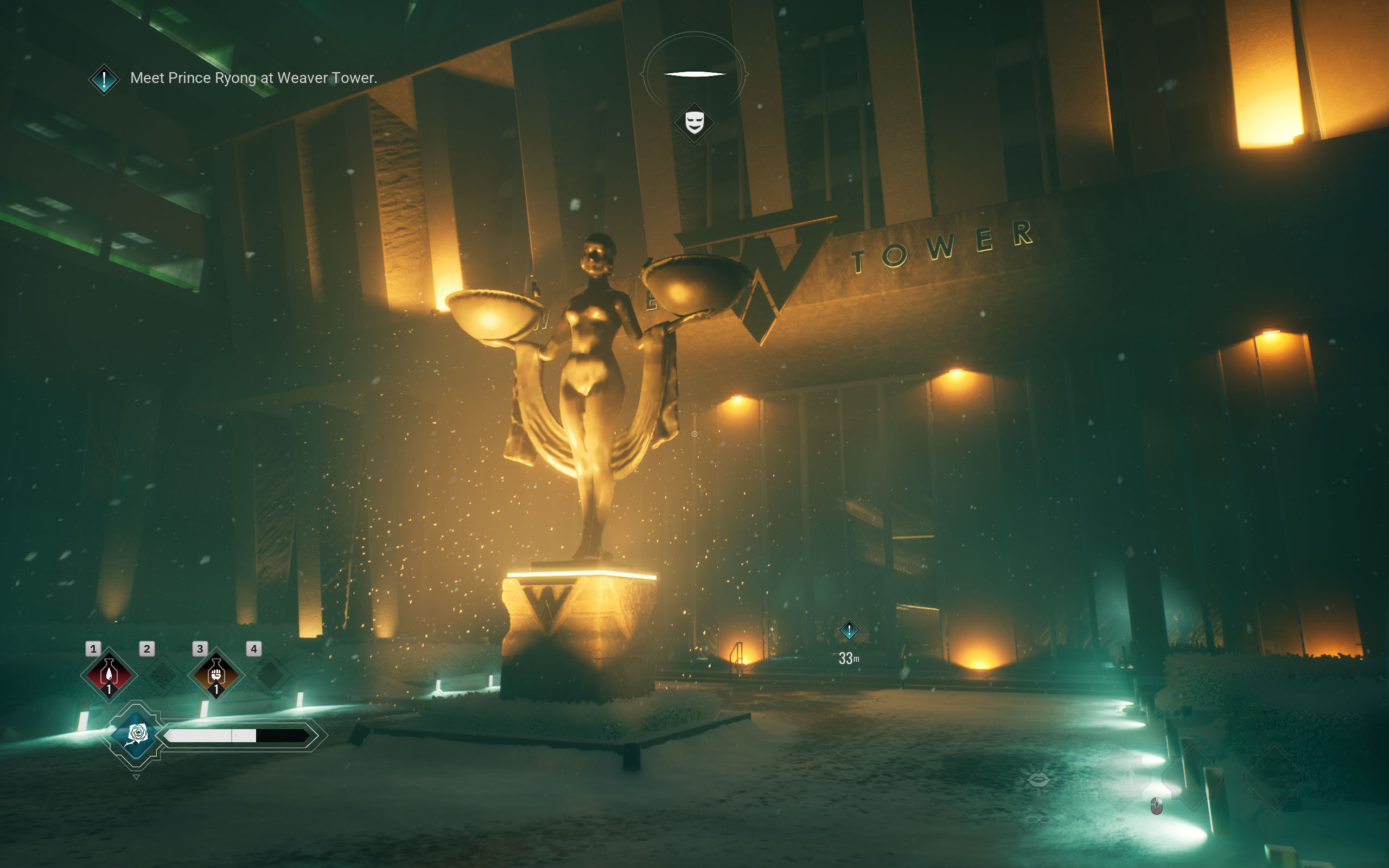
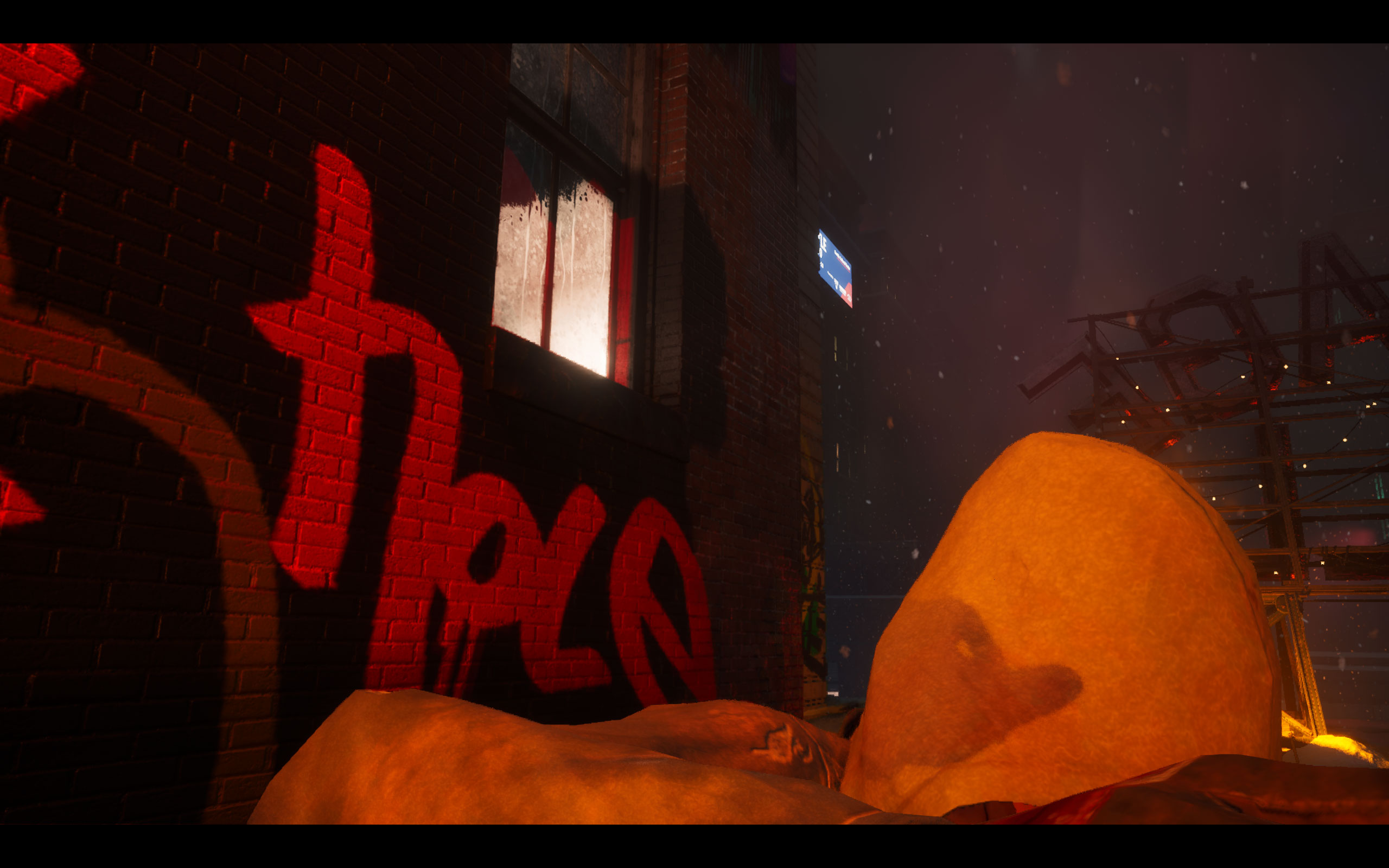
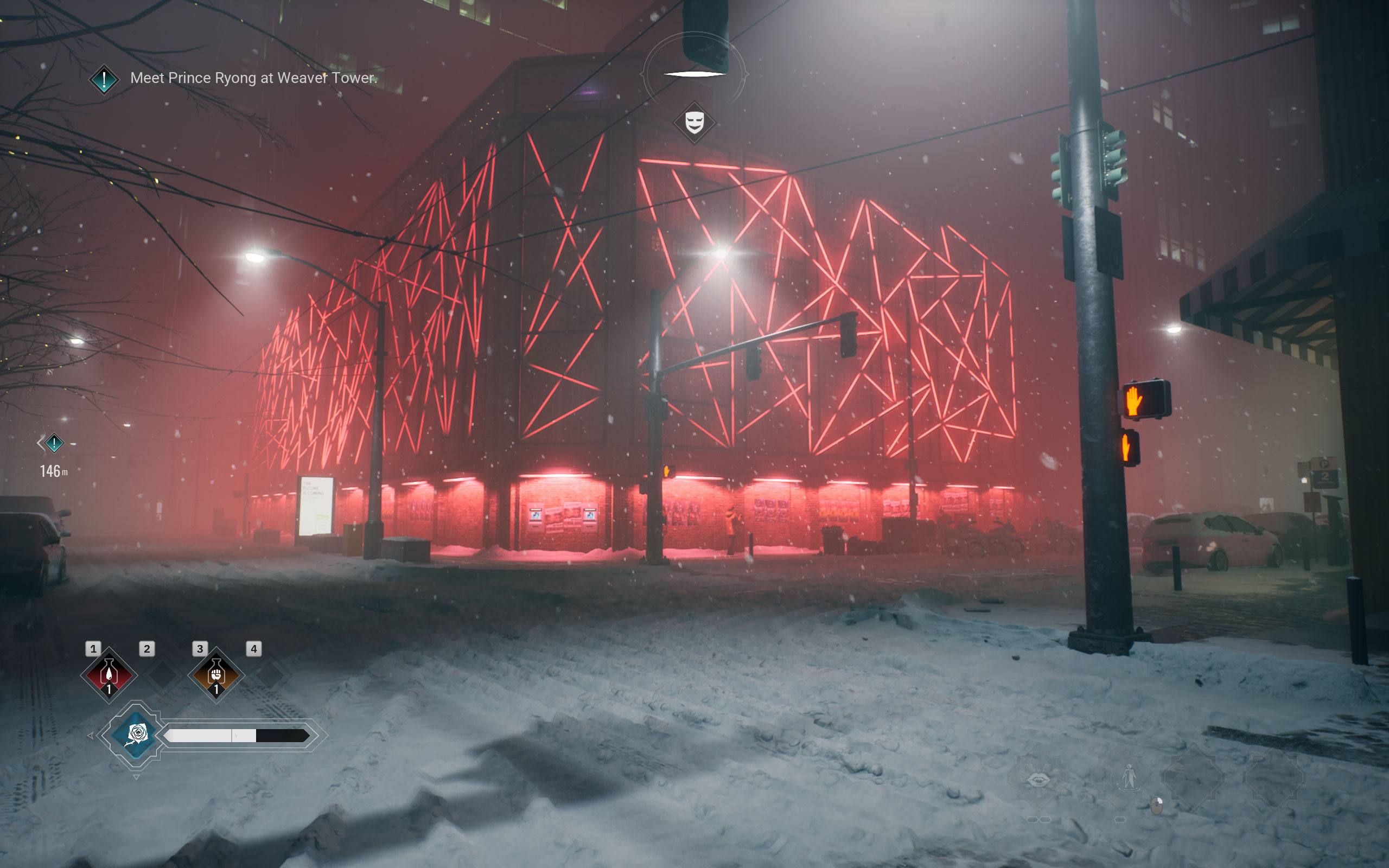
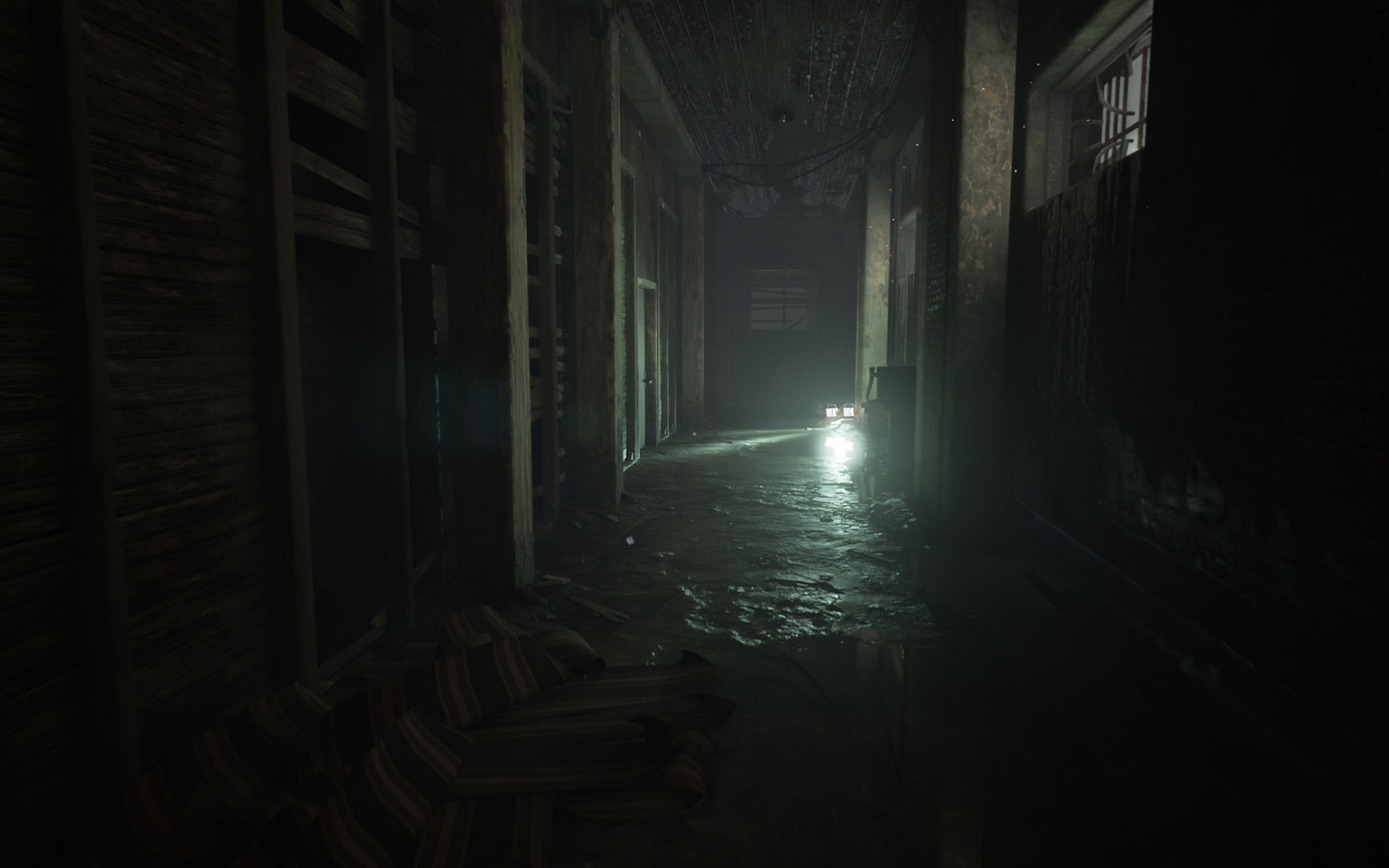
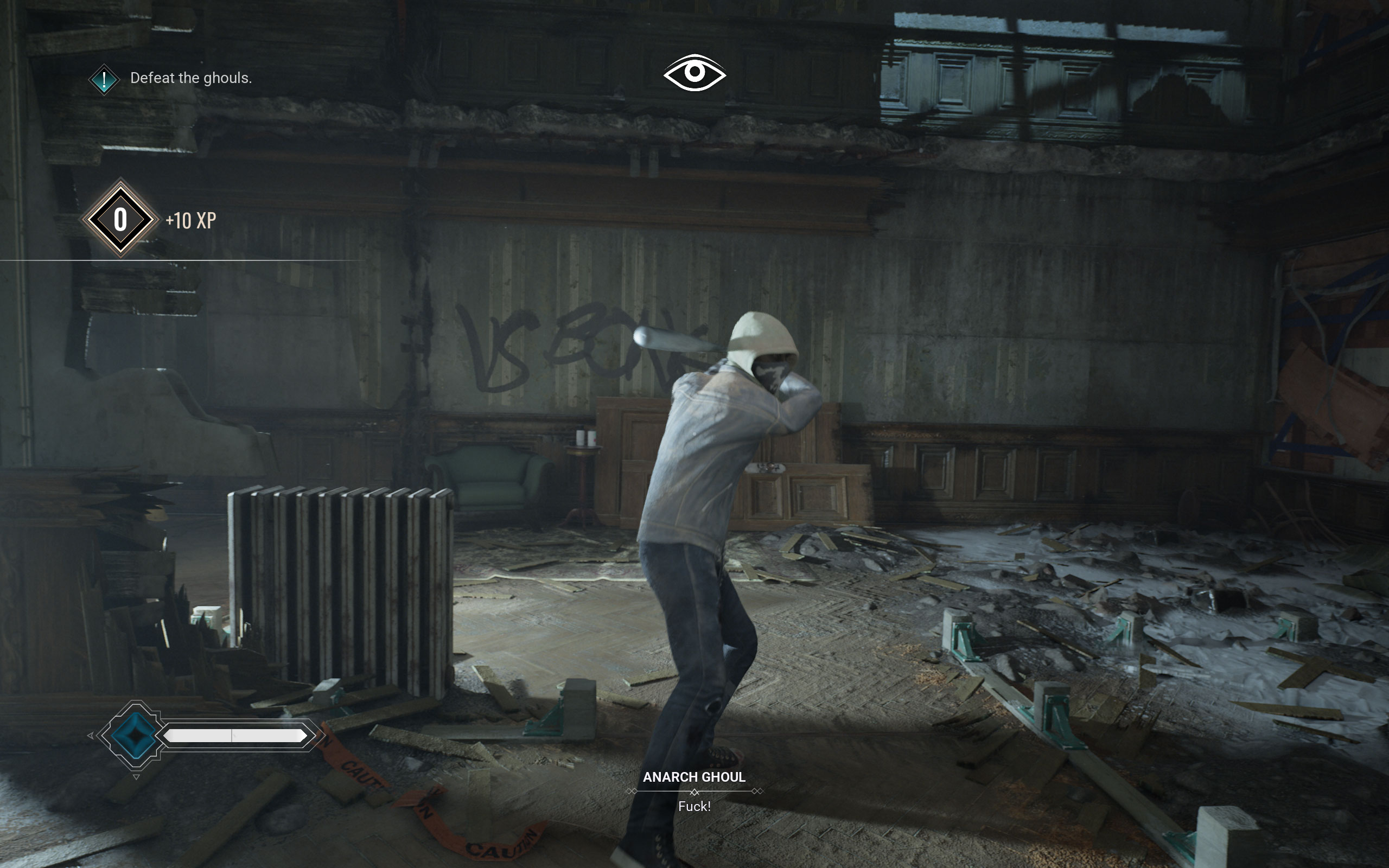
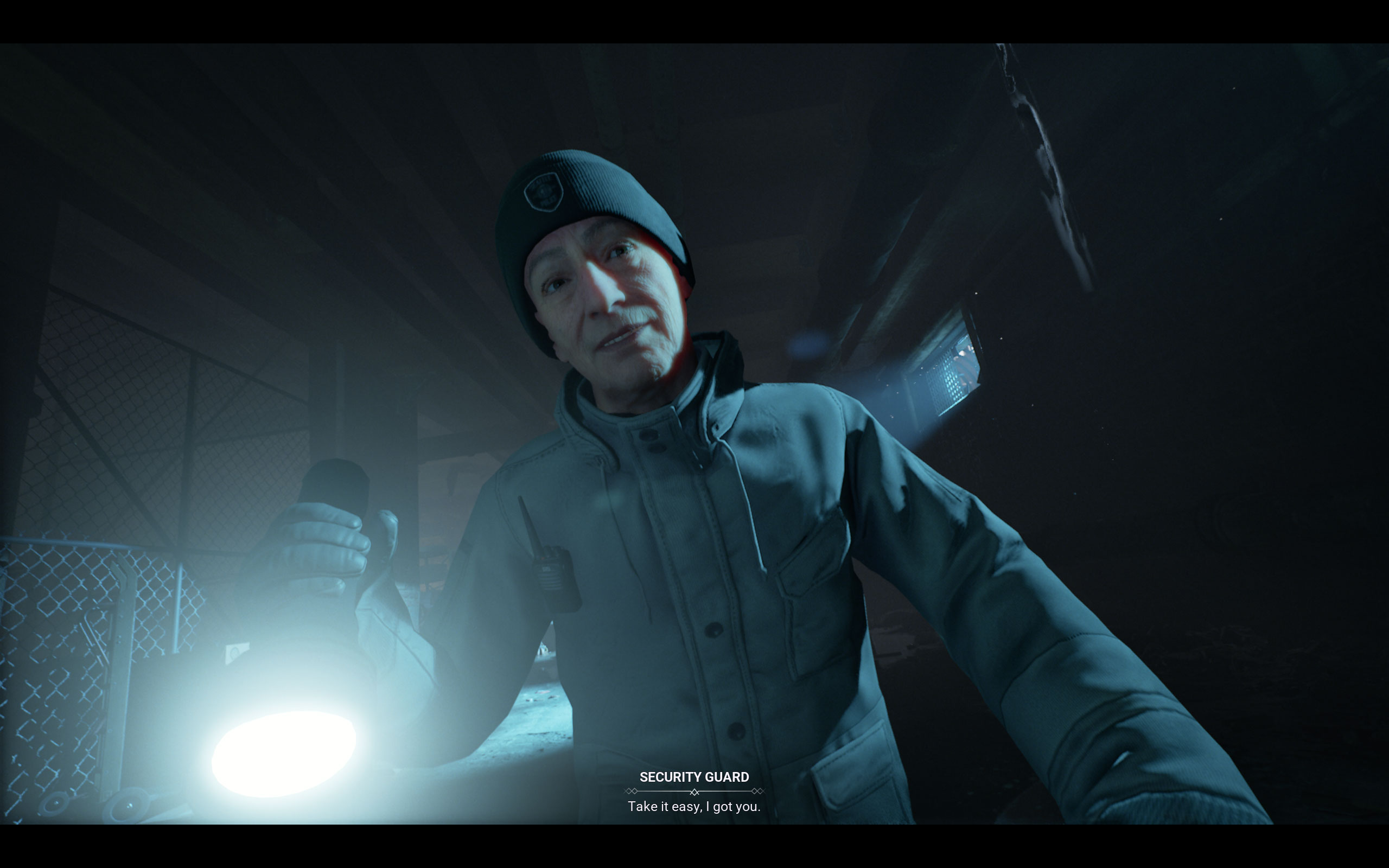
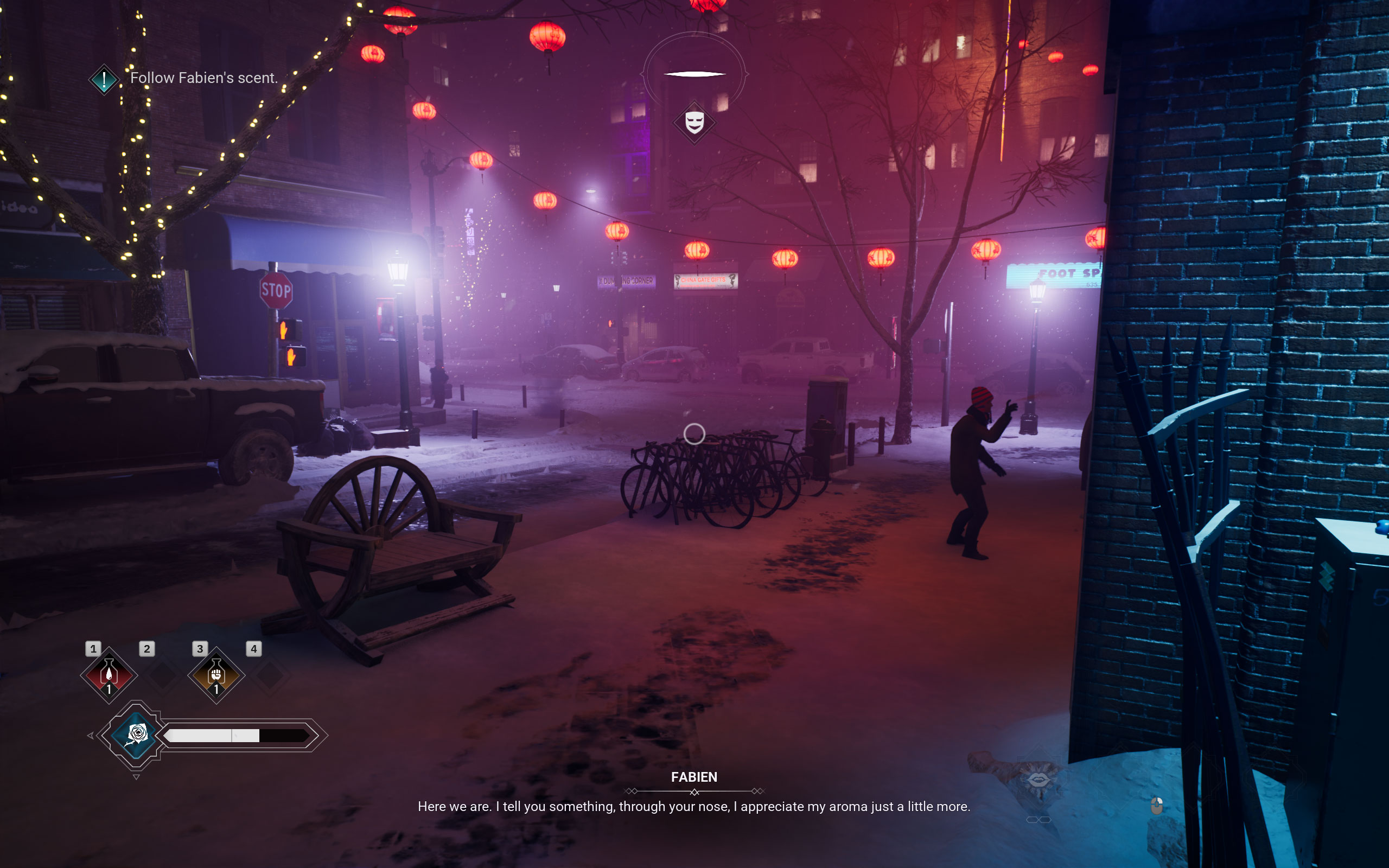
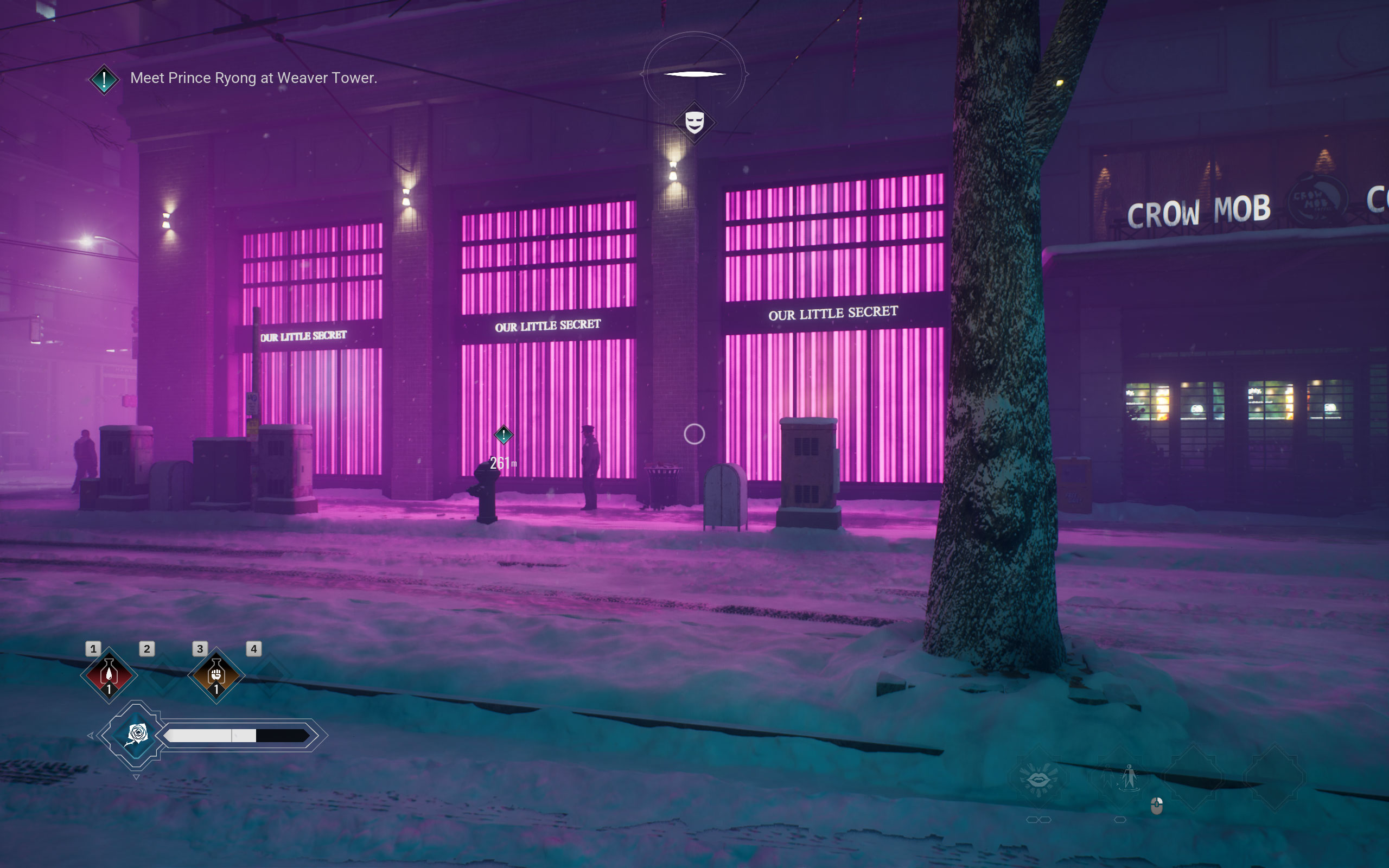
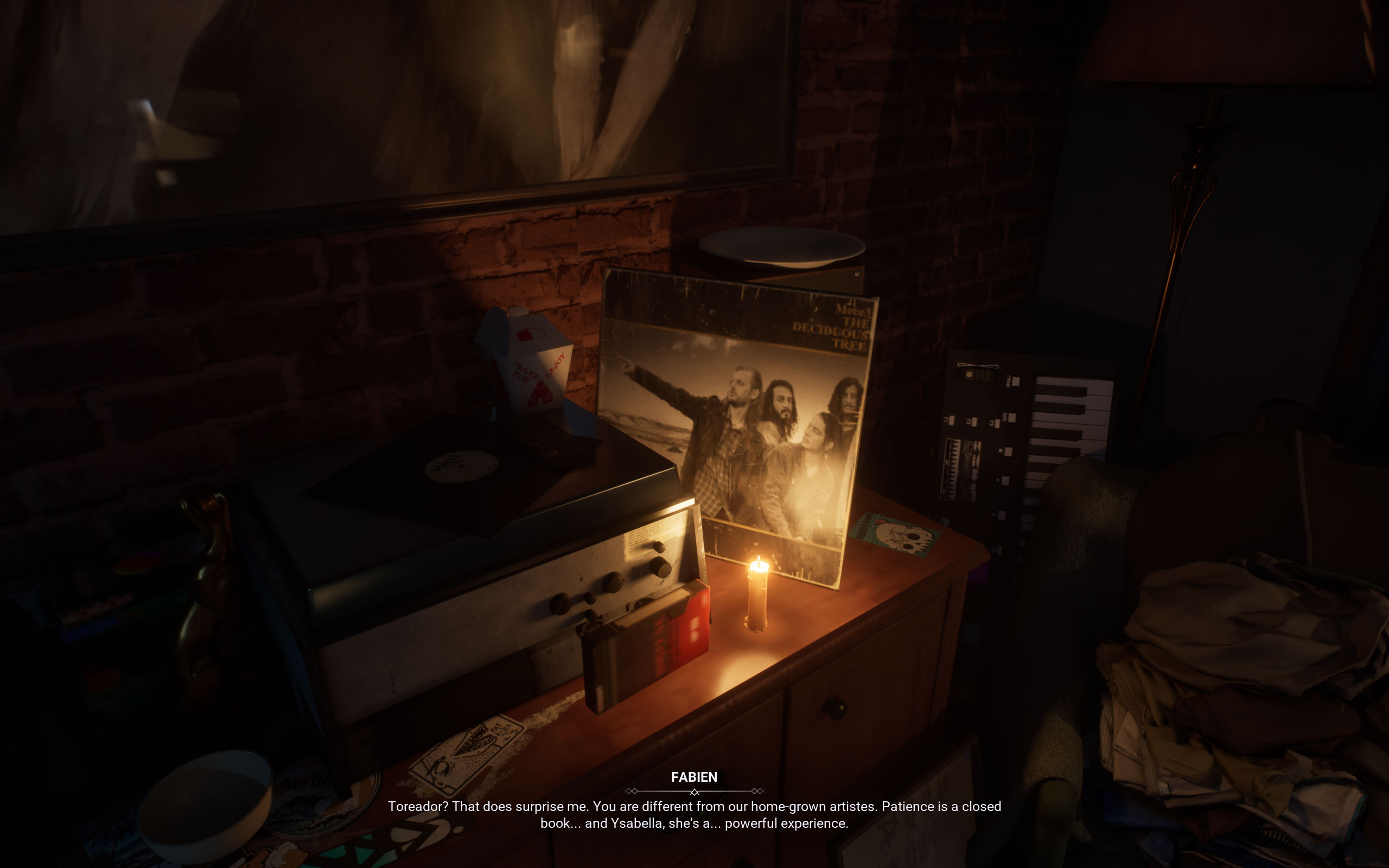
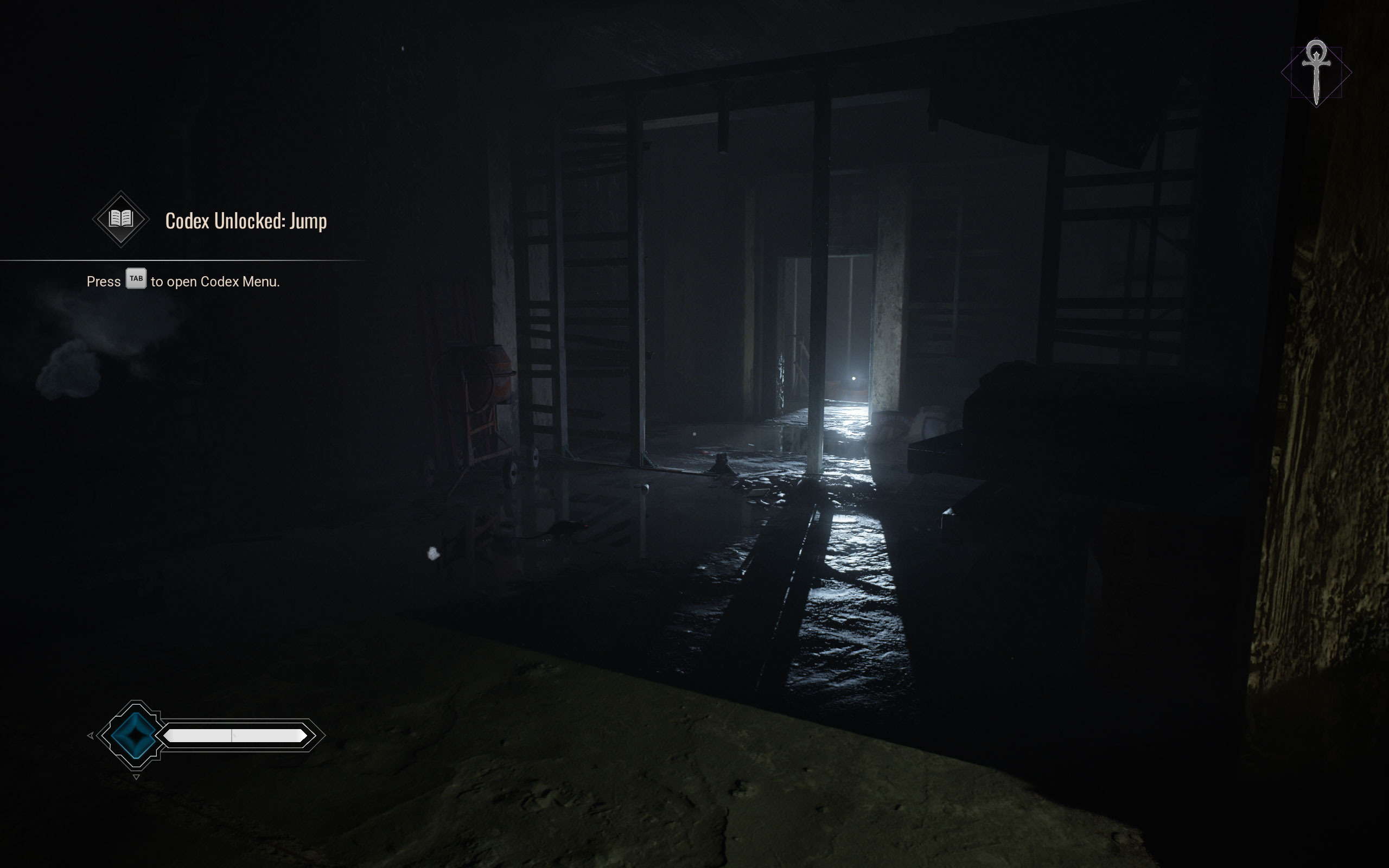
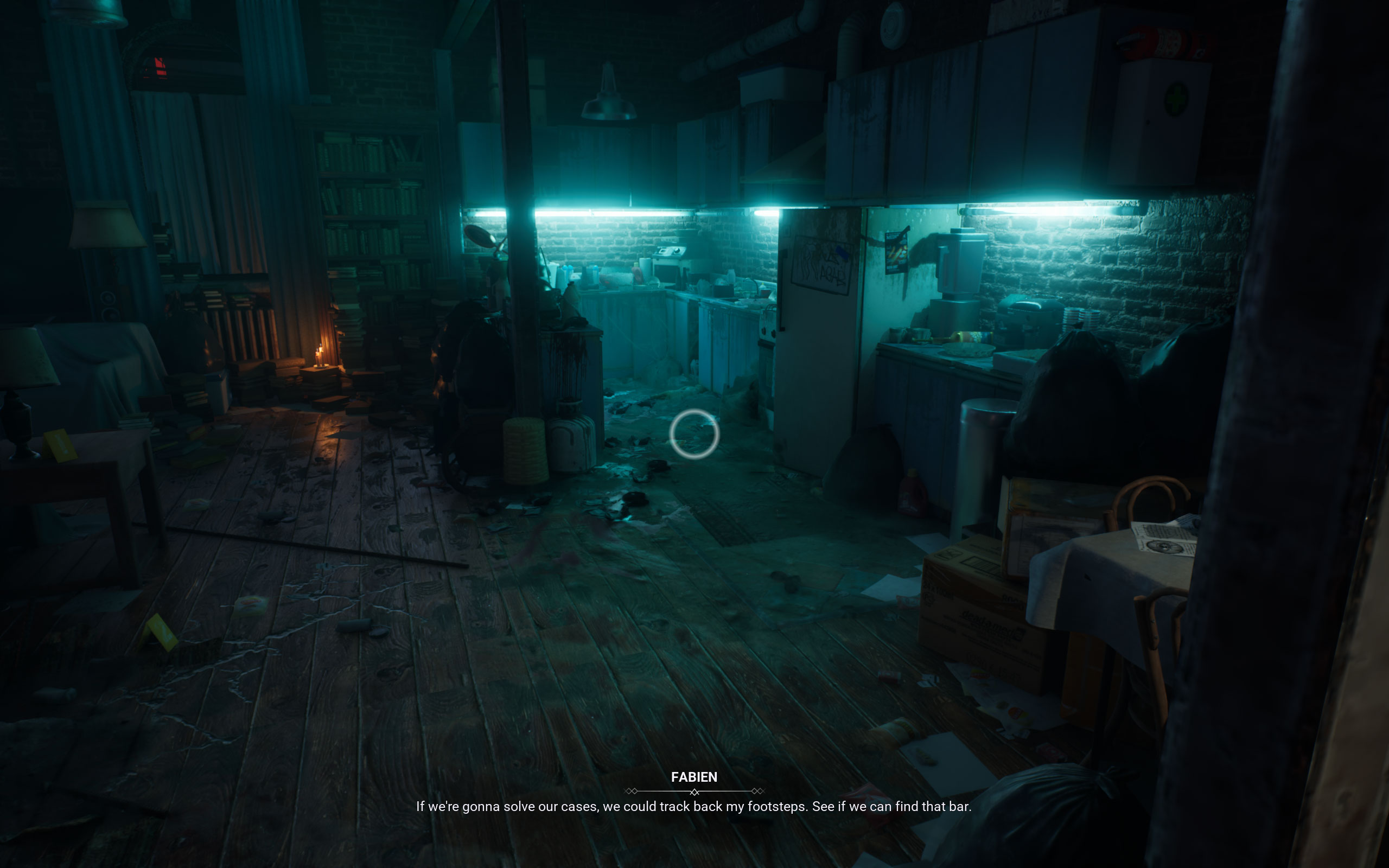
All screenshots were taken at the highest "Ultra" settings profile, upscaling was set to either 70% or 100%. There's a bug which changes it at every game restart, and I wasn't aware of that when taking the screenshots. The gallery can be navigated with the cursor keys.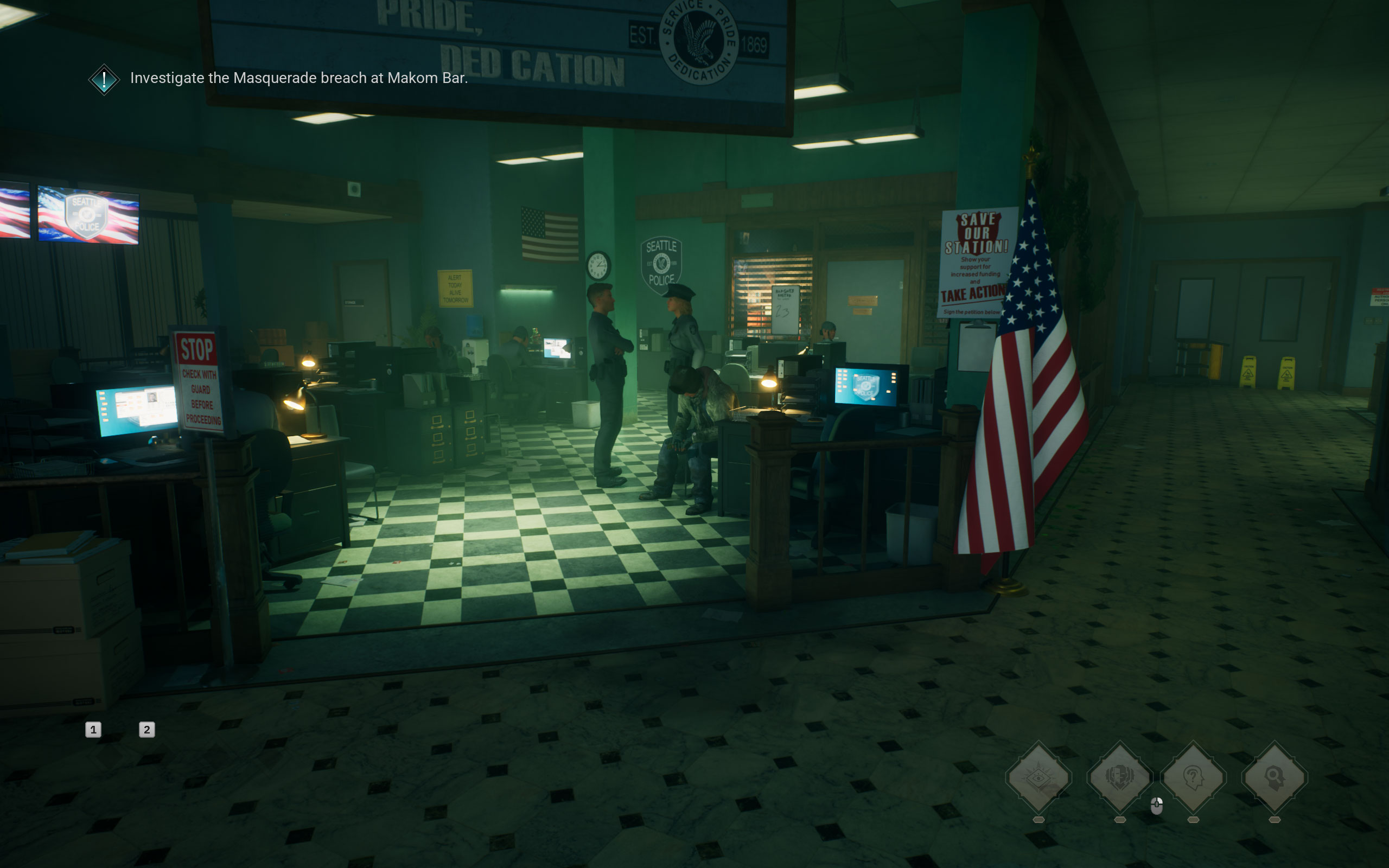


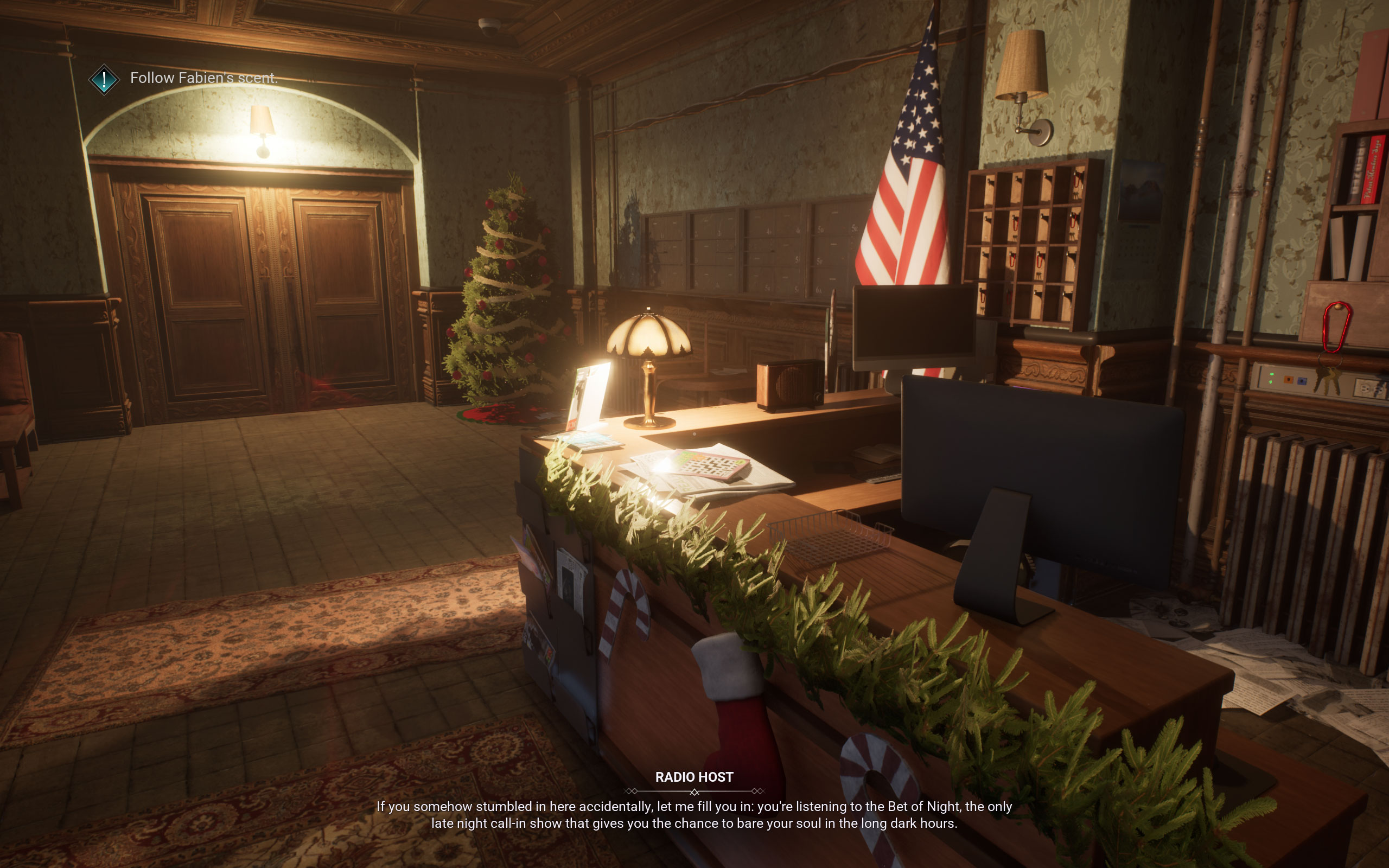
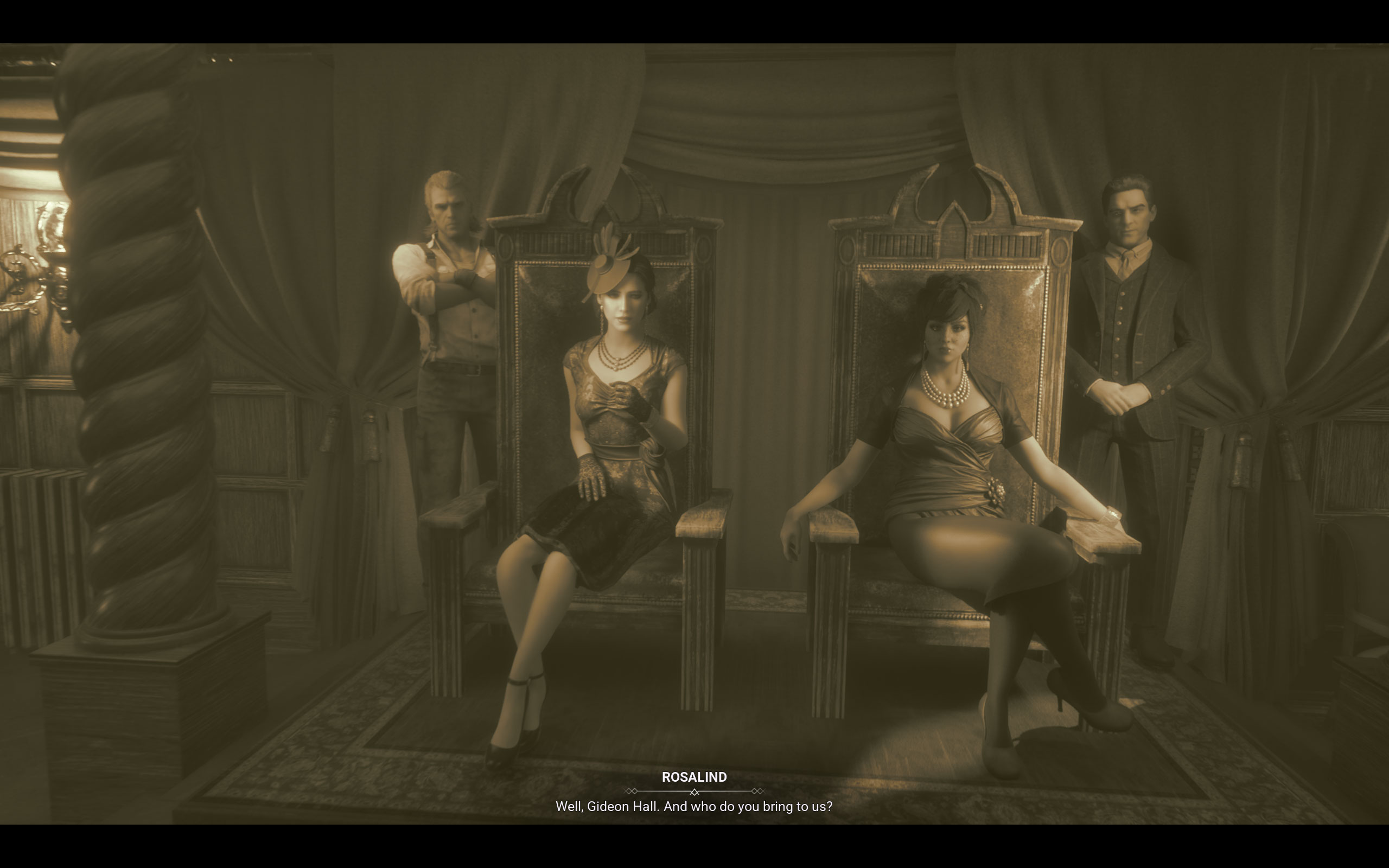
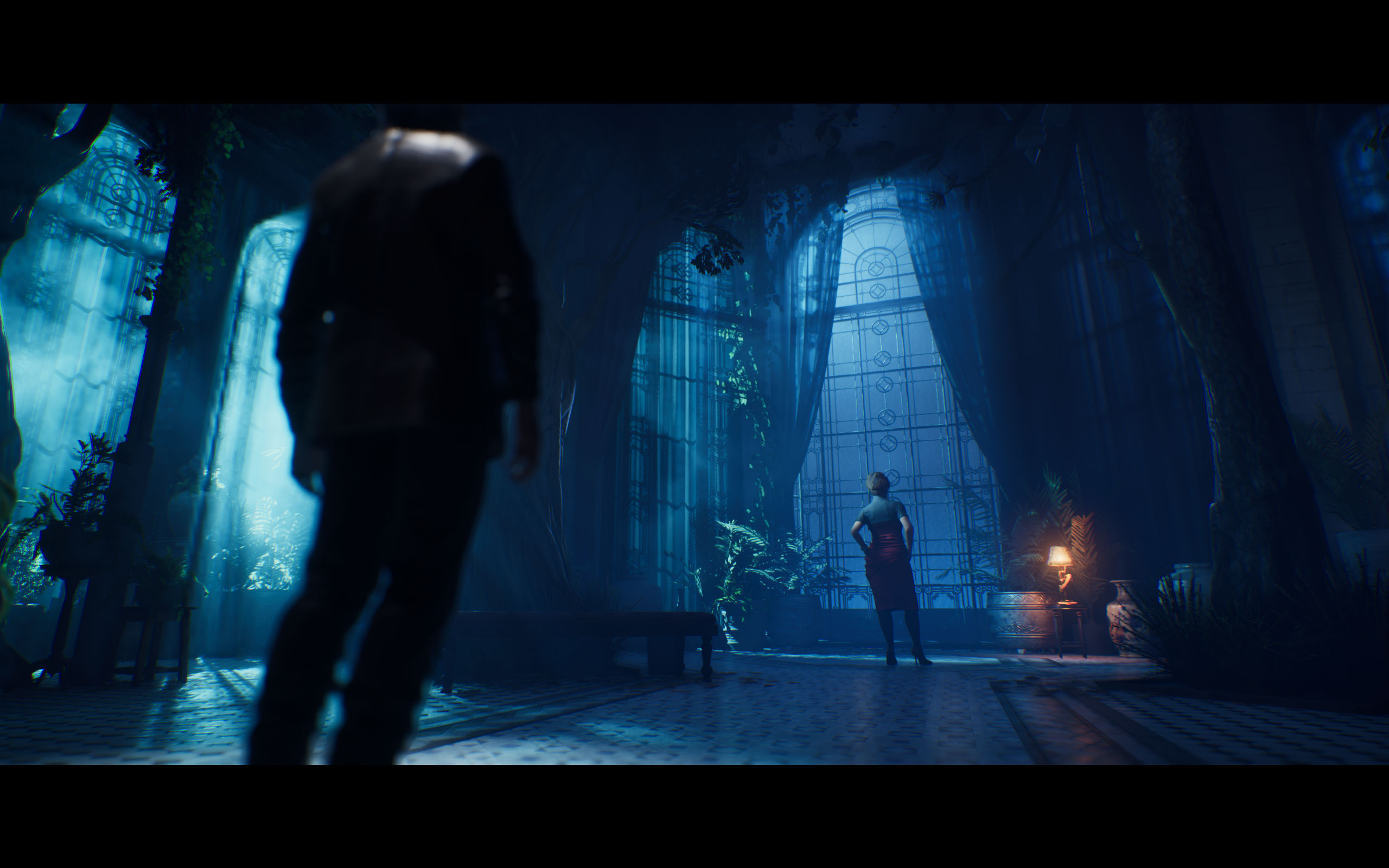
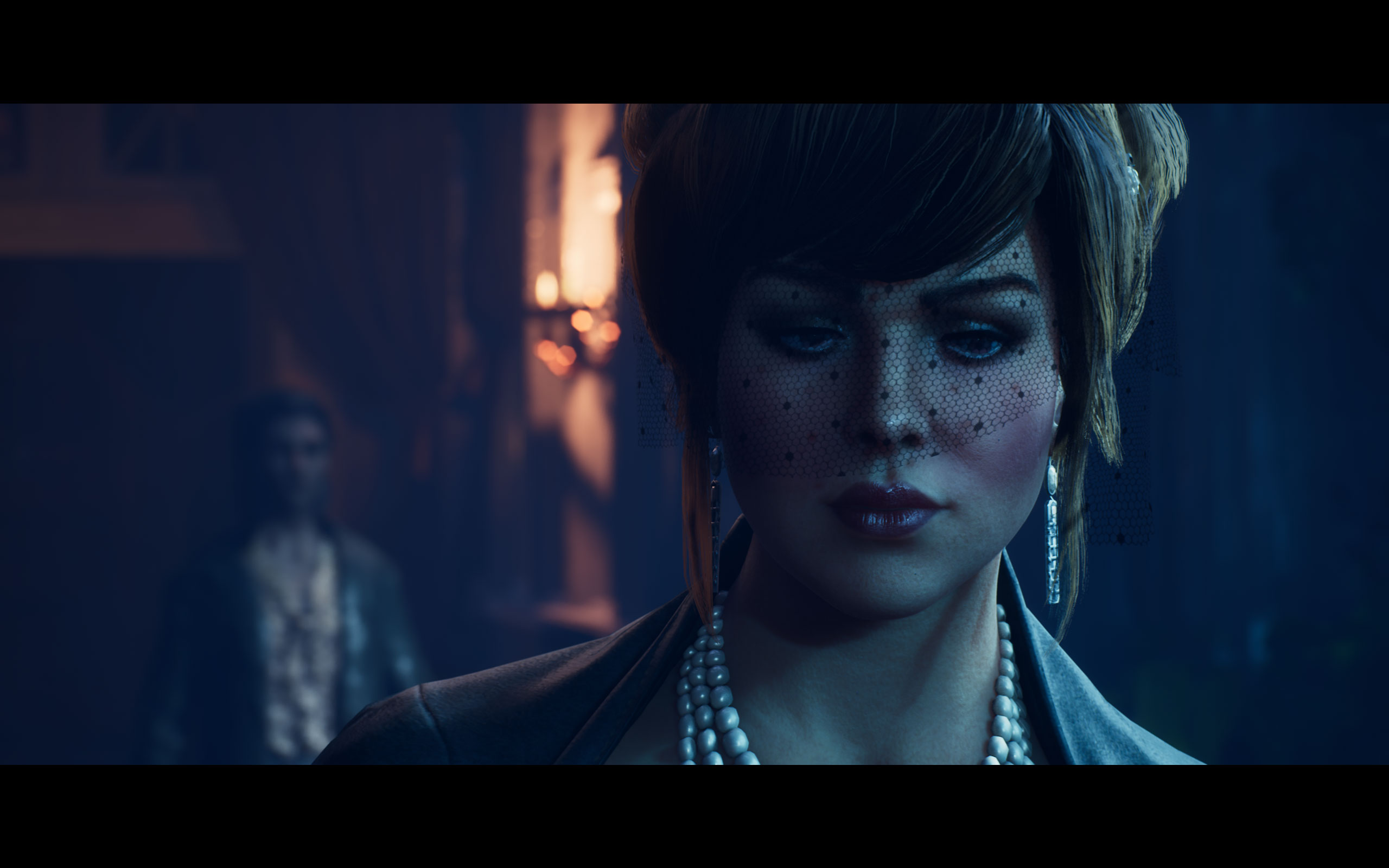


Graphics Settings
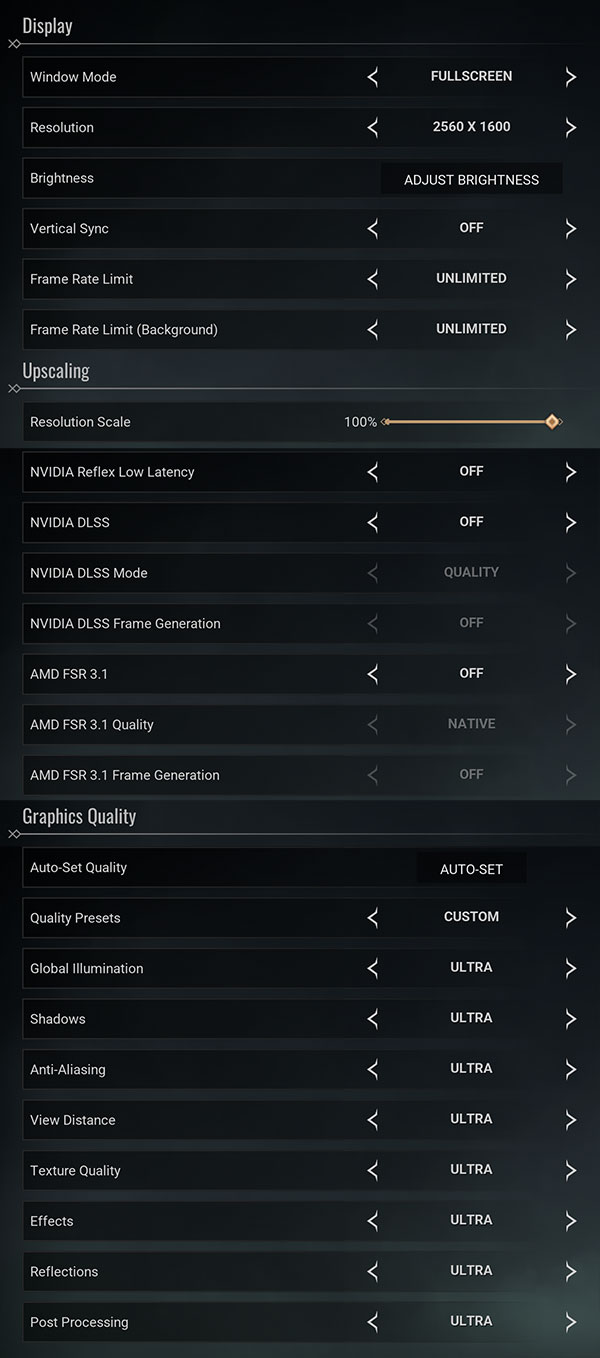
- There is just a single big graphics settings screen
- Here you can find the usual monitor settings, "fullscreen," "borderless" and "windowed" are all supported
- V-Sync can be disabled completely, there is no hidden FPS cap, the game is quite CPU limited though in some open areas
- You may also set a FPS limit, separately for when the game is running in the background
- The resolution scale slider is a bit bugged. With the "Ultra" profile it will get set to 70%, and no matter what you set, on the next game restart, the game will run at 70%, but the slider will show 100%. To change it, you have to manually change the value away from 100%, so that you can apply, then apply, and then set it back to 100% and apply again. At next game restart, the resolution will be back at 70%. This seems to be a bug and not an intentional forcing of upscaling. Still, due to this effect, some of our benchmarks are running at 70% resolution scaling
- The supported upscalers are NVIDIA DLSS and AMD FSR, there is no support for Intel XeSS
- Frame generation is supported for AMD and NVIDIA, too.
- Graphics quality presets are: "low," "medium," "high" and "ultra"
- Do note that there is no setting for motion blur, but you can improve the situation by setting post-processing to "low," which makes the motion blur less noticeable. There's also a community mod that disables it
- Also, no FOV setting
Our Patreon Silver Supporters can read articles in single-page format.
Nov 19th, 2026 15:01 CST
change timezone
Latest GPU Drivers
New Forum Posts
- Security Apps (2)
- How to prevent OLED burn damage due to PC freezes or power outtages? (28)
- Last game you purchased? (1408)
- Making a game in Godot engine (3)
- Got the EOL 32GB TridentZ 6000 CL26 1.4V (11)
- GTA VI (7)
- Very unusual two gaming-pc scenarios. (21)
- WarpCoreBench scores! (74)
- When you could finally run Crysis maxed out? (62)
- Windows 11 General Discussion (7734)
Popular Reviews
- Acemagic Retro X3 Review
- Ugreen NASync DXP4800 GT Review
- Upcoming Hardware Launches 2027 (Updated Nov 2026)
- Pulsar Office Tour & First Look at P1 Dual-Sensor Mouse
- AMD Zen 6 Technical Deep Dive
- Biwin Black Opal NV7400 2 TB Review
- Sapphire Radeon RX 7700 XT Pure Review
- Sapphire Radeon RX 7700 XT Pulse Review
- AMD Ryzen 7 9800X3D Review - The Best Gaming Processor
- Chieftec Iceberg PRO 360 DARK Review
TPU on YouTube
Controversial News Posts
- NVIDIA Co-Founder and CEO Jensen Huang Officially Resigns (486)
- Report: Jensen Huang Eyes NVIDIA Comeback (222)
- Open Letter Asking NVIDIA to Reinstate Jensen Huang Passes 115,000 Signatures (184)
- OpenAI CEO Argues Home PCs Waste the World's Limited DRAM Supply (152)
- NVIDIA Launches Investigation Into Jensen Huang's Relationship With Suspected Chinese Spy (136)
- Intel "Raptor Lake Next" 16-Core and 20-Core CPUs Surface (130)
- Legendary Game Studio BioWare Shuts Down Following EA Layoffs (104)
- Dell CEO Says the Memory Shortage Will Get Worse in 2027 (95)