 43
Warhammer: Space Marine 2 Performance Benchmark Review - 35 GPUs Tested
(43 Comments) »Introduction
Warhammer 40,000: Space Marine 2 is a third-person action game set in the dark future of the 41st millennium. Players step into the role of Captain Titus of the Ultramarines, leading humanity's fight against the Tyranids, a relentless alien species. The game immerses players in the grim Warhammer 40,000 universe, with large-scale battles across war-torn planets and citadels. You get to use iconic weapons such as the Chainsword and Bolter to engage in both melee and ranged combat. With a focus on tactical warfare, you can also command fellow Space Marines in dynamic, squad-based combat. The game's fast-paced action is combined with immersive storytelling and epic battle sequences. Space Marine 2 also features a multiplayer mode where players can team up with friends or face off in battles with other players.
Developed by Saber Interactive, Warhammer 40,000: Space Marine 2 leverages modern game technologies, including DirectX 12. The game engine used is called "Swarm," and has been used in World War Z before—one of its unique capabilities is support for large hordes of enemies. The game also supports upscaling technologies like NVIDIA DLSS and AMD FSR, ensuring smooth performance across different systems, there is no support for ray tracing or frame generation.
This review will evaluate the performance of Warhammer 40,000: Space Marine 2 across a wide range of contemporary graphics cards, compare image quality settings, and analyze the game's VRAM usage to provide insight into the hardware requirements needed for an optimal experience.
Screenshots
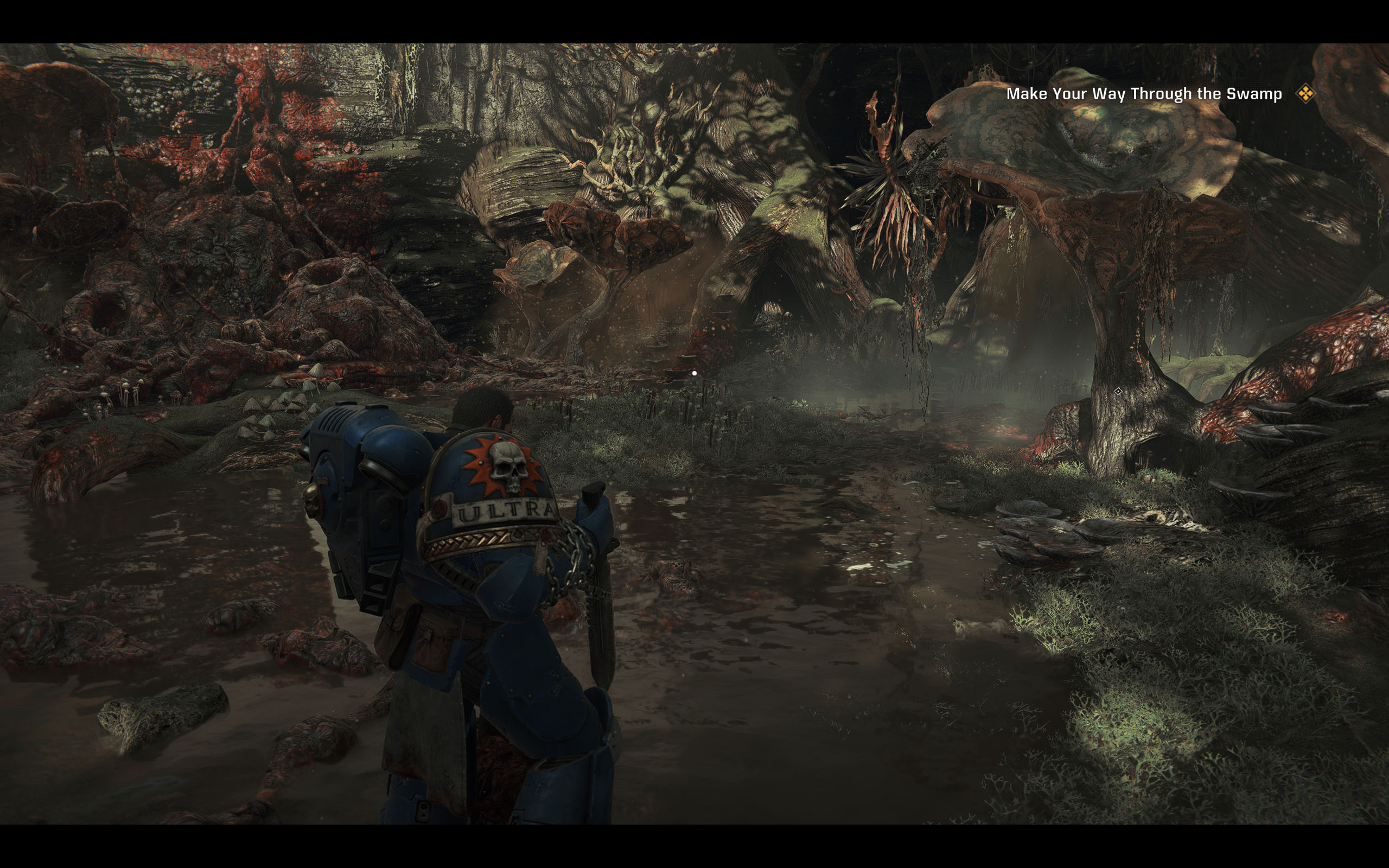
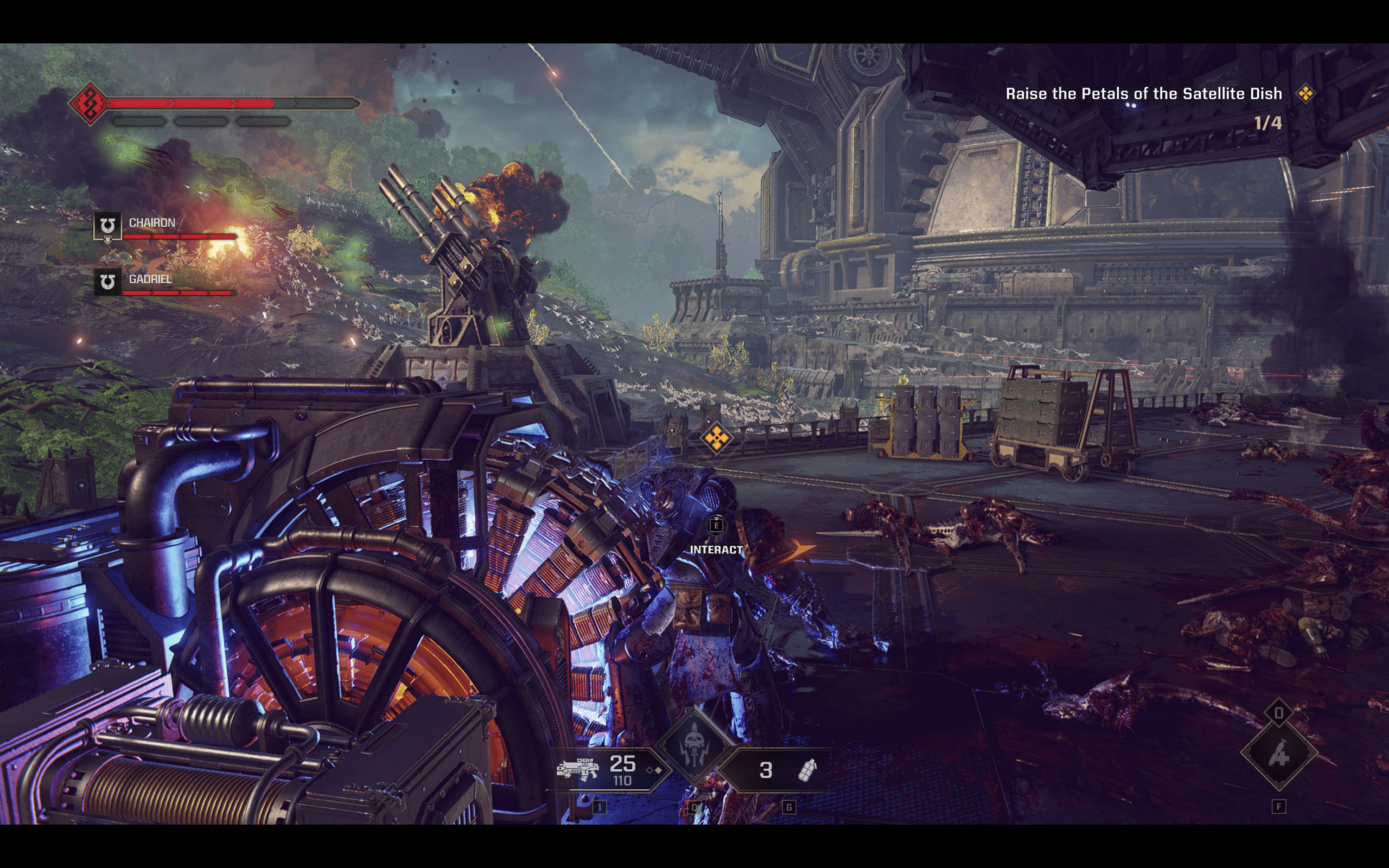
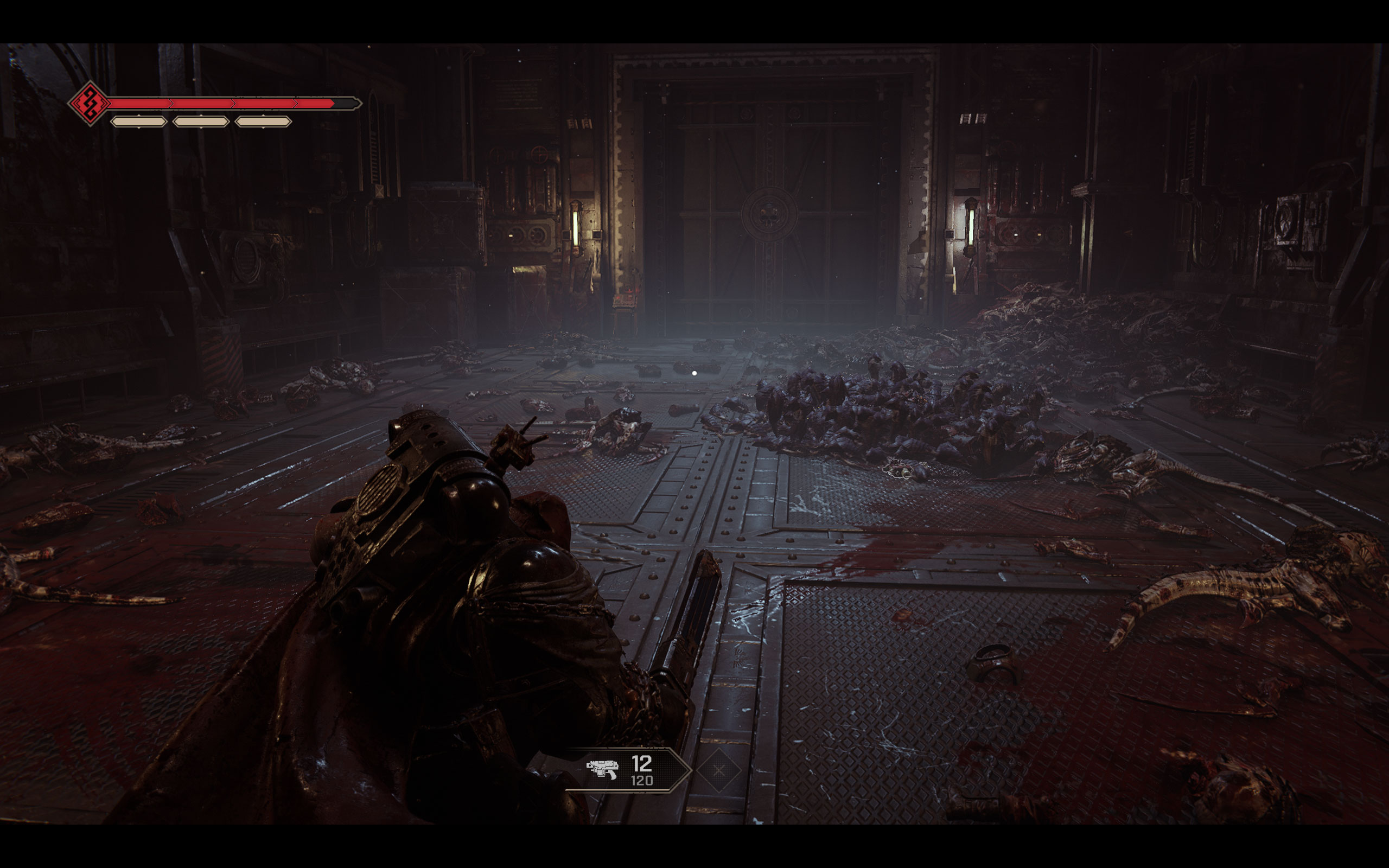
All screenshots were taken at Ultra settings, with all upscalers disabled. The gallery can be navigated with the cursor keys.








Graphics Settings

- There is just a single video settings screen
- Space Marine 2 supports "fullscreen," "borderless" and "windowed"
- Supported aspect ratio is 16:9 only, no 21:9, no 32:9, not even 16:10. As you can see, our native 16:10 has black bars on top and bottom
- The "Render Resolution" option lets you control the upscaling, options available are "native," "quality," "balanced," "performance," "ultra performance," and "dynamic," which uses the "Dynamic Resolution FPS Target" option further below
- "Resolution Upscaling" lets you select the actual upscaler used, options are "TAA," "FSR2" and "DLSS"
- There is no support for Frame Generation
- V-Sync can be disabled completely, there is no hidden FPS cap
- You can set "Motion Blur Intensity" to "off," which really is just "low." As you can see on our screenshots, there is still some blur for animations
- An FPS limiter is available, which can be freely set to 30, 60, 90, 120 or off.
- The "Quality" presets available are: "low," "medium," "high" and "ultra"
- In addition to that, there is a solid list of options to fine-tune performance
- The little triangles in front of the menu options are used to indicate "setting not at default value"
set SteamAppId=2183900
set SteamGameId=2183900
I:
cd "I:\SteamLibrary\steamapps\common\Space Marine 2\client_pc\root\bin\pc\"
"Warhammer 40000 Space Marine 2 - Retail.exe"
Adapt it for your game's installation path of course.
Our Patreon Silver Supporters can read articles in single-page format.
Nov 22nd, 2026 12:33 CST
change timezone
Latest GPU Drivers
New Forum Posts
- What are you playing? (26239)
- Honestly, do you care about GTA VI? (259)
- Your PC ATM (36455)
- UPS what one to get? (39)
- Throttlestop overclocking Desktop PCs (1590)
- Intel D270 (3)
- Zen 3 IF/IMC degradation (246)
- Ryzen or Intel system (21)
- The TPU UK Clubhouse (27291)
- Can you guess Which game it is? (346)
Popular Reviews
- Microsoft Surface Laptop Ultra Review - The Next-gen Arm Laptop
- Corsair RM1200e (Second Generation) Review
- Pulsar Office Tour & First Look at P1 Dual-Sensor Mouse
- Upcoming Hardware Launches 2027 (Updated Nov 2026)
- Ugreen NASync DXP4800 GT Review
- AMD Ryzen 7 9800X3D Review - The Best Gaming Processor
- Biwin Black Opal NV7400 2 TB Review
- AMD Zen 6 Technical Deep Dive
- Phantom Blade Zero Performance Benchmark Review - 35 GPUs Tested
- AMD Ryzen 7 5800X3D 10th Anniversary Review
TPU on YouTube
Controversial News Posts
- NVIDIA Co-Founder and CEO Jensen Huang Officially Resigns (492)
- Report: Jensen Huang Eyes NVIDIA Comeback (266)
- Open Letter Asking NVIDIA to Reinstate Jensen Huang Passes 115,000 Signatures (184)
- OpenAI CEO Argues Home PCs Waste the World's Limited DRAM Supply (152)
- NVIDIA Launches Investigation Into Jensen Huang's Relationship With Suspected Chinese Spy (136)
- Intel "Raptor Lake Next" 16-Core and 20-Core CPUs Surface (130)
- NVIDIA GeForce RTX 50-Series Scheduled for up to $500 Price Hike This Week (89)
- Intel Razor Lake Gets a 12 P-Core bLLC Chip With No E-Cores, Per Leak (86)