 0
XGIMI MoGo 2 Pro Review
(0 Comments) »Introduction

I would like to thank XGIMI for supplying the sample.

XGIMI may not be well known in the western markets, but is quite popular in Asia for its range of projectors. In recent years, they have pushed into the US market with products intended for this part of the world. The MoGo series, as the name implies, is meant to be a compact option to take on the road or camping. With the MoGo 2 Pro which we are reviewing here, XGIMI has opted to chart a new path in many ways when it comes to what the unit offers in terms of the balance between functions and portability. As such, it cannot be simply considered a second generation to the original MoGo Pro or Pro+.
| XGIMI MoGo 2 Pro | |
|---|---|
| Light Source: | LED, 25.000 hour lifespan |
| Luminance: | 400 ISO lumens |
| Resolution: | 1920x1080p |
| Screen Size: | 40–200 in. |
| Focus Mode: | Automatic |
| Keystone Correction: | 4-point keystone correction |
| Audio: | 2x 8 Watt speakers |
| Projection Method: | Forward, backward, as well as ceiling mounted projection |
| Ports: | 1x USB-C, 1x USB 2.0, 1x HDMI 2.0, 1x Audio |
| Wireless Connectivity: | WiFi: 2.4/5.0 GHz 802.11a/b/g/n/ac, Bluetooth: 5.0/BLE |
| Memory/Storage: | 2 GB / 16 GB eMMC |
| Operating System: | Android TV 11 |
| Casting: | Chromecast built-in |
| Battery: | N/A |
| Power Consumption: | 65 W |
| Dimensions & Weight: | 161 x 119 x 108 mm, 1.1 kg |
| Other Features: | Eye Protection, Uninterrupted Image Correction |
| Operating noise: | Less than 38 dBA |
Packaging


XGIMI ships the MoGo 2 Pro in a brown box which is padded. It holds the retail box itself in an extremely secure fashion, so that you should receive your unit in excellent condition - even if someone were to play soccer with it.

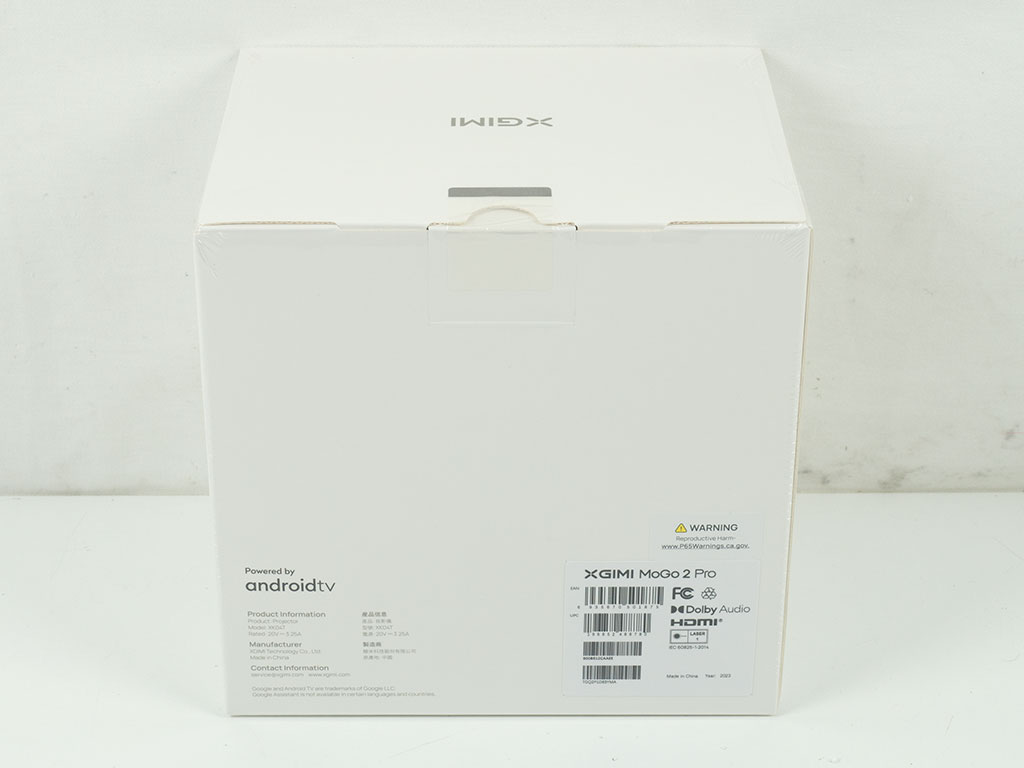
As with all the projectors from the brand, the retail package is white, with an image of the device in the front and some additional details on the back of the box. The device itself is held in place by foam, so you really do get multiple layers of complete protection.
Contents


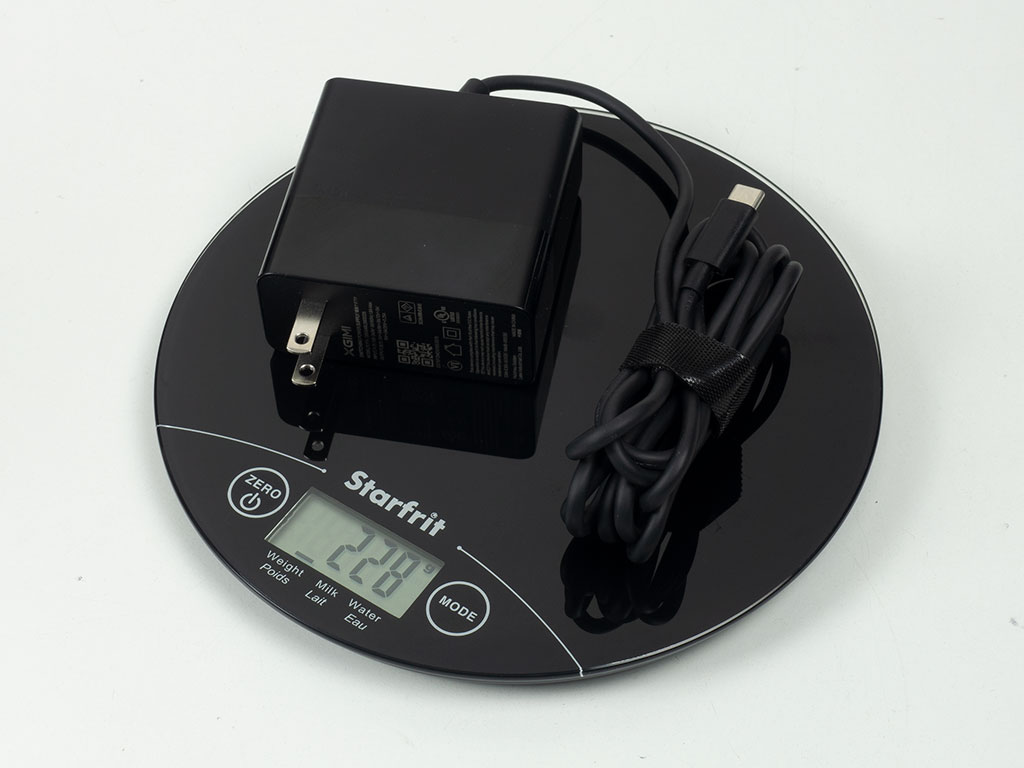
Alongside the projector, XGIMI ships an external power brick that comes in a two tone surface. It is branded XGIMI, but manufactured for them by a 3rd party. The unit can deliver 65 W via USB-C, which is what you need for the MoGo 2 Pro to run in full power mode. It weighs in at just under 230 grams and considering that the MoGo 2 Pro does not have a built-in battery, you should consider carrying this or an external power bank with you at all times as well.

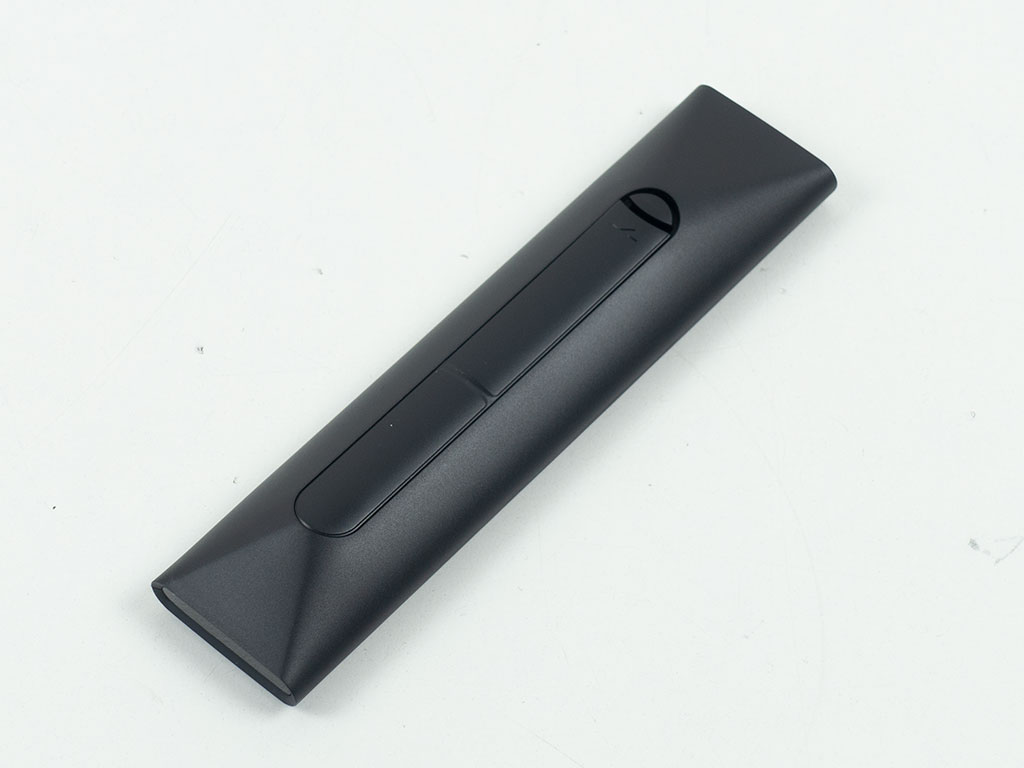

You get the same remote as we have seen with the Halo or original MoGo series, but XGIMI has updated the button layout and opted for an all black shell. The settings button has been relocated below the navigation ring, with a focus button now placed underneath the power on.
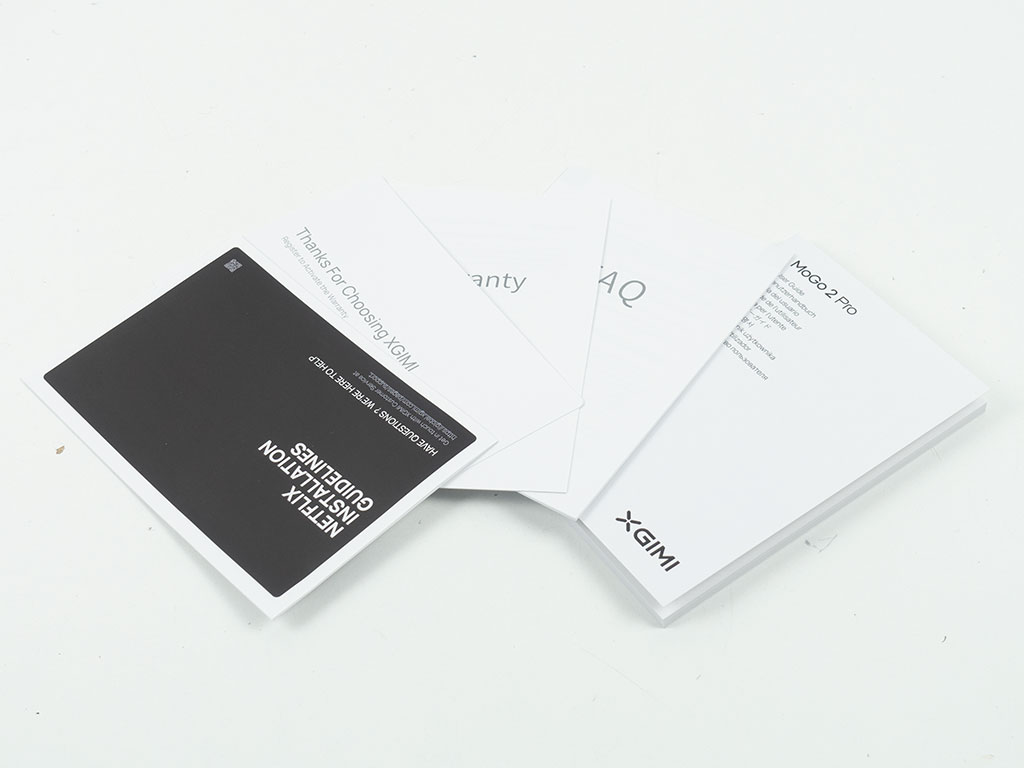
Last, but not least, you get several documents with the MoGo 2 Pro, which includes a separate pamphlet with instructions on how to access Netflix on the unit. As with all XGIMI devices, Netflix does not run natively, as such there is an ever evolving way for customers to easily install some version of the app to gain access to Netflix. Recently, we have seen a different projector market themselves as natively supporting Netflix, so with a bit of luck, that may mean that future XGIMI devices may gain that perk, as this is more of a business decision, not a compatibiity problem.
Our Patreon Silver Supporters can read articles in single-page format.
Nov 25th, 2026 22:41 CST
change timezone
Latest GPU Drivers
New Forum Posts
- Strange PC issues with Z690 setup (3)
- Linpack Xtreme Released (512)
- Claude credits purchased on or after Dec. 7 now have an expiry date (15)
- AI generated images... (235)
- Exploring Local LLMs: Models, Hardware and Setup Experiences (1)
- What's your main Black Friday / Cyber Monday purchase? (10)
- Smokin Hot Lappy (10)
- Gacha Games - Discussions, Pulls, Updates, etc. (1165)
- Sexy Hardware Close-Up Pic Clubhouse. (10345)
- AAF Optimus Modded Driver For Windows 10 & 11 - Only for HDAUDIO Chips [WINDOWS 11 RECOMMENDED] (1155)
Popular Reviews
- ASRock X870E Challenger Wi-Fi White Review
- VZMORE AX9 Max Review
- Upcoming Hardware Launches 2027 (Updated Nov 2026)
- Microsoft Surface Laptop Ultra Review - The Next-gen Arm Laptop
- AMD Ryzen 7 9800X3D Review - The Best Gaming Processor
- AMD Zen 6 Technical Deep Dive
- Corsair RM1200e (Second Generation) Review
- Phantom Blade Zero Performance Benchmark Review - 35 GPUs Tested
- Pulsar Office Tour & First Look at P1 Dual-Sensor Mouse
- Ocypus lota P1000 Review
TPU on YouTube
Controversial News Posts
- Jensen Huang Reinstated as CEO of NVIDIA (573)
- NVIDIA Co-Founder and CEO Jensen Huang Officially Resigns (492)
- Report: Jensen Huang Eyes NVIDIA Comeback (281)
- Open Letter Asking NVIDIA to Reinstate Jensen Huang Passes 115,000 Signatures (184)
- OpenAI CEO Argues Home PCs Waste the World's Limited DRAM Supply (152)
- NVIDIA Launches Investigation Into Jensen Huang's Relationship With Suspected Chinese Spy (136)
- Intel "Raptor Lake Next" 16-Core and 20-Core CPUs Surface (130)
- Intel Razor Lake Gets a 12 P-Core bLLC Chip With No E-Cores, Per Leak (94)