 2
XMG Neo 16 (E25) + Oasis Water Cooler Review
(2 Comments) »Introduction

In our previous article, we showed you one of the best-performing laptops with high-end hardware - the XMG Neo 16 A25, which packs the fastest mobile AMD X3D CPU money can buy right now. Since the manufacturer offers the same package with an Intel chip, we decided to see how the "Team Blue" version stacks up.
The beast is called the XMG Neo 16 E25. On the outside, it's a carbon copy of its AMD sibling. While the AMD model offers two processor choices, the E25 sticks exclusively to the Intel Core Ultra 9 275HX. The 24-core powerhouse is a great choice for any kind of workload. However, the AMD Ryzen 9 9955HX3D has the upper hand in different scenarios, one of which is perhaps the most important one - gaming.
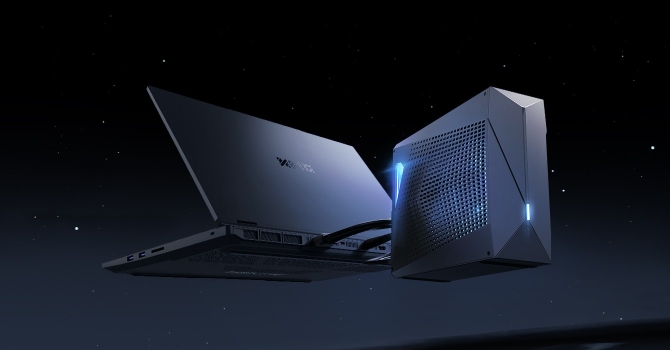
This is where the OASIS cooler comes into play. With Arrow Lake frequencies boosted by that hybrid air-and-water setup, the Intel version might finally close the gap with AMD at sub-4K resolutions.
Now, the Neo 16 E25 offers some advantages over the A25 in terms of pure functionality. On the E25, one of the ports is upgraded to Thunderbolt 4, whereas the AMD model sticks with two standard Type-C connectors. There's no sign of the cutting-edge Thunderbolt 5 yet. You can also spec it with Wi-Fi 7 through the official configurator. Those are really the main differences under the hood. Plus the CPU and the motherboard, of course.
The good news is that everything else we loved is still here: a superb metal build, top-notch input devices, a large battery, IPS and Mini LED display options, a monstrous main thermal system, and the ability to attach the pretty compact external OASIS cooler. Expectedly, the GPU options remain unchanged - the entry level is the 140 W RTX 5070 Ti, and if your budget allows, the 175 W RTX 5090 and its 24 GB of VRAM will absolutely crush gaming and pro-workloads alike.
This time around, we got the regular 1600p IPS display. This one proved to us that if you don't need mega brightness or pro-grade color coverage, you can save some cash without sacrificing that smooth 300 Hz experience.
Specifications
| Specifications | |
|---|---|
| Manufacturer: | XMG |
| Model: | XMG Neo 16 (E25) |
| Weight: | 2.65 kg with IPS display 2.80 kg with Mini LED display |
| Processor: | Intel Core Ultra 9 275HX/Arrow Lake-HX 8 P-Cores + 16 E-cores/24 threads (No HT) up to 5.4 GHz, 36 MB cache 55+ W Base Power |
| Chipset: | Intel HM870 (Arrow Lake-HX PCH) |
| Display: | Default Display: 16.0"/2560×1600 (16:10)/IPS/300 Hz ~500 nits/100% sRGB/non-glare Optional Display: 16.0"/2560×1600 (16:10)/Mini LED/300 Hz ~750/1000 nits (SDR/HDR)/100% DCI-P3/non-glare |
| Operating System: | No OS/Microsoft Windows 11 Home/11 Pro |
| Integrated Graphics: | Intel Graphics (64 EU) |
| Dedicated Graphics: | NVIDIA GeForce RTX 5070 Ti (mobile): 12 GB GDDR7, 192 Bit, 2000 MHz effective clock 5888 CUDA Cores 184 TMUs 64 ROPs 46 RT Cores 184 Tensor Cores L1: 5.8 MB, L2: 48 MB Up to 140 W TGP NVIDIA GeForce RTX 5080 (mobile): 16 GB GDDR7, 256 Bit, 1750 MHz effective clock 8192 CUDA Cores 256 TMUs 96 ROPs 64 RT Cores 256 Tensor Cores L1: 8 MB, L2: 64 MB Up to 175 W TGP NVIDIA GeForce RTX 5090 (mobile): 24 GB GDDR7, 256 Bit, 1750 MHz effective clock 10496 CUDA Cores 328 TMUs 112 ROPs 82 RT Cores 328 Tensor Cores L1: 10.3 MB, L2: 64 MB Up to 175 W TGP |
| Memory: | 2x SO-DIMM RAM slots Up to 128 GB of DDR5 at 5600/6400 MT/s | Storage: | 1× M.2 2280 PCI Express 5.0 x4 1× M.2 2280 PCI Express 4.0 x4 |
| Optical Drive: | None |
| Connectivity: | 3× 5 Gbps USB Type-A/3.2 Gen. 1 1× 10 Gbps USB Type-C/3.2 Gen. 2 with DP 1.4a/100 W PD/NVIDIA G-SYNC + AMD FreeSync 1× 40 Gbps Thunderbolt 4/USB4 with DP 2.1/140 W PD/NVIDIA G-SYNC + AMD FreeSync/eGPU-compatible 1× HDMI 2.1 VRR/G-SYNC compatible 1× Mini DisplayPort 2.1/NVIDIA G-SYNC + AMD FreeSync/VR headset support + 2× DisplayPort streams Audio combo jack 2.5 GbE LAN Full-sized SD Express|UHS-II card reader Self-sealing connectors for XMG OASIS cooler DC-in |
| Communications: | Wi-Fi 6/E + Bluetooth 5.1/3 Wi-Fi 7 + Bluetooth 5.4 (optional) 1080p IR webcam |
| Audio: | 2× speakers Nahimic by SteelSeries Software |
| Input device: | Microsoft Precision Glass Touchpad, integrated buttons Per-key RGB backlit keyboard/N-key rollover/Anti-ghosting |
| Power: | 1× 330 W AC adapter with RTX 5070 Ti 1× 420 W AC adapter with RTX 5080/90 99.9 Wh battery |
| Warranty: | Two years |
| MSRP: | Starting at €2849 |
Packaging
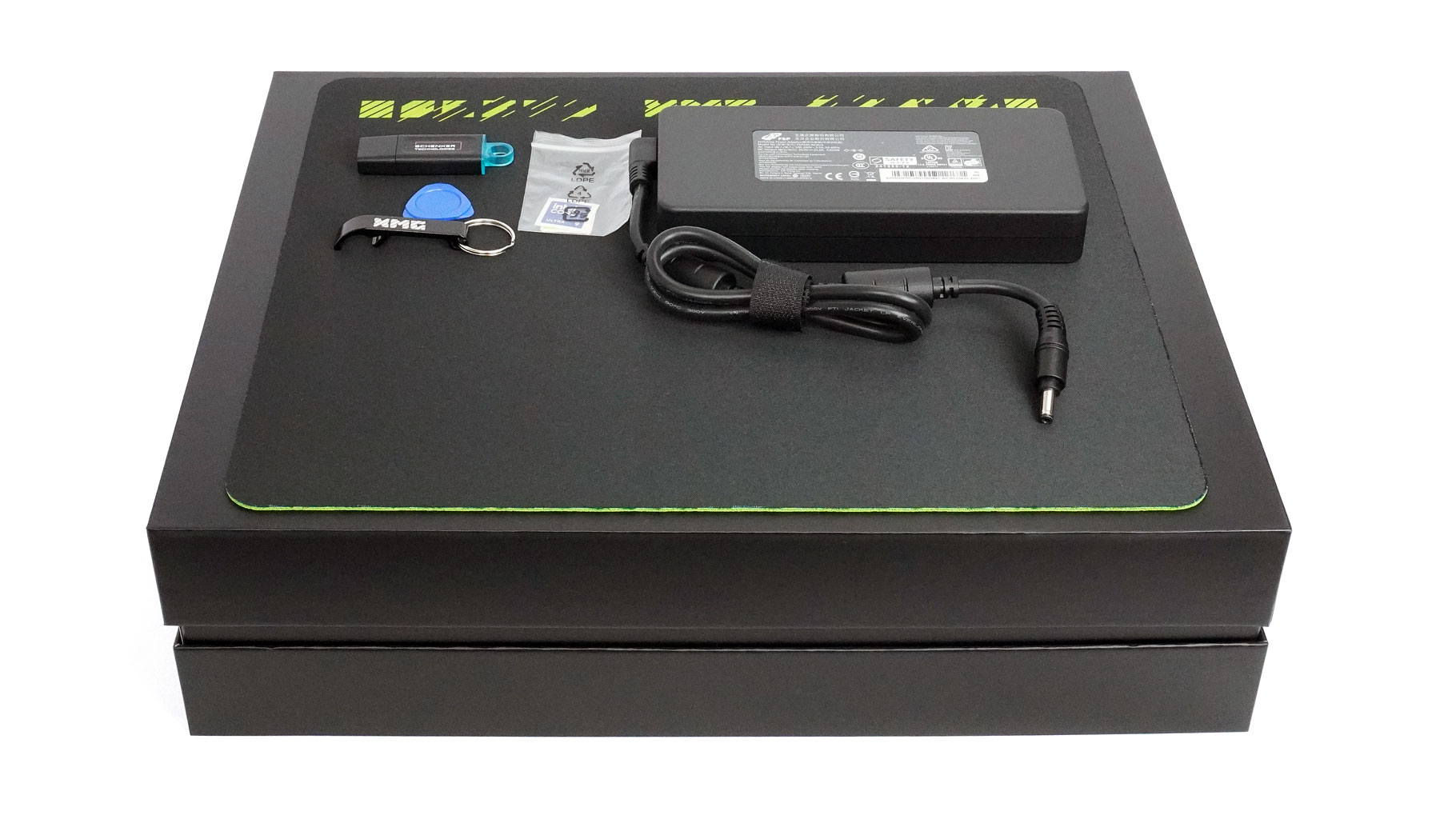
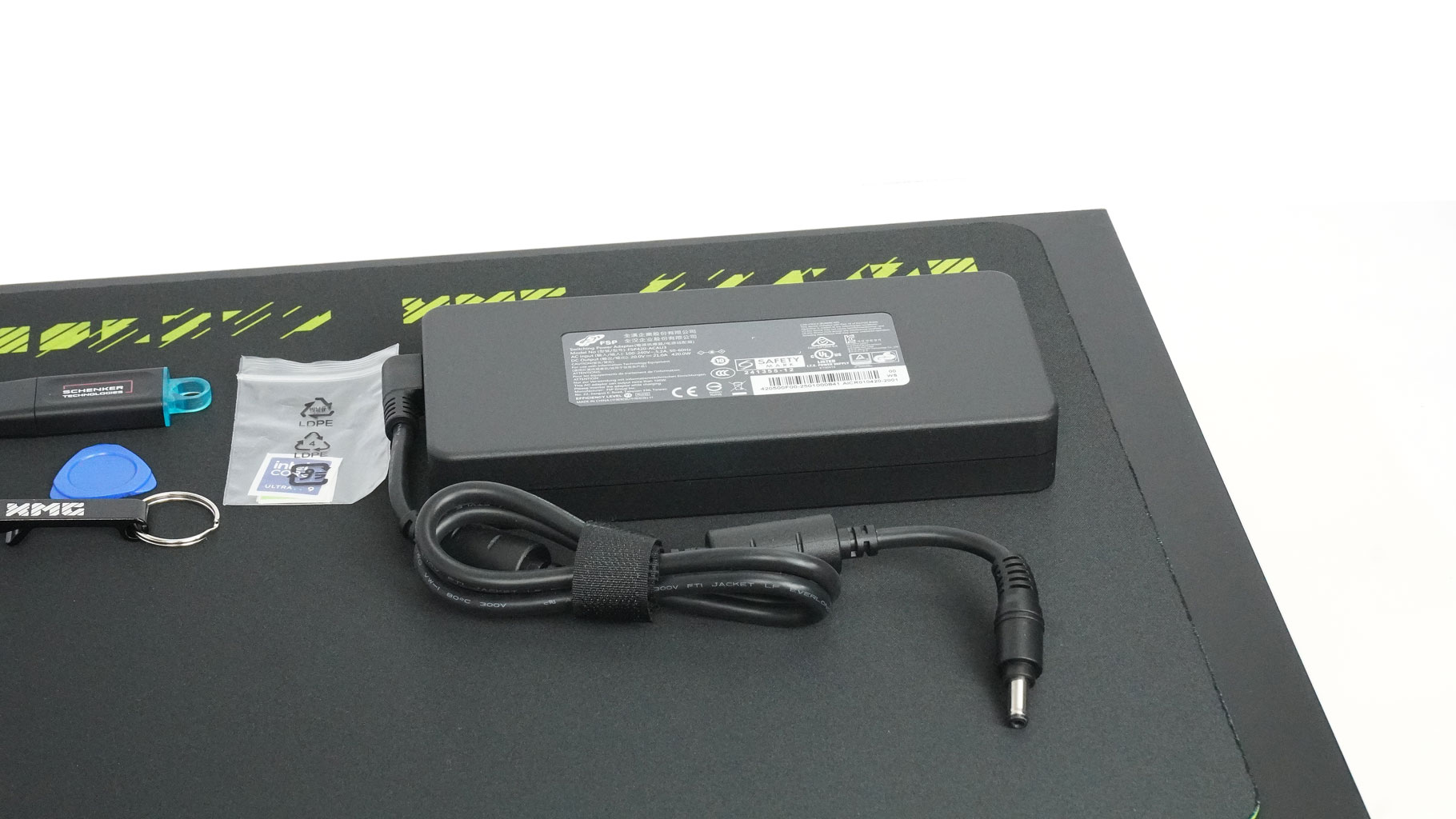
The generously sized mouse pad, an XMG keychain, a USB for drivers, a prying tool, and those standard NVIDIA and AMD stickers are tucked inside the sleek, durable packaging.
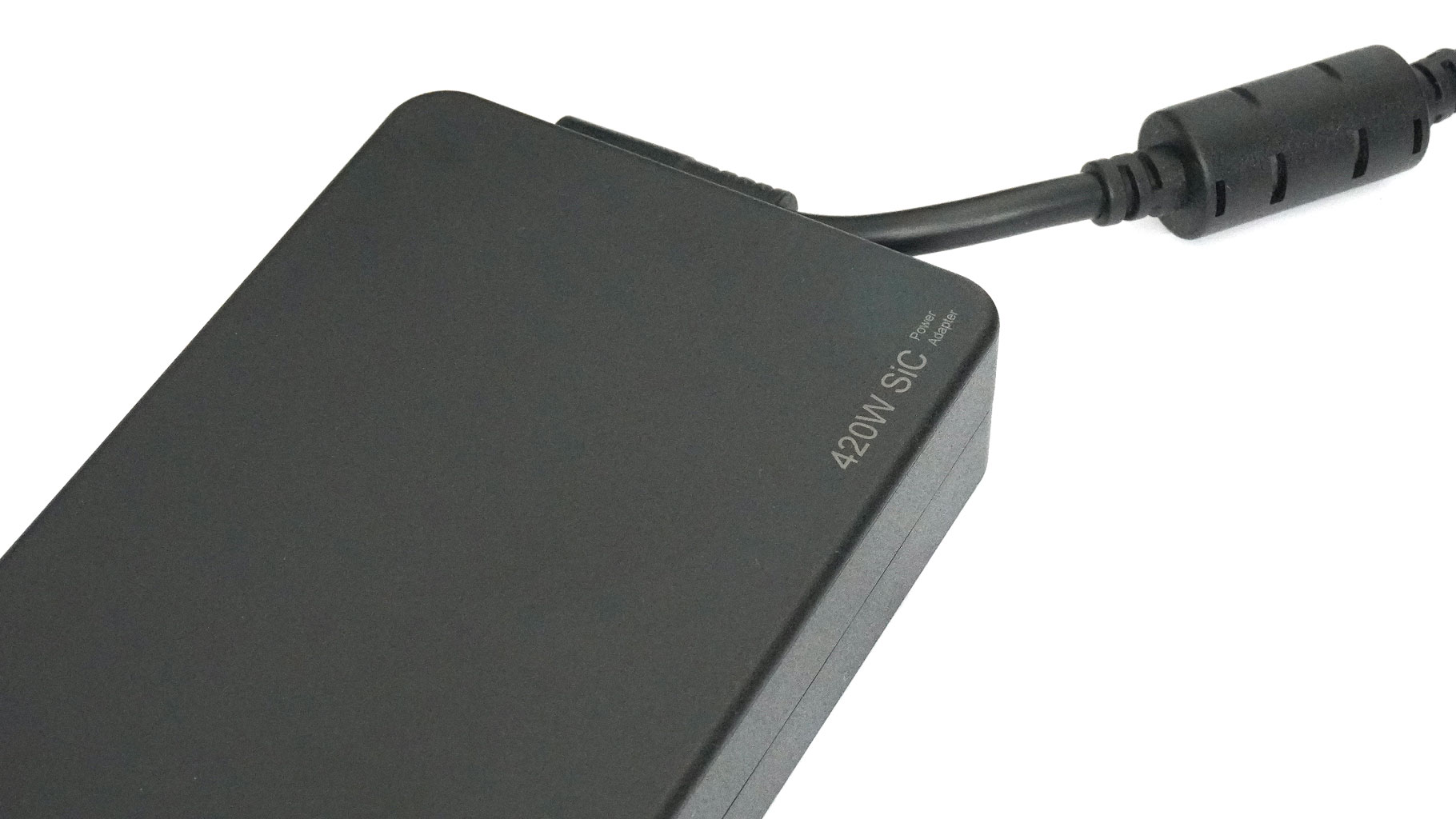
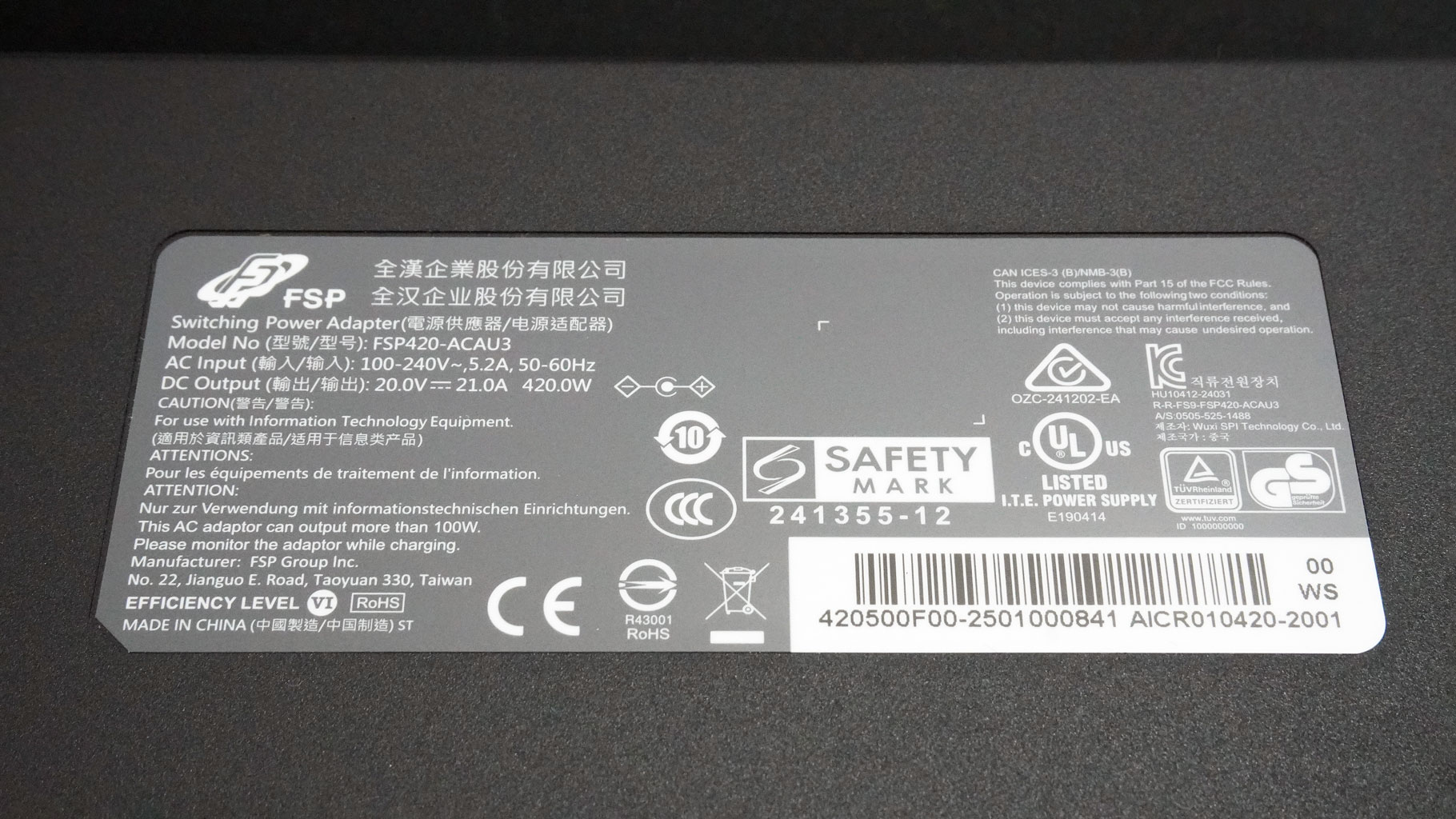
If you go for the RTX 5080 or 5090 models, you get a beefy 420 W Si/C power brick manufactured by FSP. The laptops with RTX 5070 Ti are bundled with "just" a 330 W adapter.
OASIS cooler
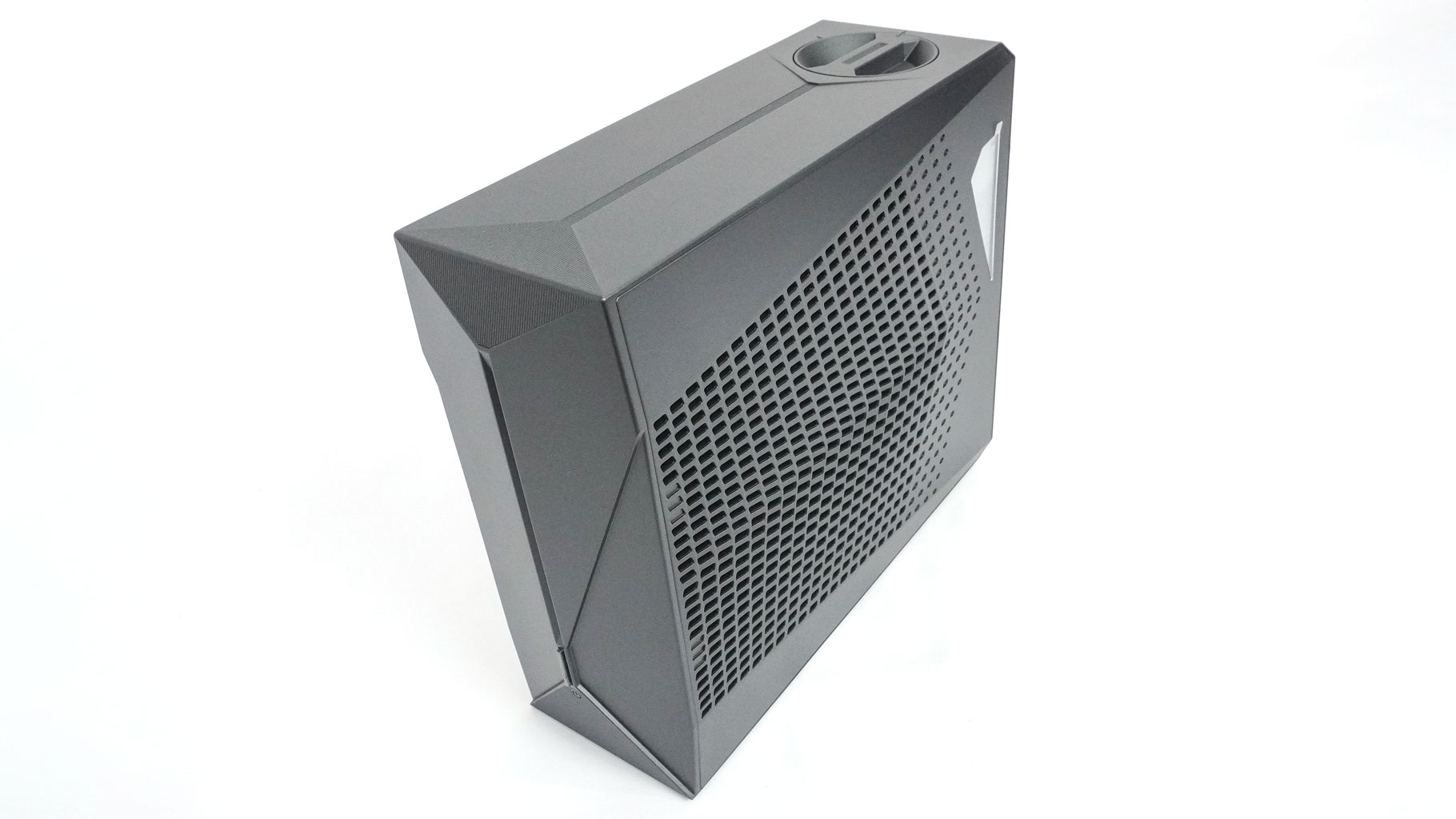
If you want better thermals, you can definitely take a look at the optional OASIS cooler which is basically a removable external AIO. Picture a standalone 120 mm radiator, fan, and pump all packed into a small tower case that weighs a bit more than 1.20 kilos before you add any liquid.

You can connect it to the laptop via the self-sealing magnetic tubes with a secure mechanical lock. This setup pumps coolant through a specific pipe resting directly against the laptop's own internal heat pipes. This immediately brings the CPU and GPU temperatures down.
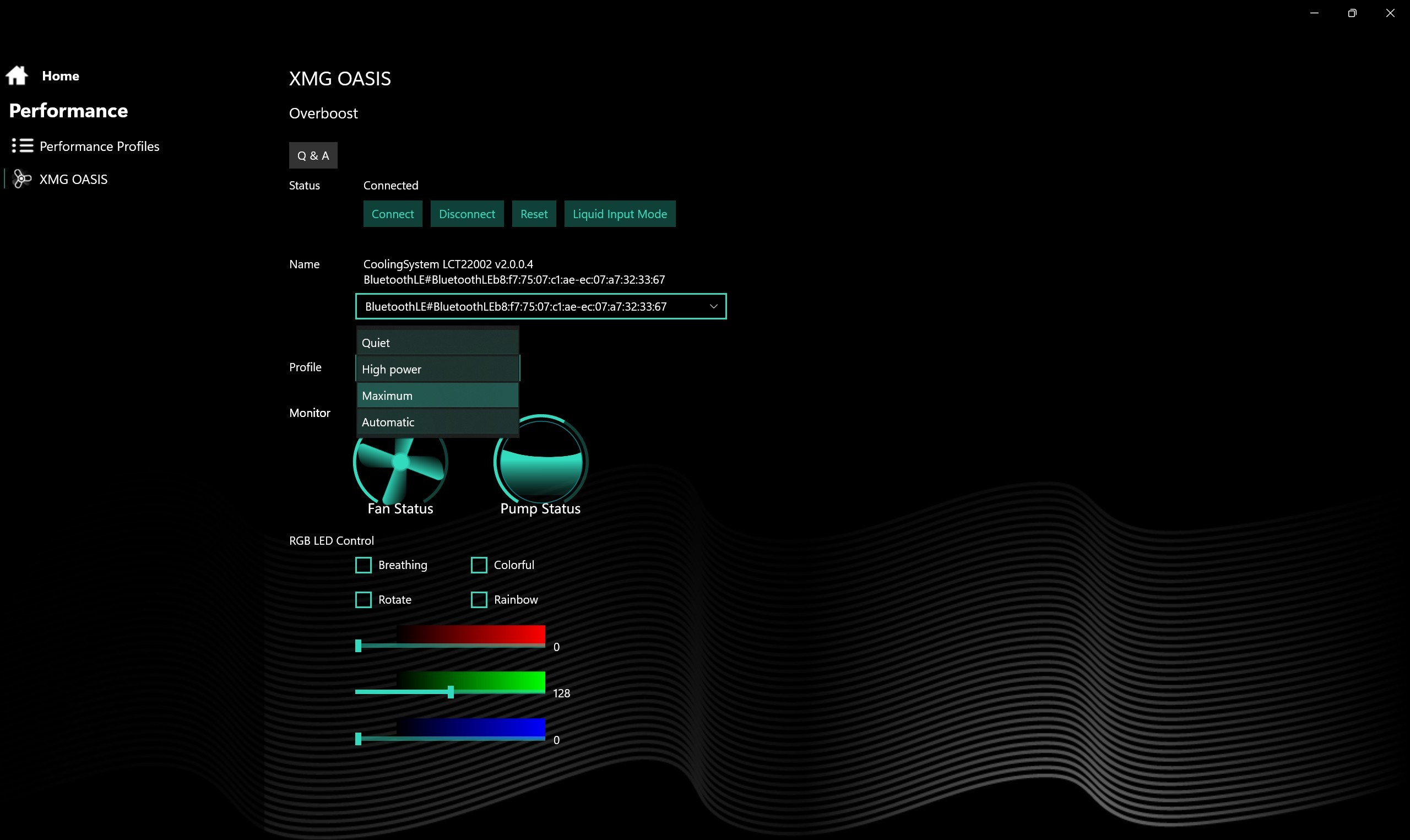
It's a mix between the same main components as a desktop AIO, but since it isn't a closed-loop system you have to fill it with distilled water yourself. Then, it syncs with your laptop over Bluetooth and this allows you to tweak various settings like the RGB lighting color, fan speed profile, and check the pump status.
This makes the already potent notebook into a liquid-cooled beast that is significantly faster than its default state. You can easily pop off the tubes because the pump shuts down the power immediately. Pretty handy when you are in a hurry and want to take the laptop with you for a spin.
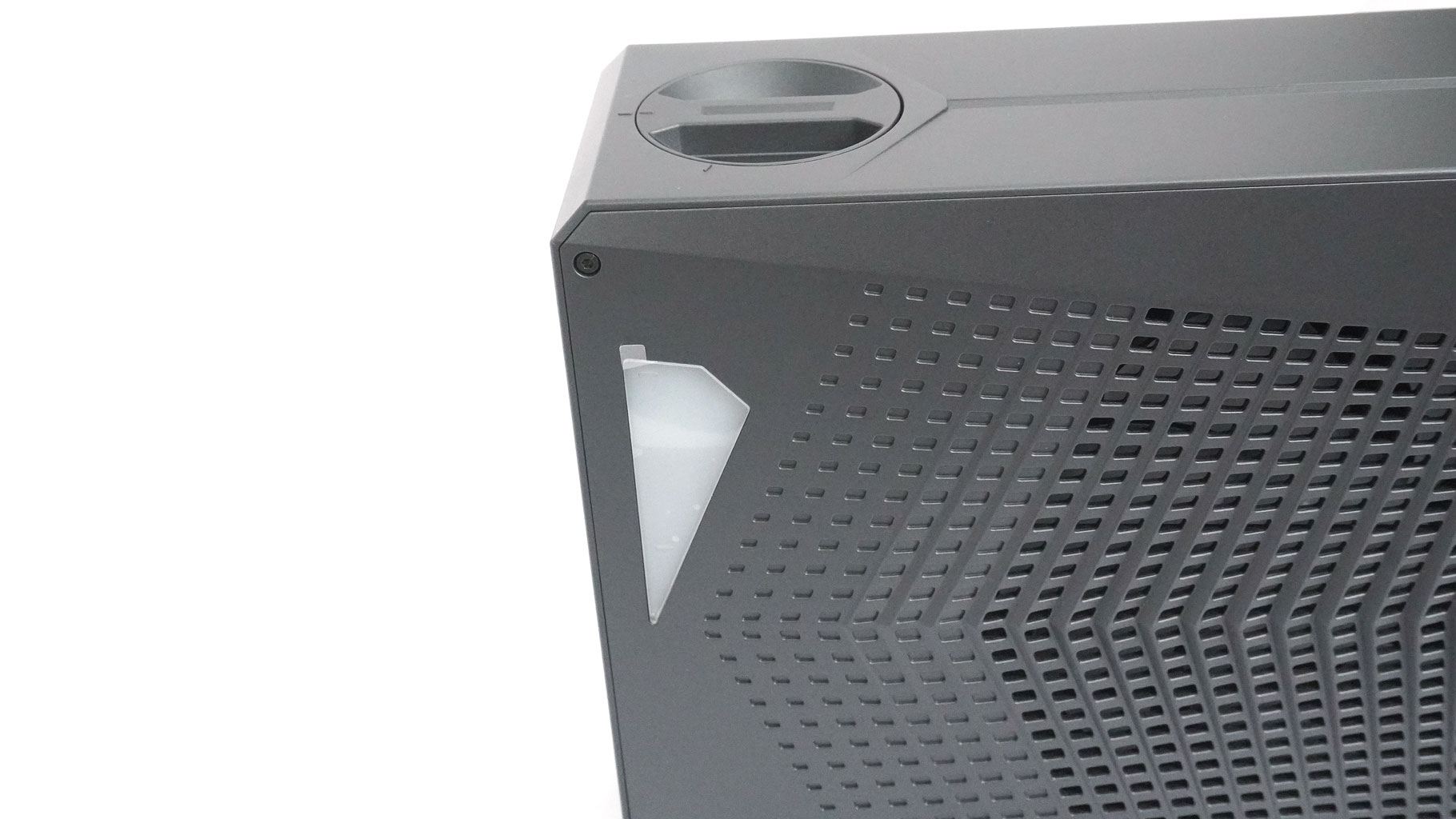
Pouring the distilled water is easy, just unscrew the big cap on the top and voilà, you can fill up the tank to the top. There are marks for Min and Max level on the reservoir's semi-transparent external window.
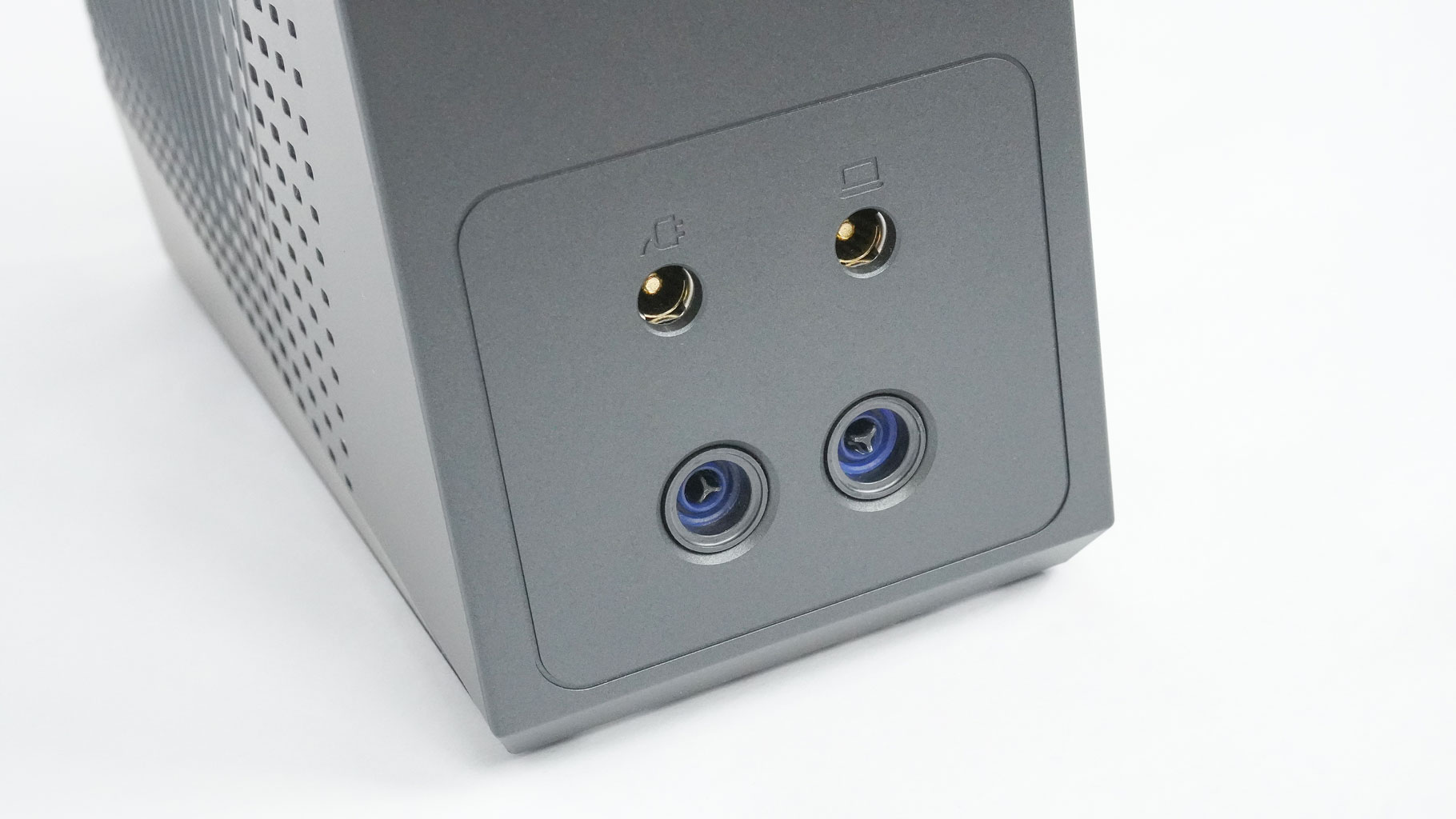
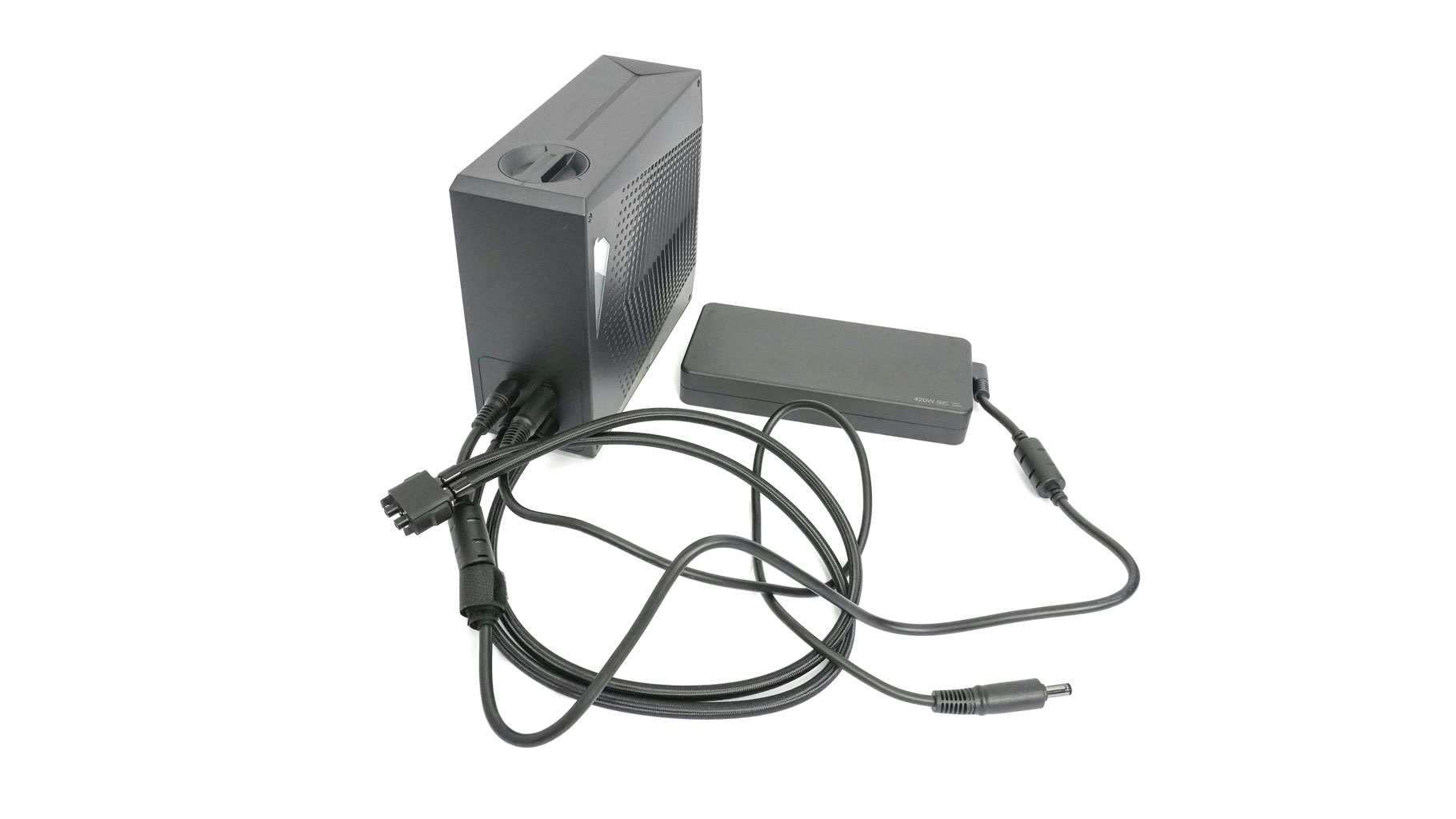
Once the tubes are hooked up to both the laptop and the OASIS, it's time to power the two units. All they need is the supplied 420 W adapter. Its connector goes to the left socket.
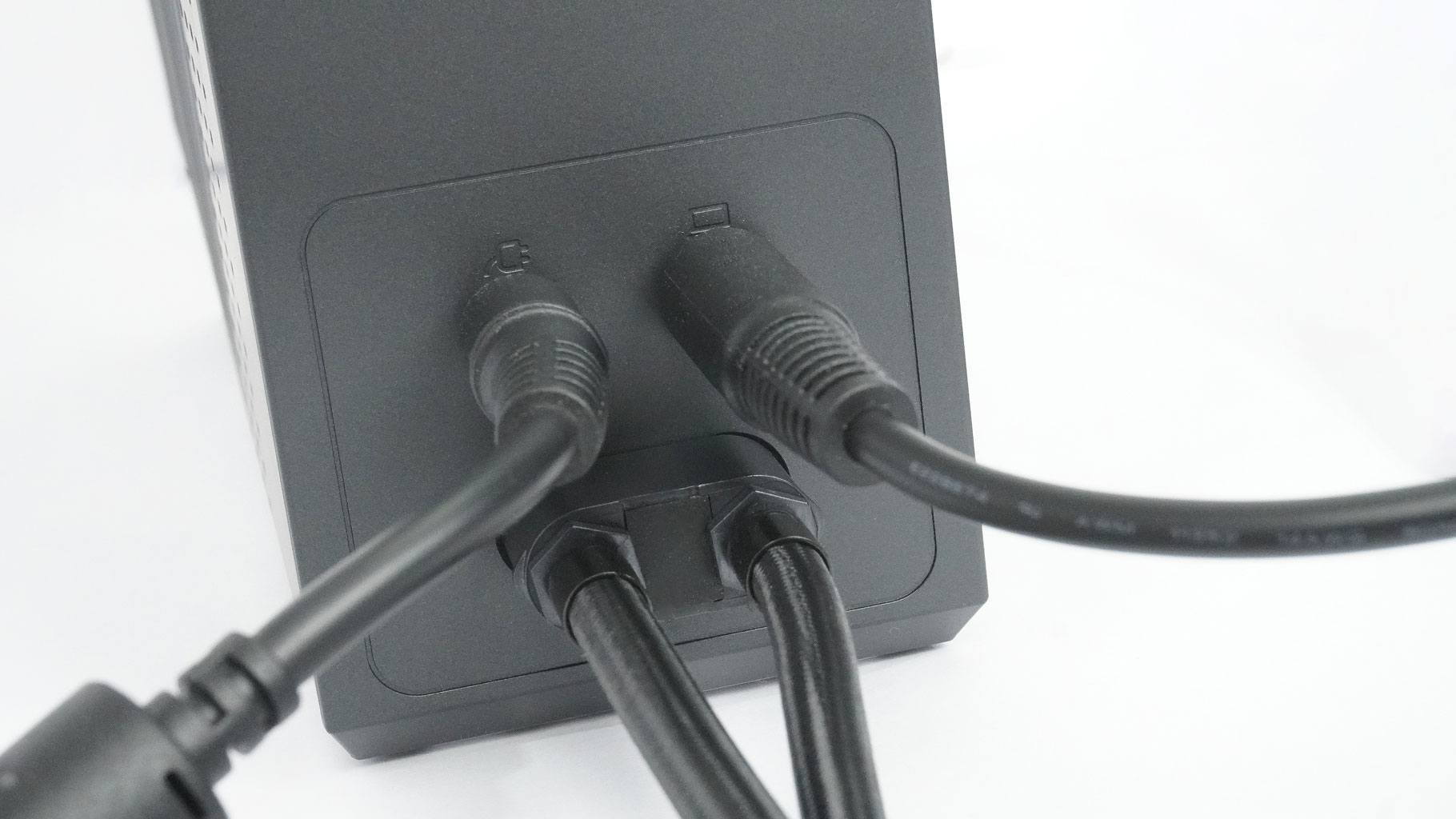
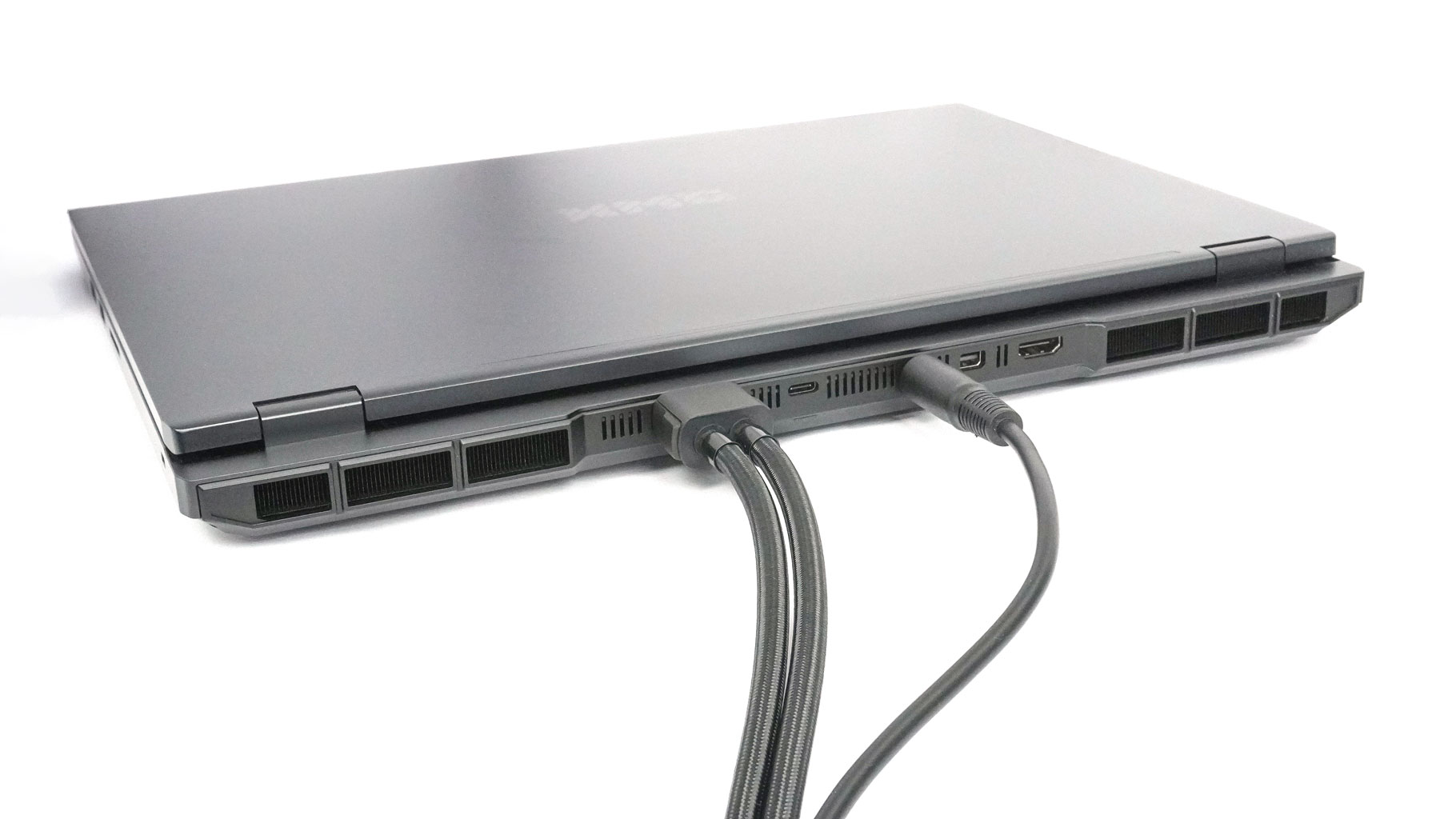
Now, we have to power the laptop as well. Take the provided bridge cable to link the right-hand socket to the laptop's power port.
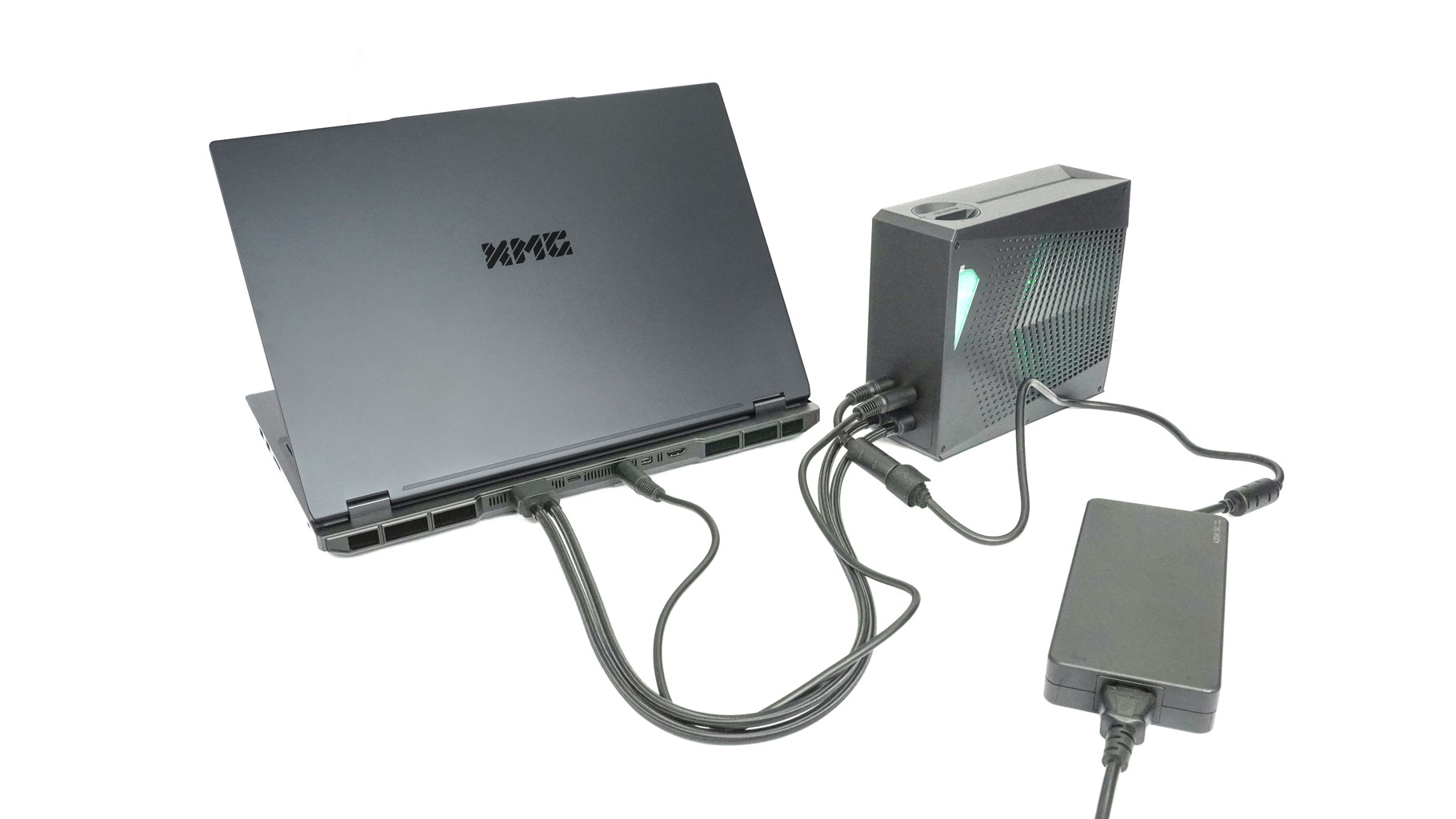
This setup allows that FSP adapter to power both the OASIS and the notebook at the same time.
A Closer Look - Outside
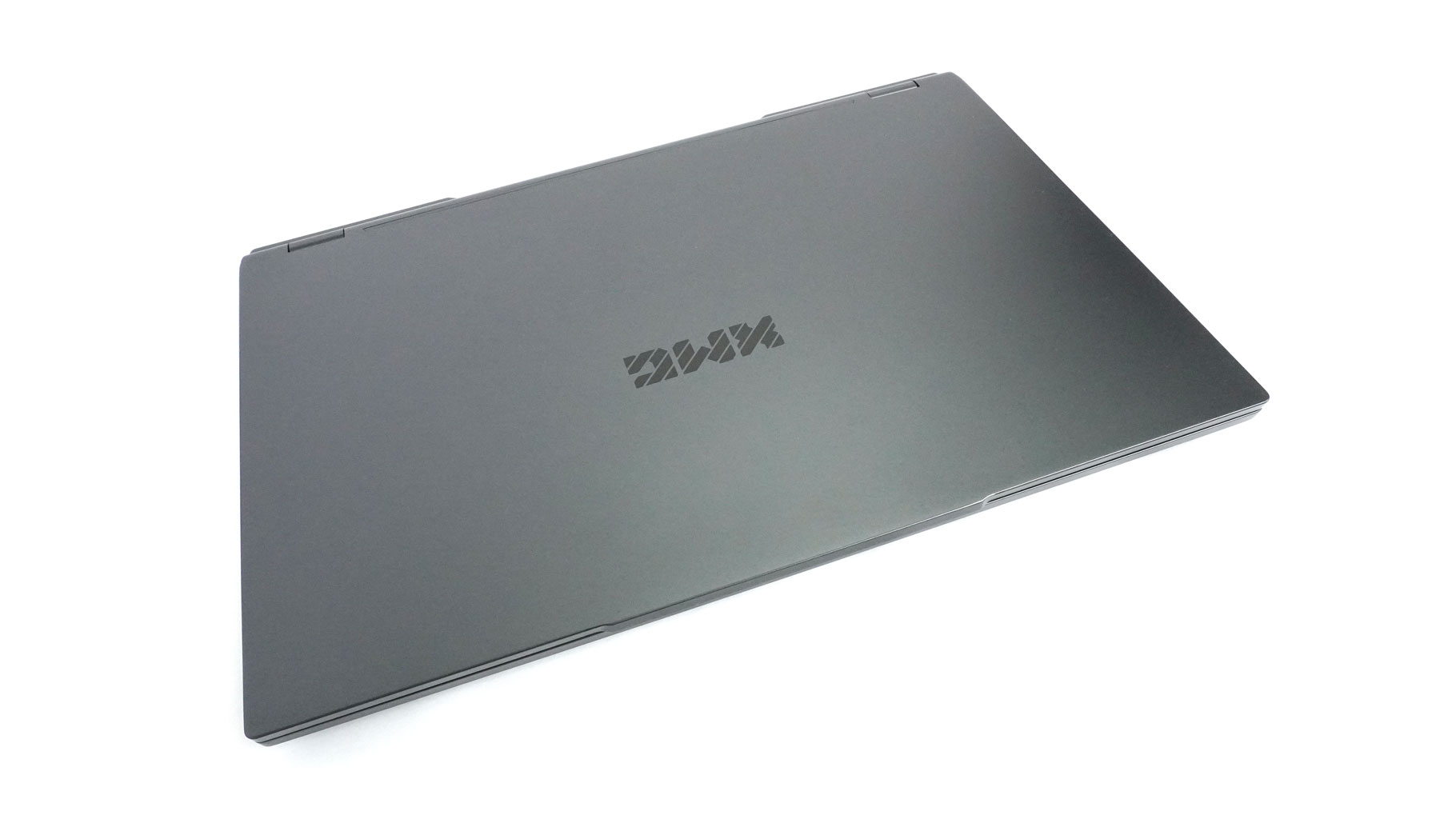
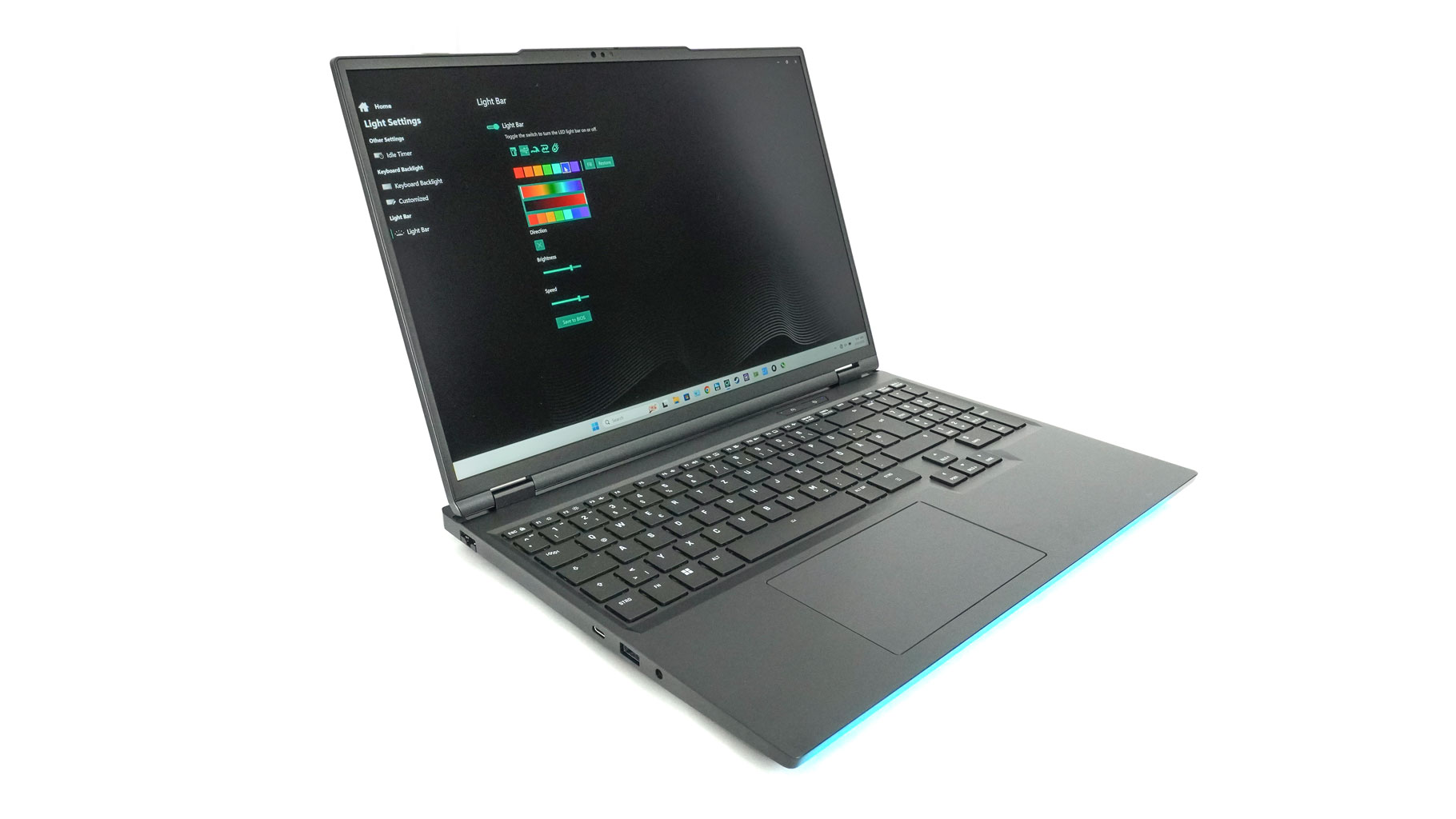
As I mentioned earlier, the Neo 16 E25 and its A25 "cousin" are essentially twins on the outside. This translates into a stealthy design that could appeal to gamers, creators, and wealthy office users. The clean, sticker-free chassis helps, and you can always kill the RGB if you want to "fly under the radar."
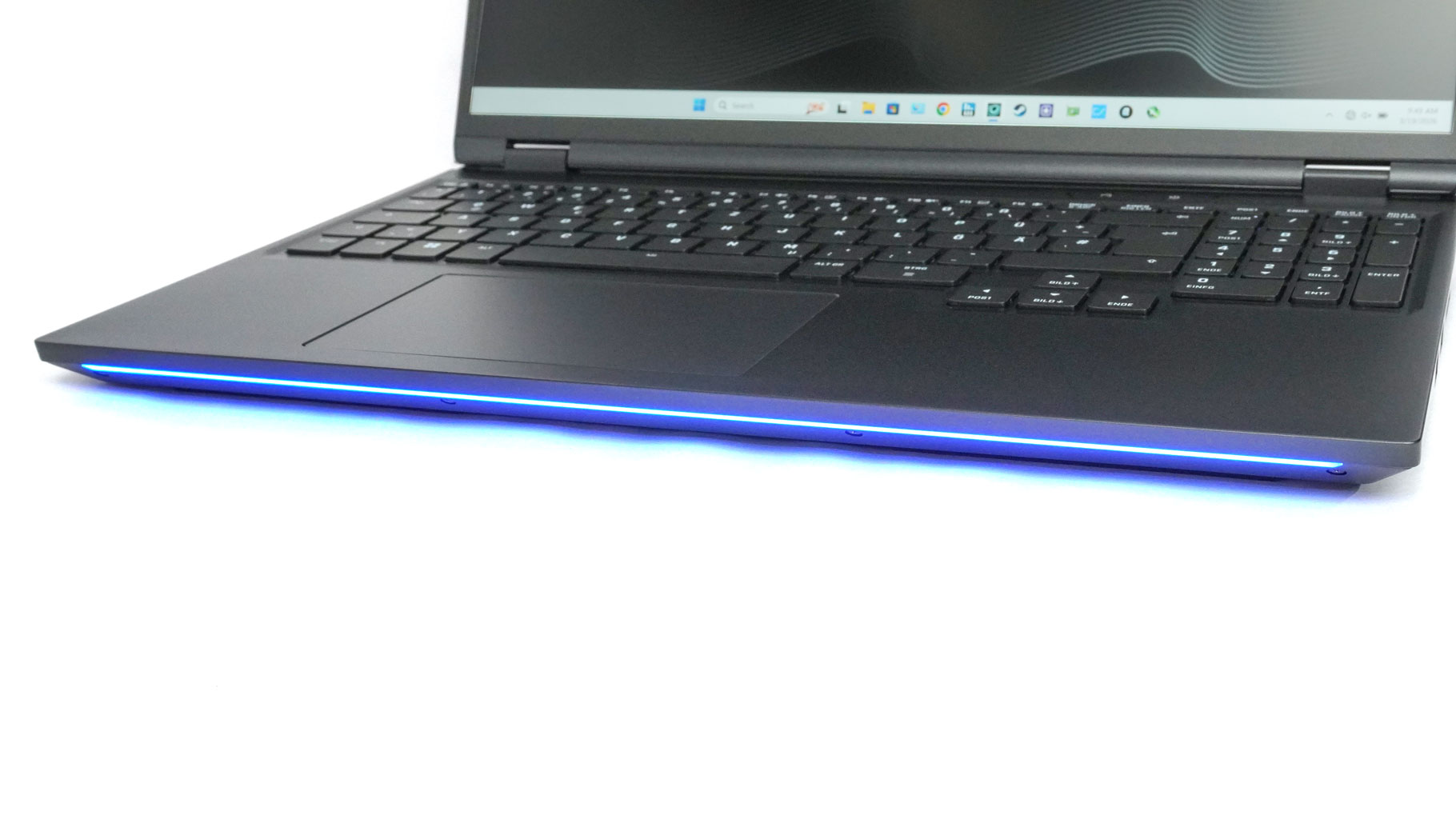
Speaking of lighting, you get a long light bar across the front and a superb per-key RGB keyboard. You can tweak the effects and colors for both through XMG's Control Center app.
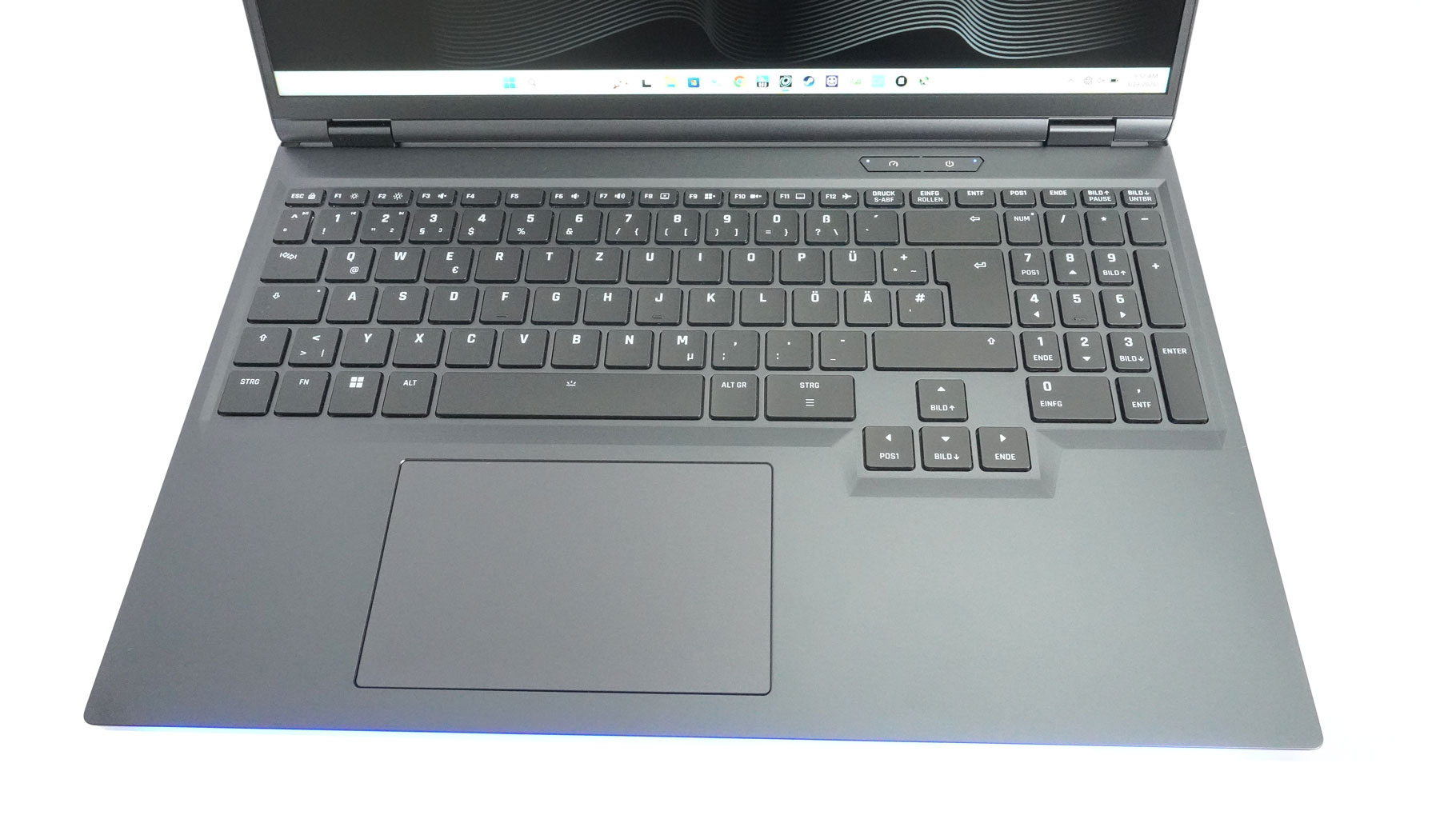
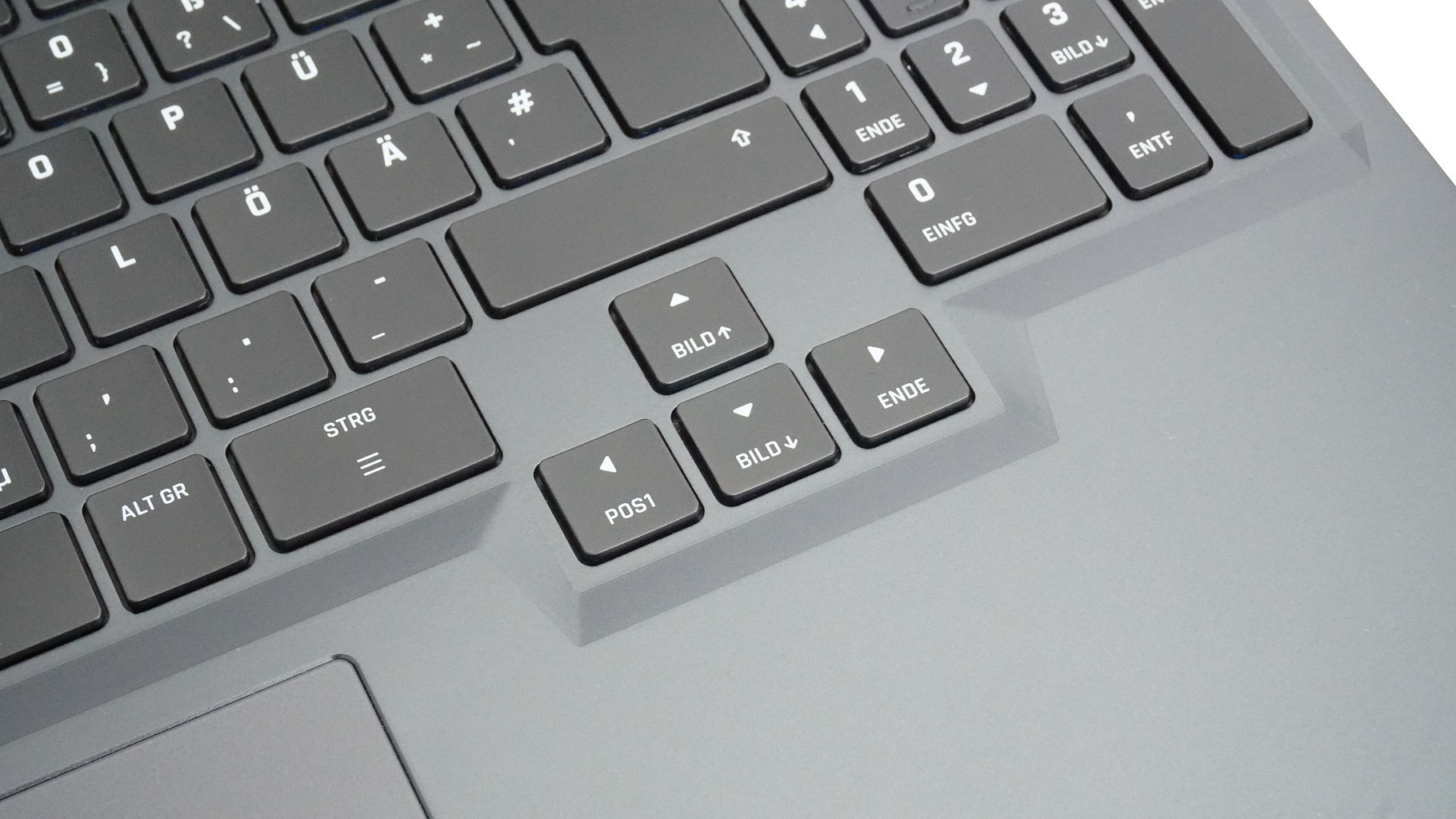
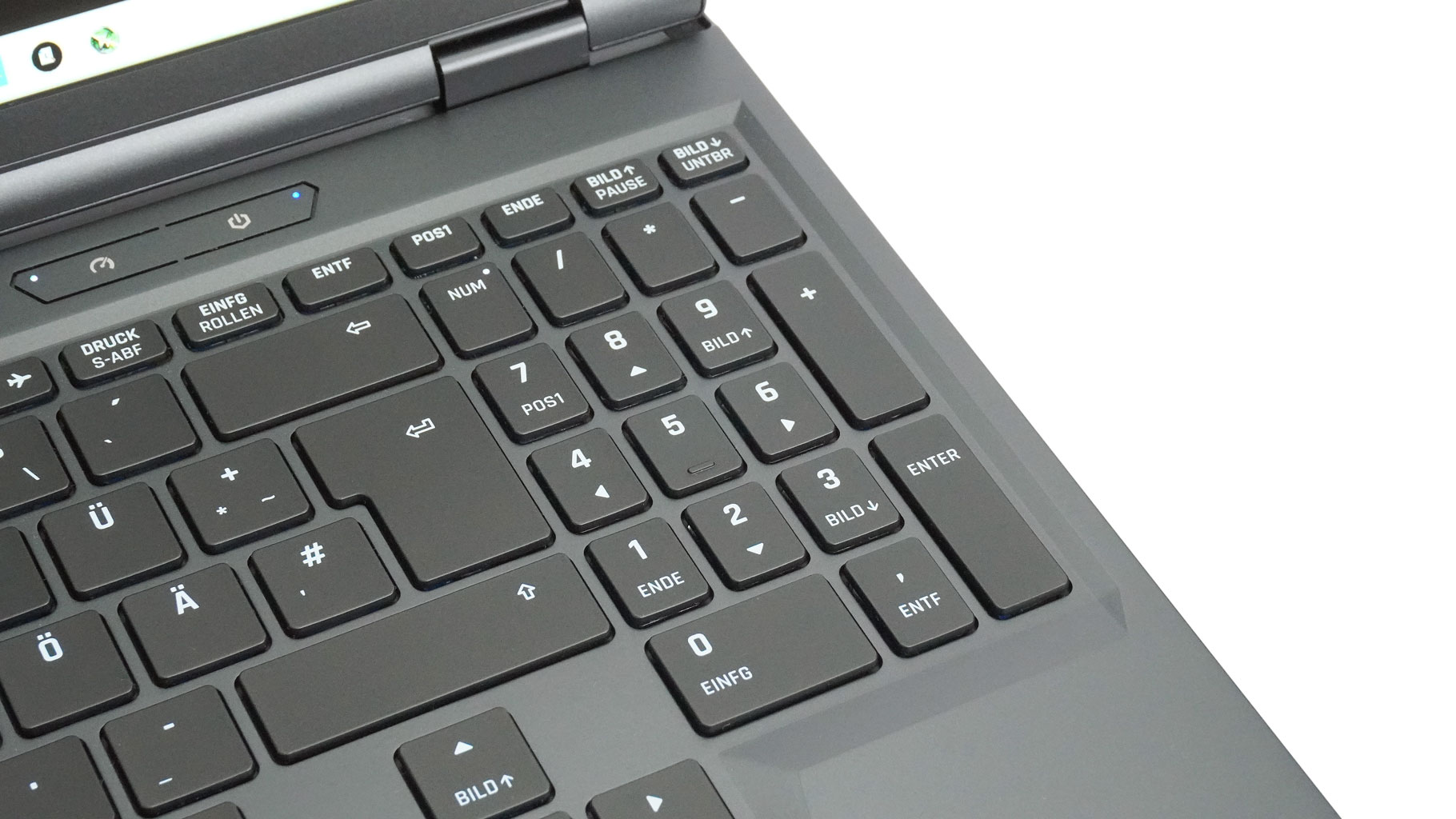
The keyboard features deep key travel, large caps, even backlighting, and a 4-row NumPad plus smartly spaced, full-sized arrow keys. The useful duo of N-key rollover and anti-ghosting is for those hardcore gamers who are pressing a huge amount of keys at once during online matches.
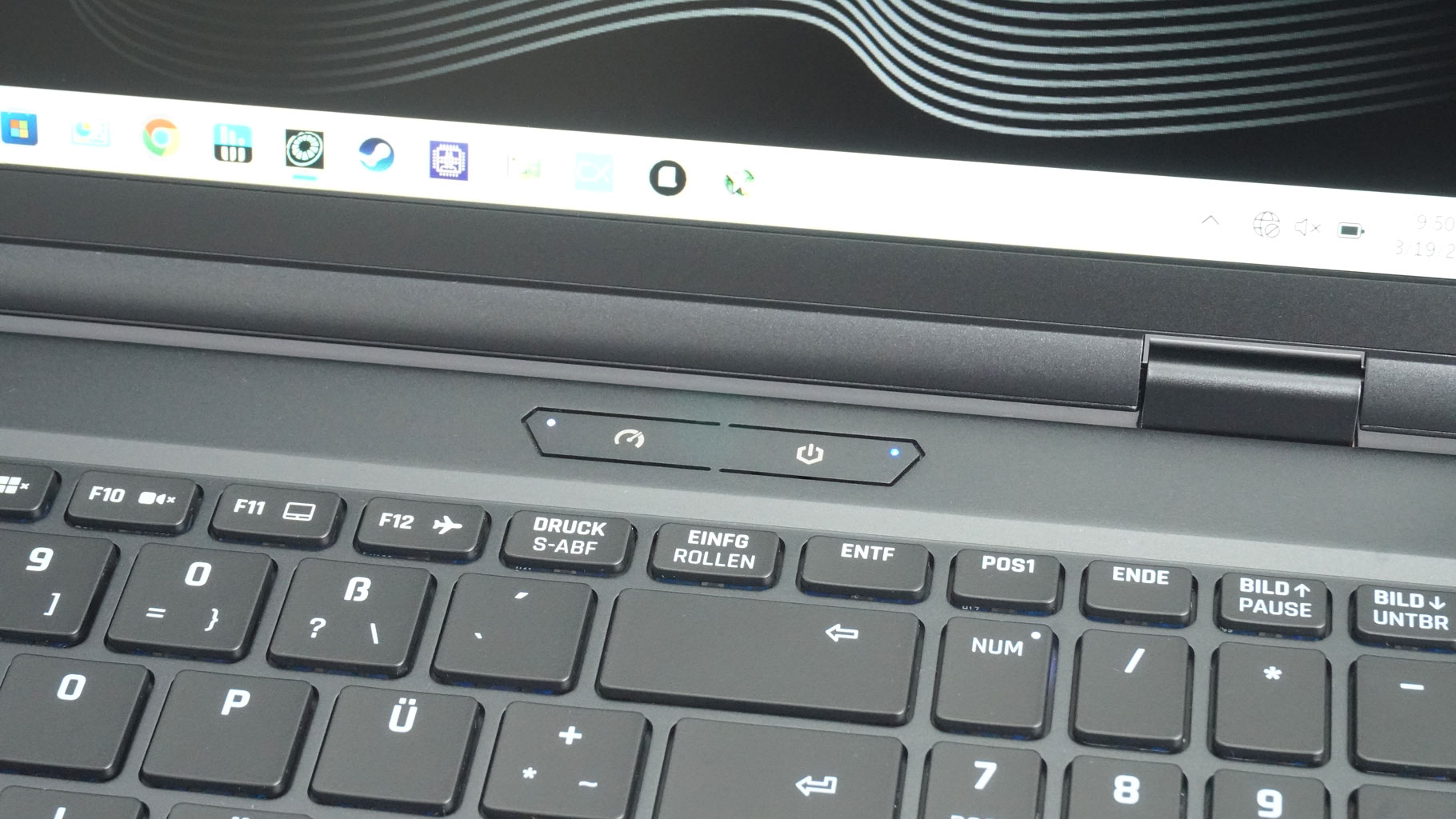
The button next to the power key is for power mode change or max fan speed.
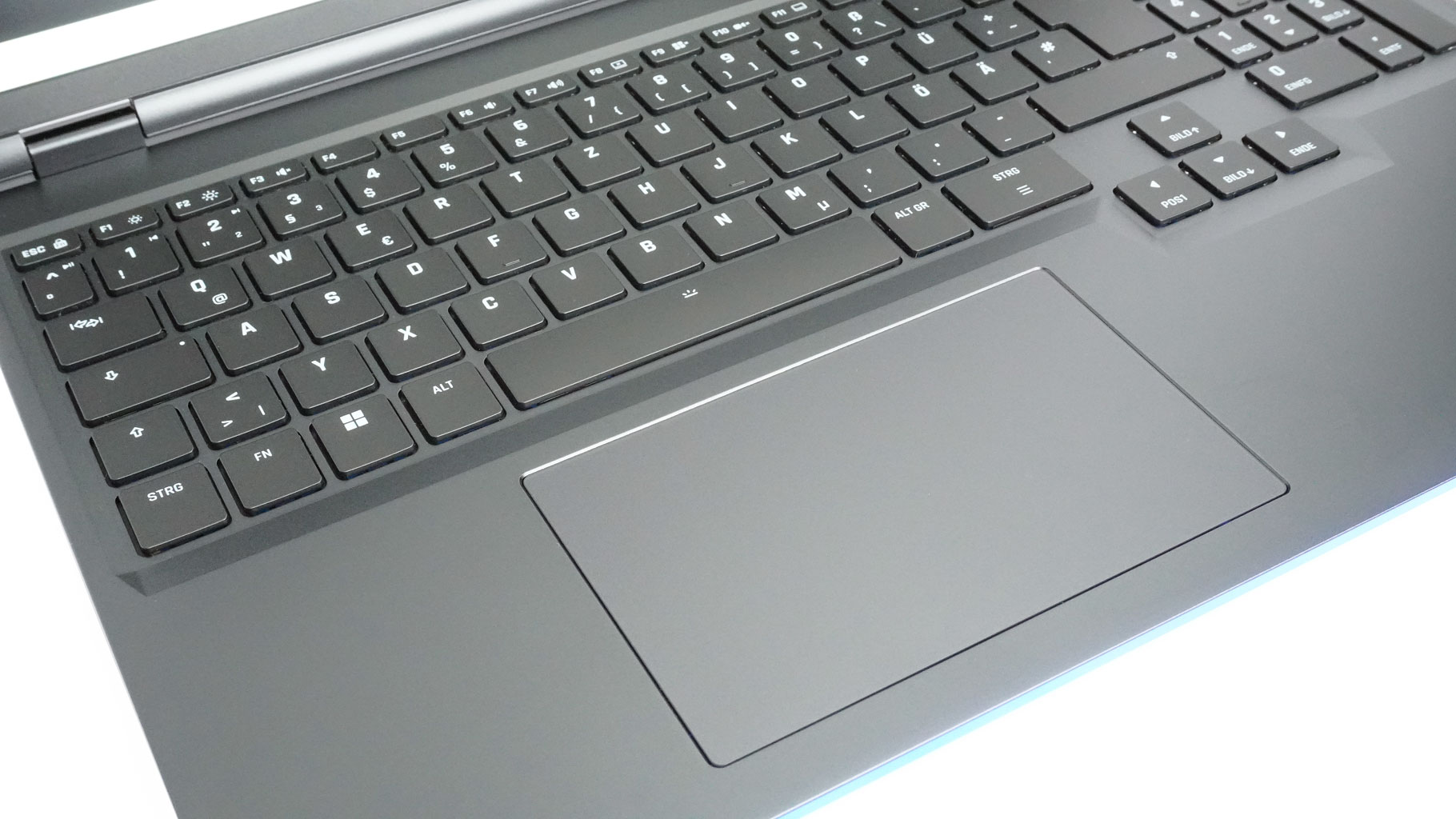
The glass touchpad is quite roomy (123 × 77.5 mm) for a 16-inch machine. It could arguably be larger or centered, but then the arrow keys would likely get in the way. That aside, it's one of the best trackpads I've used on a gaming laptop - impressively smooth and dead-on accurate.
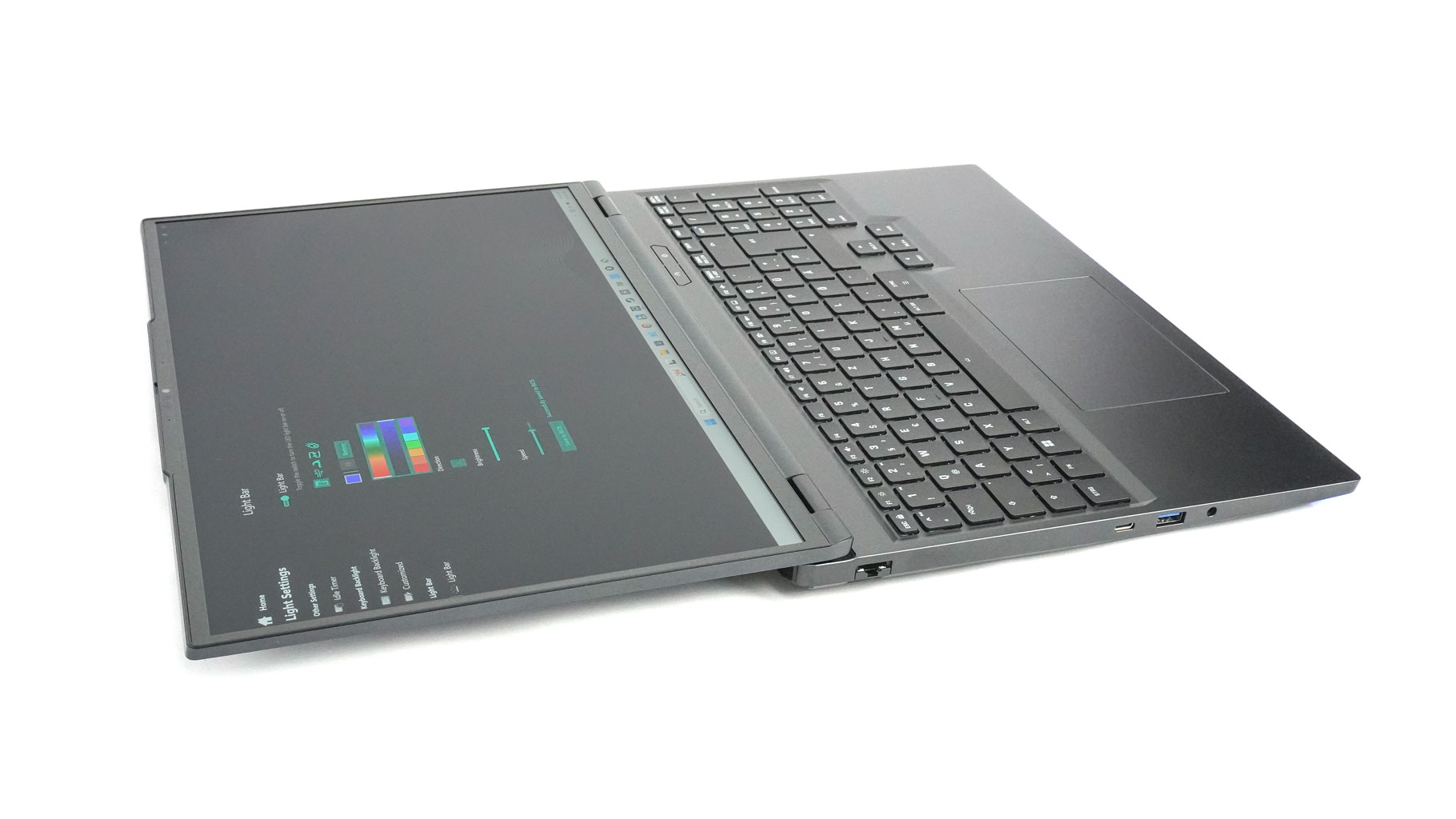
You can flip the lid back a full 180 degrees with just one finger.
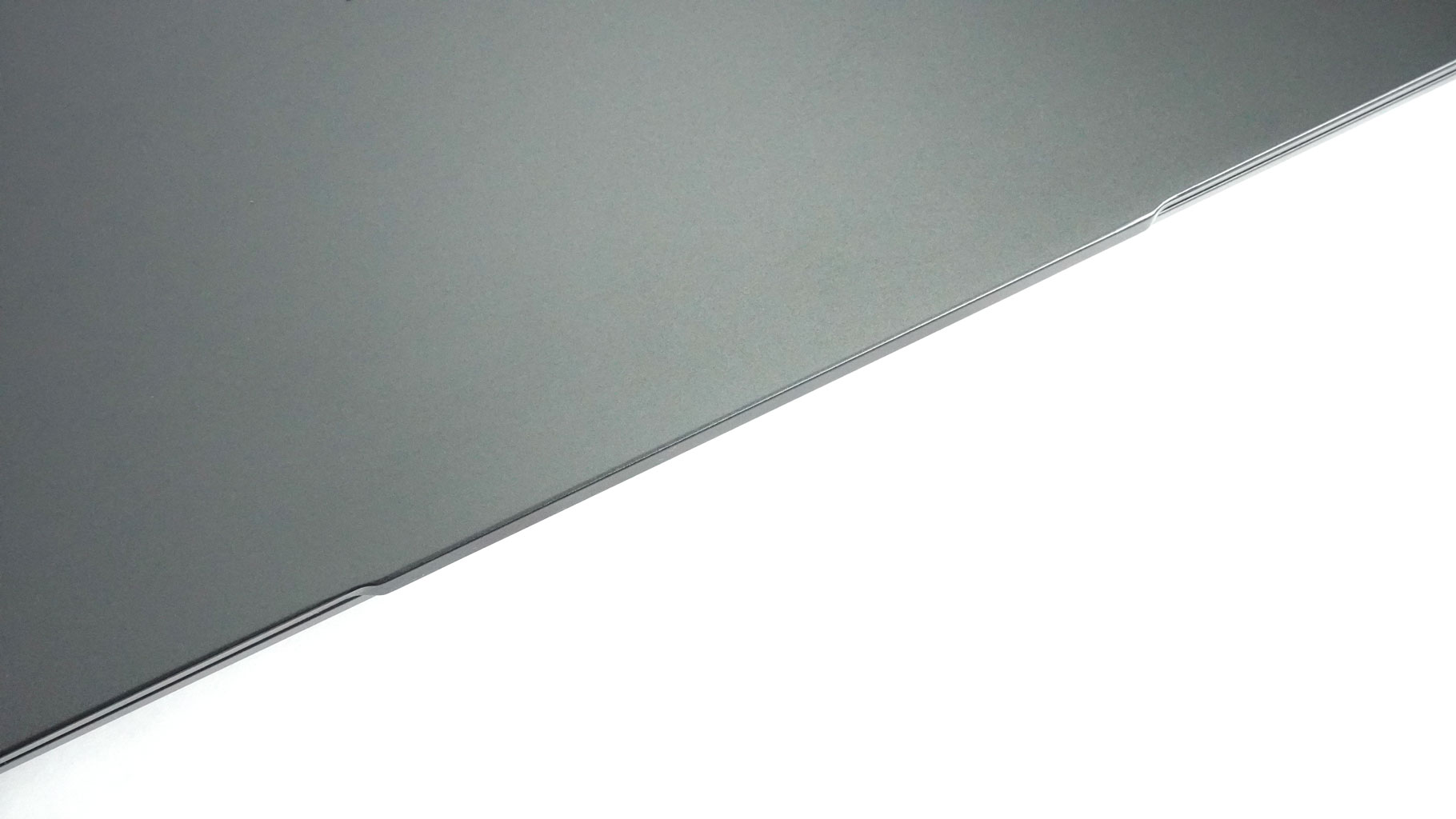
There's a slight "lip" on top that makes it easy to grab and lift.
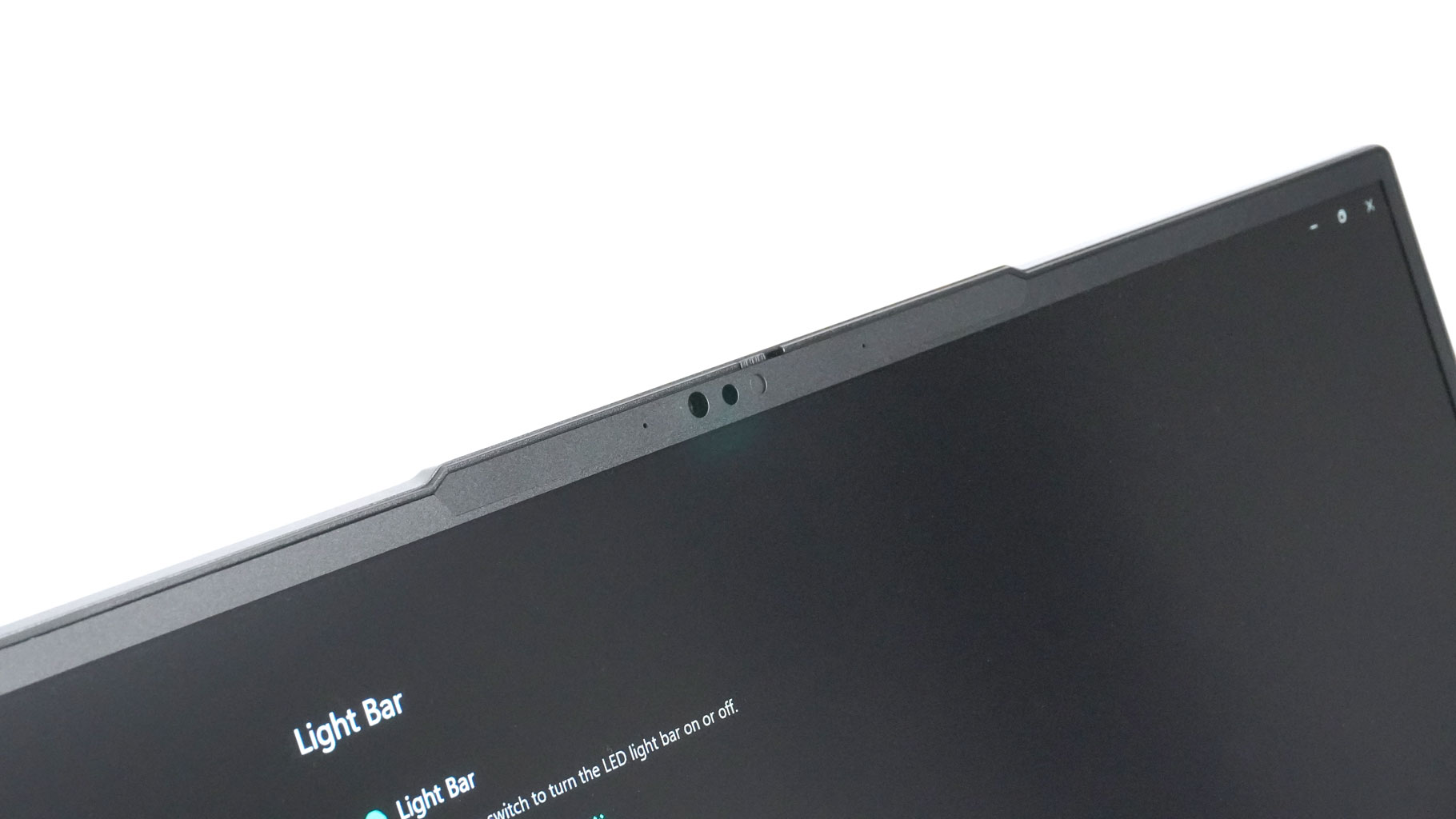
The protrusion is home to a 1080p IR webcam for Windows Hello. A privacy shutter is also present, thankfully.
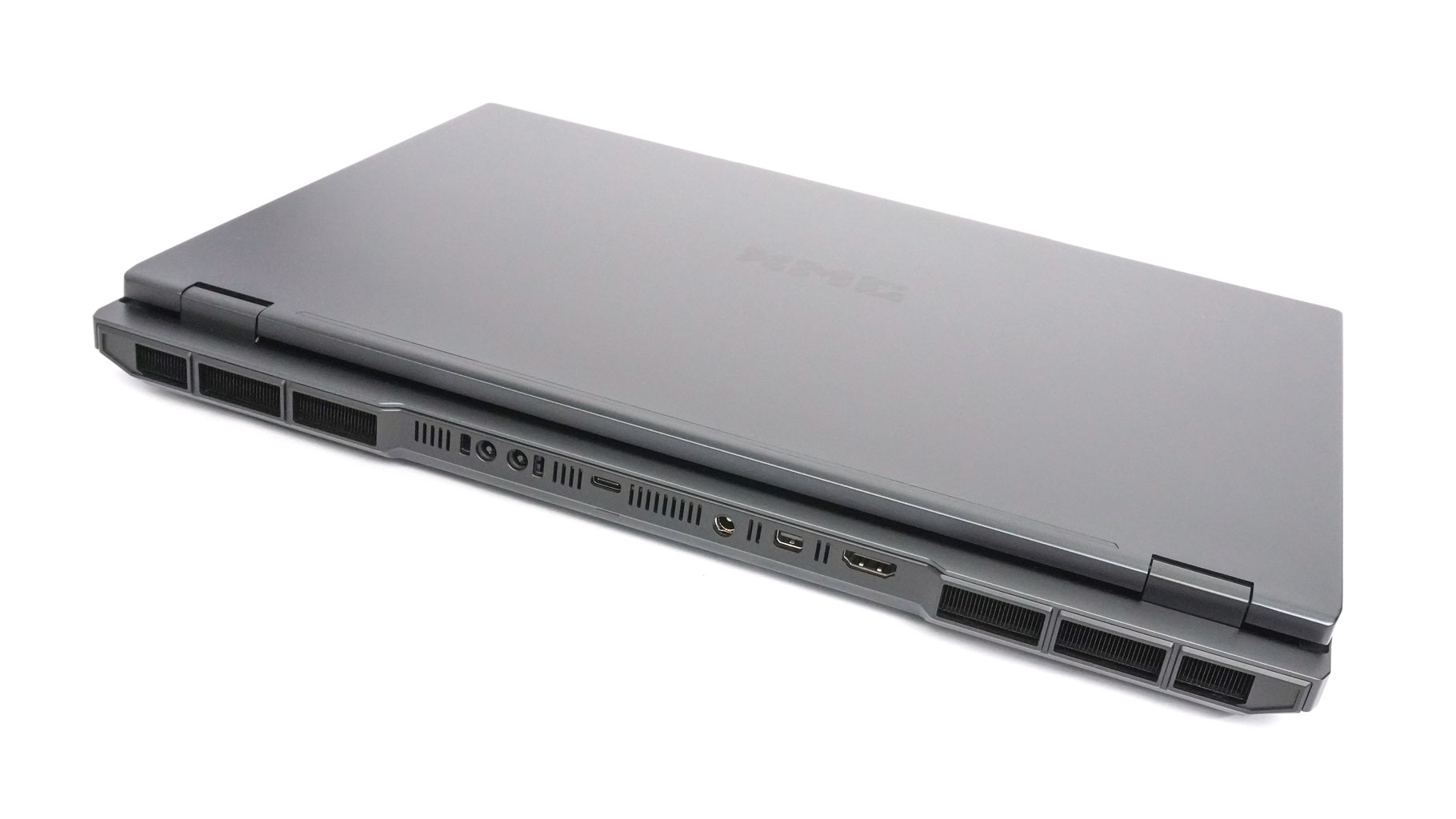
With a massive cooling system and a beefy battery inside, this was never going to be an "Ultrabook" experience. But it's not a porker by any means. It measures 27.9 mm thick, with the weight hovering between 2.65 and 2.80 kg (the Mini LED option actually saves you a bit of weight).
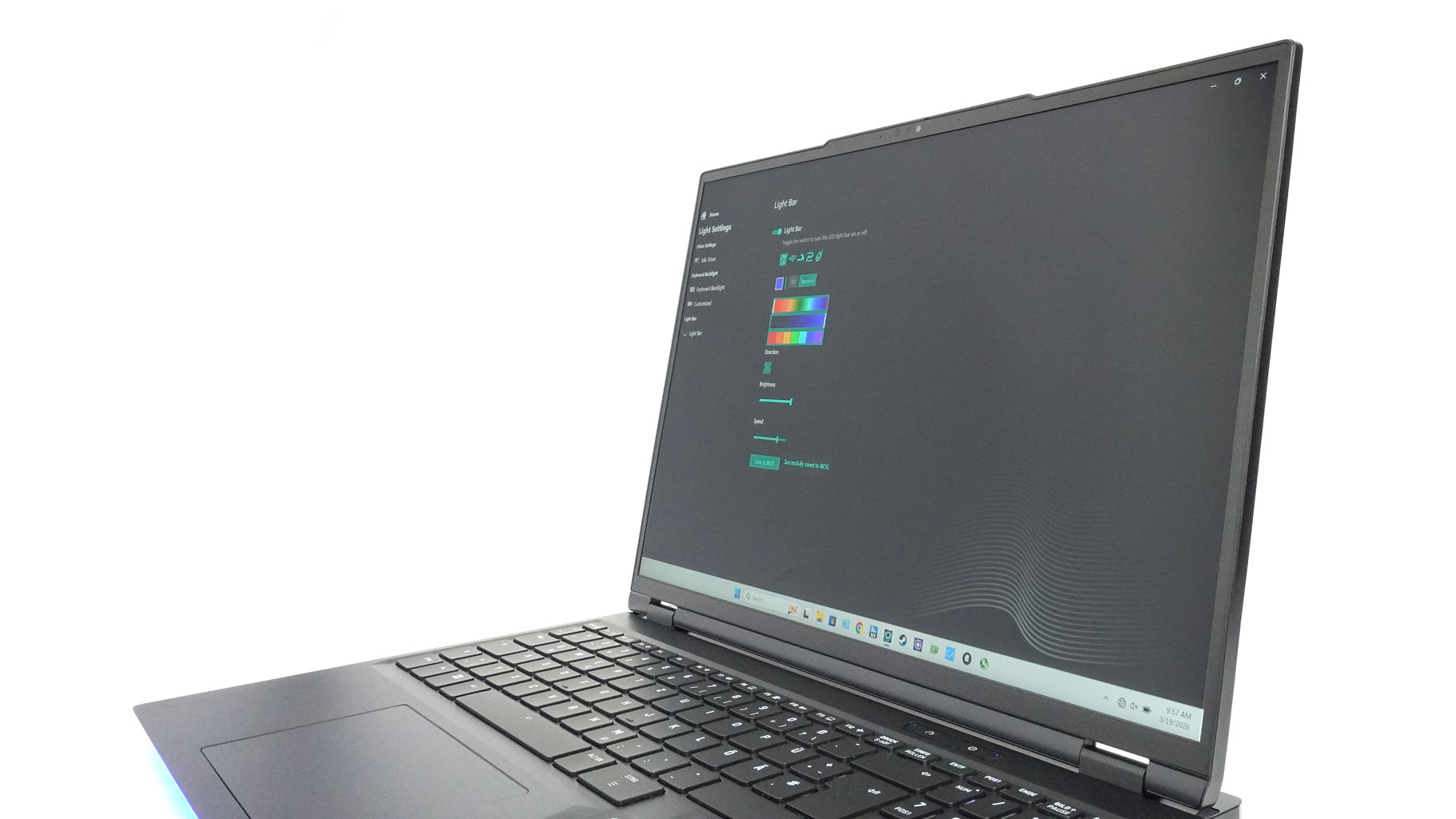
The bezels around the 1600p IPS display are relatively thin for such a laptop. The metal lid feels rigid, no matter if you are pressing it on purpose in the center or twisting it with both hands on the sides. Not that anyone treats their laptop like that daily, but it's good to know it can take it. The main body is also solid. I pushed hard with my fingers around the whole main upper deck, and it survived the test with zero bends.
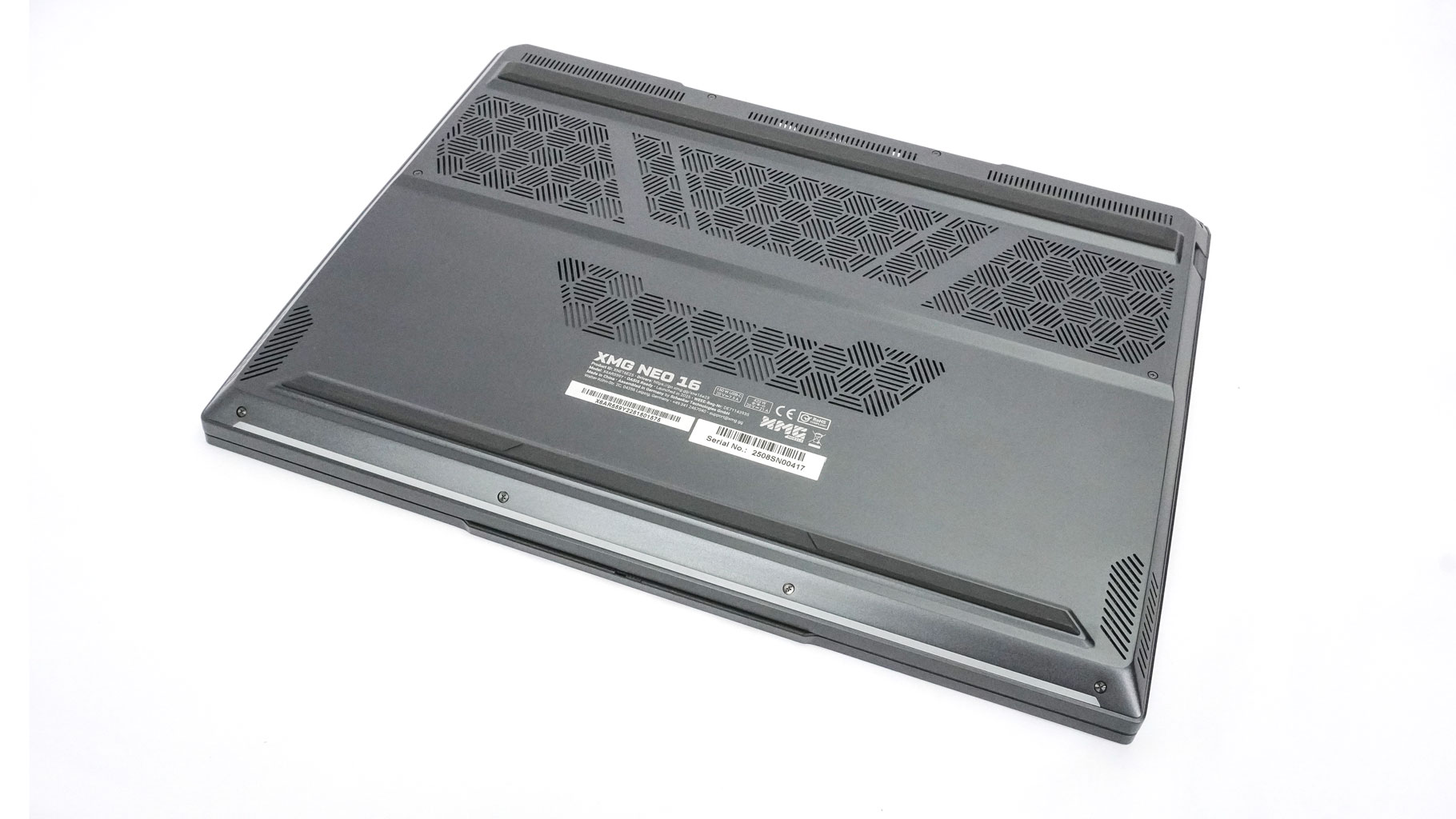
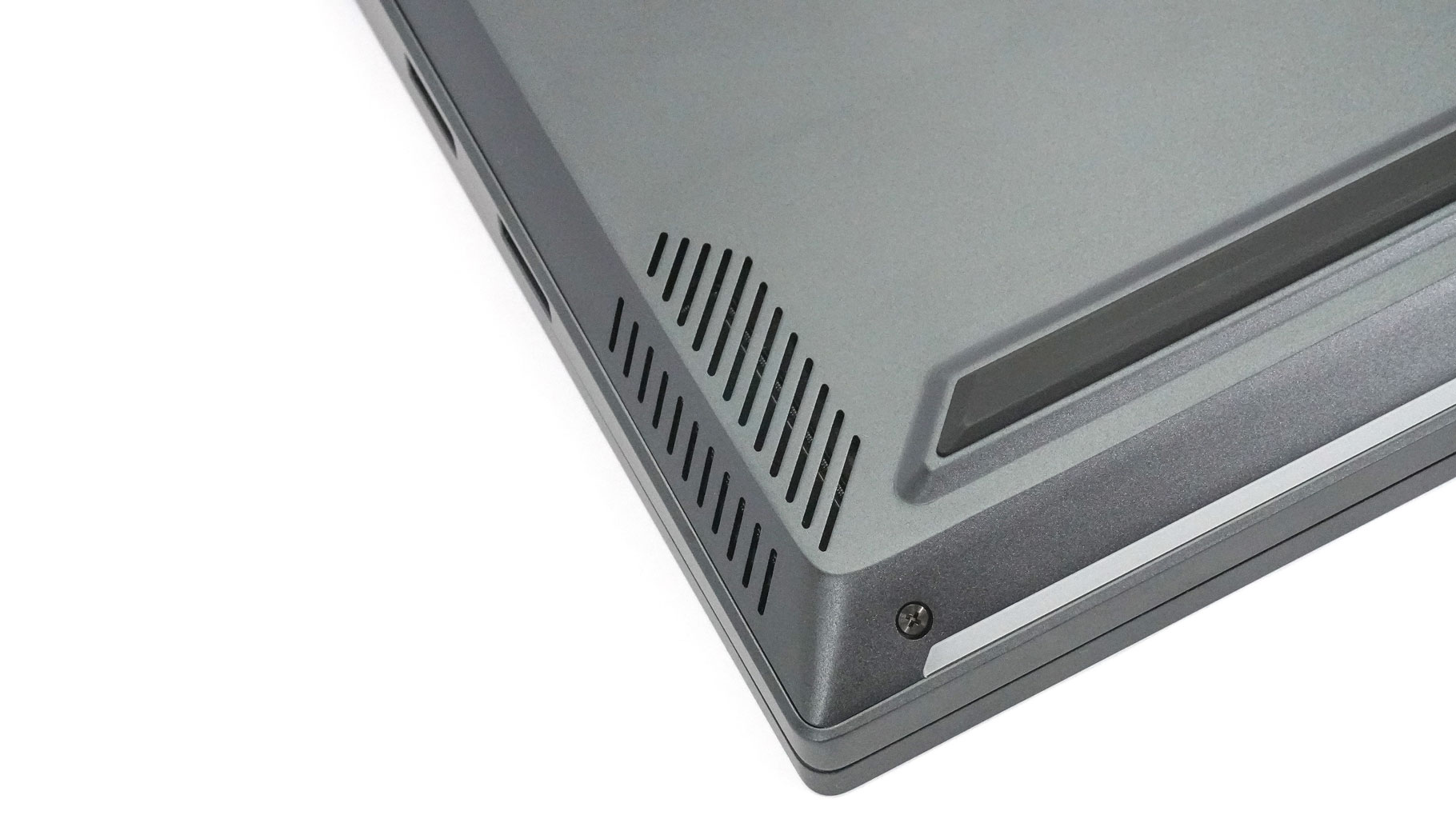
You can see part of the cooling through the bottom vents from which the three fans draw fresh air. While we're looking at the bottom, it's worth noting the speakers have dual cutouts, and the long rubber feet keep the laptop firmly planted even on slippery surfaces.
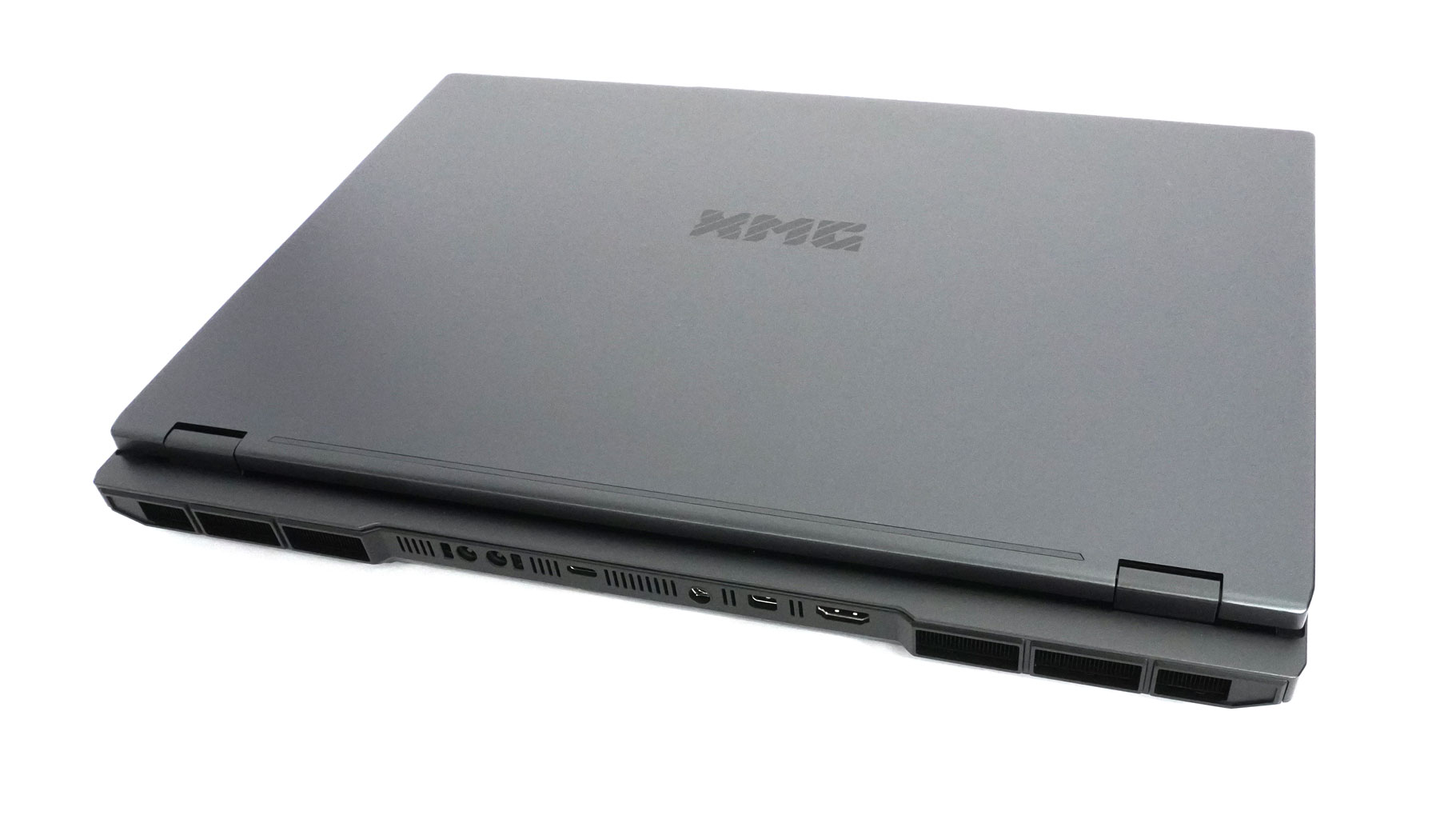
The heat generated from the two thirsty chips is expelled through the two back exhausts. To keep the screen safe from all that heat, XMG has placed the lid closer to the keyboard.
Our Patreon Silver Supporters can read articles in single-page format.
Nov 26th, 2026 09:43 CST
change timezone
Latest GPU Drivers
New Forum Posts
- Can you guess Which game it is? (366)
- Post your CrystalDiskMark speeds (658)
- Wireless Internet sharing between PC and router both-ways, is it possible? (23)
- Making a game in Godot engine (20)
- What's your main Black Friday / Cyber Monday purchase? (17)
- X79 and/or rampage IV OC'ing thread for those of us still left.... (2459)
- Exploring Local LLMs: Models, Hardware and Setup Experiences (4)
- Linpack Xtreme Released (513)
- Claude credits purchased on or after Dec. 7 now have an expiry date (20)
- Acer TravelMate P414-51 (i5-1135G7): CPU stuck at x4 / ~200 MHz effective under 100% load, no throttle flags. How to find who's clamping it? (1)
Popular Reviews
- ASRock X870E Challenger Wi-Fi White Review
- VZMORE AX9 Max Review
- Upcoming Hardware Launches 2027 (Updated Nov 2026)
- Microsoft Surface Laptop Ultra Review - The Next-gen Arm Laptop
- AMD Ryzen 7 9800X3D Review - The Best Gaming Processor
- AMD Zen 6 Technical Deep Dive
- Corsair RM1200e (Second Generation) Review
- Phantom Blade Zero Performance Benchmark Review - 35 GPUs Tested
- Montech CyberFlow ARGB 360 Review
- Pulsar Office Tour & First Look at P1 Dual-Sensor Mouse
TPU on YouTube
Controversial News Posts
- Jensen Huang Reinstated as CEO of NVIDIA (585)
- NVIDIA Co-Founder and CEO Jensen Huang Officially Resigns (492)
- Report: Jensen Huang Eyes NVIDIA Comeback (281)
- Open Letter Asking NVIDIA to Reinstate Jensen Huang Passes 115,000 Signatures (184)
- OpenAI CEO Argues Home PCs Waste the World's Limited DRAM Supply (152)
- NVIDIA Launches Investigation Into Jensen Huang's Relationship With Suspected Chinese Spy (136)
- Intel "Raptor Lake Next" 16-Core and 20-Core CPUs Surface (130)
- Intel Razor Lake Gets a 12 P-Core bLLC Chip With No E-Cores, Per Leak (94)