 9
XMG Pro 16 (E25) Review - The High Clocker
(9 Comments) »Introduction

The XMG PRO 16 (E25) is described as a "gaming workstation" by its creators, so it should be suitable not just for having fun with your favorite titles but also for complex and demanding tasks requiring sustained performance.
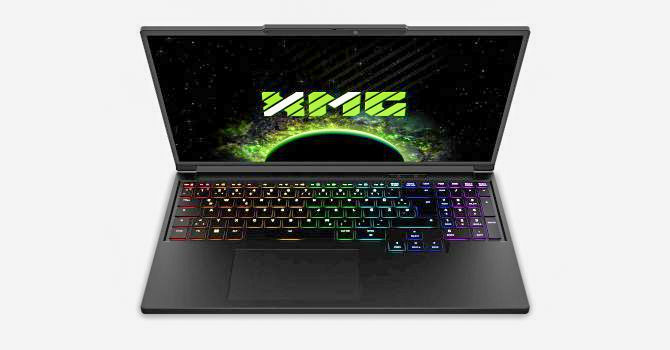
The hardware specifications definitely fit the manufacturer's claims. You can find this laptop with just two CPU options. The first one is the modern Core Ultra 9 275HX, which also brings support for CSO-DIMM modules, PCIe 5.0 NVMe drives, and a Thunderbolt 4 port, however selecting this will bump up the final price. If you can live without these goodies, choosing a model with the older and slightly less energy efficient, but still plenty powerful Core i9-13900HX will save you some money. The test configuration of this article uses this monolithic 13th gen Raptor Lake CPU, and it's more than sufficient for a wide range of tasks.
There aren't compromises in terms of upgradeability; if you max out the device, you can configure it with up to 128 GB of RAM and 16 TB of NVMe storage. Pretty impressive for a laptop, but this raises the price almost to the levels of the entry-level RTX 5090 machines. However, if you need so much memory and SSD space for a specific work, it's good to have the option.
This notebook isn't exactly thin, but that has a positive side effect: a generous number of ports on every side except the front. The ones that caught my attention were 2.5 GbE LAN, a full-sized SD Card reader, and a Mini DisplayPort 2.1 port, which is a rare find in a 2025 laptop. The rest are a mix of Type-C (with PD) and Type-A ports for broad peripheral compatibility.
Previously, I reviewed another Clevo-based laptop, the EUROCOM Raptor X16, which is thinner than this XMG offer, but it has the same GPU, a 140 W GeForce RTX 5070 Ti. Still, the EUROCOM Raptor is paired with the 275HX CPU, while the Pro 16 (E25) rocks a 13900HX. This comparison is key, as it'll be interesting to see how the same GPU performs when paired with Raptor Lake and Arrow Lake chips, albeit in different chassis featuring two different cooling setups. While talking about processors and graphics cards, the cooling is another essential part that is extremely crucial. If it's not good enough, poor cooling can ruin the whole user experience and the machine's performance potential. Here we have a standard thermal system with thick heat pipes and huge cooling plates over the chips that are interfaced with PTM7958 phase-change compound.
There is just one display model for this XMG series. The panel is an IPS unit with a 2560x1600 resolution operating at a 300 Hz refresh rate. This pairing seems like a great fit for the 12 GB GPU, personally, I think a 4K or 2400p screen would be too demanding.
This laptop is a full-blown gaming machine with features such as G-SYNC, MUX switch, Advanced Optimus, a large battery, a per-key RGB backlit keyboard, and an unlockable CPU undervolt function that you'll find in the BIOS.
Specifications
| Specifications | |
|---|---|
| Manufacturer: | XMG |
| Model: | XMG Pro 16 (E25) |
| Weight: | 2.40 kg |
| Processor: | Intel Core Ultra 9 275HX/Arrow Lake-HX 8 P-Cores + 16 E-cores/24 threads (No HT) up to 5.4 GHz, 36 MB cache 55 W Base Power Intel Core i9-13900HX/Raptor Lake-HX 8 P-Cores + 16 E-cores/32 threads up to 5.4 GHz, 36 MB L3 cache 55 W Base Power |
| Chipset: | Intel HM870/Intel HM770 |
| Display: | 16.0"/2560×1600 (16:10)/IPS/300 Hz ~500 nits/100% sRGB/non-glare |
| Operating System: | No OS/Microsoft Windows 11 Home/Pro |
| Integrated Graphics 275HX: | Intel Arc Graphics (64 EU) |
| Integrated Graphics 13900HX: | Intel UHD Graphics (32 EU) |
| Dedicated Graphics: | NVIDIA GeForce RTX 5070 Ti (mobile): 12 GB GDDR7, 192 Bit, 2000 MHz effective clock 5888 CUDA Cores 184 TMUs 64 ROPs 46 RT Cores 184 Tensor Cores L1: 5.8 MB, L2: 48 MB 140 W TGP |
| Memory 275HX: | 2x SO-DIMM RAM slots Up to 128 GB of DDR5 at 6400 MT/s CSO-DIMM support |
| Memory 13900HX: | 2x SO-DIMM RAM slots Up to 96 GB of DDR5 at 5600 MT/s |
| Storage 275HX: | 1x M.2 2280 PCI Express 5.0 x4/1x M.2 2280 PCI Express 4.0 x4 |
| Storage 13900HX: | 2x M.2 2280 PCI Express 4.0 x4 |
| Optical Drive: | None |
| Connectivity: | 3x 5 Gbps USB Type-A/3.2 Gen. 1 (one of which supports charging) 1x 10 Gbps USB Type-C/3.2 Gen. 2 + 1x 40 Gbps Thunderbolt 4 (both with DP and PD) for 275HX 2x 10 Gbps USB Type-C/3.2 Gen. 2 with DP and PD for 13900HX SD Card reader 1x HDMI 2.1 VRR/G-SYNC compatible Mini DisplayPort 2.1 Audio combo jack 2.5 GbE LAN DC-in |
| Communications: | Wi-Fi 6E + Bluetooth 5.3 Wi-Fi 7 + Bluetooth 5.4 (optional) 1080p IR webcam |
| Audio: | 2x speakers Nahimic by SteelSeries Software |
| Input device: | Microsoft Precision Touchpad, integrated buttons Per-key RGB Keyboard |
| Power: | 1x 250 W AC adapter 99.9 Wh battery |
| Warranty: | Two year |
| MSRP: | Starting at €1999 |
Packaging
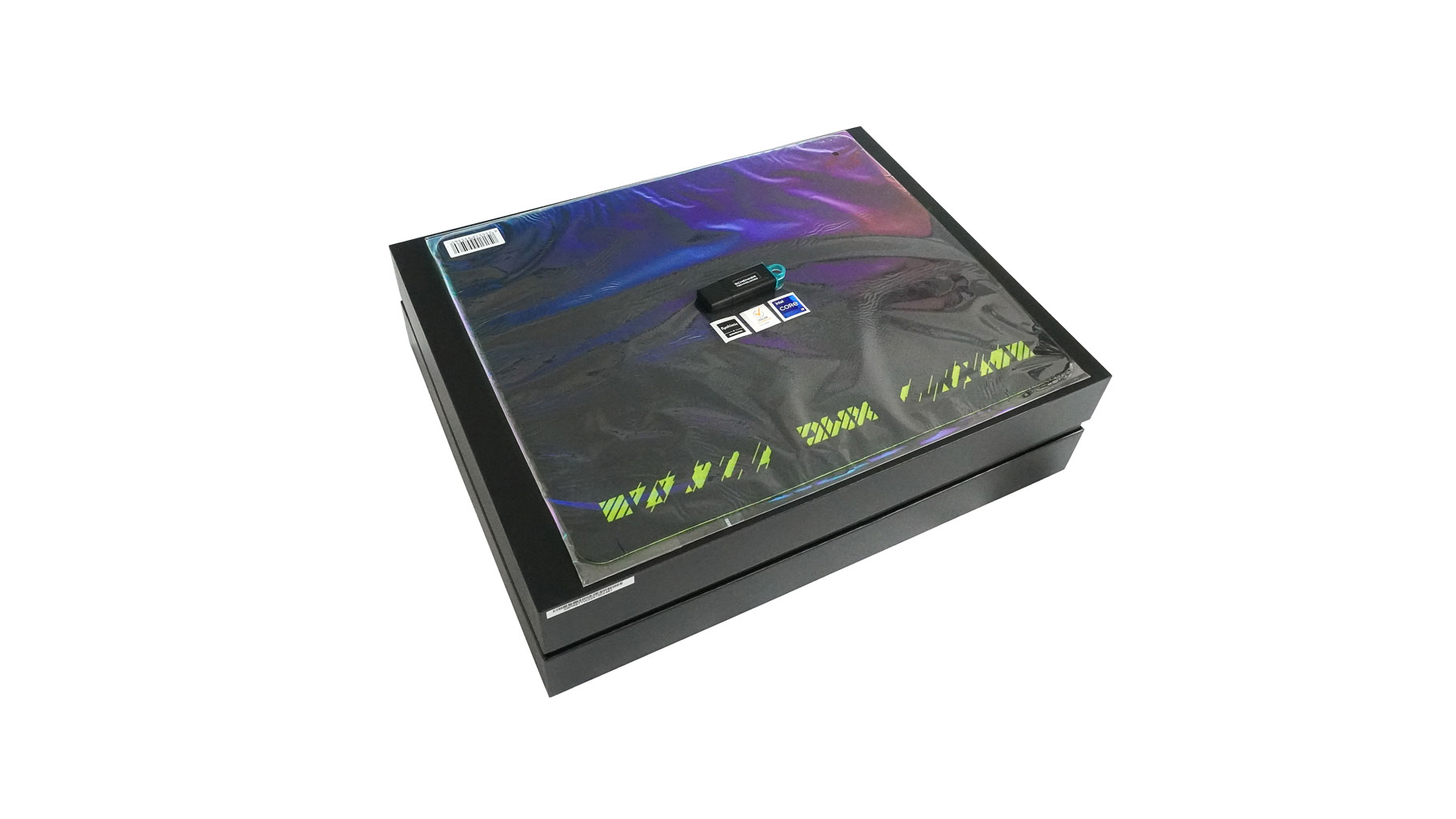
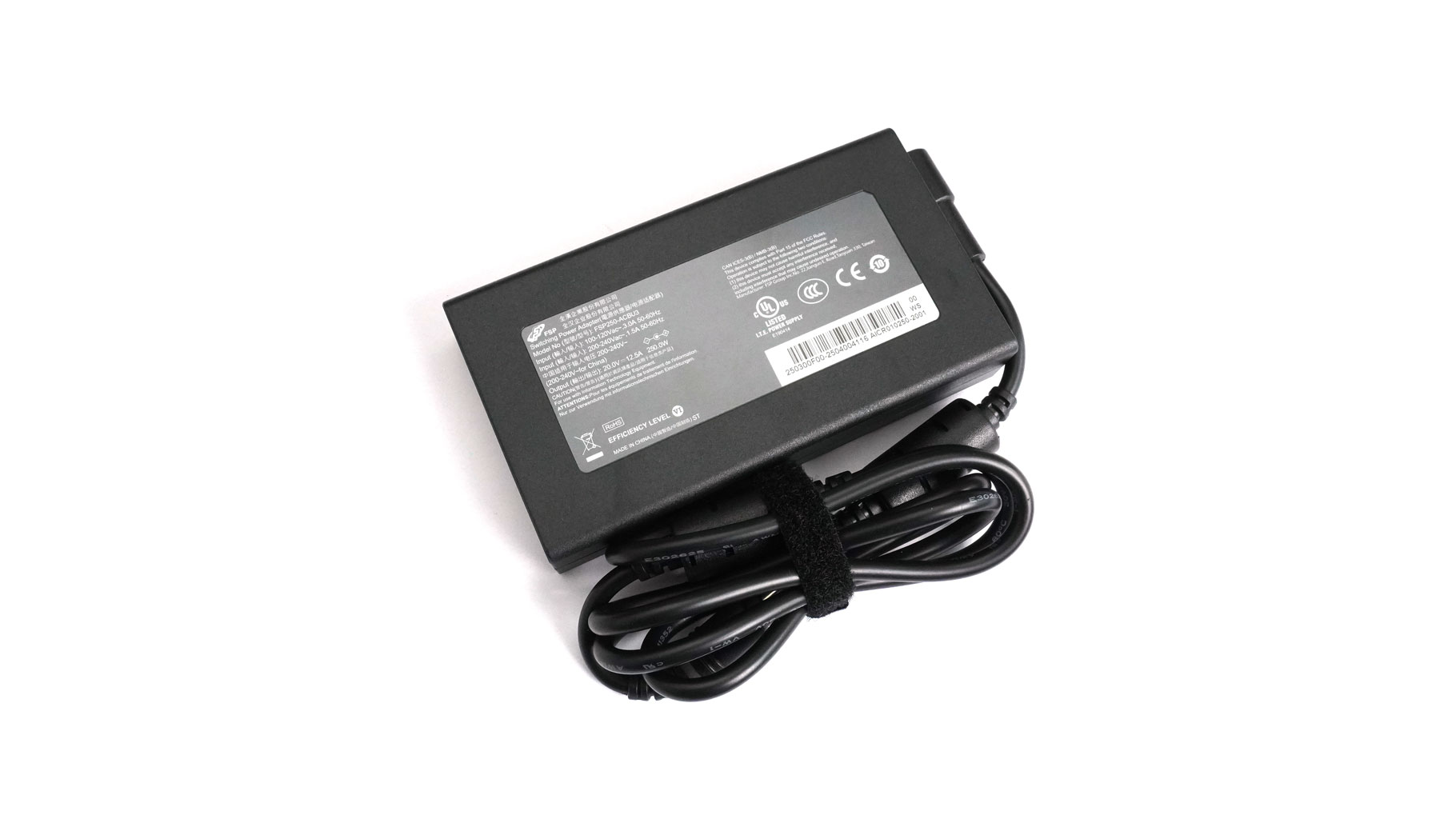
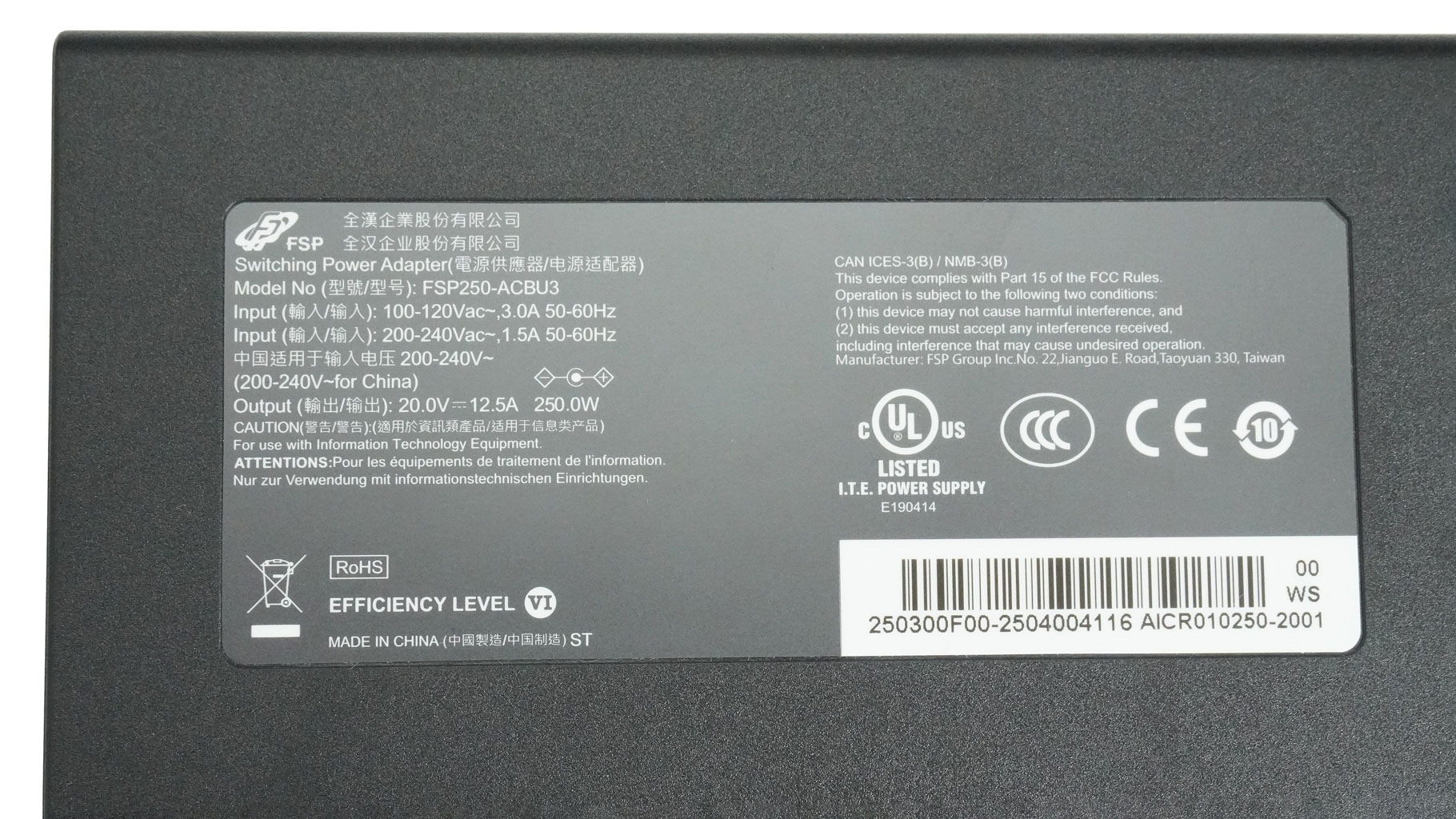
The shiny, glossy box in the picture is fitted within another one that is for extra protection. Inside, the package contains a 250 W FSP adapter and a memory stick with the drivers.
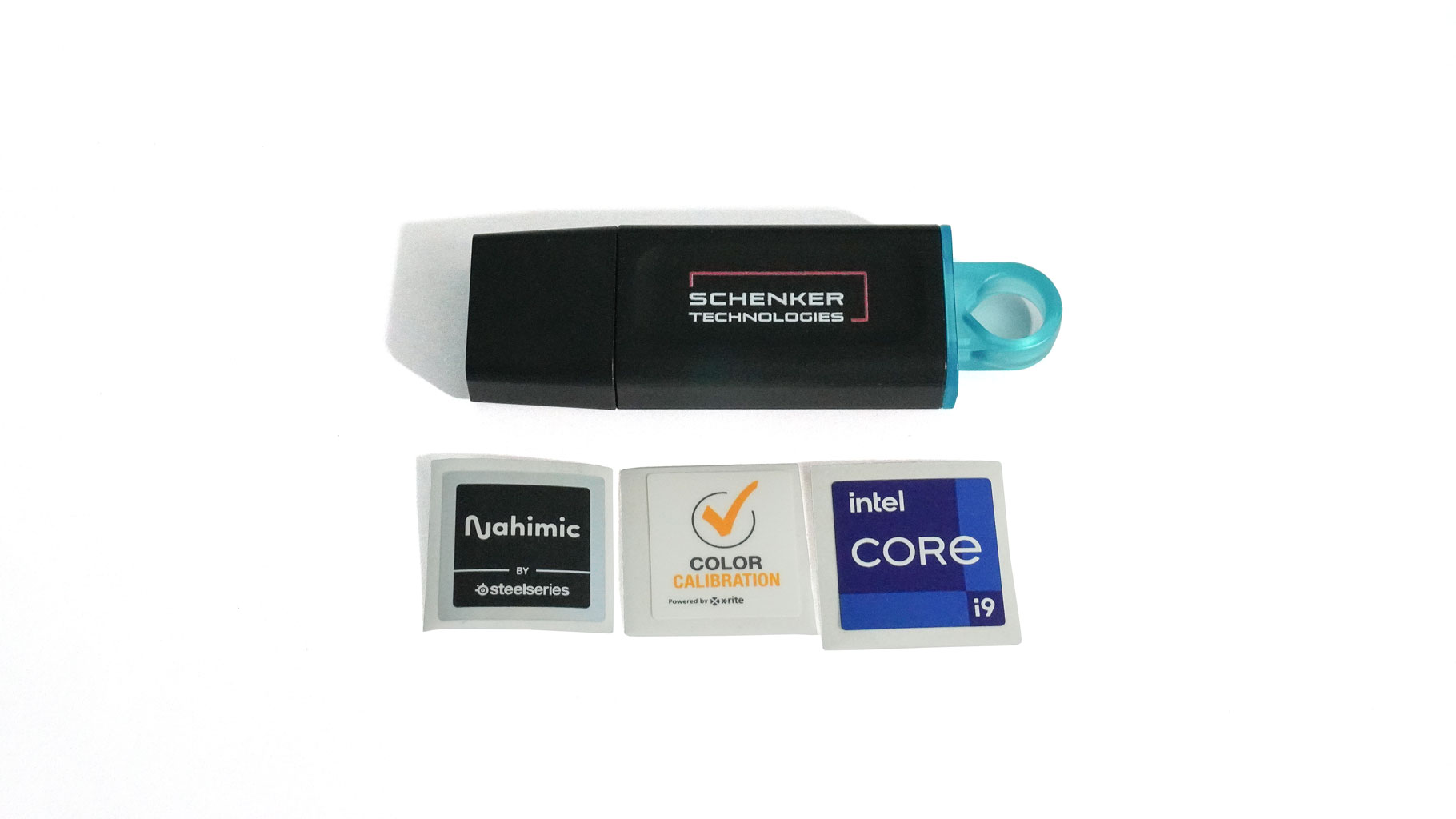
I'm really happy that the stickers indicating the CPU/GPU platform and other important specs aren't glued directly to the chassis. You're free to peel them off and place them wherever you like. Personally, I'd never stick them to the chassis. It looks so neat without stickers. You also get an XMG-branded mousepad, which is a nice bonus!
A Closer Look - Outside
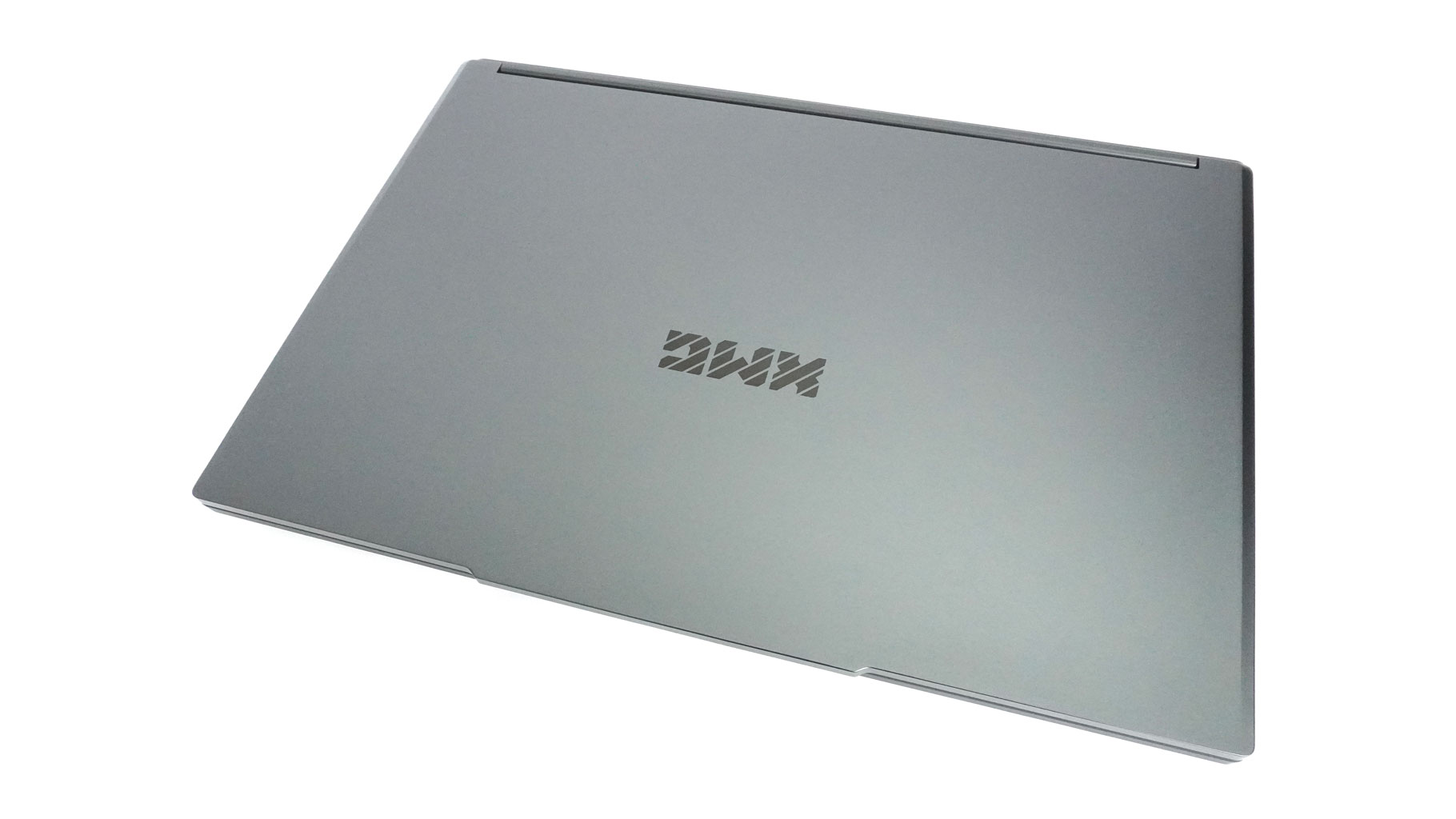
This device looks very neat for a gaming laptop. With its rounded edges, dark color, minimal branding, and almost no RGB, this is definitely a machine you could take to the office for a business meeting.
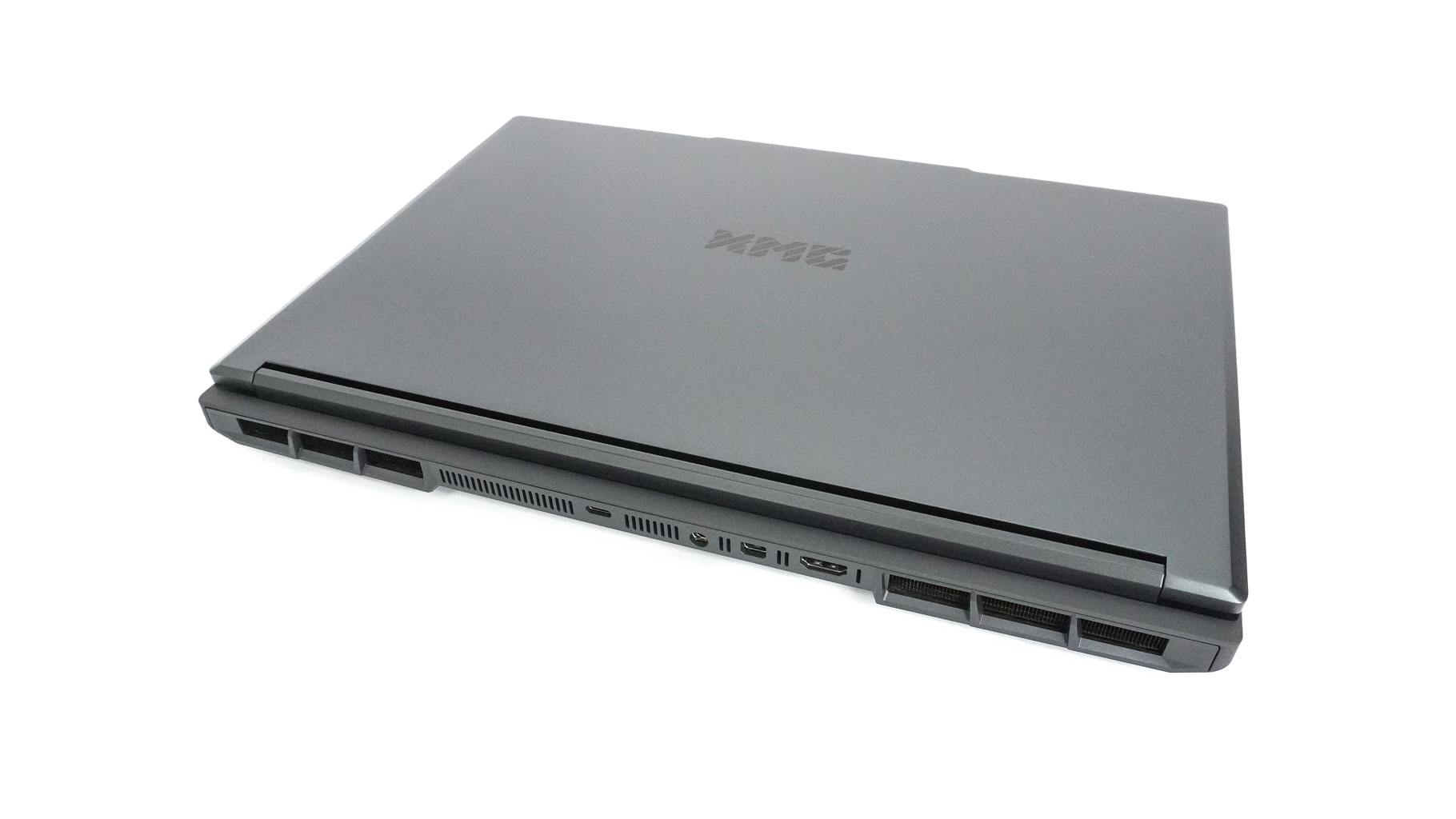
The large exhausts on the back are the only things that reveal its powerful nature. No vents on the sides, so the hot air will not reach your hands when working with an external mouse.
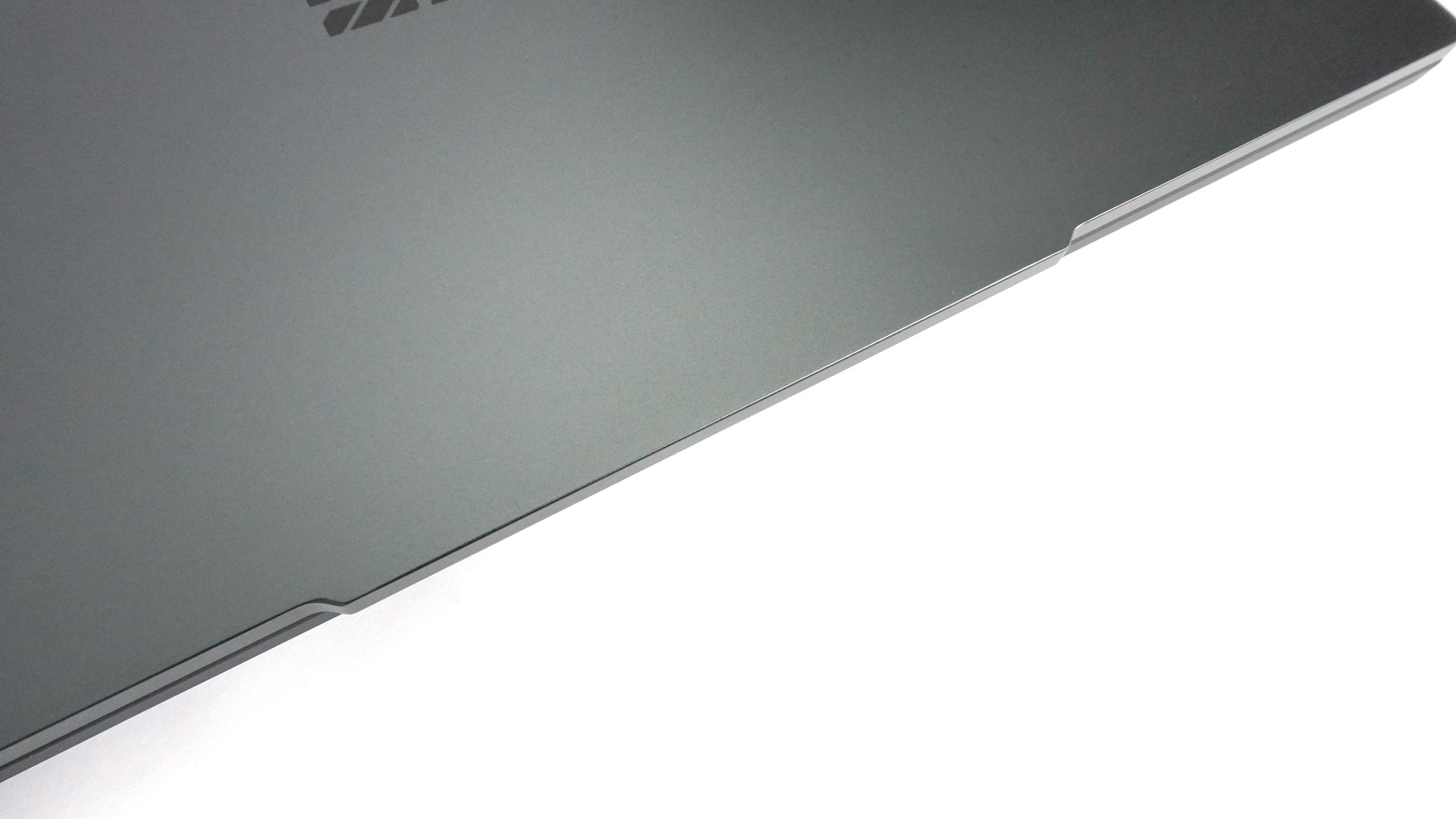
The large hump on the lid makes opening it with one hand even easier. The hinge stiffness seems well-tuned, though I did hear a slight crackling noise from the left hinge when opening the lid quickly.
The lid is made of metal, and it's stable. I can confirm the exact same thing for the plastic base. It stayed firm even when I was typing as harshly as I could. Only the spot between the top trackpad edge and the arrow keys can be pushed down if you press hard, but I consider this insignificant since you won't notice it during work. The main body has a nice soft finish that doesn't pick up a lot of fingerprints. The weight of 2.4 kilos sounds reasonable considering the competent components, large battery and cooling. On the flip side, the 26.5 mm profile height means this isn't a thin machine like the Eurocom Raptor was.
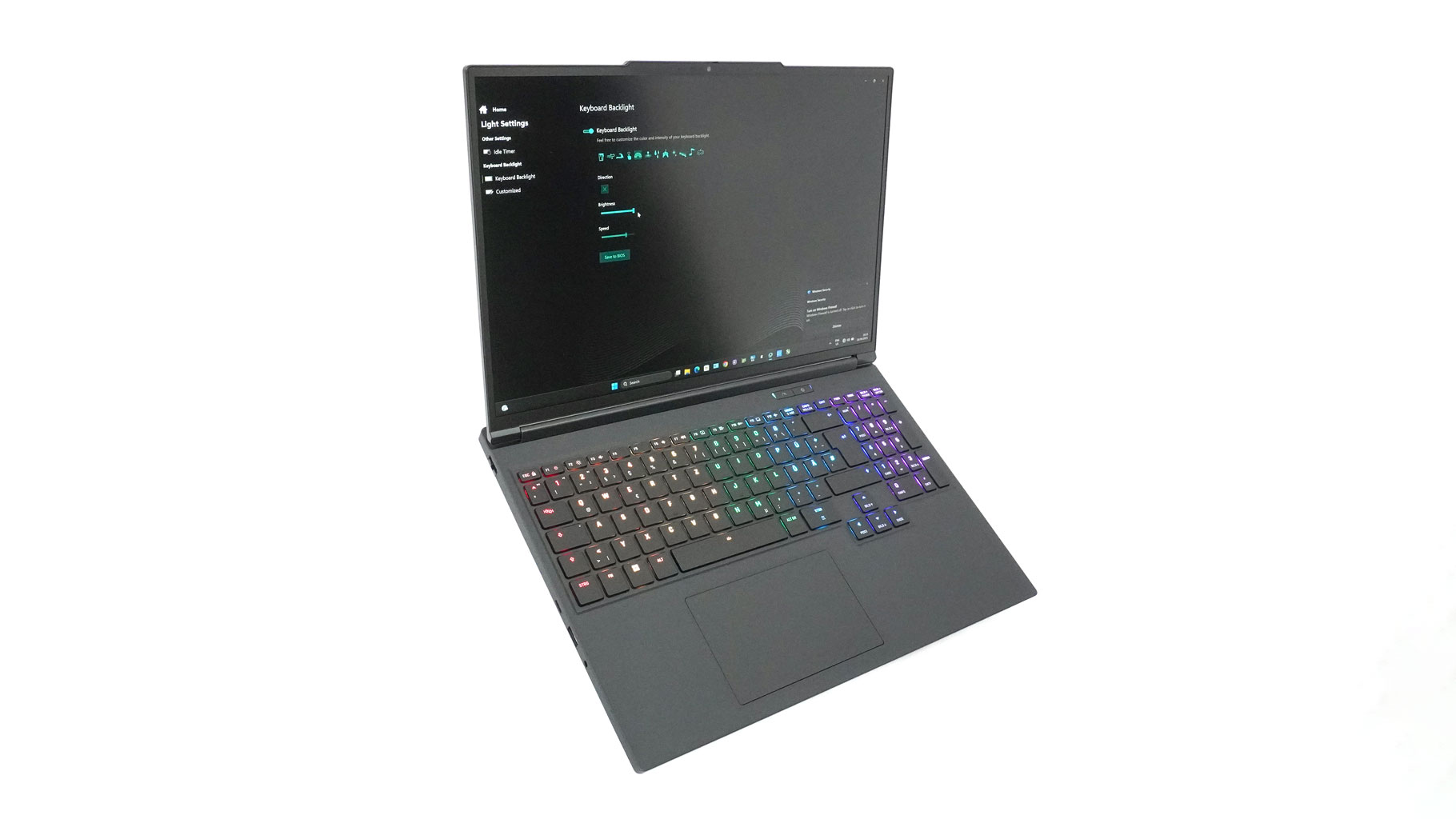
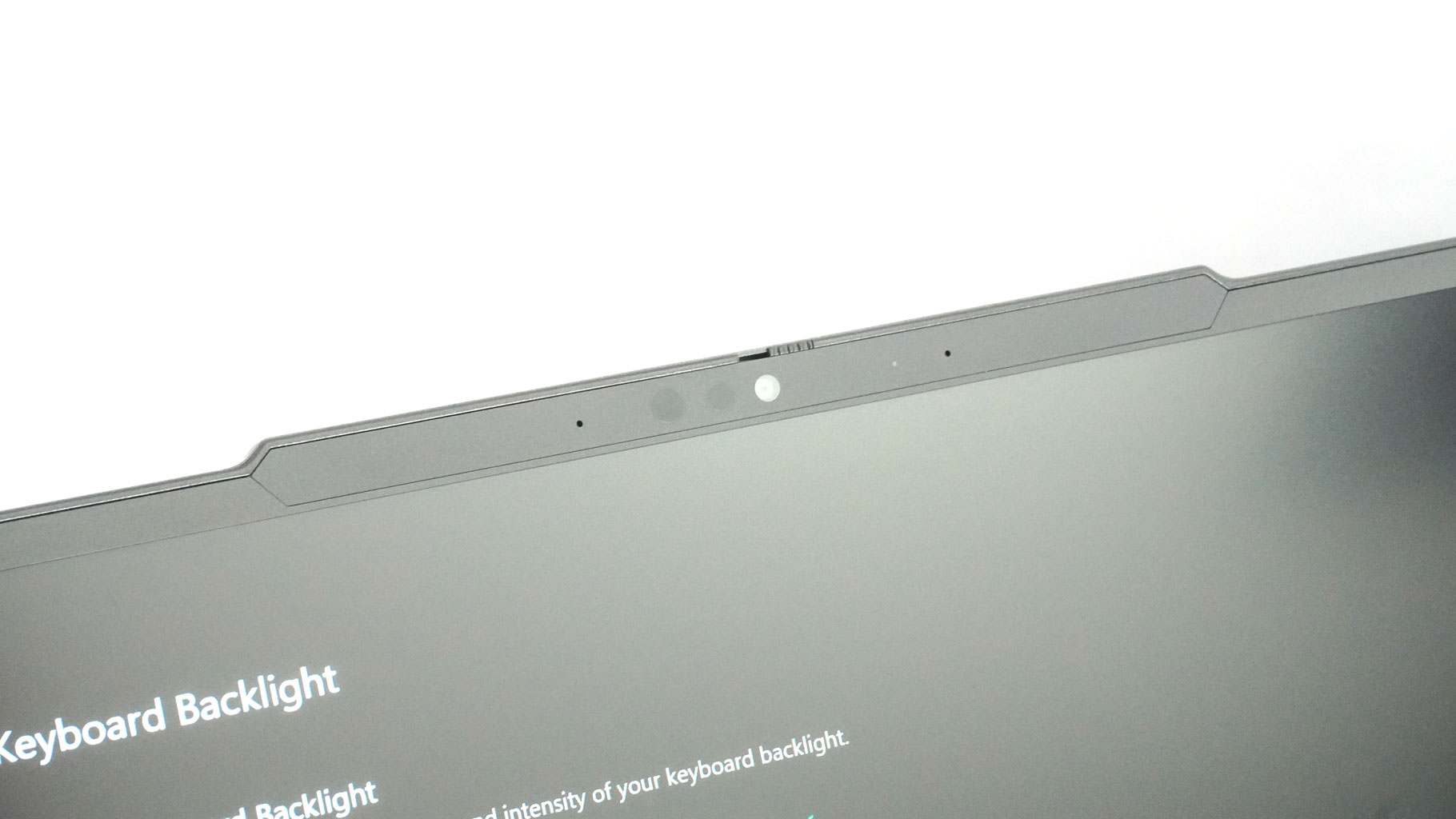
The display housing reveals relatively thin bezels, even the bottom one isn't too enlarged, something that cannot be said for a lot of other competitors in the same class. The 1080p webcam, along with its sensors and privacy shutter, is neatly incorporated into the lid's "hump."
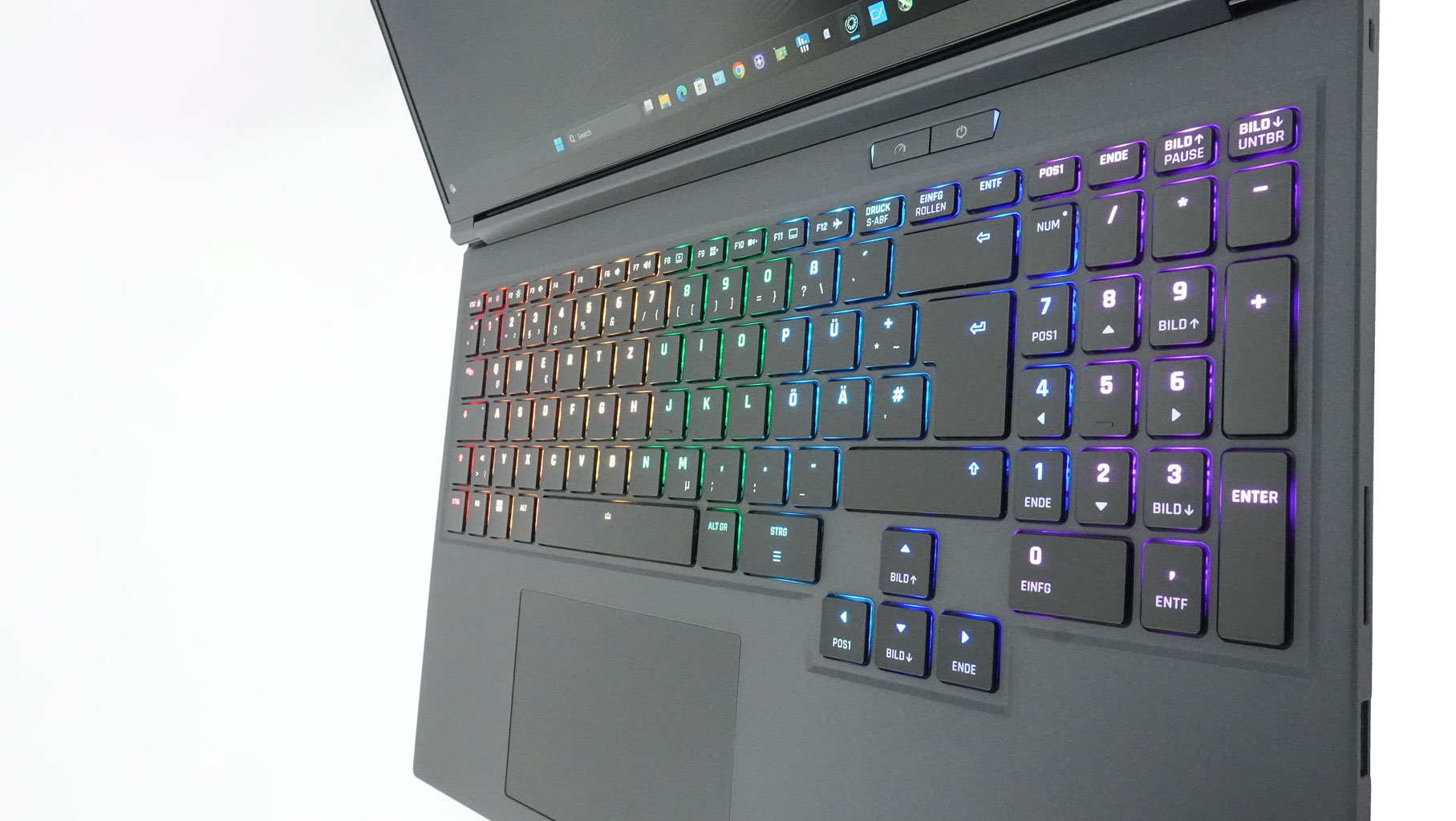
No stickers on the main body! That's so refreshing, and because of that, the machine looks cleaner and somehow more mature.
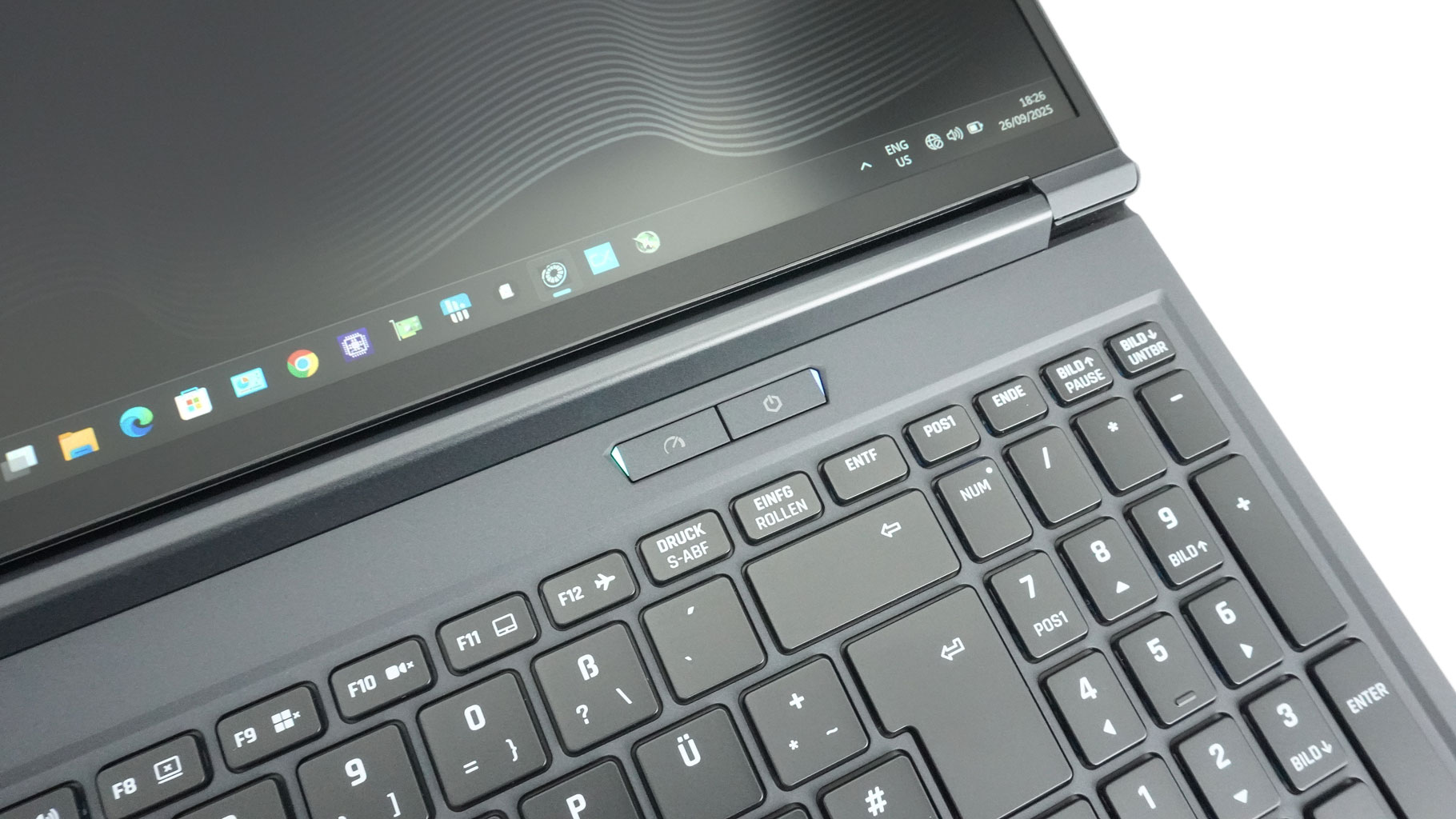
The Power button and the Performance profile button are placed separately from the keyboard deck. The preset key could be tuned to max out the fan speed, which is useful in situations when you want to rapidly cool down the chassis, for instance after a batch of rendering.
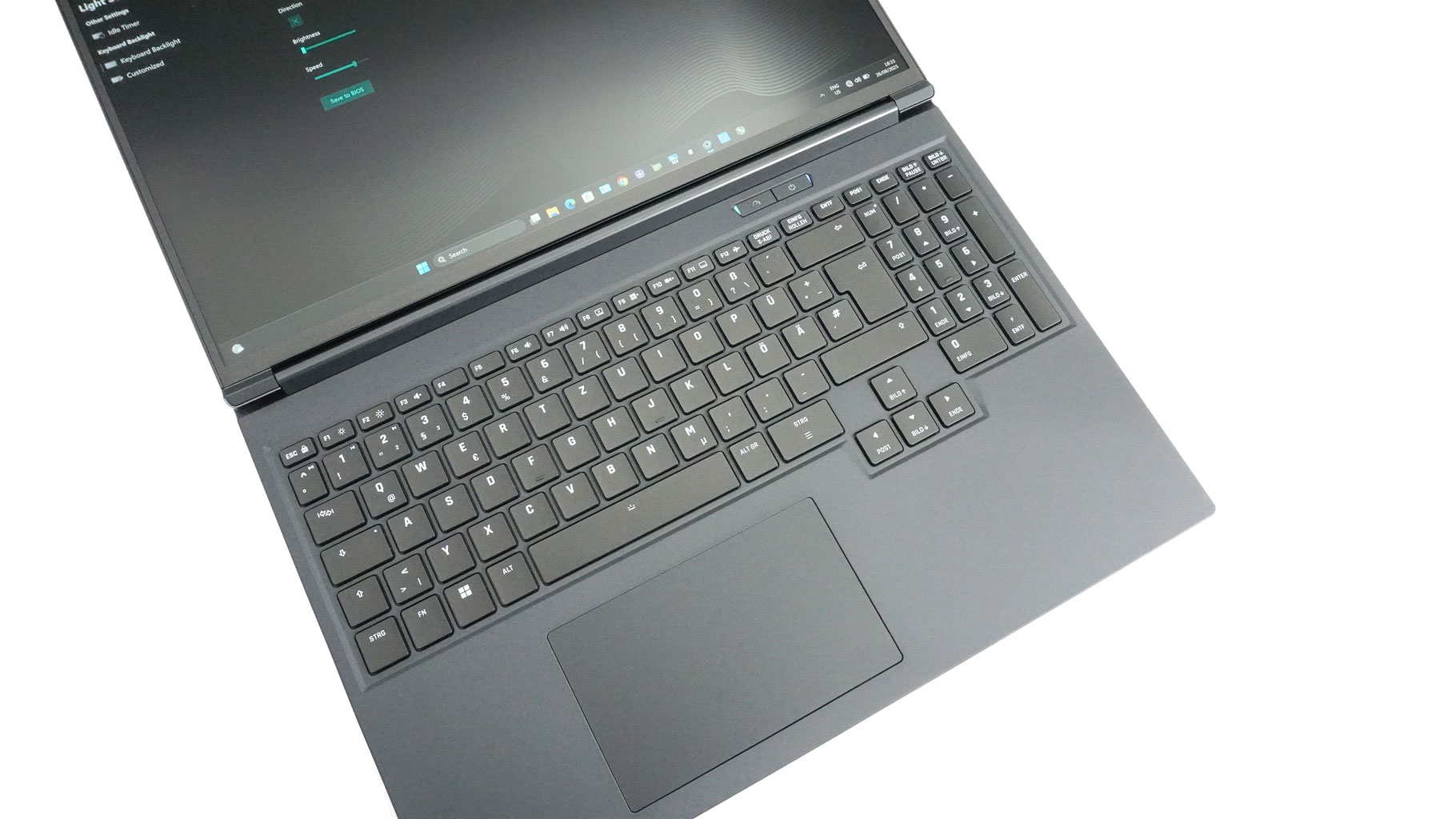
The per-key RGB keyboard, with N-key rollover and anti-ghosting, performs well for all types of usage. It features a 4-row NumberPad, full-sized arrow keys separated from the main keys, and large (ergo, comfortable to press) Enter, Backspace, and Right Shift keys. The concave keycaps suit my typing style (yes, I prefer these over dished keys). The key travel is long enough for gaming or typing, and the feedback has a nice click.

The touchpad is, for the most part, superb! It is very smooth and accurate, which makes it a joy to use. The clicking mechanism is noisy, though. The workaround is to use taps instead of clicks.
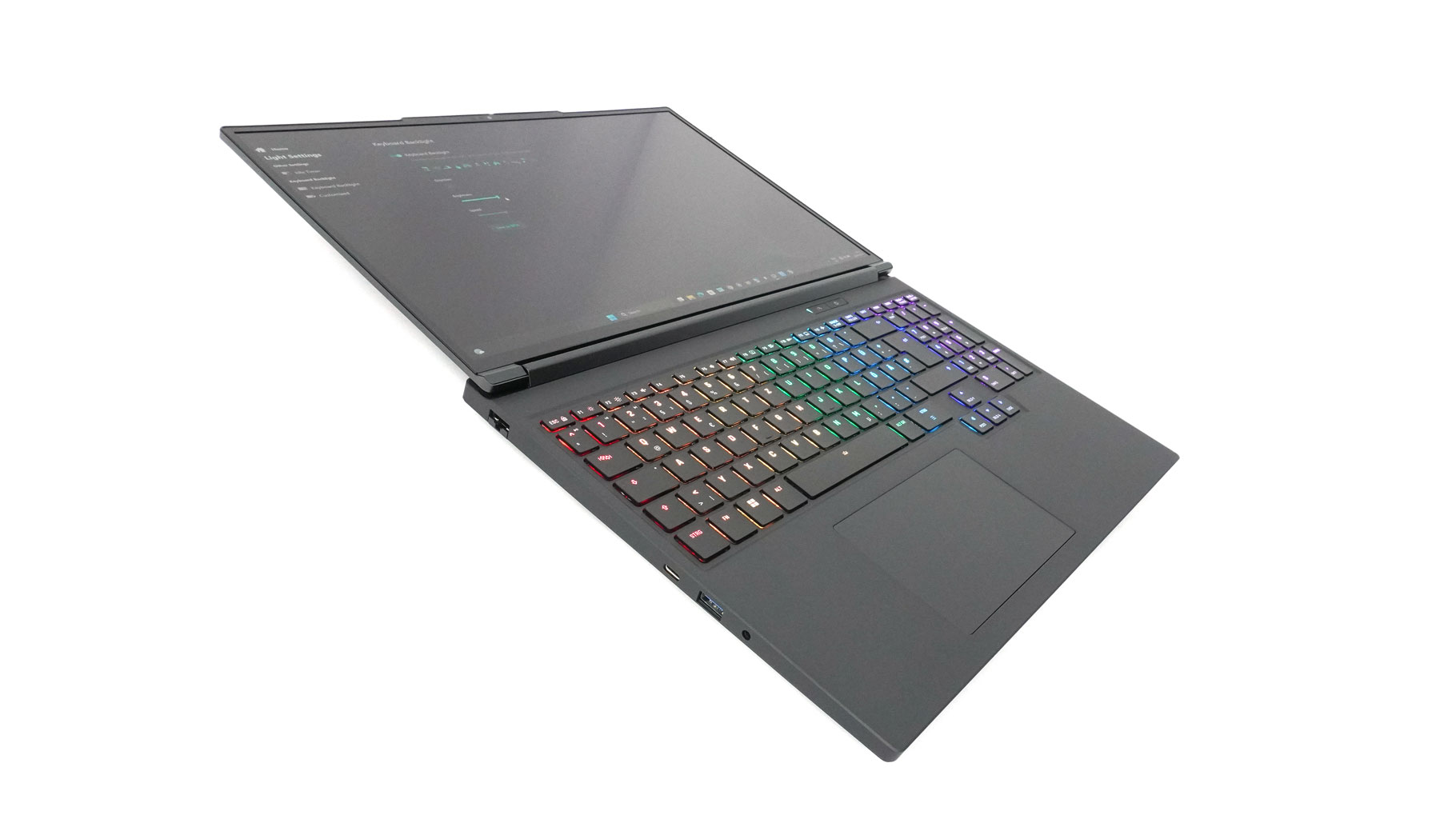
XMG claims a 180° display opening angle, but I think it misses a degree or two for a completely flat opening.
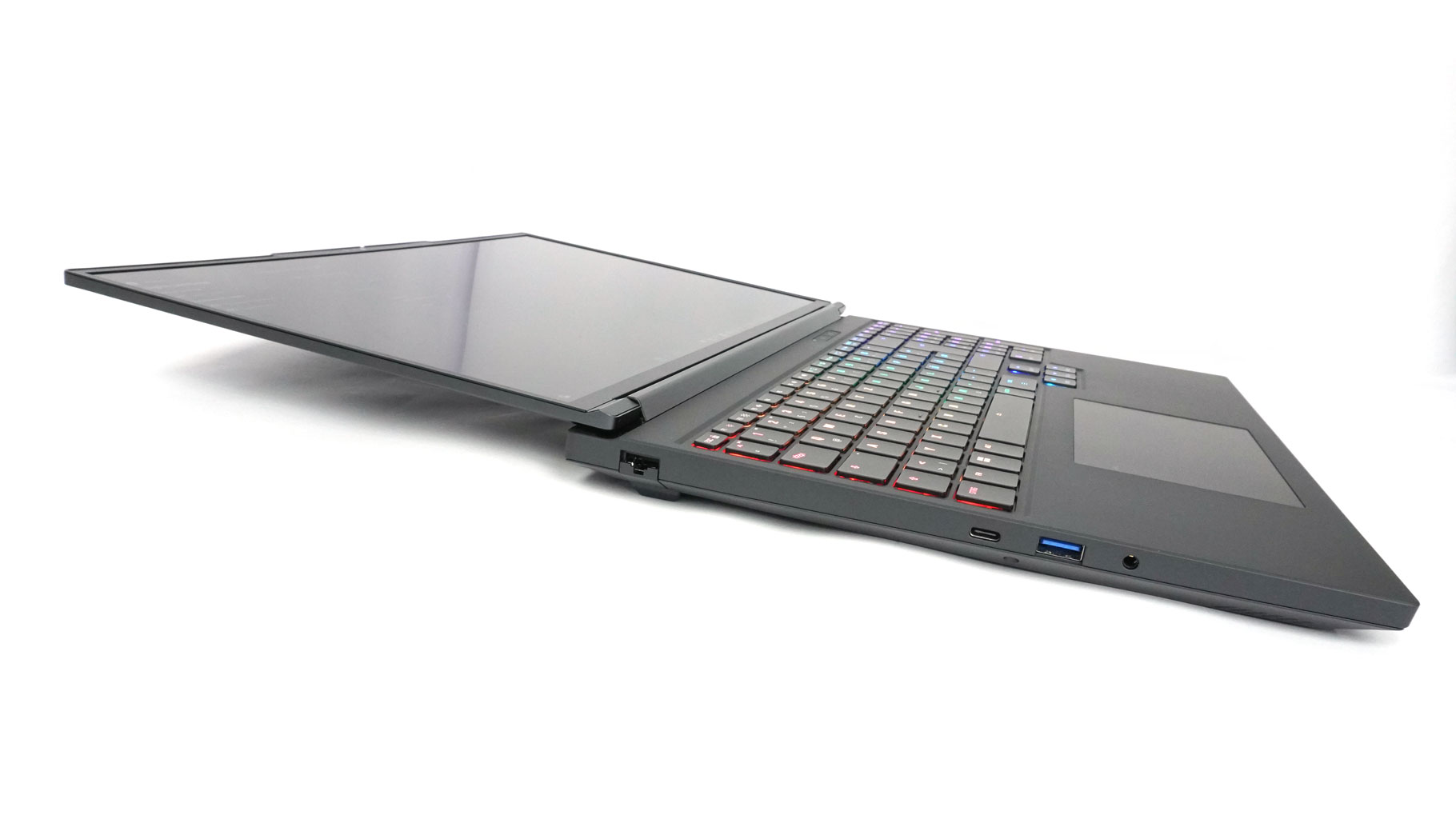
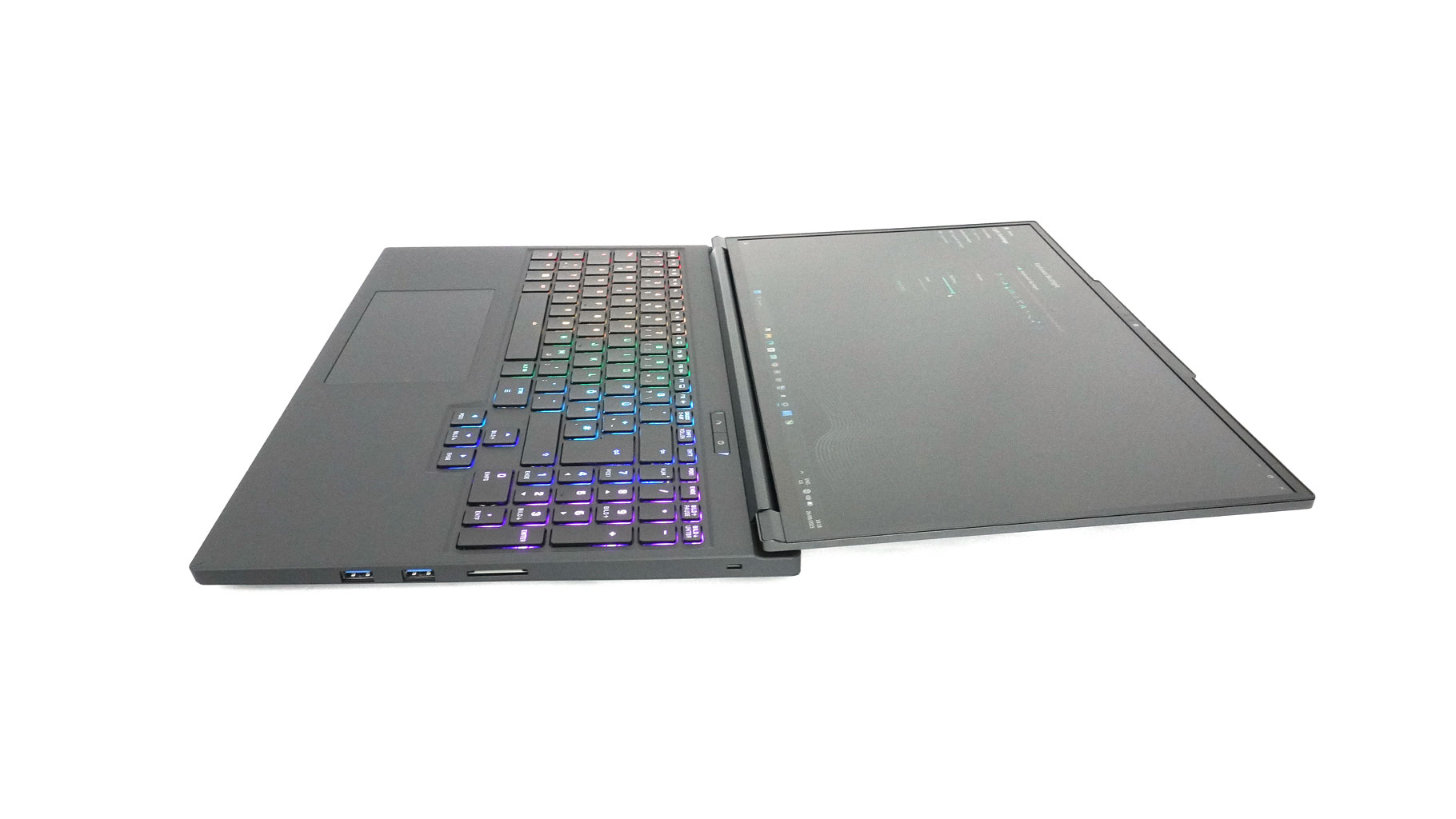
Never mind, that wide angle is great for sharing on-screen info.
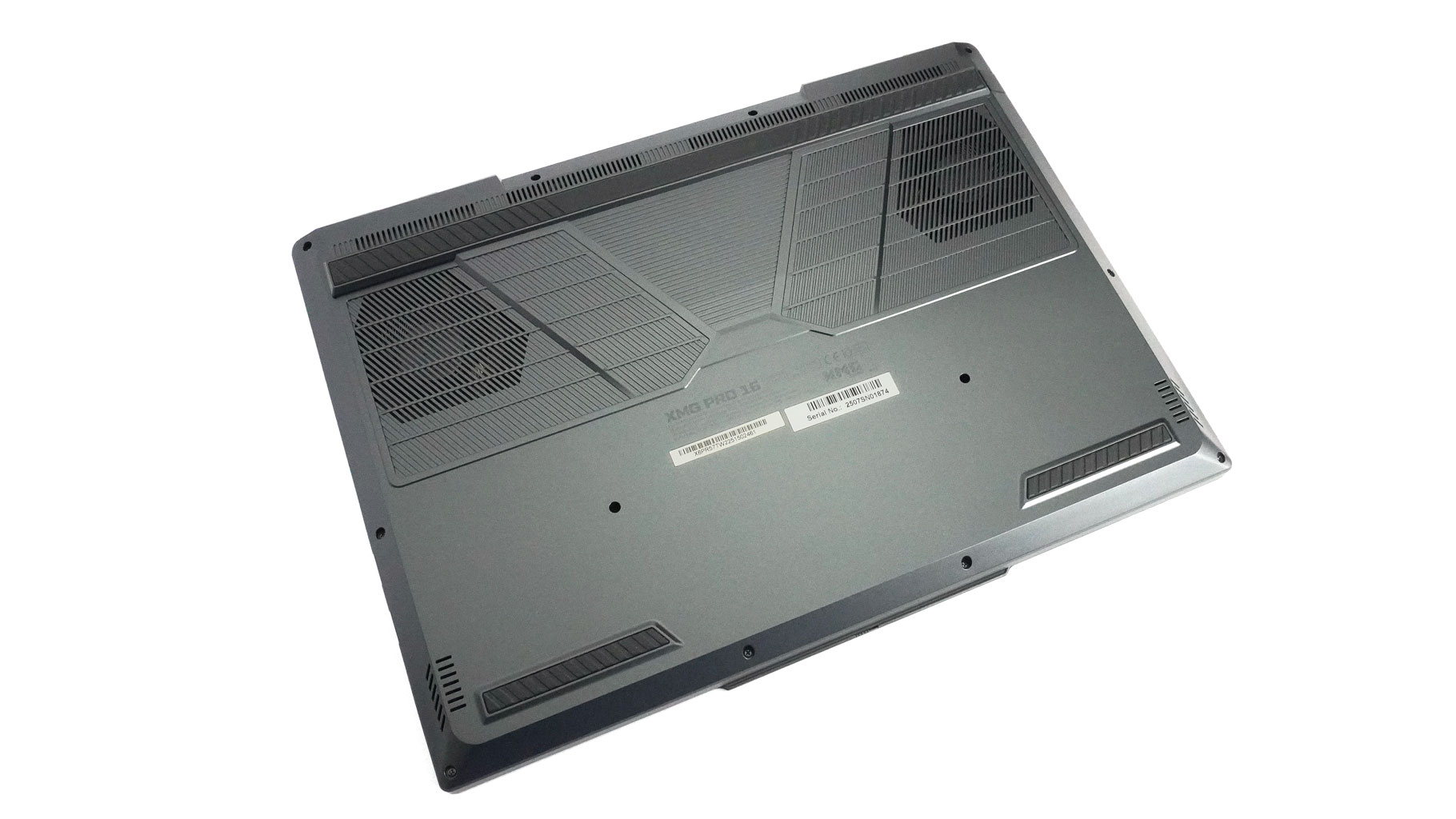
The bottom of the machine is business as usual for a gaming notebook - two vents above the fans, speaker cutouts, and three rubber feet that provide excellent grip.
Ports and Connectivity
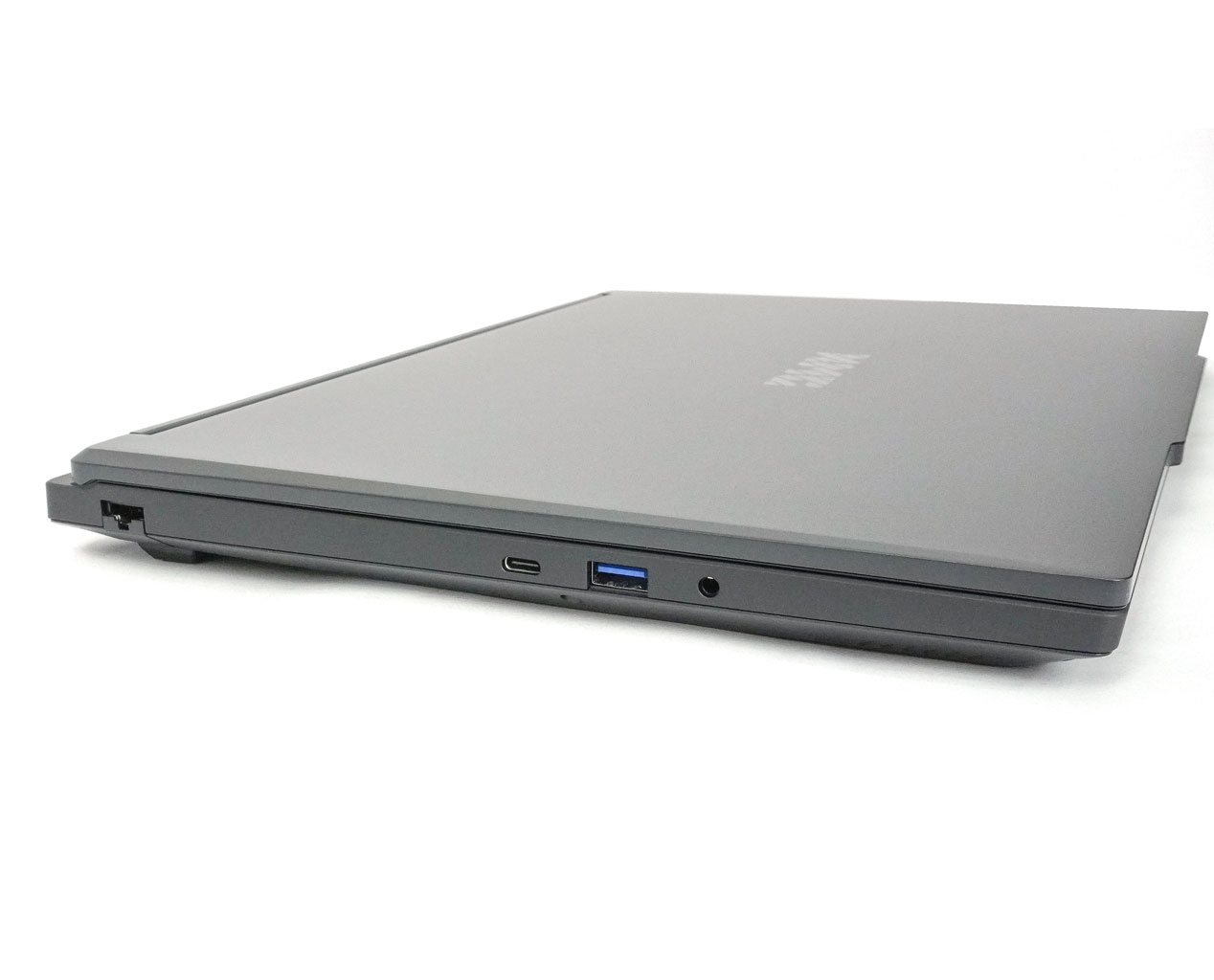
The left side has an audio combo jack, a 5 Gbps USB-A 3.2 Gen 1 port, a 10 Gbps USB-C 3.2 Gen 2 port with DisplayPort 1.4a and 100 W PD, and a 2.5 GbE LAN port.
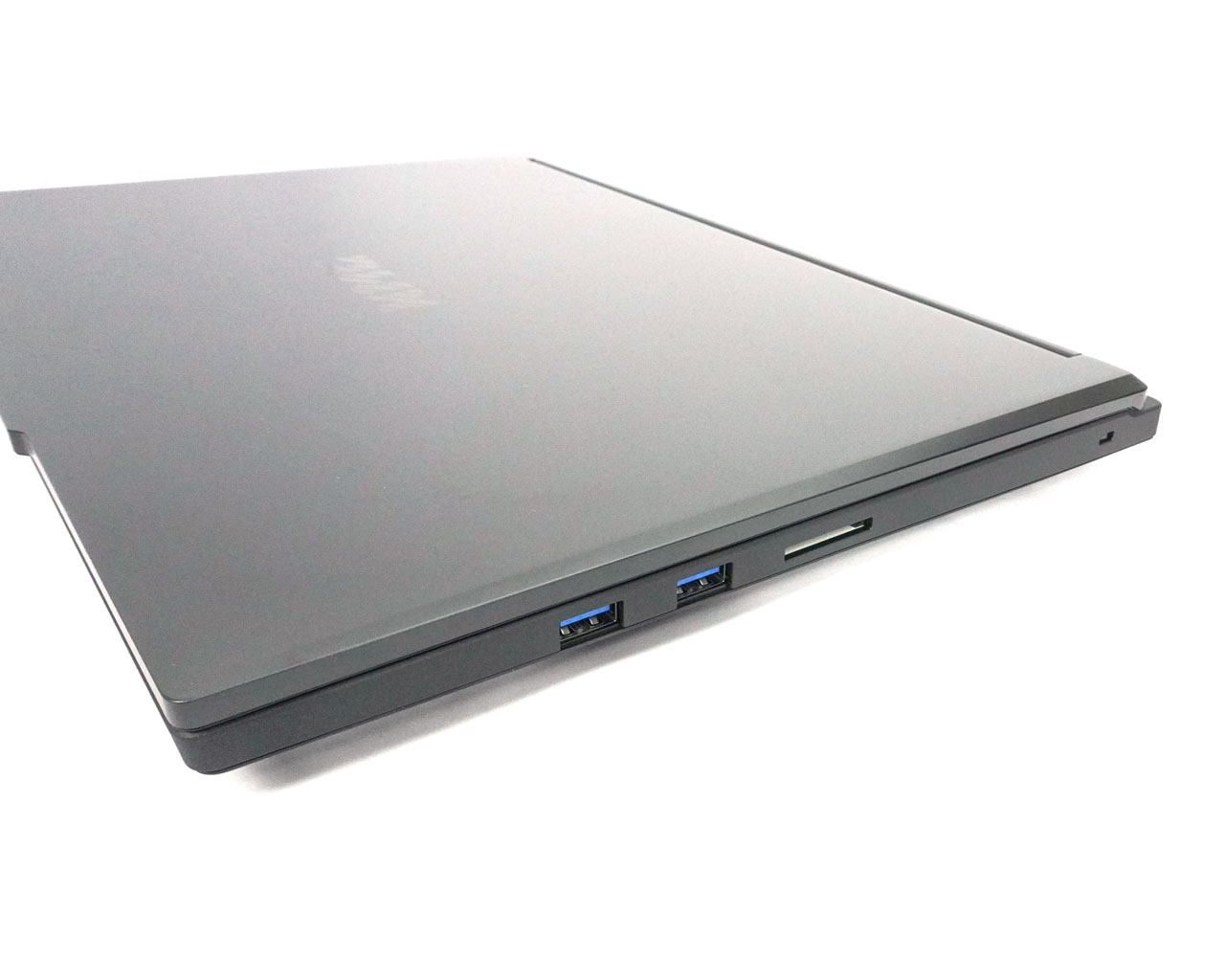
There's a pair of 5 Gbps USB-A 3.2 Gen 1 ports and an SD Card reader on the right.
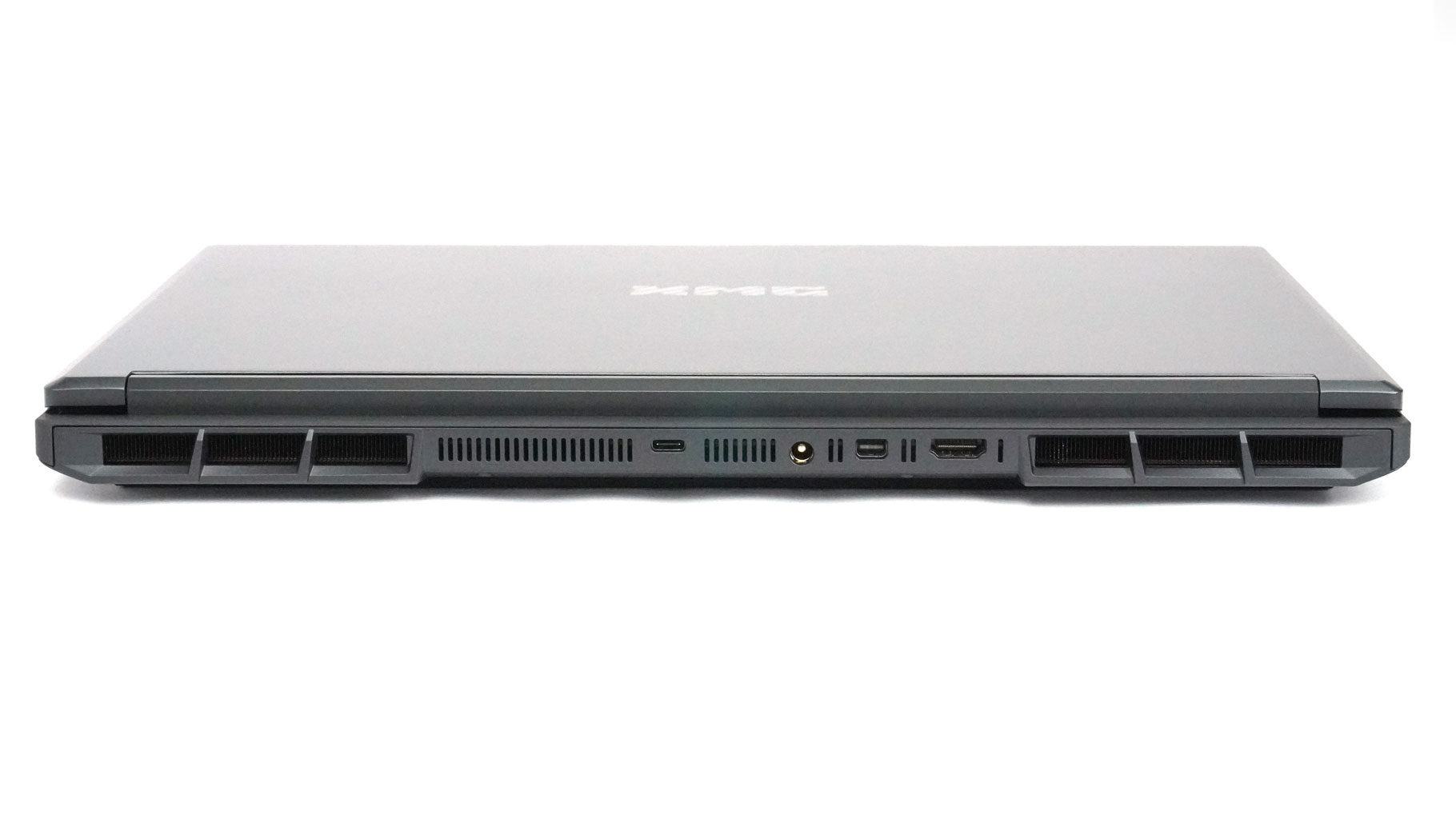
On the back, you get a full size HDMI 2.1 port that comes with VRR/G-SYNC compatibility, a Mini DisplayPort 2.1 port, a DC-in jack, and a 10 Gbps USB-C 3.2 Gen 2 port with DisplayPort 1.4a and 140 W PD. The latter is swapped for a 40 Gbps Thunderbolt 4/USB4 port with DisplayPort 2.1 and 140 W Power Delivery in the Arrow Lake 275HX-based configurations.
Our Patreon Silver Supporters can read articles in single-page format.
Nov 17th, 2026 16:50 CST
change timezone
Latest GPU Drivers
New Forum Posts
- Help with fixing Overclock (7)
- 9070 GRE 3.9ghz validation reached. (17)
- Local LLM General Discussion (692)
- ProArt X870E-CREATOR WIFI - Bifurcation~Complication (13)
- Last game you purchased? (1403)
- Without Jensen, PC gaming will be (33)
- [Poll] 12V-2x6 Connector Protection: What Are You Using? (WireView / Ampinel / Equalizer / Other / Nothing) (27)
- What is the latest game you finished or 100% (204)
- USB 3.0 90 Degree Adapter (2)
- Latest method for DTS/DDL for Logitech Z906 (0)
Popular Reviews
- Acemagic Retro X3 Review
- Corsair HX1000i Shift Crystal Review
- AMD Zen 6 Technical Deep Dive
- Upcoming Hardware Launches 2027 (Updated Nov 2026)
- ASUS ROG Strix B850-I Gaming Wi-Fi7 W Review
- AMD Ryzen 7 9800X3D Review - The Best Gaming Processor
- Phantom Blade Zero Performance Benchmark Review - 35 GPUs Tested
- Chieftec Iceberg PRO 360 DARK Review
- Montech King 95 3D PRO Review
- NZXT C1200 Platinum Review
TPU on YouTube
Controversial News Posts
- NVIDIA Co-Founder and CEO Jensen Huang Officially Resigns (457)
- Open Letter Asking NVIDIA to Reinstate Jensen Huang Passes 115,000 Signatures (184)
- OpenAI CEO Argues Home PCs Waste the World's Limited DRAM Supply (152)
- NVIDIA Launches Investigation Into Jensen Huang's Relationship With Suspected Chinese Spy (136)
- Report: Jensen Huang Eyes NVIDIA Comeback (135)
- Intel "Raptor Lake Next" 16-Core and 20-Core CPUs Surface (130)
- Legendary Game Studio BioWare Shuts Down Following EA Layoffs (104)
- Dell CEO Says the Memory Shortage Will Get Worse in 2027 (95)