Friday, November 4th 2011

Gigabyte Makes Up For Late UEFI Adoption with 3D UEFI Setup Program
With the Sandy Bridge LGA1155 platform, announced at the start of this year, the PC motherboard industry saw a wide transition to UEFI, a new board firmware that overcomes many of the limitations of the decades old BIOS, including the archaic user interface. The second biggest motherboard vendor by volumes, Gigabyte, wasn't part of that wave. It continued to use dated Phoenix AwardBIOS with a few riders that made it look like the company was dragging its feet over UEFI adoption.
First, it tried to address the 2.2 TB boot volume size limitation by coming up with an address-space tweak it ended up calling HybridEFI (which has nothing to do with EFI). Next, it addressed the need for a more intuitive (preferably GUI) setup program with a Windows-based CMOS setup program called TouchBIOS, it came with the Fisher Price looking interface that every other manufacturer's UEFI setup program had, topped off with touchscreen support. However, faced with the inevitability of facing lack of support for Ivy Bridge (more here) and Sandy Bridge-E, the company decided to take the plunge. It wants to come up with something that's a lot more functional than most others' UEFI setup programs that feel like the same old interfaces skinned. Enter Gigabyte 3D BIOS.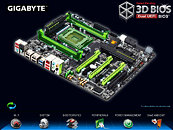
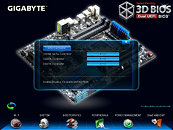
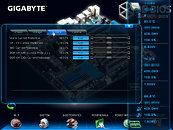
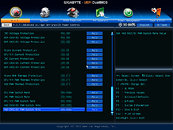 It works like this: When you hit DEL at POST to load up the setup program, it starts up the 3D BIOS home screen. On the home screen, you find a 3D rotatable image of your motherboard. You can use your mouse to spin the board around. And what's the utility of that you ask? Get this - certain parts of that motherboard image can be clicked to open up settings related to it. For example, you can click on a set of SATA ports on that rotatable image, and the program will open up SATA controller settings related to it. You can click on the memory slots, and presto all the memory tuning settings show up in a window.
That's not all, the visual elements are simply stunning, with smooth fonts, curves, and lavish use of alpha. The fine tuning pages don't feel merely like a skinned, mouse-enabled version of the old interface, but some genuine GUI elements such as sliders, tickboxes, radio buttons, and tabs are used. There is an element that looks like Windows Explorer address bar, which gives you a tree view of exactly which configuration page you're on, so you can trace back to other related settings. A video demo of this can be watched here.
Gigabyte is using an AMI UEFI backend, coupled with its own patented DualBIOS technology that protects against bad flashes. Props to Gigabyte for a truly GUI setup program.
Source:
Anandtech
First, it tried to address the 2.2 TB boot volume size limitation by coming up with an address-space tweak it ended up calling HybridEFI (which has nothing to do with EFI). Next, it addressed the need for a more intuitive (preferably GUI) setup program with a Windows-based CMOS setup program called TouchBIOS, it came with the Fisher Price looking interface that every other manufacturer's UEFI setup program had, topped off with touchscreen support. However, faced with the inevitability of facing lack of support for Ivy Bridge (more here) and Sandy Bridge-E, the company decided to take the plunge. It wants to come up with something that's a lot more functional than most others' UEFI setup programs that feel like the same old interfaces skinned. Enter Gigabyte 3D BIOS.
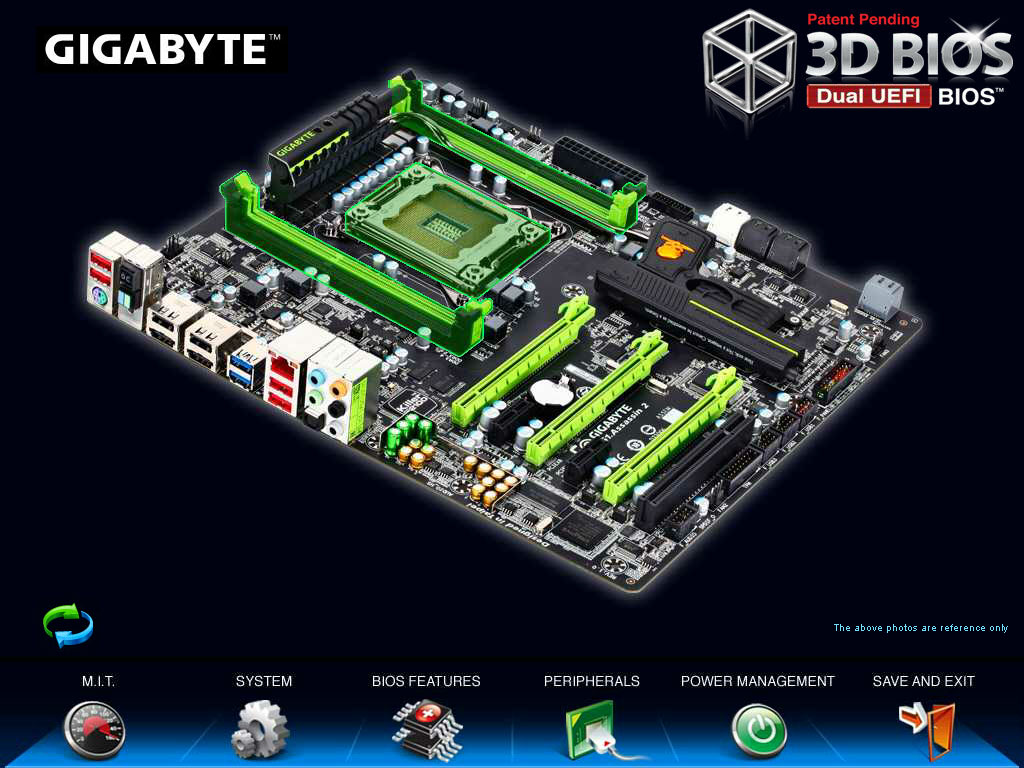
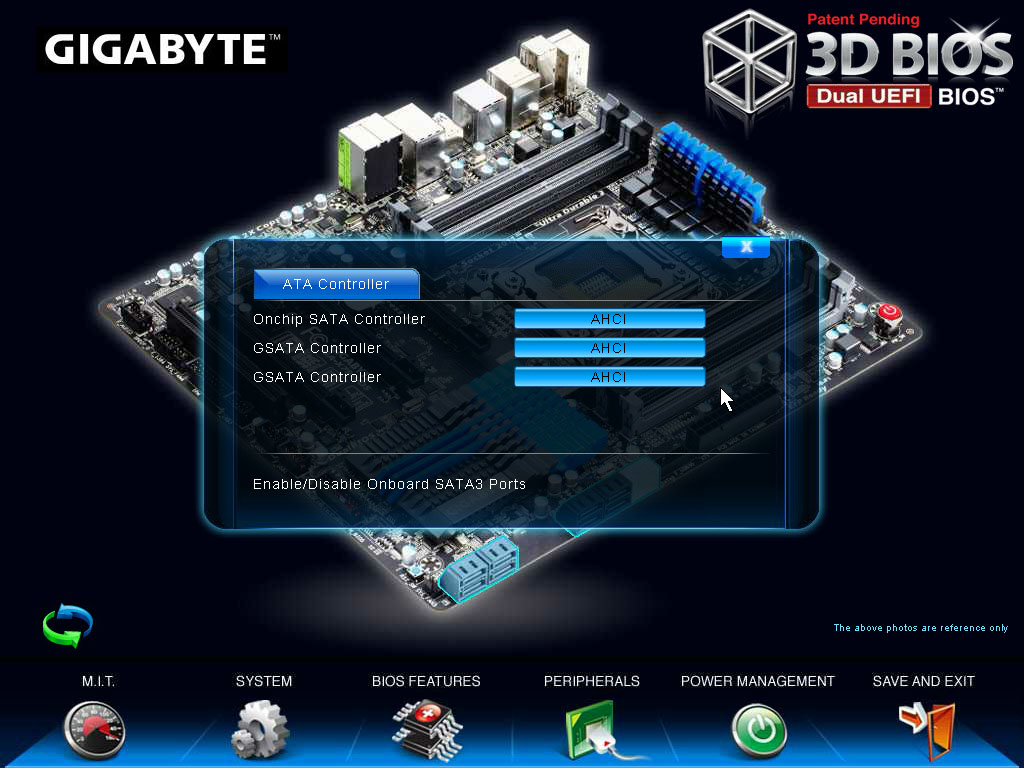
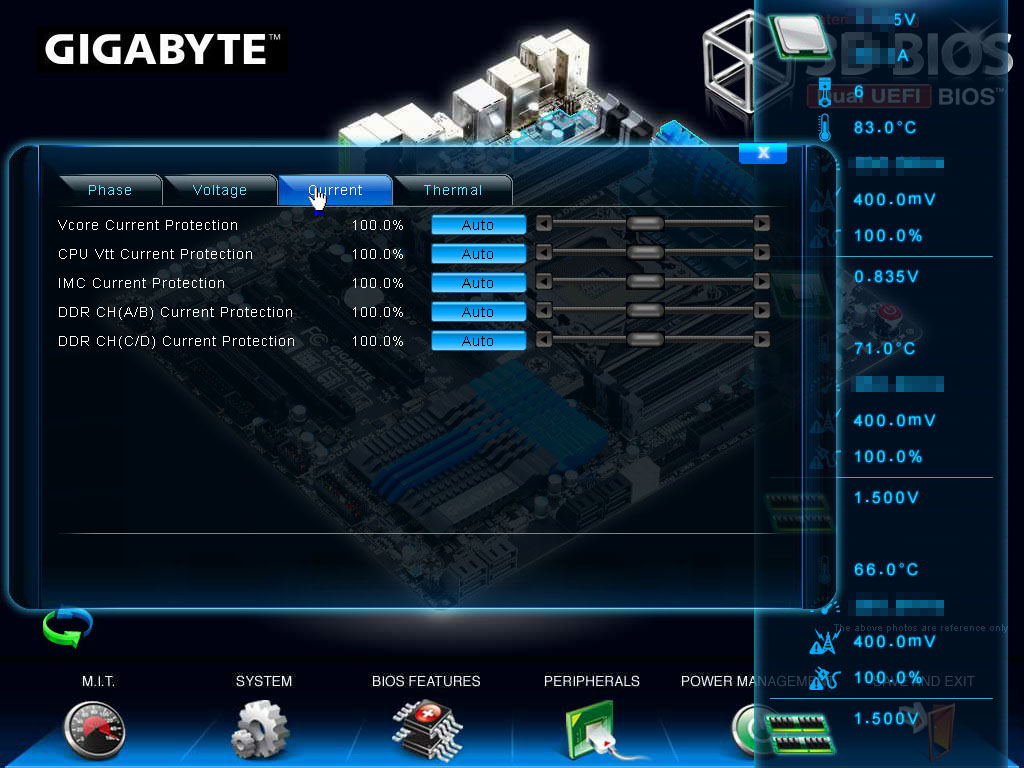
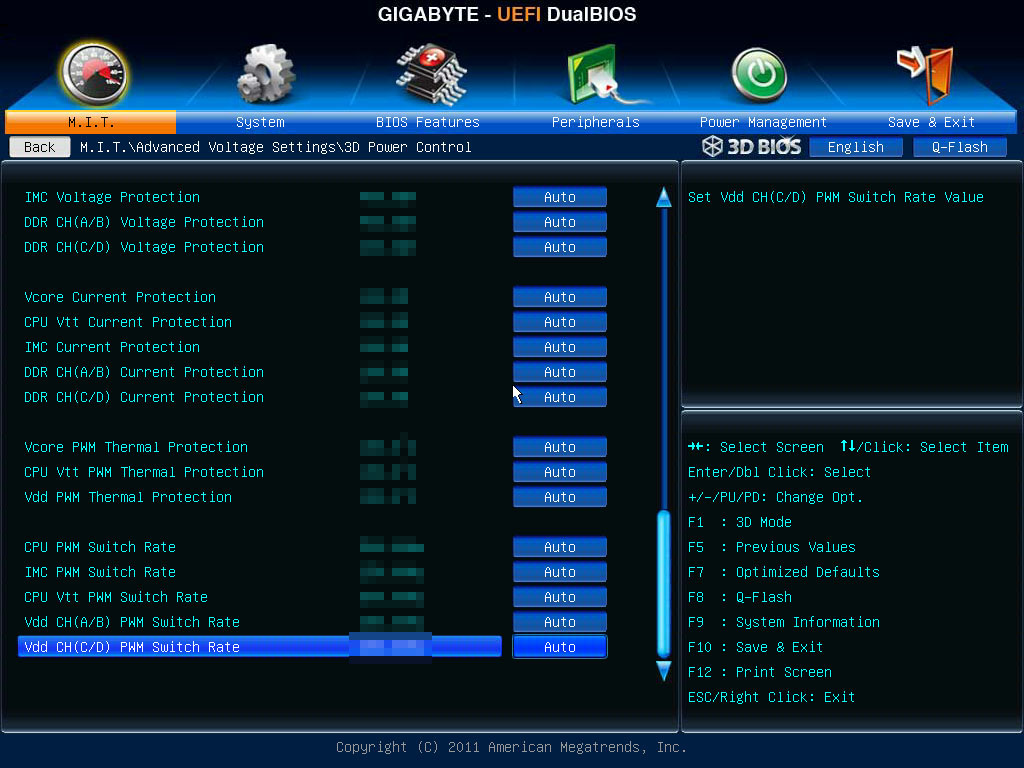
That's not all, the visual elements are simply stunning, with smooth fonts, curves, and lavish use of alpha. The fine tuning pages don't feel merely like a skinned, mouse-enabled version of the old interface, but some genuine GUI elements such as sliders, tickboxes, radio buttons, and tabs are used. There is an element that looks like Windows Explorer address bar, which gives you a tree view of exactly which configuration page you're on, so you can trace back to other related settings. A video demo of this can be watched here.
Gigabyte is using an AMI UEFI backend, coupled with its own patented DualBIOS technology that protects against bad flashes. Props to Gigabyte for a truly GUI setup program.
42 Comments on Gigabyte Makes Up For Late UEFI Adoption with 3D UEFI Setup Program
just read part of the review which does do that so that is actualy pretty good.
EDITGood question. It would be great if they'd backport it to the old S775 boards like I've got, but I can't see that happening as they're not being made any more. :ohwell:
glad to hear gigabyte join to put uefi in their board
I saw a video of this "feature" in action at Tom's; the animation looks cheap and the response time is awful...
www.tomshardware.com/news/x79-mobo-digital-pwm-3d-power-control,13891.html
Can you say gimmick? :nutkick:
3d uefi is pretty sweet though.