"The Beast" Updated

10 photos Open fullscreen »

Key features

Intel CPU AMD CrossFire Custom Paint Job

System specs

CPU
Intel Core 2 Duo E8400 @ 3600 MHz
CPU Cooler
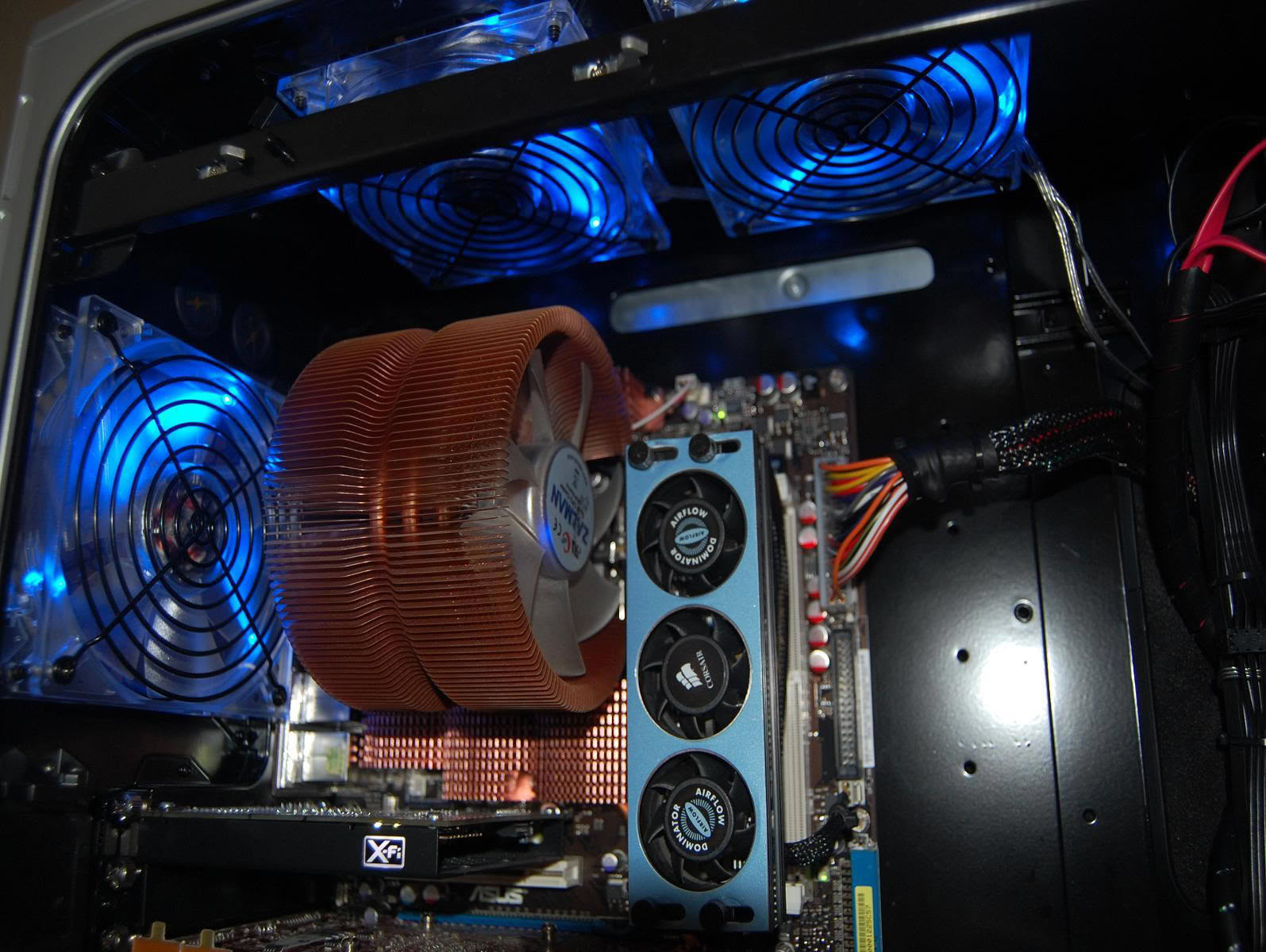
Zalman 9700
Motherboard
Asus Rampage Formula
RAM
Corsair 4 GB 800 MHz
GPU
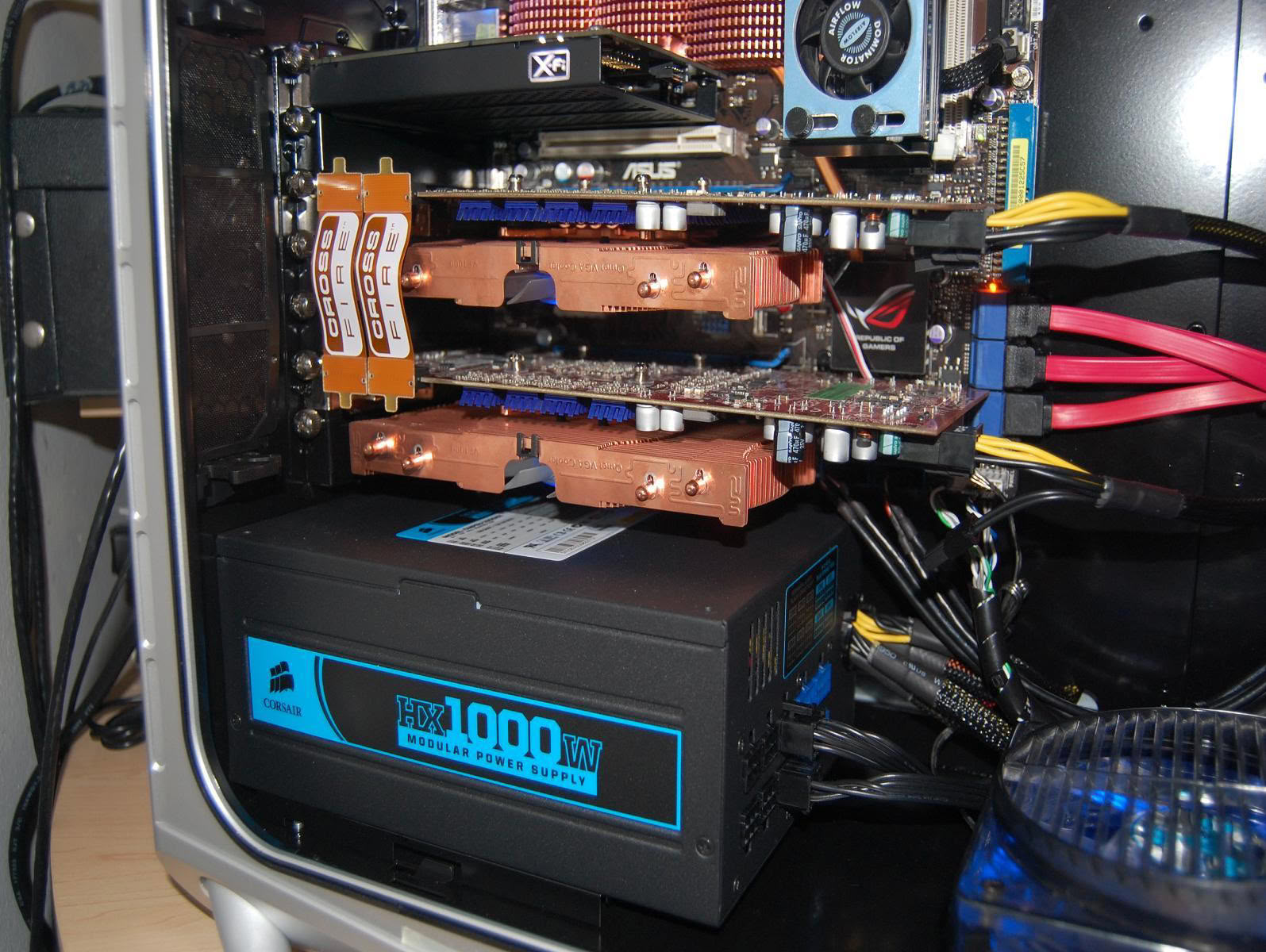
ATI Radeon HD 4850 x2 (with Zalman VF1000)
Storage
WD Raptor X 150 GB + WD 640 GB Black
PSU
Corsair HX1000 W
Case
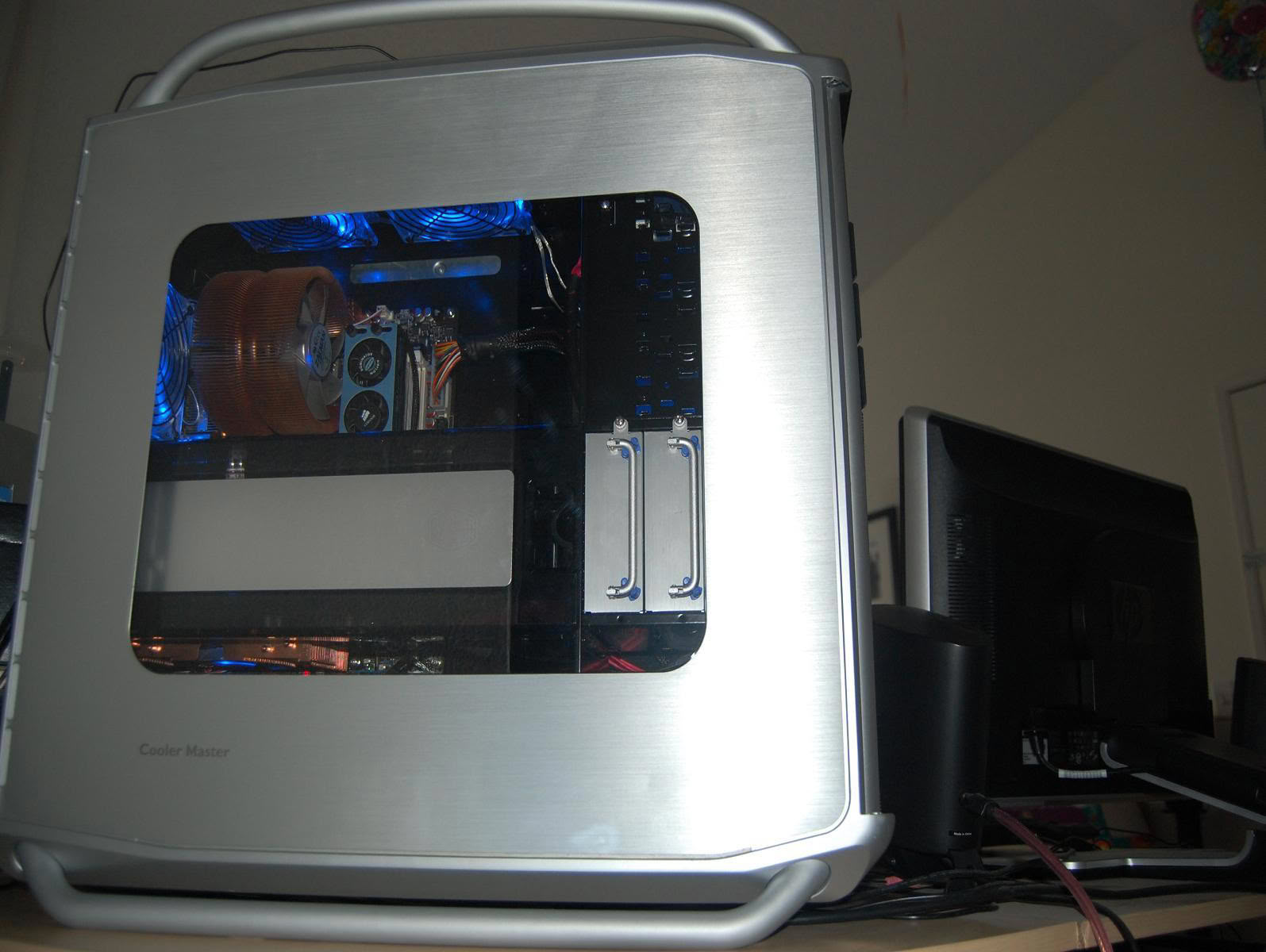
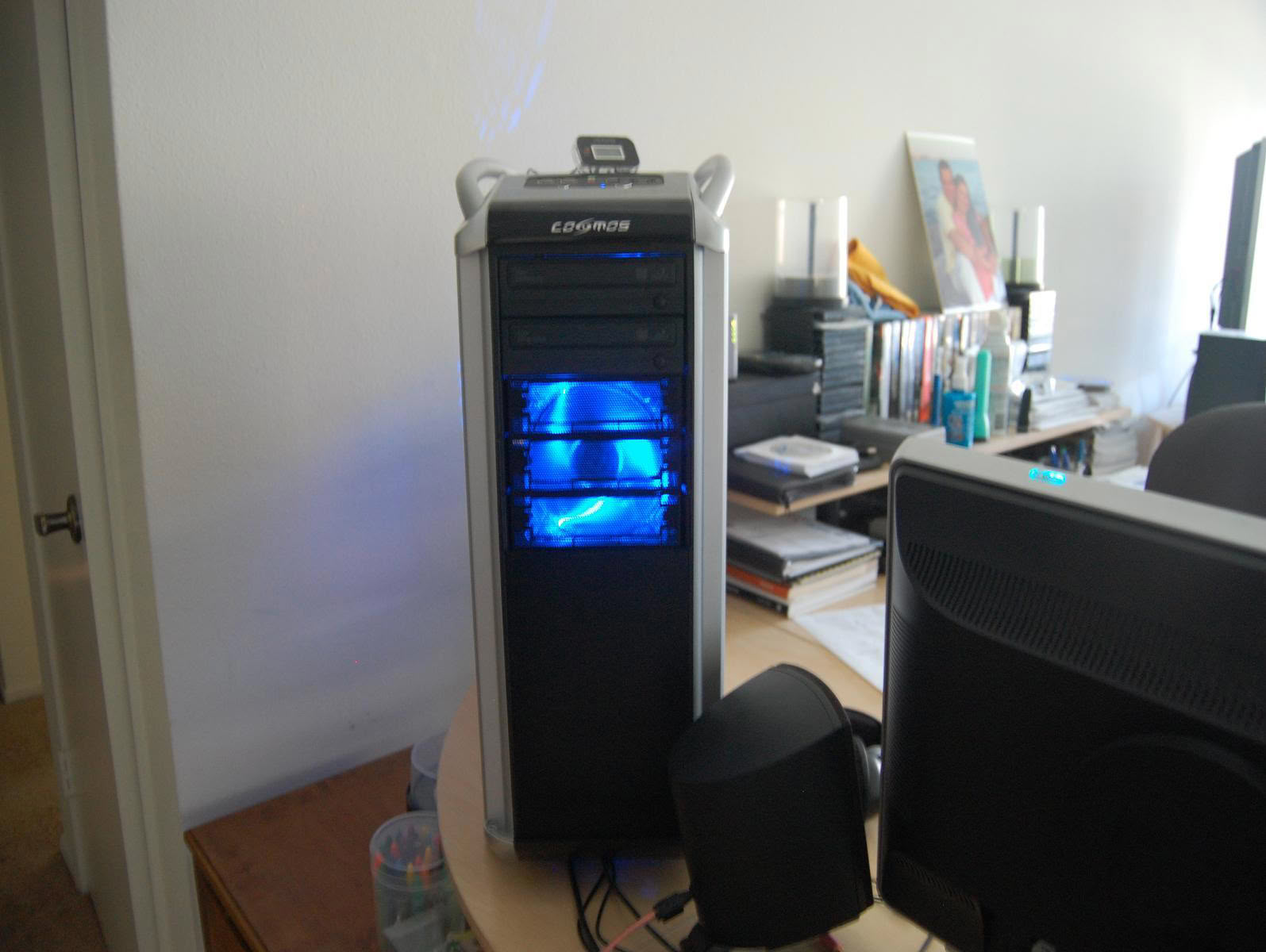
Cooler Master Cosmos 1000
Monitor
HP w2207 22"
Keyboard
Logitech G11
Mouse
Logitech MX518
Speaker
Klipsch ProMedia 2.1

Performed mods

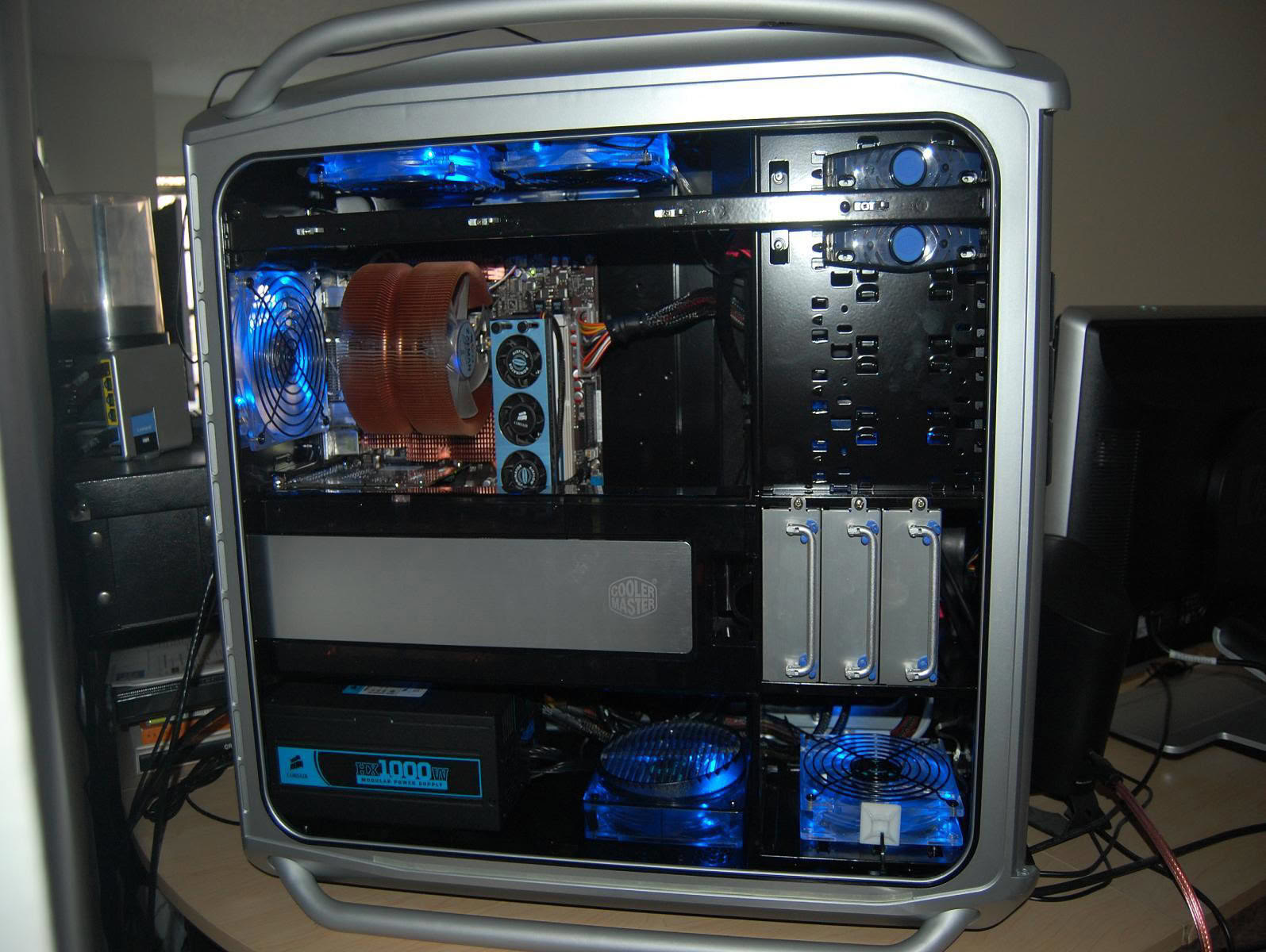
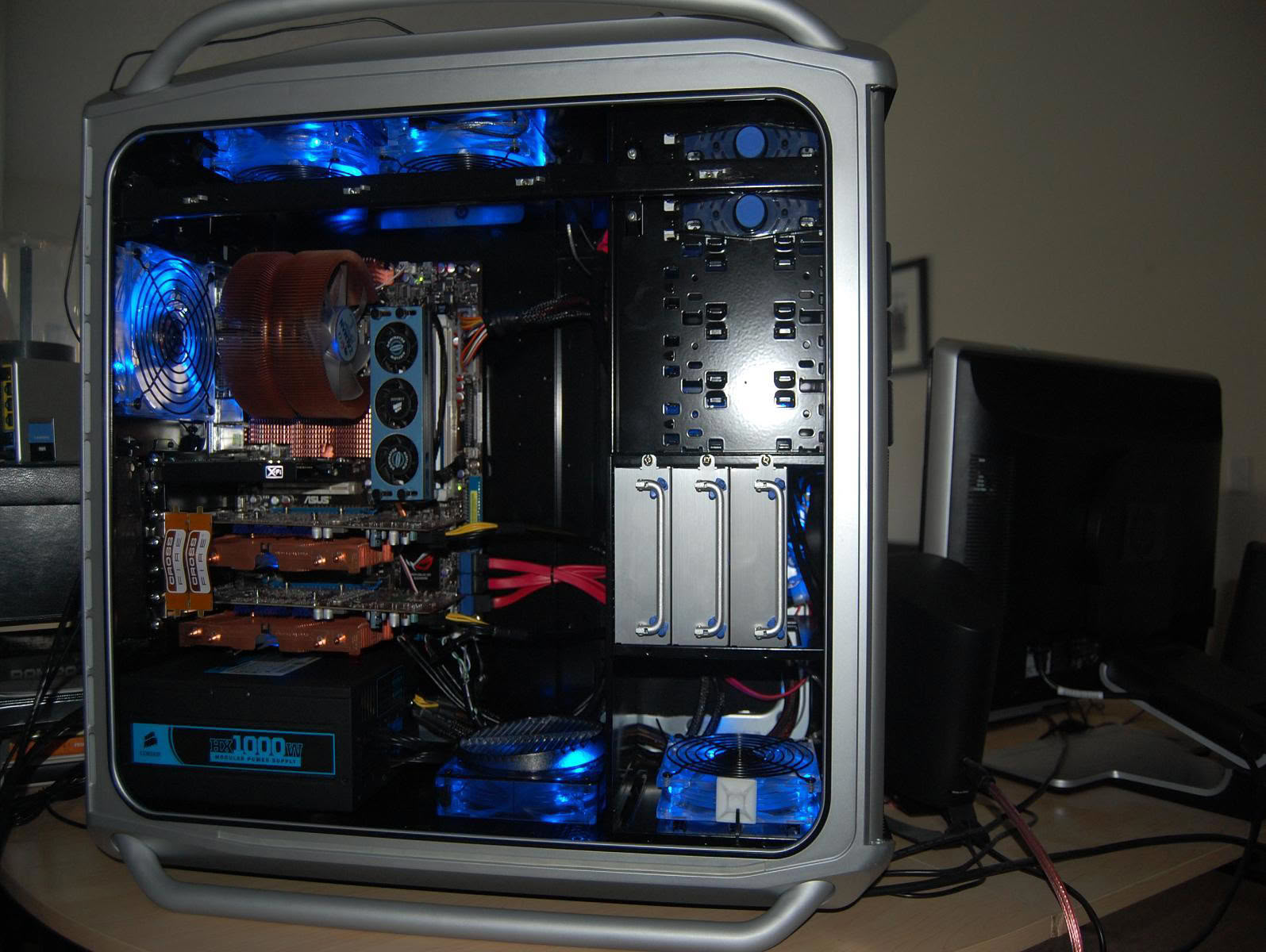
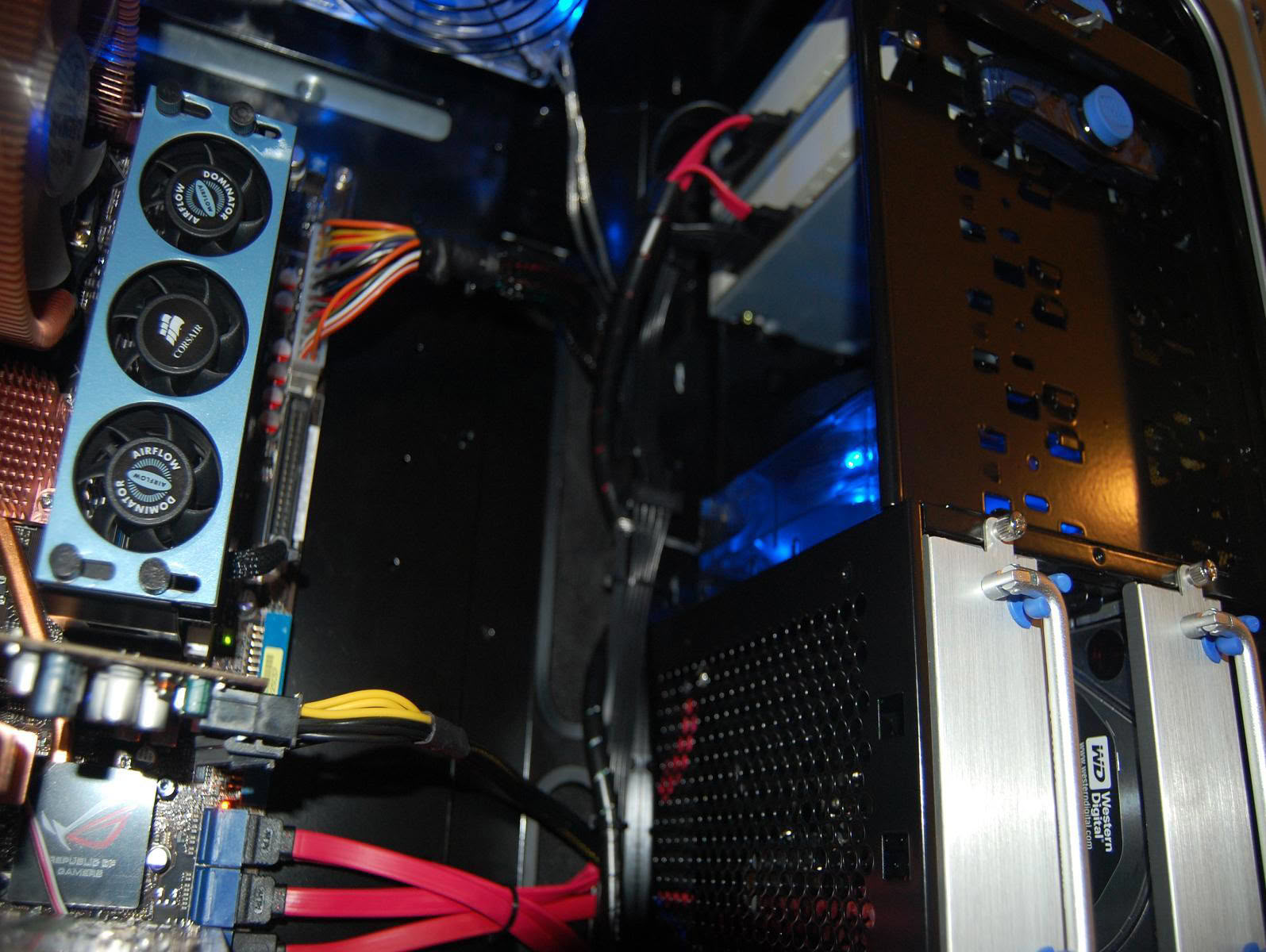
Since my first post, I installed a new Western Digital 640GB hard drive, a Corsair 1000w power supply and got the inside of my case powder coated black.
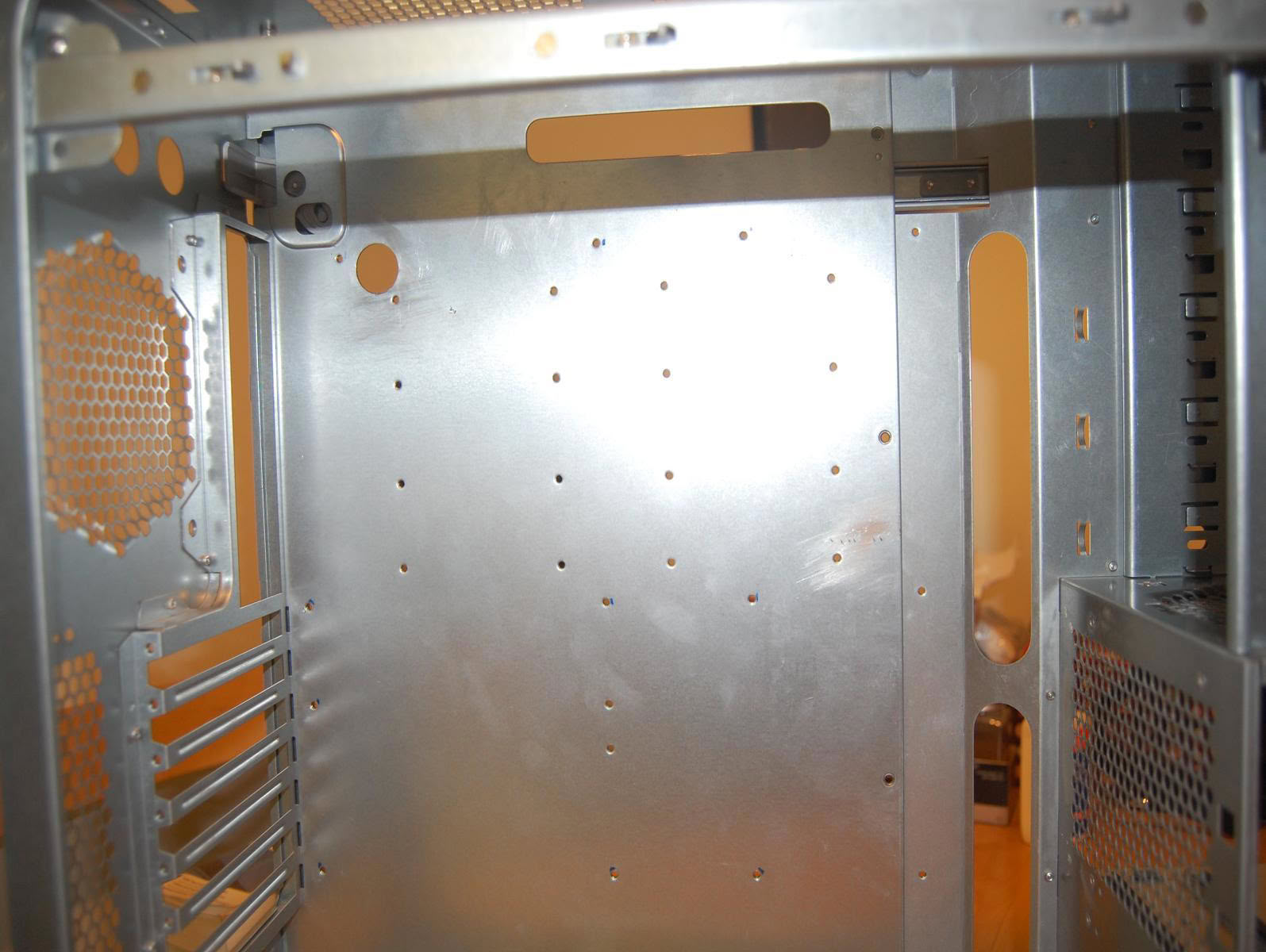
I also drilled a hole on the motherboard tray for the 8 pin power cable and really worked hard on the cable management.

Links & contact

How visitors rated it

6.7 / 10 · Outstanding · 15 votes
0%
1
0%
2
0%
3
7%
4
7%
5
27%
6
33%
7
27%
8
0%
9
0%
10
Hover a bar to see each score’s share of votes

Submit your vote

Please register on the forums & login to vote.

This modder's other projects

Add your own comment

12 Comments on "The Beast" Updated

#1
to6ko91
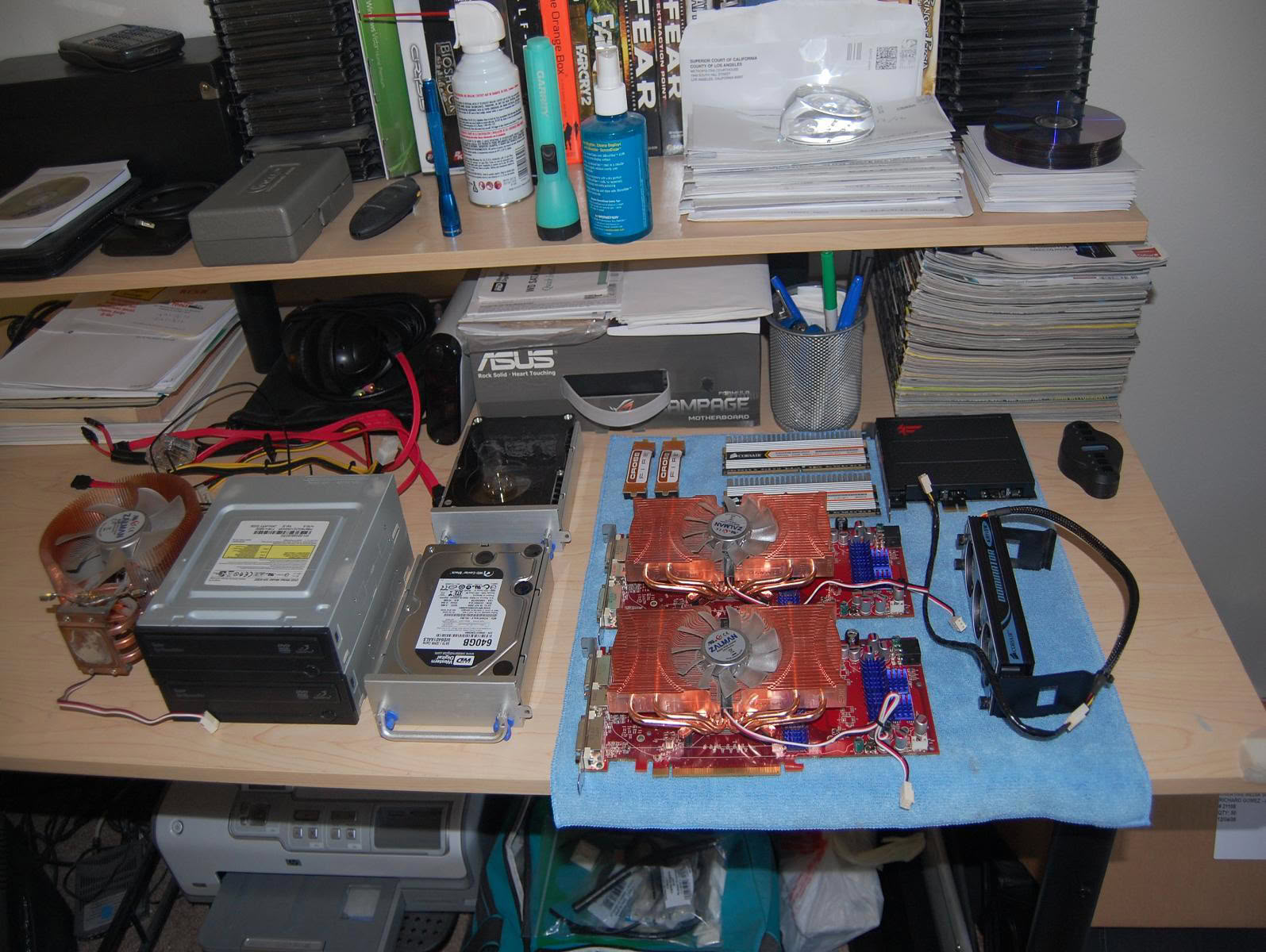
what do you use the calculator on the top left for (the first picture)
Posted on Reply
#4
Ragsters
to6ko91what do you use the calculator on the top left for (the first picture)[/QUOTE

I use it for the same reason ty_ger does.
Posted on Reply
#5
to6ko91
ty_gerI use my calculator all the time. You need it to calculate FSB speeds, CPU speeds, and memory speeds at various DRAM:FSB settings.

Here is something to look at:
img.techpowerup.org/090116/straps.jpg
I use my one for maths but the one in the picture is more than a scientific calculator (it is almost a computer itself) if you look closely the bottom of it it has a hole (2.5/3.5 jack as for headphones) but you wont be listening music on a calculator it is instead to connect to some what larger and smarter base to which you can attach different measuring instruments like a pH meter , sound meter light meter and almost anything that has a meter in it :D ... And then you could hoke it up to a PC and get graph for a certain time what you ware measuring and can get it to do almost anything you want it to do, thats why I was asking what exactly does he use it for.I have used it in Physics (not game Physics if you are woundering) and Chemistry to measure different things
Posted on Reply
#6
Ragsters
to6ko91I use my one for maths but the one in the picture is more than a scientific calculator (it is almost a computer itself) if you look closely the bottom of it it has a hole (2.5/3.5 jack as for headphones) but you wont be listening music on a calculator it is instead to connect to some what larger and smarter base to which you can attach different measuring instruments like a pH meter , sound meter light meter and almost anything that has a meter in it :D ... And then you could hoke it up to a PC and get graph for a certain time what you ware measuring and can get it to do almost anything you want it to do, thats why I was asking what exactly does he use it for.I have used it in Physics (not game Physics if you are woundering) and Chemistry to measure different things
Well I am a civil engineer and that is just one of many calculators I used in college before I graduated. That specific calculator is the TI-83 but I have many more TIs including the TI-89 titanium.
Posted on Reply
#7
to6ko91
RagstersWell I am a civil engineer and that is just one of many calculators I used in college before I graduated. That specific calculator is the TI-83 but I have many more TIs including the TI-89 titanium.
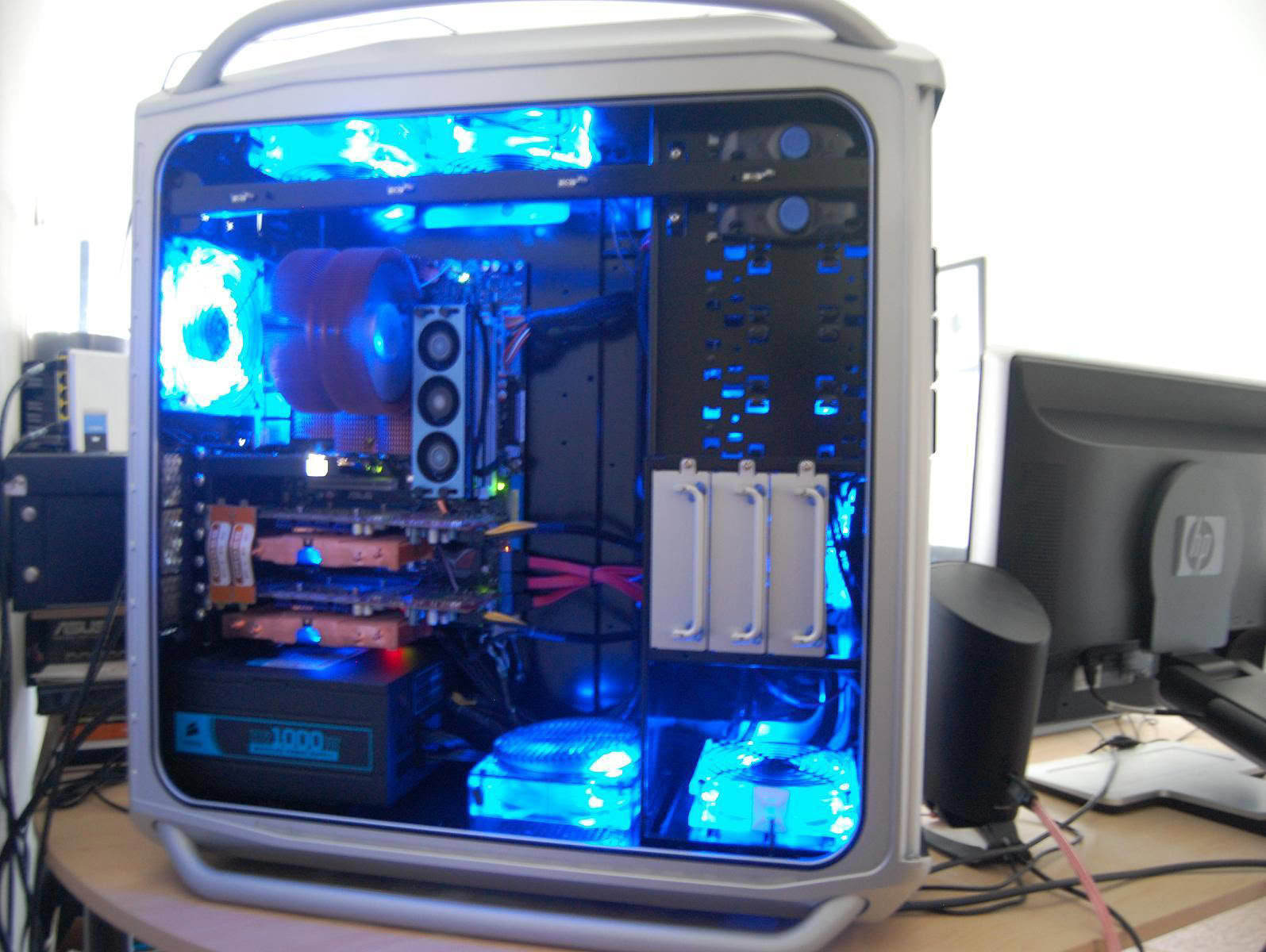
a usb calc and PC calc anybody thins the second picture looks weird :D
the one i was using is the TI-83 Plus Silver Edition
Posted on Reply
#8
Ragsters
to6ko91a usb calc and PC calc anybody thins the second picture looks weird :D
the one i was using is the TI-83 Plus Silver Edition
Let me explain about the second picture. This picture was taken before the powder coating was done and after I drilled the hole for the 8 pin power. I just wanted to show the location of the hole I drilled.
Posted on Reply
#9
to6ko91
RagstersLet me explain about the second picture. This picture was taken before the powder coating was done and after I drilled the hole for the 8 pin power. I just wanted to show the location of the hole I drilled.
i meant that
Posted on Reply
#10
Unregistered
Very impressive. I love the LED System fans. I can see you went through some effort to hide the wires.
#11
Animalpak
i voted 6/10 but why that cheap graphics cards ?
Posted on Reply
#12
Ragsters
Animalpaki voted 6/10 but why that cheap graphics cards ?
When the 4850 first came out I saw them in bestbuy for $150.00. It was either get two of these or one 4870. With my current resolution of 1680 x 1050 I think this was the better choice.
Posted on Reply
Add your own comment
Nov 13th, 2026 08:54 PST change timezone

New Forum Posts

Popular Reviews

TPU on YouTube

Controversial News Posts