Linux Mint 27 Goes Wayland, Overhauls System Apps, and Officially Fixes Hibernation
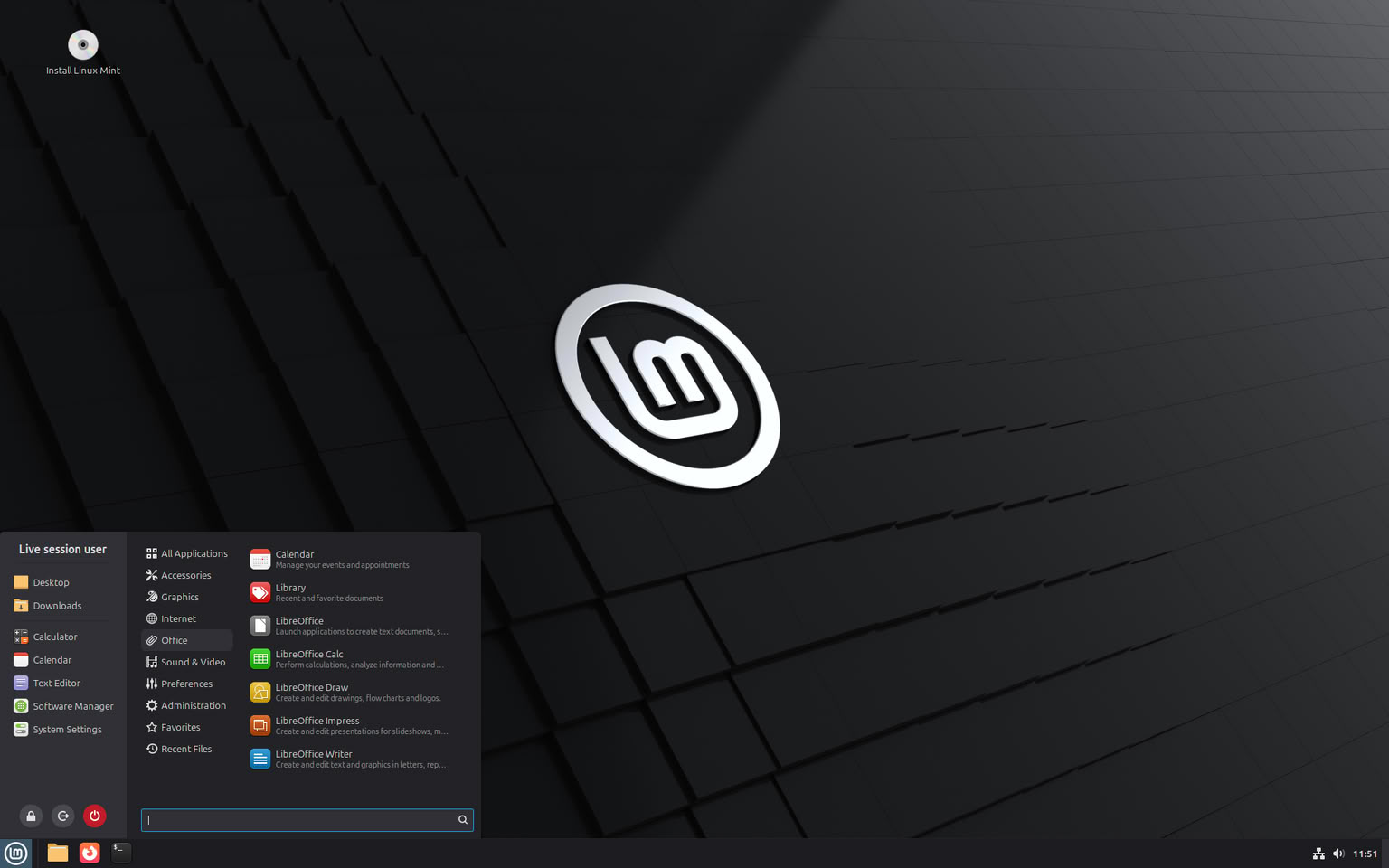
Linux Mint, the beginner-friendly Linux distribution based on Ubuntu, has officially been updated to version 27 in its beta branch. Linux Mint 27 is stacking up to be a rather substantial update, bringing with it a handful of new default system apps, and new UI features in its Cinnamon desktop environment. The biggest functional changes come by way of the Cinnamon 6.8 update, which fully implements Wayland—with support for HiDPI, 3D acceleration, fractional scaling, different keyboard layouts, and touchscreen and touchpad gestures—and gets a few neat UI and usability upgrades. Linux Mint 27 is an LTS update that will be supported until 2031.
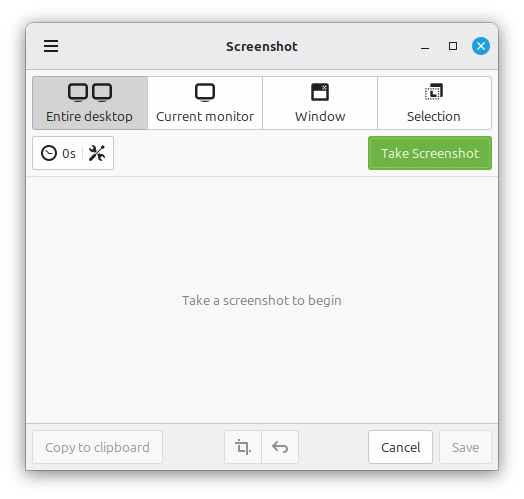
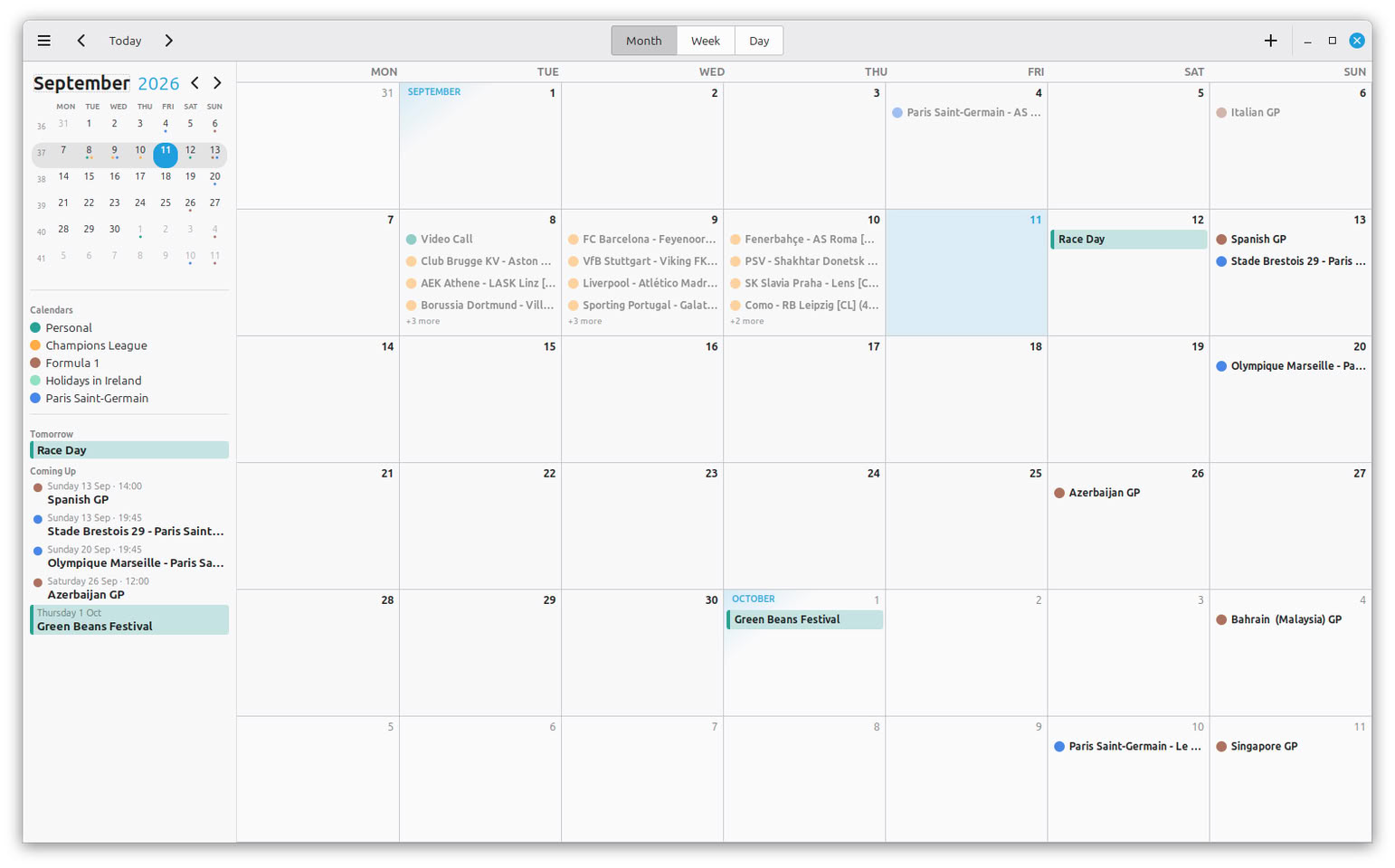
Cinnamon 6.8 also adds a new screensaver and lock screen for both Wayland and X11, a switch to 1:1 touch gestures, and a new screenshot tool—with options to capture: windows with and without shadows, the entire desktop, the current monitor, or a custom selection—rewritten entirely for the Cinnamon desktop. The Nemo file explorer has received a new preview pane that can be enabled and disabled with a UI toggle or by pressing F7, and it now supports Interactive Search for easy document and file searching. Mint 27 also adds a new clock and calendar app with integrations for local calendars, Google Calendar, and CalDAV services. It allows for event creation and online syncing, and it supports toast notification reminders and alarms.

Cinnamon 6.8 also adds a new screensaver and lock screen for both Wayland and X11, a switch to 1:1 touch gestures, and a new screenshot tool—with options to capture: windows with and without shadows, the entire desktop, the current monitor, or a custom selection—rewritten entirely for the Cinnamon desktop. The Nemo file explorer has received a new preview pane that can be enabled and disabled with a UI toggle or by pressing F7, and it now supports Interactive Search for easy document and file searching. Mint 27 also adds a new clock and calendar app with integrations for local calendars, Google Calendar, and CalDAV services. It allows for event creation and online syncing, and it supports toast notification reminders and alarms.