Saturday, October 31st 2026

Linux Mint Announces Hibernation Re-Implementation and New System Apps
Linux Mint is one of the most widely recommended Linux distributions, especially for those looking to move from Windows to Linux, since it features a familiar layout and is very beginner-friendly. However, it is still based on Ubuntu and thus subject to many of Ubuntu's upstream decisions, like the prior removal of hibernation support in favor of suspend. In a recent Linux Mint blog post, previewing upcoming chanes to Mint, the development team behind the distribution argue that, while suspend is useful and widely supported, it results in phantom battery drain in most cases and can result in a dead laptop battery within 2-3 days.
With this justification in mind, the development team has confirmed that it has re-implemented support for hibernation in Linux Mint, with a new GUI page in the System Administration tool with toggles to enable specific sleep modes, including suspend, hibernate, suspend then hibernate, and hybrid sleep. There is also a dedicated drop-down to configure more specific hibernation and sleep modes, and there is a section that automatically detects problems with the configured sleep modes to make it easier for users to fix them.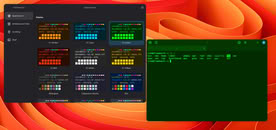
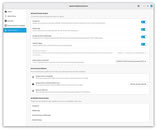
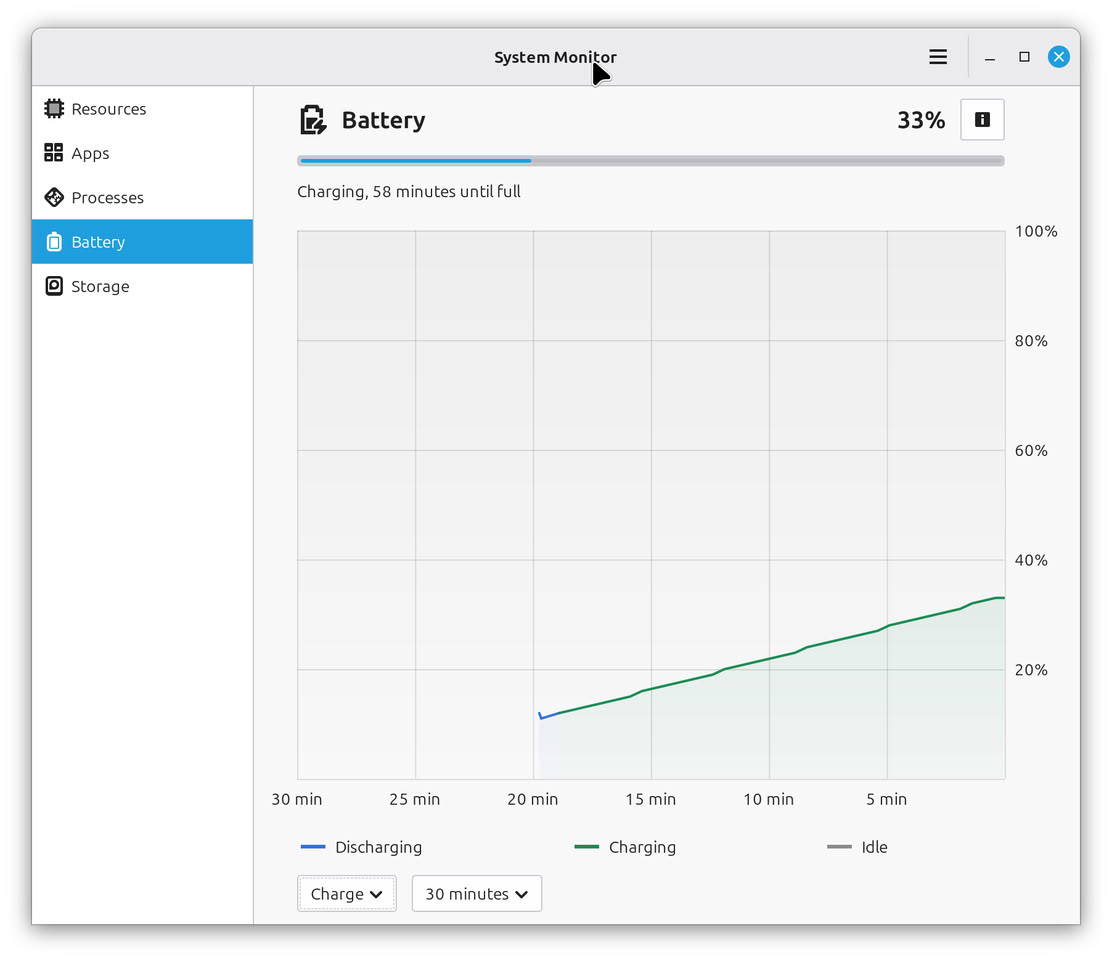
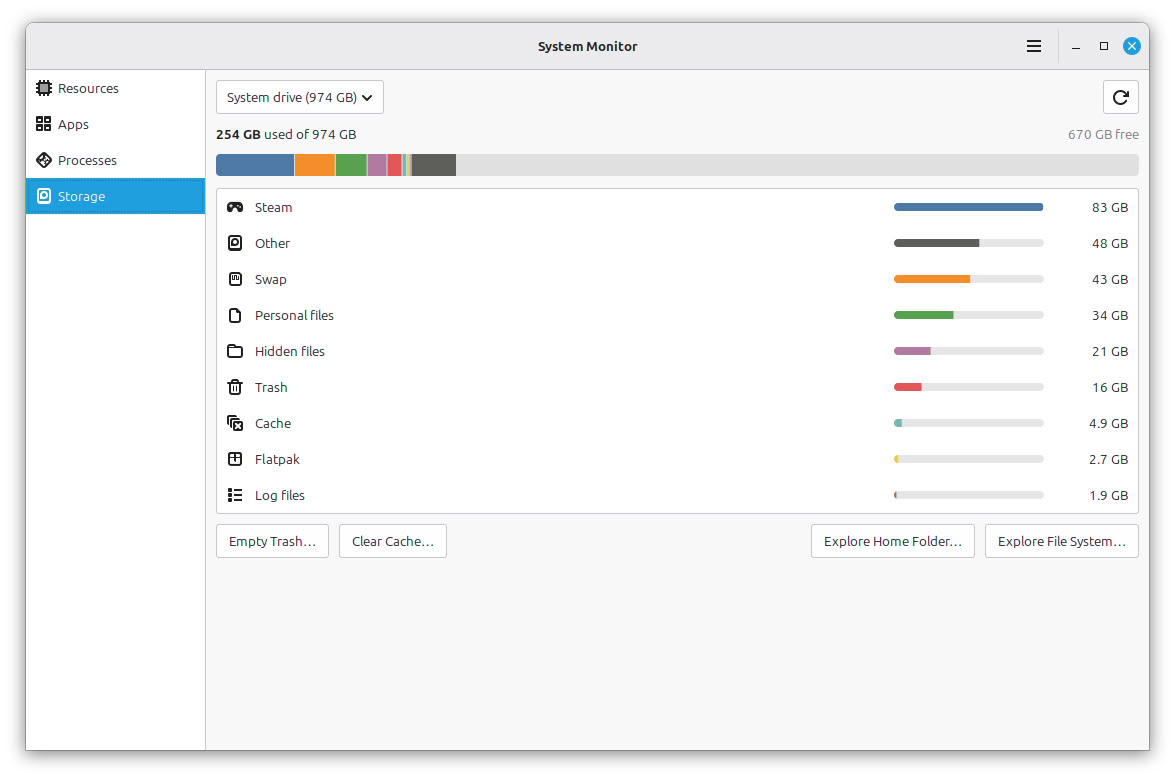
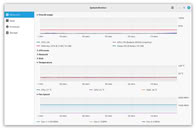 Linux Mint also now comes bundled with a new system monitor called Superlight, which shows not just an overview of current processes, but a high-level system overview, including CPU, RAM, disk, network, and I/O use. It also shows battery percentage and charging status of both the internal battery and connected peripherals. Superlight can also drill down into each program's usage. By clicking on an application in the storage panel, for example, you can see all of its related directories and how much storage they are using.
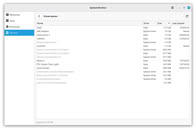
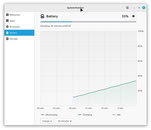
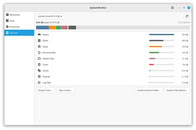
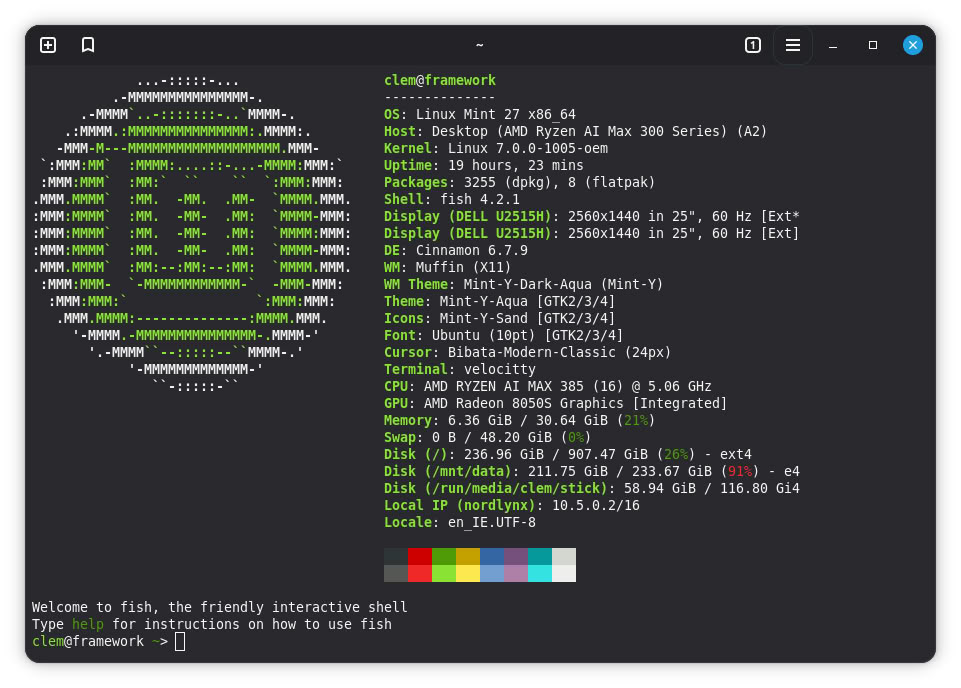
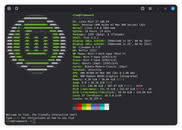 Linux Mint has also replaced the stock Gnome terminal with the new Velocitty, which is visually simpler, supports tabs with a tab overview, and can be easily themed with different color palettes. Velocitty also supports a number of shells
Source:
Linux Mint Blog
With this justification in mind, the development team has confirmed that it has re-implemented support for hibernation in Linux Mint, with a new GUI page in the System Administration tool with toggles to enable specific sleep modes, including suspend, hibernate, suspend then hibernate, and hybrid sleep. There is also a dedicated drop-down to configure more specific hibernation and sleep modes, and there is a section that automatically detects problems with the configured sleep modes to make it easier for users to fix them.


9 Comments on Linux Mint Announces Hibernation Re-Implementation and New System Apps
That is the issue with games where you can not save on every point in the game.
I did use in the early days tuxonice
lwn.net/Articles/333007/
I see the risk with someone booting up a hibernated device fully unlocked, with full access to www-client where you can see emails, full access to store fronts, full access when you are logged in amazon to order stuff, etc.
Boot times are not a concern with i3wm.org and openrc on low end hardware. I do not see much use. Also certain software has memory holes, where the dram consumptinon increases. Storing the full DRAM contents with full password, in plain text or encrypted to storage is not something which I would do again in year 2027.
Feel free to share your use case why you need suspend or hibernation in the first place please? Are you unable to open your software again? are you unable to safe your progress? I am really curious about it.
no mouse scroll button lines. not for me. using something better now.
1 year with mint and too much for me.