News Posts matching #Rollback

Return to Keyword Browsing

Windows 11 April 2026 Update Triggers BitLocker Recovery on Some PCs

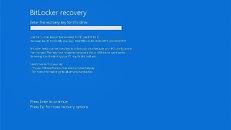
It has been a while since one of Microsoft's Windows 11 updates wreaked havoc among PC enthusiasts, and the April update seems to be another in line for IT administrators. In an updated support document on the Windows 11 KB5083769 cumulative update, Microsoft officially confirms that some users are encountering an unexpected BitLocker recovery prompt after applying the update. However, the good news is that this issue requires a specific BitLocker Group Policy configuration that Microsoft refers to as "unrecommended," which is less likely to be found outside of managed IT departments. This includes systems managed through group policy settings, making it less likely to affect PC enthusiasts' builds. For the issue to occur, a few conditions must be met. First, BitLocker must be enabled on the PC. Second, the BitLocker Group Policy setting "Configure TPM platform validation profile for native UEFI firmware configurations" must be configured with PCR7 (a TPM 2.0 module register) included in the validation profile.

Once these conditions are met, running system information, or msinfo32.exe, shows that the Secure Boot State PC47 Binding is "Not Possible." Additionally, the Windows UEFI CA 2023 certificate must be present in the device's Secure Boot Signature Database (DB), making the device eligible for the Windows Boot Manager signed in 2023 to become the default. Finally, the device must not be running this 2023-signed Windows Boot Manager that it supports. Only by fulfilling this unusual set of conditions does the BitLocker Recovery environment trigger, leading to a password prompt. After this, subsequent startups will not trigger it again.
Windows 11 January 2026 Update Triggers Black Screens, Outlook Failures, and Emergency Patches

Microsoft's first Patch Tuesday of 2026 has become a troubleshooting nightmare for Windows 11 users. The KB5074109 update is causing widespread issues, affecting everything from home PCs to enterprise servers. Released on January 13 for versions 24H2 and 25H2, this cumulative patch was intended to deliver about 100 security fixes, including three critical zero-day protections and an NPU fix. Instead, it has left many systems struggling with black screens, locked Outlook installations, and broken connections to Azure Virtual Desktop. One of the most noticeable problems is sudden black screen episodes, which freeze the desktop for one or two seconds before returning to normal. This glitch affects machines with both NVIDIA and AMD graphics cards, though the exact cause remains unclear.

Some users found relief by adjusting their monitor's DisplayPort settings, temporarily switching from version 1.4 to 1.2 and back. Others discovered their desktop backgrounds had reset to solid black after the update, requiring them to manually reapply their wallpaper or Spotlight settings through the personalization menu. On the productivity front, Outlook Classic users with POP email accounts face a weird and frustrating bug. The update causes Outlook to appear closed while the outlook.exe process continues running in the background, preventing any attempts to restart the application. Users either see nothing happen when they click the Outlook icon or receive an error stating the program is already open. The only temporary solution is to open Task Manager and forcibly end the process, though this must be repeated each time Outlook is closed. Microsoft has confirmed the issue but has not yet released a fix.

Windows August Patch Sparks Unexpected UAC Prompts, Blocking Non-Admin App Installs

Microsoft's August 2025 security update (KB5063878) was intended to address a serious privilege escalation flaw, but it has inadvertently created new headaches for standard Windows users. Instead of quietly tightening User Account Control (UAC) as intended, the patch now forces non-admin accounts to deal with unexpected prompts whenever certain actions are performed. According to Microsoft, the problem can occur in several everyday scenarios, including MSI repair operations, first-time launches of certain Autodesk software, per-user app installations, Active Setup, and even software deployed through Configuration Manager that relies on user-specific settings. In some cases, commands like "msiexec /fu" fail outright for non-administrators, and older programs, such as Office Professional Plus 2010, can break during setup with error 1730.

Until a permanent fix is available, Microsoft is offering several temporary workarounds. Regular users can try running apps with "Run as administrator" when possible. At the same time, IT teams in larger organizations are encouraged to implement a Known Issue Rollback (KIR) policy provided by Microsoft Support to suppress the buggy prompts. The company cautions against disabling UAC altogether, since that would undo the security protections the patch was meant to enforce. Instead, administrators should review per-user software deployments and coordinate with vendors to avoid compatibility issues. Microsoft has promised a future update that will allow IT admins to whitelist specific applications for repair operations without triggering UAC; however, for now, users will need to work around the stricter checks.

Windows 11 April Update Triggers BSOD, Breaks Windows Hello

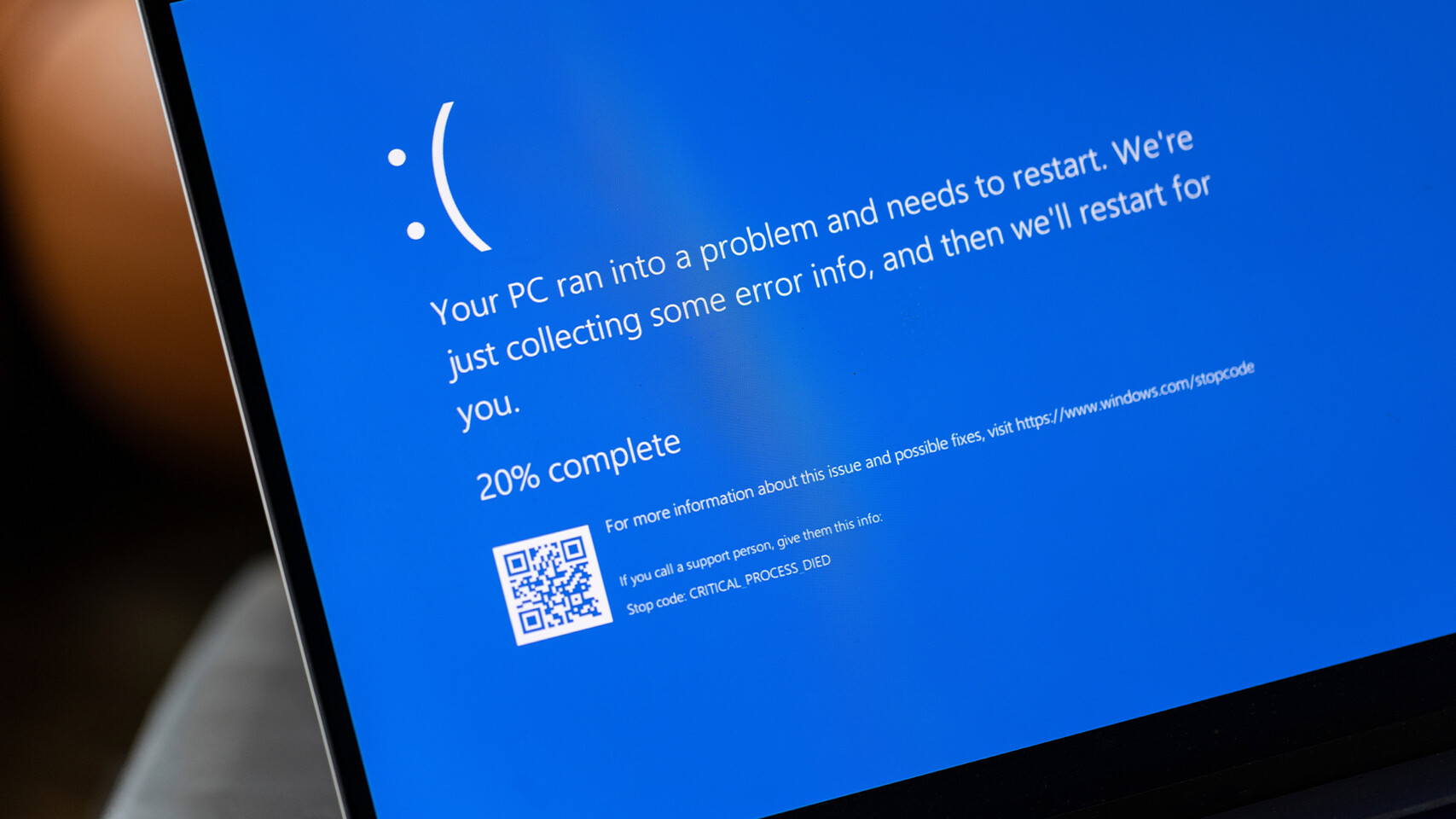
Ever since people installed Microsoft's April cumulative update for Windows 11 24H2 (KB5055523), many have been greeted by a blue screen showing error code 0x18B and the message SECURE_KERNEL_ERROR. What started as a few scattered reports after March's KB5053656 and KB5053598 patches quickly became a widespread frustration once the April release went live. Some PCs reboot every minute or two, while others refuse to start up at all. Microsoft has acknowledged the problem in an updated support notice and is rolling out a Known Issue Rollback (KIR) to strip out the offending code. Home users should see the fix applied automatically within 24 hours, though you can speed things along by signing back in after a crash, opening Settings > Update & Security, and checking for updates up to five times. The rollback won't appear in your update history, but it will install quietly in the background.

IT teams don't need to wait, either. Administrators can push the KIR patch via Group Policy, and full instructions are available on Microsoft's support site. While the company hasn't detailed exactly what triggers the SECURE_KERNEL_ERROR or how often it occurs, a permanent correction is set to arrive in a future monthly update. In addition to the blue screens and reboot loops, some users have reported that Windows Hello facial recognition and fingerprint login stopped working. The quick workaround is removing and reconfiguring your biometric credentials. However, a complete repair is expected in May. After installing April's update, you may also notice a new "Inetpub" folder on your C: drive. This directory is the default home for Internet Information Services web files, and Microsoft confirms it was created on purpose to support optional web-hosting features. If you haven't enabled IIS, the folder will sit unused and doesn't pose any risk, so avoid deleting it to prevent potential errors if you choose to turn those services on later. In the meantime, keep Windows Updates checked for any new patches.

NVIDIA App Beta Adds G-SYNC Controls, RTX HDR Multi-Monitor Support and More

The NVIDIA app is the essential companion for gamers and creators with NVIDIA GPUs in their PCs and laptops. Our initial beta release in February was the first step in our journey to modernize and unify the NVIDIA Control Panel, GeForce Experience and RTX Experience. A new update, available now in-app and from our website, further enhances the NVIDIA app beta, adding G-SYNC controls, RTX HDR multi-monitor support, driver rollback, and more.

Whether you're a gaming enthusiast or a content creator, the NVIDIA app simplifies the process of keeping your PC updated with the latest GeForce Game Ready and NVIDIA Studio drivers, enables quick discovery and installation of NVIDIA applications like GeForce NOW and NVIDIA Broadcast, allows you to adjust GPU options, record gameplay, monitor real-time statistics via an on-screen display, enhance games with HDR and filters, and so much more.

Redfall Developers Working on Removal of Single-Player Always Online Restriction

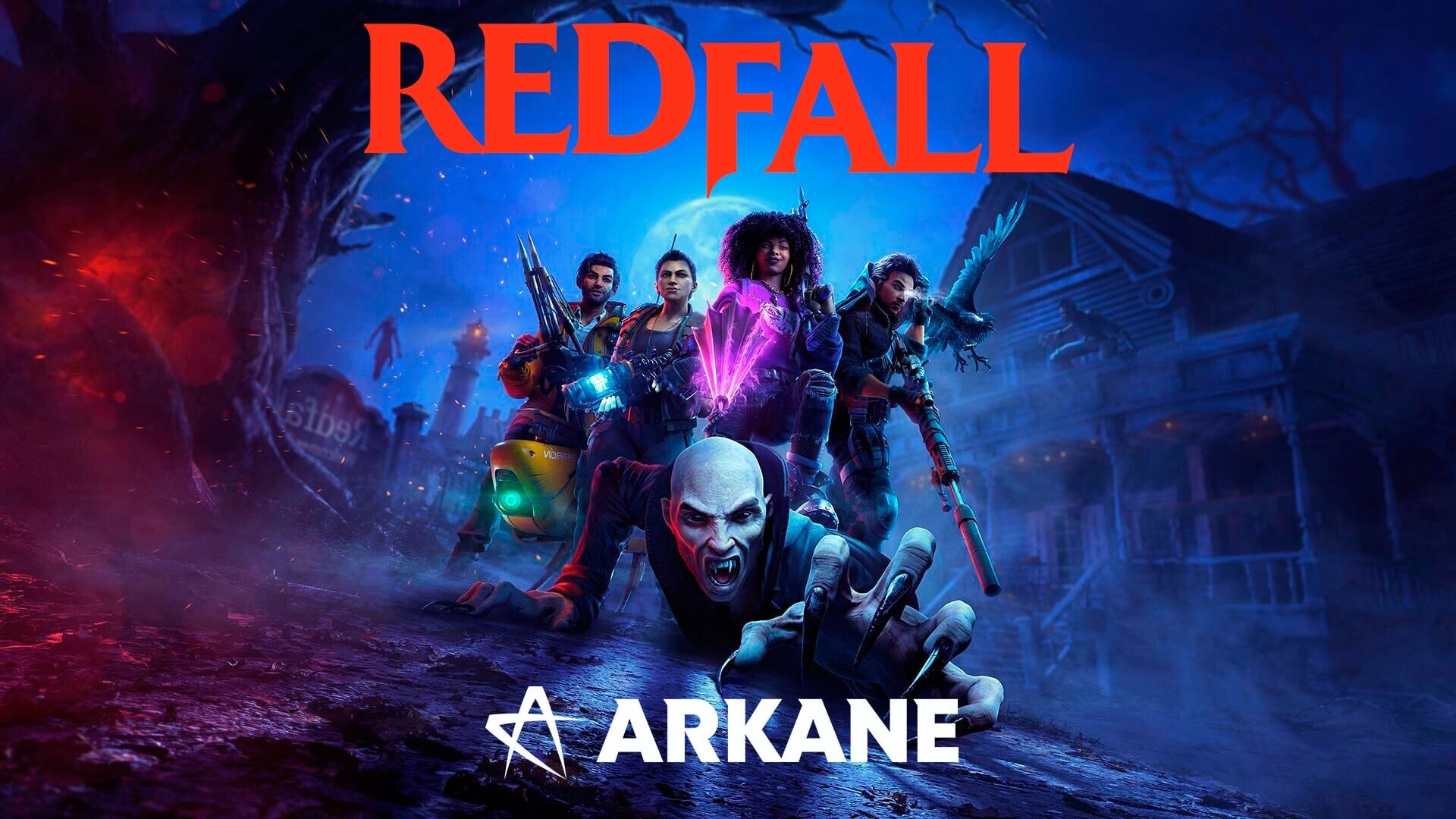
Arkane Studios will be working on the removal of the single-player always online restriction from its upcoming Redfall first-person shooter game. This follows significant backlash expressed by gamers, after the presence of this function was brought to light in February 2023. In an interview conducted by Eurogamer, game director Harvey Smith has revealed that the Austin, Texas-based branch has taken the negative feedback seriously. The development team is active in making changes to Redfall's underpinnings, so that an offline single-player experience becomes a possibility.

Smith acknowledged that modern games are intrinsically linked to online services, but these should offer functionality when offline circumstances occur. He imagined situations from the perspective of being a potential Redfall player: "They could say: 'Oh, my God, you're always online. If you get on your Steam, and it's not online, you freak out. If you get on your Xbox, and you can't get the latest patch, or see what your friends are doing, you freak out. You want to be always online!' But that response, I think, lacks empathy."

NVIDIA's 384.76 Drivers Crash Watch Dogs 2 on Startup

Users beware: if you've updated your NVIDIA drivers to the recently released 384.76 version and intend to play Watch Dogs 2, you might have a hard time doing so. Reports have surfaced that the latest NVIDIA drivers, which bring support to the "Rise Up" open-beta of "Lawbreakers" as well as support for "Spiderman: Homecoming - a VR Experience.", break startup on Ubisoft's game.

The issue doesn't appear to be listed on NVIDIA's 384.76 release notes (not even on the PDF), so it seems this issue largely flew under NVIDIA's radar. But if you've had problems with Wash (sorry, Watch) Dogs 2, be sure to check if you have the latest 384.76 drivers installed. That could be the source of the problem. Our own resident W1zzard himself ran into this problem, but no amount of steampunk wand waving was able to fix the issue. However, a fresh install of NVIDIA's previous driver release (382.53) should let you go out to San Francisco again.

Edit: The issue is related to Ansel and can be fixed by starting C:\Program Files\NVIDIA Corporation\Ansel\Tools\NvCameraConfiguration.exe and selecting the "disabled" option at the bottom of the window.
Return to Keyword Browsing
Nov 13th, 2026 22:48 CST change timezone

New Forum Posts

Popular Reviews

TPU on YouTube

Controversial News Posts