 12
Alliwava G15 Review - Good Budget Offer
Ports & Connectivity »A Closer Look - Outside
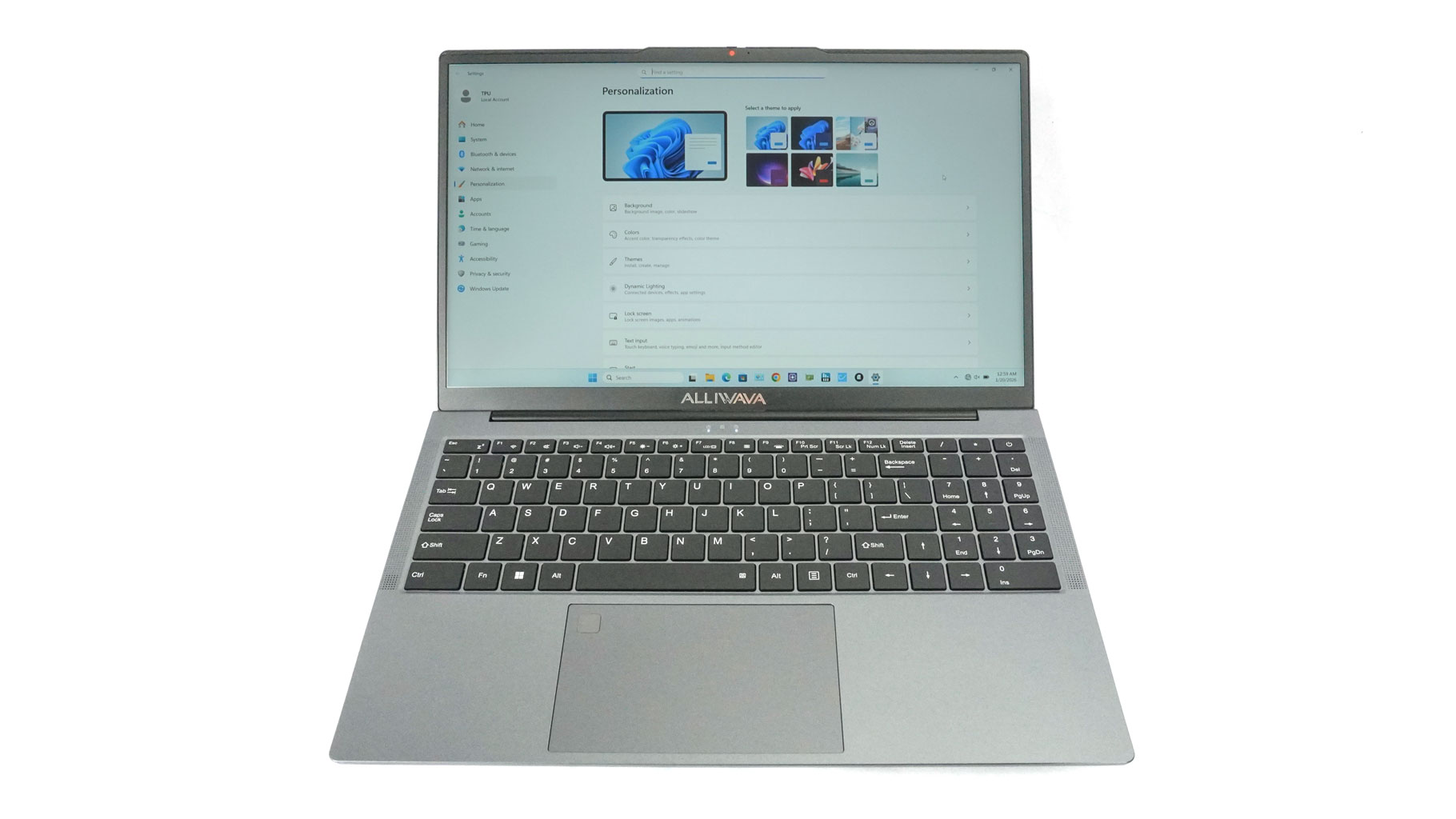
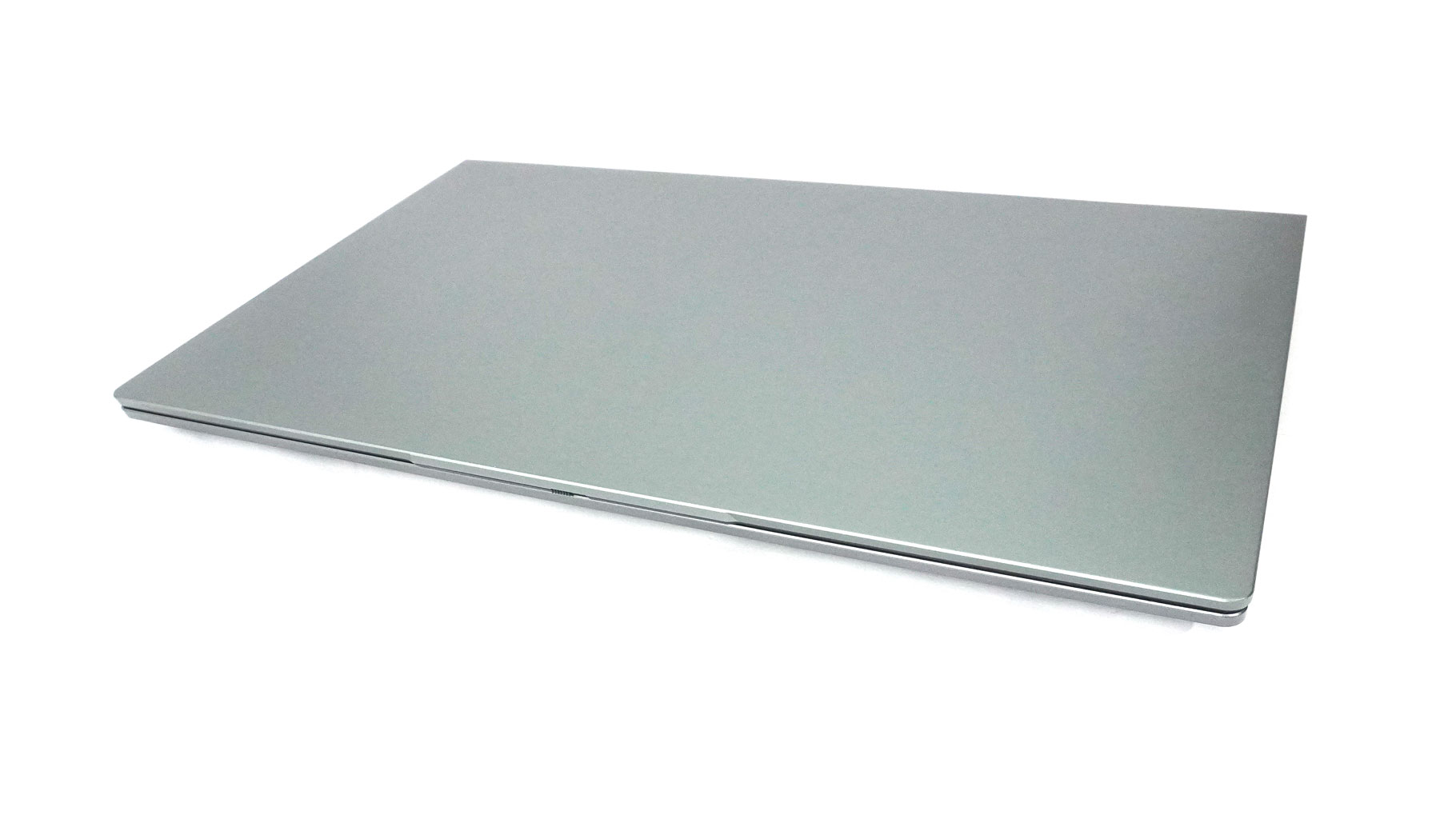
On the outside, the Alliwava G15 seems like a standard notebook. What makes it look sleek is the thin 15–18 mm profile and the gray matte sticker-free chassis. Yes, there is even zero branding on the lid. Perfect for meetings in the office where you don't need shiny logos and glowing RGBs.
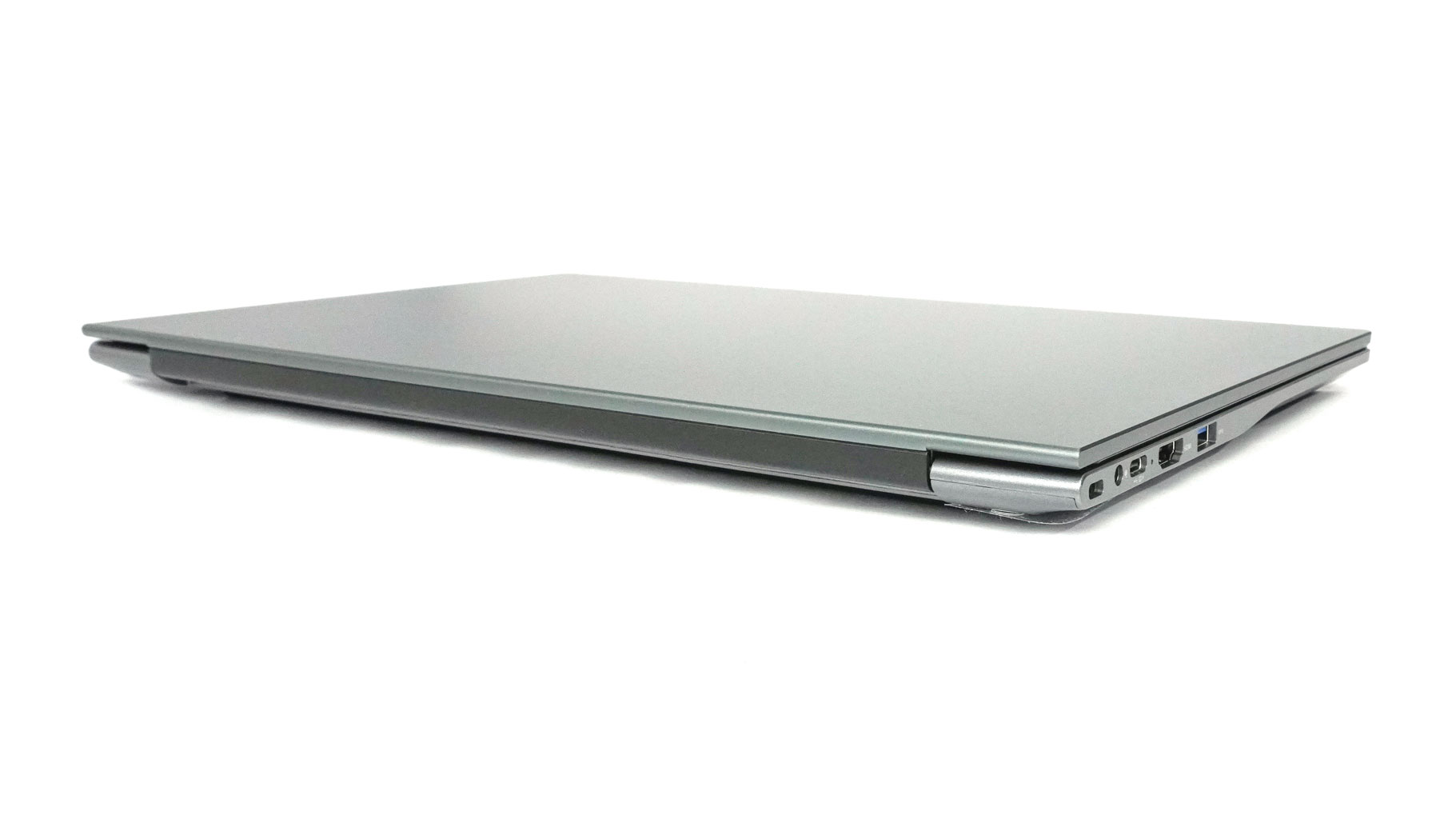
The weight is on the low side - just 1.74 kg. Not bad for a 15.6-incher. The lid is made of metal, while the body is plastic. Build quality is respectably good, which is a positive surprise given the price. The lid doesn't feel spongy when pressed in the middle, and the main body showed only a minimal amount of flex right below the keyboard when I pushed really hard.
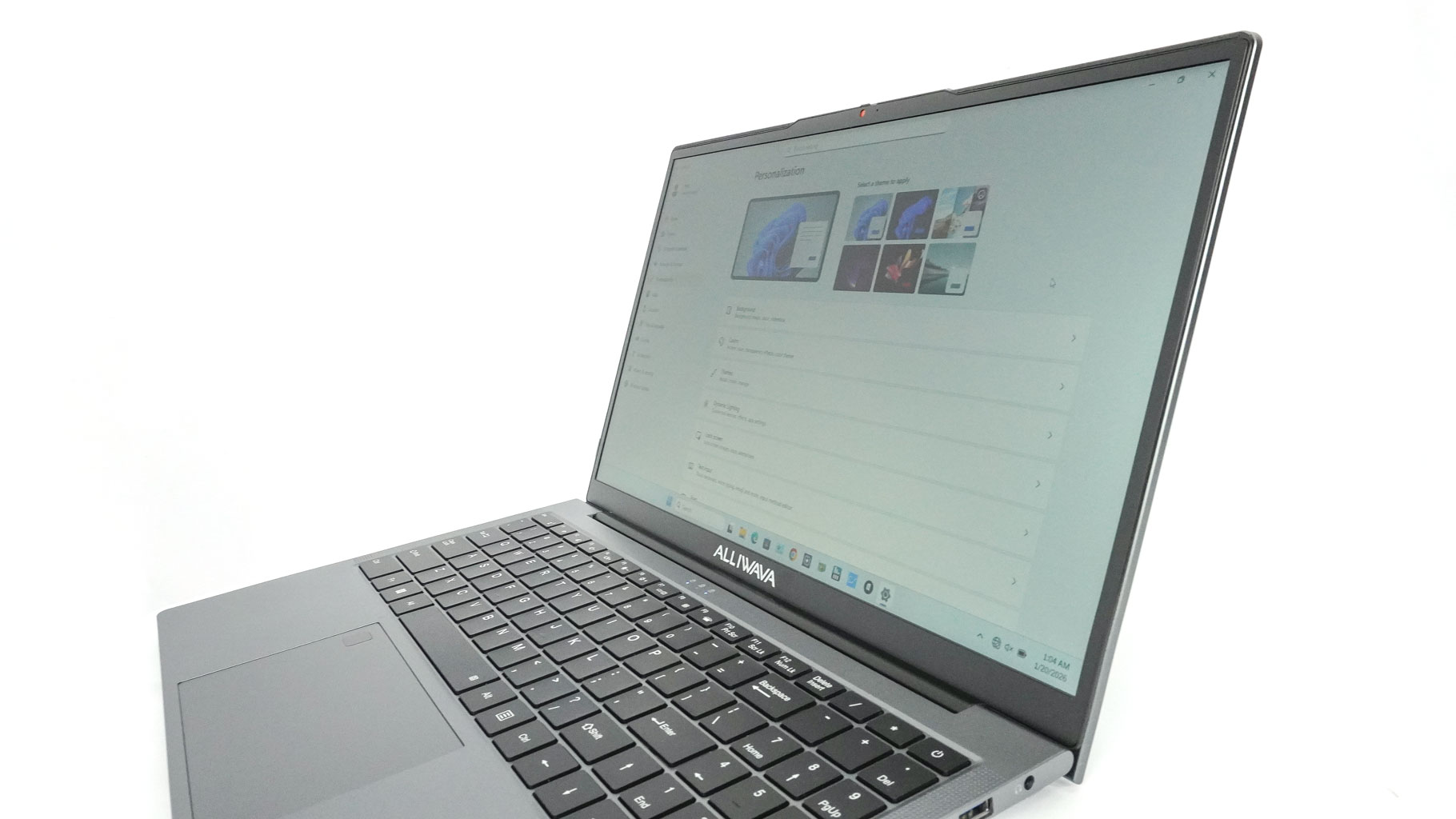
The only thing that I dislike in this regard is that you need both hands to open the machine. This reminds me that the bezels are fairly thin, too, except for the "chin" at the bottom where the logo sits.
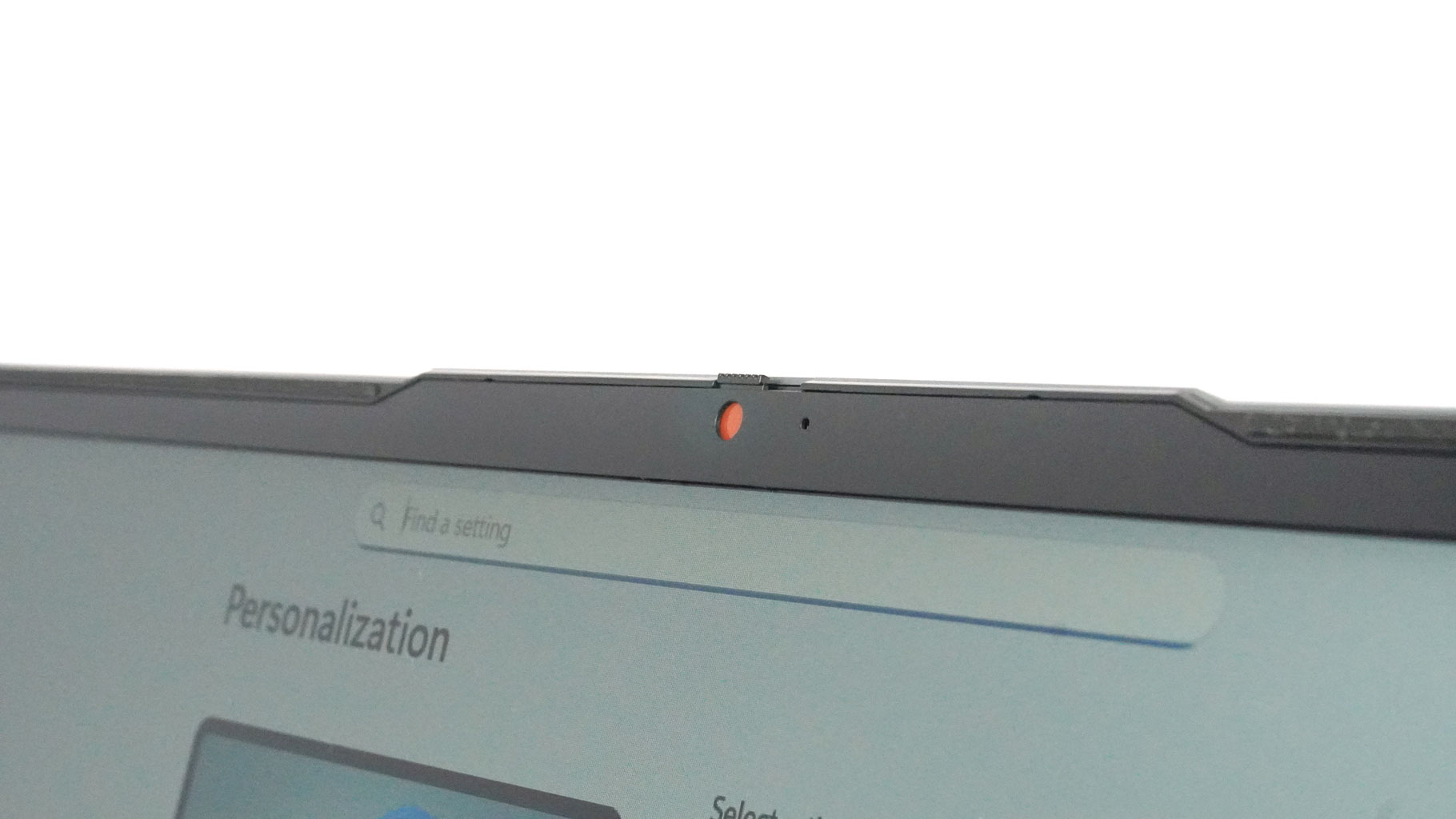
The basic 1 MP webcam is placed on top, and it has a privacy shutter, which is a nice extra.
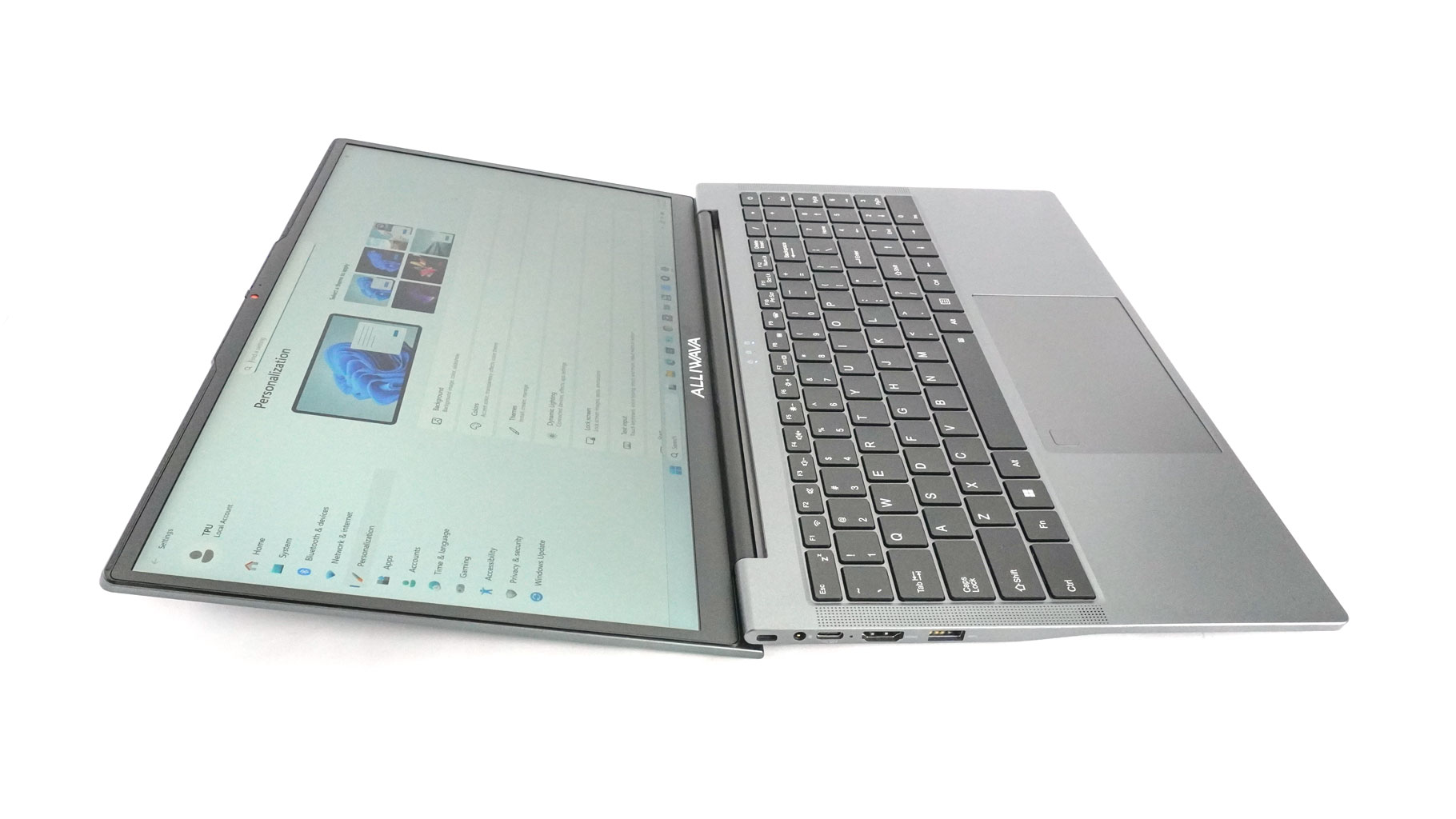
While still discussing the device's top cover, let's note that Alliwava states a 180-degree opening. In practice, it gets close, though the lid doesn't quite lie perfectly flat on a desk. You can also check the pictures below to see for yourself.
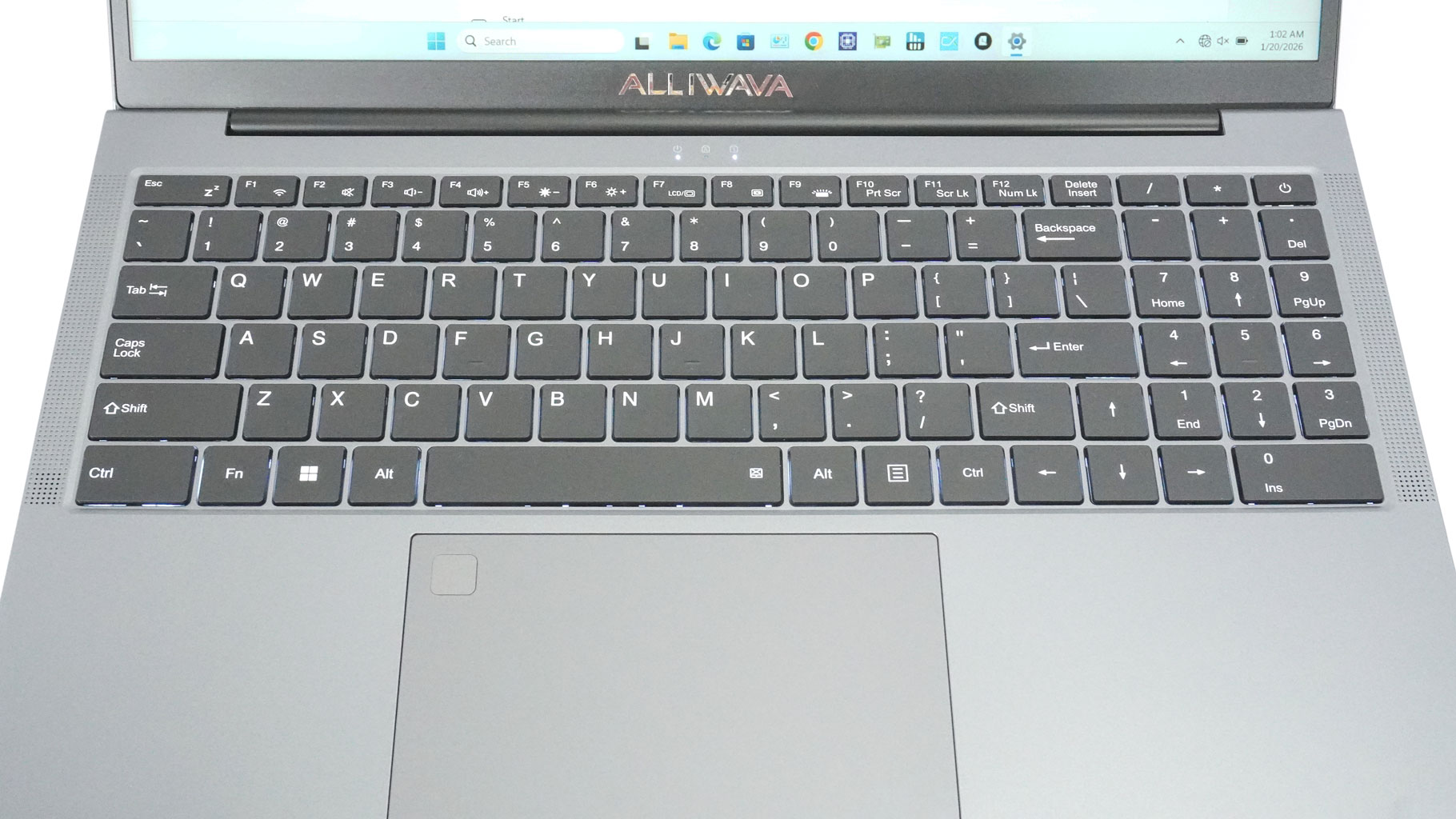
The two 1 W speakers are placed on the sides of the backlit keyboard. The latter is surprisingly good for the class with large keycaps that offer super clicky feedback. The key travel is decent - not quite as long as I'd like, but it's just fine. The board is definitely suitable for typing, and the accountants out there will value the presence of a NumPad plus full-sized Arrows.
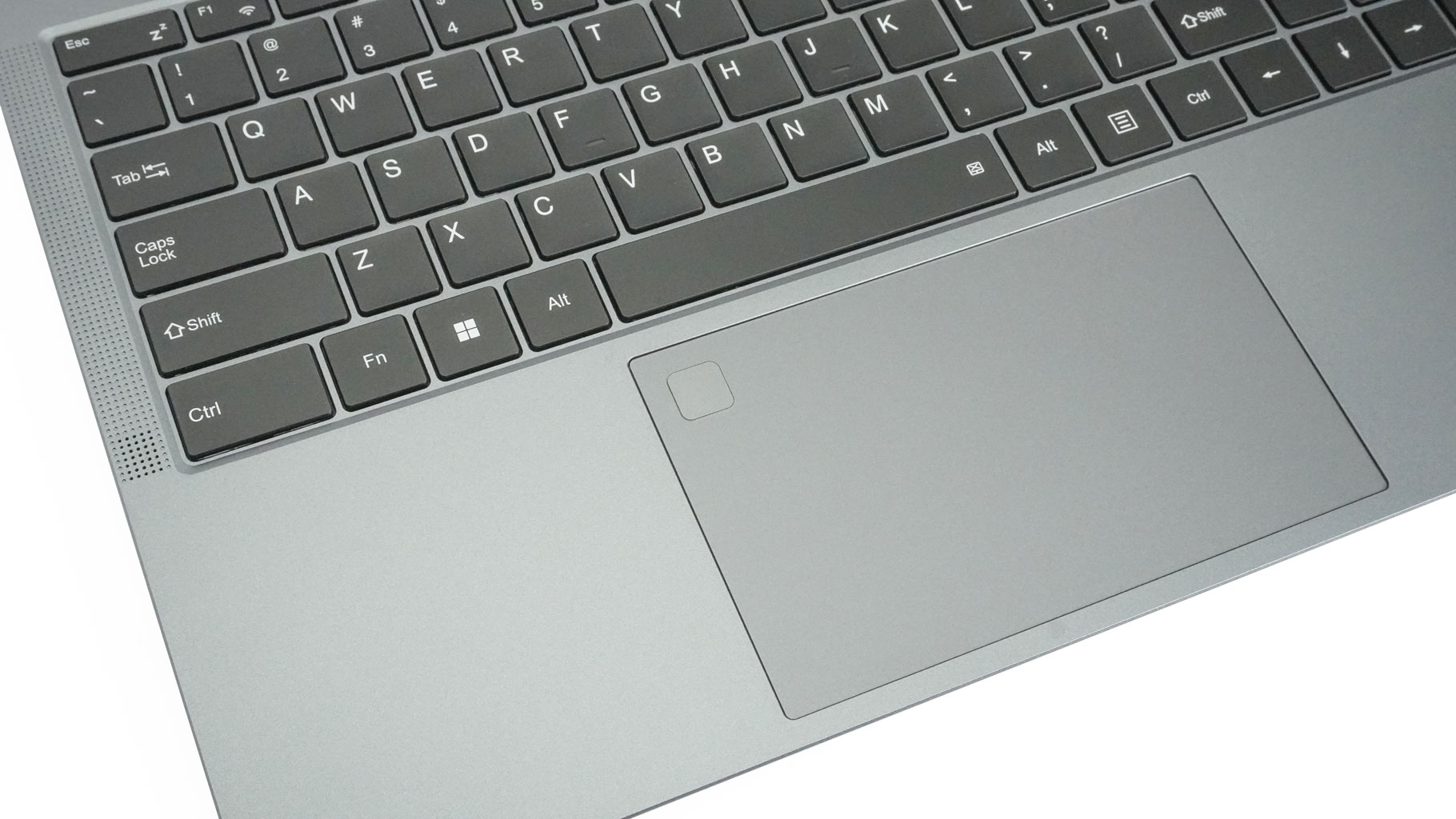
The touchpad surprised me with its smooth surface and comfortable size. The unit precision is average, though. The clicking mechanism works well, but it sounds loud, so you're better off just using tap-to-click. There is a fingerprint reader in the top left corner. It works blazingly fast.
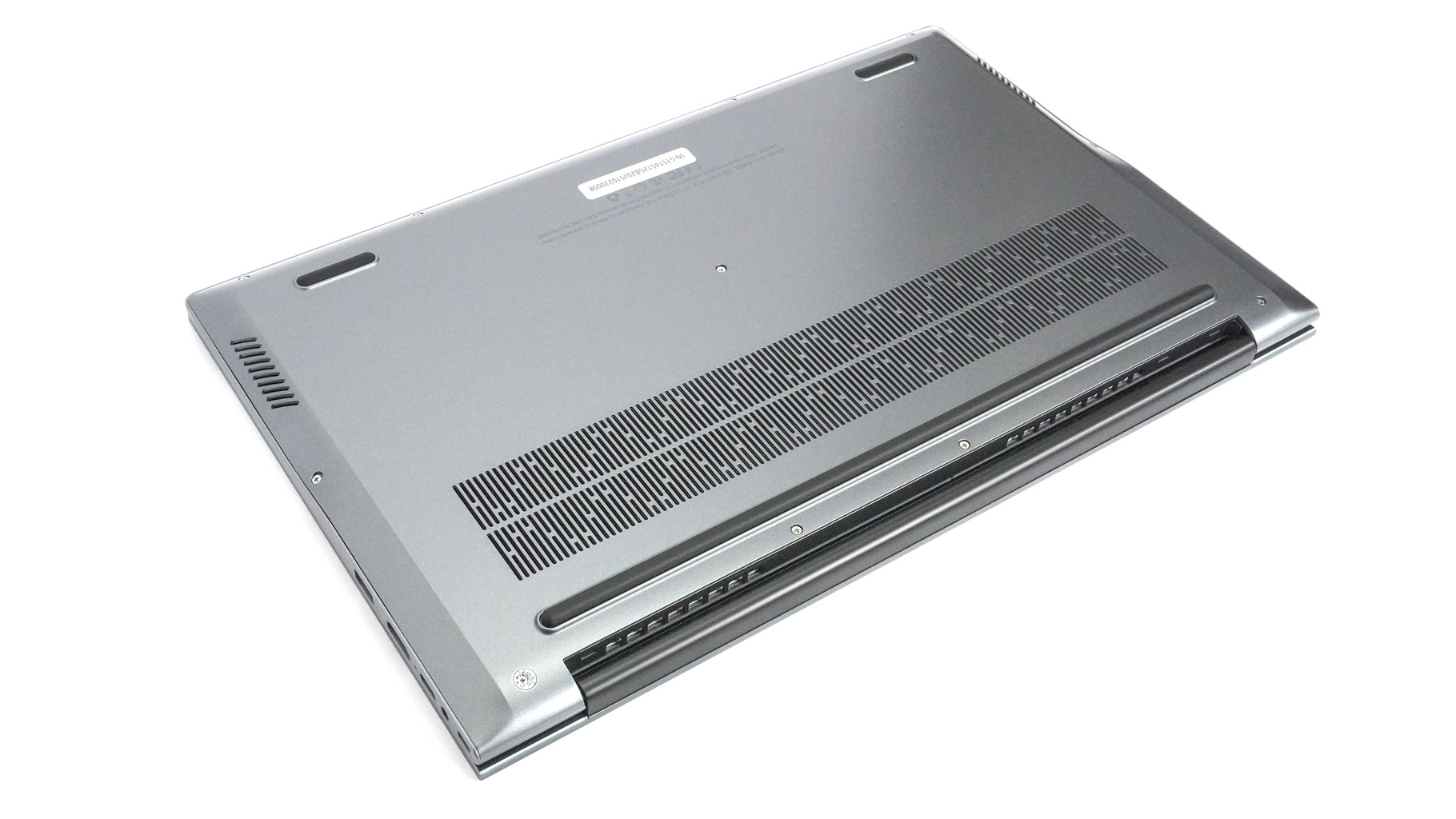
The bottom plate is business as usual - a two-row ventilation grille, three stable rubber feet, and speaker cutouts. The heat is pushed through two vents on the back. The hinge cover sits right in front of them, but some hot air still reaches the screen during heavy CPU loads.
Nov 26th, 2026 14:42 CST
change timezone
Latest GPU Drivers
New Forum Posts
- ASUS Prime 5060 ti 16gb x4 instead of x8 PCIe (10)
- Windows 10 Power save mode. See what program that cause sleep to fail. (1)
- Mouse Pad advice - Shidenkai out of production? (1)
- Can you guess Which game it is? (370)
- WarpCoreBench scores! (110)
- TechPowerUp Screenshot Thread (MASSIVE 56K WARNING) (4388)
- TPU's WCG/BOINC Team (34809)
- UPS what one to get? (75)
- Using sodimm+adapter instead of full size dimm DDR5? (101)
- Nvidia Driver Constantly writing to SSD FIX (Read the Post) (0)
Popular Reviews
- ASRock X870E Challenger Wi-Fi White Review
- VZMORE AX9 Max Review
- Upcoming Hardware Launches 2027 (Updated Nov 2026)
- Microsoft Surface Laptop Ultra Review - The Next-gen Arm Laptop
- AMD Ryzen 7 9800X3D Review - The Best Gaming Processor
- AMD Zen 6 Technical Deep Dive
- Phantom Blade Zero Performance Benchmark Review - 35 GPUs Tested
- Corsair RM1200e (Second Generation) Review
- Montech CyberFlow ARGB 360 Review
- Pulsar Office Tour & First Look at P1 Dual-Sensor Mouse
TPU on YouTube
Controversial News Posts
- Jensen Huang Reinstated as CEO of NVIDIA (600)
- NVIDIA Co-Founder and CEO Jensen Huang Officially Resigns (492)
- Report: Jensen Huang Eyes NVIDIA Comeback (281)
- Open Letter Asking NVIDIA to Reinstate Jensen Huang Passes 115,000 Signatures (184)
- OpenAI CEO Argues Home PCs Waste the World's Limited DRAM Supply (152)
- NVIDIA Launches Investigation Into Jensen Huang's Relationship With Suspected Chinese Spy (136)
- Intel Razor Lake Gets a 12 P-Core bLLC Chip With No E-Cores, Per Leak (94)
- NVIDIA GeForce RTX 50-Series Scheduled for up to $500 Price Hike This Week (89)