 12
Alliwava G15 Review - Good Budget Offer
Display Testing »Disassembly and Teardown
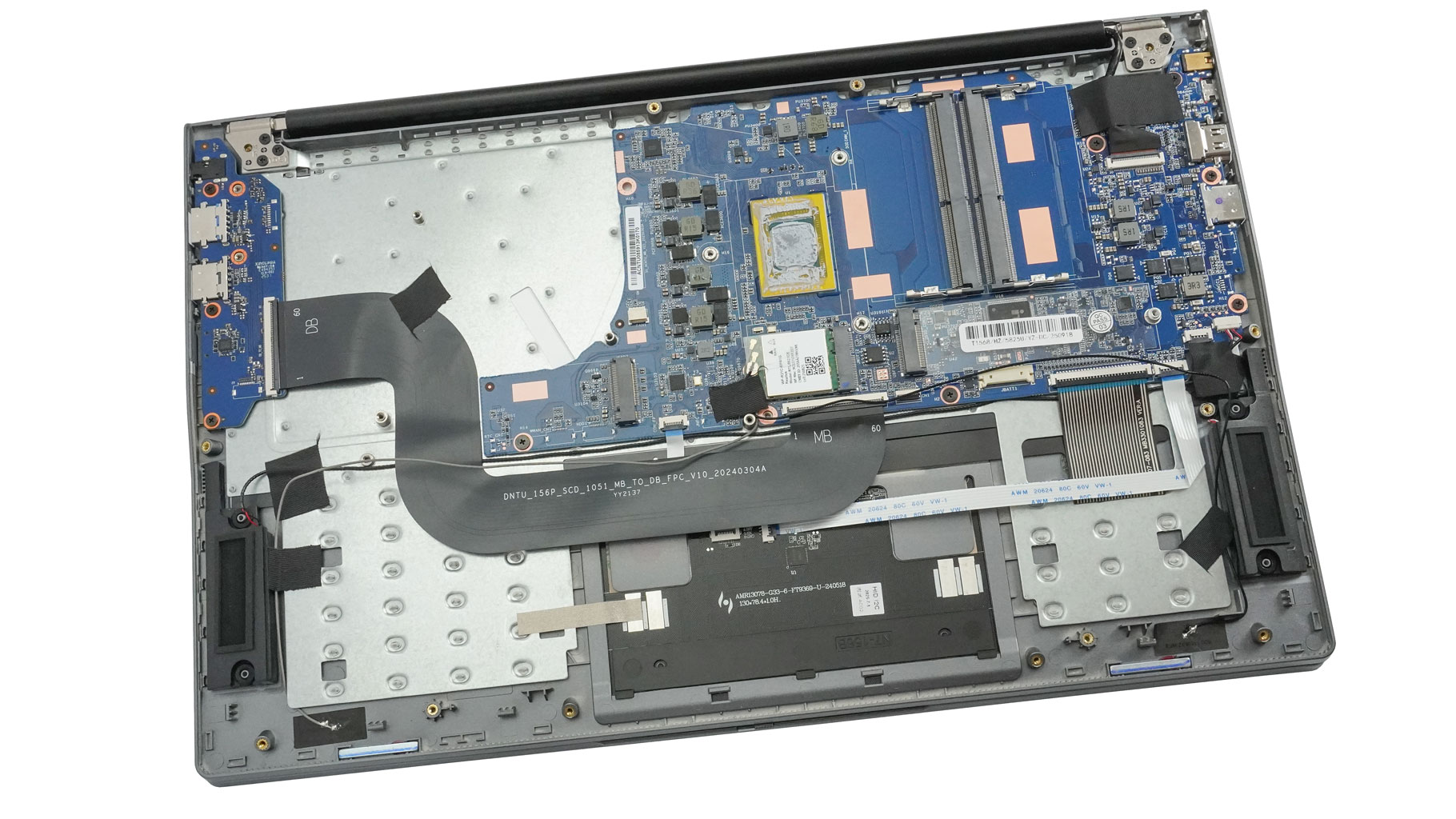
The Alliwava G15 is a fairly standard iGPU-only laptop, and its servicing isn't complicated. This should be good news for the regular user.
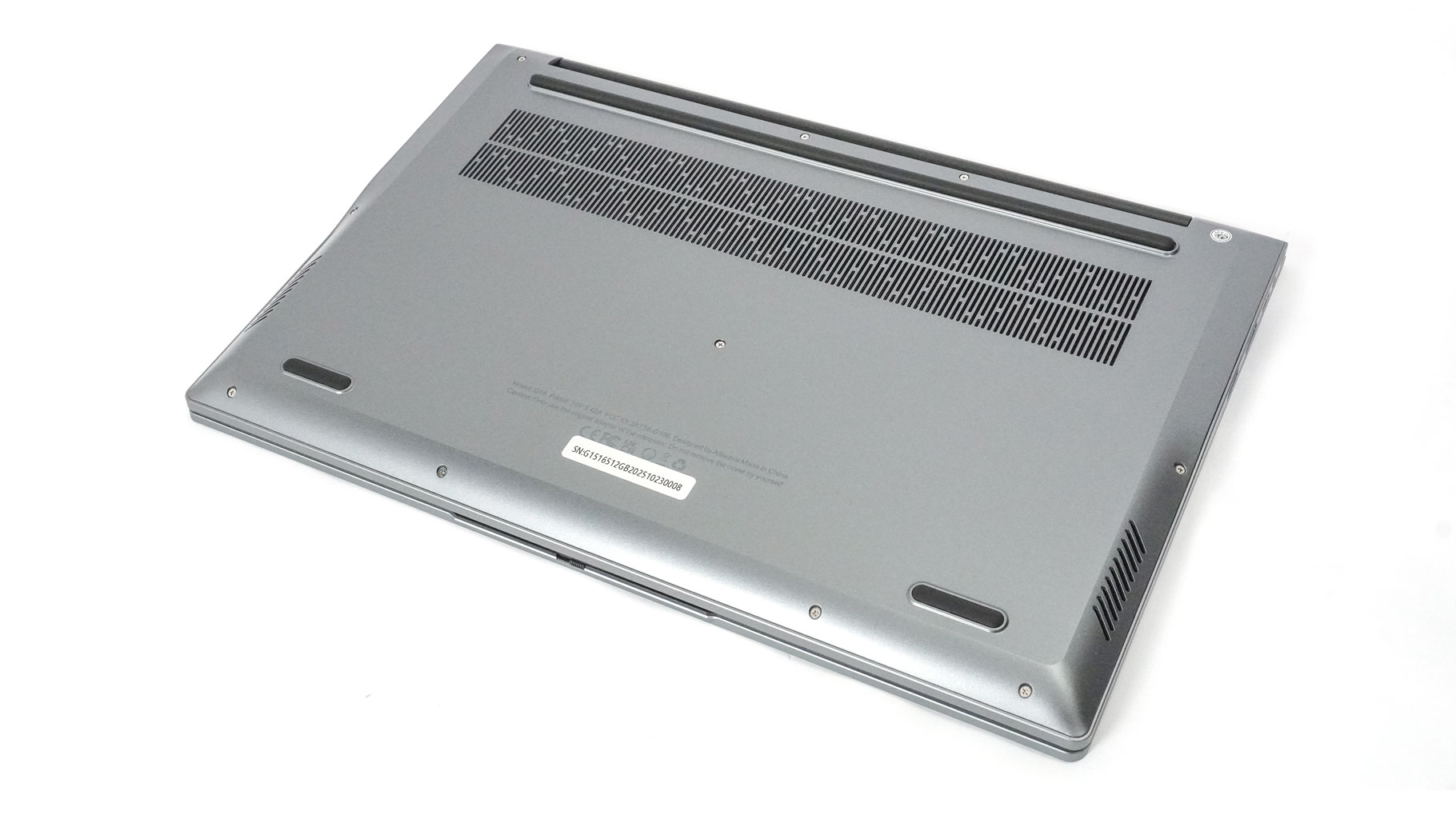
Undo the 11 Phillips head screws. Note that the two in the center, close to the hinge, are captive. Use a thin plastic tool to pry up the back near the top left corner, then work your way around all sides.
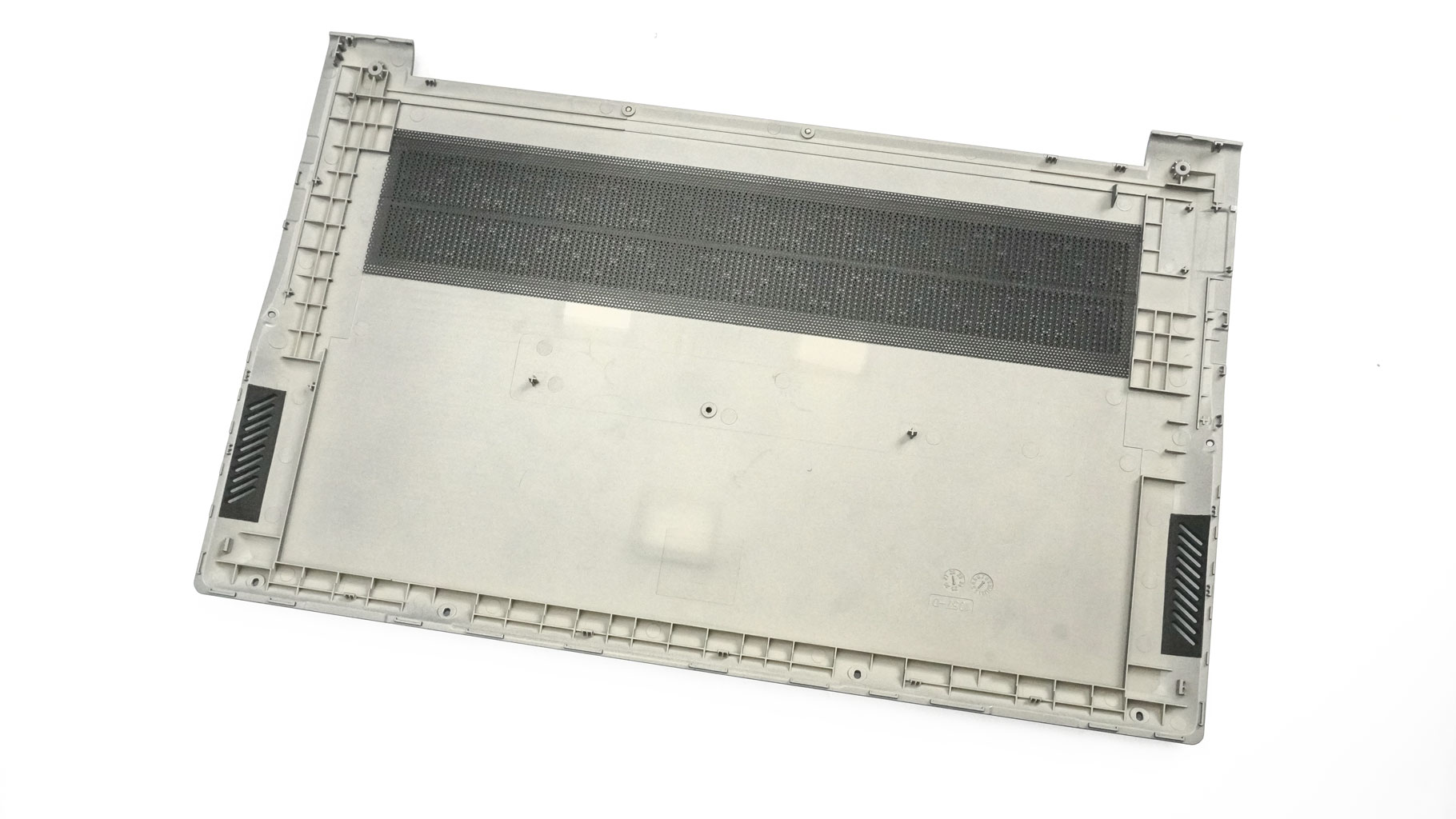
The bottom cover houses dust filters for the ventilation grille and speaker cutouts.
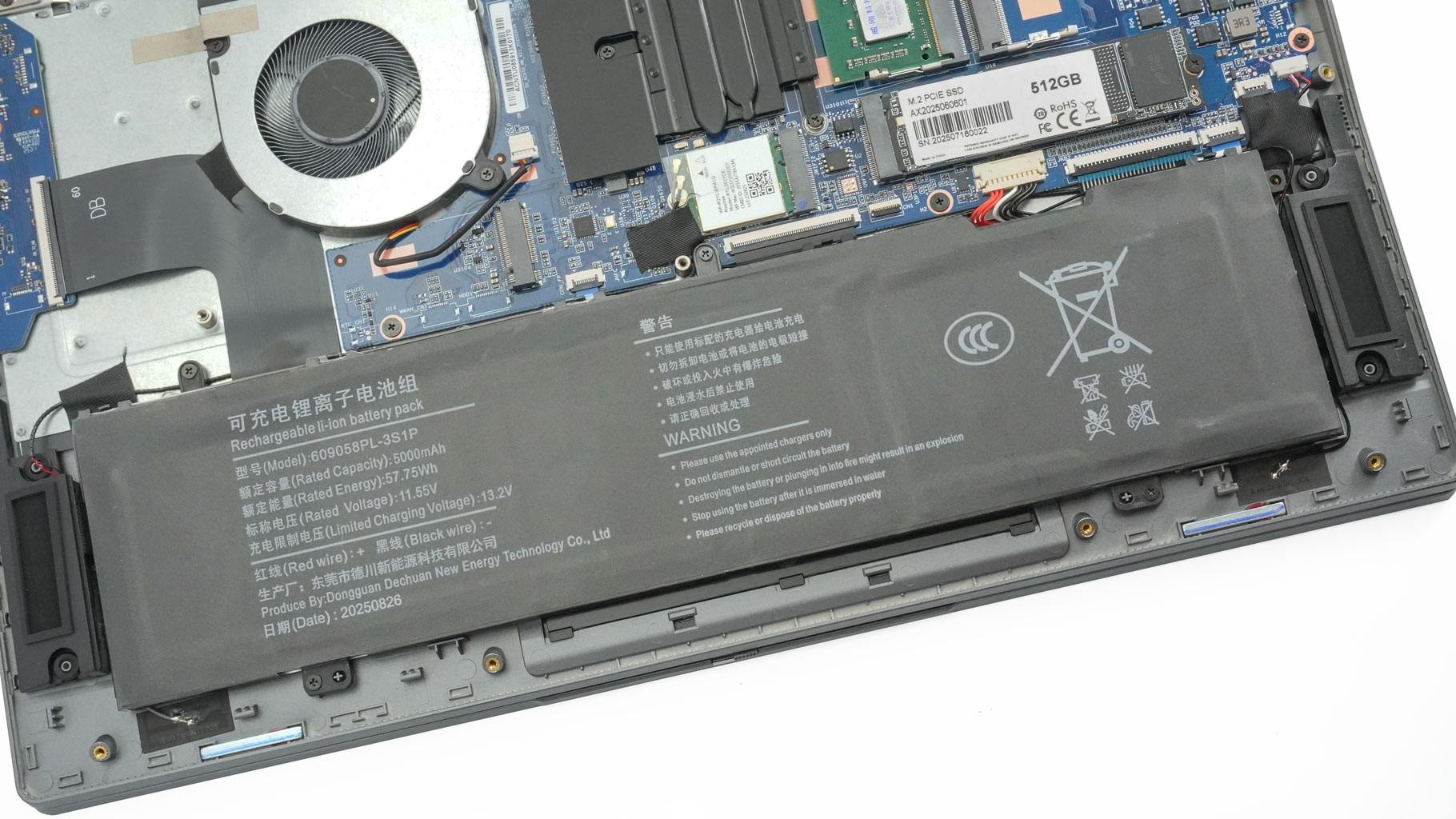
The battery is a modest 57.75 Wh model. To detach it, pull down the connector and undo the four screws that secure the unit.
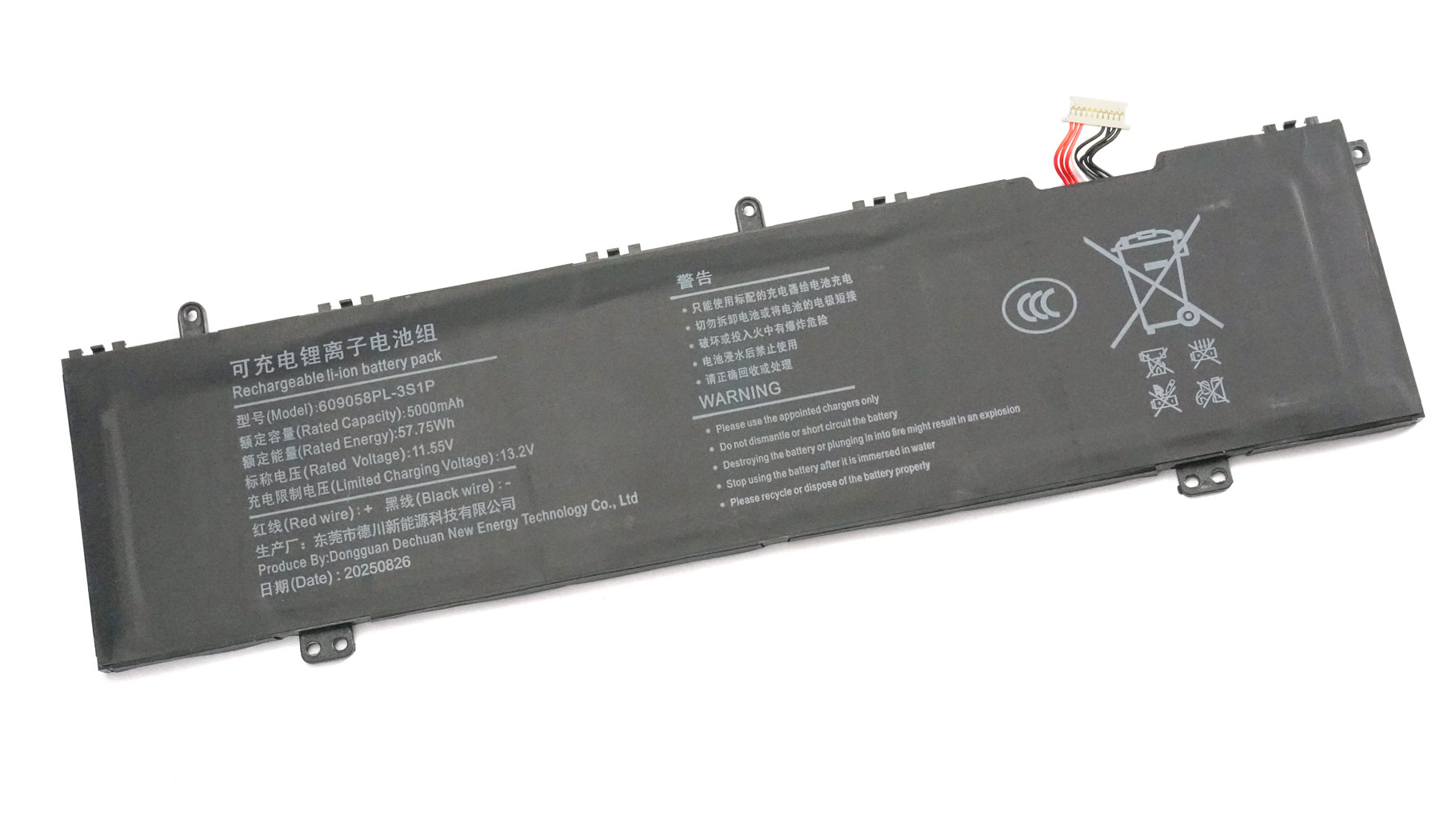
The autonomous life is alright since a full charge is enough for six and a half hours of 4K video playback. That's okay, given the battery capacity. Your last task is to untangle the speaker cables around the battery housing.
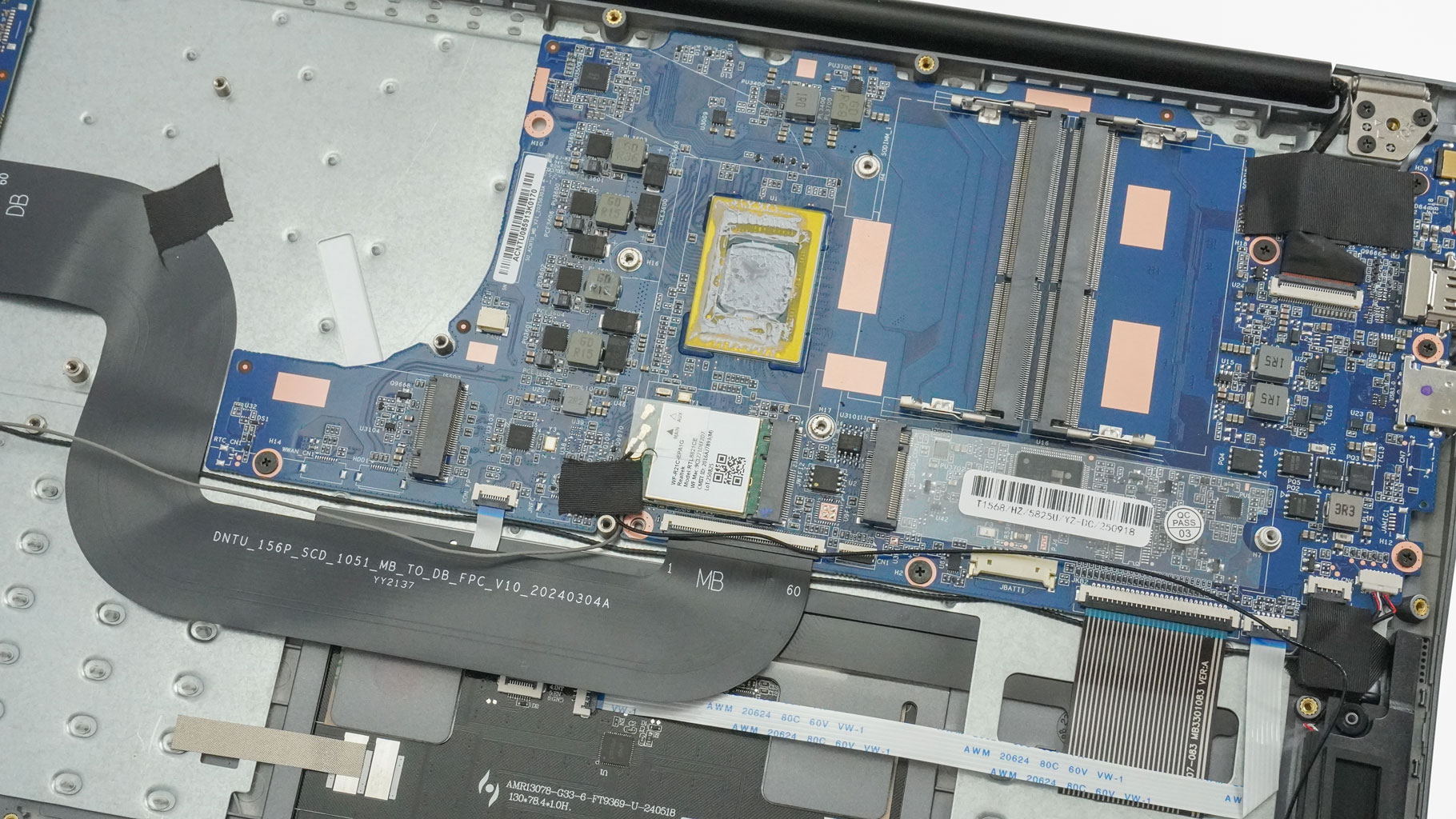
The manufacturer claims that the two SODIMM slots can handle up to 32 GB of DDR4-3200 memory. Still, officially, the Ryzen 7 5825U supports 64 GB, so you should be able to install even larger RAM capacities.
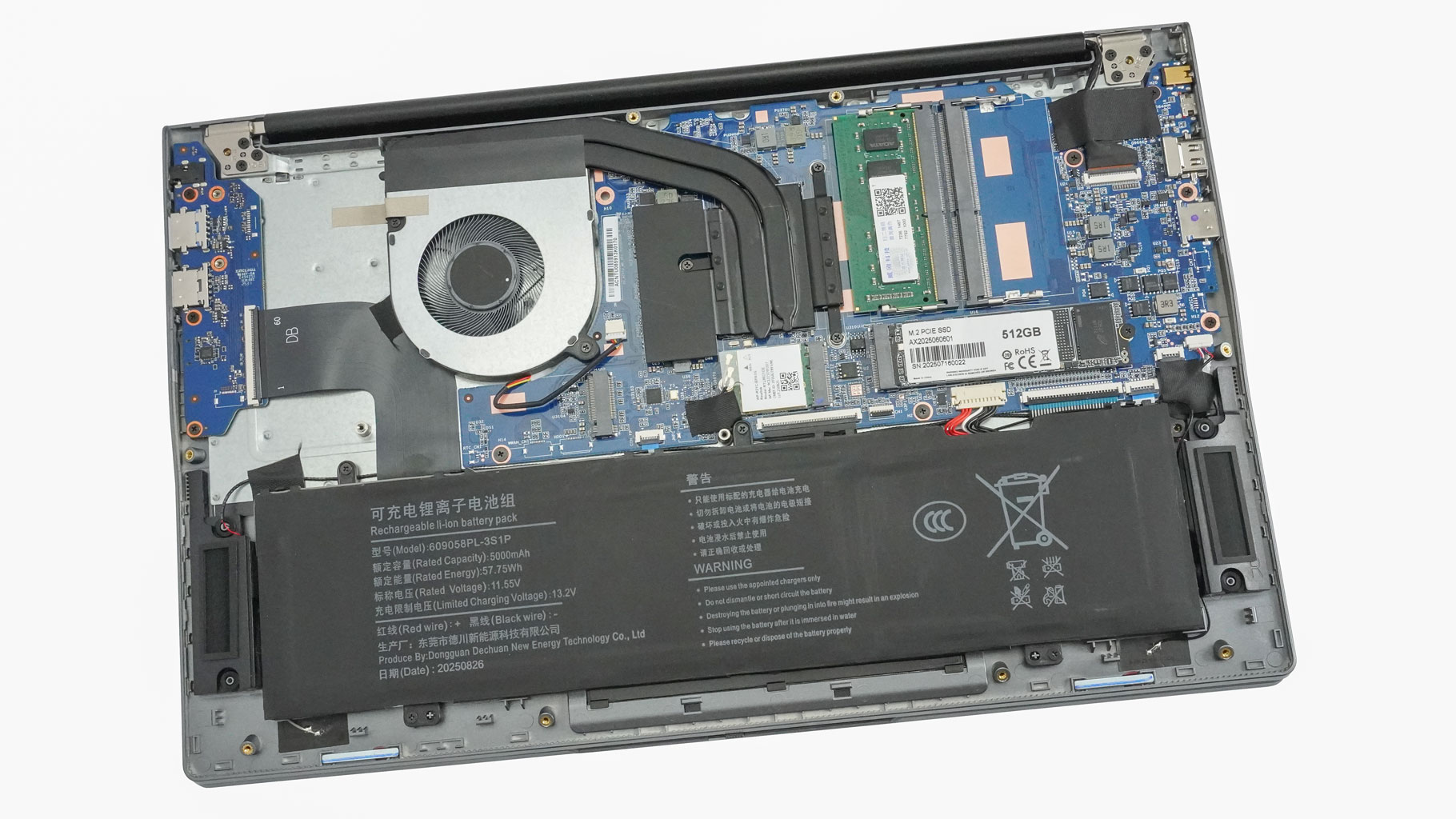
You get a pair of M.2 slots that fit regular 2280 SSDs. No Gen 4 support here due to the CPU architecture. The Wi-Fi card is replaceable, thumbs up for that!
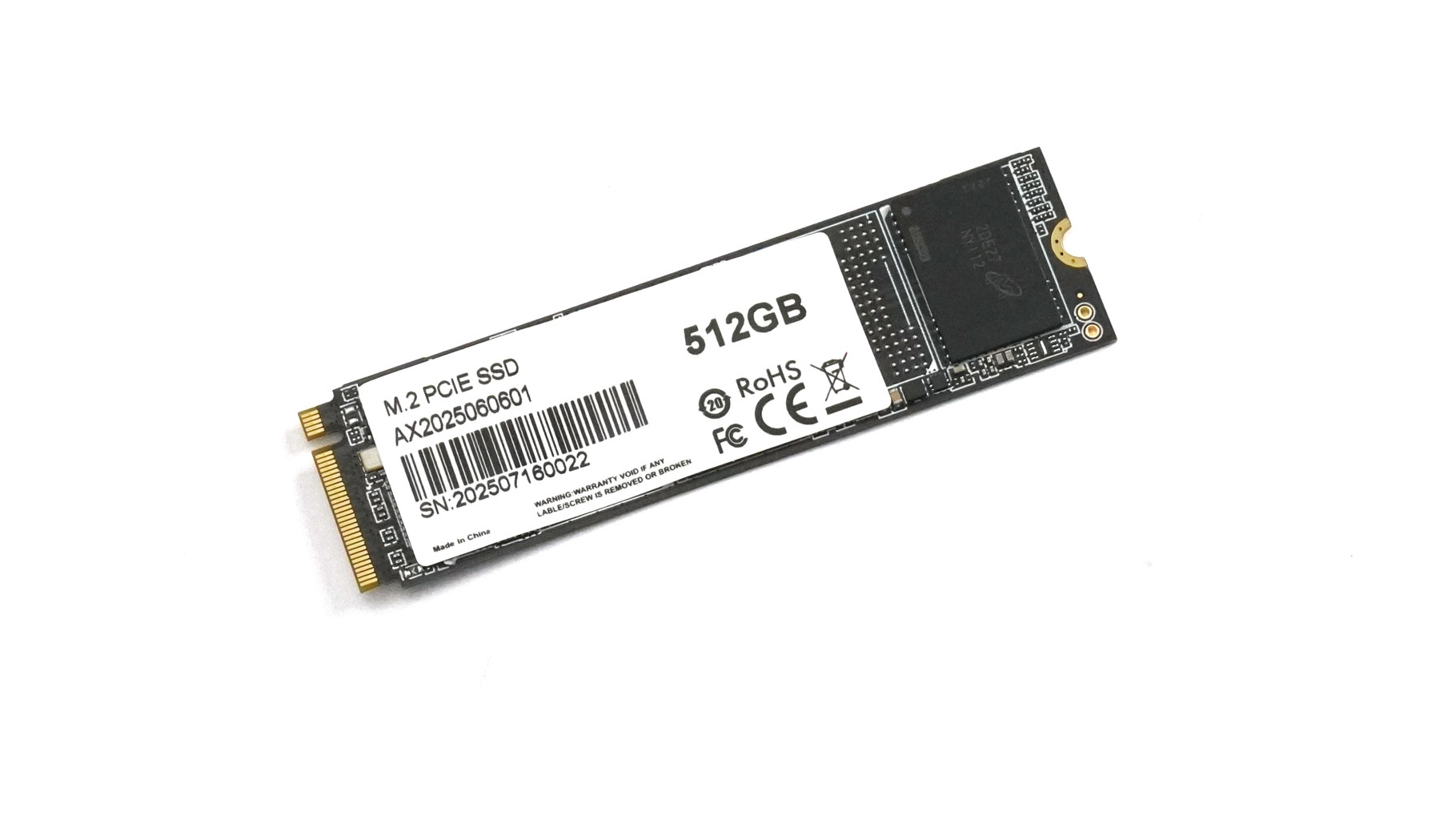
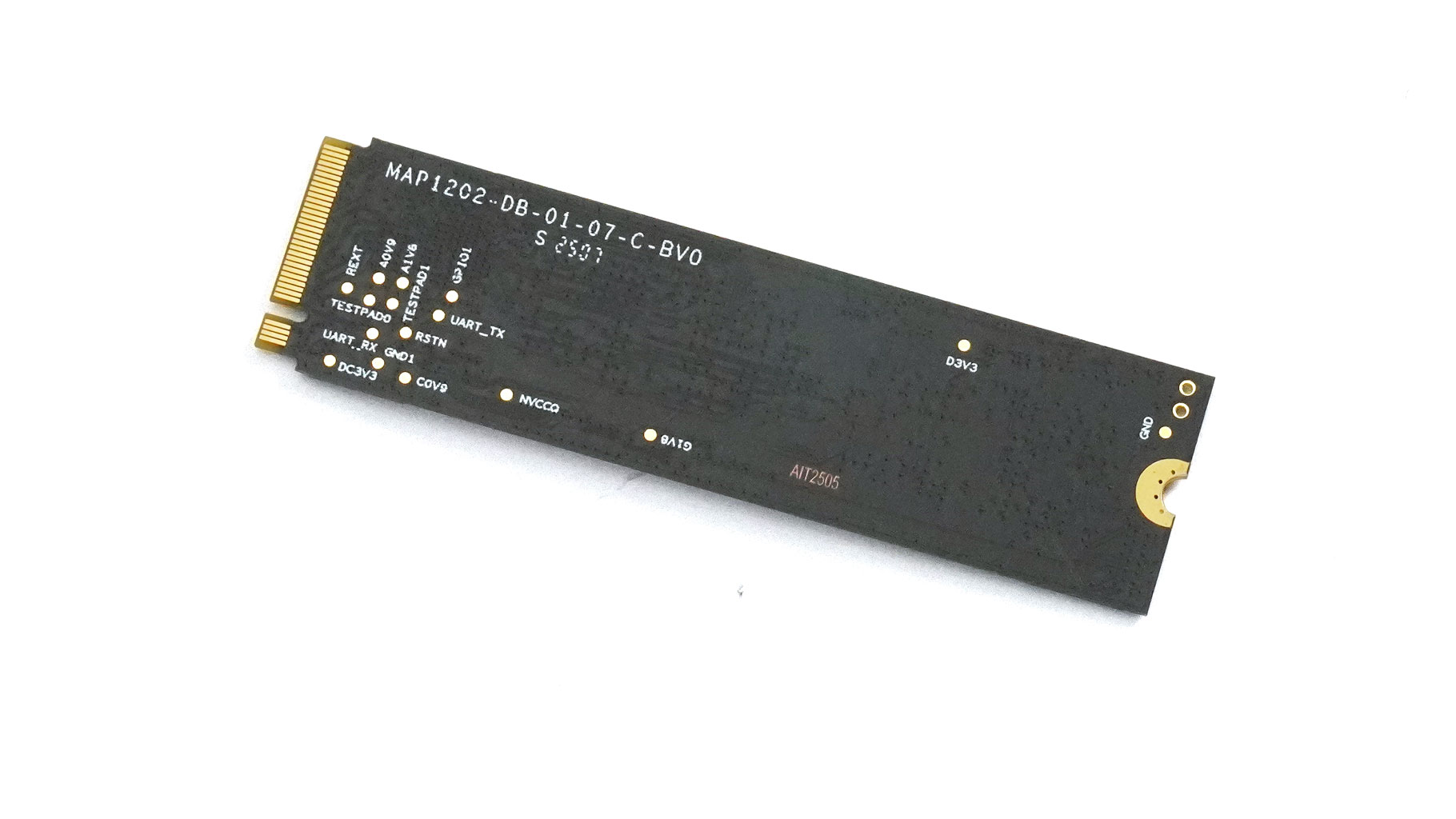
Here are some close-ups of the system SSD.
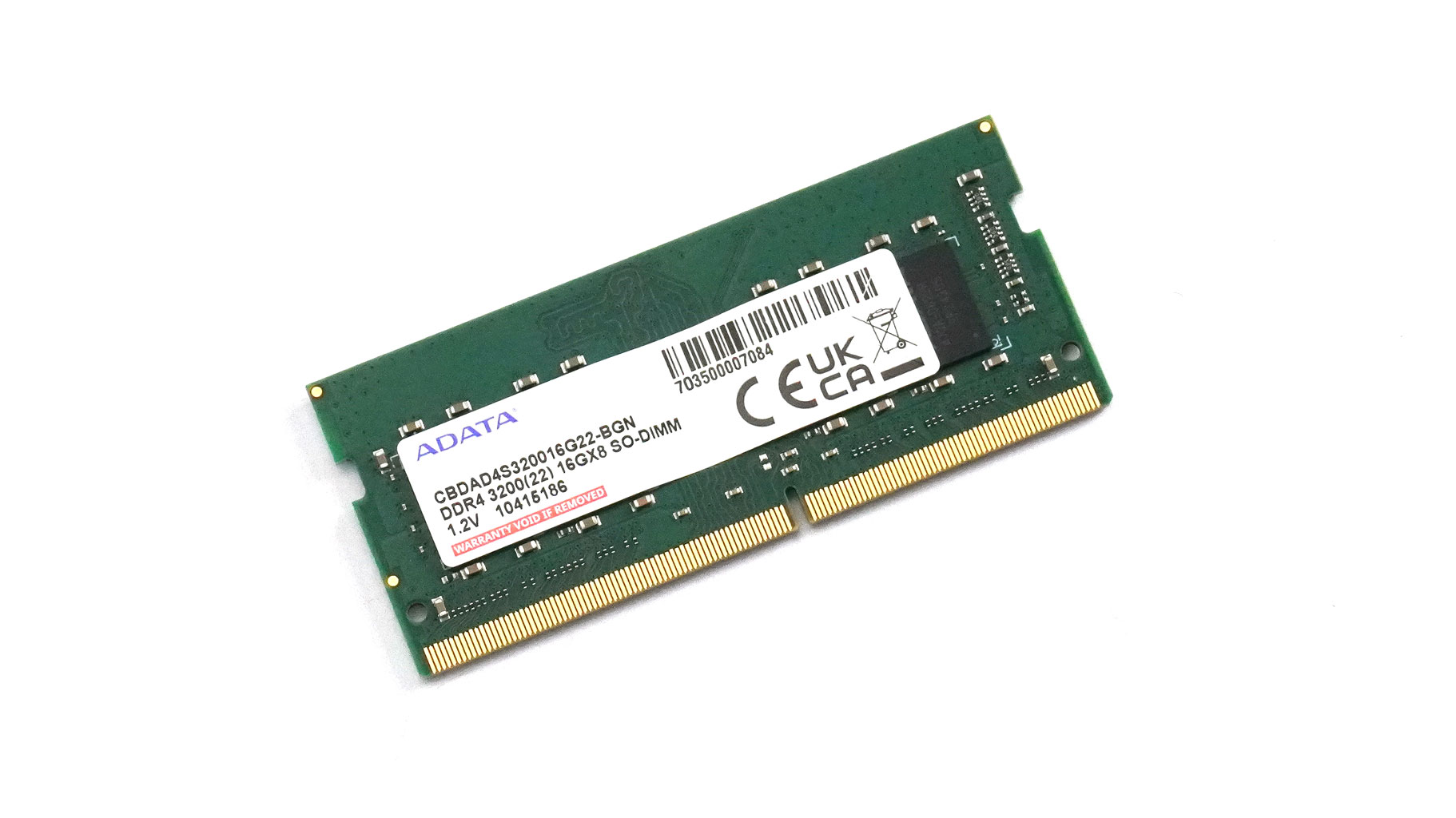
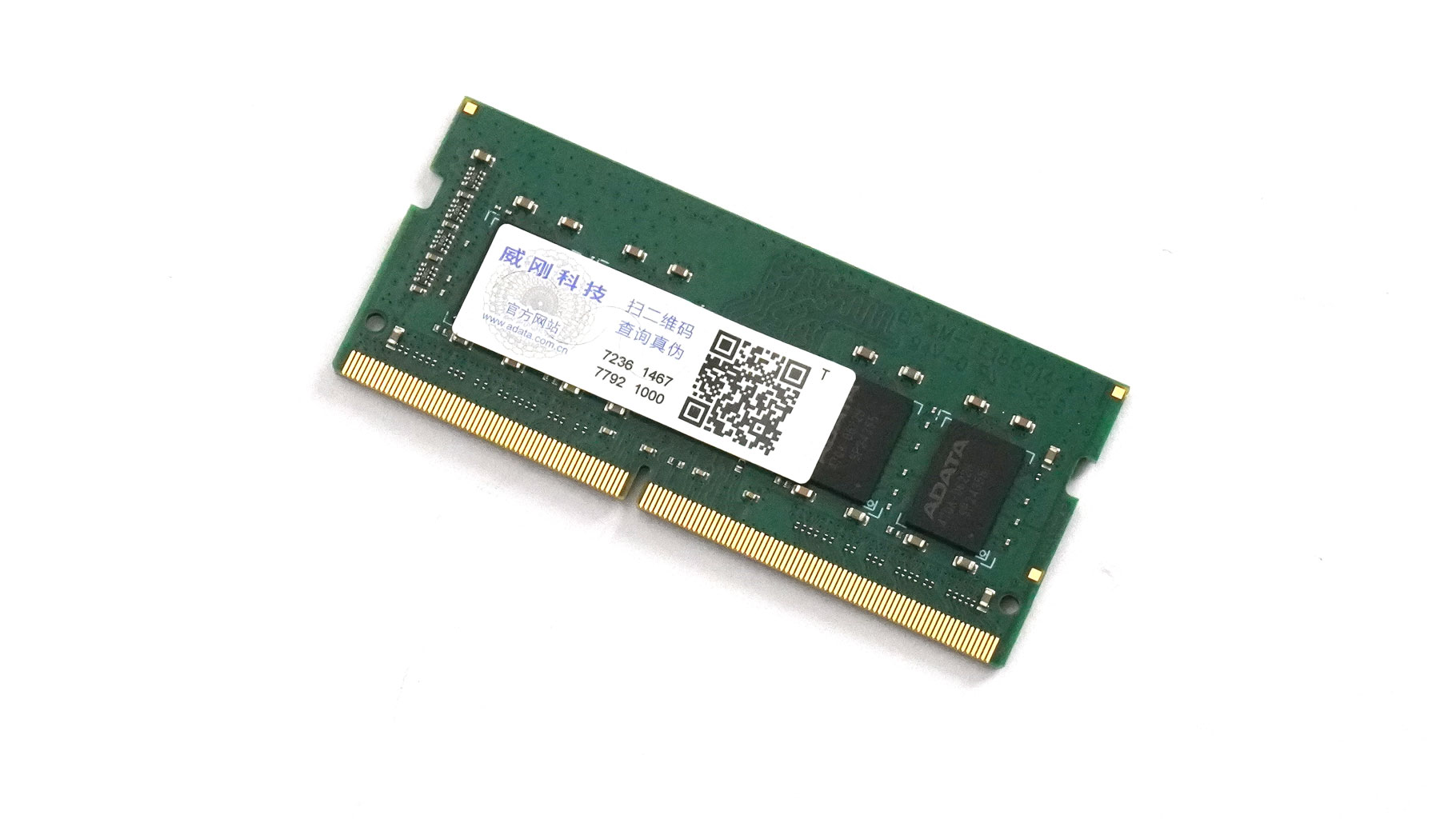
You can also take a look at the RAM stick.
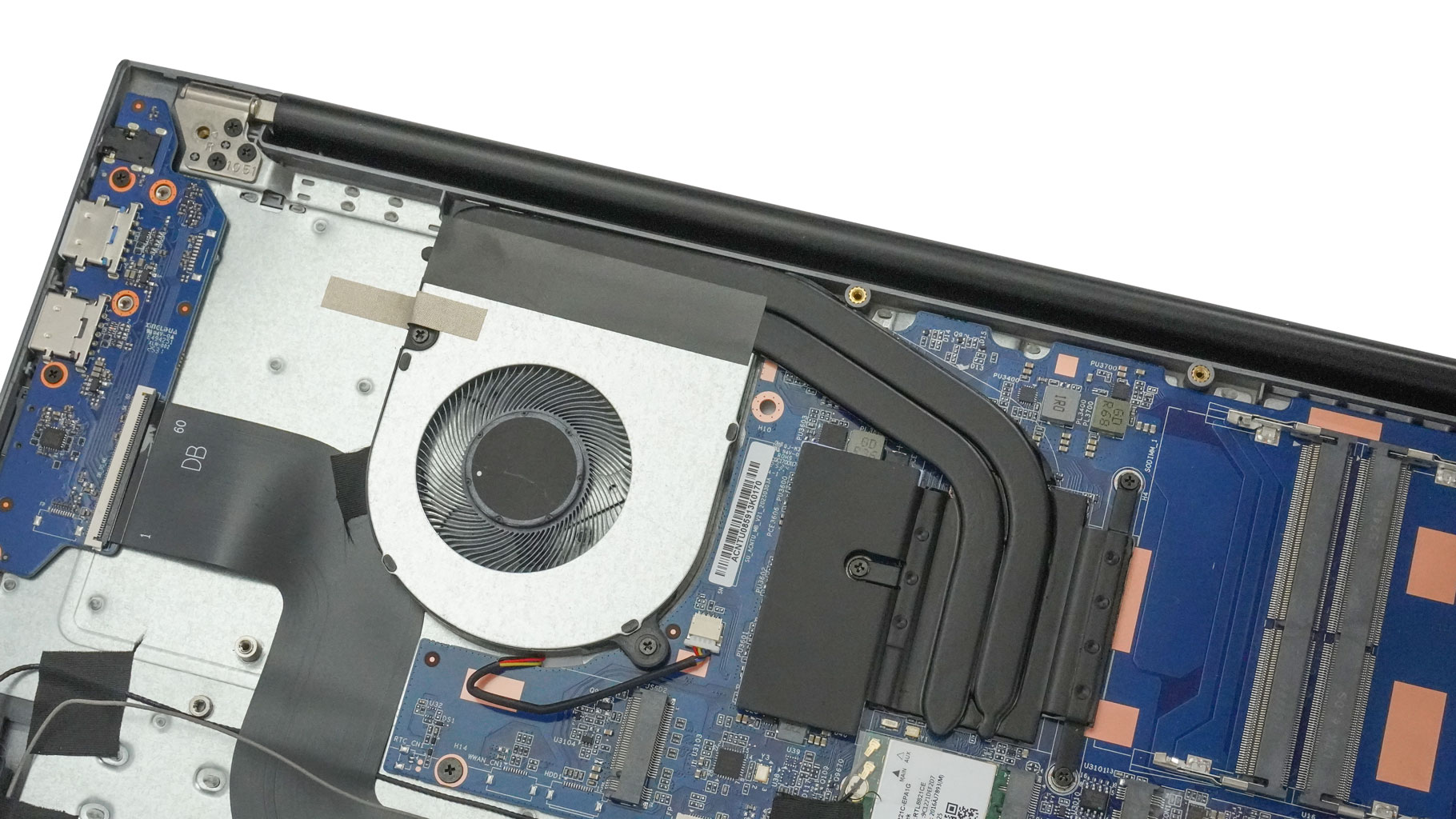
The cooling setup consists of a single fan, two heat pipes, a top heatsink, and a heat spreader for the processor.
Let's take away the cooling. Unplug the fan connector. Then, remove the two screws around the fan housing and the three securing the CPU plate.
Gently pop the cooling module off with a prying tool.
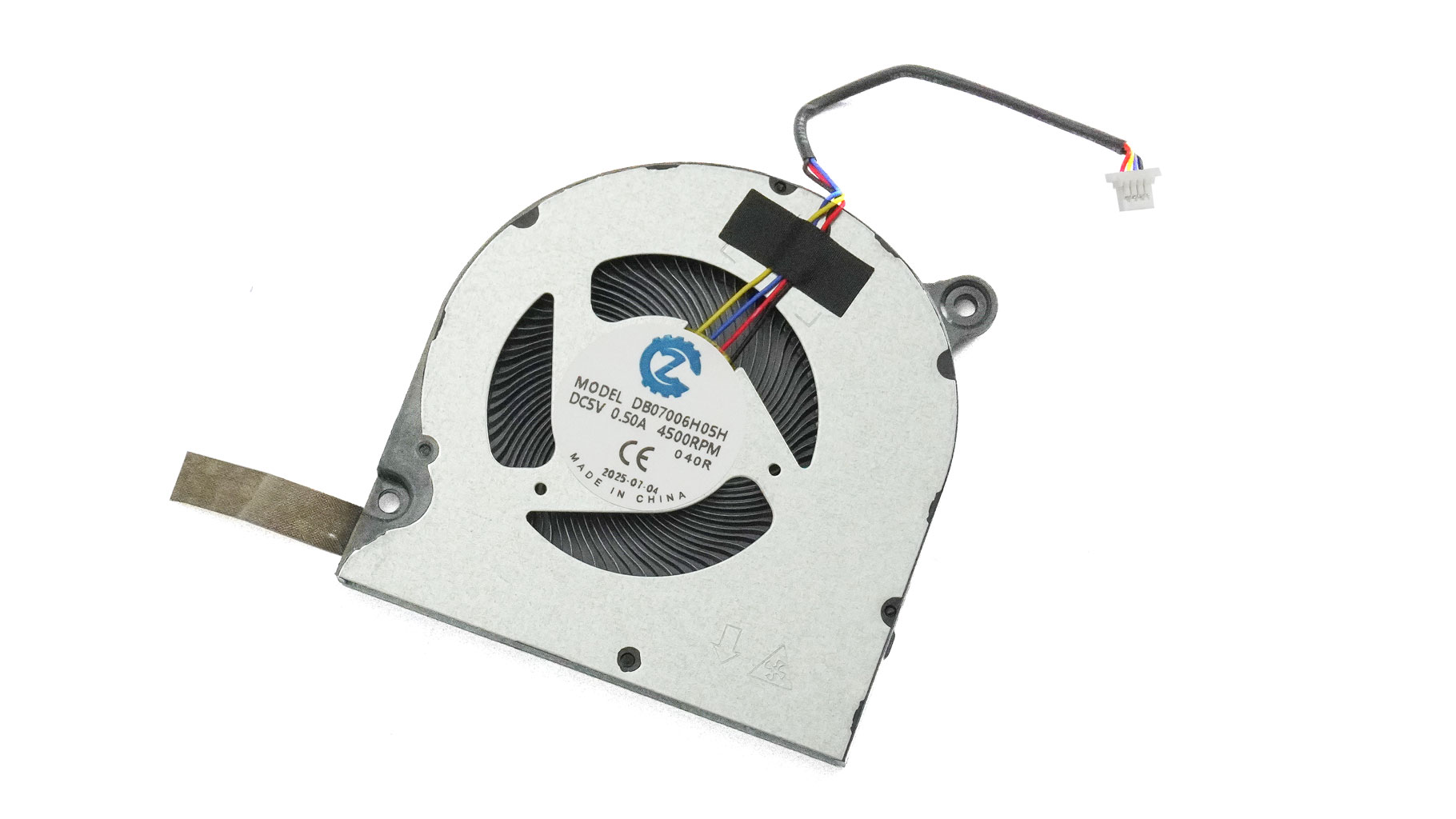
The fan can be detached separately.
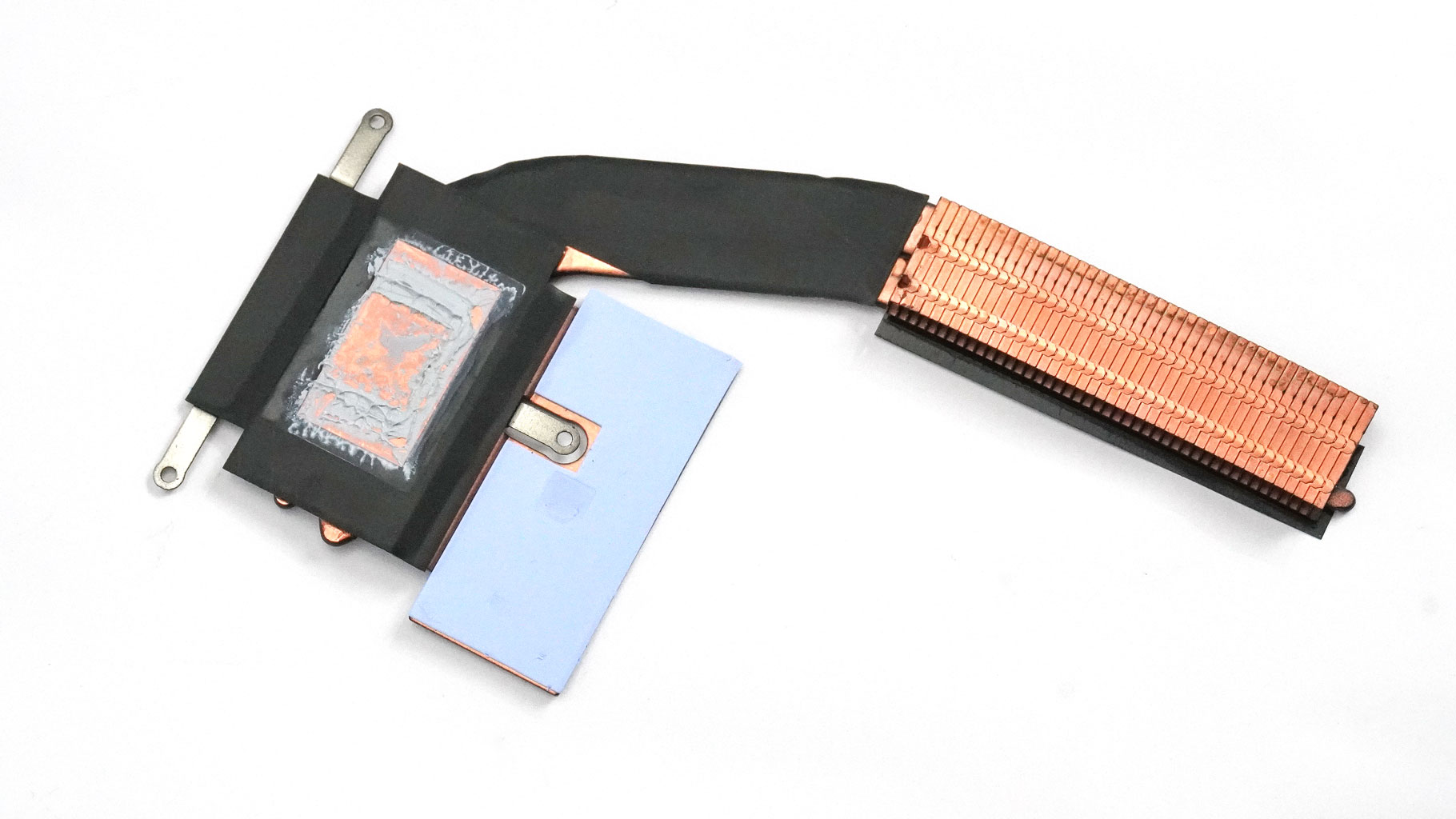
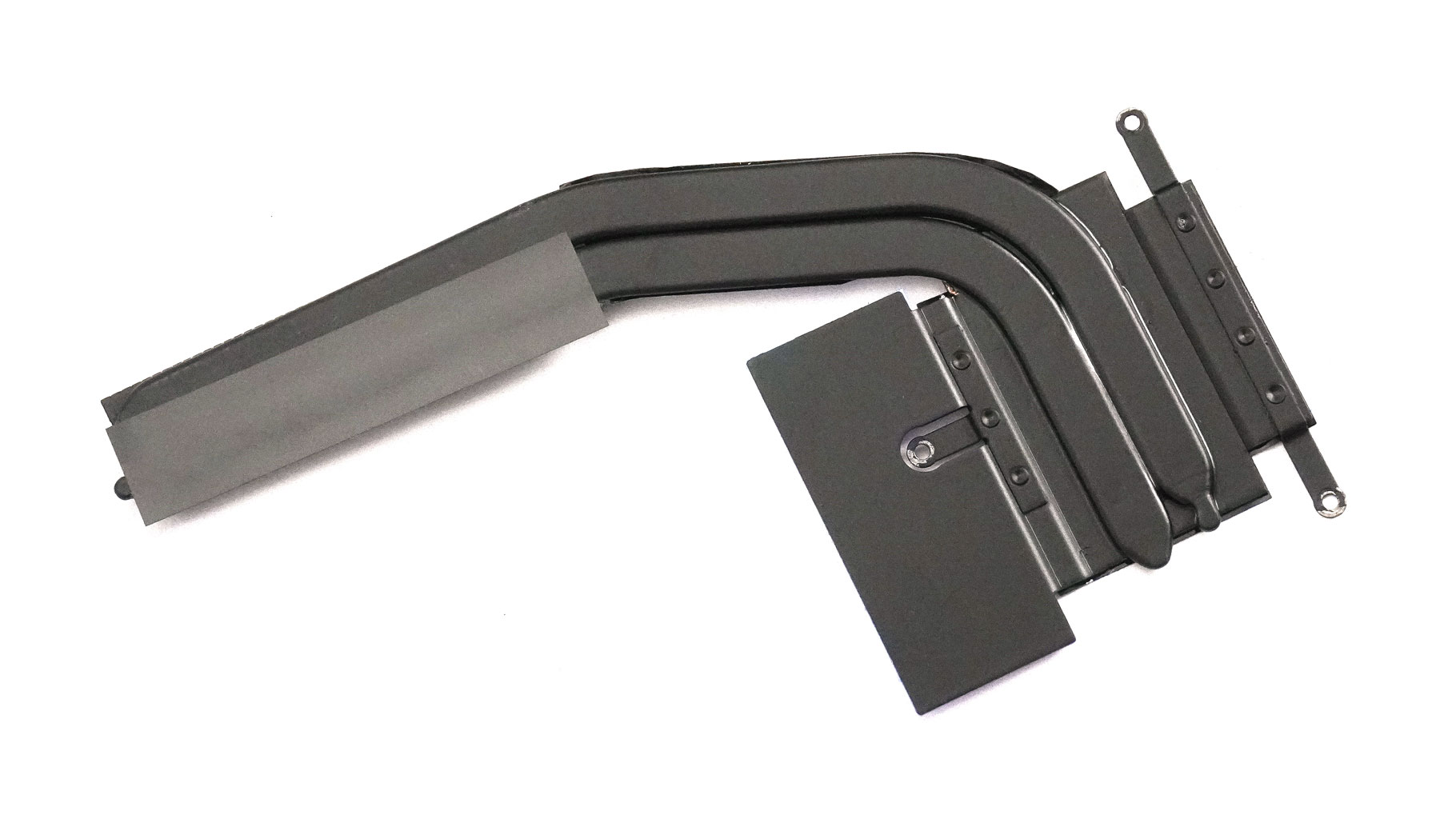
Here's the view of the thermal system when it's fully detached.
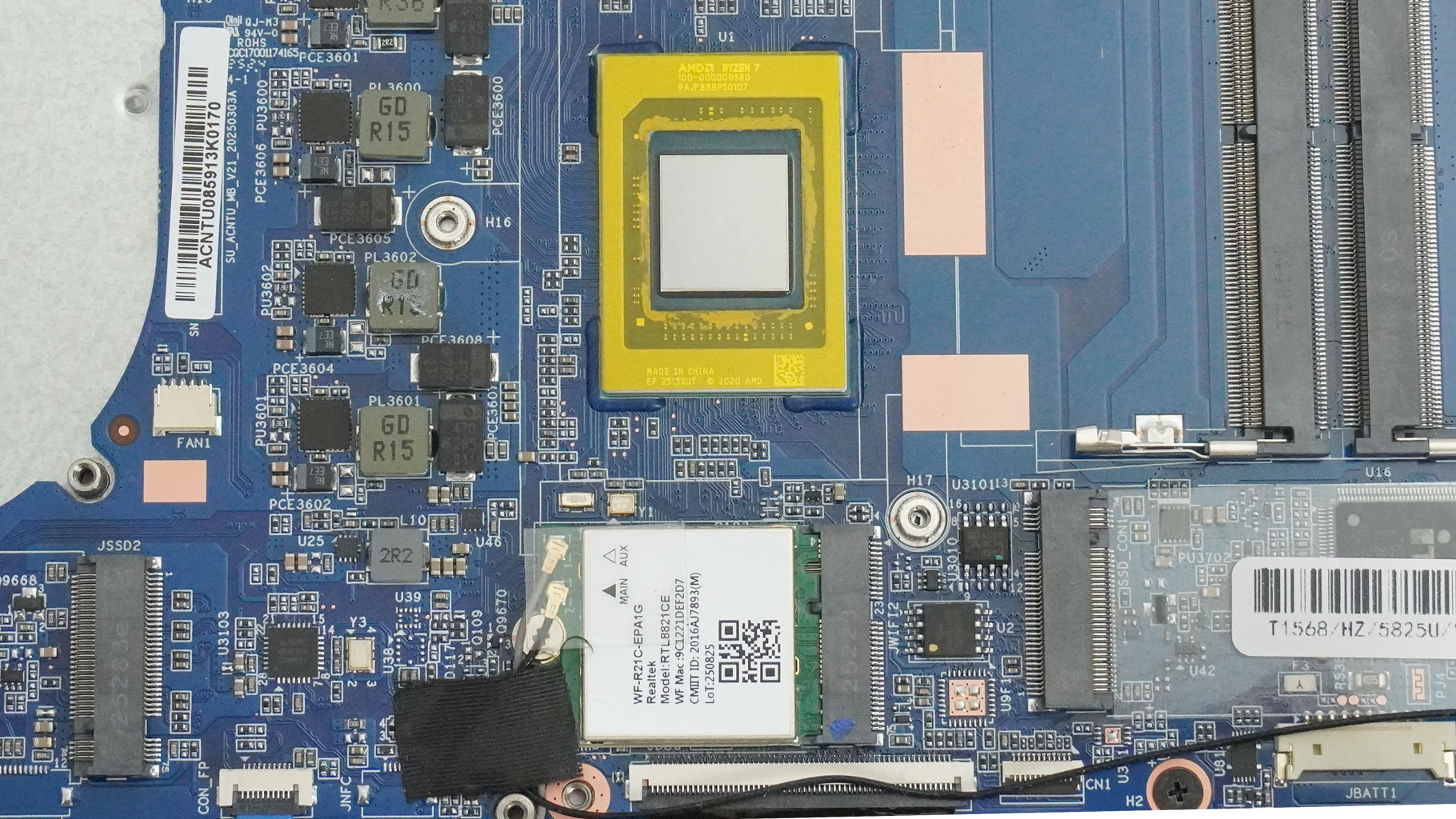
Now we can see the CPU itself.
Nov 26th, 2026 15:02 CST
change timezone
Latest GPU Drivers
New Forum Posts
- weird problem with Asus Maximus Hero z890 motherboard VRM (0)
- Wireless Internet sharing between PC and router both-ways, is it possible? (25)
- TPU's WCG/BOINC Team (34810)
- ASUS Prime 5060 ti 16gb x4 instead of x8 PCIe (10)
- Windows 10 Power save mode. See what program that cause sleep to fail. (1)
- Mouse Pad advice - Shidenkai out of production? (1)
- Can you guess Which game it is? (370)
- WarpCoreBench scores! (110)
- TechPowerUp Screenshot Thread (MASSIVE 56K WARNING) (4388)
- UPS what one to get? (75)
Popular Reviews
- ASRock X870E Challenger Wi-Fi White Review
- VZMORE AX9 Max Review
- Upcoming Hardware Launches 2027 (Updated Nov 2026)
- Microsoft Surface Laptop Ultra Review - The Next-gen Arm Laptop
- AMD Ryzen 7 9800X3D Review - The Best Gaming Processor
- AMD Zen 6 Technical Deep Dive
- Phantom Blade Zero Performance Benchmark Review - 35 GPUs Tested
- Corsair RM1200e (Second Generation) Review
- Montech CyberFlow ARGB 360 Review
- Pulsar Office Tour & First Look at P1 Dual-Sensor Mouse
TPU on YouTube
Controversial News Posts
- Jensen Huang Reinstated as CEO of NVIDIA (601)
- NVIDIA Co-Founder and CEO Jensen Huang Officially Resigns (492)
- Report: Jensen Huang Eyes NVIDIA Comeback (281)
- Open Letter Asking NVIDIA to Reinstate Jensen Huang Passes 115,000 Signatures (184)
- OpenAI CEO Argues Home PCs Waste the World's Limited DRAM Supply (152)
- NVIDIA Launches Investigation Into Jensen Huang's Relationship With Suspected Chinese Spy (136)
- Intel Razor Lake Gets a 12 P-Core bLLC Chip With No E-Cores, Per Leak (94)
- NVIDIA GeForce RTX 50-Series Scheduled for up to $500 Price Hike This Week (89)