 40
AMD Ryzen AI Halo Review - Local-AI Powerhouse with 128 GB of Memory
Teardown: A Look Inside »Packaging
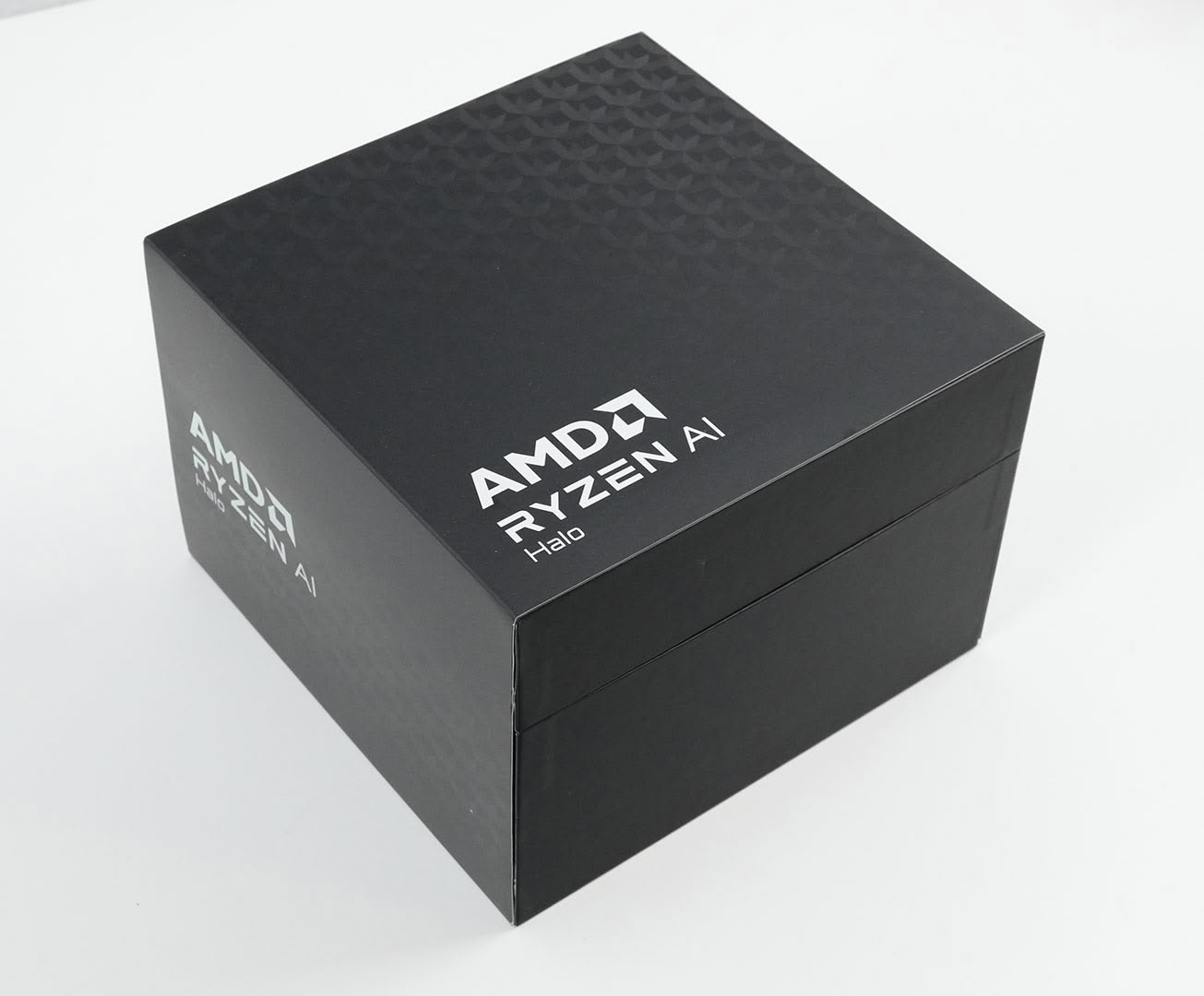
The Ryzen AI Halo arrives in a small black box, very clean and understated.
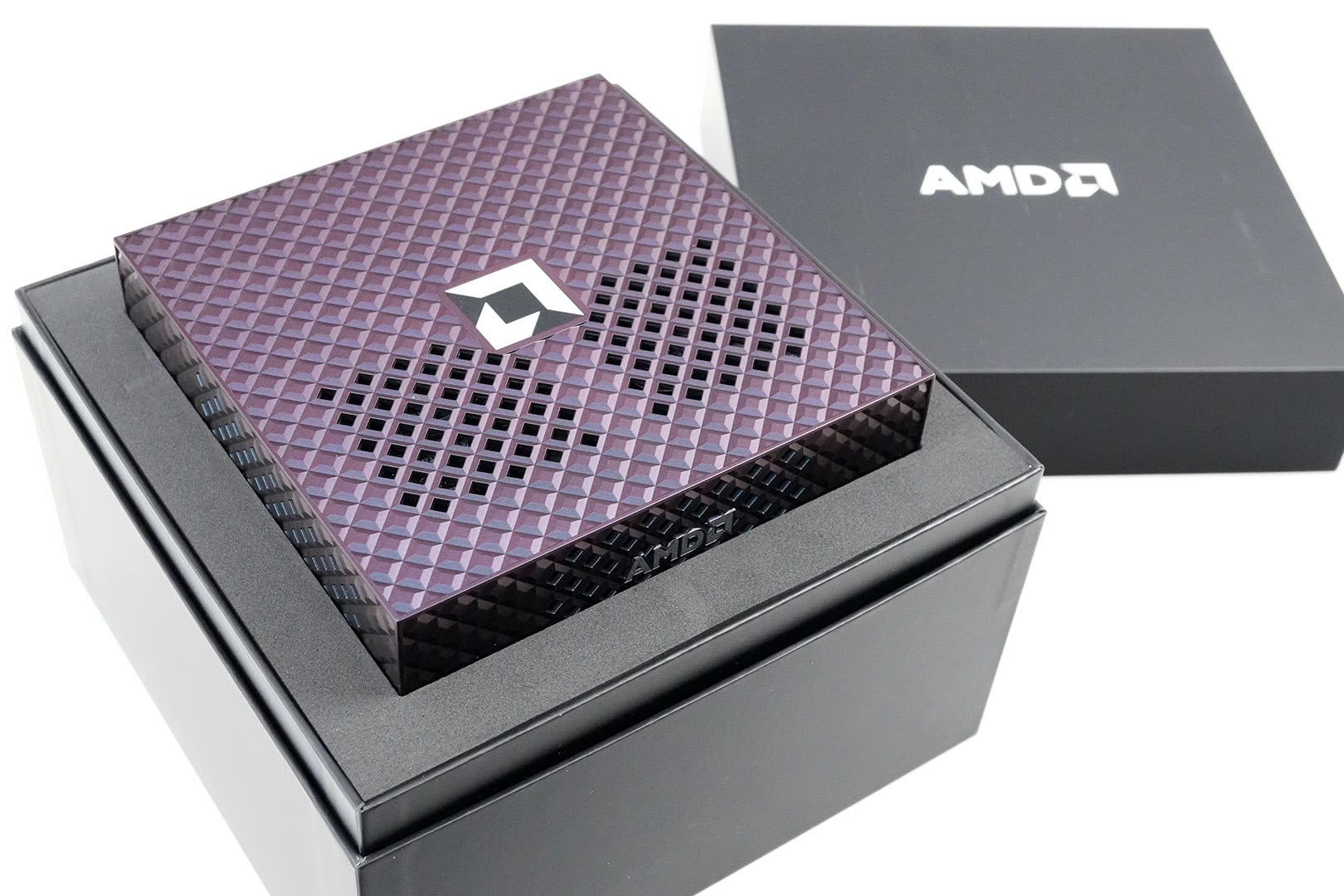
Upon opening, you are greeted by the Mini-PC sitting right on top, and its shiny surface detail makes a great first impression.
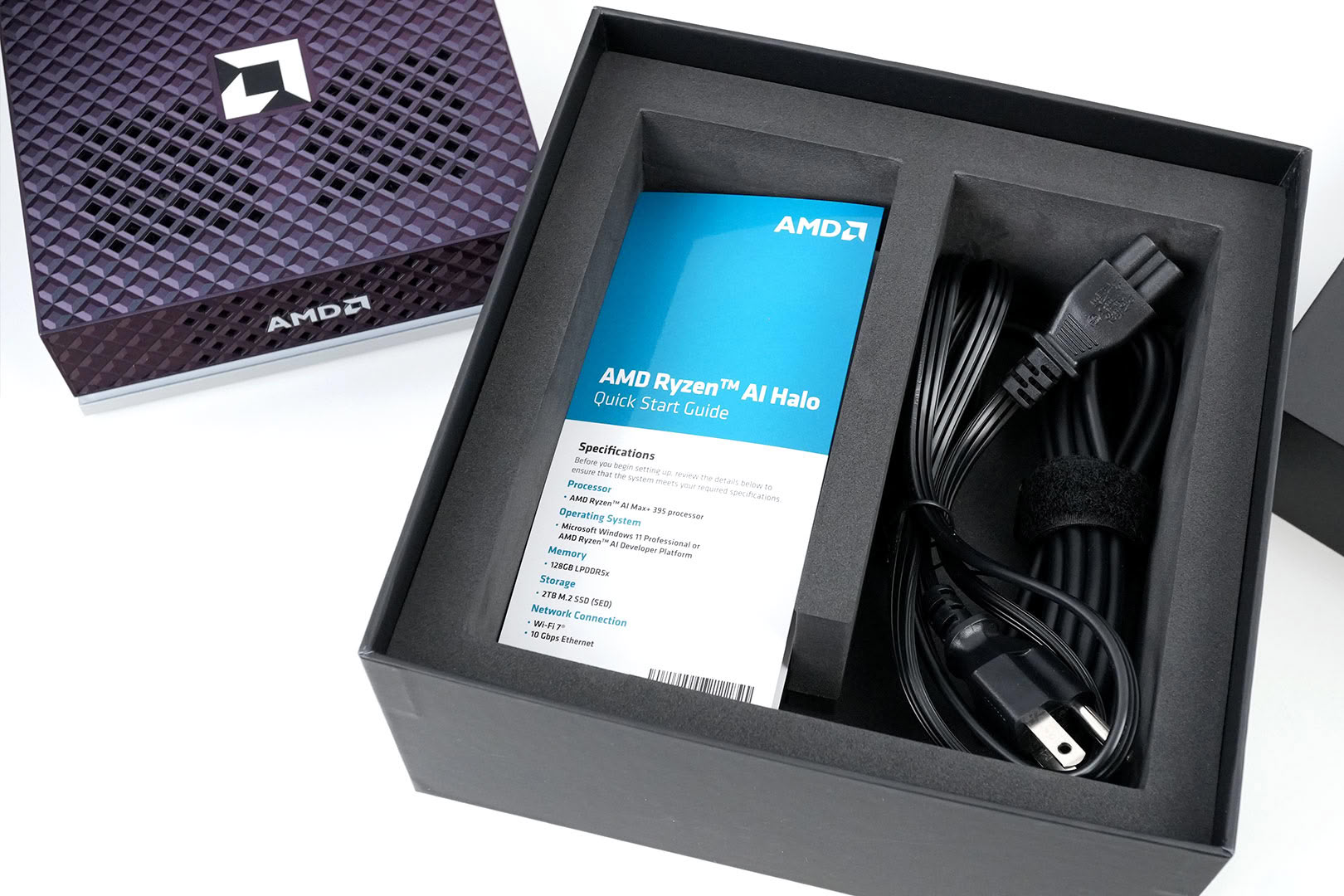
Below the Ryzen AI Halo itself you'll find some documentation and the external power brick.
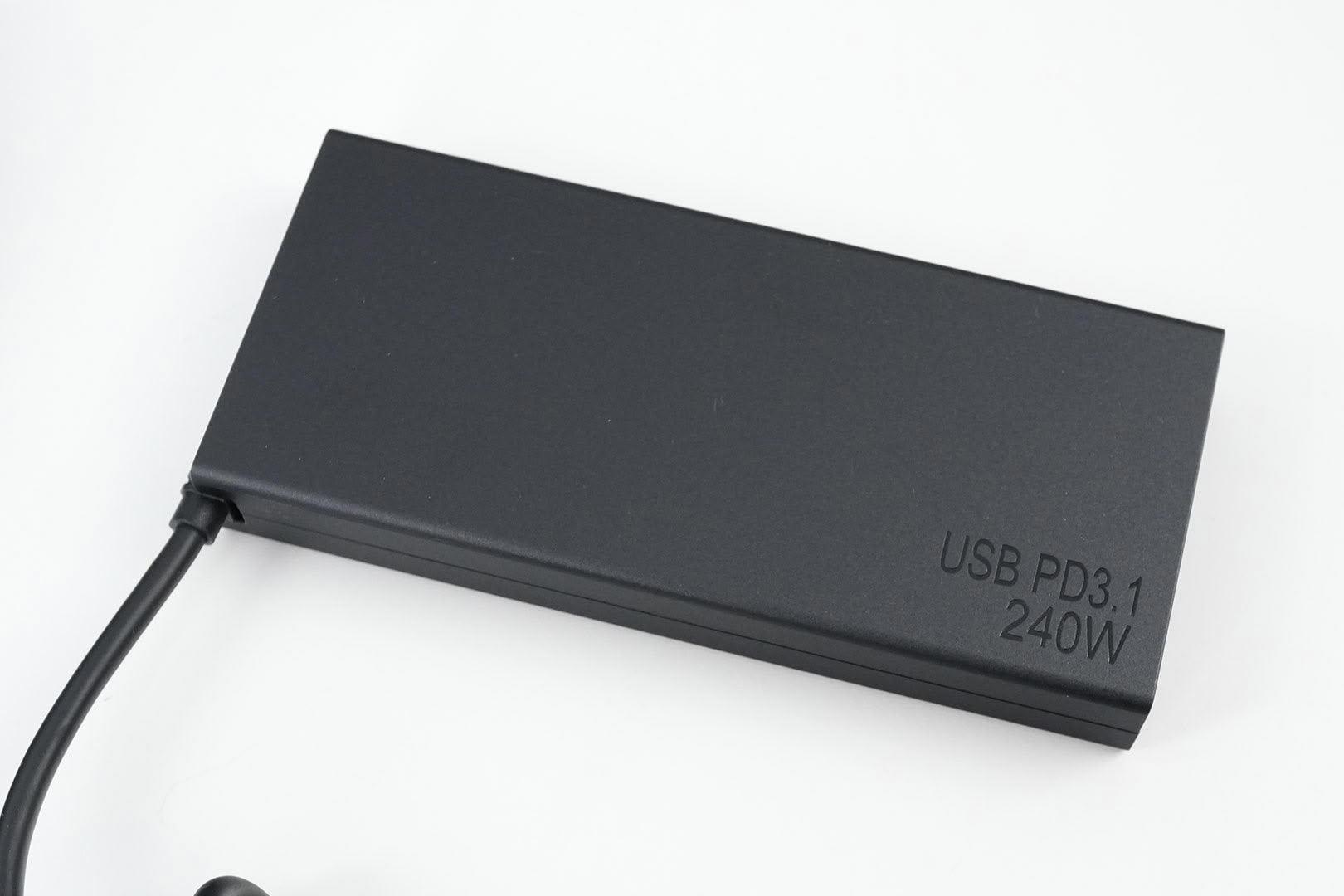
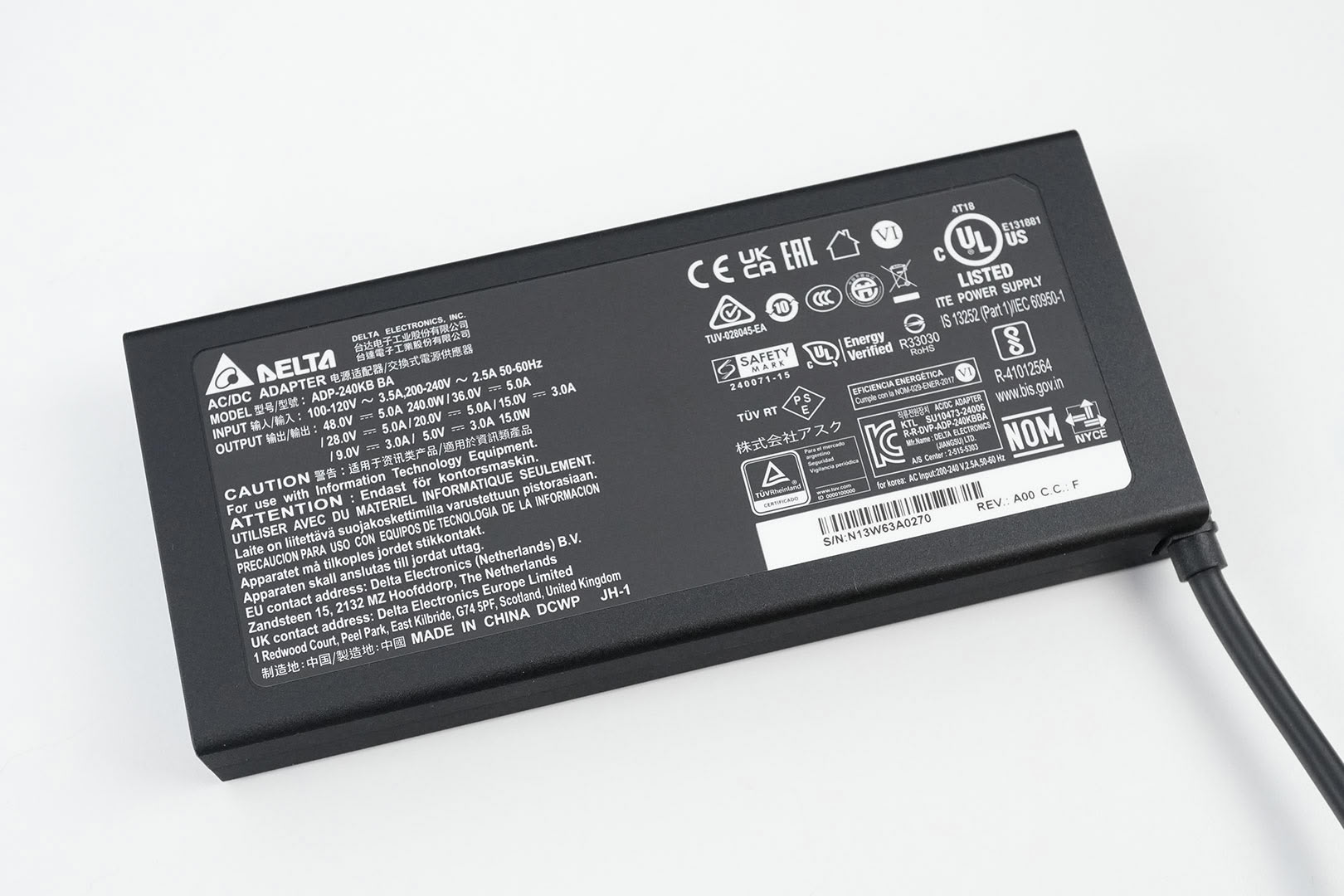
The AC adapter is made by Delta, one of the leading PSU manufacturers. It's rated for up to 240 W of output—the Ryzen AI Halo won't go nearly that high, but we did make it break 200 W in this review, after maxing out its power-limit setting manually.
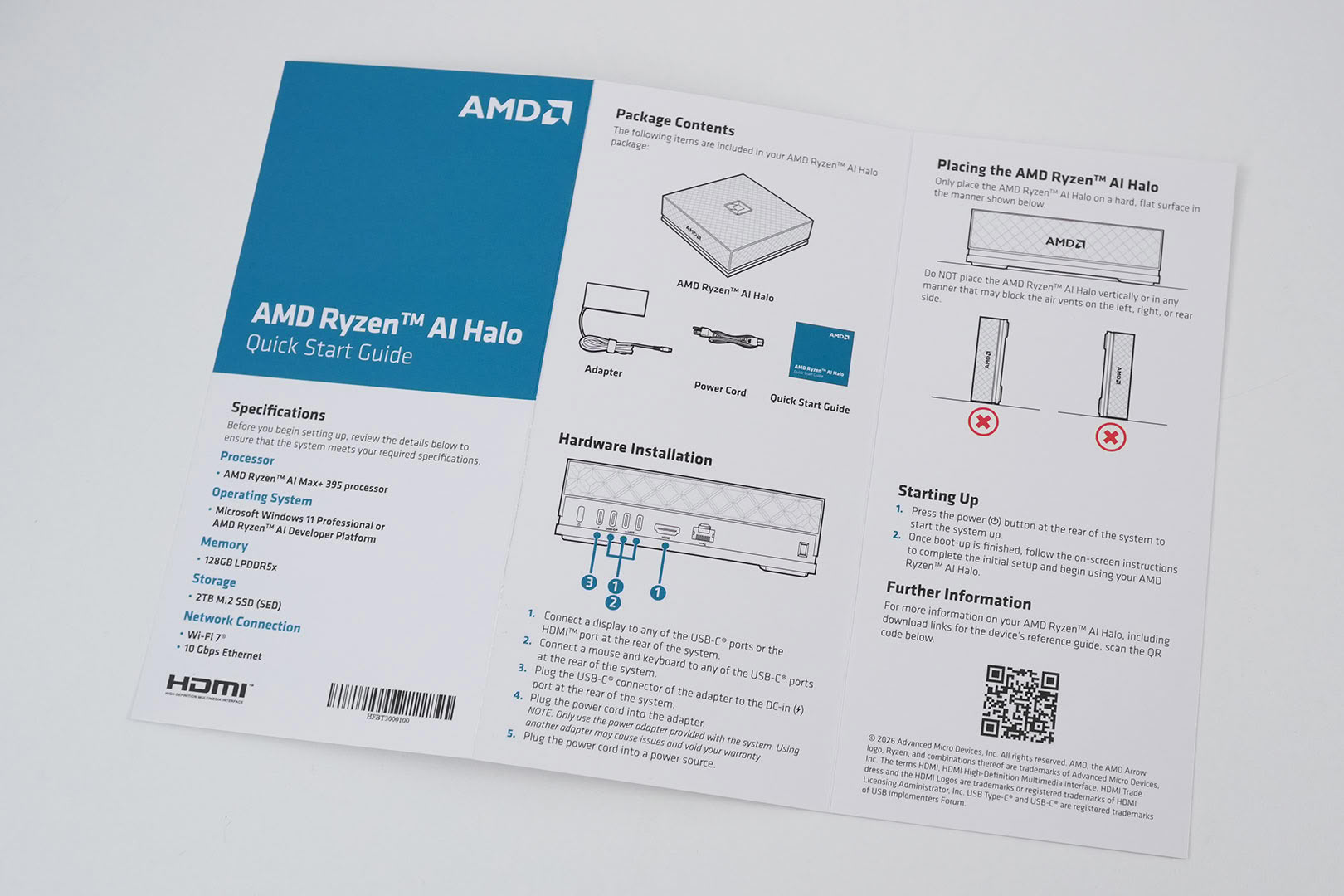
Also included is a quick-start guide. It's really basic; the main documentation is online and available from the box after startup.
The Ryzen AI Halo System
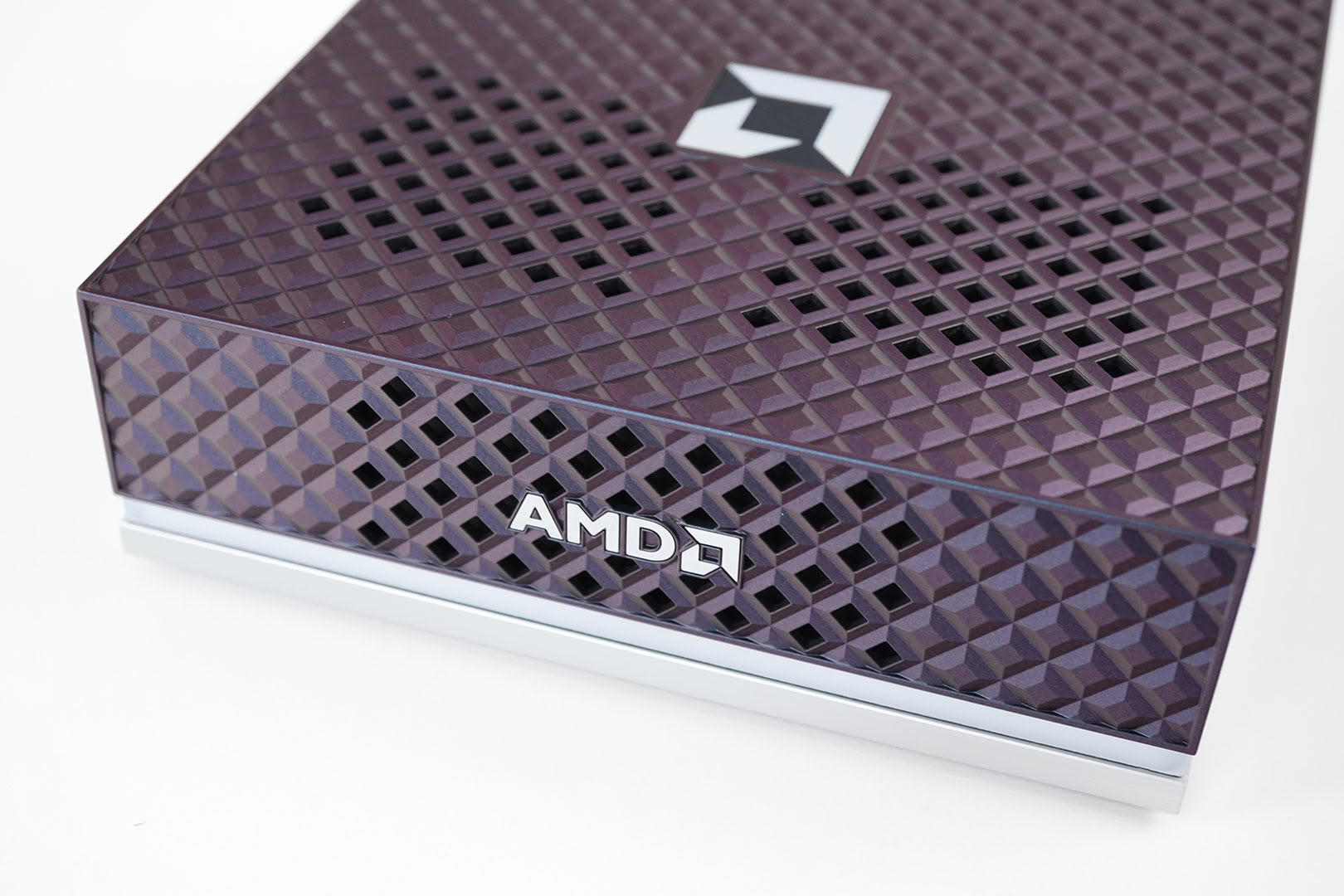
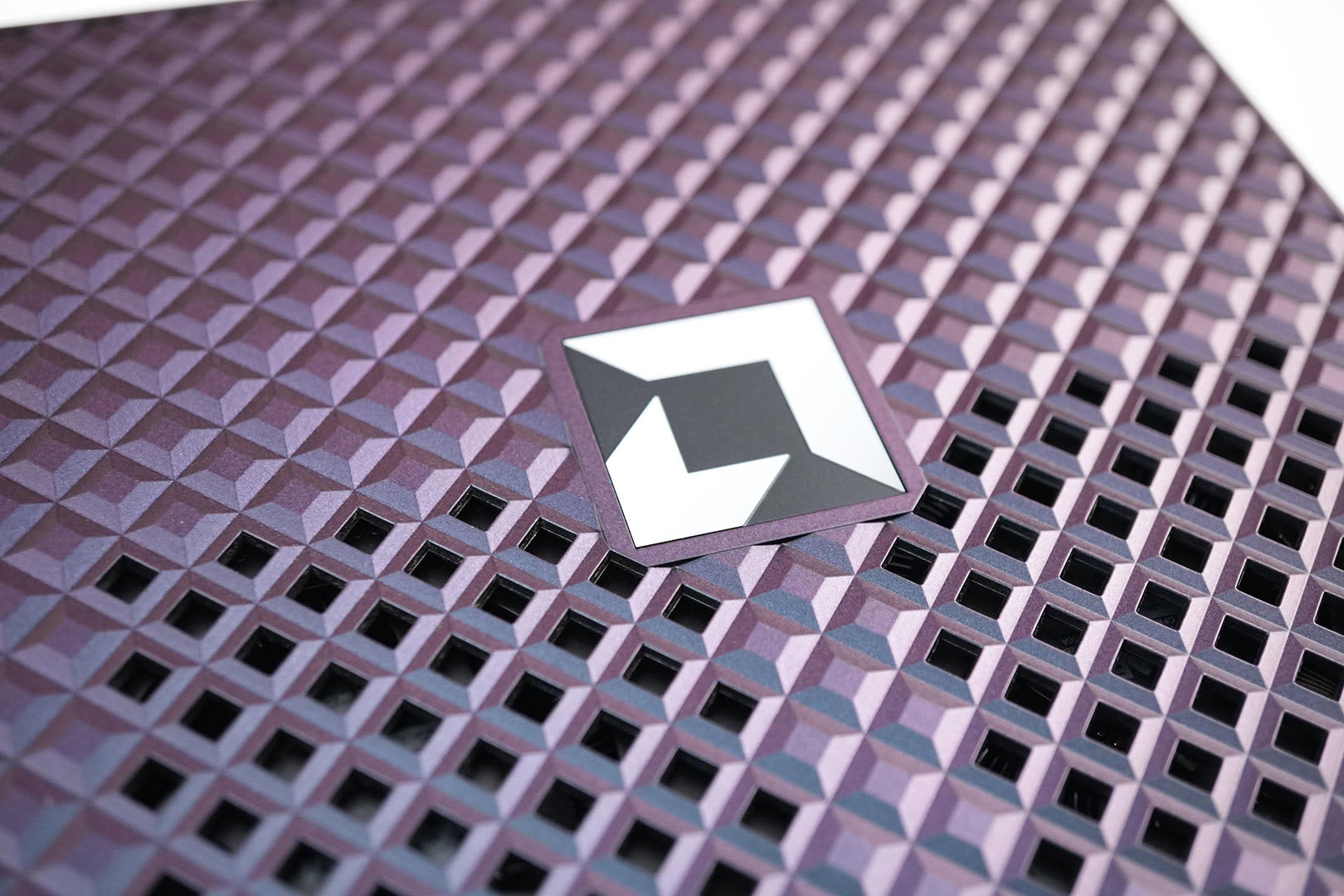
AMD really came up with a nice design here. There's a lot of structural detail, and I like the color theme: black at first glance, but it shifts to a nice purple hue depending on the angle of the light.
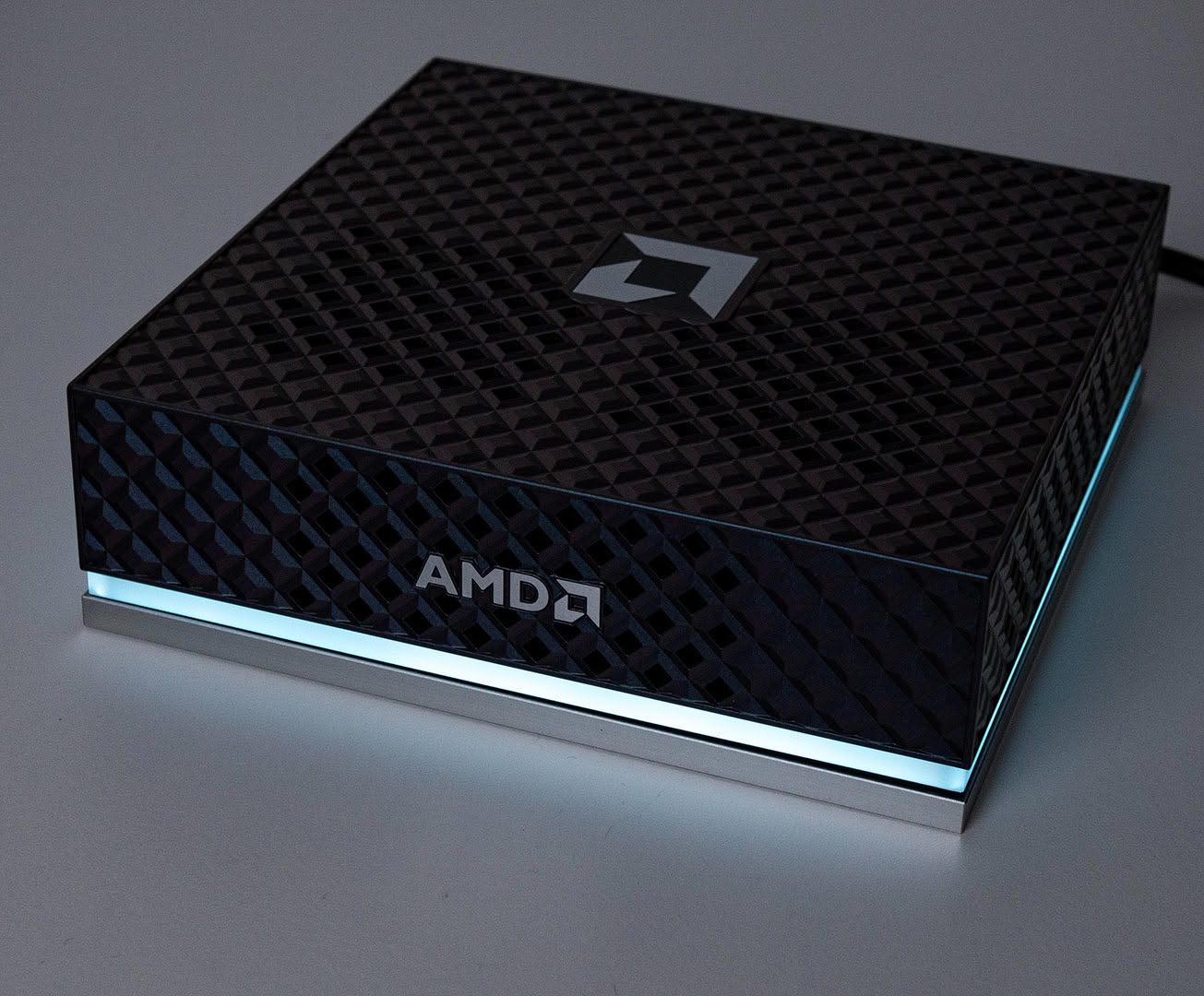
Below the AMD logo on the front, above the silvery bottom plate, there's a white area that lights up during operation. A solid white glow means it's powered on; it breathes blue in standby, and it doubles as a diagnostic: fast-blinking white signals a power-rail problem, solid red a memory failure, and slow-blinking blue a fan fault. This is a welcome difference from the NVIDIA DGX Spark, which has no lighting or any other indicator that it's powered on, something that complicates debugging.
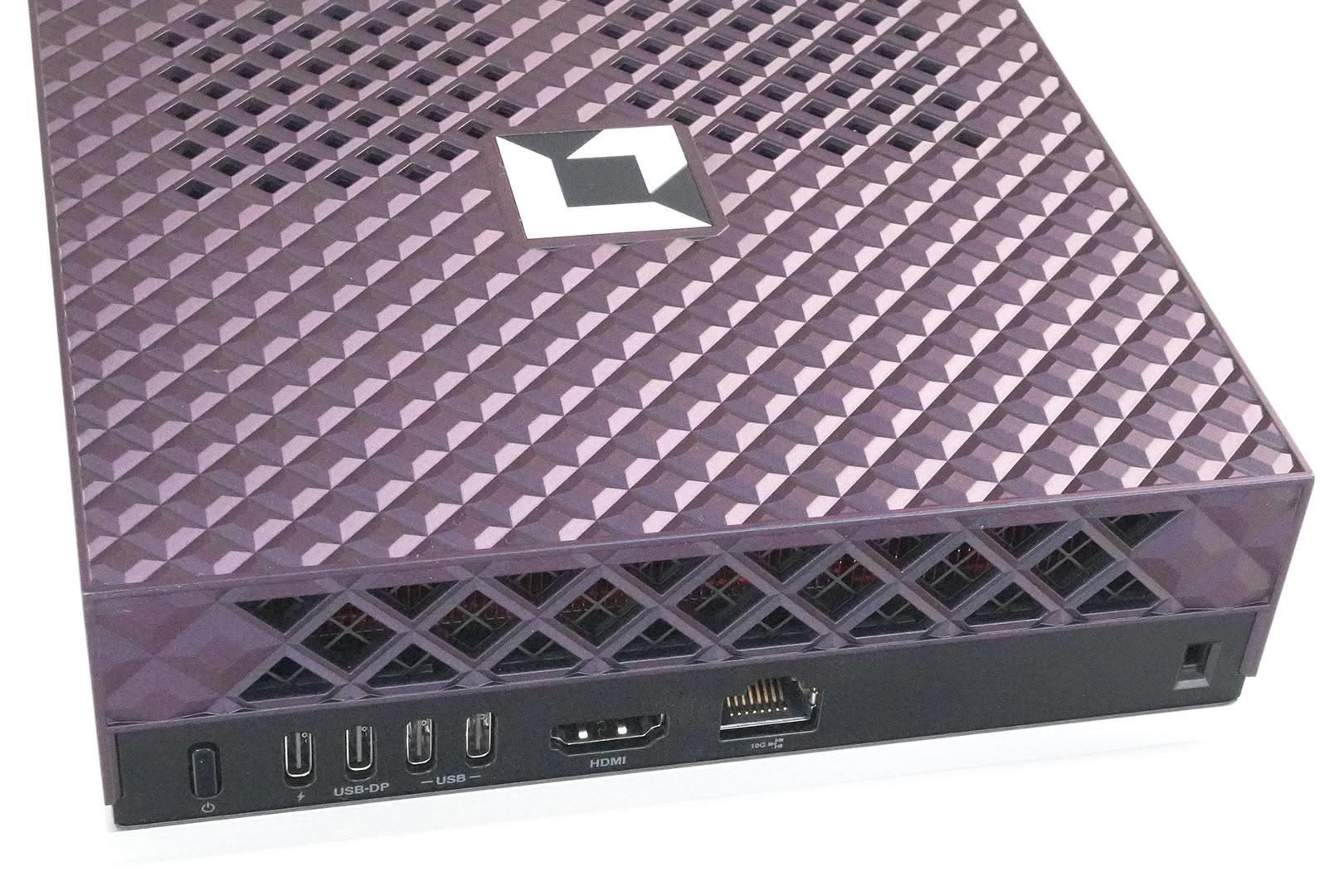
On the back, from left to right, you'll find the power button, a USB-C port for power, a USB-C port that also supports DisplayPort Alt Mode output for a monitor (or just a regular USB-C port if you connect the display via HDMI), two more USB-C ports, HDMI, and 10 Gb Ethernet.
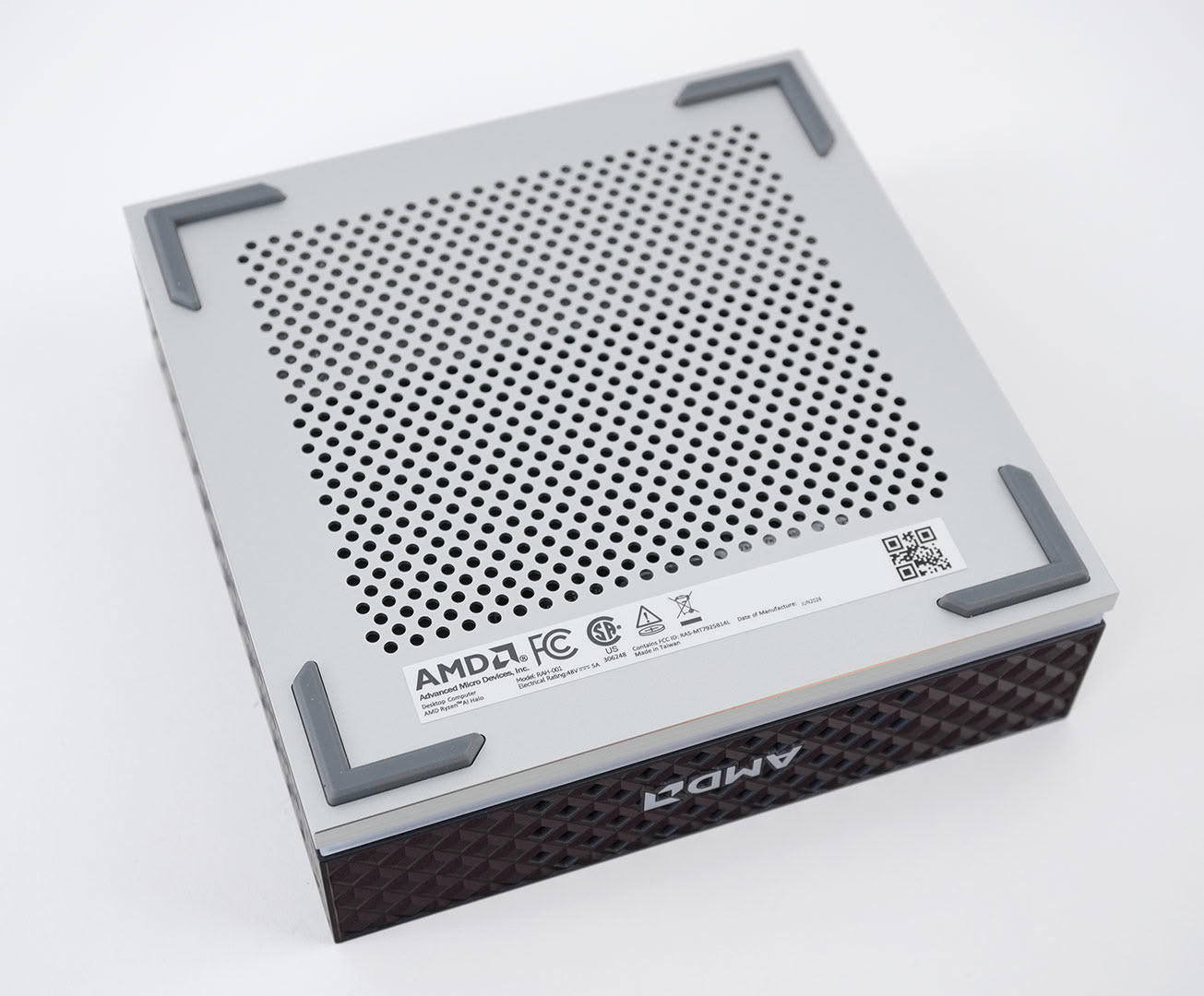
On the bottom you'll find additional air vents and four feet that (I love this) are magnetically attached and cover the screws used to open the unit.
Nov 27th, 2026 15:08 CST
change timezone
Latest GPU Drivers
New Forum Posts
- Mouse Pad advice - Shidenkai out of production? (21)
- -18C on GPU by moving it to the front of the case. (13)
- The TPU UK Clubhouse (27303)
- What's your main Black Friday / Cyber Monday purchase? (39)
- Anthrophics IPO (47)
- Exit Adobe - PDF reader, and PDF editor recommendations (9)
- Samsung TV screen care: check the finish before choosing a cleaning method (3)
- Unigine Superposition on Linux (20)
- Making a game in Godot engine (23)
- TPU's WCG/BOINC Team (34814)
Popular Reviews
- VZMORE AX9 Max Review
- Upcoming Hardware Launches 2027 (Updated Nov 2026)
- ASRock X870E Challenger Wi-Fi White Review
- AMD Ryzen 7 9800X3D Review - The Best Gaming Processor
- Microsoft Surface Laptop Ultra Review - The Next-gen Arm Laptop
- AMD Zen 6 Technical Deep Dive
- Montech CyberFlow ARGB 360 Review
- Phantom Blade Zero Performance Benchmark Review - 35 GPUs Tested
- ORICO Obook15 AI Review
- Corsair RM1200e (Second Generation) Review
TPU on YouTube
Controversial News Posts
- Jensen Huang Reinstated as CEO of NVIDIA (622)
- NVIDIA Co-Founder and CEO Jensen Huang Officially Resigns (492)
- Report: Jensen Huang Eyes NVIDIA Comeback (281)
- Open Letter Asking NVIDIA to Reinstate Jensen Huang Passes 115,000 Signatures (184)
- OpenAI CEO Argues Home PCs Waste the World's Limited DRAM Supply (152)
- NVIDIA Launches Investigation Into Jensen Huang's Relationship With Suspected Chinese Spy (136)
- Intel Razor Lake Gets a 12 P-Core bLLC Chip With No E-Cores, Per Leak (94)
- NVIDIA GeForce RTX 50-Series Scheduled for up to $500 Price Hike This Week (89)