 0
AQIRYS Magellan Microphone Review - A Complete and Affordable Package
Microphone Performance »Closer Examination

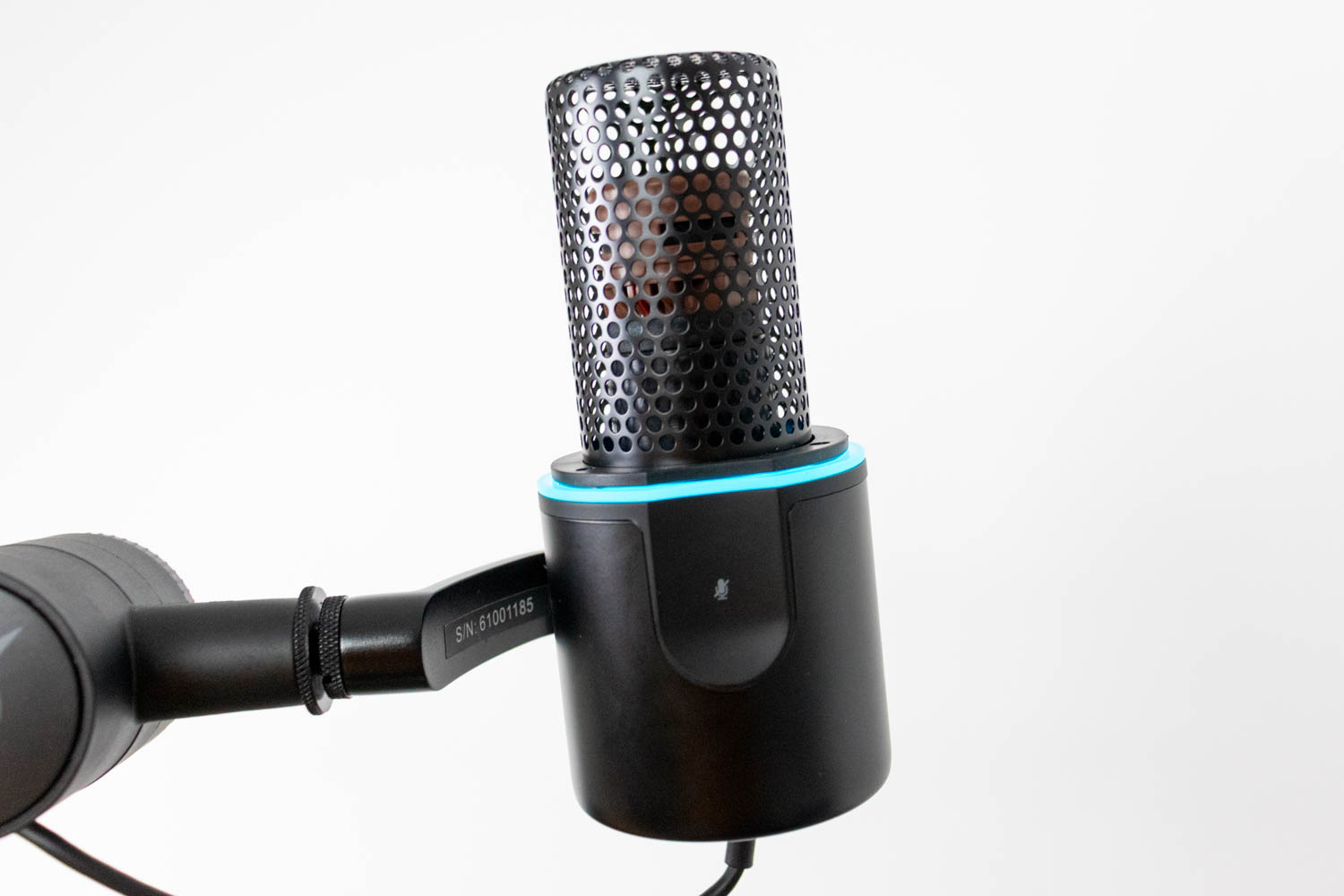

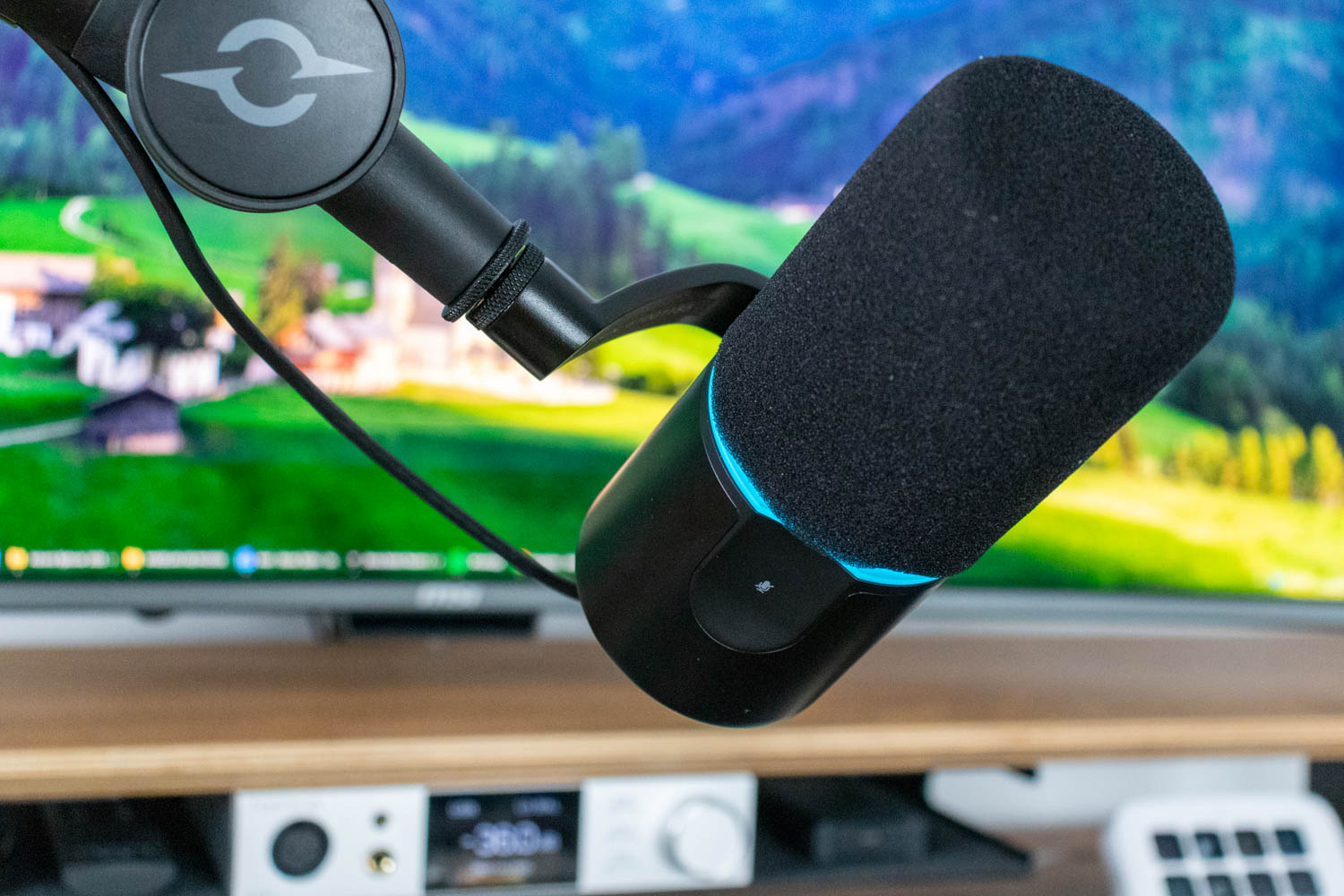
The AQIRYS Magellan is a fairly large, cylindrical dynamic microphone with a clean, minimalist look. The aluminium body has a matte black finish, and the upper two thirds are covered by a thick foam windscreen that serves as the integrated pop filter. There is no external metal grille visible, so the overall silhouette looks smooth and uniform. A thin turquoise light ring separates the windscreen from the microphone body. It serves both as a visual design accent and as a status indicator during use.
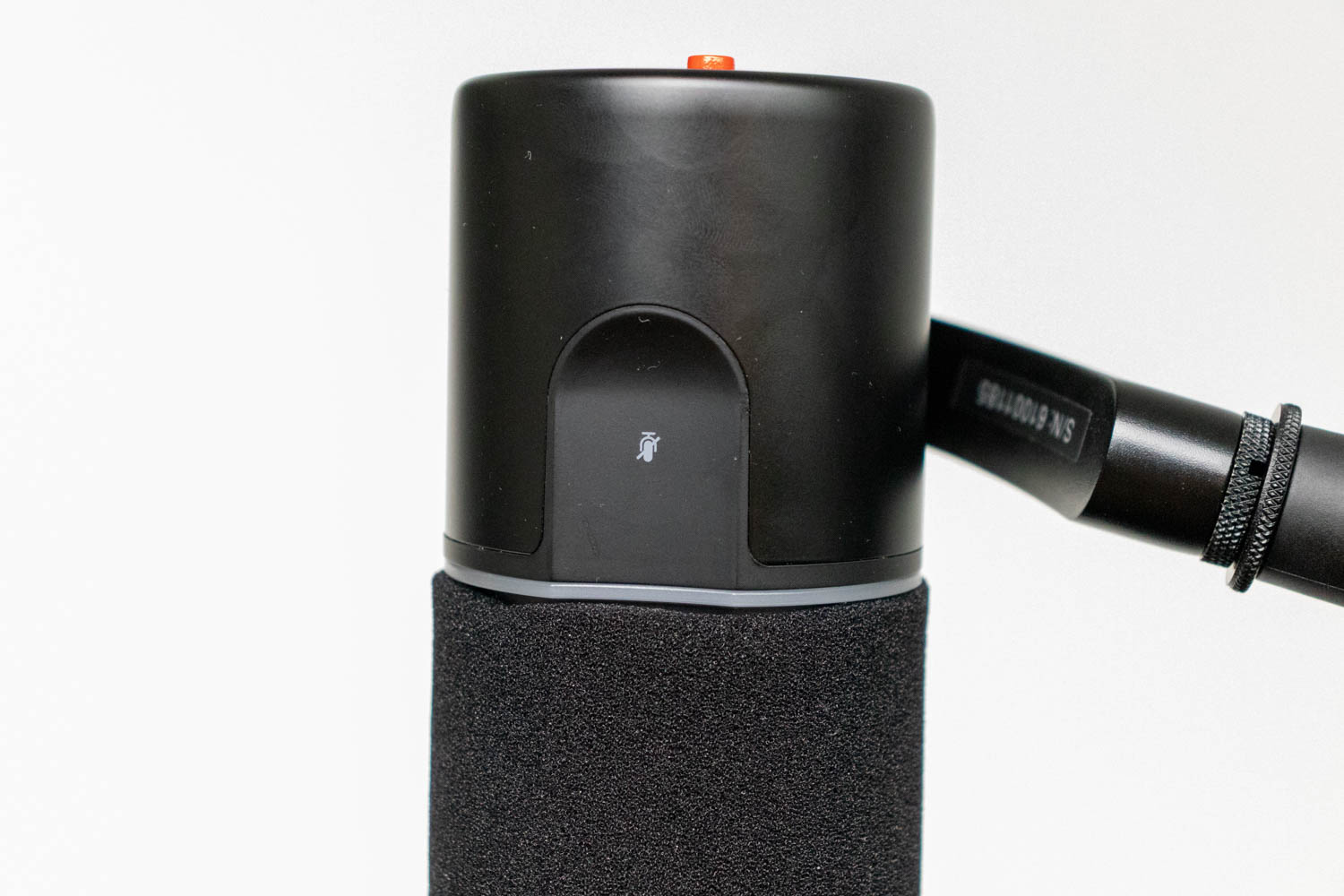
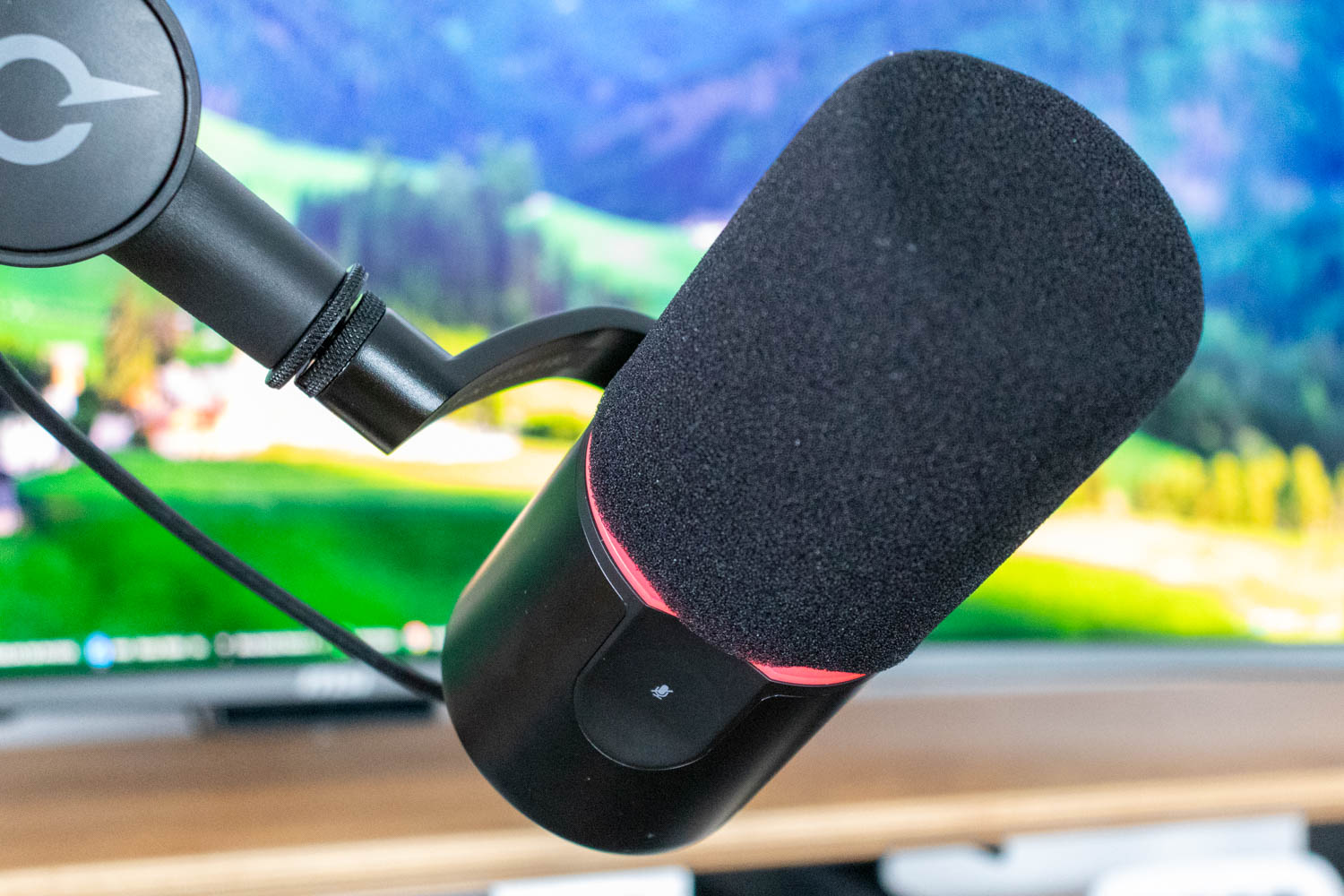
The touch-sensitive mute button sits in the lower third of the microphone, within easy reach when the mic is mounted on the boom arm. Only the lower half of this surface responds to touch input, and it reacts almost instantly. The light ring changes color to red when the microphone is muted, providing an immediate visual confirmation without needing to check software. The mute area is slightly recessed relative to the mic body, which helps prevent accidental activation while you reposition the microphone.

The ports and all other controls are located on the bottom of the microphone. Here you'll find a full-size XLR output in the center, used when connecting the Magellan to an audio interface or mixer. Next to it sits a USB-C port for digital connection to a PC, Mac, or Android device. Above the ports is a 3.5 mm headphone jack for direct hardware monitoring, paired with a small volume wheel that controls the headphone output level. Monitoring is latency free and works independently of software settings. There is also a red push button labeled +28 dB that engages an additional gain stage for the XLR output. This is useful when pairing the microphone with interfaces that have weaker built-in preamps, since dynamic microphones typically require more gain than condensers.
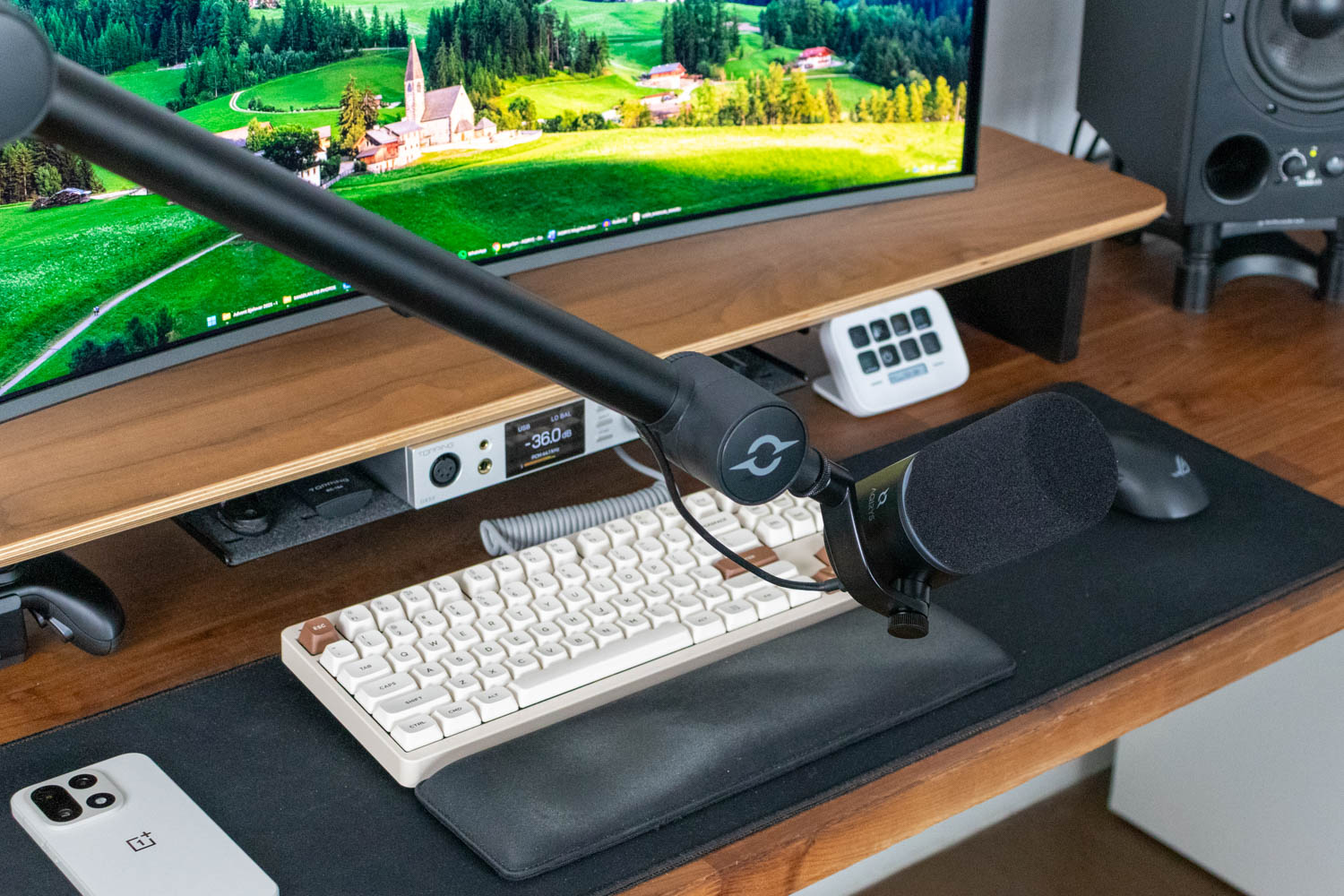
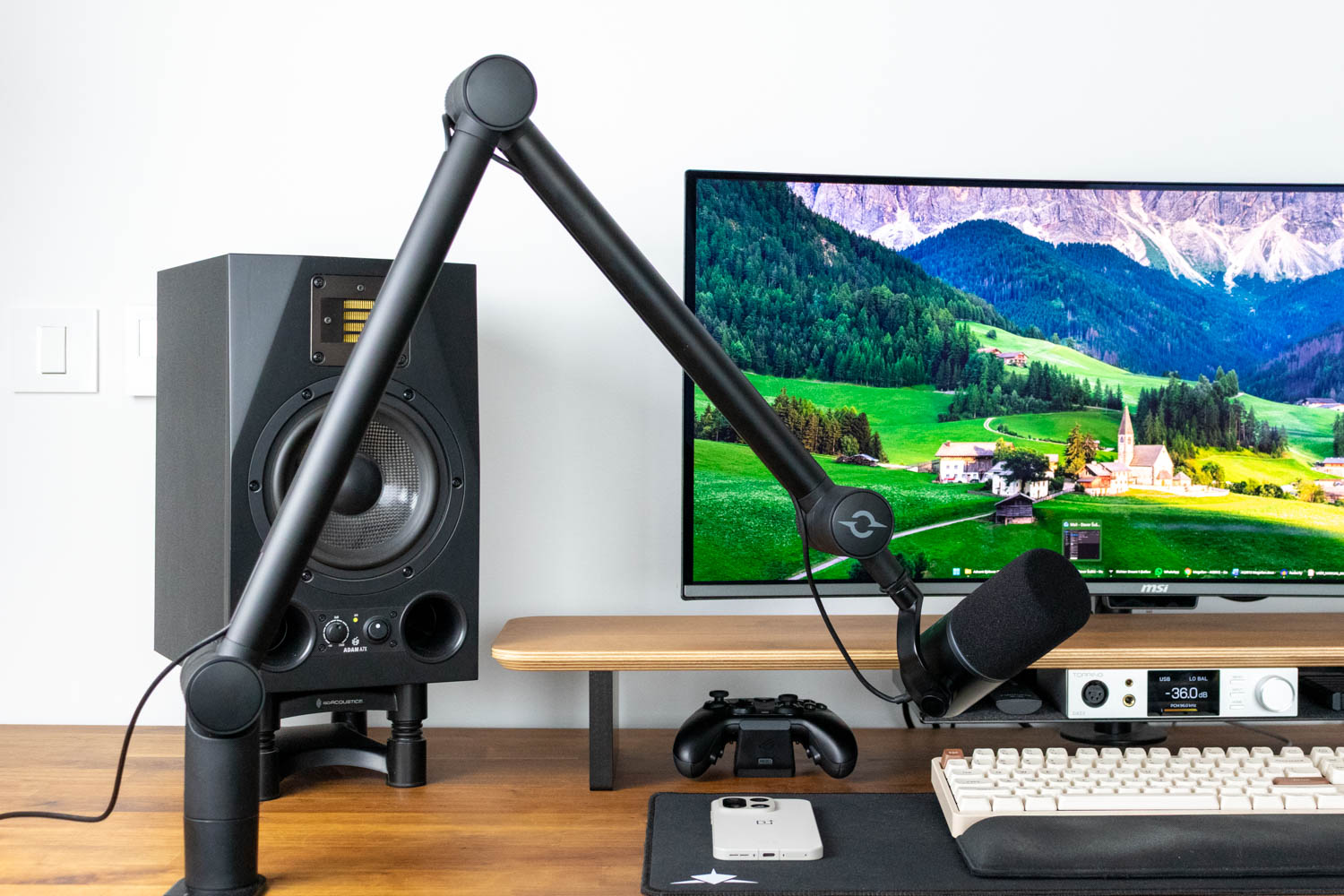
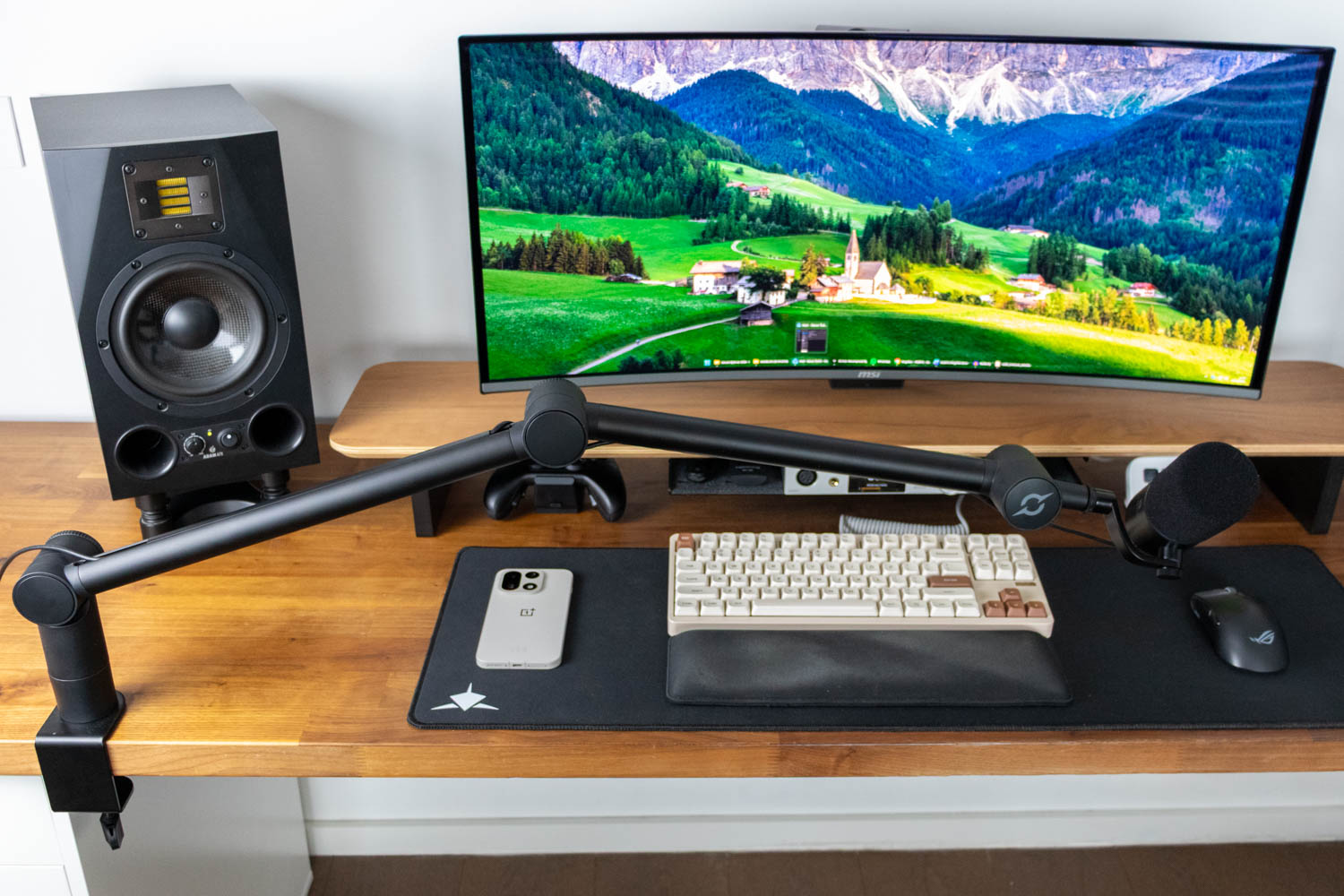
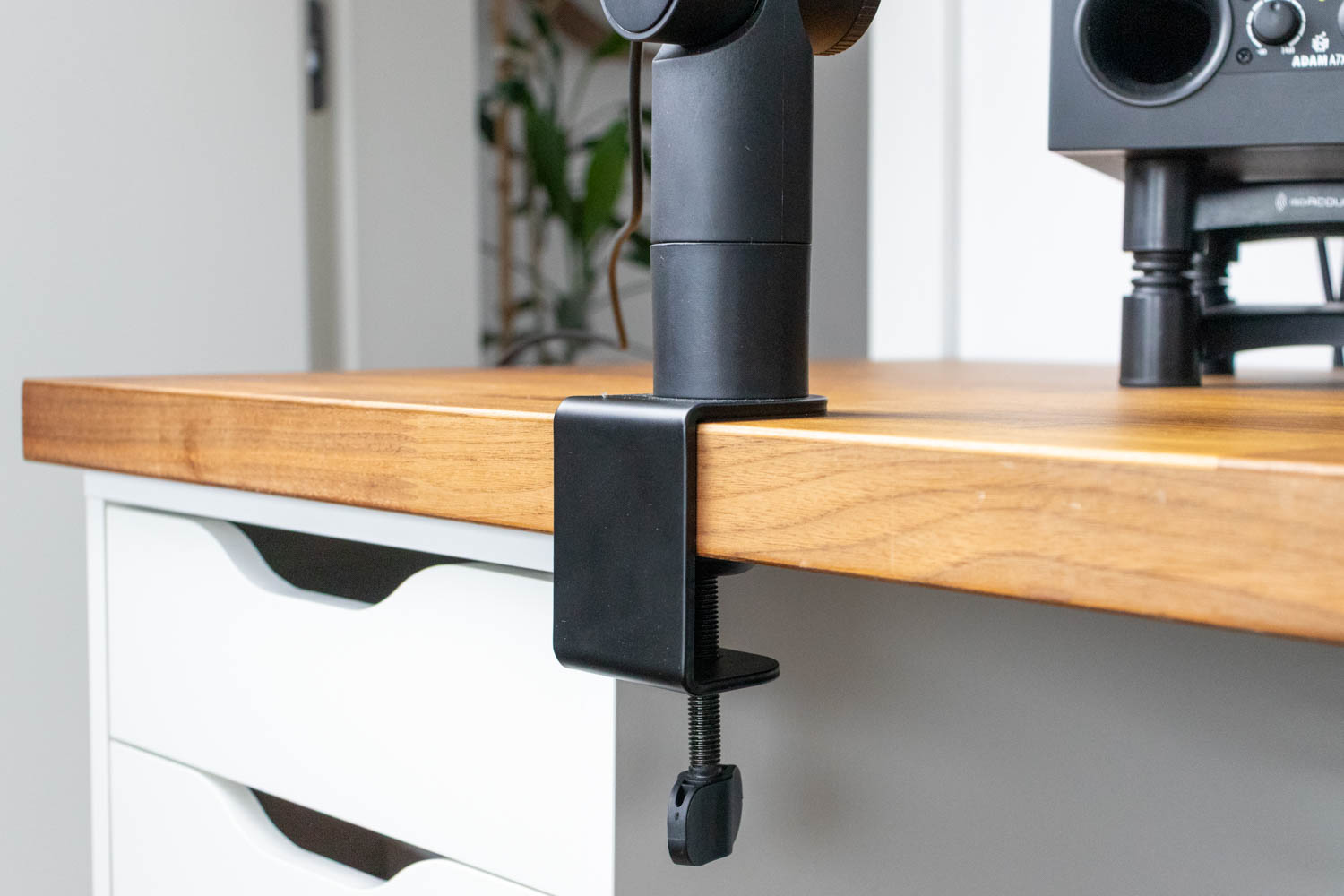
The microphone mounts to the included boom arm through a sturdy metal yoke. The yoke attaches to one side of the microphone body and lets you tilt the microphone in any direction to fine tune positioning. The mounting point is threaded and ready to screw directly onto the bundled arm. The included boom arm is a full-size desk mounted model designed to hold the Magellan without sagging. It clamps to the edge of the desk with a metal C clamp and a large screw knob that secures well even on thicker tabletops. I mounted it on the popular IKEA Karlby countertop, which is 3.8 cm (1.5 in) thick, with no issues, having about 3.5 cm (1.4 in) of clamping range left. The boom arm can support microphones heavier than the Magellan. Its tension is factory set for a 1 kg (2.2 lb) load, and you can easily tighten the adjustment mechanism to handle up to 1.5 kg (3.31 lb).
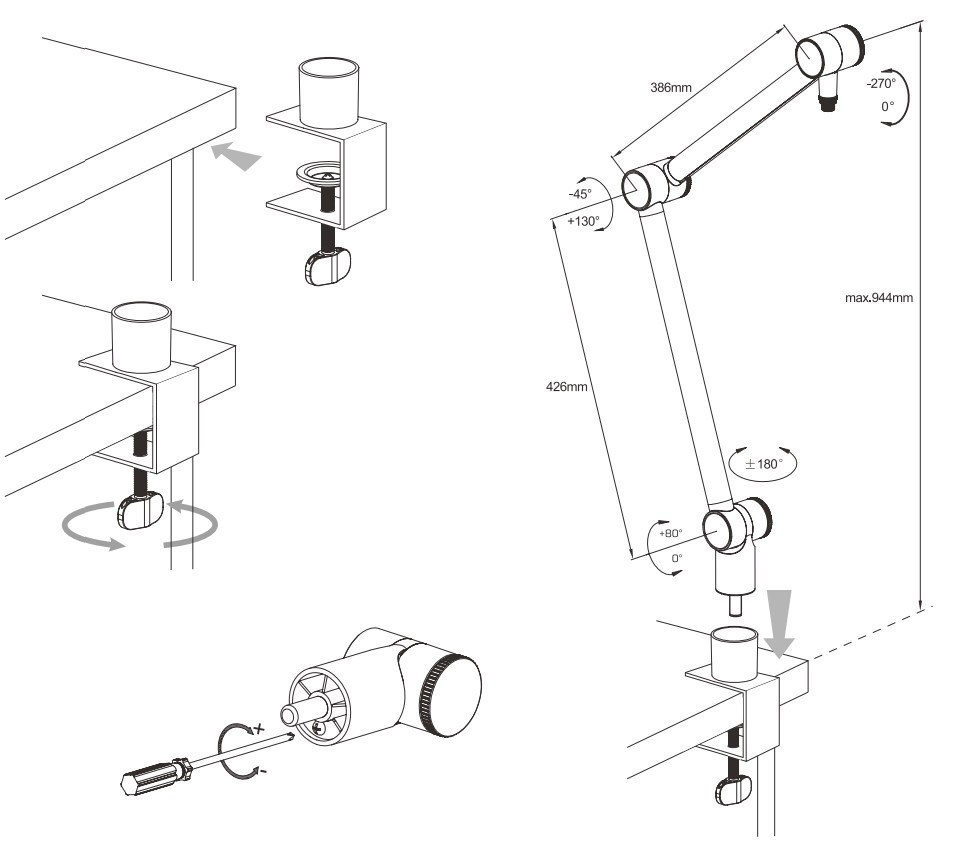
The official sketch should give you a good idea of the boom arm's entire movement range. The arm consists of two tubular segments that provide a reach of roughly 395 to 735 mm, which is enough to position the microphone comfortably in front of a monitor while keeping the base off to the side or even at the opposite end of the table. All moving joints are enclosed, giving the arm a clean look and protecting the internal springs. Each section pivots smoothly and holds its position without needing excessive force. You can rotate the arm at the base, angle the two main segments, and tilt the microphone at the end, so it is easy to bring the capsule close to your mouth and then swing it out of the way when you are done. The tension is factory set for the weight of the Magellan, so it stays in place instead of slowly drifting.
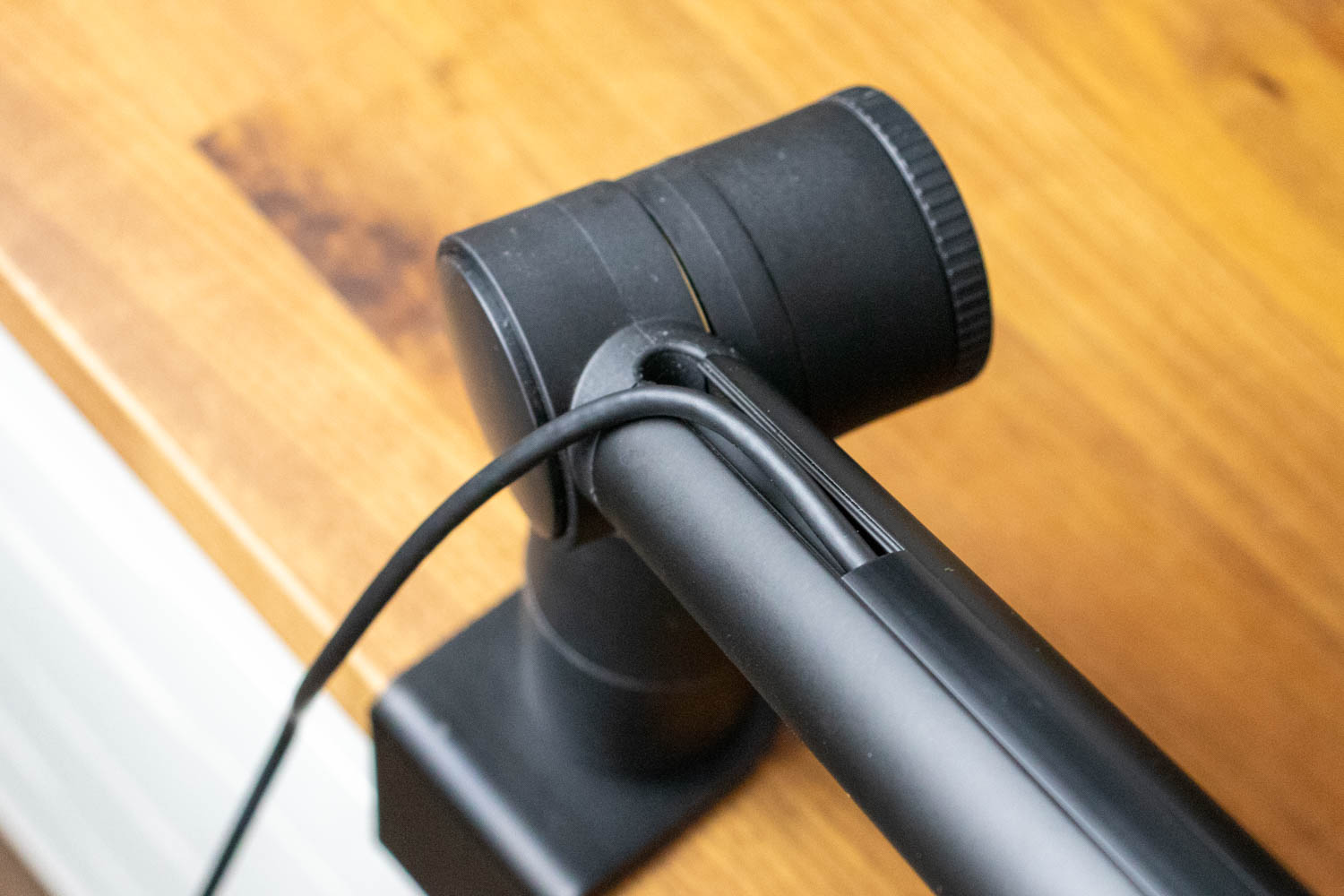
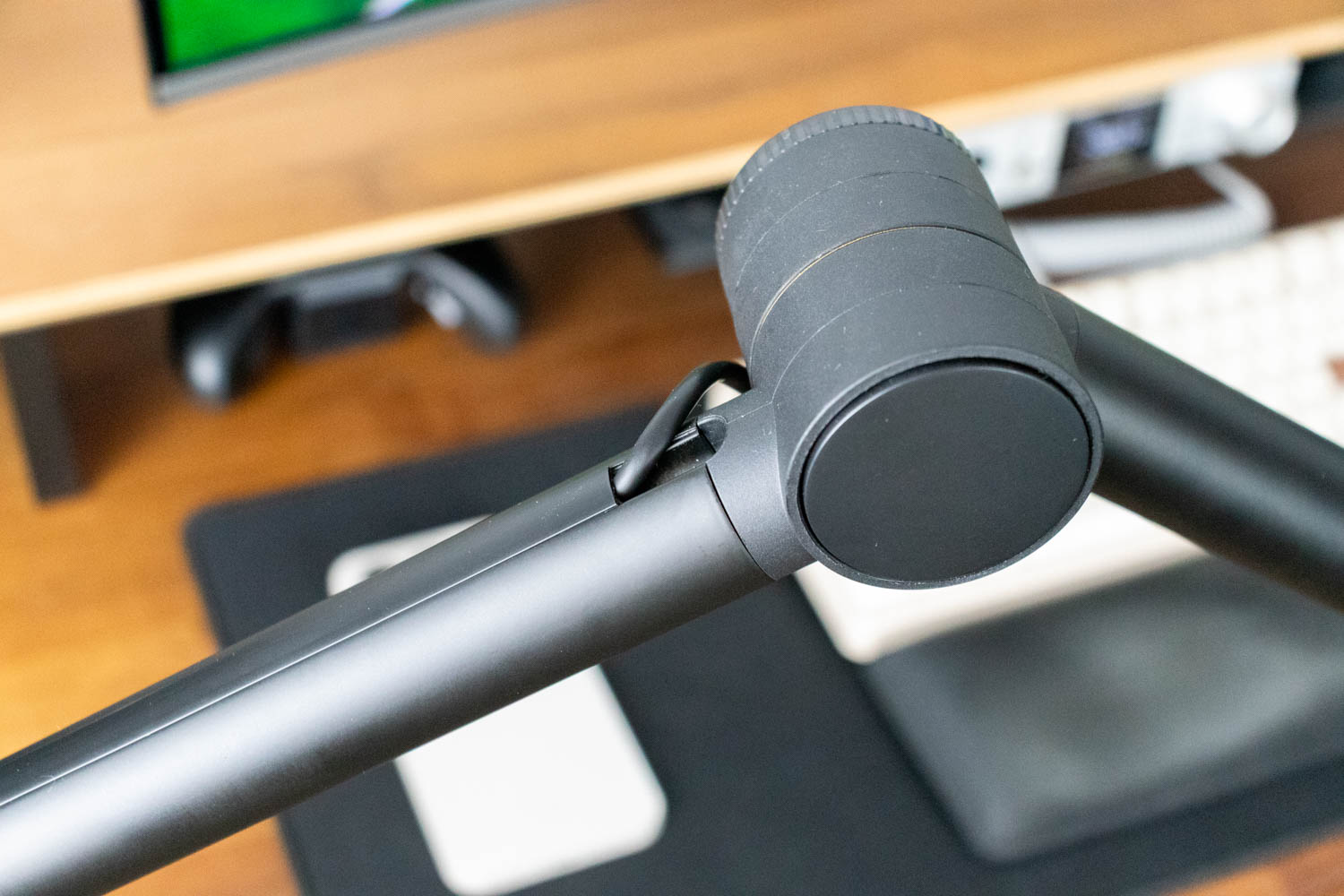
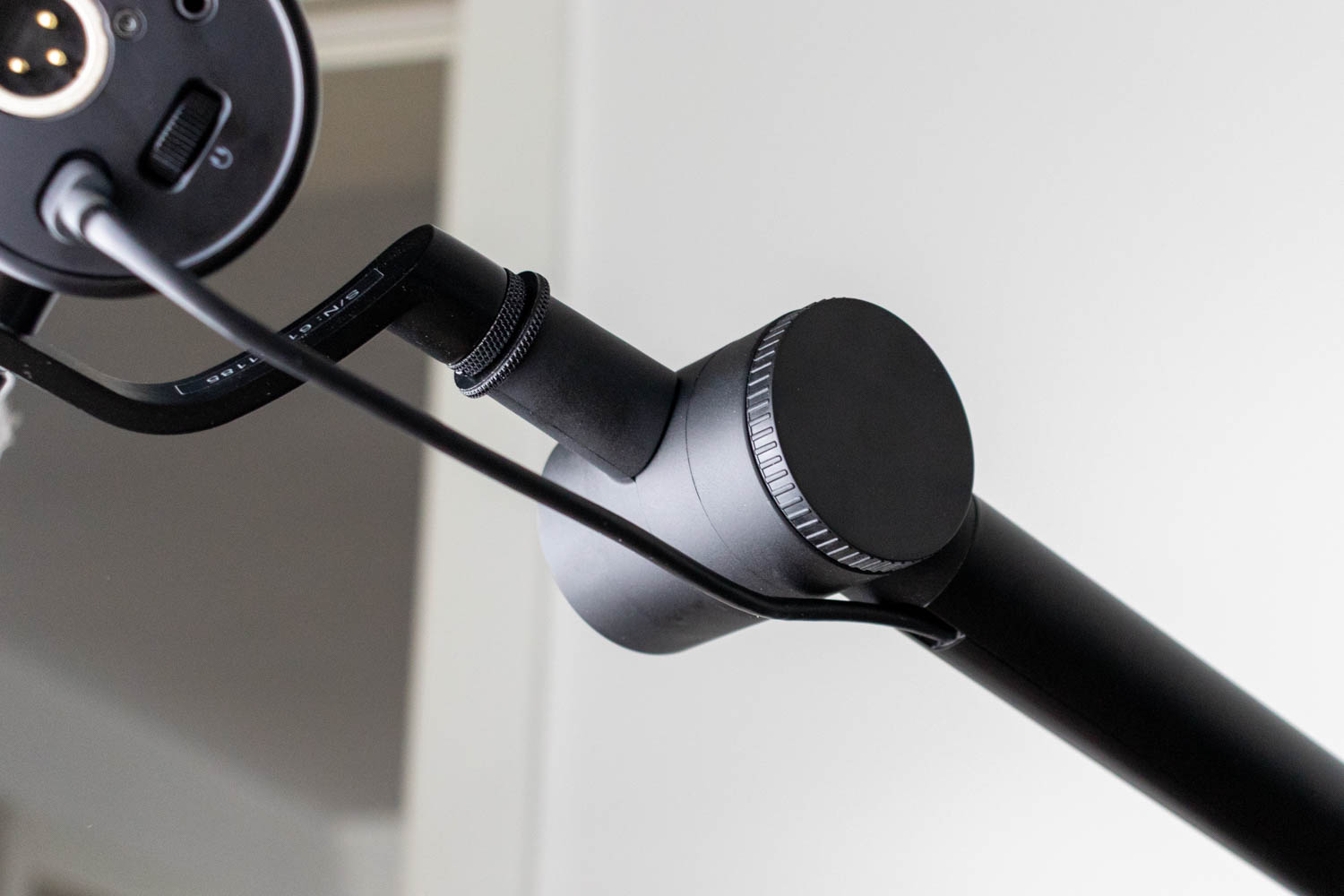
The arm routes cables along its length, which helps keep the setup tidy and prevents wires from rubbing against the desk. The end of the arm terminates in the threaded mounting point for the Magellan's yoke. Once mounted, the microphone can still be fine-tuned separately via its side pivot. As a whole, the boom arm feels like a serious part of the package rather than an afterthought. It replaces the need to buy a separate desk stand or third-party arm and makes it easy to adopt the typical broadcast-style placement that dynamic microphones benefit from most.
Nov 13th, 2026 08:26 PST
change timezone
Latest GPU Drivers
New Forum Posts
- Slow SSD read speeds - help! (3)
- Dual B70 or Dual R9700 Pro on Linux (1)
- I won't download games that are larger than 30–40 GB. (108)
- TechPowerUp Screenshot Thread (MASSIVE 56K WARNING) (4386)
- Microsoft Exchange/365 outages? (45)
- [Community Benchmark] MrH OpenCL Benchmark 2.0e (Windows Only – CPU & GPU) (1)
- To AiO CPU Cooler users? (6)
- Any other old-timers here planning to play WoW Forever? (150)
- Requesting original VBIOS for Gigabyte RX 5700 XT GAMING OC 8G Rev 2.0 (Micron) (0)
- Home page search by category (6)
Popular Reviews
- AMD Zen 6 Technical Deep Dive
- Corsair HX1000i Shift Crystal Review
- NZXT C1200 Platinum Review
- Upcoming Hardware Launches 2027 (Updated Nov 2026)
- Montech King 95 3D PRO Review
- NZXT H7 RGB+ Review
- NZXT H5 Review
- Phantom Blade Zero Performance Benchmark Review - 35 GPUs Tested
- XPG NIMBUS PLUS Review - Mid-range Chair With Strong Competitors
- Gigabyte Z890I Aorus Ultra Review
TPU on YouTube
Controversial News Posts
- NVIDIA Co-Founder and CEO Jensen Huang Officially Resigns (356)
- OpenAI CEO Argues Home PCs Waste the World's Limited DRAM Supply (152)
- NVIDIA Launches Investigation Into Jensen Huang's Relationship With Suspected Chinese Spy (136)
- Intel "Raptor Lake Next" 16-Core and 20-Core CPUs Surface (130)
- Legendary Game Studio BioWare Shuts Down Following EA Layoffs (104)
- Dell CEO Says the Memory Shortage Will Get Worse in 2027 (95)
- NVIDIA GeForce RTX 50-Series Scheduled for up to $500 Price Hike This Week (89)
- Modder Fits RTX 5090 With Four 8-Pin Connectors, Halving Current per Wire (80)