 2
ASRock NUC BOX-1260P Barebones Mini-PC (Intel Alder Lake) Review
(2 Comments) »Introduction

A big thank you to ASRock Industrial for supplying the review sample and a further thank you to Kingston for providing the SSD used in this review.
It certainly seems like ASRock has been around forever, but in reality, they got their start in 2002. Initially, they solely focused on producing motherboards, with their 3C design concept of "Creativity, Consideration, Cost-effectiveness." From that humble starting point, they have since grown into an industry juggernaut and enthusiast favorite. In terms of product portfolio, ASRock expanded from their traditional motherboard roots to offering graphics cards, mini-pcs, networking hardware, workstations, and more.

Today, I look at the ASRock NUC BOX-1260P barebones system. To test the system, I used 2 x 8 GB memory modules, Kingston KVR32S22S6/8 SODIMM, along with a Kingston KC3000 512 GB M.2 SSD. Considering the system's small size and this being the first mobile Alder Lake CPU I have tested in a mini-PC, it will be quite interesting to see how it performs. Mostly due to the fact it includes 4 P-cores with HT along with 8 E-cores for a total of 16 threads.
| Specifications | |
|---|---|
| Model: | ASRock NUC BOX-1260P |
| Processor: | Intel Core i7-1260P (4P+8E) (16 Threads Total) P-core Clock Speed: 2.1 GHz (Base) 4.7 GHz (Boost) E-core Clock Speed: 1.5 GHz (Base) 3.5 GHz (Boost) |
| Integrated Graphics: | Intel Iris Xe Graphics (96 EU) |
| Memory: | 16 GB (2x 8GB) @ 3200 MHz Operates @ 2666 MHz 19-19-19-43 |
| Storage: | 512 GB M.2 NVMe SSD (PCIe 4.0 2280) 2.5" SATA HDD slot |
| Optical Drive: | None |
| Audio: | Intel Alder Point HDMI Audio Realtek ALC 233 |
| Connectivity: | 1x HDMI 2.0b 1x DisplayPort 1.4 2x 2.5 GbE LAN 3x USB 3.2 Type-A 2x USB 3.2 Type-C (data + display) |
| Communications: | Intel Wi-Fi 6E AX211NGW Bluetooth 5.2 2x Intel I225LM |
| Cooling: | Active cooling (heatsink/fan) |
| Operating System: | OS tested: Windows 11 OS included: None |
| Warranty: | One year |
| MSRP: | $649.99 Barebones $797.99 (as tested w/o OS) |
Packaging and Contents
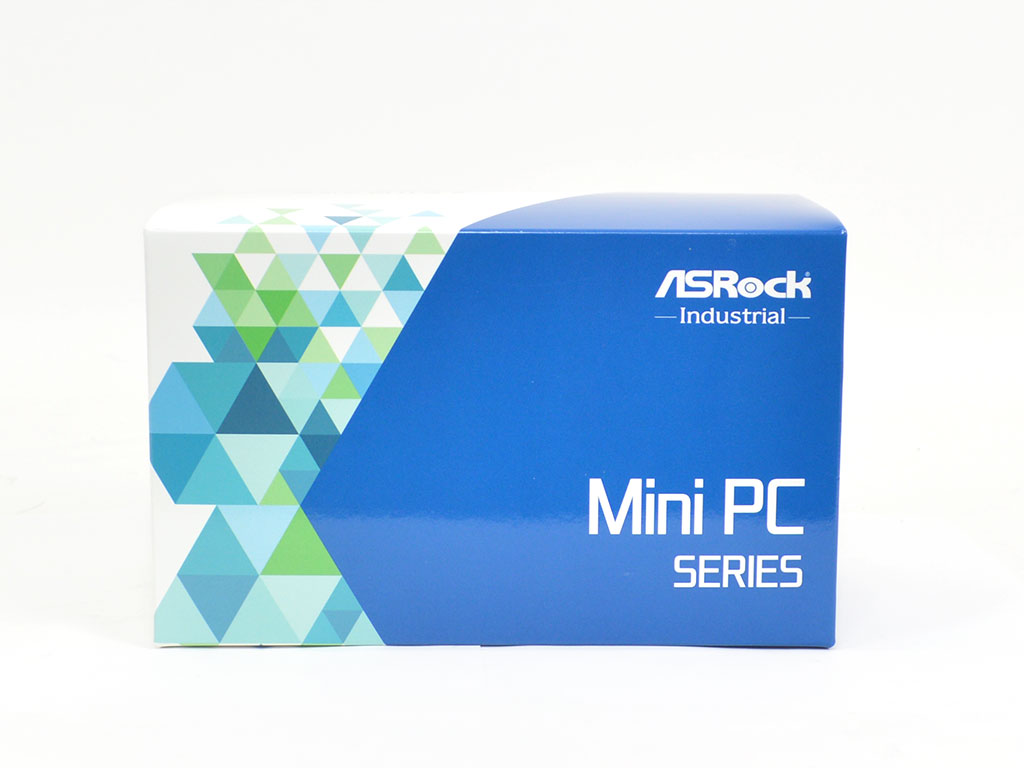
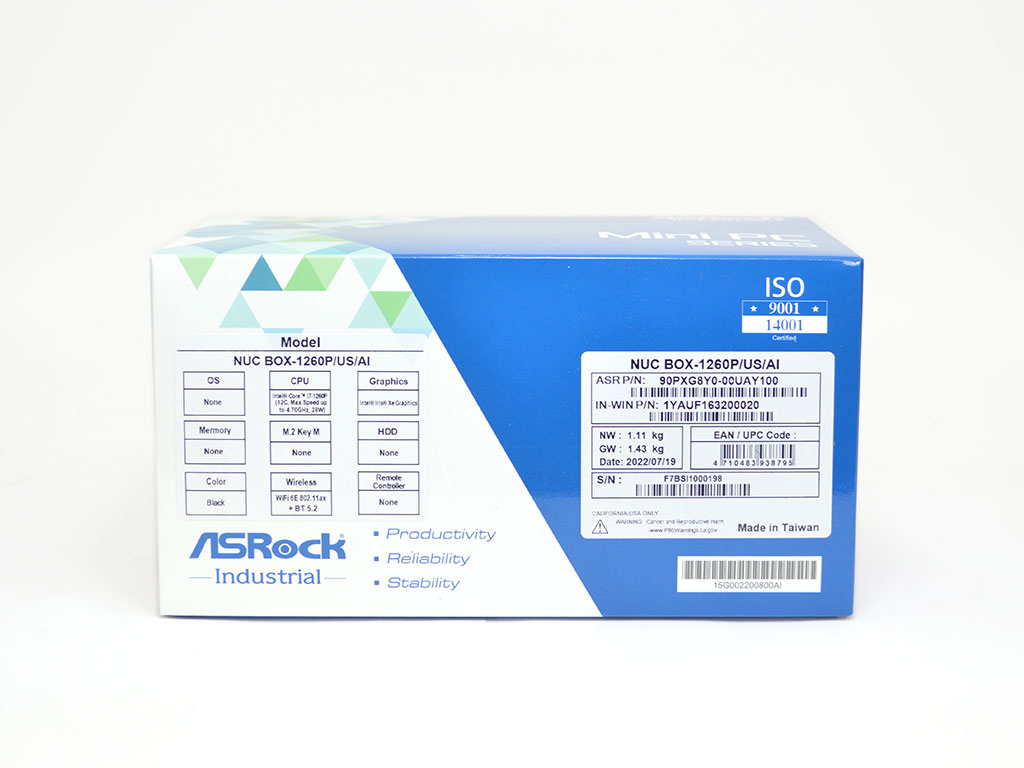
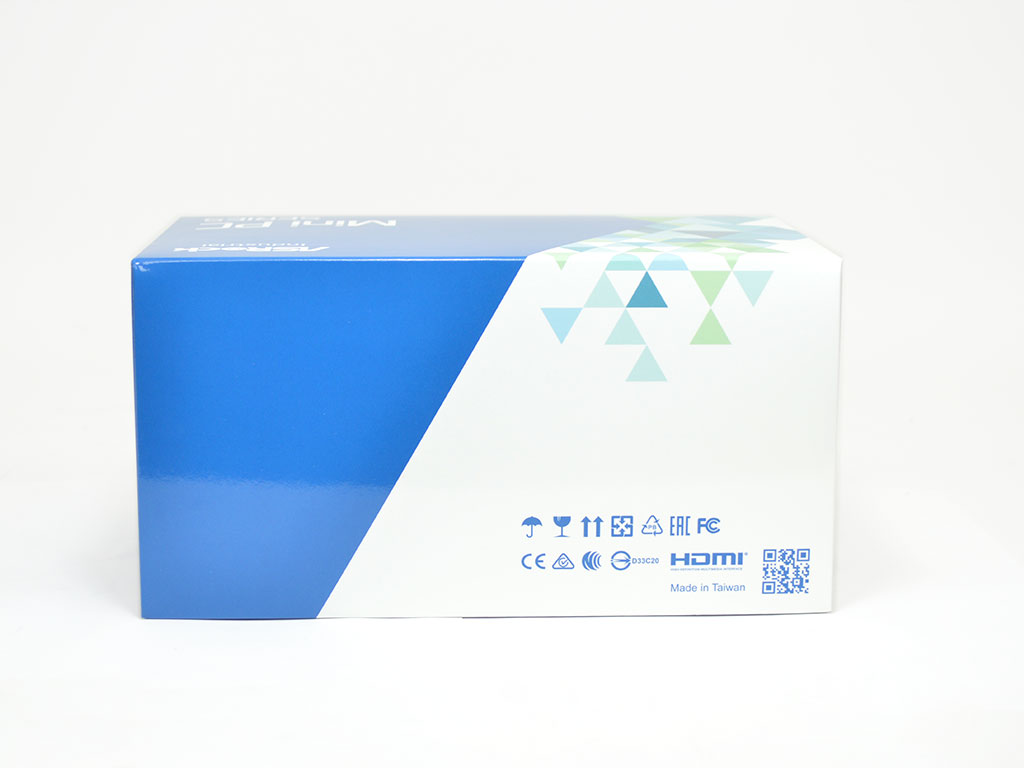
ASRock Industrial keeps things simple with packaging. While having a vibrant and attention-grabbing design, the top just has the company name/logo, and the fact that this is a mini-PC is readily apparent. Turning to one of the longer sides, you will find the general specifications and what is included. Since this is a barebones unit, no memory, storage, or operating system comes bundled with the NUC BOX-1260P. Flipping to the opposite side, there is nothing to see other than various certification symbols and a QR code. As for the other sides, they are all blank panels.
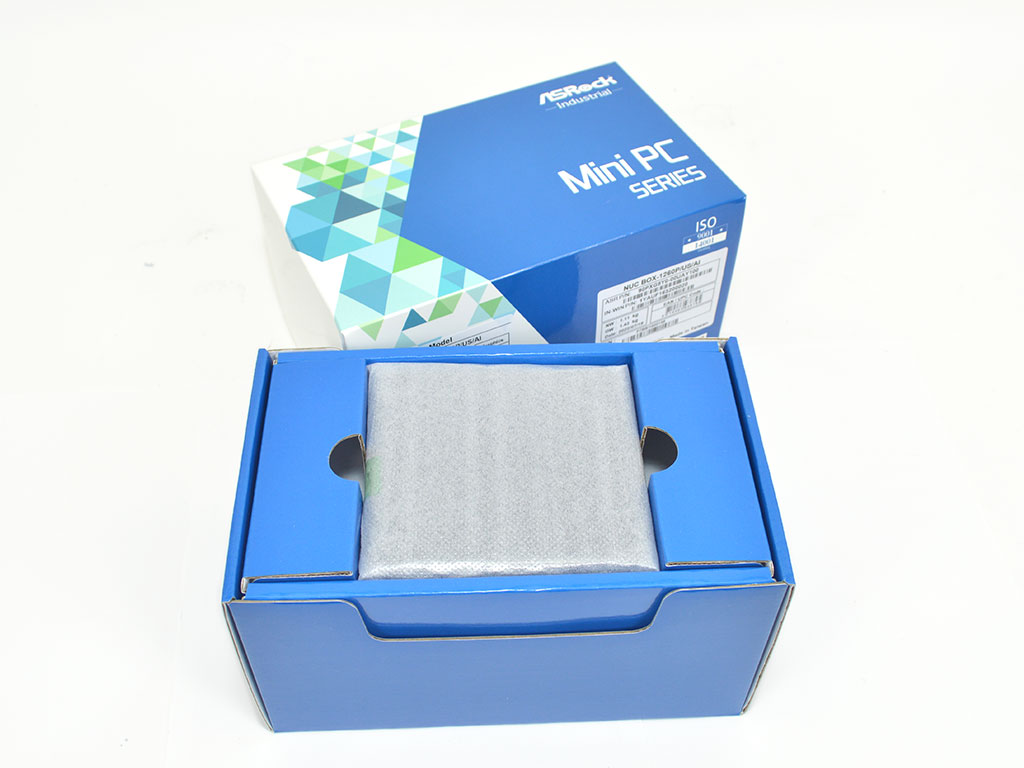
The internal packaging is well thought out and, while simple, provides acceptable protection. The system itself is wrapped in a thin layer of foam and secured in a cardboard tray that keeps it centered. Below that, you will find the accessories and power brick. While not fancy, the packaging did its job just fine, function over form.
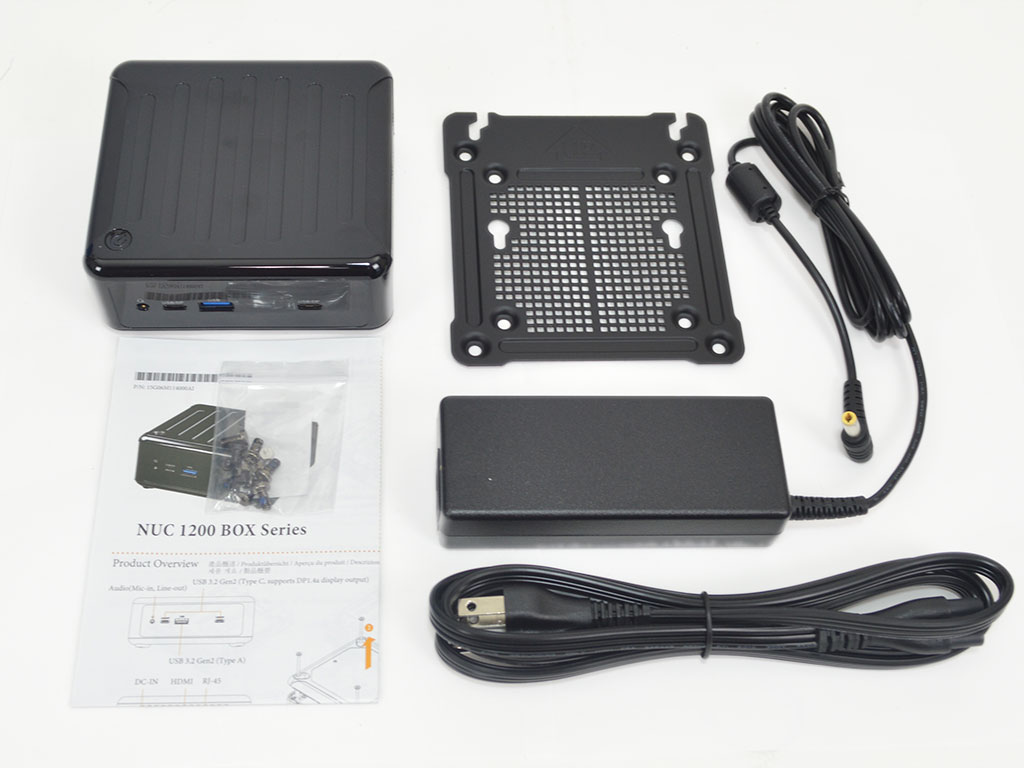
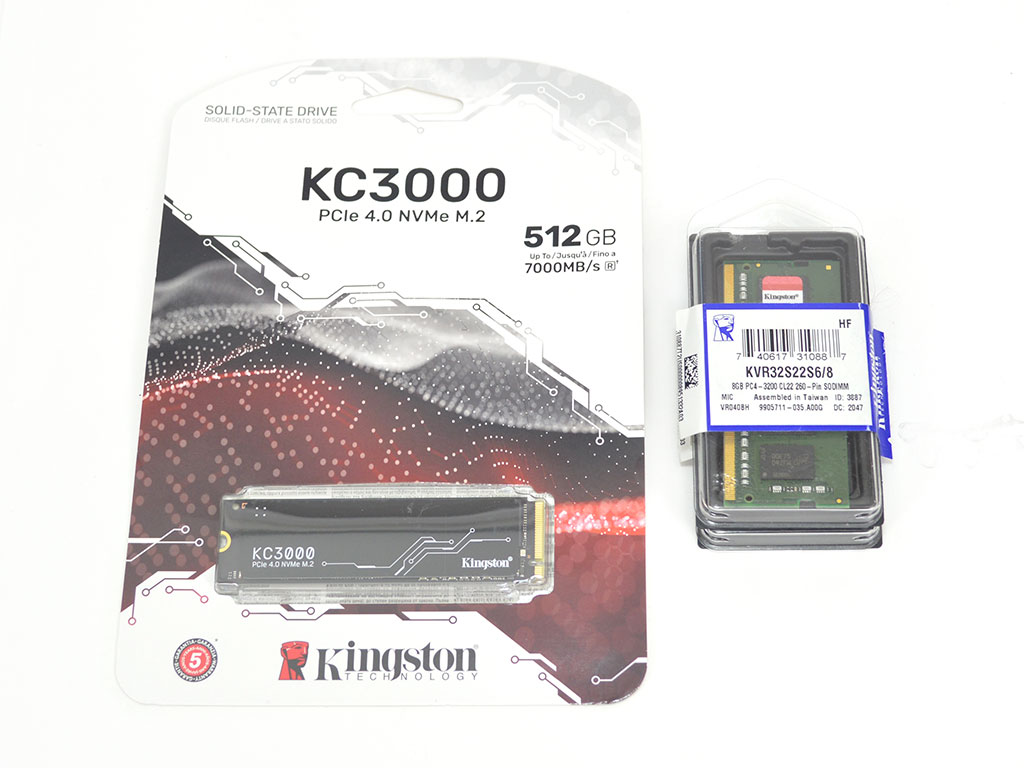
When it comes to bundled hardware, you will find essentially everything you expect. Of course, you will get the system and power brick, but you will also find a VESA mounting plate, screws, M.2 SSD mounting hardware, and a user's guide. Since this is a barebones unit, I installed 16 GB (2 x 8 GB) of Kingston KVR32S22S6/8 3200 MHz memory and a Kingston KC3000 512 GB PCIe 4.0 NVMe SSD. For the OS, I opted for Windows 11, considering it's the best fit for the hybrid Alder Lake CPU and its P-core + E-core design. The memory and SSD contributed an additional $148 and a Windows license adds further cost.
- ASRock NUC BOX-1260P
- Power brick
- VESA mounting plate
- VESA screws
- M.2 Screws / spacers
- Manual
A Closer Look


Like the previously reviewed NUC BOX-1165G7 and 4X4 BOX-4800U, ASRock sticks with a similar design for the NUC BOX-1260P. This keeps costs down and means ASRock can quickly release affordable products with updated specifications to the market. That said, the outer shell is rather glossy but otherwise has no real eye-grabbing features, acceptable, since it is meant to be mounted on the rear of a monitor anyway. The fact it doesn't stand out plays to its main target markets such as digital signage, office work, kiosks, home media, or considering the performance, a decent emulation station for older games. Just be mindful that if you're not going to hide the NUC BOX-1260P behind your monitor, it will likely gather visible fingerprints and dust quickly.

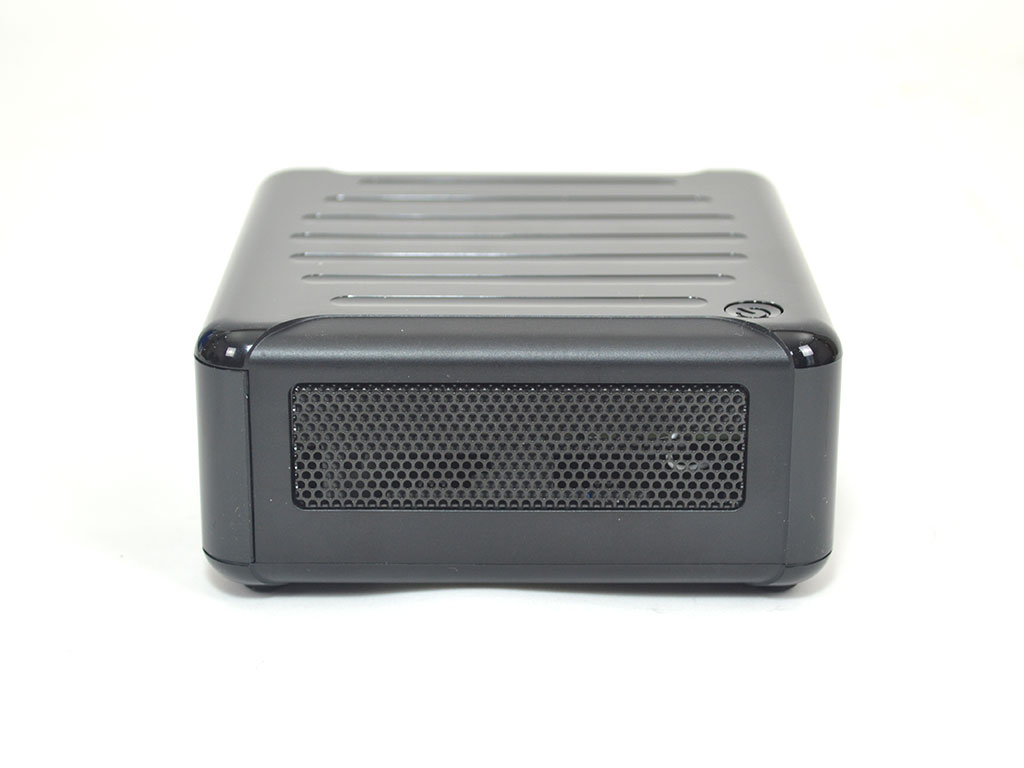
The Front I/O consists of two USB 3.2 Gen2 Type-C ports with DisplayPort 1.4 support and a USB 3.2 Gen2 Type-A port, which will be ideal for external storage duties. Rounding out the front I/O is a combo audio jack for your headphone or microphone needs. When it comes to the power button, it's located on the top left, useful if the system is mounted to the rear of a typical office display. If placed on the back of a larger screen, it may be more troublesome to reach. Regardless, in most situations, the placement is convenient. As for the left side, a quick look shows a large vent for improved cooling.

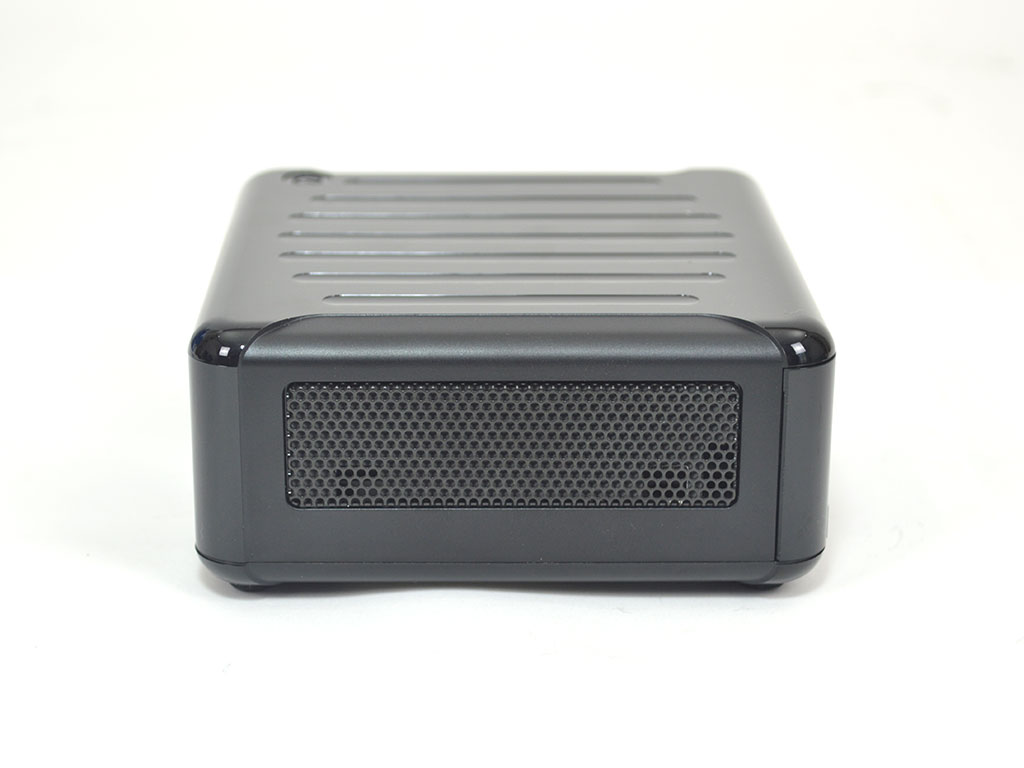
Looking at the back I/O, you will find 2x USB 3.2 Type-A ports, 1x DisplayPort 1.4, 1x HDMI 2.0b, 2x 2.5 GbE LAN, and the power plug. Overall, the system's I/O, while not incredibly plentiful is still quite versatile. Between the front and back, you have five USB ports comprised of three Type-A and two Type-C, with the Type-C offering DisplayPort functionality for a quad-display setup. Compared to the previous generation of NUC BOX units I've reviewed, the NUC BOX-1260P has received a nice upgrade regarding LAN connectivity, with both ports being 2.5 GbE rather than 1 GbE or a mix of 1 and 2.5 GbE. Meanwhile, the right side has another large vent for increased airflow.
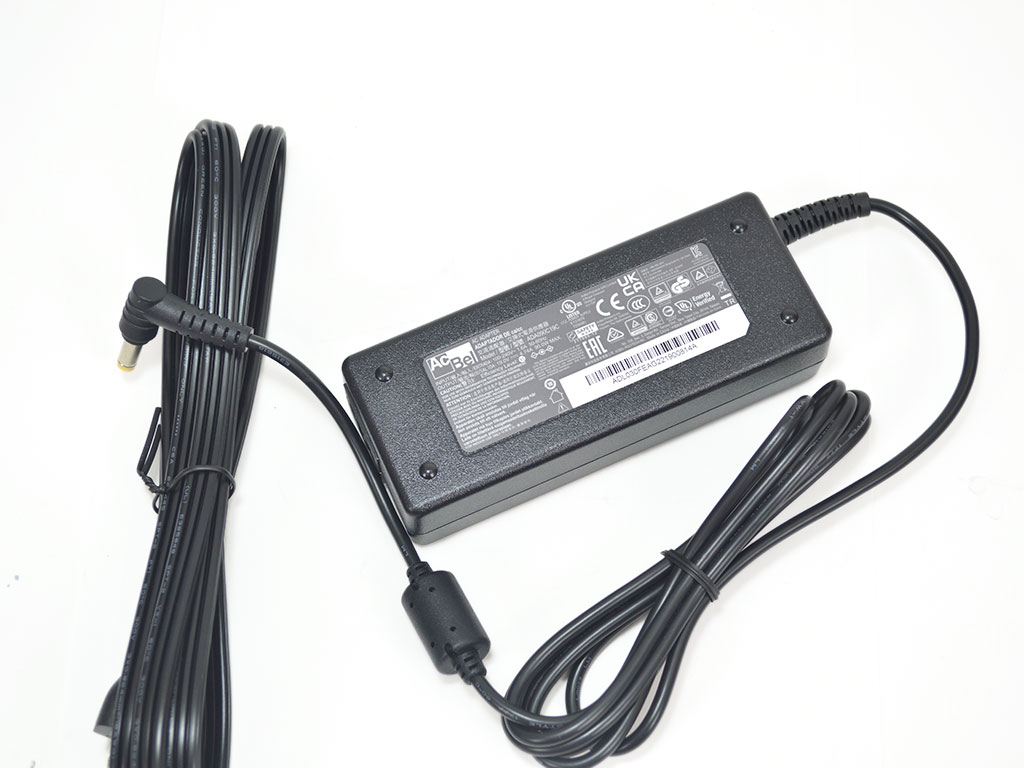
To power the system, ASRock opted for an AcBel 90-watt power brick.
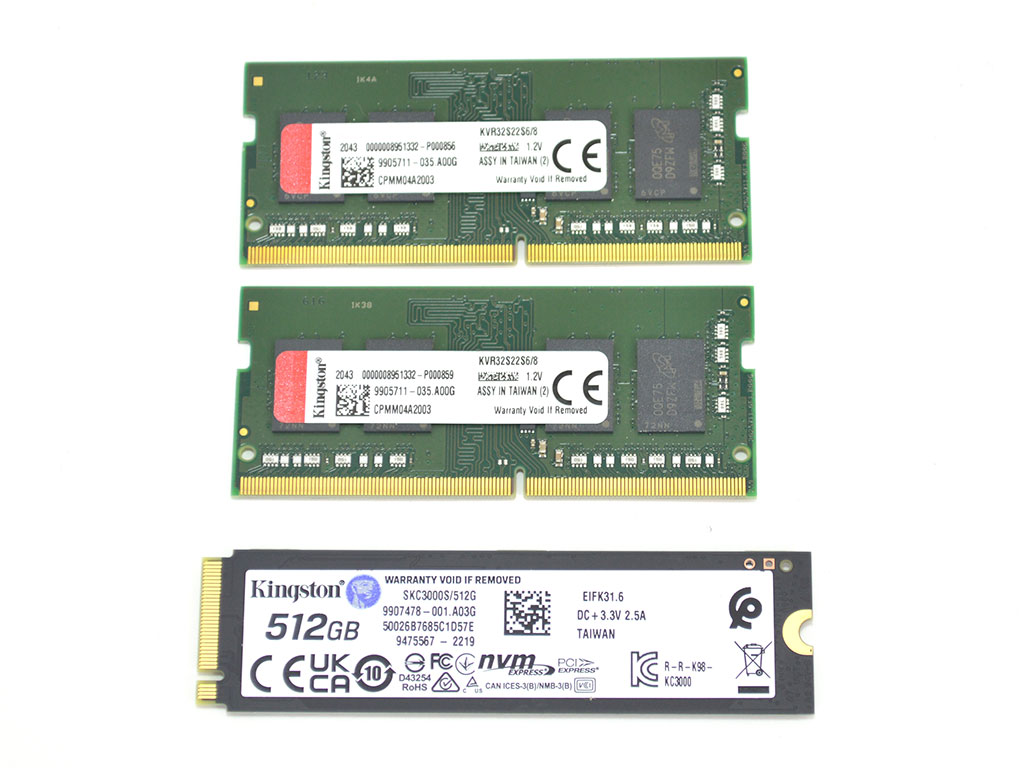
As the system is barebones, I used 16 GB (2x 8 GB) of Kingston KVR32S22S6/8 3200 MHz memory and a Kingston KC3000 512 GB PCIe 4.0 NVMe SSD to get it up and running along with the latest Windows 11 ISO, with all patches. It should be noted the memory ran at 2666 MHz, and I was unable to force it to run at 3200 MHz since there were no accessible BIOS options with which to do so. Either way, it is a shame since the CPU itself supports speeds up to 3200 MHz. I should also mention that I did try Intel's XTU tool to see if I could force the memory to run at 3200 MHz, but the tool does not support the i7-1260P and left me hitting a brick wall. As such, even with the CPU supporting 3200 MHz memory, your mileage will vary as I do not have another set of memory on hand to verify if it's an issue with just the sticks I am using. Memory with JEDEC speeds of DDR4 3200 (not requiring XMP profile) should theoretically work out of the box.
Our Patreon Silver Supporters can read articles in single-page format.
Nov 17th, 2026 14:39 CST
change timezone
Latest GPU Drivers
New Forum Posts
- Help with fixing Overclock (0)
- [Poll] 12V-2x6 Connector Protection: What Are You Using? (WireView / Ampinel / Equalizer / Other / Nothing) (22)
- Latest method for DTS/DDL for Logitech Z906 (0)
- What are you playing? (26232)
- Security Apps (1)
- Honestly, do you care about GTA VI? (128)
- Without Jensen, PC gaming will be (29)
- Meeting point of those who broke their GPUs. Please share what GPUs you've burned, shattered, ionized or melted accidentally. (43)
- Voltage glitch hack to unlock fuse off part of GPU core ? (2)
- 9070 GRE 3.9ghz validation reached. (14)
Popular Reviews
- Acemagic Retro X3 Review
- Corsair HX1000i Shift Crystal Review
- AMD Zen 6 Technical Deep Dive
- Upcoming Hardware Launches 2027 (Updated Nov 2026)
- ASUS ROG Strix B850-I Gaming Wi-Fi7 W Review
- Phantom Blade Zero Performance Benchmark Review - 35 GPUs Tested
- AMD Ryzen 7 9800X3D Review - The Best Gaming Processor
- Chieftec Iceberg PRO 360 DARK Review
- Montech King 95 3D PRO Review
- NZXT C1200 Platinum Review
TPU on YouTube
Controversial News Posts
- NVIDIA Co-Founder and CEO Jensen Huang Officially Resigns (456)
- Open Letter Asking NVIDIA to Reinstate Jensen Huang Passes 115,000 Signatures (184)
- OpenAI CEO Argues Home PCs Waste the World's Limited DRAM Supply (152)
- NVIDIA Launches Investigation Into Jensen Huang's Relationship With Suspected Chinese Spy (136)
- Report: Jensen Huang Eyes NVIDIA Comeback (132)
- Intel "Raptor Lake Next" 16-Core and 20-Core CPUs Surface (130)
- Legendary Game Studio BioWare Shuts Down Following EA Layoffs (104)
- Dell CEO Says the Memory Shortage Will Get Worse in 2027 (95)