 4
ASRock NUC BOX-358H Review
General Performance »A Look Inside
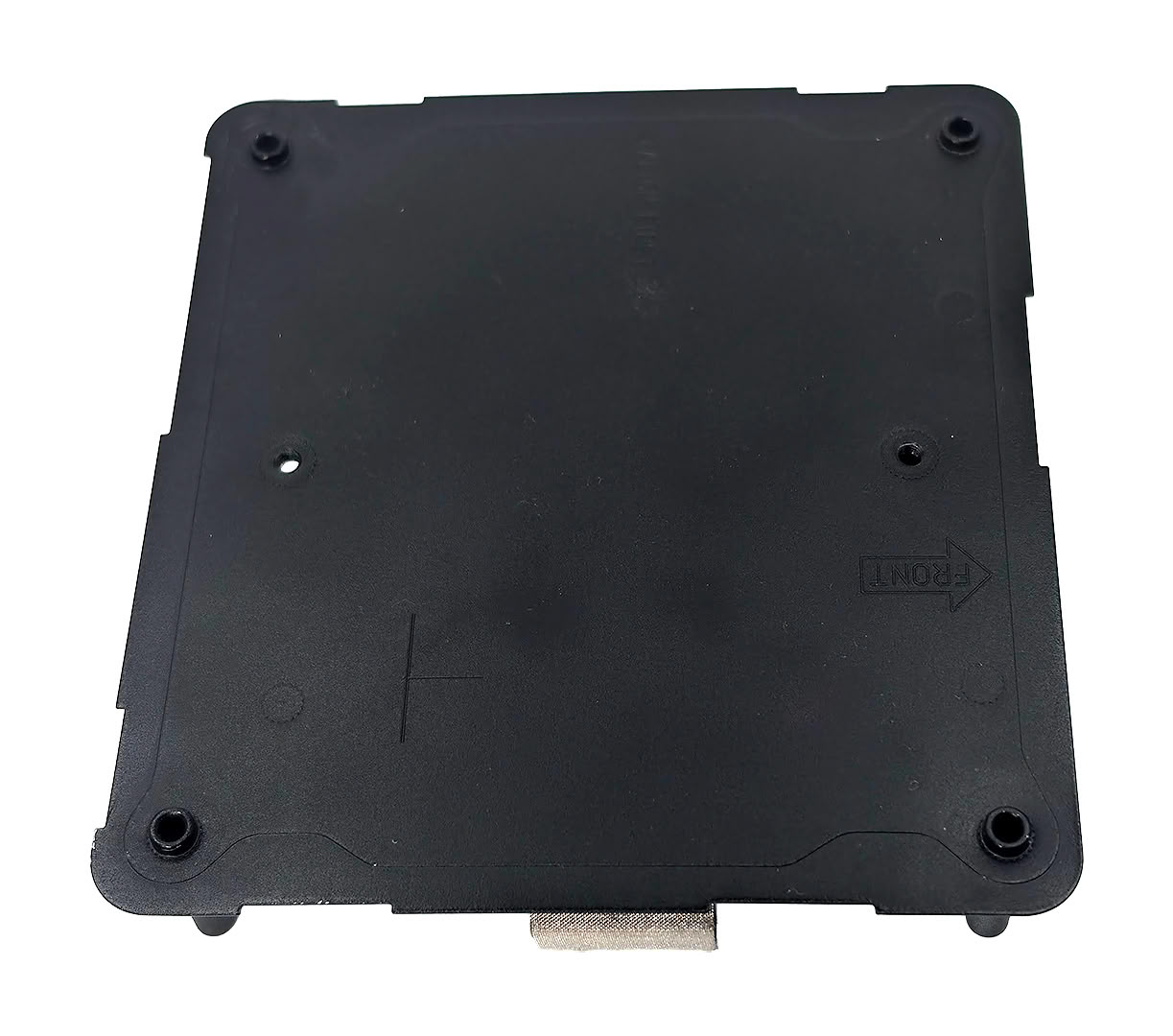
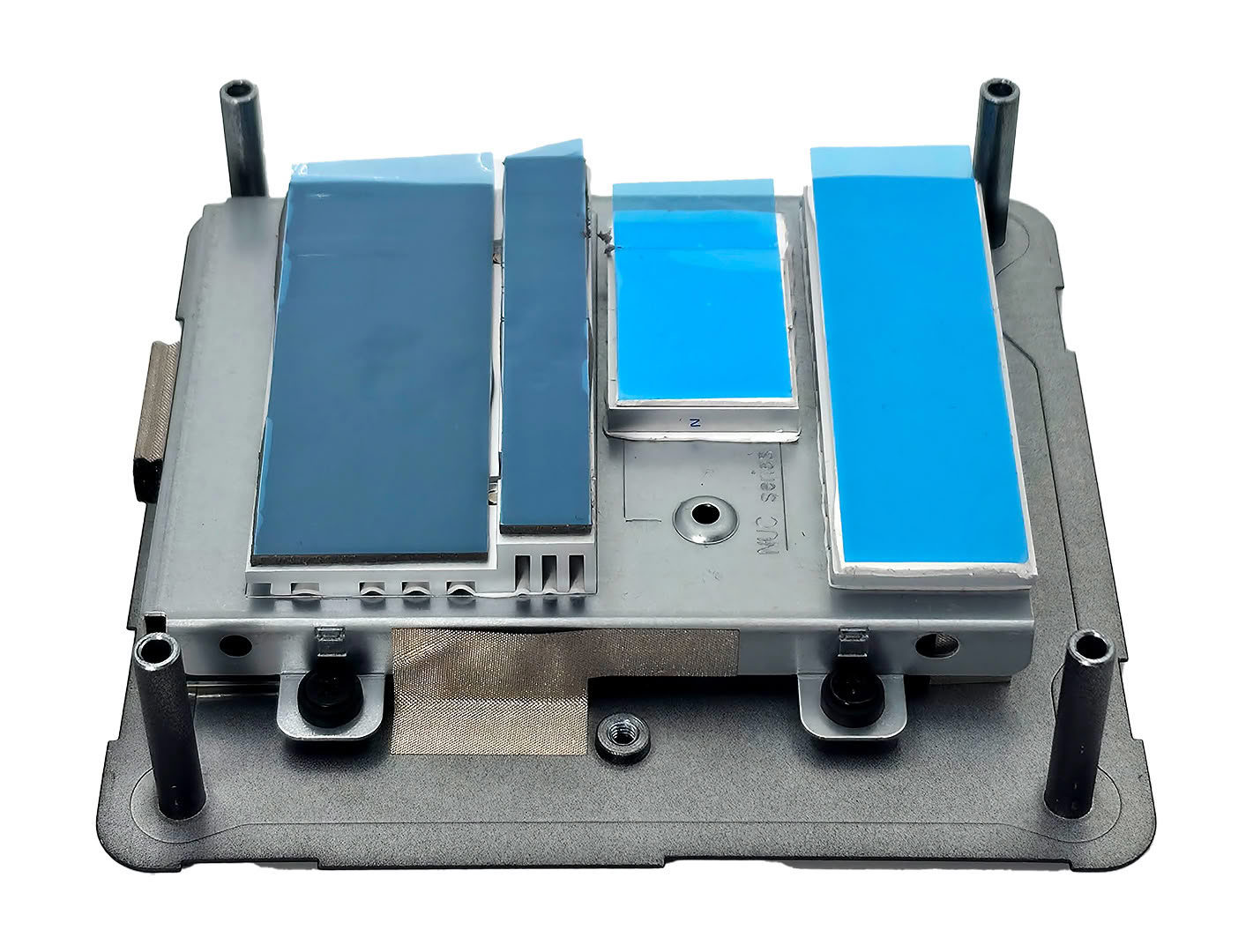
Removing the four screws underneath lets you lift off the bottom cover and reach the memory and storage slots. The motherboard can stay in place while you install the RAM and SSD, so there's little disassembly involved. Before putting the cover back on, remove the protective films from the heatsink contact surfaces, so they can make proper contact with the components.
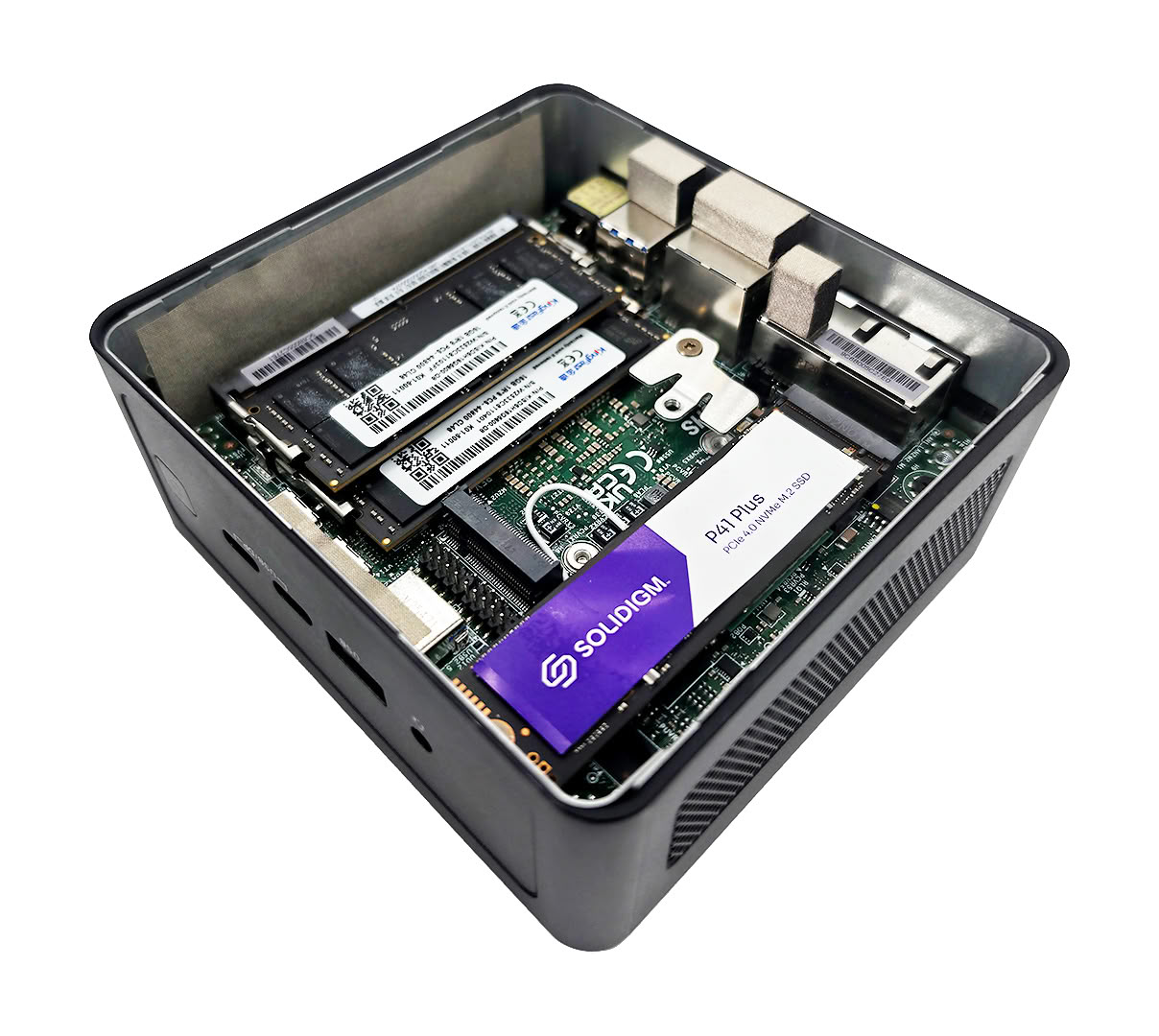
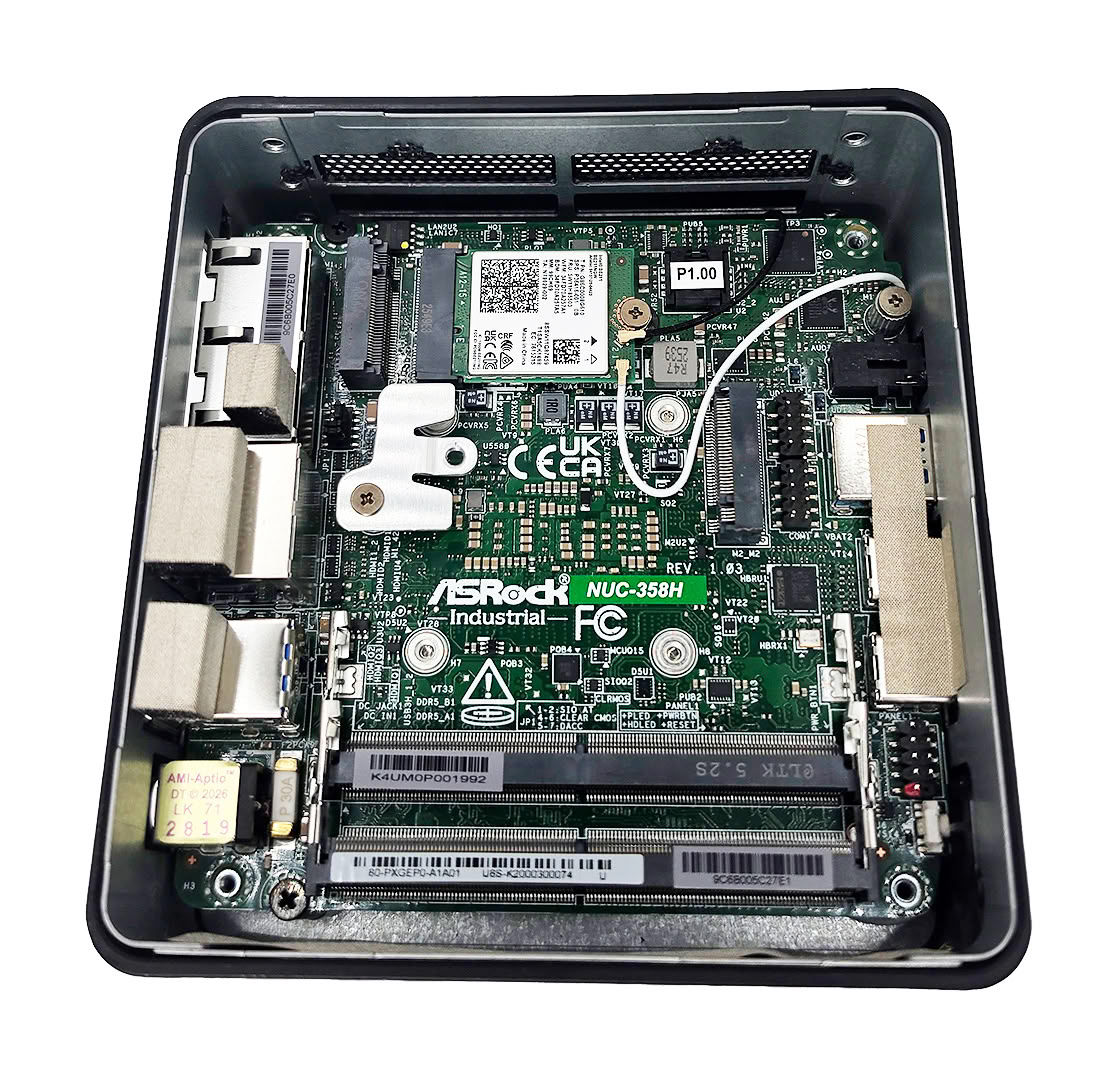
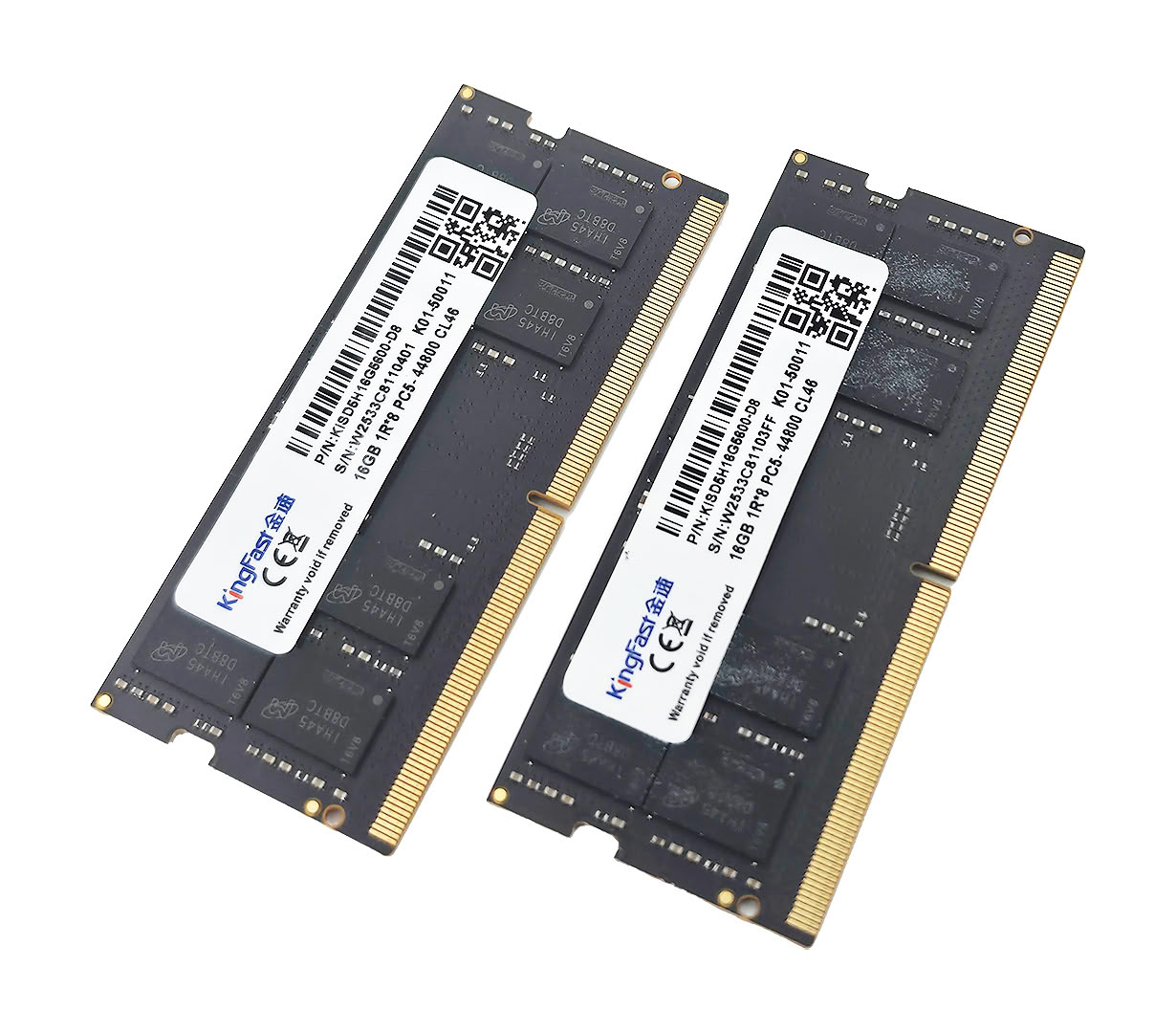
Two SO-DIMM slots allow the review configuration's pair of 16 GB modules to be replaced as memory requirements change. The installed modules operate at 5,600 MT/s in dual-channel mode, with 46-46-46-90 timings. ASRock lists support up to DDR5-7200 and offers a barebones kit without memory/storage, but the testing in this review used a DDR5-5600 configuration throughout benching. In addition, the M.2 Key E wireless card provides Wi-Fi 7 and Bluetooth 6.0, with support for the 6 GHz band on a compatible network.
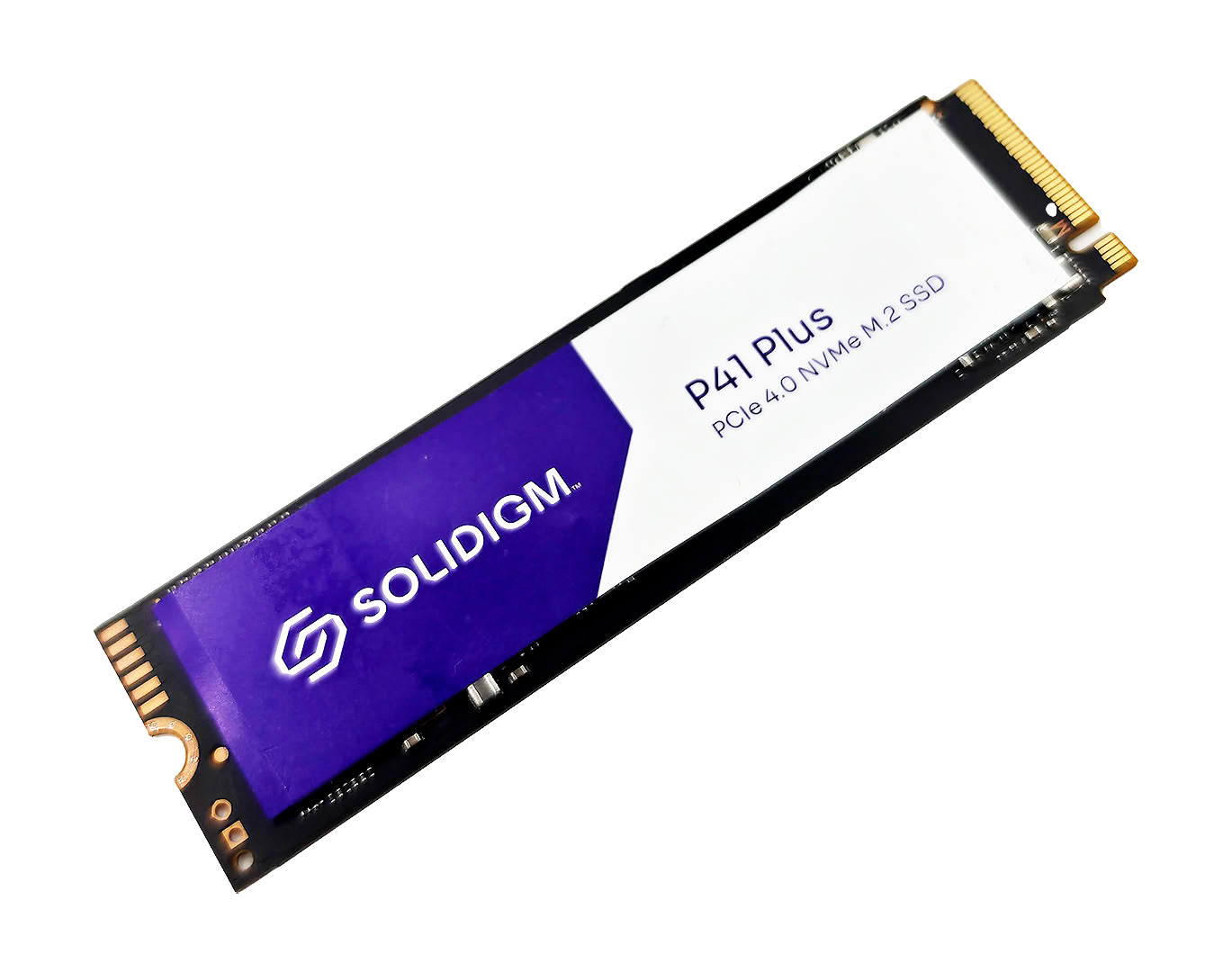
The primary PCIe 5.0 x4 connection supports an M.2 2280 SSD, with an alternative mounting arrangement for a shorter drive, while the secondary PCIe 4.0 x4 connector accepts M.2 2242.
Nov 26th, 2026 16:22 CST
change timezone
Latest GPU Drivers
New Forum Posts
- ASUS Prime 5060 ti 16gb x4 instead of x8 PCIe (11)
- weird problem with Asus Maximus Hero z890 motherboard VRM (1)
- Exploring Local LLMs: Models, Hardware and Setup Experiences (5)
- WarpCoreBench scores! (112)
- What's your main Black Friday / Cyber Monday purchase? (23)
- Wireless Internet sharing between PC and router both-ways, is it possible? (26)
- TPU's WCG/BOINC Team (34811)
- Windows 10 Power save mode. See what program that cause sleep to fail. (1)
- Mouse Pad advice - Shidenkai out of production? (1)
- Can you guess Which game it is? (370)
Popular Reviews
- ASRock X870E Challenger Wi-Fi White Review
- VZMORE AX9 Max Review
- Upcoming Hardware Launches 2027 (Updated Nov 2026)
- Microsoft Surface Laptop Ultra Review - The Next-gen Arm Laptop
- AMD Ryzen 7 9800X3D Review - The Best Gaming Processor
- AMD Zen 6 Technical Deep Dive
- Phantom Blade Zero Performance Benchmark Review - 35 GPUs Tested
- Corsair RM1200e (Second Generation) Review
- Montech CyberFlow ARGB 360 Review
- Pulsar Office Tour & First Look at P1 Dual-Sensor Mouse
TPU on YouTube
Controversial News Posts
- Jensen Huang Reinstated as CEO of NVIDIA (606)
- NVIDIA Co-Founder and CEO Jensen Huang Officially Resigns (492)
- Report: Jensen Huang Eyes NVIDIA Comeback (281)
- Open Letter Asking NVIDIA to Reinstate Jensen Huang Passes 115,000 Signatures (184)
- OpenAI CEO Argues Home PCs Waste the World's Limited DRAM Supply (152)
- NVIDIA Launches Investigation Into Jensen Huang's Relationship With Suspected Chinese Spy (136)
- Intel Razor Lake Gets a 12 P-Core bLLC Chip With No E-Cores, Per Leak (94)
- NVIDIA GeForce RTX 50-Series Scheduled for up to $500 Price Hike This Week (89)