 14
ASRock Z97 M8 Barebones PC Review
(14 Comments) »Introduction

Over the past several years, I've had the joy of playing with a few different pre-built systems from ASRock, most of which used a variety of high-end laptop-oriented parts. That part choice is one of those limiting expansion possibilities, though it also provides some fantastic power consumptions numbers; a worthy trade-off. However, as a gamer who is looking to upgrade continually in order to meet the needs of gaming titles as they are released, such systems are not exactly ideal. So how do we get the same sort of capability in a small form factor and with pre-tested and hand-picked parts that are known to work well together without sacrificing superb upgradability? ASRock's M8 barebones is the answer.
Featuring a sleek look and a host of features sure to appeal to the varying needs of today's gamer, the ASRock M8 barebones comes ready to fit most graphics cards, including such high-end cards as NVidia's GTX980 or AMD's R9 290X because of its surprisingly powerful 600W mini-PSU inside. Support for NVidia's TITAN GPUs, too? You bet. An Intel I7-4790K got your fancy or maybe that ultra-affordable Pentium G3258? Or maybe a XEON-based chip? Yes, you can use all of those as well. The huge possibilities provided for the installation of such parts is only limited by the fact that you're stuck with laptop SO-DIMM memory sticks. But don't let that dissuade you. Let me show you why...

| ASROCK Z97 M8 Barebones | |
|---|---|
| CPU: | 5th Generation Intel Core i7/i5/i3/Pentium/Celeron Processors; New 4th and 4th Generation Intel Xeon/Core i7/i5/i3/Pentium/Celeron |
| MEMORY: | DDR3 1600/1333/1066 MHz, 2 x SO-DIMM, up to 16GB |
| Audio: | 7.1 HD audio with Creative Sound Core3D |
| NETWORKING: | Intel Gigabit LAN & 2T2R WiFi 802.11 ac + BT v4.0 |
| STORAGE: | Supports 3.5"HDD and 2.5" HDD/SSD |
| PORTS: | 8 x USB 3.0 (4 front, 4 rear), 4 x USB2.0, 1 x eSATA2, 4 x USB 3.0, 1 x MIC, 1 x Headphone, 4-in-1 Card reader (SD3.0 / MMC / MS / MS PRO) |
| COOLING: | 4 x 70mm Fan (2 top, 2 bottom) |
| GRAPHIC OUTPUT: | 1 x DP, 1 x HDMI |
| DIMENSIONS: | 75mm(W) x 400mm(H) x 370mm(L) |
Packaging

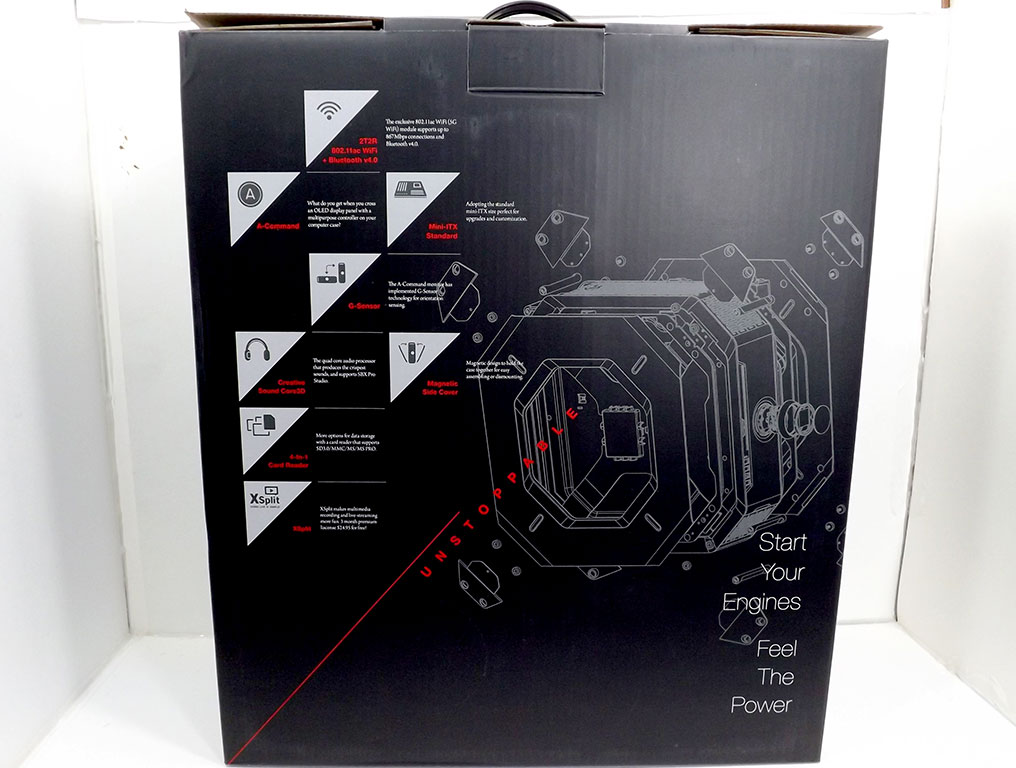
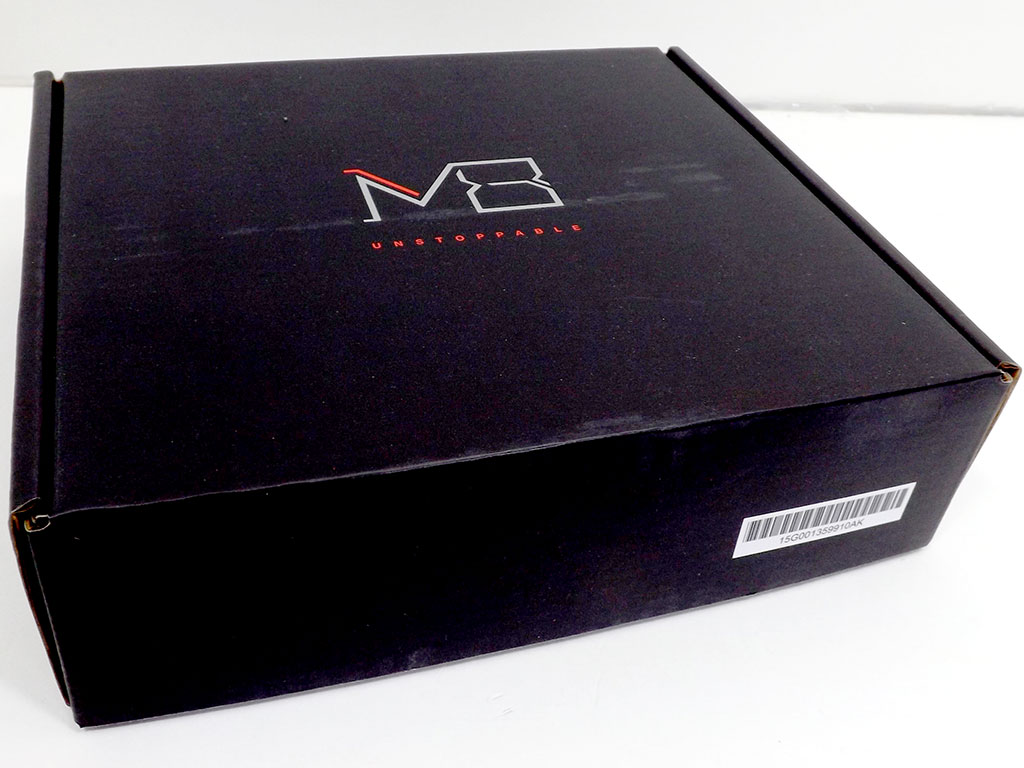
When ASRock asked me whether I would like to review the Z97 M8, I jumped at the opportunity. Having seen the Z87 in person, but without a chance to play with it, I was eager to get my hands on this slick case, but the box that arrived on my doorstep completely took me for a surprise. Inside the HUGE box large enough to fit three of these units, I found a single container, shown above. Its simple design, with little to distract from what it obviously contains, is impressive, to say the least.
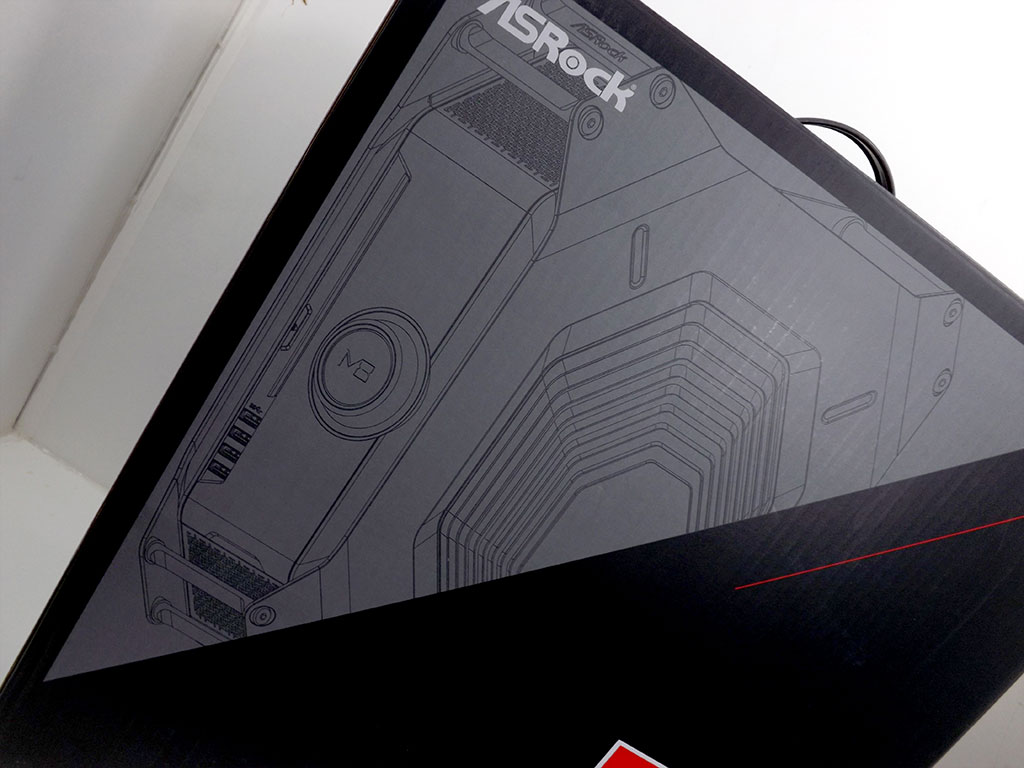

There's an outline of the Z97 M8 itself in one corner, while opposite it is the award the unit won, rightly earned, I must say, so I was glad to see ASRock proudly claim its prize.

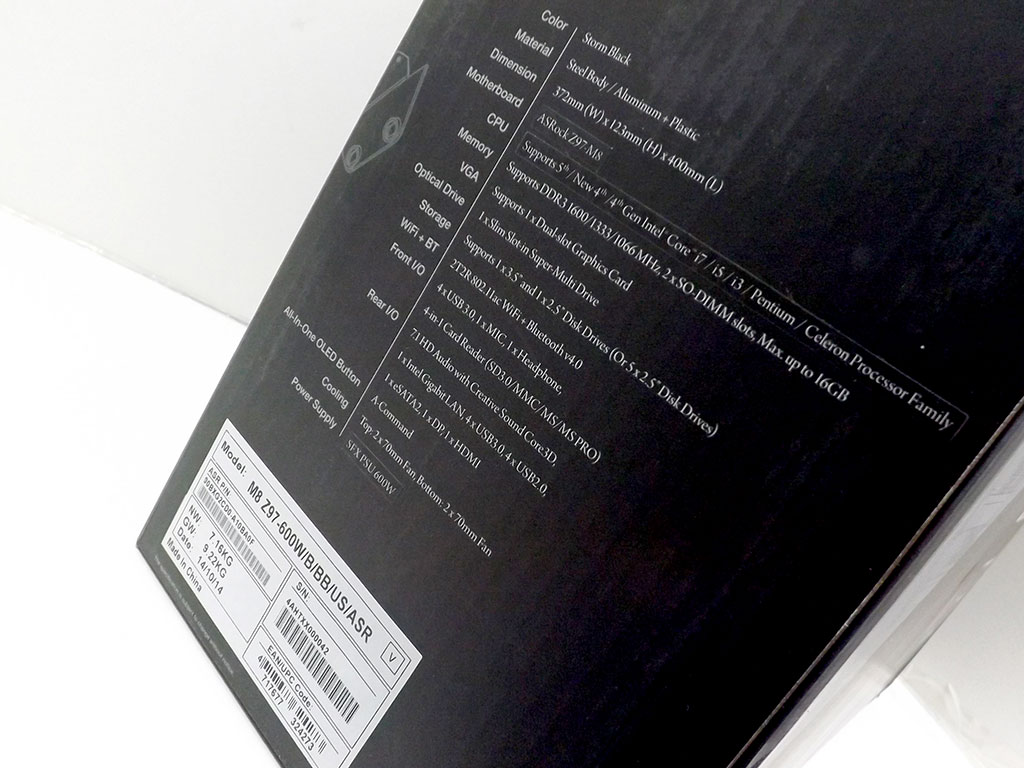
The somewhat cheesy "Start Your Engines, Feel The Power" slogan on the front is almost too much, but hey, I'll give ASRock a pass here. The only other writing I found is on the specifications label tucked into the bottom of one side.
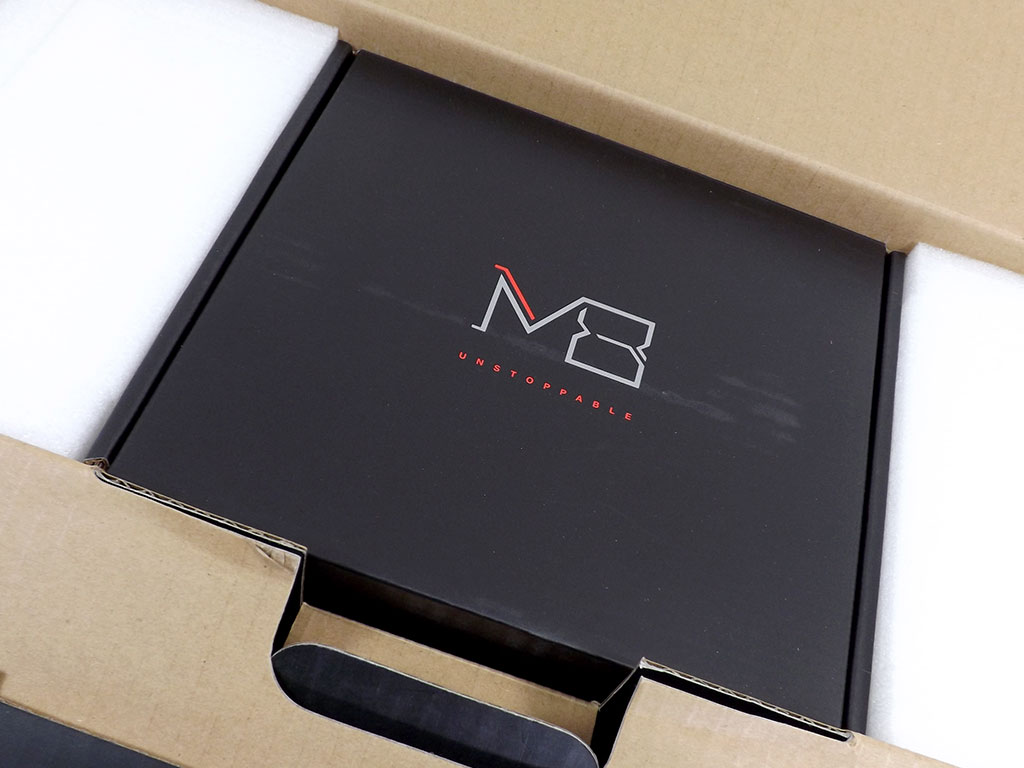

Flipping open the lid reveals a black box fitted tightly into the packing foam, while underneath, the awesome Z97 M8 awaits you.

The accessories box is heavy, curiously heavy. Opening it up quickly explains why: there's a huge whack of stuff here.

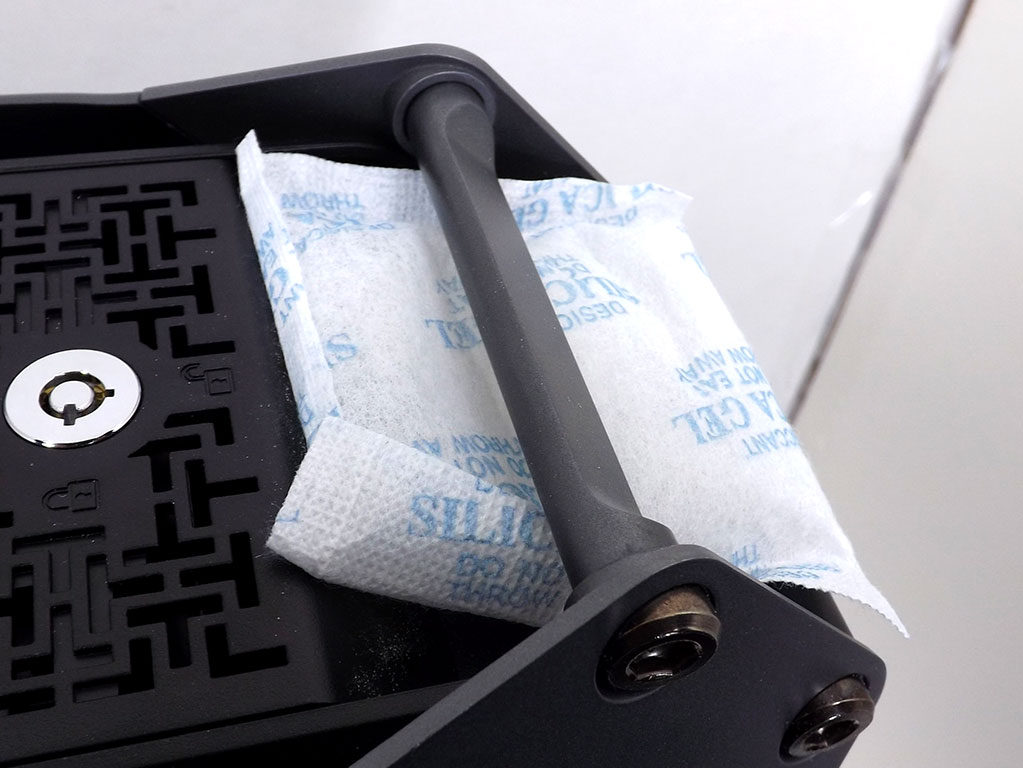
Getting the Z97 M8 out of the box involves sliding the whole unit out, foam included, and just like any other case, it's wrapped in plastic too. Don't forget to remove the silica pack that helps in keeping contents moisture-free, and you might also want to brush the dust off the Z97 M8.
Contents
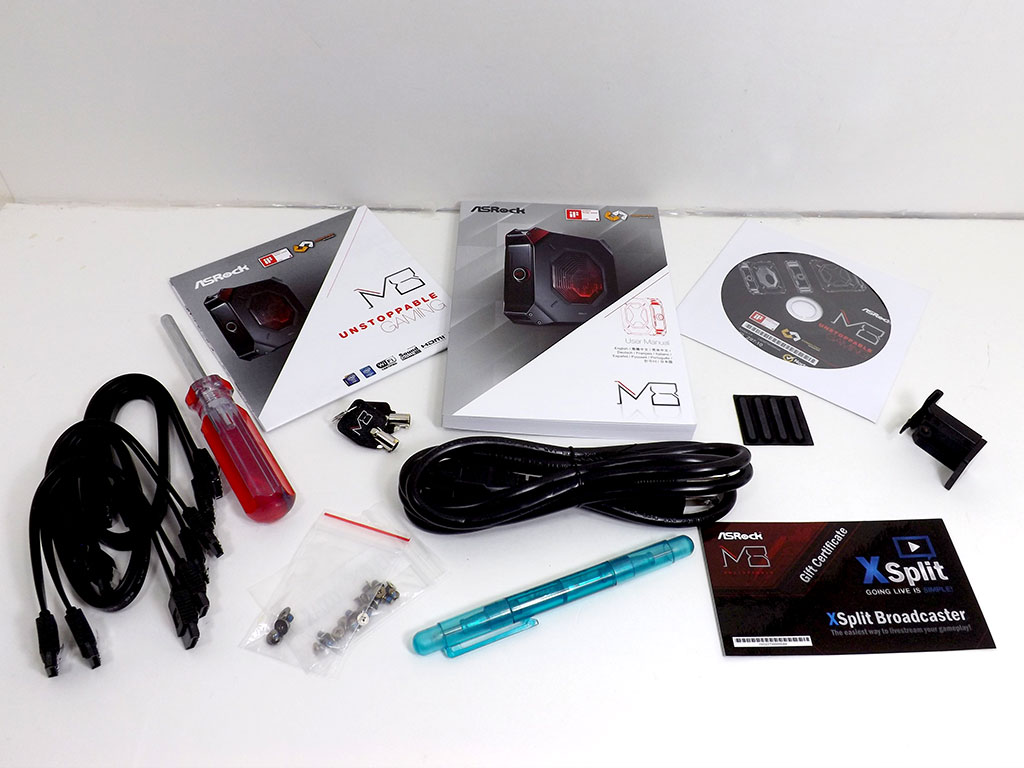
I found a few items I didn't expected inside the accessories box, including two screwdrivers and a set of keys for securing the case's innards. A full list of what I found is below:
- User's manual
- 1 x Quick set-up guide
- 1 x Driver disc
- 2 x Case keys
- 2 x Screwdrivers
- 2 x Sets of case screws
- 1 x Power cable
- 1 x VGA brace
- 1 x X-Split license coupon
- 1 x Rubber stick-on case feet set
- 6 x SATA cables
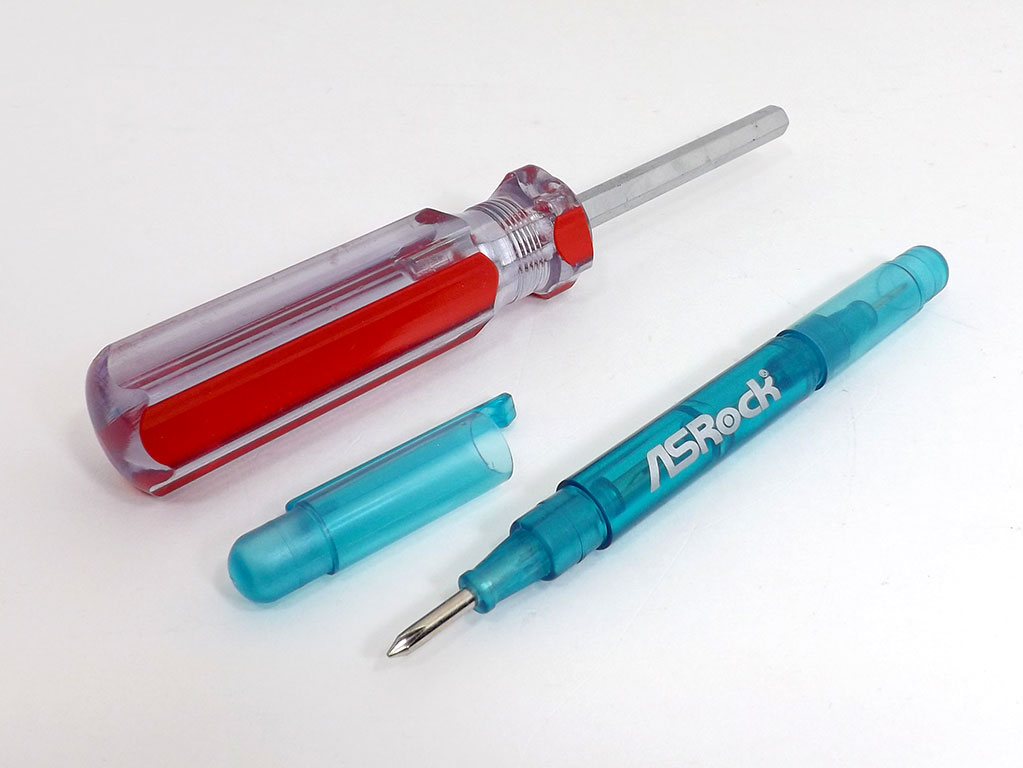
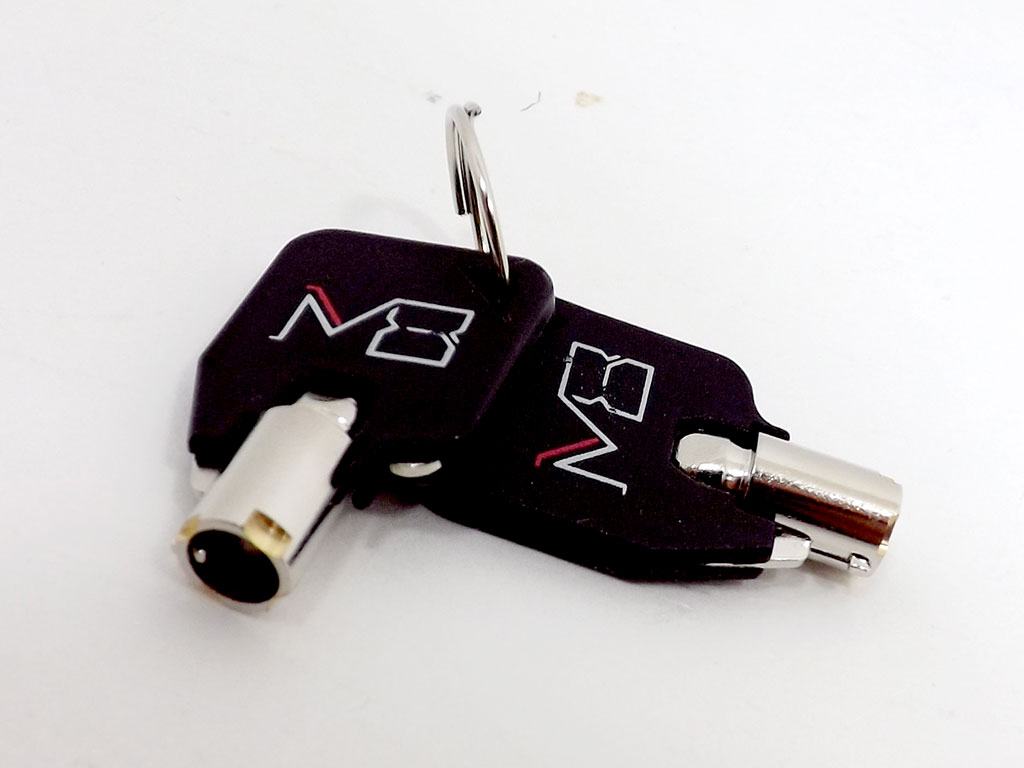
One of these screwdrivers is for the ASRock Z97 M8's metal feet, while the other "pen-type" screwdriver is actually for case screws. Personally, I think the tips are too small for the screws the case uses, which could lead to stripped screws. You might want to leave it in the box and use your own. Next up are the included keys I'll show you again in a moment.
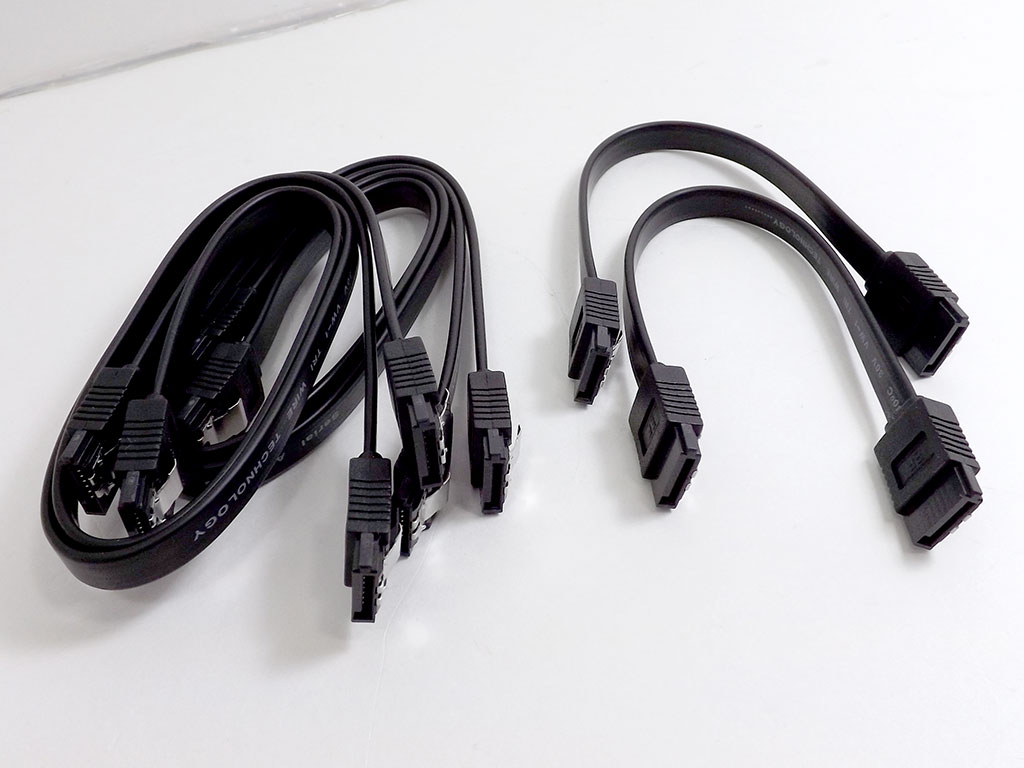
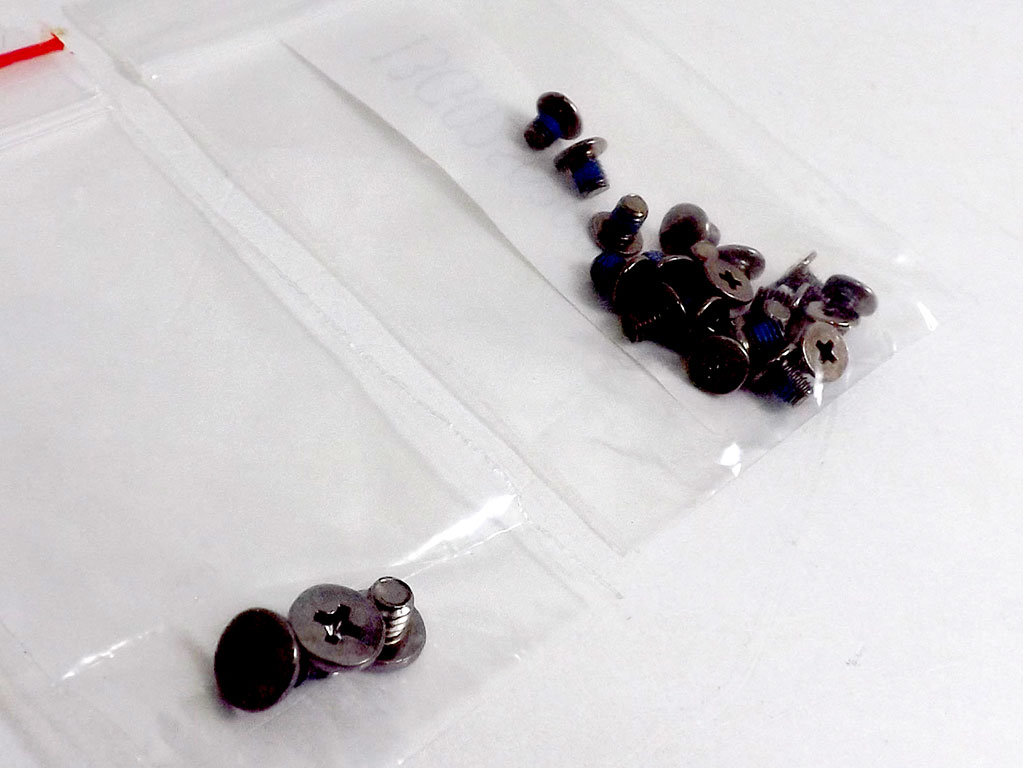
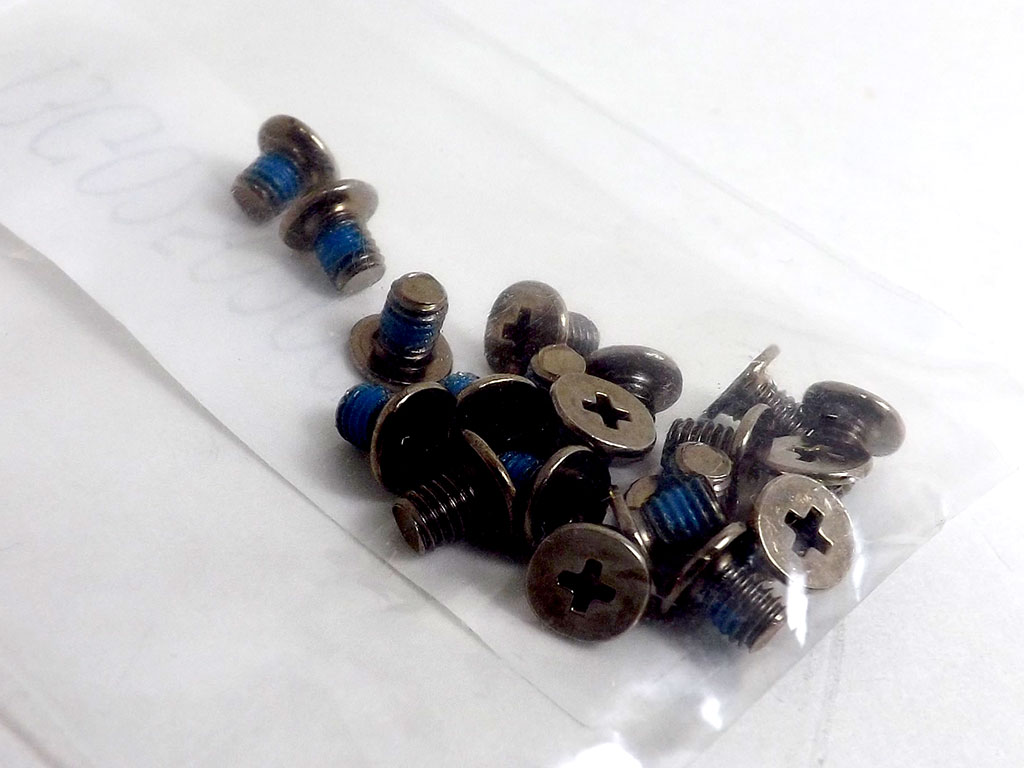
There are SATA cables of two different lengths in the box, and two differently sized screws, each type in their own bag. There are roughly 20 with which to secure drives to the case, but I'm not entirely sure what the other three are for. Looking into the manual might let you know, and with this case, that's something I suggest you do before pulling it out of the box.
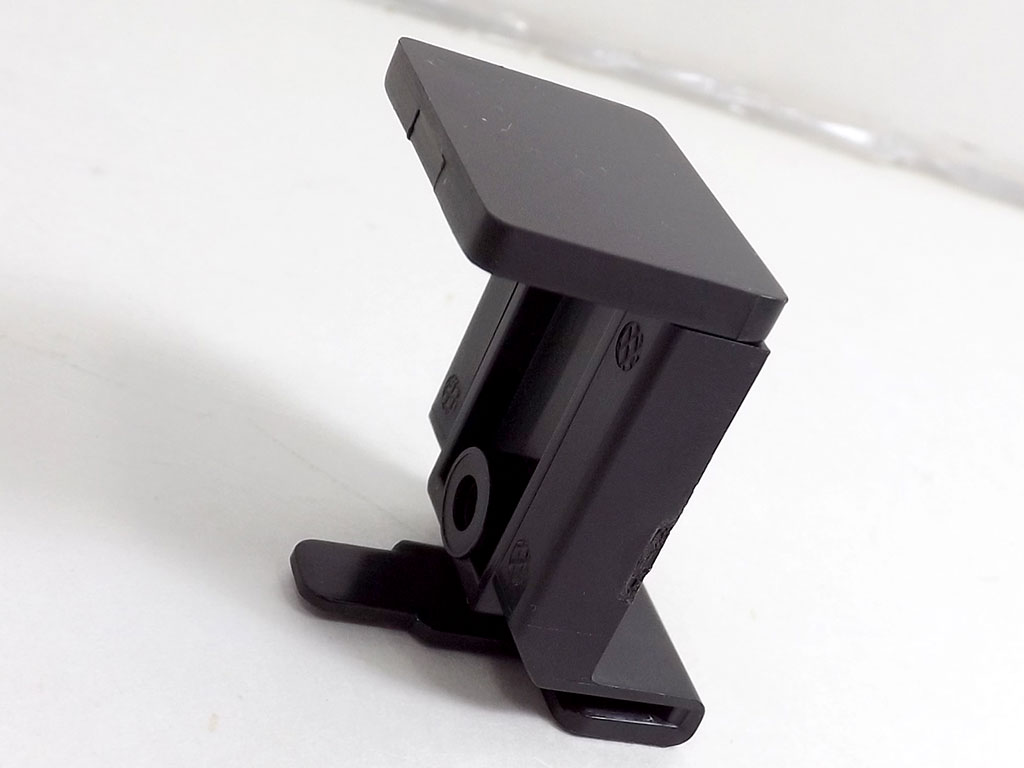
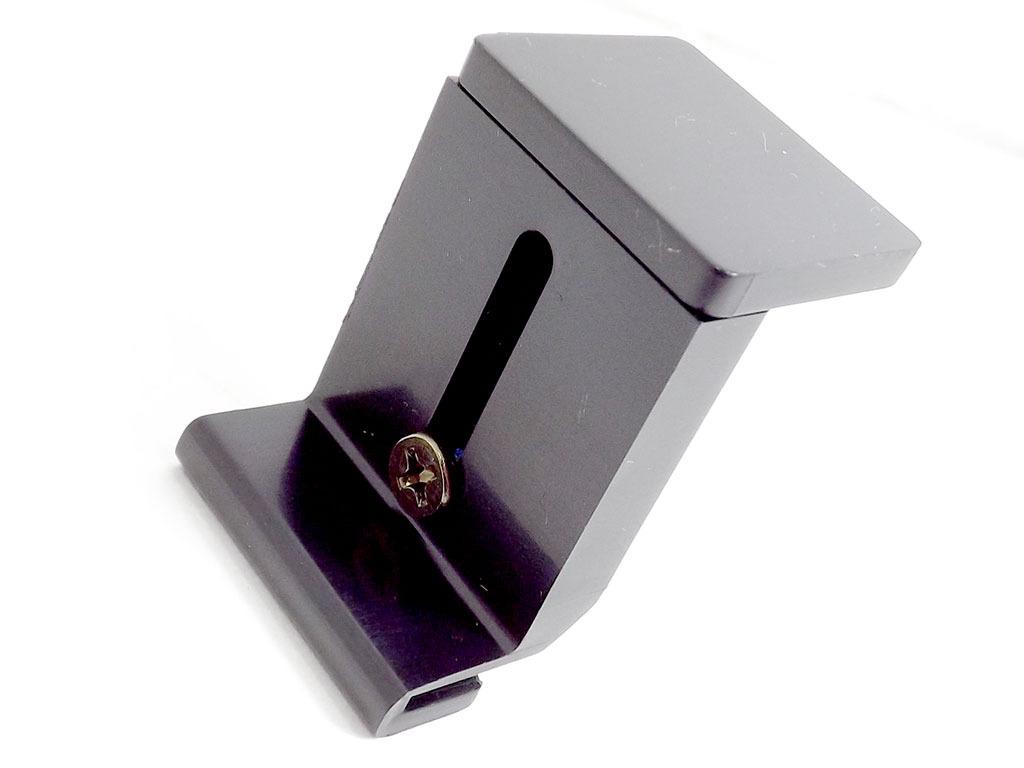
Installing VGAs into the ASRock Z97 M8 is a rather unique experience. Wider VGAs will need some bracing, and the clip above is for just that. There are a few locations where it can be installed, and it can be adjust to tightly mate with your chosen VGA, if wide enough. It wasn't required with the 780 TI I used.
Our Patreon Silver Supporters can read articles in single-page format.
Nov 14th, 2026 09:05 CST
change timezone
Latest GPU Drivers
New Forum Posts
- What can the FX 8320 do today? Here is the answer. (5)
- Tell me about your favourite graphics card (49)
- Gacha Games - Discussions, Pulls, Updates, etc. (1154)
- No screen and keyboard with mouse not being powered on (6)
- What are you playing? (26219)
- 3D Printer Club (851)
- Folding Pie and Milestones!! (10202)
- a note from zachary85's son (9)
- Have you got pie today? (17083)
- Requesting original VBIOS for Gigabyte RX 5700 XT GAMING OC 8G Rev 2.0 (Micron) (3)
Popular Reviews
- AMD Zen 6 Technical Deep Dive
- Corsair HX1000i Shift Crystal Review
- ASUS ROG Strix B850-I Gaming Wi-Fi7 W Review
- NZXT C1200 Platinum Review
- Upcoming Hardware Launches 2027 (Updated Nov 2026)
- Montech King 95 3D PRO Review
- NZXT H7 RGB+ Review
- NZXT H5 Review
- Phantom Blade Zero Performance Benchmark Review - 35 GPUs Tested
- XPG NIMBUS PLUS Review - Mid-range Chair With Strong Competitors
TPU on YouTube
Controversial News Posts
- NVIDIA Co-Founder and CEO Jensen Huang Officially Resigns (387)
- OpenAI CEO Argues Home PCs Waste the World's Limited DRAM Supply (152)
- NVIDIA Launches Investigation Into Jensen Huang's Relationship With Suspected Chinese Spy (136)
- Intel "Raptor Lake Next" 16-Core and 20-Core CPUs Surface (130)
- Legendary Game Studio BioWare Shuts Down Following EA Layoffs (104)
- Dell CEO Says the Memory Shortage Will Get Worse in 2027 (95)
- NVIDIA GeForce RTX 50-Series Scheduled for up to $500 Price Hike This Week (89)
- Modder Fits RTX 5090 With Four 8-Pin Connectors, Halving Current per Wire (80)