 10
ASUS ProArt Z890-Creator Wi-Fi Review
Board Software »BIOS Overview
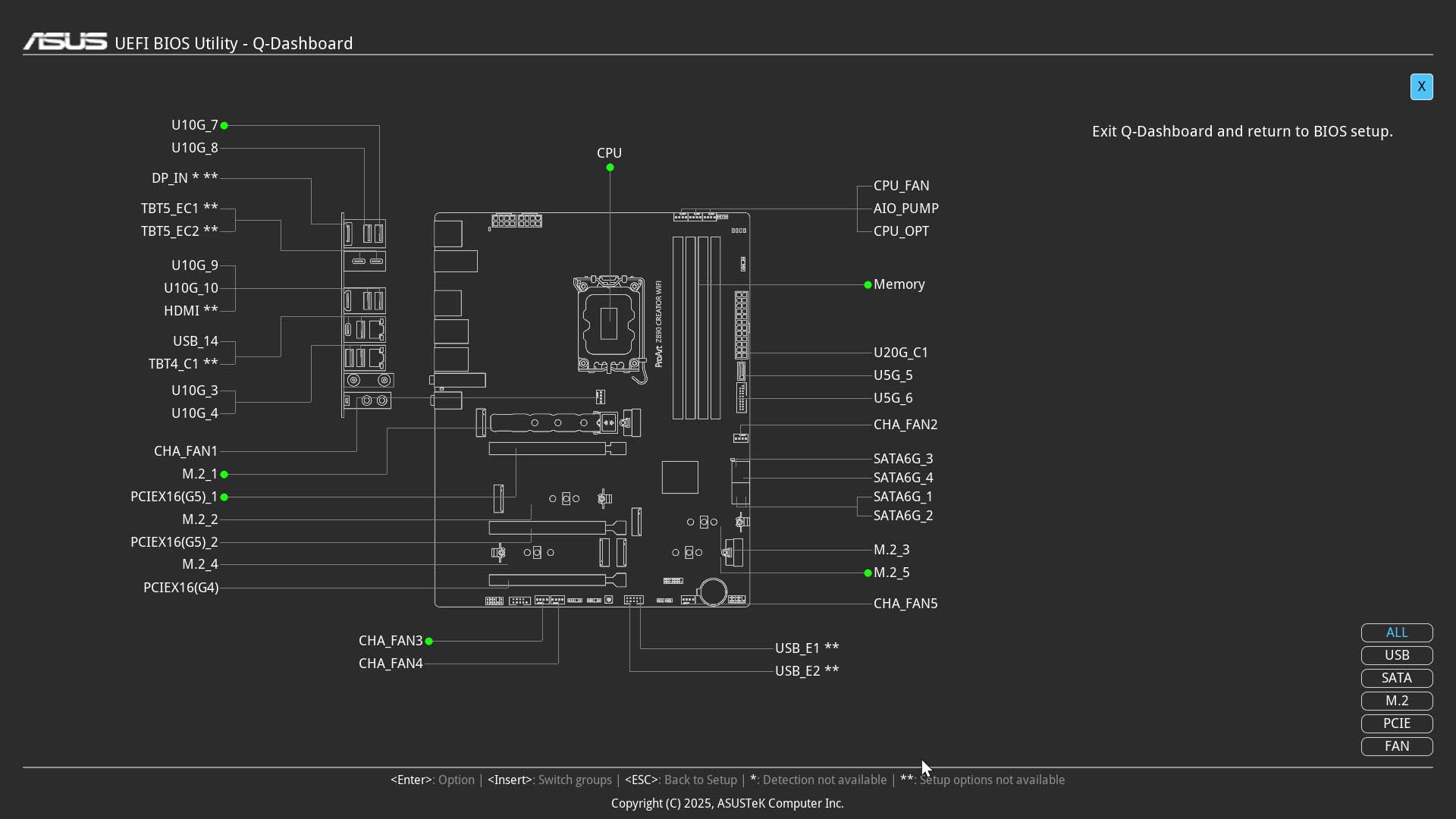
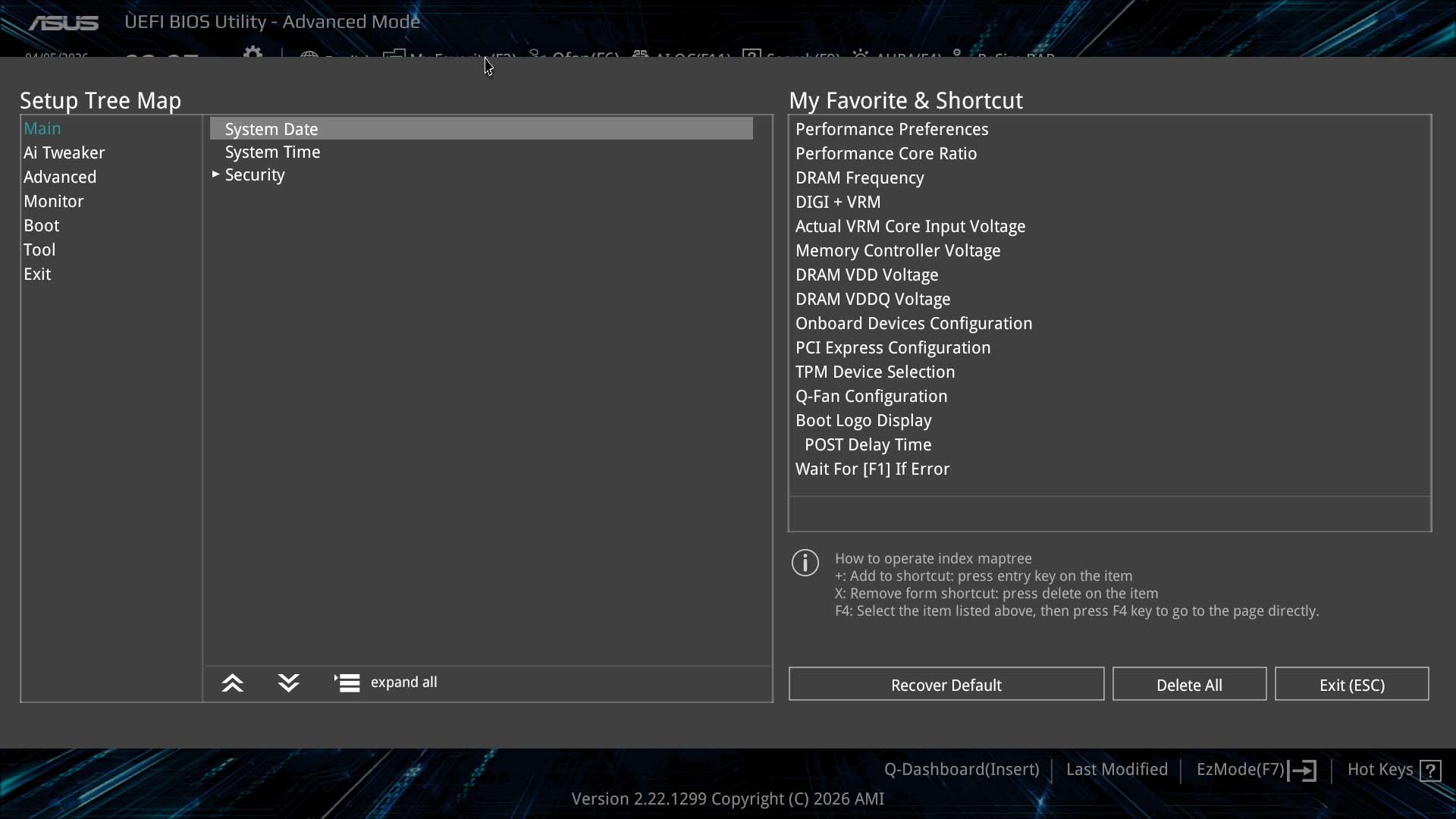
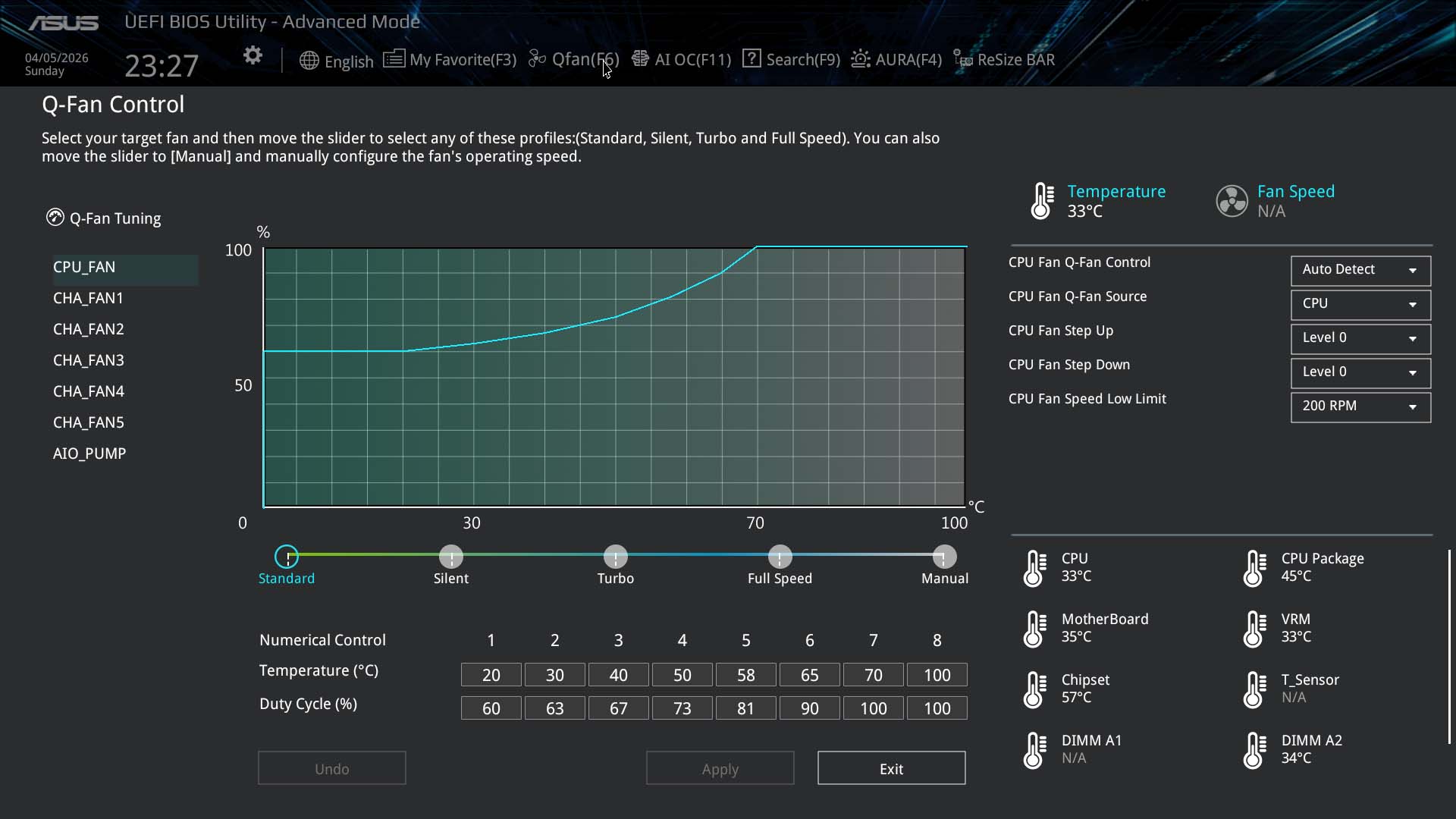
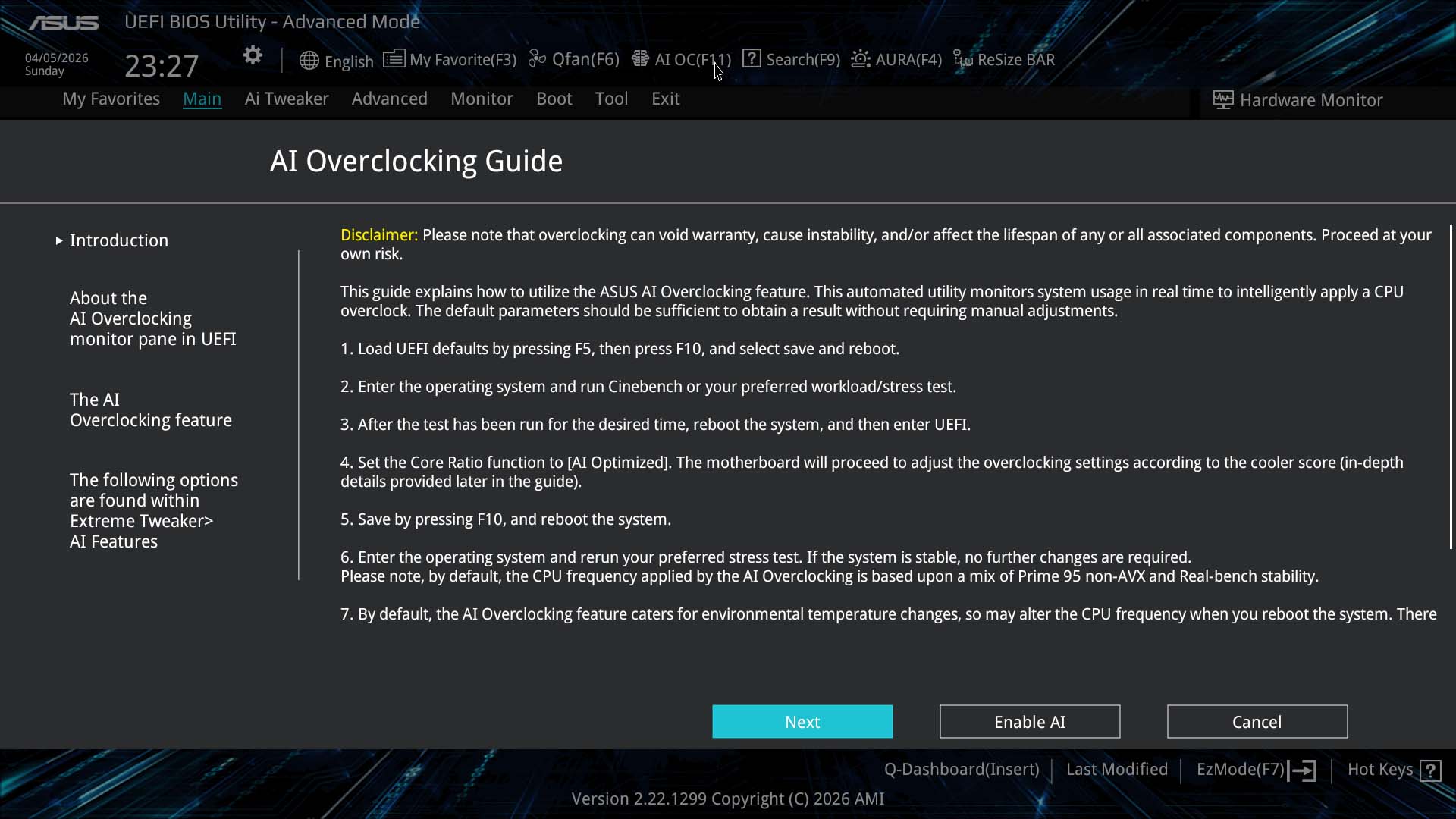
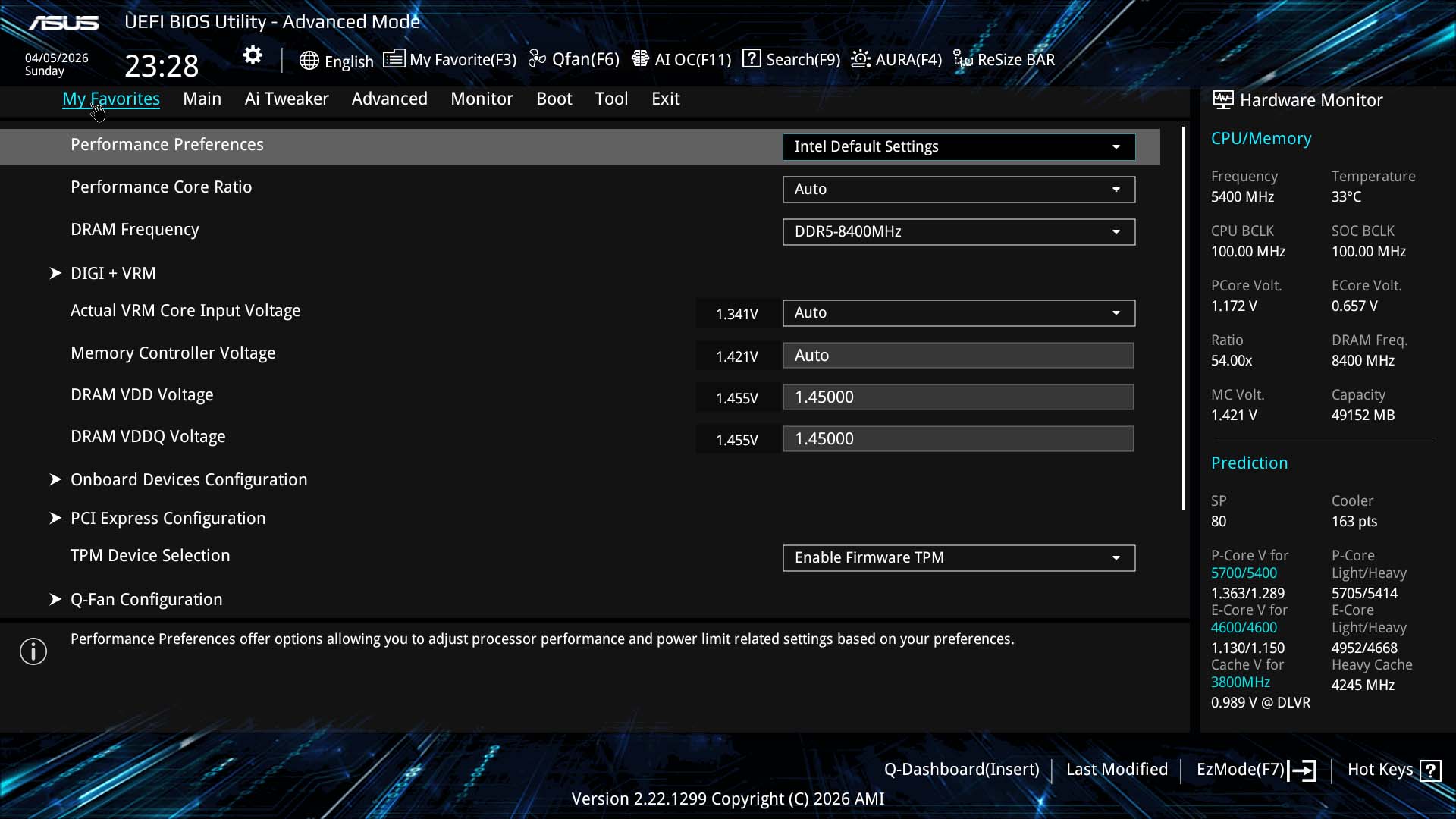
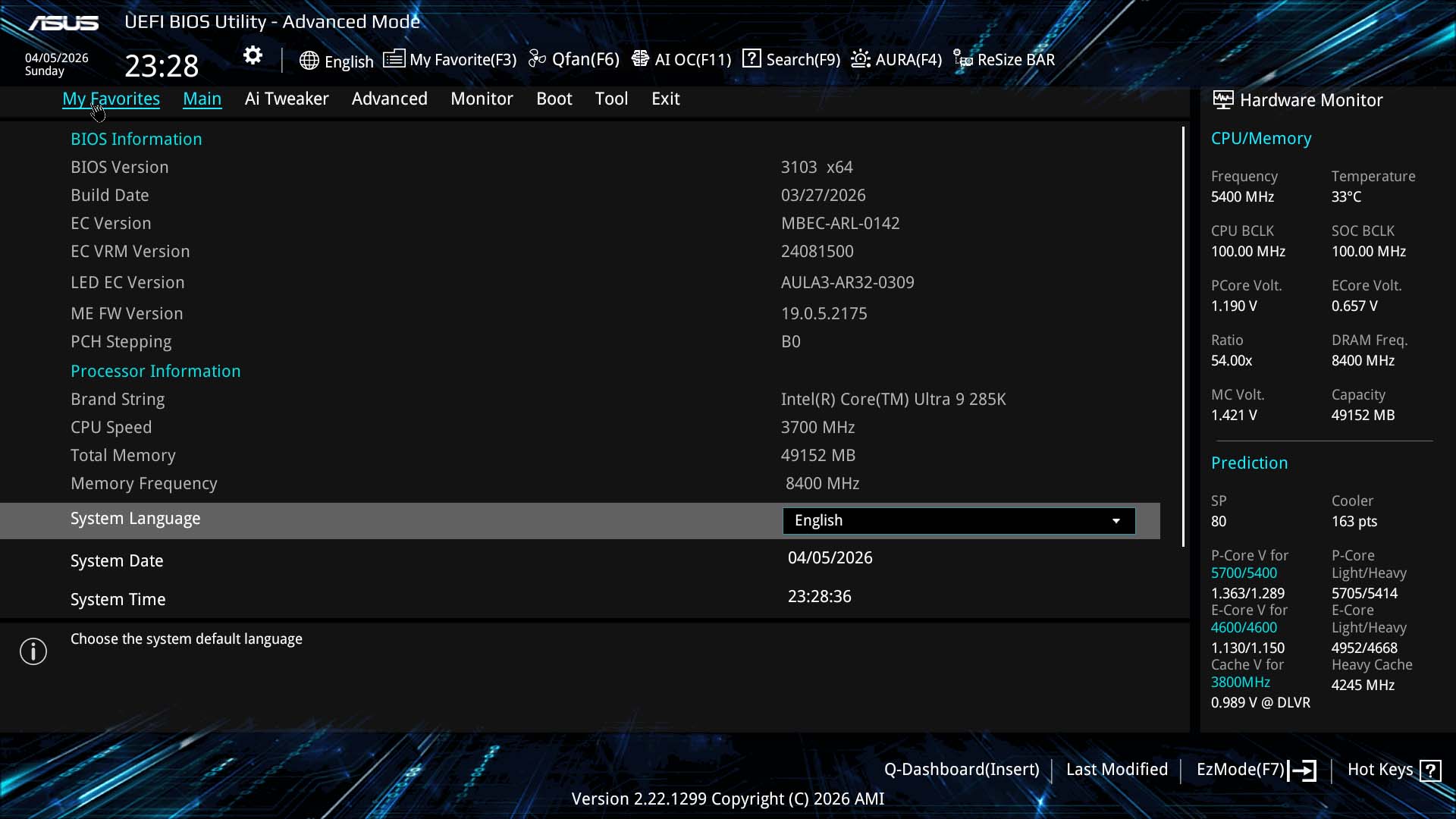
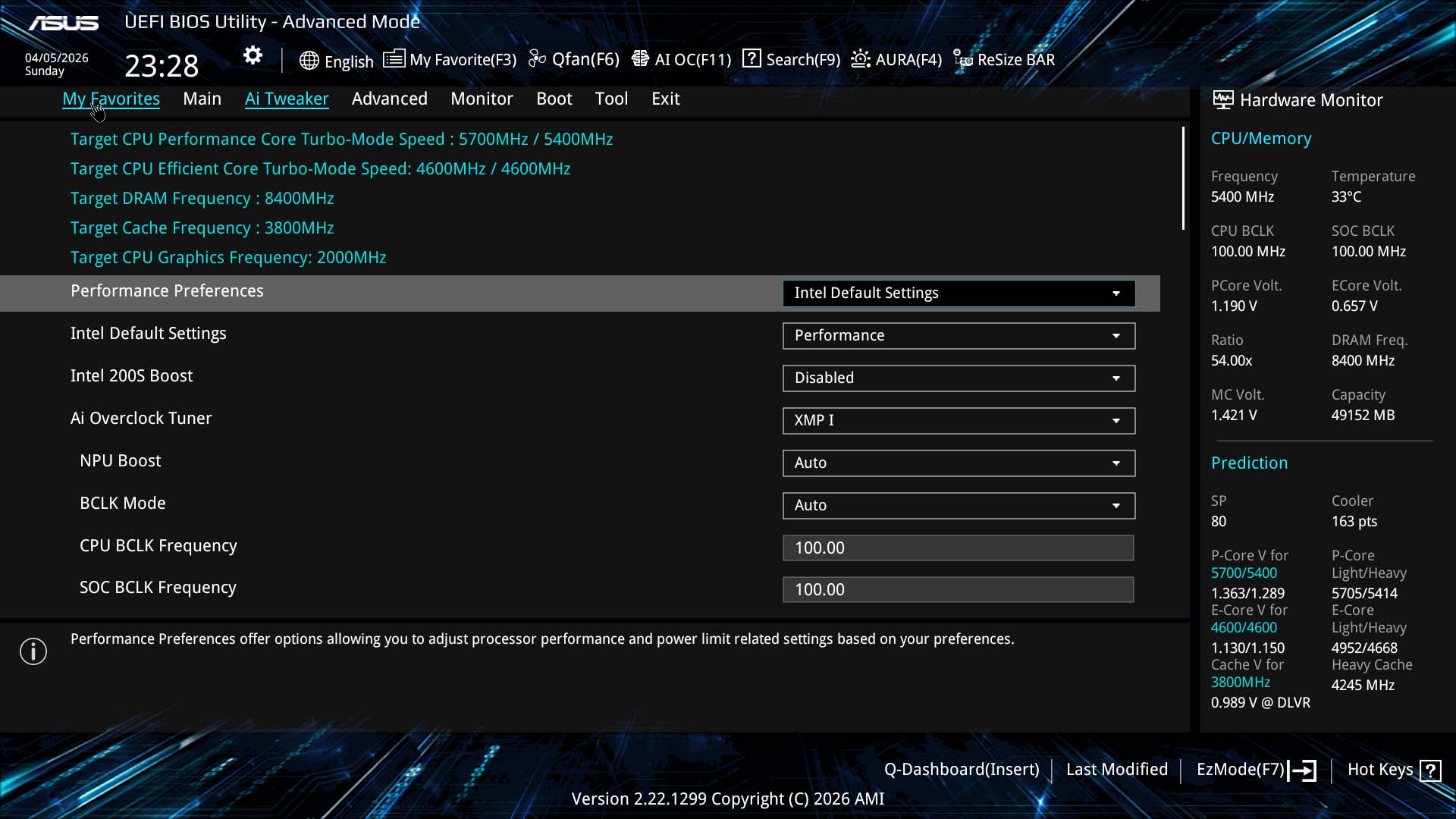
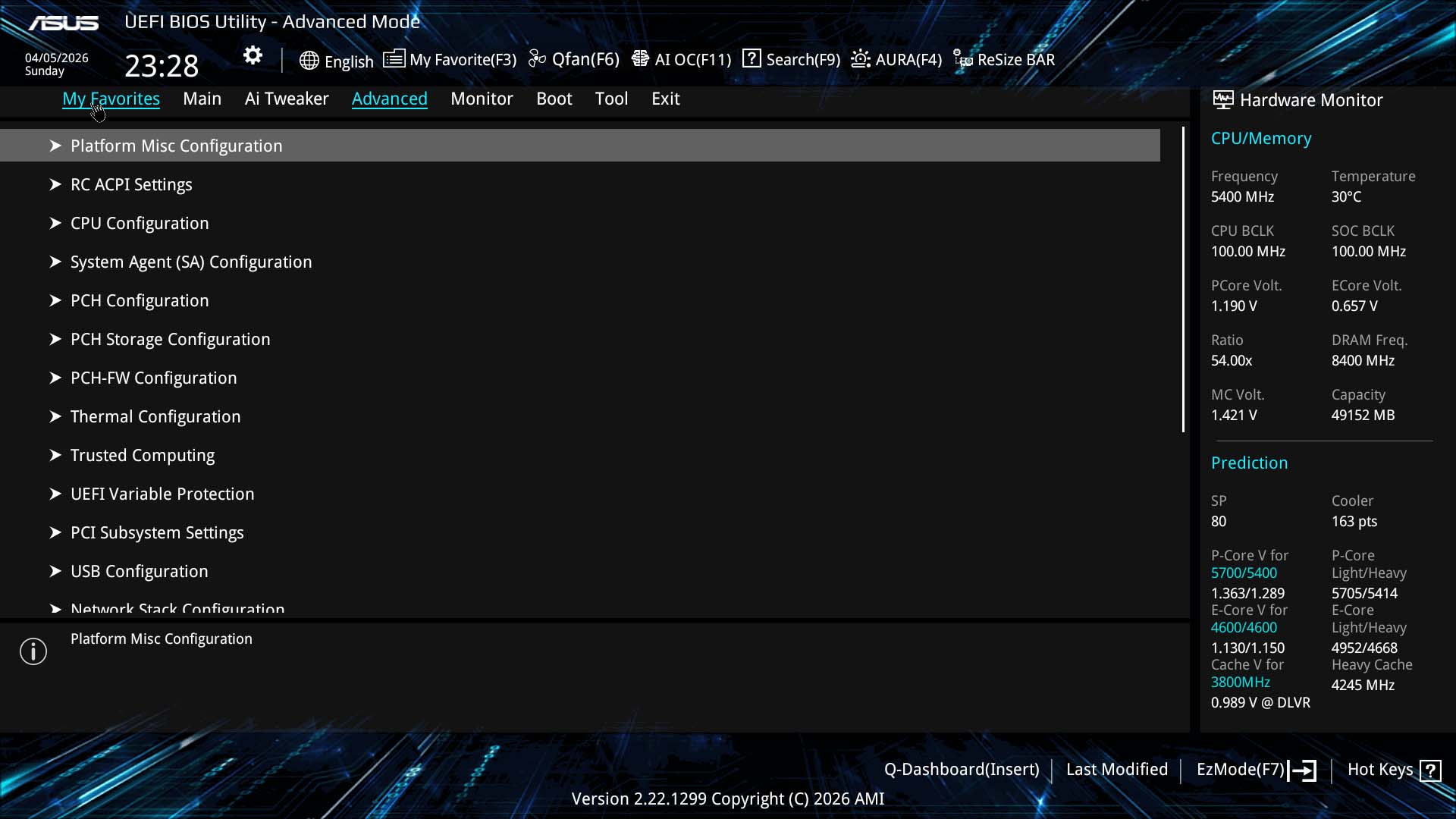
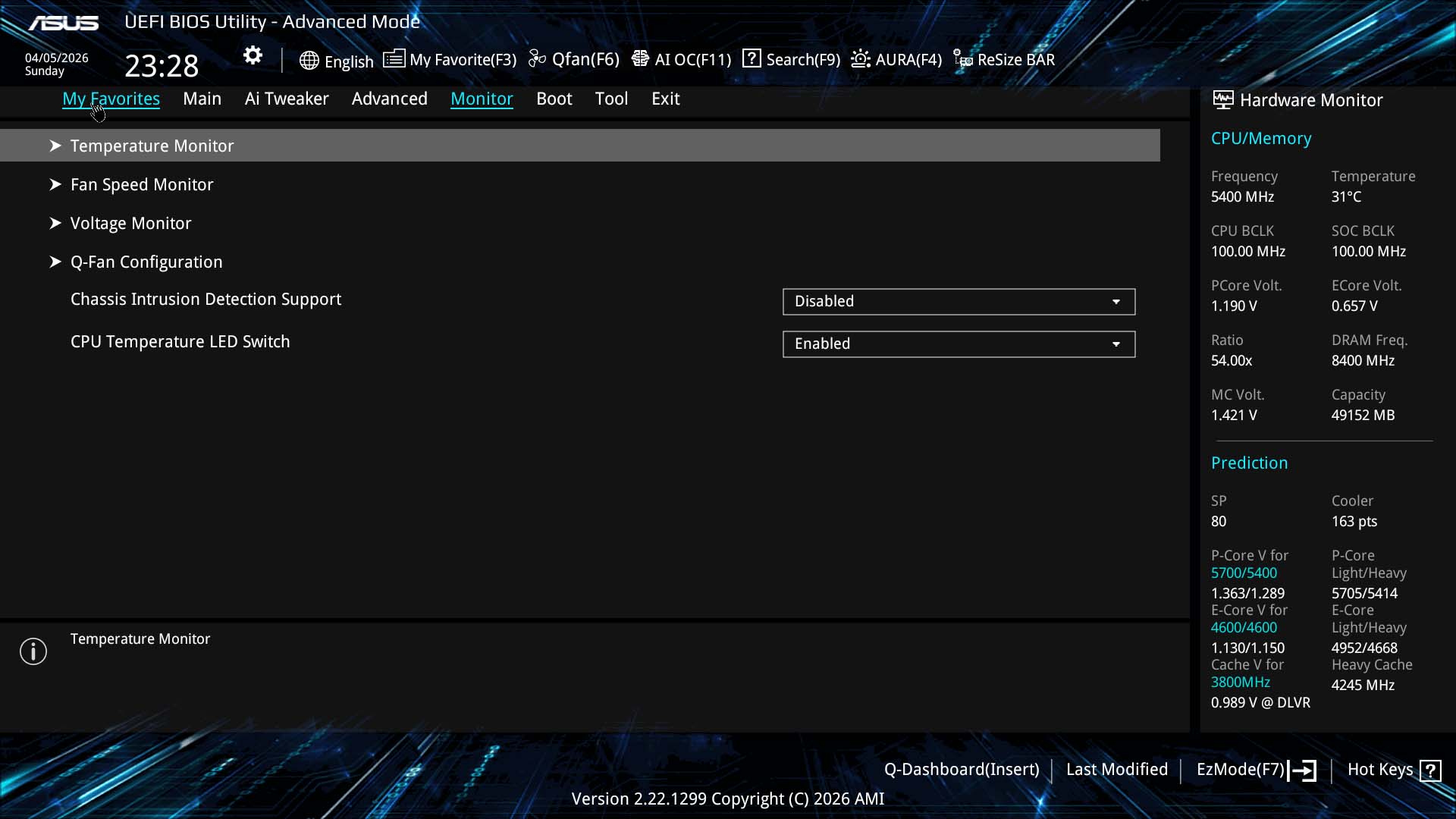
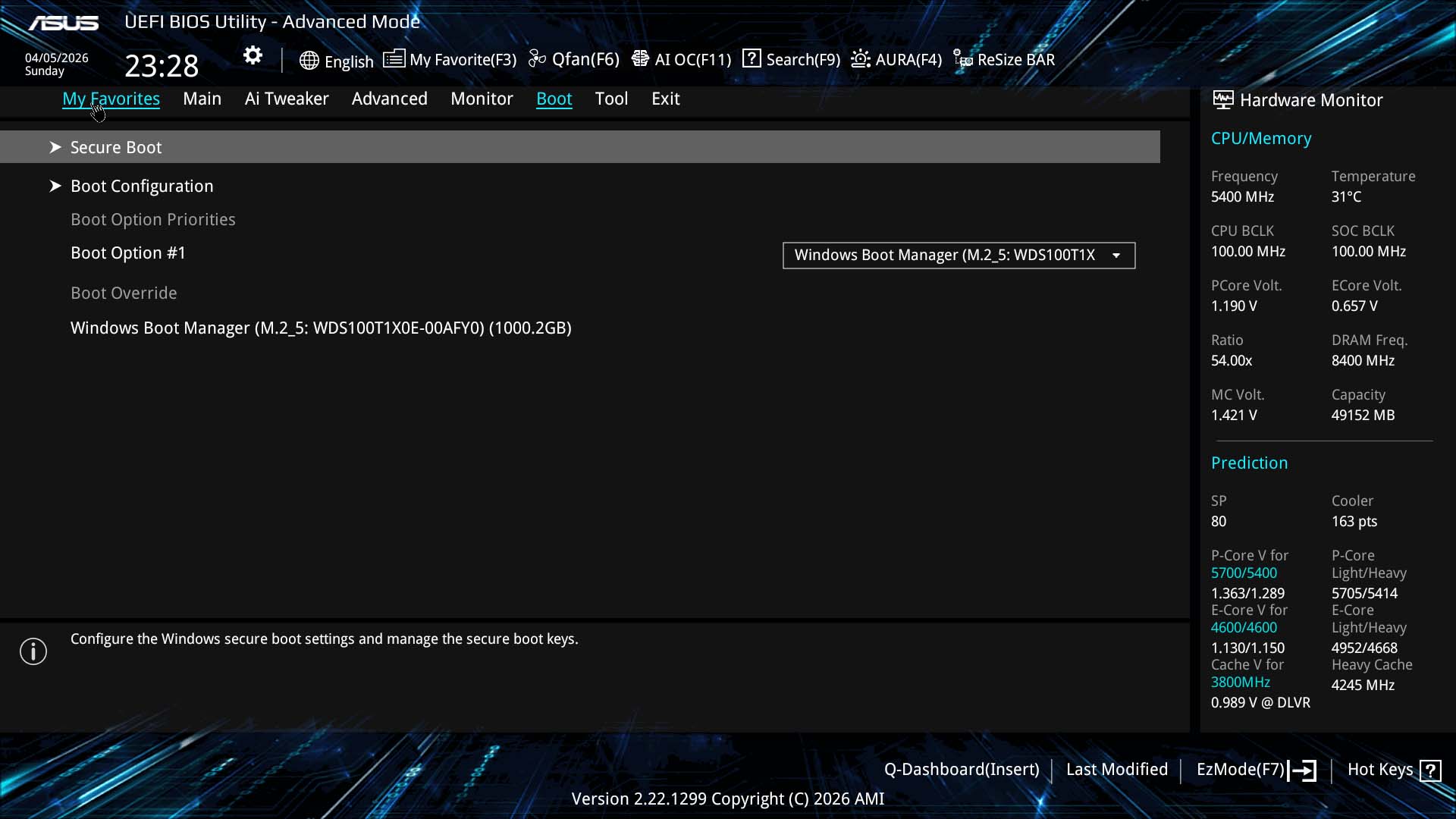
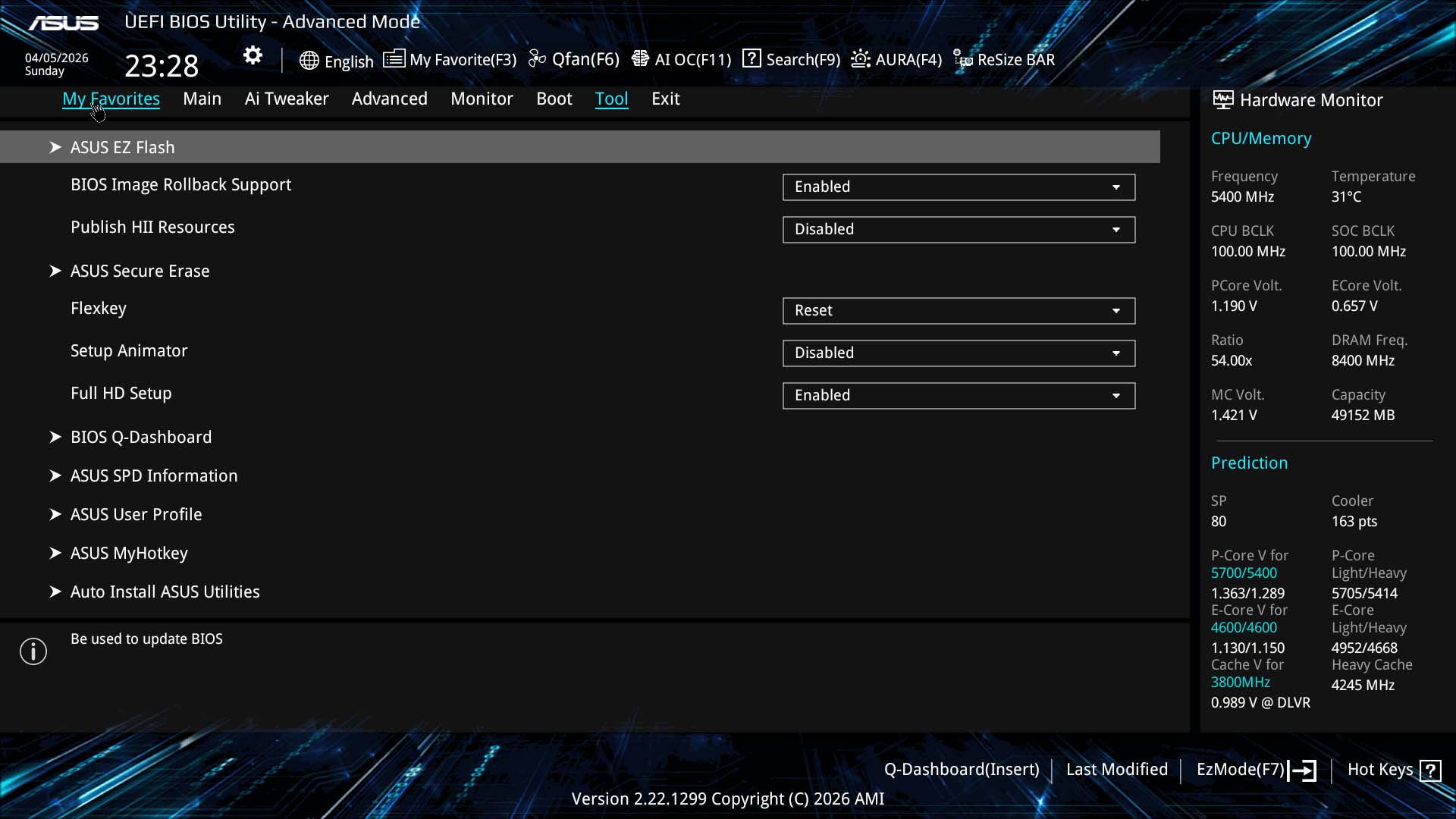
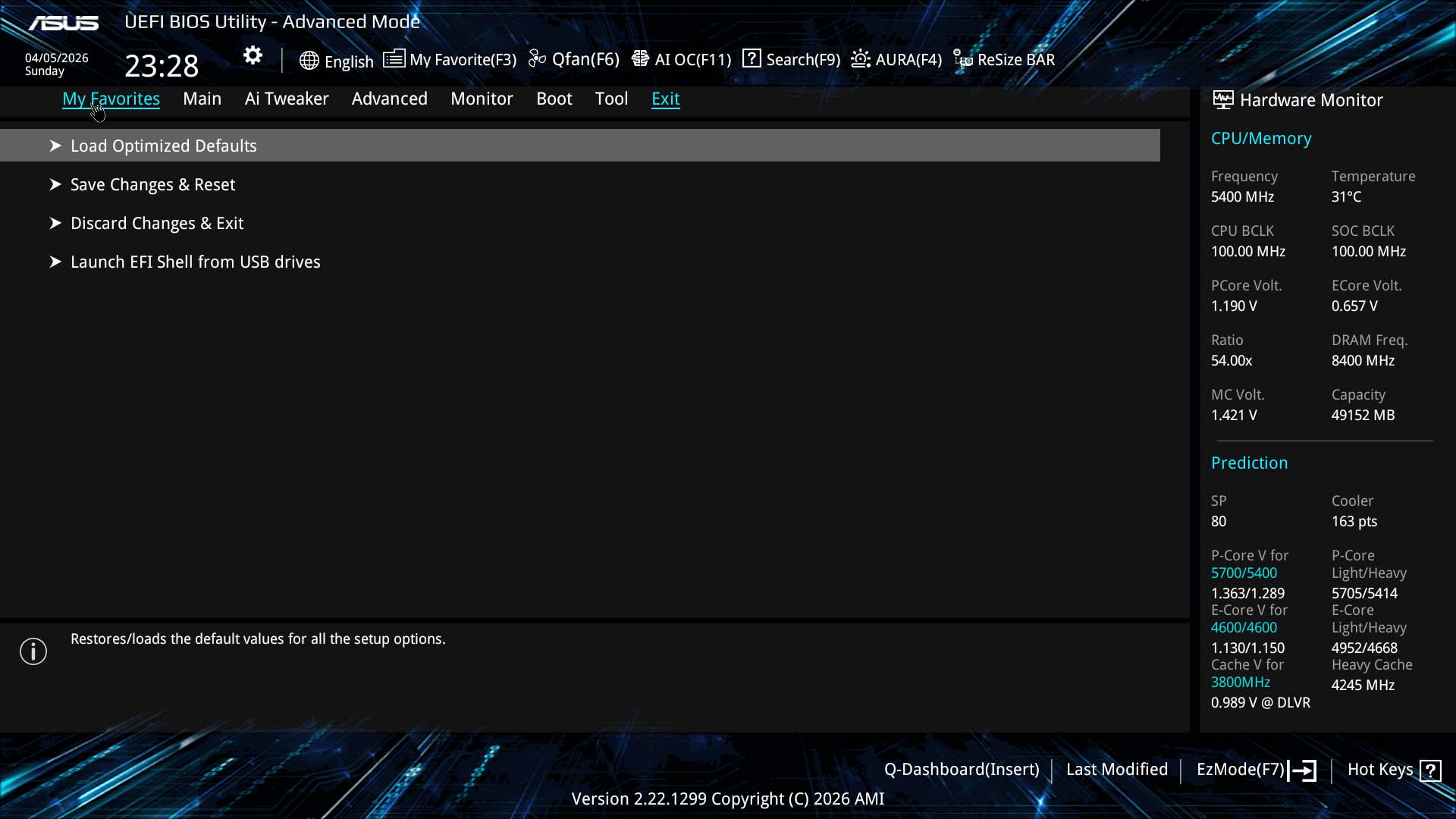
ASUS keeps things somewhat simple in EZ Mode, with the usual options to enable memory profiles and change the boot order easily accessible as well as quick links to search, Q-Dashboard and fan control, but for features such as favorites, advanced options, overclocking and tools you'll need to head to the advanced mode. Q-Dashboard is actually pretty useful identifying hardware attached to your PC, where ports and headers are, and clicking on many options takes you through to that components page in the EFI. It's definitely an advantage ASUS has over the competition. The favorites page allows you to collate often-used settings to save sifting through multiple menus.Fan control is one of ASUS' specialties with plenty of options and a clear GUI for controlling fans and temperature inputs. However, MSI does edge ahead in a couple of areas, namely the ability to add and remove fan curve adjustment points and group several fans together under a single graph.
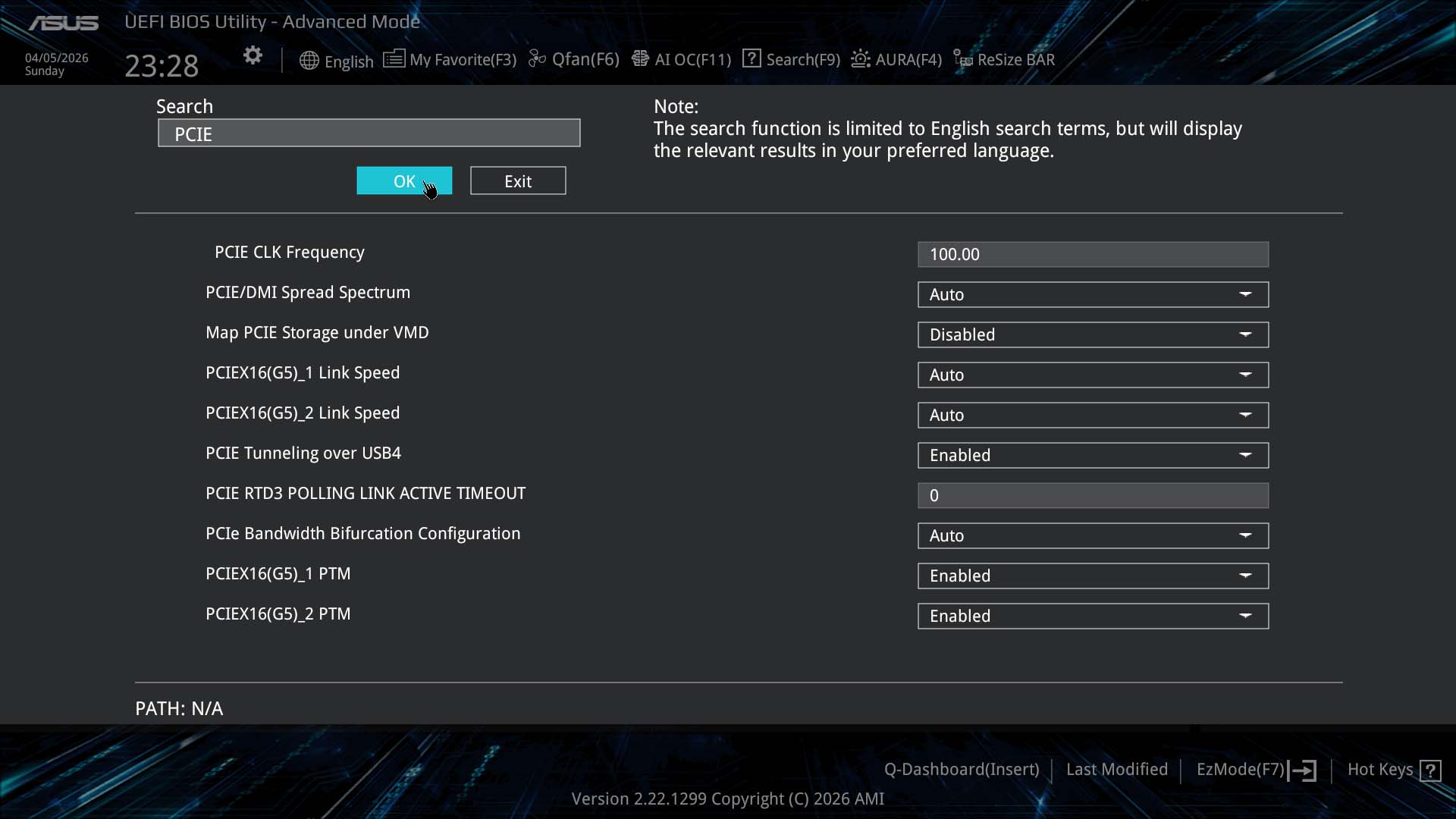
The search function not only does a decent job of finding settings so you don't need to sift through menus, but you can also adjust the settings directly within the search box too. AI Tweaker is where you'll find overclocking controls, which have a few key options listed at the top before delving into much more detail that we'll get to in a minute.


Nov 19th, 2026 16:14 CST
change timezone
Latest GPU Drivers
New Forum Posts
- Honestly, do you care about GTA VI? (164)
- Windows 11 General Discussion (7736)
- Current Sales, Bundles, Giveaways (10448)
- Last game you purchased? (1409)
- WarpCoreBench scores! (76)
- Got the EOL 32GB TridentZ 6000 CL26 1.4V (12)
- Dell Workstation Owners Club (3516)
- Making a game in Godot engine (4)
- DTS DCH Driver for Realtek HDA [DTS:X APO4 + DTS Interactive] (2815)
- Security Apps (2)
Popular Reviews
- Acemagic Retro X3 Review
- Ugreen NASync DXP4800 GT Review
- Upcoming Hardware Launches 2027 (Updated Nov 2026)
- Pulsar Office Tour & First Look at P1 Dual-Sensor Mouse
- AMD Zen 6 Technical Deep Dive
- Biwin Black Opal NV7400 2 TB Review
- Sapphire Radeon RX 7700 XT Pure Review
- Sapphire Radeon RX 7700 XT Pulse Review
- AMD Ryzen 7 9800X3D Review - The Best Gaming Processor
- Chieftec Iceberg PRO 360 DARK Review
TPU on YouTube
Controversial News Posts
- NVIDIA Co-Founder and CEO Jensen Huang Officially Resigns (489)
- Report: Jensen Huang Eyes NVIDIA Comeback (223)
- Open Letter Asking NVIDIA to Reinstate Jensen Huang Passes 115,000 Signatures (184)
- OpenAI CEO Argues Home PCs Waste the World's Limited DRAM Supply (152)
- NVIDIA Launches Investigation Into Jensen Huang's Relationship With Suspected Chinese Spy (136)
- Intel "Raptor Lake Next" 16-Core and 20-Core CPUs Surface (130)
- Legendary Game Studio BioWare Shuts Down Following EA Layoffs (104)
- Dell CEO Says the Memory Shortage Will Get Worse in 2027 (95)