 49
ASUS ROG Crosshair X870E Extreme Review
Board Software »BIOS Overview
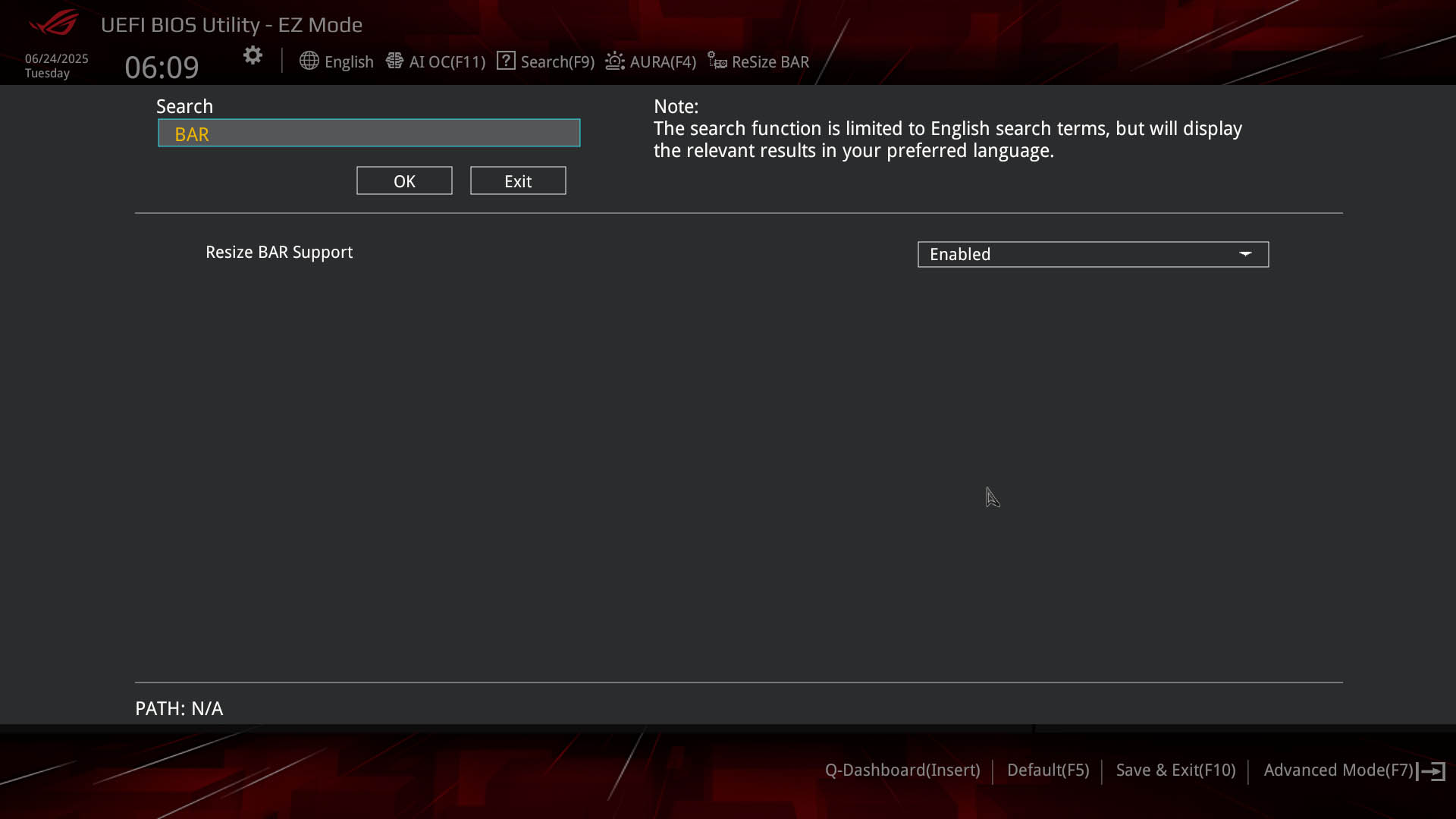
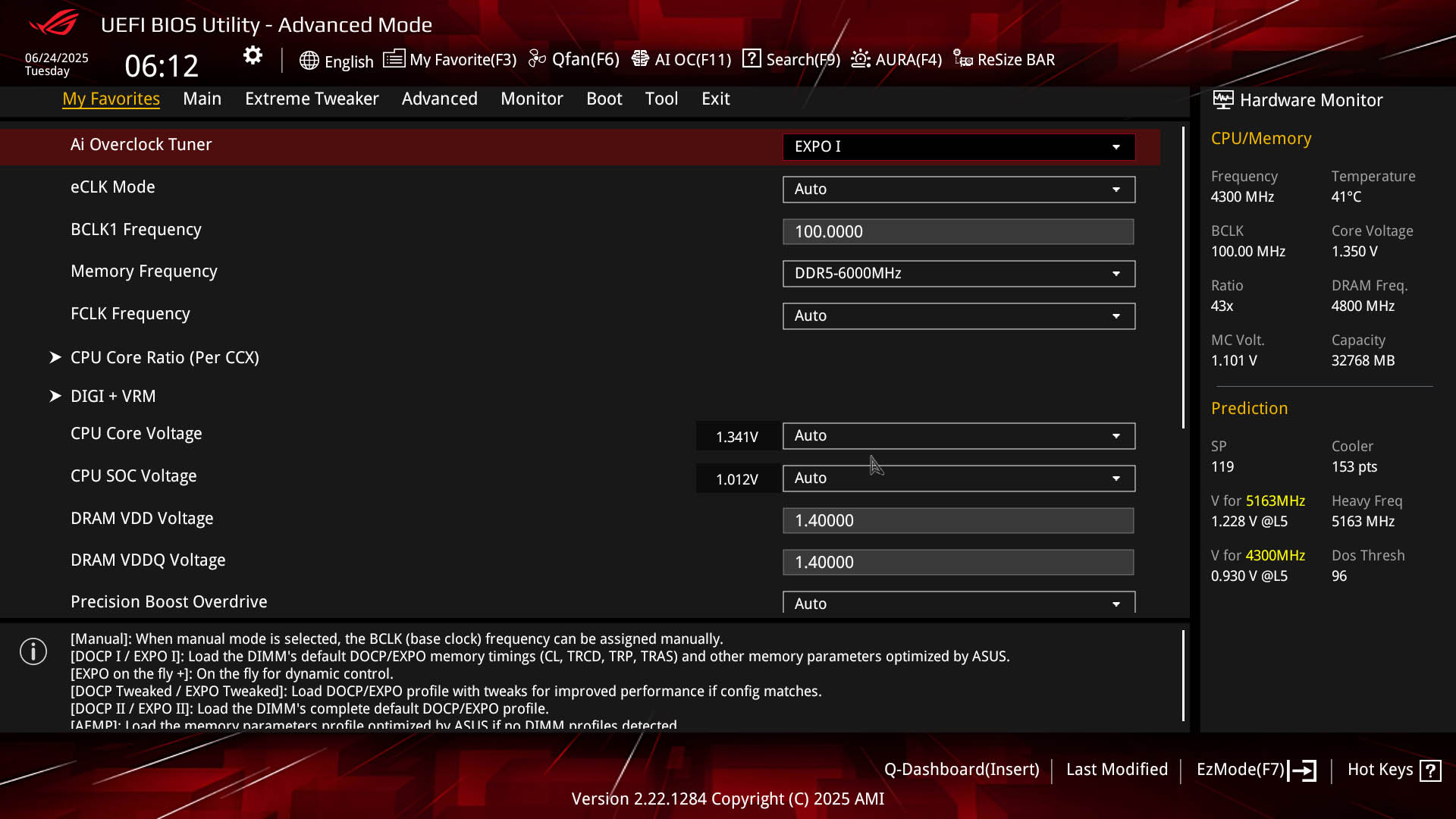
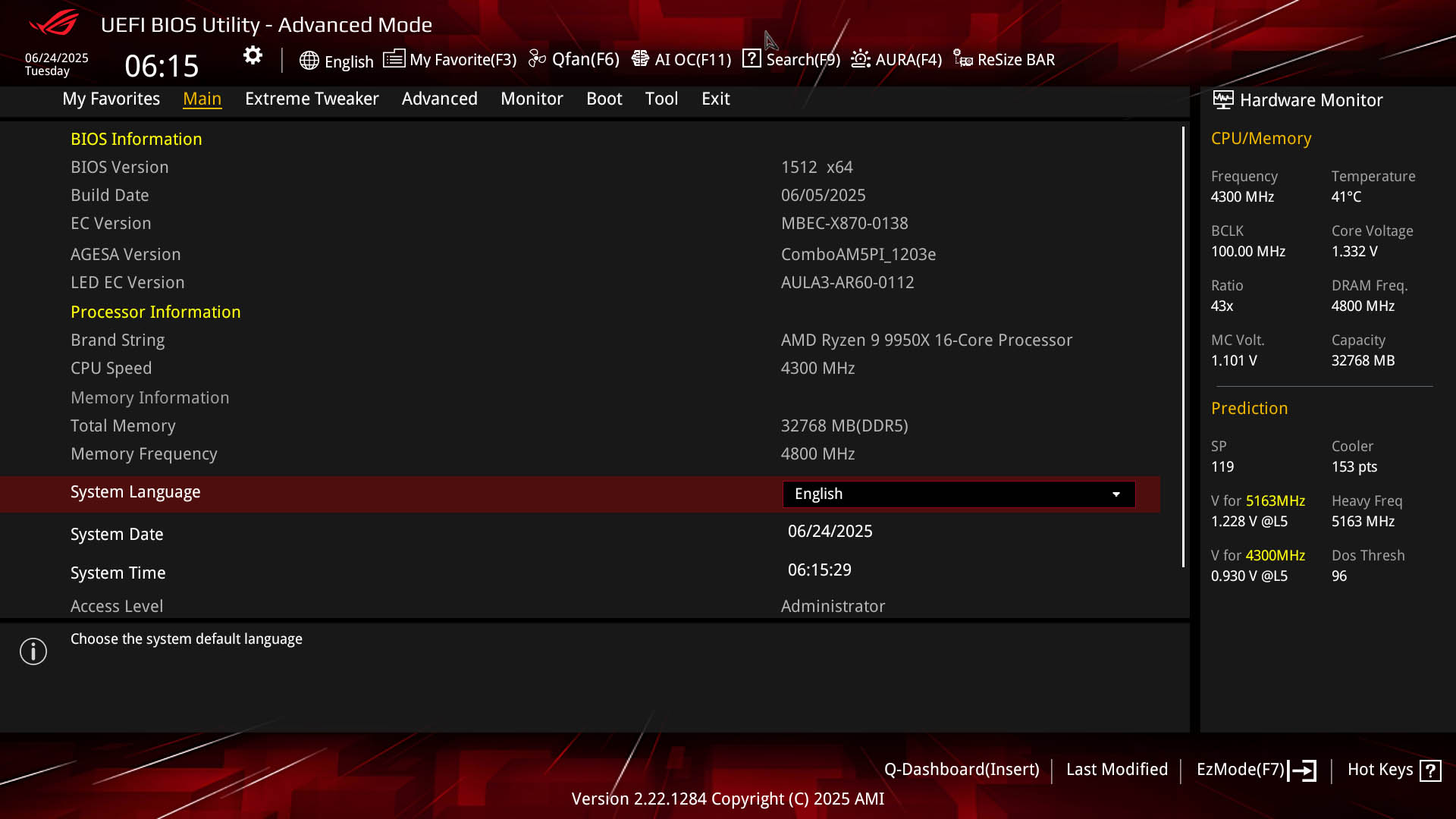
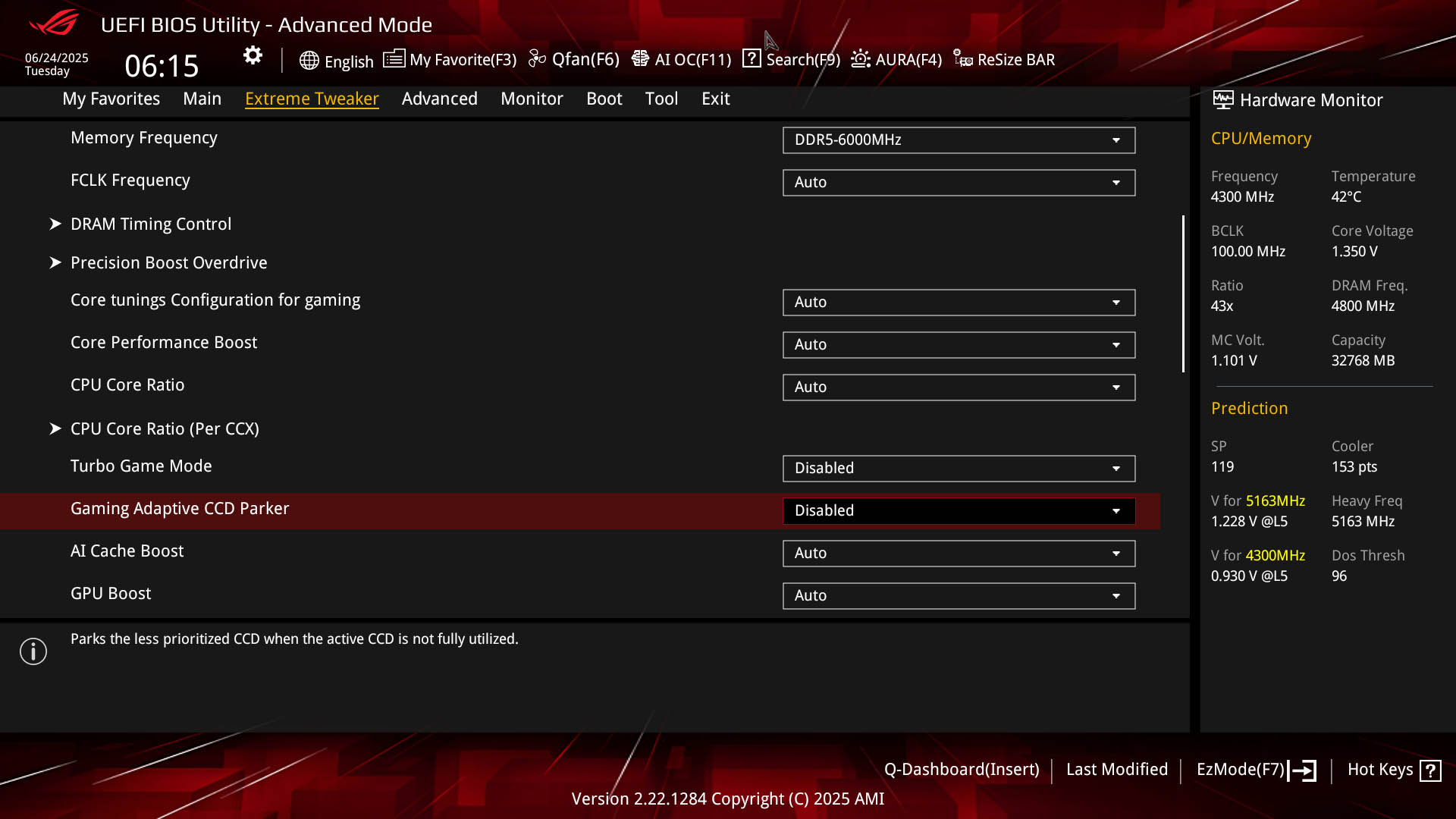
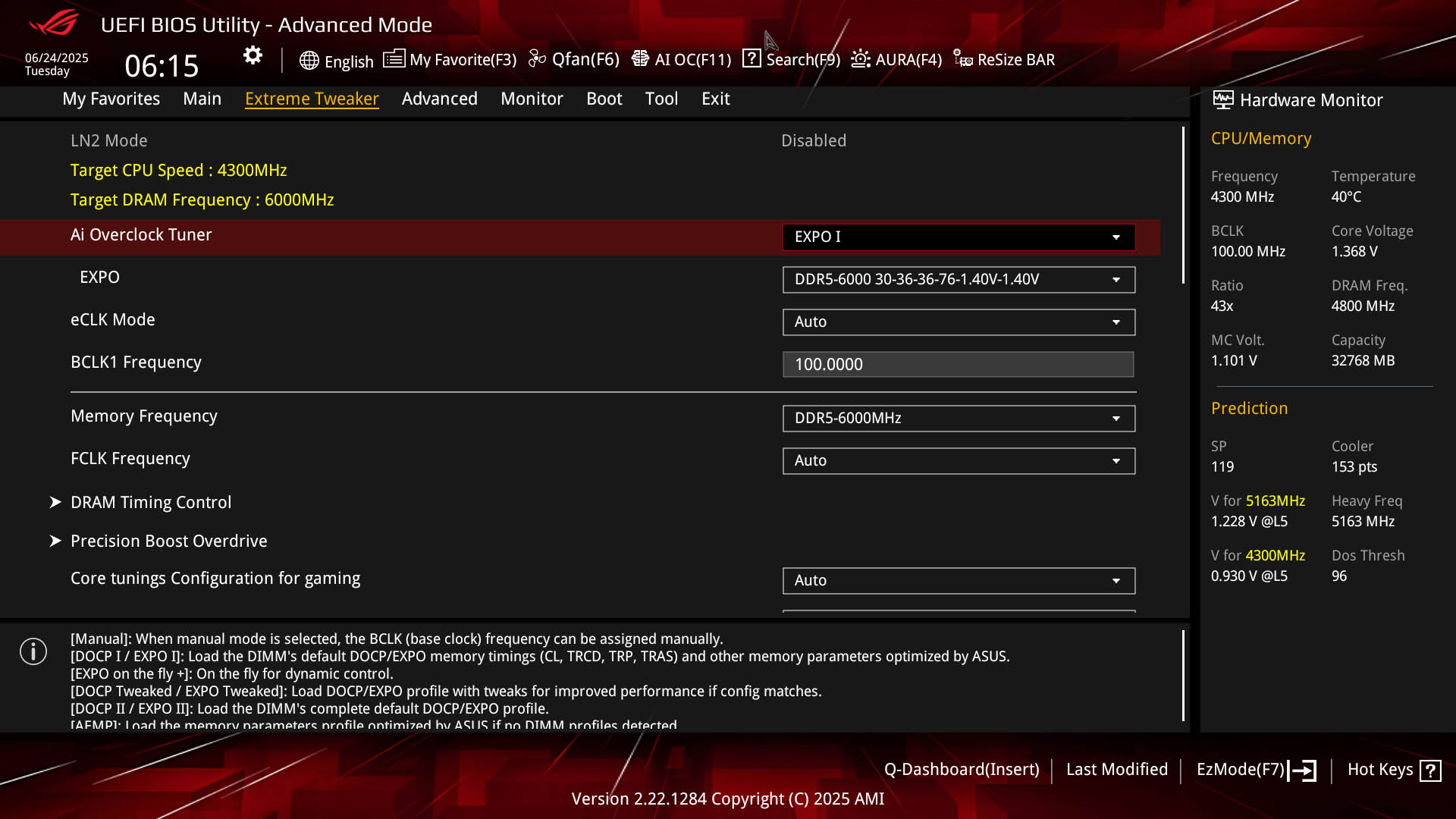
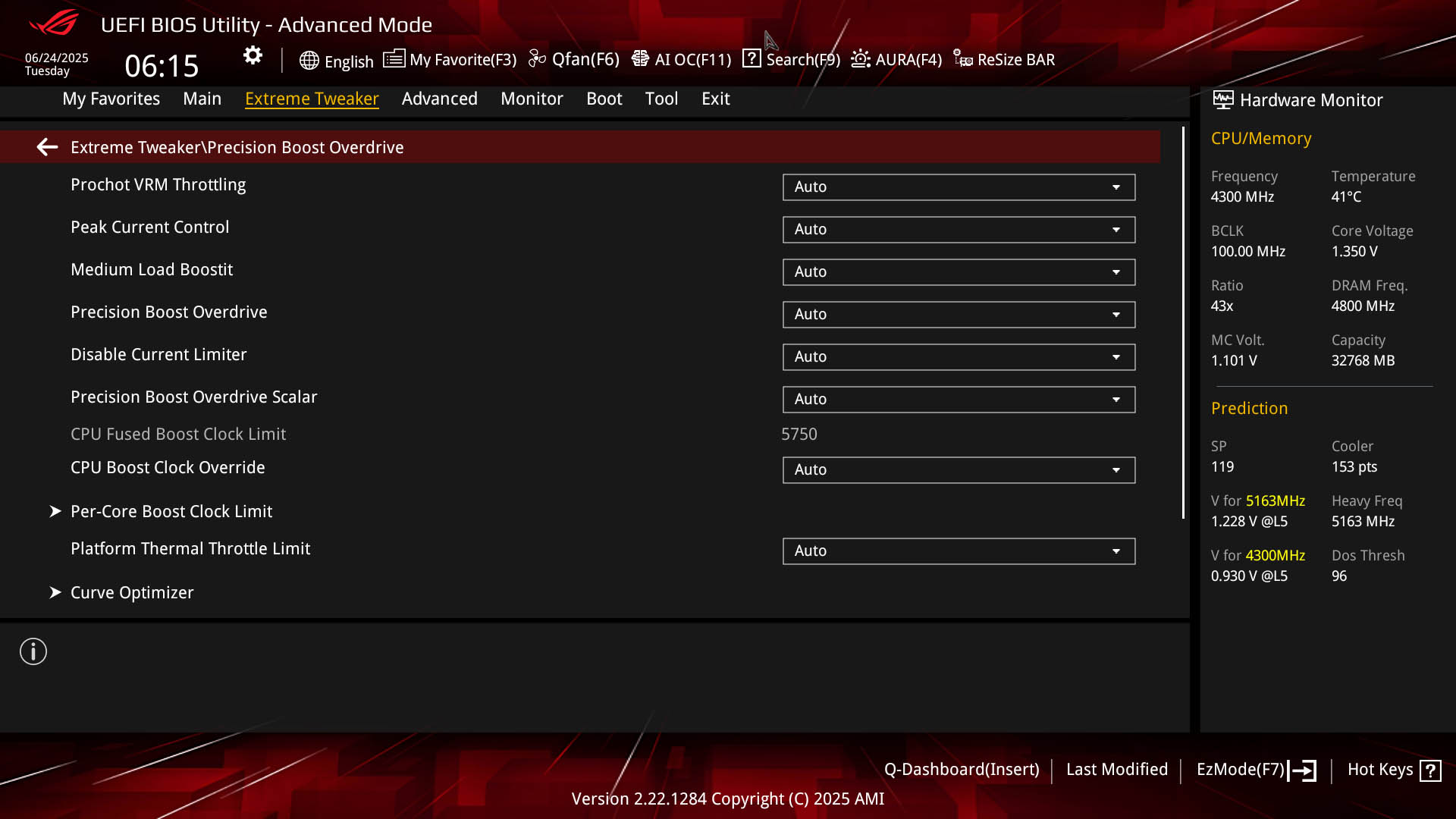
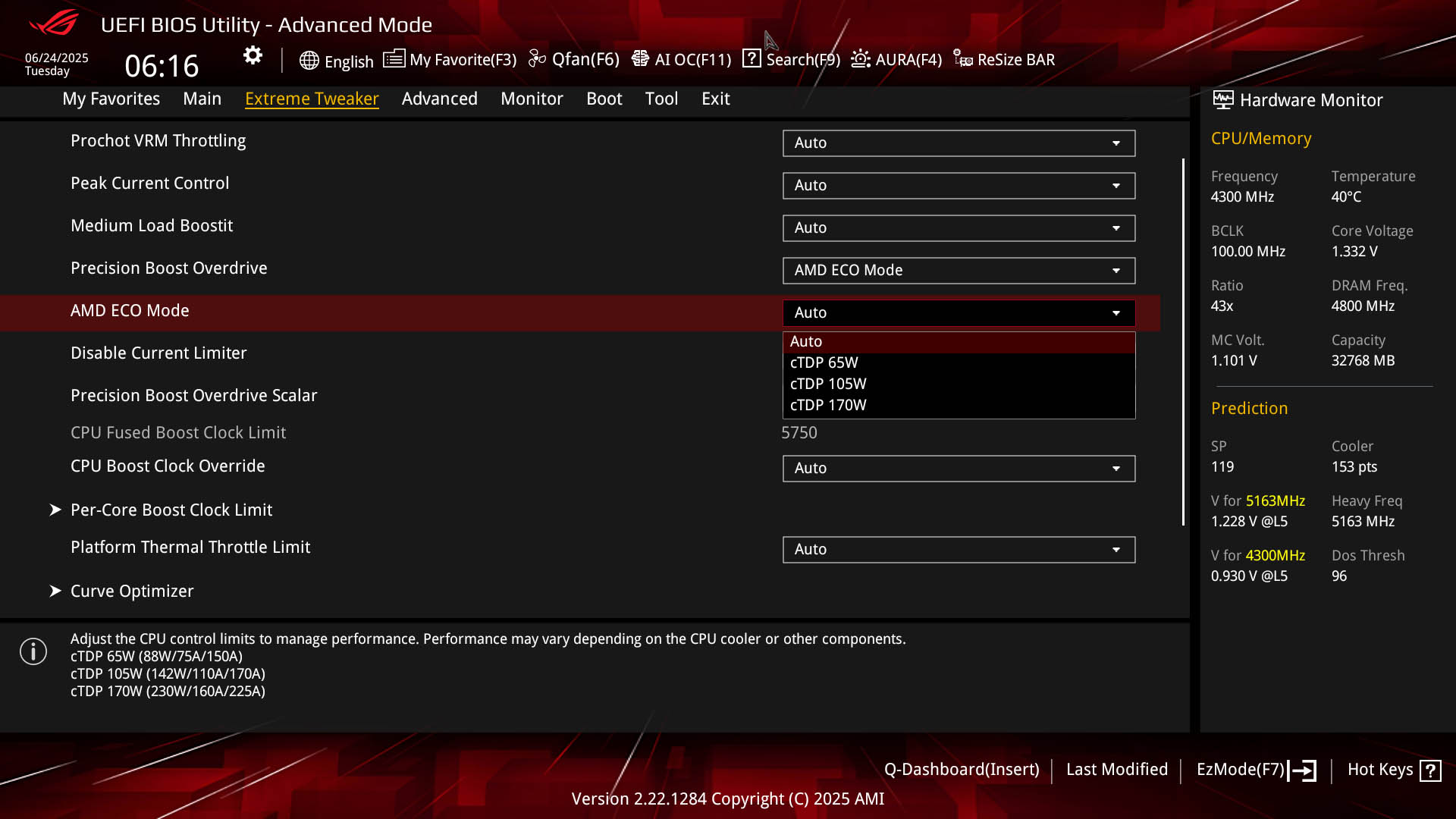
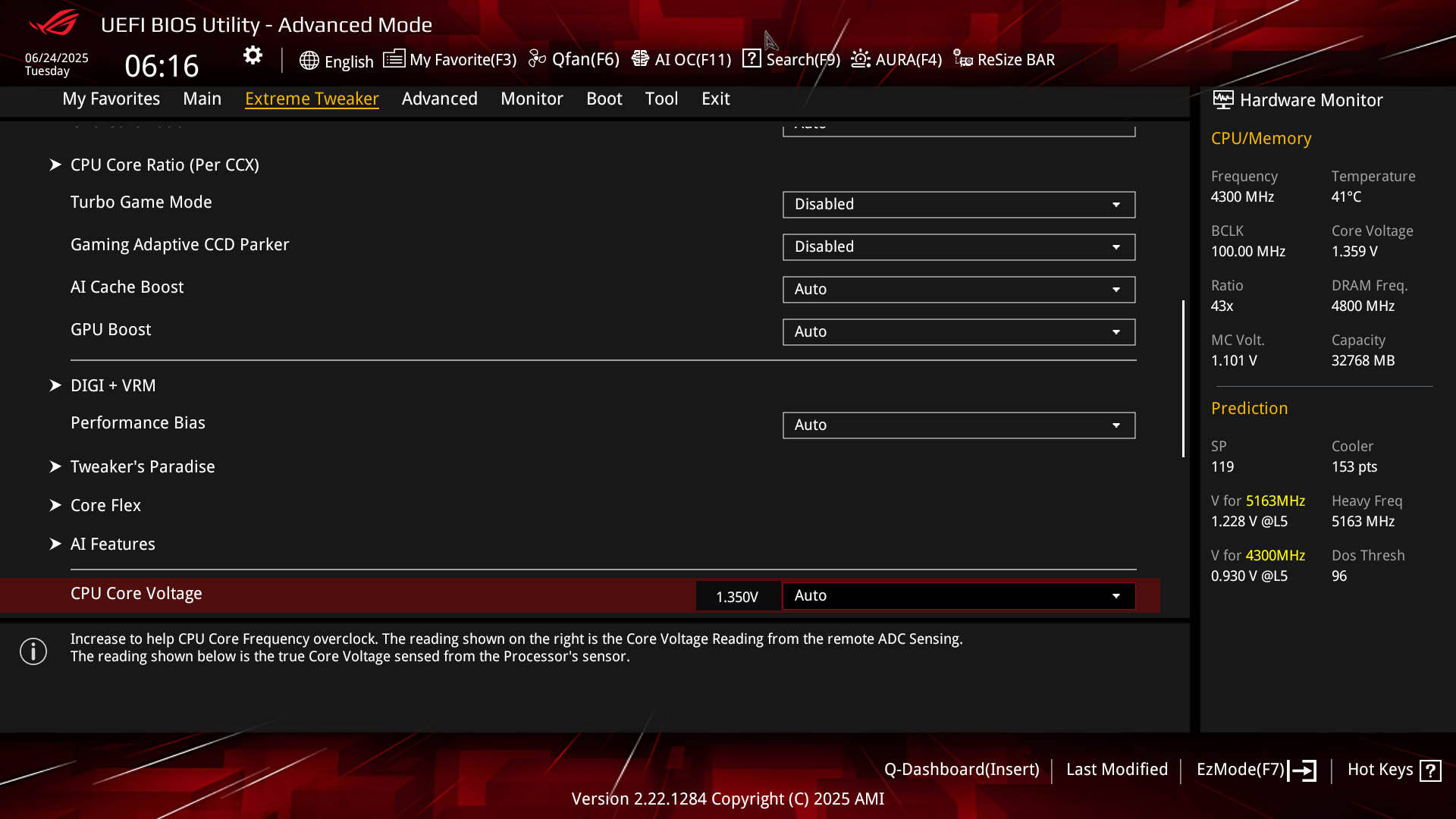
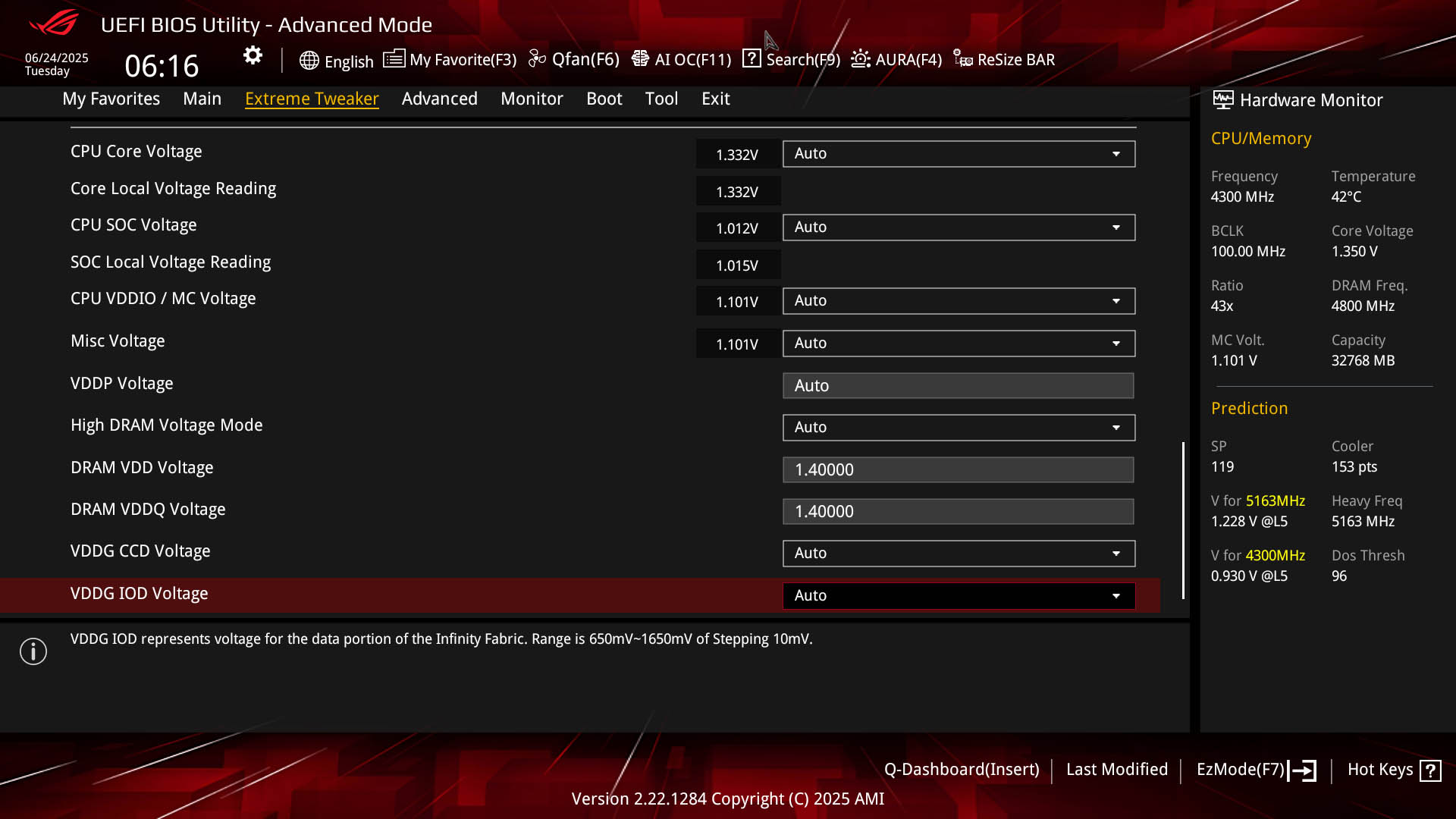
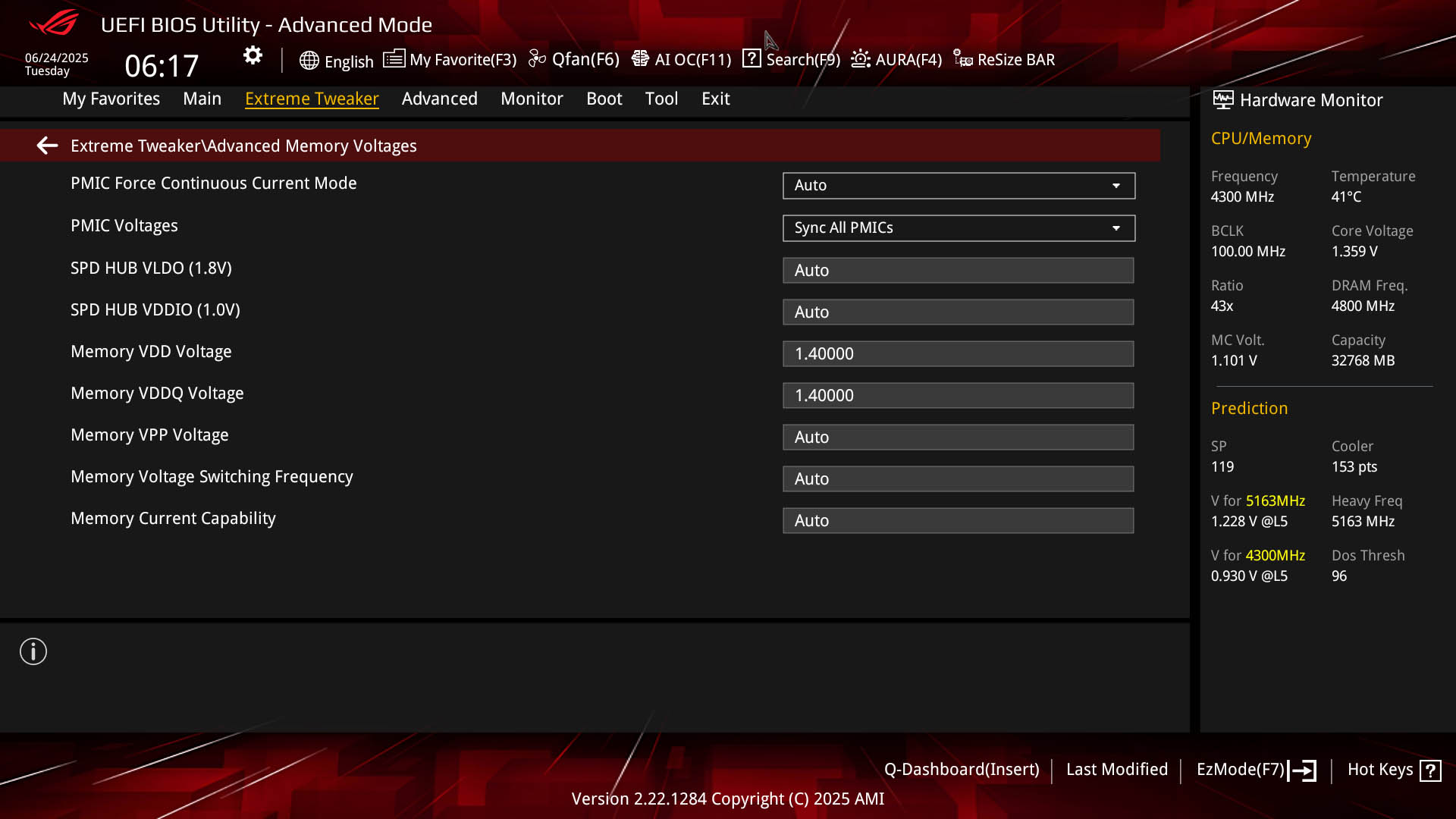
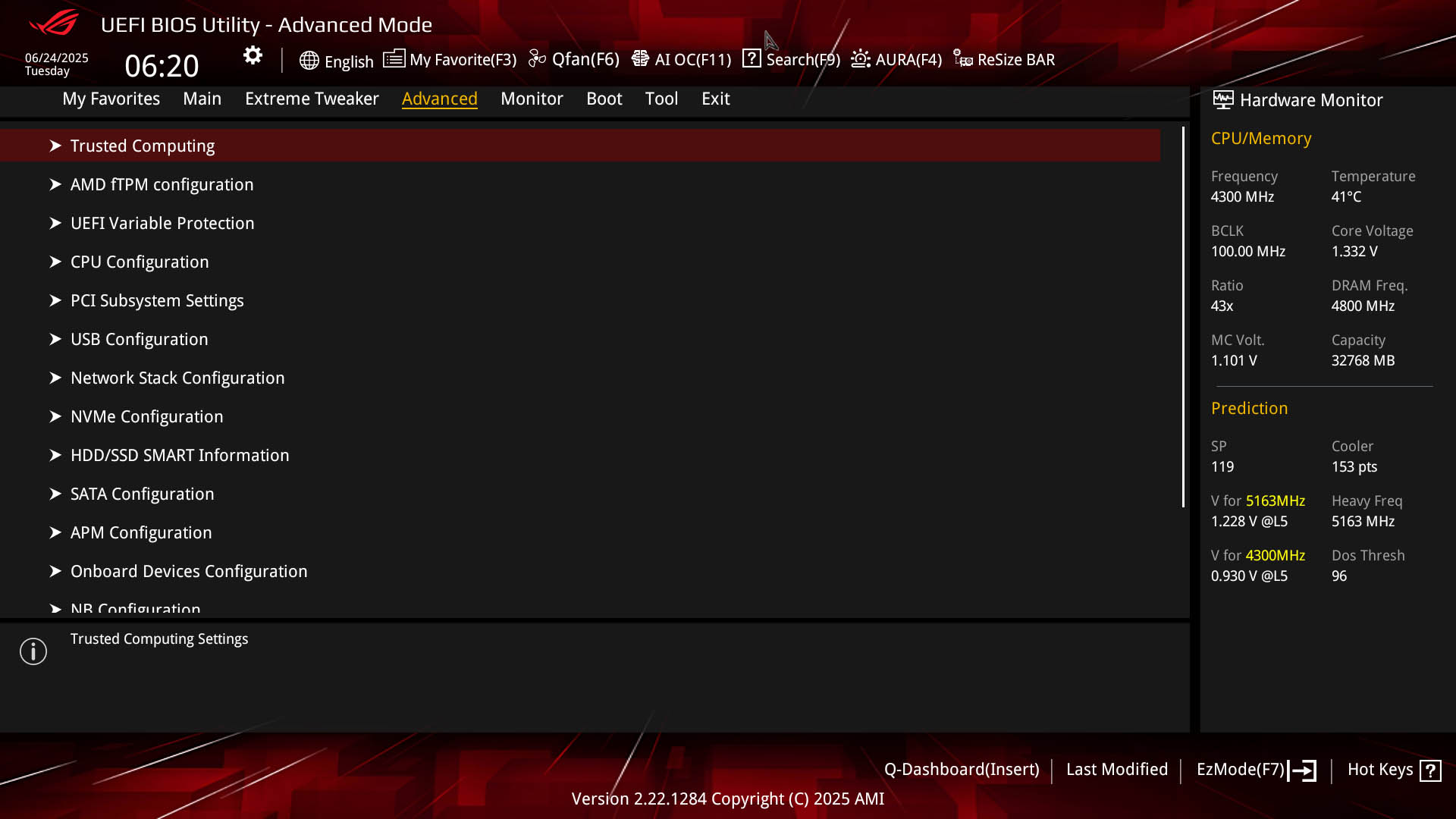
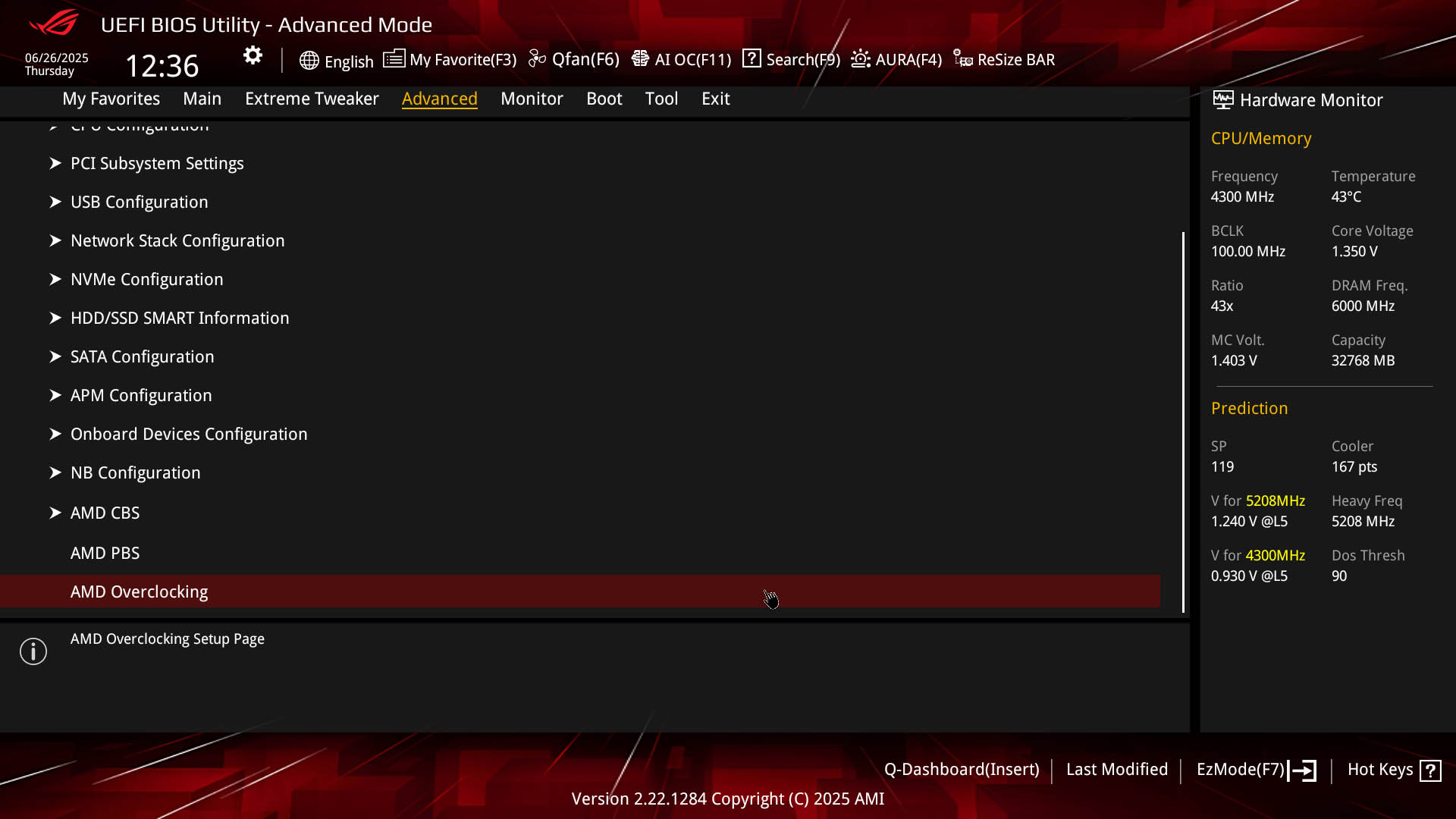
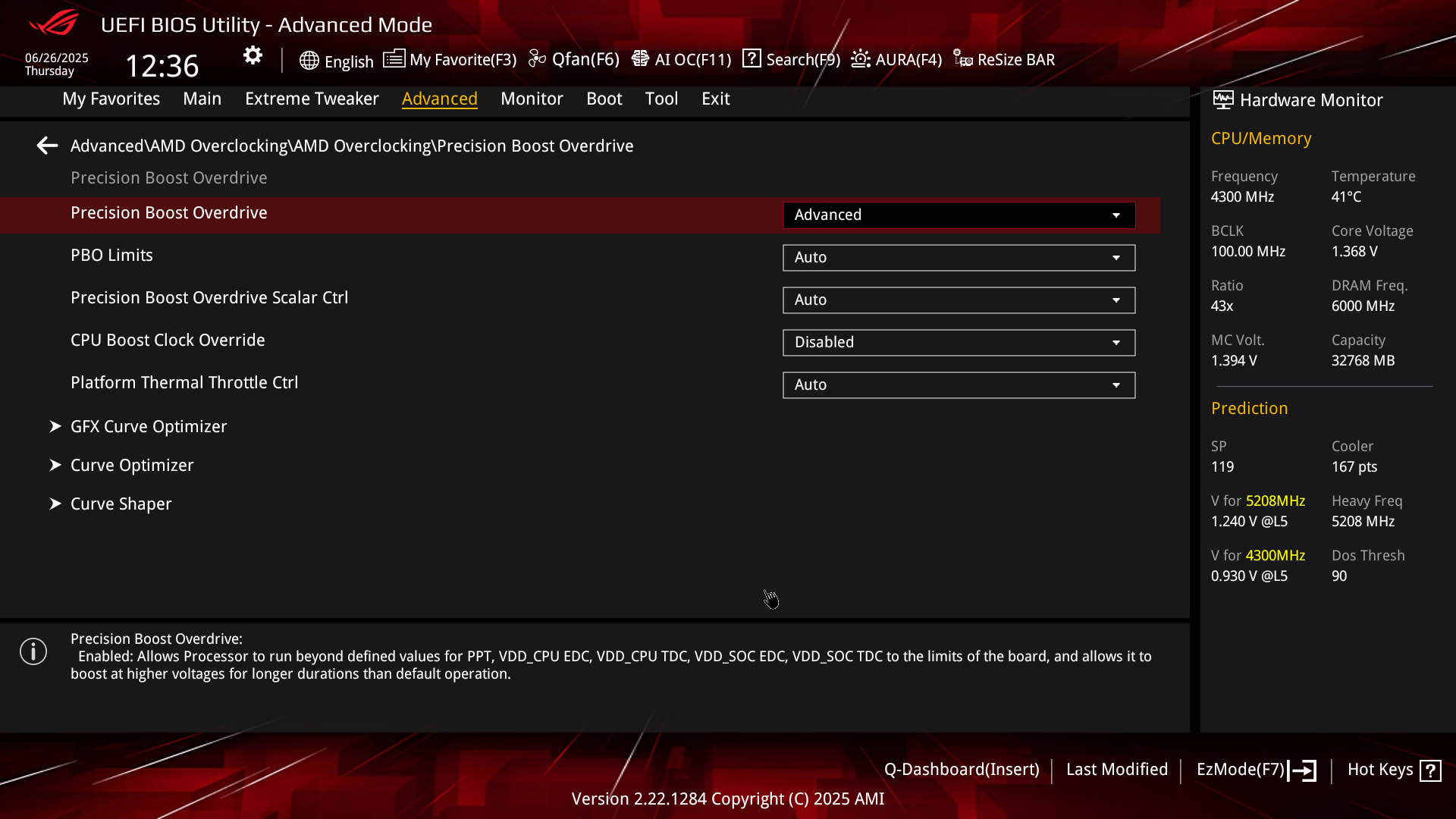
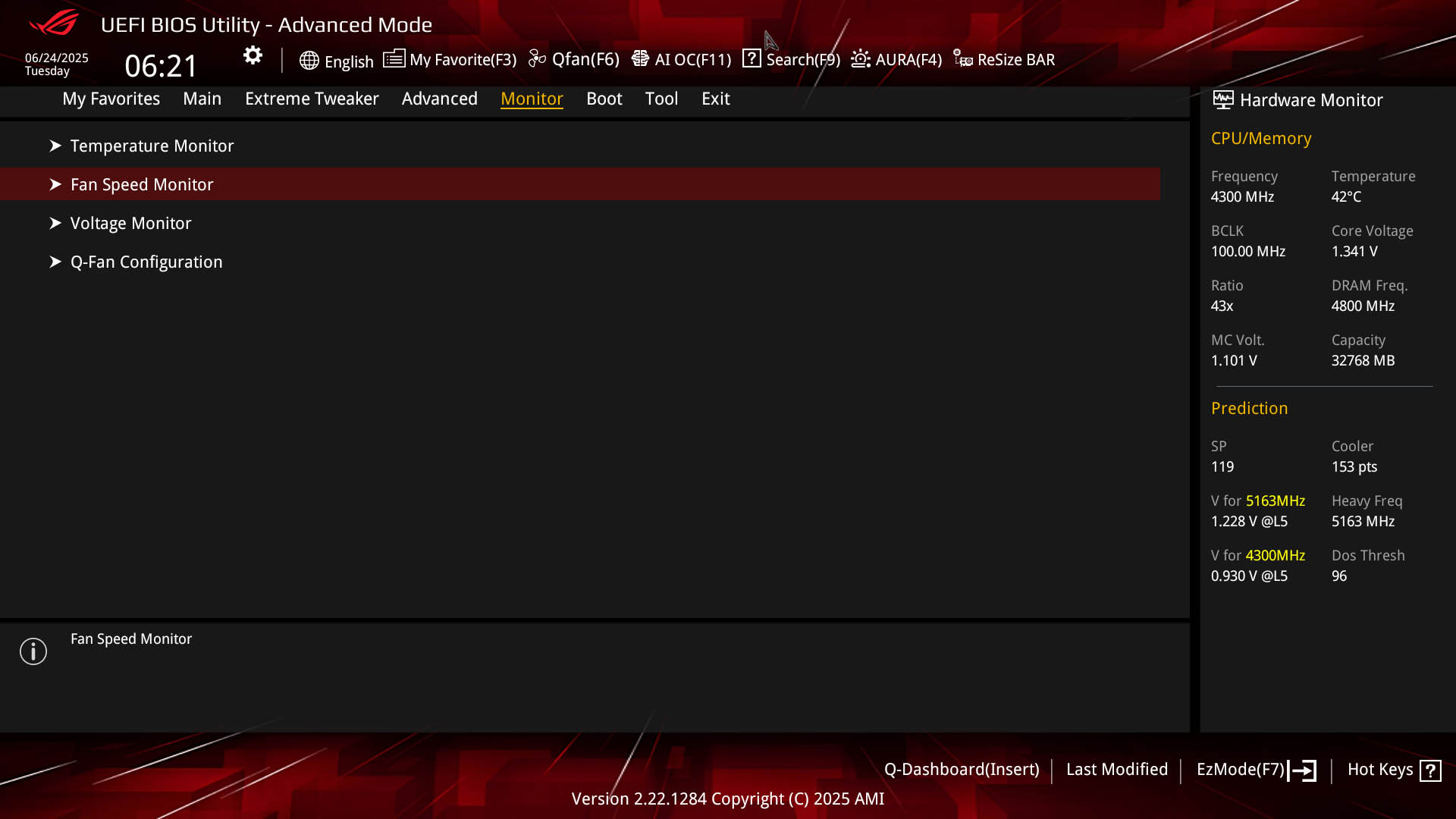
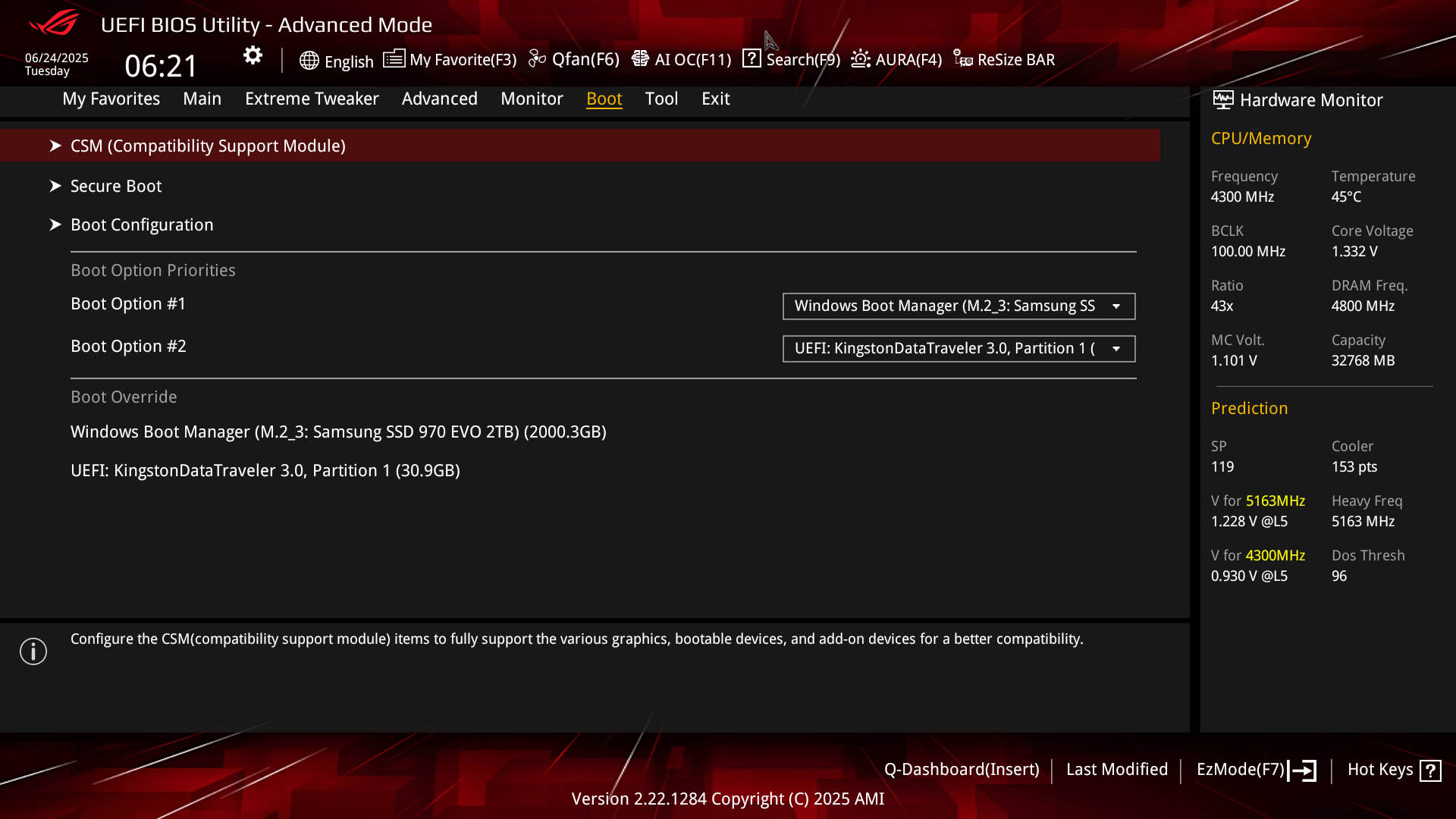
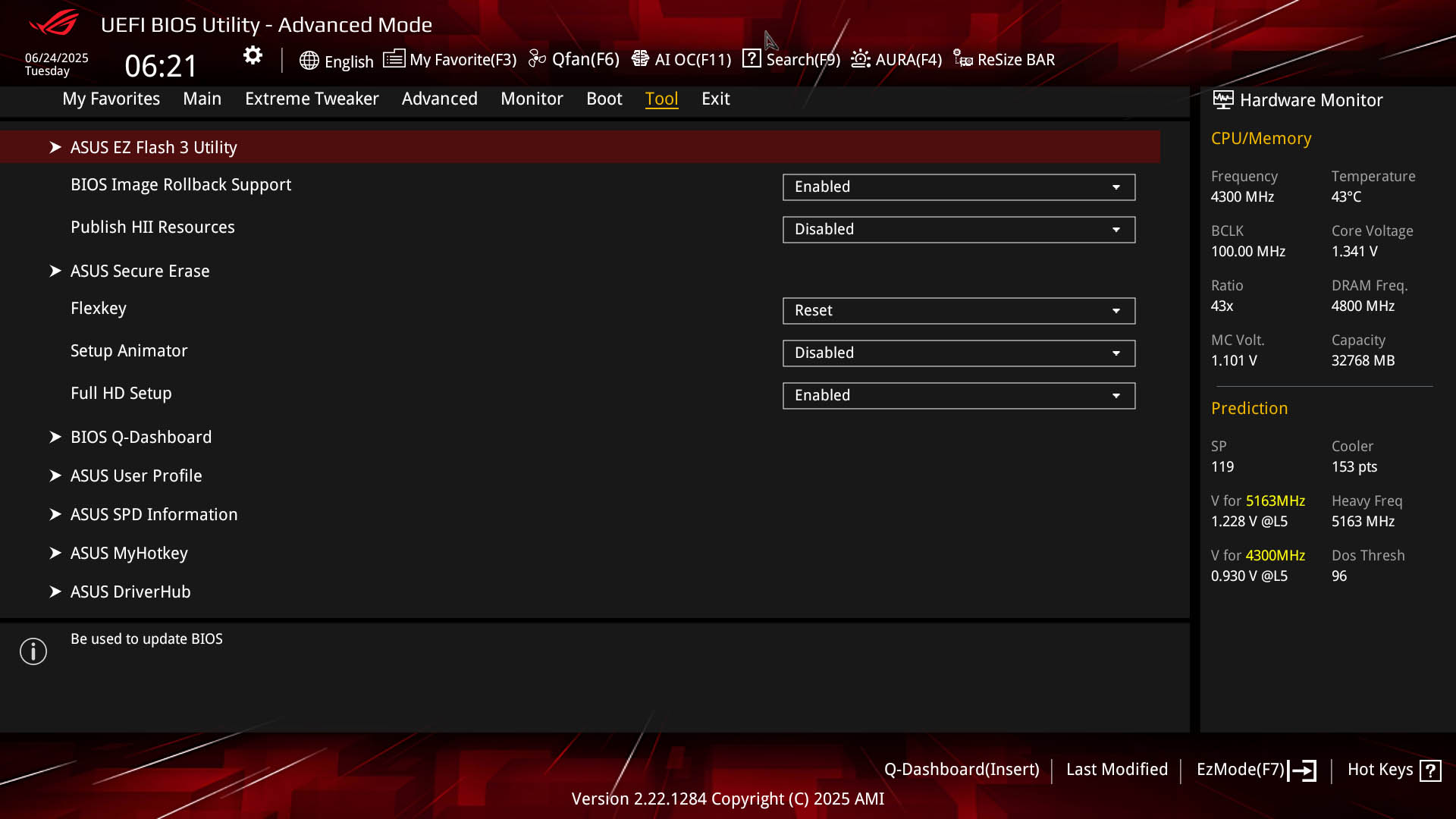
We'd probably go as far as saying that the current ASUS EFI is the best out there as an overall package, although we'd like to see a few more options on the EZ mode page, which lacks the ability to manually enable PBO. The type of enthusiast buying the board will likely want to delve deeper, though, but we still have excellent features for relative newcomers such as the search function, along with something everyone will find useful - Q-Dashboard. This gives you a live view of hardware connected to your PC and clicking on ports or headers takes you directly to that item's configuration page in the EFI. You can configure your own favorites page too.Overclocking is very well catered for whether you're going for an extreme manual overclock or using various PBO features such as Curve Optimizer, Curve Shaper or Eco Mode. You'll find the PBO items in two places - both in the Extreme Tweaker section or a simplified PBO-specific page under the Advanced section, which is maybe a little easier to deal with rather than being sat amongst hundreds of hardcore overclocking settings.
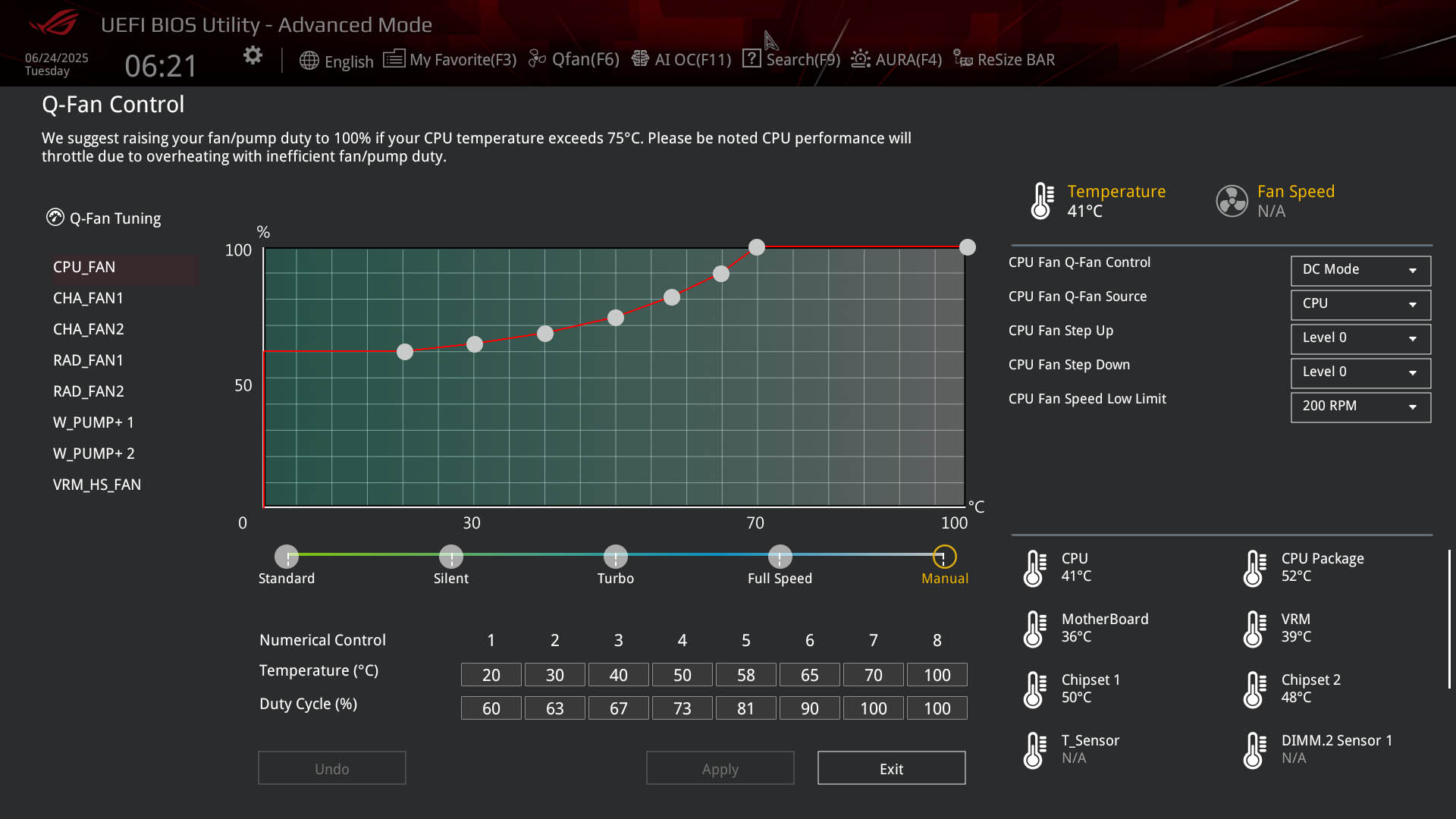
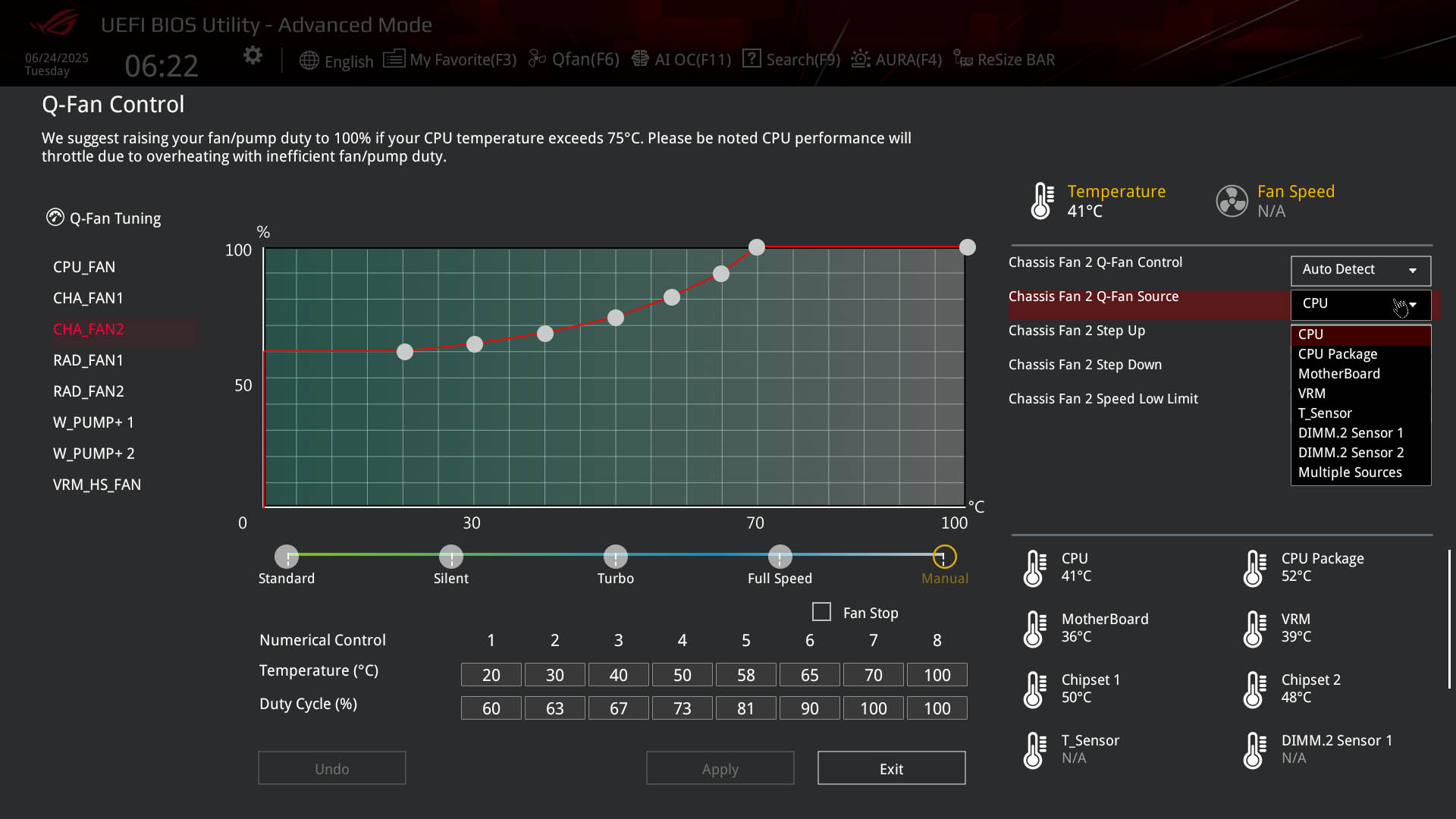
The Q-Fan control section is pretty much the best fan-control section of any modern EFI and has everything you'd expect; from switching between DC and PWM mode, setting the temperature source, or spin up and spin down times for fans. If you drag the fan curve up or down it will drag the rest of the curve points along with it, which is very useful for quickly applying a constant speed or just lowering the entire curve. The only thing we'd like to see here is the ability to add or remove adjustment points in the curve, which is something MSI currently offers in their EFI.






Nov 22nd, 2026 03:49 PST
change timezone
Latest GPU Drivers
New Forum Posts
- Your PC ATM (36449)
- UPS what one to get? (29)
- TPU's Nostalgic Hardware Club (22194)
- The TPU UK Clubhouse (27288)
- Zen 3 IF/IMC degradation (244)
- Local LLM General Discussion (696)
- How to prevent OLED burn damage due to PC freezes or power outtages? (54)
- Honestly, do you care about GTA VI? (242)
- Ryzen or Intel system (17)
- RX 580 2048SP 8GB - SK Hynix - Ardiyes - BIOS Needed (3)
Popular Reviews
- Microsoft Surface Laptop Ultra Review - The Next-gen Arm Laptop
- Corsair RM1200e (Second Generation) Review
- Pulsar Office Tour & First Look at P1 Dual-Sensor Mouse
- Upcoming Hardware Launches 2027 (Updated Nov 2026)
- Ugreen NASync DXP4800 GT Review
- AMD Ryzen 7 9800X3D Review - The Best Gaming Processor
- Biwin Black Opal NV7400 2 TB Review
- AMD Zen 6 Technical Deep Dive
- Phantom Blade Zero Performance Benchmark Review - 35 GPUs Tested
- AMD Ryzen 7 5800X3D 10th Anniversary Review
TPU on YouTube
Controversial News Posts
- NVIDIA Co-Founder and CEO Jensen Huang Officially Resigns (492)
- Report: Jensen Huang Eyes NVIDIA Comeback (262)
- Open Letter Asking NVIDIA to Reinstate Jensen Huang Passes 115,000 Signatures (184)
- OpenAI CEO Argues Home PCs Waste the World's Limited DRAM Supply (152)
- NVIDIA Launches Investigation Into Jensen Huang's Relationship With Suspected Chinese Spy (136)
- Intel "Raptor Lake Next" 16-Core and 20-Core CPUs Surface (130)
- NVIDIA GeForce RTX 50-Series Scheduled for up to $500 Price Hike This Week (89)
- Intel Razor Lake Gets a 12 P-Core bLLC Chip With No E-Cores, Per Leak (86)