 19
ASUS ROG Crosshair X870E Glacial Review - A Masterpiece
(19 Comments) »Introduction

We've seen a few ROG Glacial motherboards from ASUS over the years, and they never fail to impress. Icy white, designs, extreme cooling hardware whether it's heatsinks or water blocks and unique cutting-edge features. Till now, we've not seen this extreme high-end and drool-worthy range land on any AMD sockets, but this all changes with the ROG Crosshair X870E Glacial.
This is for good reasons of course. Intel has, in the past, been the performance king and the big seller and companies bet big on the LGA1851 socket. Most of us know what happened next, with AMD X3D being by far the better option for gamers and the ROG Crosshair X870E Glacial is also not the first Intel-exclusive model to make this move for this reason either. It's a home run for AMD, but all that is beside the point.
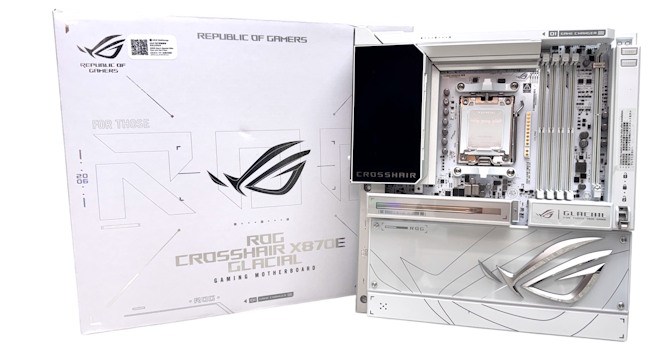
What we have here is quite possibly the most desirable, most extreme and best-looking AMD motherboard we've ever seen. In typical ultra high-end fashion, the ROG Crosshair X870E Glacial has some wild features and many may well travel down the motherboard ranks in the way we've seen in the past such as integrated I/O shields, to become mainstream. The engineering on show here is fabulous and of course it comes with an equally fabulous price tag. This is just as much a homage to PC hardware design as it is a review, but as usual we'll be taking our usual deep dive into its features and design to see if it performs as good as it looks.
Specifications
| Specifications | |
|---|---|
| CPU Support: | AMD Socket AM5 Ryzen 7000, 9000 |
| Power Design: | CPU Power: 24-phase SOC Power: 2-phase MISC Power: 2-phase |
| Chipset: | AMD X870E |
| Integrated Graphics: | Supported 2× DisplayPort via Type-C |
| Memory: | 4× DIMM, Support up to 256 GB 1× Single Rank DDR5-9600 (OC) |
| BIOS: | 512 Mbit AMI UEFI |
| Expansion Slots: | 2× PCIe Gen 5 x16 slot (x16, x8/x8, x8/x4/x4, x4/x4/x4/x4) |
| Storage: | 4× SATA 6 Gb/s 4× M.2 (PCIe Gen 5 x4) (two via Hyper M.2 card) 2× M.2 (PCIe Gen 4 x4) (one via DIMM.2 card) 1× M.2 (PCIe Gen 4 x2) (one via DIMM.2 card) |
| Networking: | 2× Realtek 10 Gbps Ethernet 1× MediaTek MT7927 Wi-Fi 7 |
| Rear Ports: | BIOS Flashback button CMOS clear button 2× 10 Gbps Ethernet 2× 40 Gbps USB4 Type-C 4× USB 3.2 Gen 2 10 Gbps (Type-C) 8× USB 3.2 Gen 2 10 Gbps (Type-A) 2× Wi-Fi antenna connectors 2× Audio jacks 1× Optical S/PDIF Out port |
| Audio: | 1× ROG SupremeFX Realtek ALC4082 Codec 1× ESS ES9219 Quad DAC |
| Fan/Thermistor headers: | 8× 4-pin/1× 2-pin |
| Form Factor: | EATX Form Factor 12.0 ×, 10.9 in/30.5 × 27.7 cm |
| Exclusive Features: |
|
Packaging and Contents
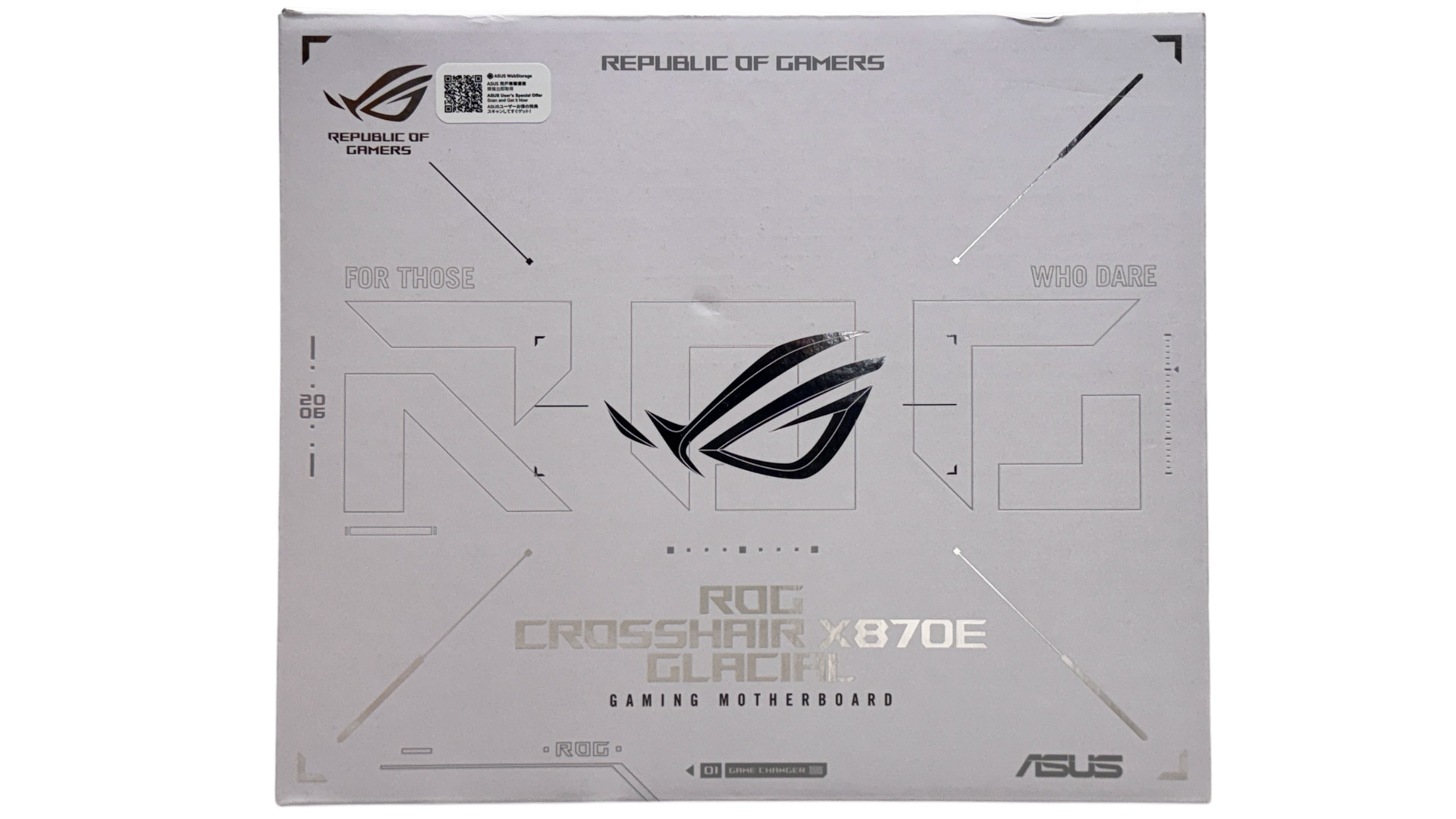
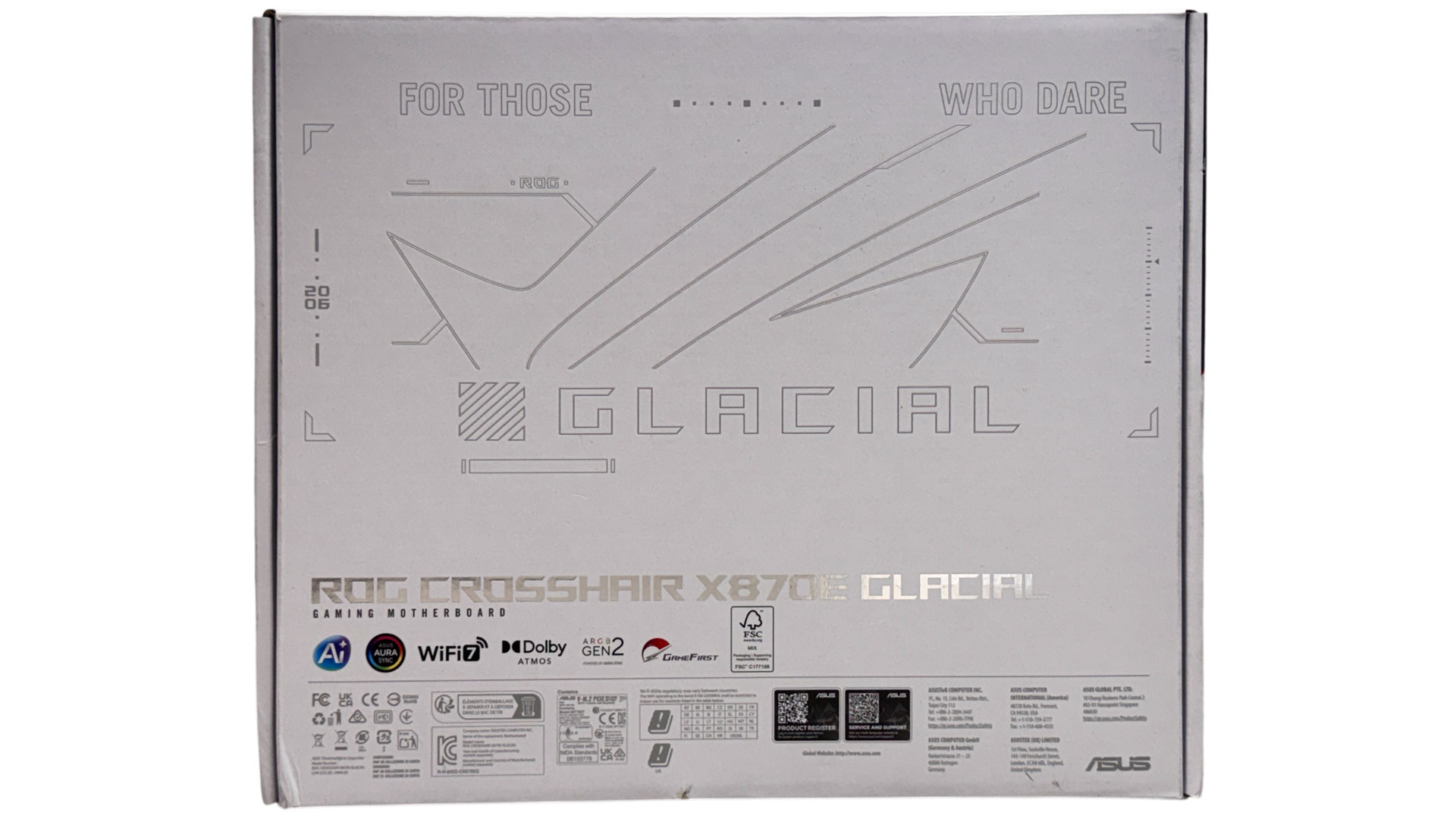
As you'd expect and as we've also seen on competing boards recently, the packaging is exquisite with Apple-like finesse and plenty of fanfare in terms of revealing the motherboard. If we'd just dropped a thousand bucks on this motherboard ASUS can check this off in terms of the unboxing experience.
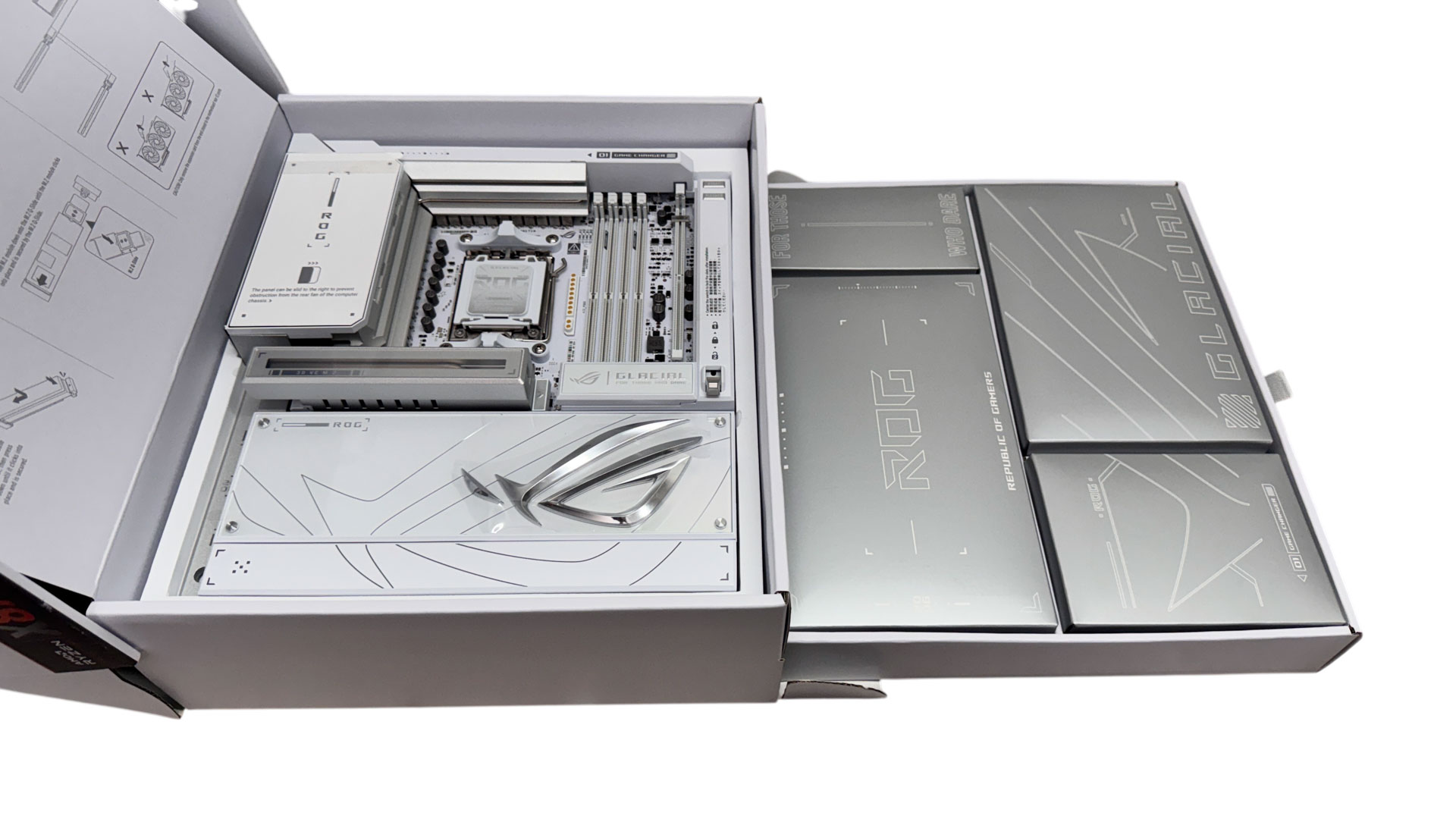
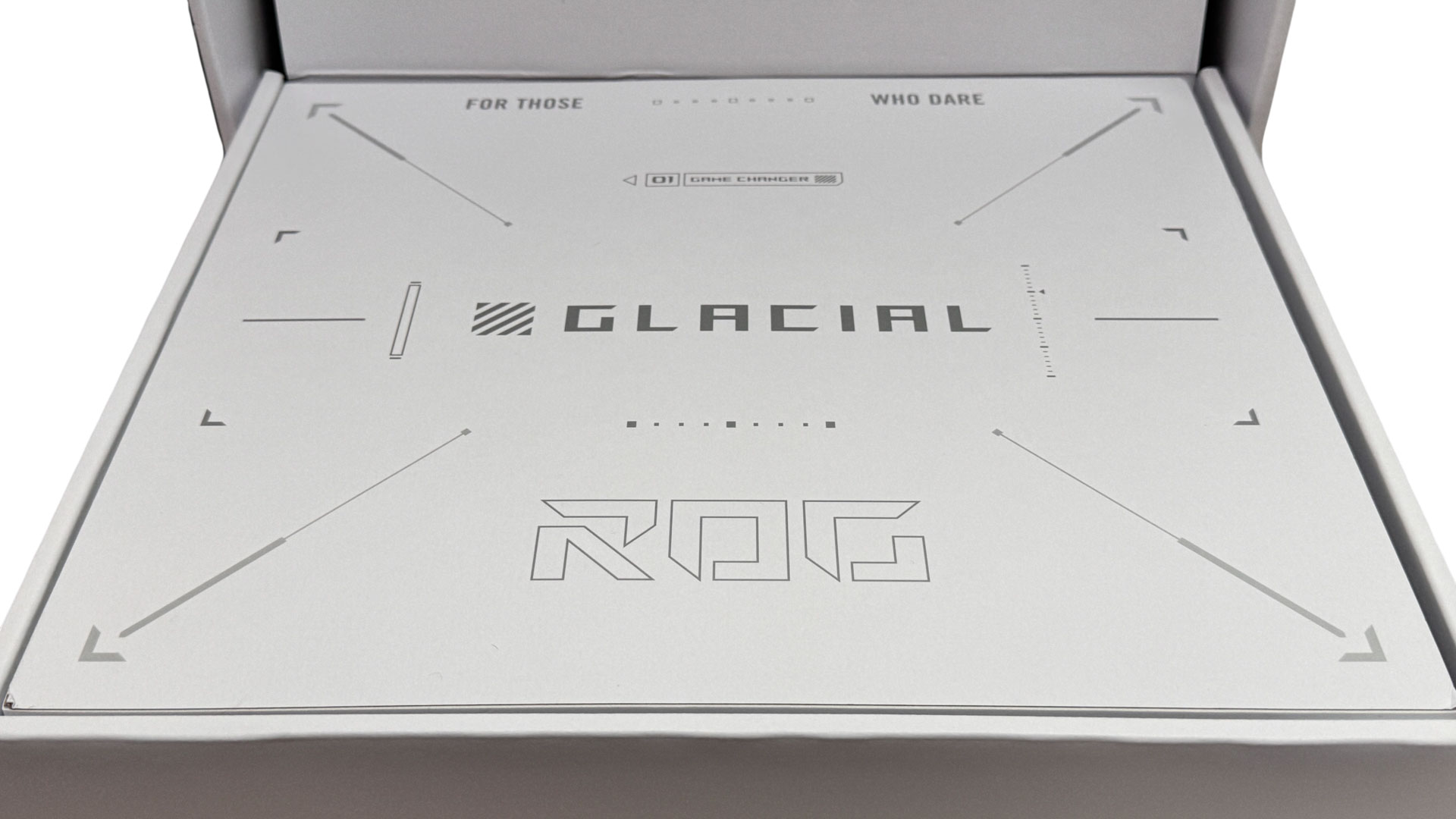
A neat addition to the usual dual layer design is a pull-out drawer that reveals a packed accessory tray with some familiar items, and newcomers too. Given the board's huge weight, this is actually quite useful as you don't want to be lifting it out of its enclosure every time you reach for an accessory.
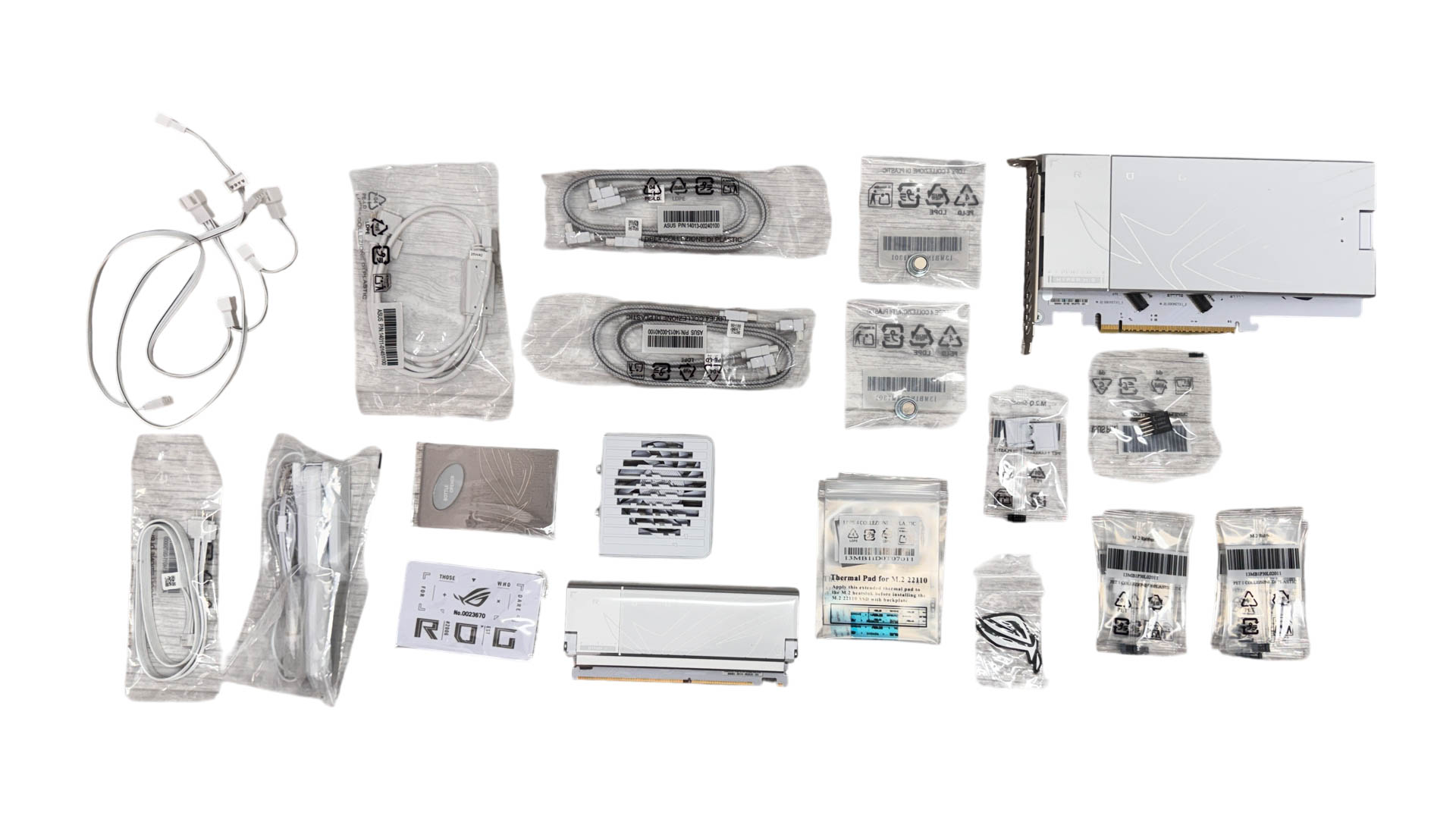
Key takeaways here are a ROG Hyper M.2 Card that can provide a home to two PCIe Gen 5 SSDs that can run at full speed if you're prepared to sacrifice some GPU lanes, a Q-DIMM.2 module that offers two PCIe Gen 4 M.2 ports and installs into its own slot next to the DIMM slots, a cable-free memory fan, and a bunch of splitter cables for fans and RGB lighting.
The full list of accessories includes:
- 1× Wi-Fi antenna
- 2× SATA cables
- 1× Wi-Fi antenna
- 1× ROG Hyper M.2 Card
- 1x ROG Q-DIMM.2
- 1× 4-way 3-pin ARGB splitter cable
- 1× 2-way 3-pin ARGB splitter cable
- 2× 3-way 4-pin fan cables
- 1× M.2 pad package for ROG Hyper M.2 Card
- 1× Thermal pad for ROG Hyper M.2 Card
- 1× M.2 pad package for ROG Q-DIMM.2
- 2× Thermal pad for ROG Q-DIMM.2
- 1× Thermal pad for M.2 22110
- 7× M.2 backplate rubber packages
- 1× M.2 Q-Slide package
- 1× ROG Memory Q-Fan
- 1× Q-connector
- 1× ROG logo plate sticker
- 1× ROG stickers
- 1× ROG VIP card
- 1× ROG Bottle Opener
- 1× Quick start guide
Our Patreon Silver Supporters can read articles in single-page format.
Nov 14th, 2026 12:09 CST
change timezone
Latest GPU Drivers
New Forum Posts
- Tell me about your favourite graphics card (56)
- Slow SSD read speeds - help! (7)
- What can the FX 8320 do today? Here is the answer. (29)
- What card do I get for VR? (29)
- Ddr4 instead of ddr5 for 9060xt 8 gb over 5060 8 gb (7)
- Your PC ATM (36414)
- TPU's Nostalgic Hardware Club (22161)
- Microsoft Exchange/365 outages? (62)
- Opinion on Monitor Replacement (7)
- Show us your collections thread!! (366)
Popular Reviews
- AMD Zen 6 Technical Deep Dive
- Corsair HX1000i Shift Crystal Review
- ASUS ROG Strix B850-I Gaming Wi-Fi7 W Review
- NZXT C1200 Platinum Review
- Upcoming Hardware Launches 2027 (Updated Nov 2026)
- Montech King 95 3D PRO Review
- NZXT H7 RGB+ Review
- NZXT H5 Review
- Phantom Blade Zero Performance Benchmark Review - 35 GPUs Tested
- XPG NIMBUS PLUS Review - Mid-range Chair With Strong Competitors
TPU on YouTube
Controversial News Posts
- NVIDIA Co-Founder and CEO Jensen Huang Officially Resigns (399)
- OpenAI CEO Argues Home PCs Waste the World's Limited DRAM Supply (152)
- NVIDIA Launches Investigation Into Jensen Huang's Relationship With Suspected Chinese Spy (136)
- Intel "Raptor Lake Next" 16-Core and 20-Core CPUs Surface (130)
- Legendary Game Studio BioWare Shuts Down Following EA Layoffs (104)
- Dell CEO Says the Memory Shortage Will Get Worse in 2027 (95)
- NVIDIA GeForce RTX 50-Series Scheduled for up to $500 Price Hike This Week (89)
- Modder Fits RTX 5090 With Four 8-Pin Connectors, Halving Current per Wire (80)