 13
ASUS ROG Crosshair X870E Hero BTF Review
Value & Conclusion »Overclocking
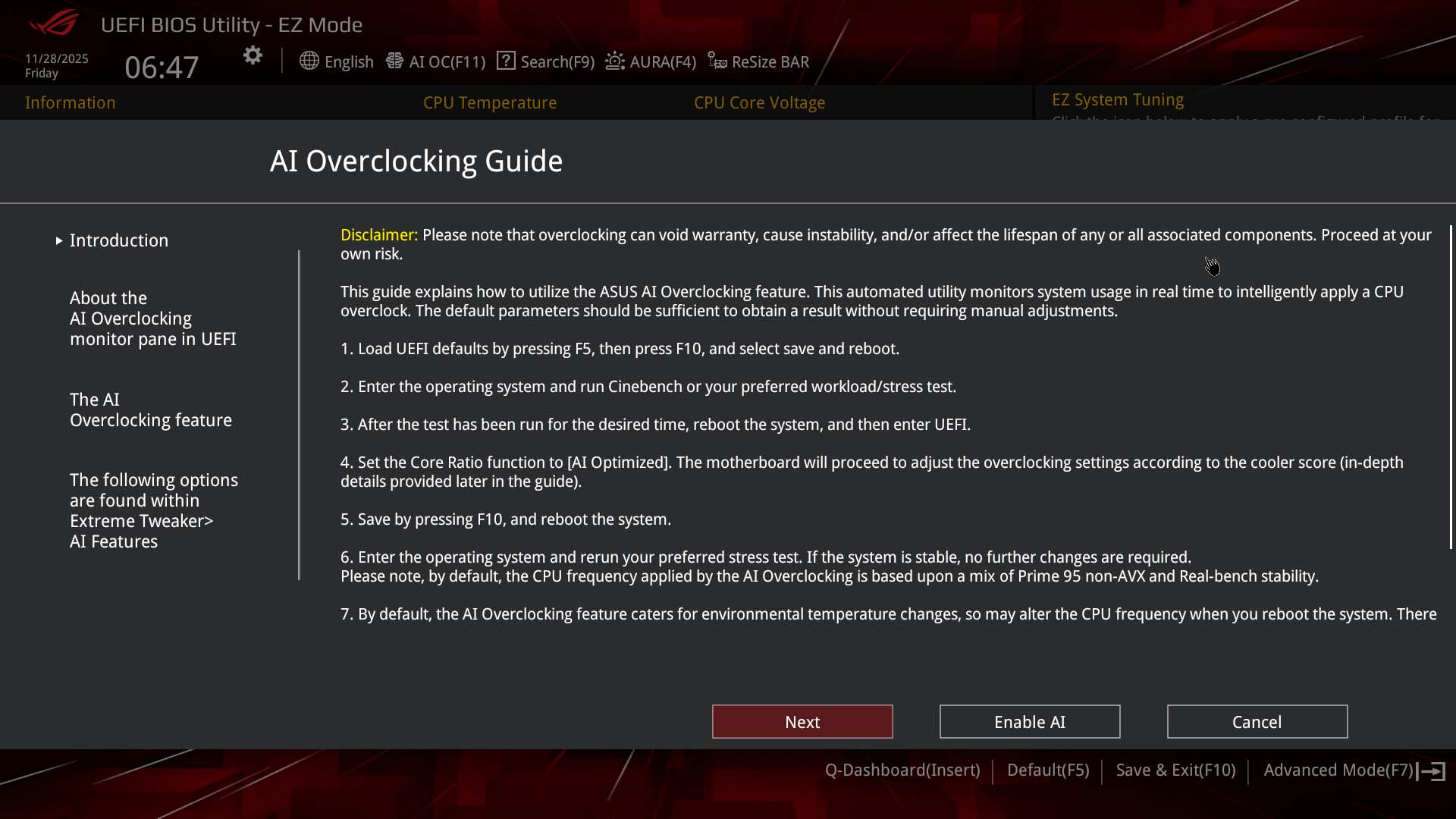
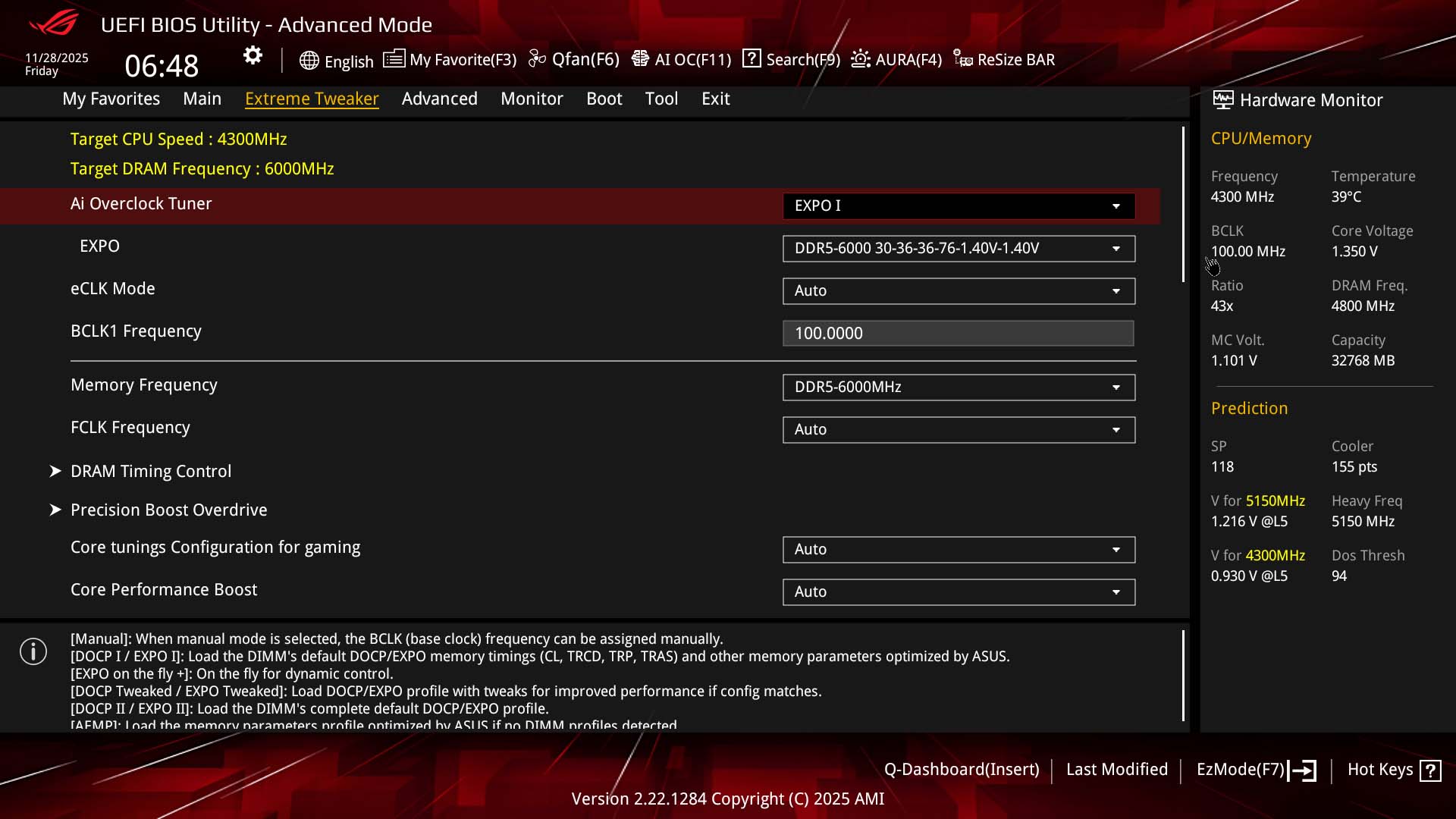
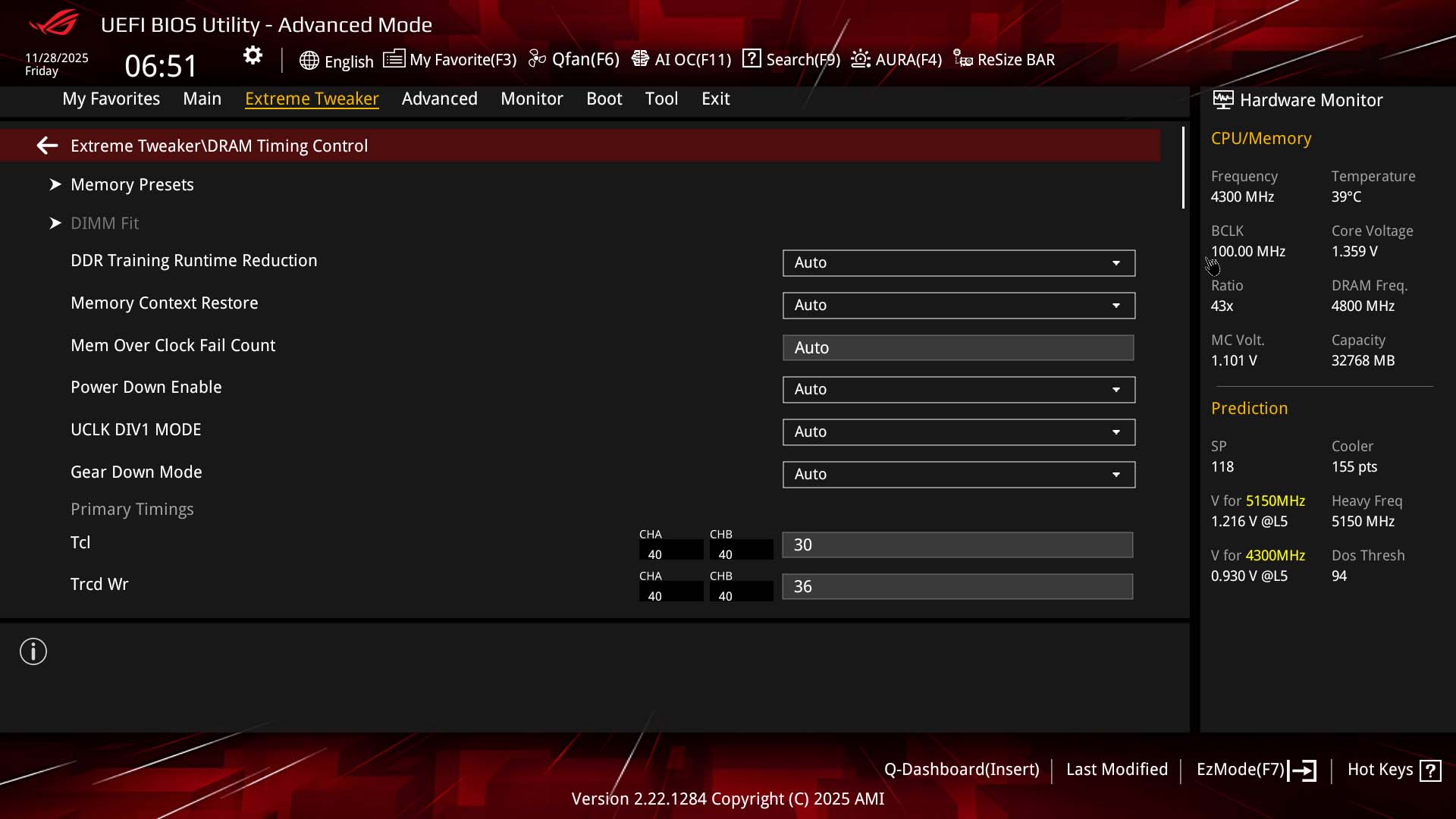
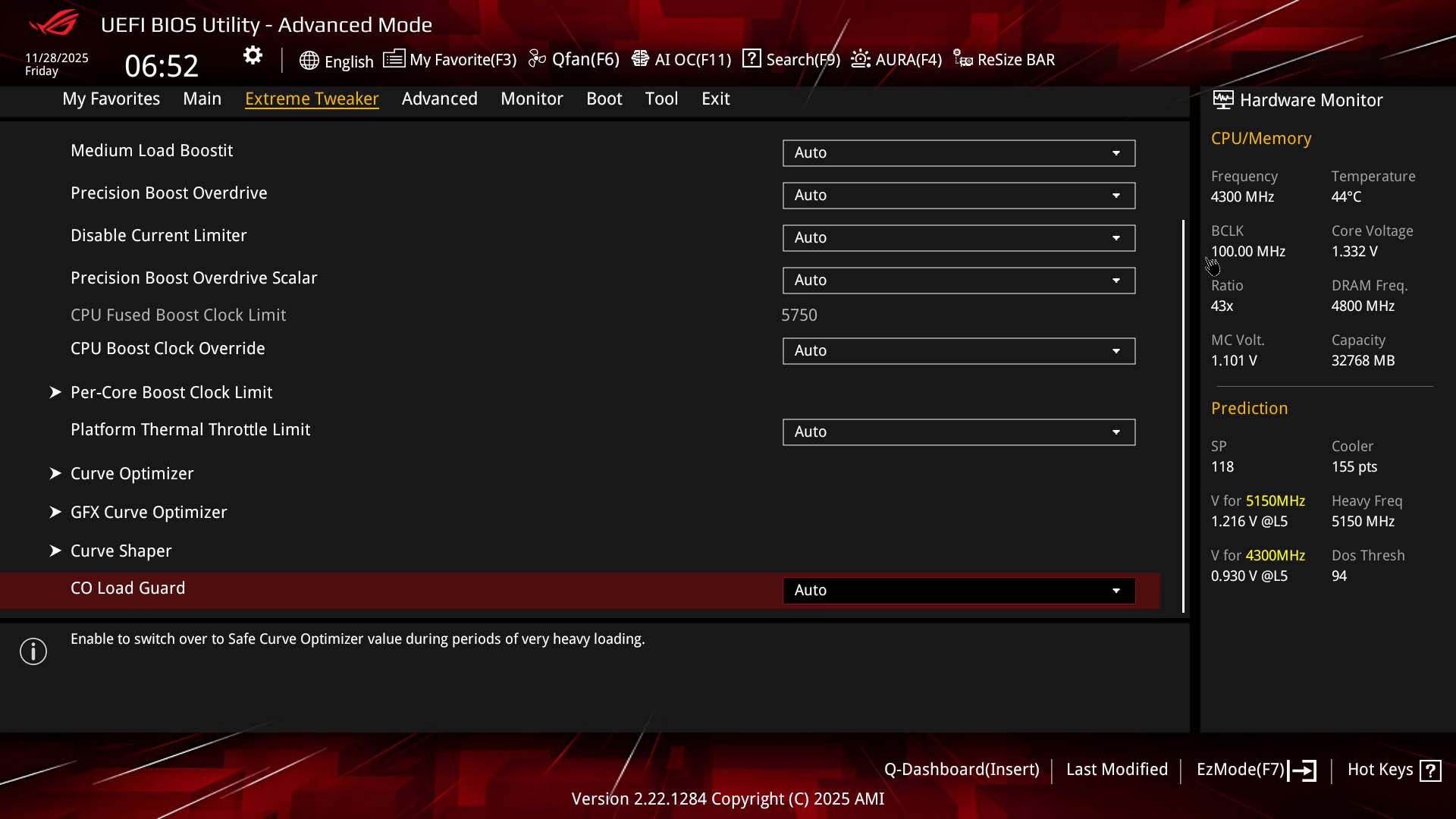
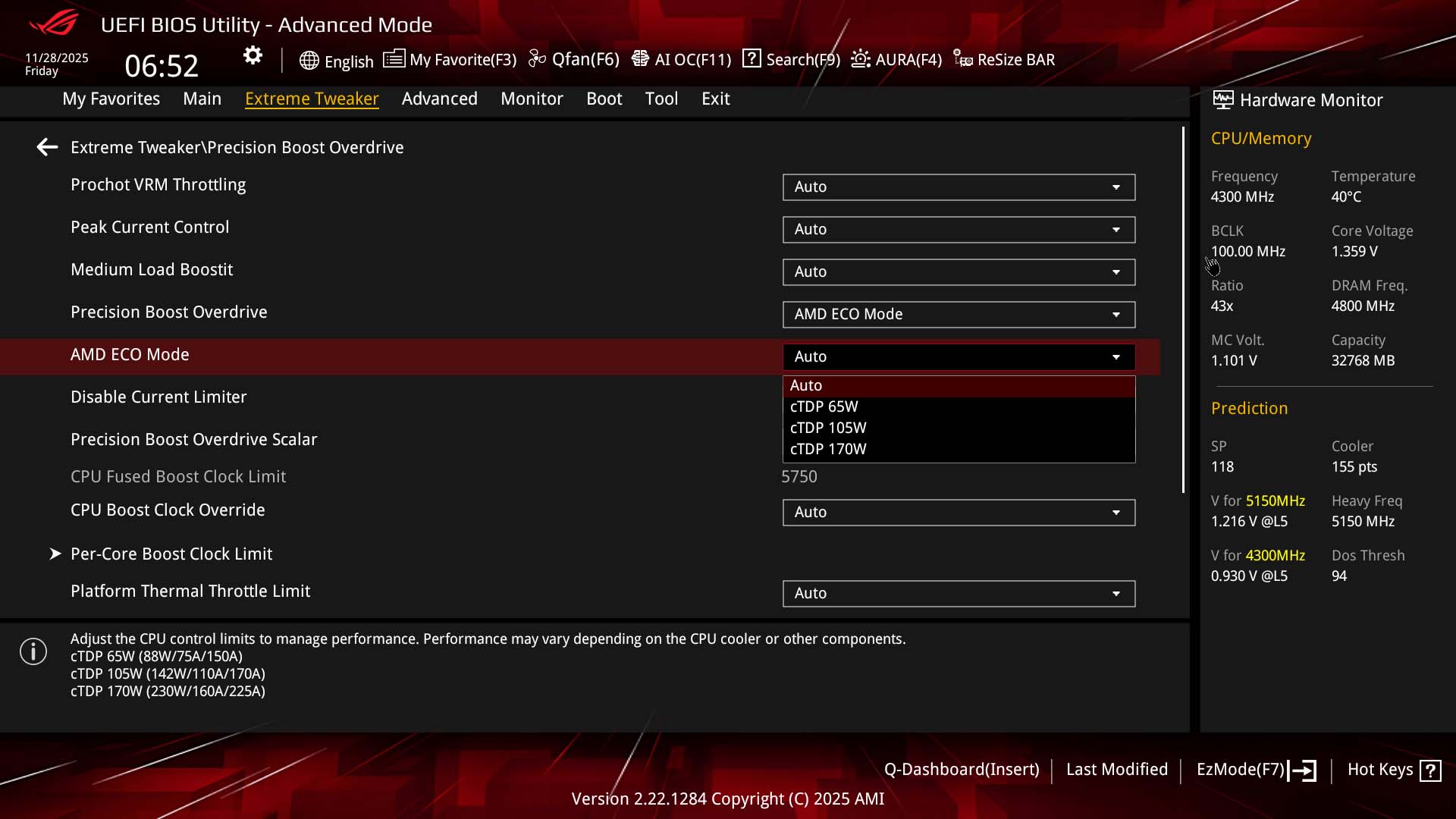
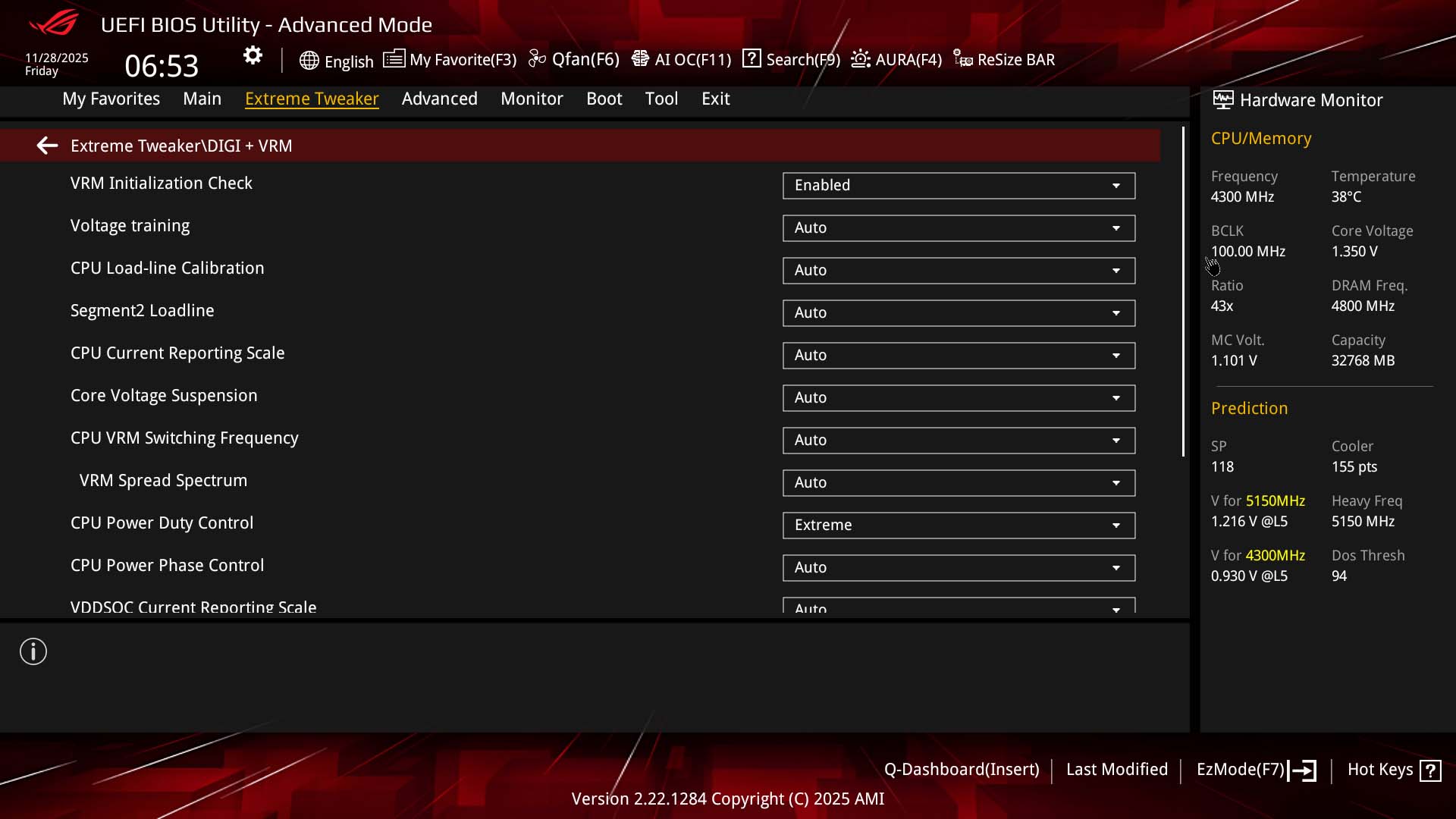
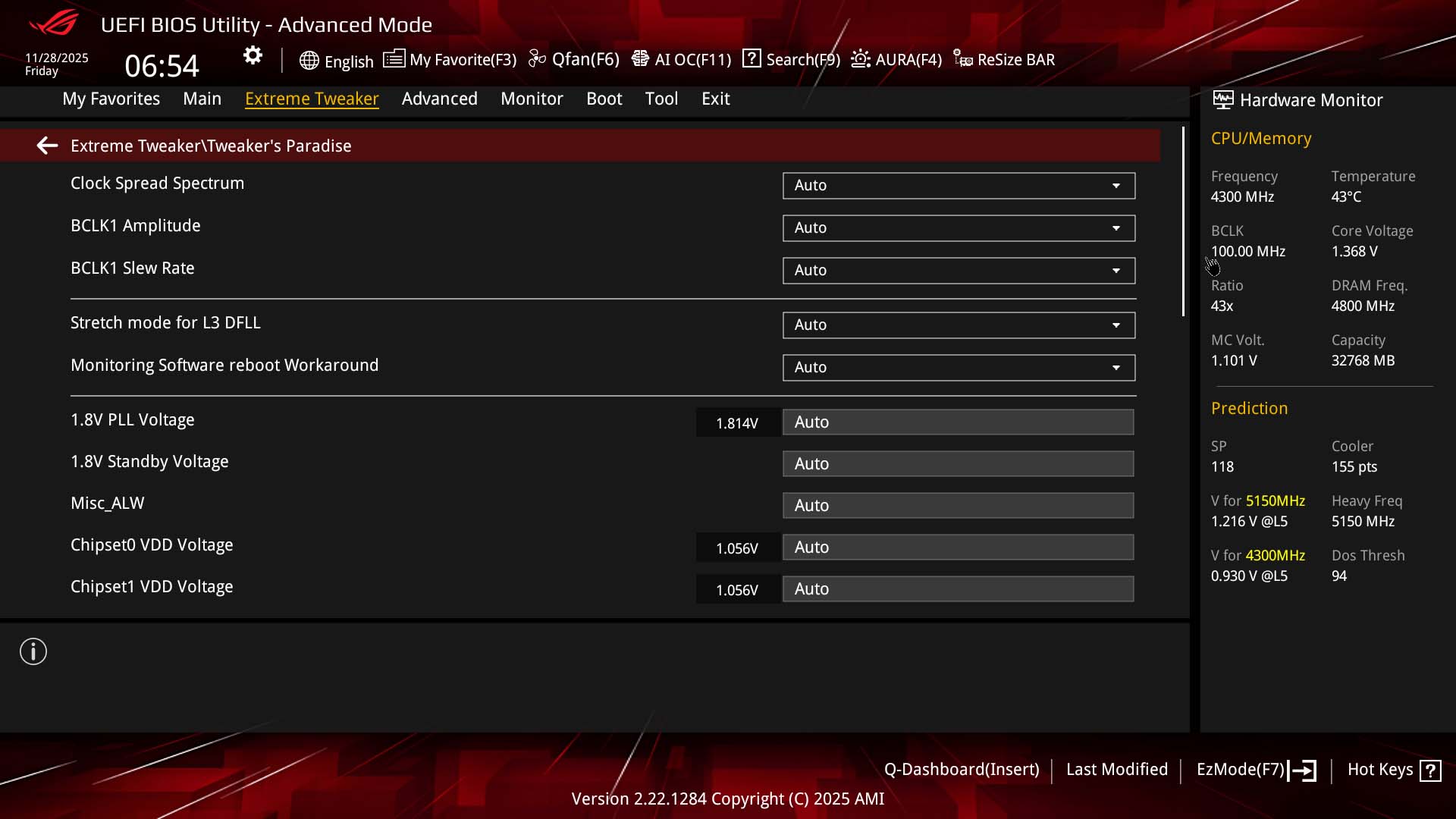
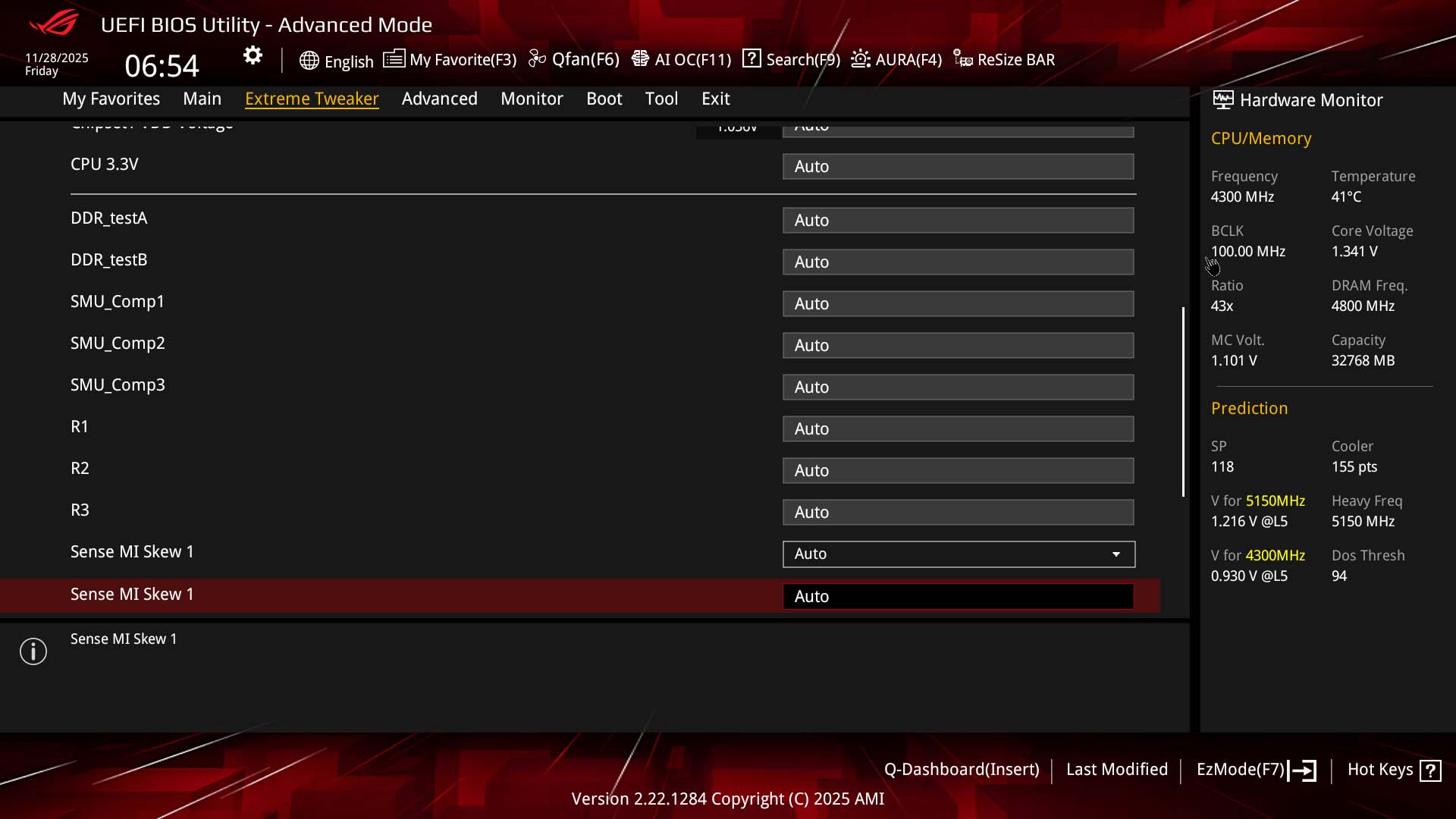
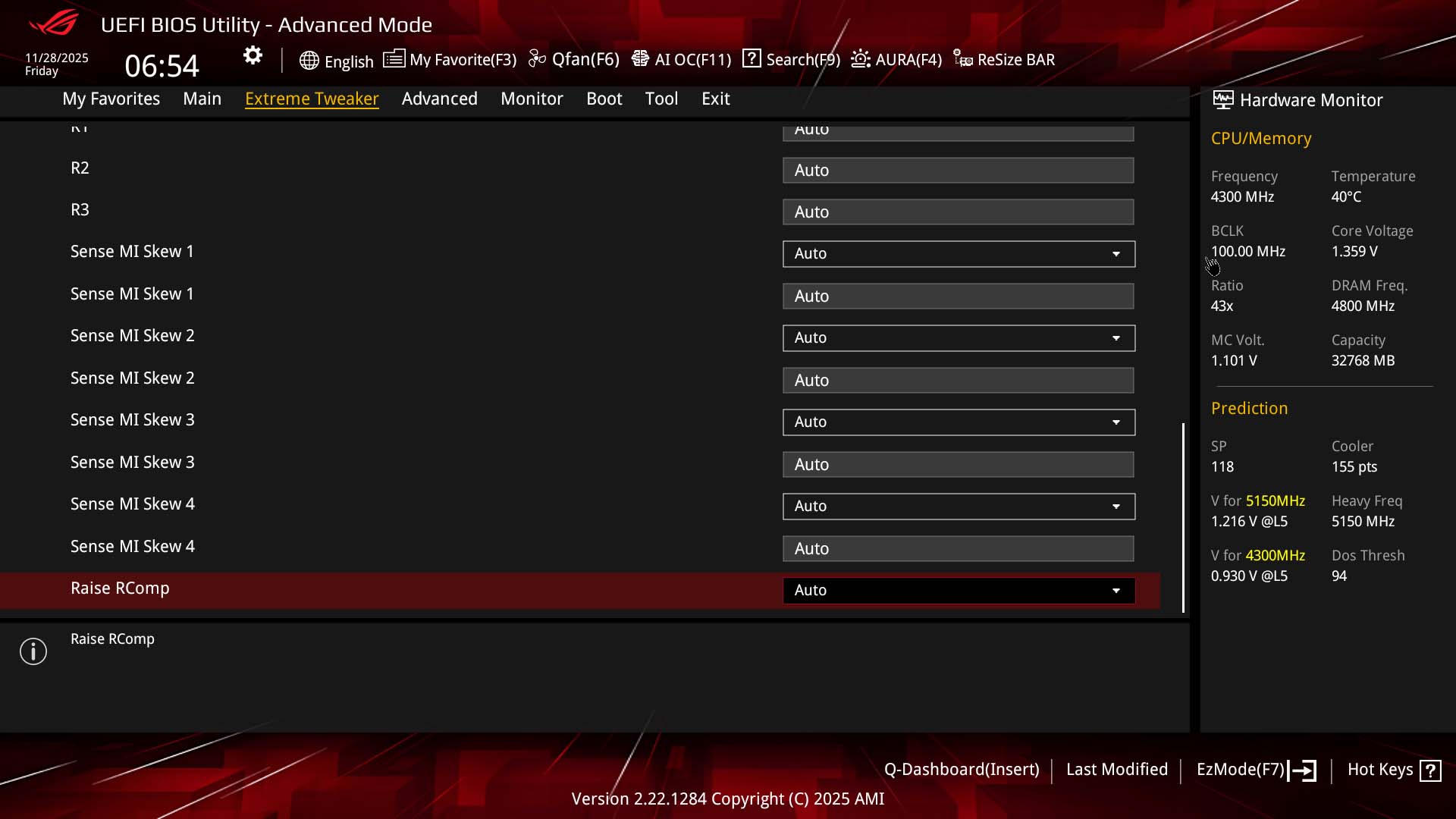
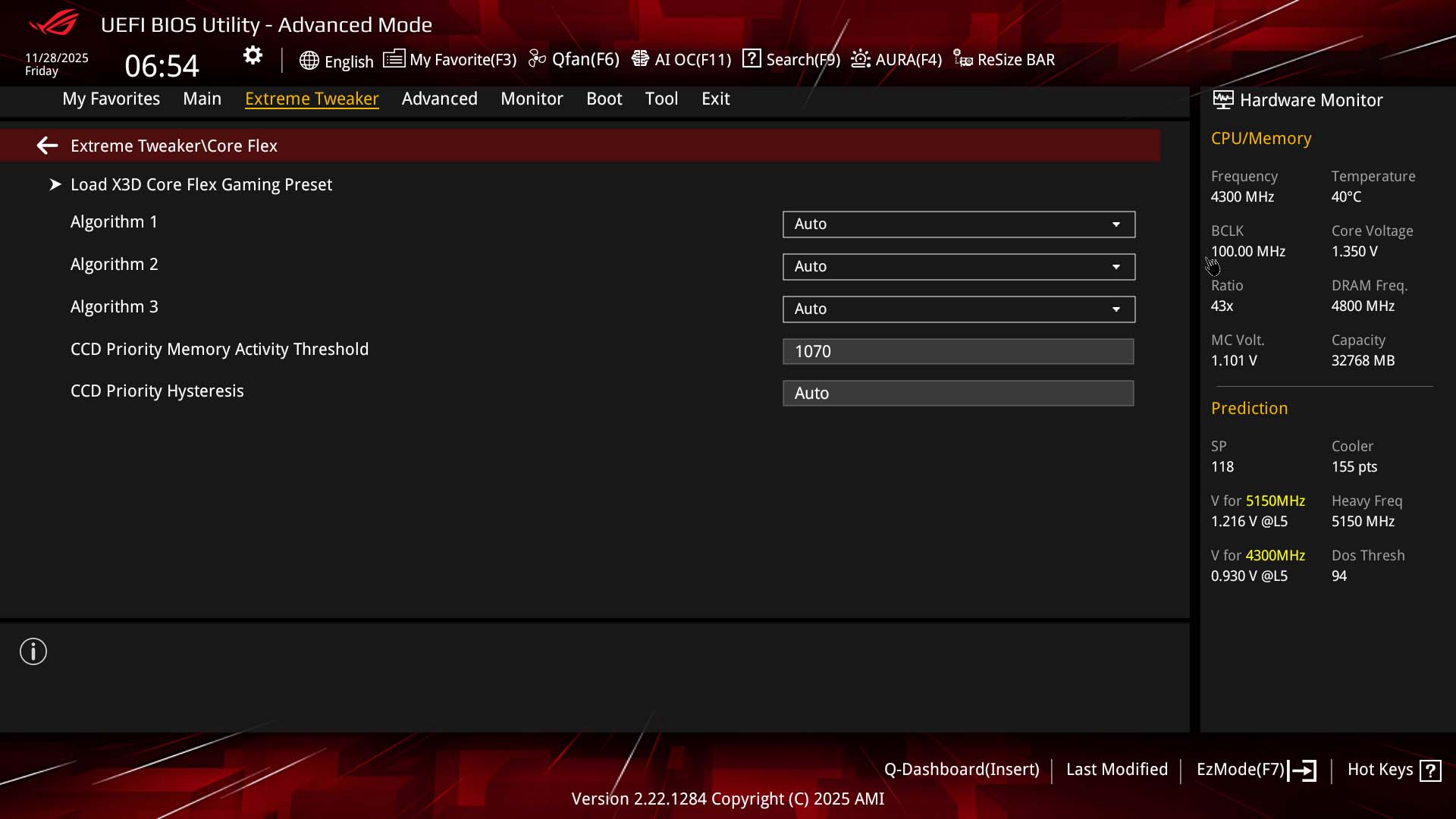
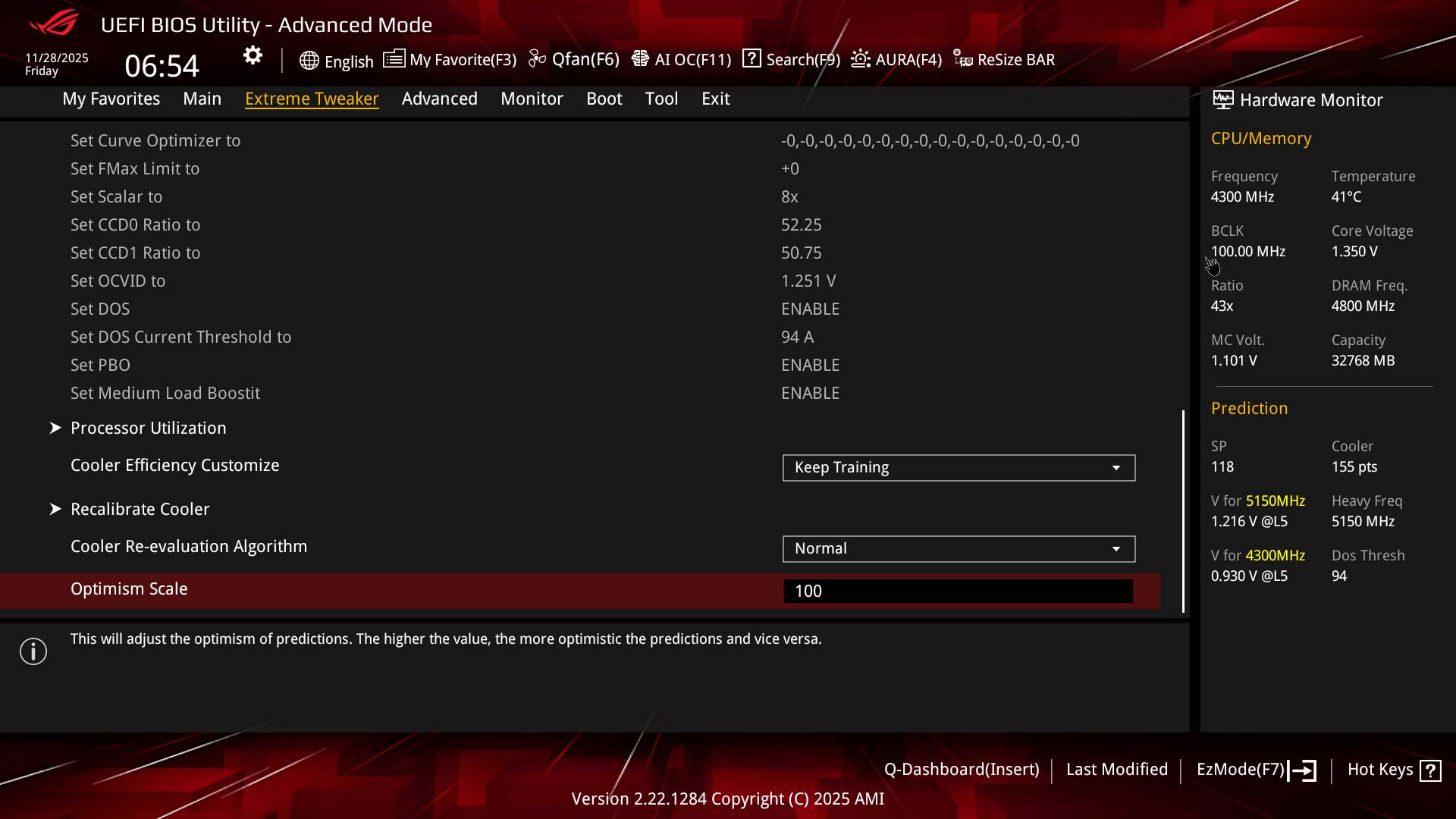
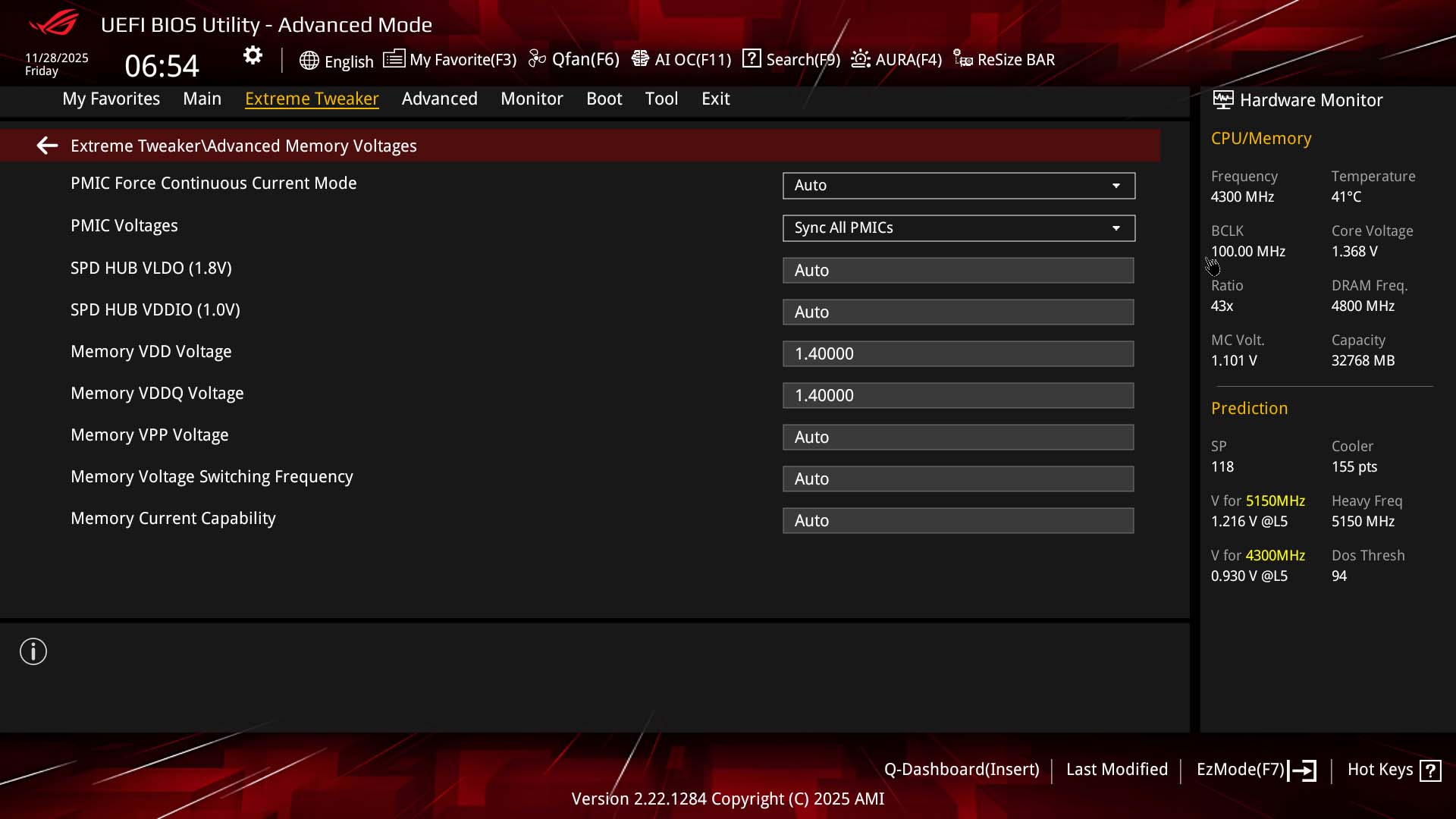
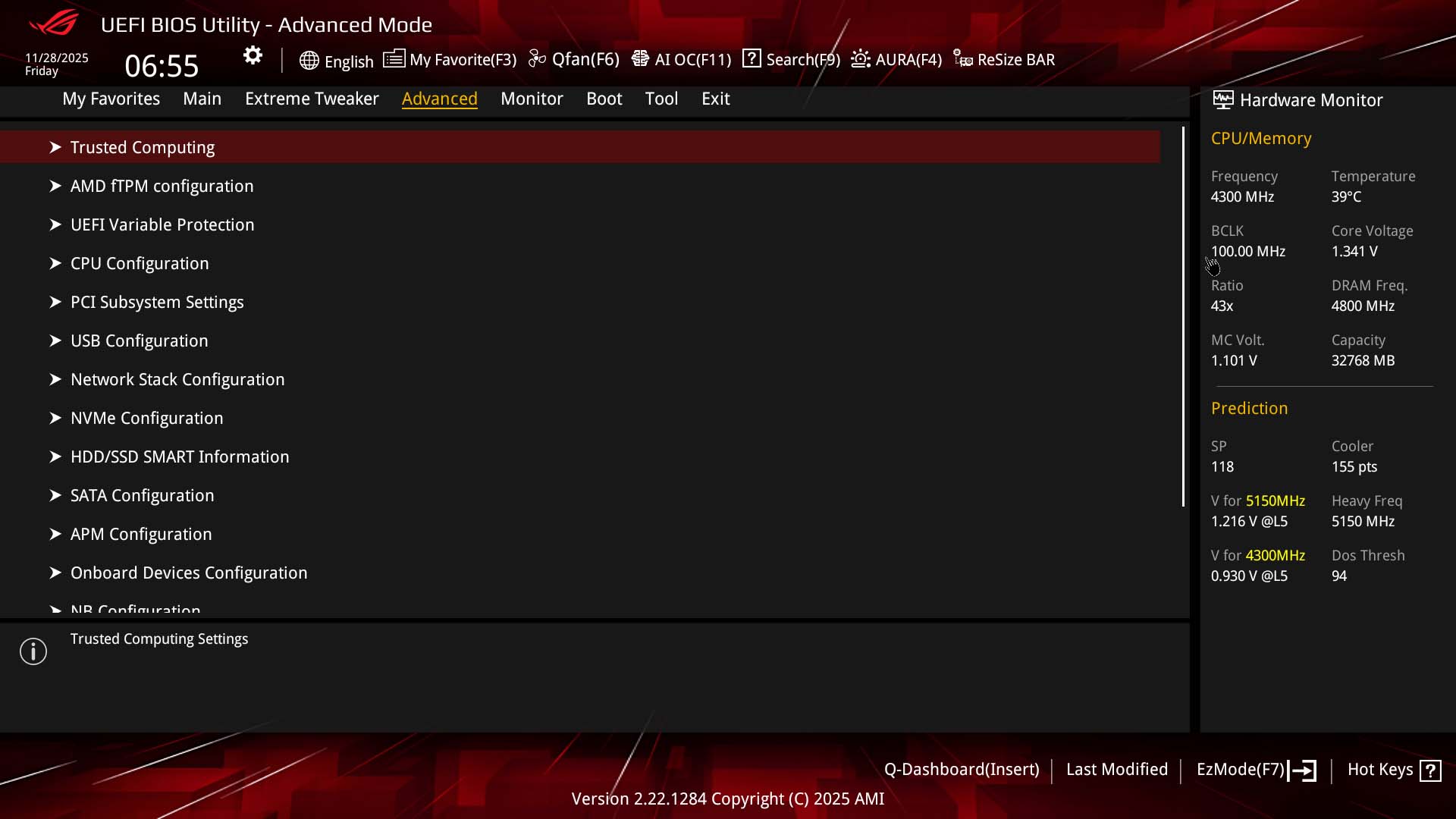
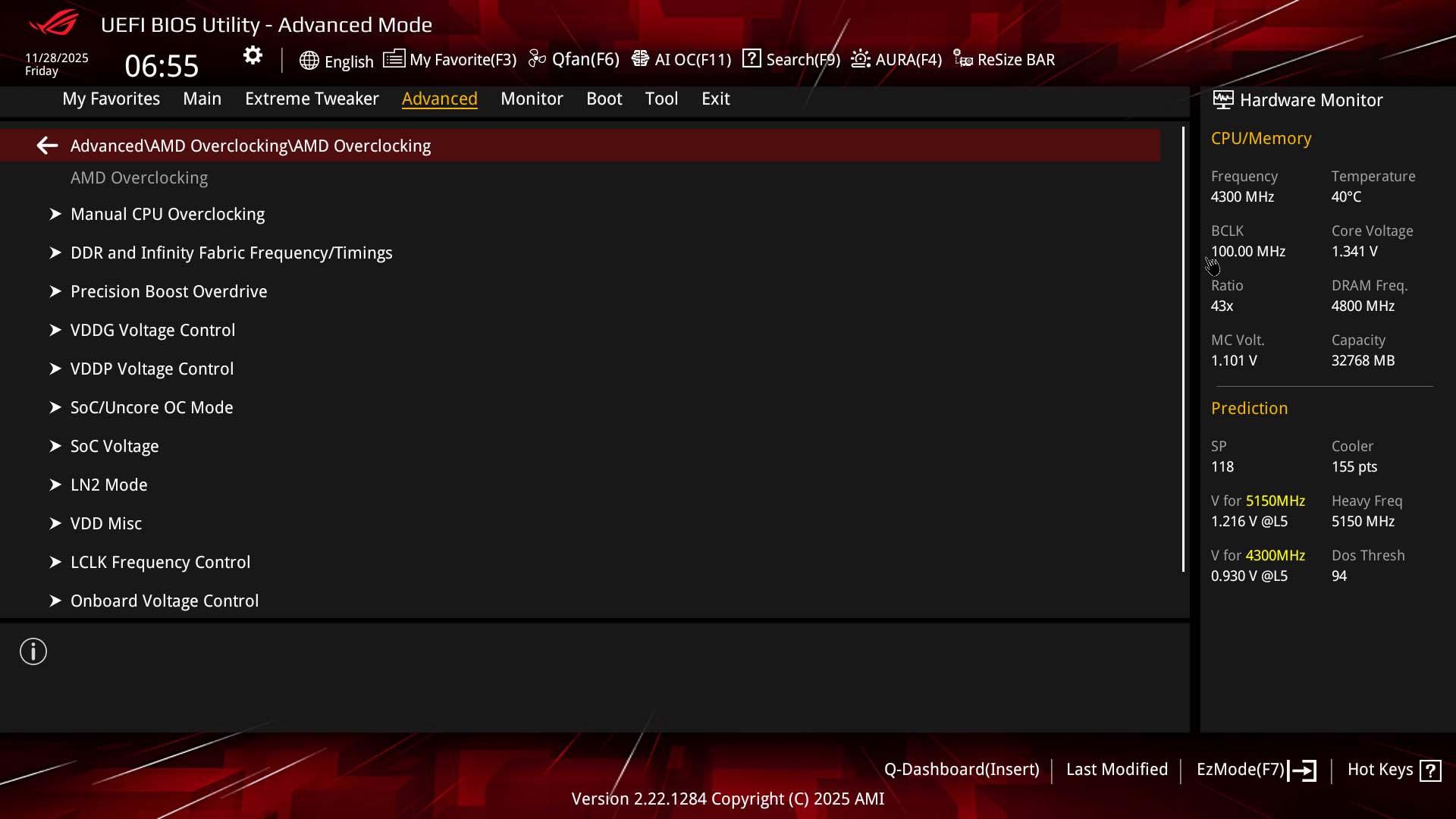
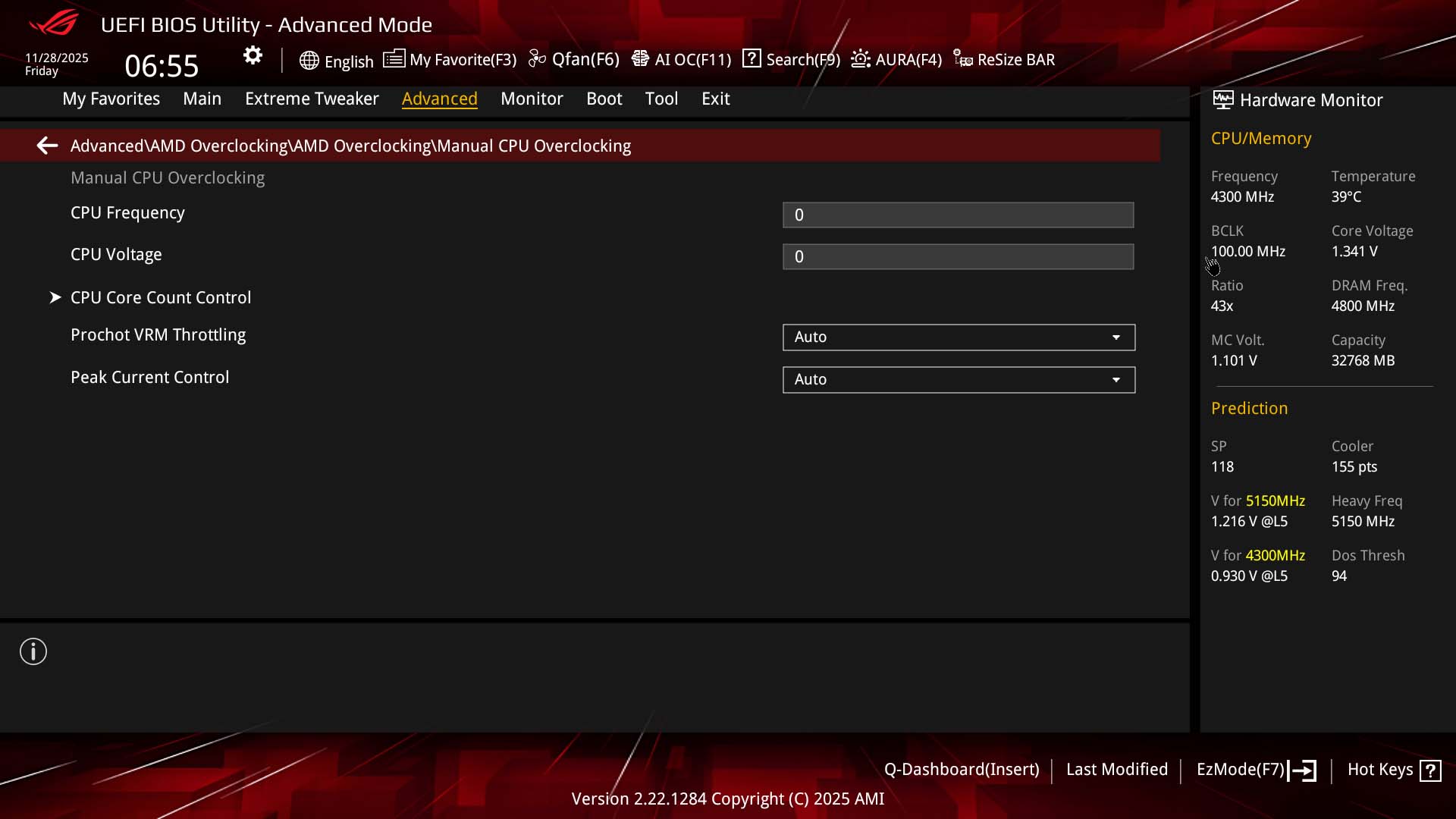
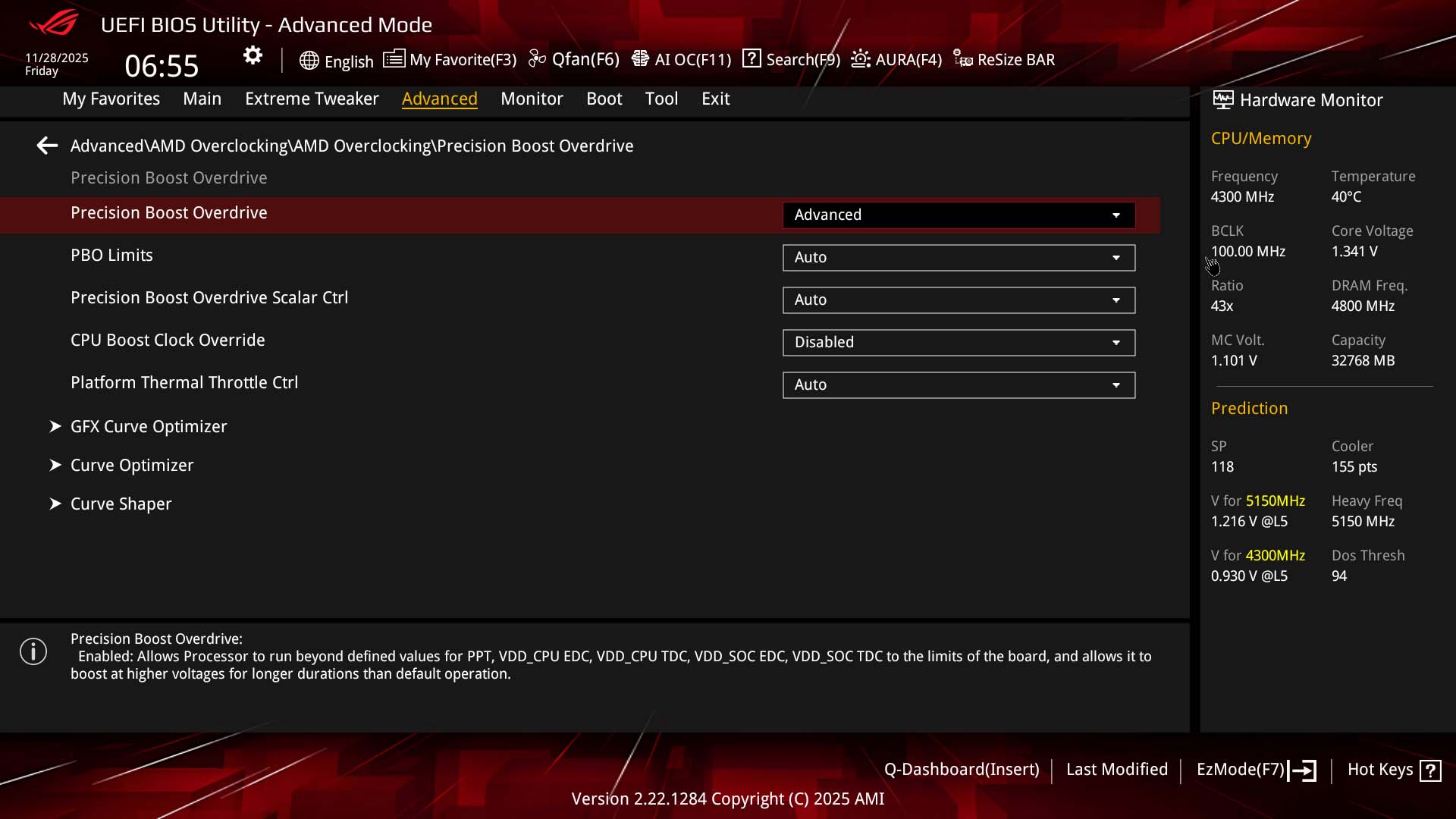
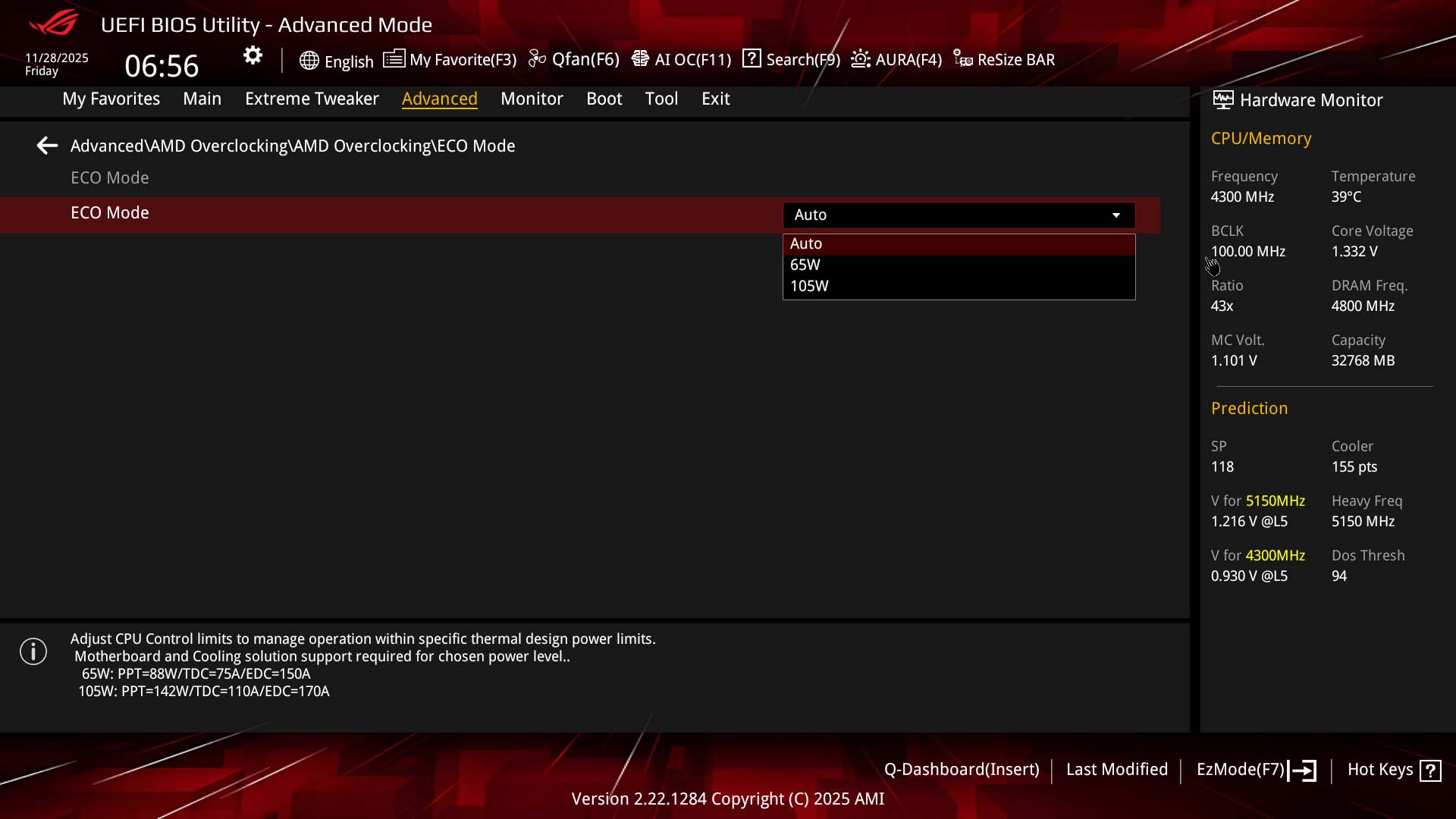
As usual, we have a few different options when it comes to overclocking. Firstly, there's AI Overclocking, which is the ASUS automatic overclocking tool. This has a useful guide to walk you through the process. The Extreme Tweaker section is where you'll want to be for PBO controls and manual overclocking, with most popular options located directly under this menu or in subsequent sub menus such as Tweaker's Paradise or DIGI+ VRM, which has loadline calibrations controls.PBO options here include Eco Mode with 65 W, 105 W and 170 W options available with CPUs such as our Ryzen 9 9950X, with Curve Optimizer and Curve Shaper here too. There's a second location for PBO too under advanced and AMD Overclocking. Here you get basic manual controls too, but also Curve Optimizer and Curve Shaper plus Eco Mode so if it's these things you want to focus on, this is a much less cluttered place to do it. The jury is out on whether BTF motherboards may be a little impractical for extreme overclockers despite the ROG Crosshair X870E Hero BTF's clear credentials here.
Nov 21st, 2026 18:45 PST
change timezone
Latest GPU Drivers
New Forum Posts
- Ryzen or Intel system (9)
- Honestly, do you care about GTA VI? (233)
- TPU's Nostalgic Hardware Club (22187)
- DTS DCH Driver for Realtek HDA [DTS:X APO4 + DTS Interactive] (2817)
- repair an NVIDIA Quadro M4000 (0)
- 1 - 5 person file storage server equivalent accasible from anywhere + general VM server. (4)
- Windows 11 General Discussion (7748)
- RX 580 2048SP 8GB - SK Hynix - Ardiyes - BIOS Needed (2)
- UPS what one to get? (23)
- Local LLM General Discussion (694)
Popular Reviews
- Microsoft Surface Laptop Ultra Review - The Next-gen Arm Laptop
- Corsair RM1200e (Second Generation) Review
- Pulsar Office Tour & First Look at P1 Dual-Sensor Mouse
- Upcoming Hardware Launches 2027 (Updated Nov 2026)
- Ugreen NASync DXP4800 GT Review
- AMD Ryzen 7 9800X3D Review - The Best Gaming Processor
- Biwin Black Opal NV7400 2 TB Review
- AMD Zen 6 Technical Deep Dive
- Phantom Blade Zero Performance Benchmark Review - 35 GPUs Tested
- Acemagic Retro X3 Review
TPU on YouTube
Controversial News Posts
- NVIDIA Co-Founder and CEO Jensen Huang Officially Resigns (492)
- Report: Jensen Huang Eyes NVIDIA Comeback (262)
- Open Letter Asking NVIDIA to Reinstate Jensen Huang Passes 115,000 Signatures (184)
- OpenAI CEO Argues Home PCs Waste the World's Limited DRAM Supply (152)
- NVIDIA Launches Investigation Into Jensen Huang's Relationship With Suspected Chinese Spy (136)
- Intel "Raptor Lake Next" 16-Core and 20-Core CPUs Surface (130)
- NVIDIA GeForce RTX 50-Series Scheduled for up to $500 Price Hike This Week (89)
- Intel Razor Lake Gets a 12 P-Core bLLC Chip With No E-Cores, Per Leak (86)