 10
ASUS ROG Maximus Z890 Apex Review
VRM Overview »Component Analysis
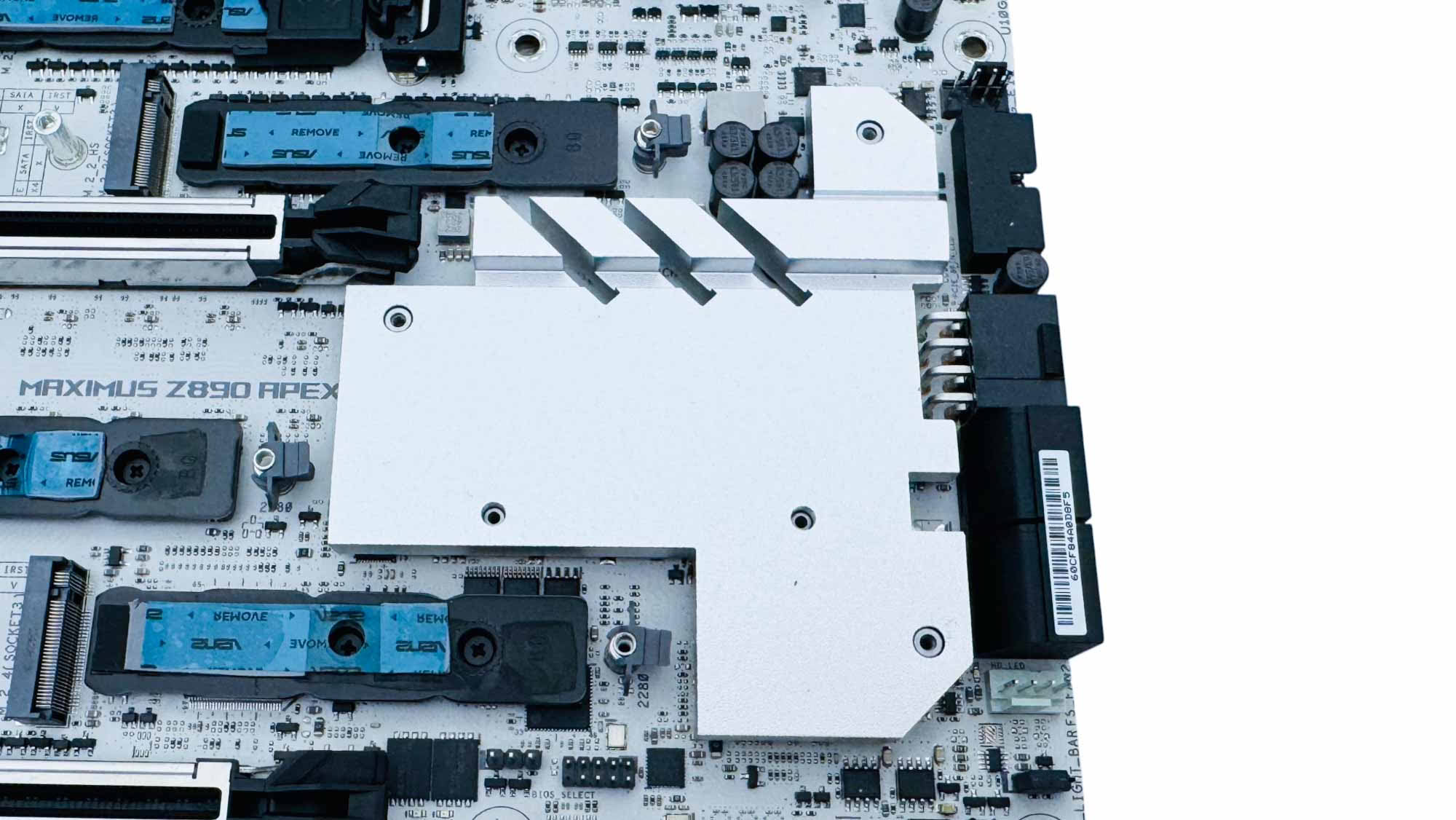
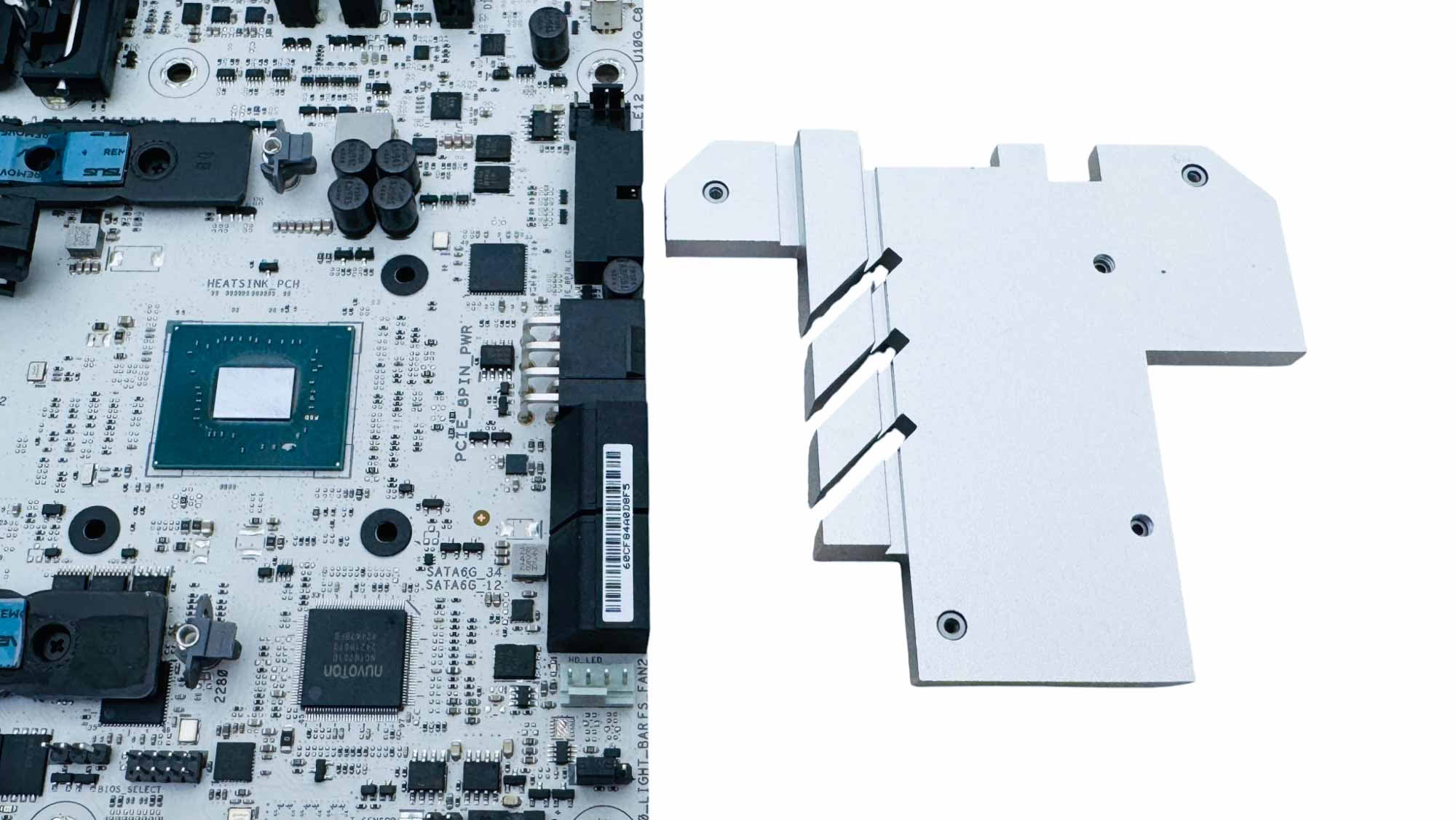
The PCH is located under a medium-size heatsink that also acts as a mounting plate for the larger M.2 heatsink above.
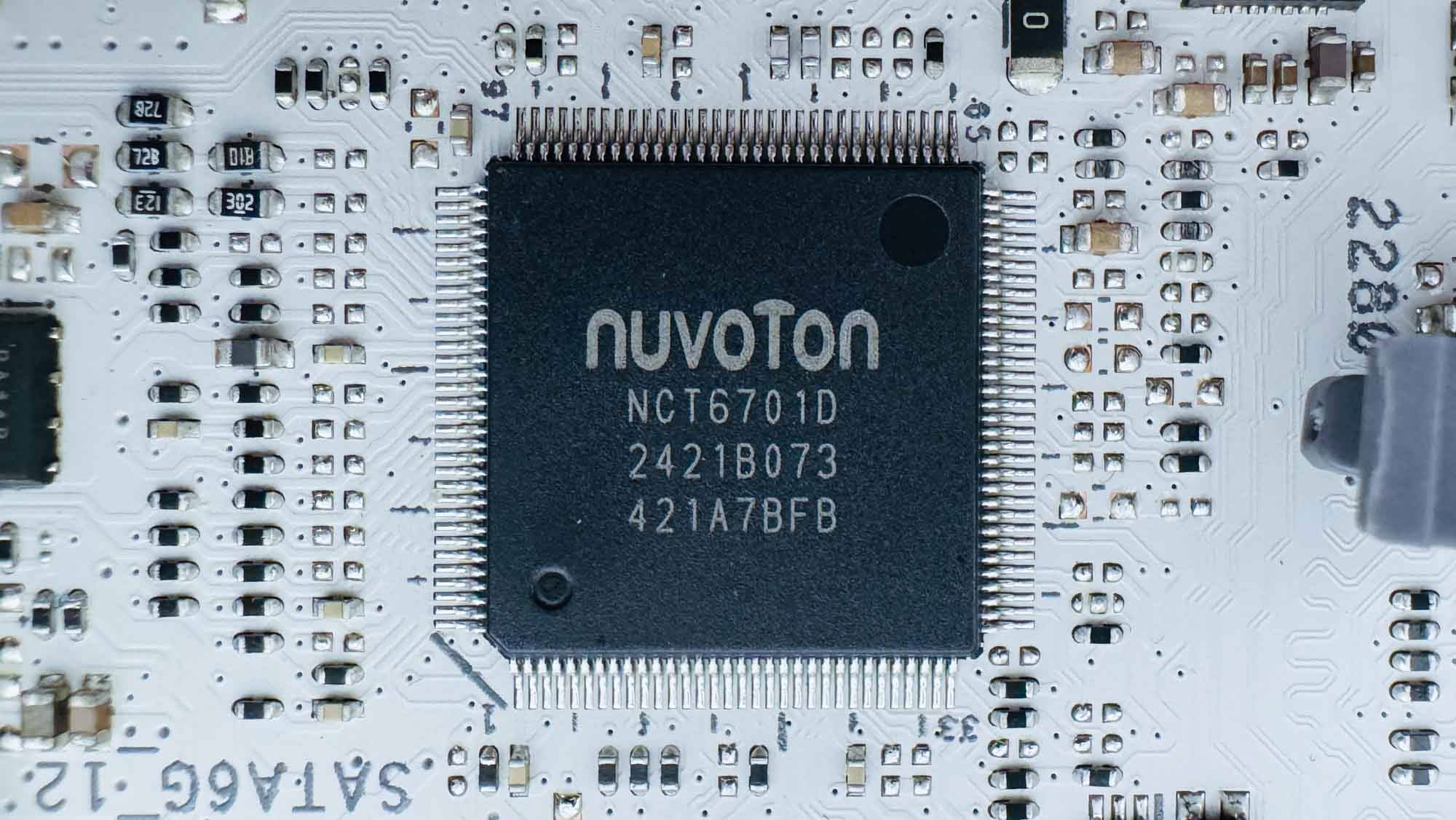
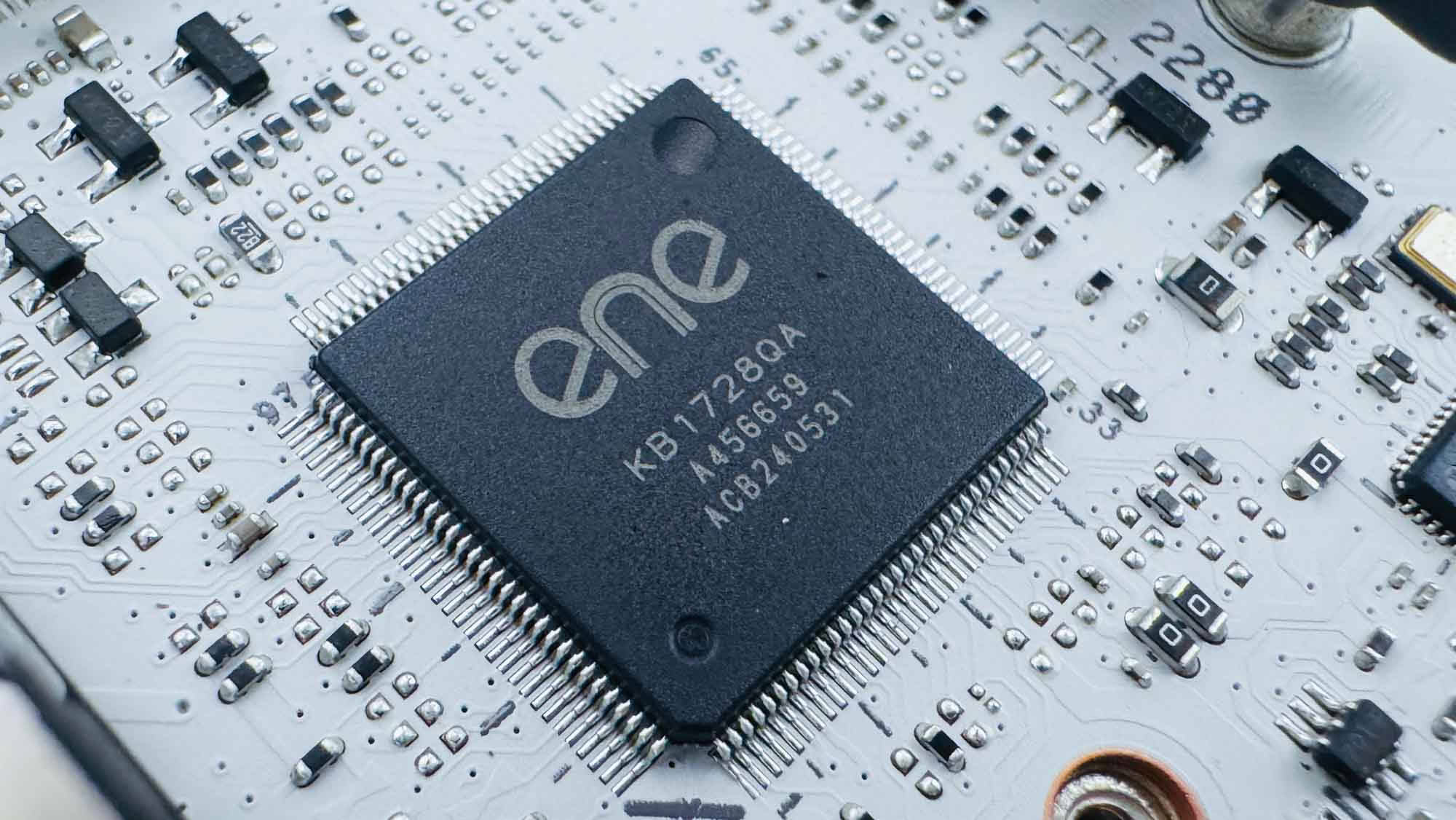
For hardware monitoring we have Nuvoton's NCT6701D super I/O series chip, which is found regularly on ASUS motherboards. In addition, we also have the Ene KB1728QA, which supports various ASUS automatic functions such as DIMM FIT/memory training, AI Overclocking, and additional hardware monitoring.
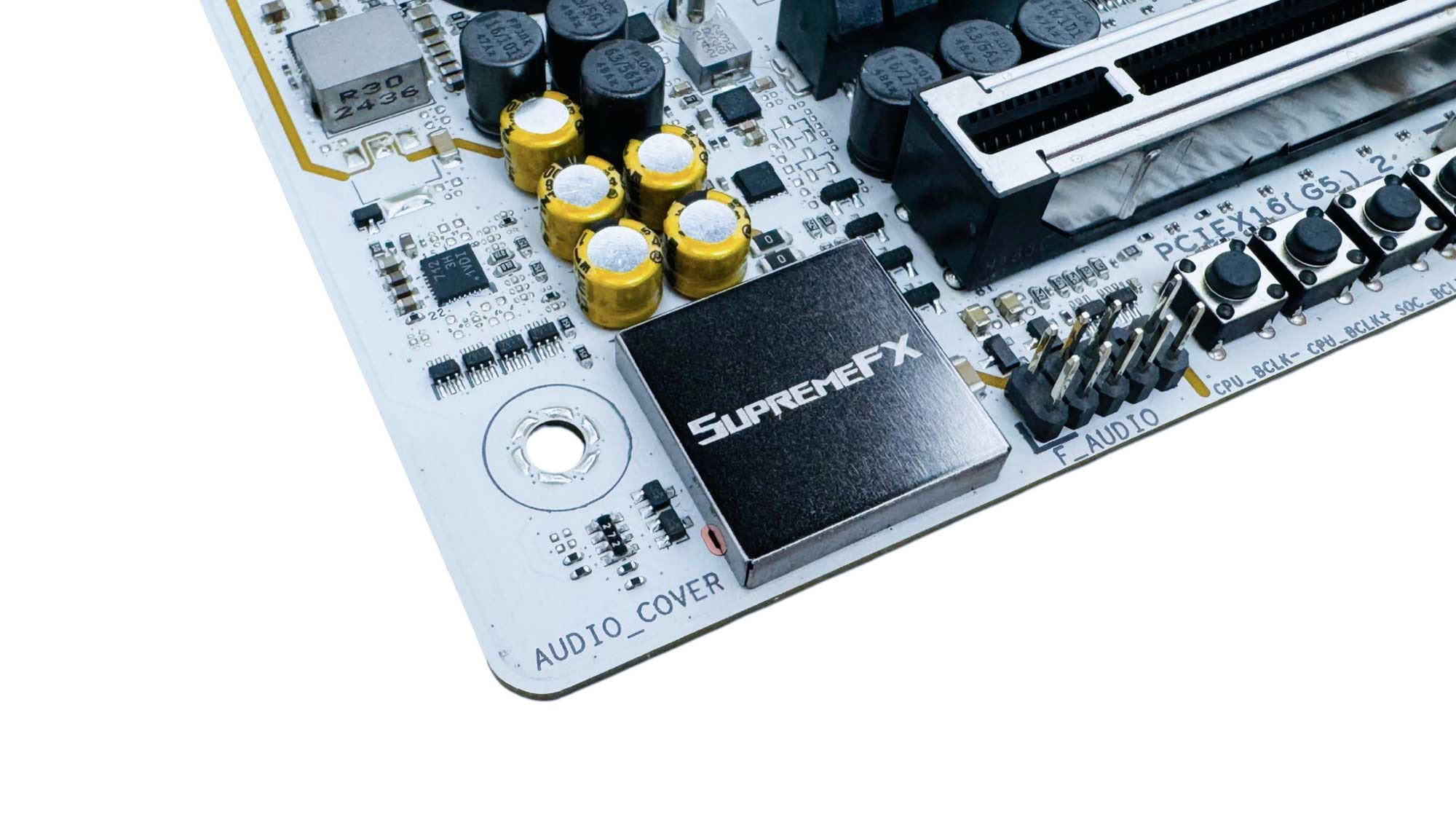
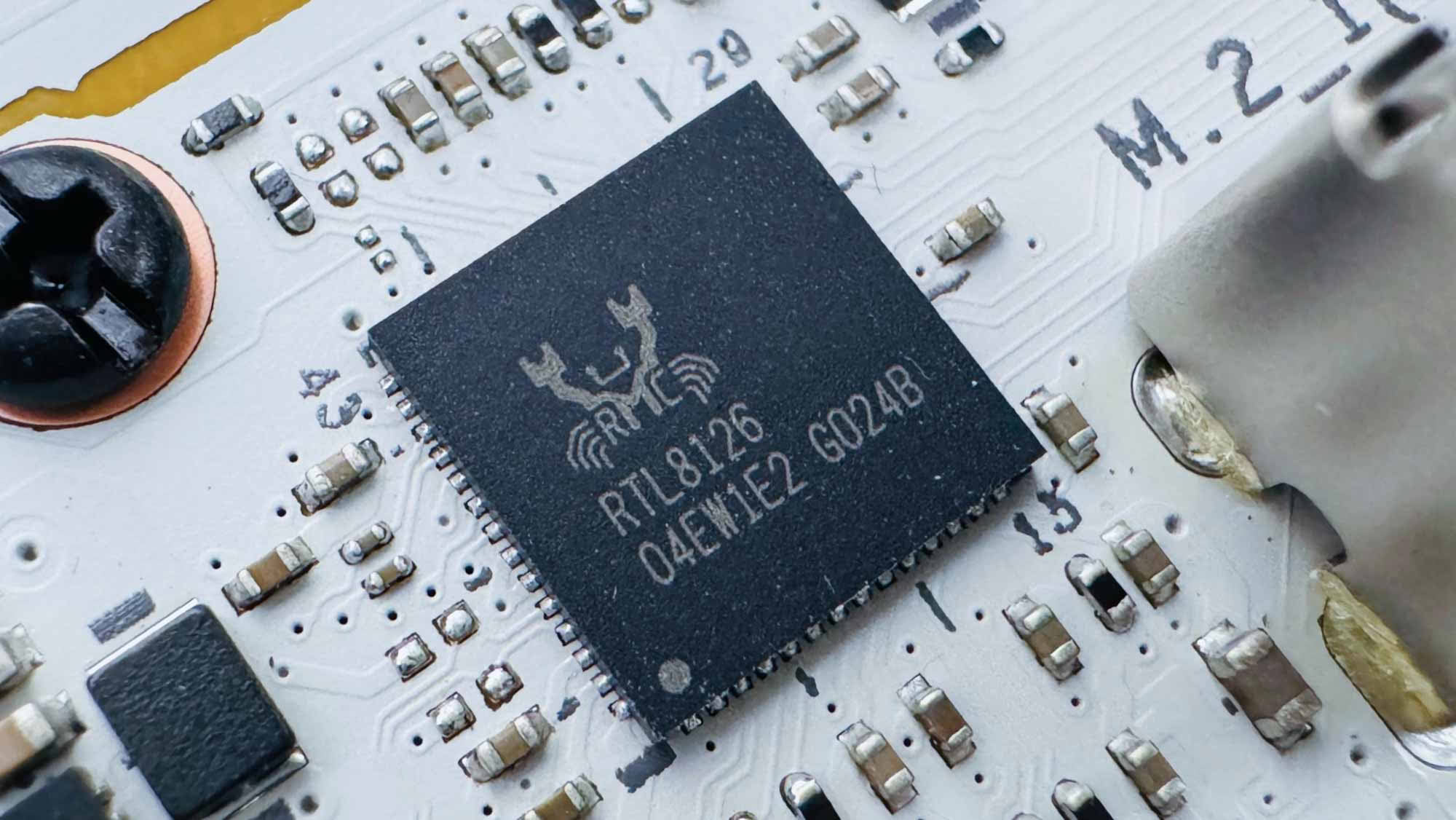
For audio, we have Realtek's ALC4080 codec, which sits under a noise-insulating SupremeFX-branded cap. Wired networking is provided by Realtek's RTL8126 5 Gbps Ethernet controller.
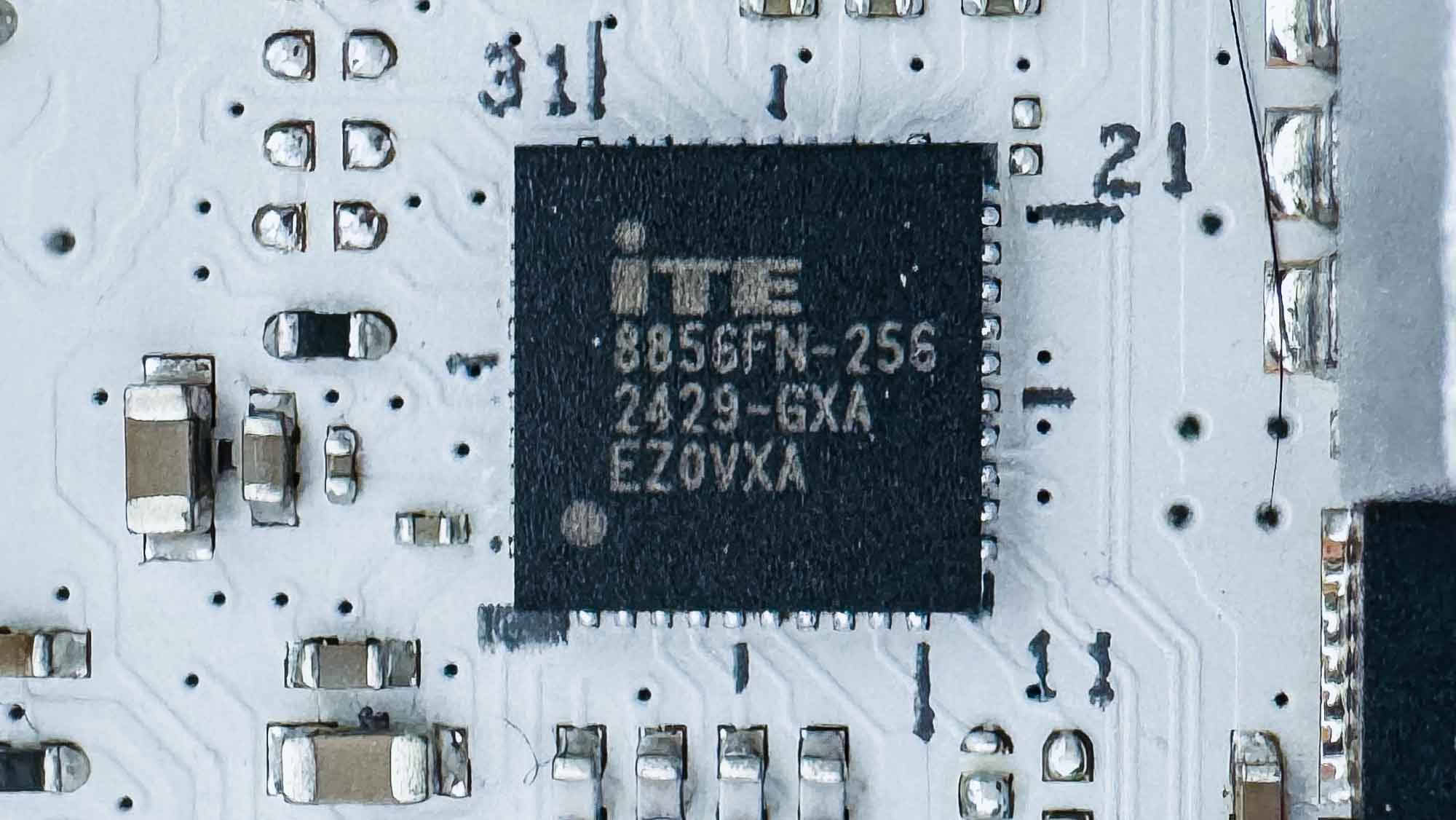
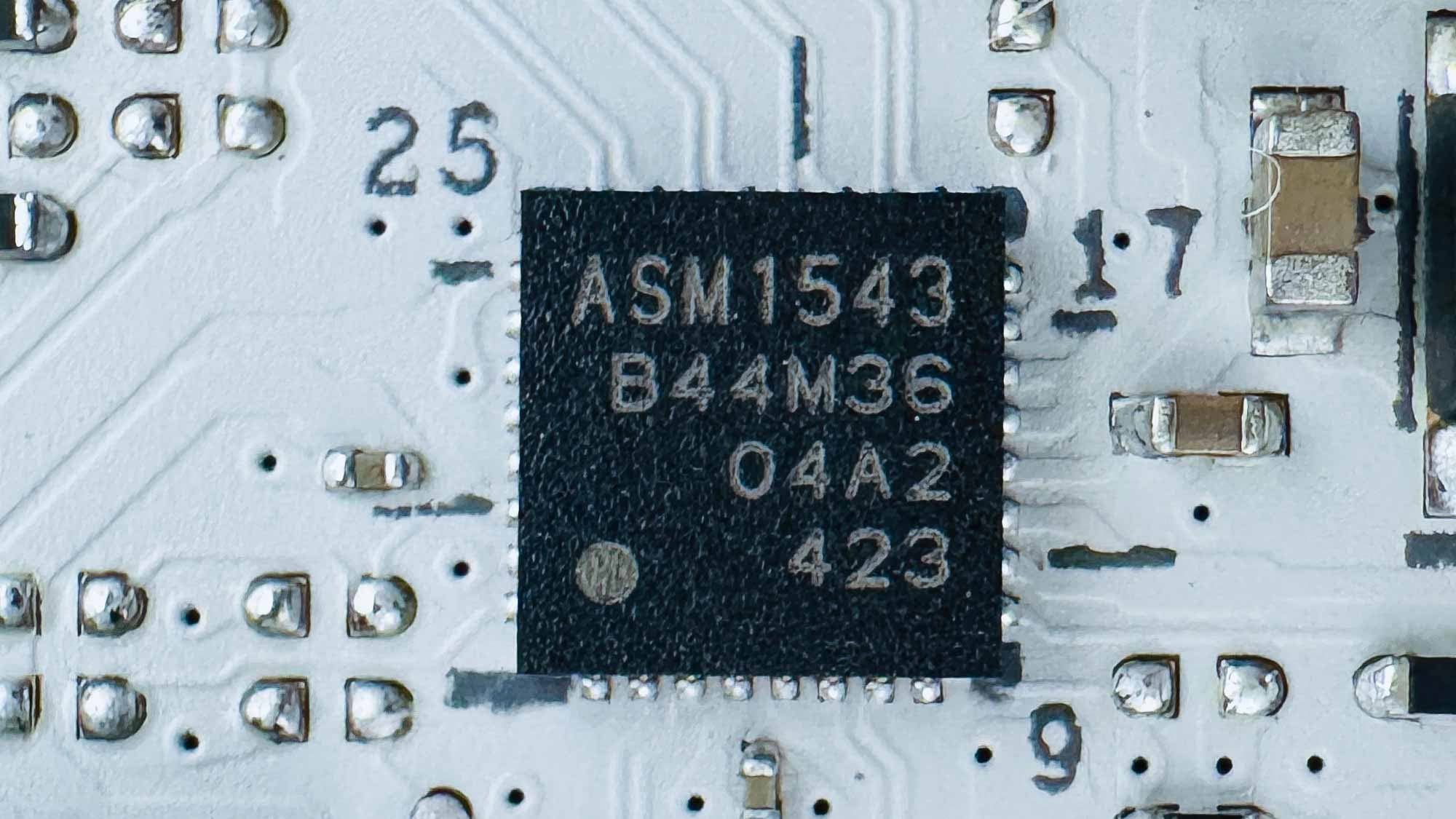
Next to the Type-C USB headers we have an ITE 8856FN power delivery controller and an ASMedia ASM1543 USB 3.2 Gen 2 10 Gbps Type-C mux switch.
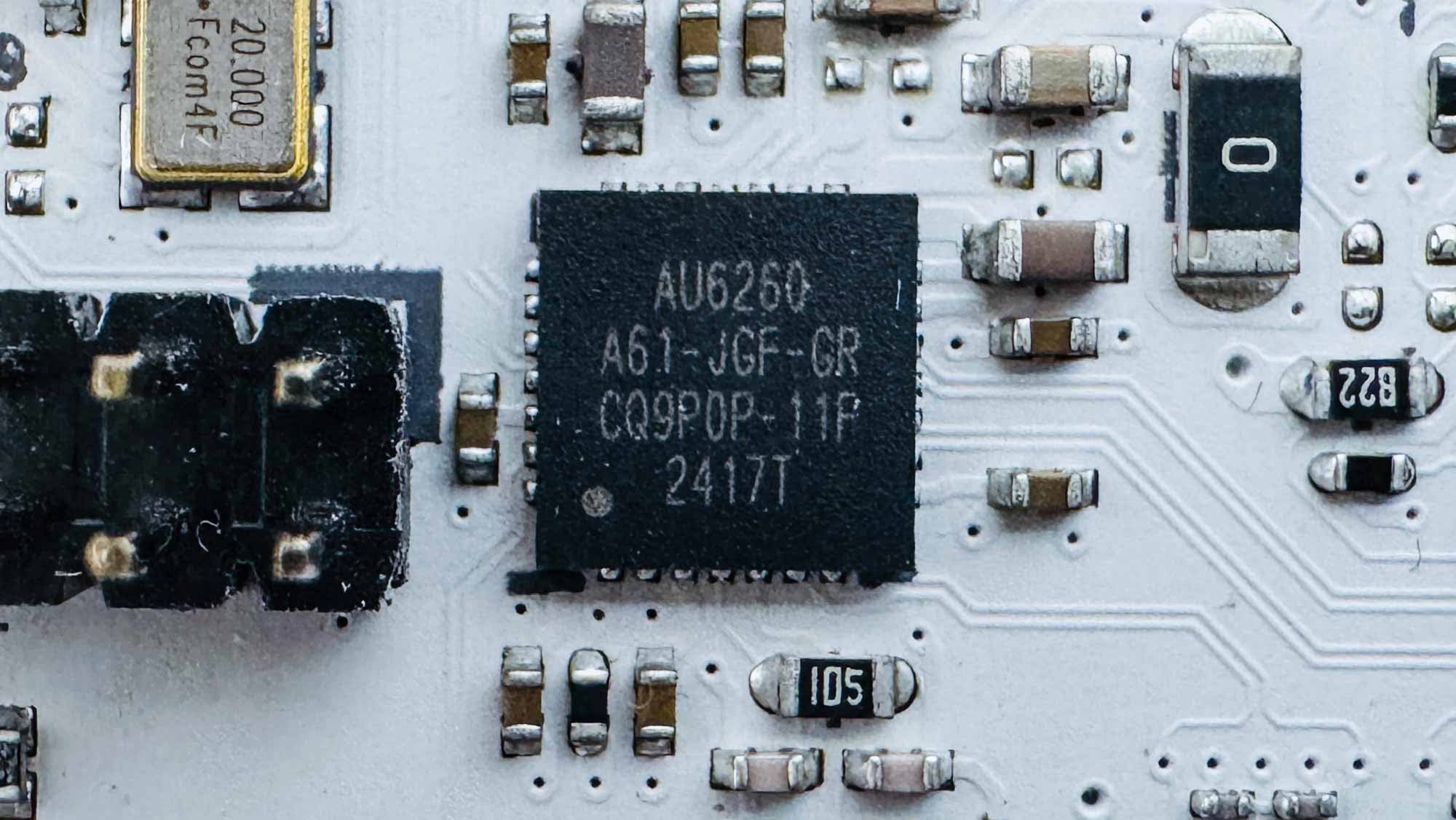
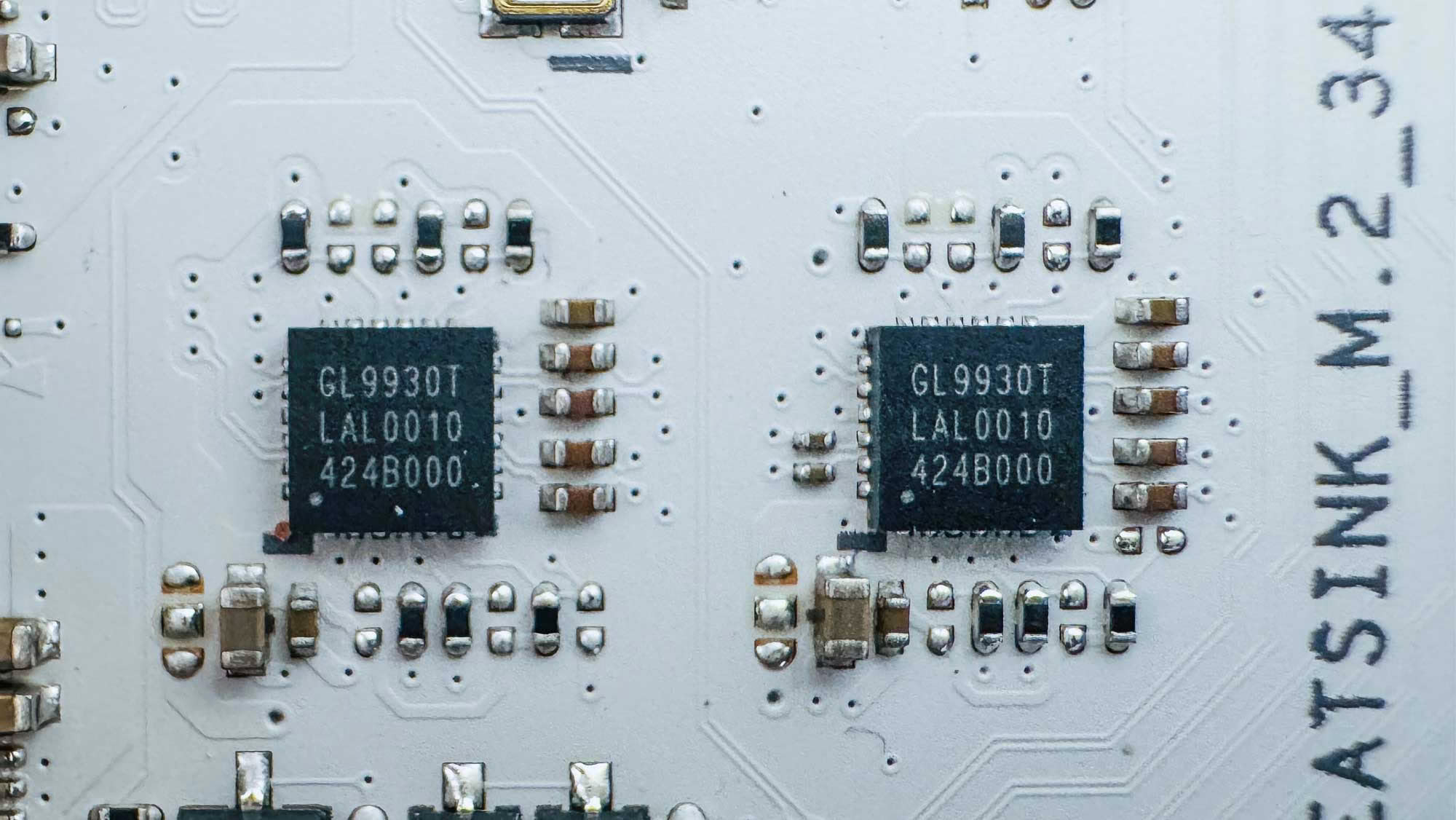
Above the USB 2.0 headers we have an Ancor Link AU6260 USB 2.0 hub controller. Above this—between the two lower PCIe Gen 5 M.2 ports—we have a pair of Genesys Logic GL9930T PCIe/SATA re-drivers.
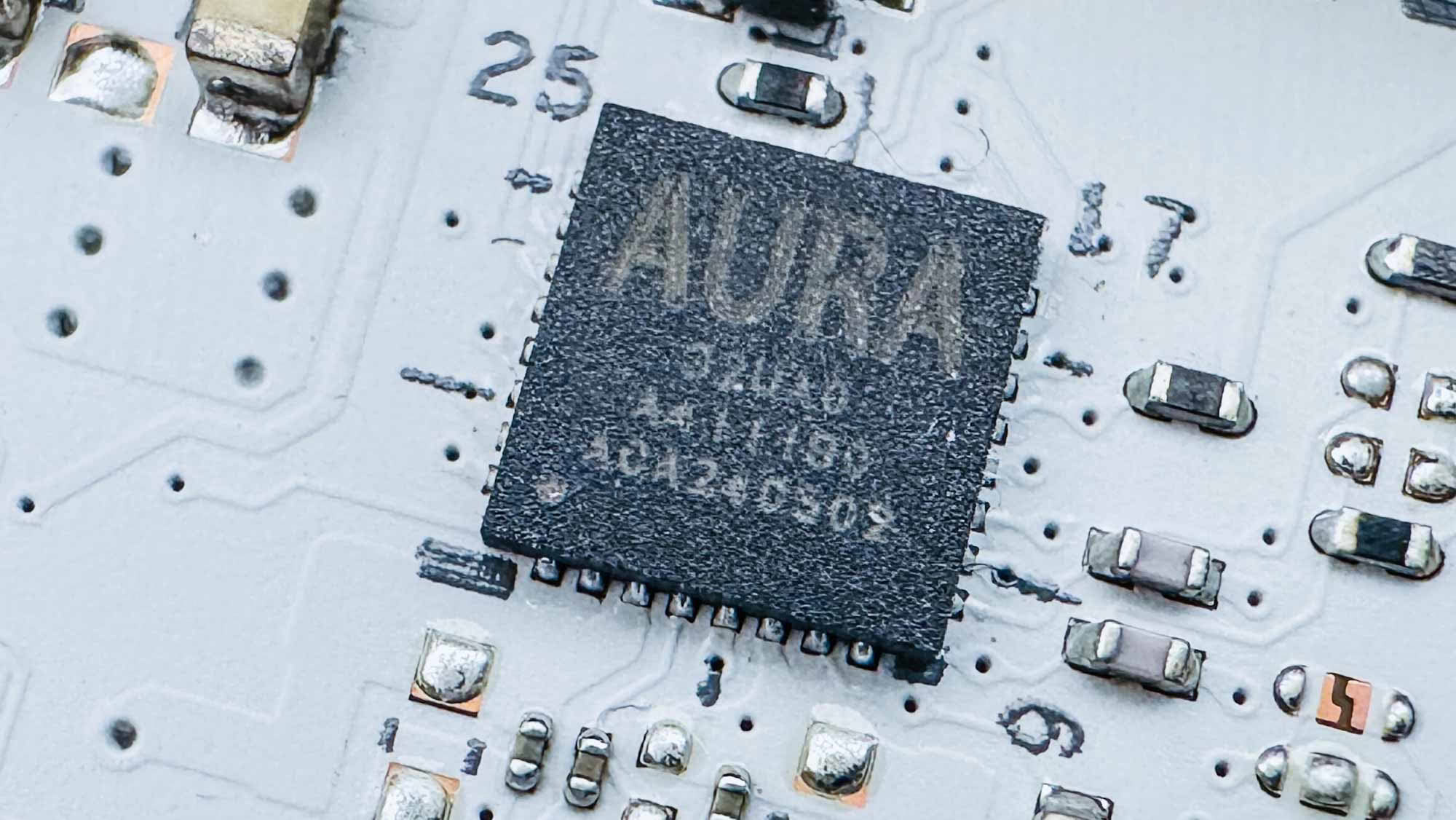
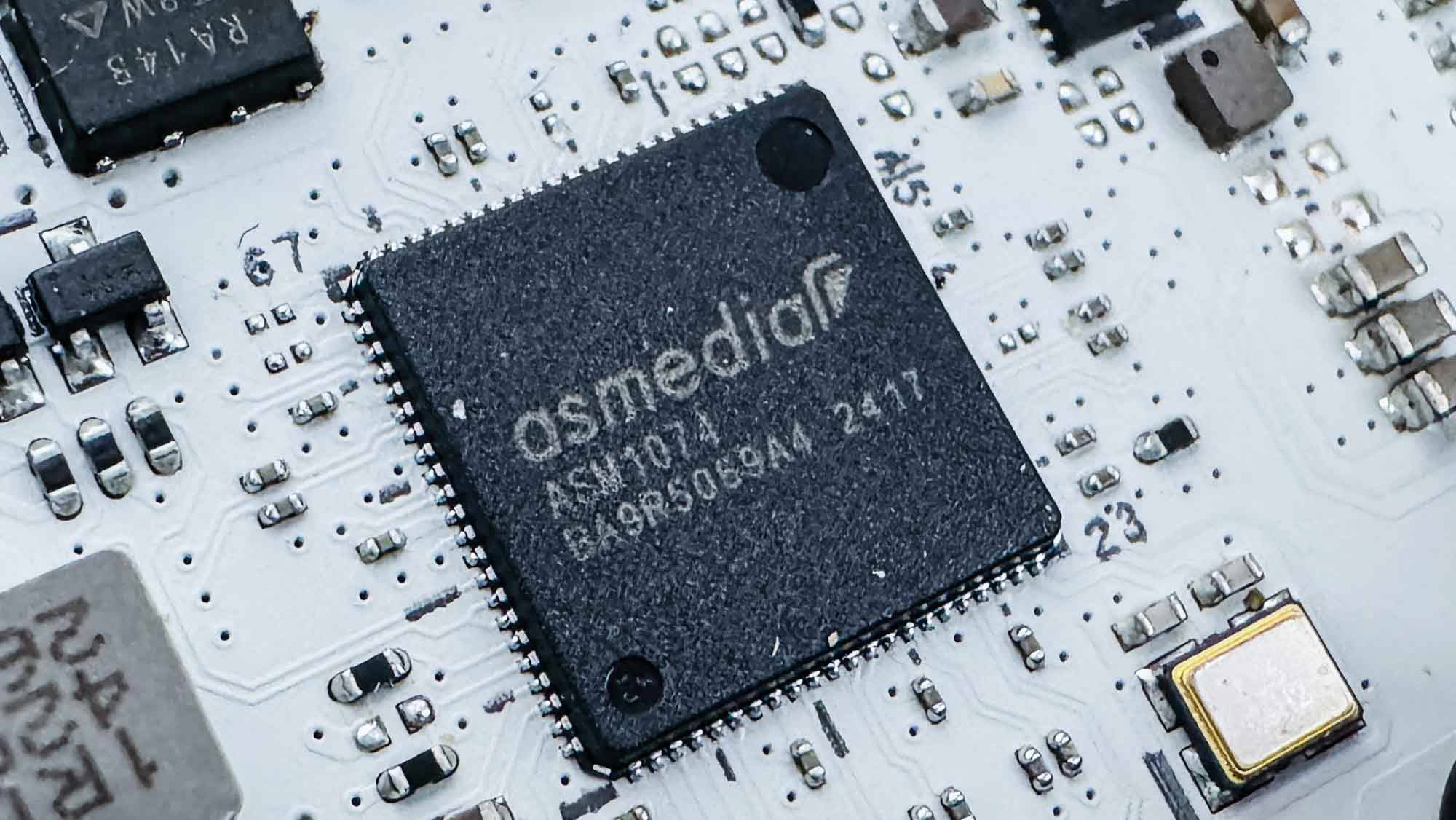
The AURA 32UAO is another chip manufactured by Ene and controls the onboard RGB lighting. Next to the rear USB ports we have an ASMedia ASM1074 USB 3.0 hub controller.
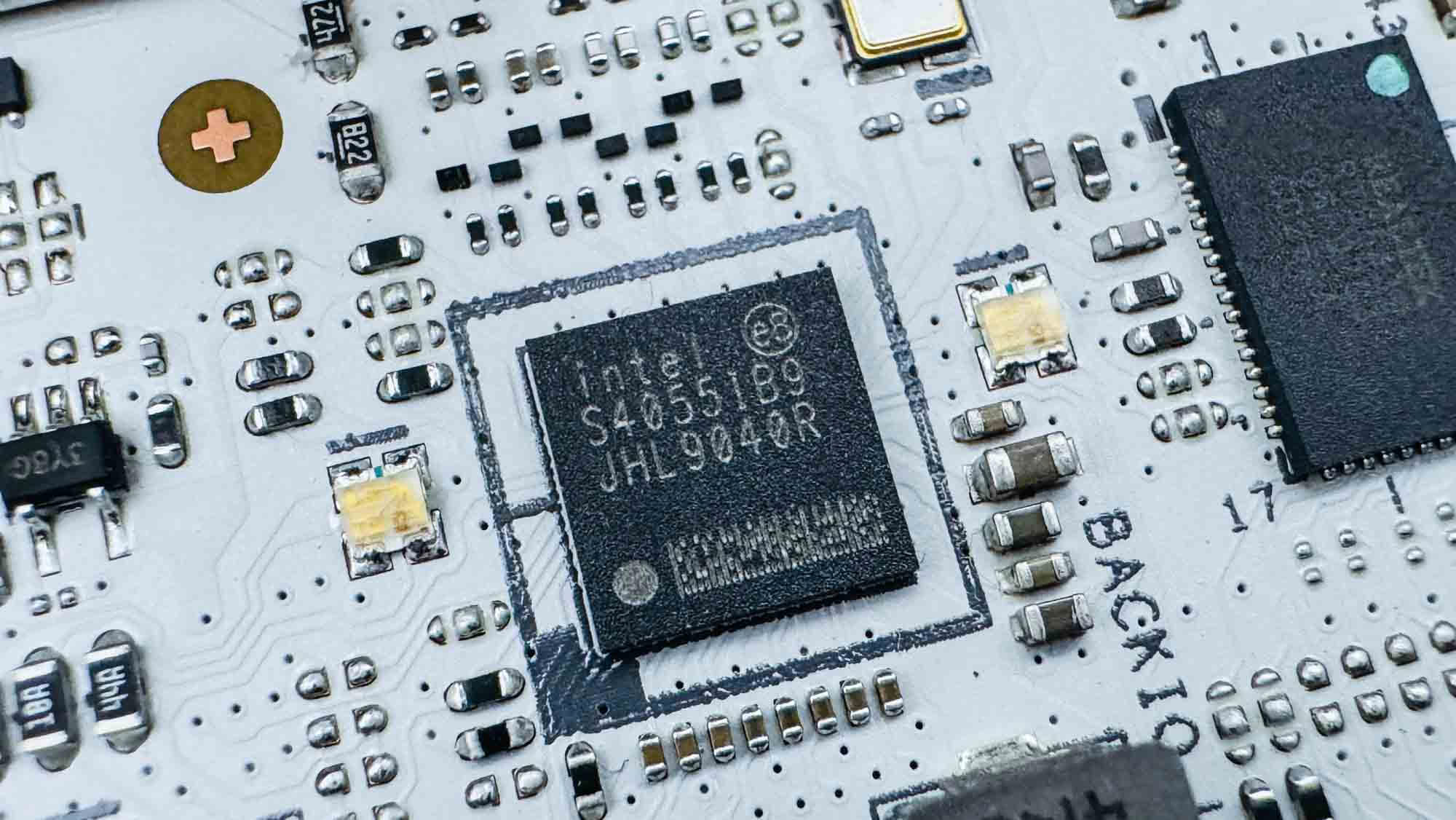
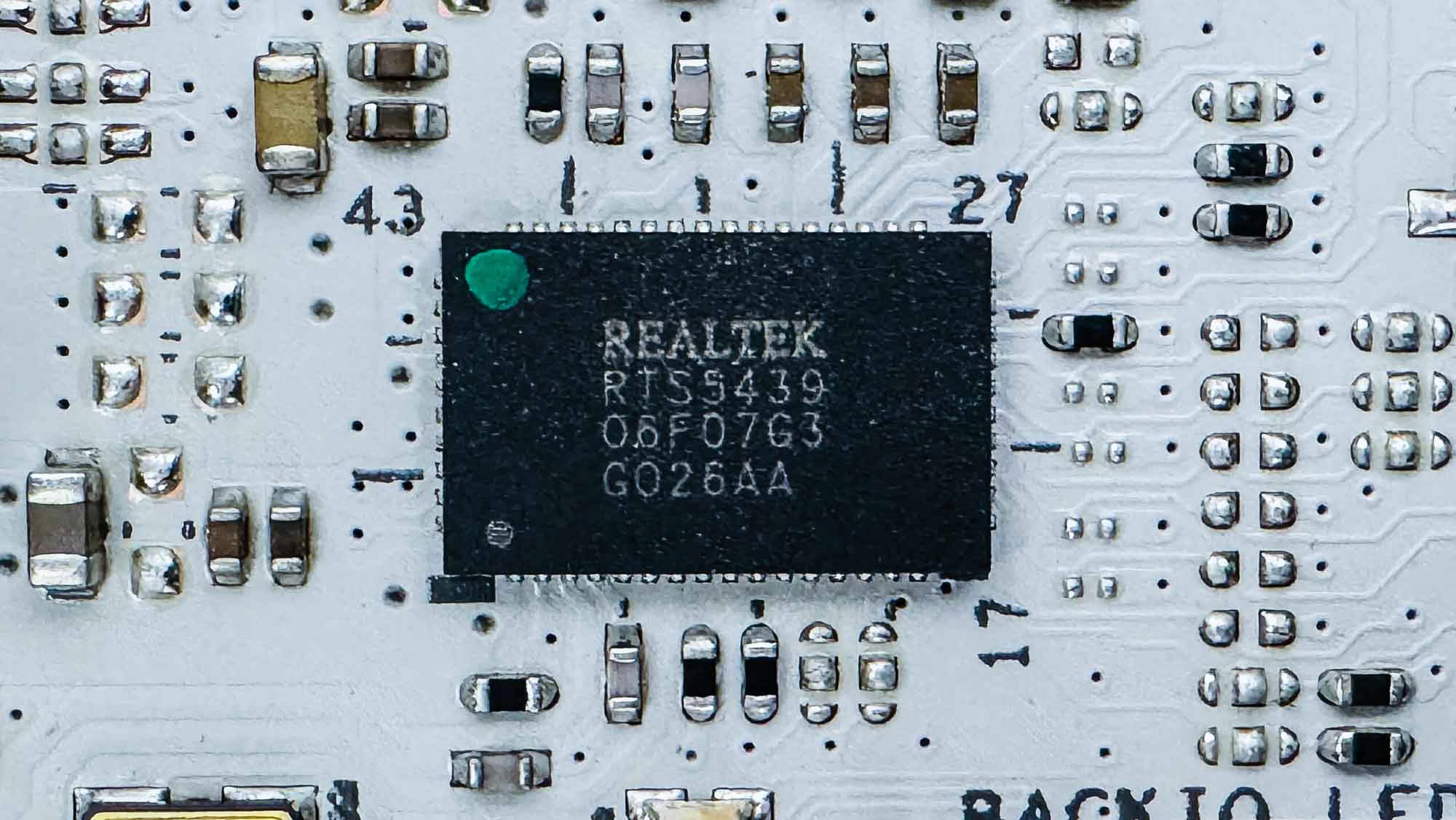
As usual with Z890 motherboards, we have a pair of Intel JHL9040R Thunderbolt 4 retimers. These sandwich a Realtek RTS5439 Type-C power delivery controller.
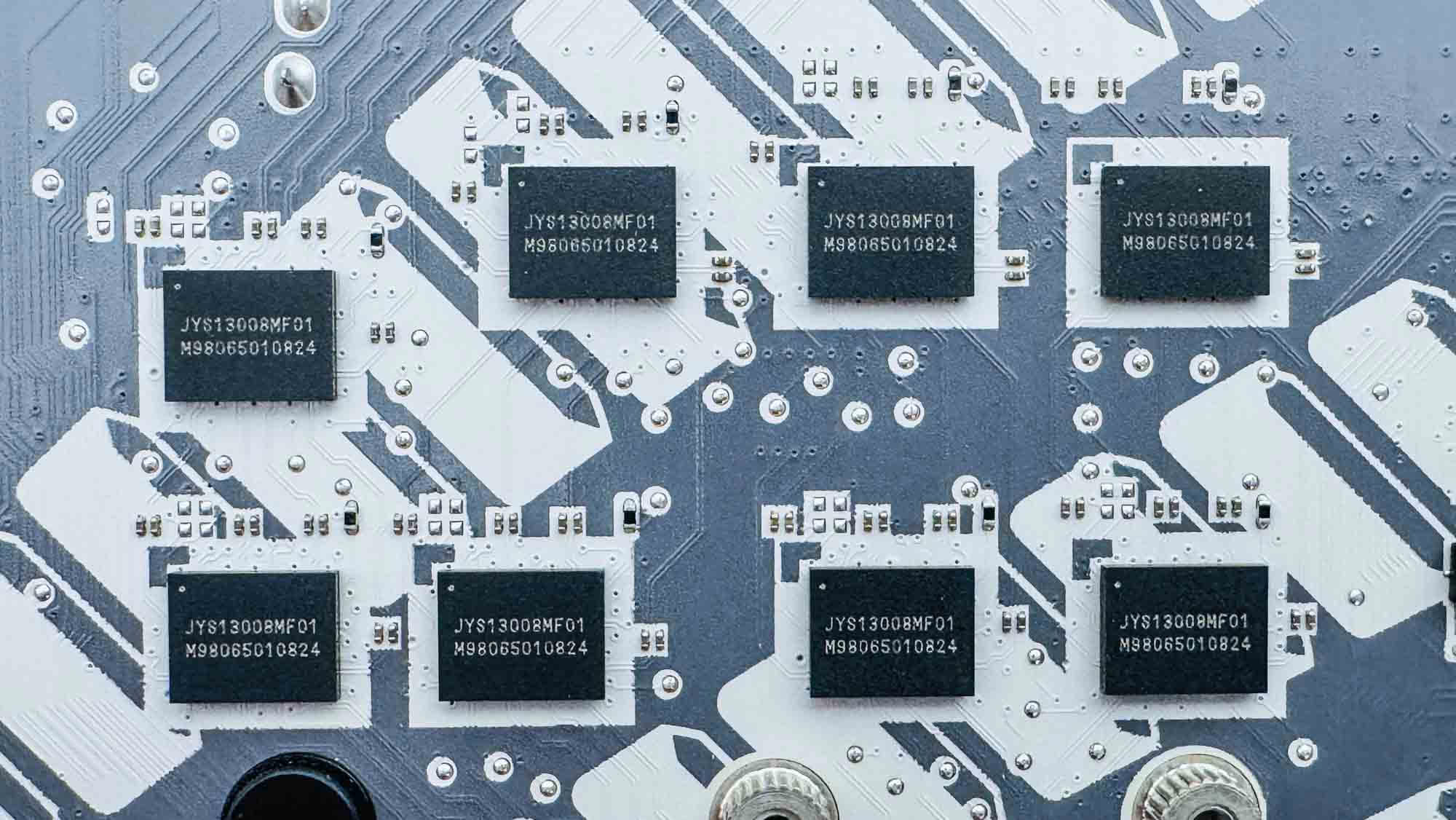
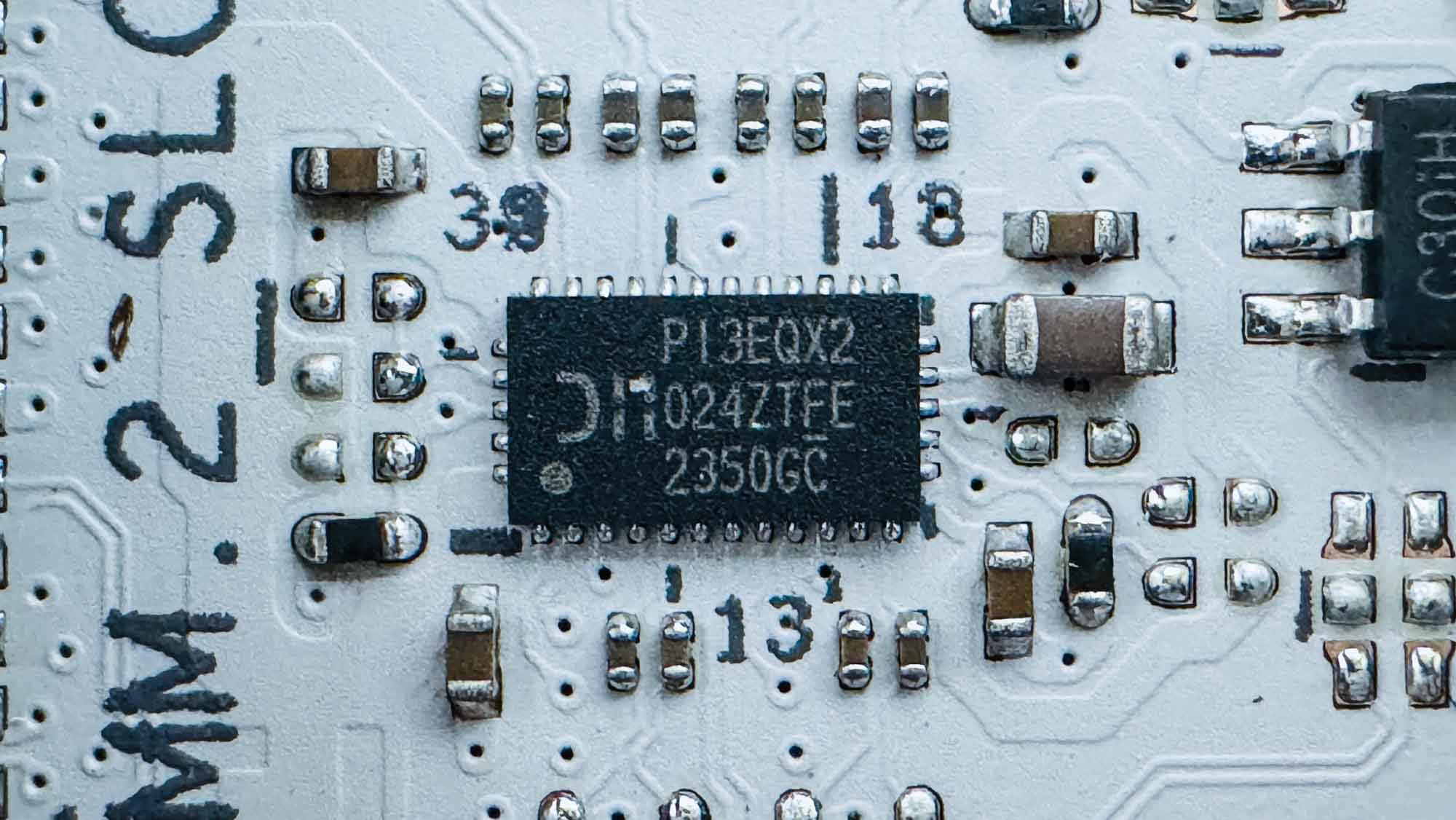
On the rear of the PCB, behind the second and third PCIe Gen 5 M.2 ports and the secondary PCIe Gen 5 PCIe slot, are a number of LeRain PCIe Gen 5 JYS13008MF01 linear redrivers. We have another redriver next to the front Type-C ports in the form of the USB 3.2 Gen 2x2 20 Gbps Diodes Incorporated PI3EQX2.
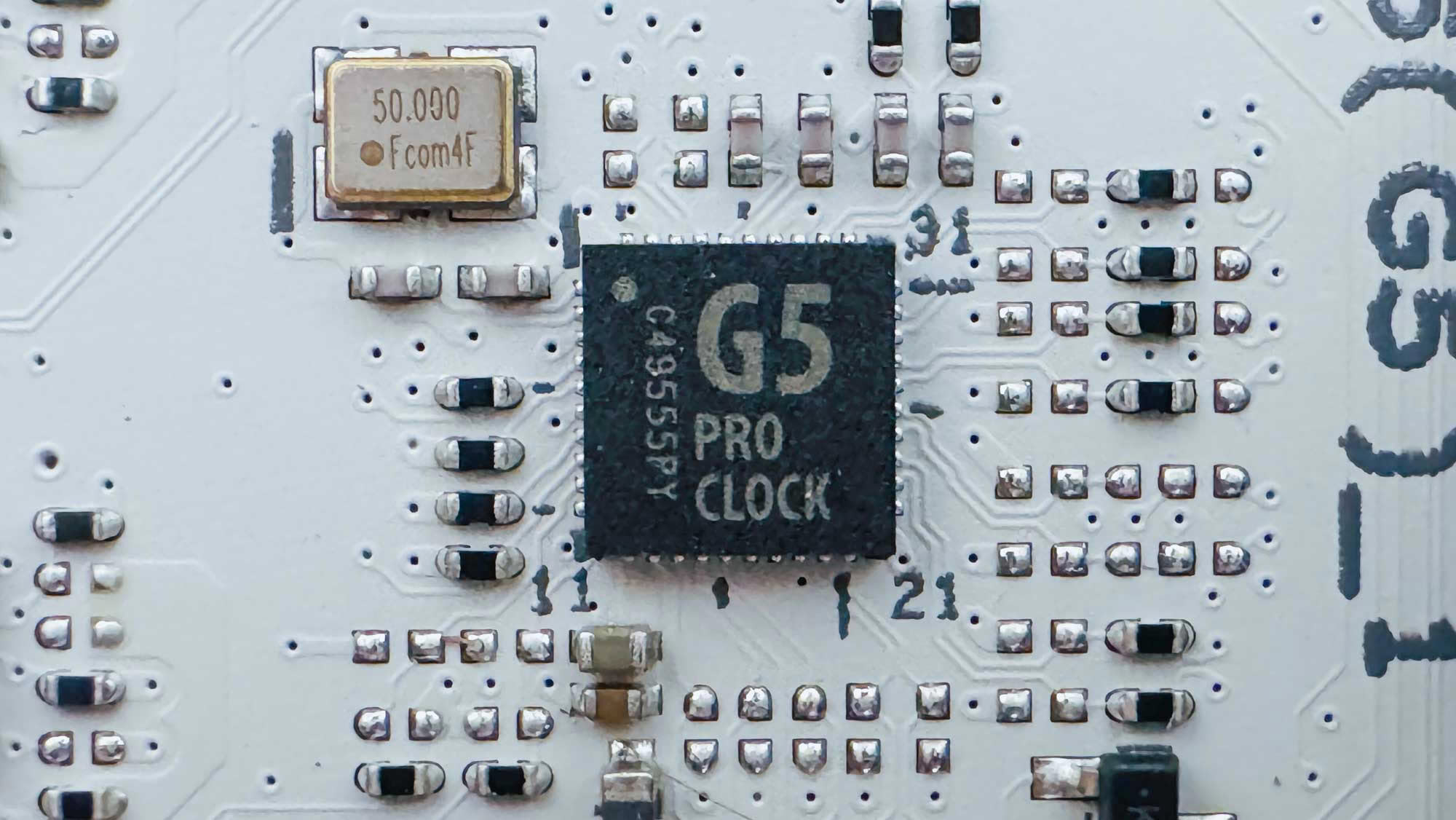
The G5 Pro Clock chip serves as an external base clock (BCLK) generator, with the Z890 Apex offering additional granular control for extreme overclocking.
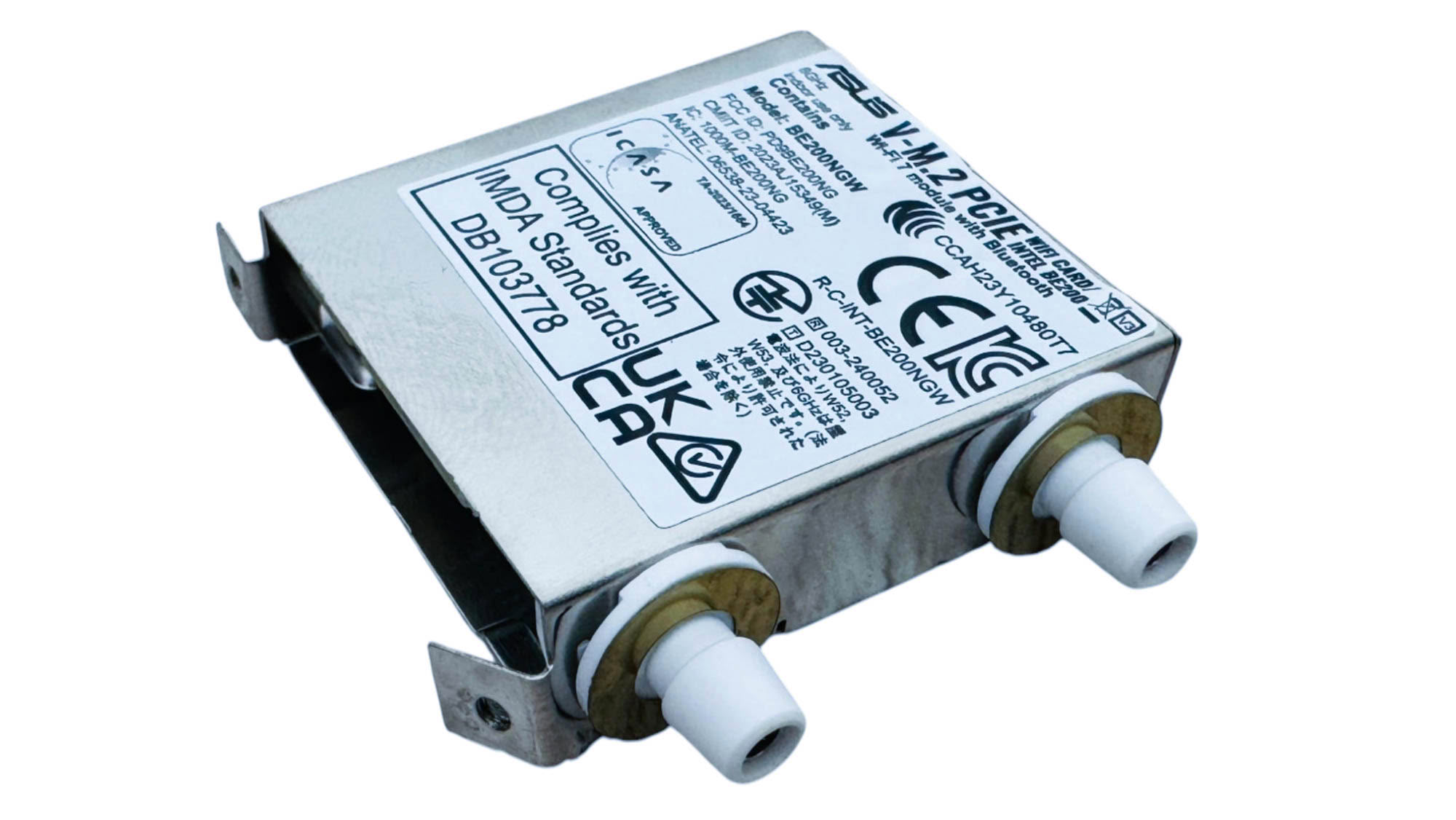
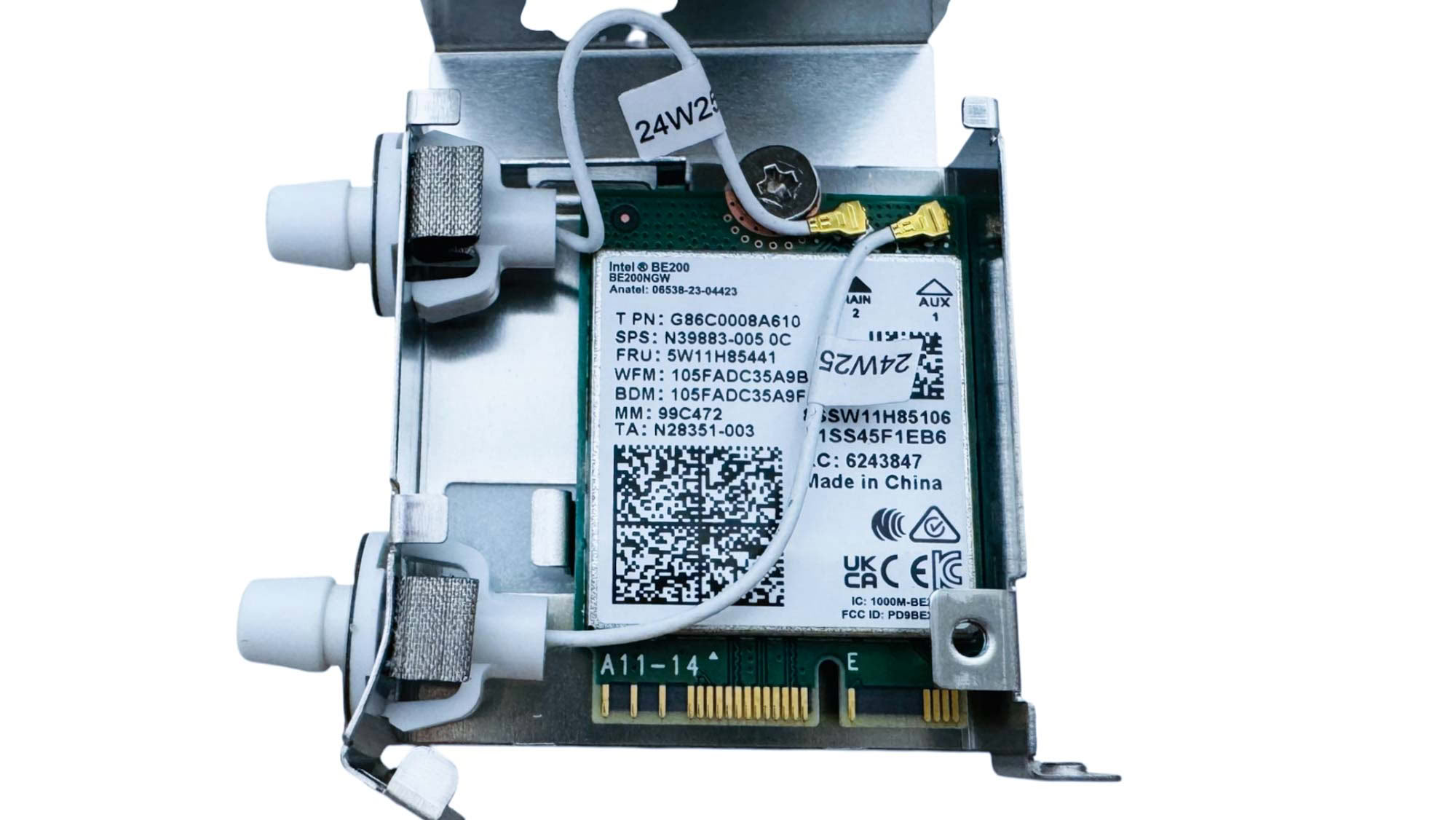
The Wi-Fi module uses external threadless Q-Antenna connectors, but internally standard micro connectors are used. The module itself is Intel's BE200 Wi-Fi 7 controller. Removing the module isn't too difficult as there's no backplate on the motherboard, but you do need to remove the entire VRM heatsink array as all three heatsinks are linked using a heatpipe.
Nov 18th, 2026 18:09 PST
change timezone
Latest GPU Drivers
New Forum Posts
- Honestly, do you care about GTA VI? (149)
- Without Jensen, PC gaming will be (45)
- Dual B70 or Dual R9700 Pro on Linux (5)
- [Poll] 12V-2x6 Connector Protection: What Are You Using? (WireView / Ampinel / Equalizer / Other / Nothing) (42)
- Time to upgrade CPU and MOBO (36)
- Got a new laptop! What should I do with it? (6)
- What are you playing? (26235)
- Can i play GTA 6 now? (Joke) (8)
- Dell Workstation Owners Club (3514)
- Making a game in Godot engine (2)
Popular Reviews
- Acemagic Retro X3 Review
- Upcoming Hardware Launches 2027 (Updated Nov 2026)
- AMD Zen 6 Technical Deep Dive
- Ugreen NASync DXP4800 GT Review
- Pulsar Office Tour & First Look at P1 Dual-Sensor Mouse
- Biwin Black Opal NV7400 2 TB Review
- Sapphire Radeon RX 7700 XT Pure Review
- Chieftec Iceberg PRO 360 DARK Review
- Sapphire Radeon RX 7700 XT Pulse Review
- ASUS ROG Strix B850-I Gaming Wi-Fi7 W Review
TPU on YouTube
Controversial News Posts
- NVIDIA Co-Founder and CEO Jensen Huang Officially Resigns (482)
- Report: Jensen Huang Eyes NVIDIA Comeback (196)
- Open Letter Asking NVIDIA to Reinstate Jensen Huang Passes 115,000 Signatures (184)
- OpenAI CEO Argues Home PCs Waste the World's Limited DRAM Supply (152)
- NVIDIA Launches Investigation Into Jensen Huang's Relationship With Suspected Chinese Spy (136)
- Intel "Raptor Lake Next" 16-Core and 20-Core CPUs Surface (130)
- Legendary Game Studio BioWare Shuts Down Following EA Layoffs (104)
- Dell CEO Says the Memory Shortage Will Get Worse in 2027 (95)