 10
ASUS ROG Maximus Z890 Apex Review
Finished Looks & Test System »Board Software
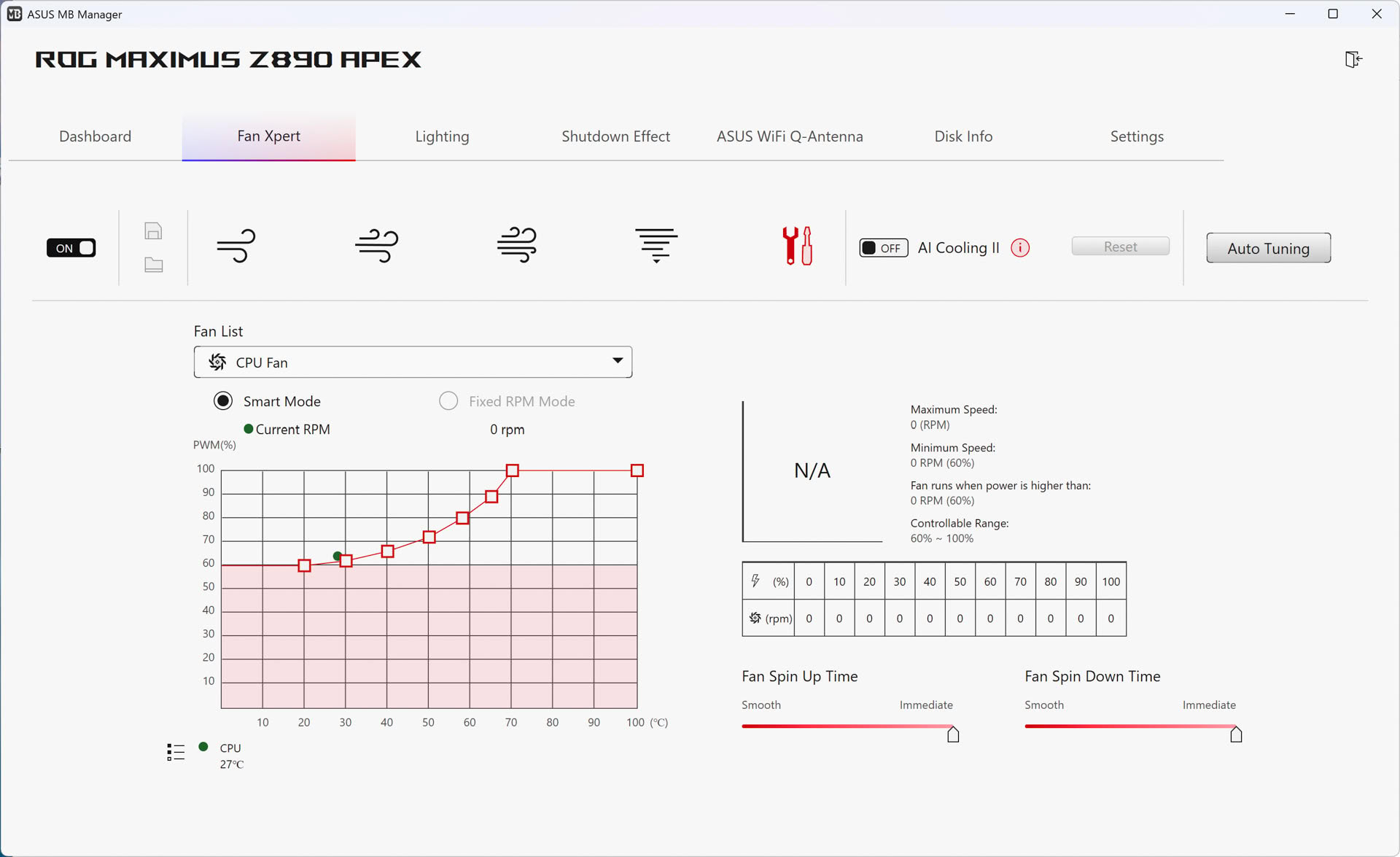
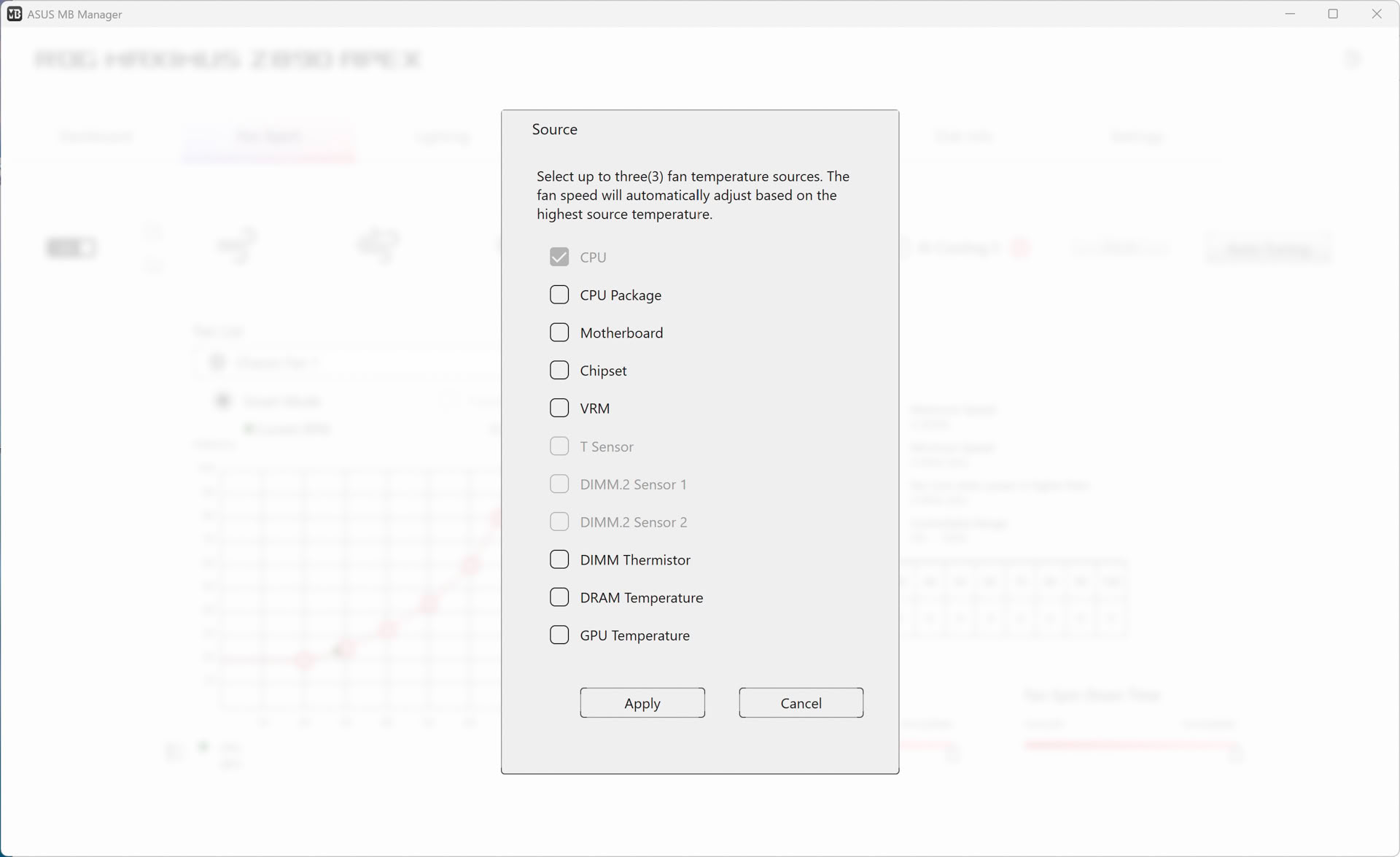
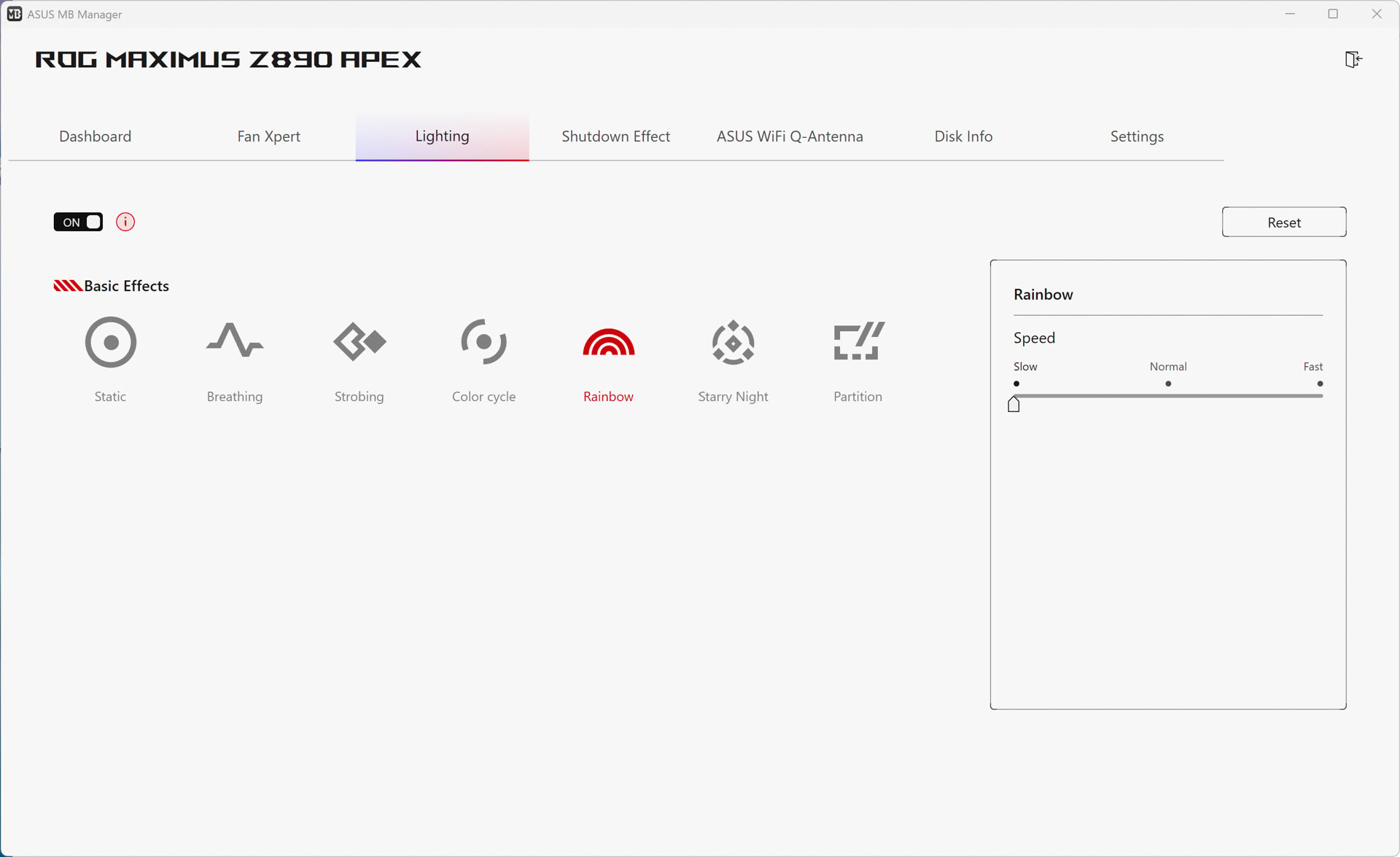
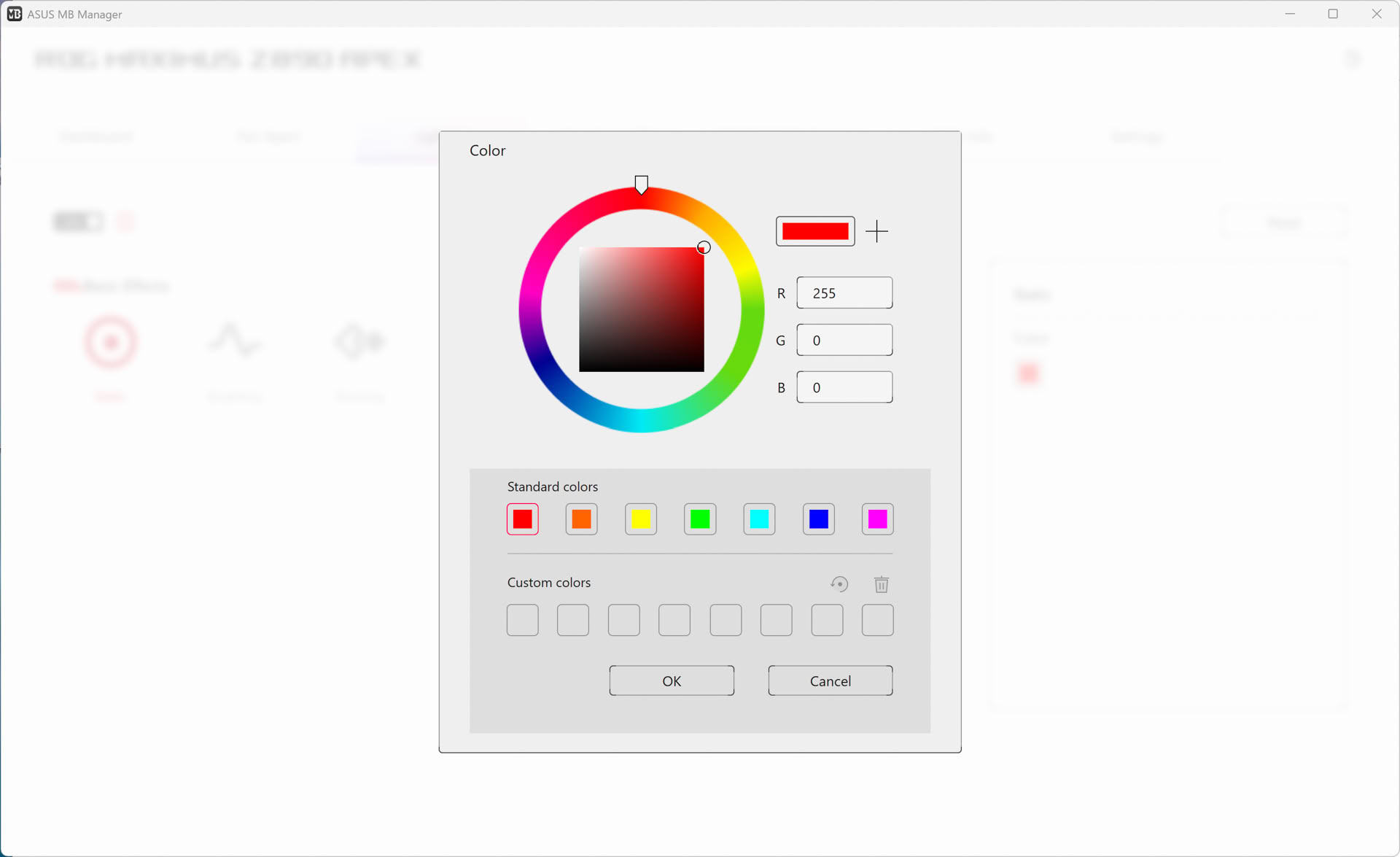
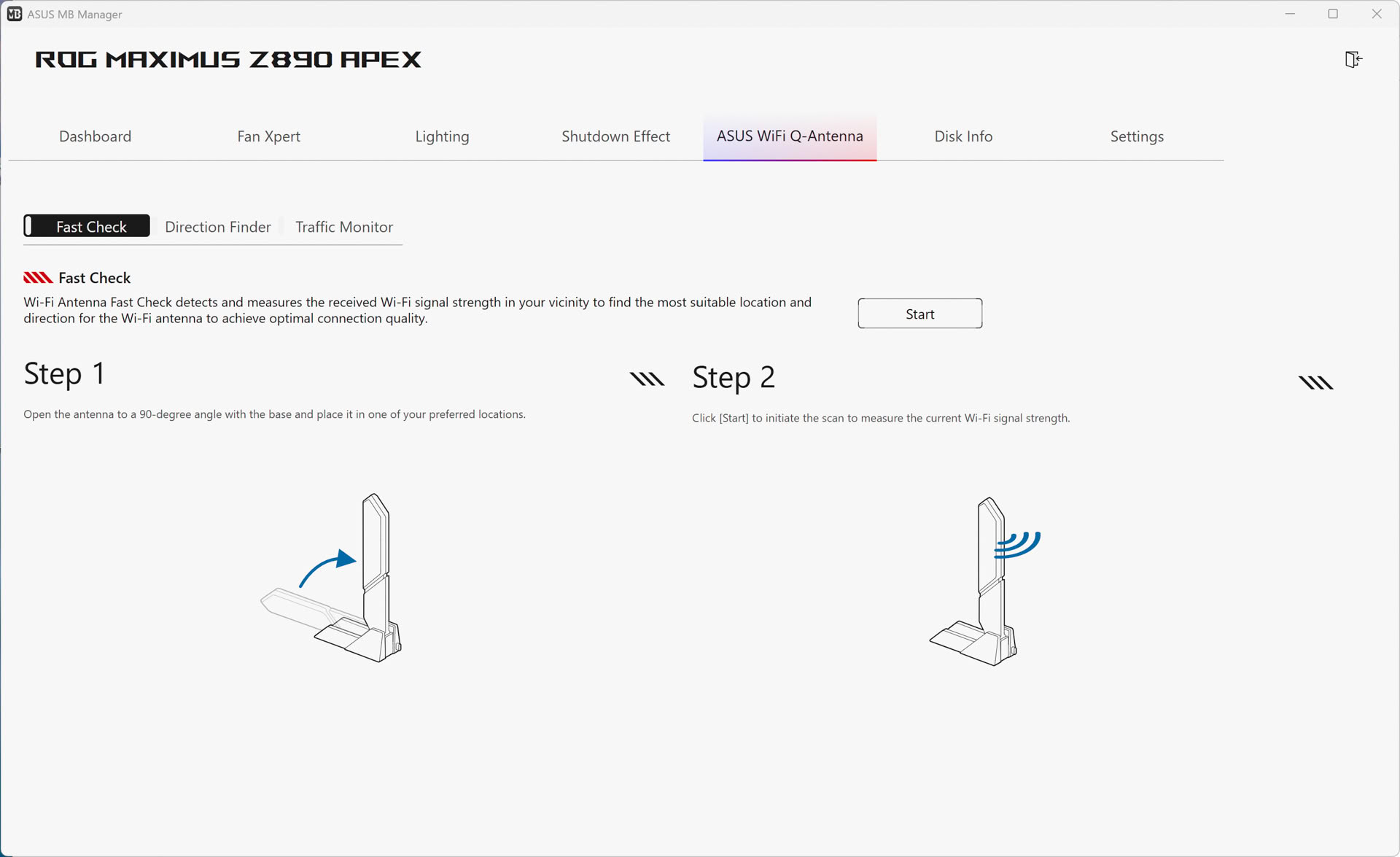
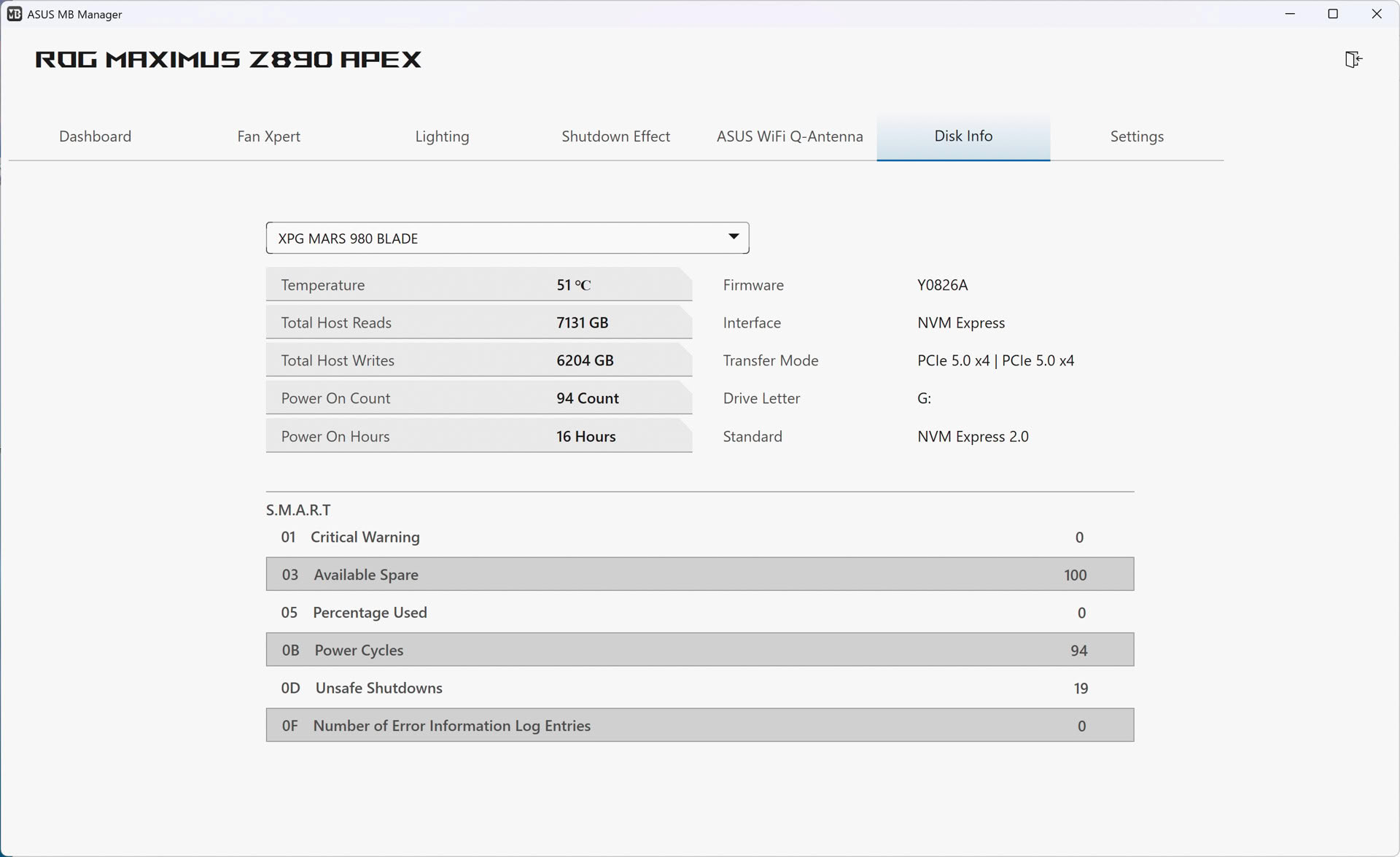
It's good to see that ASUS Motherboard Manager has made its way to older motherboards, and if you're new to this, it's the replacement for Armoury Crate. Gone is the need to install packages and update all the packages multiple times before you can use anything. It just fires up and it works. It does look and feel a little clunky as everything is a little big, but it feels more streamlined and simple than the bloated and unintuitive Armoury Crate. The dashboard gives you a good overview of temperatures, frequencies and voltages, while fan control offers the basics such as fan curves, spin-up and spin-down times, and the ability to switch temperature inputs. There's also a switch on the left to go between EFI or software settings. Overall ASUS just about has the most features here, but we'd still like to see it mirror all options in the EFI. Lighting offers the usual presets you'll see in most other software, but it would be nice to control this via the EFI like you can on ASRock's boards, to avoid the need to install software.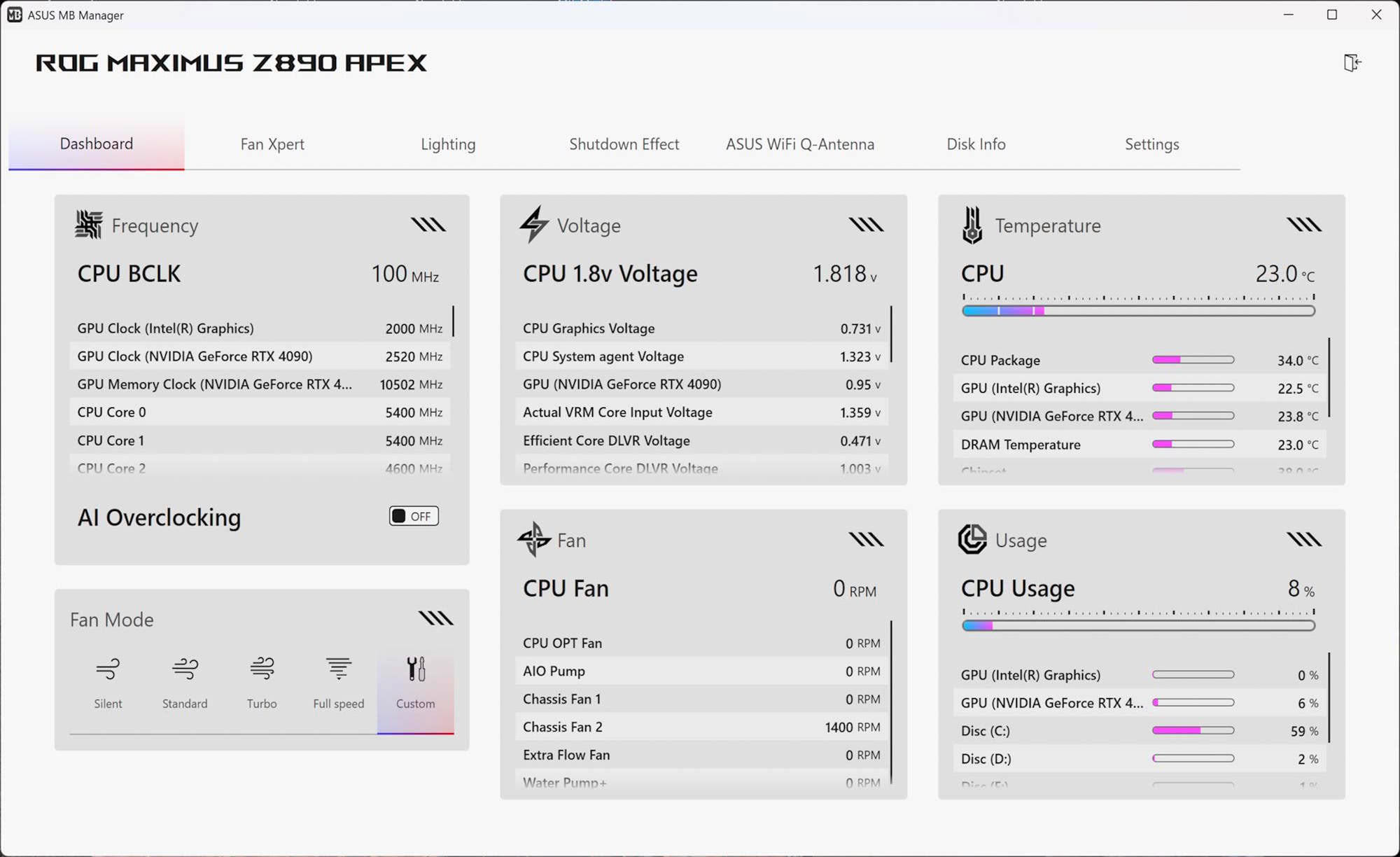
Nov 18th, 2026 13:38 PST
change timezone
Latest GPU Drivers
New Forum Posts
- Can i play GTA 6 now? (Joke) (6)
- Very unusual two gaming-pc scenarios. (12)
- Dell Workstation Owners Club (3513)
- Any other old-timers here planning to play WoW Forever? (151)
- Time to upgrade CPU and MOBO (33)
- The Filthy, Rotten, Nasty, Helpdesk-Nightmare picture clubhouse (2876)
- WarpCoreBench scores! (67)
- Honestly, do you care about GTA VI? (144)
- Acer Predator BiFrost Radeon RX 9070 OC (9)
- DTS DCH Driver for Realtek HDA [DTS:X APO4 + DTS Interactive] (2814)
Popular Reviews
- Acemagic Retro X3 Review
- Upcoming Hardware Launches 2027 (Updated Nov 2026)
- AMD Zen 6 Technical Deep Dive
- ASUS ROG Strix B850-I Gaming Wi-Fi7 W Review
- Corsair HX1000i Shift Crystal Review
- Biwin Black Opal NV7400 2 TB Review
- Chieftec Iceberg PRO 360 DARK Review
- AMD Ryzen 7 9800X3D Review - The Best Gaming Processor
- Pulsar Office Tour & First Look at P1 Dual-Sensor Mouse
- Phantom Blade Zero Performance Benchmark Review - 35 GPUs Tested
TPU on YouTube
Controversial News Posts
- NVIDIA Co-Founder and CEO Jensen Huang Officially Resigns (478)
- Report: Jensen Huang Eyes NVIDIA Comeback (187)
- Open Letter Asking NVIDIA to Reinstate Jensen Huang Passes 115,000 Signatures (184)
- OpenAI CEO Argues Home PCs Waste the World's Limited DRAM Supply (152)
- NVIDIA Launches Investigation Into Jensen Huang's Relationship With Suspected Chinese Spy (136)
- Intel "Raptor Lake Next" 16-Core and 20-Core CPUs Surface (130)
- Legendary Game Studio BioWare Shuts Down Following EA Layoffs (104)
- Dell CEO Says the Memory Shortage Will Get Worse in 2027 (95)