 2
ASUS ROG Strix B850-I Gaming Wi-Fi7 W Review
Board Software »BIOS Overview
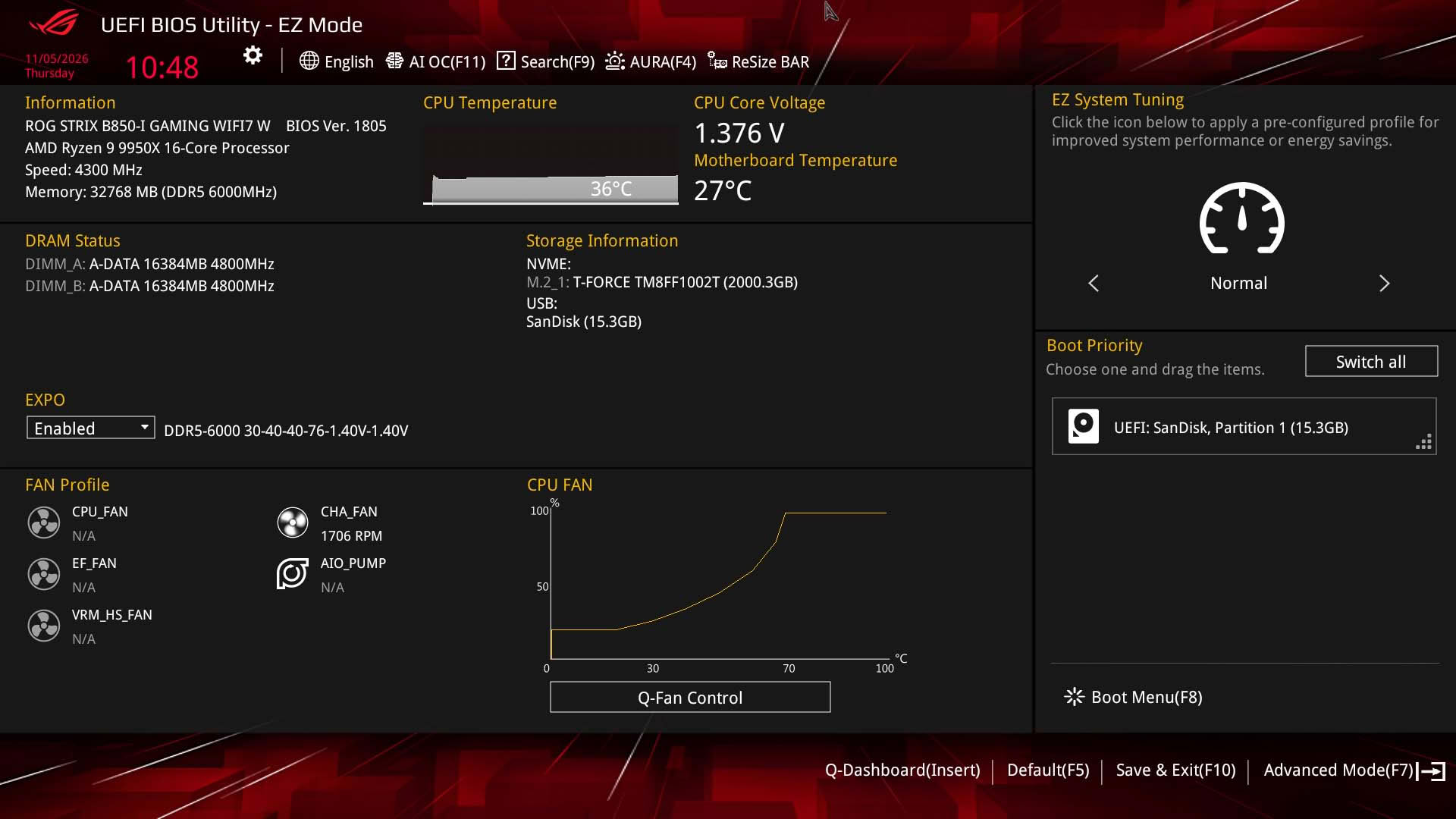
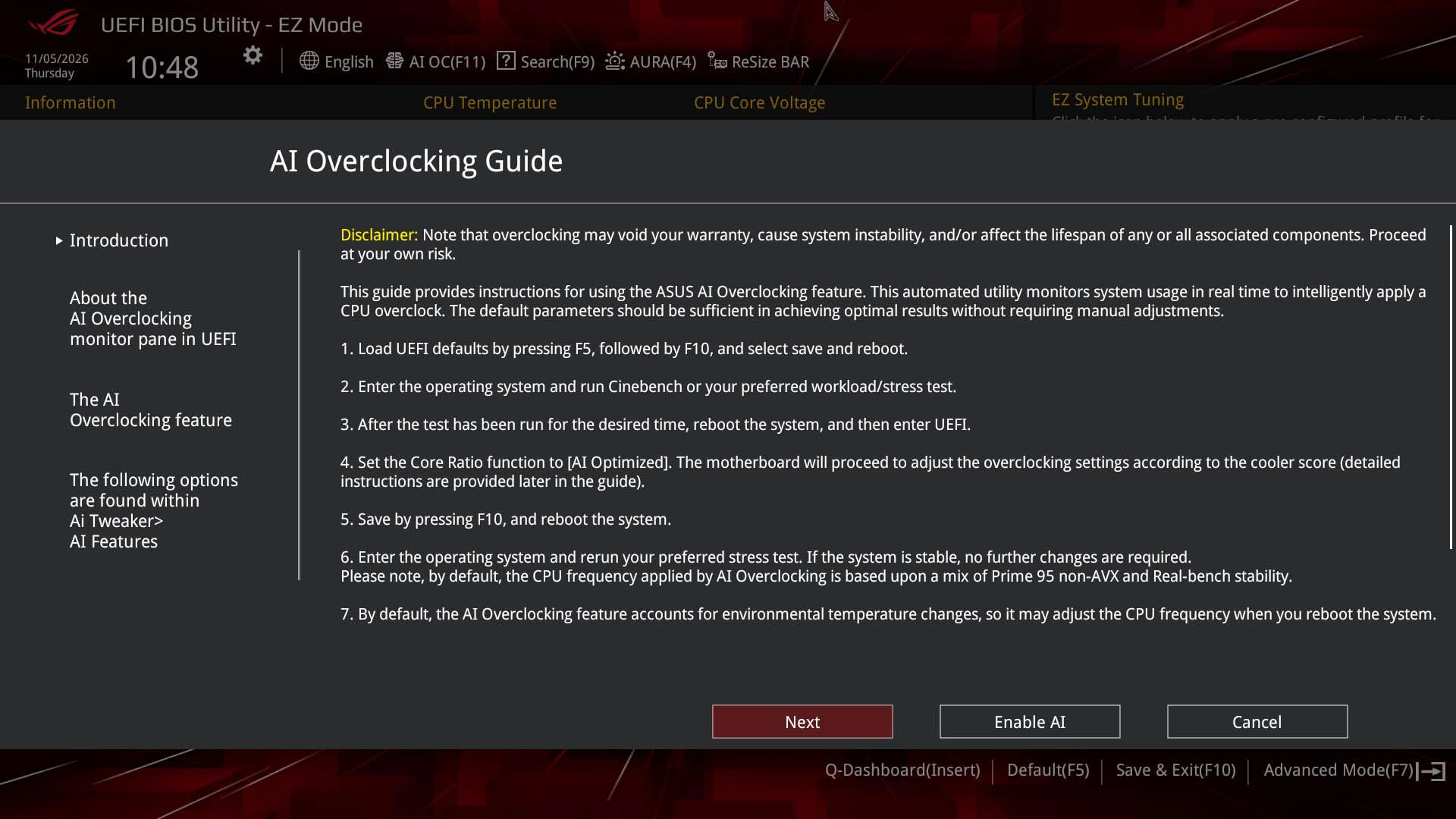
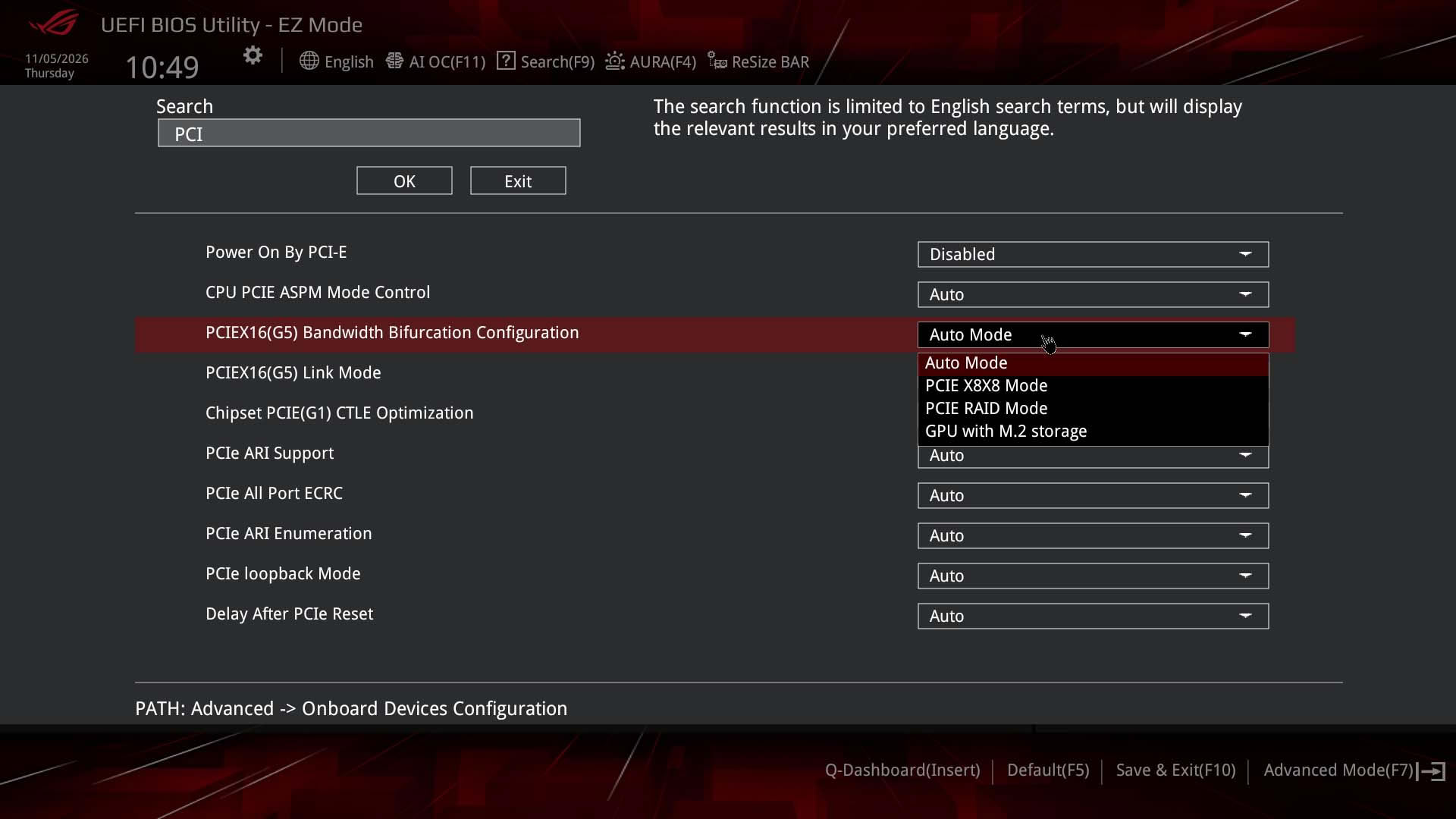
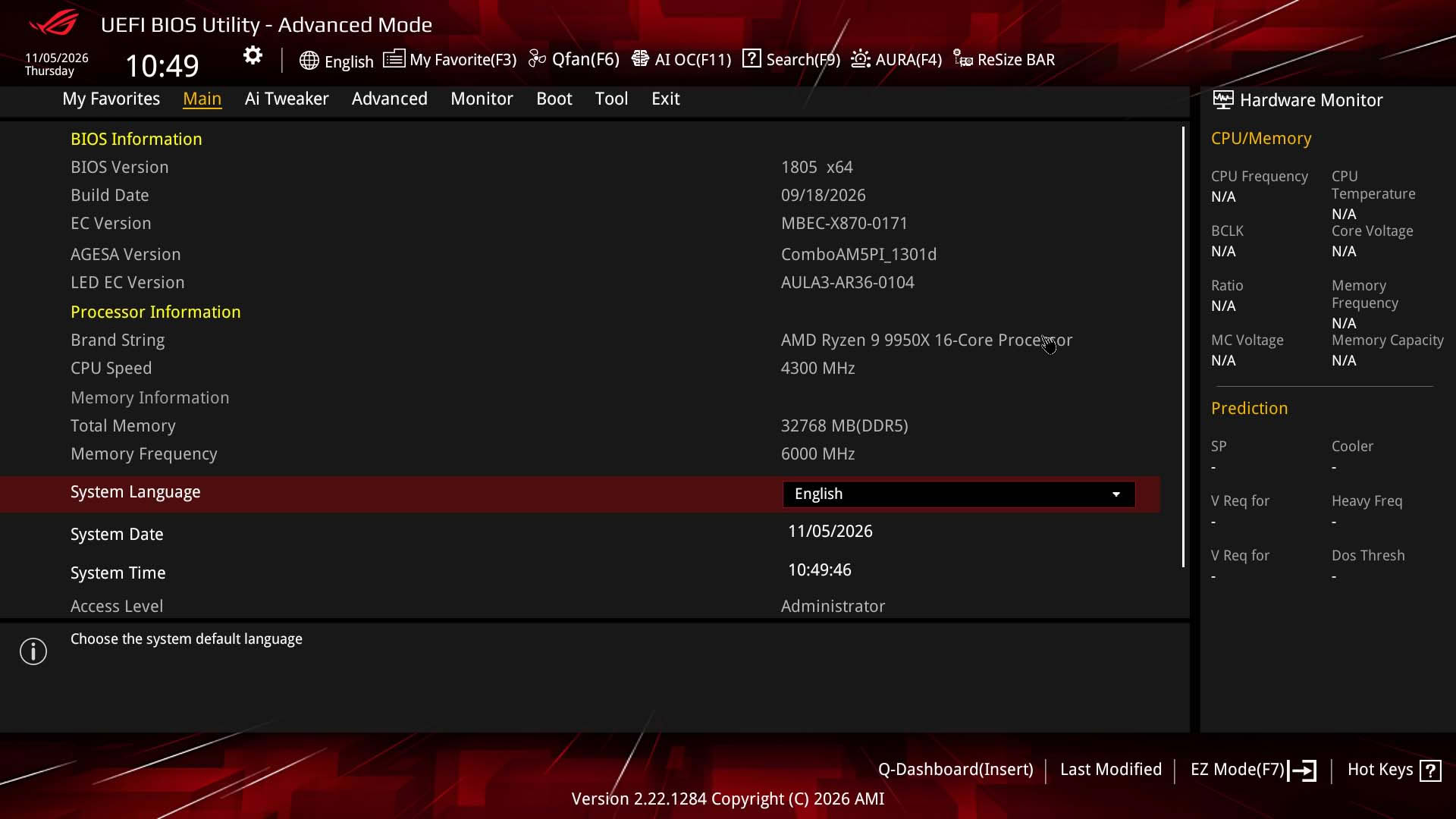
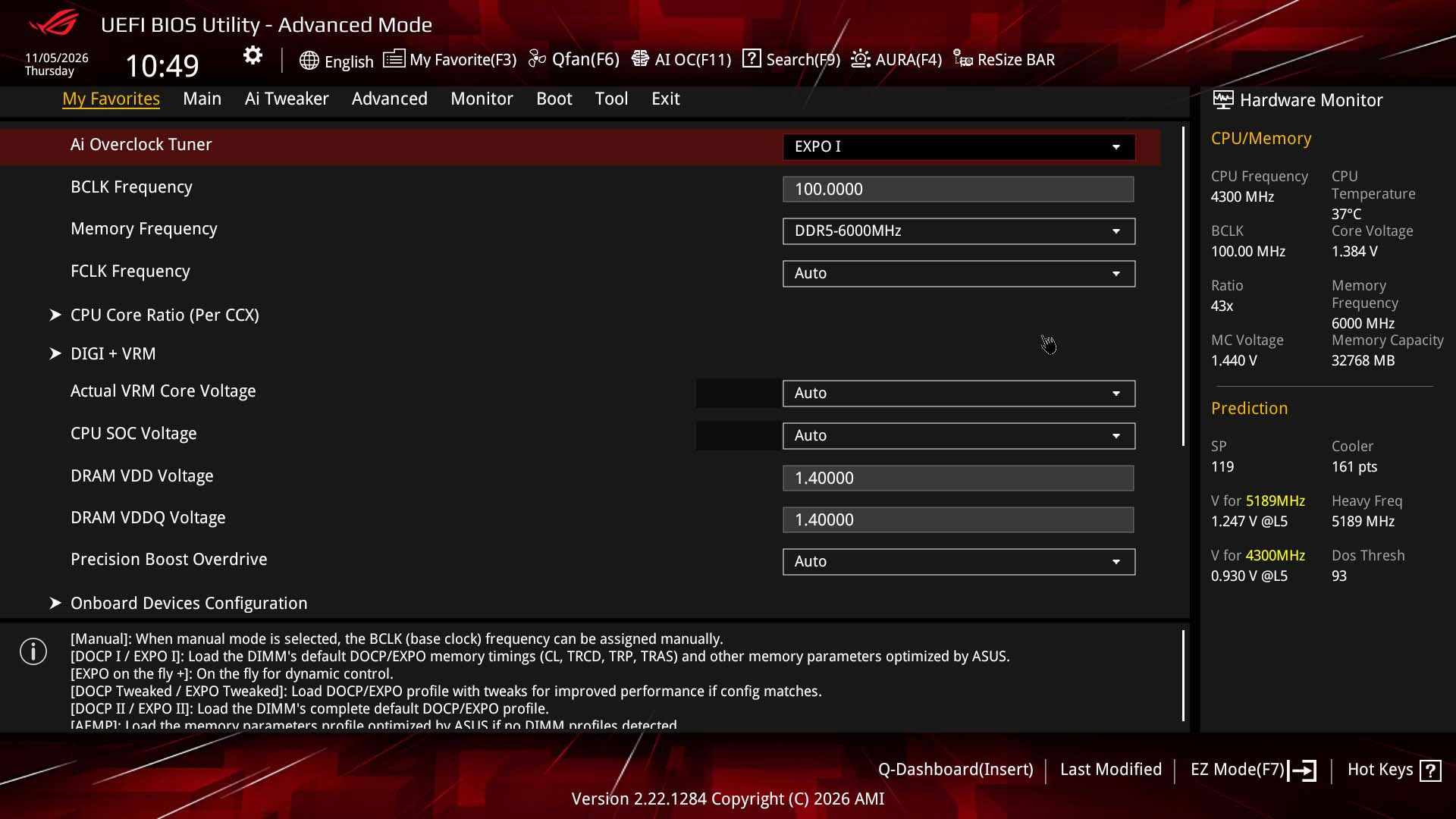
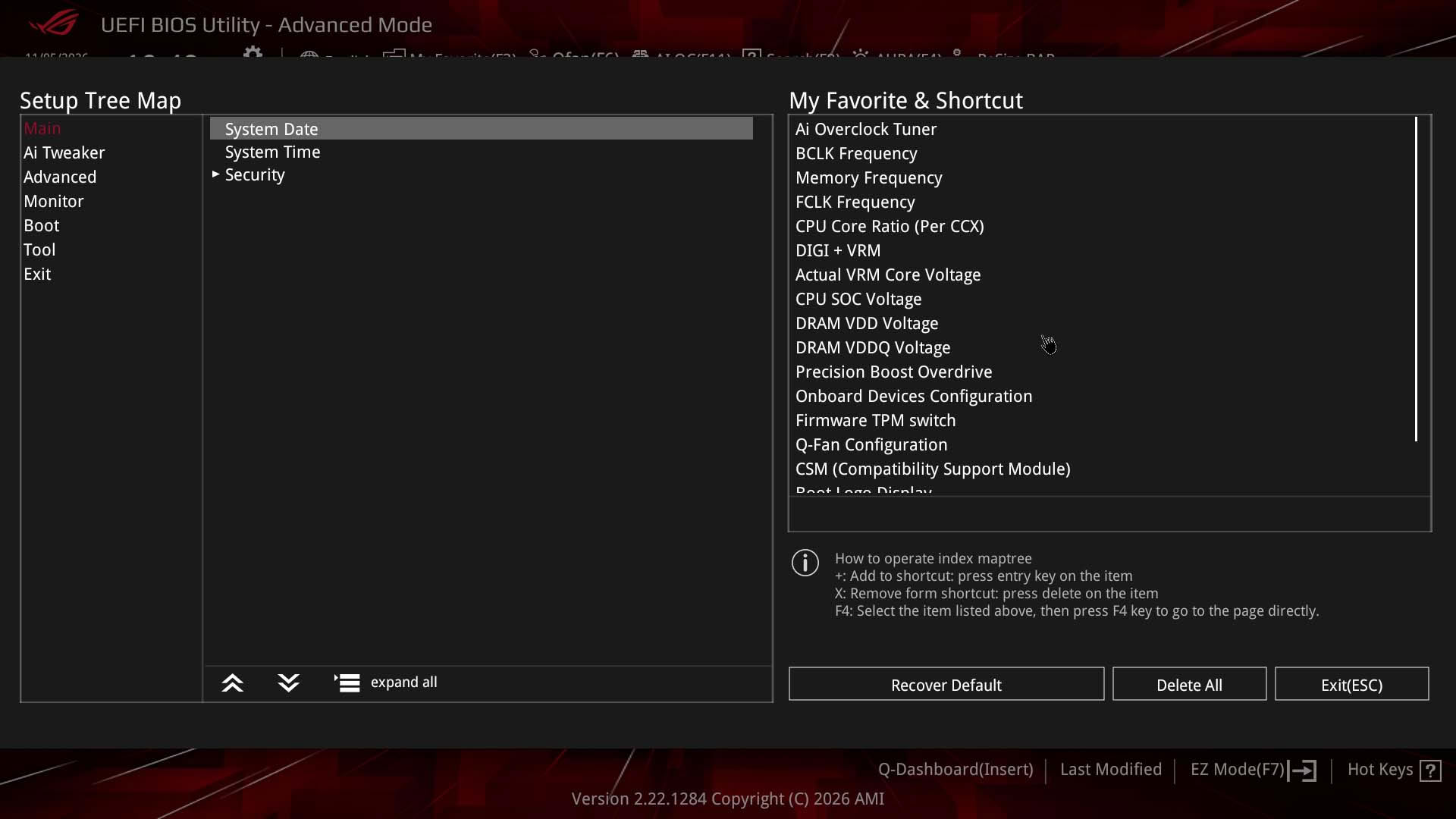
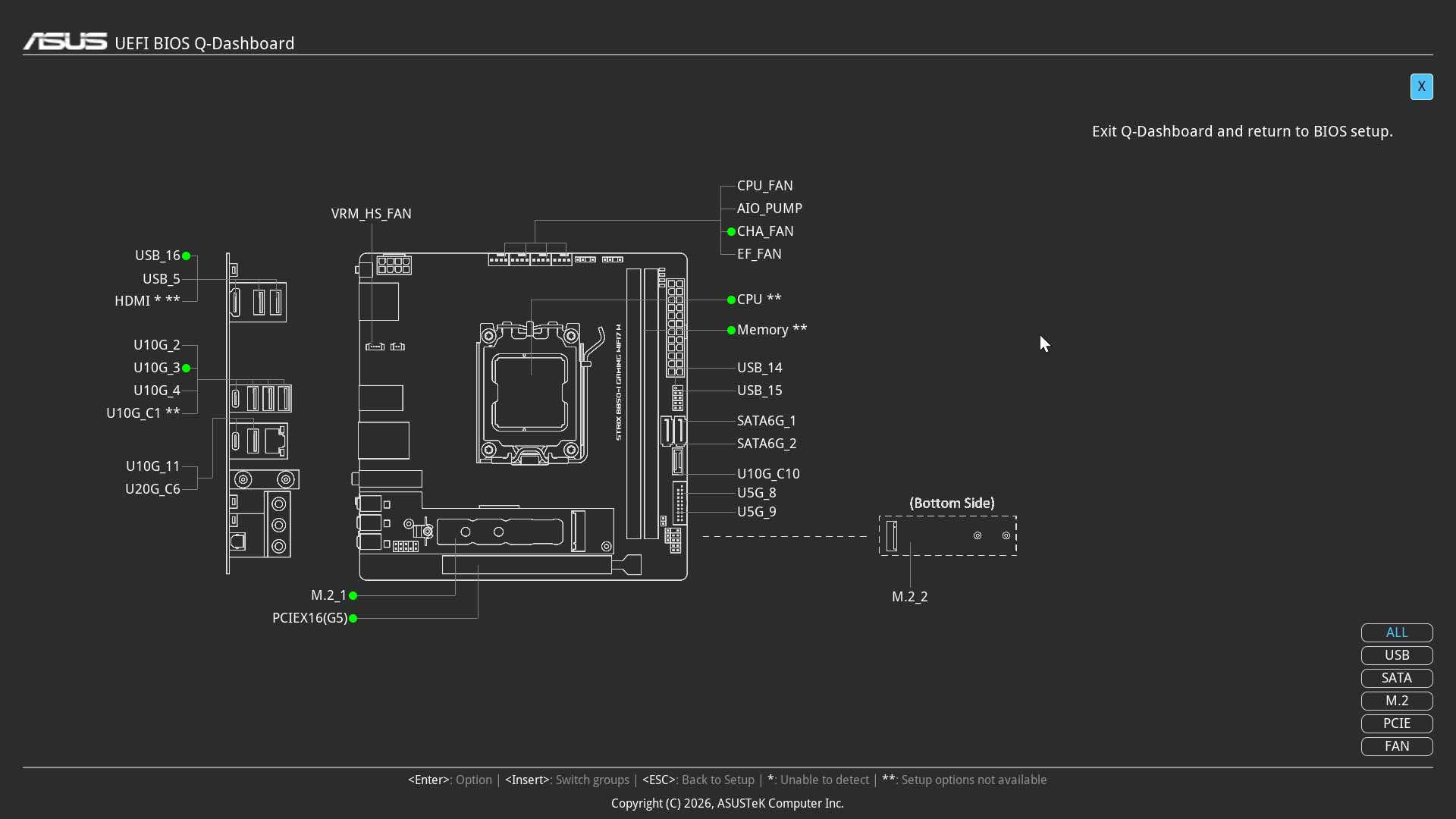
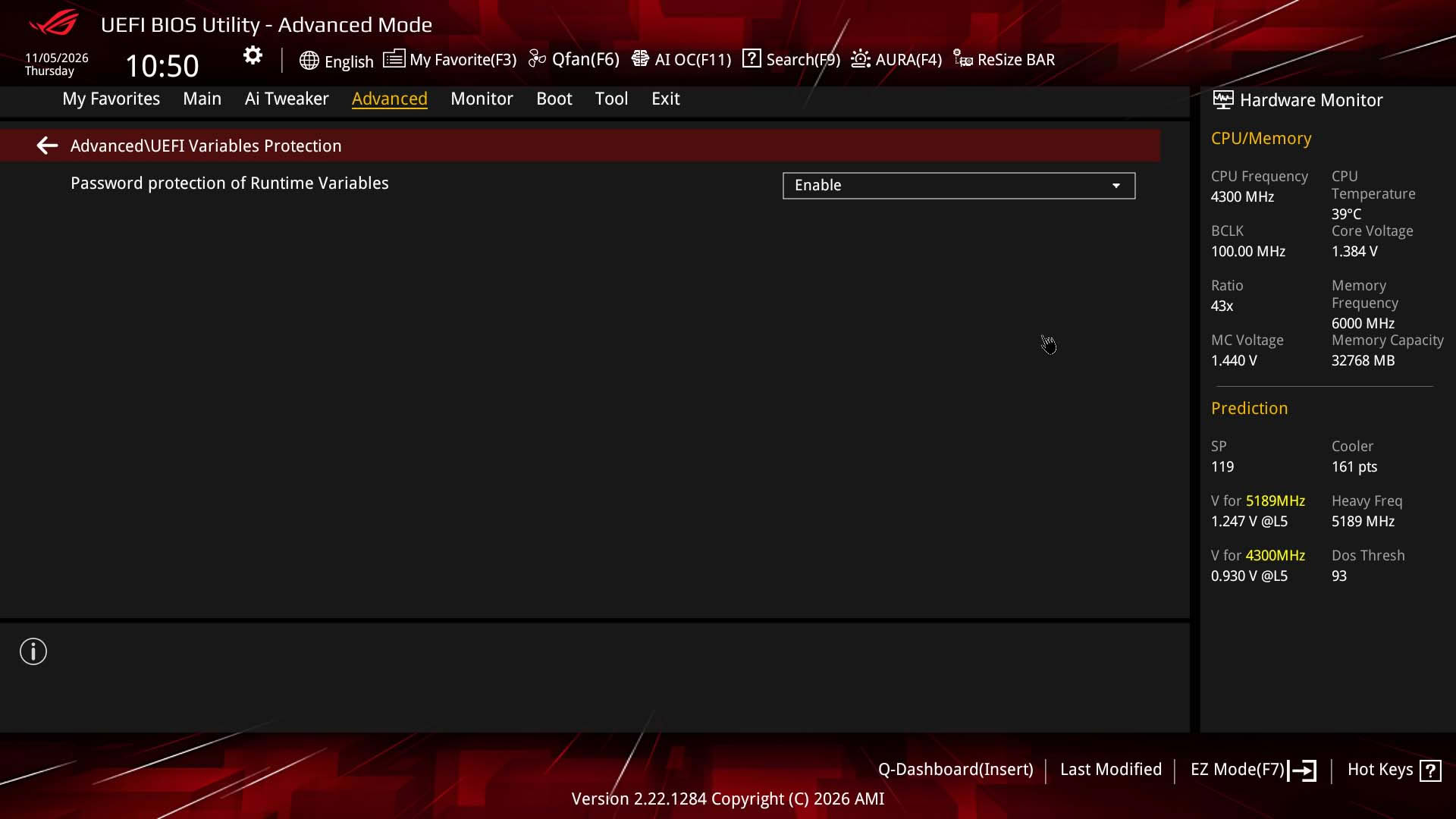
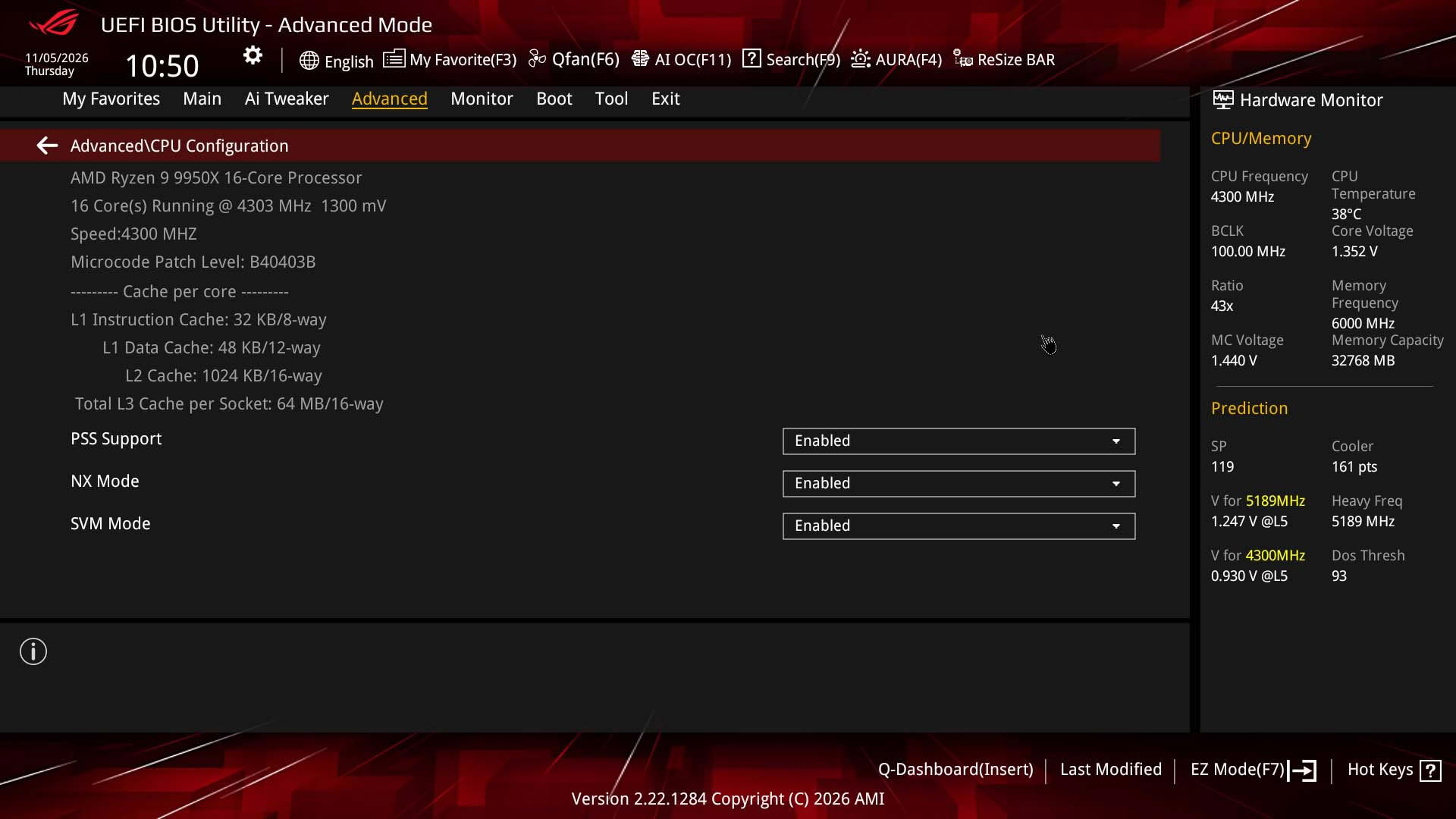
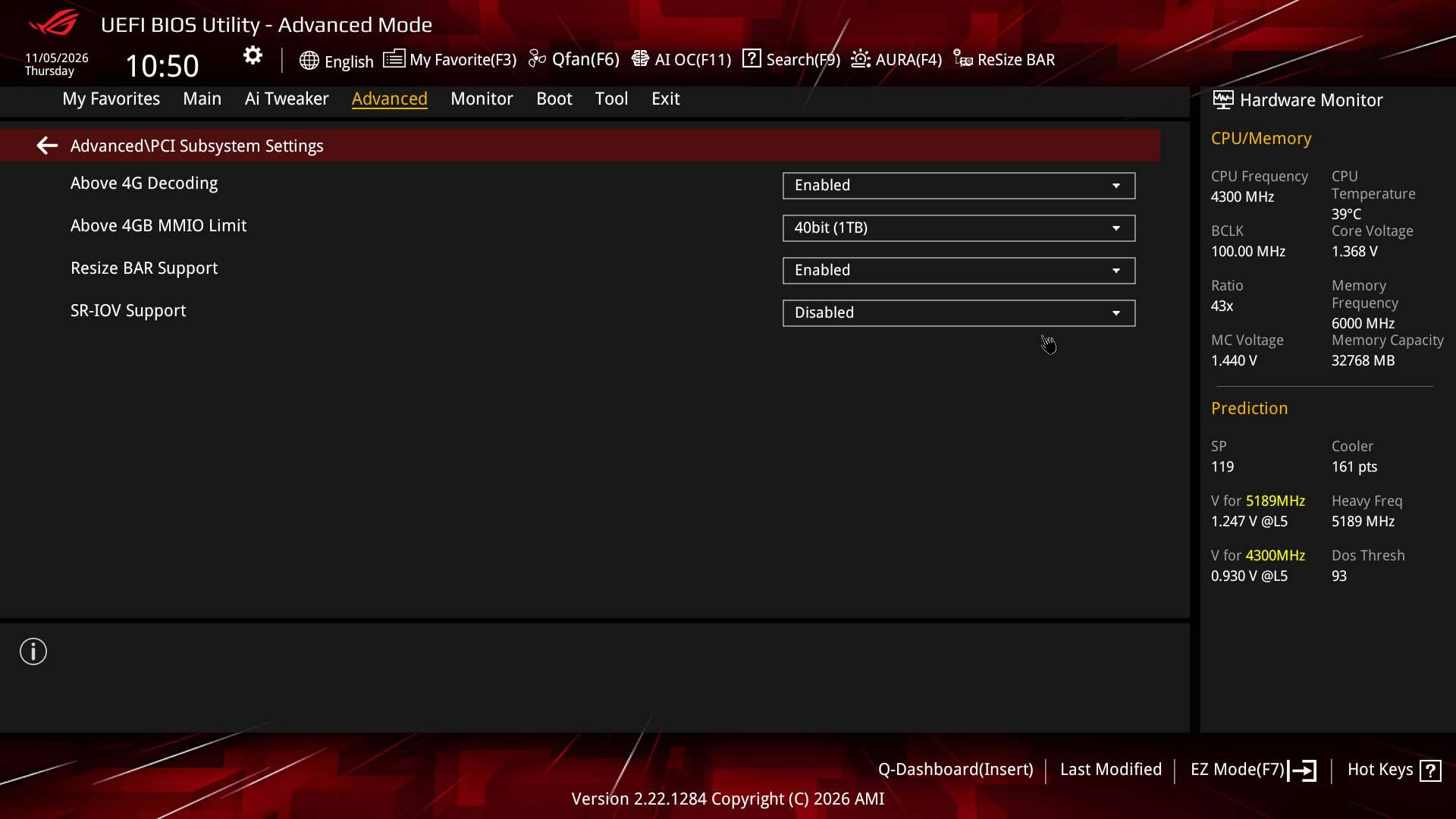
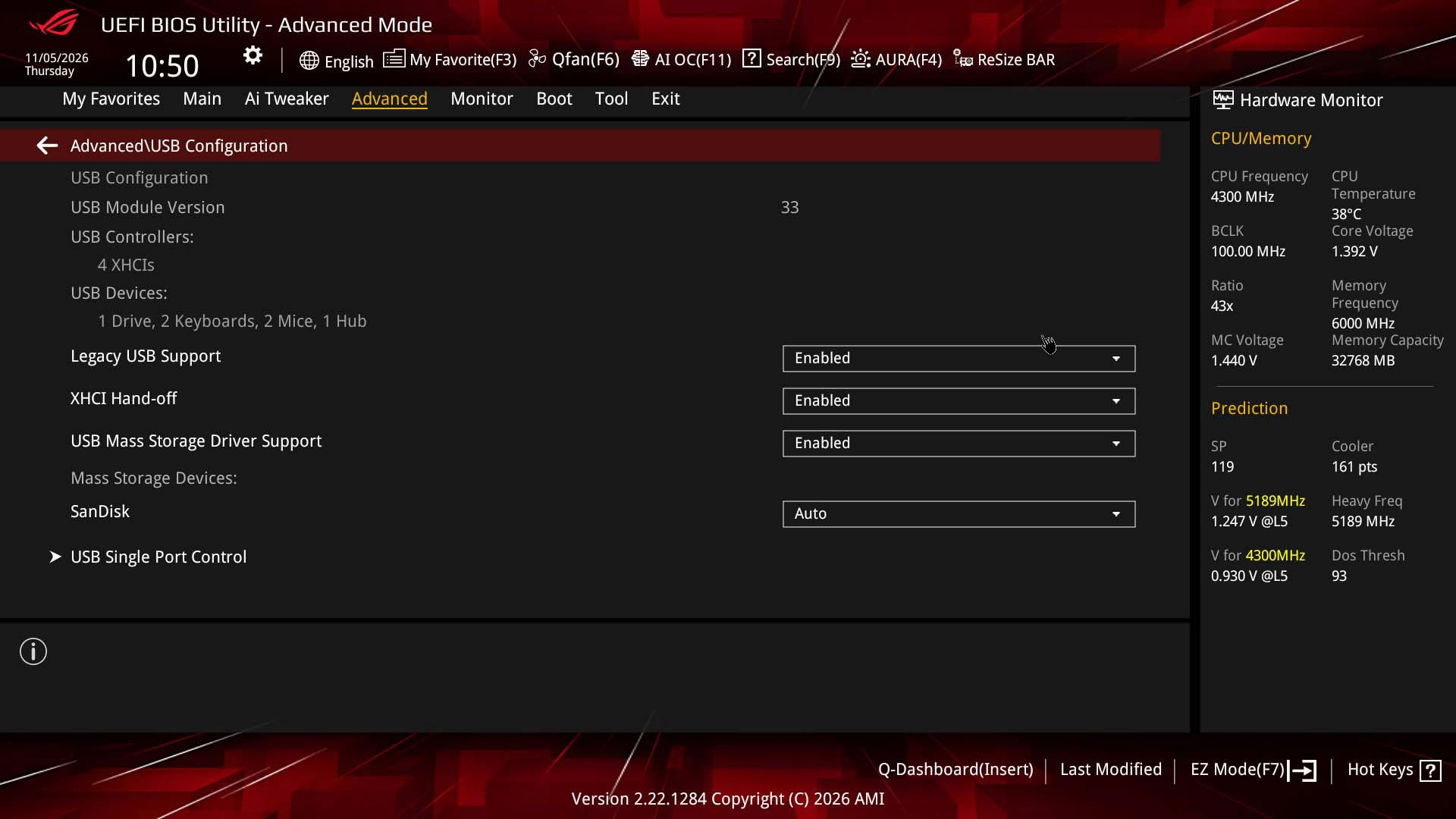
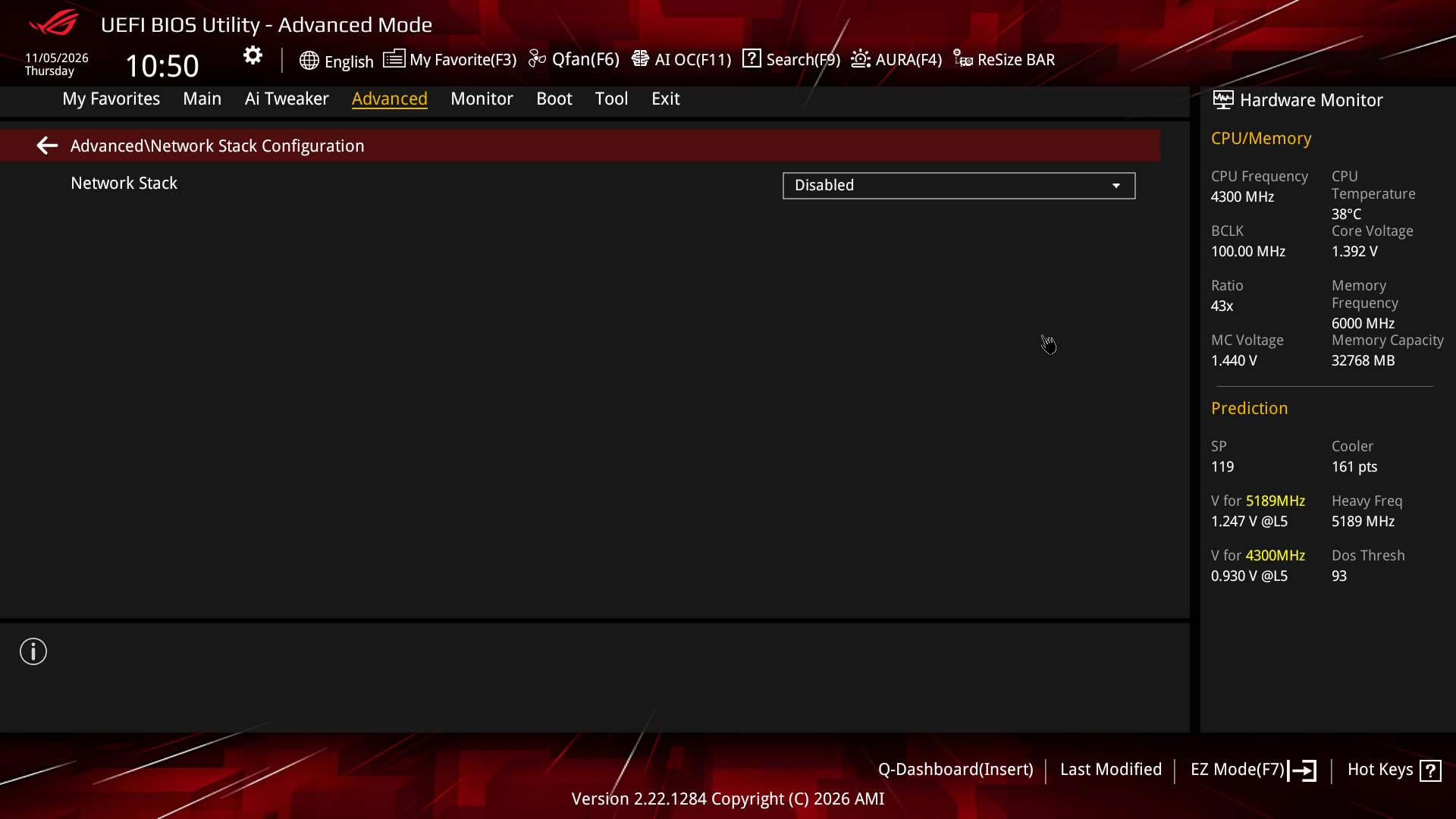
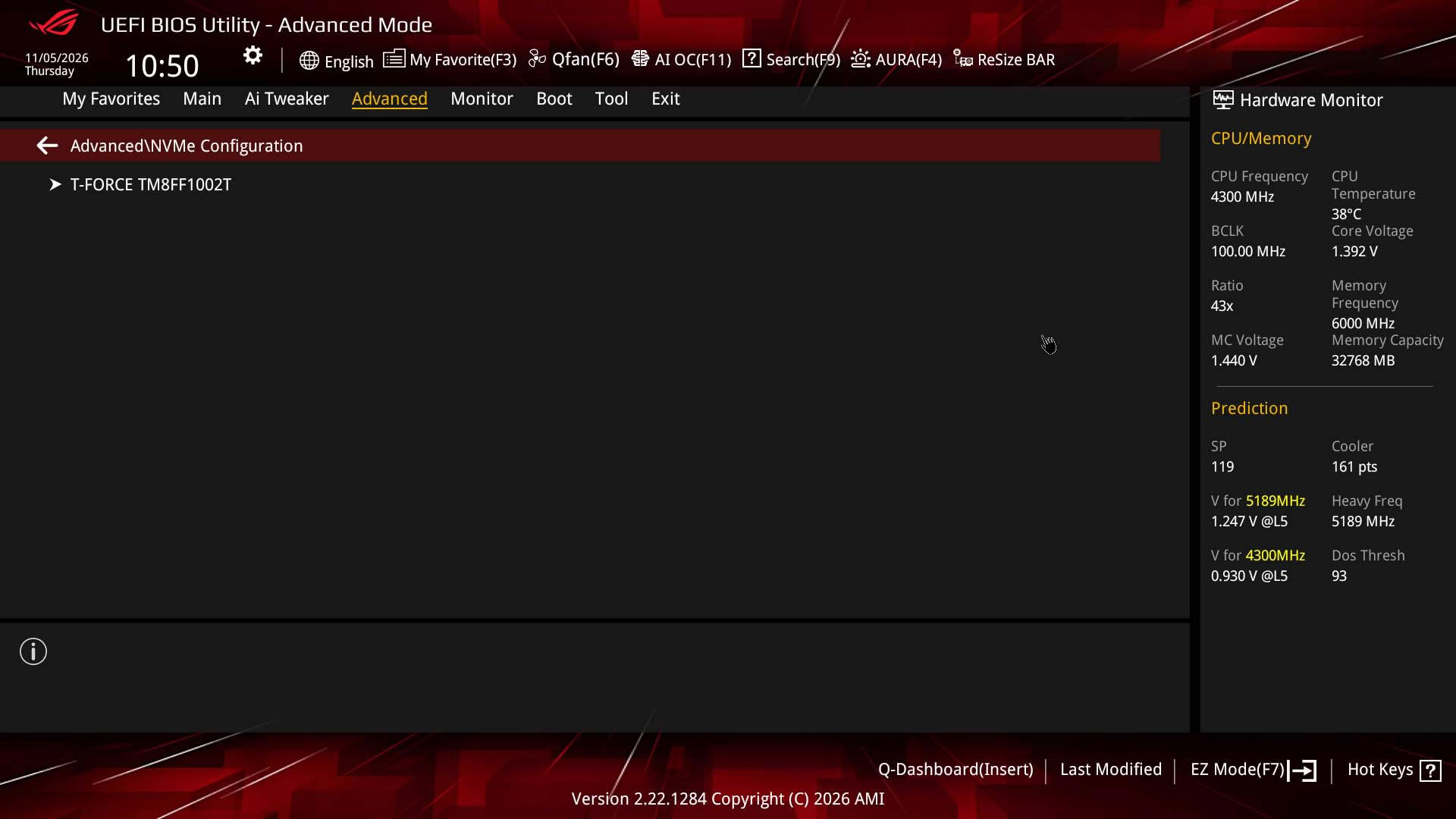
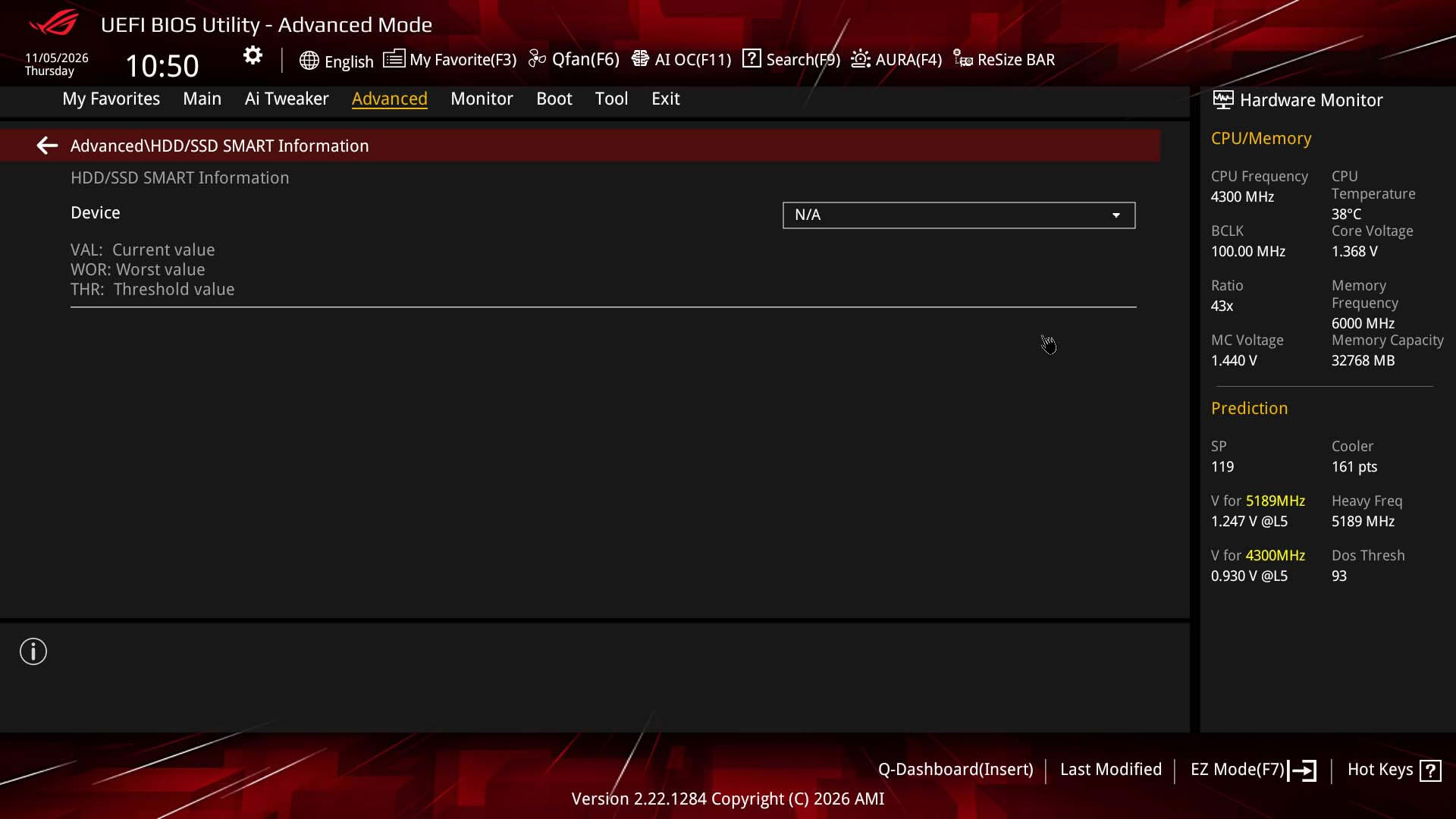
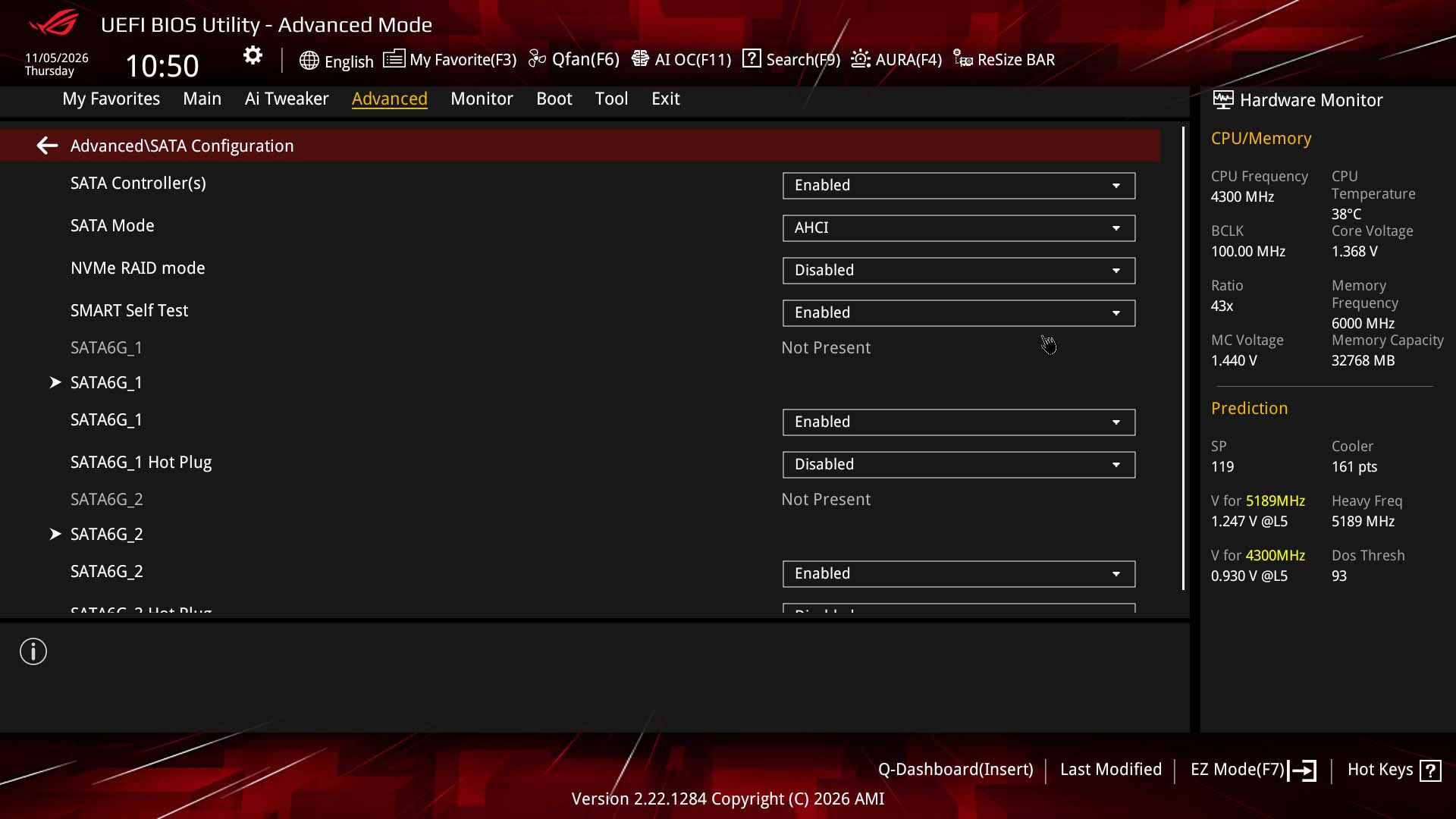
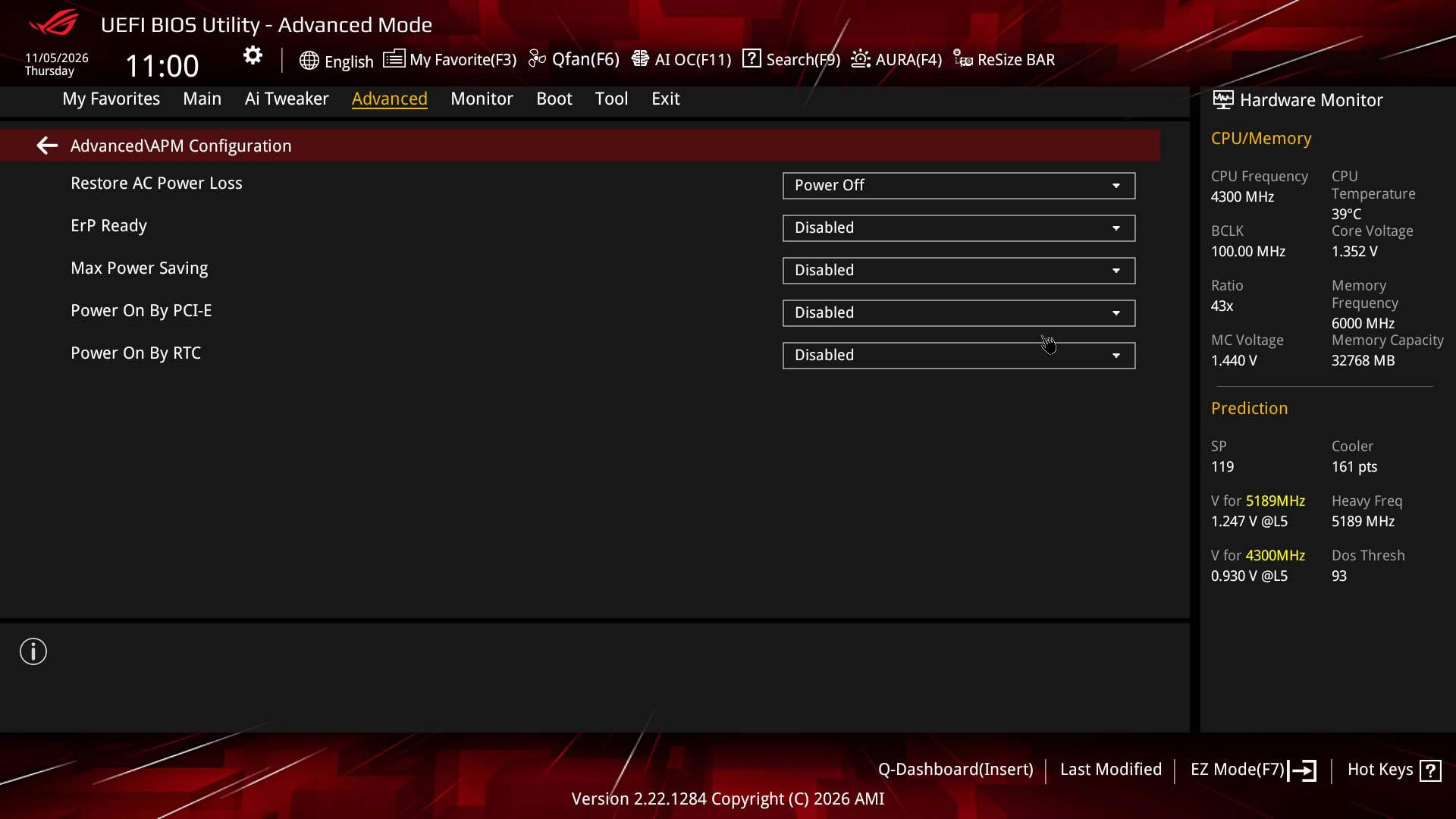
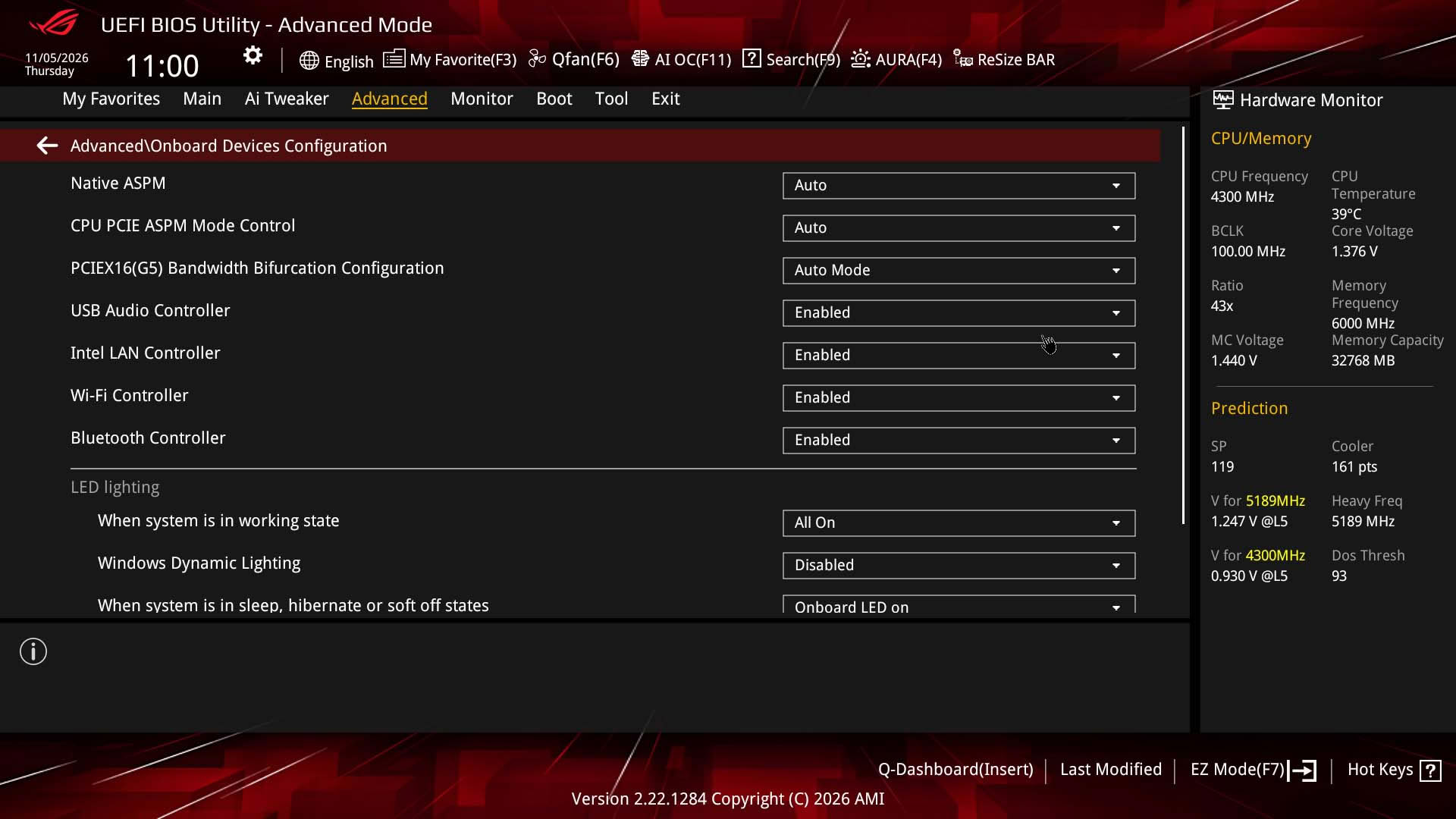
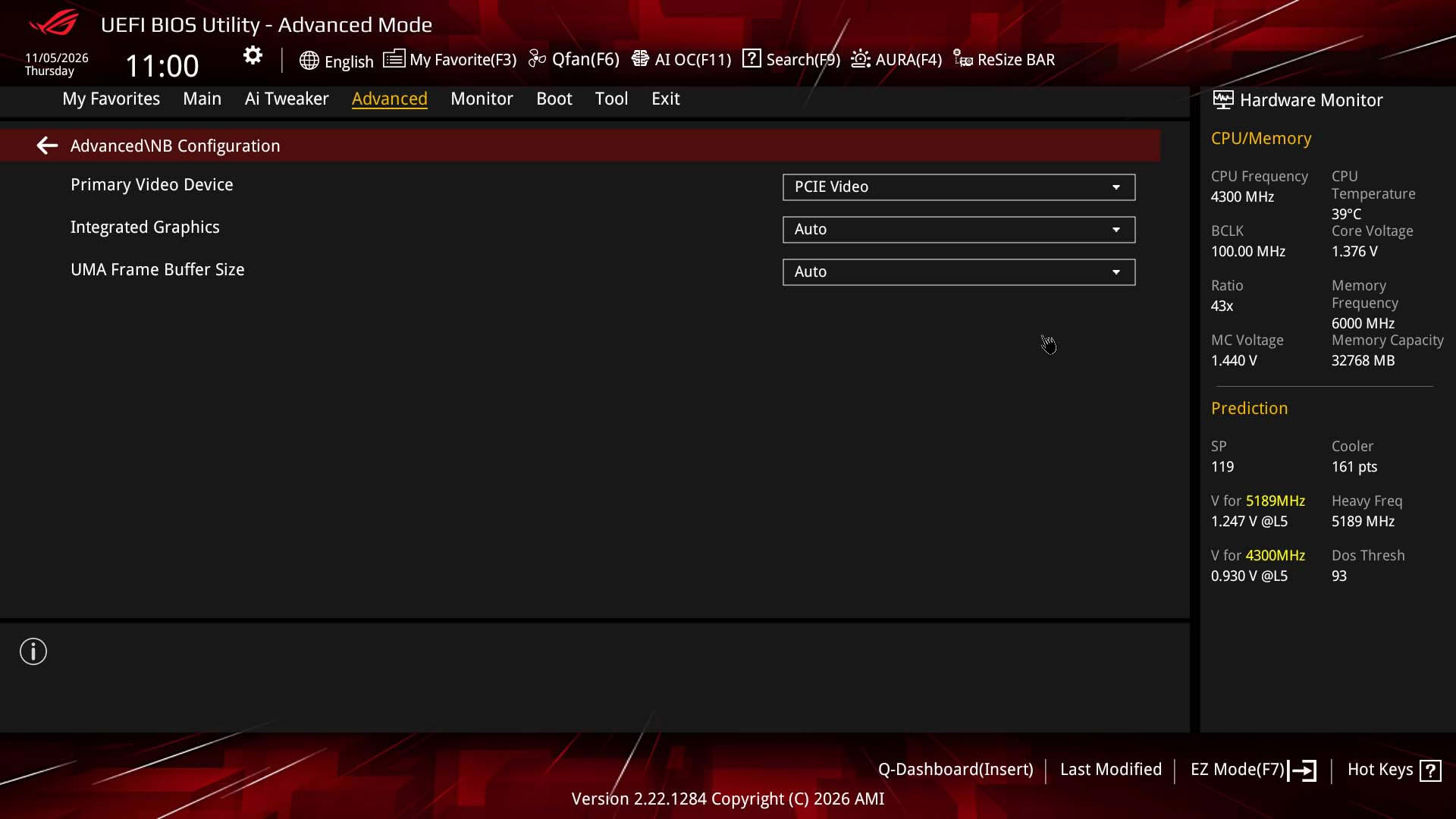
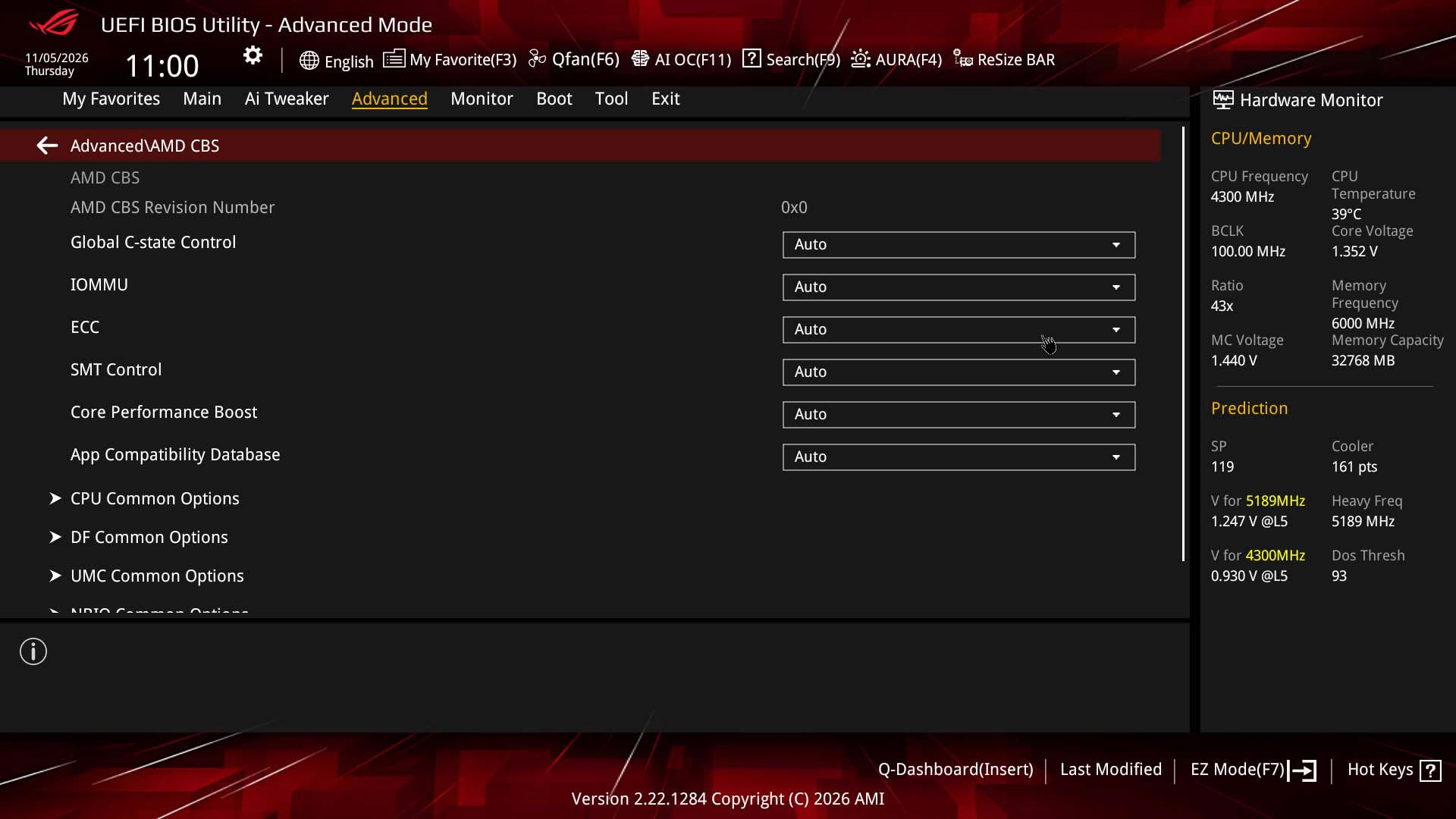
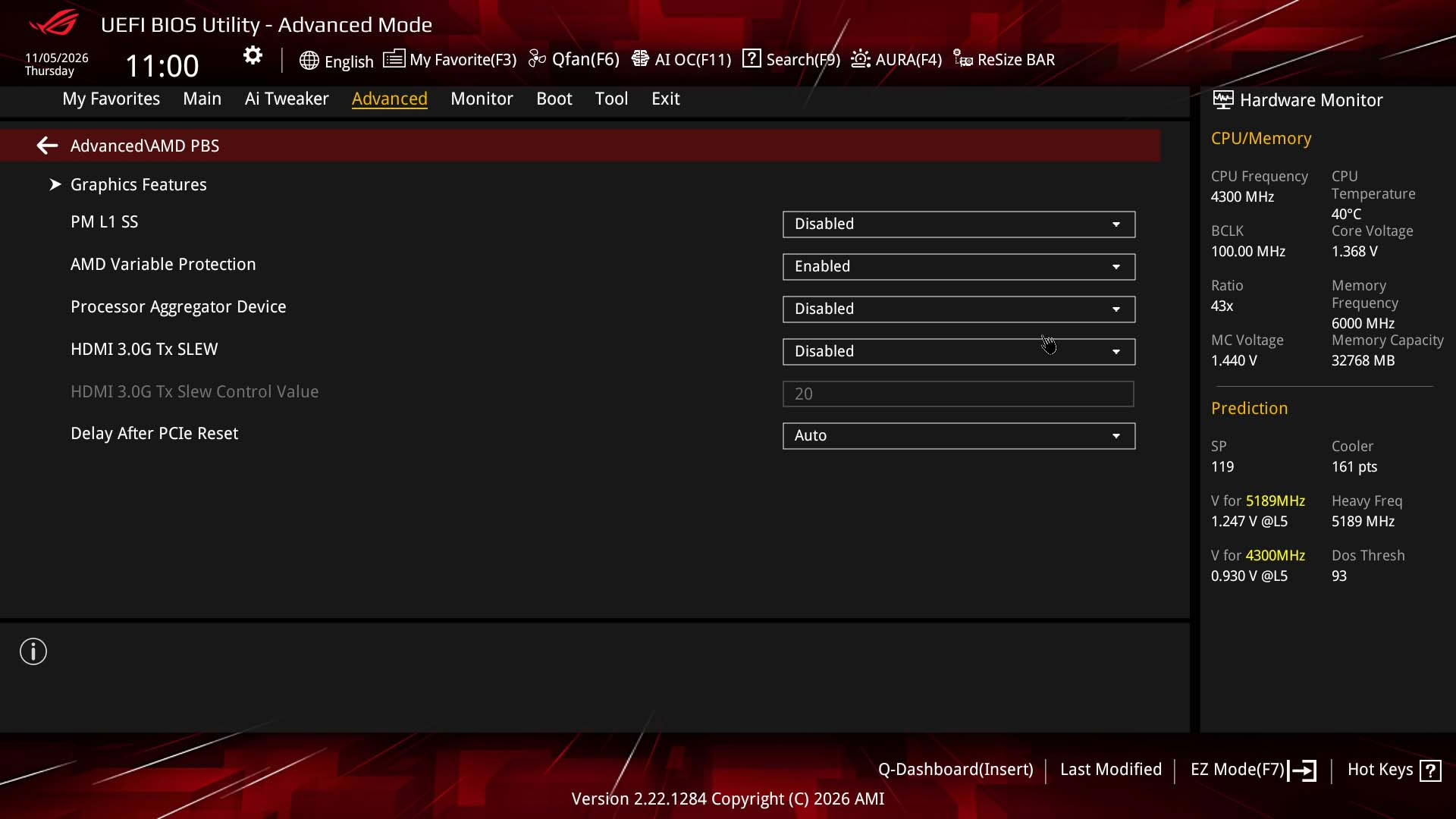
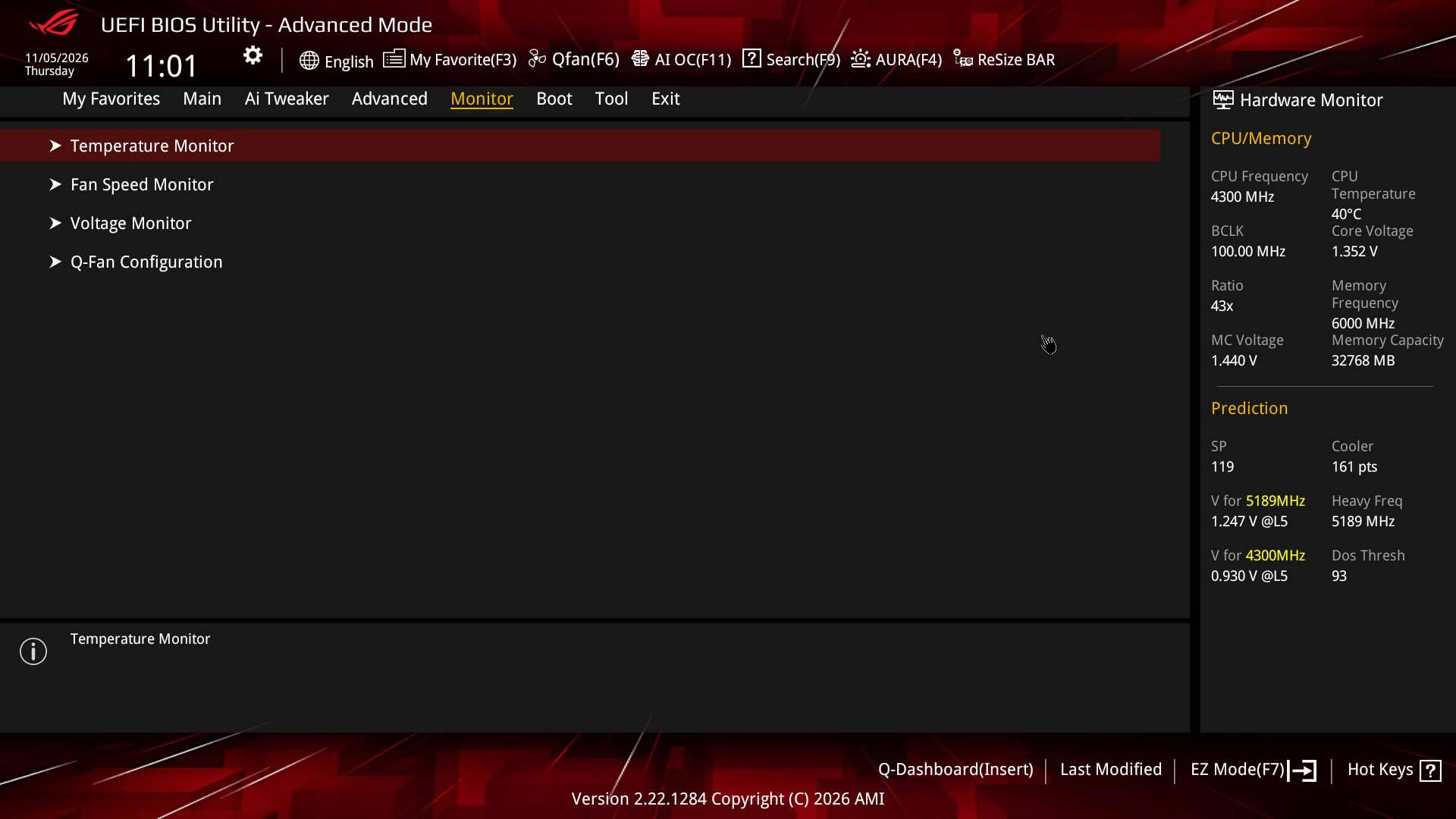
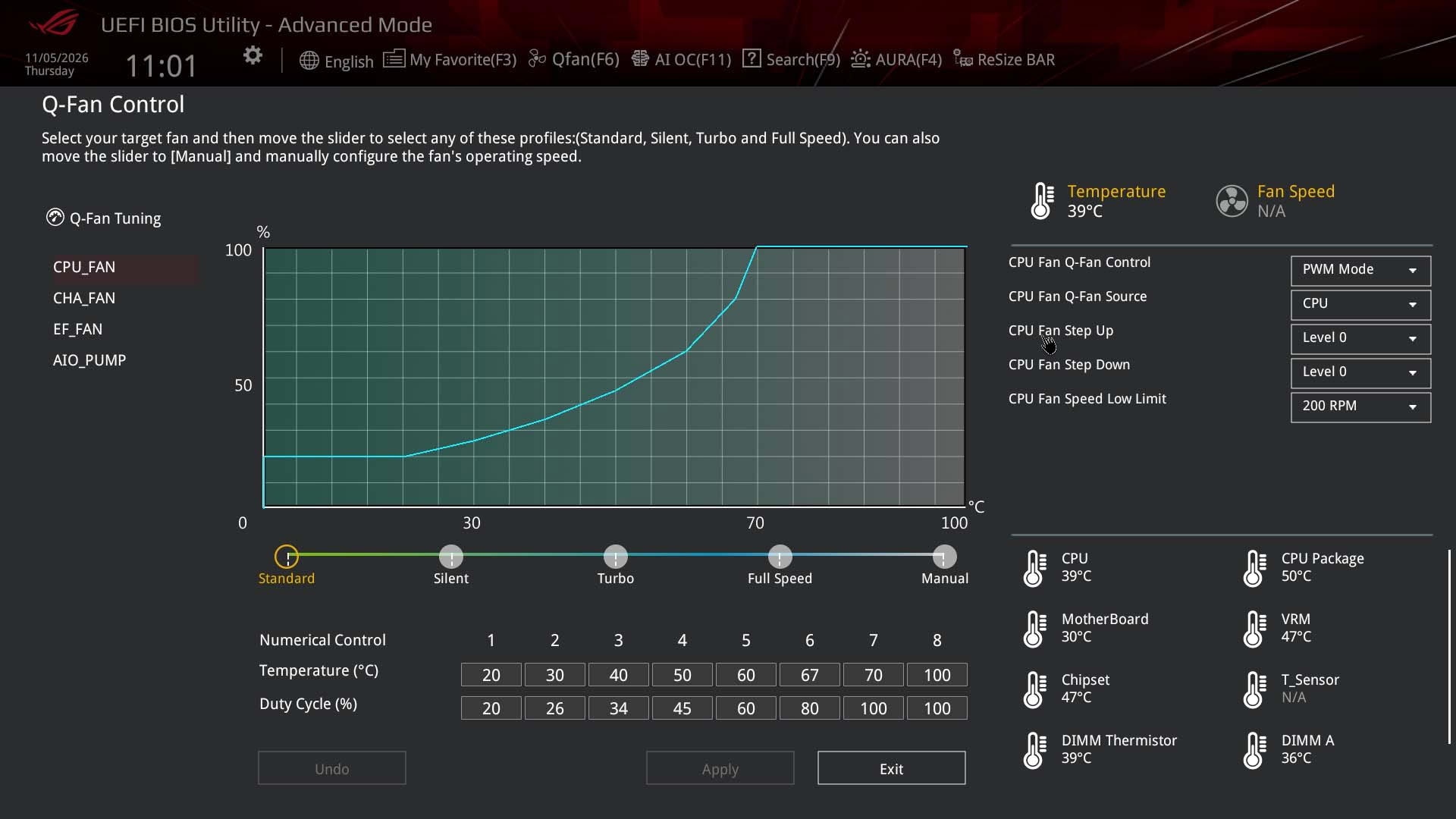
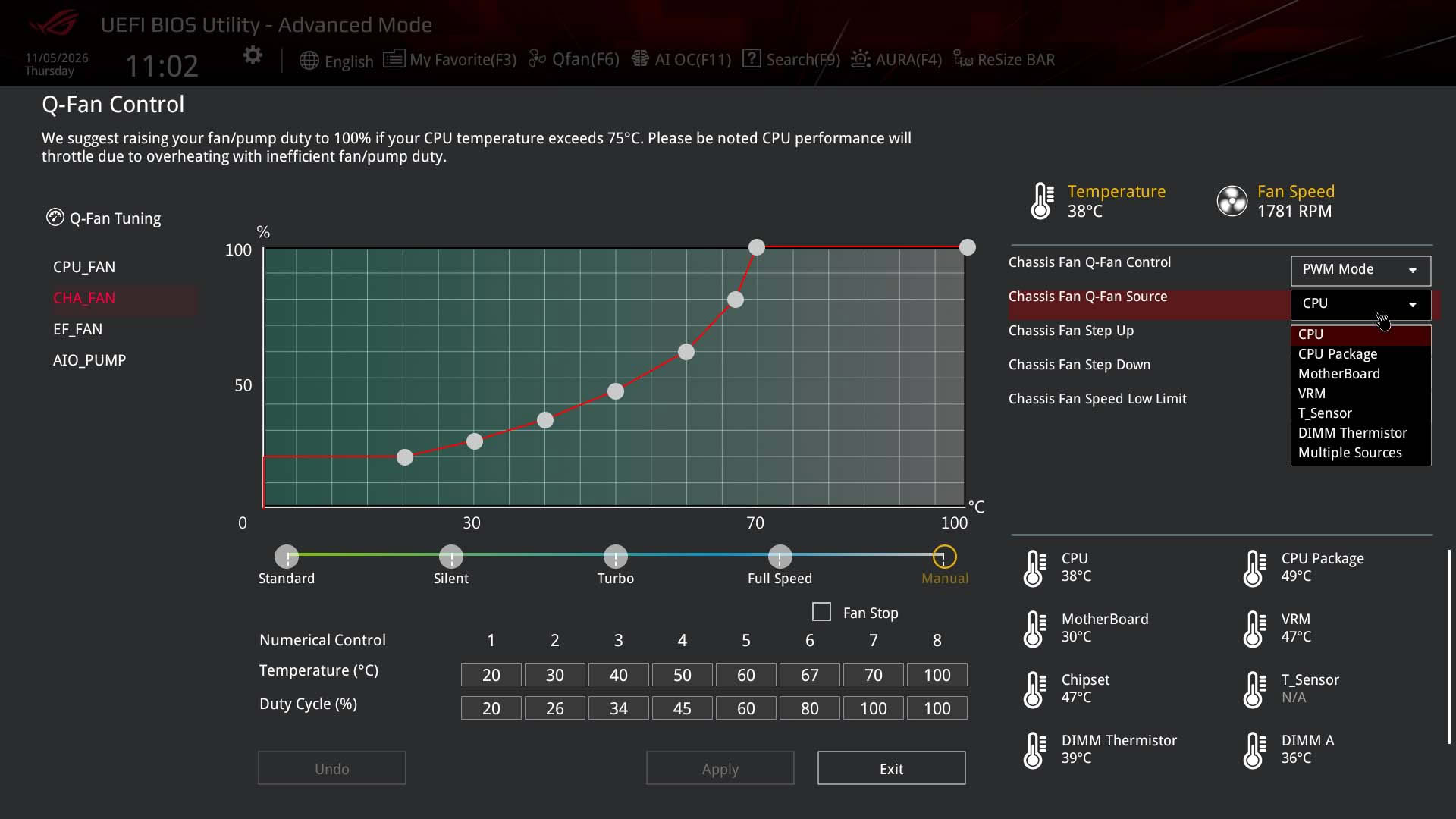
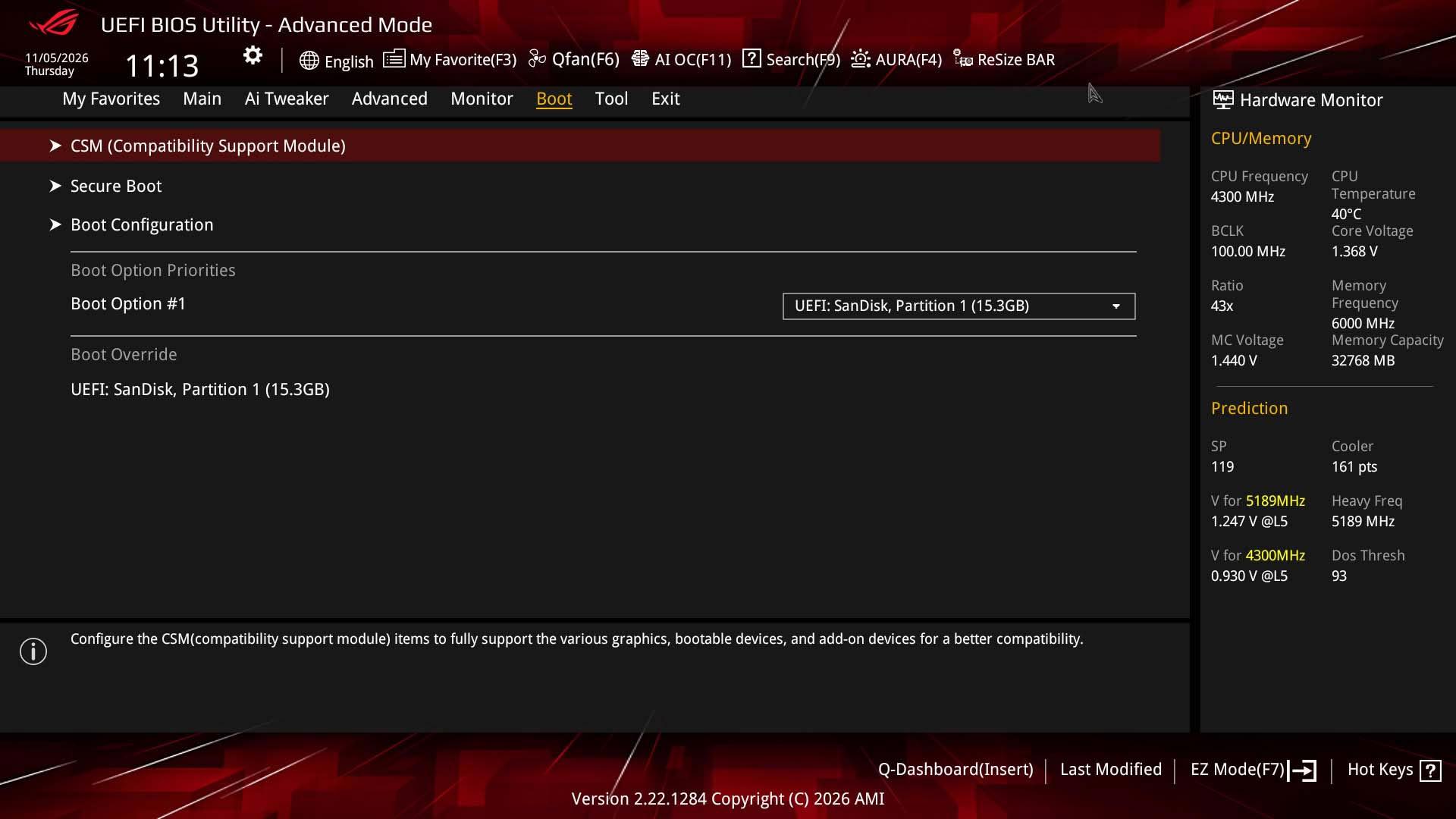
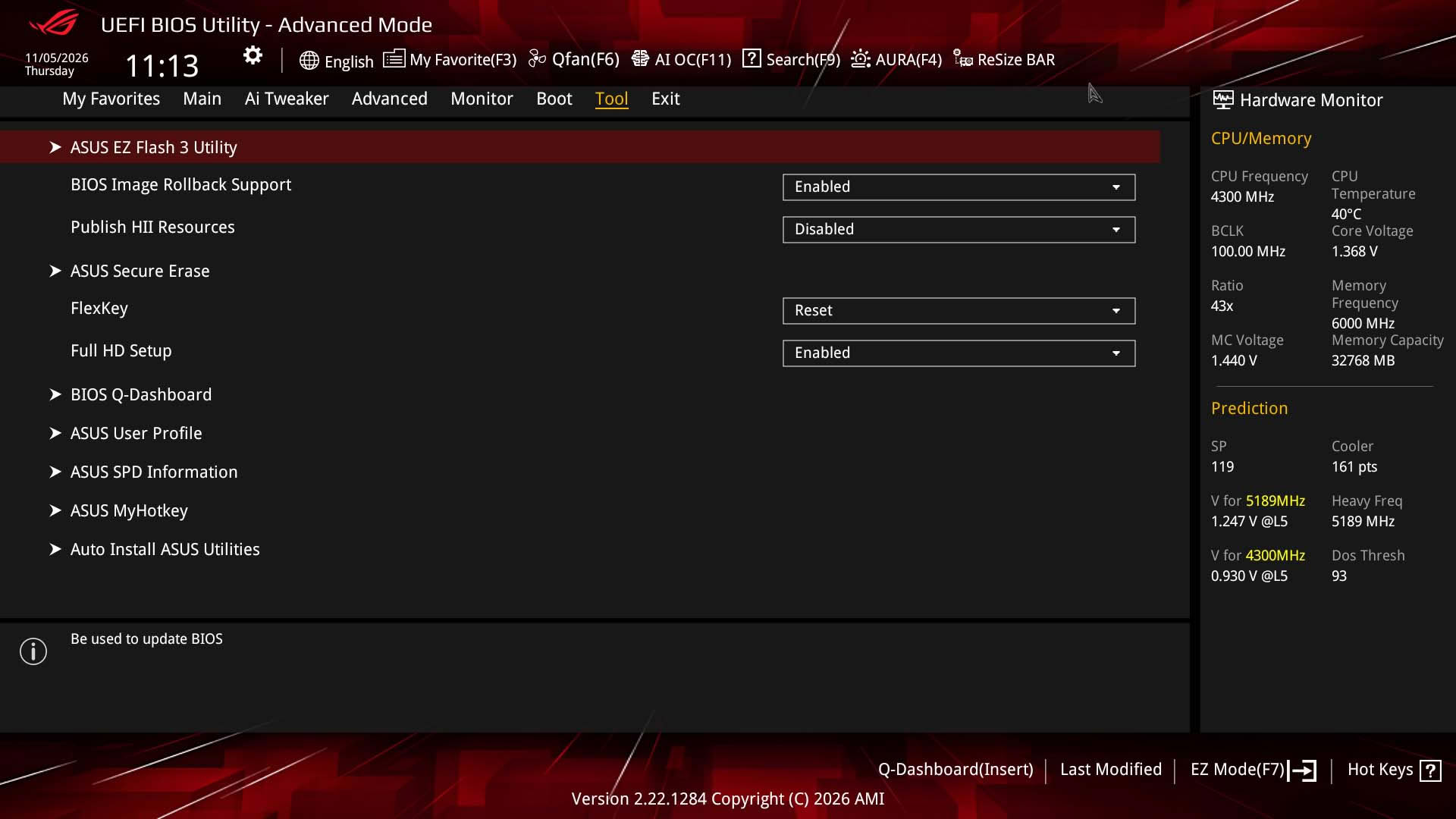
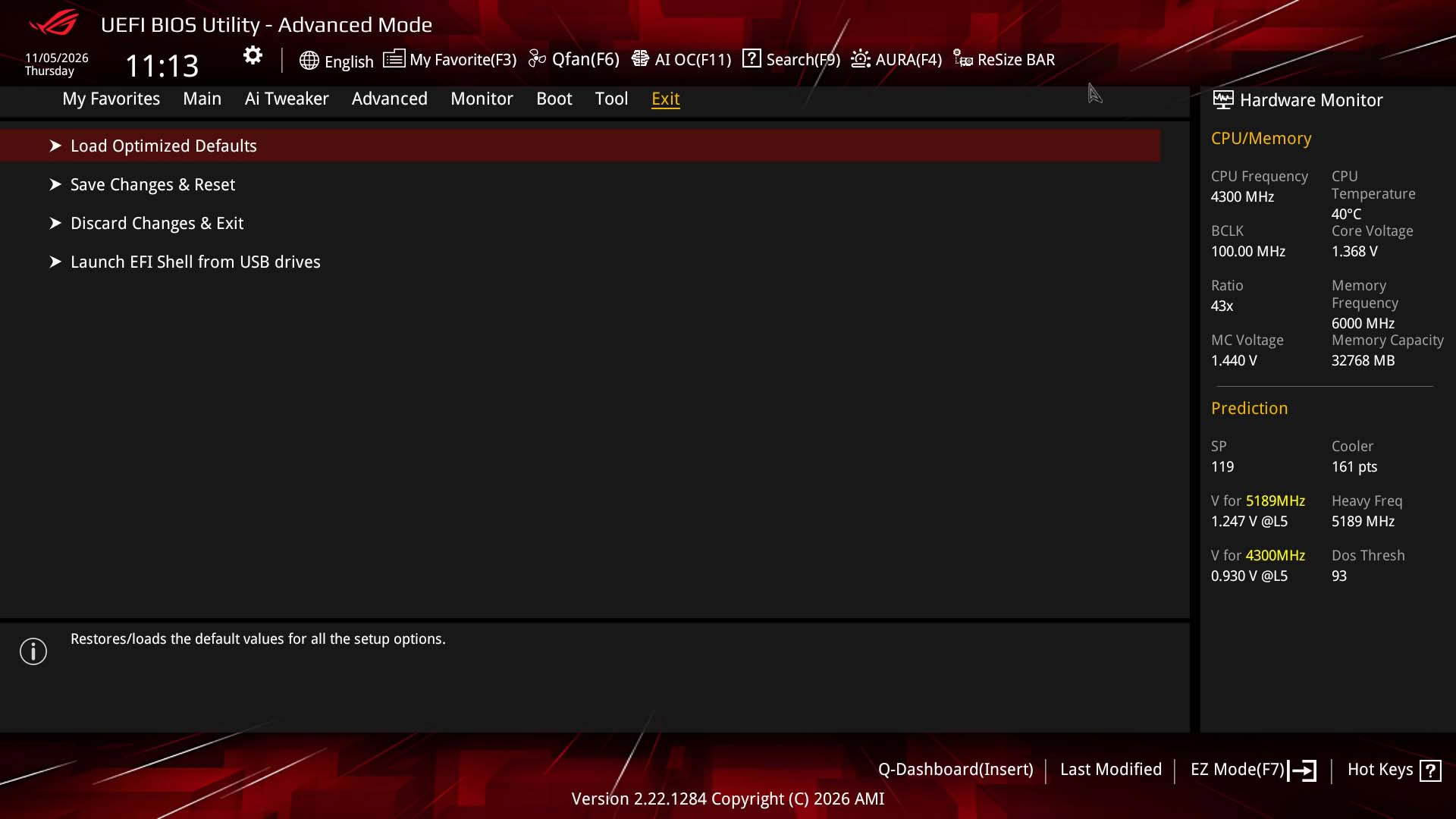
For some reason ASUS has decided not to bring its latest EFI to the ROG Strix B850-I Gaming Wi-Fi7 W, but it has done so with the more recent ASUS TUF Gaming B850I Wi-Fi Neo as well as its latest larger motherboards. You don't lose too many features, but the new layout does have added sections to make it more appealing and accessible, as well as a fan grouping option in the EFI. The latter can be useful in quickly grouping numerous fan headers under the same fan control profile, which avoids overloading the lowly 12 W/1 A fan headers with multiple high-power fans. As a result, you'll need to be careful how many fans you add to each header, and if necessary spend some extra time configuring multiple headers, alternatively, using a powered fan hub is always an option.As usual, the EFI is split between EZ Mode with basic settings and advanced mode, and the EFI will feel very familiar to ASUS motherboards from five or 10 years ago. The EZ Mode page has the ability to set the memory profile, adjust the boot order and offers quick links to fan control and its useful Q-Dashboard feature. The favorites function allows you to add multiple settings from around the EFI to one single page for faster access, or if it's a one-time thing, then there's a very effective search function that allows you to find and adjust options without diving into the depths of menus.
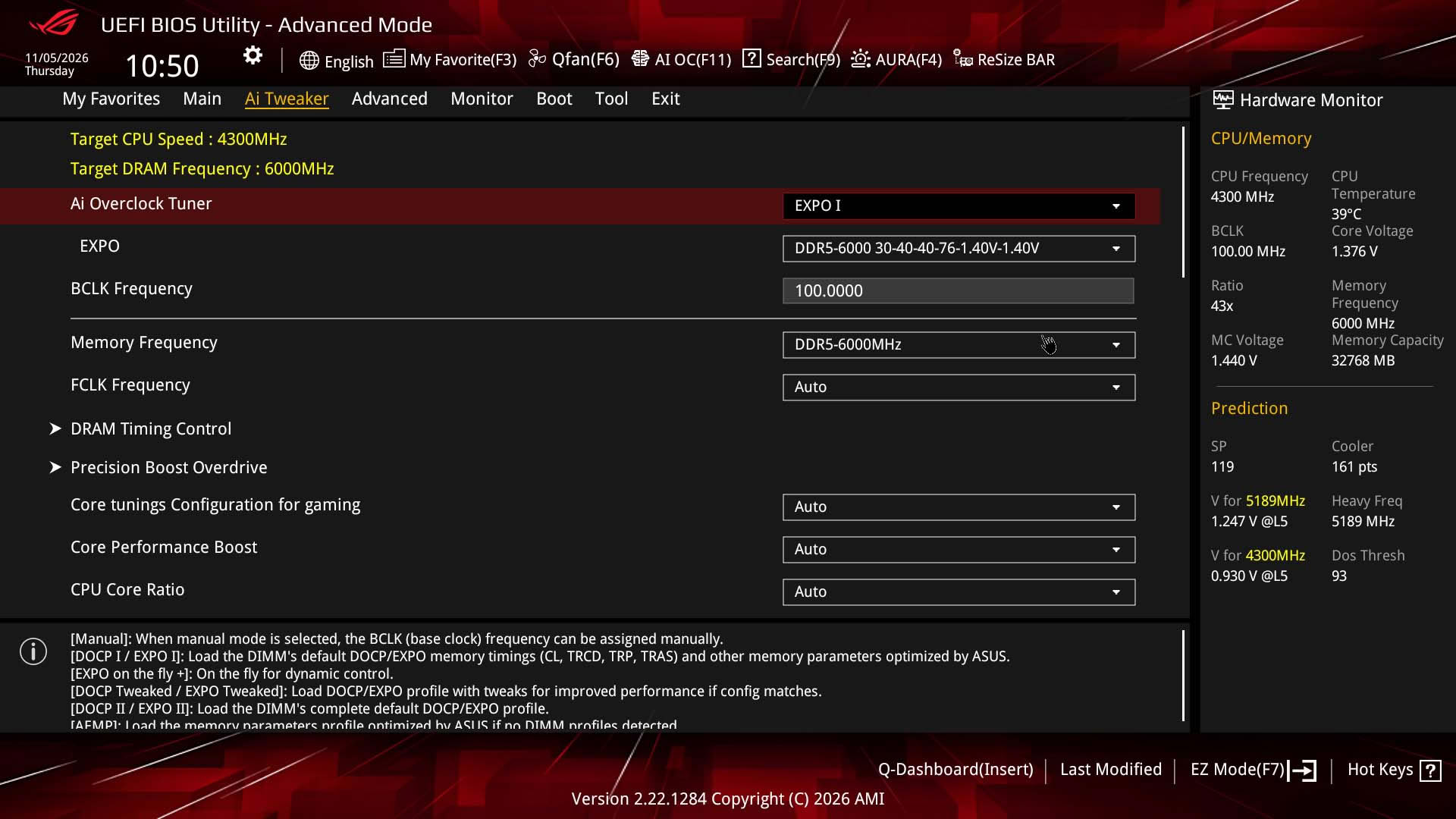
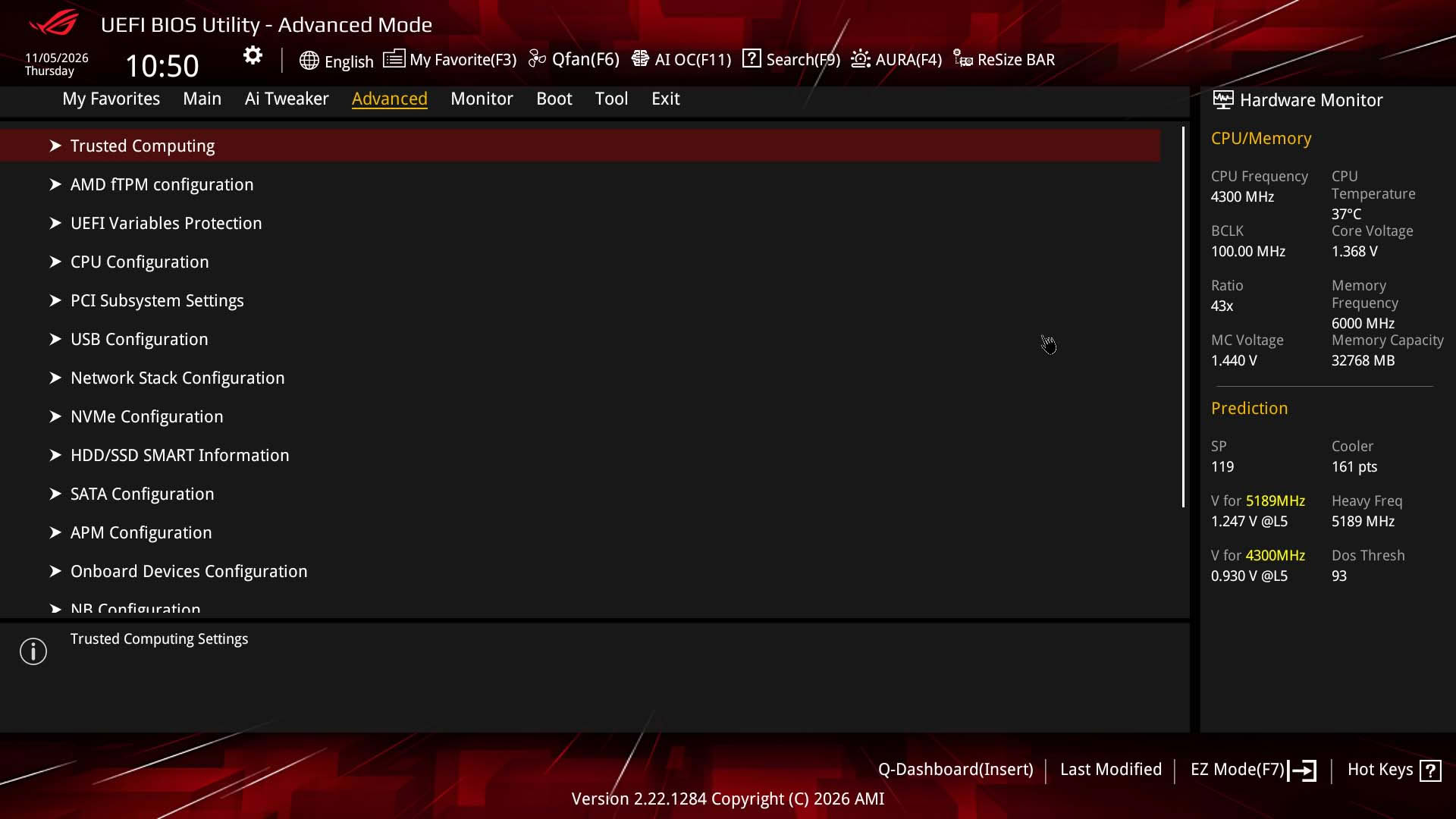
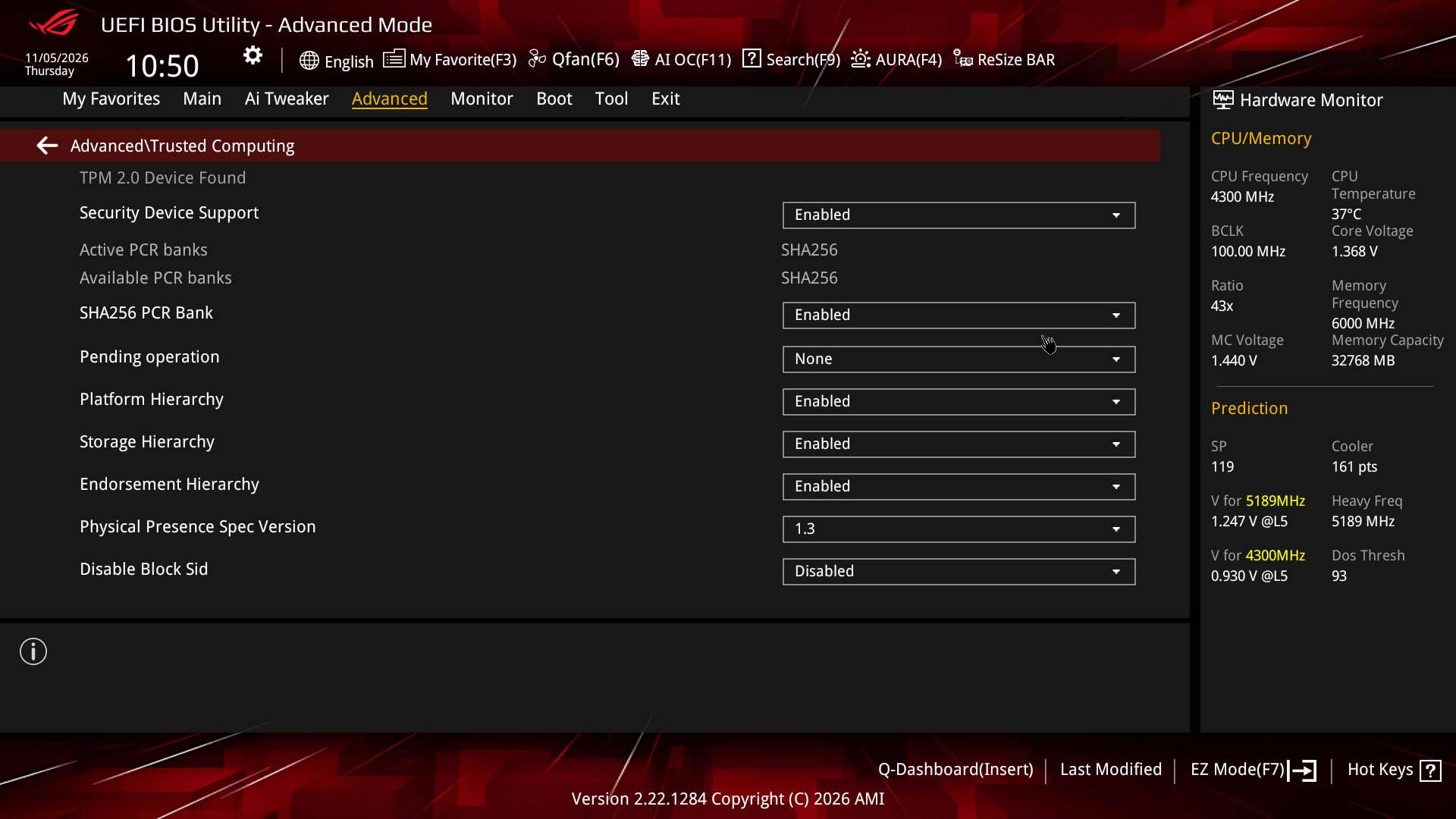
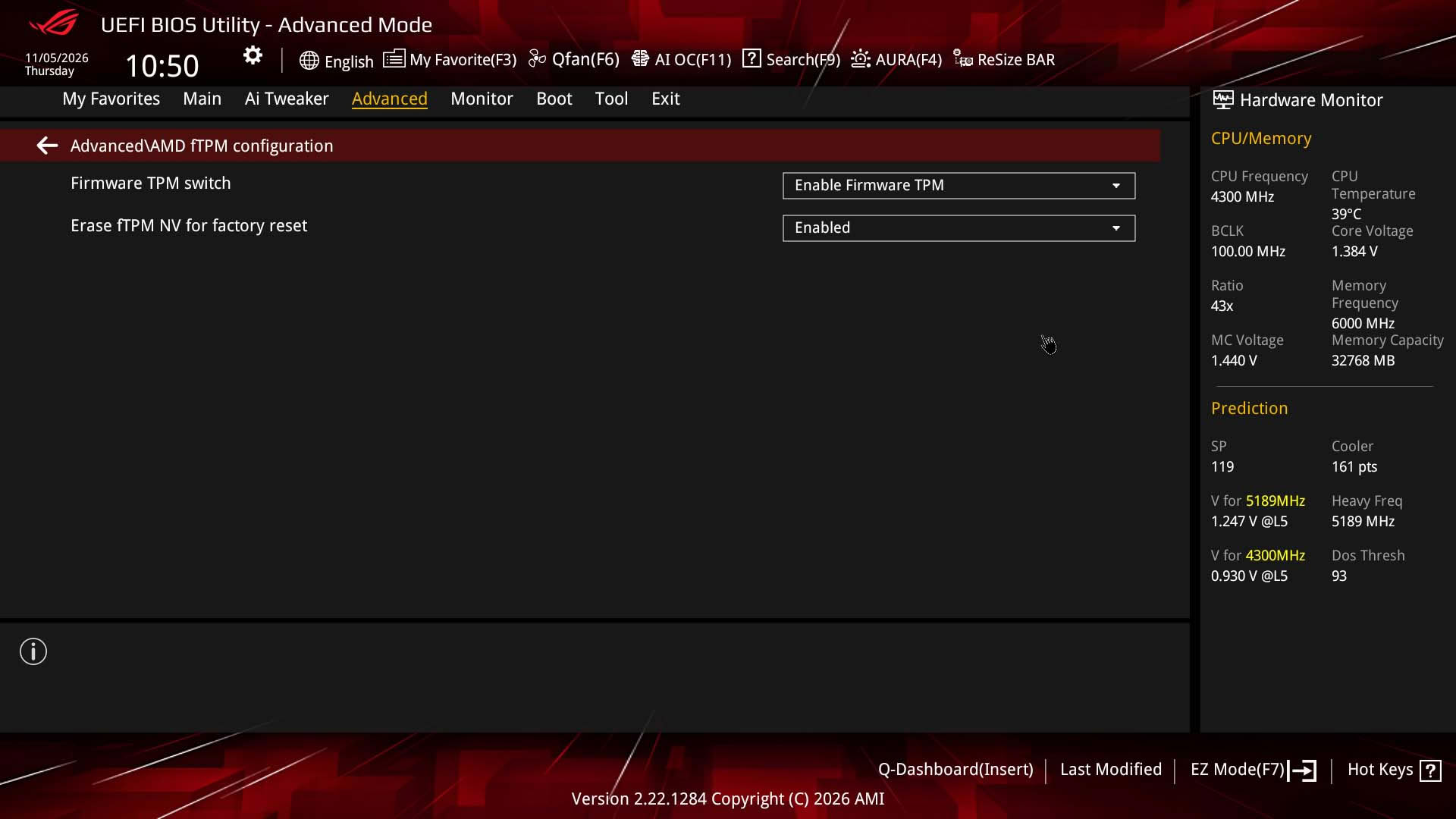
Nov 13th, 2026 21:57 CST
change timezone
Latest GPU Drivers
New Forum Posts
- no "PhysX" workable (8)
- AI generated images... (224)
- Tell me about your favourite graphics card (28)
- Crimson Desert (31)
- RenoDX HDR - how to view the differnce Before&After in game? (0)
- Displayport DP80 3M (10ft) cable that can achieve 80gbps stable? (5)
- I'll flash a ASUS ROG Strix RX480 O8G in Cause of Code 43, as a Newbie (1)
- Opinion on Monitor Replacement (6)
- TMOG - post your benchmark results here (16)
- Microsoft Exchange/365 outages? (61)
Popular Reviews
- AMD Zen 6 Technical Deep Dive
- Corsair HX1000i Shift Crystal Review
- NZXT C1200 Platinum Review
- Upcoming Hardware Launches 2027 (Updated Nov 2026)
- ASUS ROG Strix B850-I Gaming Wi-Fi7 W Review
- Montech King 95 3D PRO Review
- NZXT H7 RGB+ Review
- NZXT H5 Review
- Phantom Blade Zero Performance Benchmark Review - 35 GPUs Tested
- XPG NIMBUS PLUS Review - Mid-range Chair With Strong Competitors
TPU on YouTube
Controversial News Posts
- NVIDIA Co-Founder and CEO Jensen Huang Officially Resigns (379)
- OpenAI CEO Argues Home PCs Waste the World's Limited DRAM Supply (152)
- NVIDIA Launches Investigation Into Jensen Huang's Relationship With Suspected Chinese Spy (136)
- Intel "Raptor Lake Next" 16-Core and 20-Core CPUs Surface (130)
- Legendary Game Studio BioWare Shuts Down Following EA Layoffs (104)
- Dell CEO Says the Memory Shortage Will Get Worse in 2027 (95)
- NVIDIA GeForce RTX 50-Series Scheduled for up to $500 Price Hike This Week (89)
- Modder Fits RTX 5090 With Four 8-Pin Connectors, Halving Current per Wire (80)