 30
ASUS ROG Strix OLED XG27ACDNG Review - Good Enough for Pro Gamers
Connectivity & Power Consumption »Design and Ergonomics
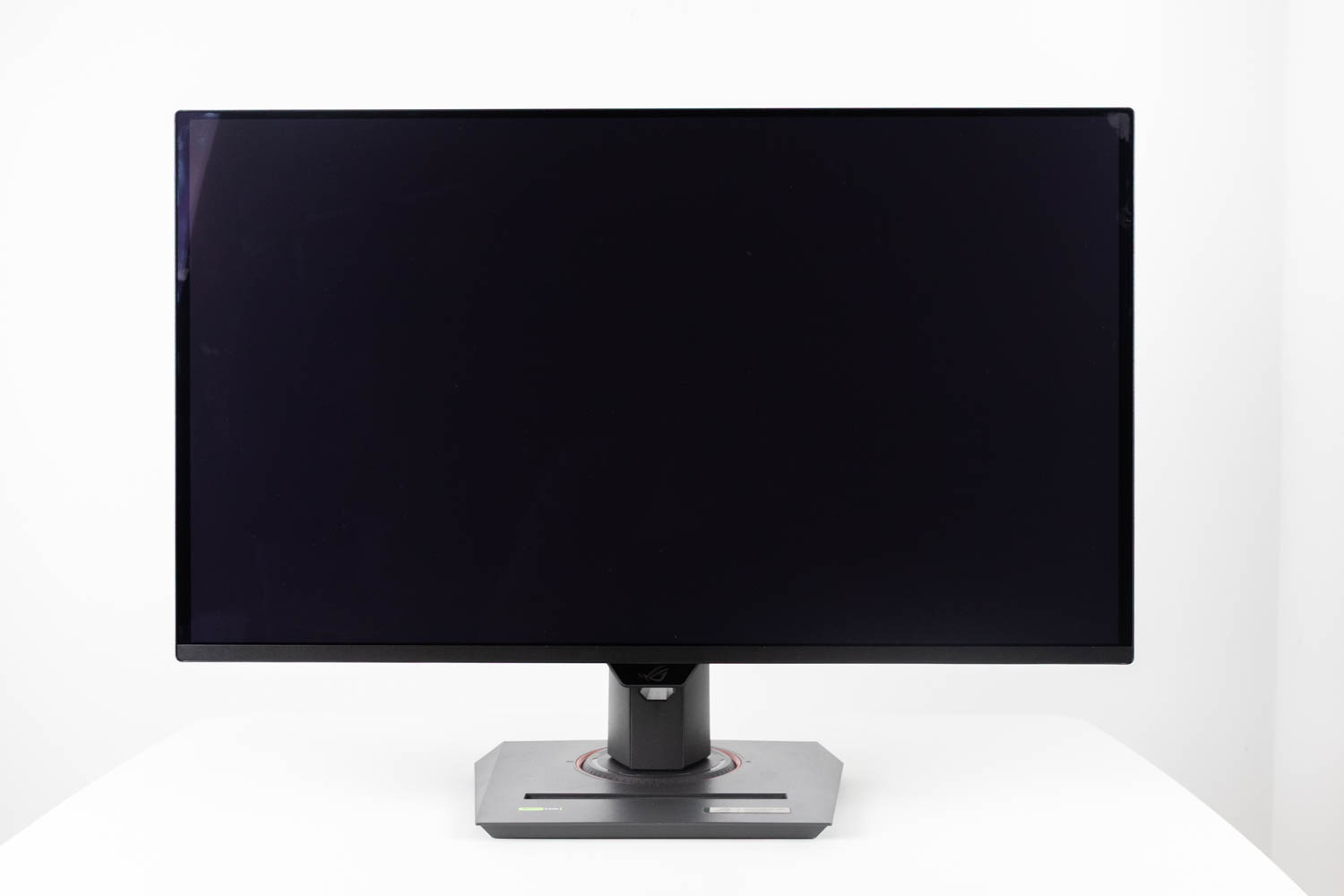
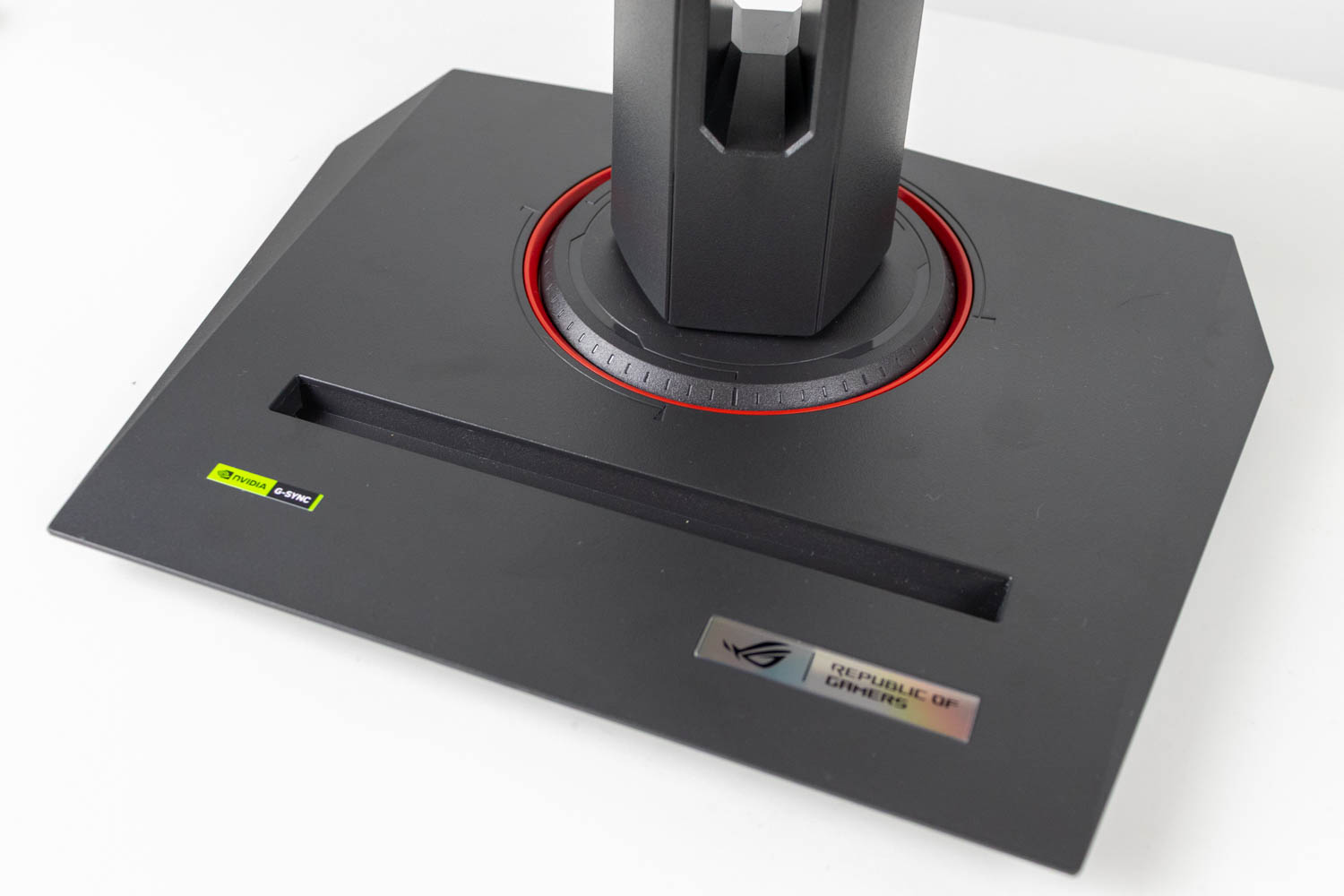

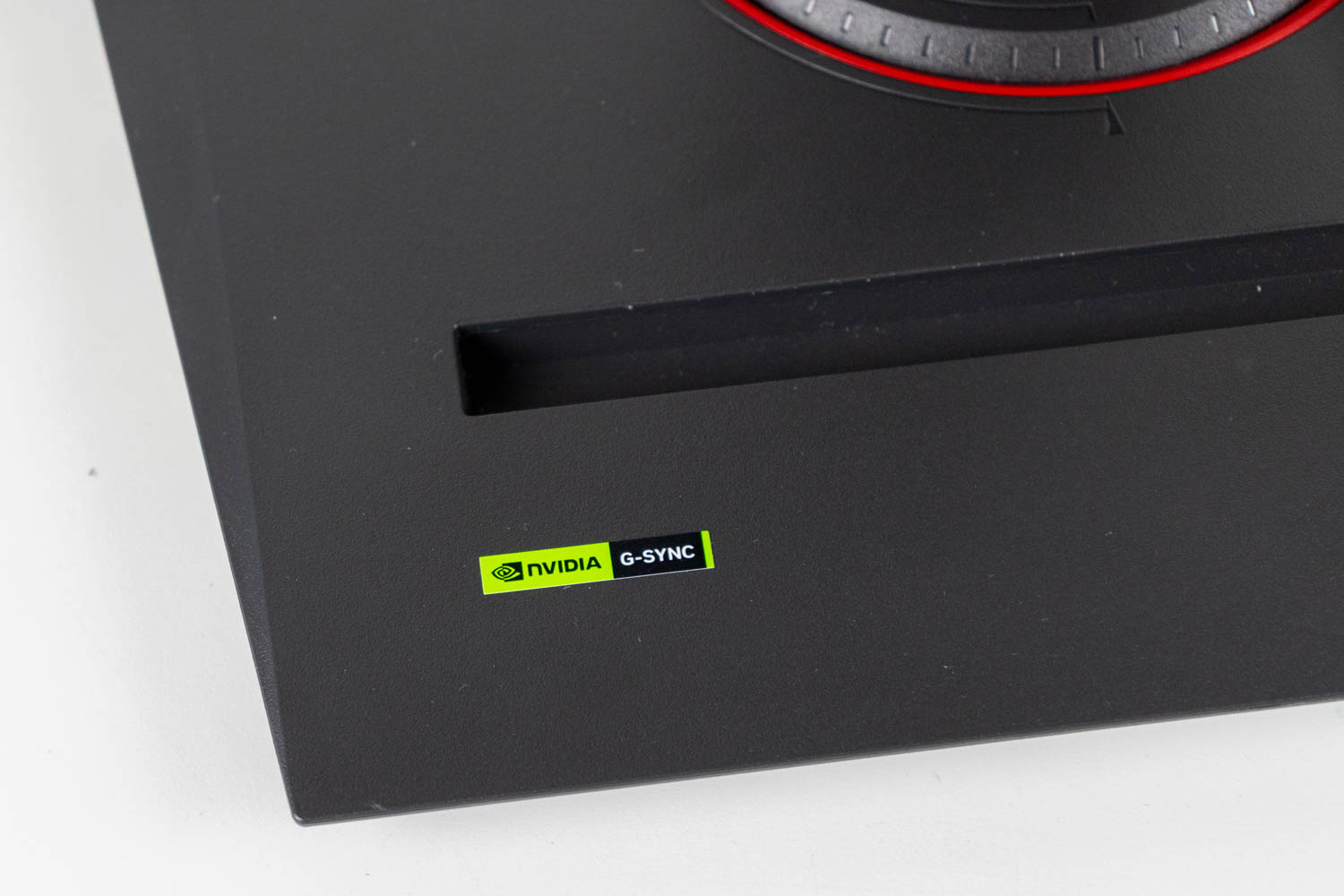

With its glowing front-facing RGB logo, integrated phone holder, factory-applied NVIDIA G-SYNC sticker, and the Republic of Gamers logo plate, the front of the ASUS ROG Strix OLED XG27ACDNG can initially look a bit cluttered. Turn off the logo backlight and remove the G-SYNC sticker, and the overall appearance improves considerably. The XG27ACDNG still isn't as clean or understated as some competing monitors, but it remains subtle enough not to be visually distracting.
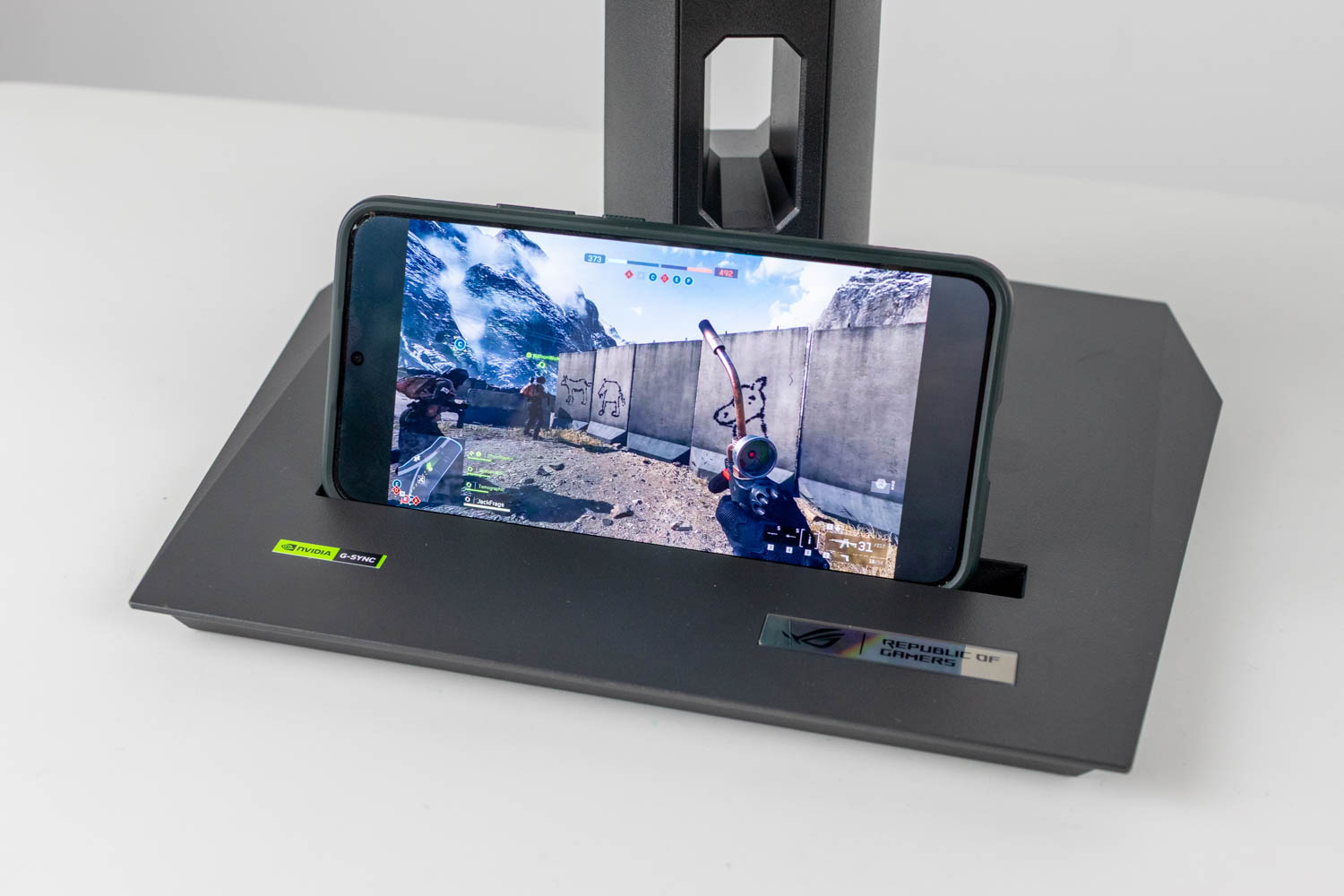

The integrated phone holder is designed primarily for horizontal use. Unless you have a very small phone, vertical placement isn't practical. Here's what it looks like with a mid-sized device like the Samsung Galaxy S22+. Depending on the panel's height adjustment, you may find it more convenient to keep your phone next to the keyboard instead.
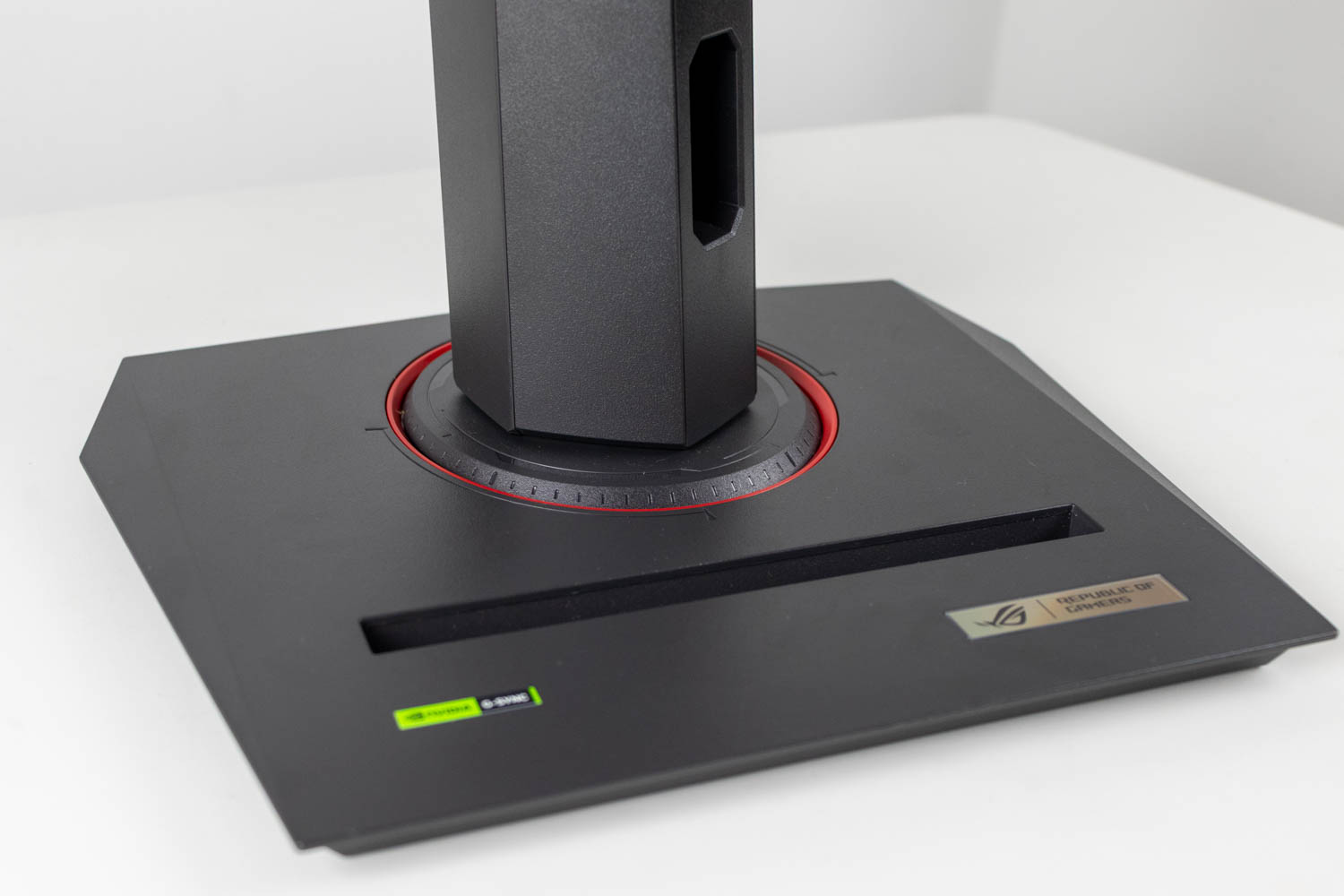
The base doesn't take up much desk space—it measures 26.5 cm (10.4 in) wide and 22 cm (8.7 in) deep. It's built around a metal core, covered with a plastic shell, which is solid enough to keep the monitor stable without adding unnecessary bulk.
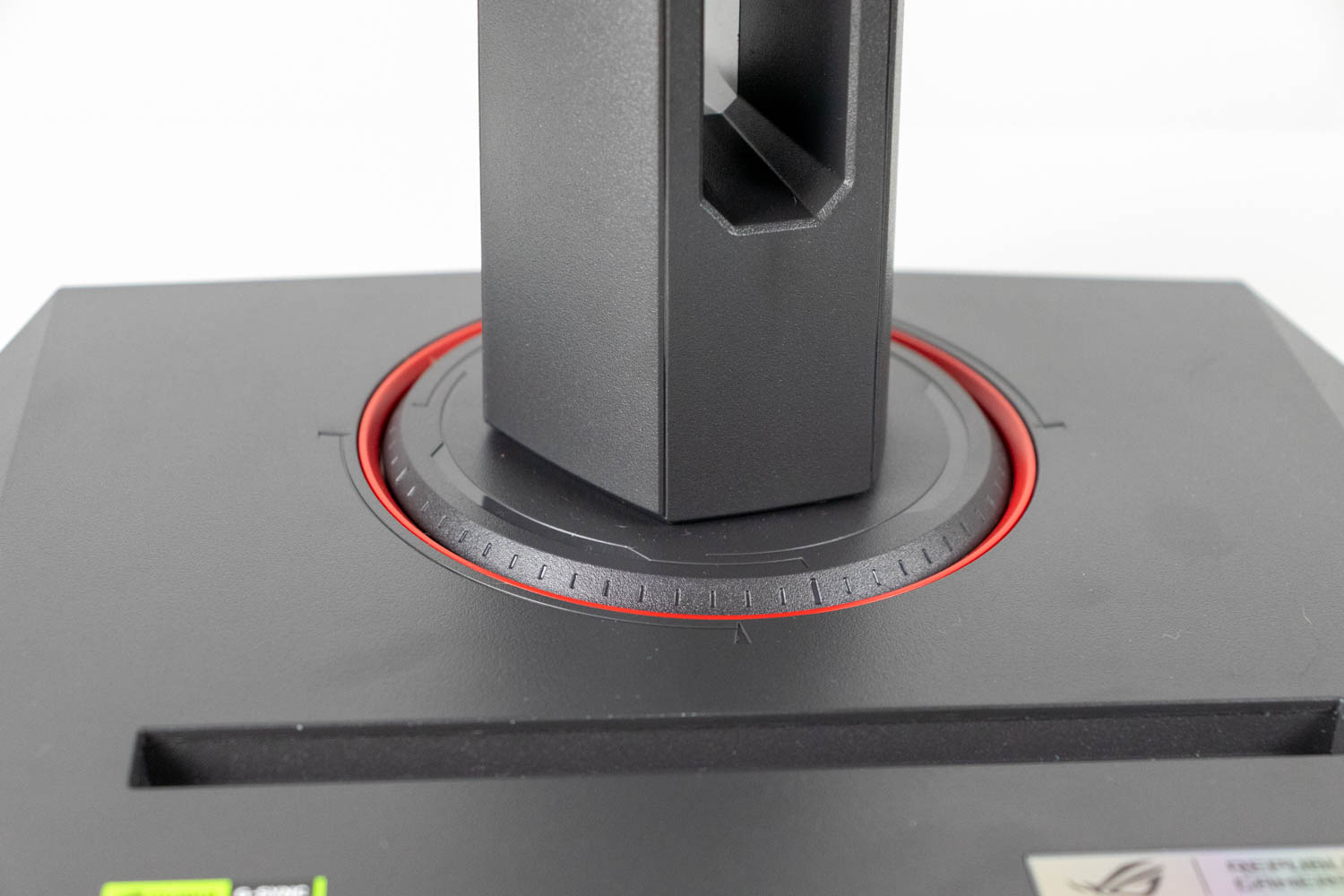
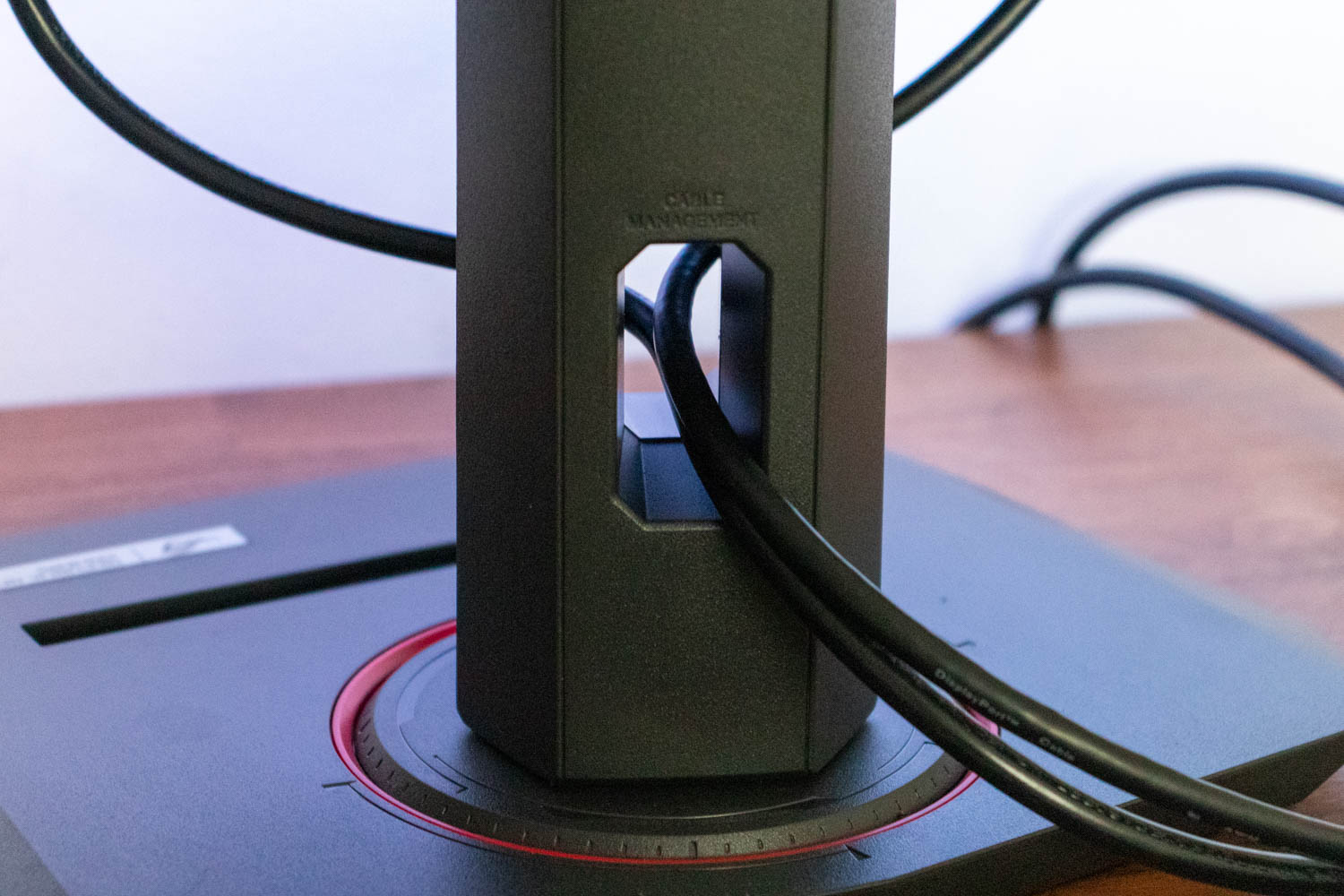

The base-to-stand connection is accented with a maroon ring, a subtle nod to the monitor's gaming heritage that doesn't come off as excessive. The bottom of the stand features engraved alignment markings to help center it precisely with the base. A cable-routing hole is included, but it's positioned unusually low on the stand. Depending on the monitor's height setting, it may remain partially exposed, leaving cables visible. If the panel's bottom edge is set higher than 12 cm (4.7 in) from the desk surface, expect the routing hole to be in plain view. The top of the stand features an engraved ROG logo and branding.
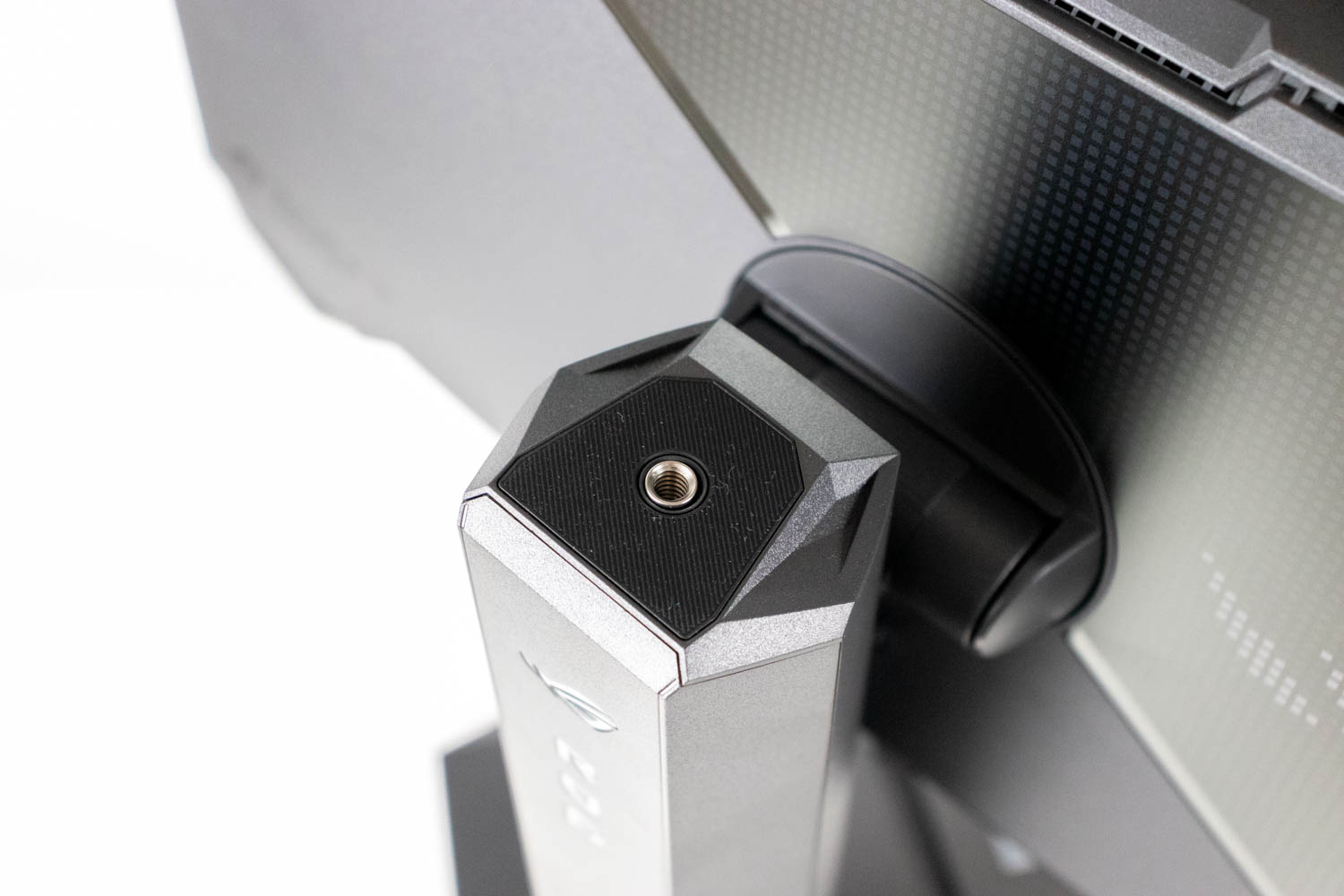
The mounting thread at the top of the monitor stand is designed for attaching accessories, most commonly a webcam or streaming camera. This threaded mount allows you to securely attach compatible devices, such as webcams, small cameras, lighting accessories and other gaming/streaming addons. This is a thoughtful design feature that ASUS includes on many of their gaming monitors, recognizing that gamers and content creators often need to mount cameras or other equipment near their displays. It eliminates the need for separate desk clamps or stands, keeping your setup cleaner and more organized.
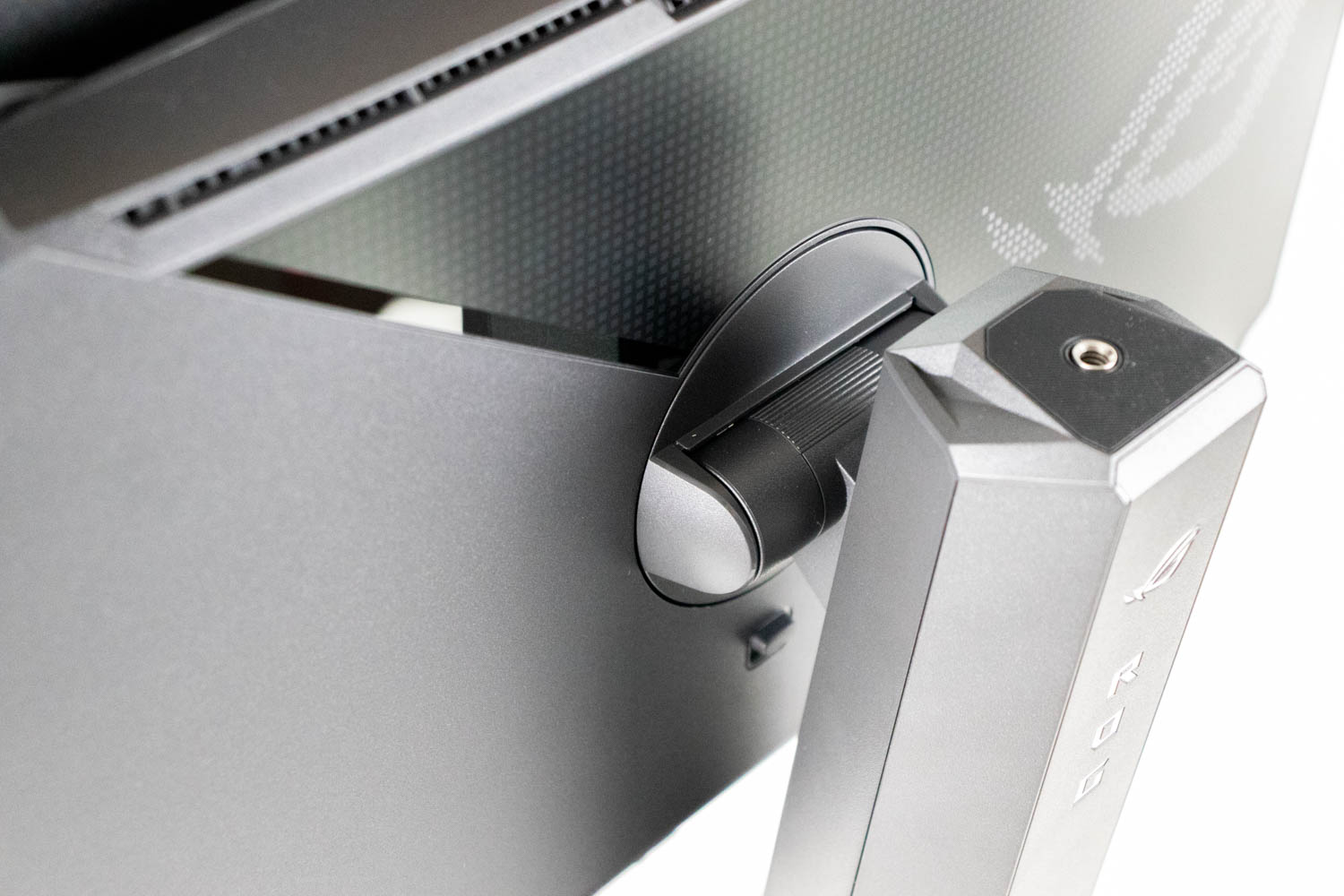
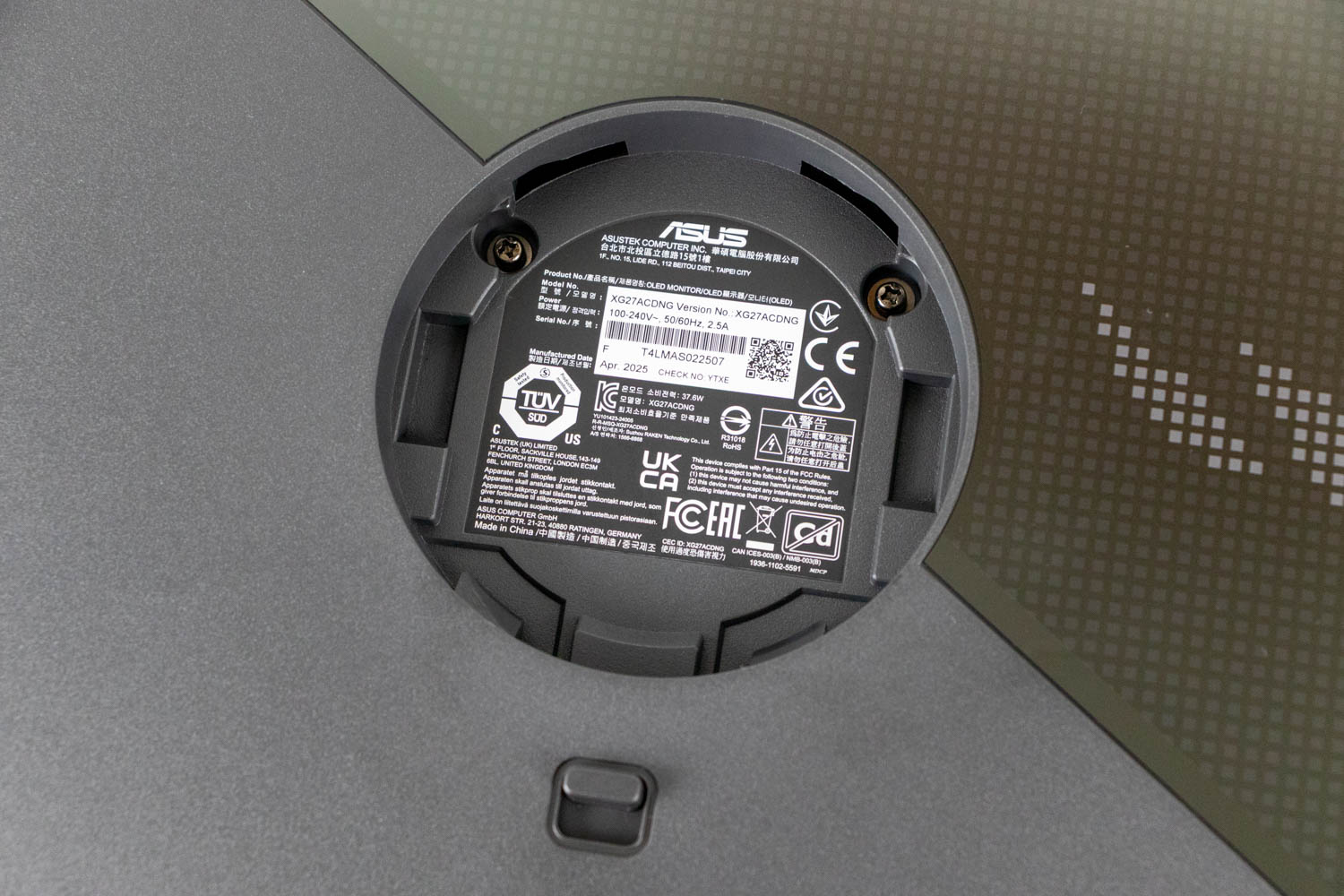
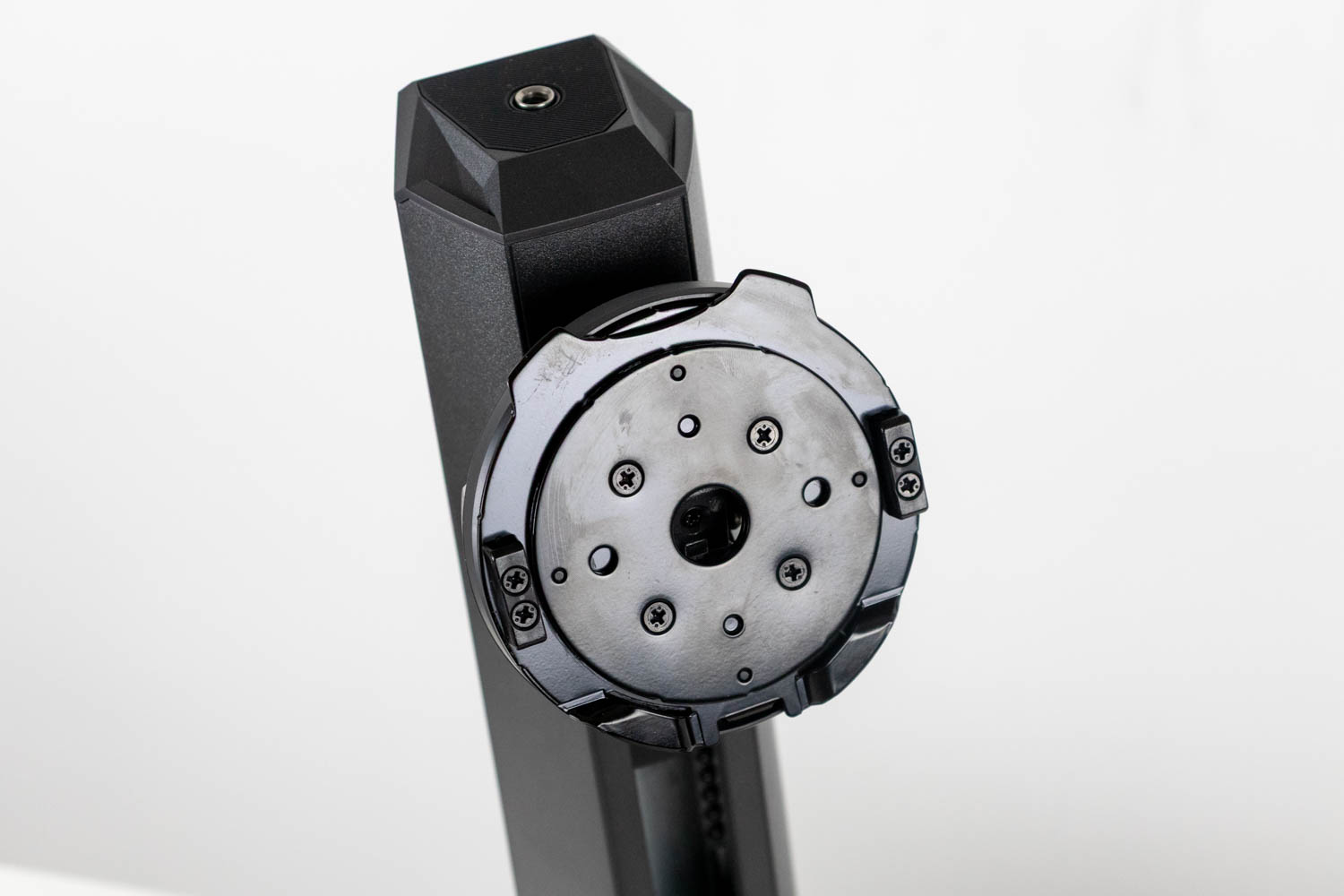
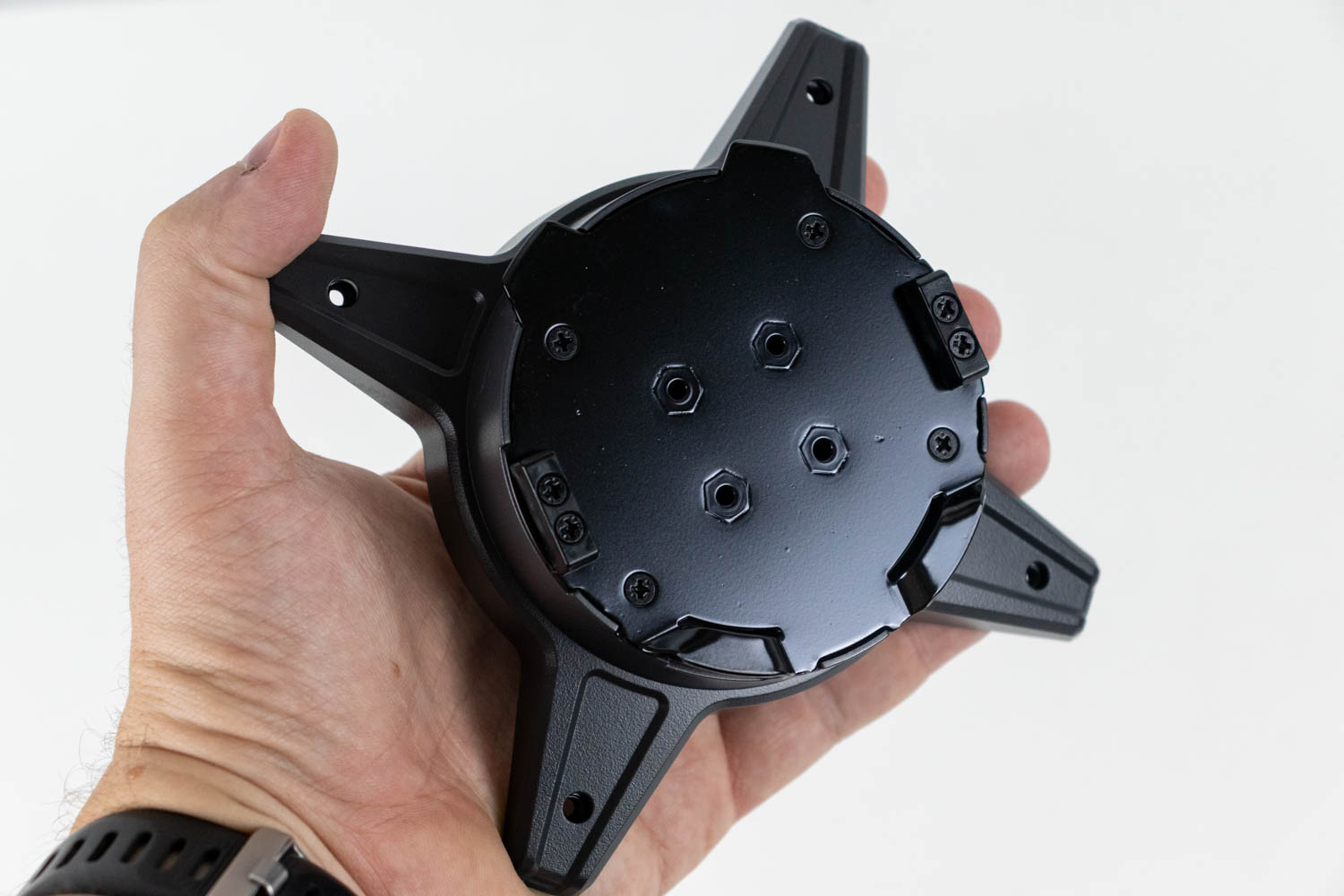
If you plan to install the monitor on a desk arm or wall mount, you'll need to use the included VESA bracket, which adds 100×100 mm VESA compatibility in place of the supplied stand.
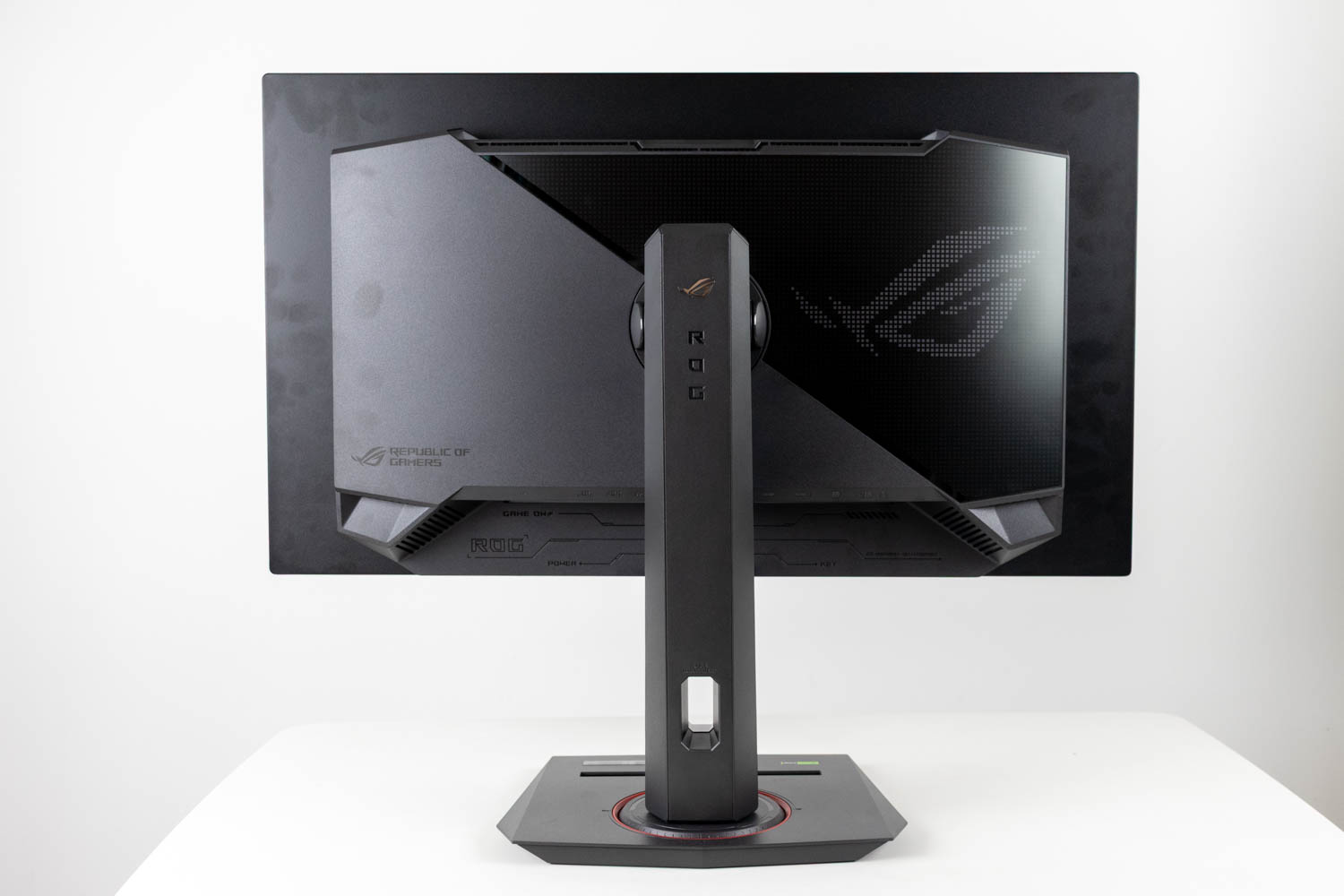
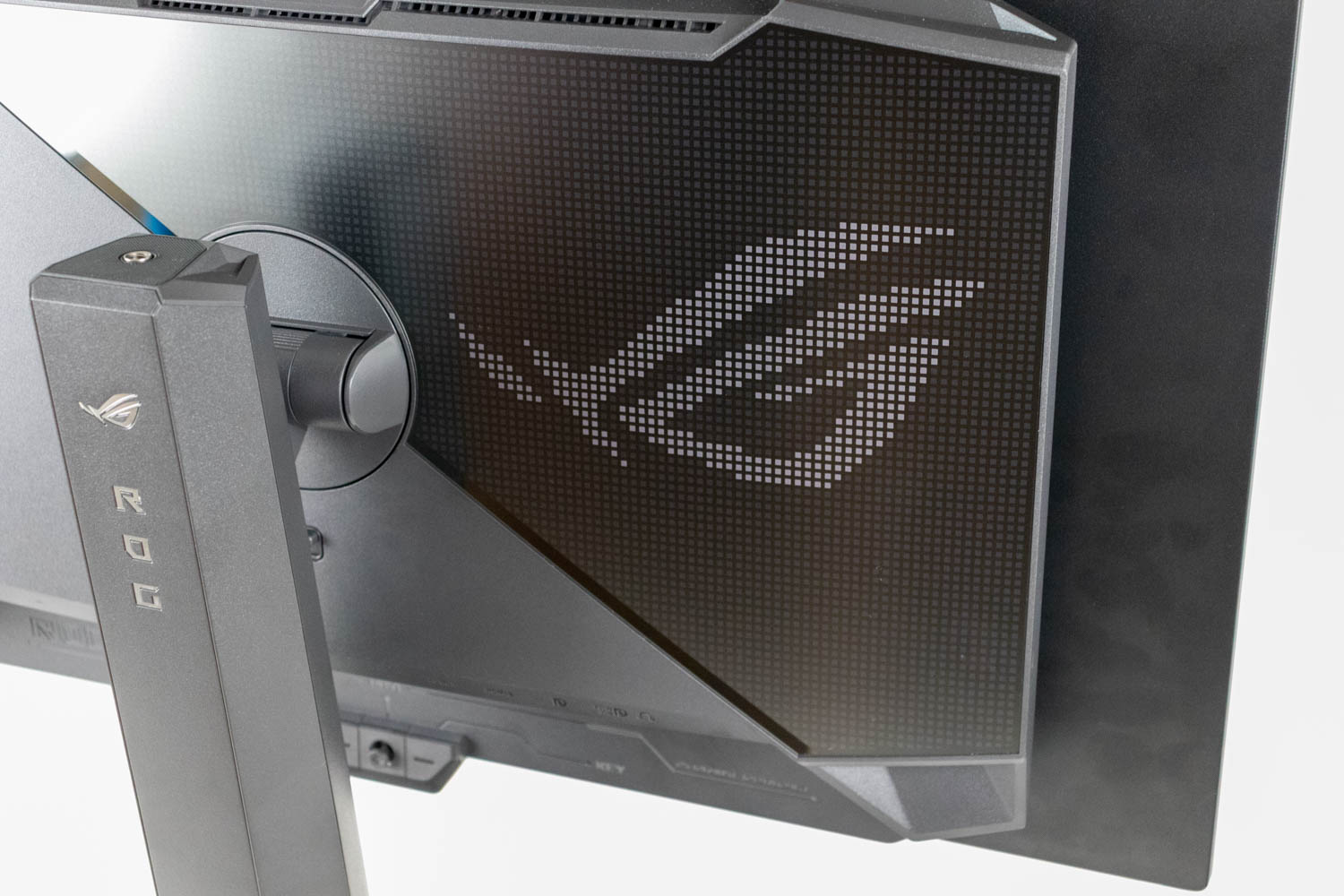
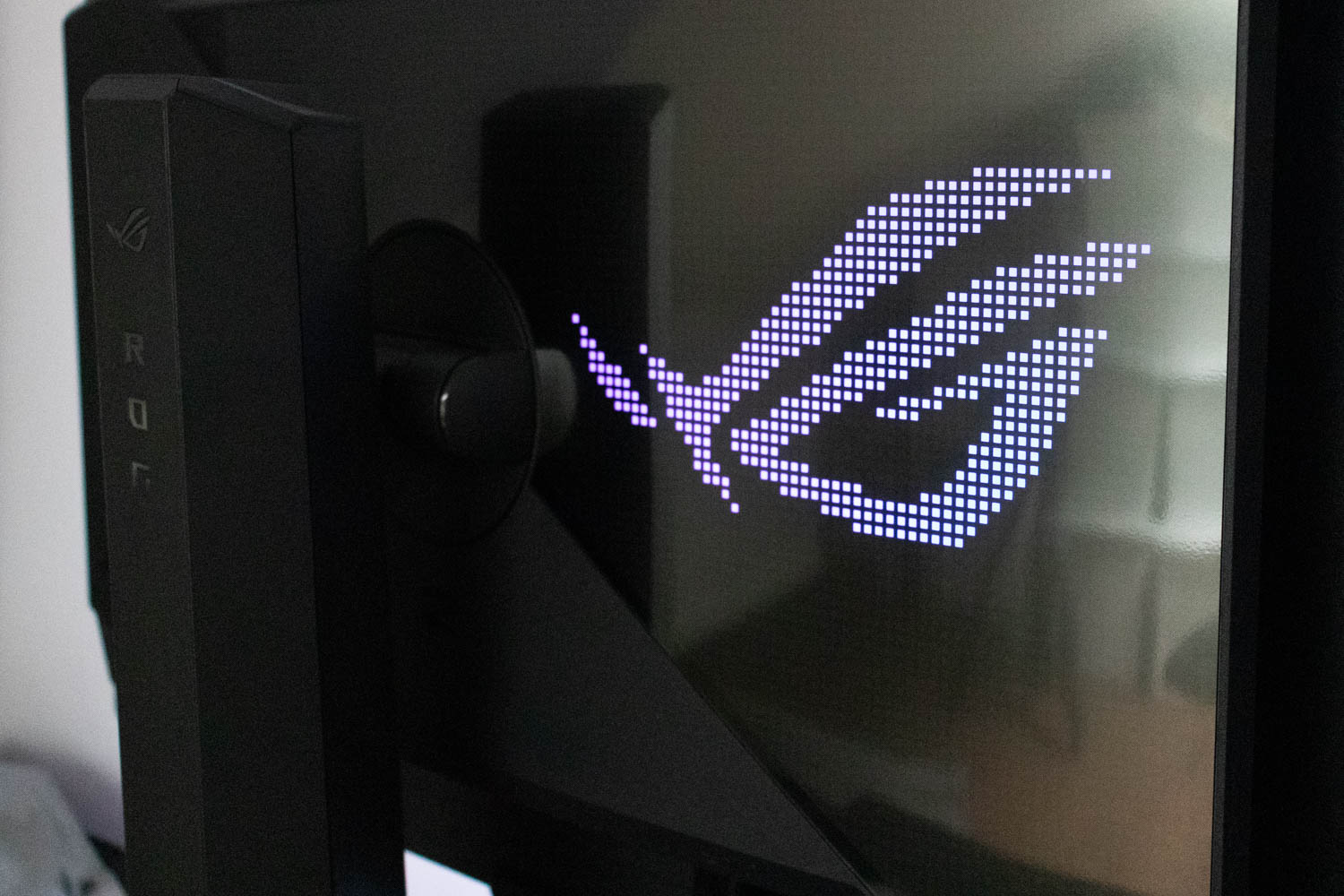
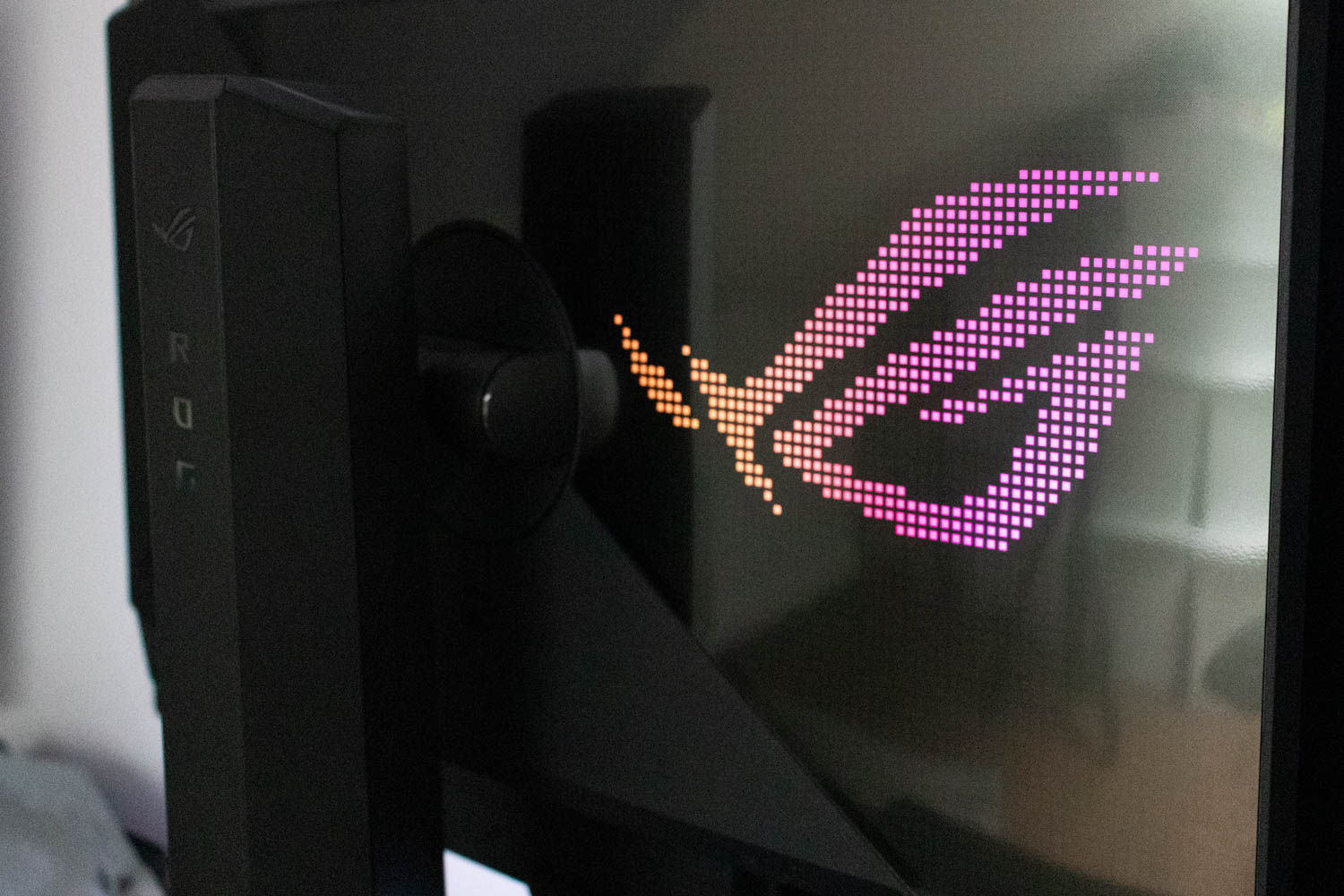
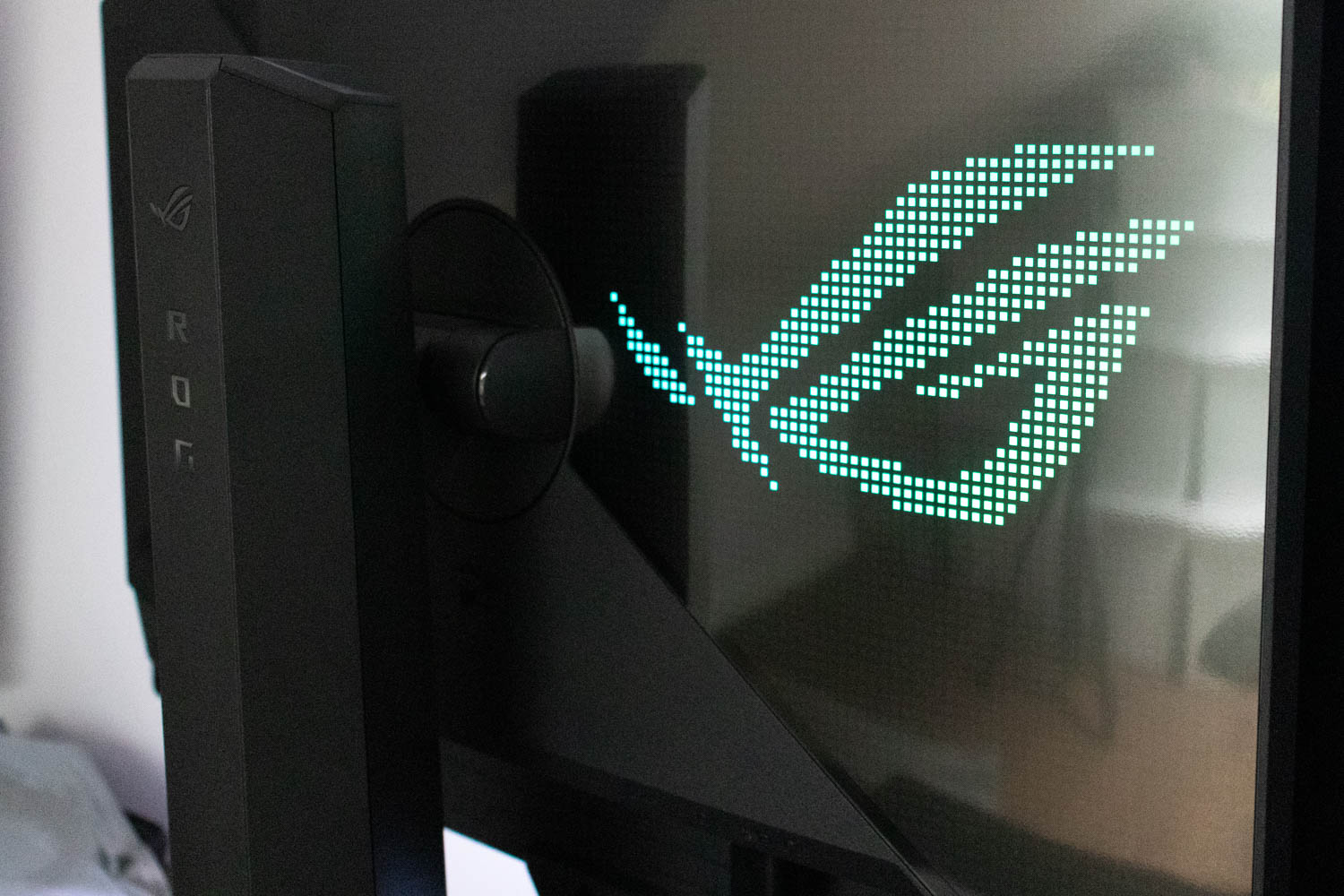
The back of the monitor is also encased in plastic, but ASUS has used a dense, high-quality material that gives the entire unit a solid, well-built feel. There are no creaks, flex, or build anomalies to speak of. The darker section of the rear houses an RGB-backlit ROG logo, which can provide a bit of ambient lighting at night—assuming there's a wall directly behind the monitor. That said, the illumination is far too subtle to replace proper wall lighting. The color and lighting effects can be adjusted via the OSD, and the system is also Aura RGB compatible, allowing it to sync with other ASUS RGB hardware.
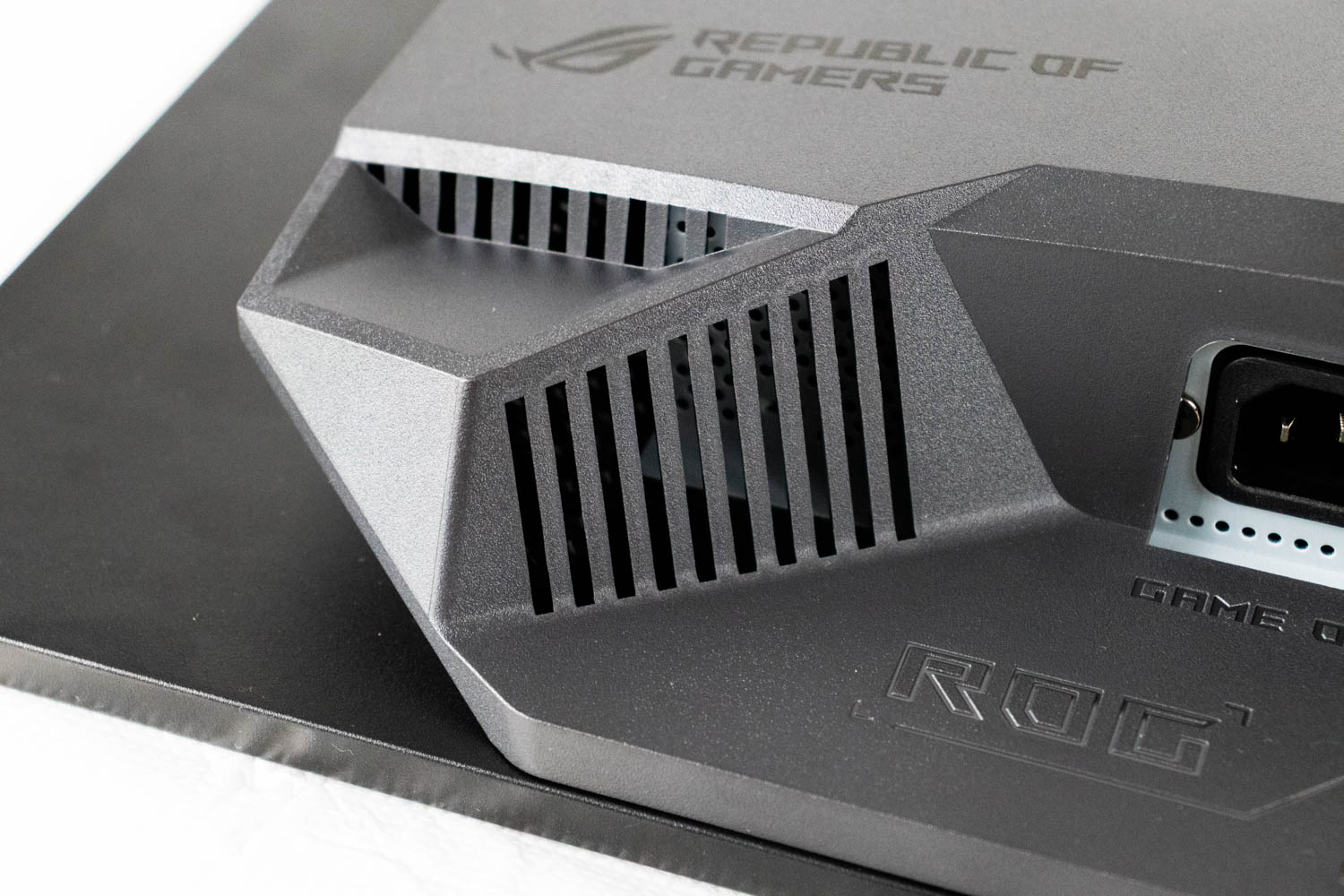
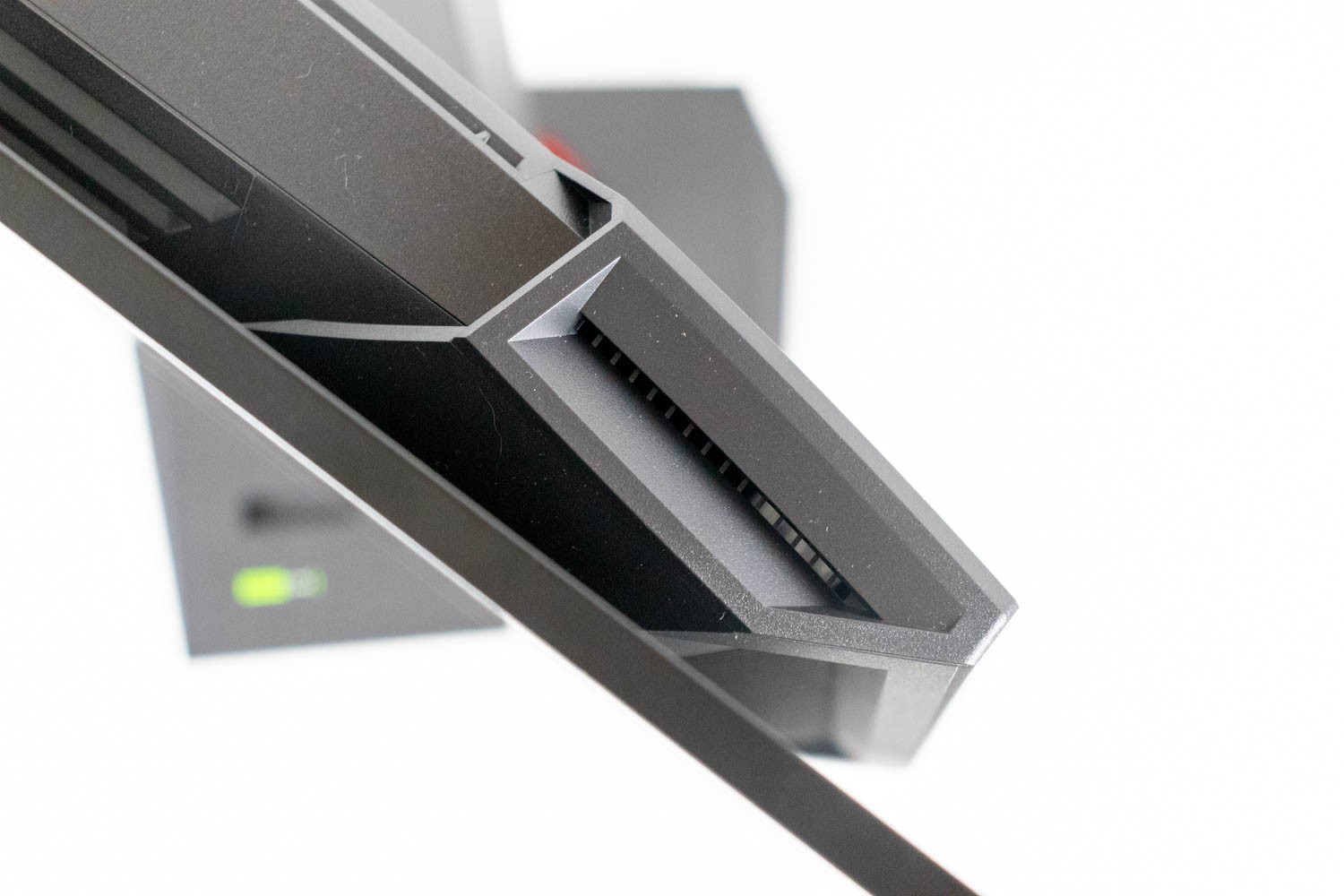
ASUS has clearly put thought into the thermal management of the ROG Strix OLED XG27ACDNG. Behind the panel is a graphene layer, a material known for its high thermal conductivity, which acts as a passive heatsink to help draw heat away from the delicate OLED matrix. This is complemented by large, angular ventilation cutouts on the rear of the monitor's chassis, designed to promote passive airflow and assist in dissipating heat without the need for active cooling.
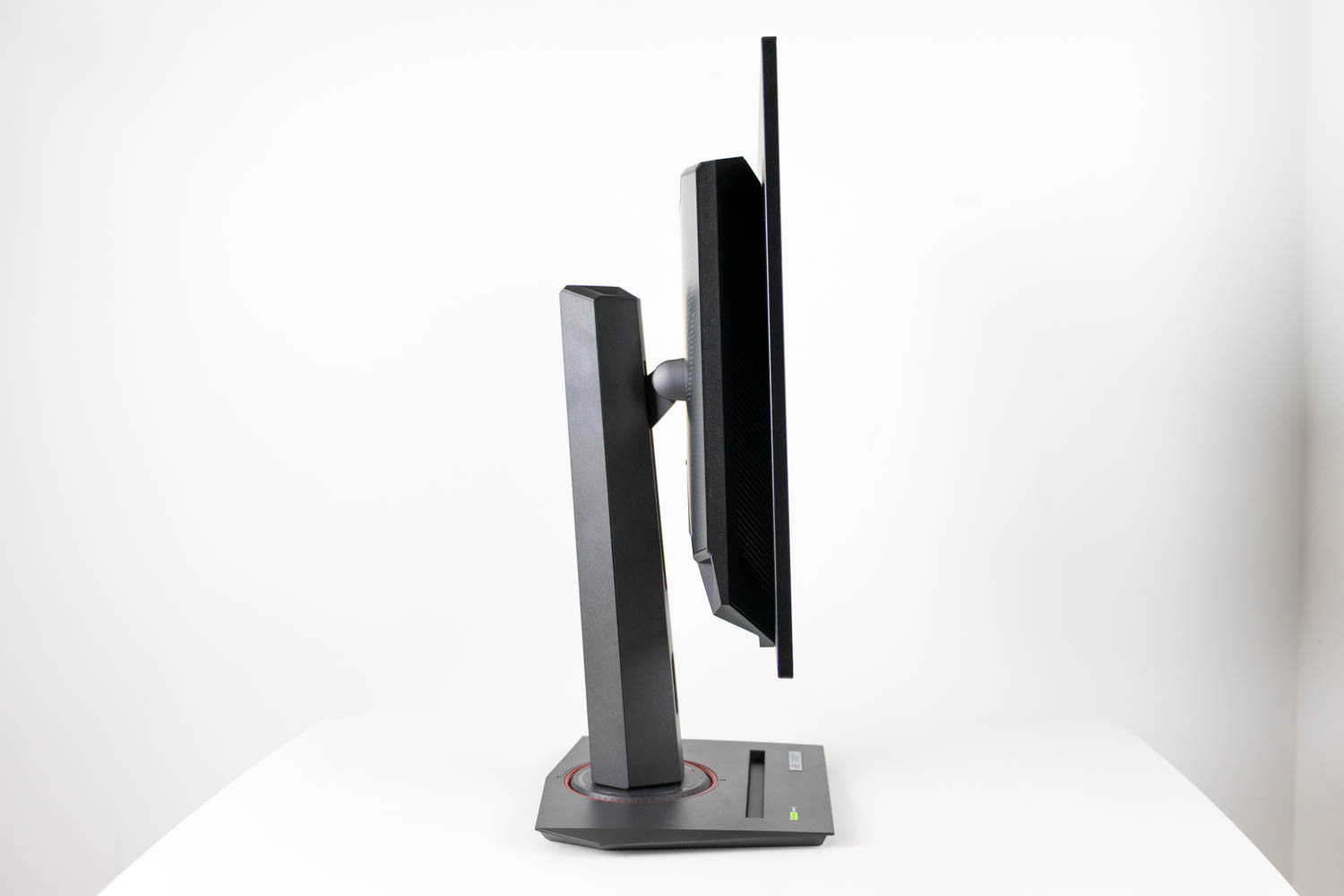
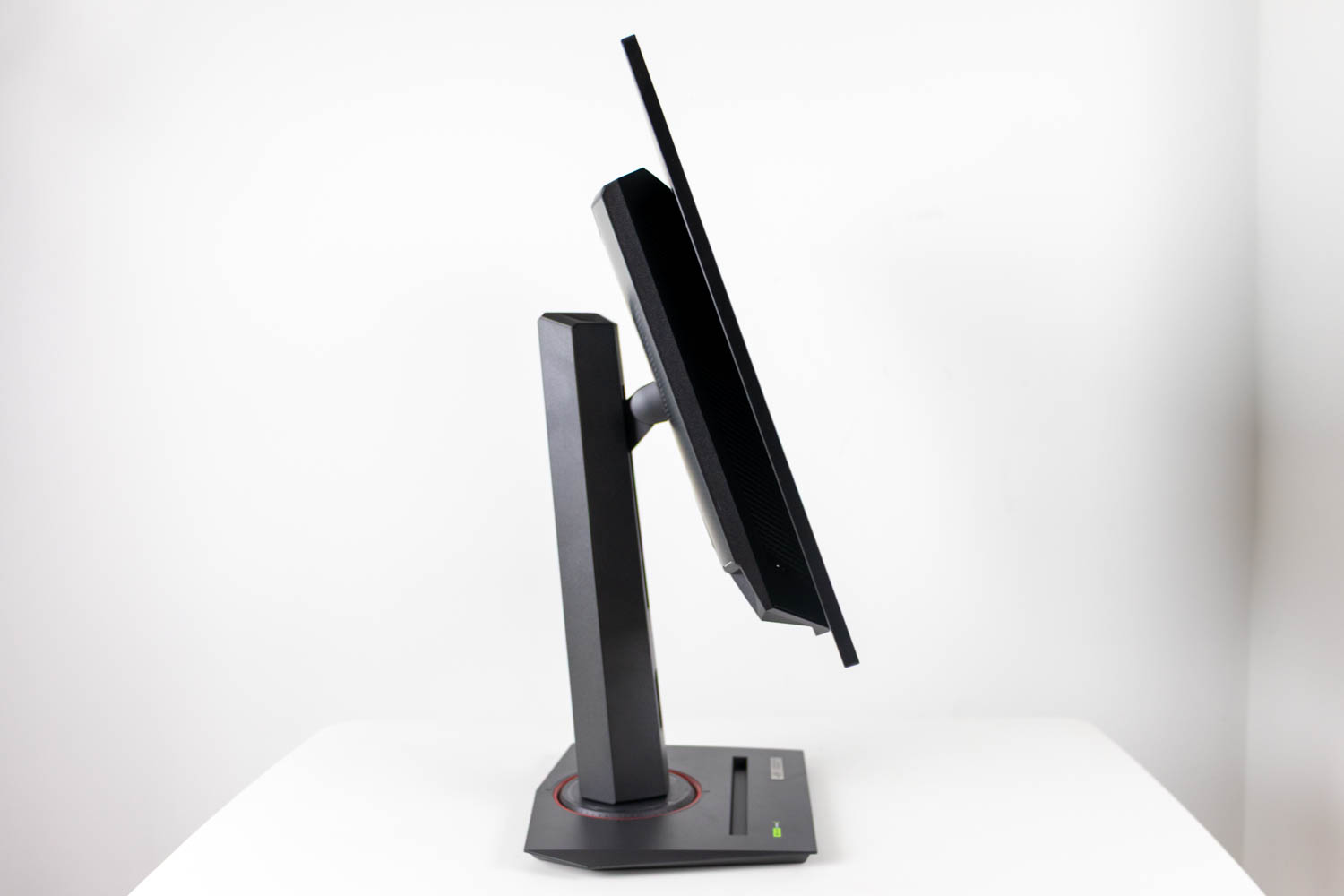
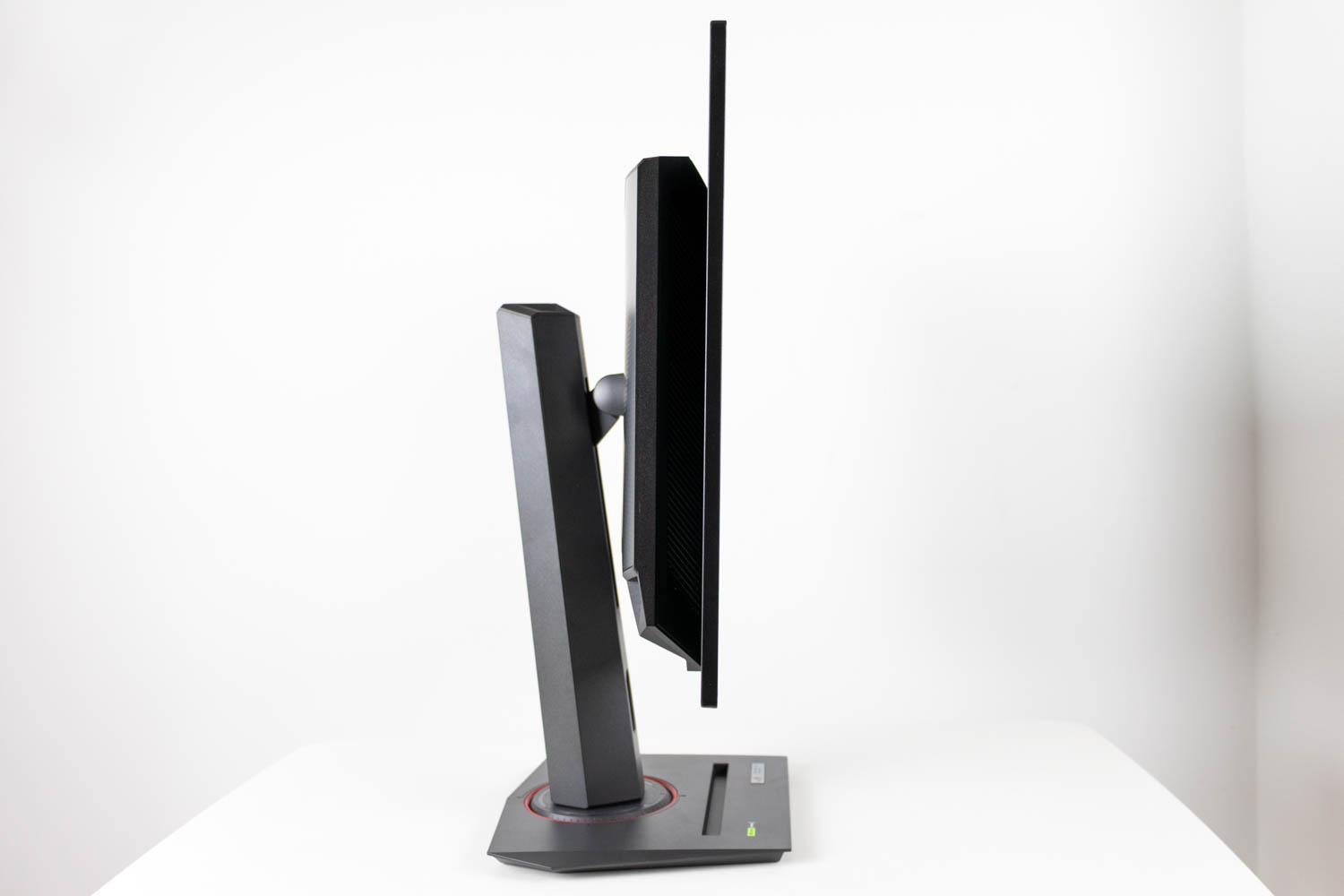
The screen of the ASUS ROG Strix OLED XG27ACDNG can be tilted from -17 to +5°. As long as you grab the monitor around the center of its bottom bezel, where its "chin" is, you can use one hand to do so.
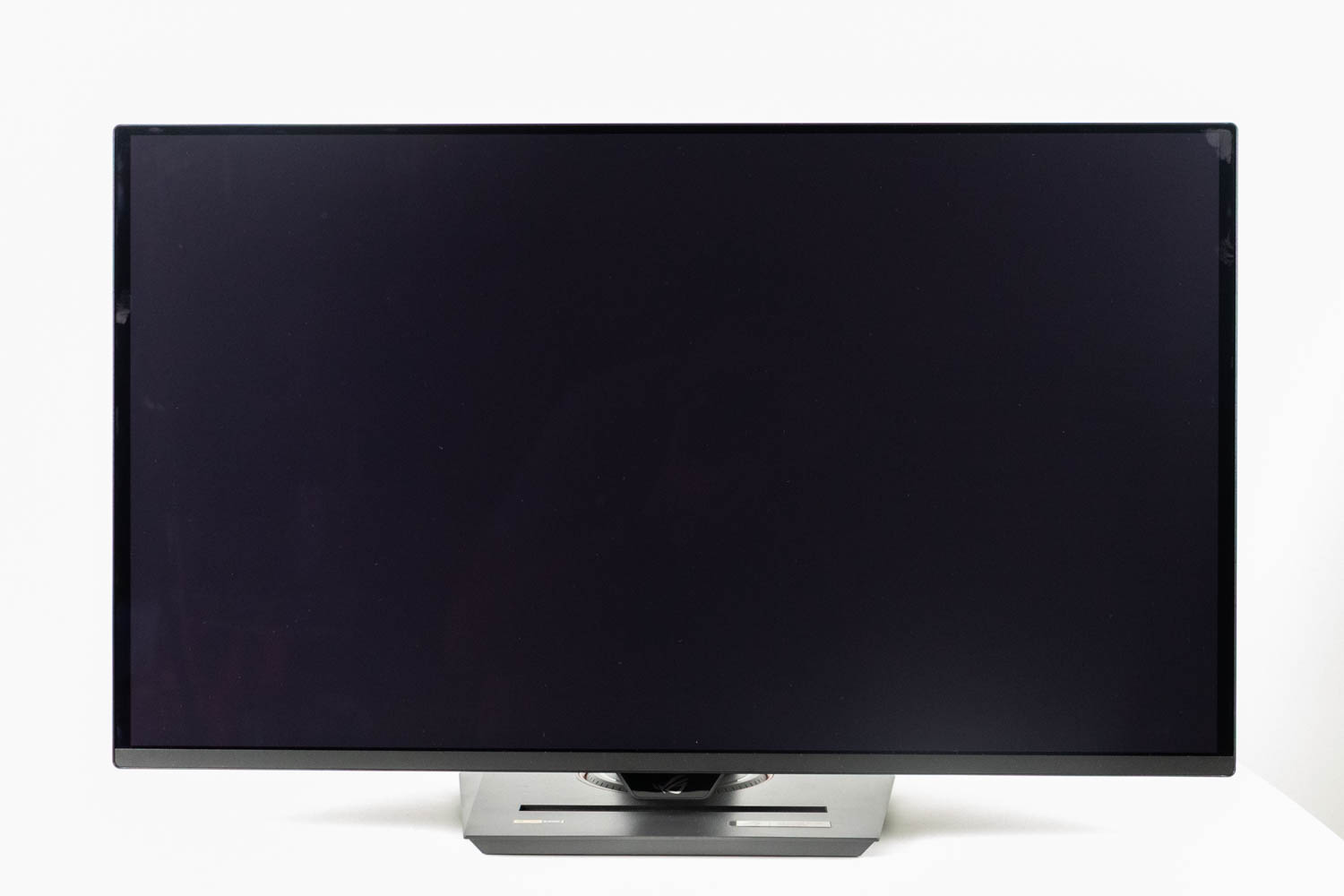
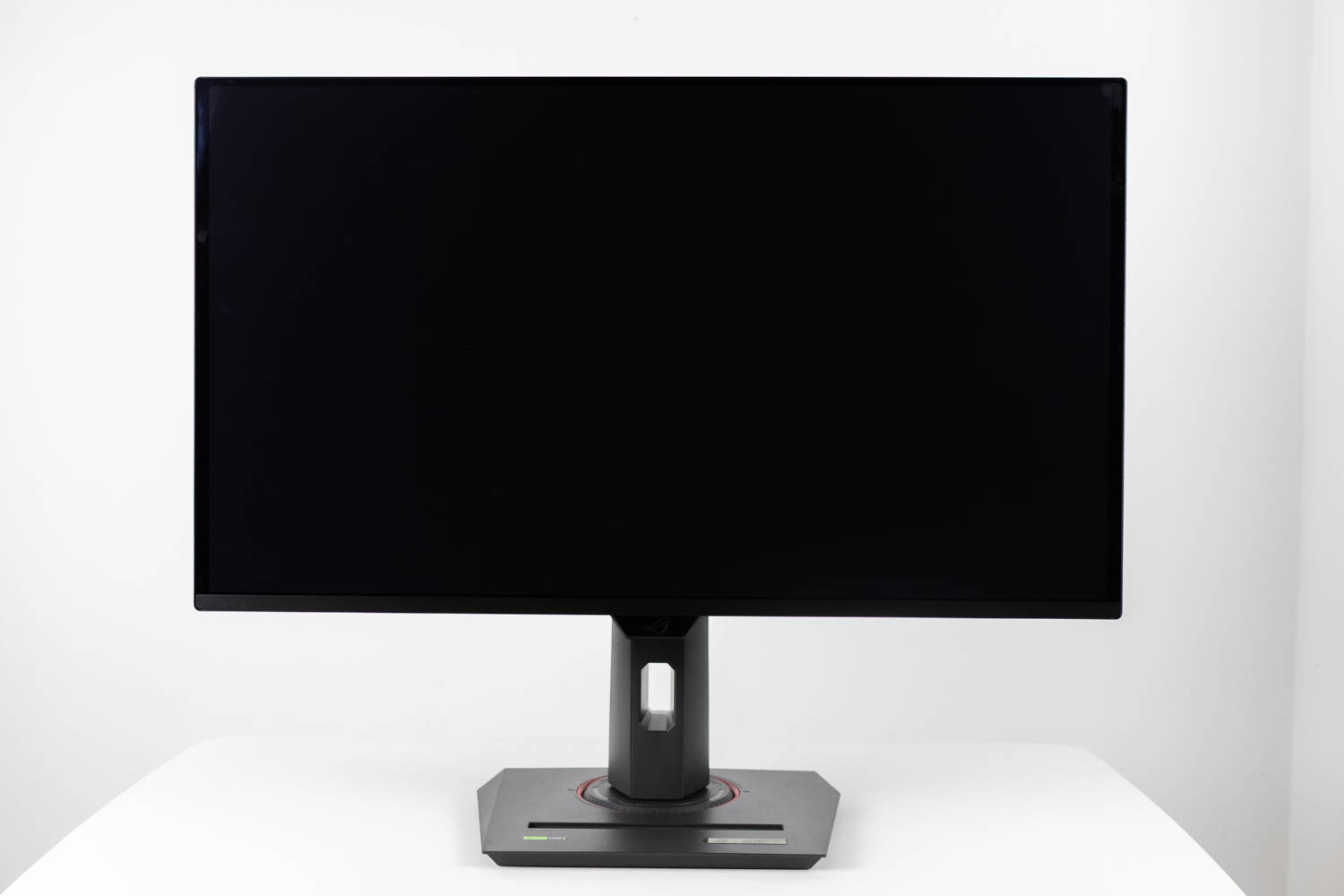
The height of the panel is also adjustable. In its lowest position, the distance from the desk to the bottom edge of the screen is 4.3 cm (1.69 in). Raise it all the way up, and that distance increases to 16.5 cm (6.5 in)—giving the monitor a total height adjustment range of 12 cm (4.7 in).
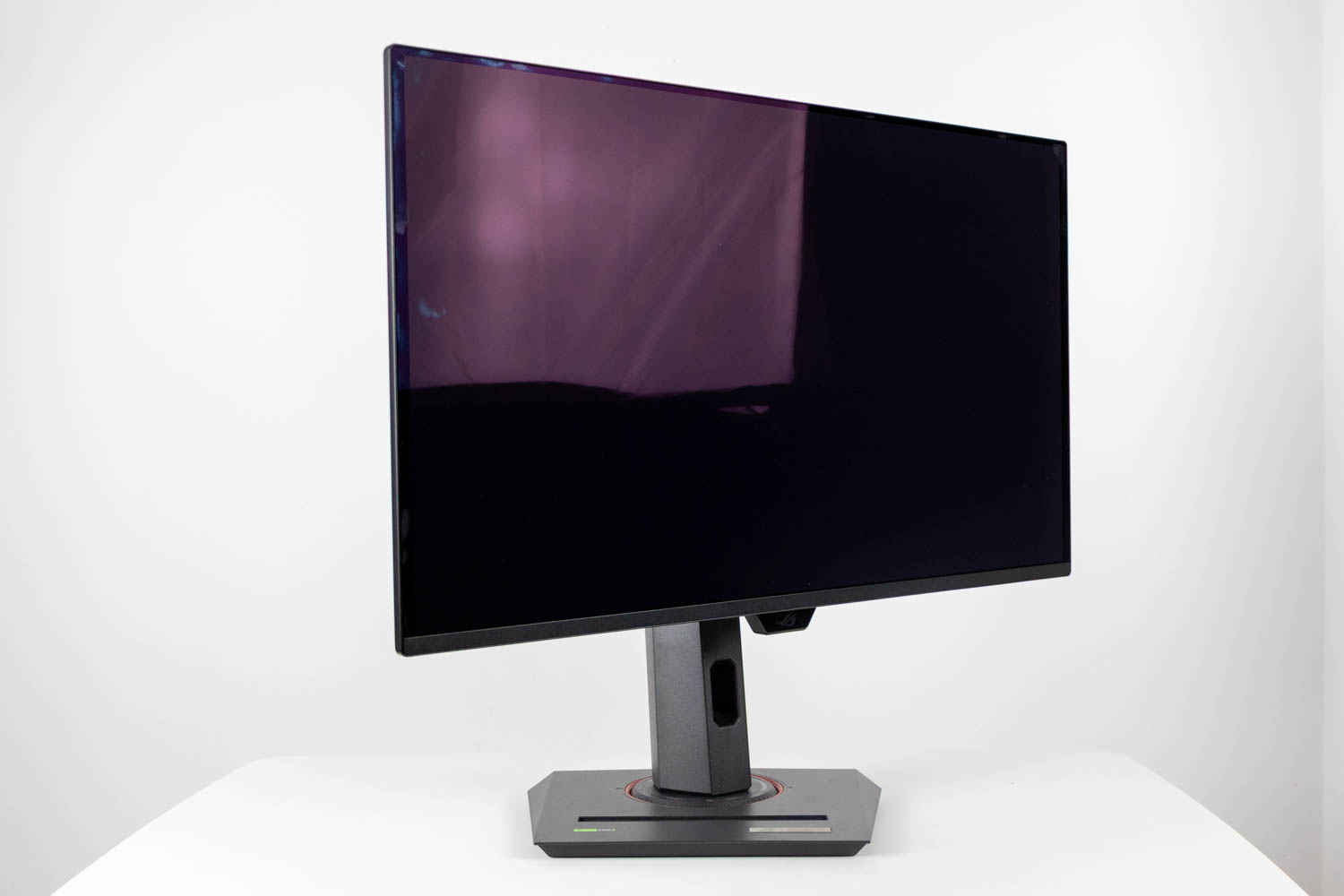
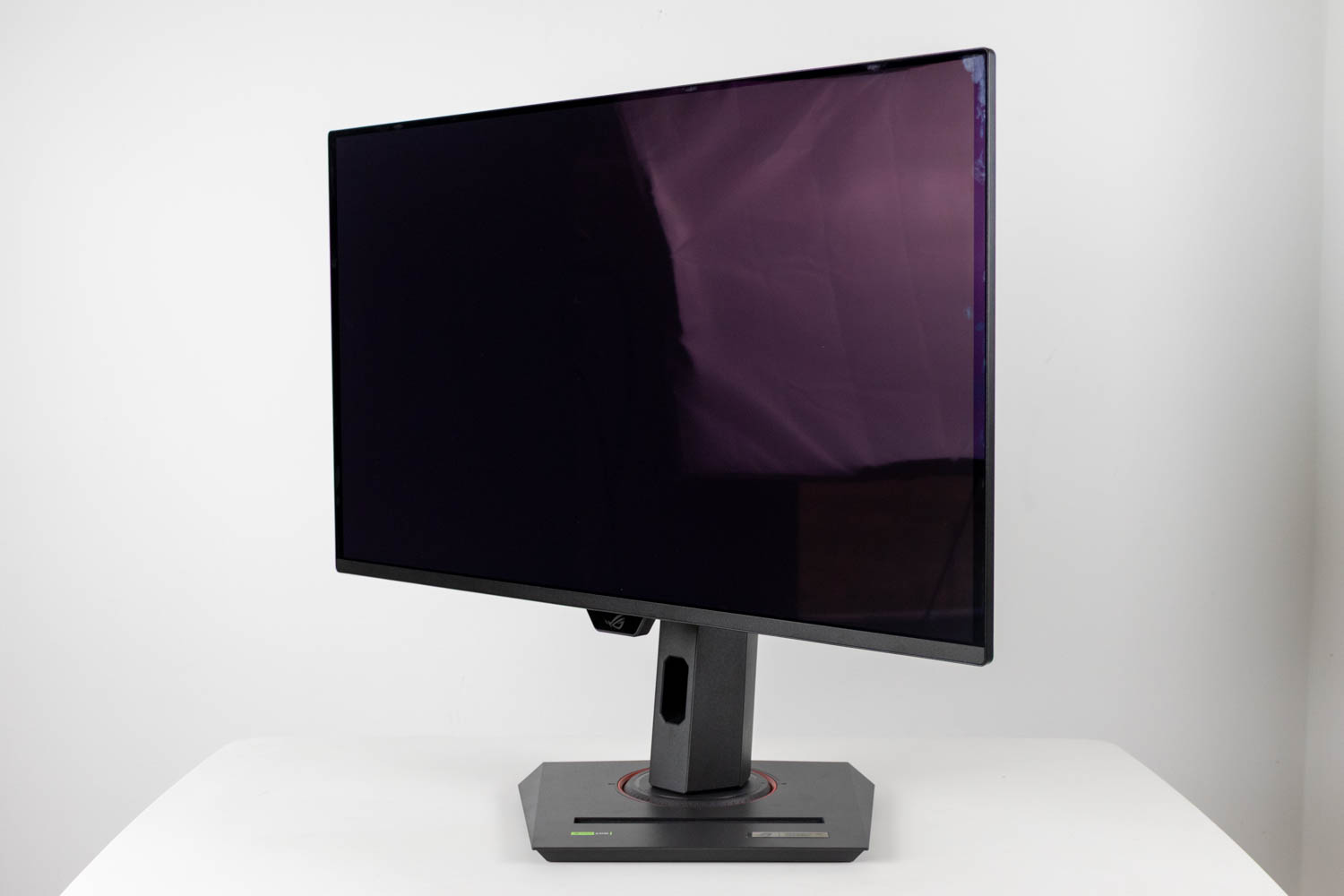
The swivel (left-to-right rotation) range comes out to ±45°.
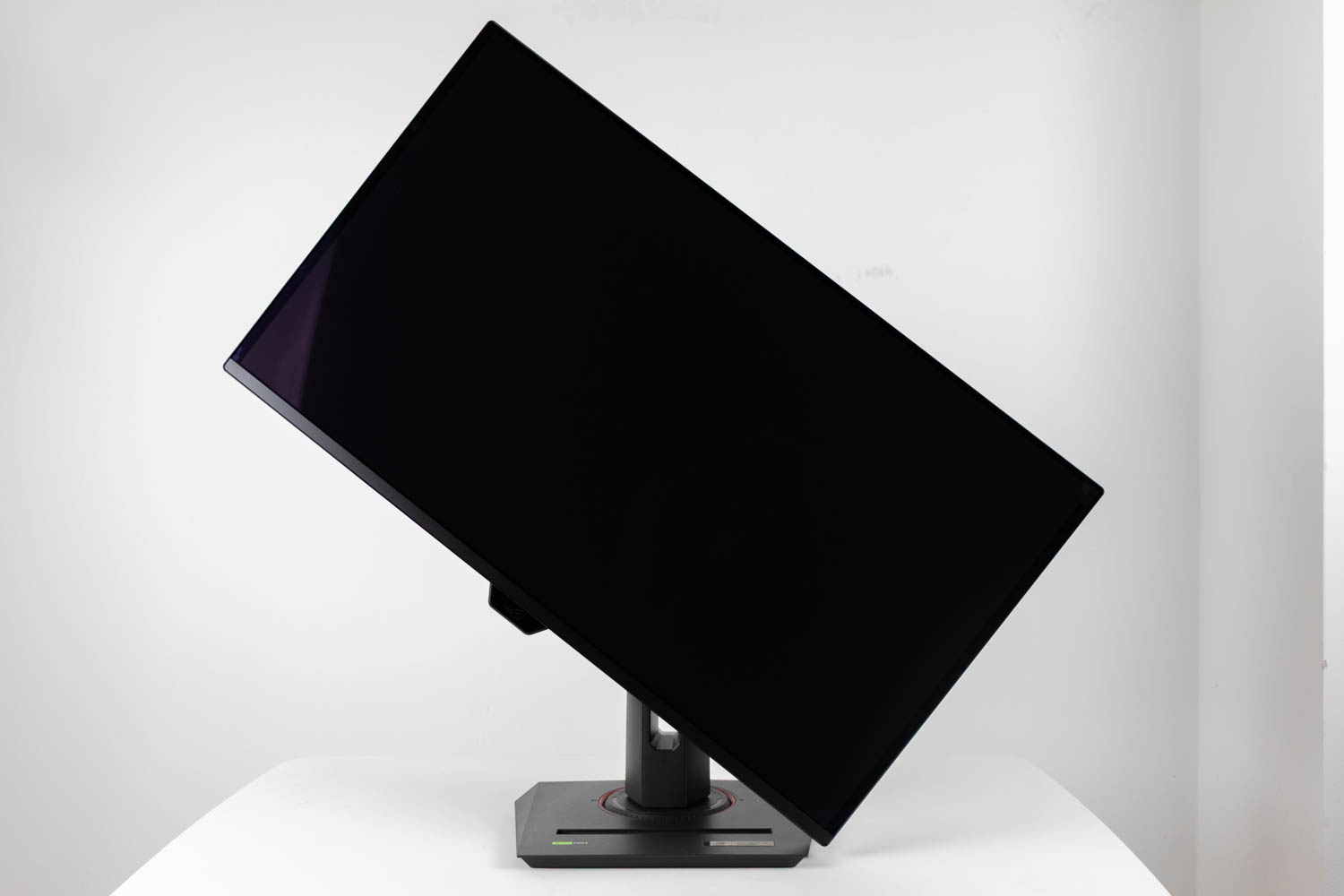
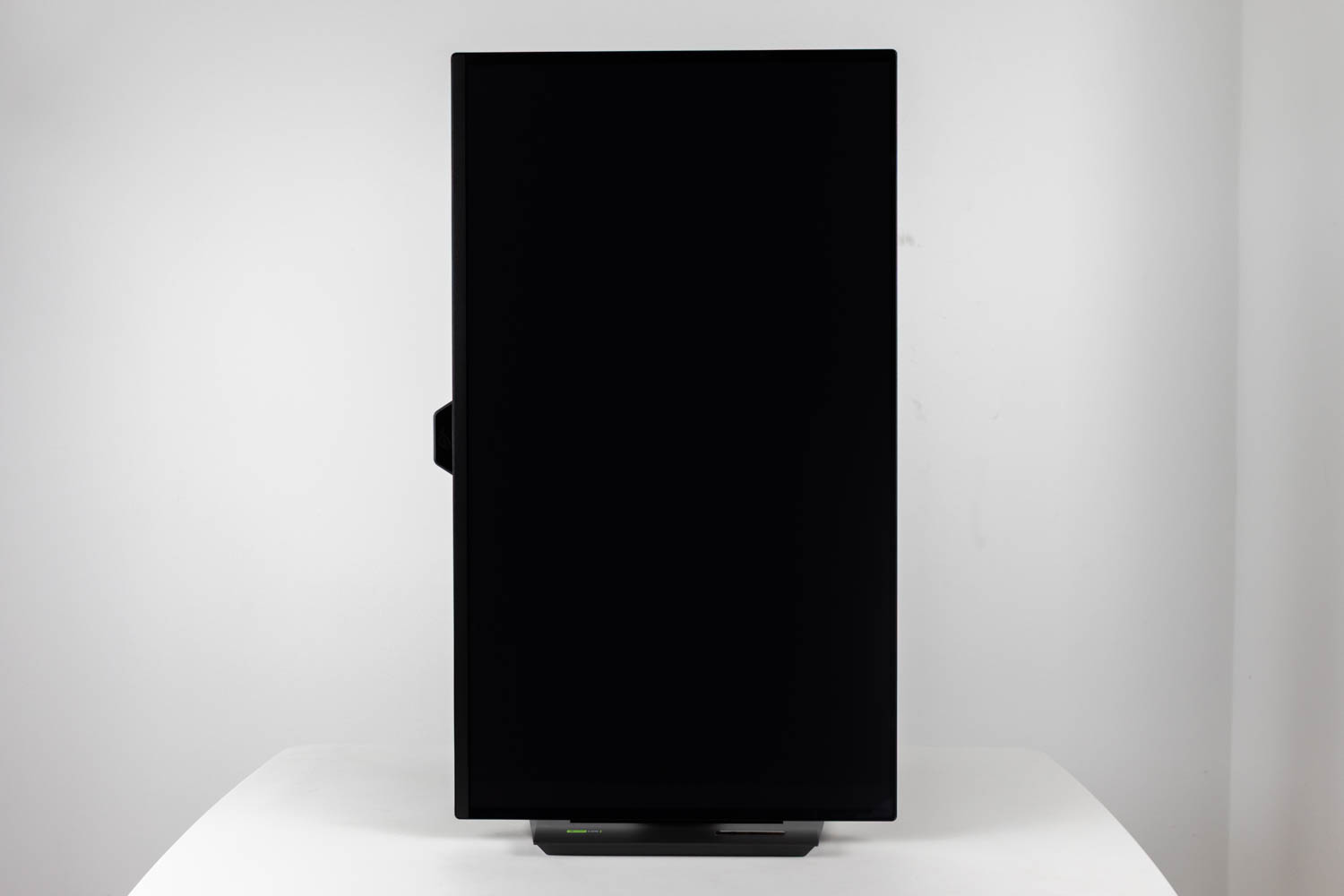
Finally, the panel can be pivoted by 90° in either direction.
Nov 25th, 2026 17:30 CST
change timezone
Latest GPU Drivers
New Forum Posts
- Sexy Hardware Close-Up Pic Clubhouse. (10345)
- AAF Optimus Modded Driver For Windows 10 & 11 - Only for HDAUDIO Chips [WINDOWS 11 RECOMMENDED] (1155)
- Which ryzen am5 cpu ? (219)
- {NA} 2026 Black November prices / deal (7)
- TPU's Nostalgic Hardware Club (22208)
- UPS what one to get? (74)
- More Nova Lake specs (5)
- Share your CPUZ Benchmarks! (2680)
- X79 and/or rampage IV OC'ing thread for those of us still left.... (2457)
- Asus Rog Maximus Z890 Extreme. (Various questions). (38)
Popular Reviews
- ASRock X870E Challenger Wi-Fi White Review
- Microsoft Surface Laptop Ultra Review - The Next-gen Arm Laptop
- VZMORE AX9 Max Review
- Upcoming Hardware Launches 2027 (Updated Nov 2026)
- AMD Ryzen 7 9800X3D Review - The Best Gaming Processor
- AMD Zen 6 Technical Deep Dive
- Corsair RM1200e (Second Generation) Review
- Phantom Blade Zero Performance Benchmark Review - 35 GPUs Tested
- Pulsar Office Tour & First Look at P1 Dual-Sensor Mouse
- Ocypus lota P1000 Review
TPU on YouTube
Controversial News Posts
- Jensen Huang Reinstated as CEO of NVIDIA (571)
- NVIDIA Co-Founder and CEO Jensen Huang Officially Resigns (492)
- Report: Jensen Huang Eyes NVIDIA Comeback (281)
- Open Letter Asking NVIDIA to Reinstate Jensen Huang Passes 115,000 Signatures (184)
- OpenAI CEO Argues Home PCs Waste the World's Limited DRAM Supply (152)
- NVIDIA Launches Investigation Into Jensen Huang's Relationship With Suspected Chinese Spy (136)
- Intel "Raptor Lake Next" 16-Core and 20-Core CPUs Surface (130)
- Intel Razor Lake Gets a 12 P-Core bLLC Chip With No E-Cores, Per Leak (94)