 14
ASUS ROG Strix X870E-E Gaming Wi-Fi7 Neo Review
Value & Conclusion »Overclocking
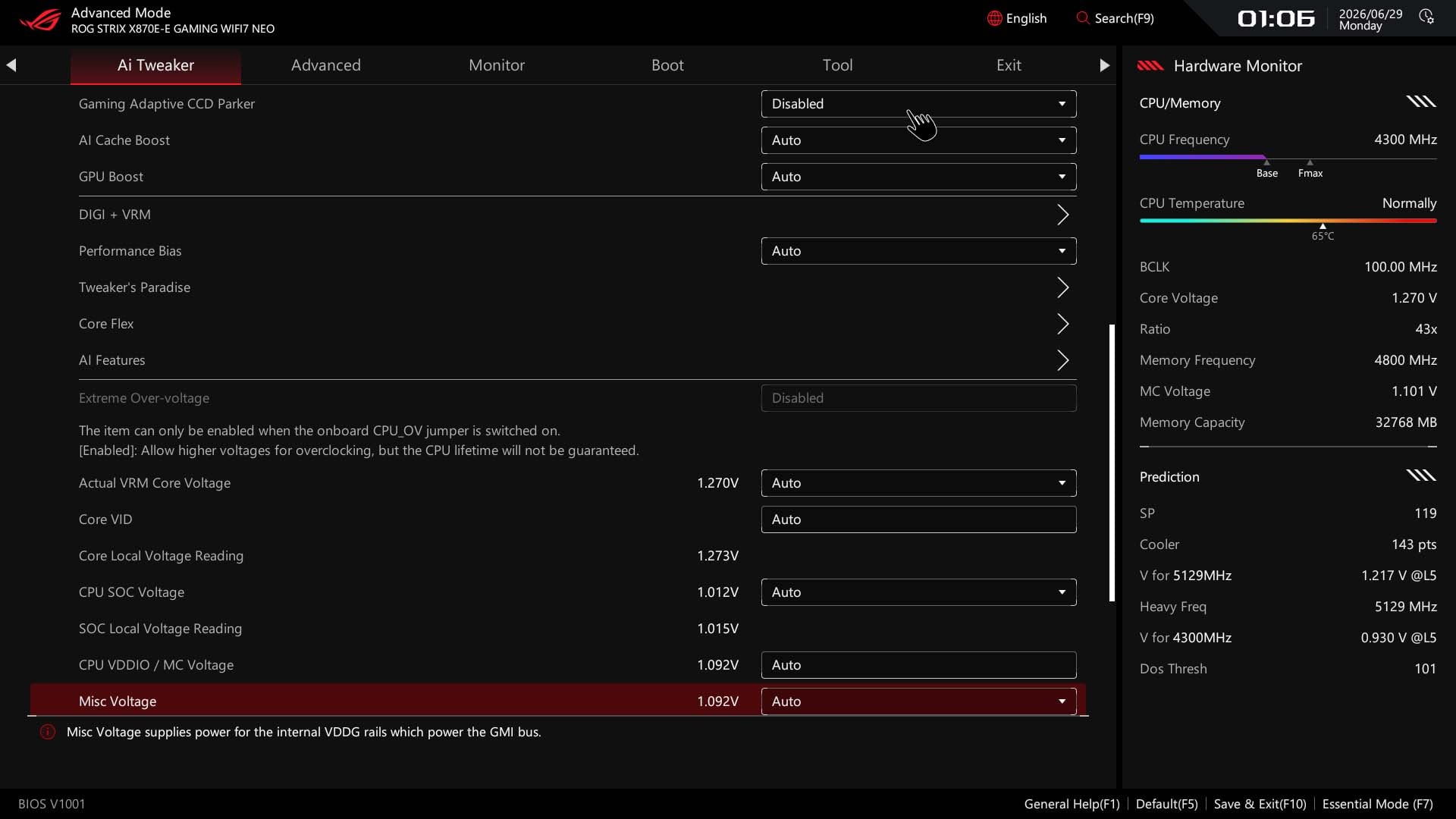
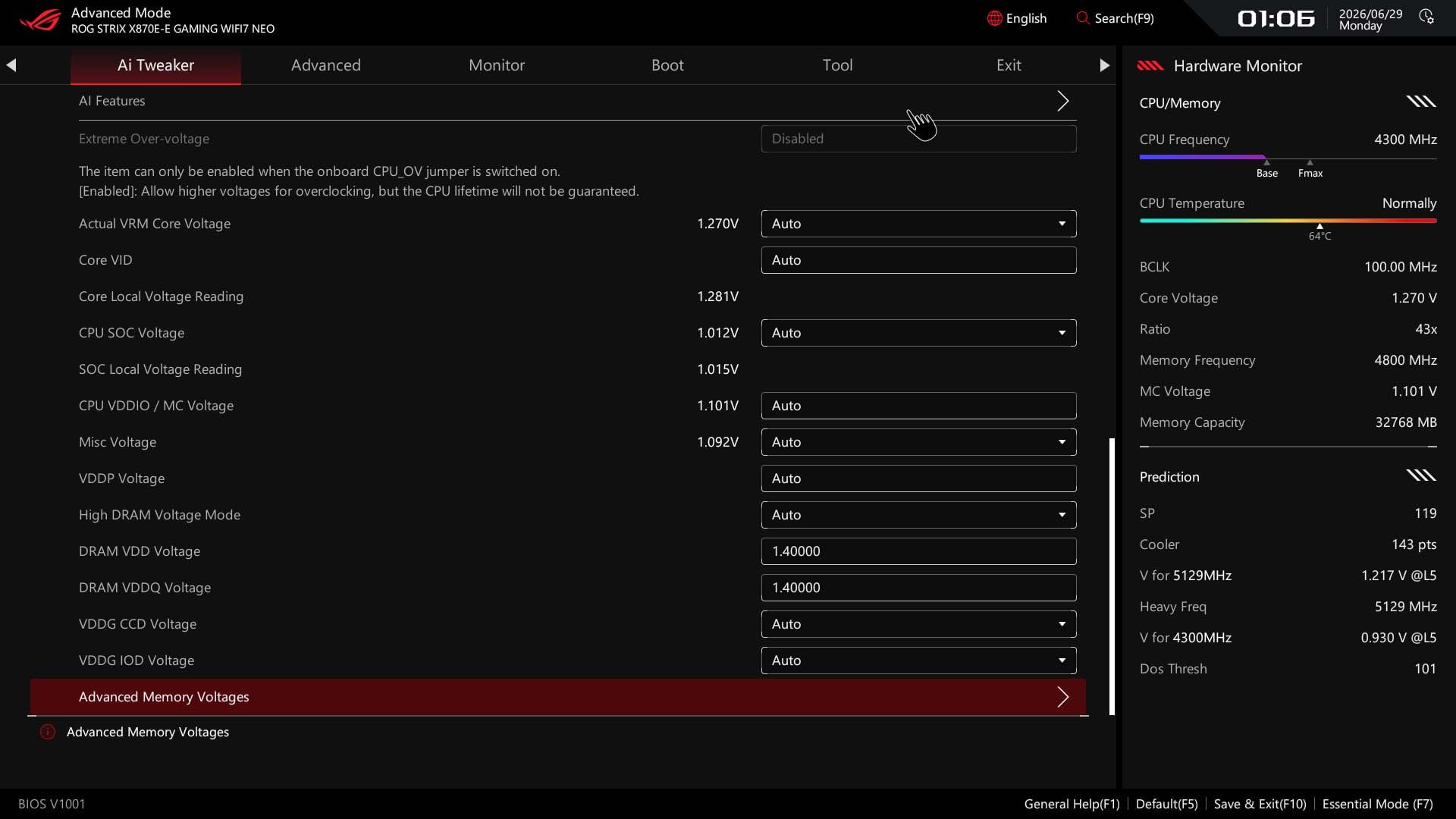
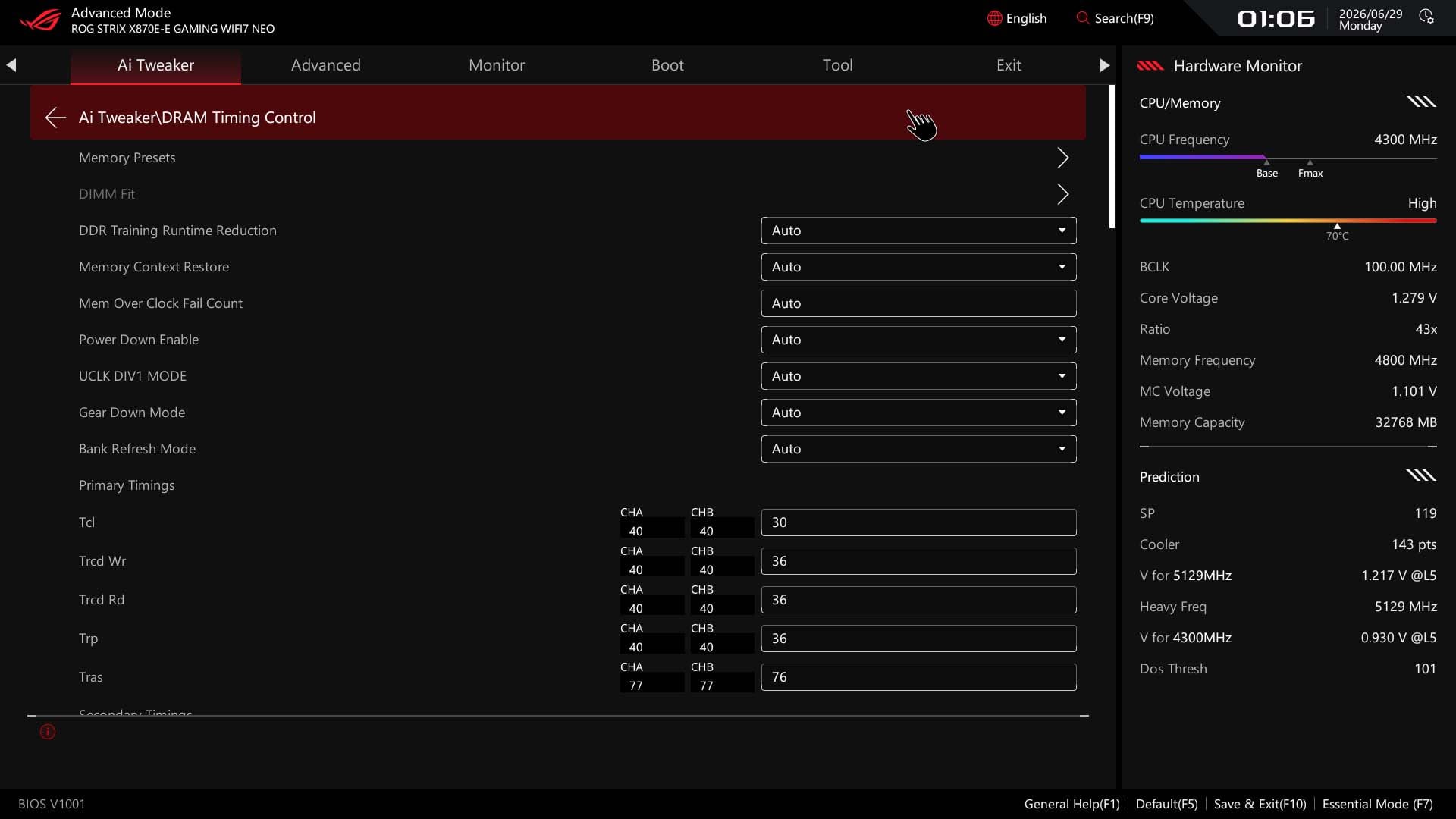
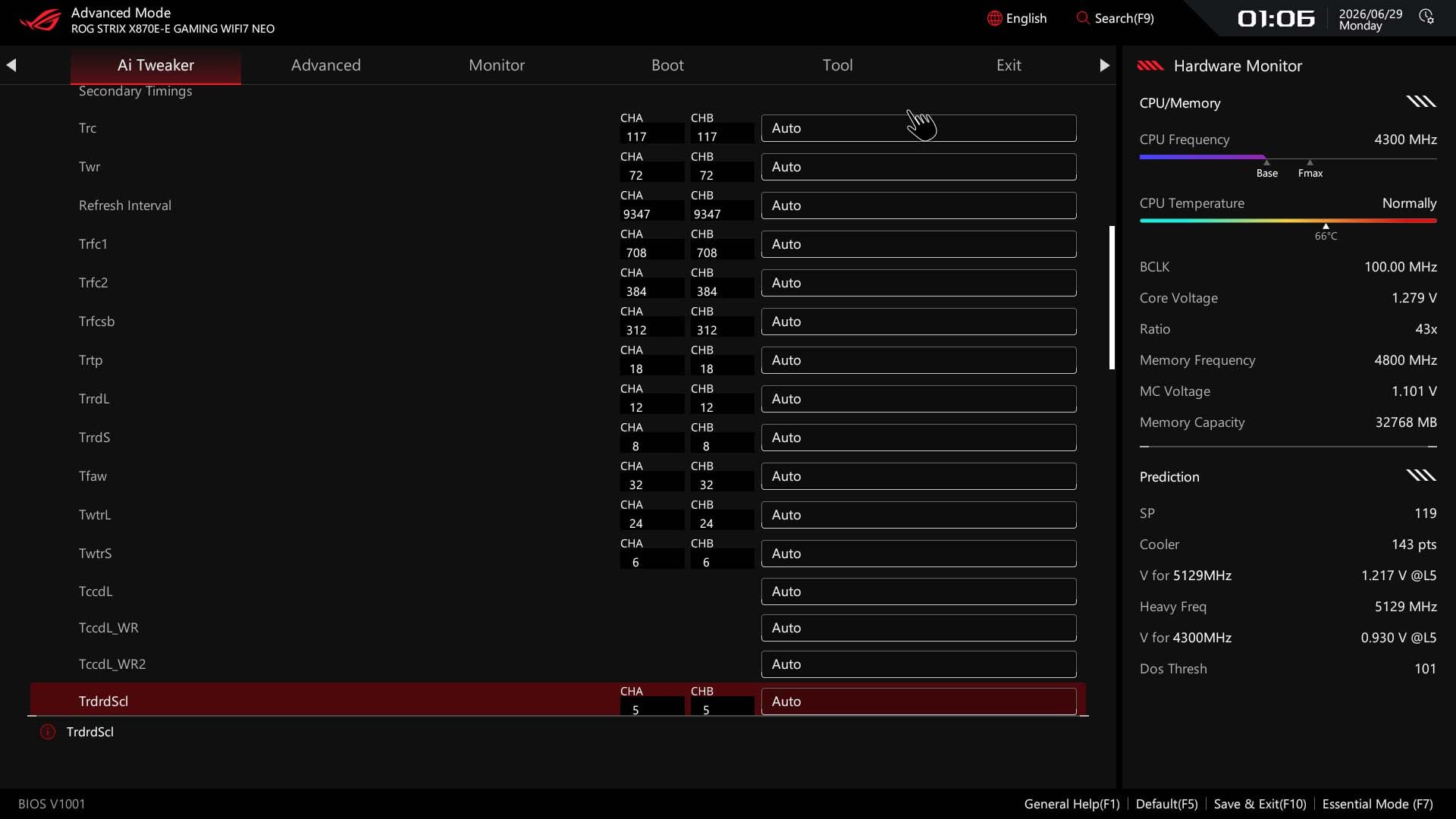
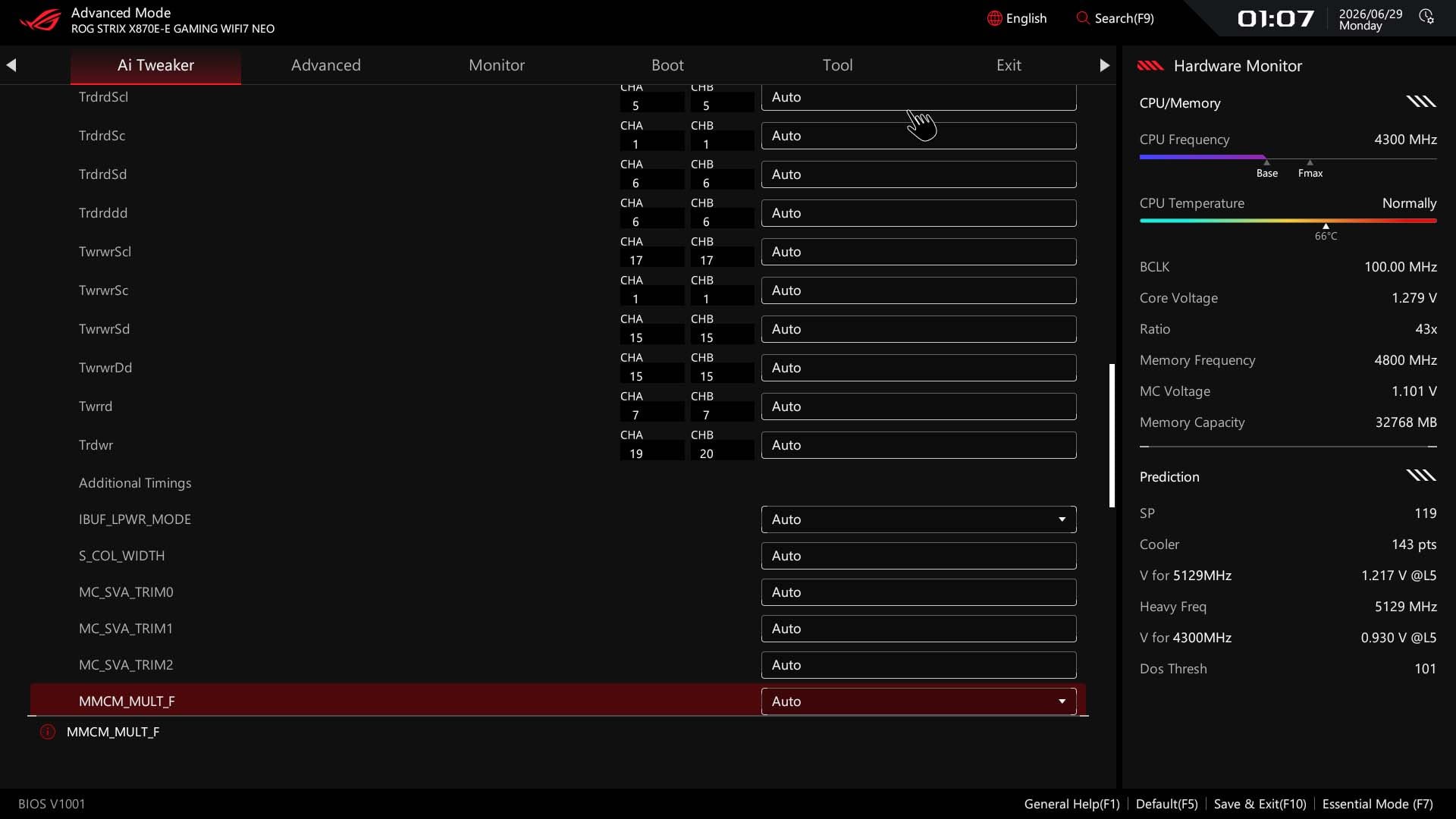
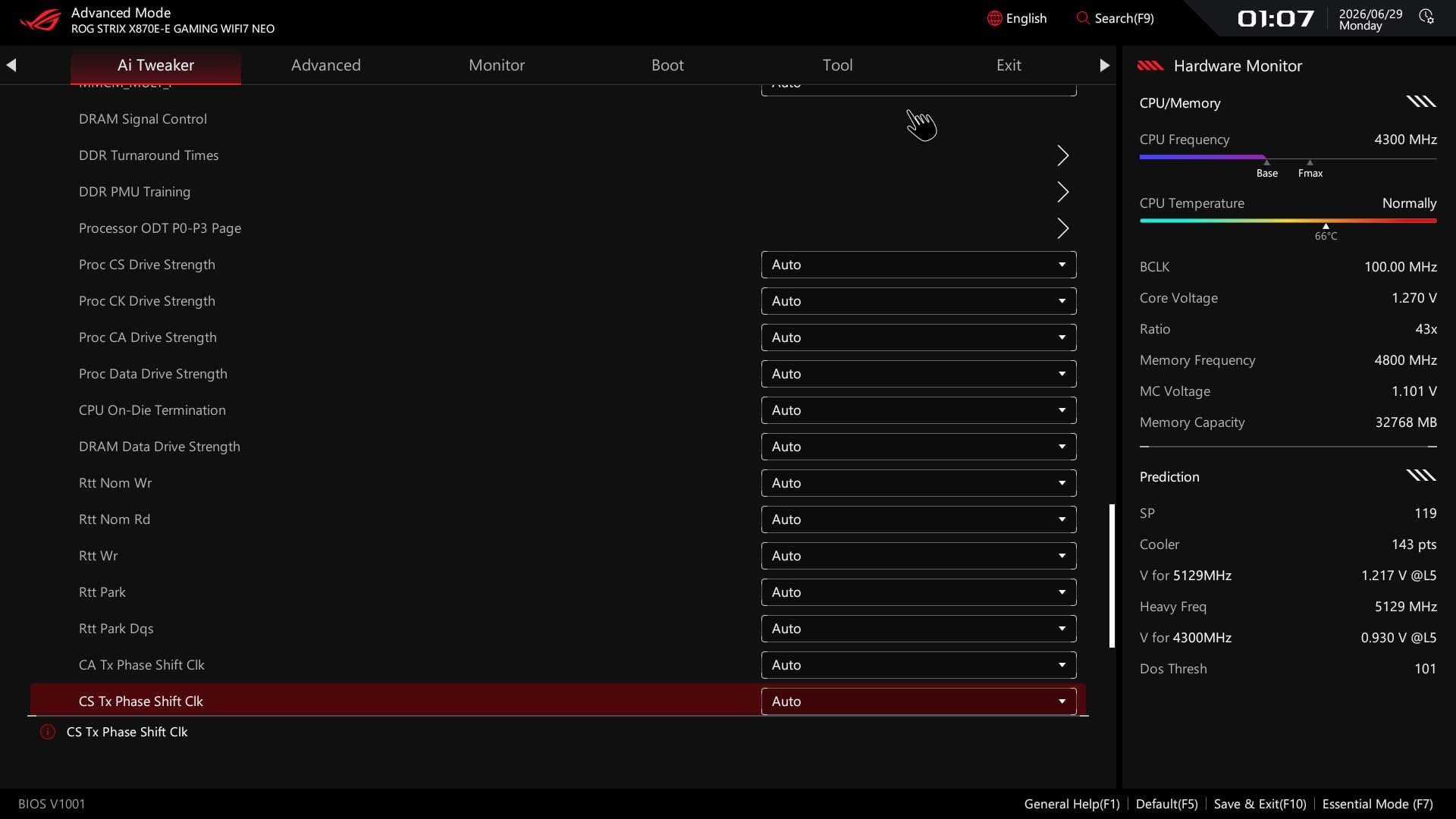
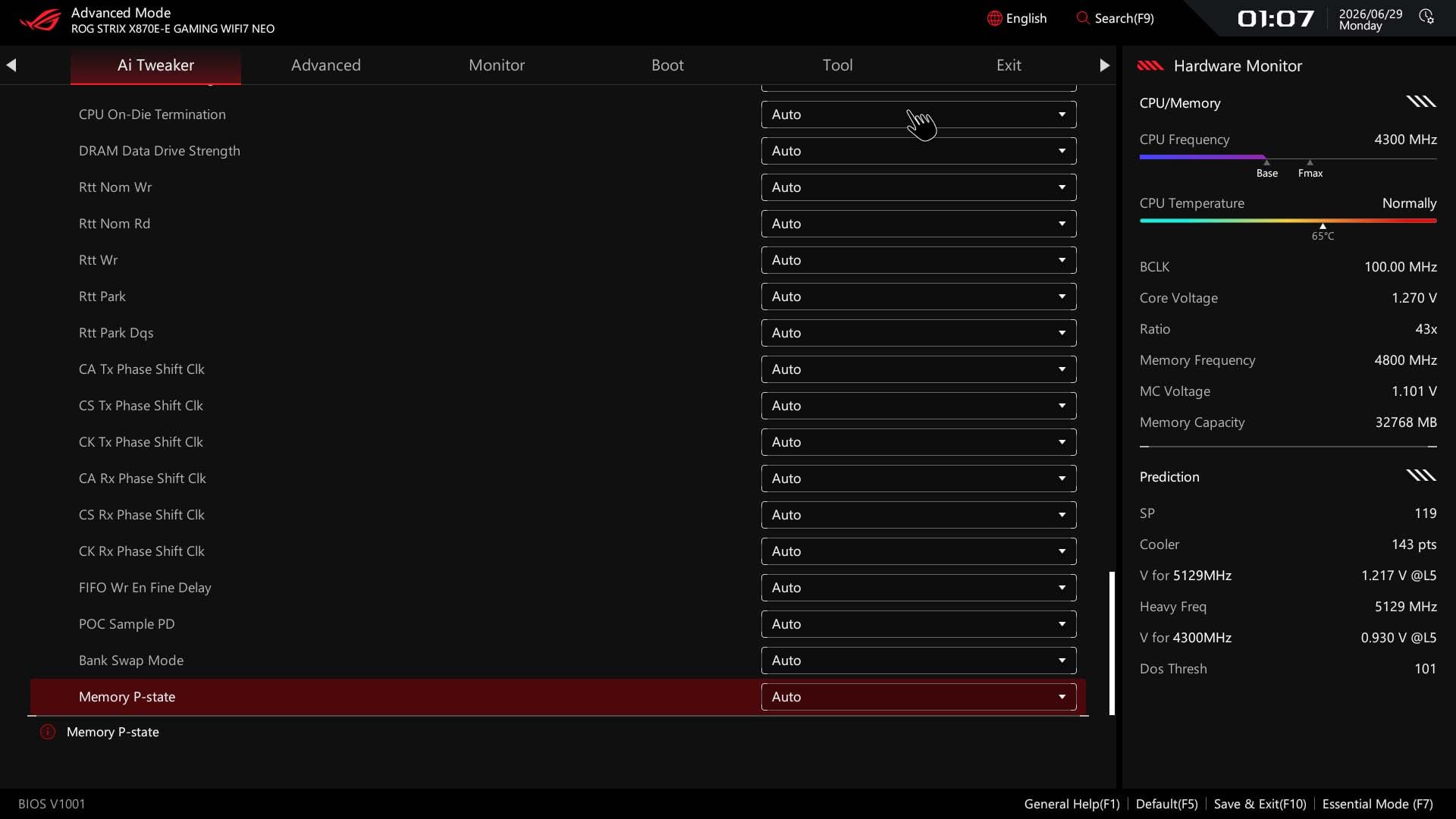
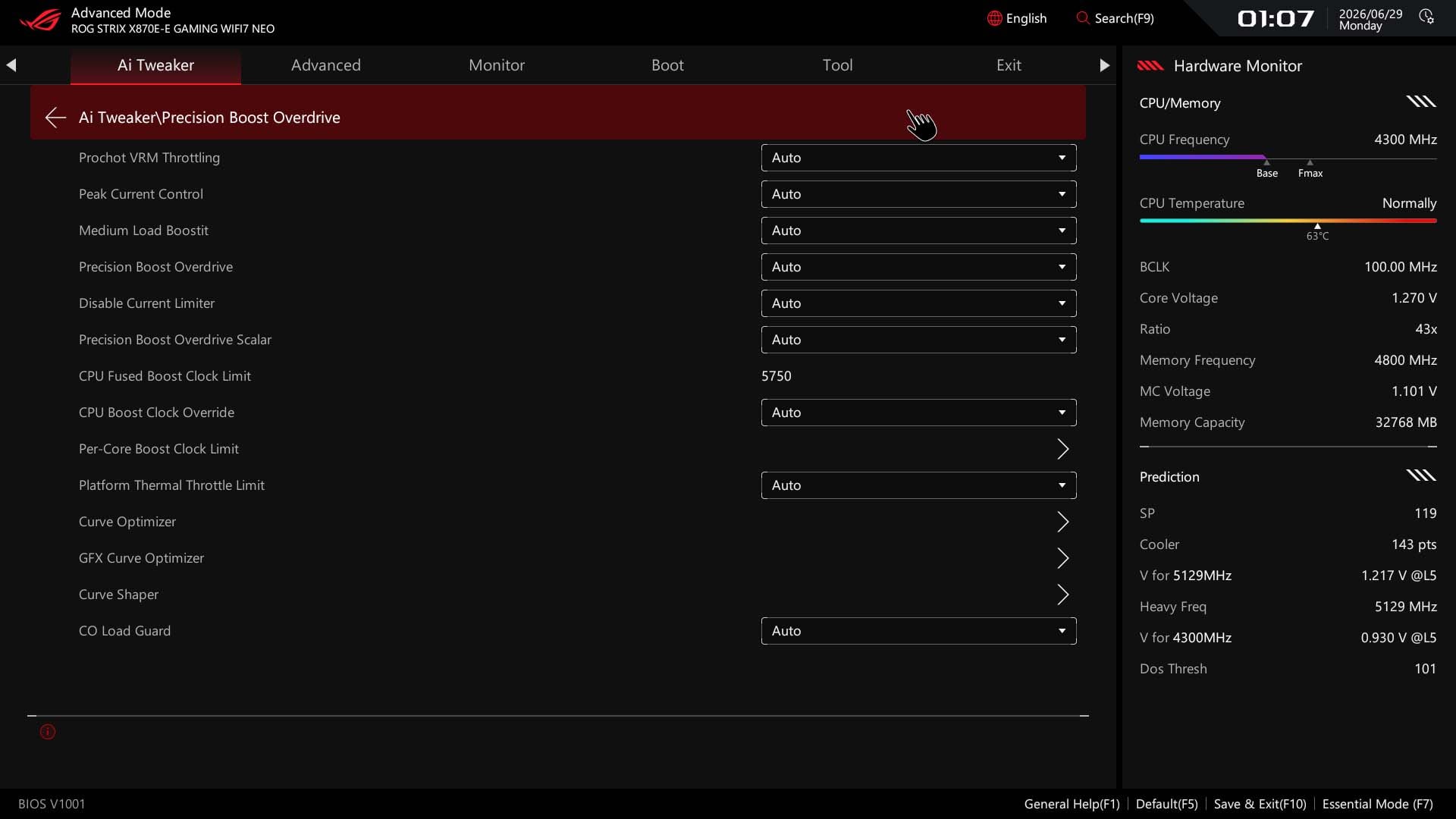
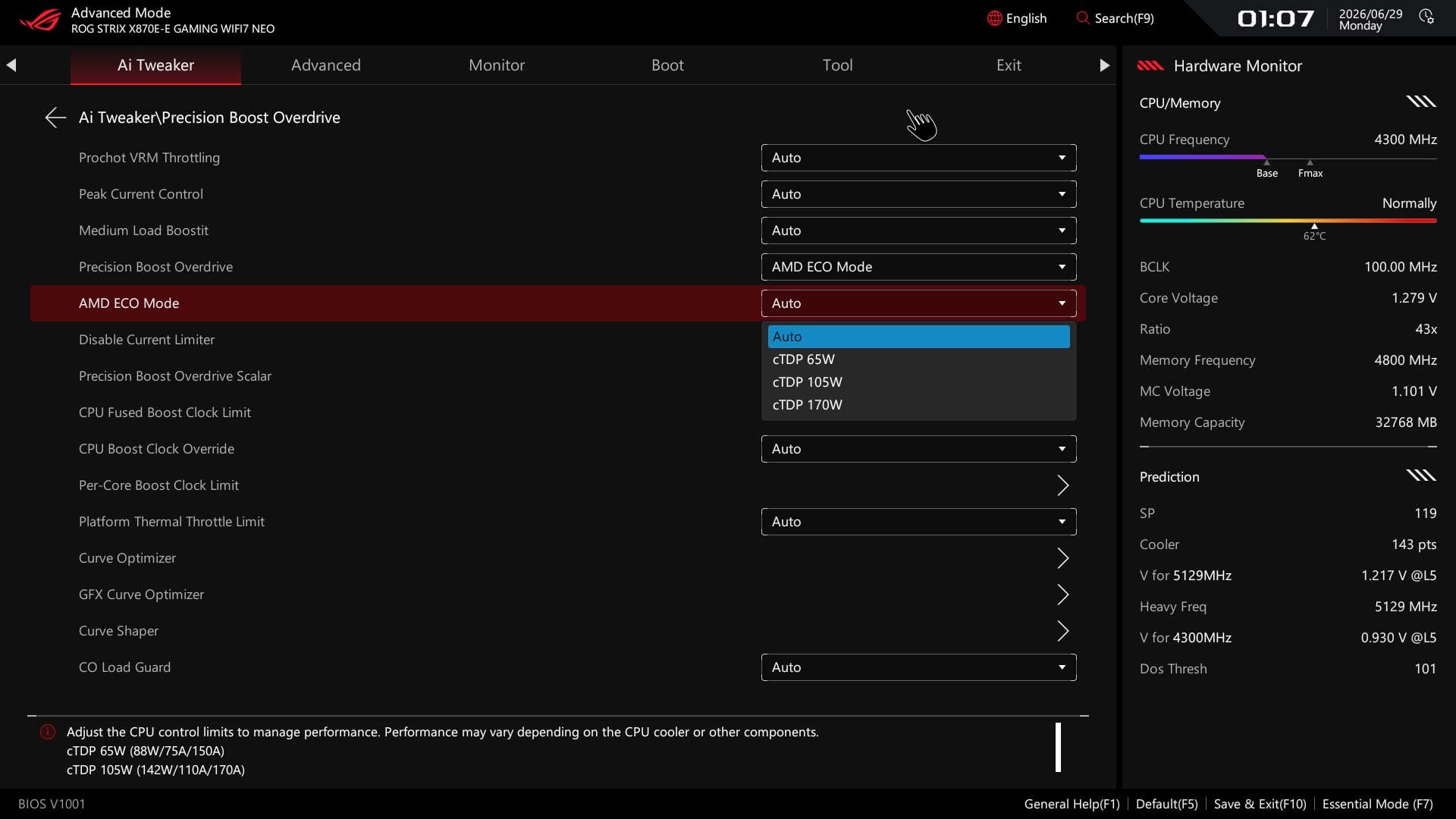
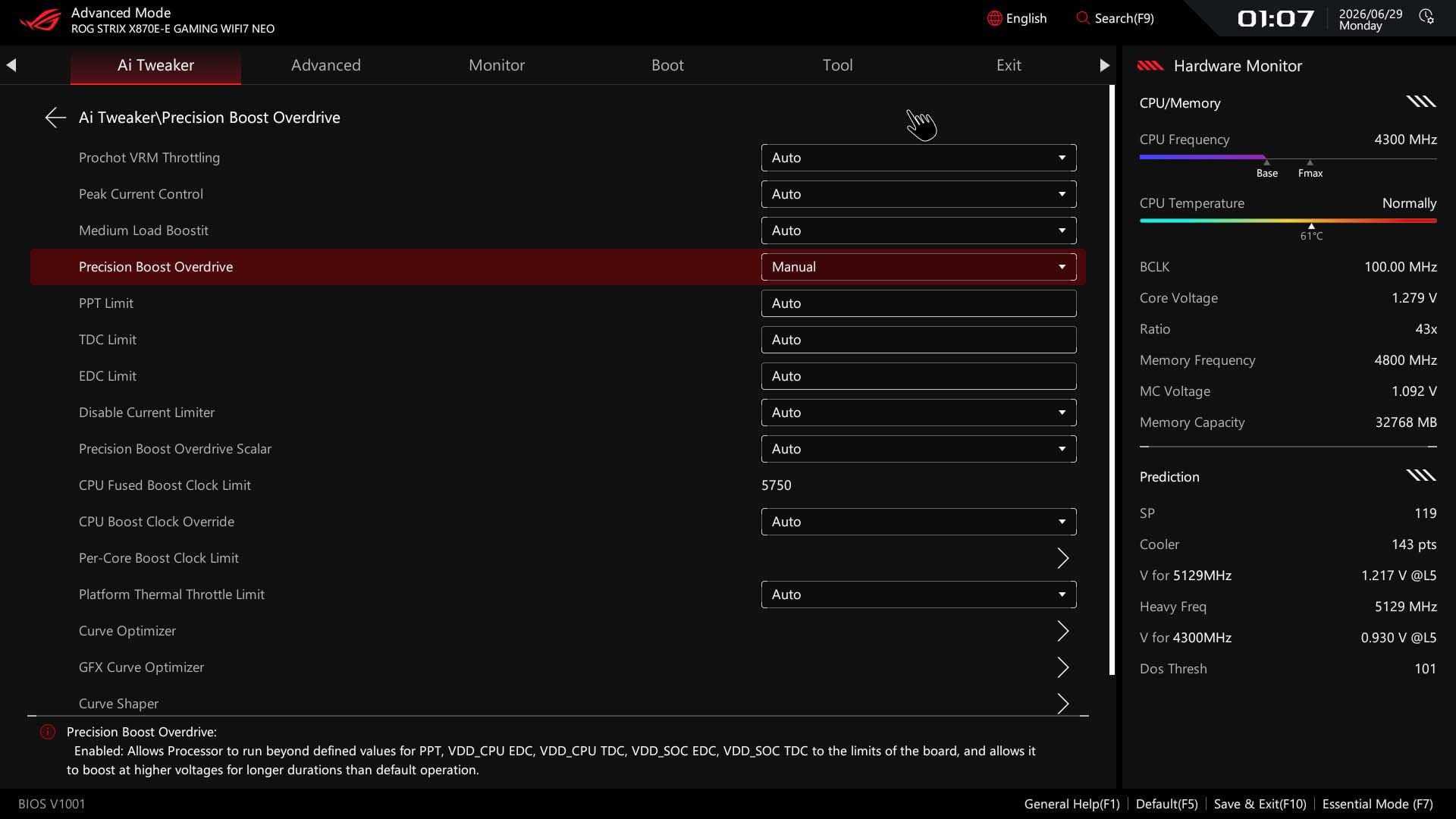
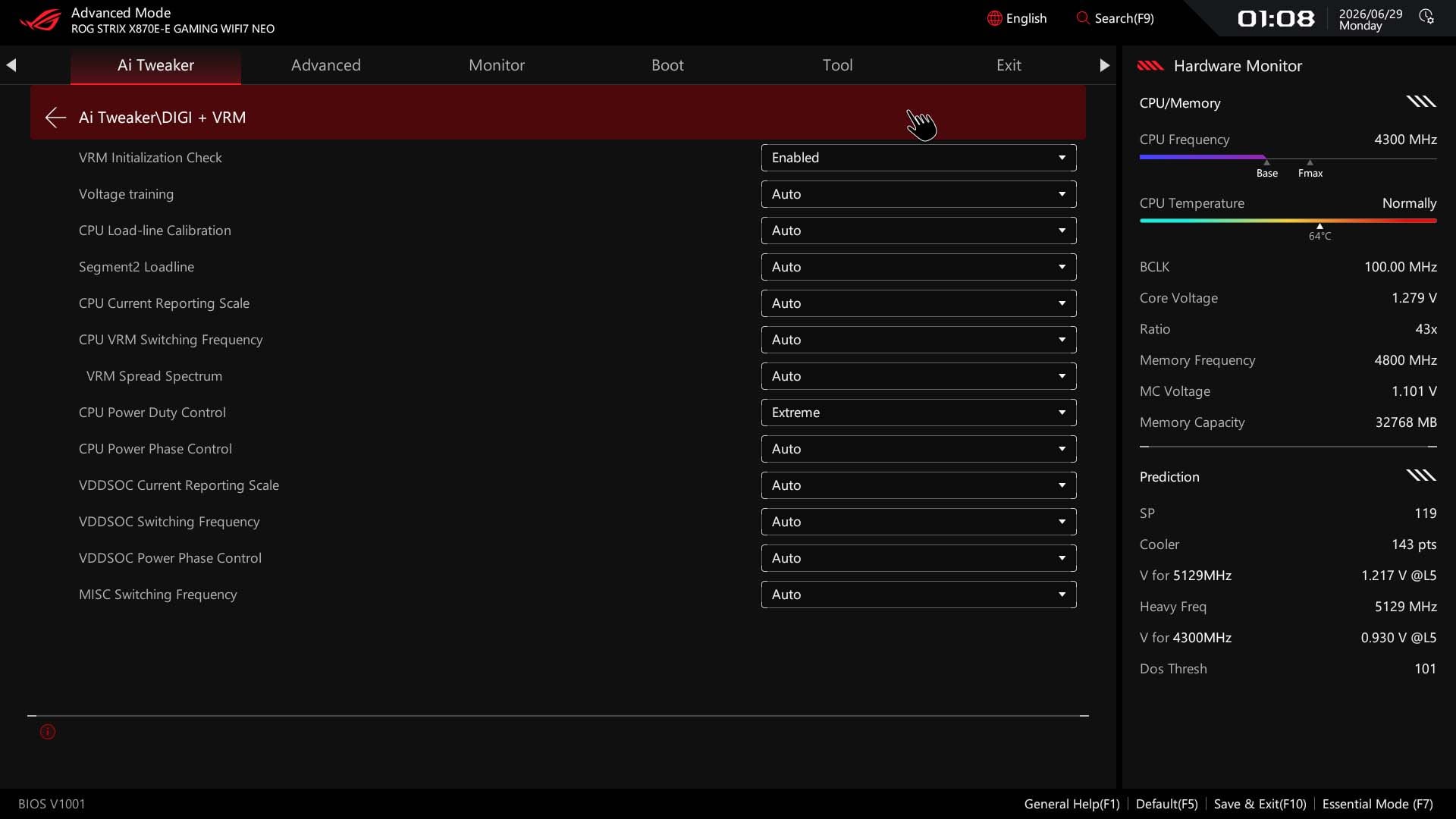
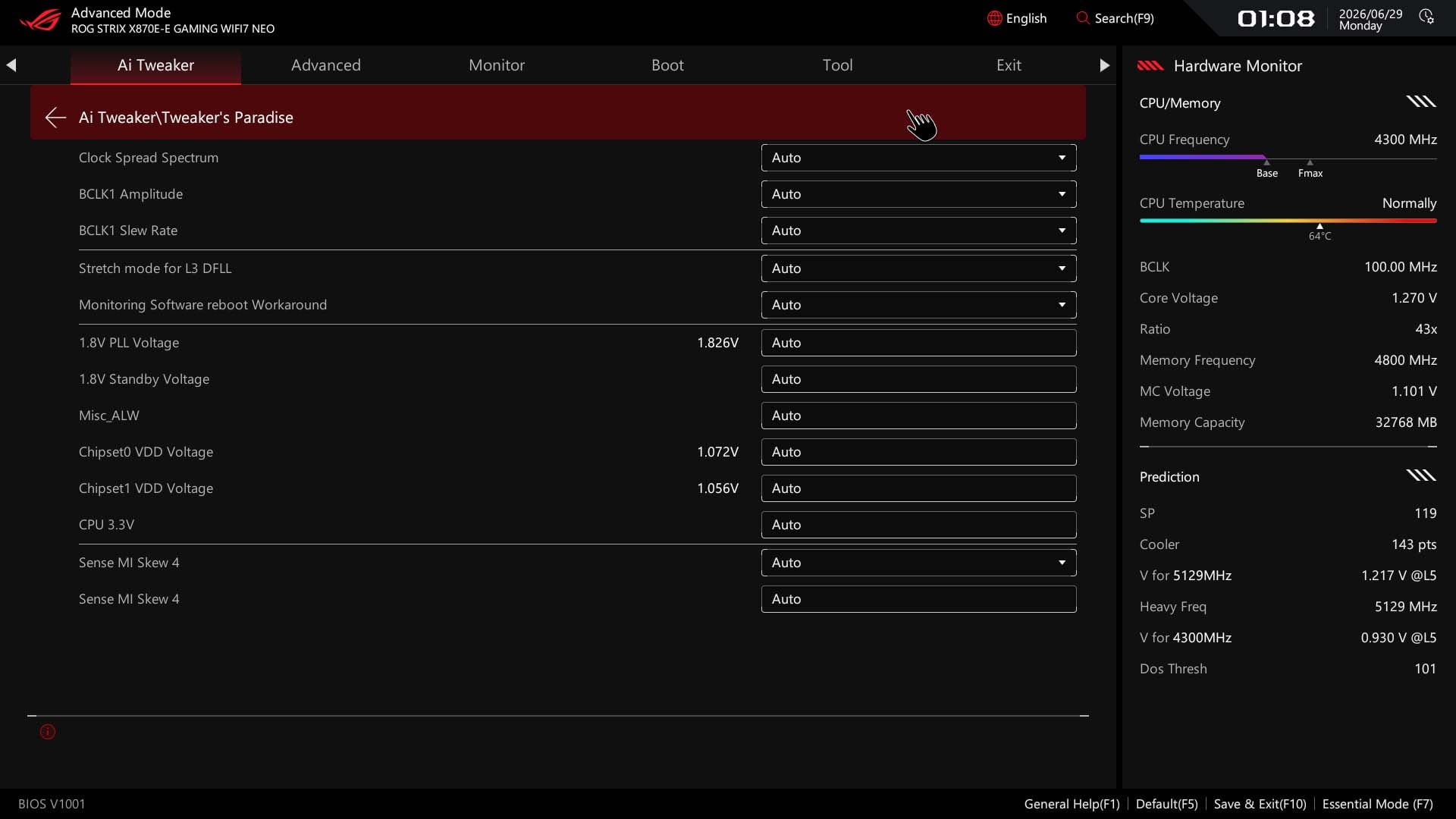
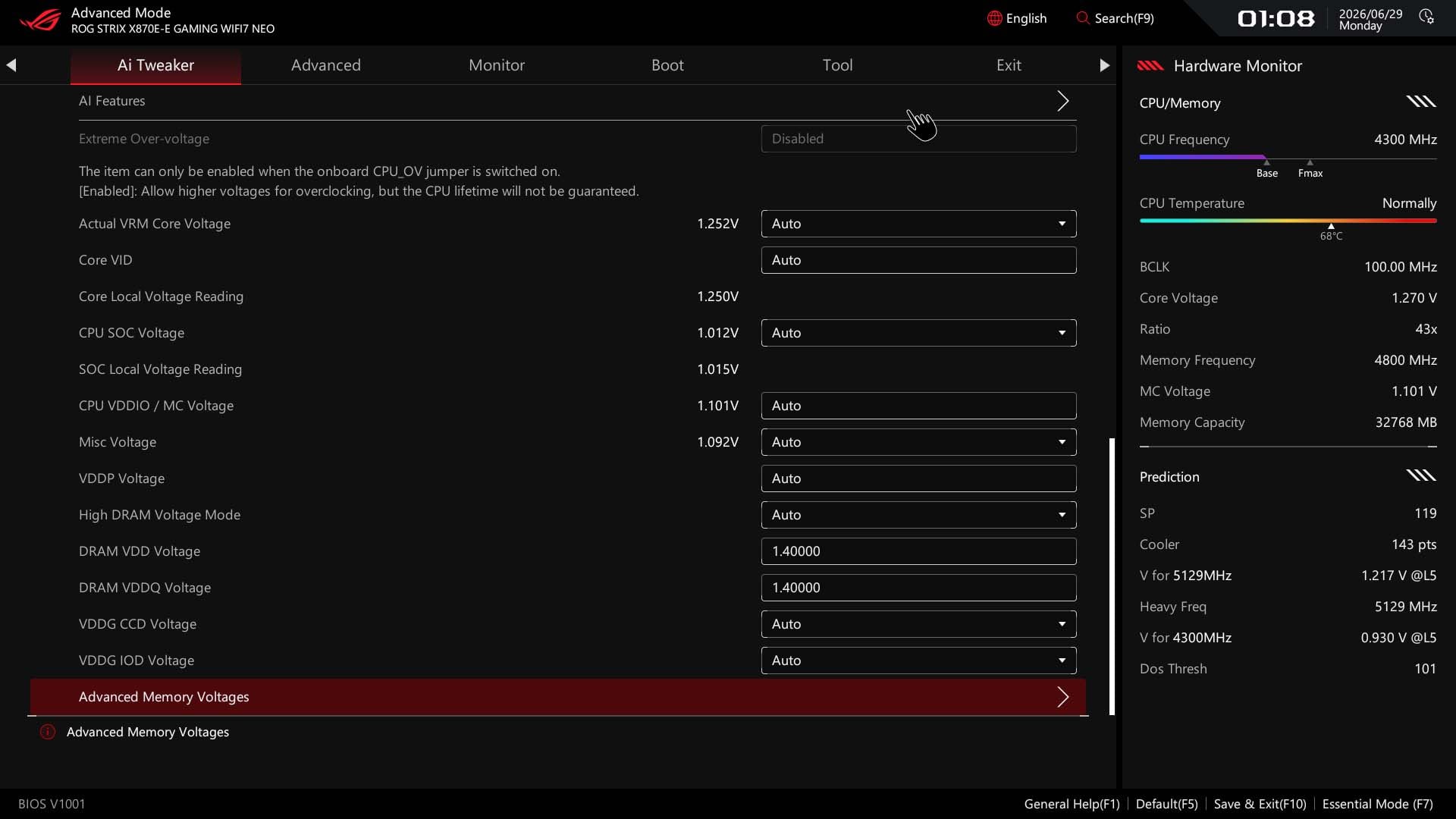
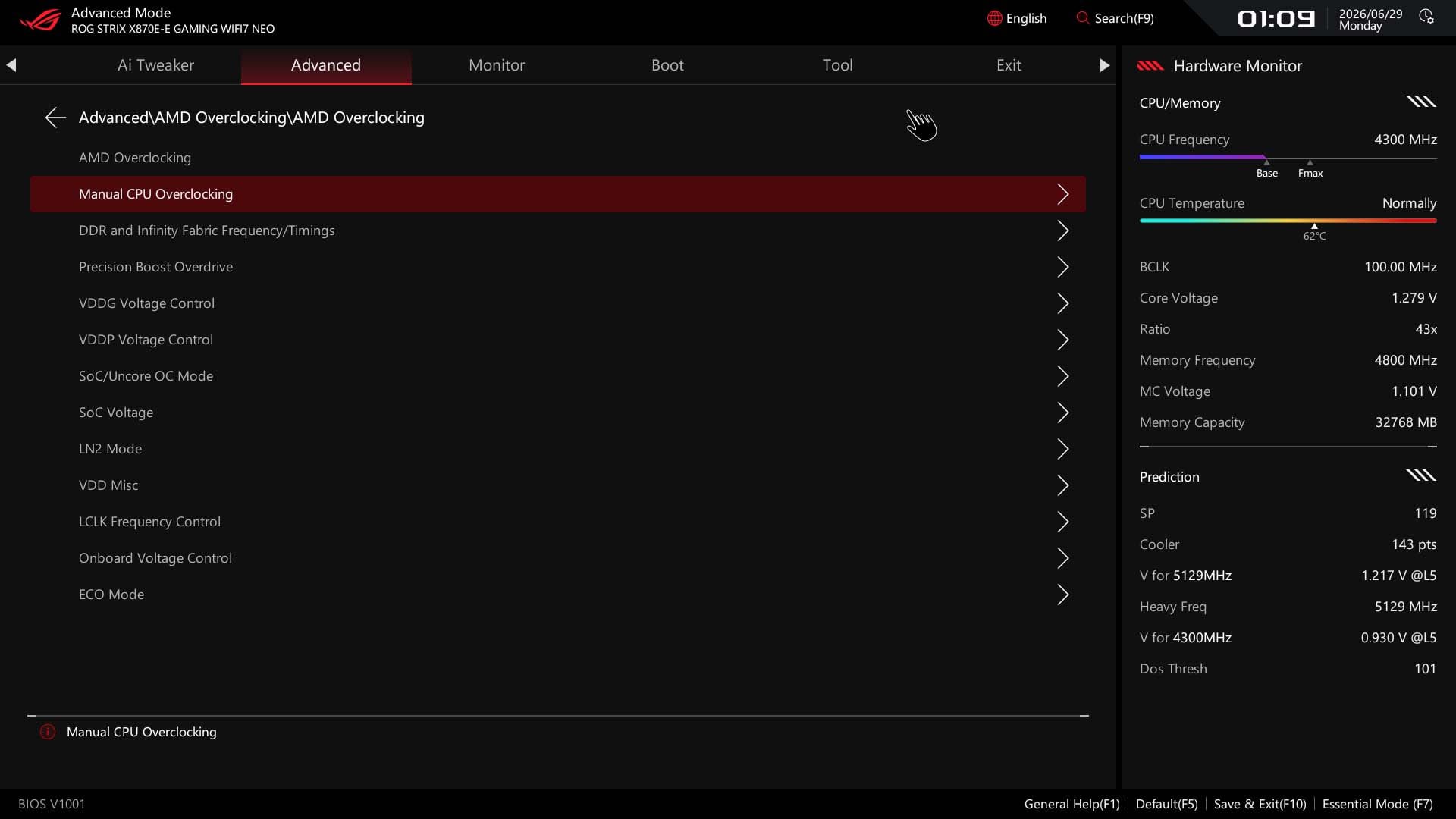
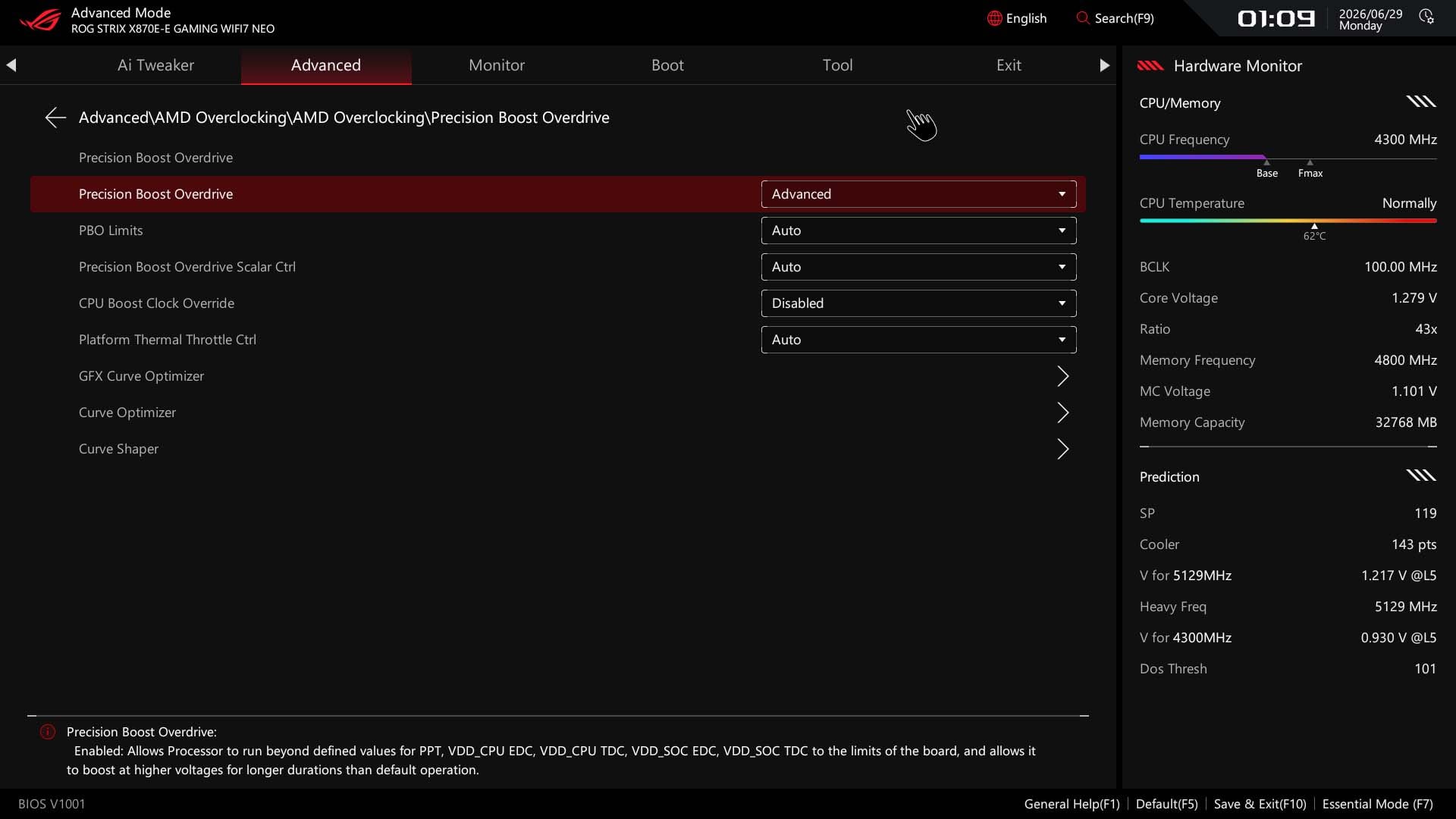
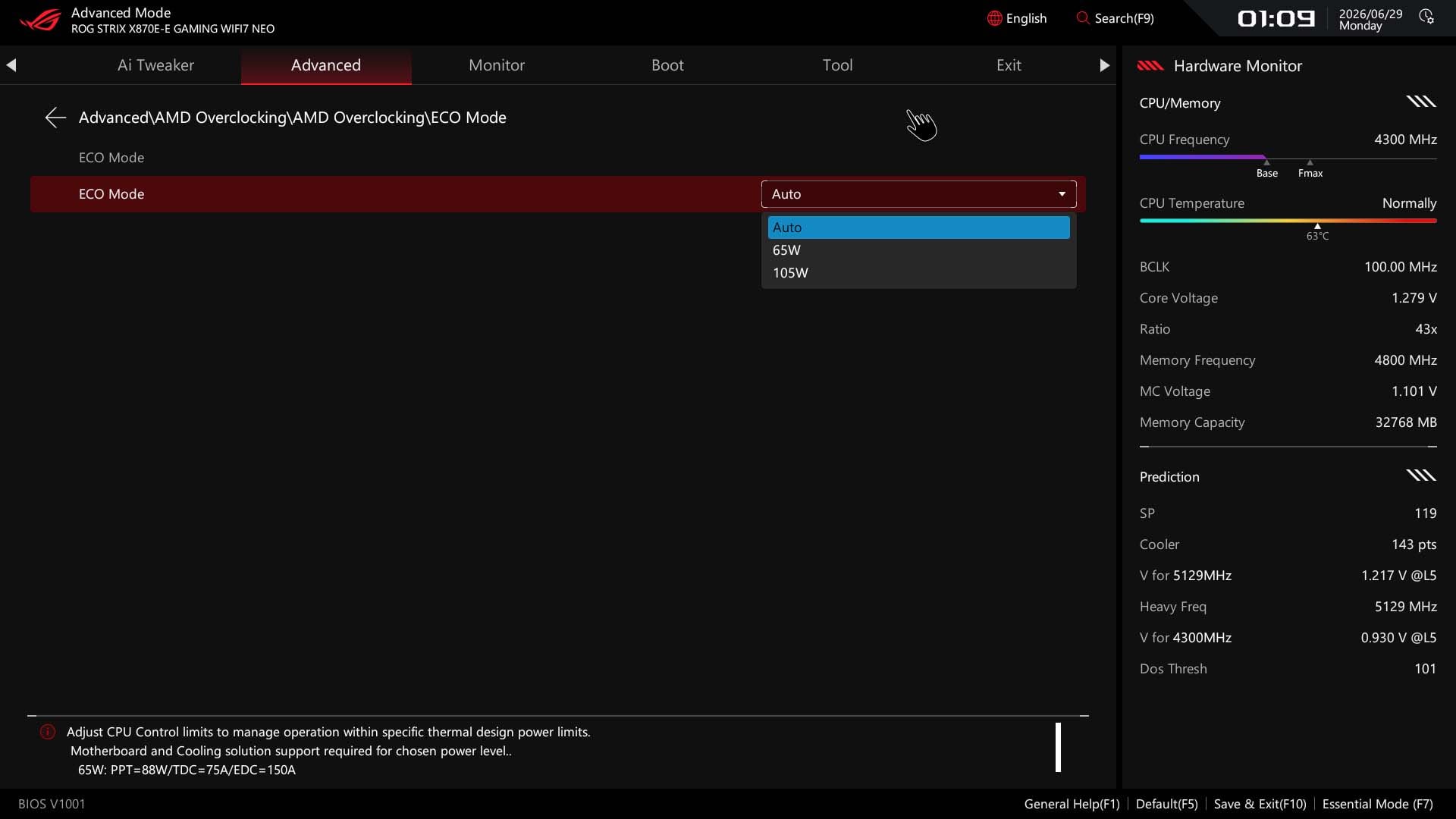
The Ai Tweaker section is where you'll want to do your tweaking, and it's worth noting that you can remove the Hardware Monitor section if you wish. The PBO controls including Eco Mode, Curve Optimizer and Curve Shaper are all available under the Precision Boost Overdrive menu, largely rendering the separate AMD Overclocking menu under the Advanced useless, although it can feel a bit less cluttered. There's an excellent array of DRAM timing controls for memory tweaking, while the DIGI+ VRM sub menu offers additional CPU controls such as loadline calibration. The section can still feel a bit overwhelming for newcomers, which is where the Essential Mode comes in, with more granular control over some popular tweaking controls than EZ Mode, but without the complexity of full manual mode.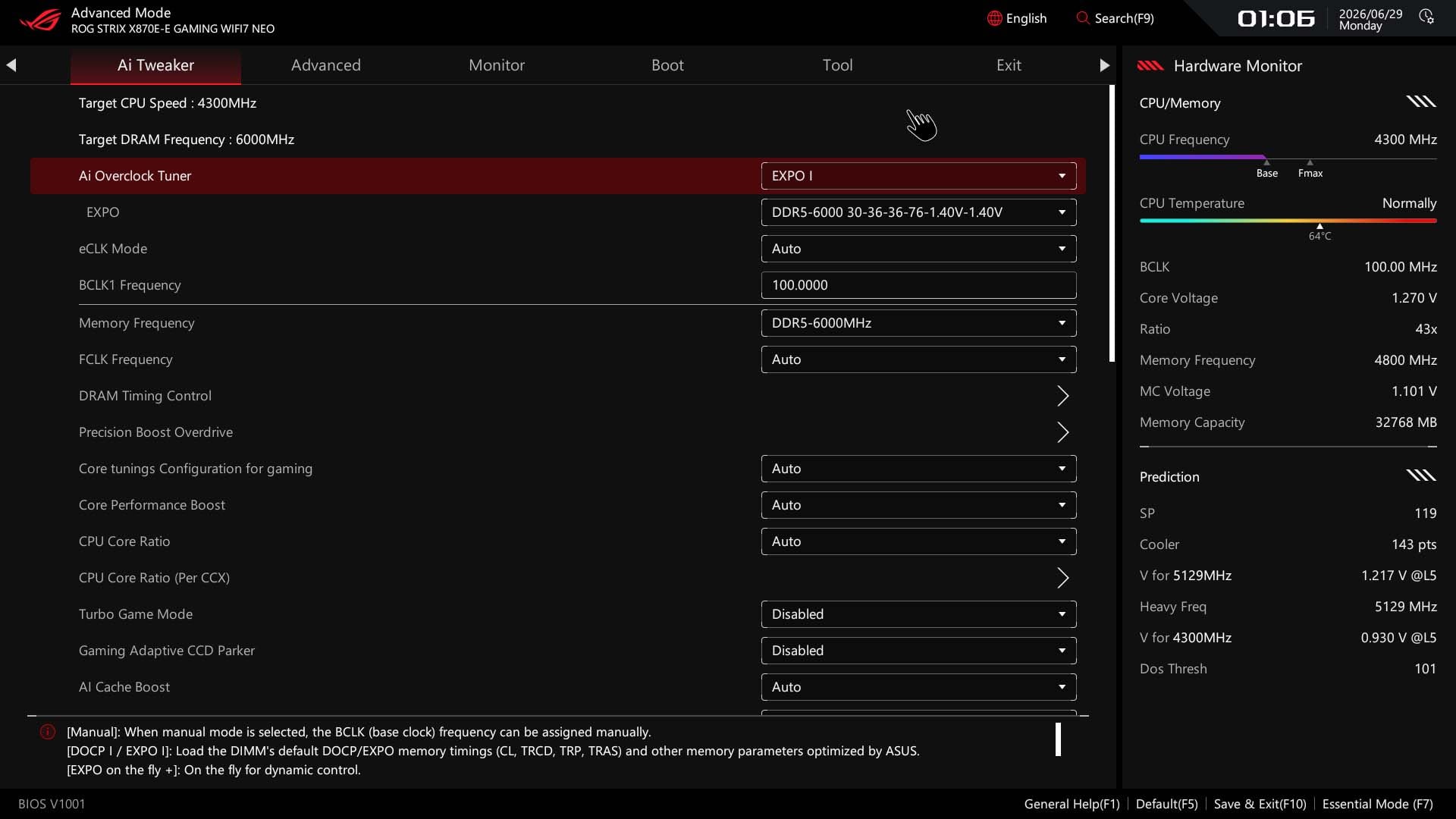
Nov 26th, 2026 15:36 CST
change timezone
Latest GPU Drivers
New Forum Posts
- What's your main Black Friday / Cyber Monday purchase? (23)
- Wireless Internet sharing between PC and router both-ways, is it possible? (26)
- WarpCoreBench scores! (111)
- TPU's WCG/BOINC Team (34811)
- weird problem with Asus Maximus Hero z890 motherboard VRM (0)
- ASUS Prime 5060 ti 16gb x4 instead of x8 PCIe (10)
- Windows 10 Power save mode. See what program that cause sleep to fail. (1)
- Mouse Pad advice - Shidenkai out of production? (1)
- Can you guess Which game it is? (370)
- TechPowerUp Screenshot Thread (MASSIVE 56K WARNING) (4388)
Popular Reviews
- ASRock X870E Challenger Wi-Fi White Review
- VZMORE AX9 Max Review
- Upcoming Hardware Launches 2027 (Updated Nov 2026)
- Microsoft Surface Laptop Ultra Review - The Next-gen Arm Laptop
- AMD Ryzen 7 9800X3D Review - The Best Gaming Processor
- AMD Zen 6 Technical Deep Dive
- Phantom Blade Zero Performance Benchmark Review - 35 GPUs Tested
- Corsair RM1200e (Second Generation) Review
- Montech CyberFlow ARGB 360 Review
- Pulsar Office Tour & First Look at P1 Dual-Sensor Mouse
TPU on YouTube
Controversial News Posts
- Jensen Huang Reinstated as CEO of NVIDIA (605)
- NVIDIA Co-Founder and CEO Jensen Huang Officially Resigns (492)
- Report: Jensen Huang Eyes NVIDIA Comeback (281)
- Open Letter Asking NVIDIA to Reinstate Jensen Huang Passes 115,000 Signatures (184)
- OpenAI CEO Argues Home PCs Waste the World's Limited DRAM Supply (152)
- NVIDIA Launches Investigation Into Jensen Huang's Relationship With Suspected Chinese Spy (136)
- Intel Razor Lake Gets a 12 P-Core bLLC Chip With No E-Cores, Per Leak (94)
- NVIDIA GeForce RTX 50-Series Scheduled for up to $500 Price Hike This Week (89)