 14
ASUS ROG Strix X870E-E Gaming Wi-Fi7 Neo Review
Board Software »BIOS Overview
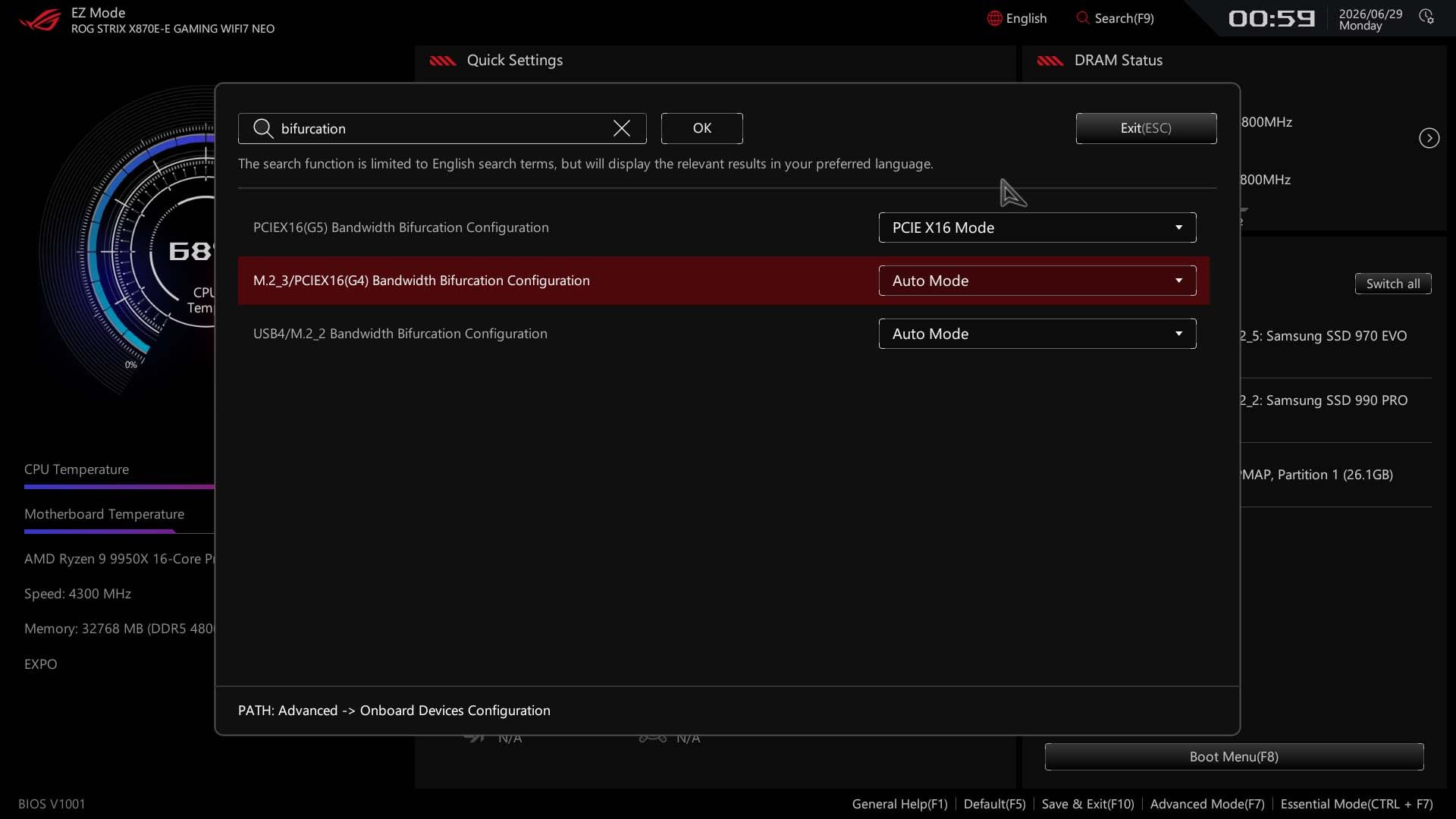
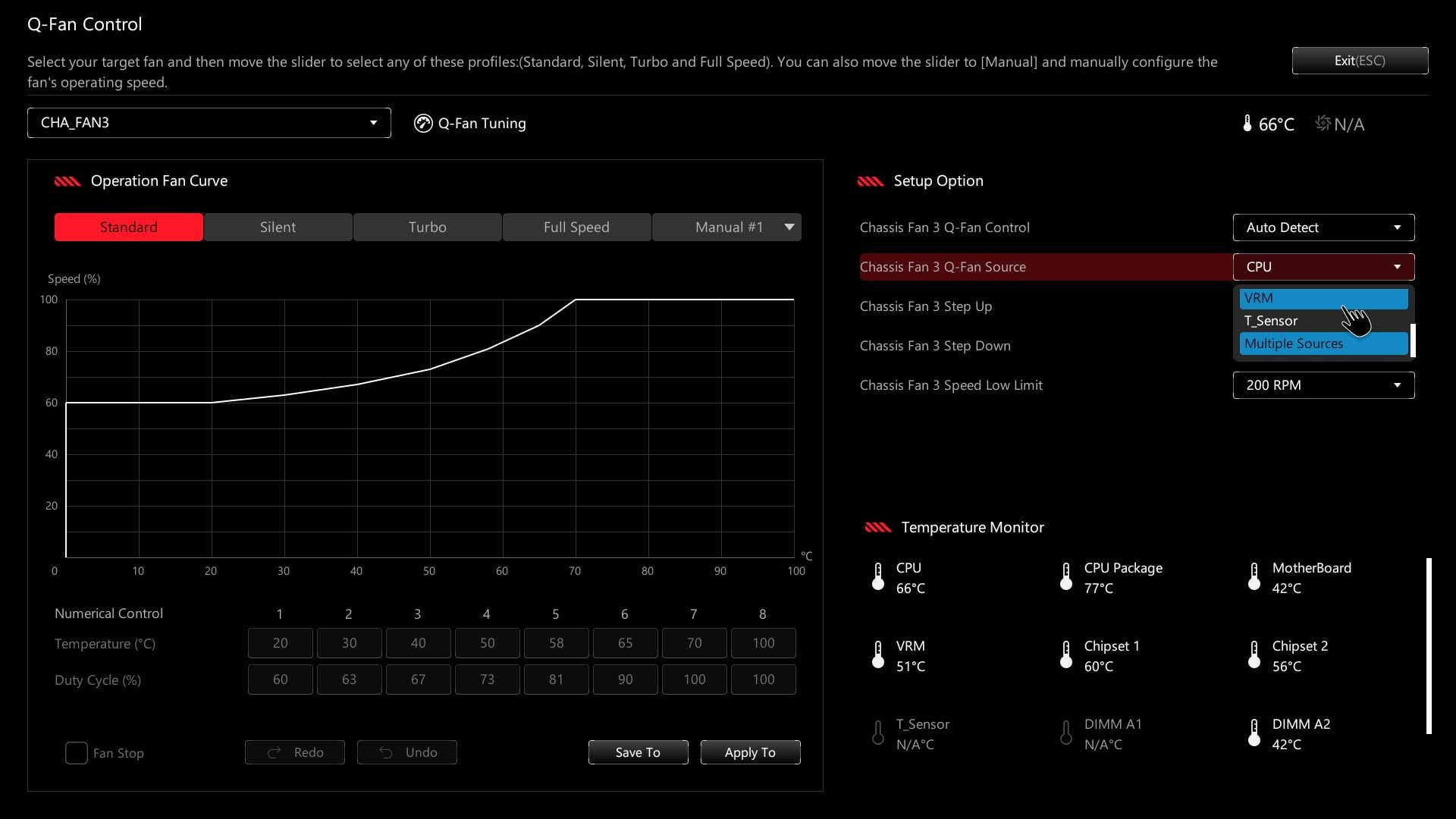
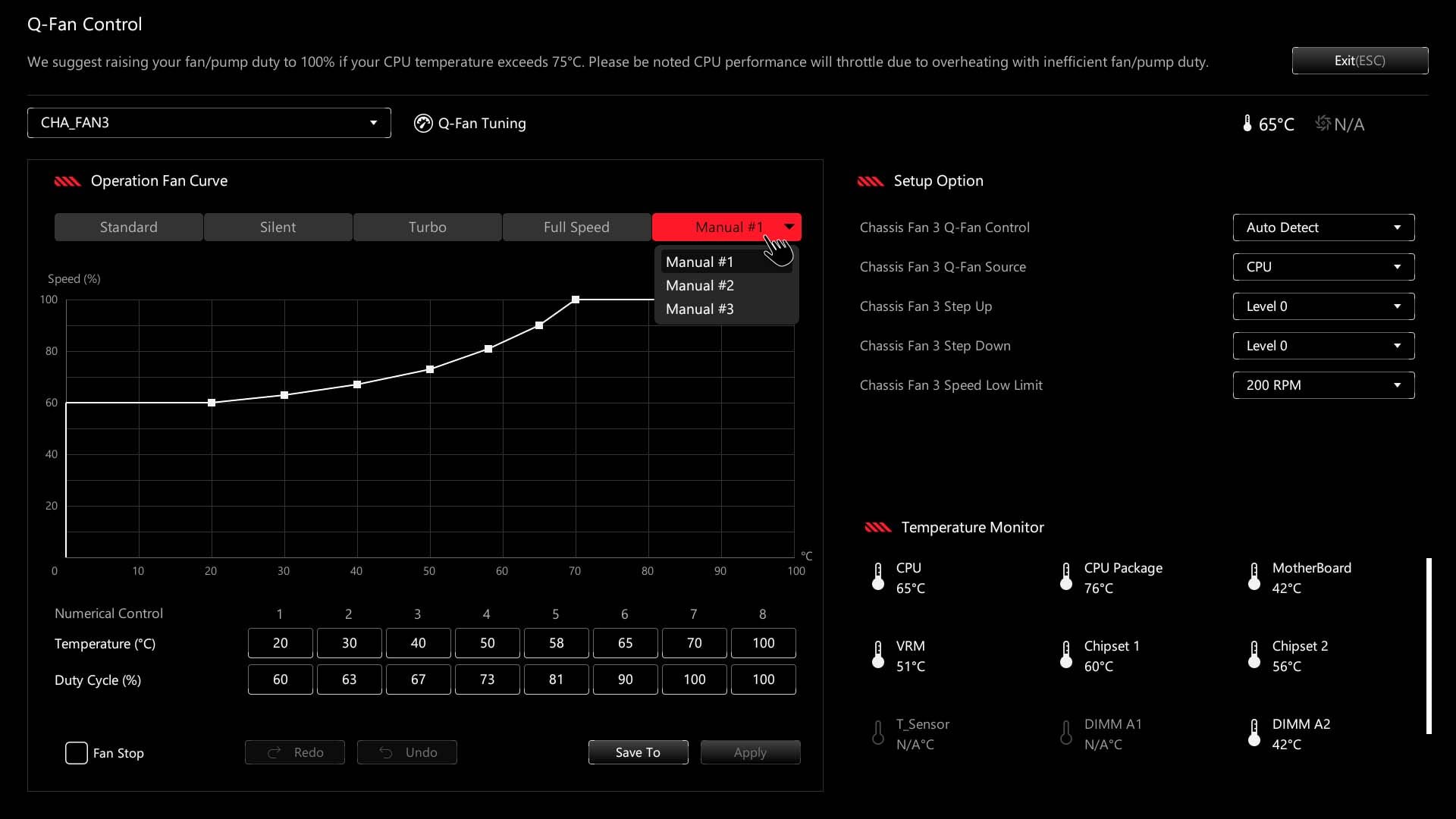
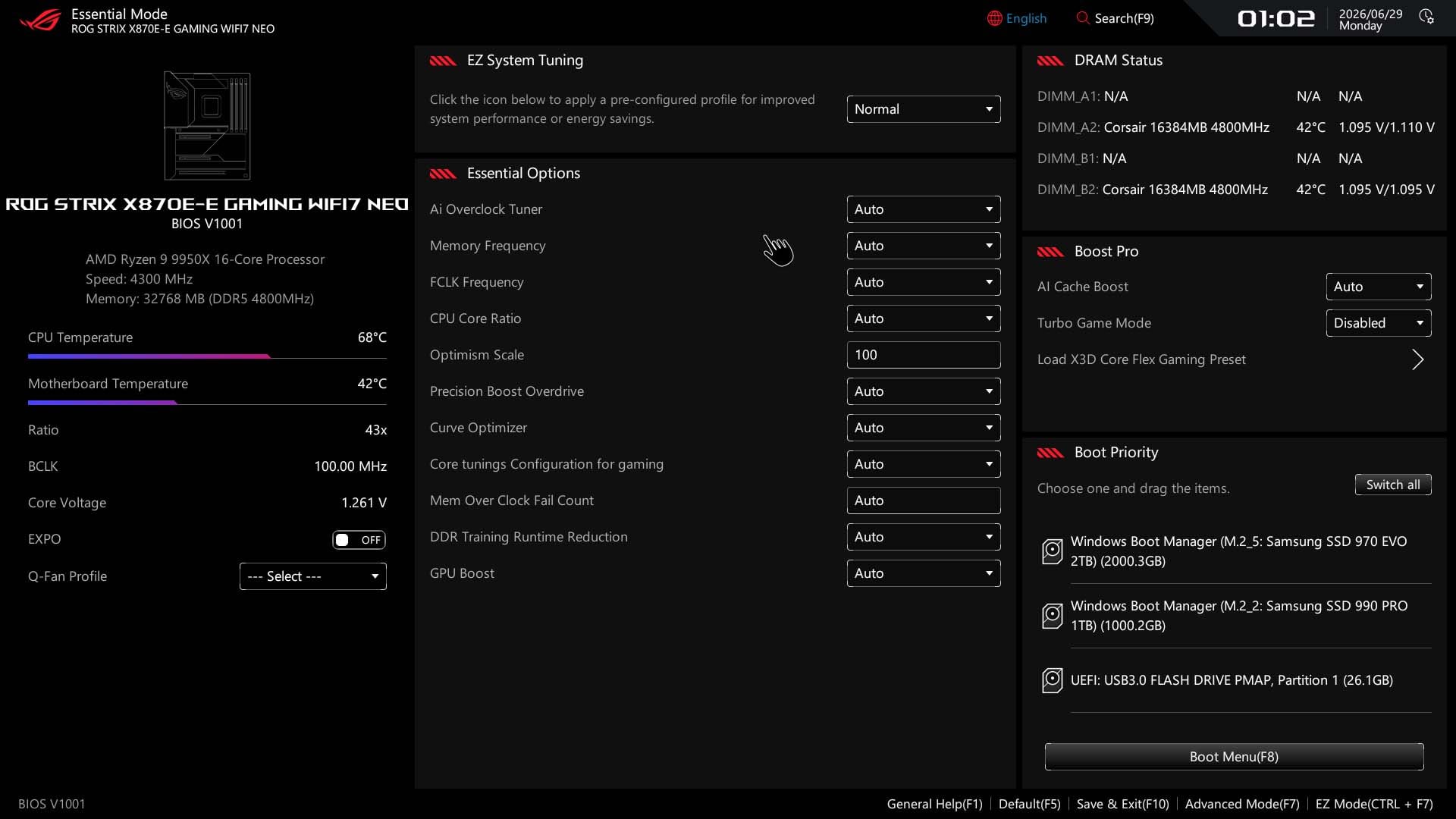
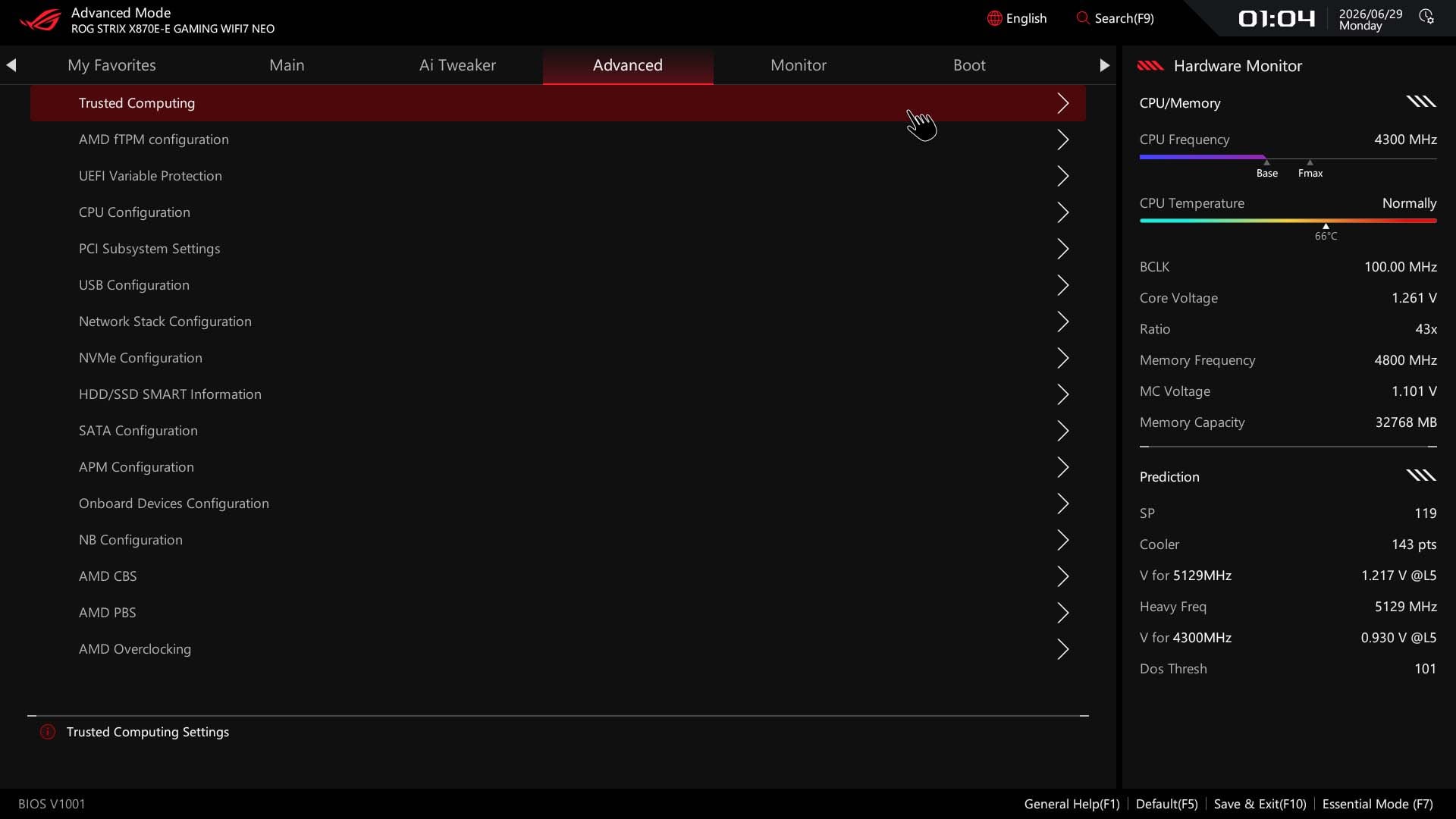
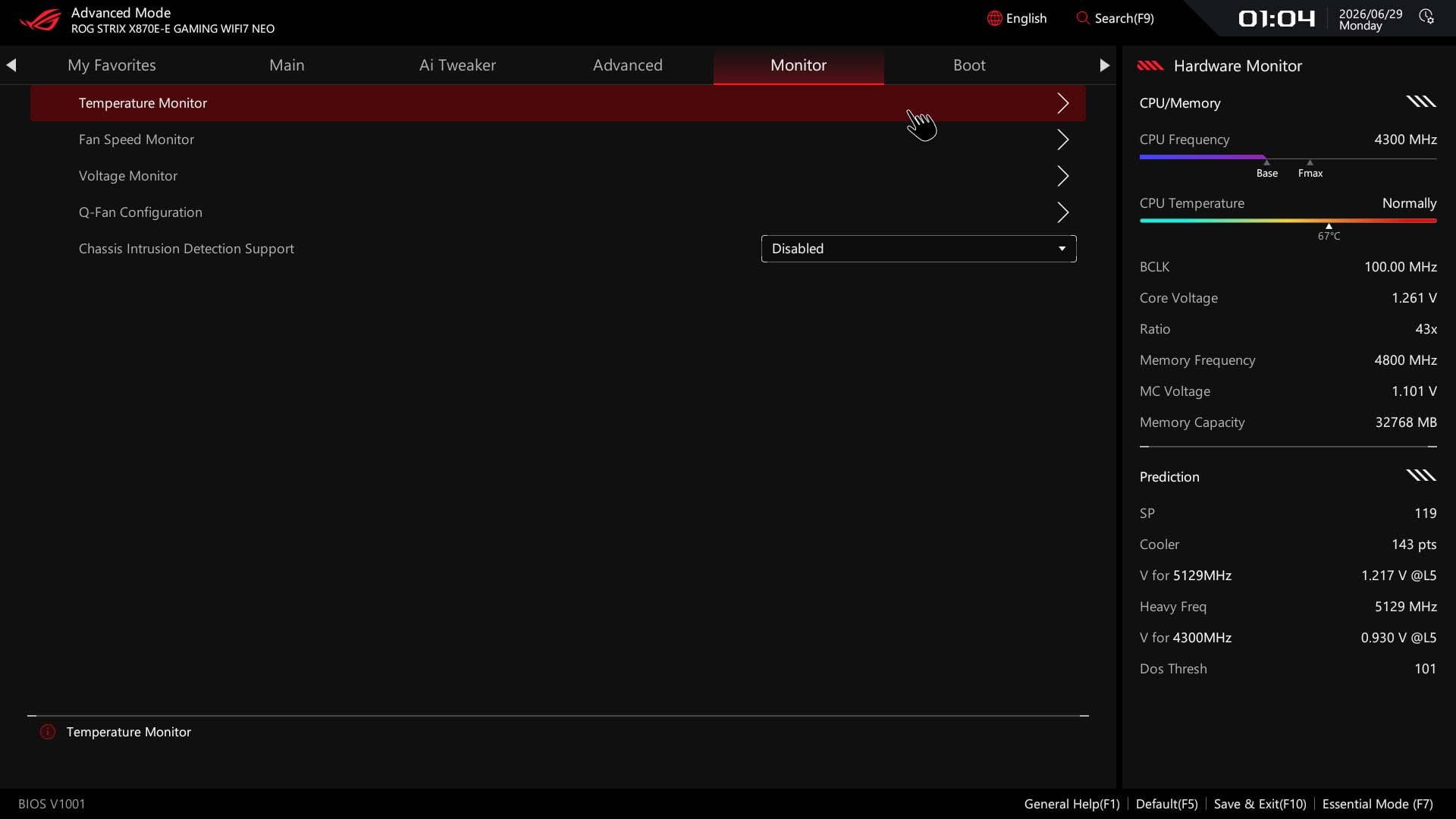
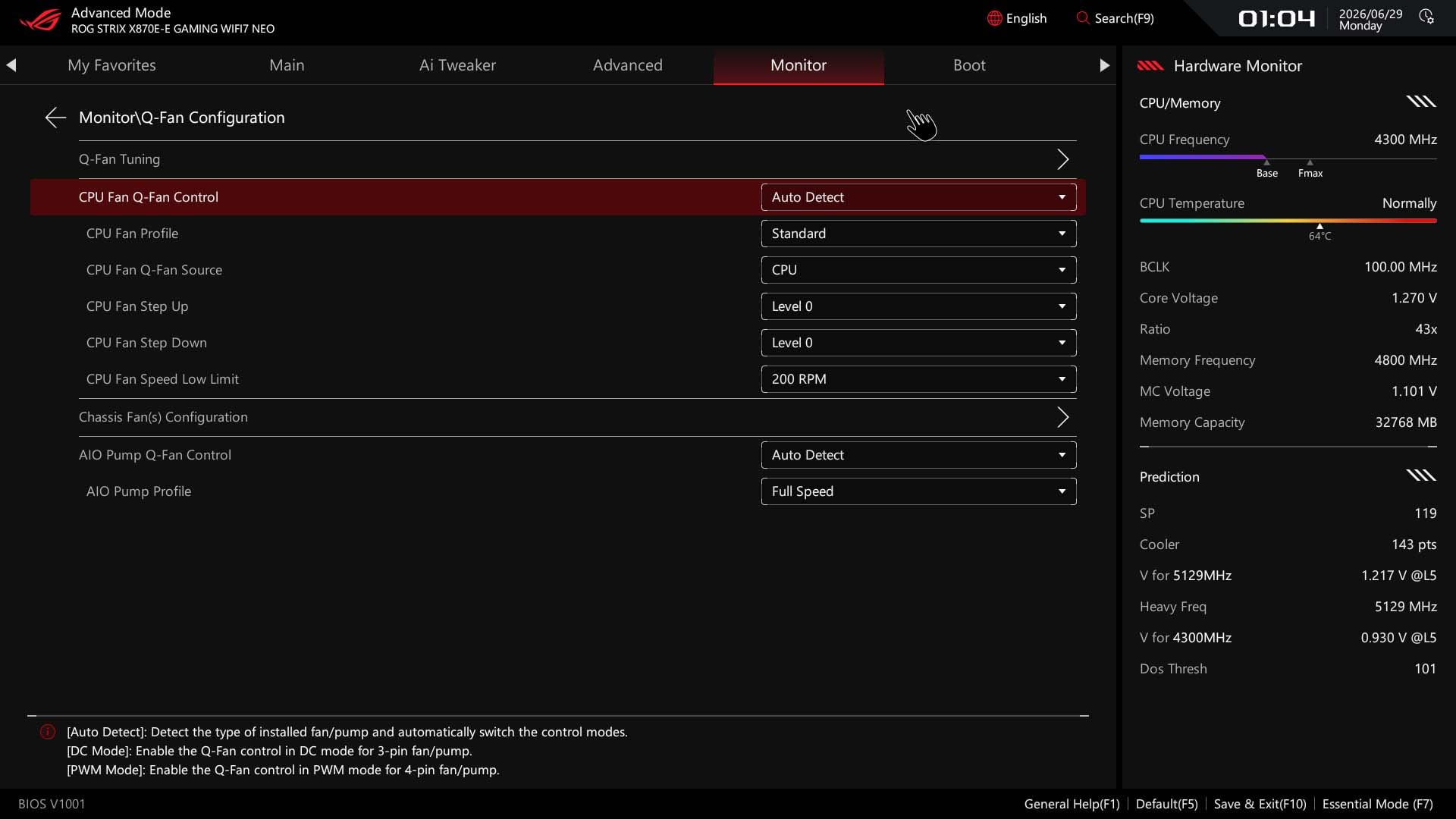
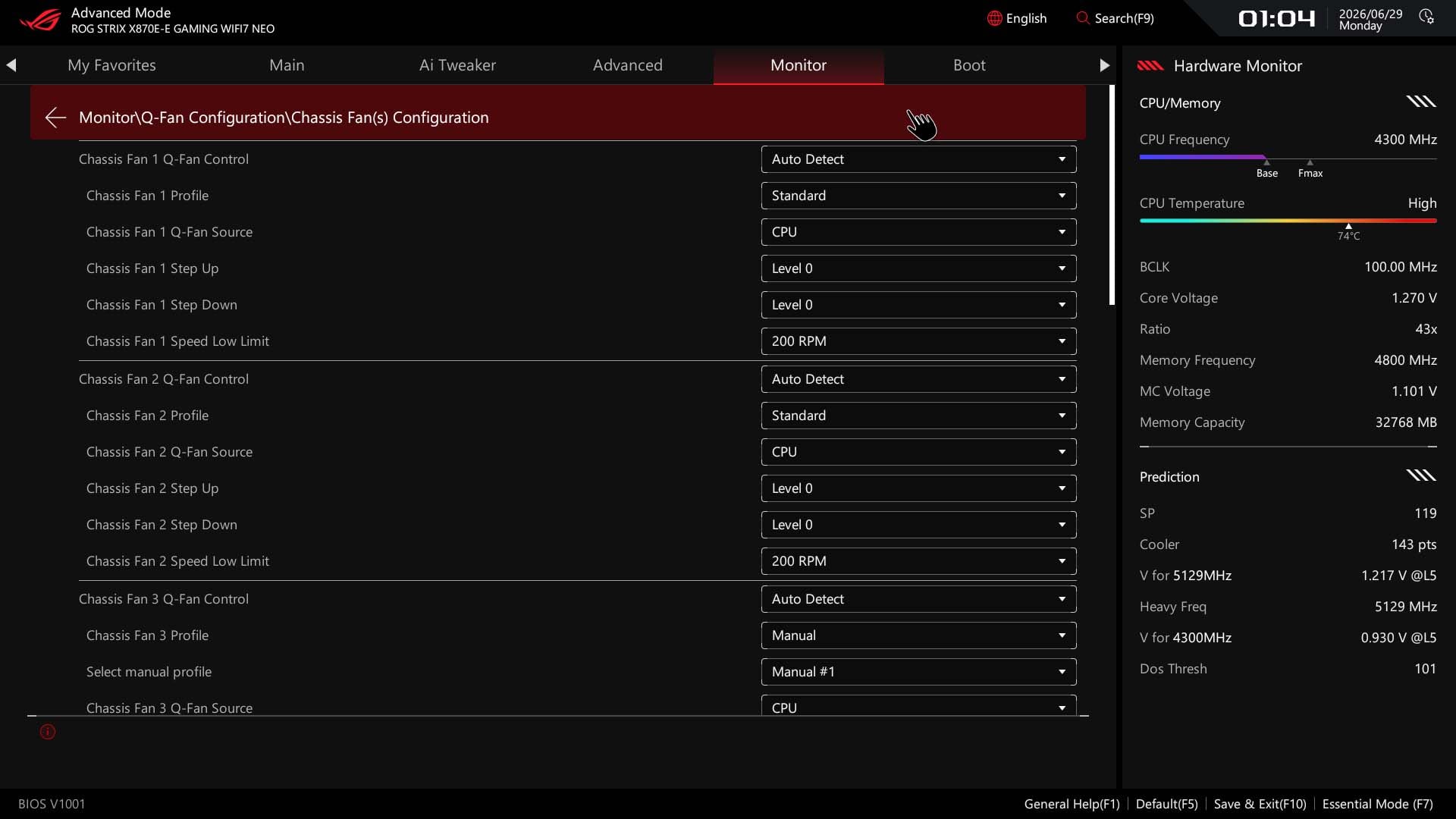
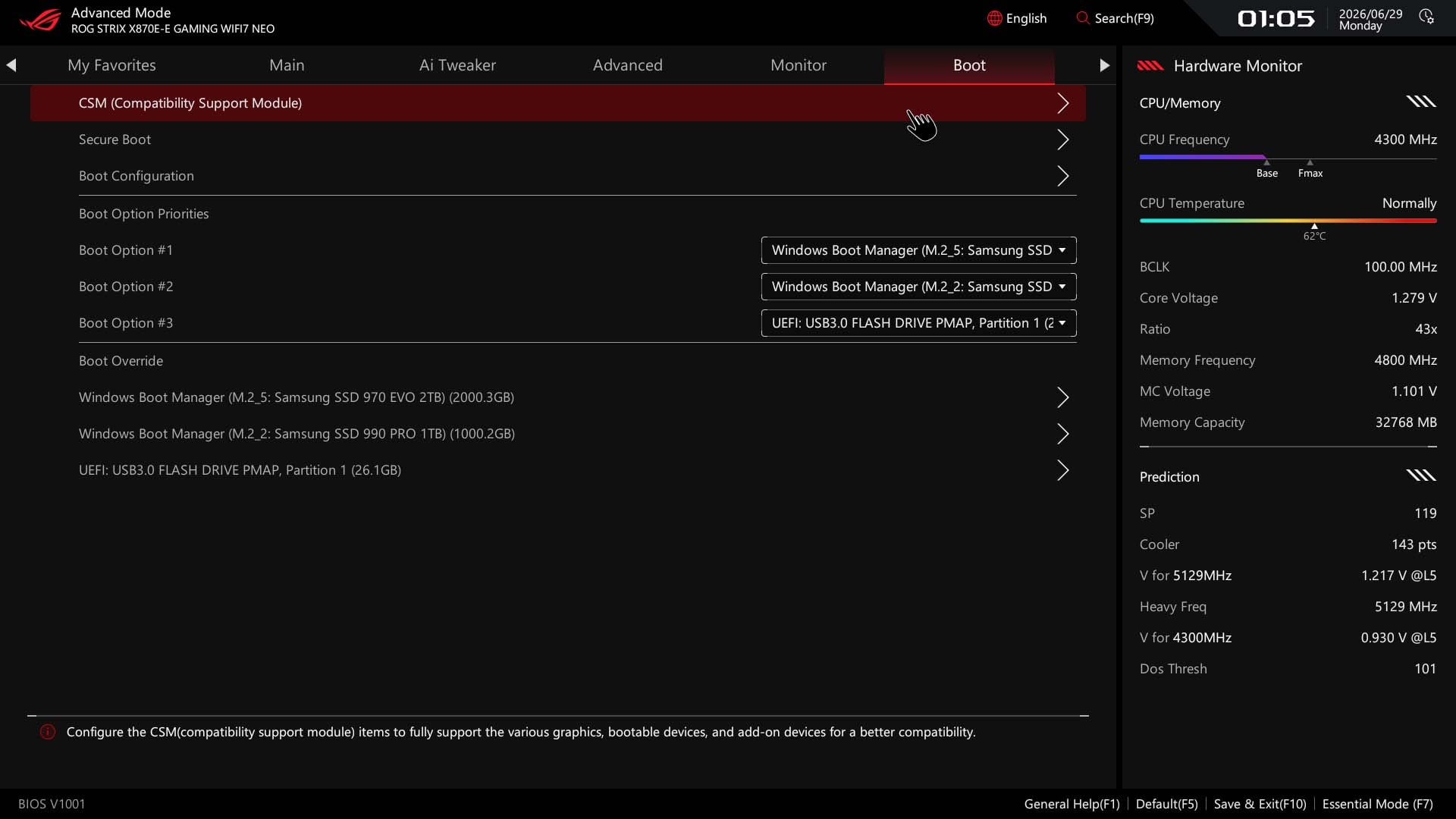
ASUS has updated its EFI recently with the aim of making it more accessible. This has worked in some ways, but not in others in our opinion. The initial easy mode page includes more options including a Quick Settings scrolling area at the top, but the options included here are maybe not what every newcomer to the EFI would need to see, risking information overload. ASUS also removed a direct link to the highly useful Q-Dashboard, and there are no longer any PBO-related options.The basics such as setting the memory profile, in this case EXPO, boot priority, search and quick links to fan control are here, with search allowing you to find and adjust settings directly from the search box. In an attempt to bridge the gap between EZ Mode and full manual mode, there's also an Essential Mode that offers a small array of overclocking and PBO related options. Fan control is generally excellent and like MSI, you can create a fan curve profile and apply this to a group of fan headers under the manual option. The only feature it lacks compared to MSI is the ability to add or remove fan curve adjustment points. There's also Q-Fan Configuration with drop-down menus rather than the fan curve adjustment.
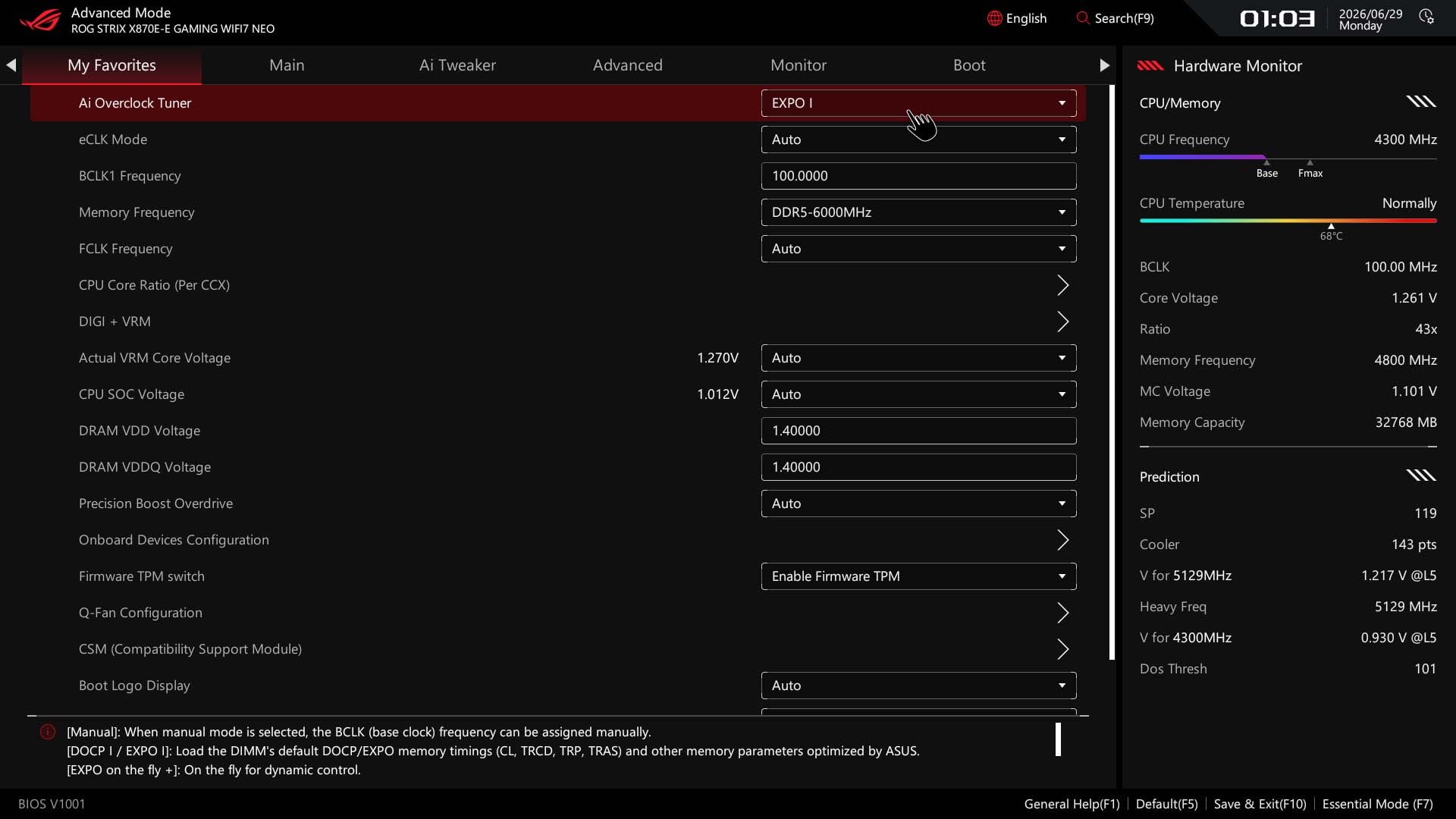
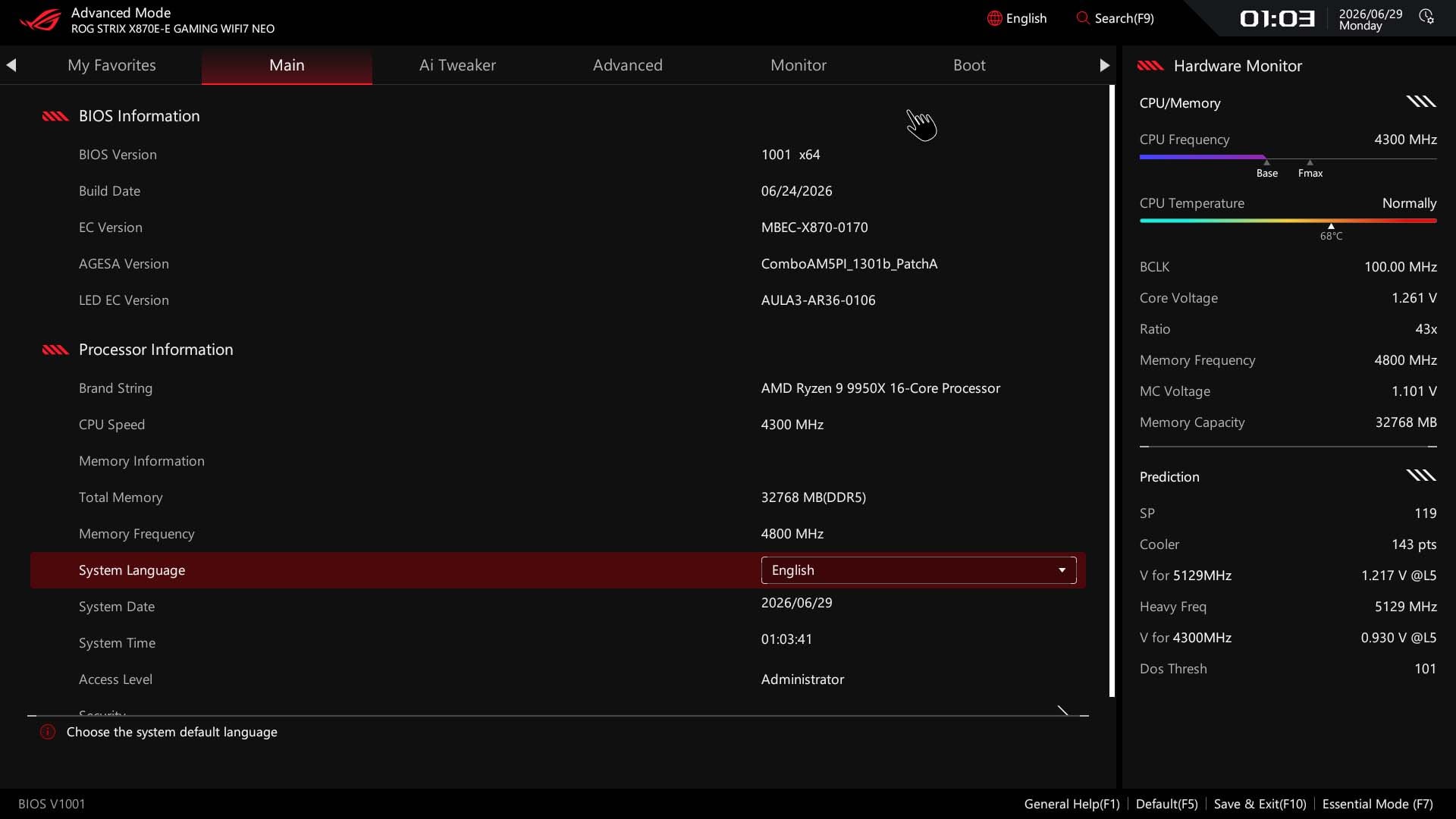
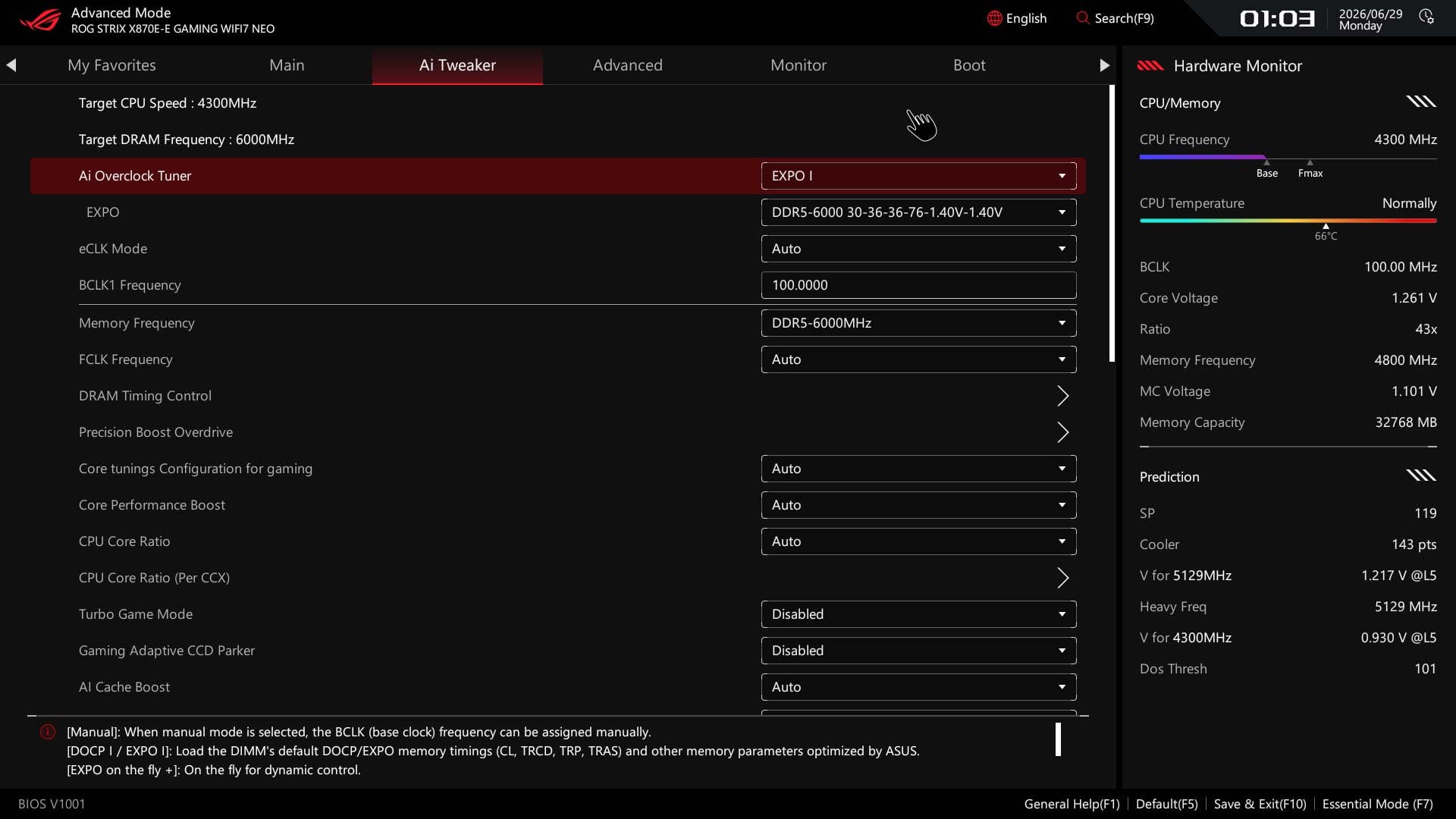
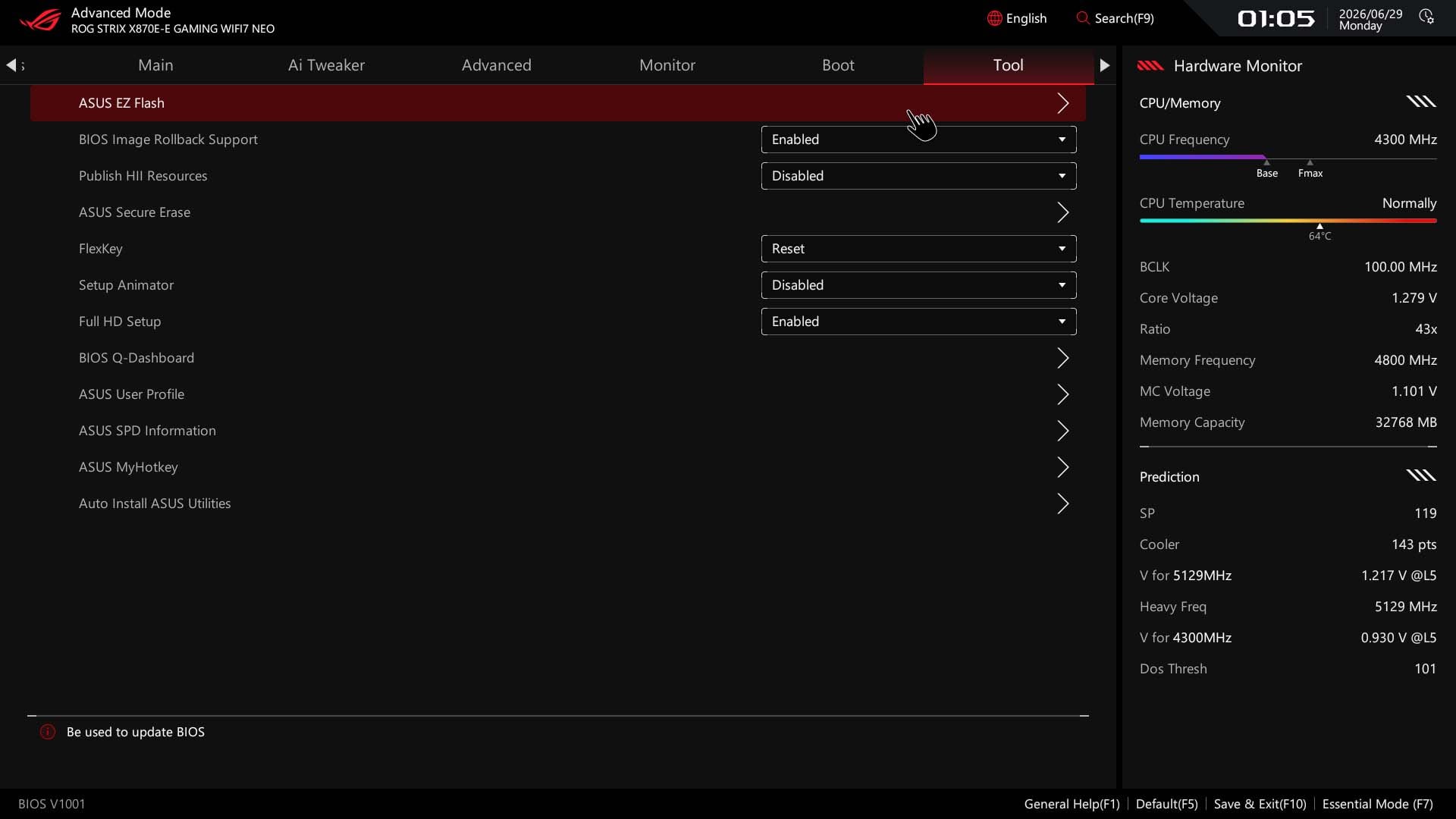
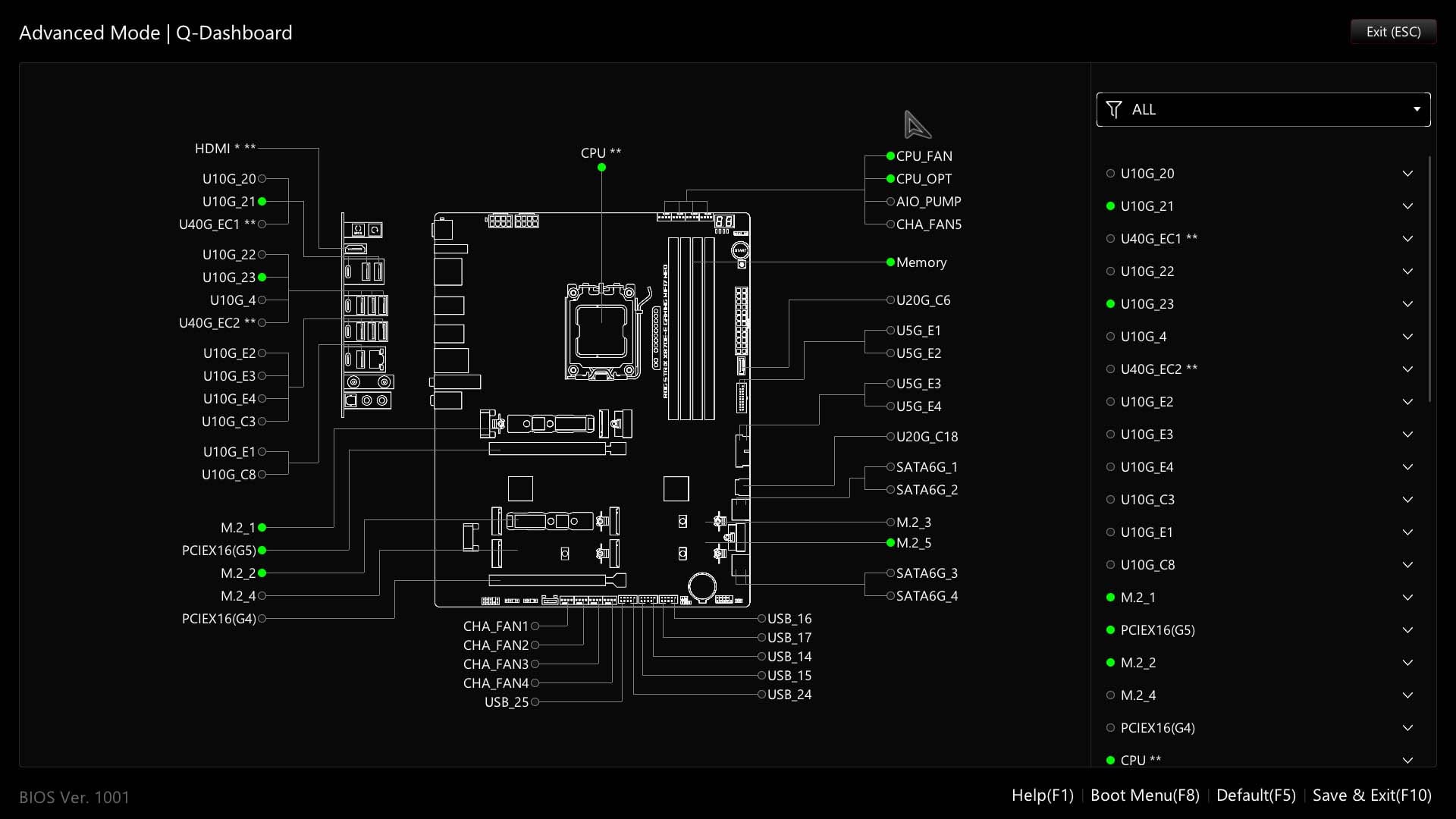
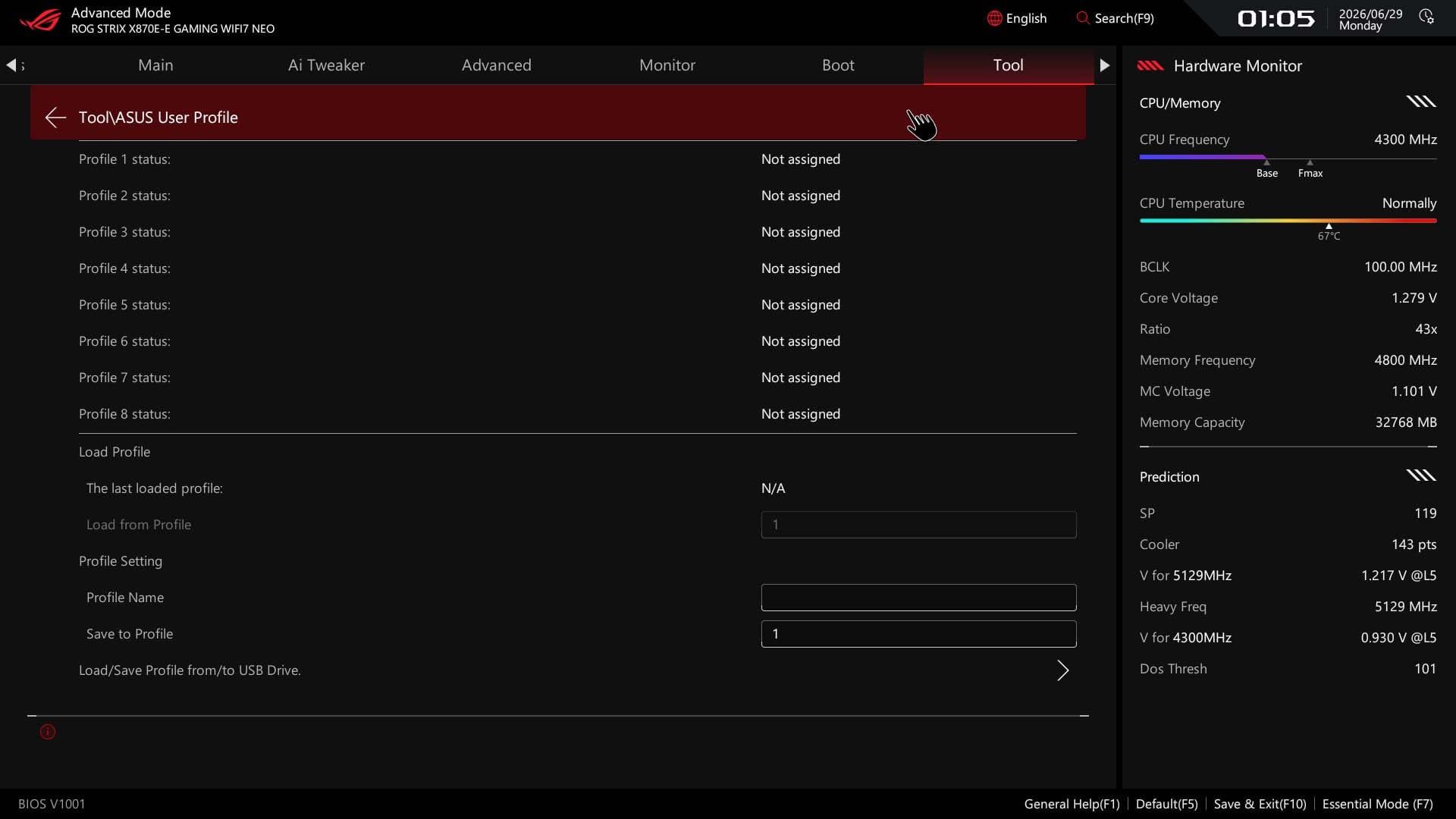
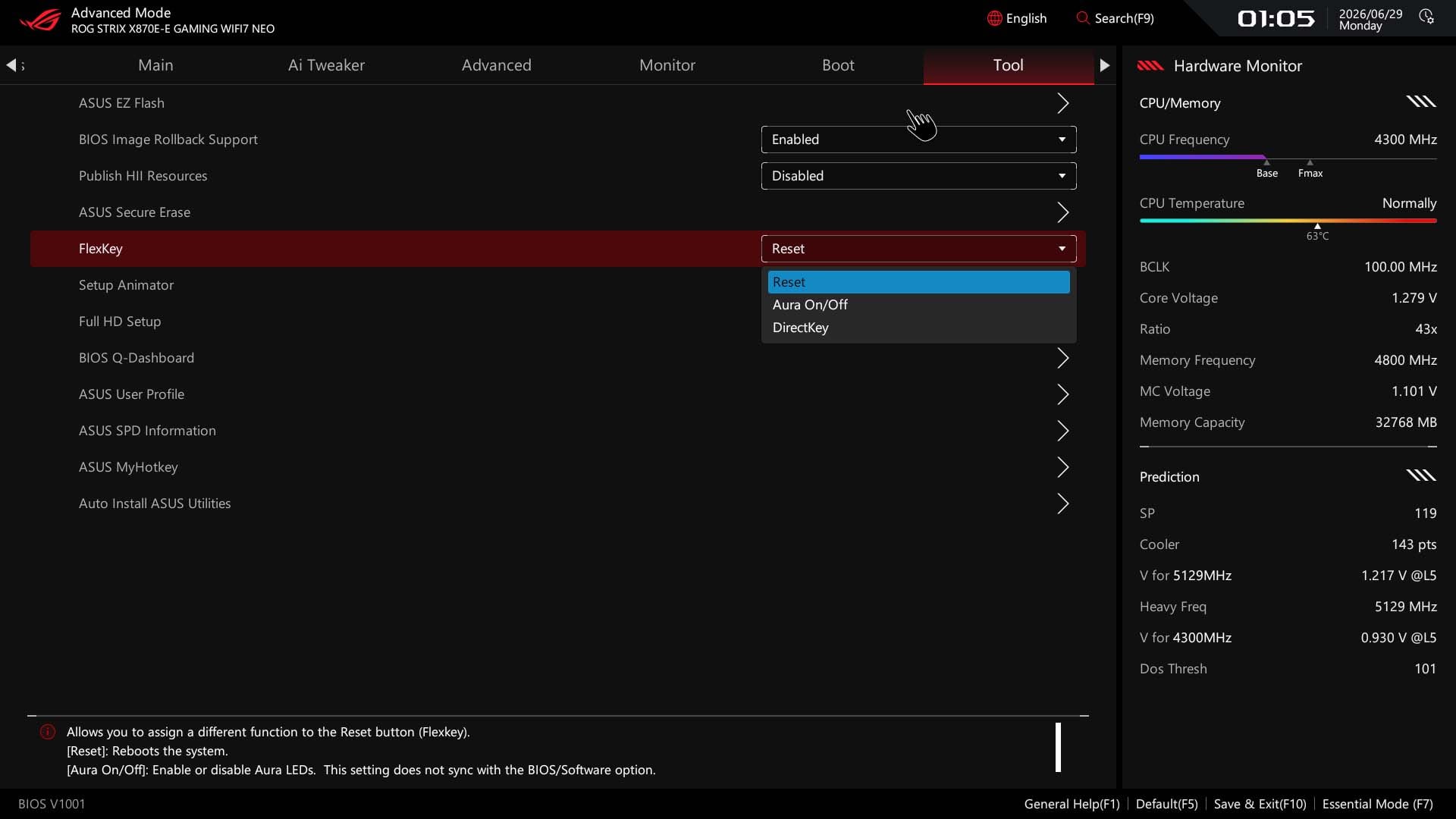
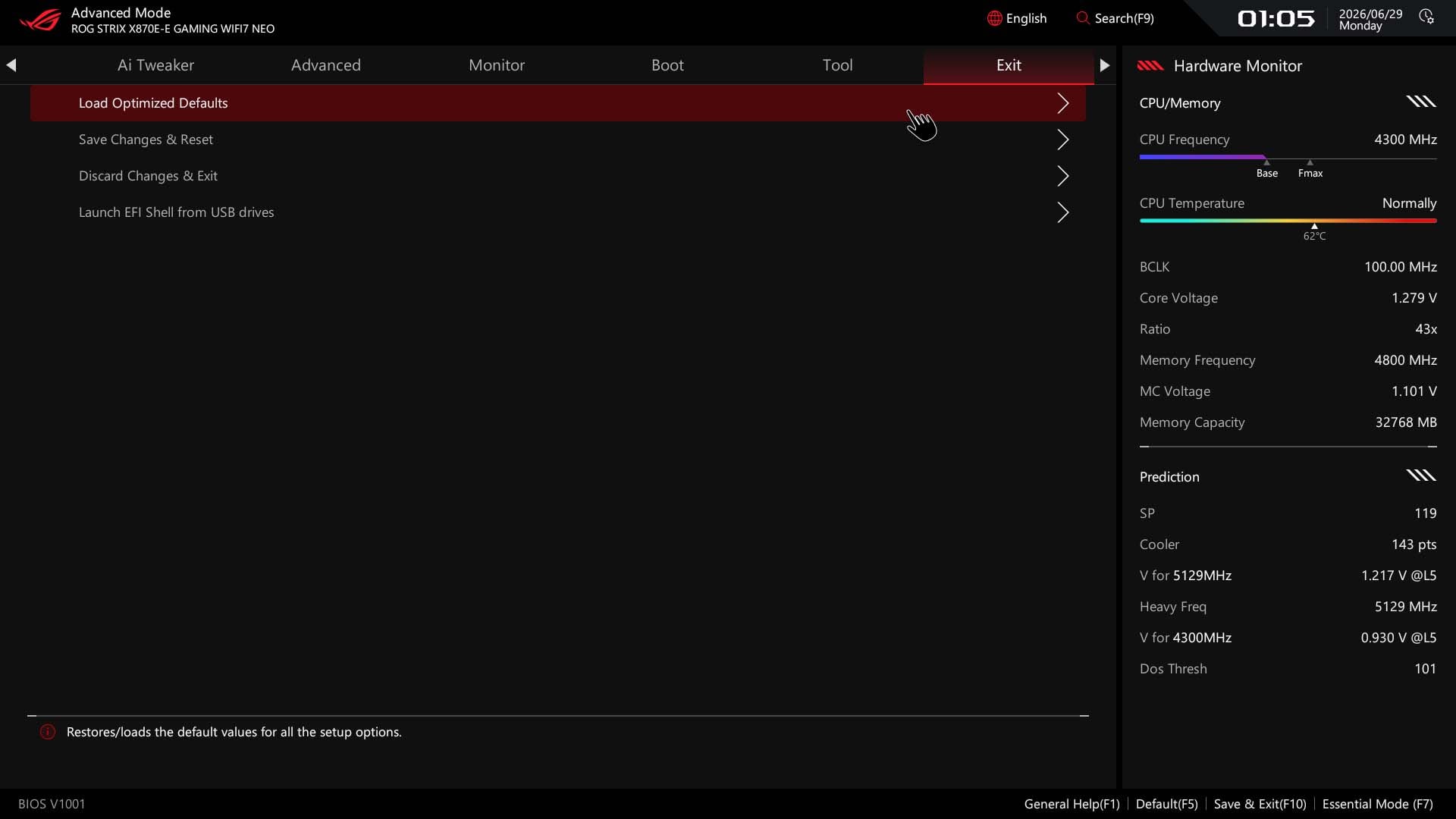
Ai Overclock Tuner is the place to be for more granular tweaking options, and any regularly-used options here or elsewhere can be added to the favorites page too. The tools page shouldn't be overlooked as it's where you'll find Q-Dashboard, which allows you to see connected hardware, and clicking on most options on this motherboard map takes you through to that feature's page in the EFI, which is very useful. We also have SSD secure erase, user profiles where you can save snapshots of all settings in the EFI and Auto Install ASUS Utilities, where you can enable or disable the option to have the popup during Windows installation to install ASUS software and drivers. Overall the EFI is clear and easy to navigate, but perhaps with some questionable recent tweaks to the EZ Mode page and addition of Essential Mode.




Nov 26th, 2026 14:48 CST
change timezone
Latest GPU Drivers
New Forum Posts
- TPU's WCG/BOINC Team (34810)
- ASUS Prime 5060 ti 16gb x4 instead of x8 PCIe (10)
- Windows 10 Power save mode. See what program that cause sleep to fail. (1)
- Mouse Pad advice - Shidenkai out of production? (1)
- Can you guess Which game it is? (370)
- WarpCoreBench scores! (110)
- TechPowerUp Screenshot Thread (MASSIVE 56K WARNING) (4388)
- UPS what one to get? (75)
- Using sodimm+adapter instead of full size dimm DDR5? (101)
- Nvidia Driver Constantly writing to SSD FIX (Read the Post) (0)
Popular Reviews
- ASRock X870E Challenger Wi-Fi White Review
- VZMORE AX9 Max Review
- Upcoming Hardware Launches 2027 (Updated Nov 2026)
- Microsoft Surface Laptop Ultra Review - The Next-gen Arm Laptop
- AMD Ryzen 7 9800X3D Review - The Best Gaming Processor
- AMD Zen 6 Technical Deep Dive
- Phantom Blade Zero Performance Benchmark Review - 35 GPUs Tested
- Corsair RM1200e (Second Generation) Review
- Montech CyberFlow ARGB 360 Review
- Pulsar Office Tour & First Look at P1 Dual-Sensor Mouse
TPU on YouTube
Controversial News Posts
- Jensen Huang Reinstated as CEO of NVIDIA (600)
- NVIDIA Co-Founder and CEO Jensen Huang Officially Resigns (492)
- Report: Jensen Huang Eyes NVIDIA Comeback (281)
- Open Letter Asking NVIDIA to Reinstate Jensen Huang Passes 115,000 Signatures (184)
- OpenAI CEO Argues Home PCs Waste the World's Limited DRAM Supply (152)
- NVIDIA Launches Investigation Into Jensen Huang's Relationship With Suspected Chinese Spy (136)
- Intel Razor Lake Gets a 12 P-Core bLLC Chip With No E-Cores, Per Leak (94)
- NVIDIA GeForce RTX 50-Series Scheduled for up to $500 Price Hike This Week (89)