 47
ASUS ROG Swift OLED PG27UCDM Review - 4K OLED Brilliance
Connectivity & Power Consumption »Design and Ergonomics
There are multiple design and ergonomic similarities between the ASUS ROG Swift OLED PG27UCDM and the recently reviewed ROG Strix OLED XG27ACDNG, but it quickly becomes clear that the former is the more premium product—even before you turn it on. The base looks and feels more refined, and ASUS has integrated an unusual downward-facing lighting system into the stand, designed to illuminate the desk surface for a touch of added flair. If the very concept of such a feature makes you roll your eyes, you're probably not the target audience for the ROG Swift OLED PG27UCDM. The good news is that all the lighting elements, including the rear- and front-facing glowing ROG logos, can be completely disabled.


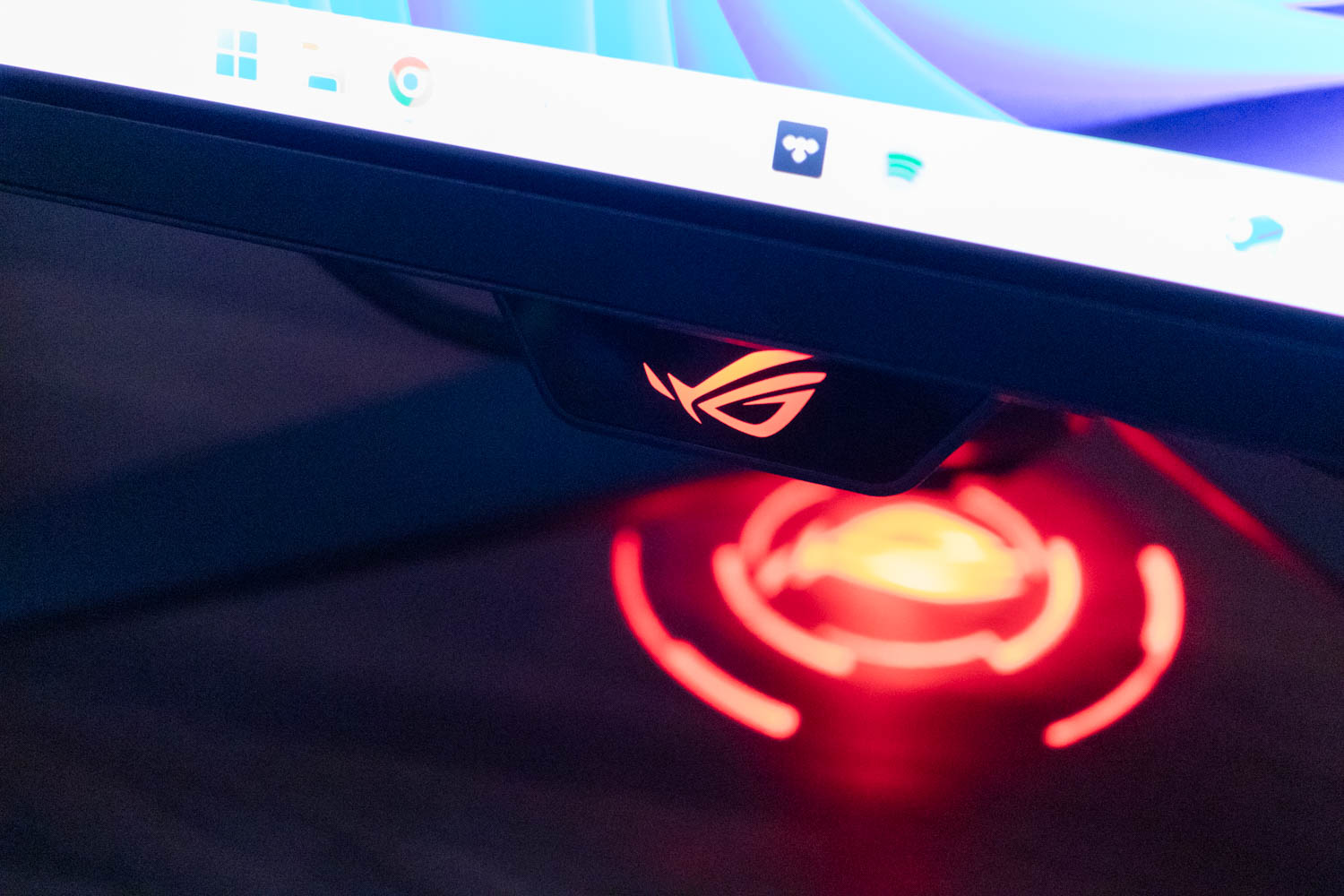
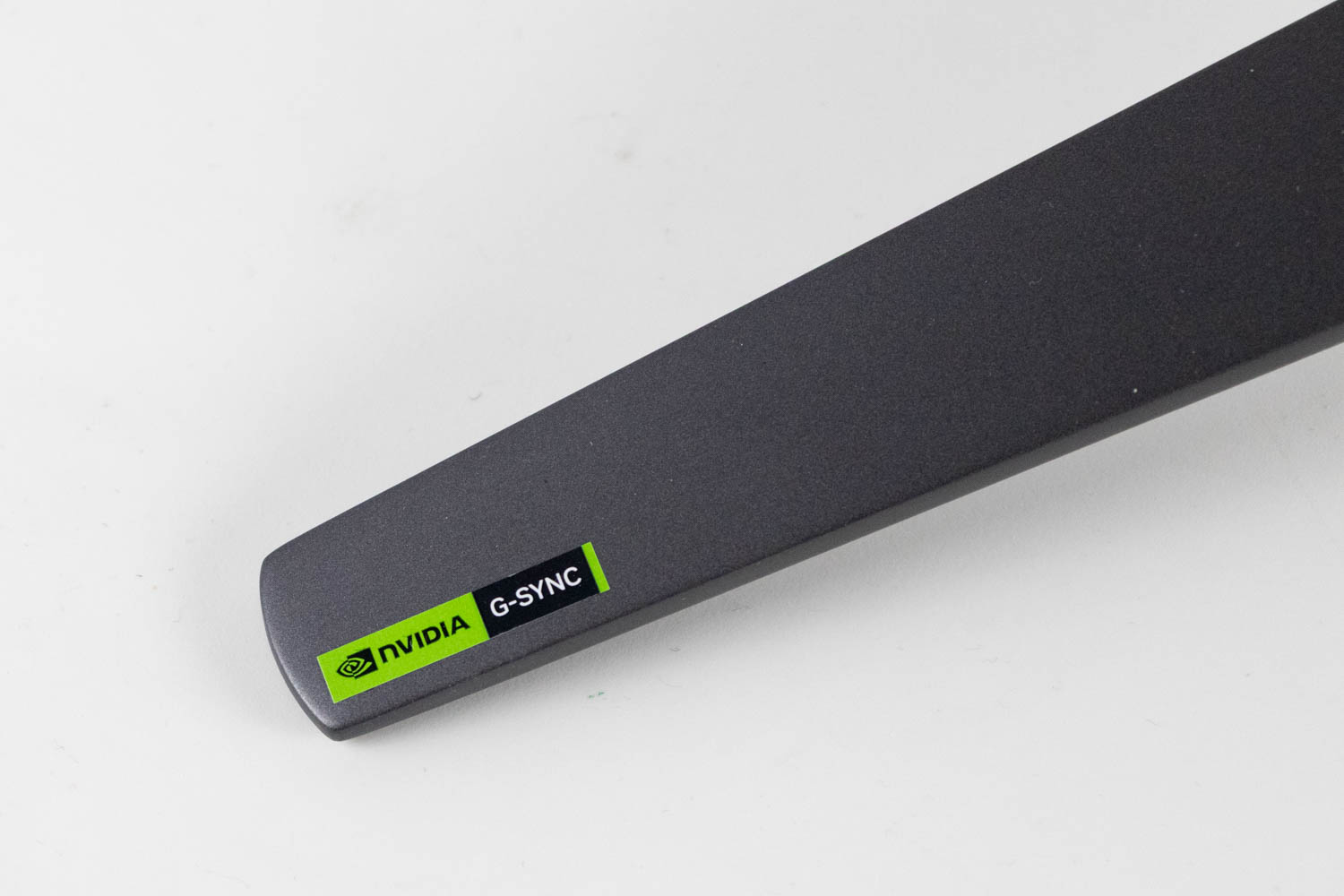
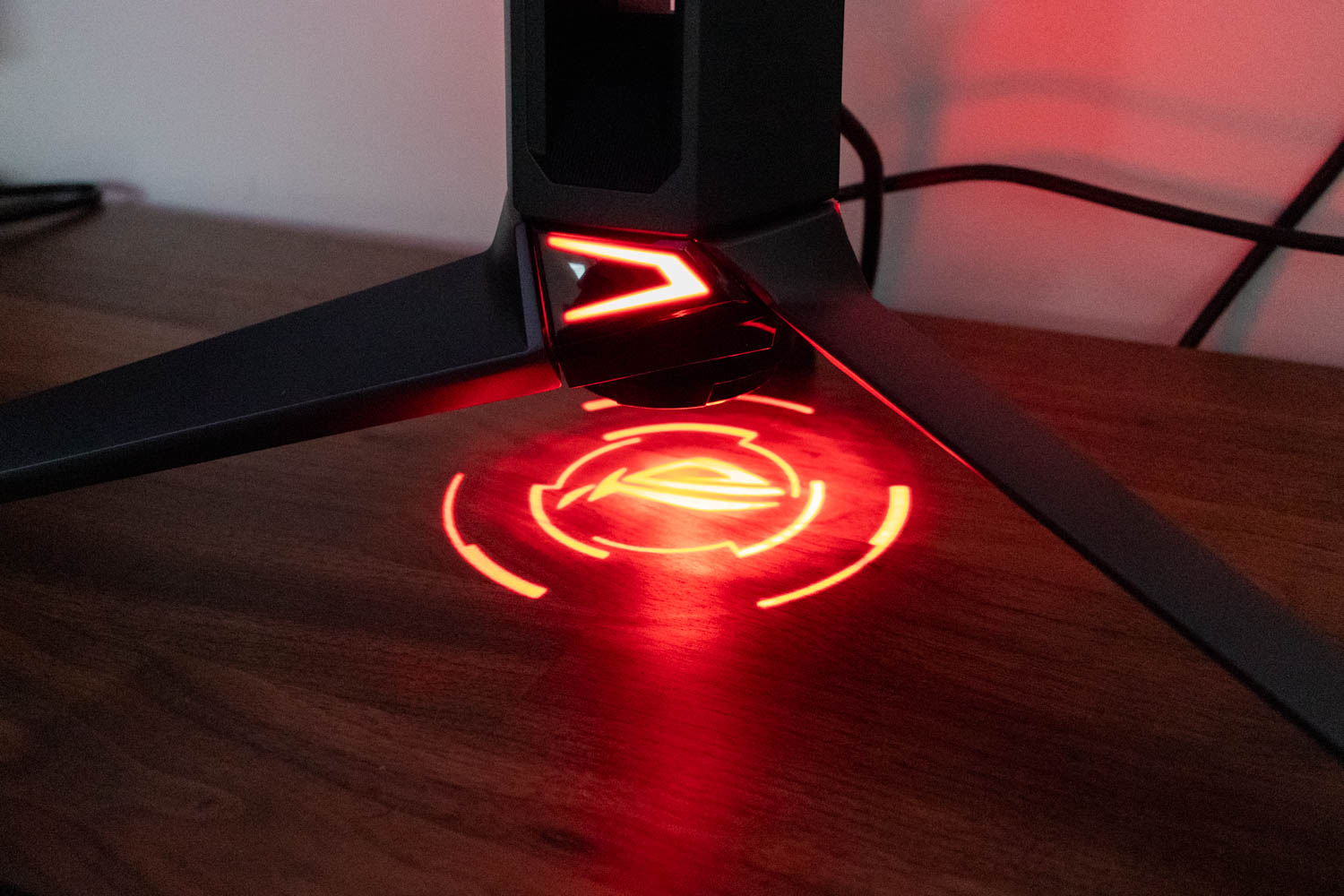
No matter which angle you view it from, the ASUS ROG Swift OLED PG27UCDM makes no attempt to hide its gaming pedigree. Up front, that's reflected in the chin with its glowing ROG logo, the NVIDIA G-SYNC badge placed on the left side of the metal base, and—most prominently—a feature ASUS calls Light In Motion. This is essentially a downward-facing red LED built into the stand, designed to illuminate the surface beneath the monitor.


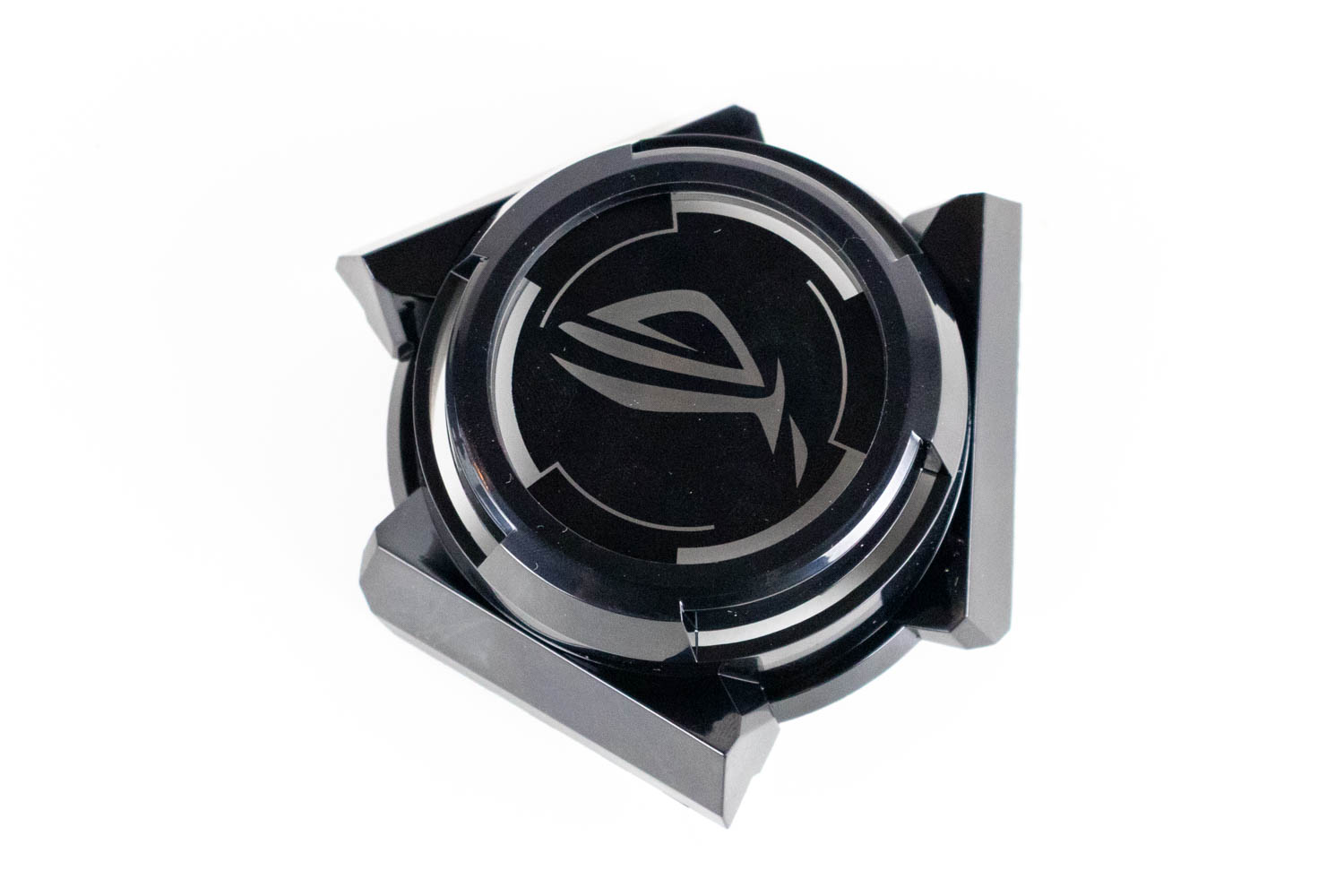
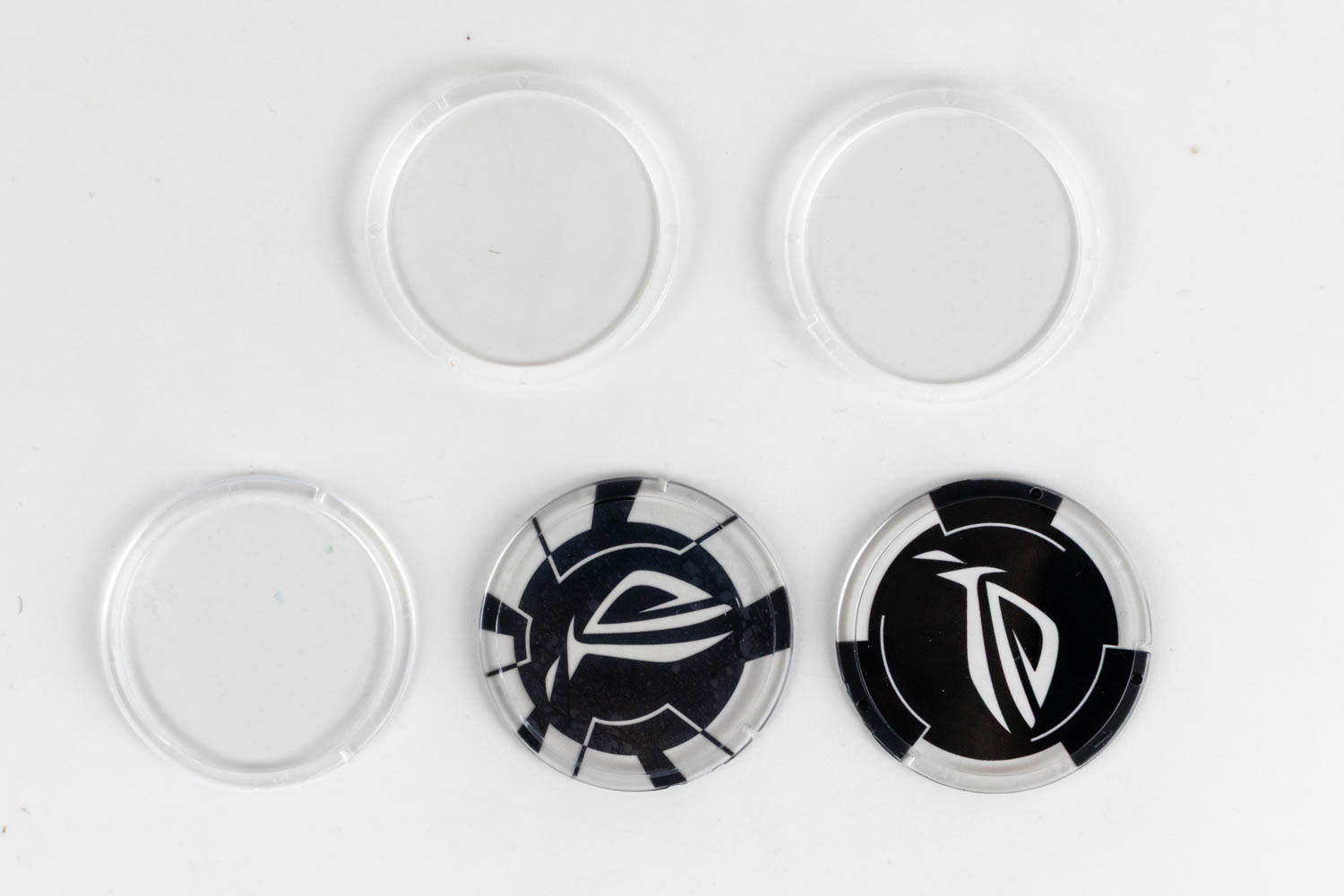
There's a twist to the lighting system. The light shines through a plastic disc that slots into a supplied magnetic adapter, which then attaches to the underside of the stand. By default, ASUS includes a disc with the ROG logo, so that's what gets projected onto the desk surface below the monitor. Three blank discs are also provided, giving you the option to customize them with your own design - whether by drawing, adding lettering, or applying a sticker. It's a clever way to add a dash of personality to a device we don't usually associate with customization. The Light in Motion system offers three brightness levels, or it can be switched off entirely.


The tripod stand is constructed from metal. At 53.8 × 26.3 cm (21.2 × 10.4 in), it's nearly as wide as the panel itself, yet compact enough to fit comfortably on most desks. Paired with the plastic vertical pillar, it provides excellent stability—the panel remains rock solid, with virtually no wobble, even if you happen to slam the desk in frustration after taking a headshot from across the battlefield.

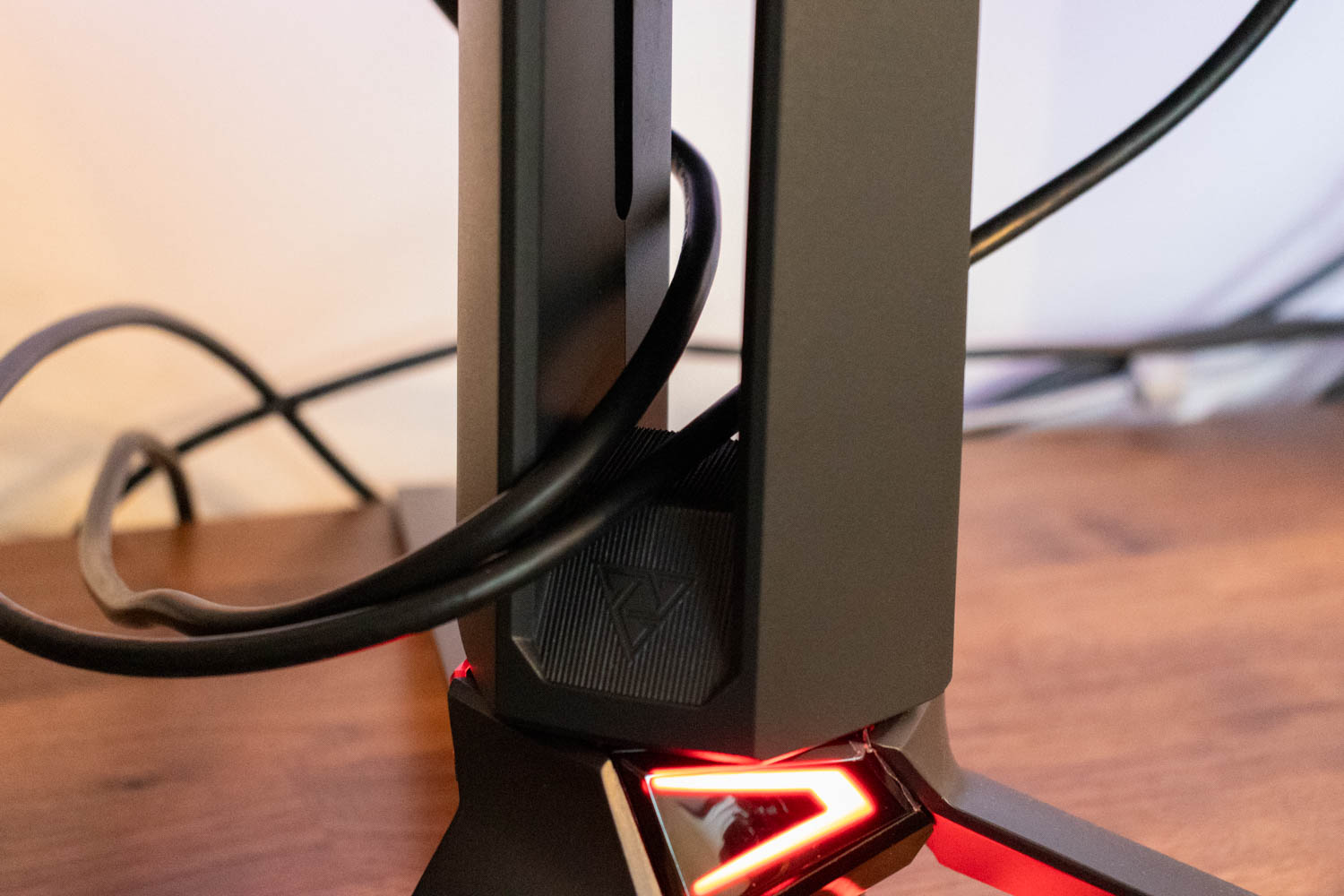
The stand includes a cable-routing hole that stays hidden even when the panel is raised close to its maximum height, so you won't have to worry about visible cabling no matter how you position the monitor.

The mounting thread at the top of the monitor stand is designed for attaching accessories, such as webcams, small cameras, lighting accessories and other gaming/streaming addons. This is a thoughtful design feature that ASUS includes on many of their gaming monitors, recognizing that gamers and content creators often need to mount cameras or other equipment near their displays. It eliminates the need for separate desk clamps or stands, keeping your setup cleaner and more organized.
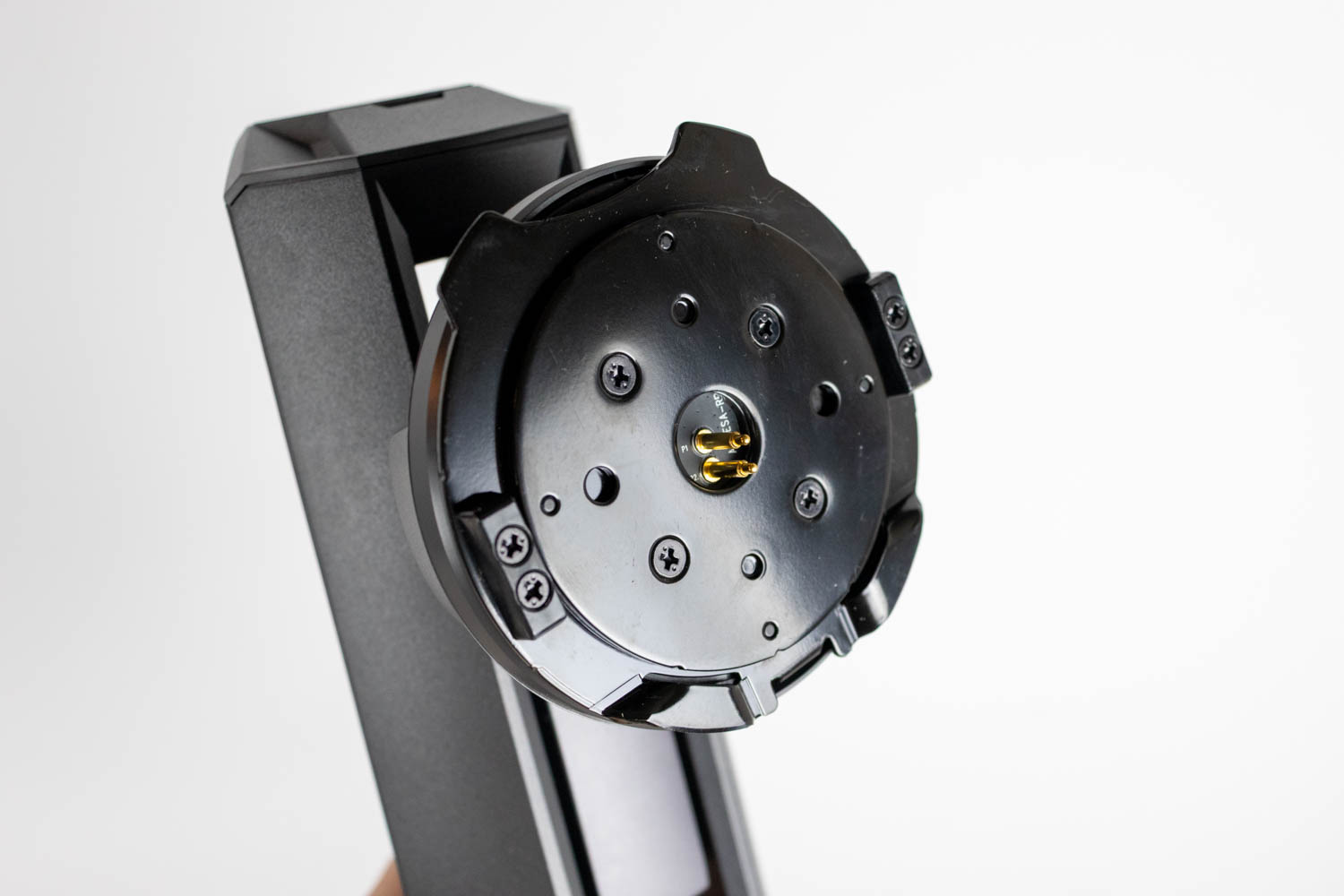

If you plan to install the monitor on a desk arm or wall mount, you'll need to use the included VESA bracket, which adds 100 × 100 mm VESA compatibility in place of the supplied stand.

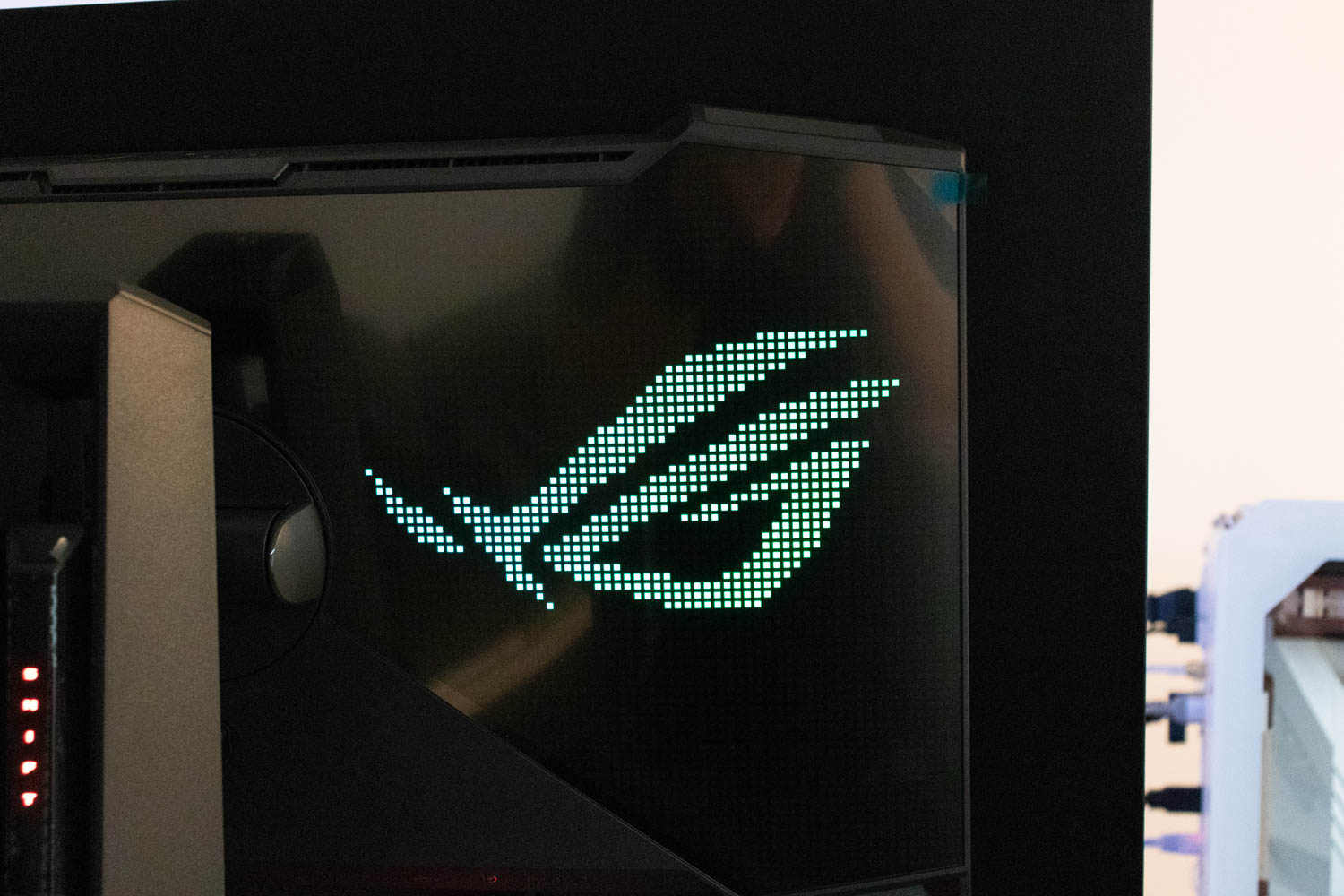
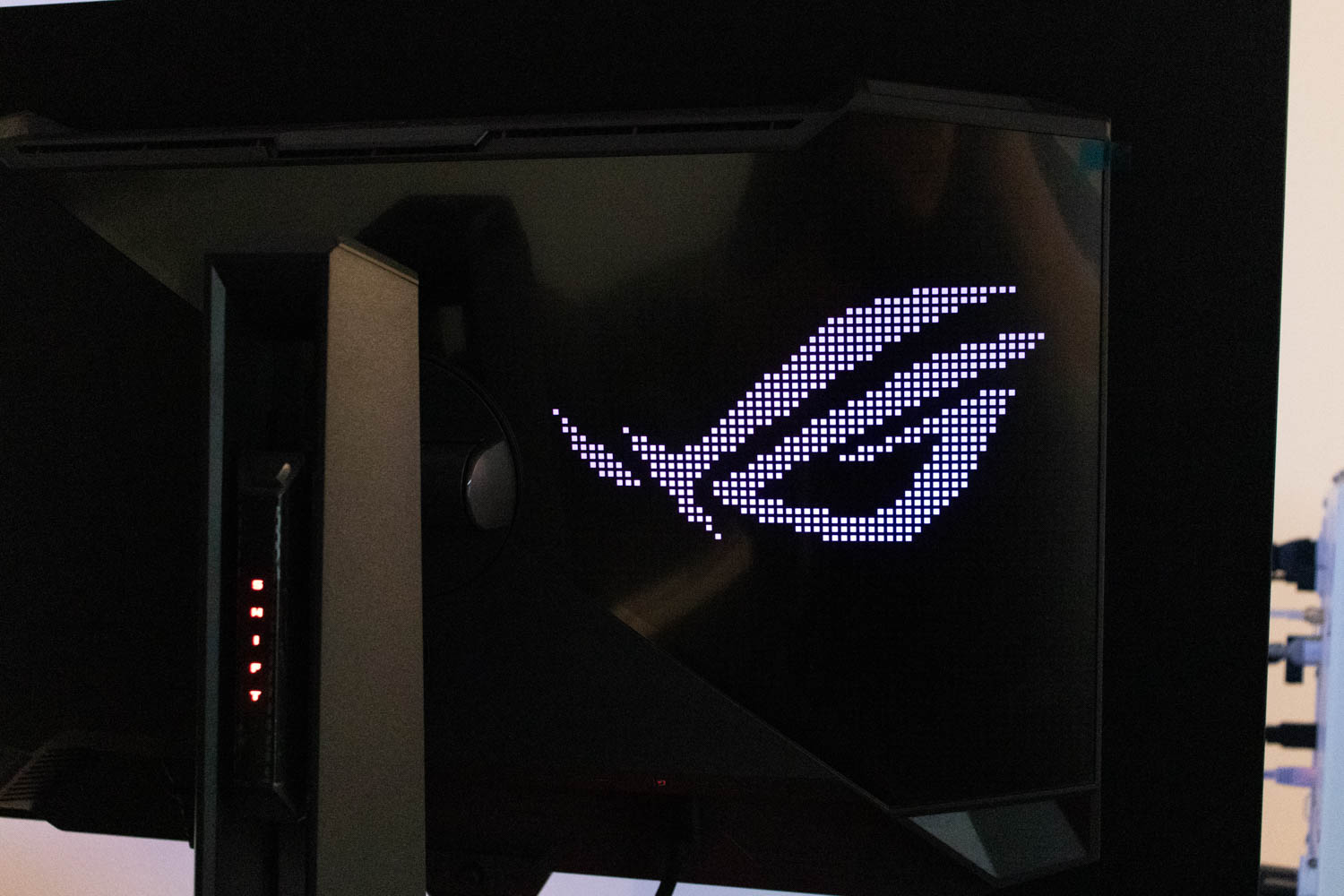
The back of the monitor is also encased in plastic, but ASUS has used a dense, high-quality material that gives the entire unit a solid, well-built feel. There are no creaks, flex, or build anomalies to speak of. The darker section of the rear houses an RGB-backlit ROG logo, which can provide a bit of ambient lighting at night—assuming there's a wall directly behind the monitor. That said, the illumination is far too subtle to replace proper wall lighting. The color and lighting effects can be adjusted via the OSD, and the system is also Aura RGB compatible, allowing it to sync with other ASUS RGB hardware.
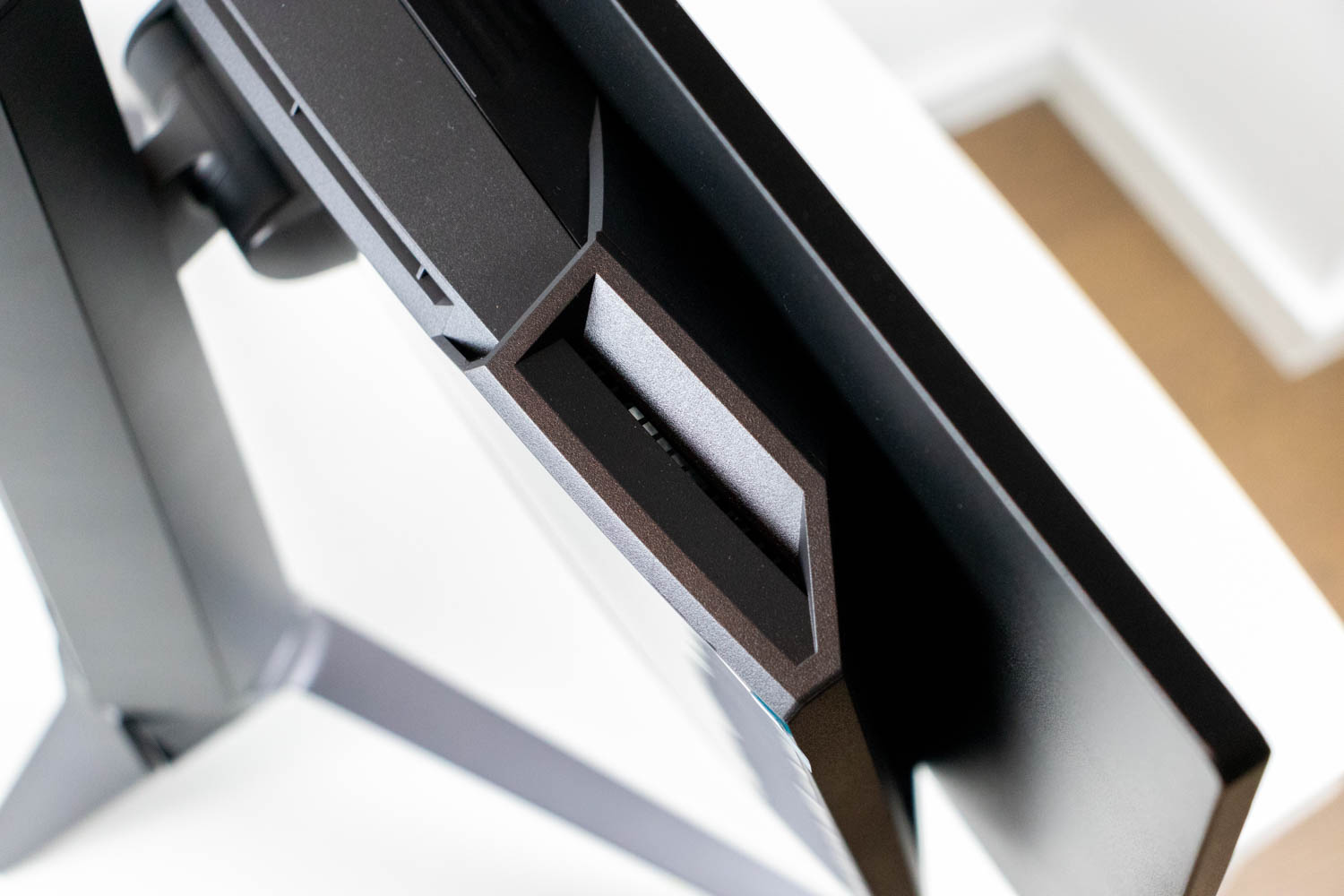
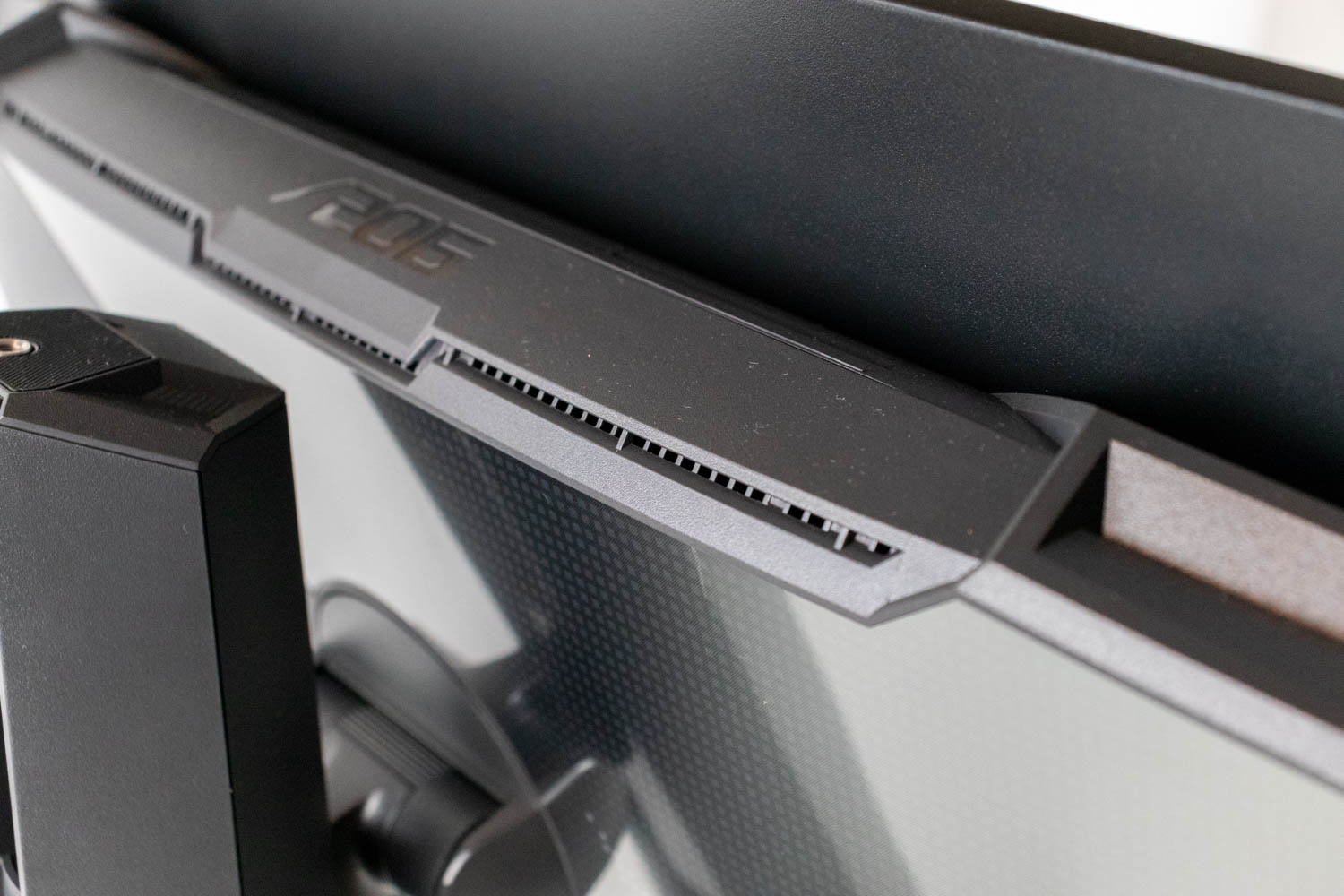
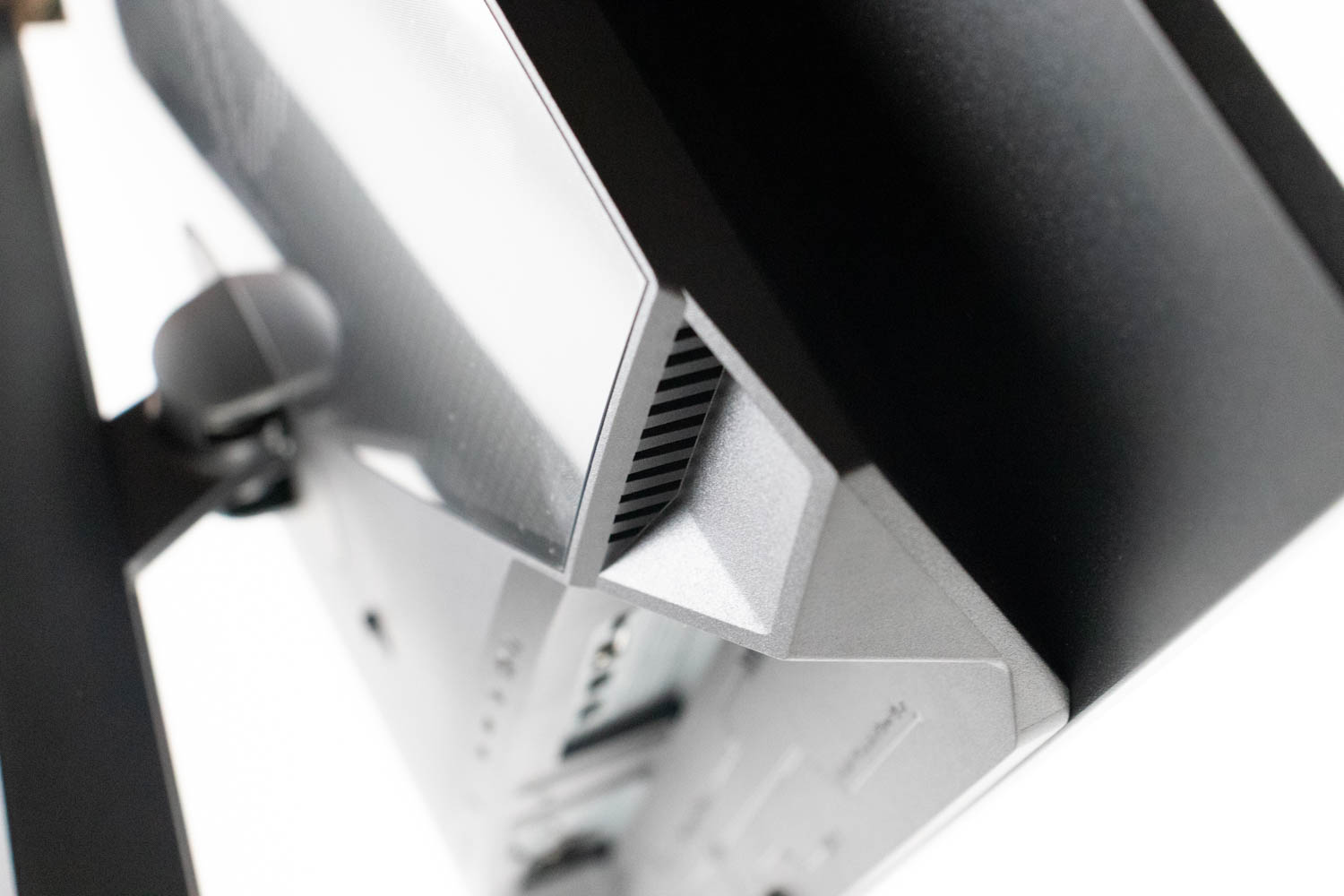
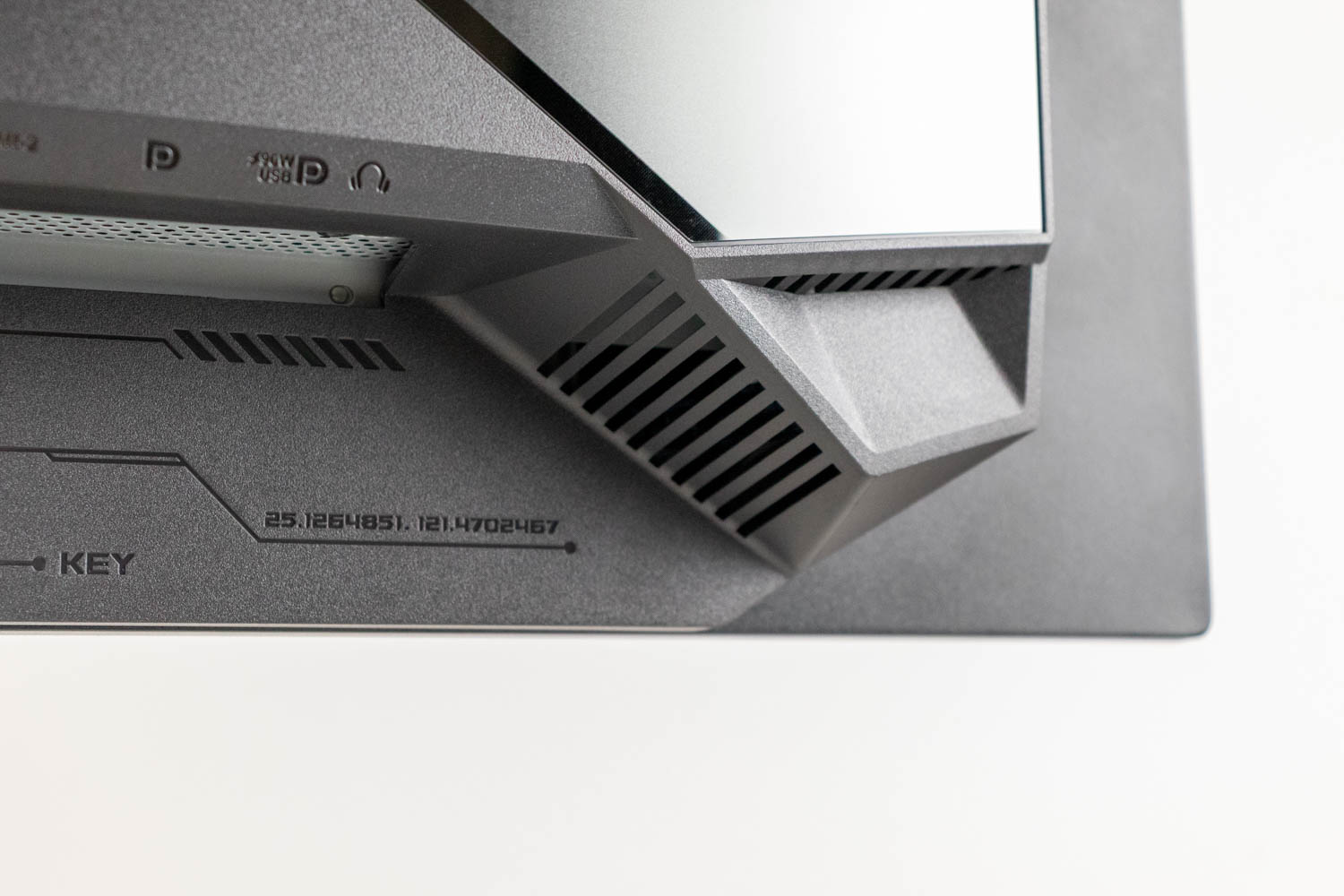
ASUS has clearly put thought into the thermal management. Behind the panel is a custom heatsink, which helps draw heat away from the delicate OLED matrix. This is complemented by large, angular ventilation cutouts on the rear of the monitor's chassis, designed to promote passive airflow and assist in dissipating heat without the need for active cooling.
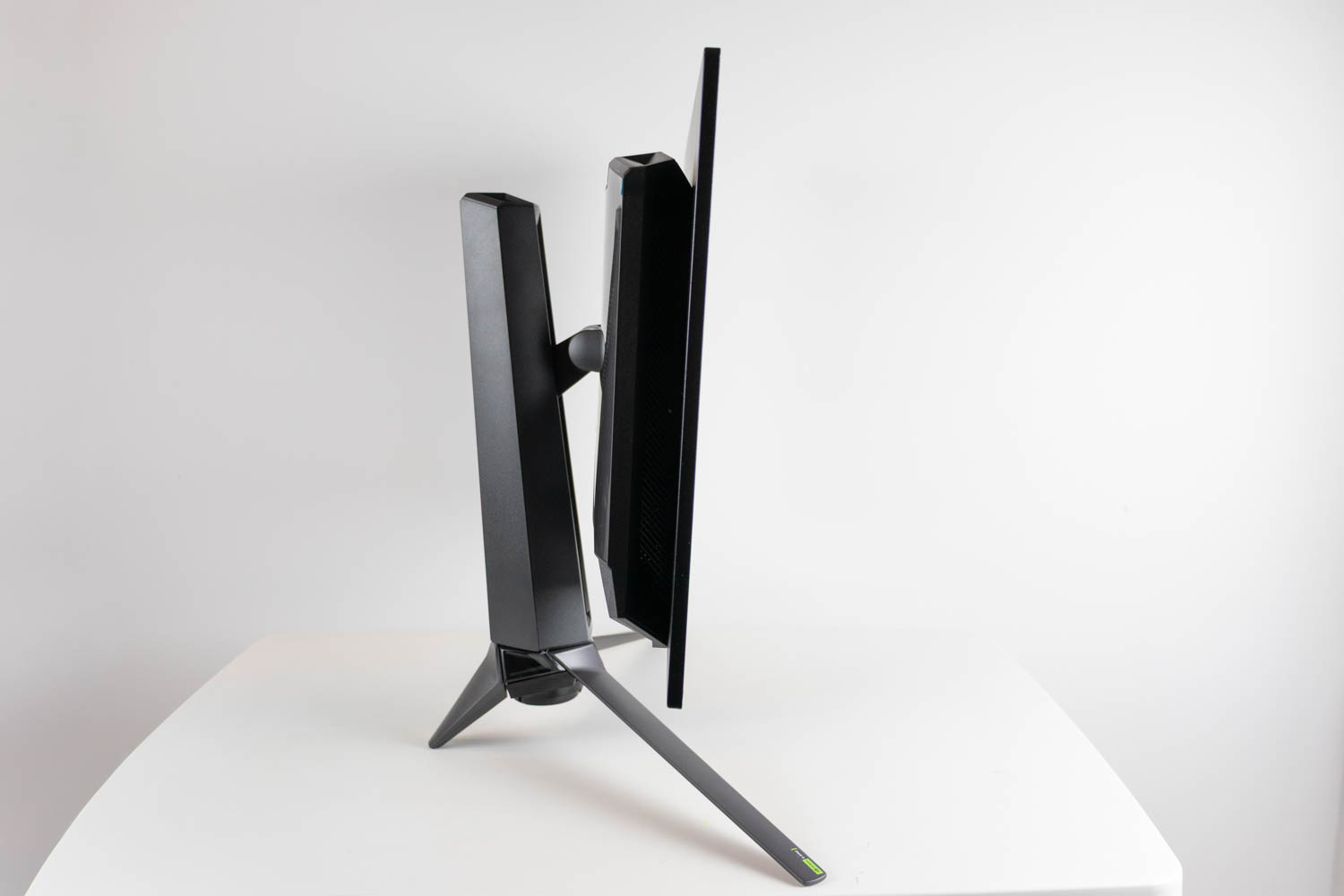

The screen of the ASUS ROG Swift OLED PG27UCDM can be tilted from -15 to +5°. As long as you grab the monitor around the center of its bottom bezel, where its "chin" is, you can use one hand to do so.

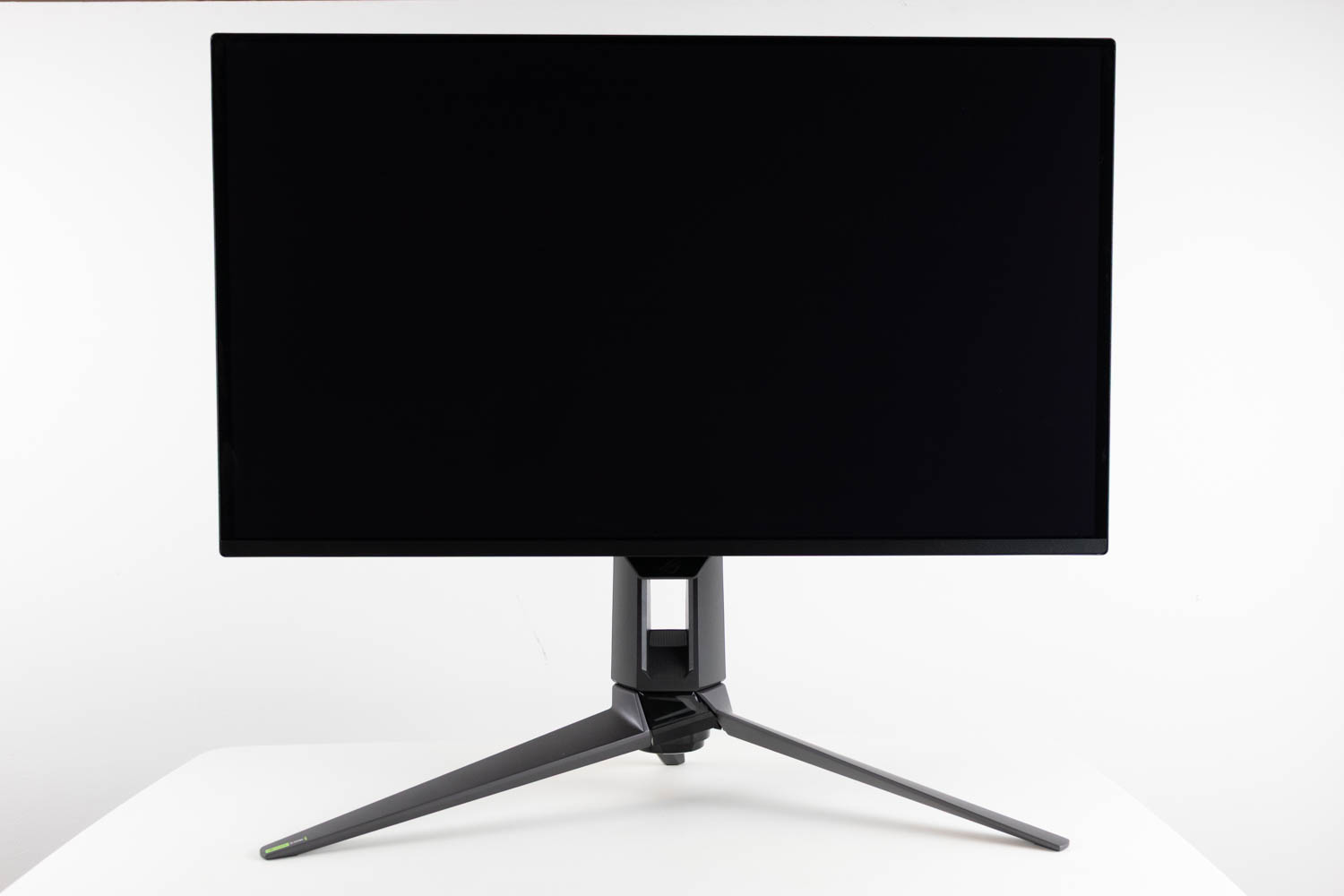
The height of the panel is also adjustable. In its lowest position, the distance from the desk to the bottom edge of the screen is 9.2 cm (3.62 in). Raise it all the way up, and that distance increases to 20.5 cm (8.07 in)—giving the monitor a total height adjustment range of 11.3 cm (4.44 in).
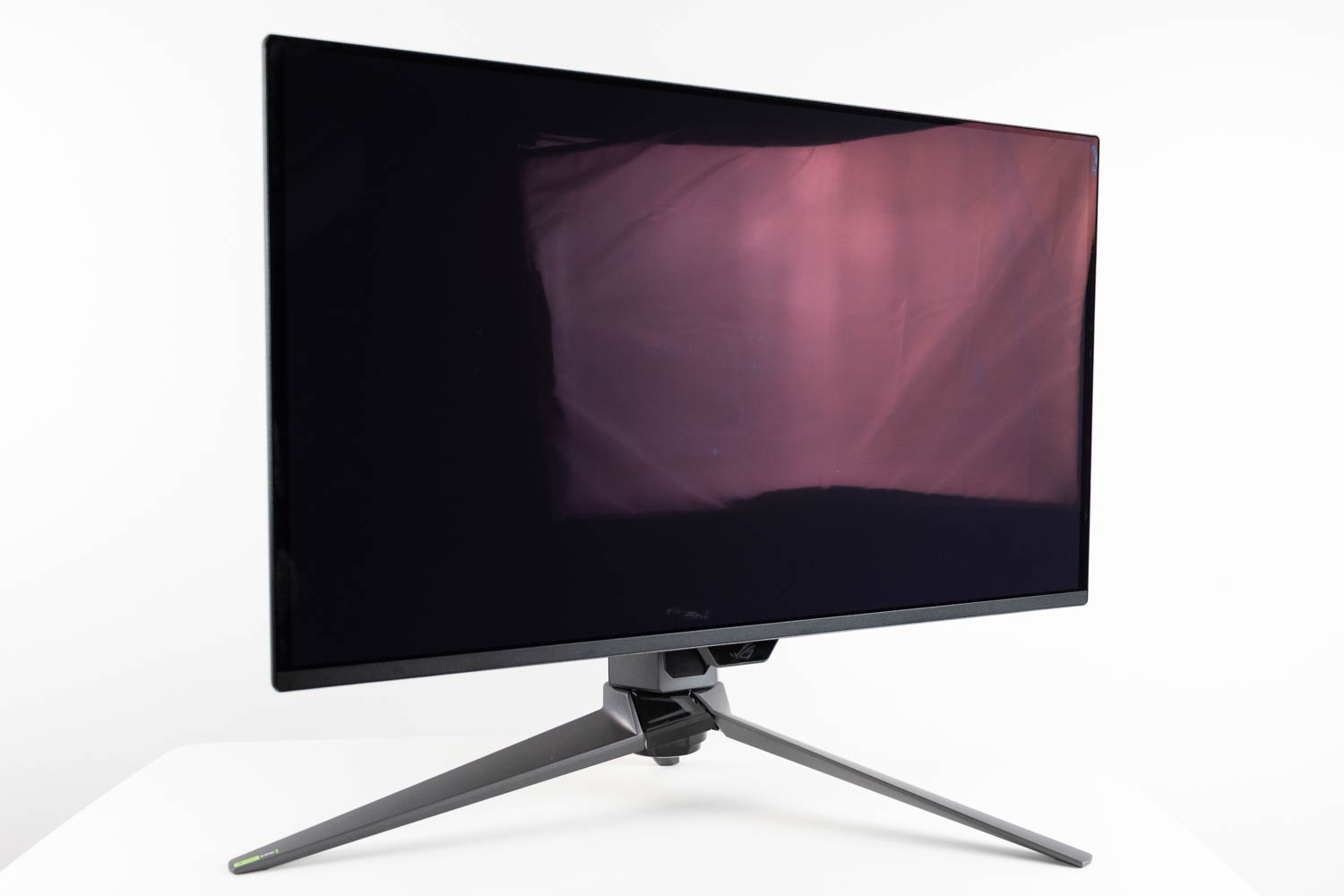
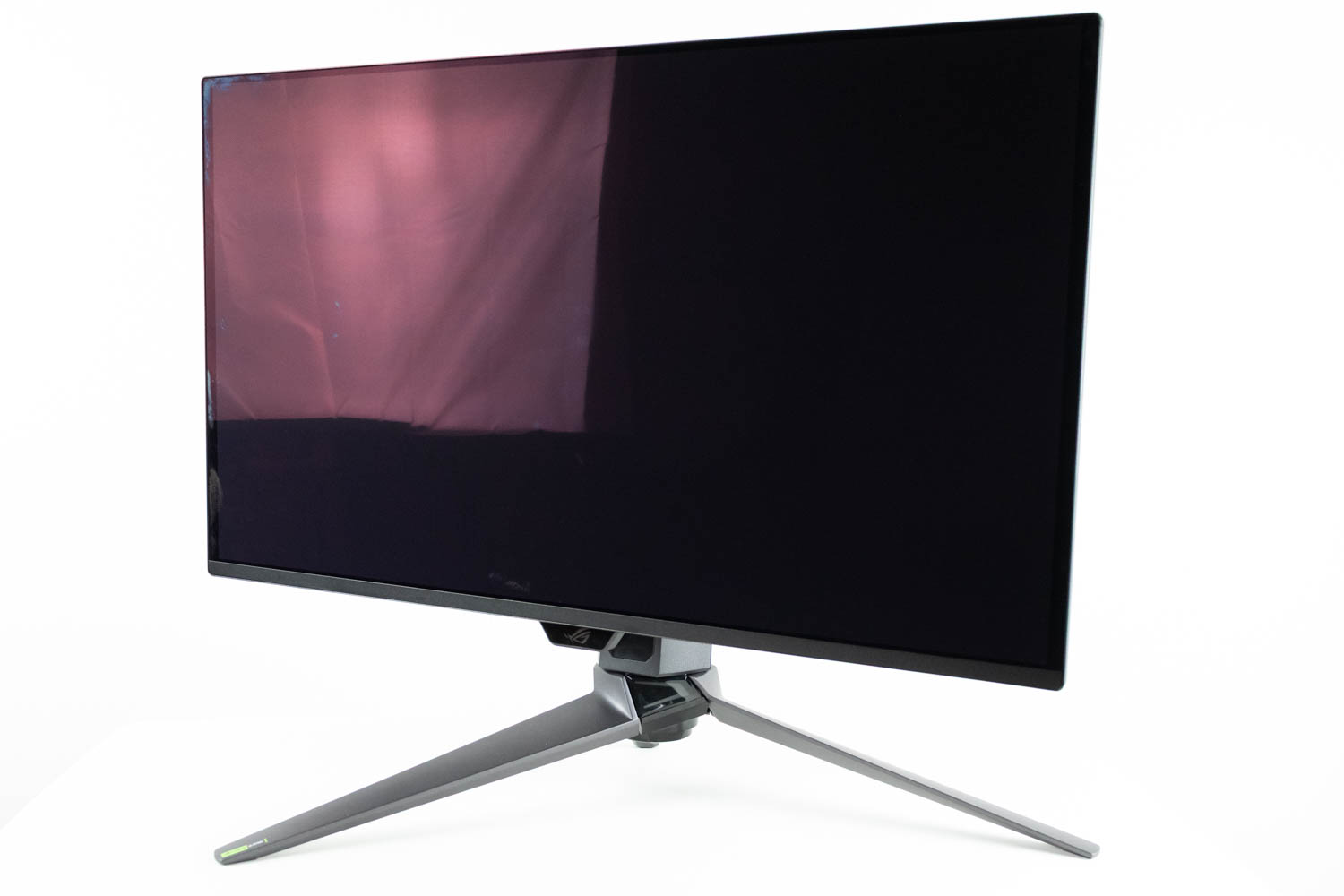
The swivel (left-to-right rotation) range comes out to ±30°.
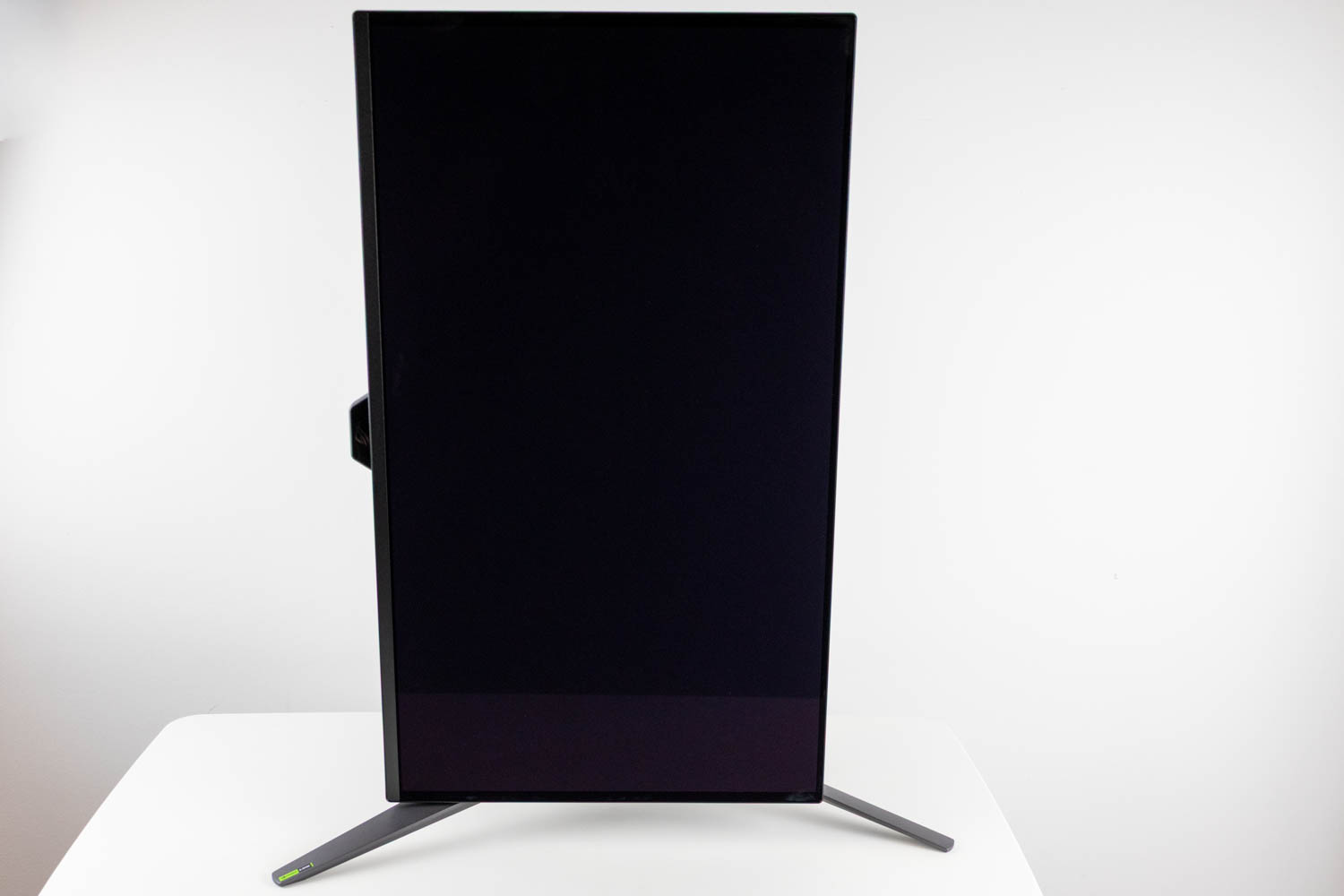
Finally, the panel can be pivoted by 90° in either direction.
Nov 17th, 2026 17:50 CST
change timezone
Latest GPU Drivers
New Forum Posts
- Local LLM General Discussion (693)
- ProArt X870E-CREATOR WIFI - Bifurcation~Complication (14)
- Asus ProArt P14 (RTX Spark) linux so far (4)
- Honestly, do you care about GTA VI? (132)
- Without Jensen, PC gaming will be (34)
- 9070 GRE 3.9ghz validation reached. (18)
- [testers wanted] Qsurfer My own QNAP Nas explorer/Search tool (6)
- Help with fixing Overclock (7)
- [Poll] 12V-2x6 Connector Protection: What Are You Using? (WireView / Ampinel / Equalizer / Other / Nothing) (27)
- What is the latest game you finished or 100% (204)
Popular Reviews
- Acemagic Retro X3 Review
- Corsair HX1000i Shift Crystal Review
- Upcoming Hardware Launches 2027 (Updated Nov 2026)
- AMD Zen 6 Technical Deep Dive
- ASUS ROG Strix B850-I Gaming Wi-Fi7 W Review
- Phantom Blade Zero Performance Benchmark Review - 35 GPUs Tested
- AMD Ryzen 7 9800X3D Review - The Best Gaming Processor
- Chieftec Iceberg PRO 360 DARK Review
- Montech King 95 3D PRO Review
- NZXT C1200 Platinum Review
TPU on YouTube
Controversial News Posts
- NVIDIA Co-Founder and CEO Jensen Huang Officially Resigns (457)
- Open Letter Asking NVIDIA to Reinstate Jensen Huang Passes 115,000 Signatures (184)
- OpenAI CEO Argues Home PCs Waste the World's Limited DRAM Supply (152)
- NVIDIA Launches Investigation Into Jensen Huang's Relationship With Suspected Chinese Spy (136)
- Report: Jensen Huang Eyes NVIDIA Comeback (135)
- Intel "Raptor Lake Next" 16-Core and 20-Core CPUs Surface (130)
- Legendary Game Studio BioWare Shuts Down Following EA Layoffs (104)
- Dell CEO Says the Memory Shortage Will Get Worse in 2027 (95)