 47
ASUS ROG Swift OLED PG27UCDM Review - 4K OLED Brilliance
Picture Quality, Uniformity & Viewing Angles »ASUS DisplayWidget Center
First and foremost, the ASUS ROG Swift OLED PG27UCDM can be used to its full potential without a single piece of installed software. If you want to use Aura Sync to synchronize its RGB effects with other compatible peripherals, you can install Armoury Crate to do so, but the "main" application—for those that choose to use it instead of the standard OSD—is called ASUS DisplayWidget Center.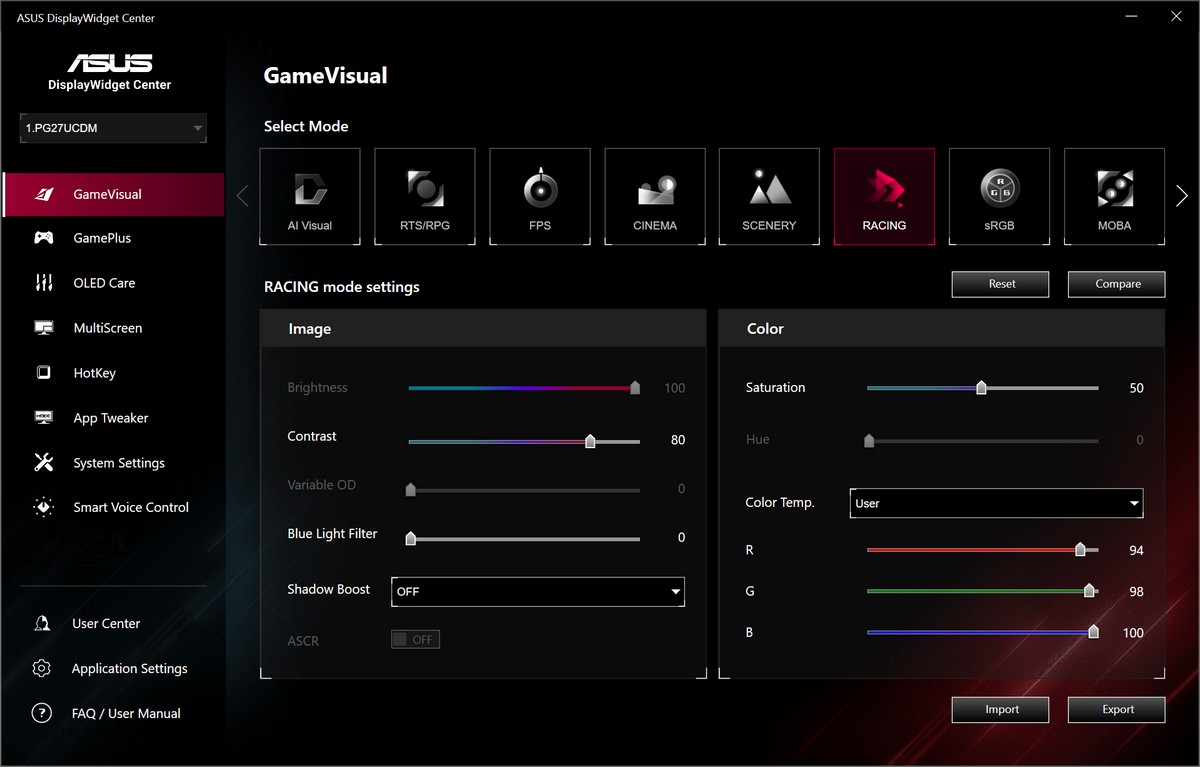
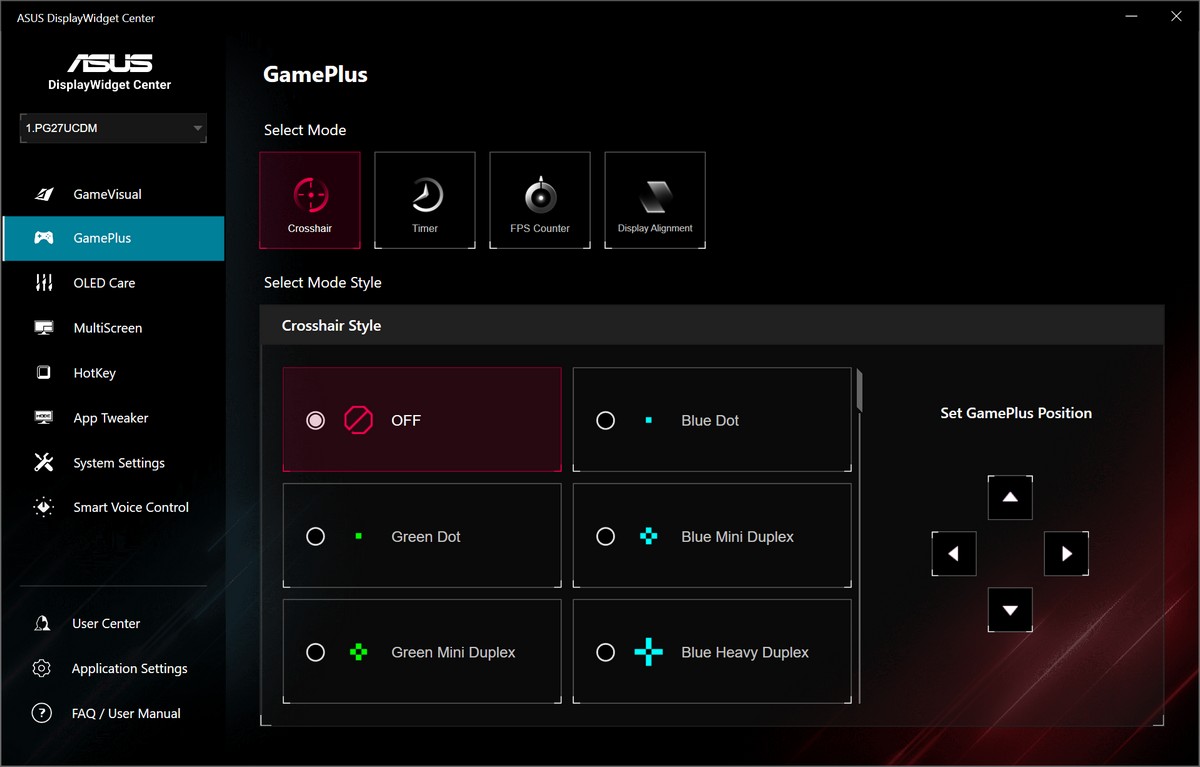
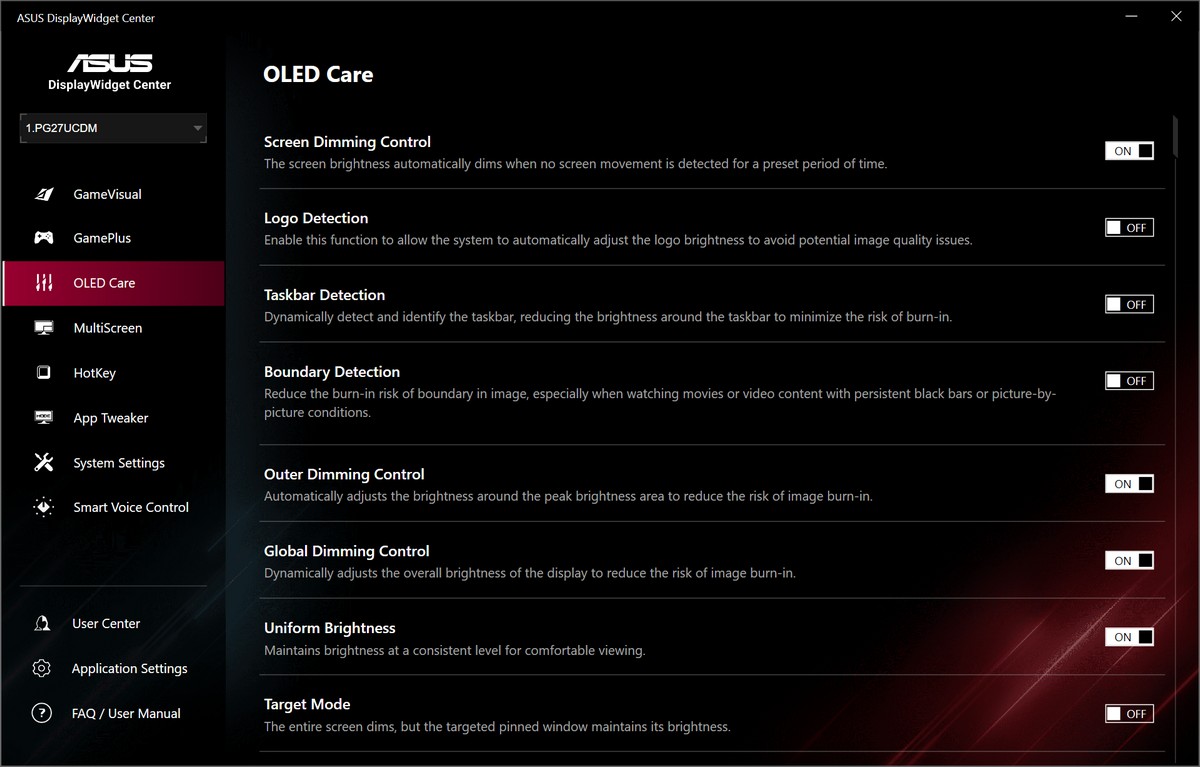

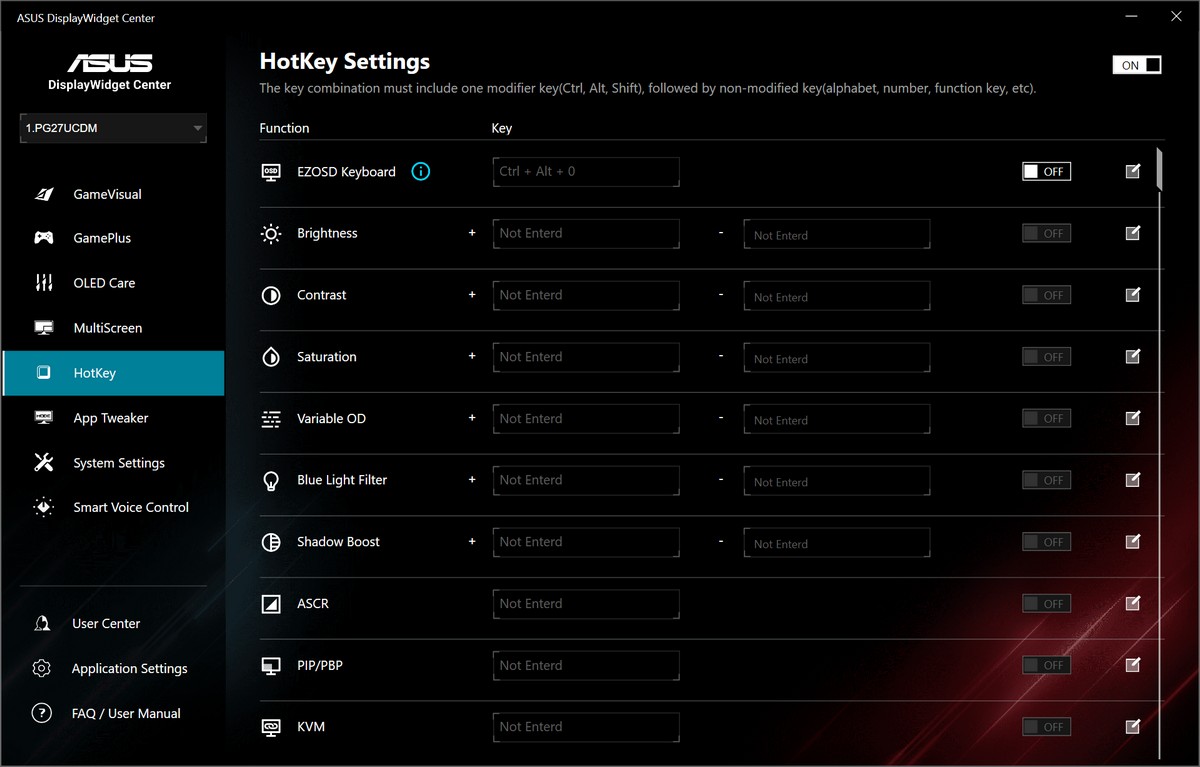
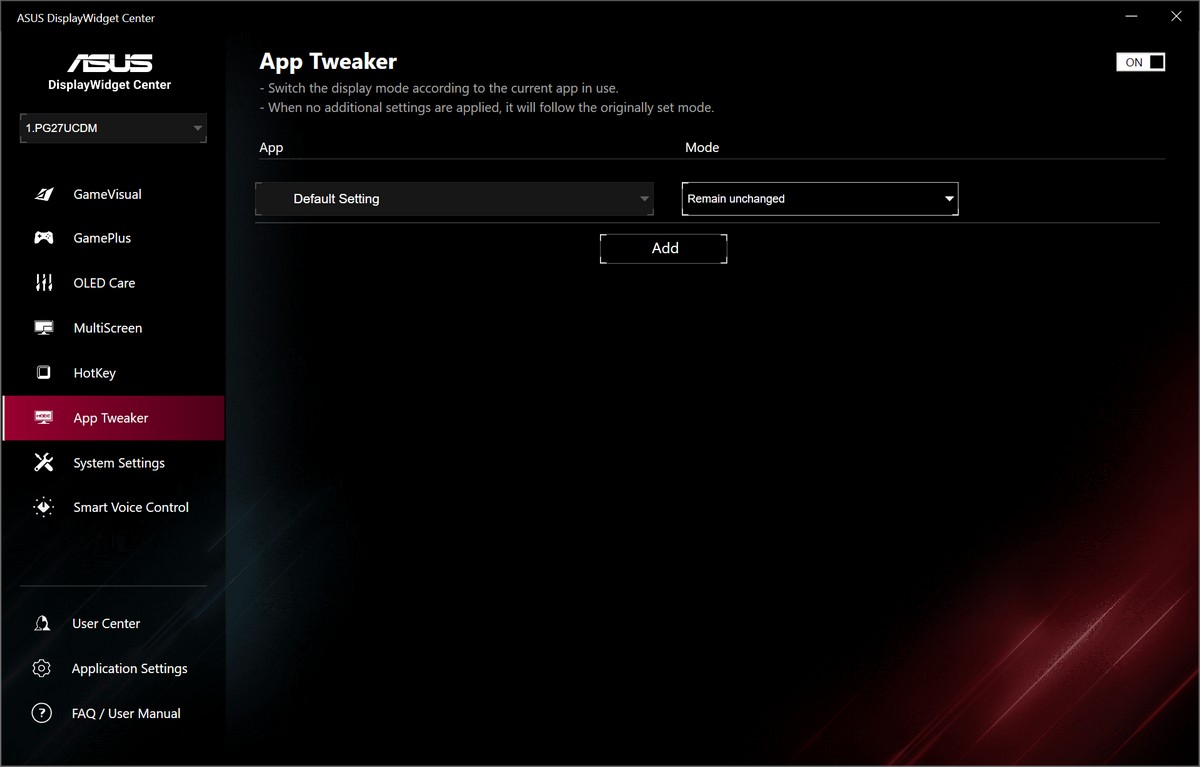

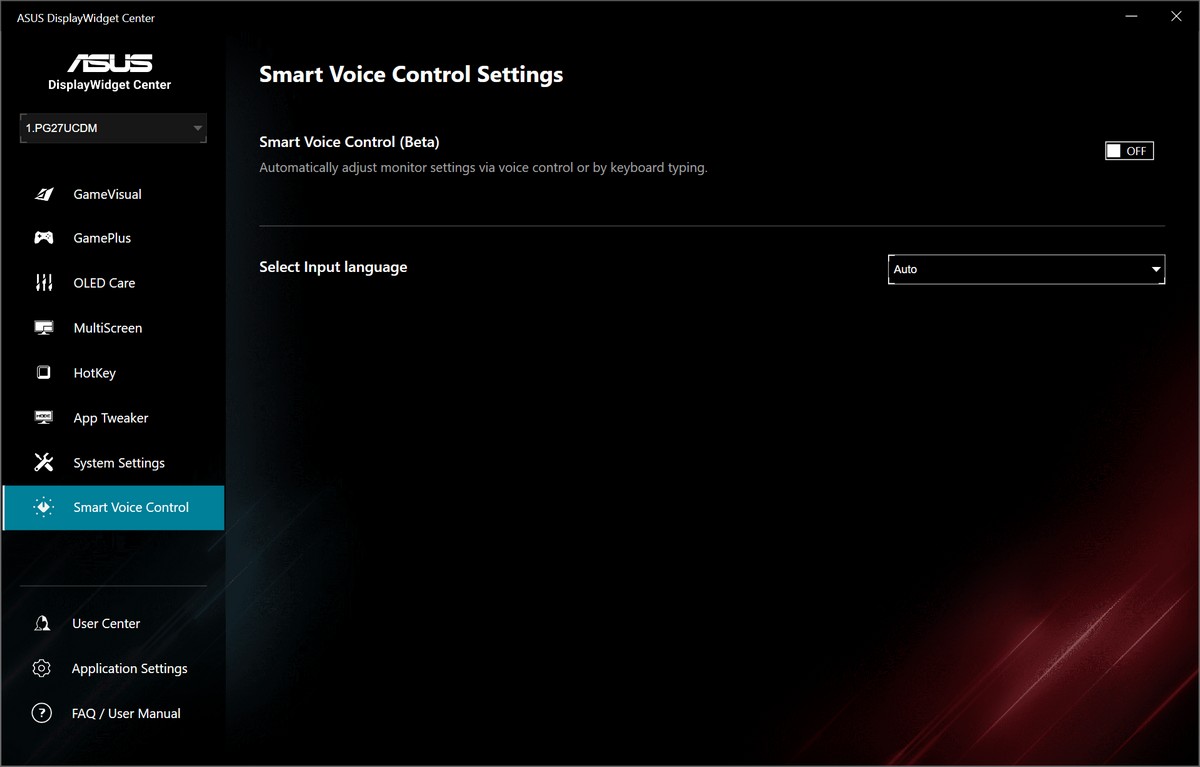
The DisplayWidget Center is essentially a Windows/macOS variant of the integrated on-screen display, with a couple of added features, such as the ability to add hotkeys to quickly access various monitor's features (brightness, saturation, shadow boost, blue light filter, PiP/PbP, KVM…), and to assign different picture profiles to desired apps. From experience, many users find this approach far less daunting than doing any changes within the OSD, although you're essentially tapping into the same settings, only through a slightly modified interface. If you don't plan to use hotkeys and per-app picture profiles, you're better off just using the OSD, as that's the only place where you have access to all the monitor's settings (for example, the DisplayWidget Center offers no gamma control).
Nov 17th, 2026 18:25 CST
change timezone
Latest GPU Drivers
New Forum Posts
- Honestly, do you care about GTA VI? (134)
- [testers wanted] Qsurfer My own QNAP Nas explorer/Search tool (7)
- Local LLM General Discussion (693)
- ProArt X870E-CREATOR WIFI - Bifurcation~Complication (14)
- Asus ProArt P14 (RTX Spark) linux so far (4)
- Without Jensen, PC gaming will be (34)
- 9070 GRE 3.9ghz validation reached. (18)
- Help with fixing Overclock (7)
- [Poll] 12V-2x6 Connector Protection: What Are You Using? (WireView / Ampinel / Equalizer / Other / Nothing) (27)
- What is the latest game you finished or 100% (204)
Popular Reviews
- Acemagic Retro X3 Review
- Upcoming Hardware Launches 2027 (Updated Nov 2026)
- AMD Zen 6 Technical Deep Dive
- ASUS ROG Strix B850-I Gaming Wi-Fi7 W Review
- Corsair HX1000i Shift Crystal Review
- Chieftec Iceberg PRO 360 DARK Review
- AMD Ryzen 7 9800X3D Review - The Best Gaming Processor
- Phantom Blade Zero Performance Benchmark Review - 35 GPUs Tested
- Montech King 95 3D PRO Review
- NZXT C1200 Platinum Review
TPU on YouTube
Controversial News Posts
- NVIDIA Co-Founder and CEO Jensen Huang Officially Resigns (458)
- Open Letter Asking NVIDIA to Reinstate Jensen Huang Passes 115,000 Signatures (184)
- OpenAI CEO Argues Home PCs Waste the World's Limited DRAM Supply (152)
- NVIDIA Launches Investigation Into Jensen Huang's Relationship With Suspected Chinese Spy (136)
- Report: Jensen Huang Eyes NVIDIA Comeback (135)
- Intel "Raptor Lake Next" 16-Core and 20-Core CPUs Surface (130)
- Legendary Game Studio BioWare Shuts Down Following EA Layoffs (104)
- Dell CEO Says the Memory Shortage Will Get Worse in 2027 (95)