 35
ASUS ROG Xbox Ally X Review
Cooling & Thermals »Display and Audio

The ASUS ROG Xbox Ally X features the same 7-inch, 120 Hz, 1080p display with VRR support found on older ROG Ally devices. Back in 2023, when the first ROG Ally came out, this screen was considered very good to excellent. Nowadays though, we can only call it decent.
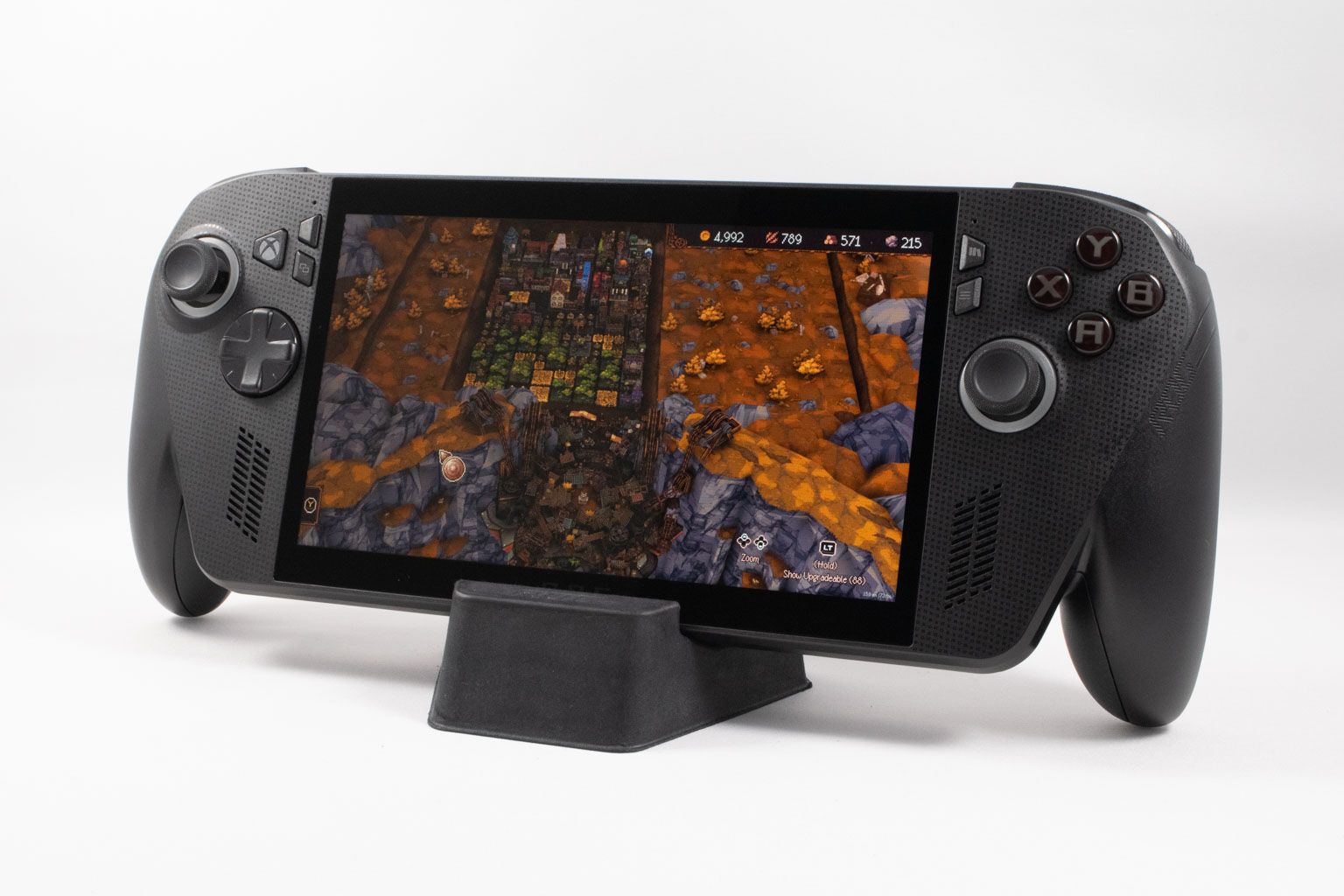
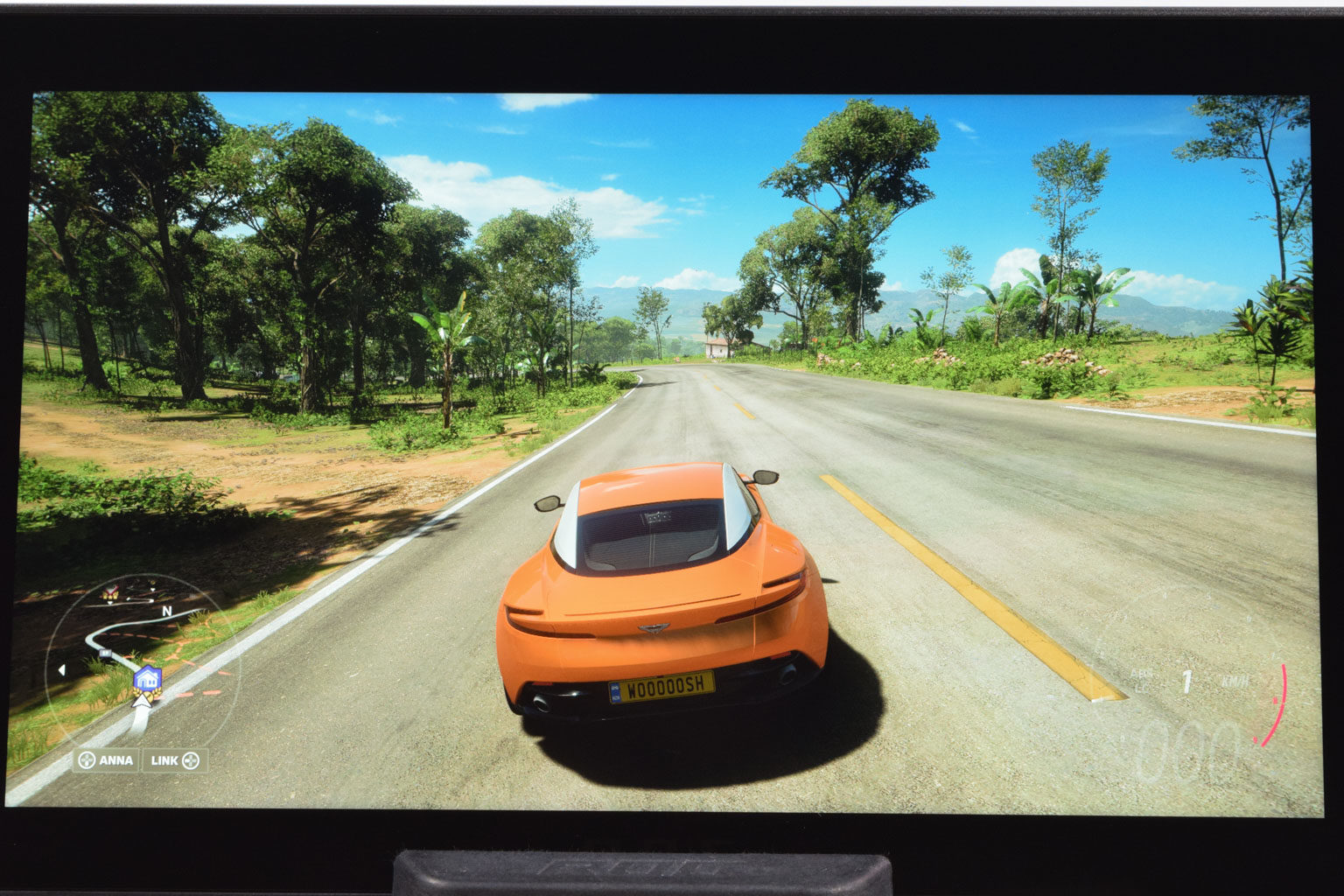
Don't get us wrong; the screen doesn't have any significant weaknesses. But on the other hand, it doesn't have any standout features either. The max brightness is decent but could've been just a tad higher, colors are nice and saturated (the screen has 100% sRGB coverage), the 120 Hz refresh rate works great with less demanding 3D and 2D games, especially when coupled with VRR and low frame compensation, and the motion performance is excellent.
But we didn't get wowed by the brightness or vivid colors, nor the size, like we did with the MSI Claw 8. There's also no HDR support, inky blacks, nor infinite contrast like on the Lenovo Legion Go 2.
With all that said, we do understand why ASUS opted for the same screen. Since the Xbox Ally X costs the same as the ROG Ally X (at least in countries that don't have to deal with the tariffs), ASUS likely cut corners wherever possible to offer the new device at the price of its predecessor, with the screen being one of the victims.

There's also the size issue. While not a deal-breaker, 7-inch screens are slowly falling out of favor with handheld gamers, especially now that even the Switch 2 offers a massive 7.9-inch display. Personally, we don't mind the size; 7-inch is fine for us, and while we prefer the 8-inch screen on the MSI Claw 8, the 7-inch panel on the ROG Xbox Ally X is large enough to be immersive for games and to read small text.
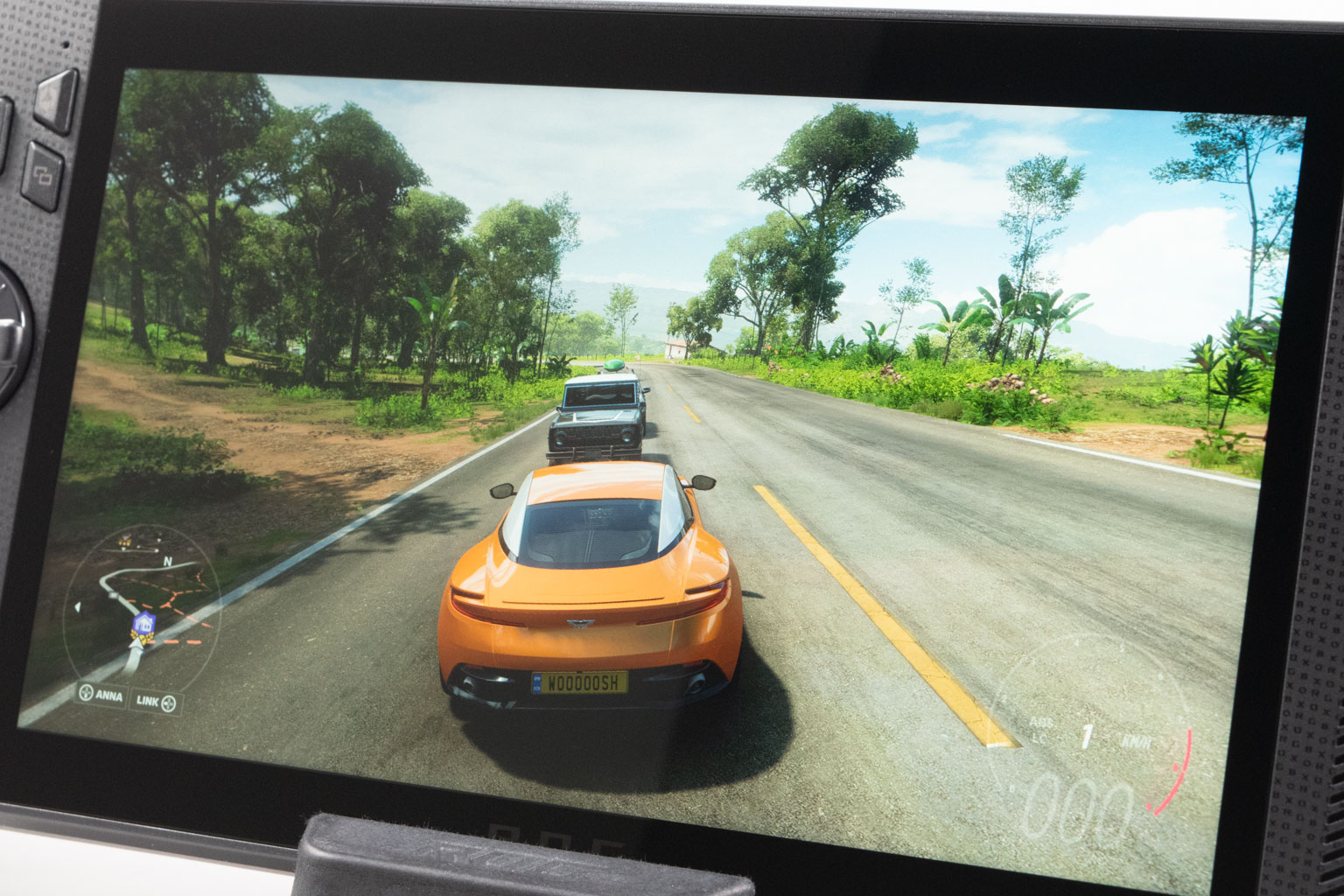
However, given the thick bezels and the increased height and width compared to the Ally X, we reckon ASUS could offer a refresh in the vein of the ROG Ally X in about a year or so, packing an 8-inch screen—perhaps even an OLED panel—at a slightly higher price. Just do what Valve did with the Steam Deck OLED—opt for an OLED panel and reduce the bezels—and we're pretty sure ASUS could fit an almost-8-inch panel with a minimum or no increase in the overall footprint.
During my testing, I usually kept the screen at 100% during the day and dropped it to around 80% at night. The issue here is that going from 100% to even 80% brightness presents a steep drop in perceived brightness. If anyone from ASUS is reading this, please consider fine-tuning the brightness slider to provide a more balanced adjustment. The good news is that the minimum brightness is low enough to enjoy gaming in bed without worrying about waking up or bothering your partner.
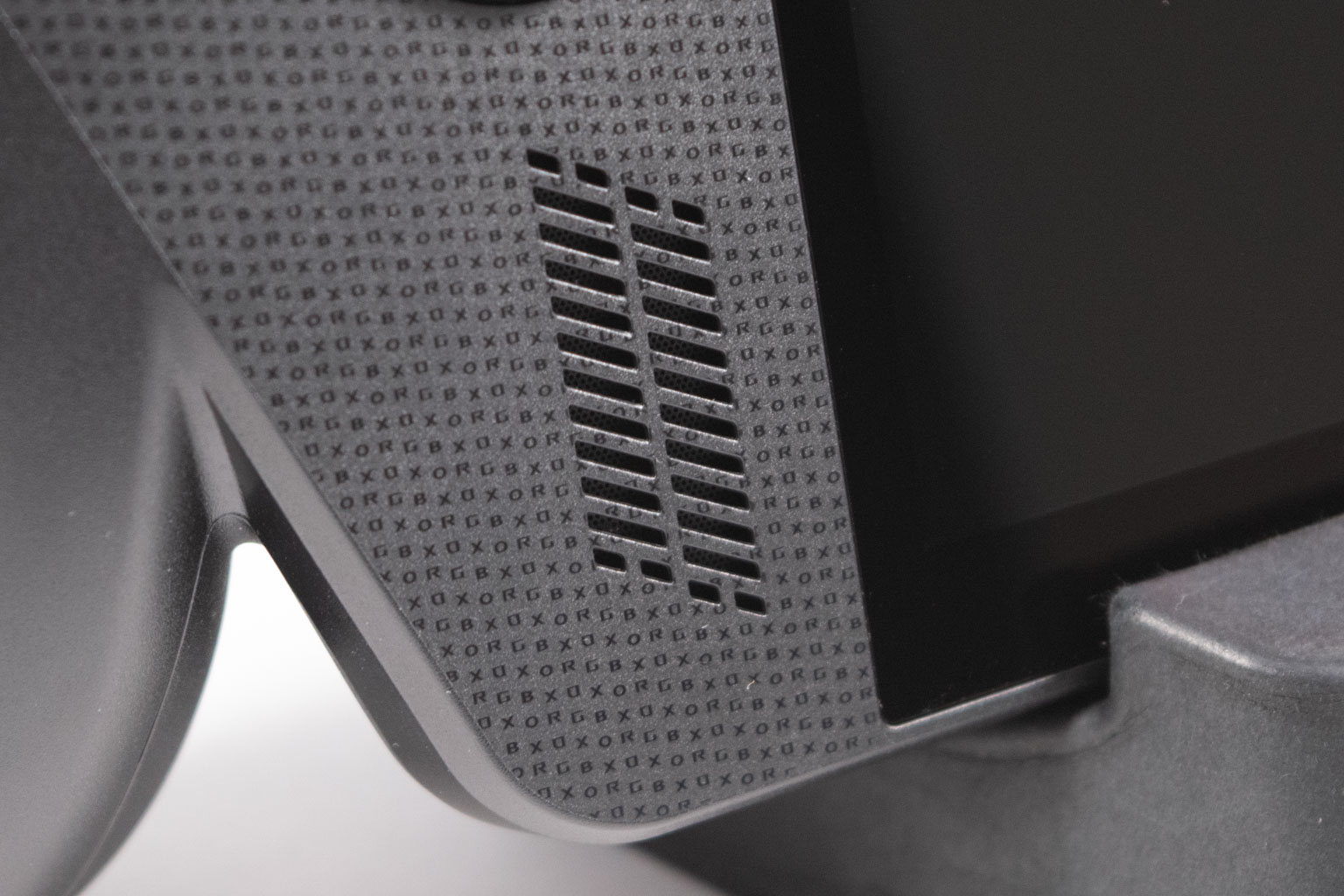
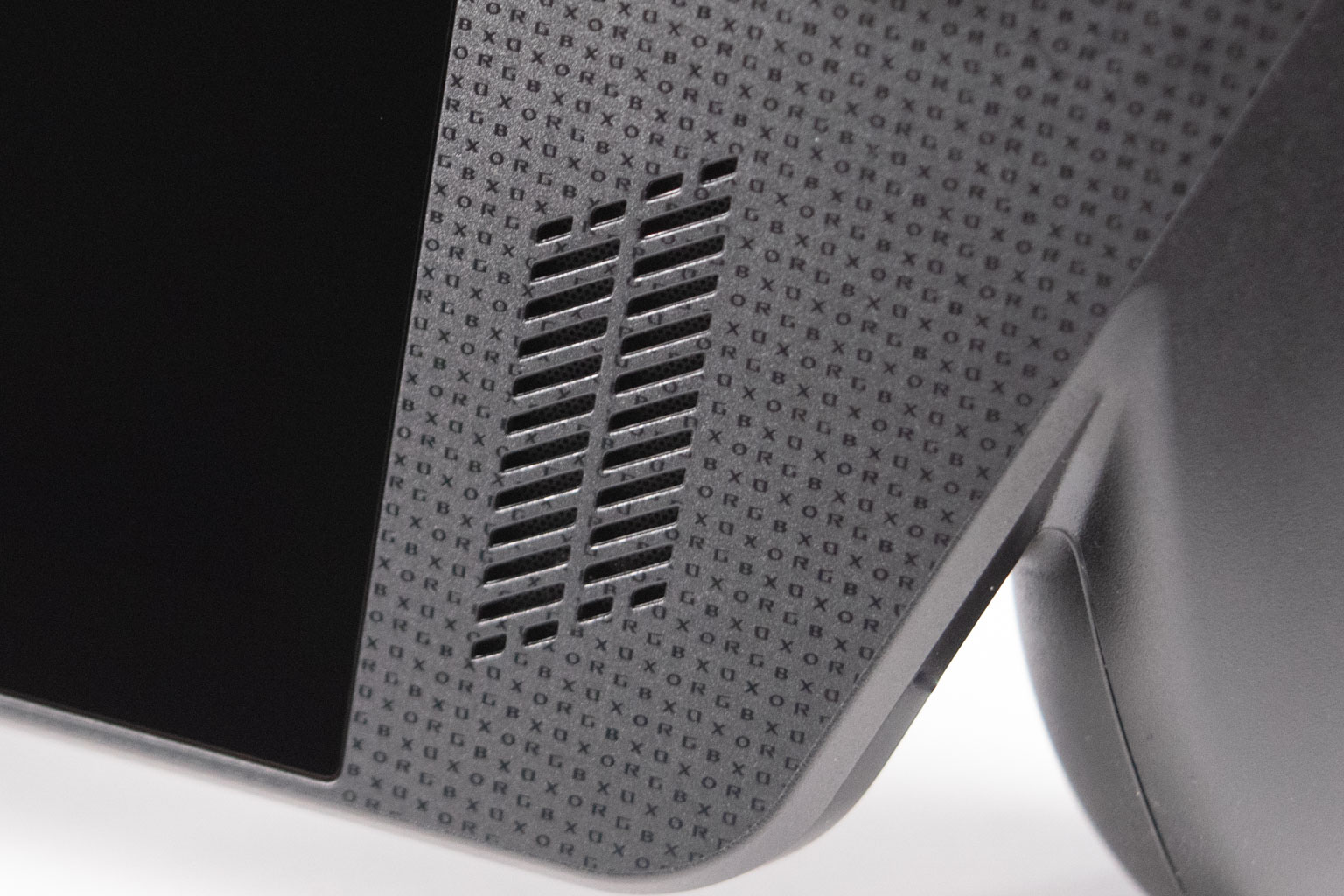
Conversely, the speakers are a massive step forward compared to the ones on the ROG Ally X. These speakers are arguably the best sound system on the handheld PC market. They're just as good, if not better, than the ones on the MSI Claw 8, due to having much better stereo separation.
Honestly, aside from the lack of bass—an issue found on virtually every audio setup on handhelds and laptops, except on some high-end Windows laptops and MacBooks—we cannot find any flaws in them. They emit clear, distortion-free sound even at the highest volume levels, are very loud, have unmatched stereo separation, and offer impressive sound quality for a pair of handheld PC speakers.
Similar to my time testing the MSI Claw 8, I never had to increase the volume above 40%, usually keeping it between 30% and 36%, and around 20% during the night. On the other hand, I usually kept the volume at 40% or higher when gaming on the ROG Ally X, even at night.
Nov 23rd, 2026 07:19 CST
change timezone
Latest GPU Drivers
New Forum Posts
- RAM overclock cause worse feeling than JEDEC (4)
- UPS what one to get? (50)
- What are you playing? (26242)
- Increasing Power Limit? (11)
- Battlefield 6 (964)
- Your PC ATM (36461)
- repair an NVIDIA Quadro M4000 (3)
- GTA VI (23)
- Honestly, do you care about GTA VI? (272)
- Youtube channel video downloader, not playlist. (2)
Popular Reviews
- Microsoft Surface Laptop Ultra Review - The Next-gen Arm Laptop
- Corsair RM1200e (Second Generation) Review
- Upcoming Hardware Launches 2027 (Updated Nov 2026)
- Pulsar Office Tour & First Look at P1 Dual-Sensor Mouse
- Ugreen NASync DXP4800 GT Review
- AMD Ryzen 7 9800X3D Review - The Best Gaming Processor
- AMD Zen 6 Technical Deep Dive
- Phantom Blade Zero Performance Benchmark Review - 35 GPUs Tested
- AMD Ryzen 7 5800X3D 10th Anniversary Review
- Biwin Black Opal NV7400 2 TB Review
TPU on YouTube
Controversial News Posts
- NVIDIA Co-Founder and CEO Jensen Huang Officially Resigns (492)
- Report: Jensen Huang Eyes NVIDIA Comeback (269)
- Open Letter Asking NVIDIA to Reinstate Jensen Huang Passes 115,000 Signatures (184)
- OpenAI CEO Argues Home PCs Waste the World's Limited DRAM Supply (152)
- NVIDIA Launches Investigation Into Jensen Huang's Relationship With Suspected Chinese Spy (136)
- Intel "Raptor Lake Next" 16-Core and 20-Core CPUs Surface (130)
- NVIDIA GeForce RTX 50-Series Scheduled for up to $500 Price Hike This Week (89)
- Intel Razor Lake Gets a 12 P-Core bLLC Chip With No E-Cores, Per Leak (86)