 9
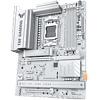
ASUS TUF Gaming B850-Pro Wi-Fi7 W Neo Review
Board Software »BIOS Overview
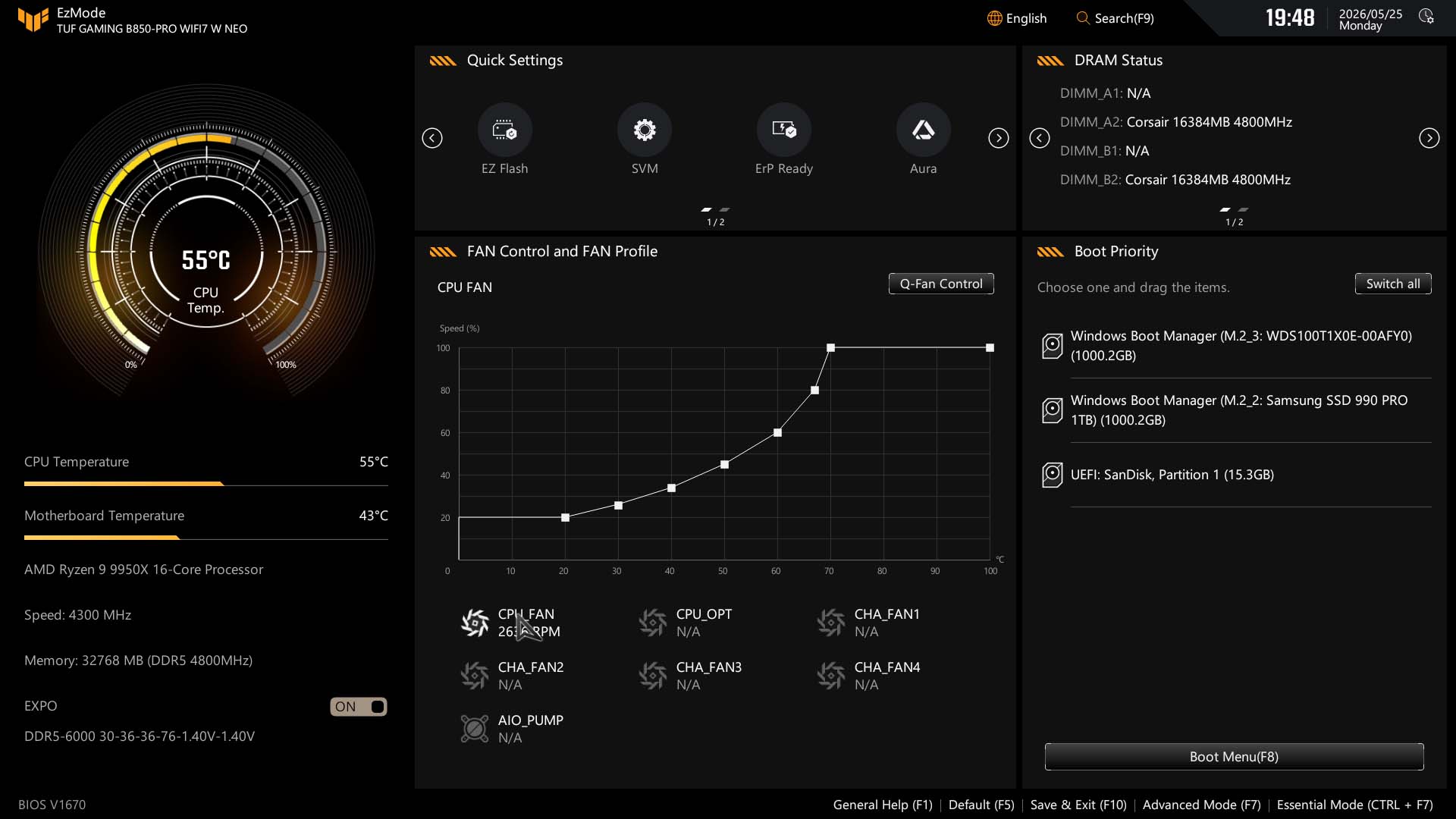
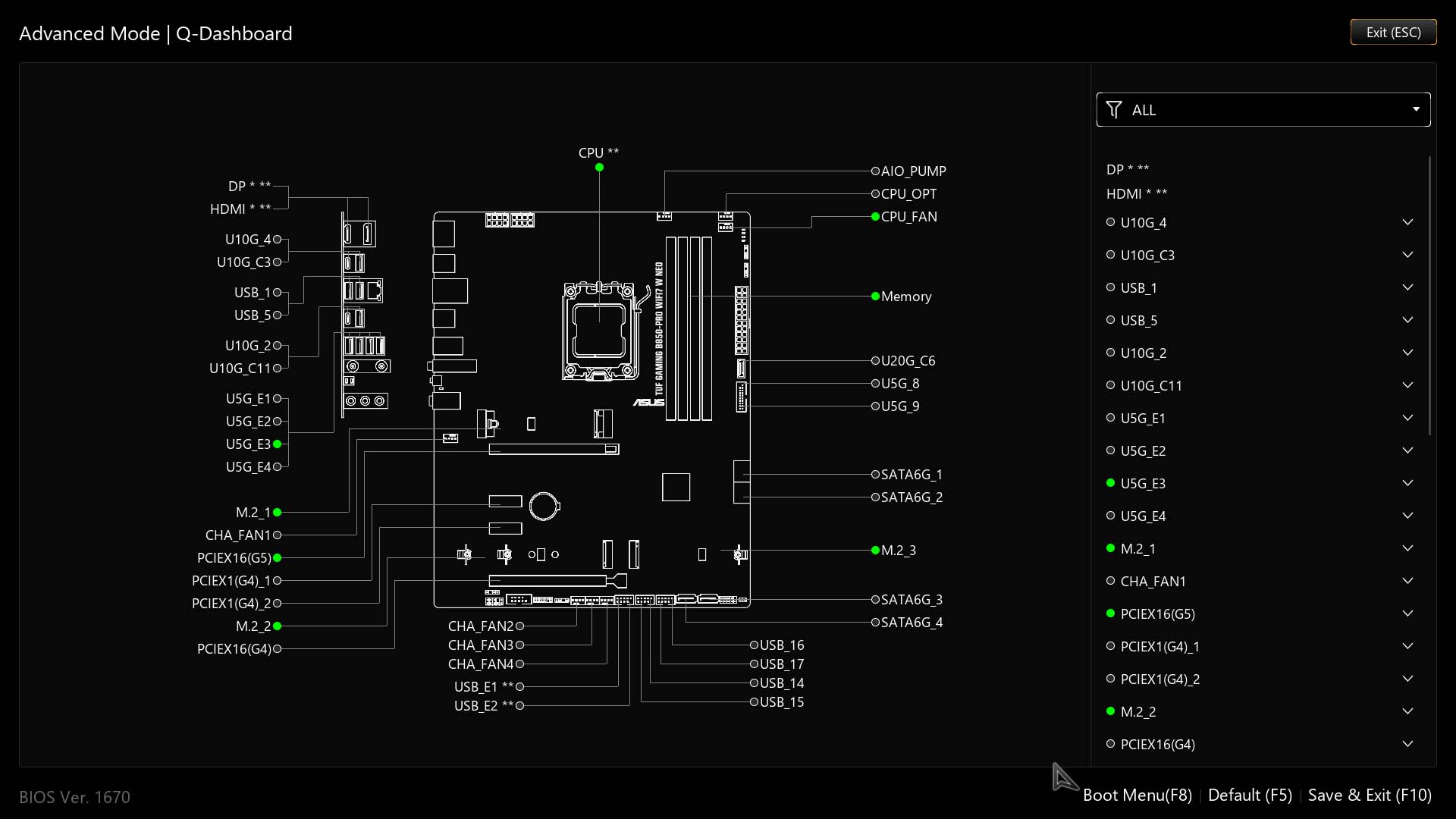
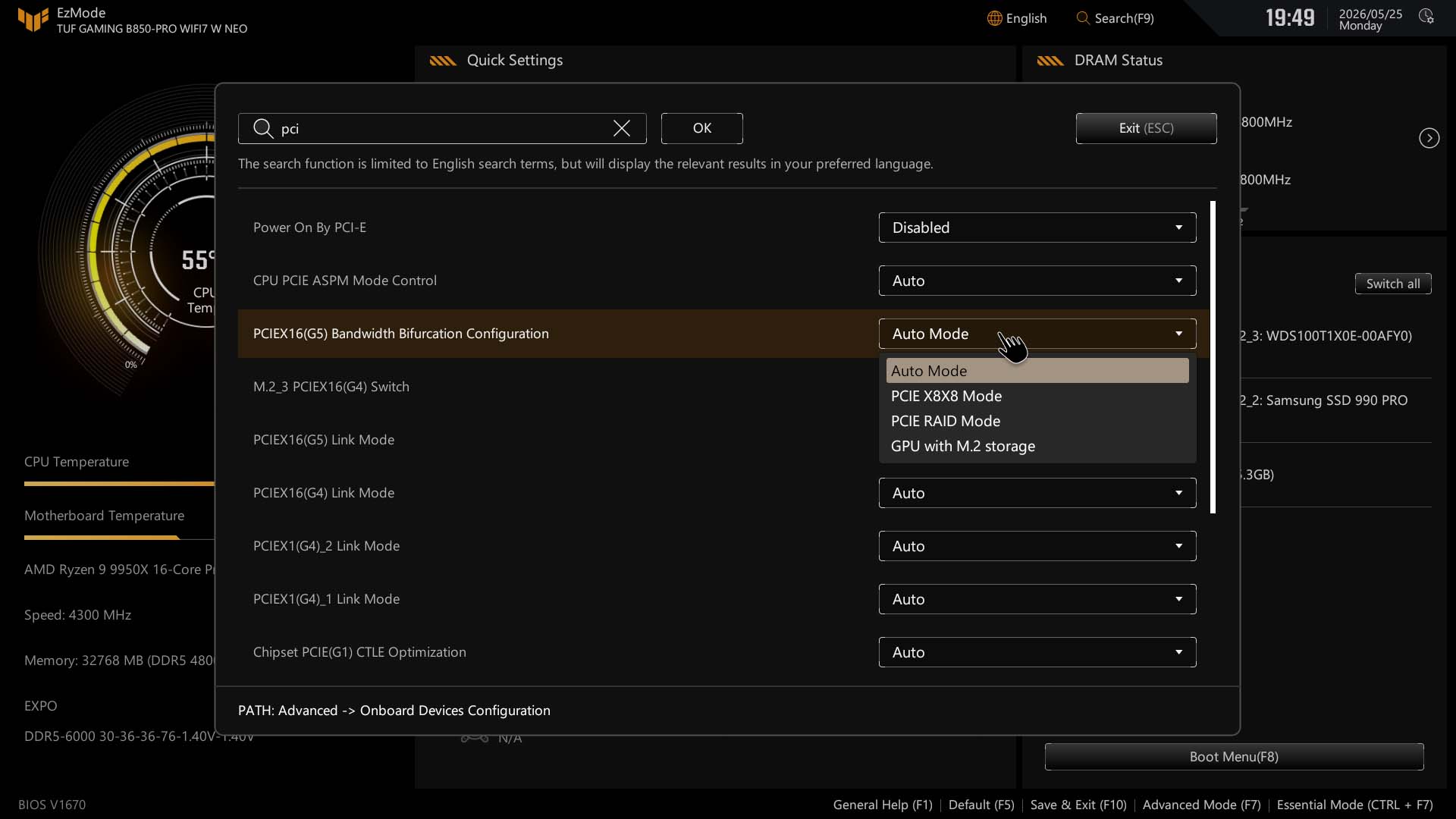
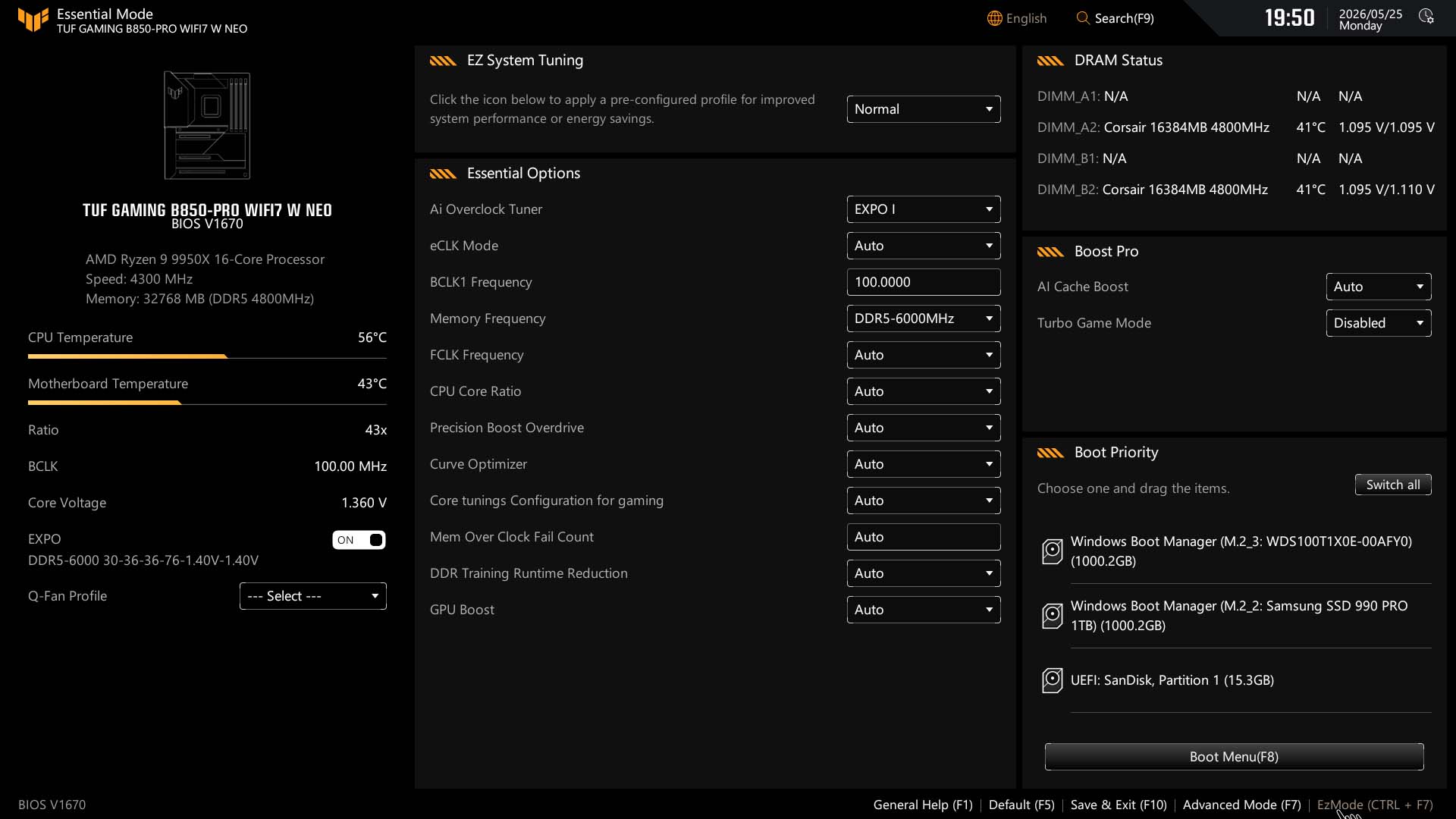
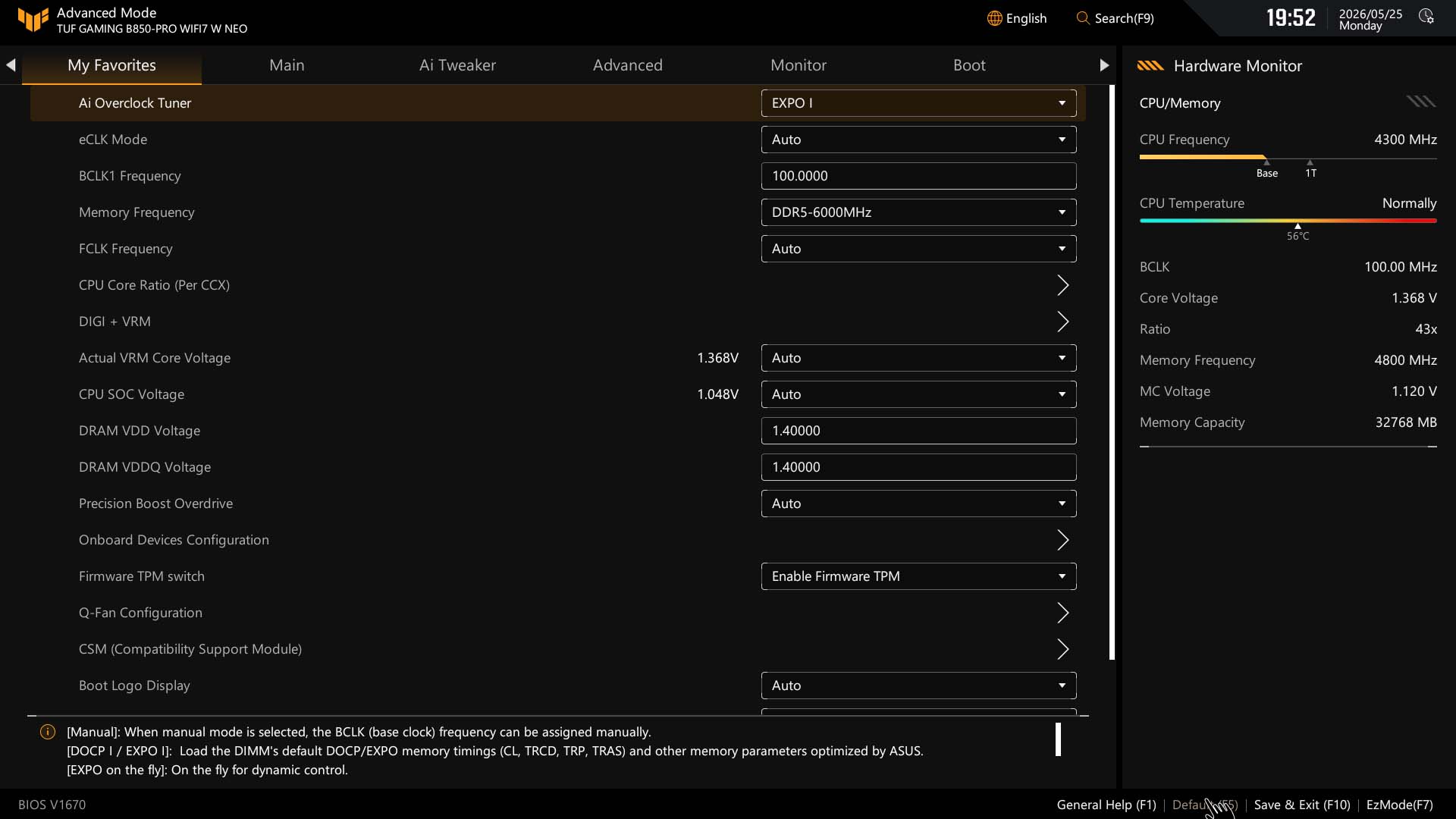
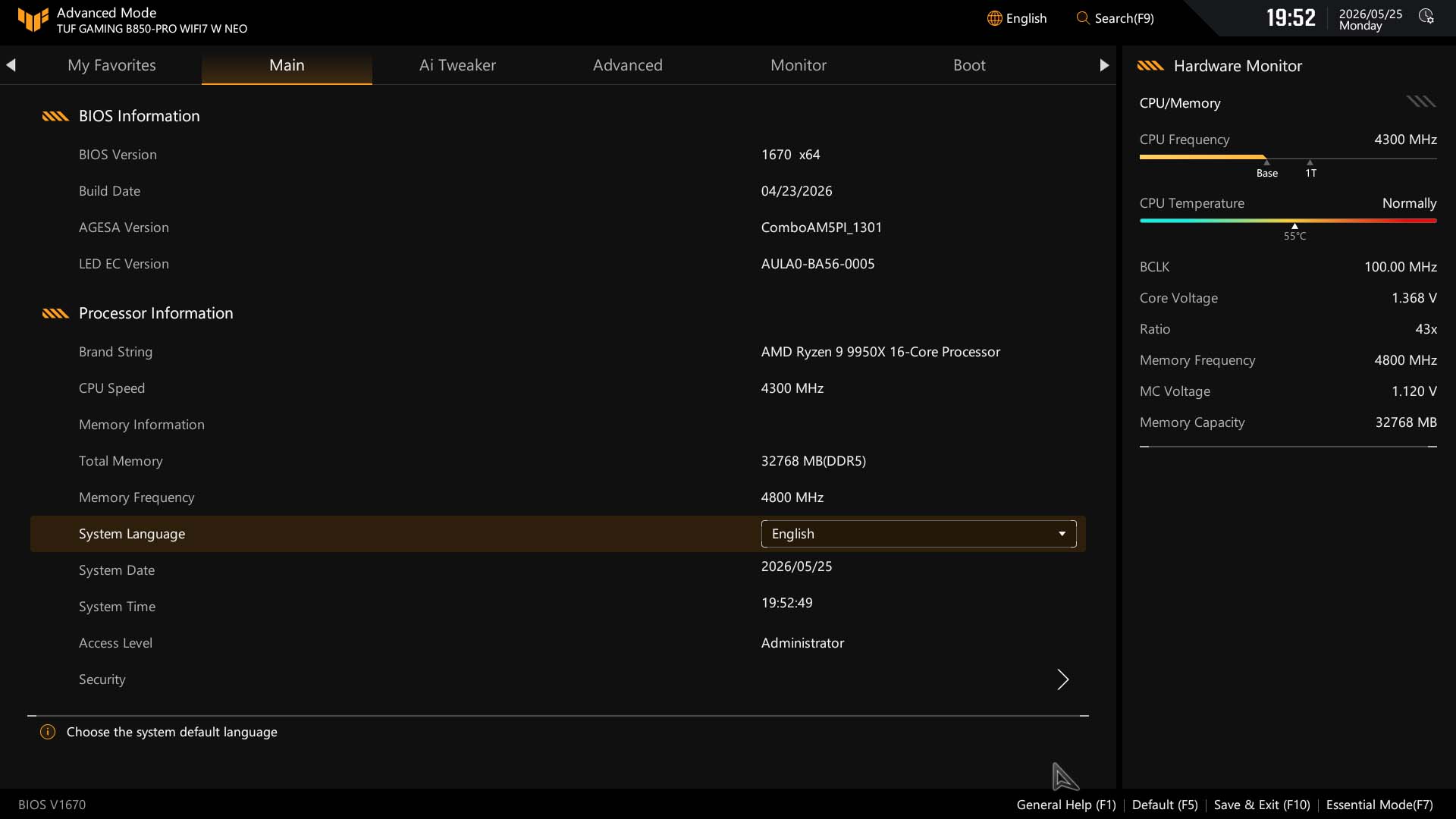
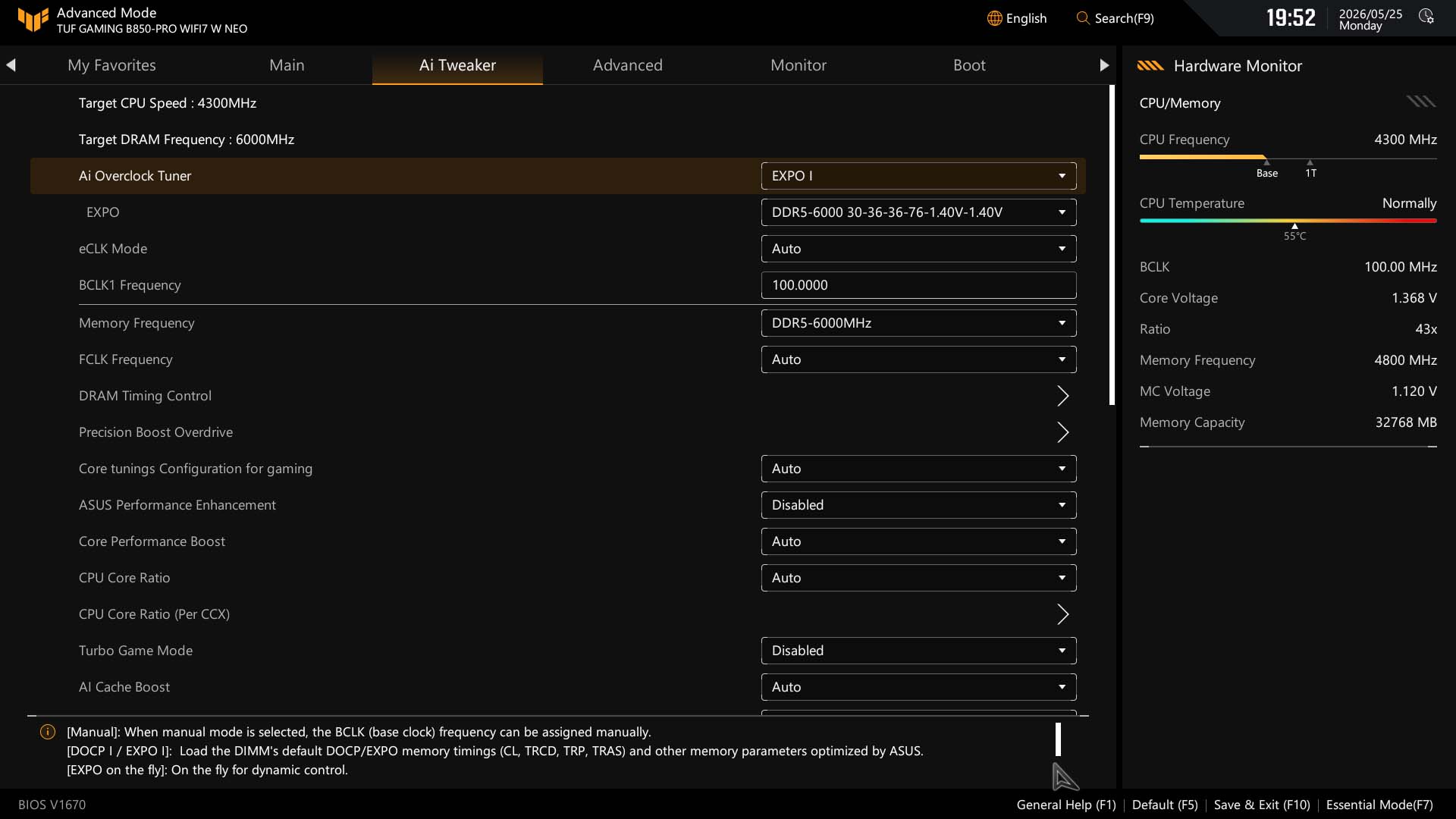
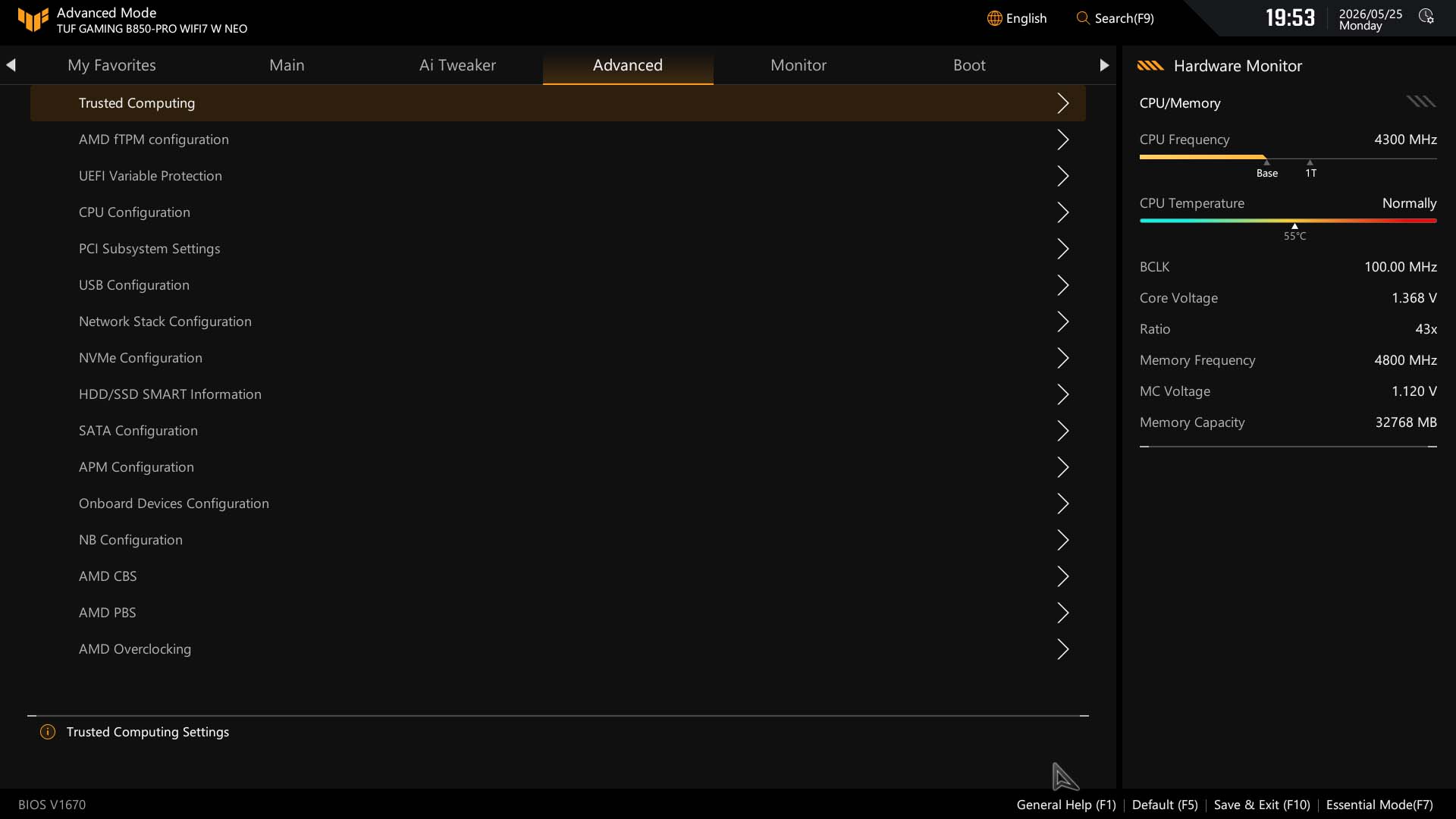
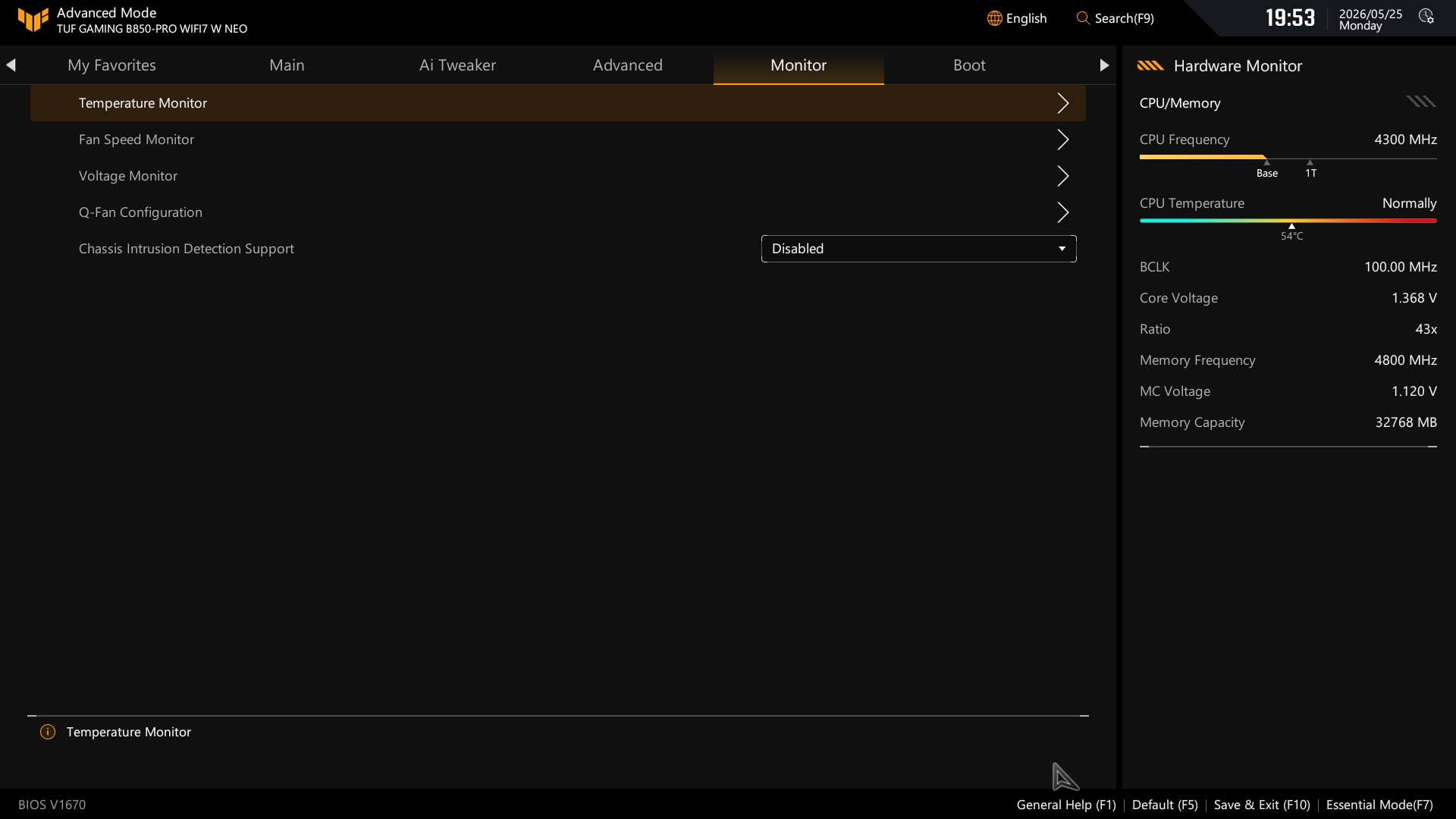
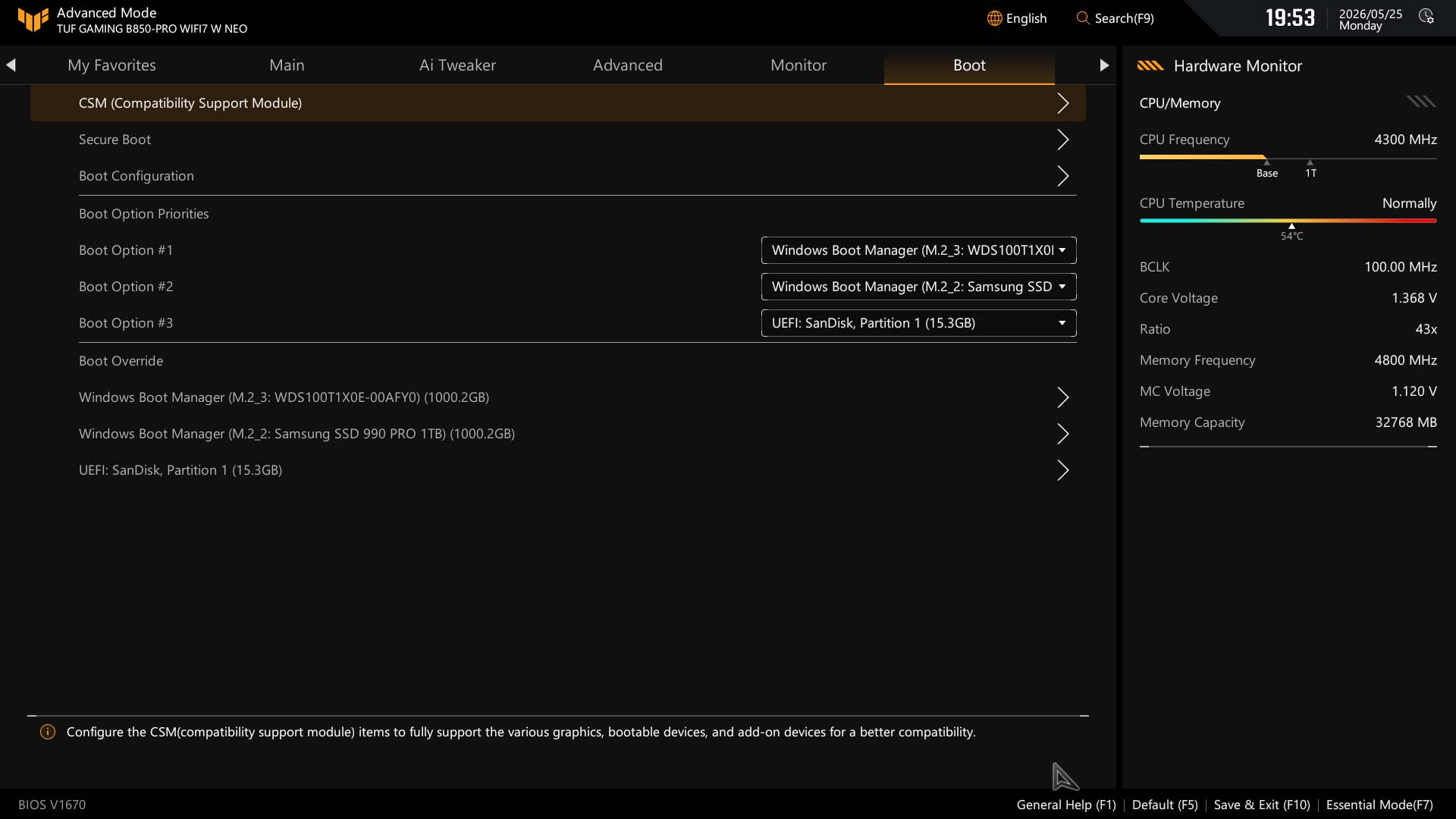
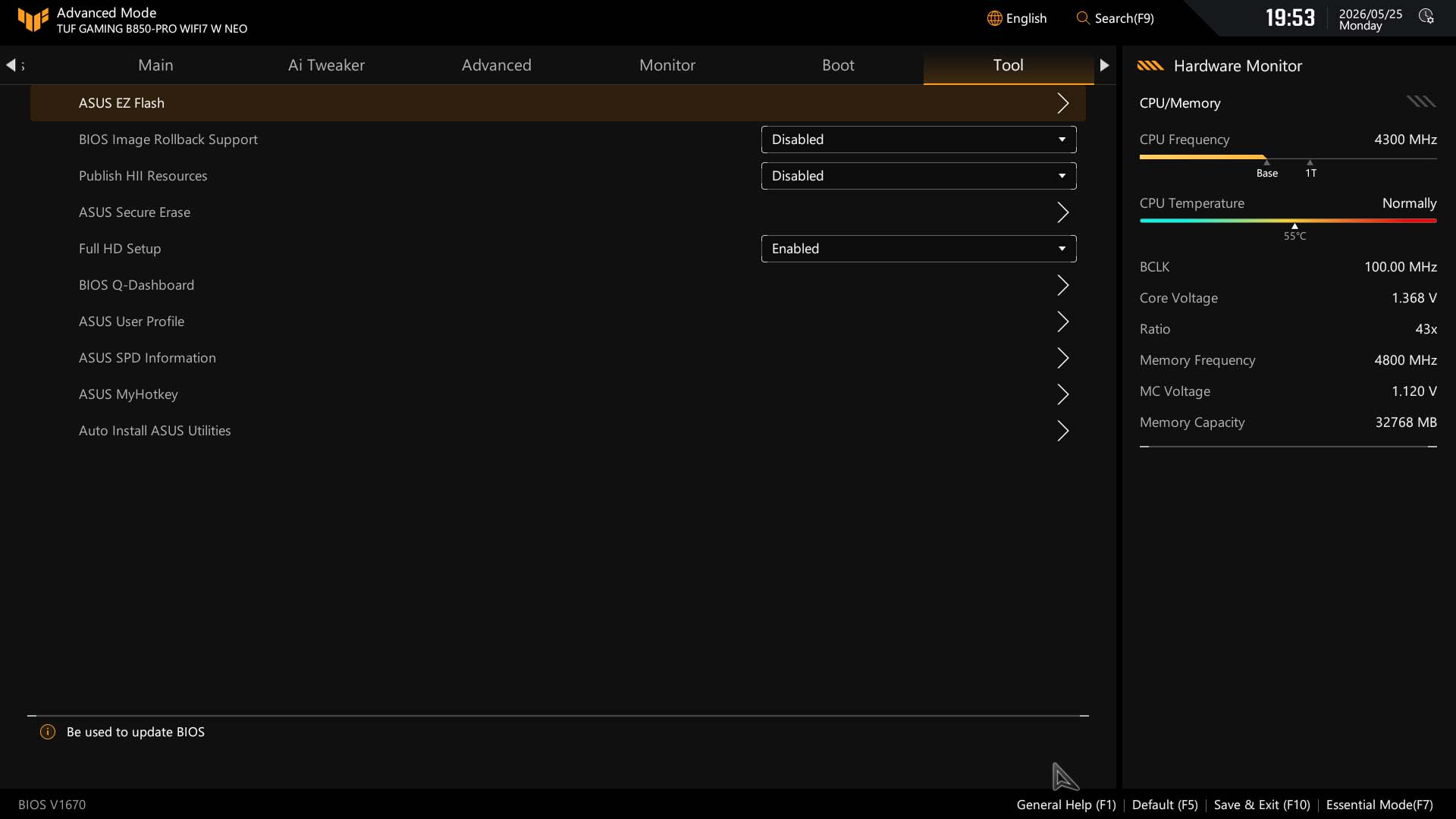
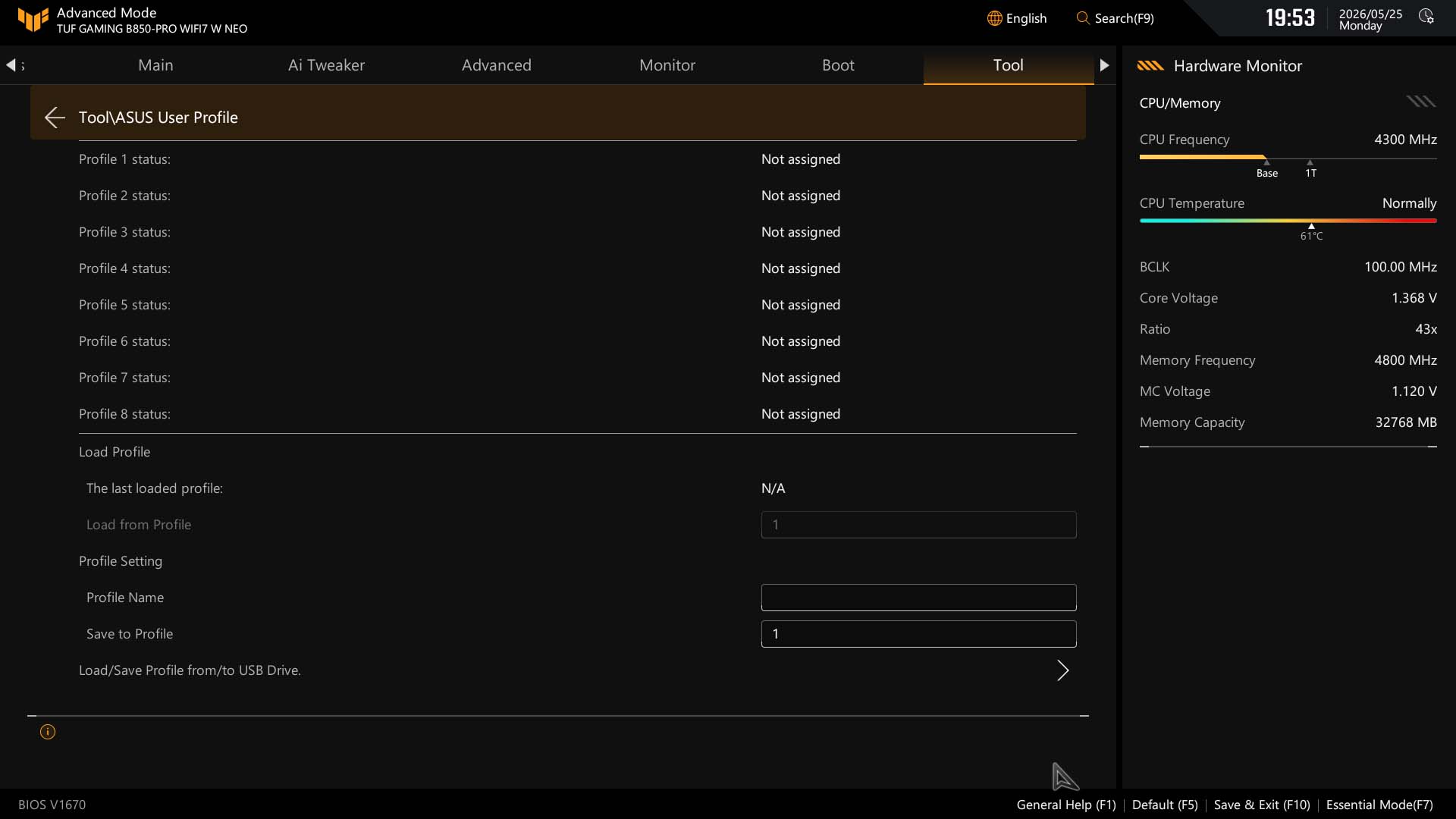
As well as the Wi-Fi driver being integrated into the new 512 Mbit (64 MB) BIOS, ASUS has recently given its EFI a minor overhaul with some positive and negative changes here. The goal was to make it more accessible to newcomers while maintaining its appeal to more experienced users. The EzMode page is what you're met with first, but there's now an additional mode between this and advanced called Essential mode, which provides easy access to core overclocking functions including base clock adjustment, PBO, Curve Optimizer and the like. However, one of the best features isn't easily accessible from any of these pages, which is Q-Dashboard - it's a live motherboard map of connected hardware and port labels. This gives a great overview of what's currently connected, but by clicking on many options, you're taken straight through to that option's page in the EFI. This surely should have made the list to include on the EzMode page, and it's also a unique feature ASUS has over the competition. As it stands, you now have to head to the Tools menu to find it.Otherwise, this mode has direct links to setting memory profiles, fan control, boot priority search and also a new Quick Settings bar where you can cycle through various options. It would be useful to customize this section, but as yet, we've not found the option to elsewhere. In short, some areas are more accessible, but others have taken a step backwards; but there is promise. The search mode has the ability to adjust options within the search window so prevents the need to be taken deep into the menus, making it much quicker to adjust a bunch of options, so long as you know what they're called of course.
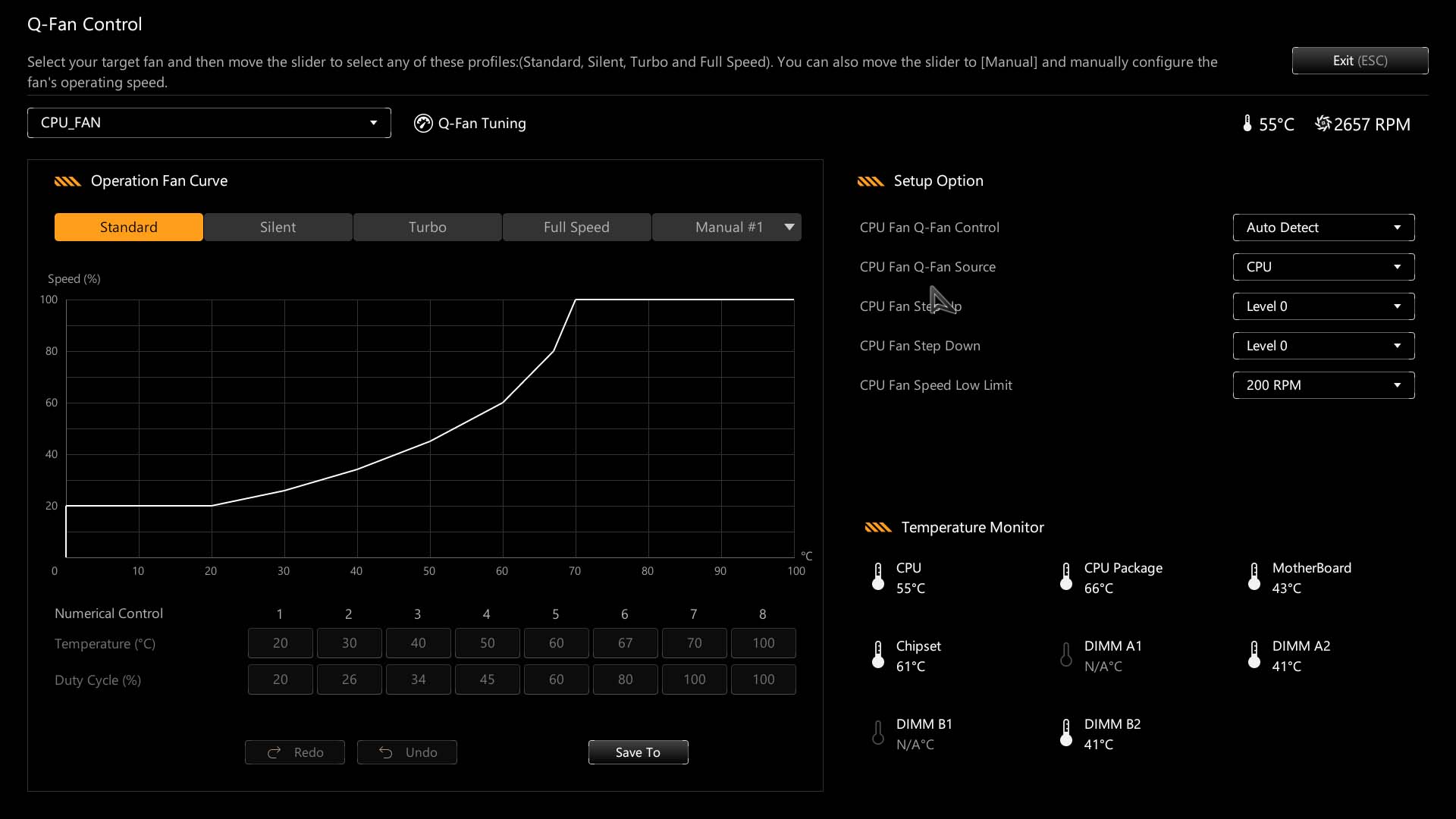
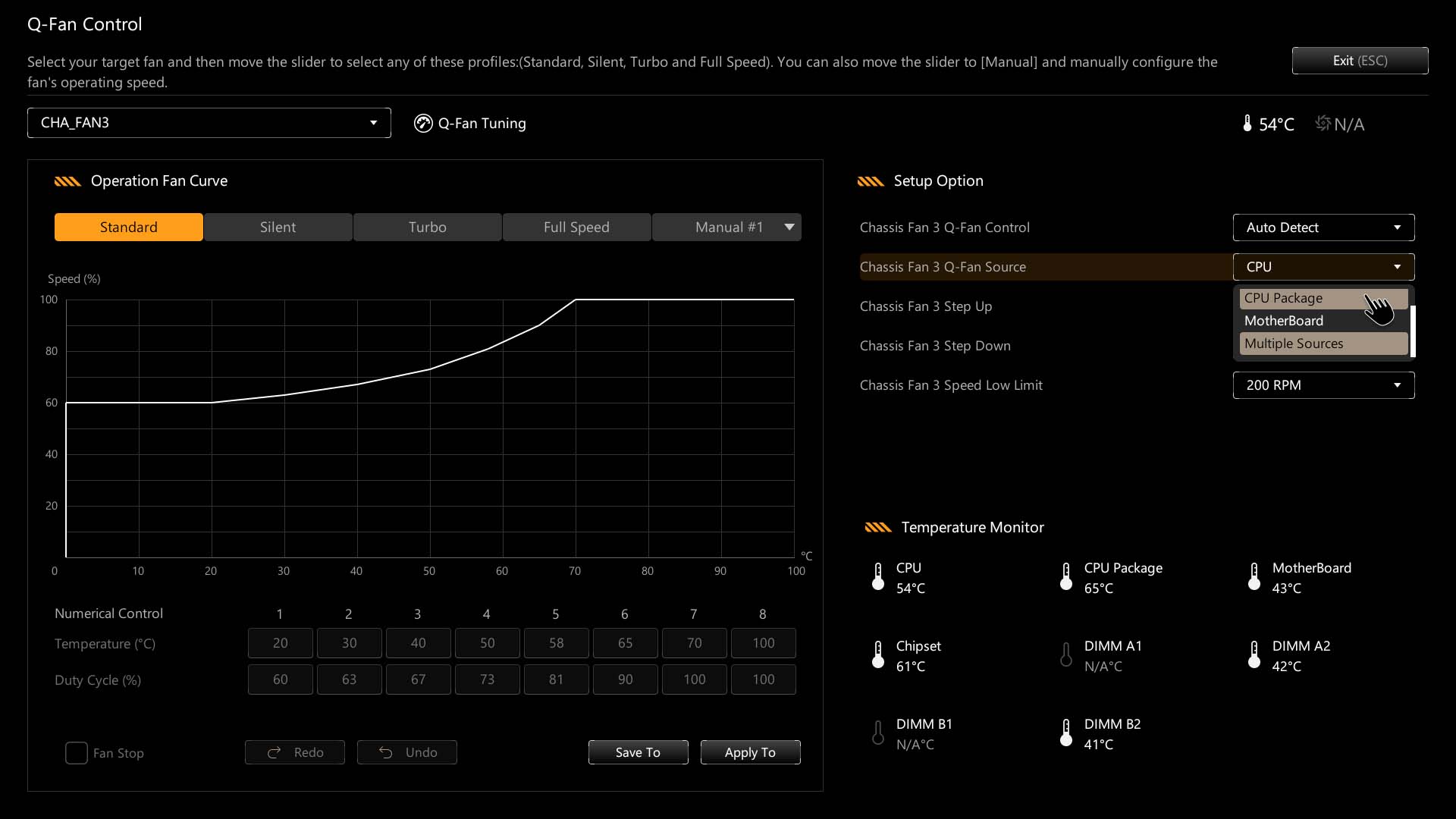
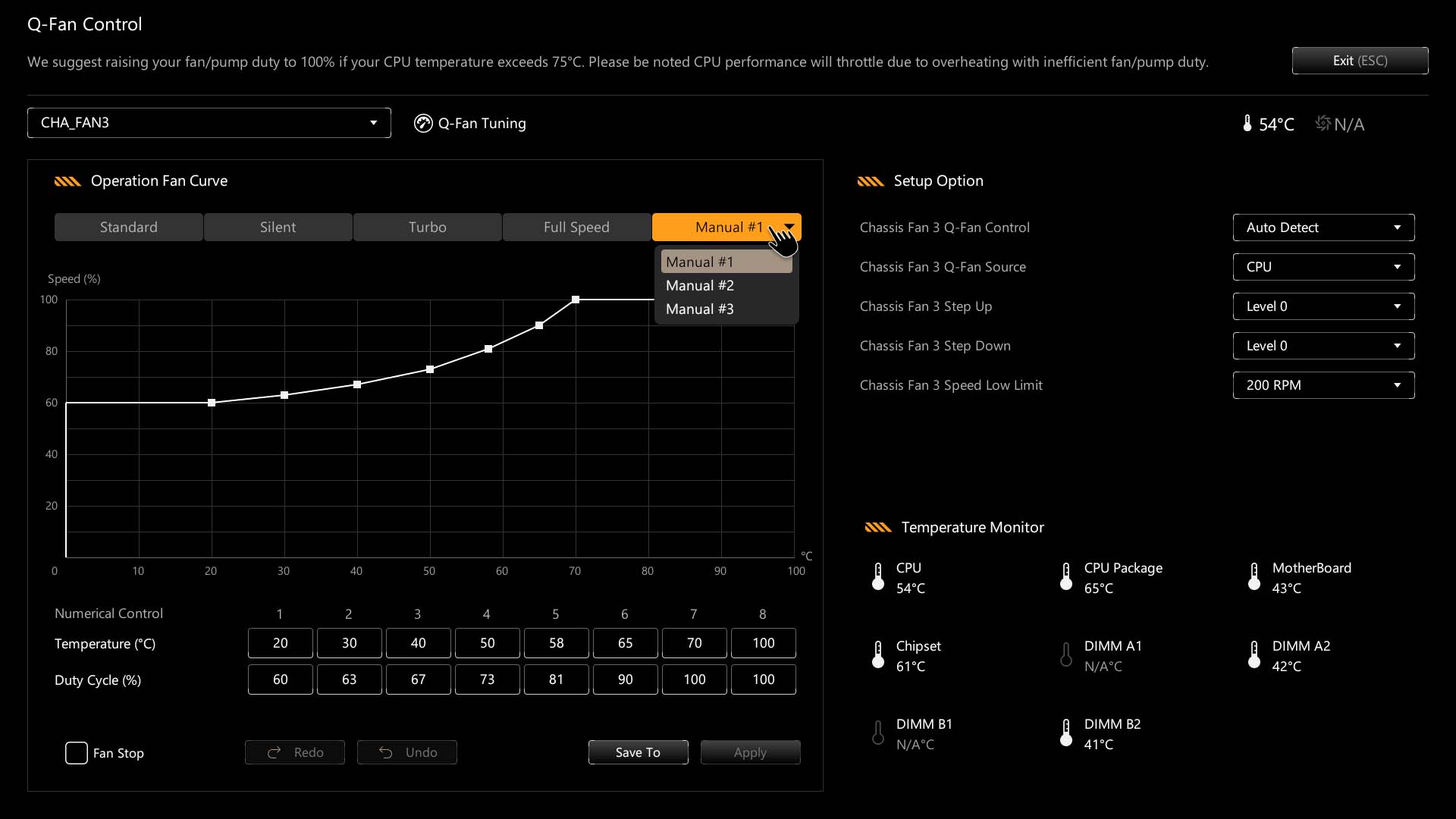
Fan control is generally excellent, with a recent addition of fan grouping that matches MSI's recent inclusion of this feature that allows you to apply a single fan profile to multiple headers - something Gigabyte and ASRock can't do. MSI, though, still has the advantage in the fan curve graph, with the ability to add and remove adjustment points. As usual, there are both a customizable favorites page and profiles for creating EFI-wide setting backups, while the overclocking-orientated i Tweaker section is mostly the same.
Nov 20th, 2026 15:29 PST
change timezone
Latest GPU Drivers
New Forum Posts
- RX 9000 series GPU Owners Club (2249)
- WarpCoreBench scores! (82)
- Honestly, do you care about GTA VI? (209)
- Logitech Headsets Modded Driver — Unlock Dolby in G HUB (23)
- 1 - 5 person file storage server equivalent accasible from anywhere + general VM server. (1)
- How to prevent OLED burn damage due to PC freezes or power outtages? (48)
- When you could finally run Crysis maxed out? (63)
- GTA VI (20)
- Anthrophics IPO (25)
- GeekMagic Ultra Smart WiFi Weather Station (8)
Popular Reviews
- AMD Zen 6 Technical Deep Dive
- Microsoft Surface Laptop Ultra Review - The Next-gen Arm Laptop
- Ugreen NASync DXP4800 GT Review
- Corsair RM1200e (Second Generation) Review
- Acemagic Retro X3 Review
- Upcoming Hardware Launches 2027 (Updated Nov 2026)
- Pulsar Office Tour & First Look at P1 Dual-Sensor Mouse
- Biwin Black Opal NV7400 2 TB Review
- AMD Ryzen 7 9800X3D Memory Performance Scaling
- AMD Ryzen 7 9800X3D Review - The Best Gaming Processor
TPU on YouTube
Controversial News Posts
- NVIDIA Co-Founder and CEO Jensen Huang Officially Resigns (491)
- Report: Jensen Huang Eyes NVIDIA Comeback (256)
- Open Letter Asking NVIDIA to Reinstate Jensen Huang Passes 115,000 Signatures (184)
- OpenAI CEO Argues Home PCs Waste the World's Limited DRAM Supply (152)
- NVIDIA Launches Investigation Into Jensen Huang's Relationship With Suspected Chinese Spy (136)
- Intel "Raptor Lake Next" 16-Core and 20-Core CPUs Surface (130)
- Legendary Game Studio BioWare Shuts Down Following EA Layoffs (104)
- Dell CEO Says the Memory Shortage Will Get Worse in 2027 (95)