 1
Asustor AS6208T 8-bay NAS Review
(1 Comment) »Introduction

We would like to thank Asustor for supplying the review sample.

Asustor rolls out new models and lines every now and then. In this review, we will focus on the second top member of the AS62 line, the AS6208T capable of taking up to eight disks for a ton of storage space if you pick appropriate HDDs. This NAS uses an Intel quad-core Braswell CPU, and while it may be weak for a normal PC running Windows, it is just fine for Asustor's custom-tailored Linux operating system, offering good performance and very low energy consumption, which is very important in NAS servers that are run around the clock. The AS6208T is also equipped with a decent amount of RAM, which will allow for it to smoothly execute services in parallel, and with RAID 5, the four Gigabit Ethernet ports are capable of transferring upward of 355 MB/s once teamed, at least according to Asustor.
All AS61 and AS62 units feature SoCs that include hardware encryption engines since they are for business environments where data encryption is a necessary feature. NAS servers that don't have built-in encryption engines are sluggish with encrypted files and should be avoided if you plan on storing sensitive data on the server. The AS6208T promises up to 224.71 MB/s read and up to 132.56 MB/s write speeds with encrypted files so long as all four of its Gigabit ports are teamed.
Although it mostly addresses professional users, the AS6208T does come with HDMI and S/PDIF ports, which enhance the server's multimedia capabilities. An HDMI port is useful for multimedia playback, but can also be used for local administration should a system administrator, for example, not be able to connect to the NAS remotely for some reason. The AS6208T fully supports KODI, which is probably the best media player application around, can handle up to 2160p multimedia content, and offers 7.1 multi-channel HD audio through its S/PDIF port.
Specifications
| Asustor AS6208T Specifications | |
|---|---|
| Processor | Intel Celeron 1.6 GHz Quad Core (burst up to 2.24 GHz) Processor - Intel J3160 |
| Operating System | Embedded Linux |
| Memory | 4GB SO-DIMM DDR3L (2GB x 2, Expandable. Max 8GB) |
| Storage | 8x 3.5"/2.5" SATA II/III |
| RAID Levels: | Single Disk, JBOD, RAID 0, 1, 5, 5 + Hot Spare, 6, 6 + Hot Spare, 10, 10 + Hot Spare |
| Capacity | up to 64 TB (disks not included) |
| iSCSI | Target & Initiator |
| Hot-Swap | 8x |
| Networking | 4x 10/100/1000 Mbit Ethernet |
| I/O Ports | USB 3.0 x 3, USB 2.0 x 2, eSATA x 2 HDMI 1.4a x 1, S/PDIF x1 |
| Max Number of Users | 4096 |
| Max IP Cameras | 25 |
| Camera Licenses Provided | 4x |
| Max. Resolution Through HDMI | 2160p (4k) |
| Dimensions | 215.5 (H) x 293 (W) x 230 (D) mm |
| Weight | 6.2 kg |
| Power Consumption | Sleep: 1.5 W (with WD Red 3 TB HDD) In operation: 59.5 W Disk hibernation: 31.2 W |
| Power Supply | Internal, Delta DPS-250AB (250 W, 100-240 V) |
| Fan | 2x 120 mm (FD121225HB) |
| Warranty | 3 years |
| Price excluding VAT (at the time of the review) | $908.93 |
There are initially a total of 4 GB of RAM you can upgrade to 8 GB. Again, for the needs of a NAS server that runs a proprietary Linux distribution, 4 GB is more than enough to see most tasks through. The eight bays allow for a ton of storage, and given how affordable HDDs currently are, utilizing them all won't be a problem.
In an effort to increase throughput, Asustor installed four Gigabit Ethernet ports. However, you will have to use a compatible switch with the Link Aggregation Protocol (LACP) in order to enjoy the high transfer speeds the AS6208 is capable of. The other I /O ports are several USB 3.0 and USB 2.0 ports, a couple eSATA ports, a single HDMI 1.4a port, and an S/PDIF port.
The surveillance capabilities of the AS6208 are pretty good since it supports up to 25 IP cameras, and the best part of it is that it comes with four free camera licenses. Most NAS servers only come with one or two free camera licenses, while Asustor usually ships its product with four.
This NAS is pretty large because of its eight bays, and it does weigh more than is usually the case. According to Asustor, the AS6208 consumes around 60 W while operating. That number is cut in half in hibernation mode. We will take our own measurements in order to provide you with accurate readings for more usage scenarios. A couple 120 mm fans keep the NAS and its HDDs cool. Finally, there is the provided warranty of three years and price of just under 1k. Without a doubt a pretty stiff price, you do get a powerful NAS with eight HDD bays.
Packaging


The NAS comes in a huge box.

Several multi-bay Asustor servers are depicted on this side of the box, along with their most important technical specifications.


The ADM operating system's features are shown here, along with the product's specifications.
Contents & Bundle


Two foam spacers inside the box protect the NAS well.


The accessories box includes two bags with screws, a couple Ethernet cables, an AC power cord, a quick start guide, and a software disc.
Exterior


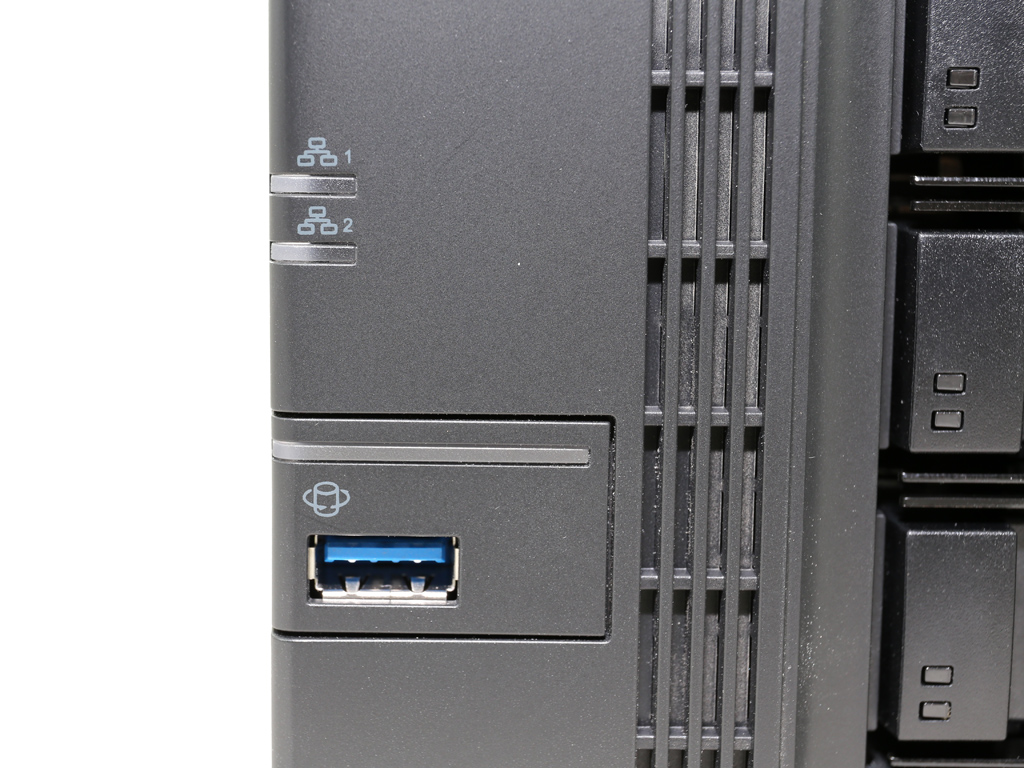
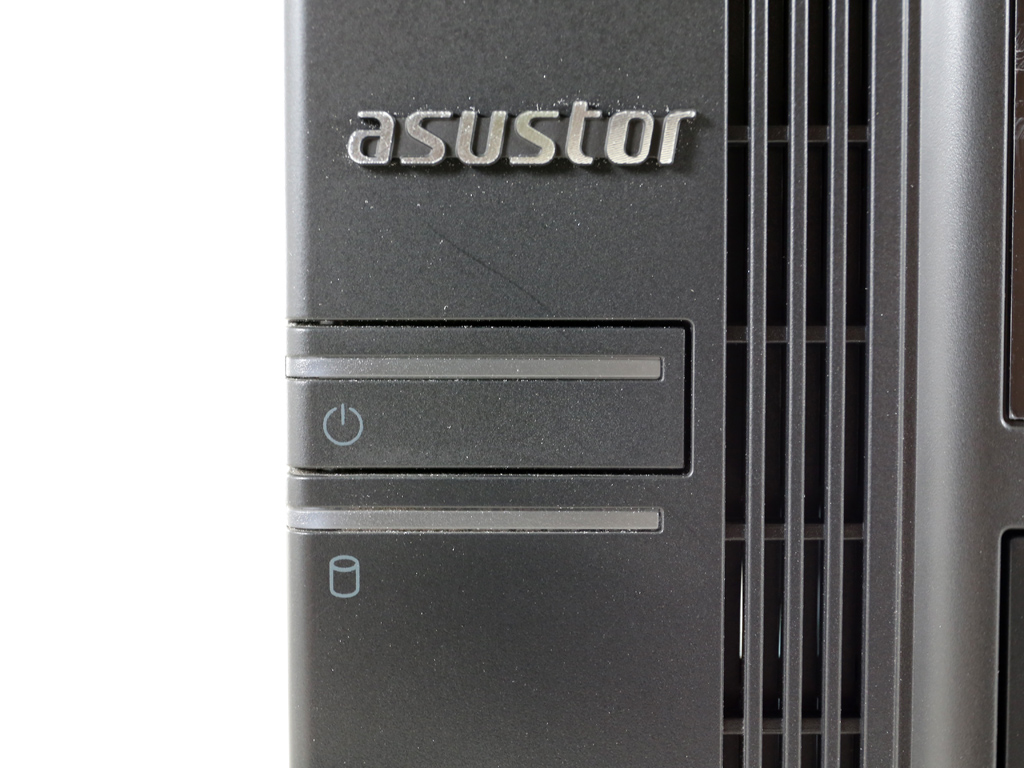
This NAS has a large footprint due to its eight bays. On its front, before the power and copy buttons, are several LED indicators and a USB 3.0 port.

A description of all LED indicators can be found in the Quick Installation Guide.
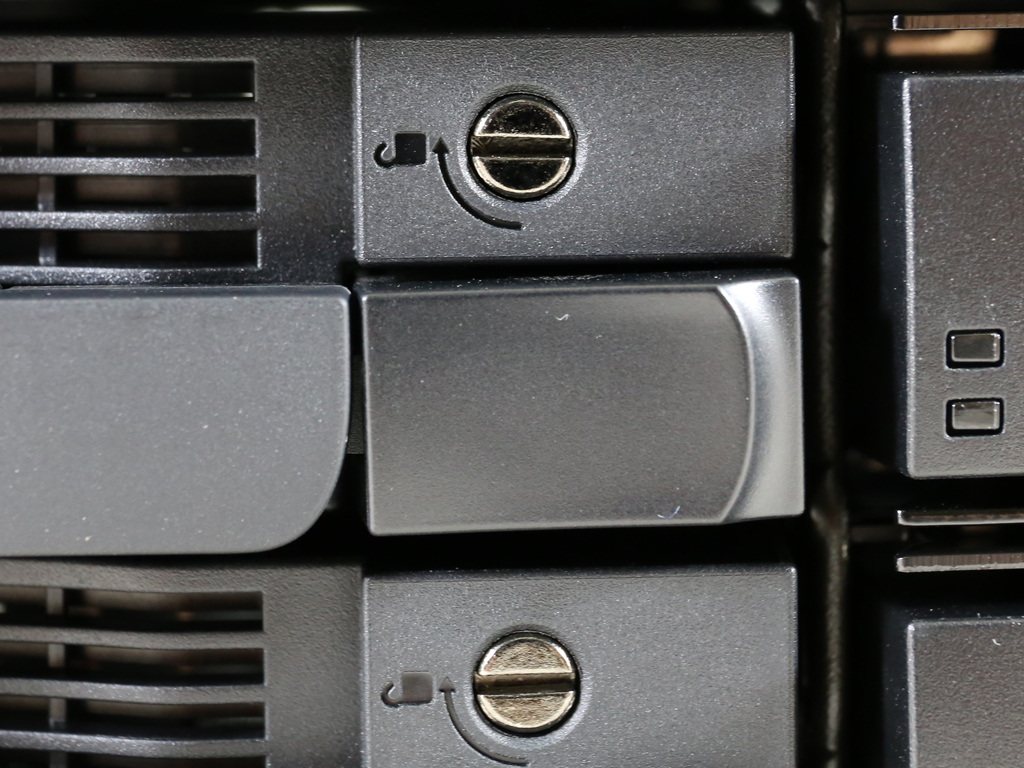
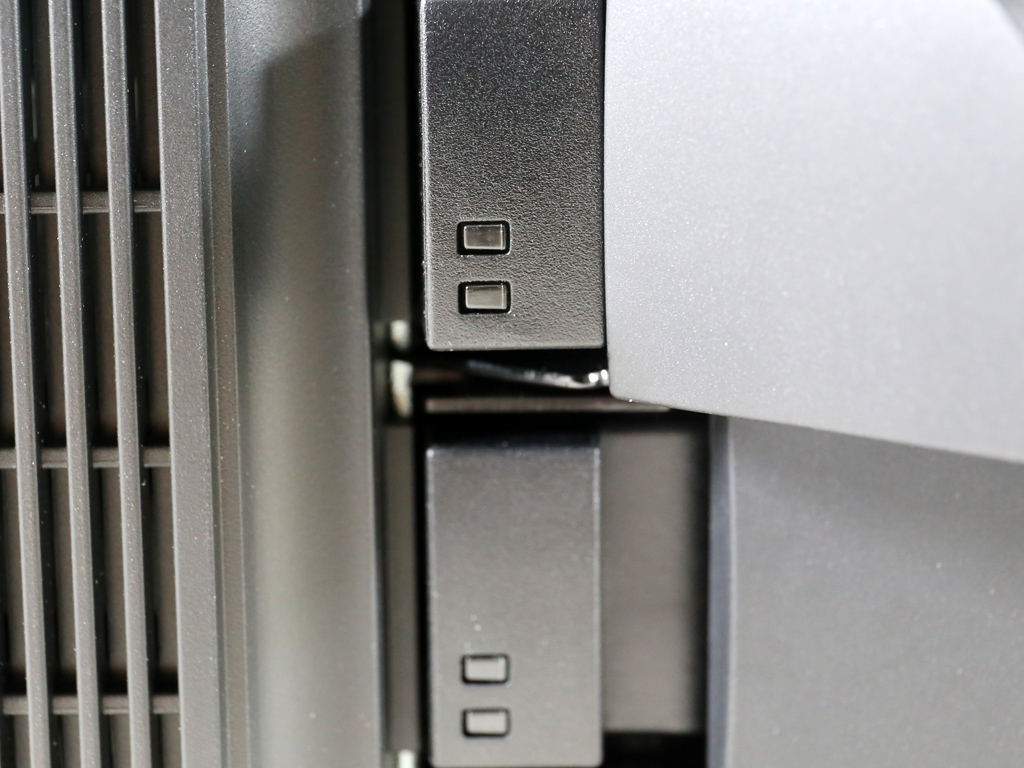
This server's trays don't feature locks, but there is a simple mechanism to secure them in place, and it only takes a flat-headed screwdriver to do so. Since this is mostly a business-centric NAS, we would have liked actual locks on these trays to enhance overall physical security.

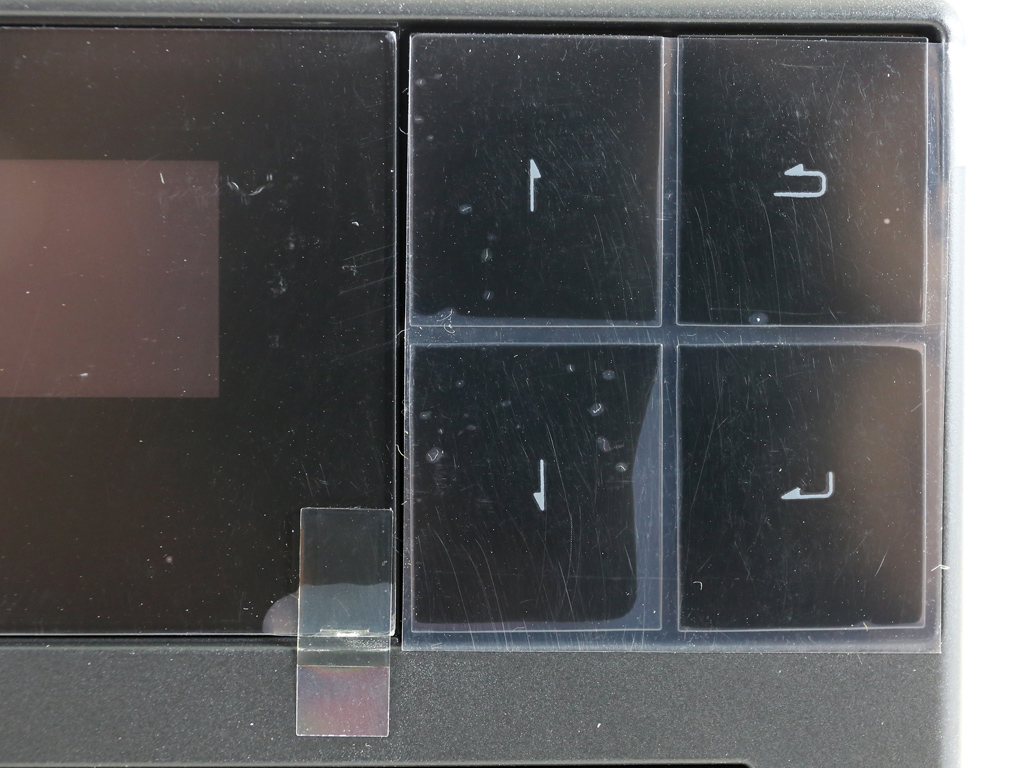
The two-line LCD screen displays useful information about the state of the NAS, and it deactivates automatically once the boot-up phase completes to conserve energy. You can also set it to show custom texts or the local temperature. Four buttons next to the screen allow you to check on various states or perform some basic administrative tasks.
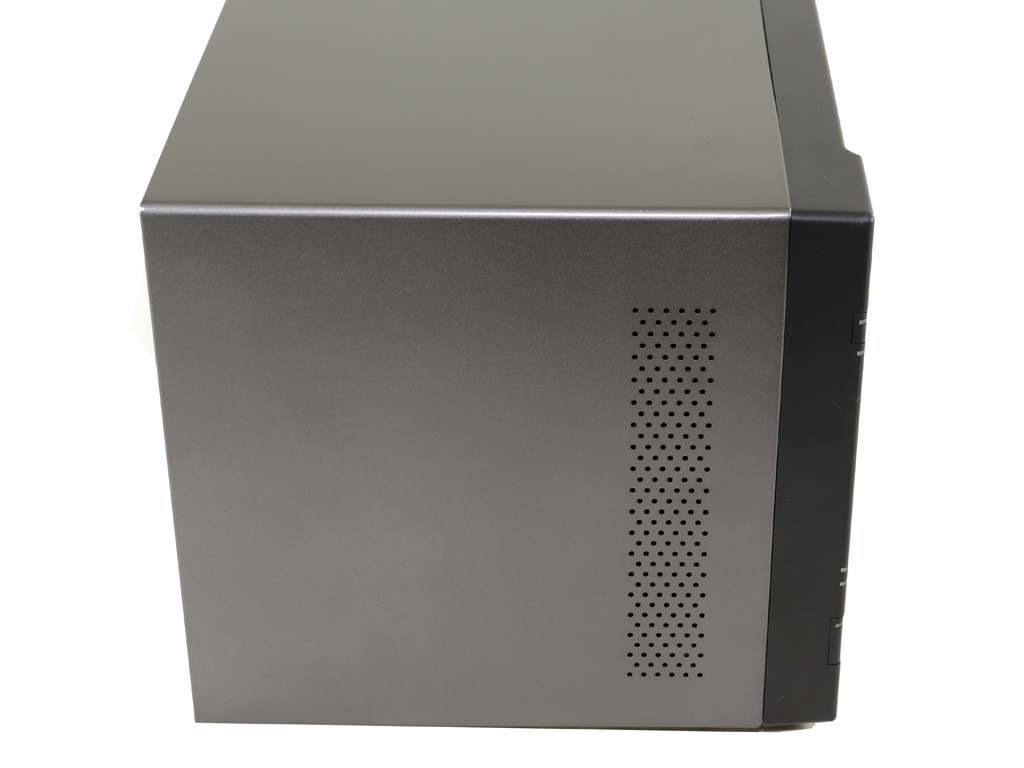
Both sides of the chassis feature ventilation holes.
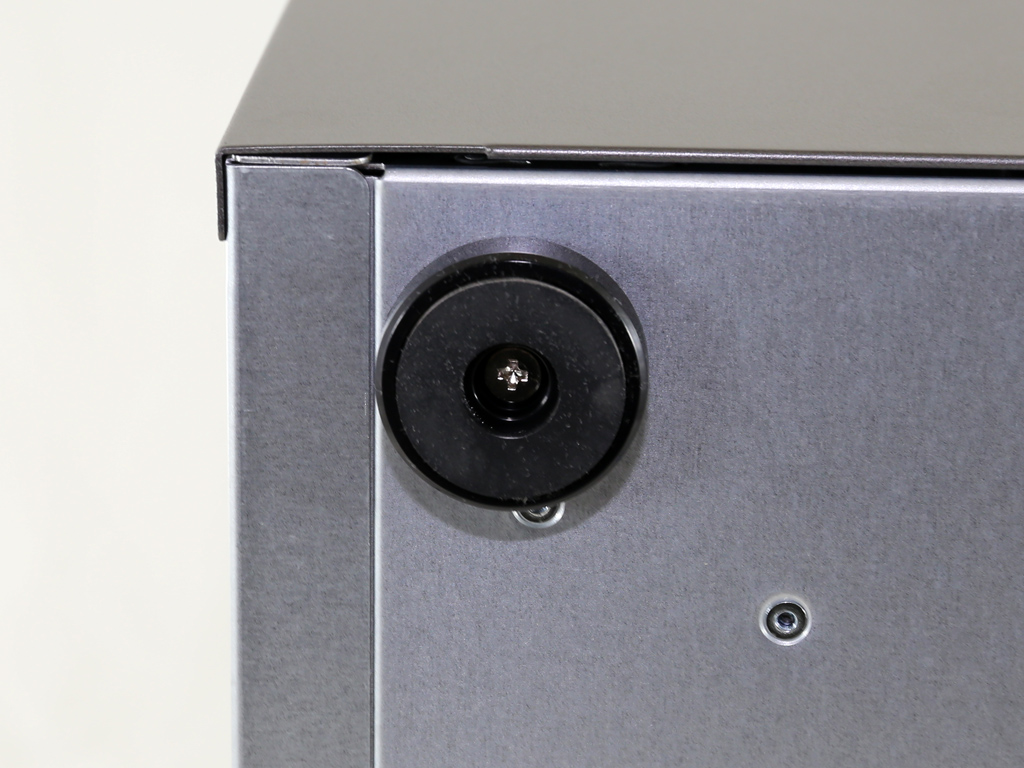
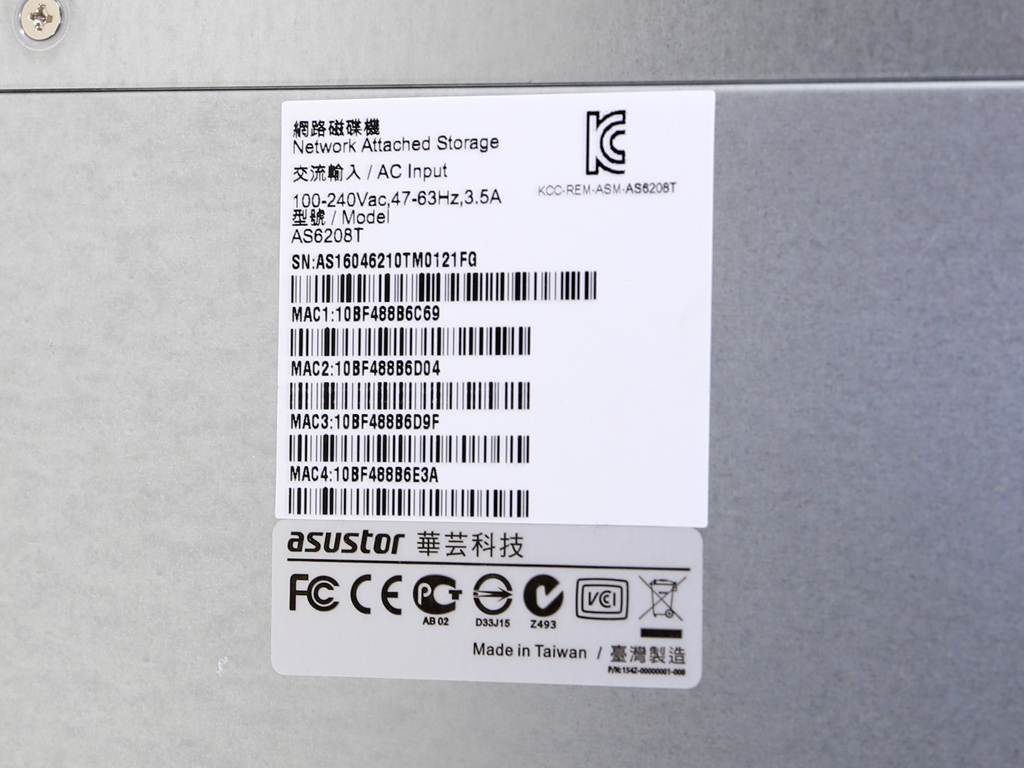
The NAS stands on four removable plastic feet.
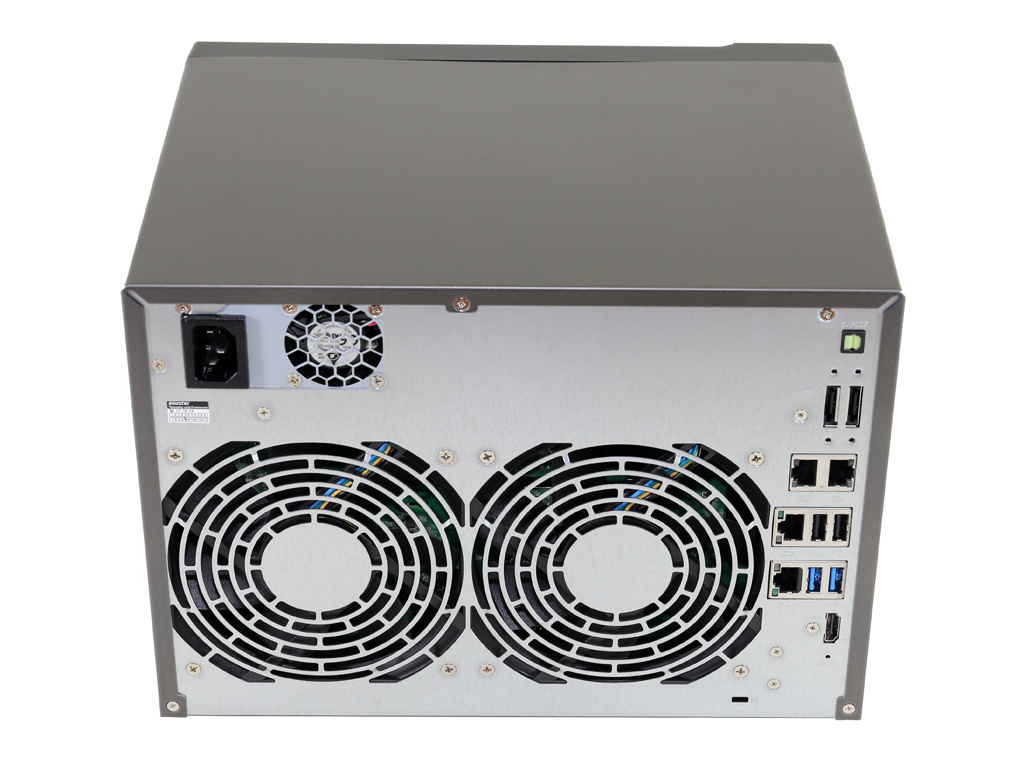

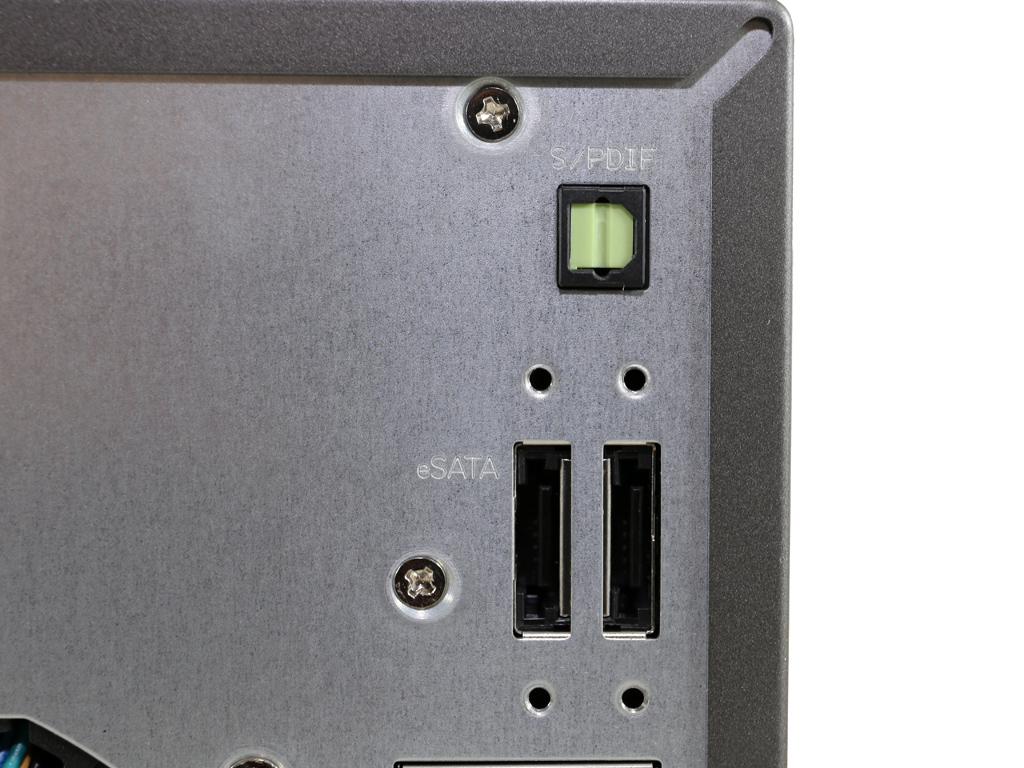

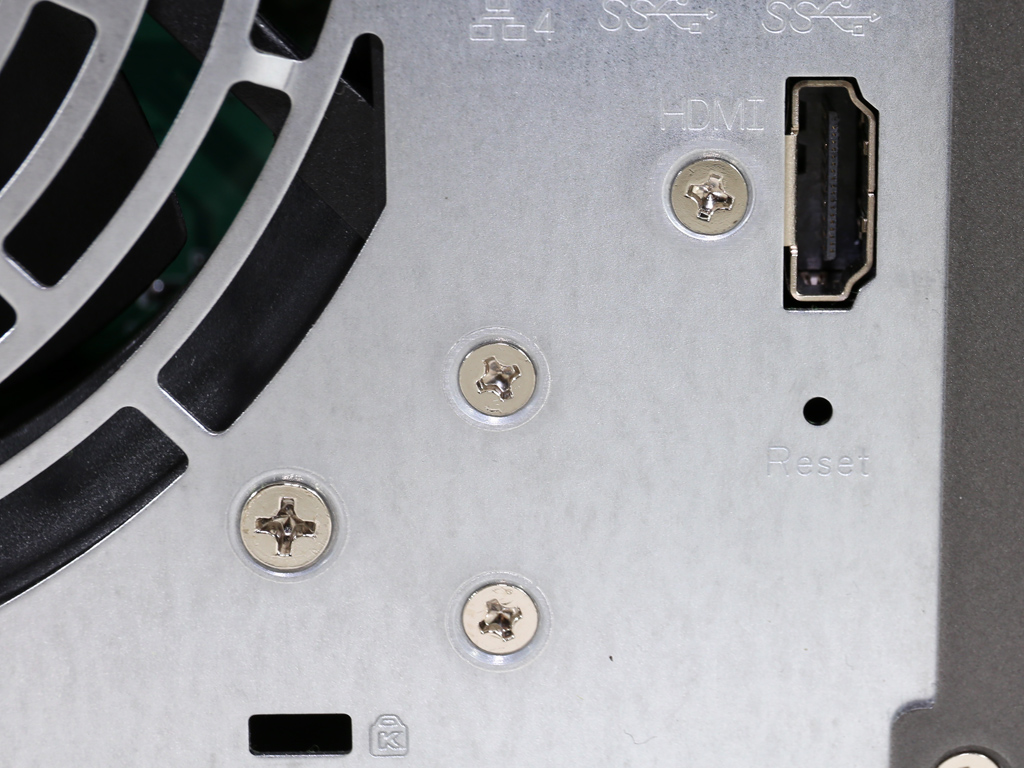
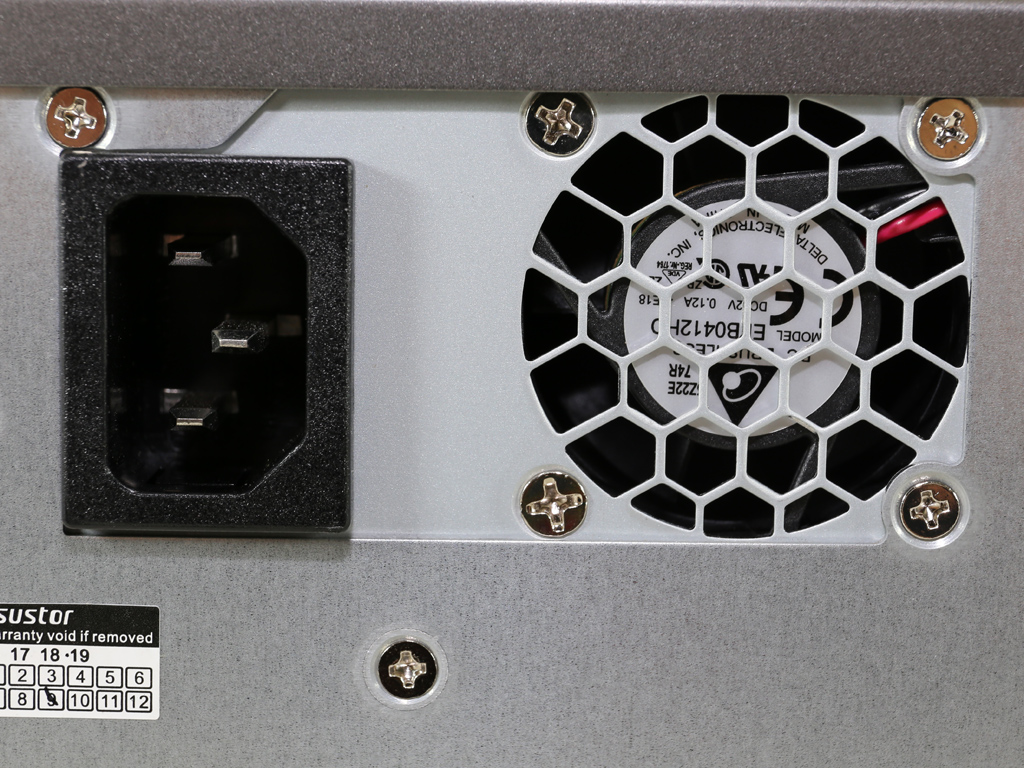
Two fan grilles around the back take up most of the real estate there. There are a ton of I/O connectors on this side, including two USB 3.0 and 2.0 ports, each, an HDMI port, and an S/PDIF and two eSATA ports.

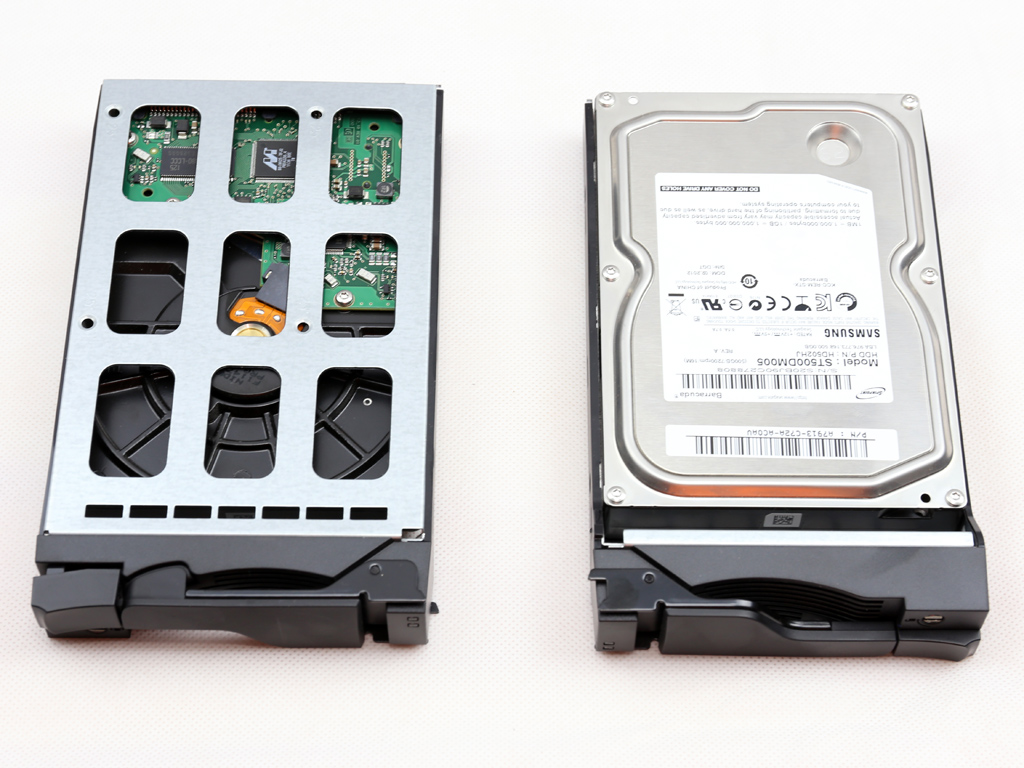
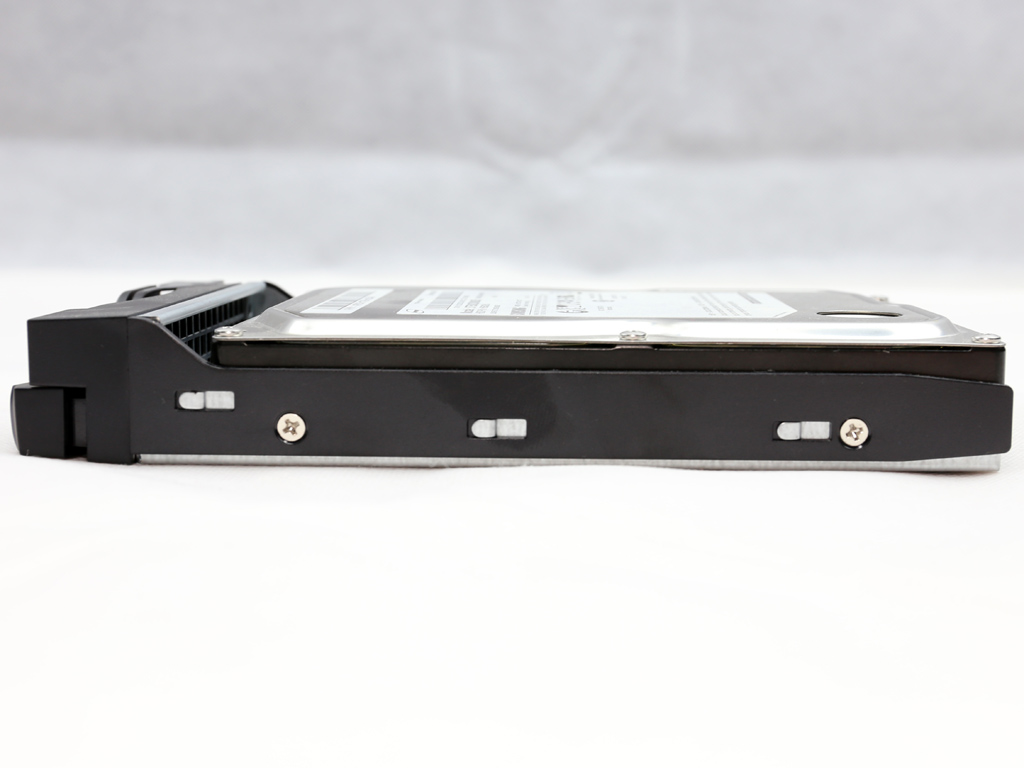
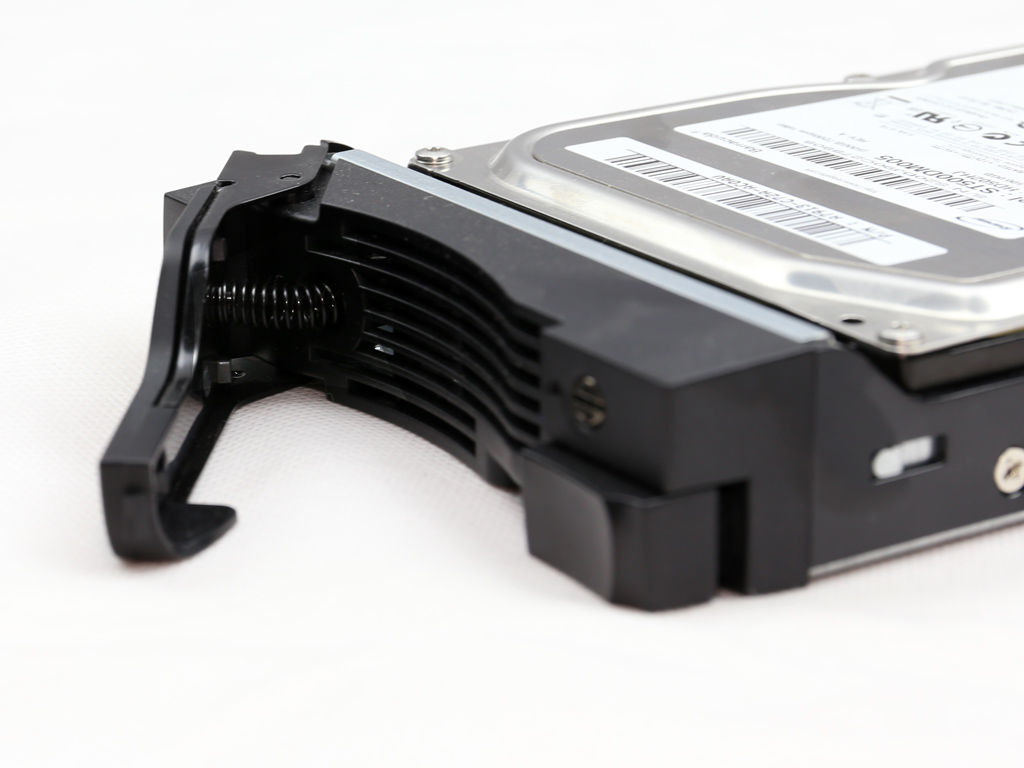
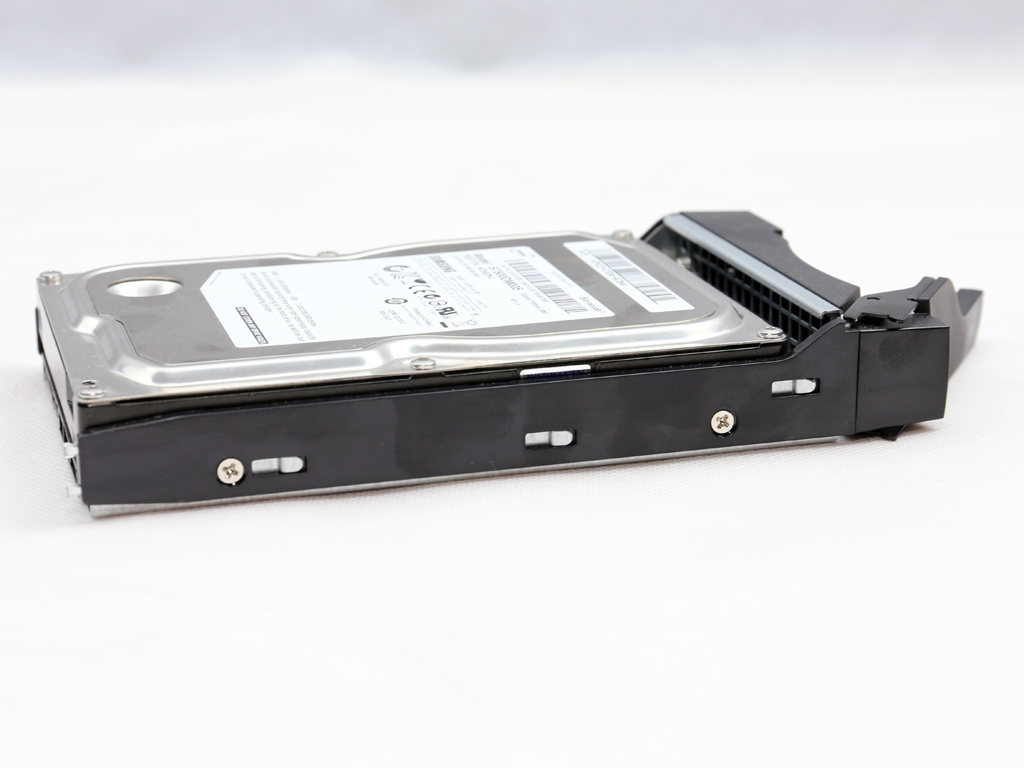
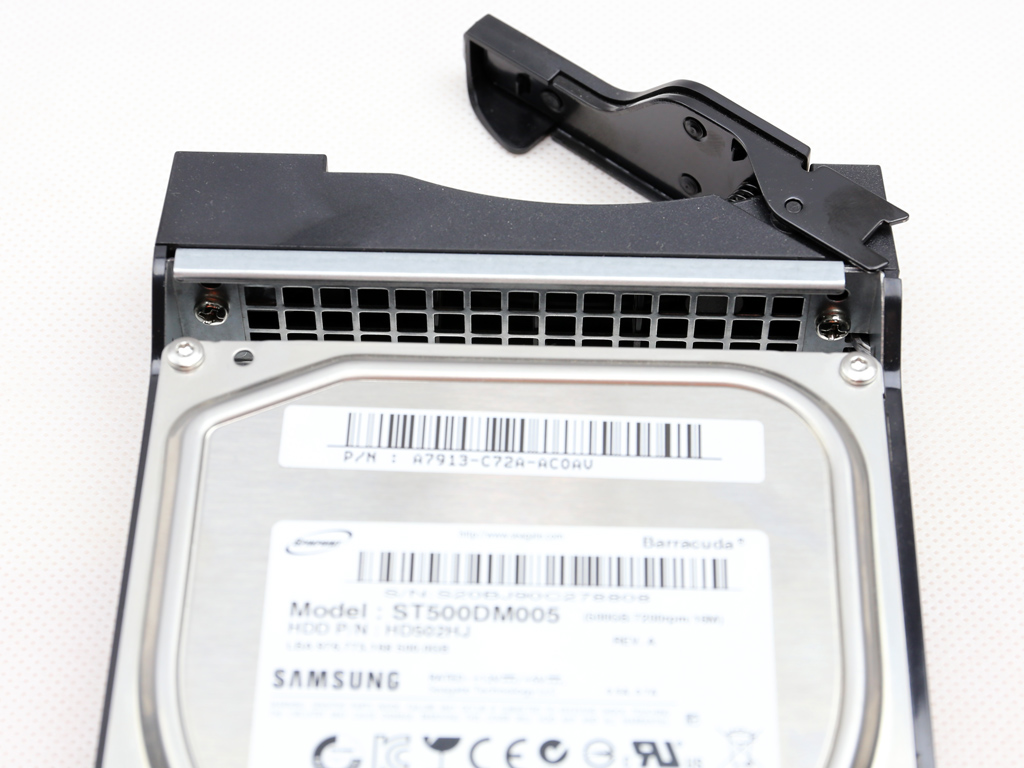
The trays are metallic and of very good quality. They can hold either 3.5" and 2.5" drives, and all the necessary screws to do so have been included.
A Look Inside
It's time now to strip down the NAS to discover what components it hides inside its casing.

Removing the one-piece top and side panel is very easy since you only have to remove three screws, which makes upgrading the RAM total without voiding the warranty a breeze since Asustor meant users to be able to upgrade the RAM on their own. If you want to remove the mainboard, though, you will have to deal with a lot of screws; however, there is no reason at all for a normal user to do so, and it would most likely void the warranty.

The LCD screen utilizes a Weltrend WT69P3 IC.


The mainboard is small and the CPU is cooled passively by a small heatsink.


Here's a close look at the heatsink and the Braswell CPU. This NAS uses an Intel J3160 quad-core Celeron processor with 2MB of cache. The CPU boosts up to 2.24 GHz, is compatible with Intel's Virtualization Technology, and supports the AES-NI instructions set. This CPU belongs to the Braswell family, making it one of Bay Trail's successors. The J3160 includes a DirectX 11.2 compatible GPU and a DDR3L controller that supports up to 8 GB of memory and is manufactured on a 14 nanometer lithography process. With a TDP of only 6 W, it doesn't require active cooling. We should note here that the J3160 has the same TDP as the dual-core N3050 used in the AS3102T NAS.


In our sample, both RAM slots are occupied by DDR3L (1.35V) DIMMs with a capacity of 2 GB each.

The monitoring IC is the same as in Asustor's AS-60xT series, an ITE IT8728F.


The four Ethernet ports are controlled by an equal number of Broadcom BCM57781 controllers.

On the board are a couple ASMedia ASM1466 Serial ATA repeaters that can provide a bandwidth of up to 6 Gbps. These also handle the two eSATA ports. You can also see the audio codec IC by Realtek; its model number is ALC887. It supports 7.1 channel HD audio with up to two independent SPDIF outputs, but the AS6208T only has one. The last two controllers shown above are an ASM1182e and an ASM1061. The former is a PCI express packet switch while the latter is a SATA 6Gbps controller that supports up to two SATA ports.


Another packet switch, this time an ASM1184e IC, is installed right next to the mainboard's PCIe port. We also find two more ASM1182e ICs on the board.


The NAS server's flash memory is by ADATA.

Here is the mainboard's speaker.

A Texas Instruments SN75DP139 controller provides compatibility with the HDMI 1.4b standard. To put it simply, this IC takes the DisplayPort's input signal and transforms it into an HDMI output signal with support for up to 4K resolutions and 3D content.

Here is the USB 2.0 hub IC; its model number is LD3N748A16225.


The PCIe SATA expansion card hosts several ASM1061 PCI Express (1x) to two SATA converters. The polymer filtering caps on this board are provided by Apaq, which means they are of pretty good quality.


The PSU is by Delta Electronics, the largest PSU OEM today. Its model number is DPS-250AB, and it can provide up to 240 W of power on its main rails (+12V, 5V and 3.3V), which is a lot for this NAS. The 80 PLUS organization says this PSU to be 80 PLUS certified, which means it will save you some money on your electricity bills, although the standard 80 PLUS certification isn't much to go by nowadays. The DPS-250AB exploits a small 40 mm fan that is very quiet under normal conditions since the NAS doesn't consume much energy, utilizing only a fraction of the PSU's capacity.


The cooling fans are by Y.S Tech, and their model number is FD121225HB (120 mm, 12 V, 0.46 A, 2600 RPM, 106.1 CFM, 44 dBA). They utilize ball bearings for more longevity, and while they do rotate quite quickly when maxed out, they operate at very low RPM when the automatic fan speed or low fan speed option is picked in ADM.
Software


You will find every piece of compatible software on Asustor's corresponding page. The most essential for setting up the NAS is the Control Center app you have to download and run from a client PC that is on the same network as the NAS.

You will also find all Android apps the NAS supports on Asustor's site. We should note here that many of these are available for iOS devices as well.

The apps available for this NAS are on this page. Although downloading them directly is possible, it is easier to install them over ADM's Package Center.
Initial Setup


Asustor's Control Center is an essential application since it will find the NAS on your network and allows for its effortless and quick configuration. It supports many languages, including English and Chinese.


Simply use Web Setup, found inside Asustor's Control Center, to initialize this NAS. The first step prompts you to pick between a 1-click setup or custom option. The latter option, which we picked, is for more experienced users.


The Setup Guide's next steps will prompt you to enter the server's name and set a new admin password. You can configure all time- and date options and set all network settings afterward. You will also have to pick between automatically or manually setting the IP address; we recommend doing so manually.


You can select the RAID configuration that best suits your needs during initialization. The Asustor AS6208T supports RAID 0, RAID 1, RAID 5, RAID 6, and RAID 10 with four HDDs installed. You can also configure the HDDs in JBOD (Just a Bunch of Disks), which will combine all HDDs into a big volume. After all is finished and done, you will have to wait for the NAS to apply all the settings you picked before registering your product to obtain an Asustor ID, which you will need if you want to use Asustor's Application Center.
Our Patreon Silver Supporters can read articles in single-page format.
Nov 14th, 2026 09:39 CST
change timezone
Latest GPU Drivers
New Forum Posts
- No screen and keyboard with mouse not being powered on (8)
- What can the FX 8320 do today? Here is the answer. (6)
- What are you playing? (26220)
- Windows new update 26H2 - Throttlestop (11)
- Tell me about your favourite graphics card (49)
- Gacha Games - Discussions, Pulls, Updates, etc. (1154)
- 3D Printer Club (851)
- Folding Pie and Milestones!! (10202)
- a note from zachary85's son (9)
- Have you got pie today? (17083)
Popular Reviews
- AMD Zen 6 Technical Deep Dive
- Corsair HX1000i Shift Crystal Review
- ASUS ROG Strix B850-I Gaming Wi-Fi7 W Review
- NZXT C1200 Platinum Review
- Upcoming Hardware Launches 2027 (Updated Nov 2026)
- Montech King 95 3D PRO Review
- NZXT H7 RGB+ Review
- NZXT H5 Review
- Phantom Blade Zero Performance Benchmark Review - 35 GPUs Tested
- XPG NIMBUS PLUS Review - Mid-range Chair With Strong Competitors
TPU on YouTube
Controversial News Posts
- NVIDIA Co-Founder and CEO Jensen Huang Officially Resigns (387)
- OpenAI CEO Argues Home PCs Waste the World's Limited DRAM Supply (152)
- NVIDIA Launches Investigation Into Jensen Huang's Relationship With Suspected Chinese Spy (136)
- Intel "Raptor Lake Next" 16-Core and 20-Core CPUs Surface (130)
- Legendary Game Studio BioWare Shuts Down Following EA Layoffs (104)
- Dell CEO Says the Memory Shortage Will Get Worse in 2027 (95)
- NVIDIA GeForce RTX 50-Series Scheduled for up to $500 Price Hike This Week (89)
- Modder Fits RTX 5090 With Four 8-Pin Connectors, Halving Current per Wire (80)