 56
Baldur's Gate 3 Benchmark Test & Performance Analysis Review
(56 Comments) »Introduction
Baldur's Gate 3 is a new isometric top-down RPG game developed and published by Larian Studios, who are also behind the Divinity Original Sin RPG masterpieces. You control a party of characters on an epic adventure in and around Baldur's Gate city, facing off against extraterrestrial mind flayers, monsters, beasts and various human factions.Baldur's Gate 3 offers players diverse paths to explore, various quest outcomes, and interactions with characters, companions, and monsters. The game combines turn-based combat and real-time exploration, creating engaging and challenging gameplay. Players must make morally complex decisions, form alliances or rivalries, and shape the destiny of the Forgotten Realms as the story unfolds.

Baldur's Gate 3 is developed using the company's in-house "Divinity Engine 4.0," which is a modified version of the engine used in Larian Studios' previous game, Divinity: Original Sin 2. While Divinity: Original Sin 2 uses the DirectX 11 API exclusively, BG3 now has support for Vulkan, too. The Divinity 4.0 engine is also adapted for the new D&D rules and has support for the new verticality in Baldur's Gate 3.
This benchmark review will evaluate the performance of Baldur's Gate 3 on a wide selection of modern graphics cards, show image quality comparisons and look at what's required in terms of VRAM usage.
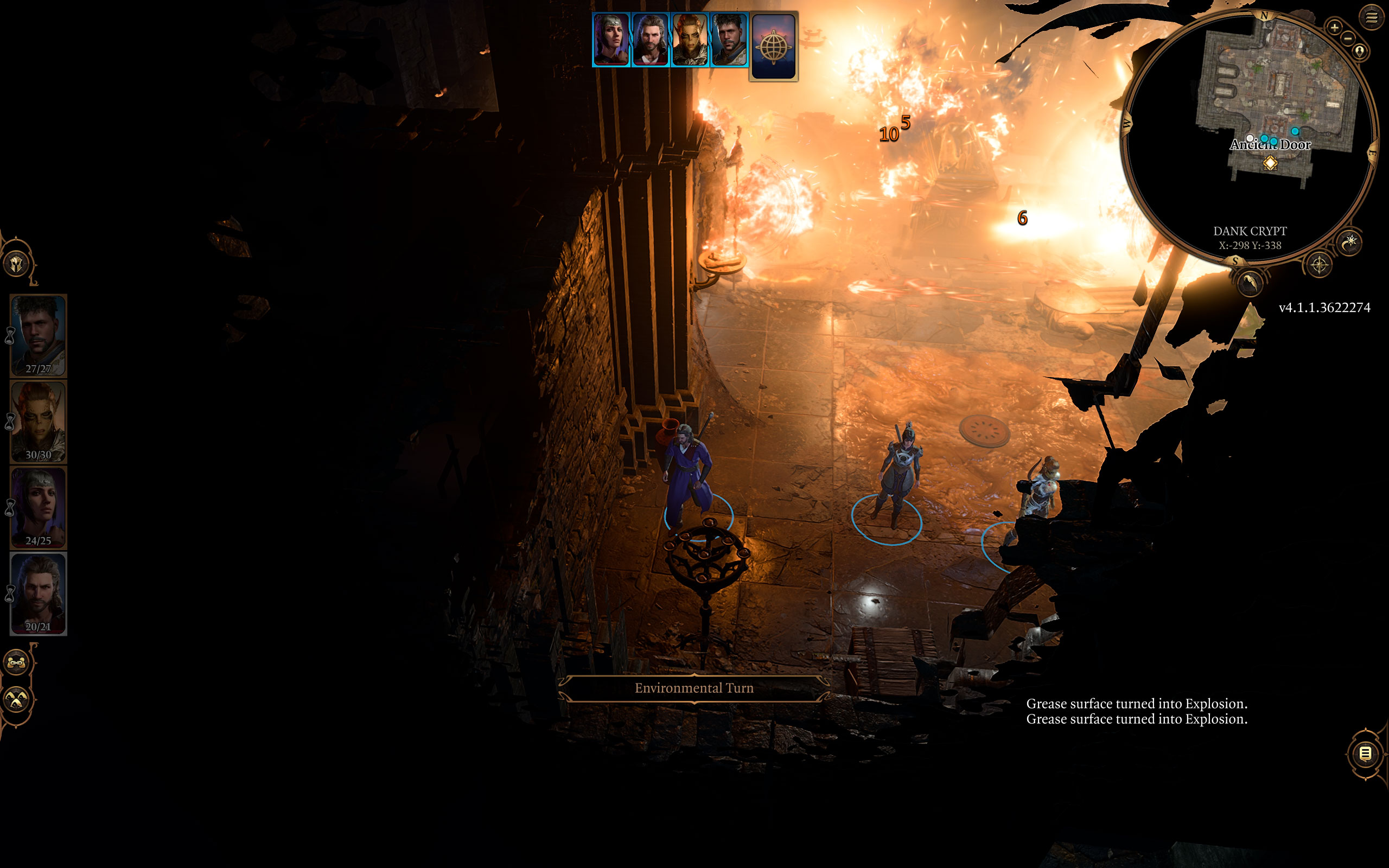
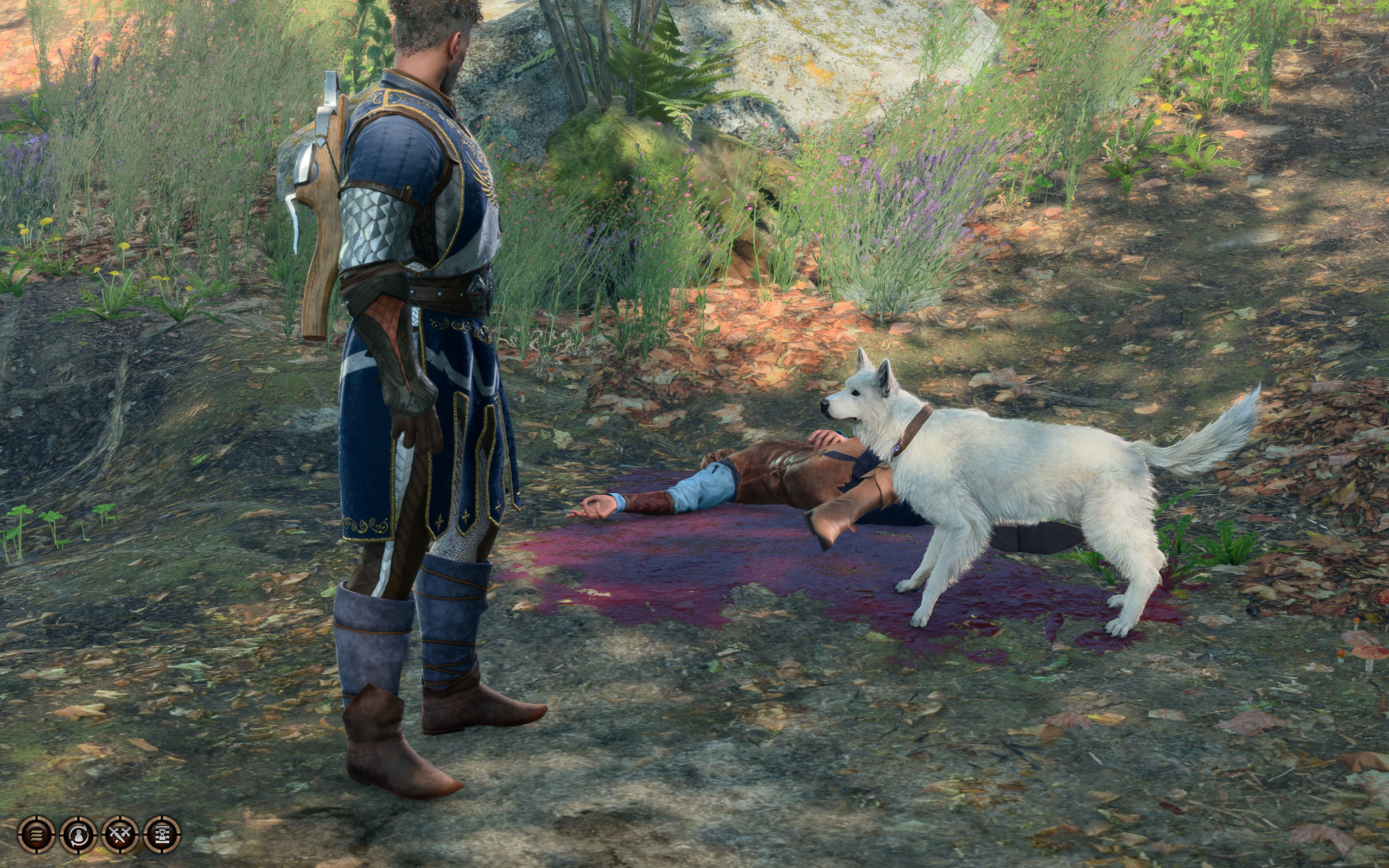
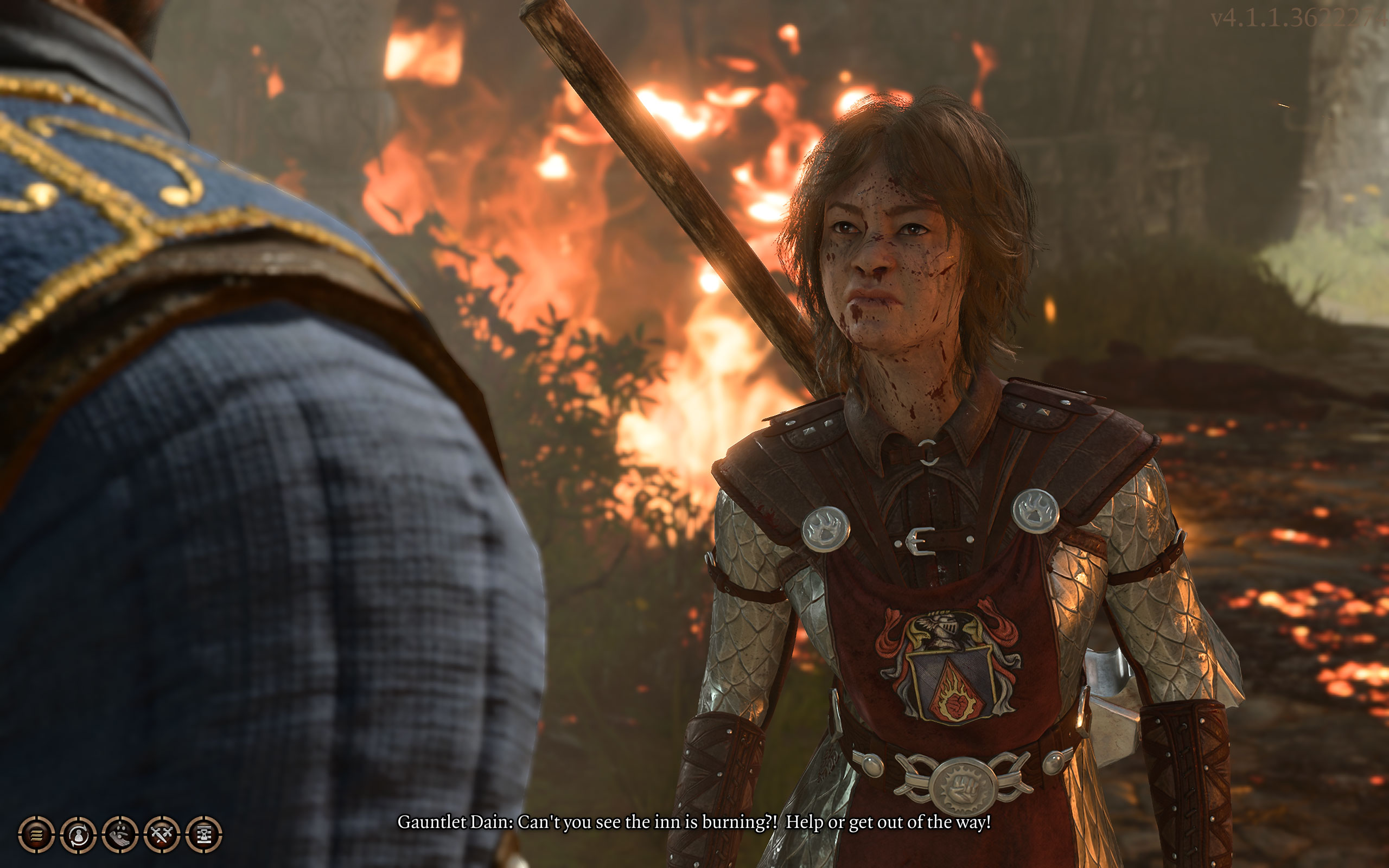
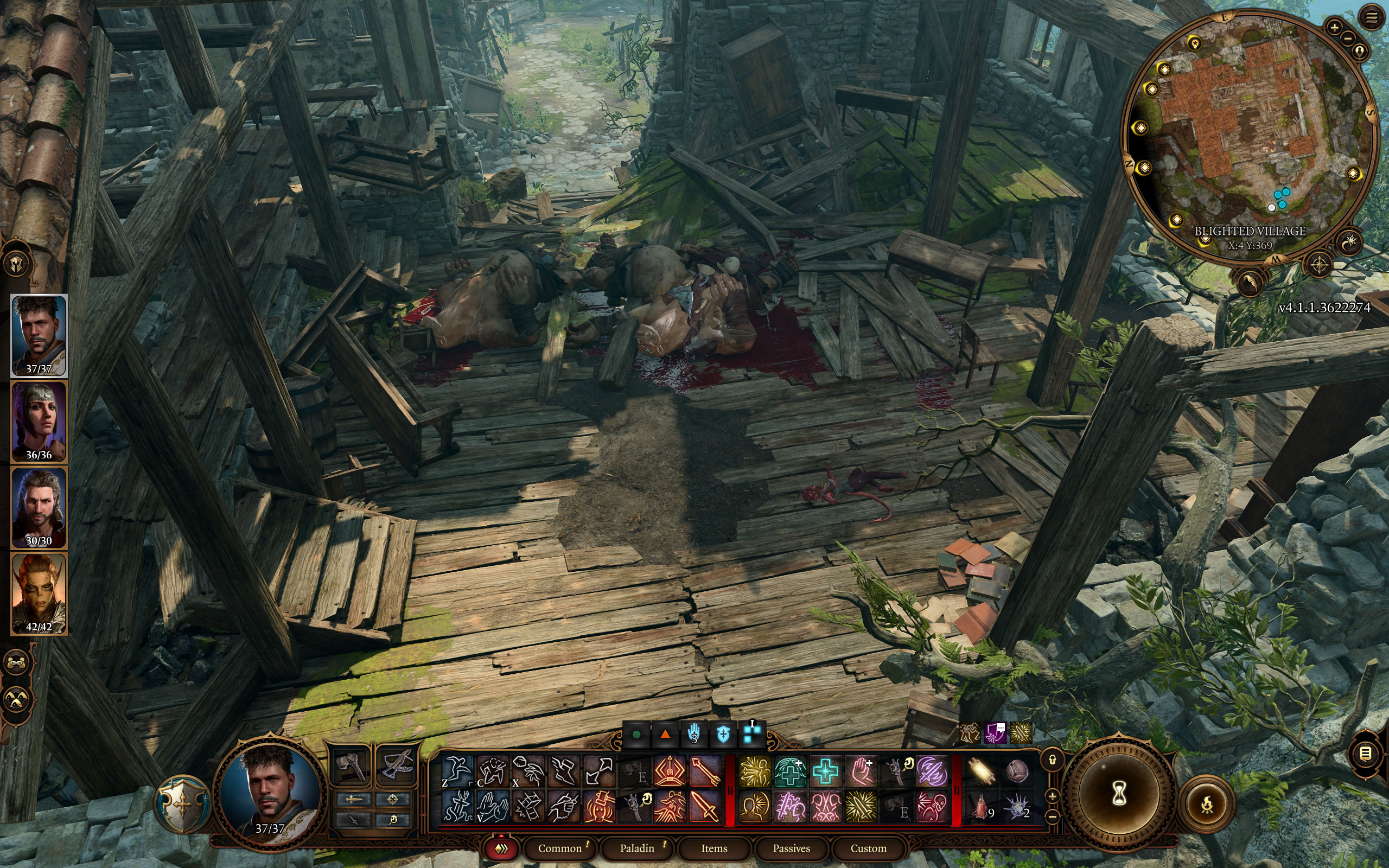
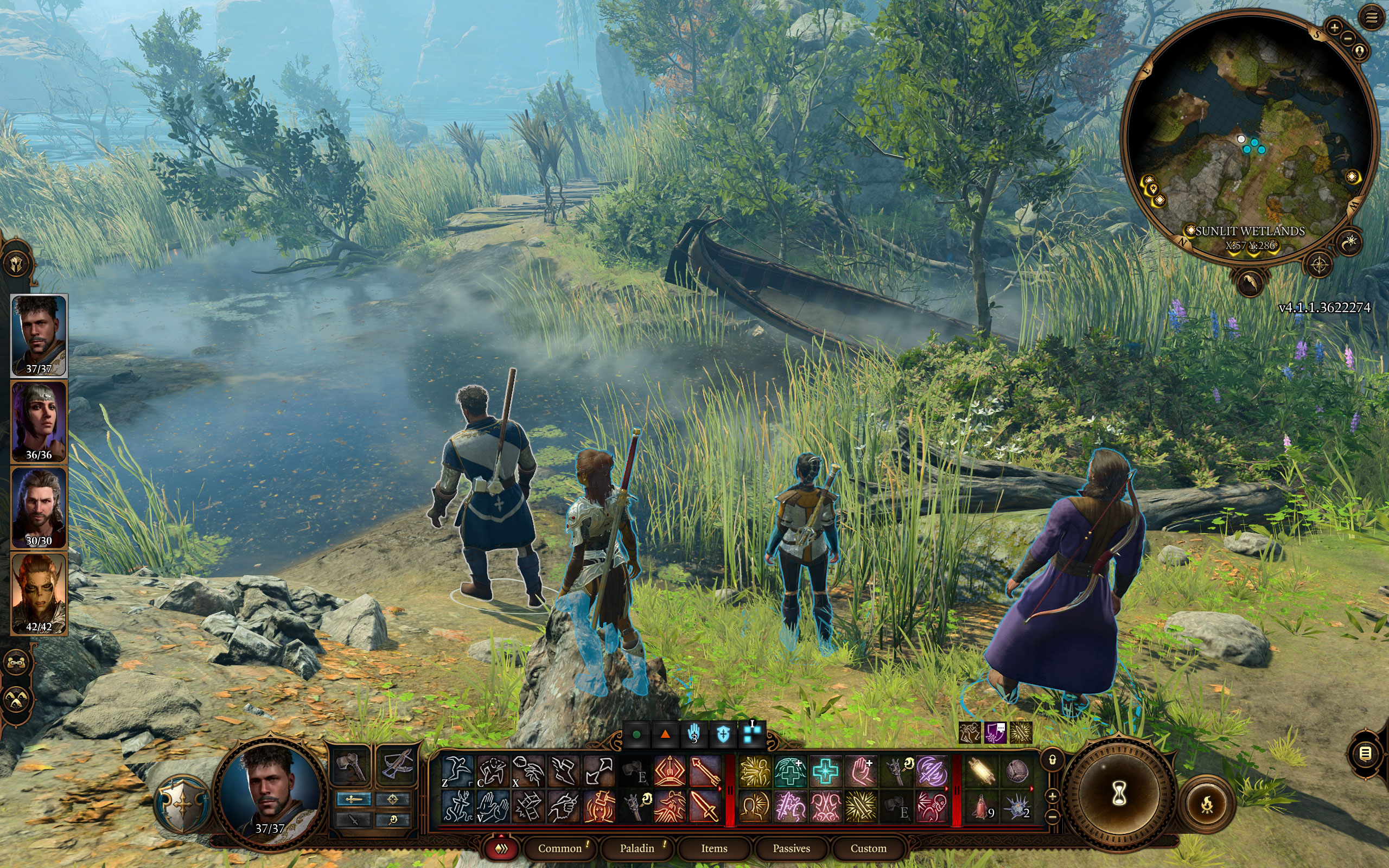
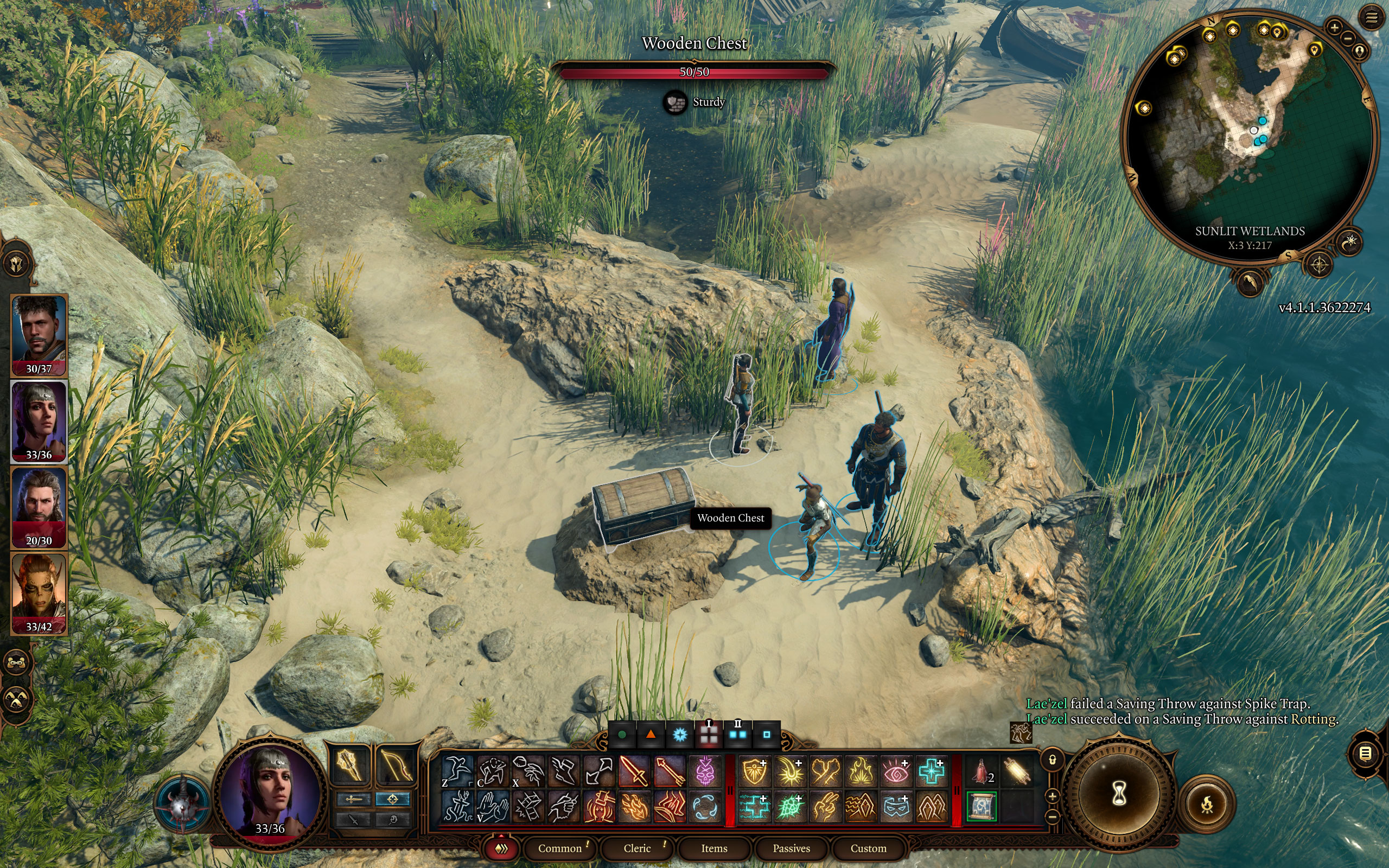
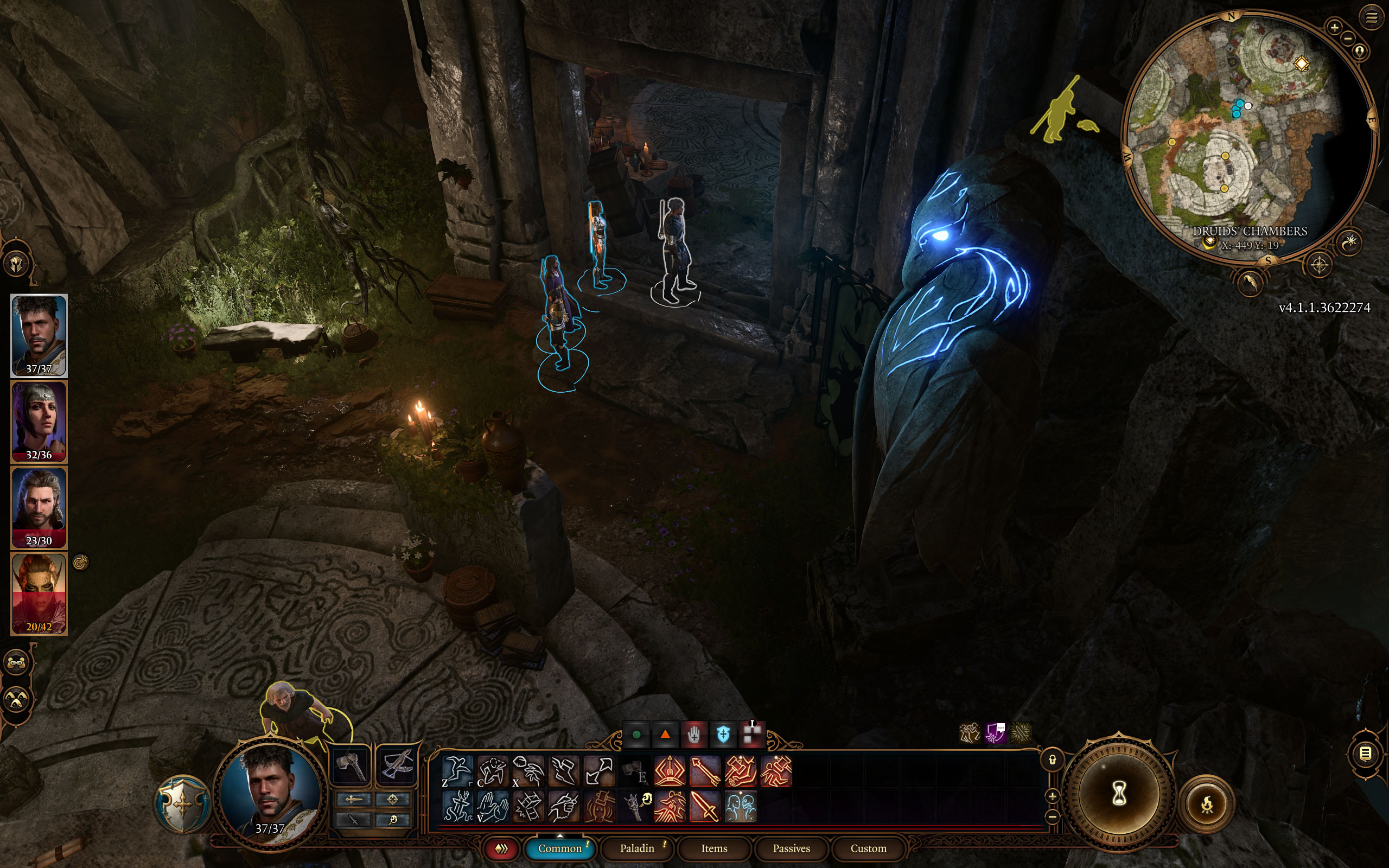
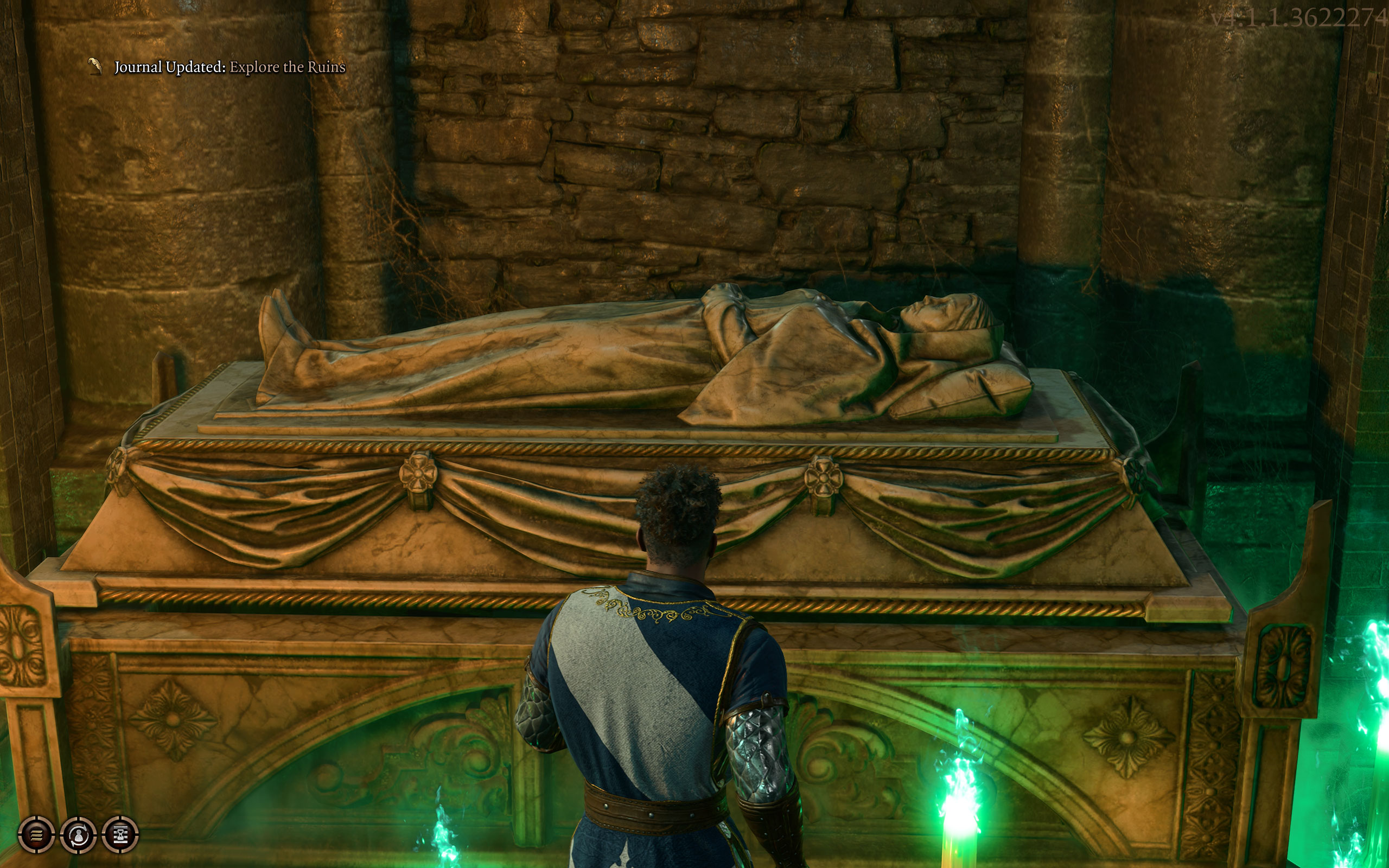
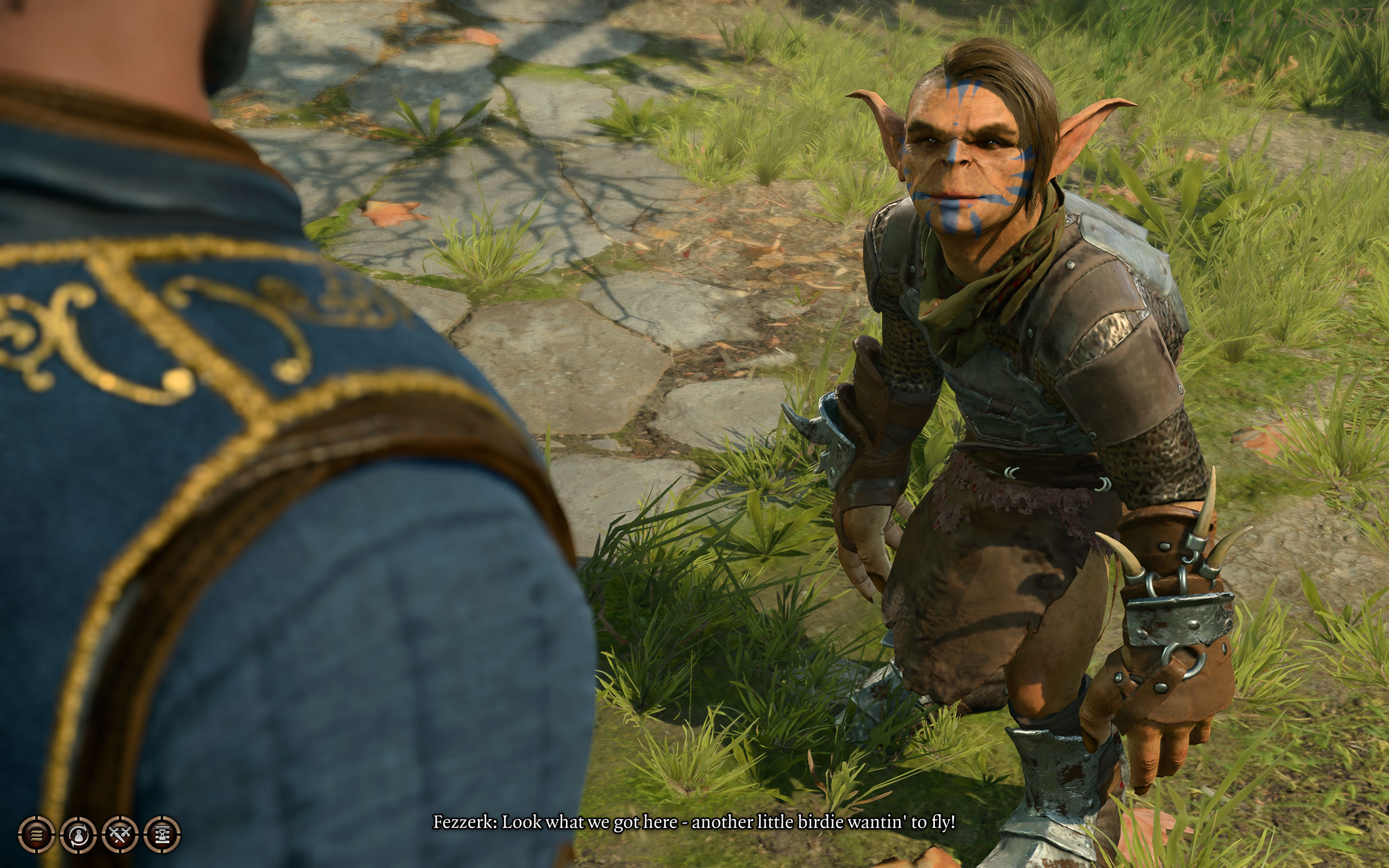
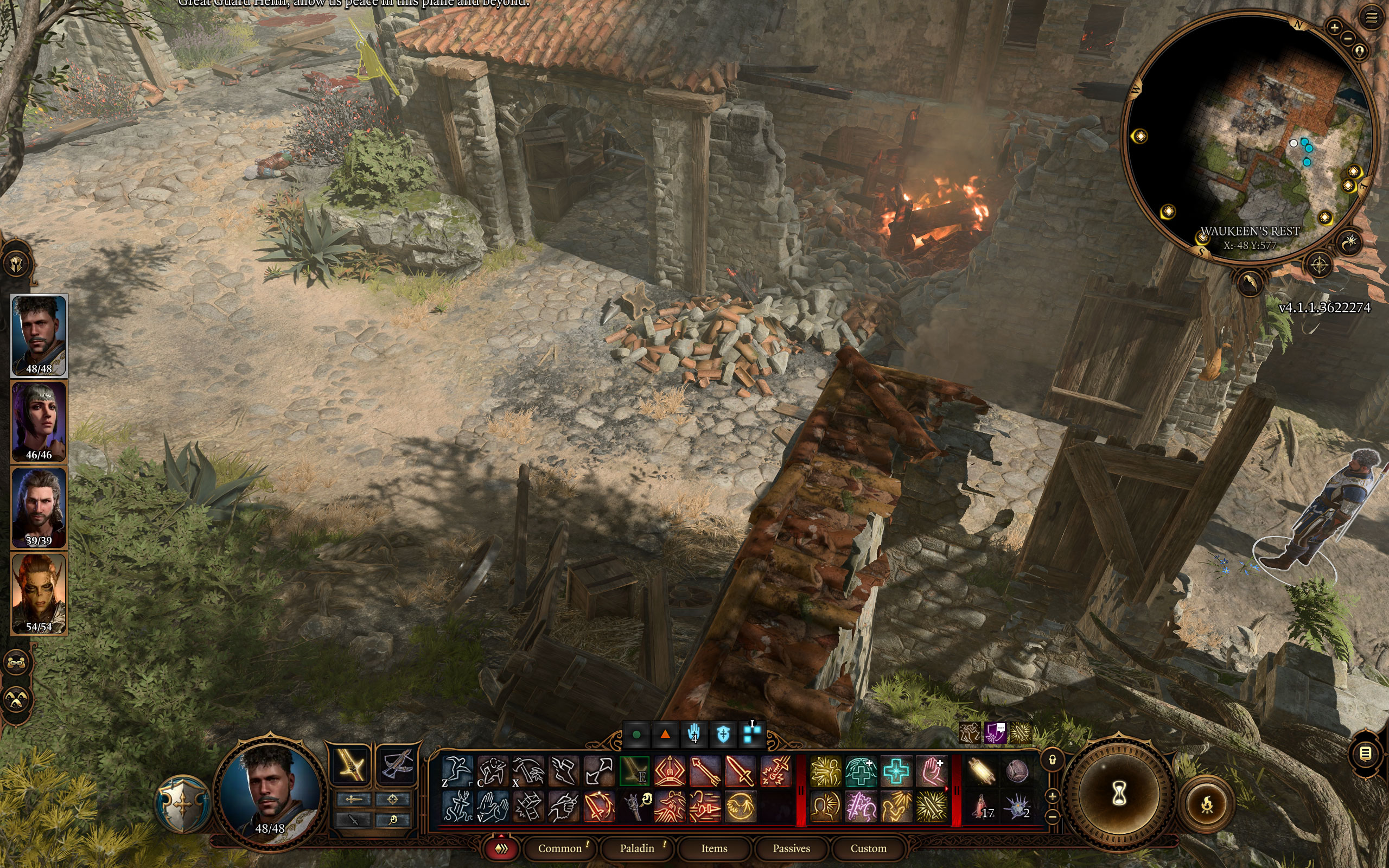
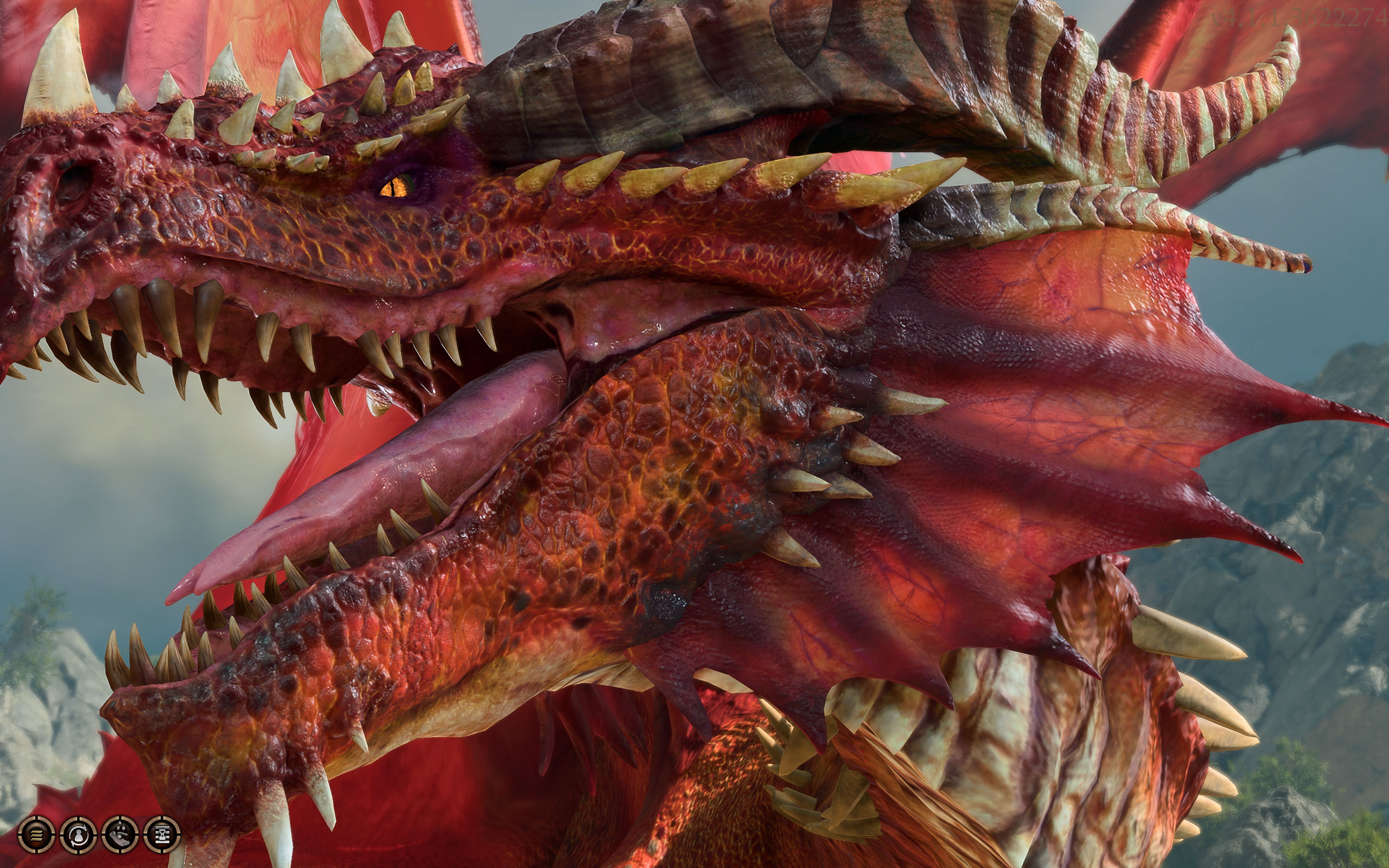
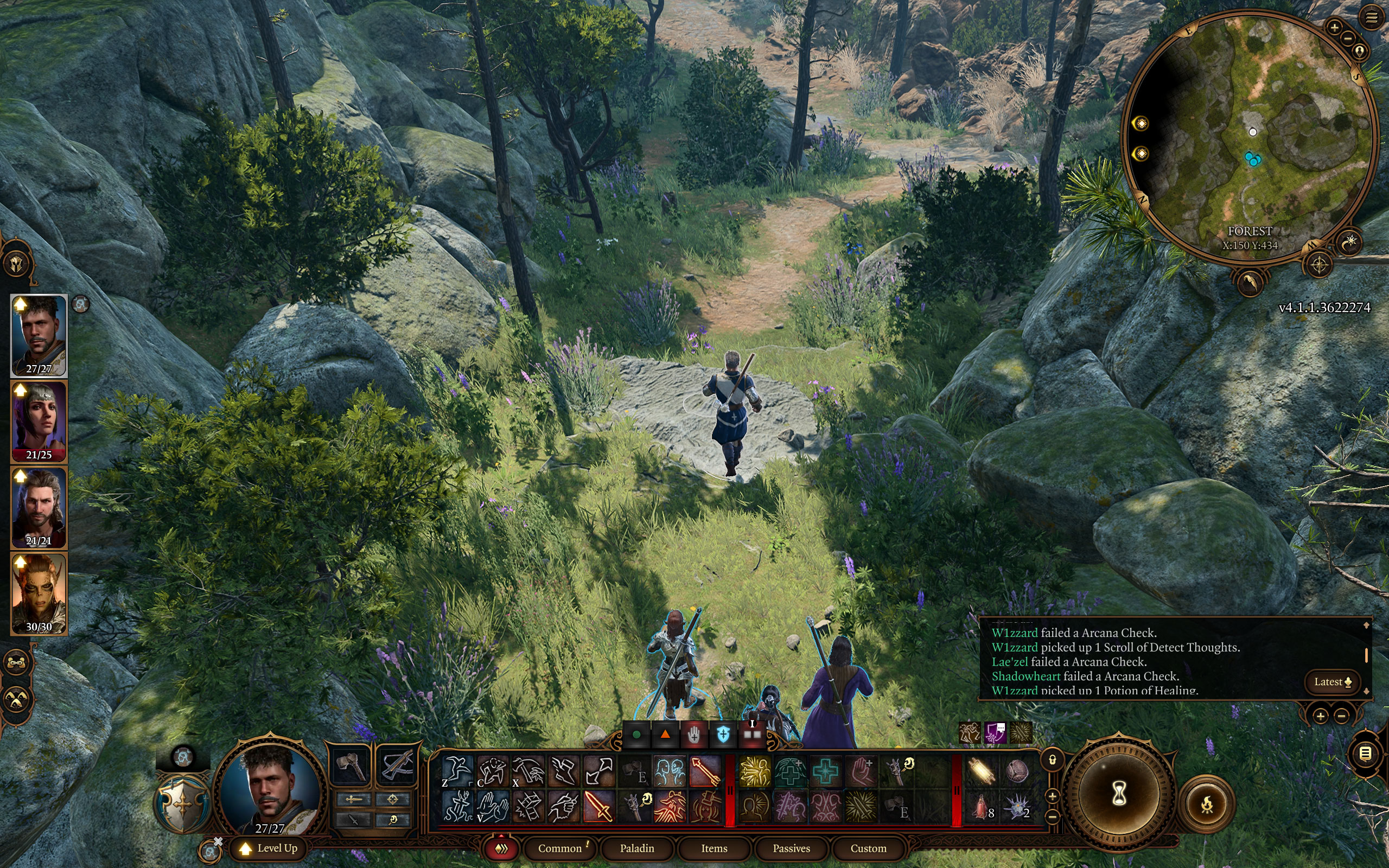
Screenshots
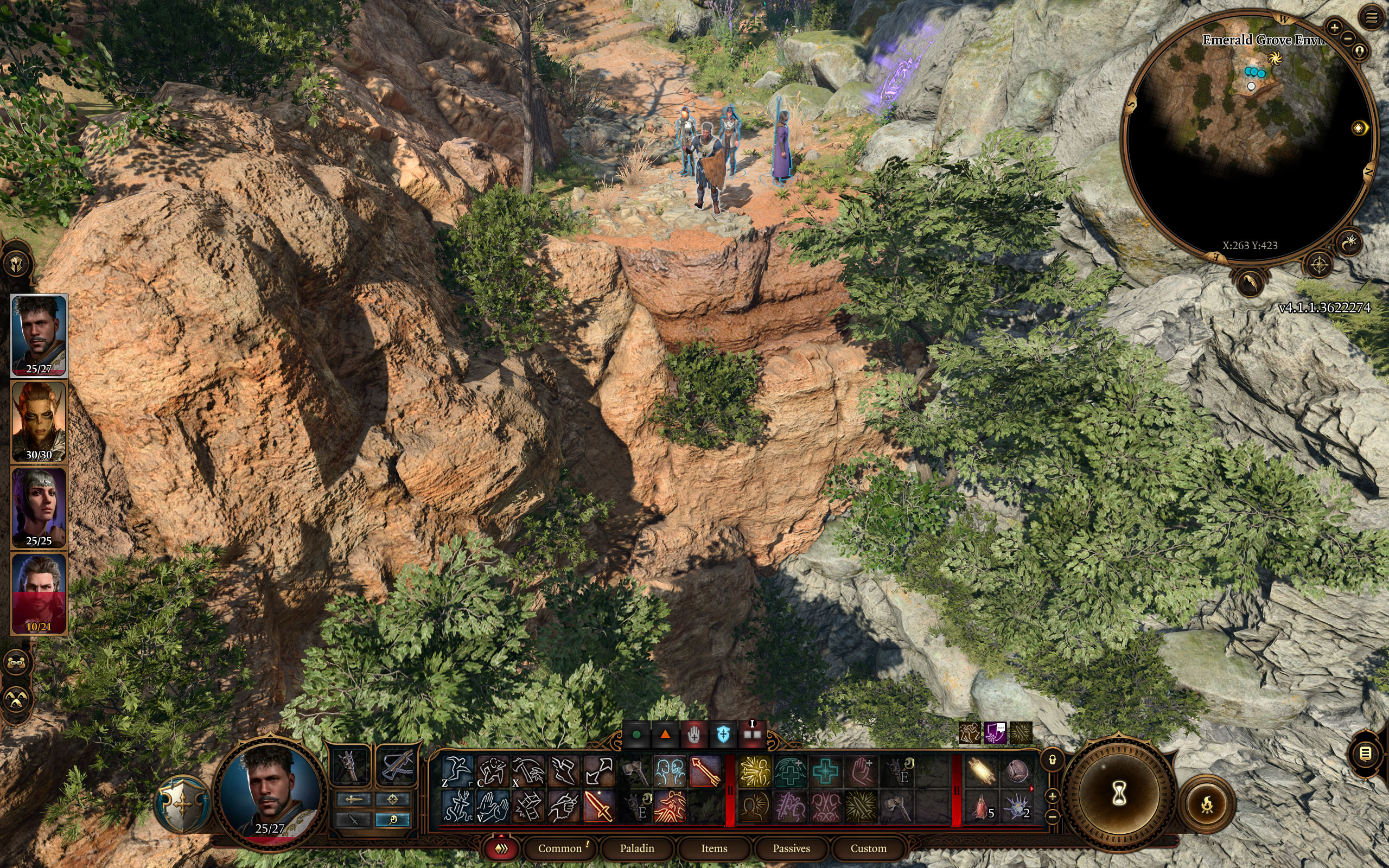
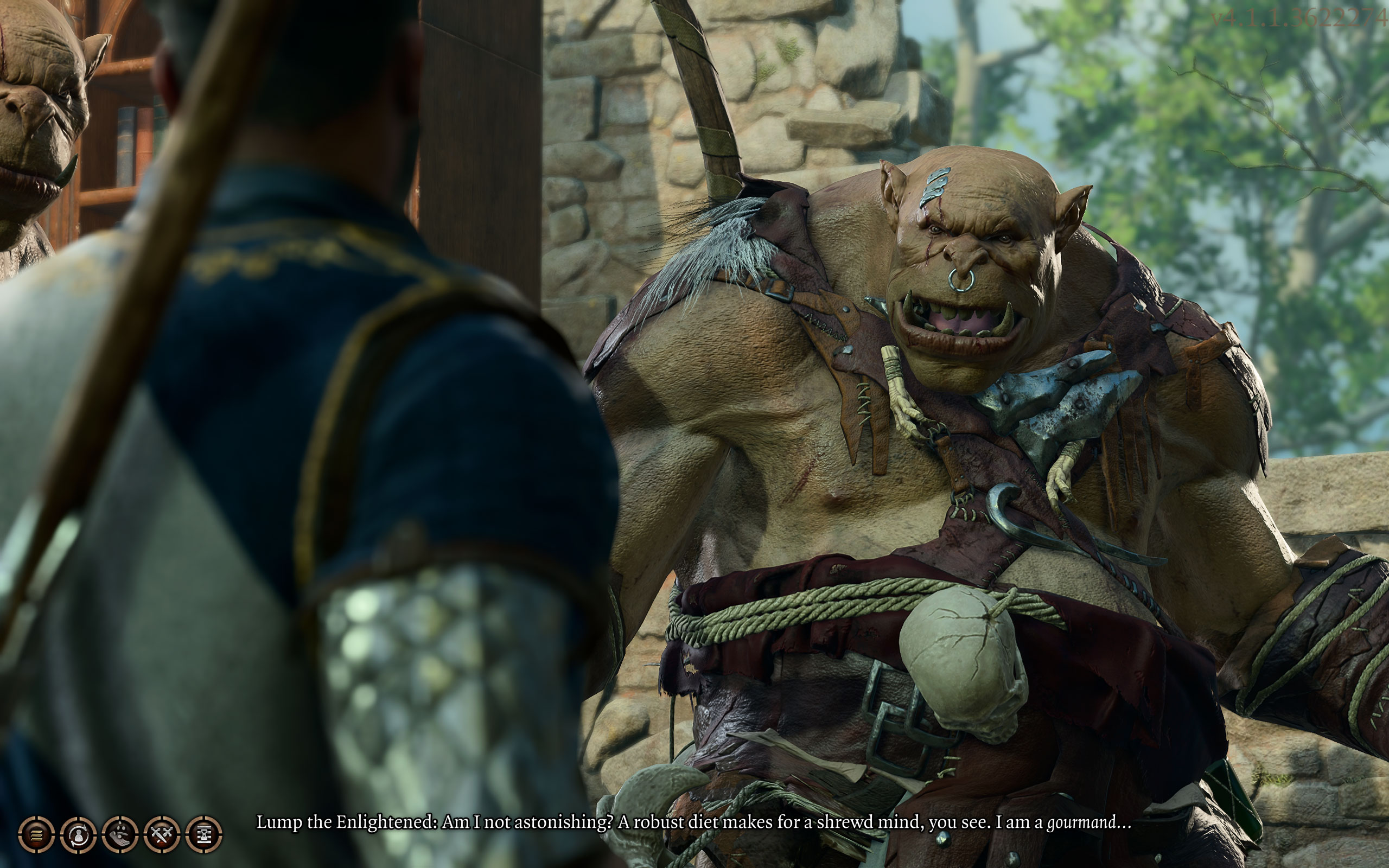
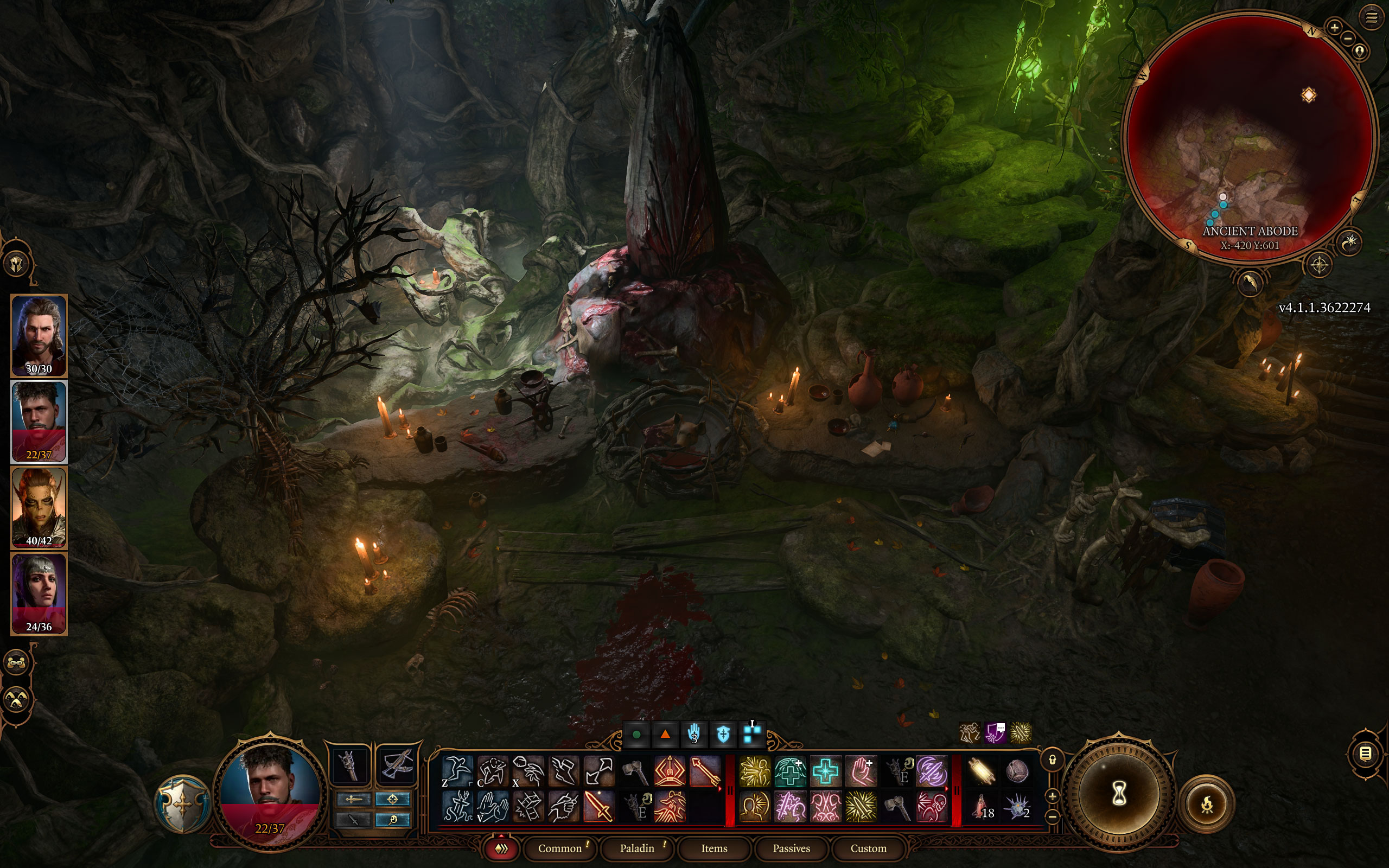
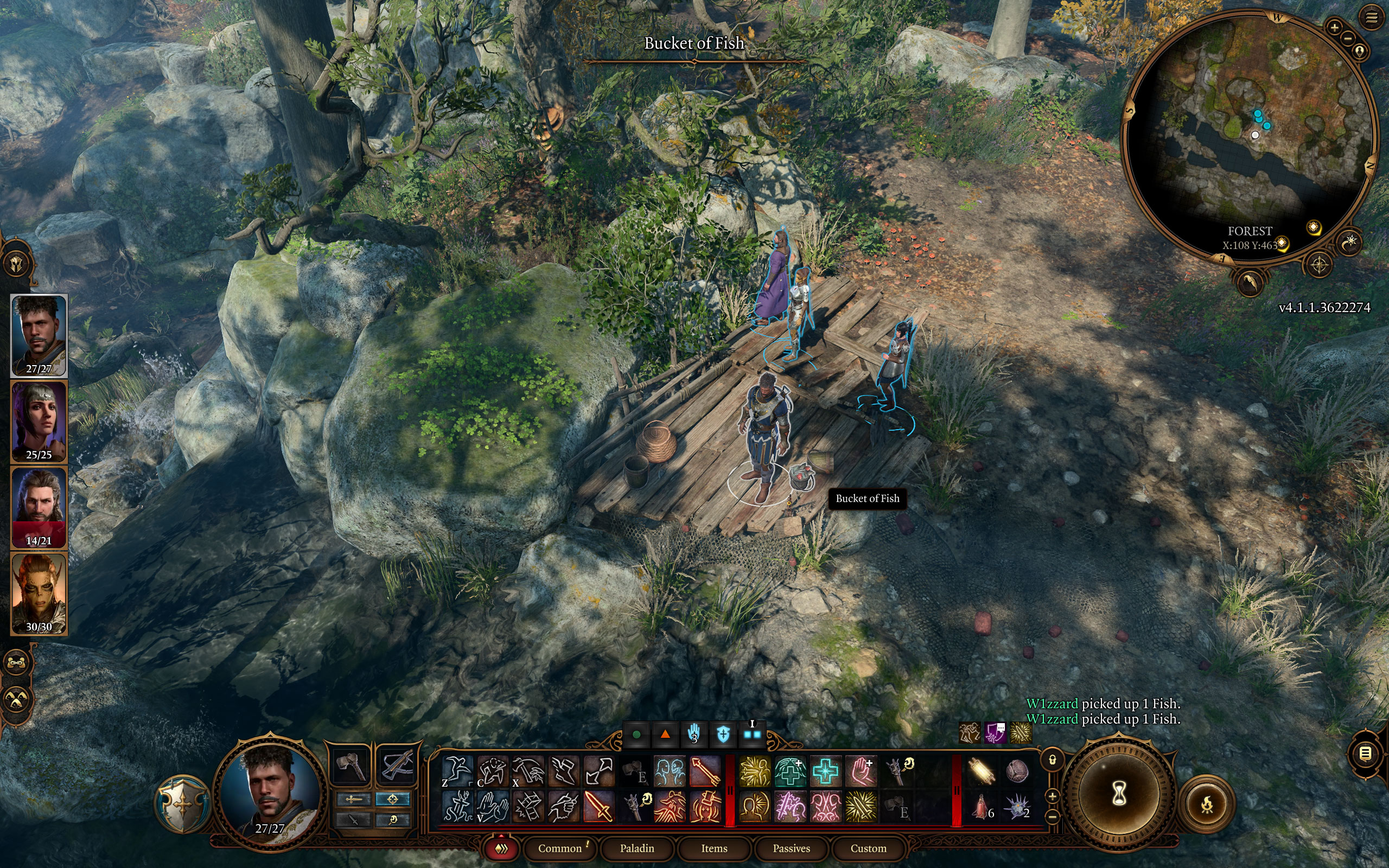
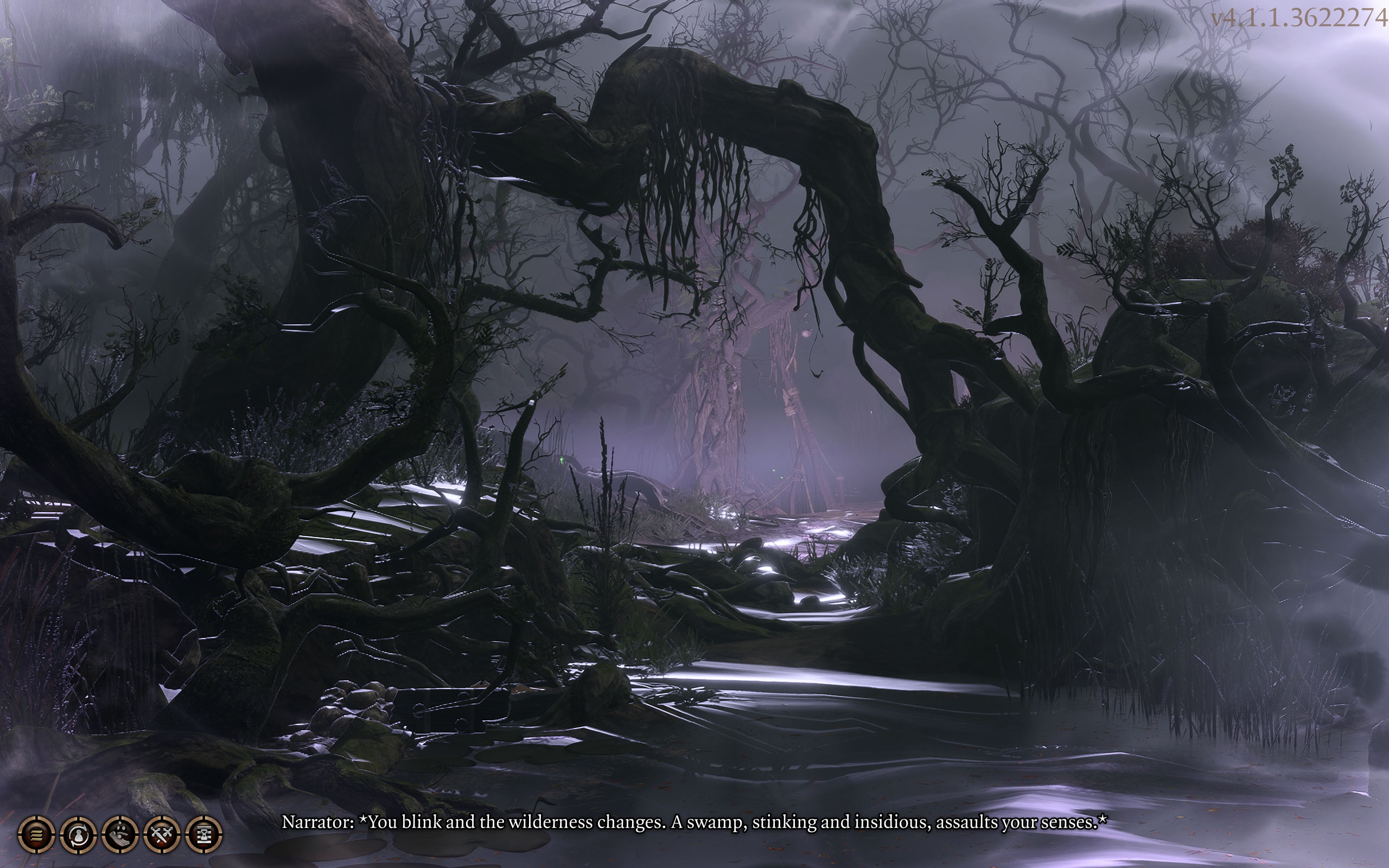
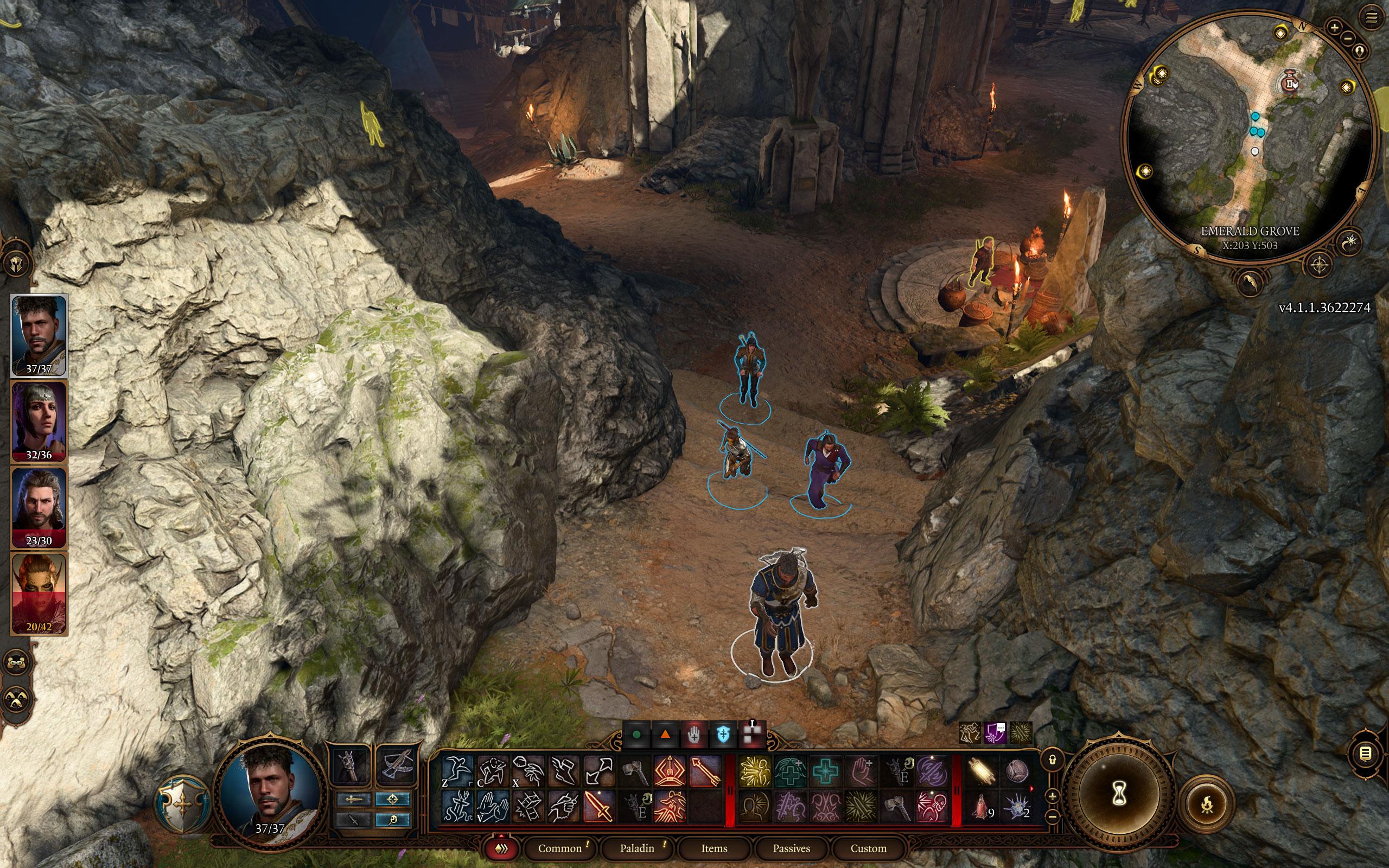
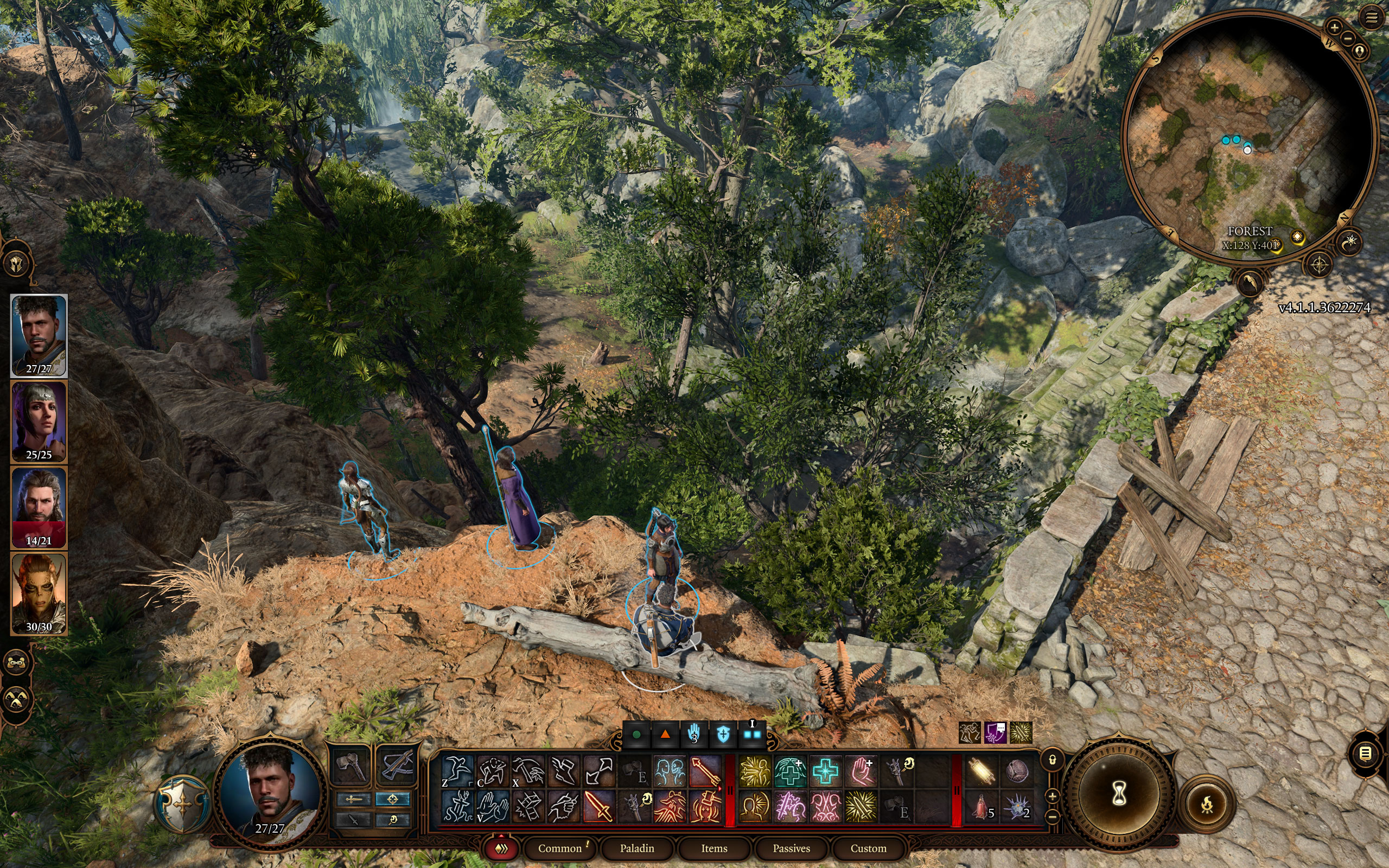
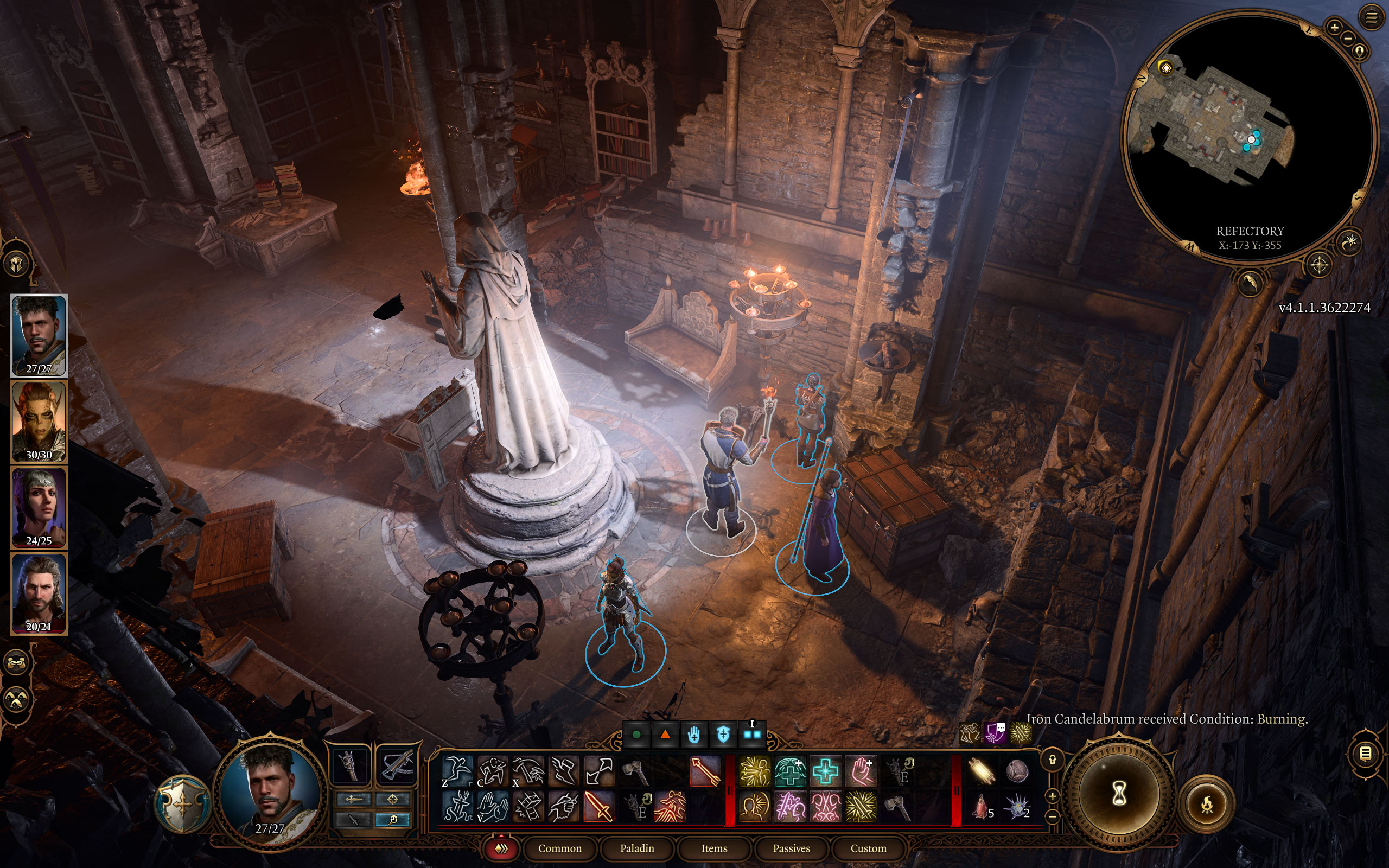
All screenshots were taken at Ultra settings. The gallery can be navigated with the cursor keys.

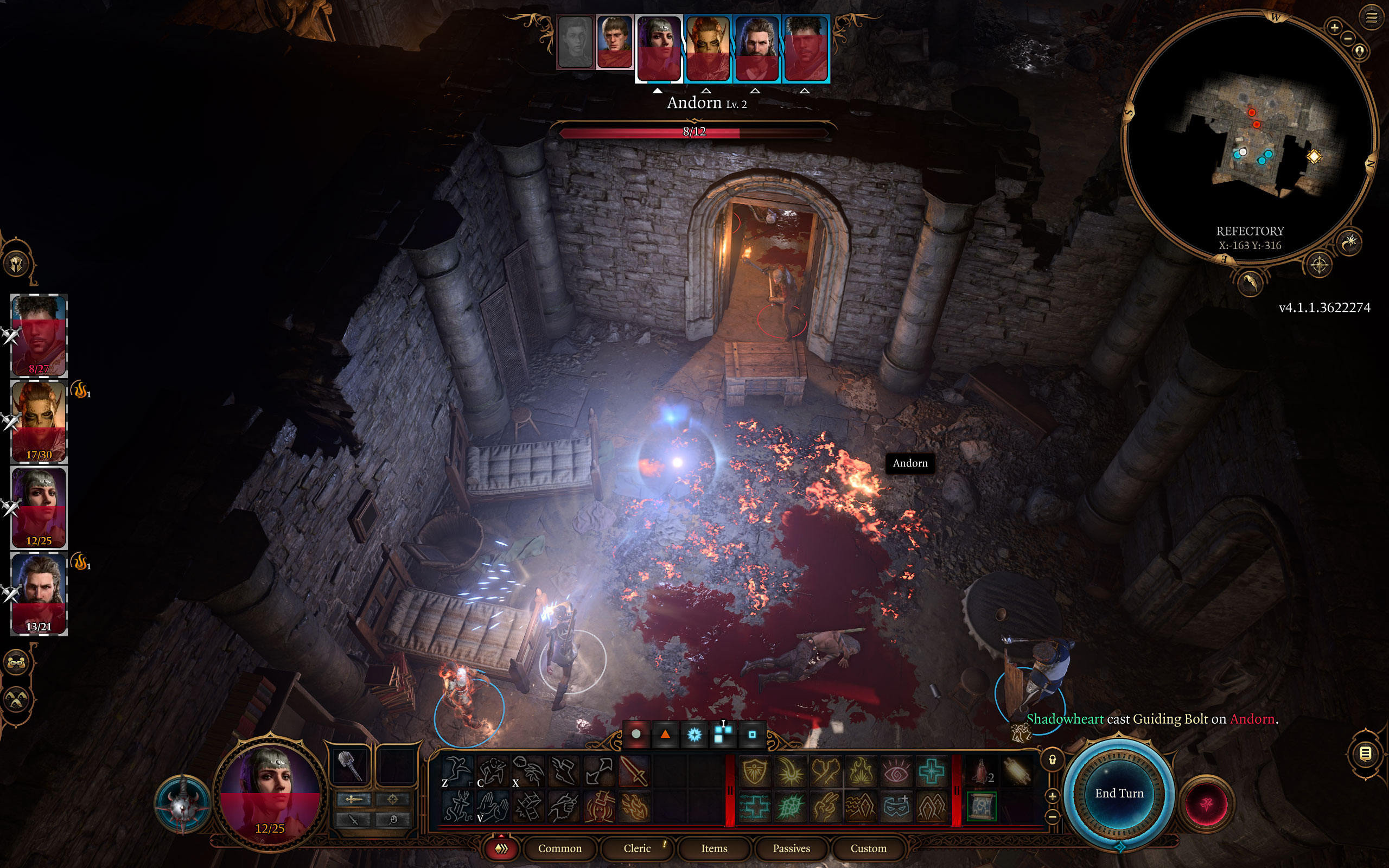
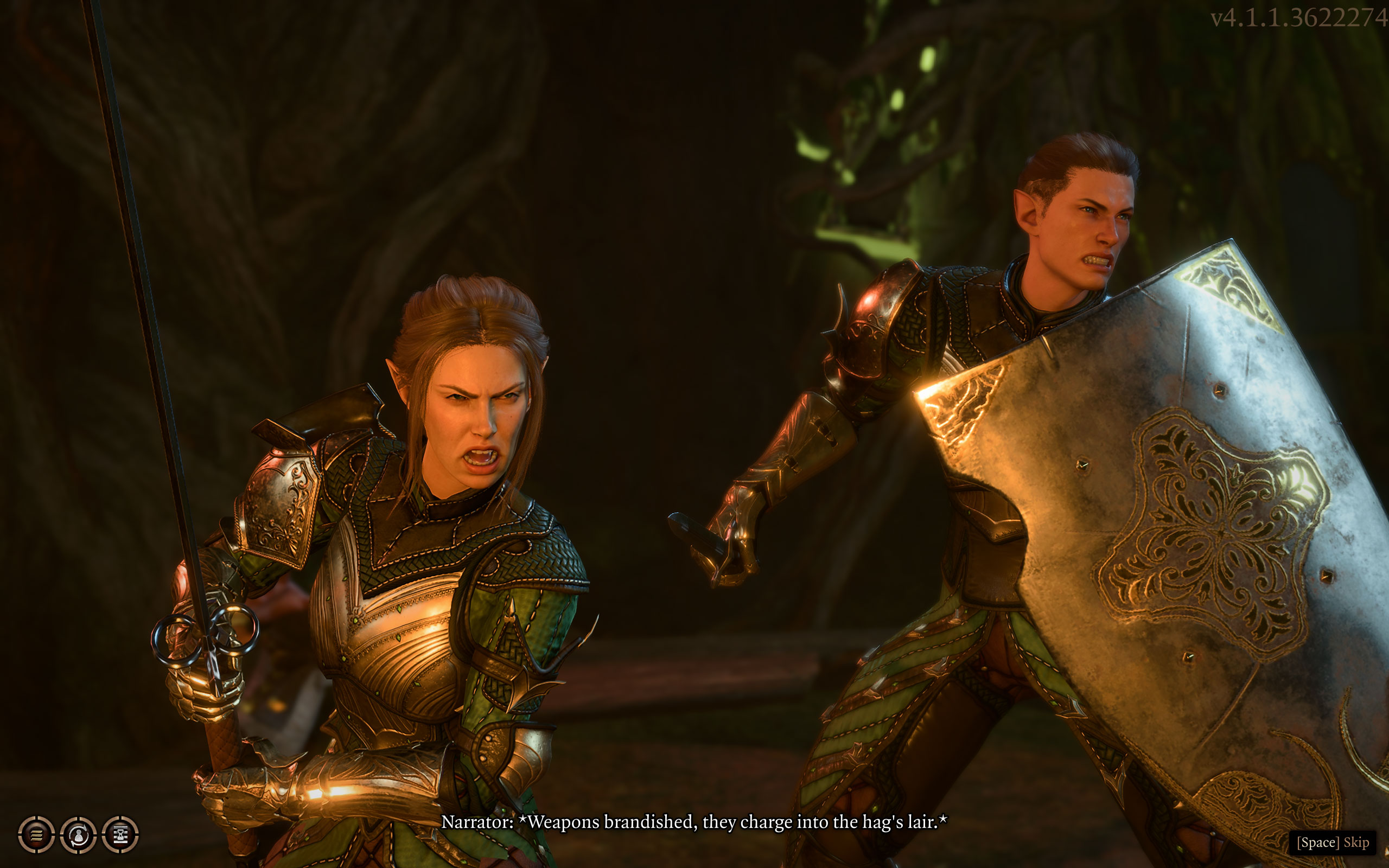


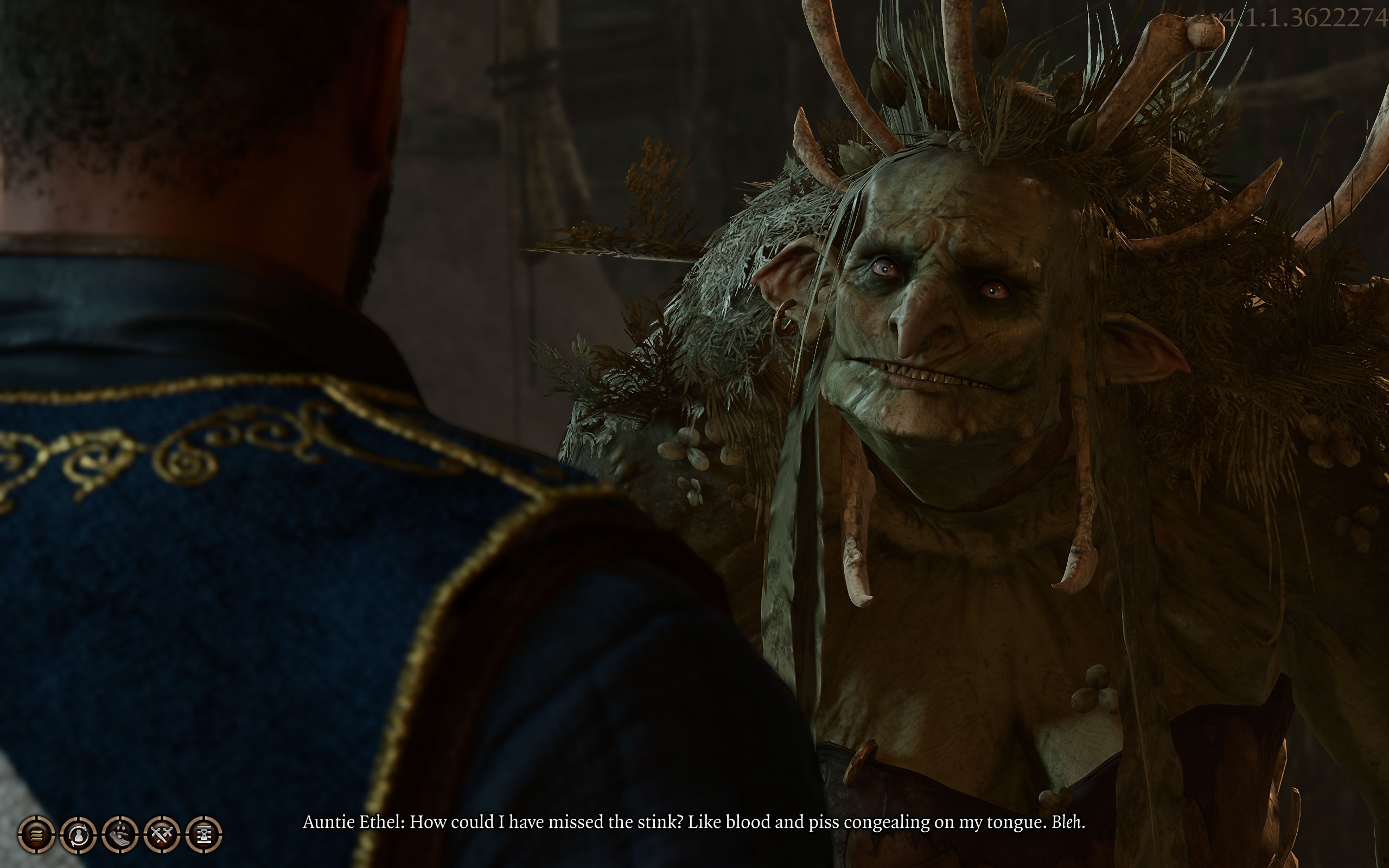
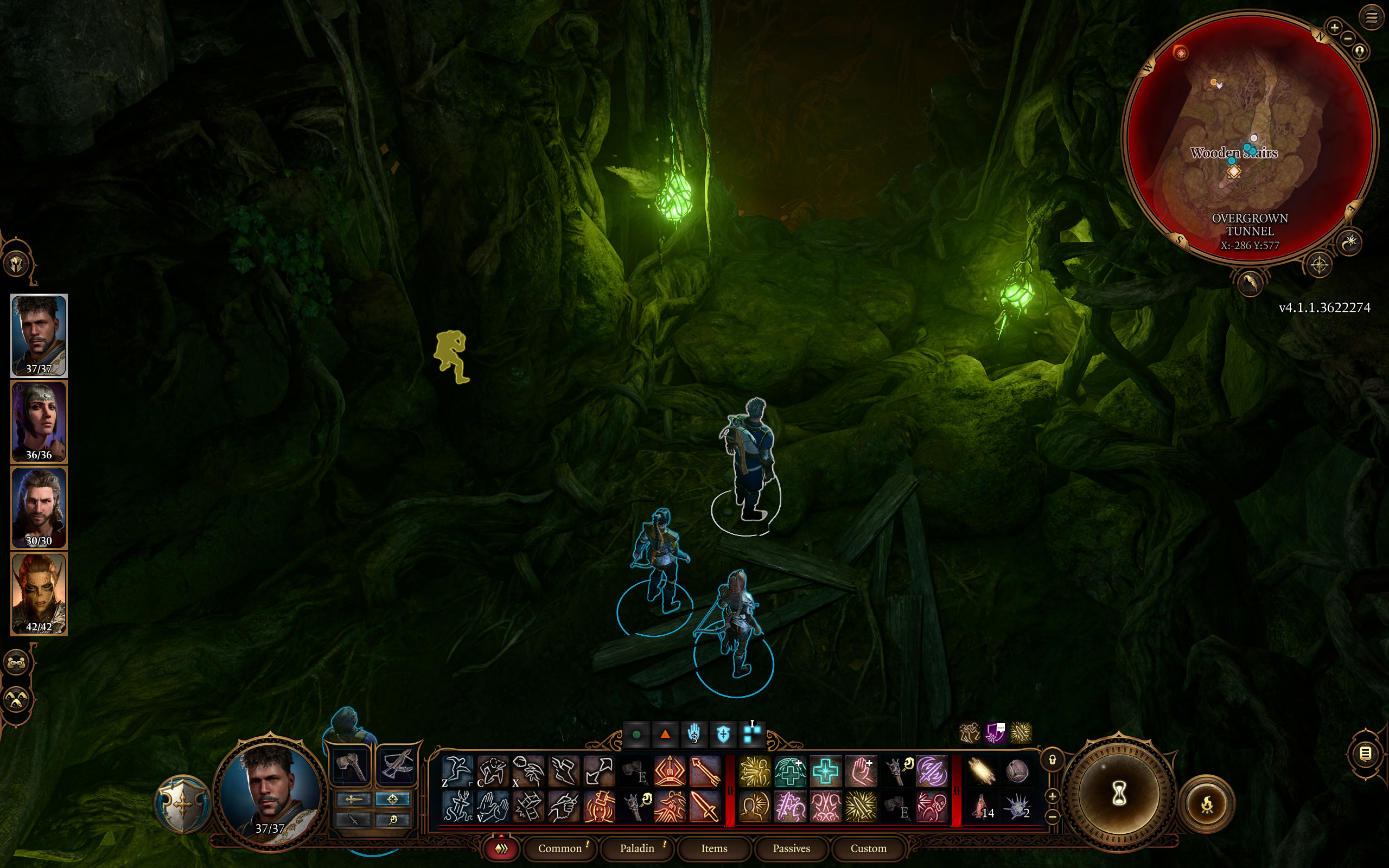







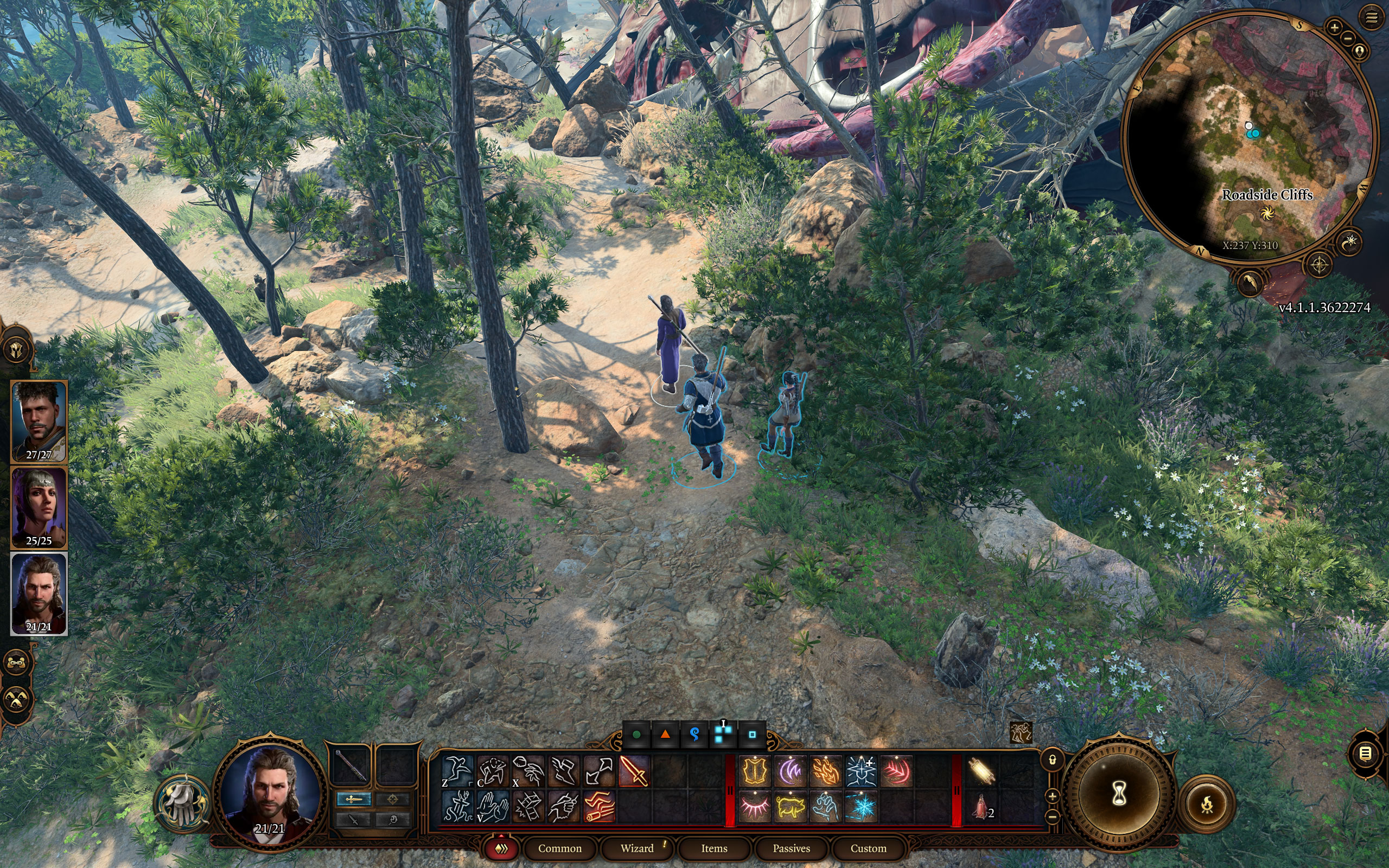

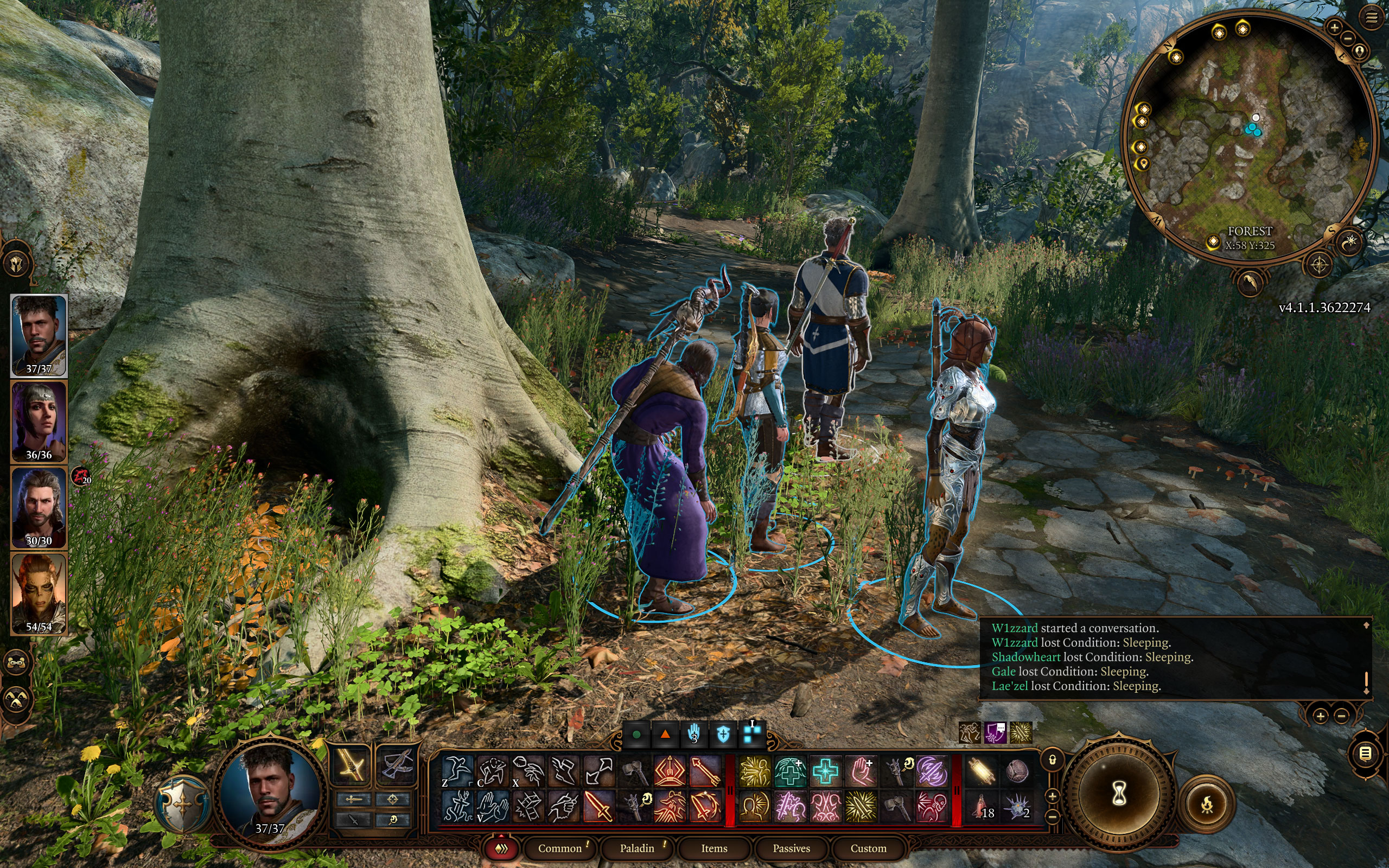
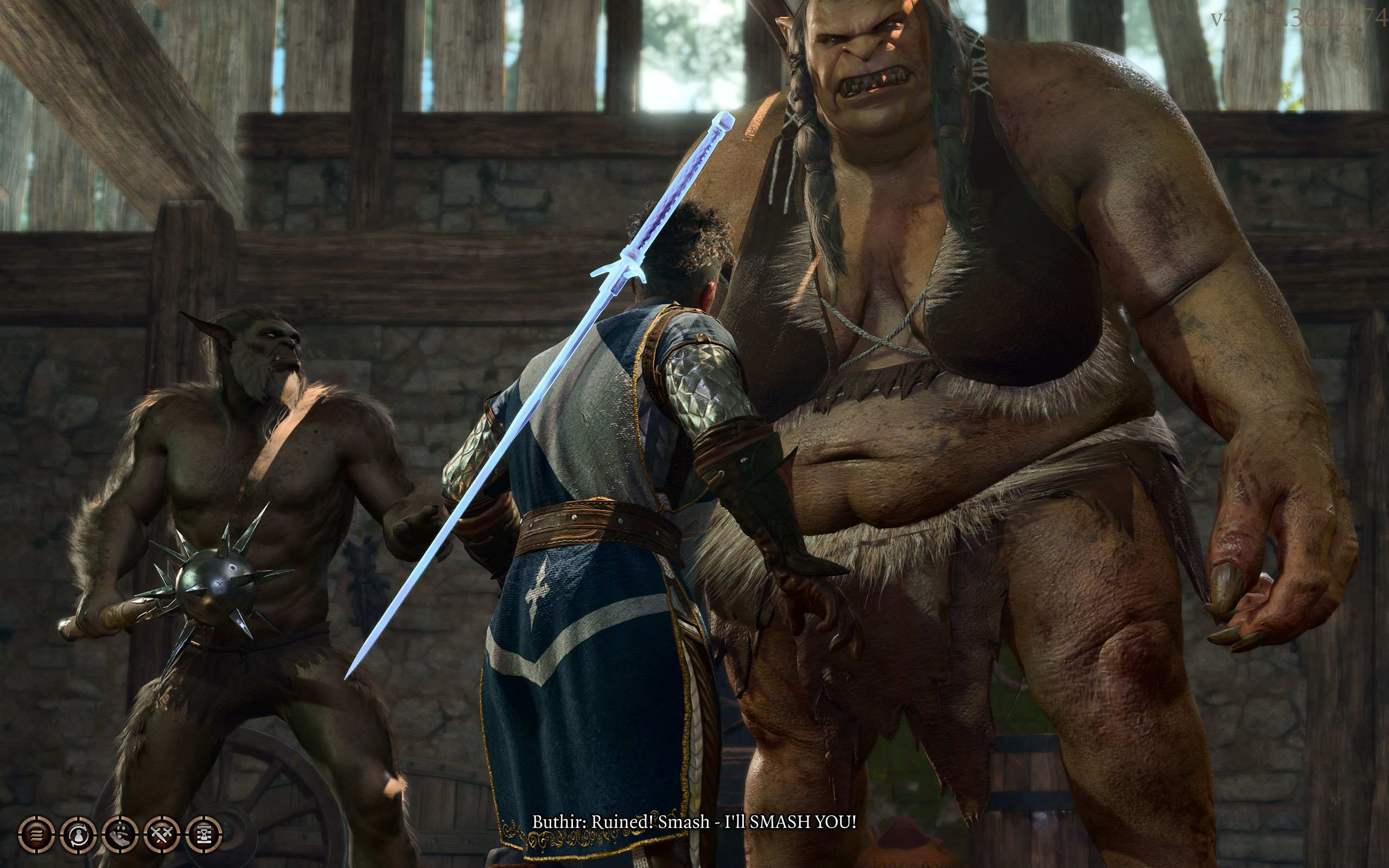
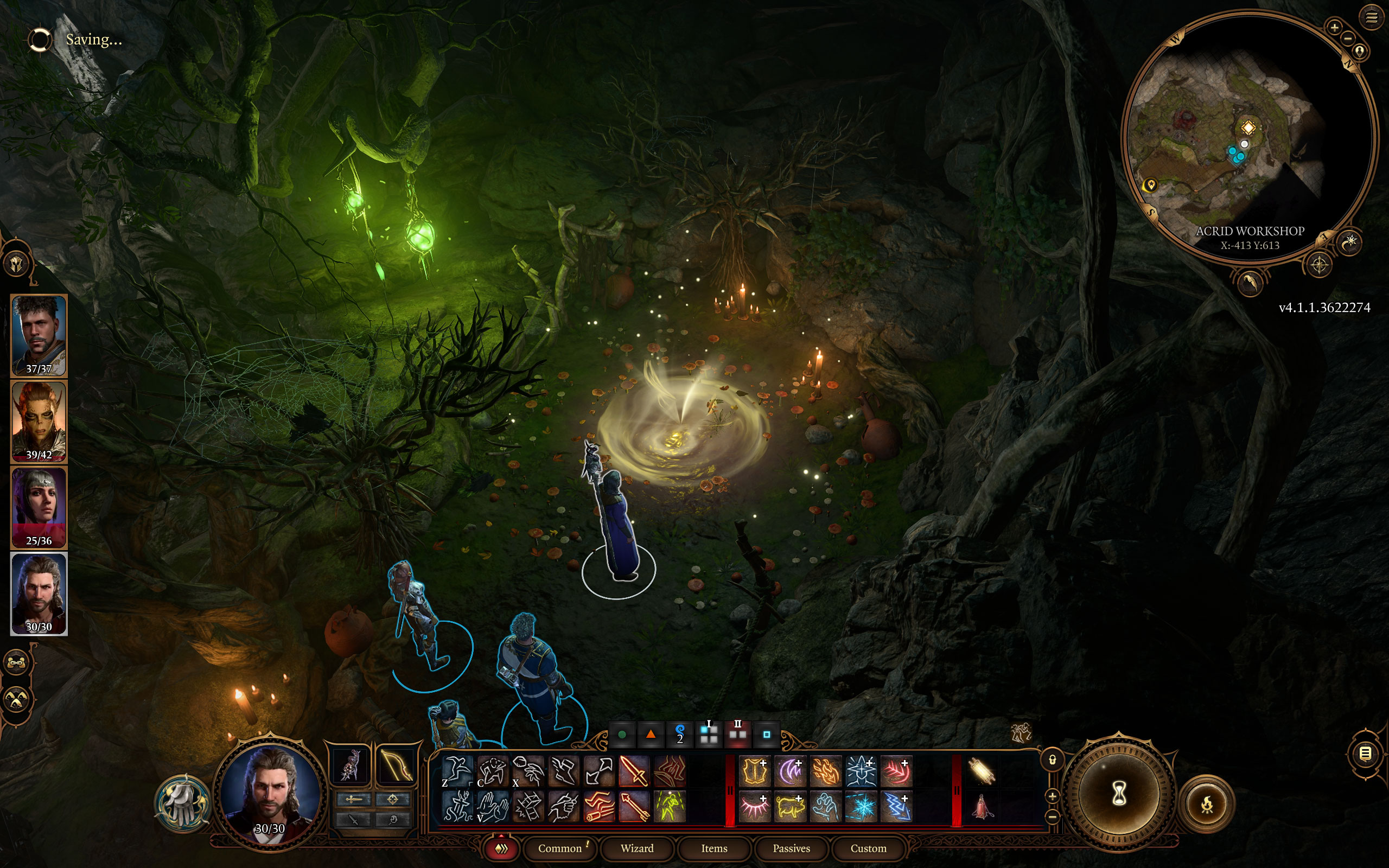
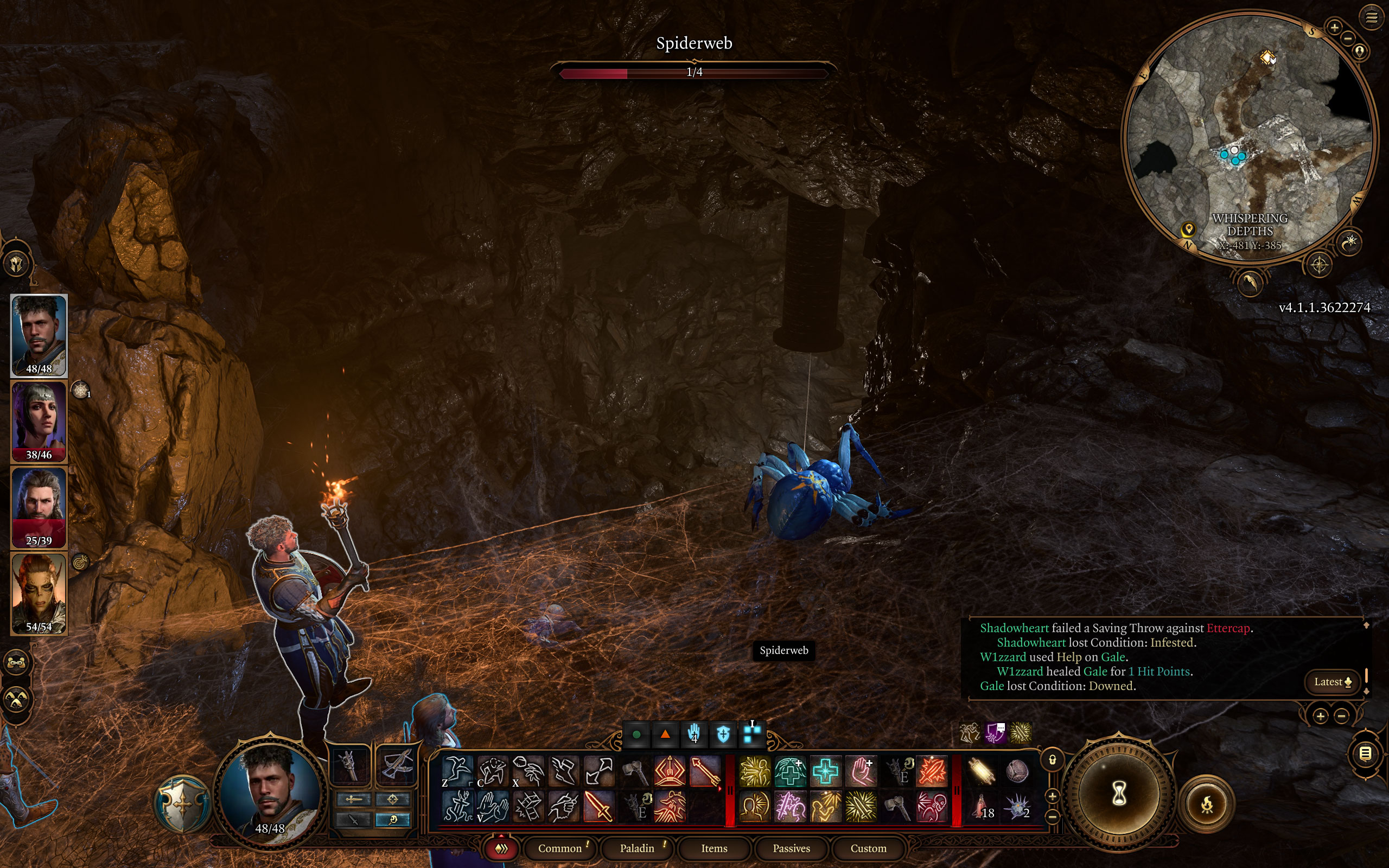

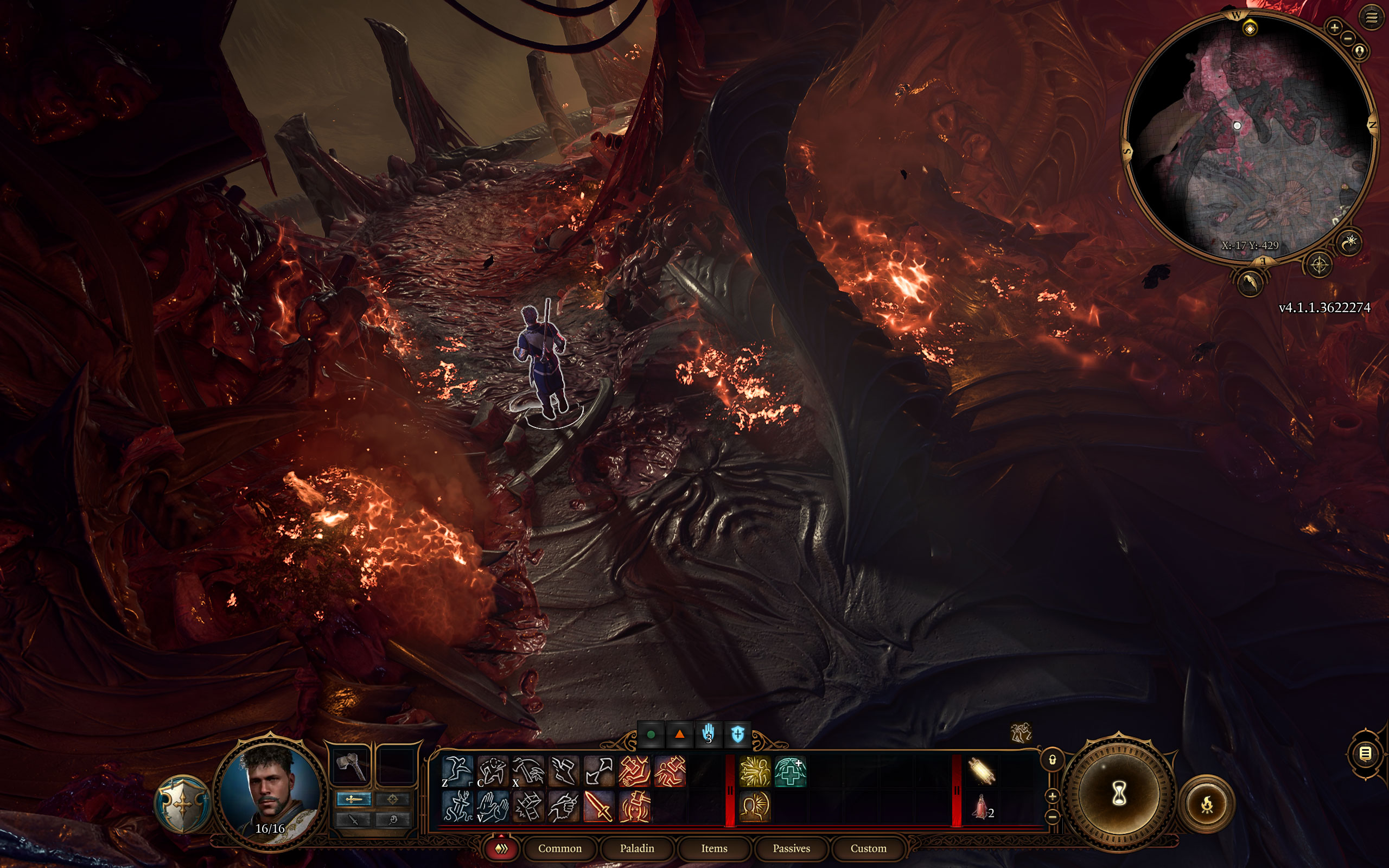
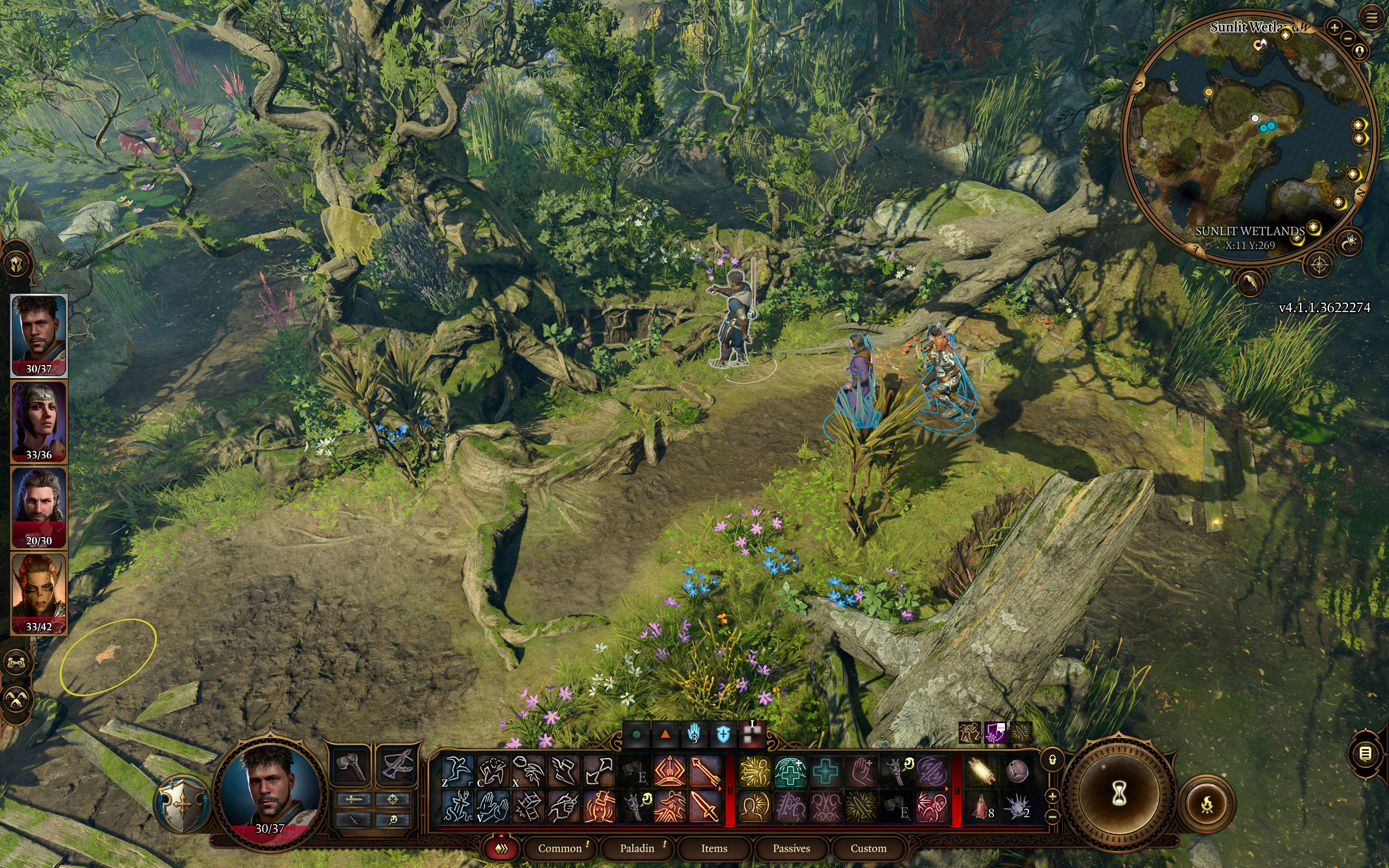
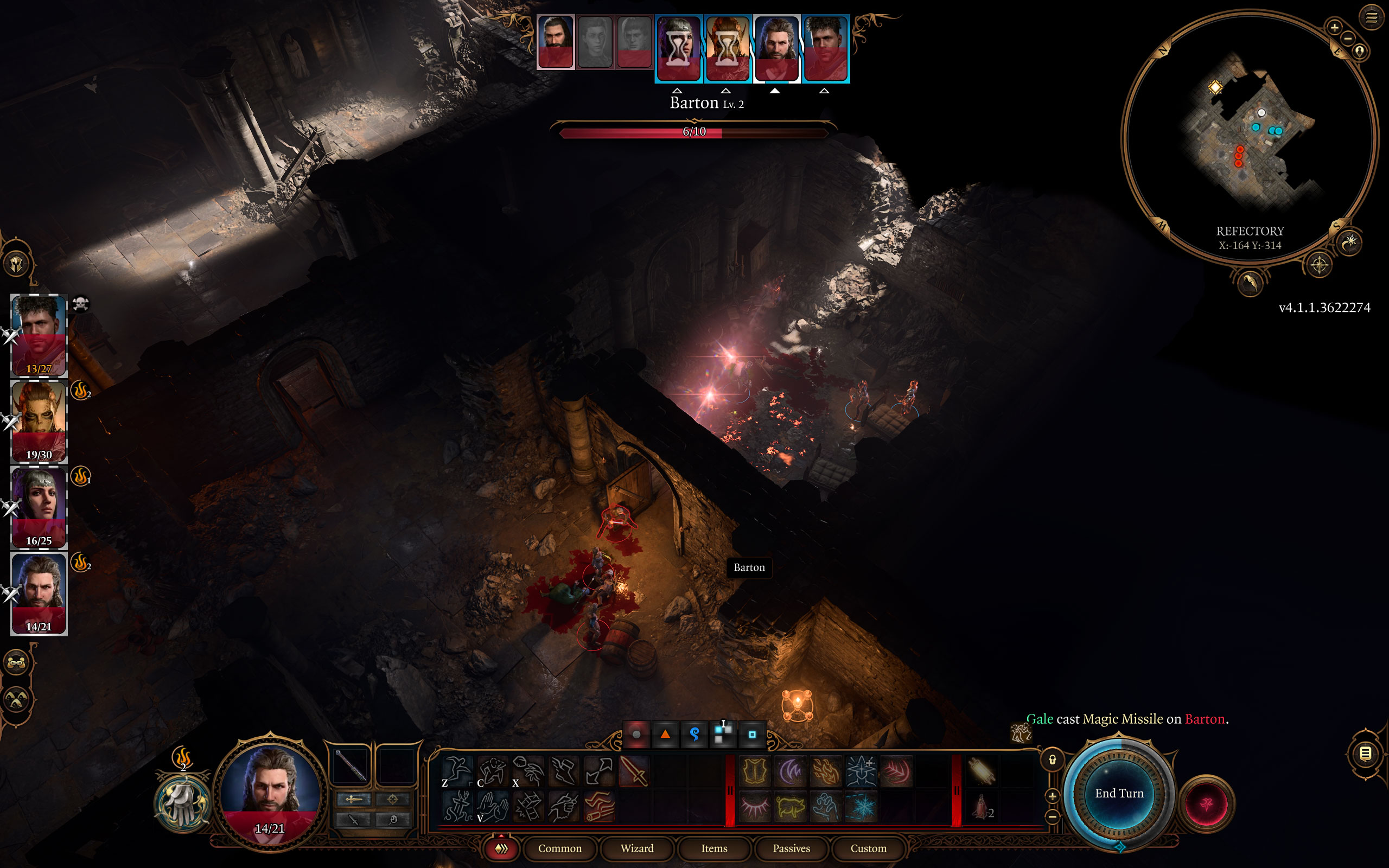
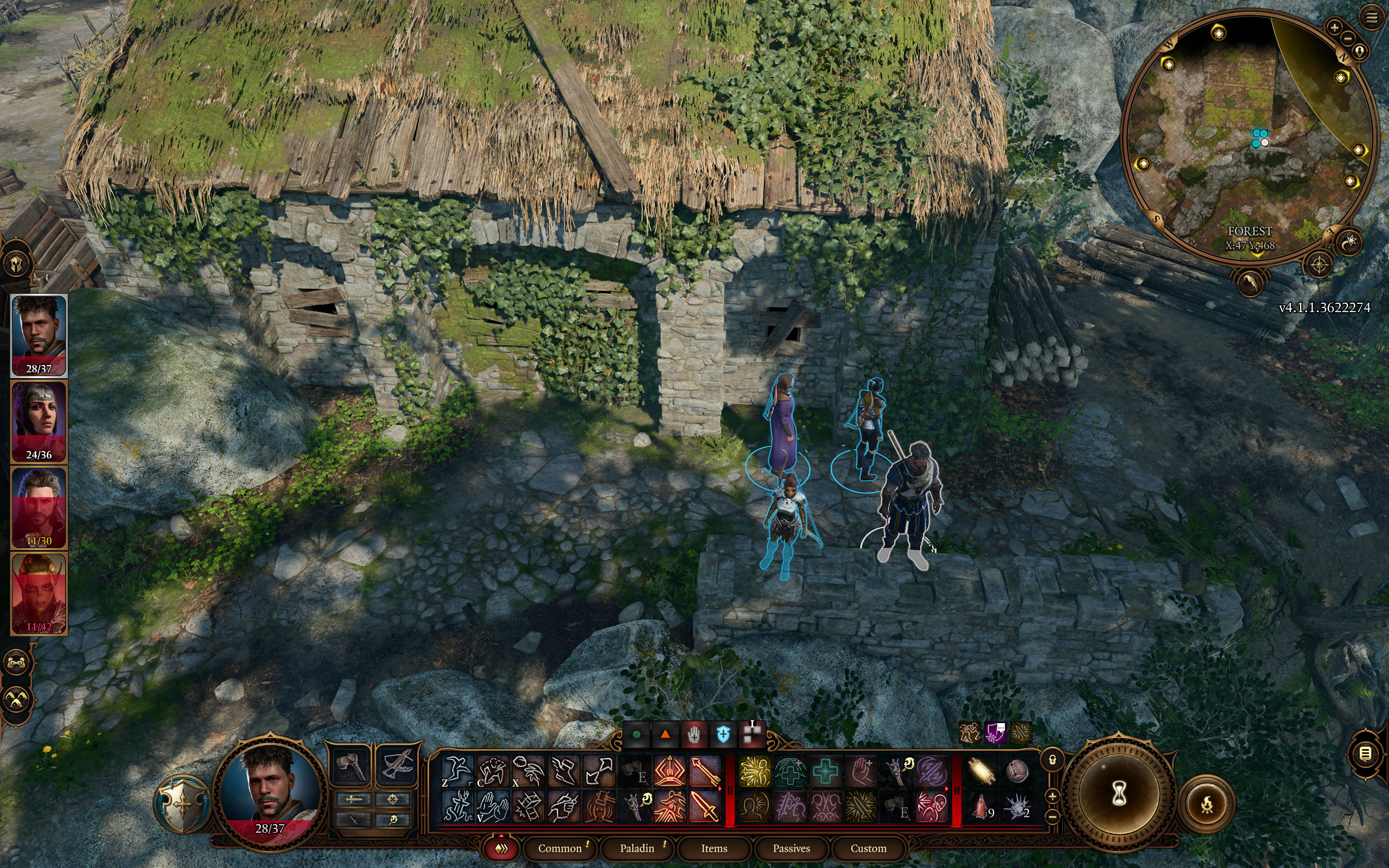
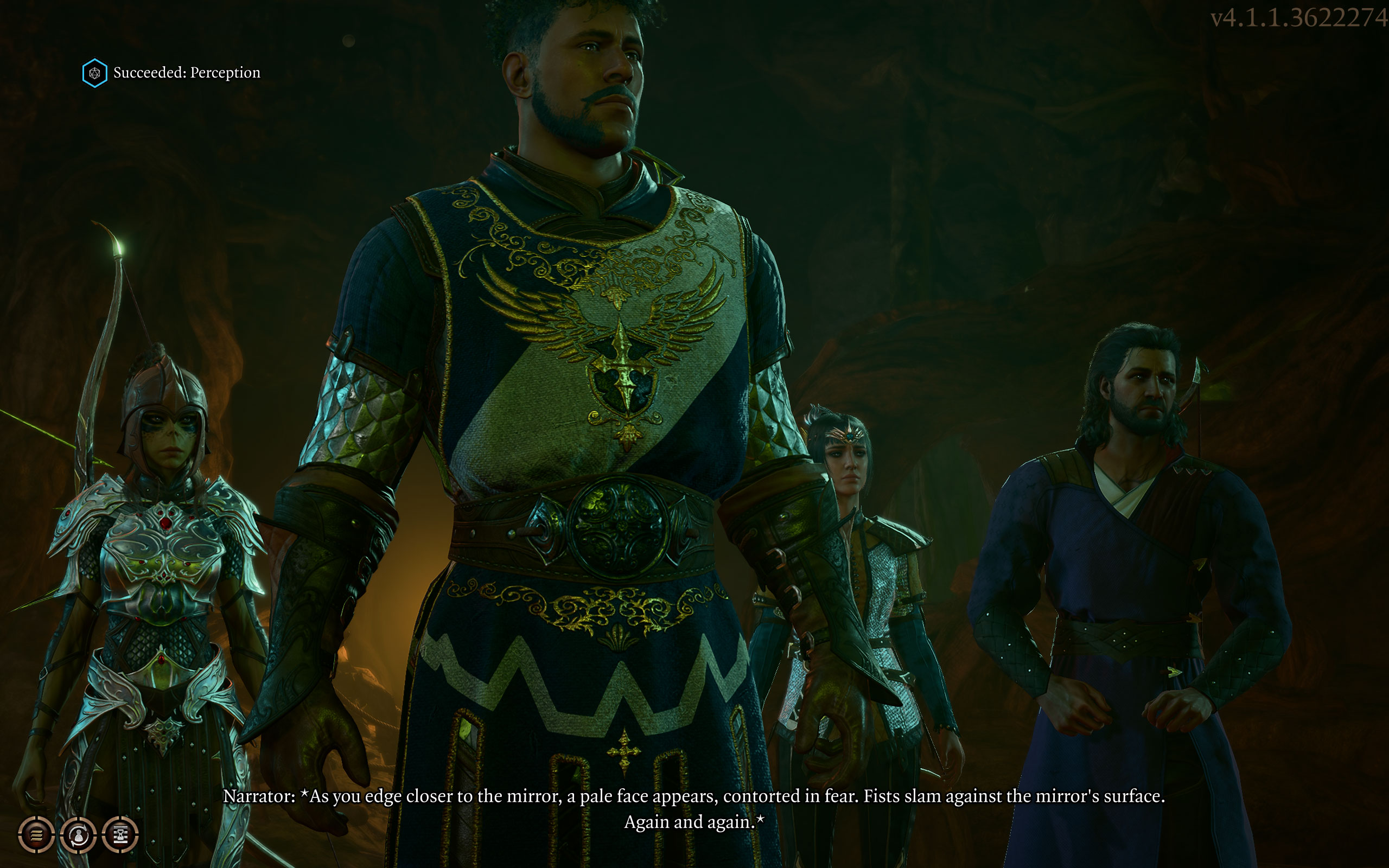
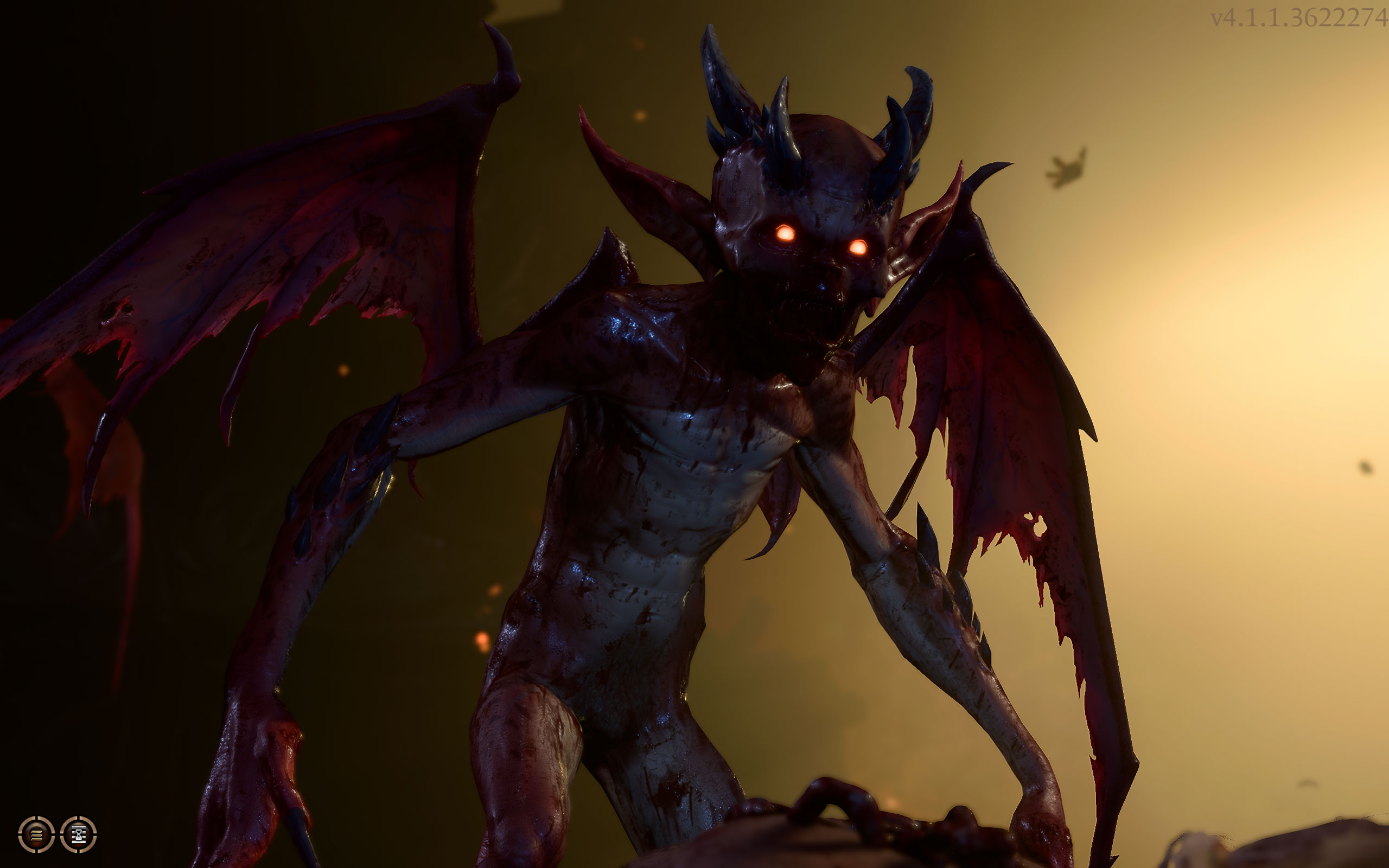
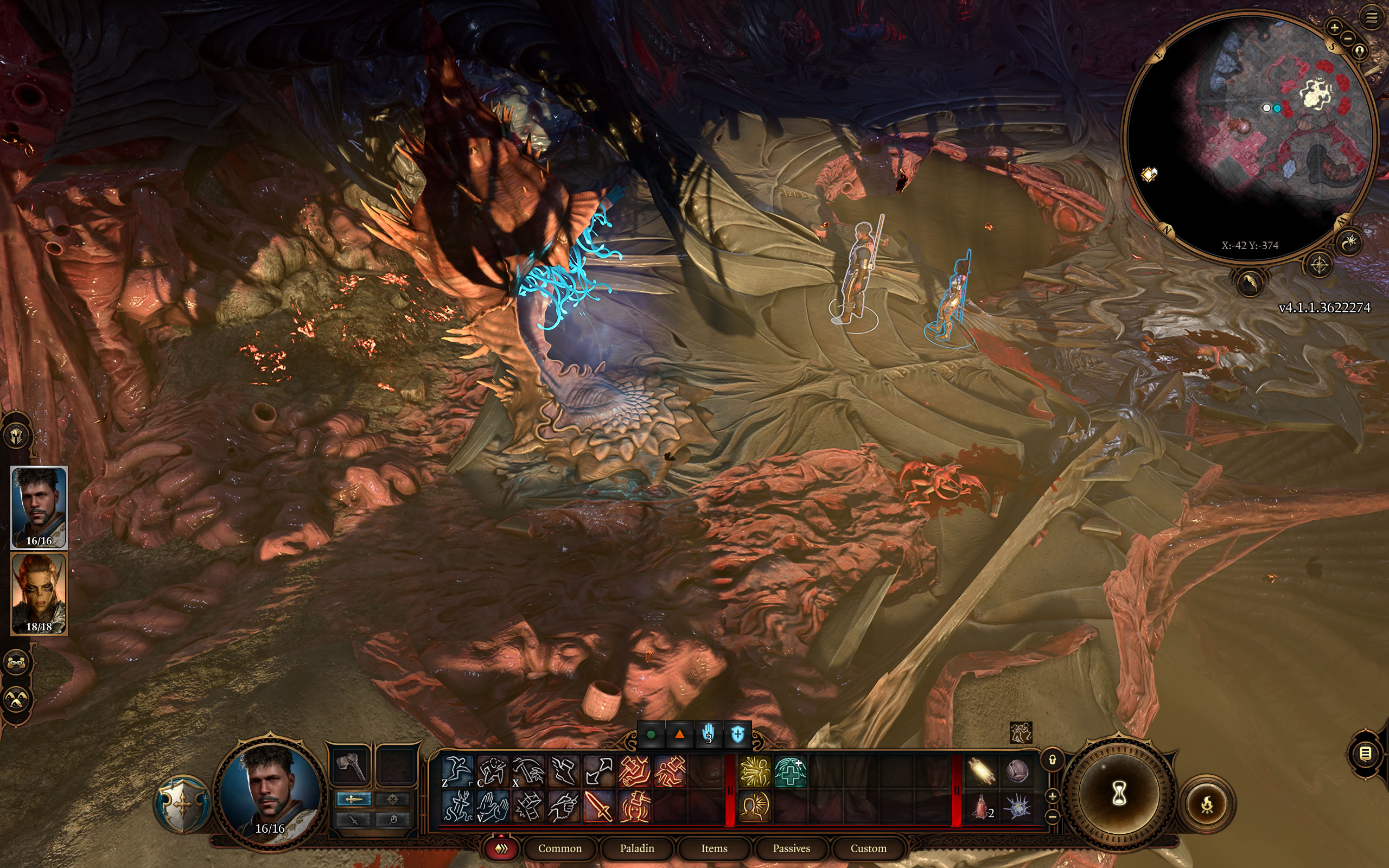
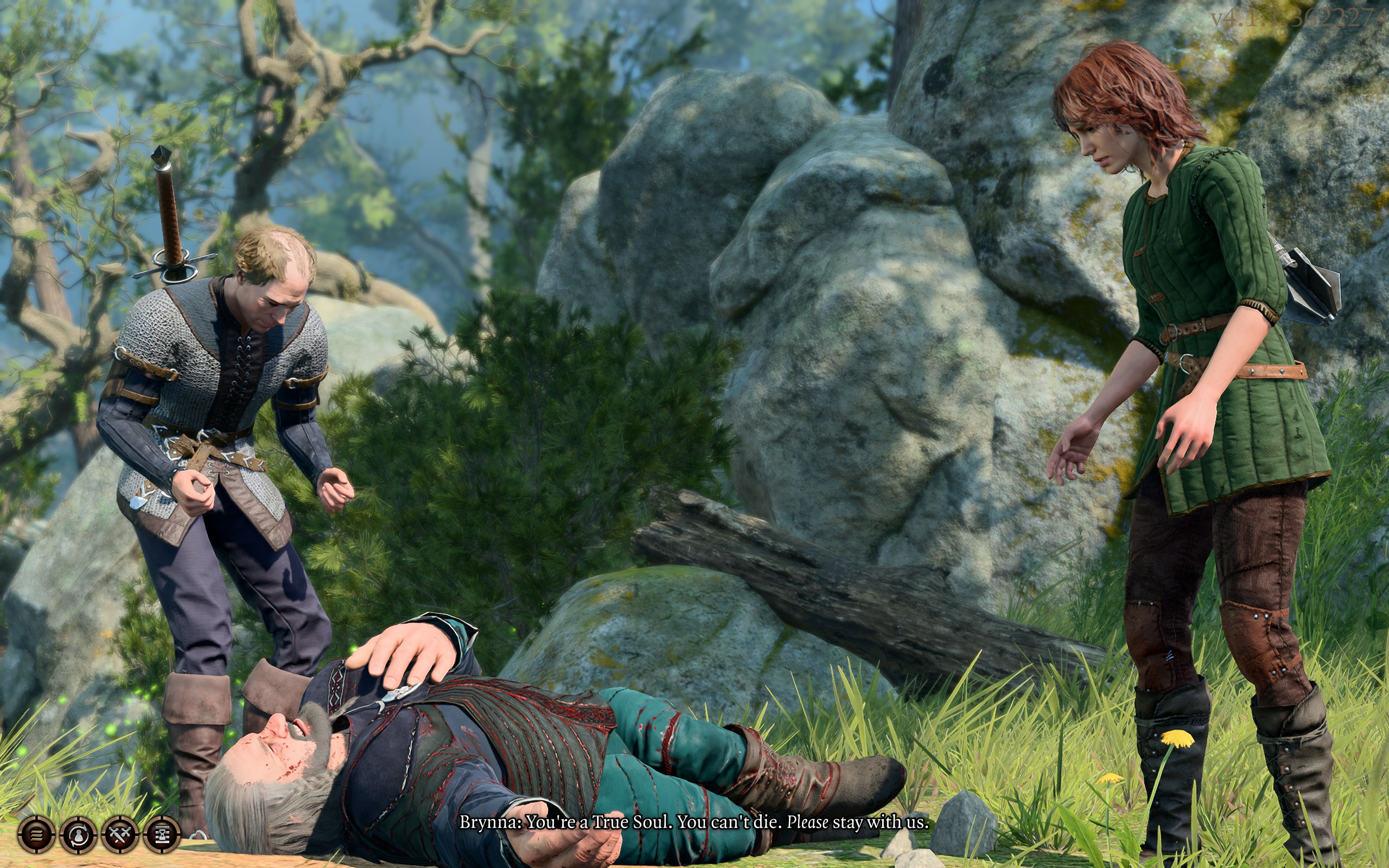


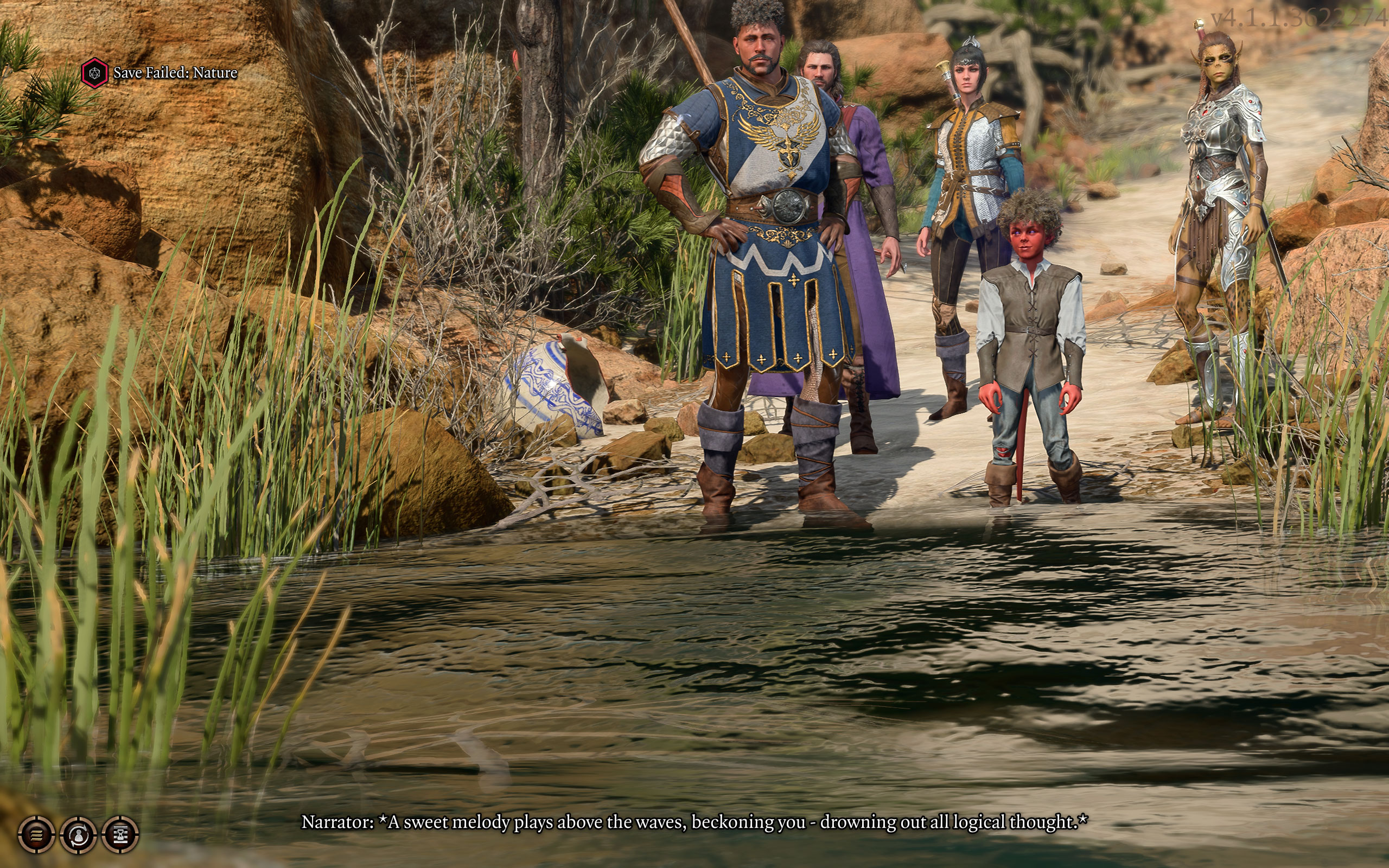

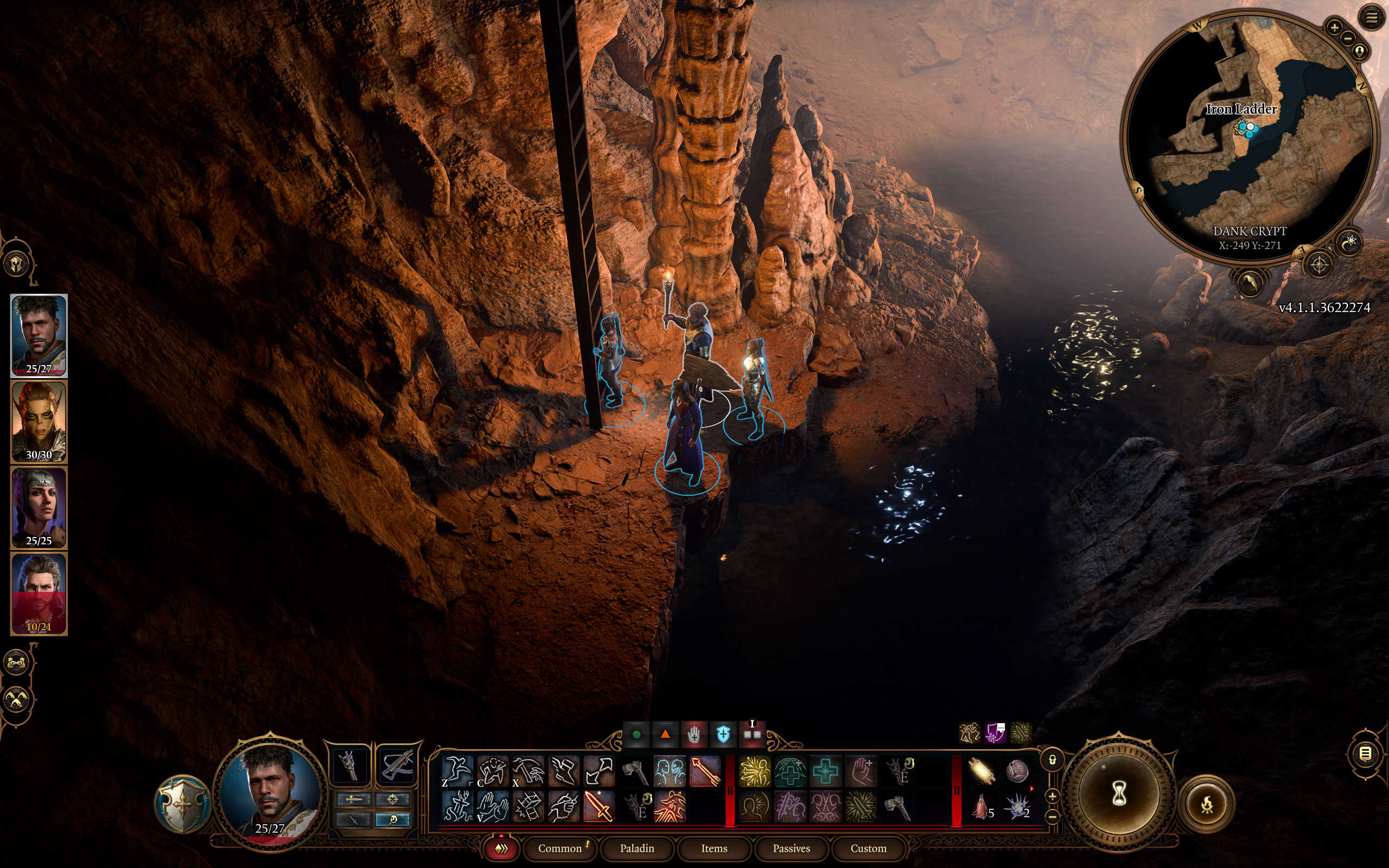
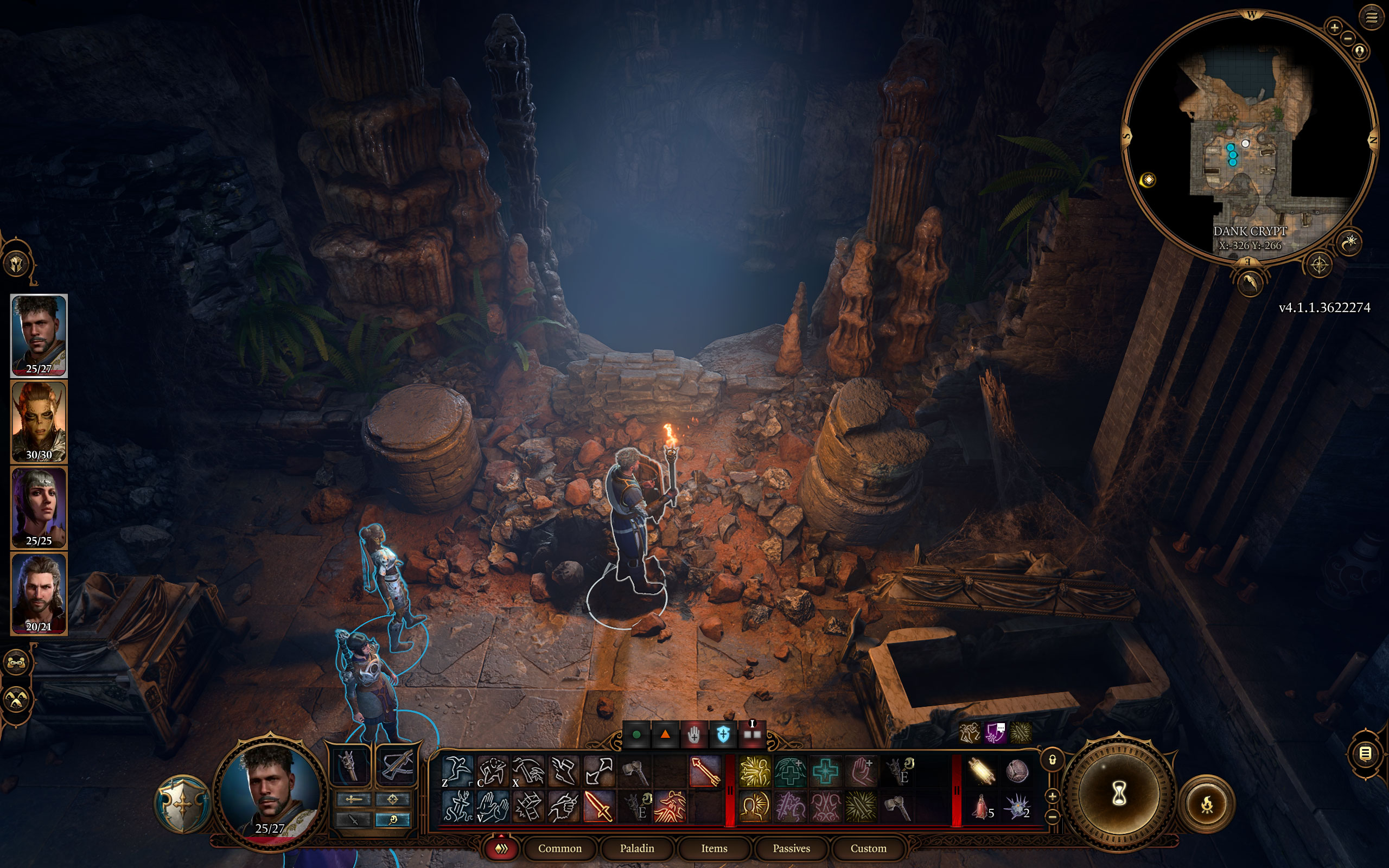


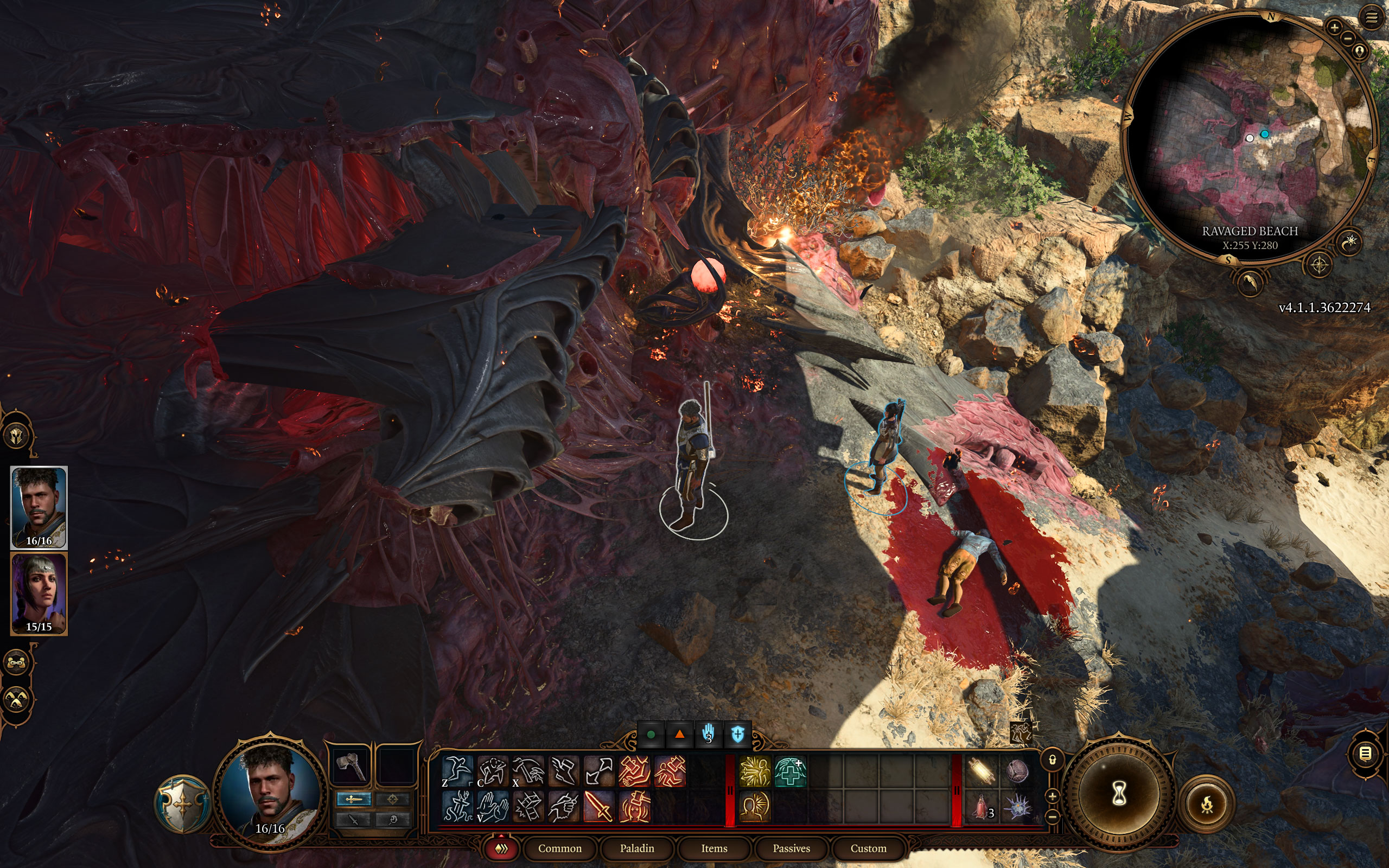
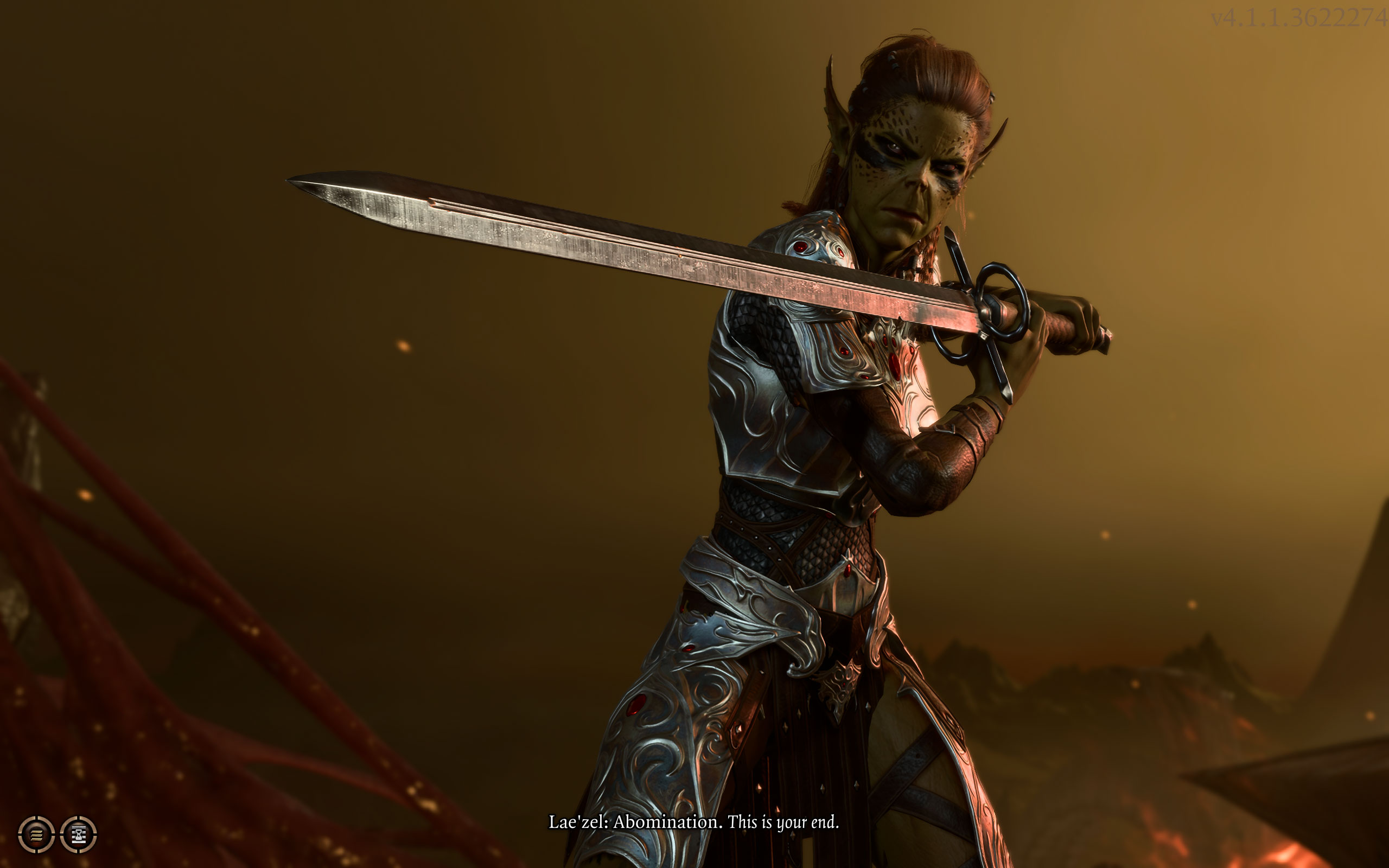
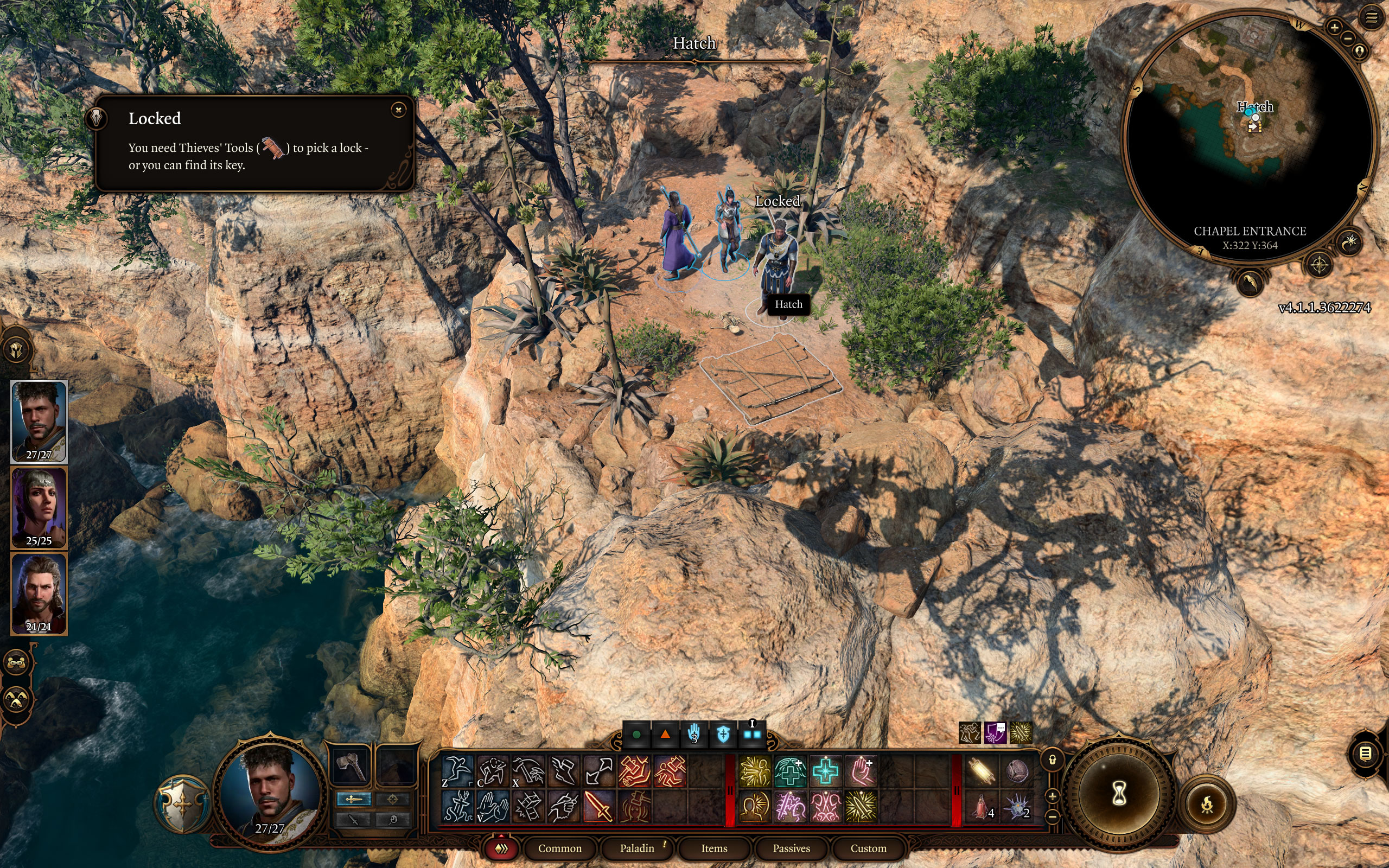
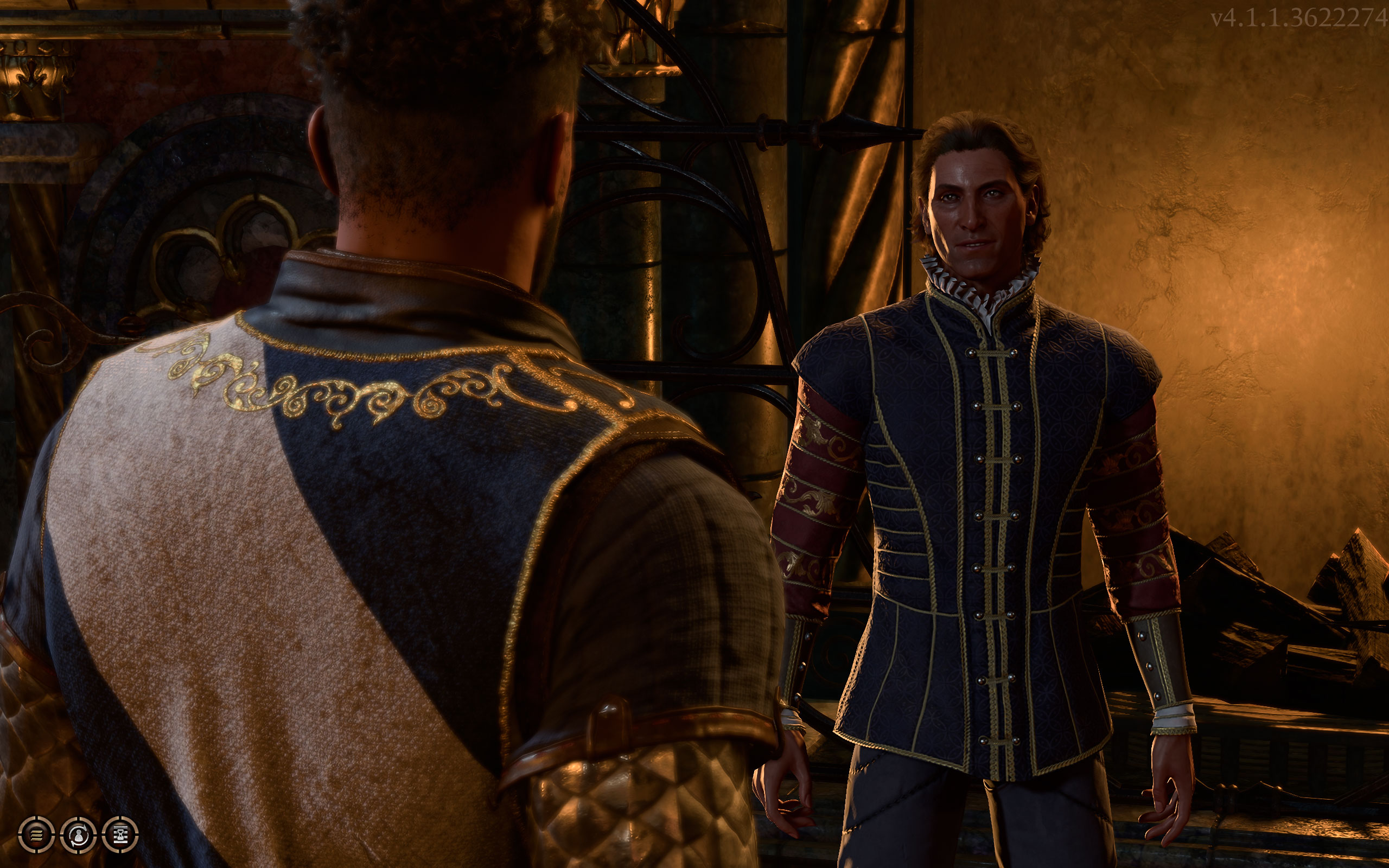
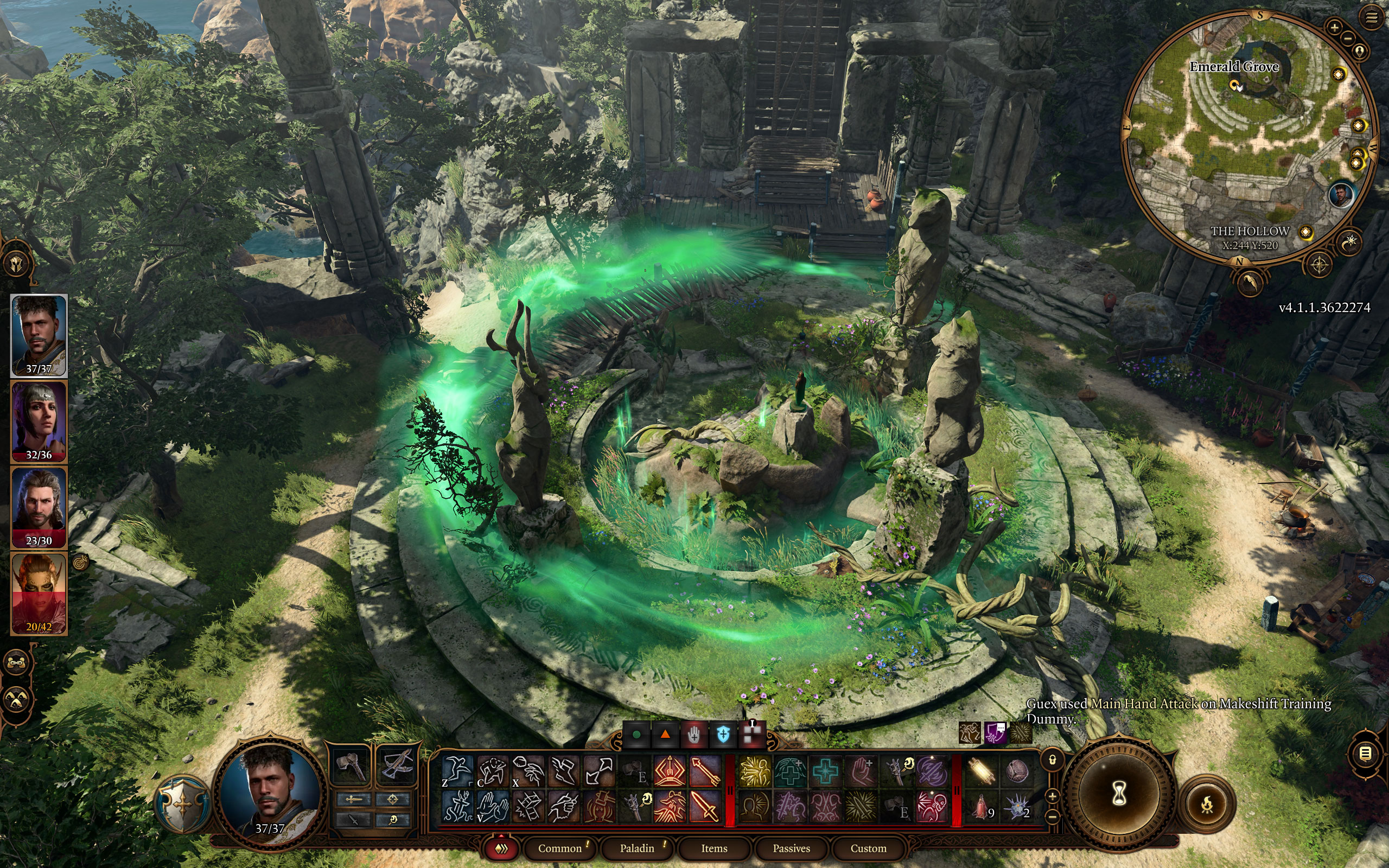
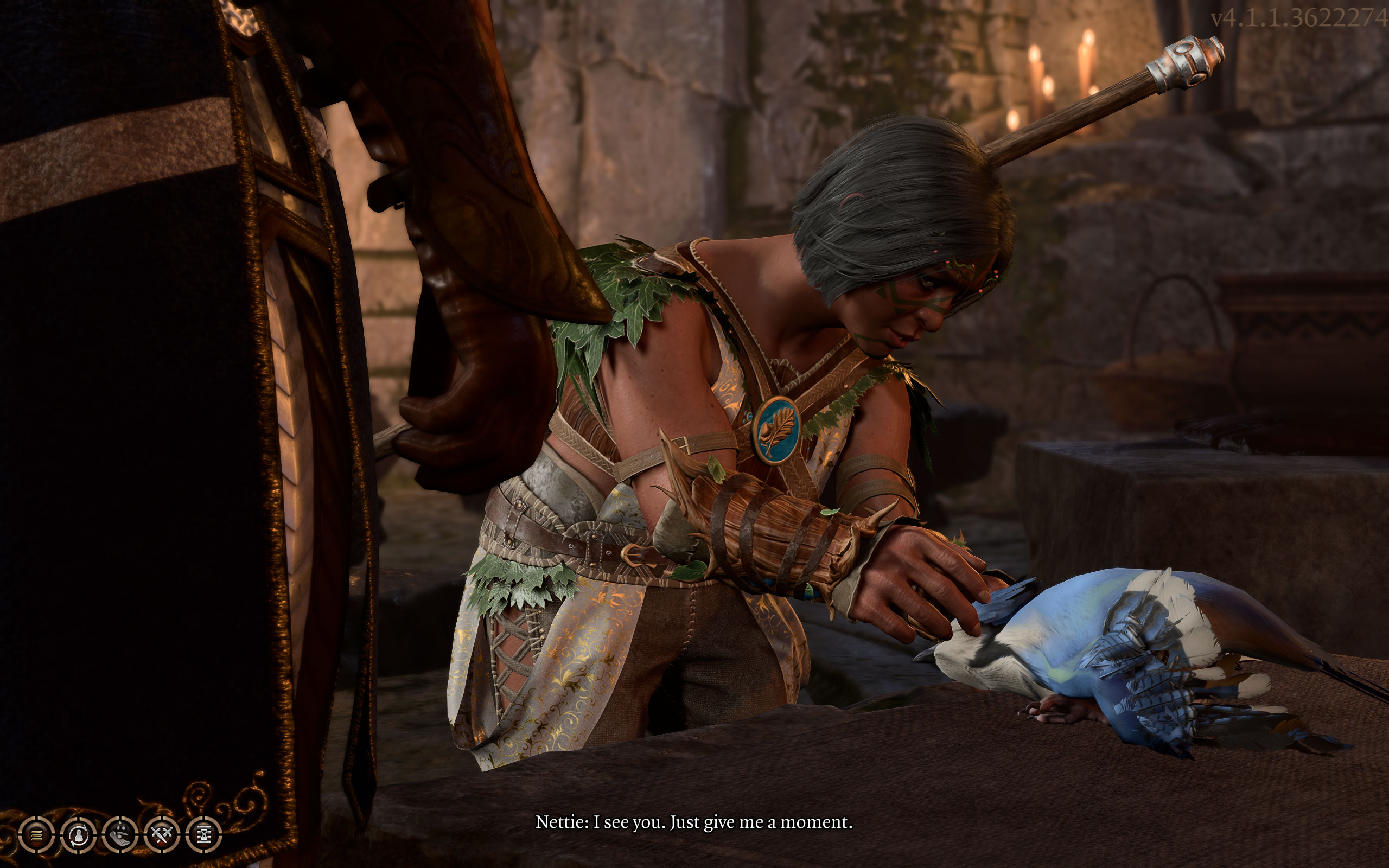
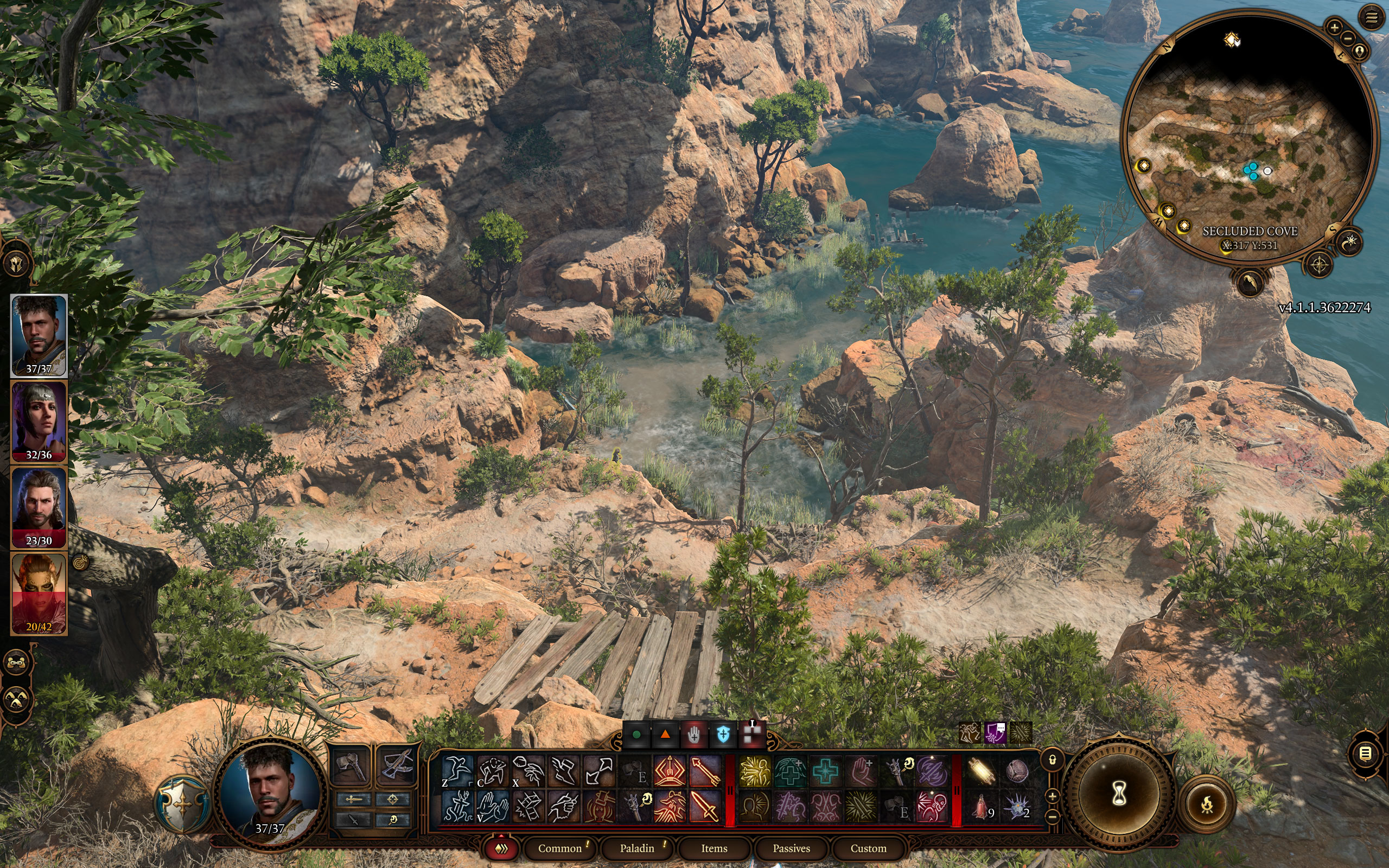
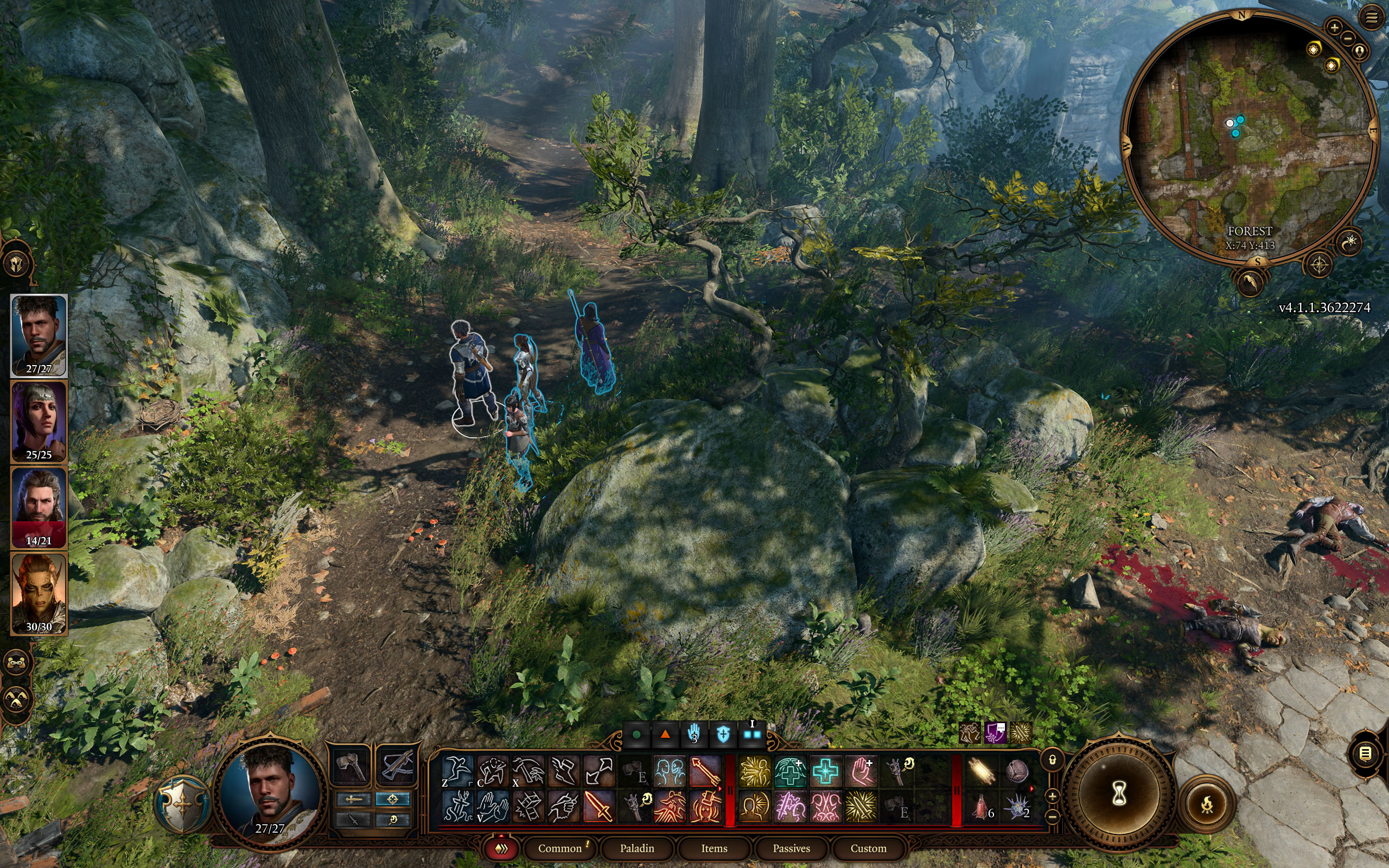
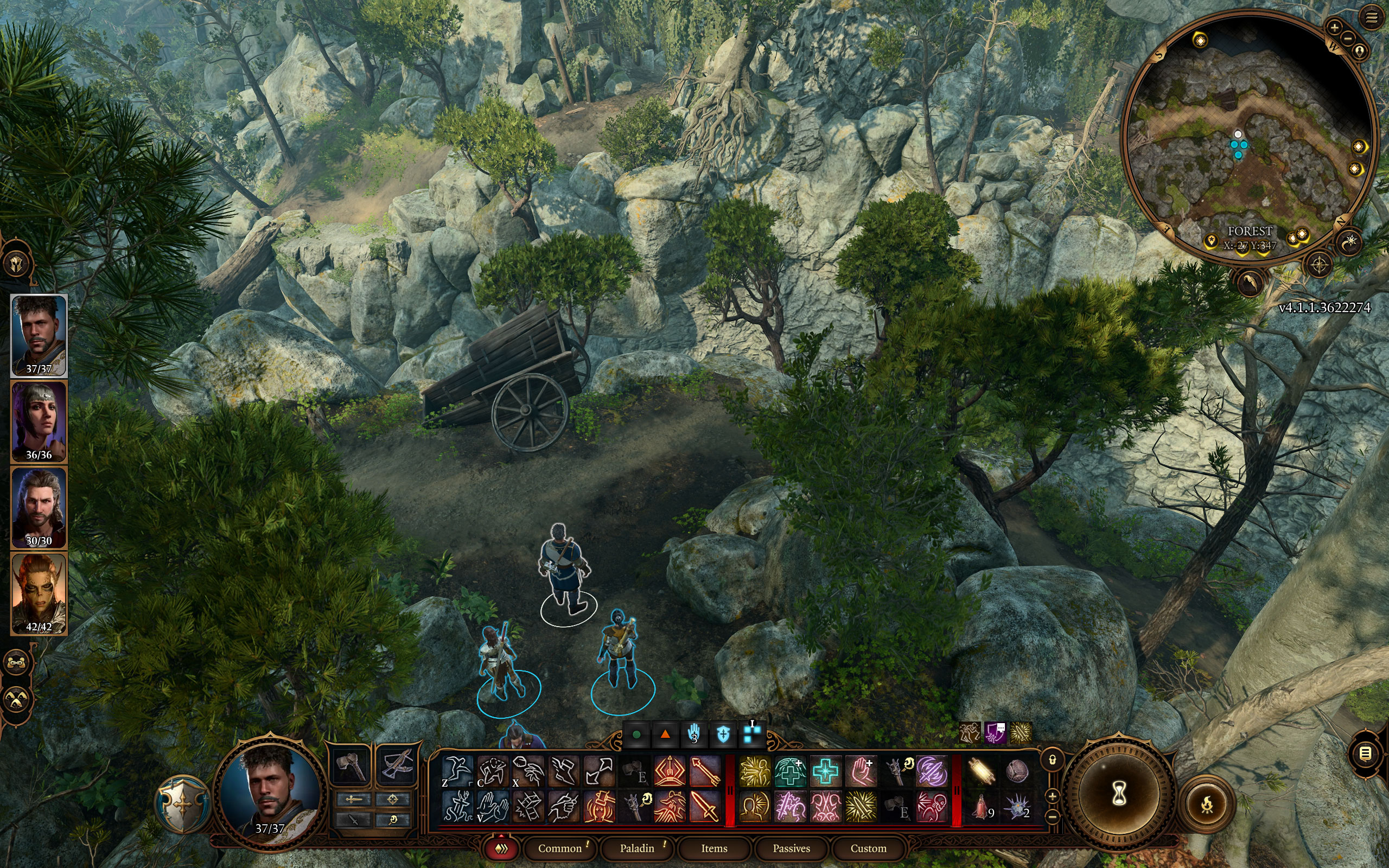
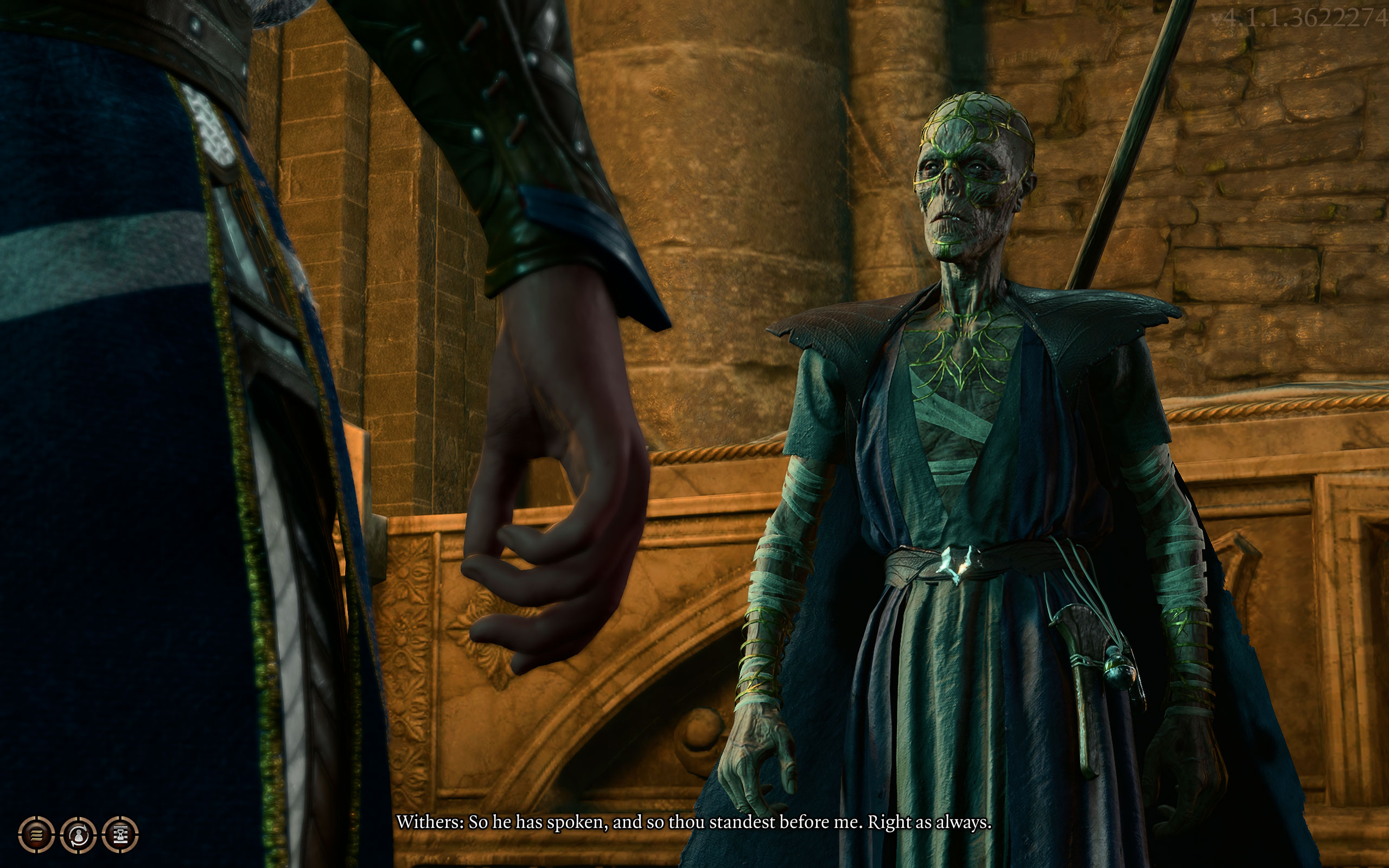
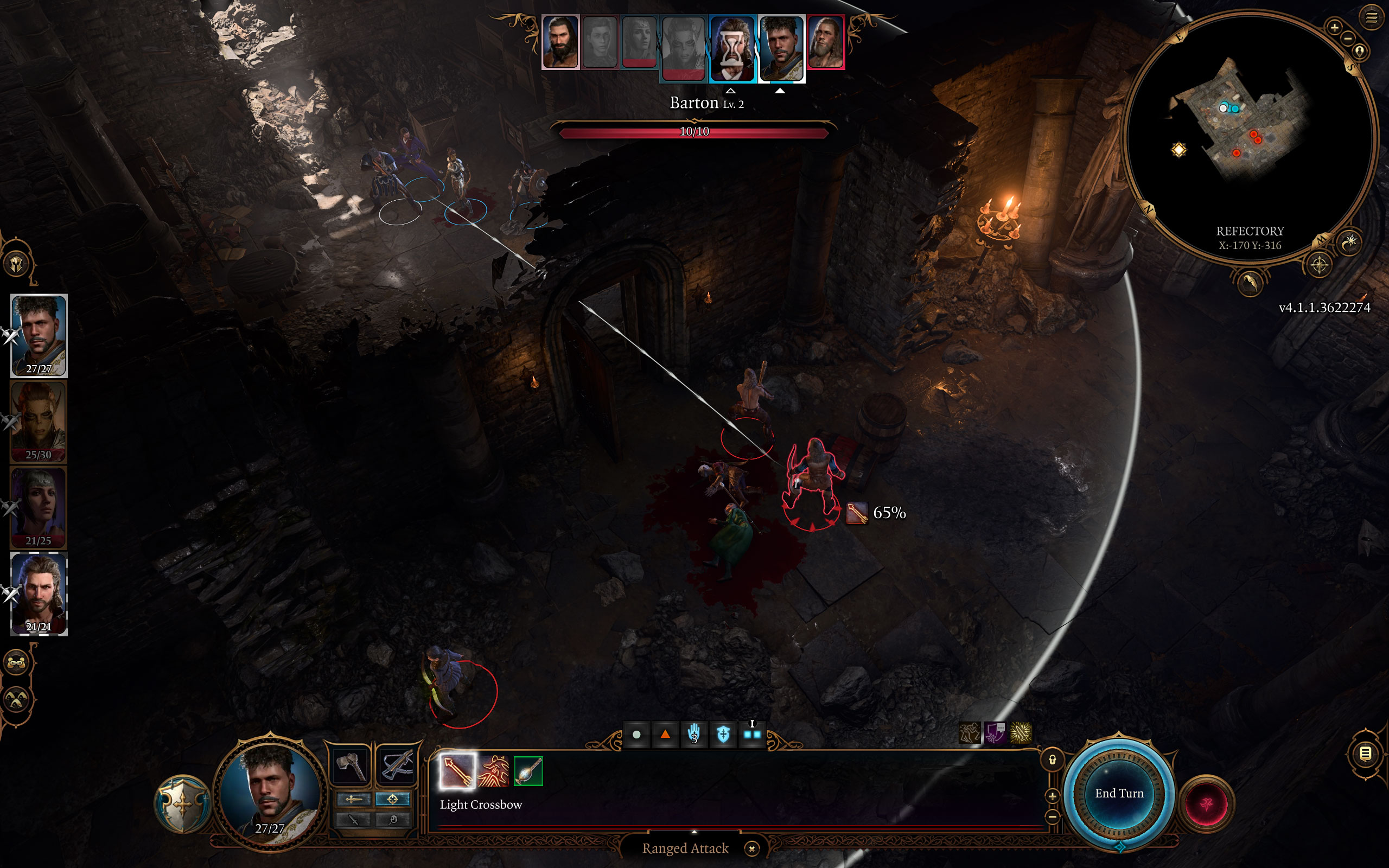
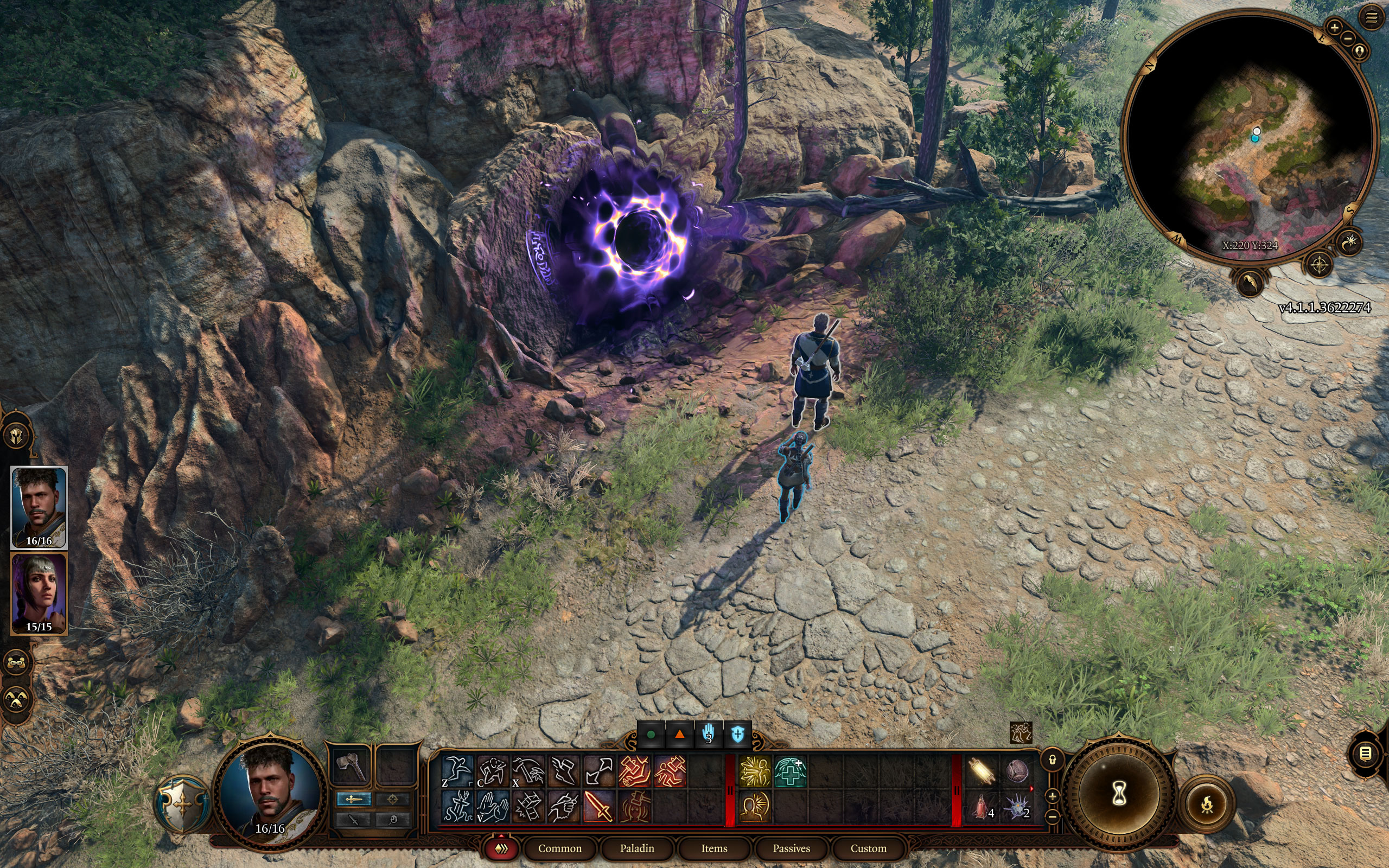
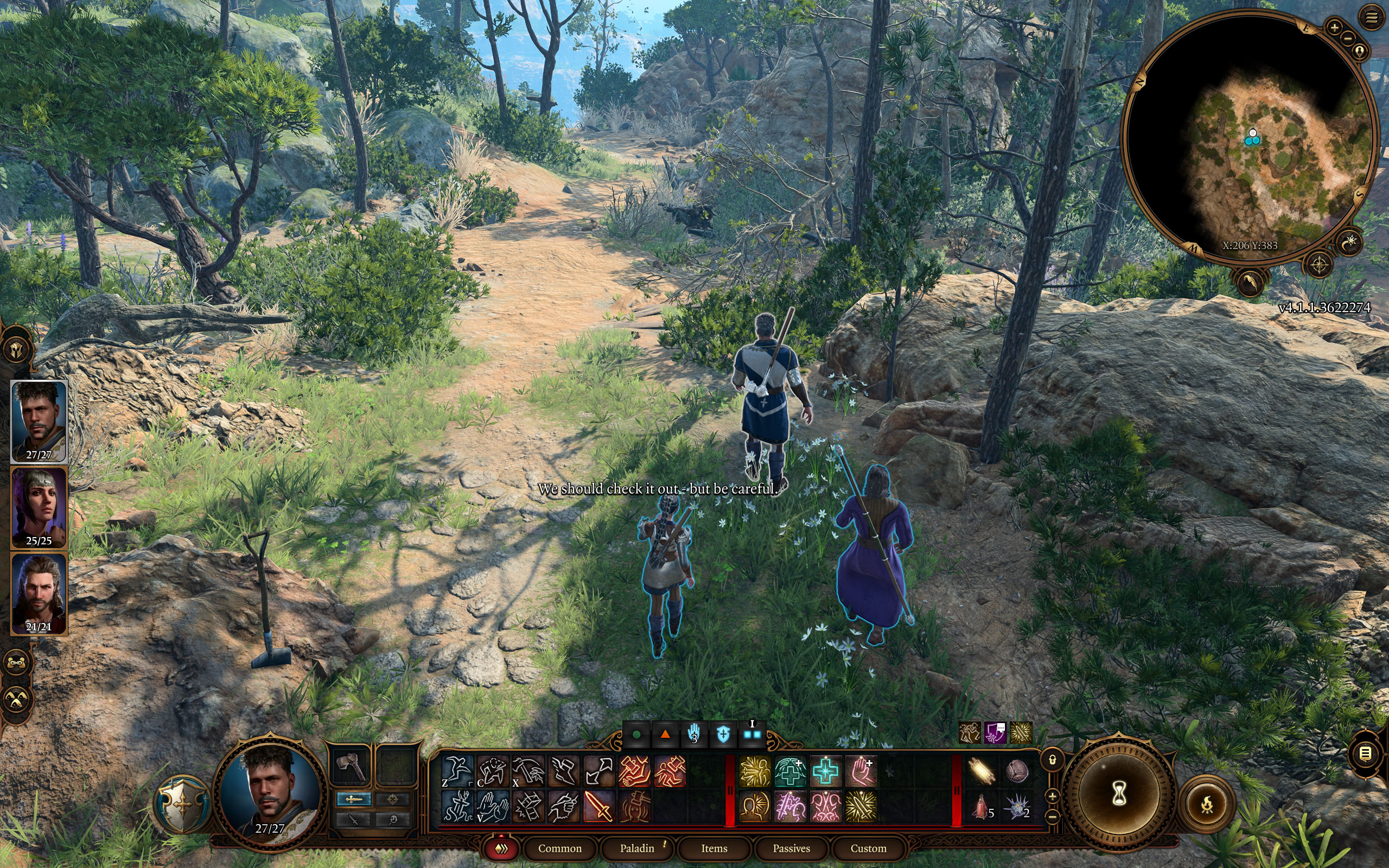
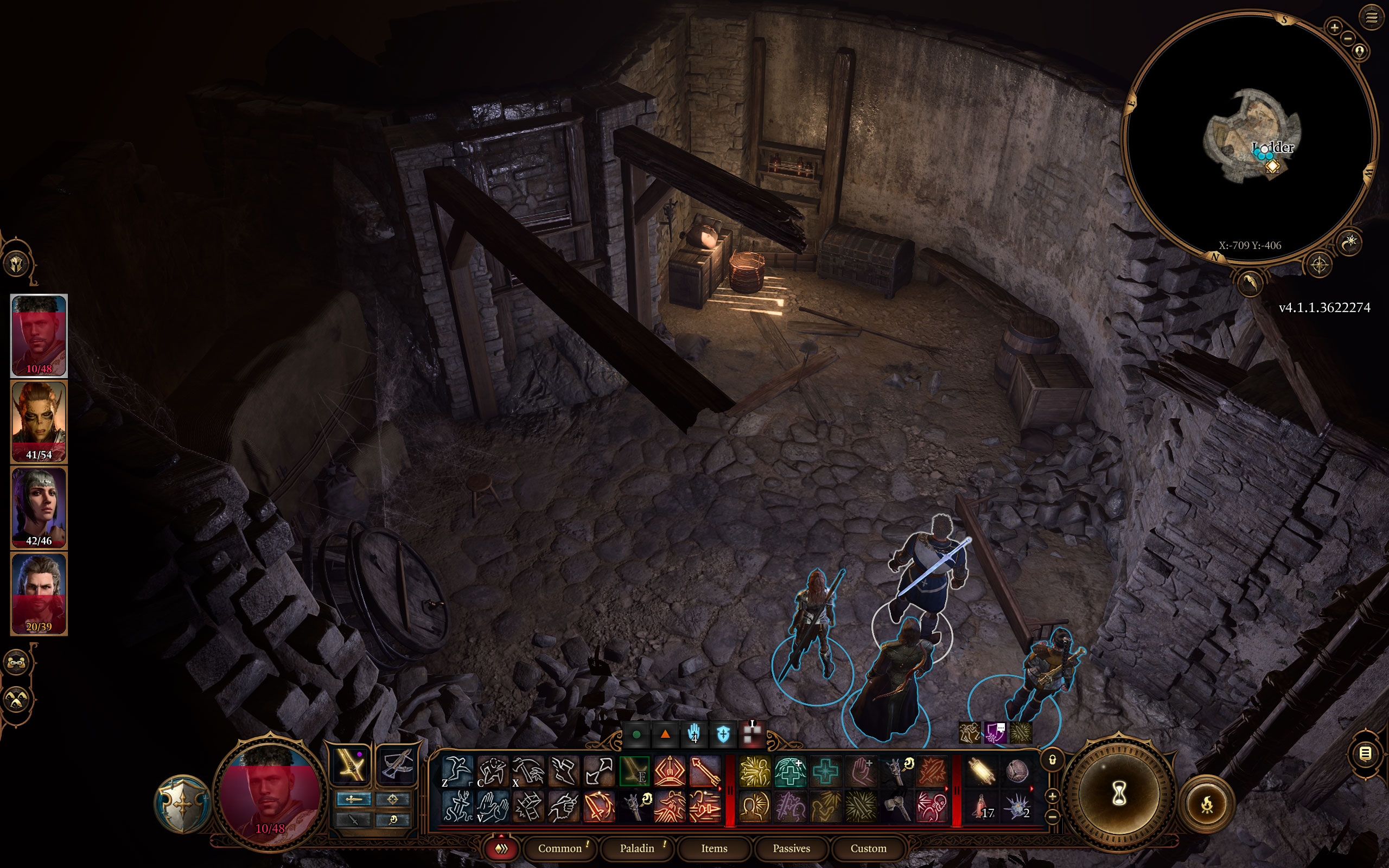
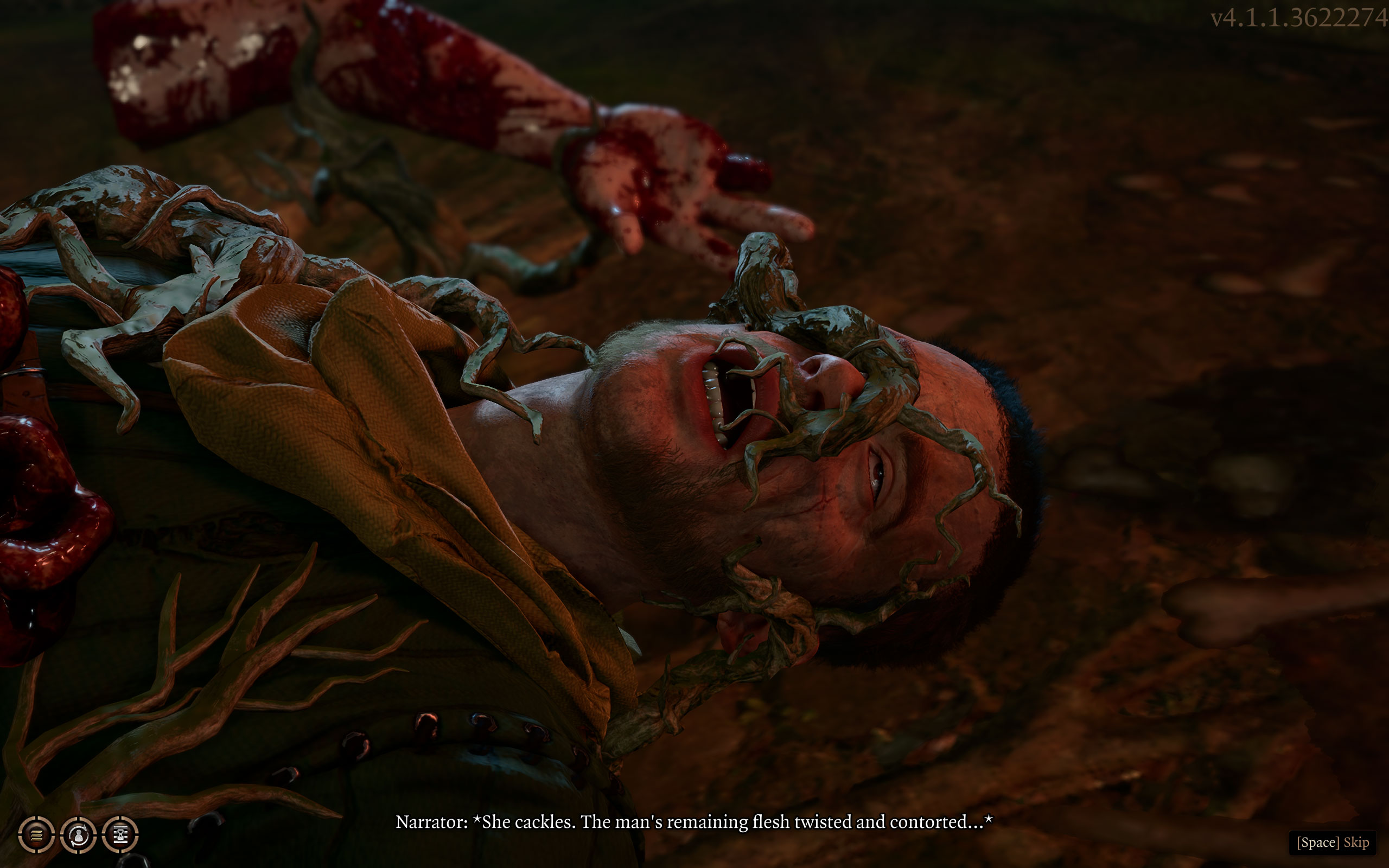
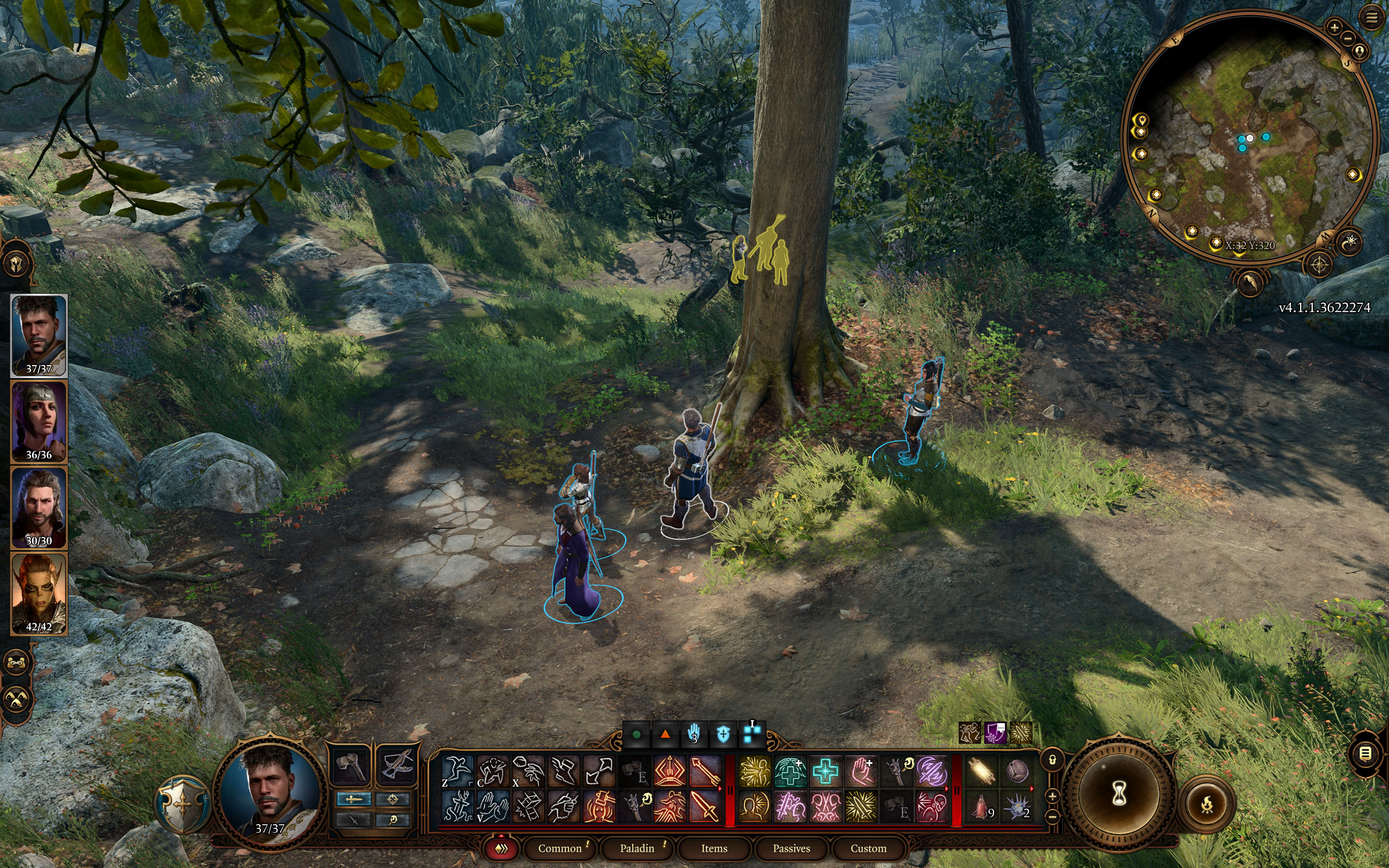
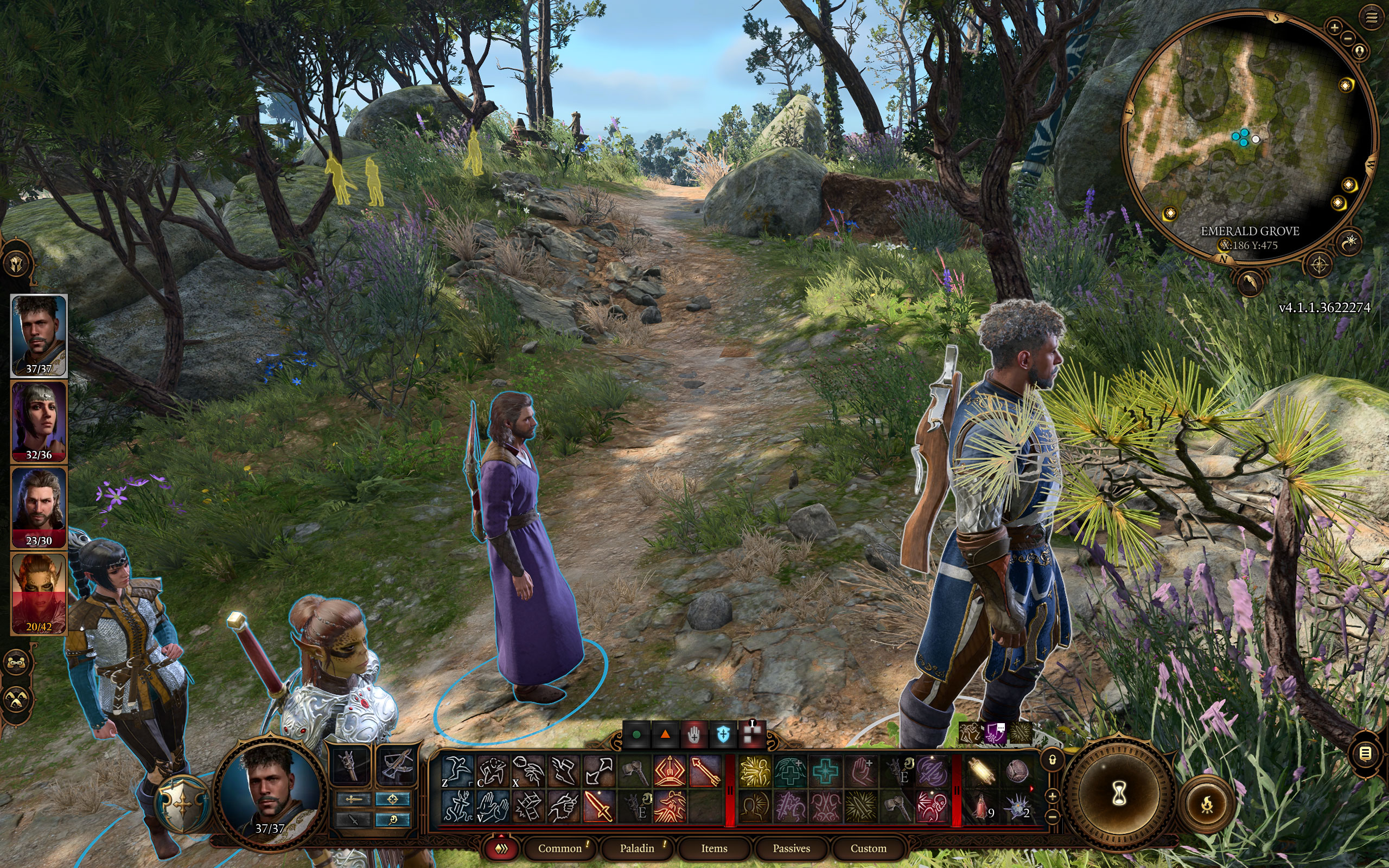
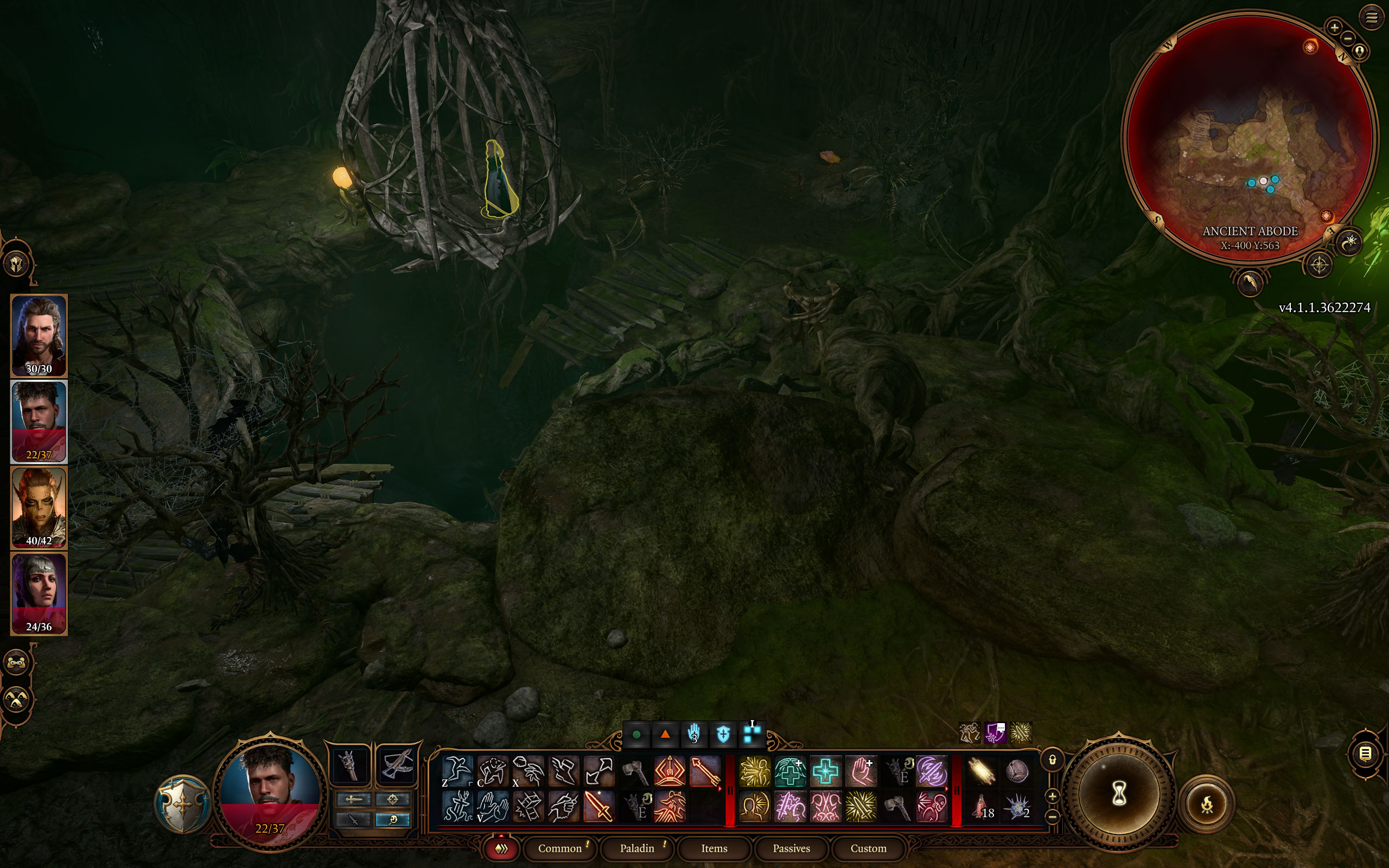

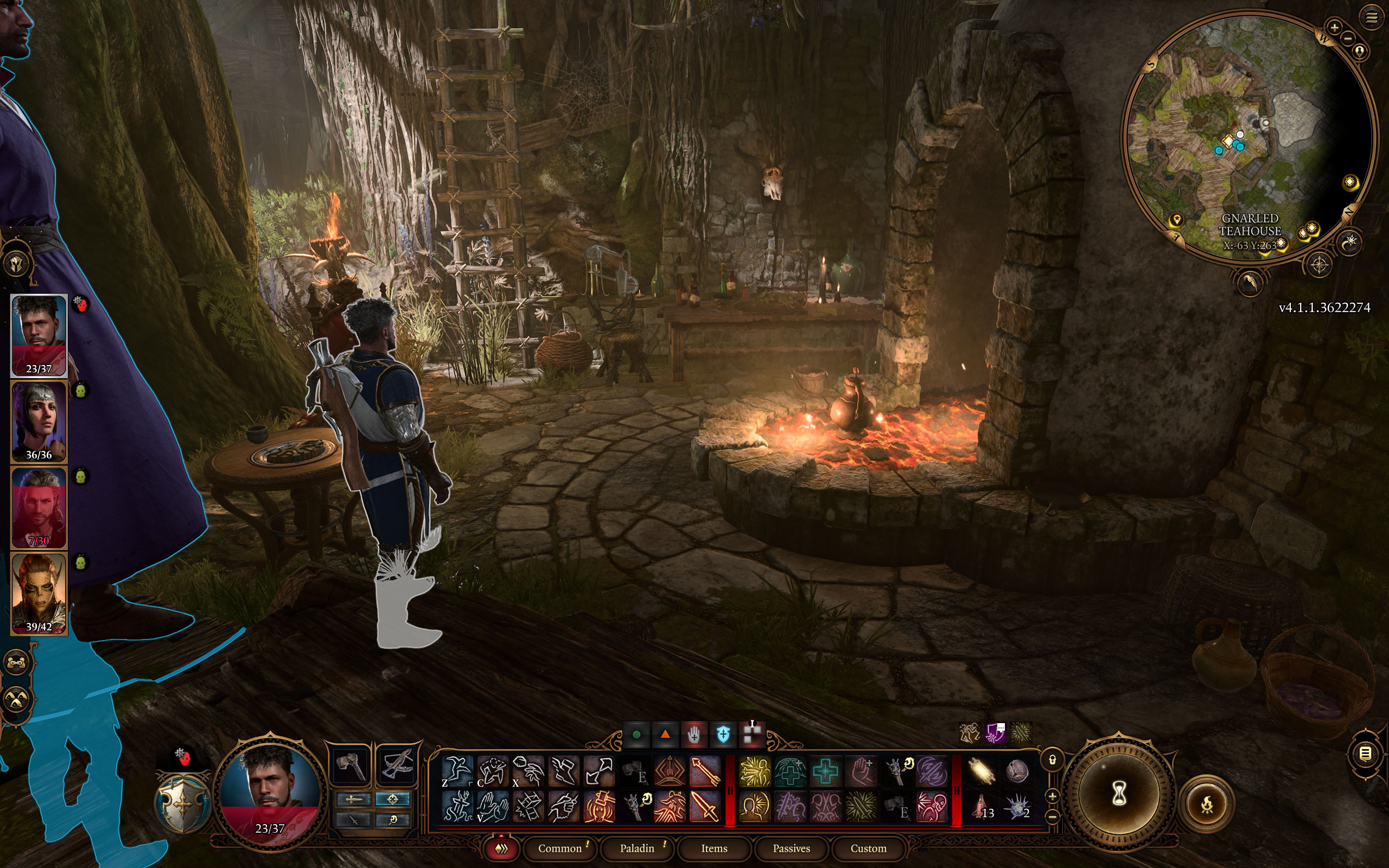
Graphics Settings

- The game supports windowed, borderless and fullscreen
- V-Sync can be disabled, there's also a triple buffering option
- The FPS cap can be disabled completely, or selected from between 10 and 240 FPS

- The "Preset" menu lets you select from the following profiles: "Low," "Medium," "High" and "Ultra."
- Besides that there's plenty of additional options for fine-tuning
- The "Slow HDD Mode" will load more assets into VRAM, so that there's less storage activity

- NVIDIA DLSS is supported in Baldur's Gate 3, but only the 1-year old version 2.4 is included
- AMD FSR 1.0 is included, FSR 2.0 is not supported
- You may adjust the sharpening amount
- DLAA is available, too, listed under "Anti-Aliasing"
- Other anti-aliasing modes are "off," "SMAA" and "TAA"
Our Patreon Silver Supporters can read articles in single-page format.
Nov 14th, 2026 13:12 CST
change timezone
Latest GPU Drivers
New Forum Posts
- Tell me about your favourite graphics card (66)
- Your PC ATM (36415)
- What can the FX 8320 do today? Here is the answer. (33)
- auto-closed by somethings by actions (1)
- What card do I get for VR? (30)
- no "PhysX" workable (10)
- TPU's Nostalgic Hardware Club (22162)
- Slow SSD read speeds - help! (7)
- Ddr4 instead of ddr5 for 9060xt 8 gb over 5060 8 gb (7)
- Microsoft Exchange/365 outages? (62)
Popular Reviews
- AMD Zen 6 Technical Deep Dive
- ASUS ROG Strix B850-I Gaming Wi-Fi7 W Review
- Corsair HX1000i Shift Crystal Review
- NZXT C1200 Platinum Review
- Upcoming Hardware Launches 2027 (Updated Nov 2026)
- Montech King 95 3D PRO Review
- NZXT H7 RGB+ Review
- NZXT H5 Review
- Phantom Blade Zero Performance Benchmark Review - 35 GPUs Tested
- XPG NIMBUS PLUS Review - Mid-range Chair With Strong Competitors
TPU on YouTube
Controversial News Posts
- NVIDIA Co-Founder and CEO Jensen Huang Officially Resigns (400)
- OpenAI CEO Argues Home PCs Waste the World's Limited DRAM Supply (152)
- NVIDIA Launches Investigation Into Jensen Huang's Relationship With Suspected Chinese Spy (136)
- Intel "Raptor Lake Next" 16-Core and 20-Core CPUs Surface (130)
- Legendary Game Studio BioWare Shuts Down Following EA Layoffs (104)
- Dell CEO Says the Memory Shortage Will Get Worse in 2027 (95)
- NVIDIA GeForce RTX 50-Series Scheduled for up to $500 Price Hike This Week (89)
- Modder Fits RTX 5090 With Four 8-Pin Connectors, Halving Current per Wire (80)