 97
Battlefield 6 Performance Benchmark Review - 40+ GPUs Tested
Preset Performance & Image Quality »Graphics Settings
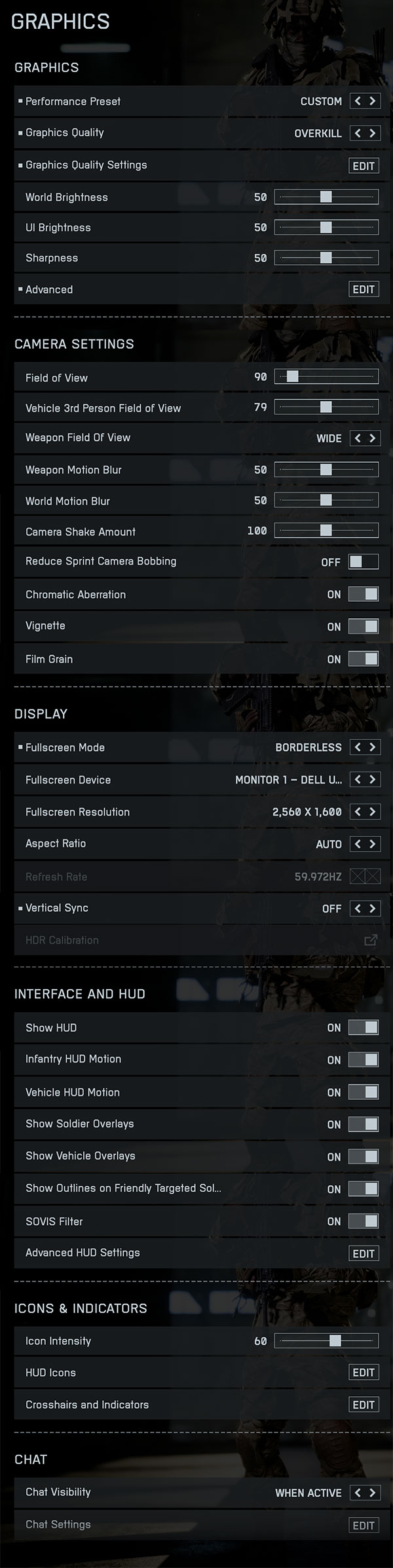
- The main graphics settings menu deals with the usual monitor settings, but it also has some user-interface settings, not sure why
- "Performance Preset" has two options "Auto (Balanced)" and "Auto (Performance)." All this does is change V-Sync between on and off, and it also overrides some existing settings values if you've changed them. For example, both profiles will both set quality: auto, NVIDIA low-latency + boost, future frame rendering: off, frame generation: off. This option is more confusing than useful in my opinion. When you make actual changes, it will just jump to "custom," so don't bother with it
- Graphics quality presets are: "low," "medium," "high," "ultra" and "overkill"
- Sharpness defaults to 50, which is alright I'd say, definitely not too oversharpened
- The field of view can be adjusted between 85 and 118
- Vehicle FOV can be set separately between 75 and 83
- Motion blur can be disabled completely, just like other distracting effects like chromatic aberration, vignette and film grain
- The fullscreen modes supported are "windowed," "borderless," and "fullscreen"
- V-Sync can be disabled completely, there is no hidden FPS cap
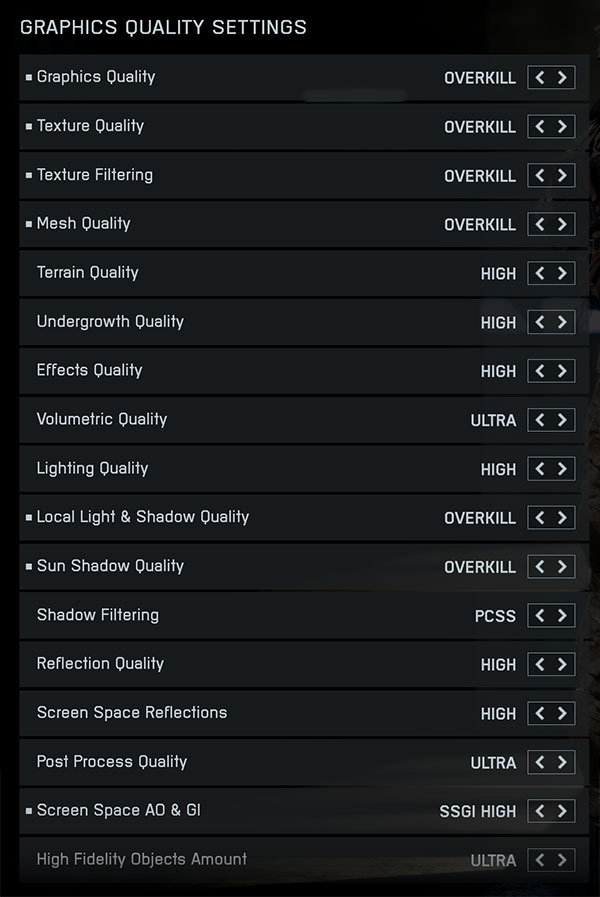
- The second graphics-related settings screen is available under the "Graphics Quality Settings" option button
- Here you see the list of presets again, same as on the main screen
- The options for shadow filtering are: PCF (percentage closer filtering) and PCSS (percentage closer soft shadows)
- Screenspace AO and GI can be set to: "off," "GTAO Low," "GTAO High," "SSGI Low," "SSGI High"
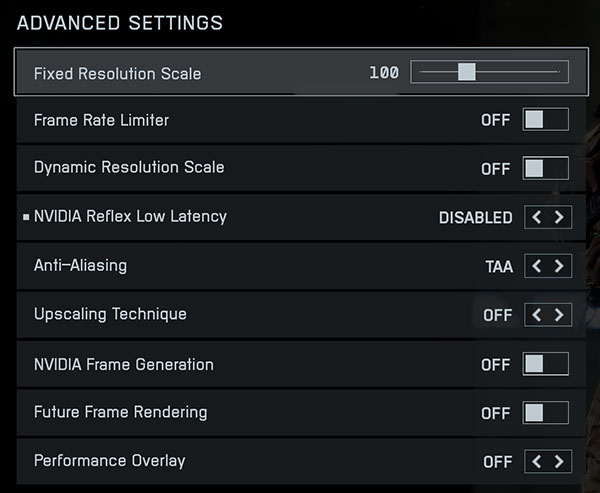
- There's even a third graphics settings screen, which can be found under the "Advanced" options button on the primary settings screen
- Here you can change the upscaling resolution, which defaults to 100%, and can be set from 50% to 200%
- The frame rate limiter can be set between 30 and 240 FPS
- Dynamic resolution scale lets you set a target FPS to reach, but you can also set a minimum resolution scale, to avoid too much upscaling
- NVIDIA Reflex gets activated by default, in the "enabled + boost" mode
- Anti-aliasing can be set to "Off," "TAA," "DLAA," "FSR Native AA" and "XeSS Native AA." When you enable upscaling in the next menu option, this menu gets disabled
- The upscaler menu has the following options: "Off," "DLSS," "FSR" and "XeSS"
- Frame generation can be enabled, too, but only for the GPU vendor you have. So on NVIDIA, the only option is "DLSS Frame Generation," on AMD it is "FSR" and on Intel it's "XeSS." This is bad news for owners of GeForce 30 graphics cards who would love to enable FSR frame generation, because DLSS framegen isn't available on their GPUs
- Last but not least, you can enable a performance overlay, which shows some rendering stats. I didn't find it that useful
Test System
| Test System - GPU 2025.2 | |
|---|---|
| Processor: | AMD Ryzen 7 9800X3D Zen 5, 5.2 GHz, 8 cores / 16 threads |
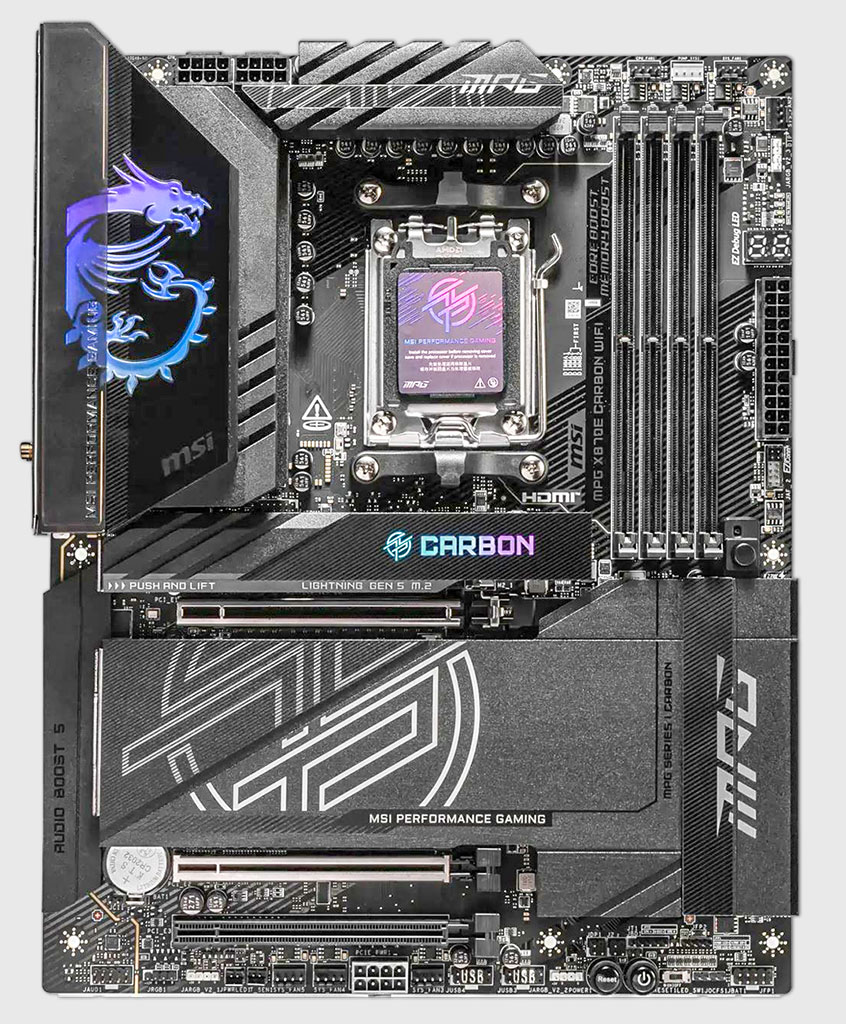
| Motherboard: | MSI X870E Carbon Wi-Fi BIOS 7E49v1A3 |
| Resizable BAR: | Enabled on all supported cards (NVIDIA, AMD & Intel) |
| Memory: | Thermaltake TOUGHRAM XG 2x 16 GB DDR5-6200 28-36-36-76 UCLK 1:1 |
| Cooling: | Arctic Liquid Freezer III 280 mm AIO |
| Thermal Paste: | Arctic MX-6 |
| Storage: | 4 TB M.2 NVMe SSD |
| Power Supply: | Seasonic Focus GX 1000 W ATX 3.0 / 16-pin 12VHPWR |
| Case: | darkFlash DY470 |
| Operating System: | Windows 11 Professional 64-bit 24H2 VBS enabled (Windows 11 default) |
| Drivers: | NVIDIA: 581.42 WHQL AMD: 25.9.2 Beta Intel: 101.8136 WHQL |


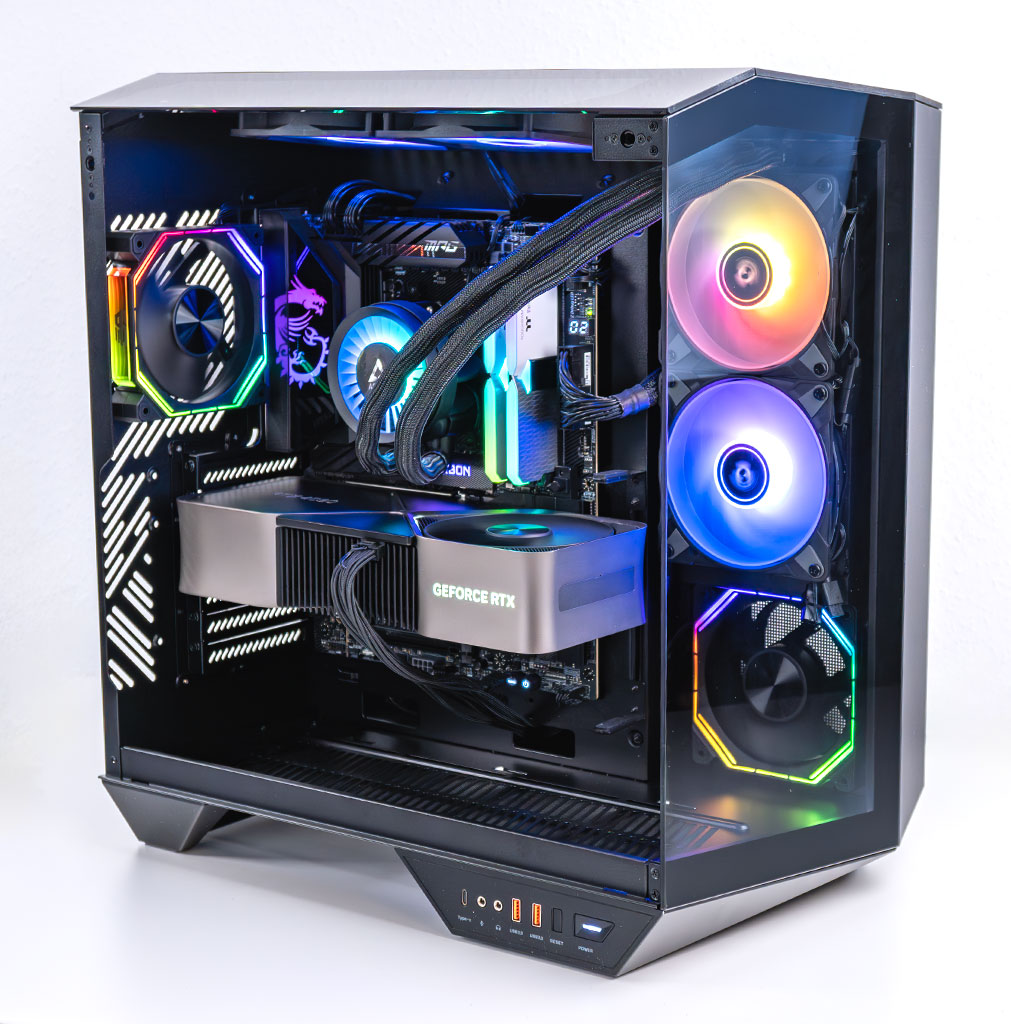
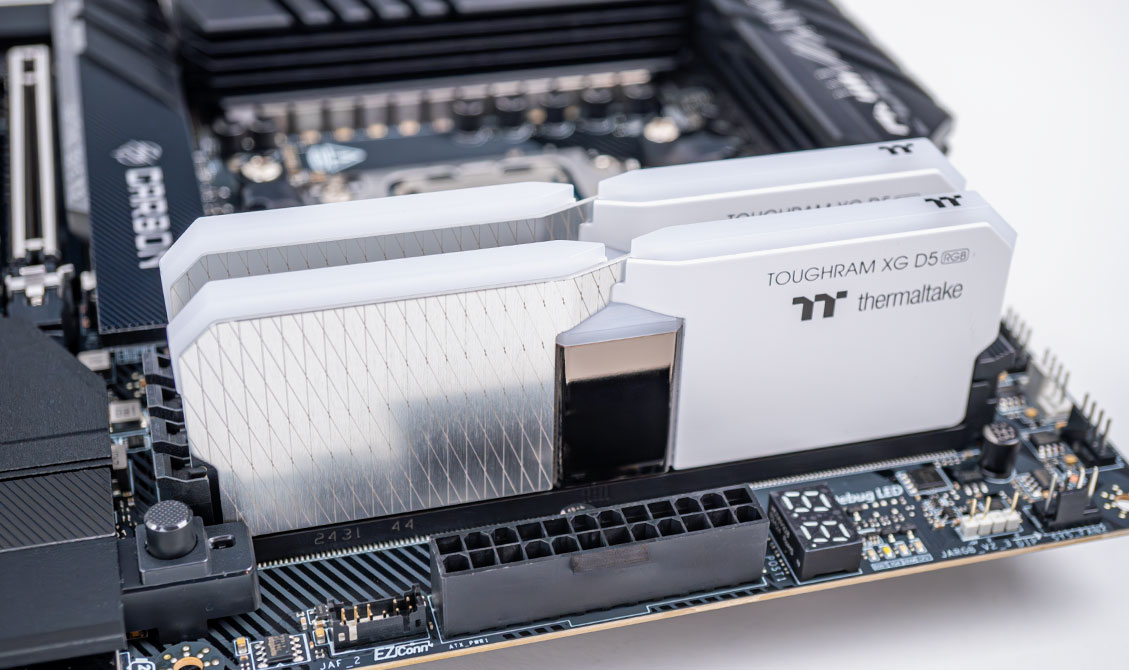


- All cards used for comparison are Founders Edition / reference design. If a reference card does not exist, we use the closest model to ensure default clocks and power limit
- We tested the press preview version on Steam, version number is 1.0.377.62320
- Our benchmarking scene uses real in-game gameplay in an outdoors location in single-player, to avoid the random conditions of MP
Nov 23rd, 2026 17:48 CST
change timezone
Latest GPU Drivers
New Forum Posts
- Your PC ATM (36479)
- WarpCoreBench scores! (94)
- UPS what one to get? (57)
- 6502-based superscalar core (logisim) progress updates (1)
- GTA VI (27)
- Last game you purchased? (1419)
- Gacha Games - Discussions, Pulls, Updates, etc. (1161)
- Increasing Power Limit? (19)
- Can you guess Which game it is? (350)
- AAF Optimus Modded Driver For Windows 10 & 11 - Only for HDAUDIO Chips [WINDOWS 11 RECOMMENDED] (1154)
Popular Reviews
- Microsoft Surface Laptop Ultra Review - The Next-gen Arm Laptop
- Corsair RM1200e (Second Generation) Review
- Upcoming Hardware Launches 2027 (Updated Nov 2026)
- ASRock X870E Challenger Wi-Fi White Review
- AMD Ryzen 7 9800X3D Review - The Best Gaming Processor
- Pulsar Office Tour & First Look at P1 Dual-Sensor Mouse
- Ugreen NASync DXP4800 GT Review
- AMD Zen 6 Technical Deep Dive
- Phantom Blade Zero Performance Benchmark Review - 35 GPUs Tested
- AMD Ryzen 7 5800X3D 10th Anniversary Review
TPU on YouTube
Controversial News Posts
- NVIDIA Co-Founder and CEO Jensen Huang Officially Resigns (492)
- Jensen Huang Reinstated as CEO of NVIDIA (365)
- Report: Jensen Huang Eyes NVIDIA Comeback (278)
- Open Letter Asking NVIDIA to Reinstate Jensen Huang Passes 115,000 Signatures (184)
- OpenAI CEO Argues Home PCs Waste the World's Limited DRAM Supply (152)
- NVIDIA Launches Investigation Into Jensen Huang's Relationship With Suspected Chinese Spy (136)
- Intel "Raptor Lake Next" 16-Core and 20-Core CPUs Surface (130)
- NVIDIA GeForce RTX 50-Series Scheduled for up to $500 Price Hike This Week (89)