 11
be quiet! Light Loop 360 mm AIO Review
Finished Looks »Installation
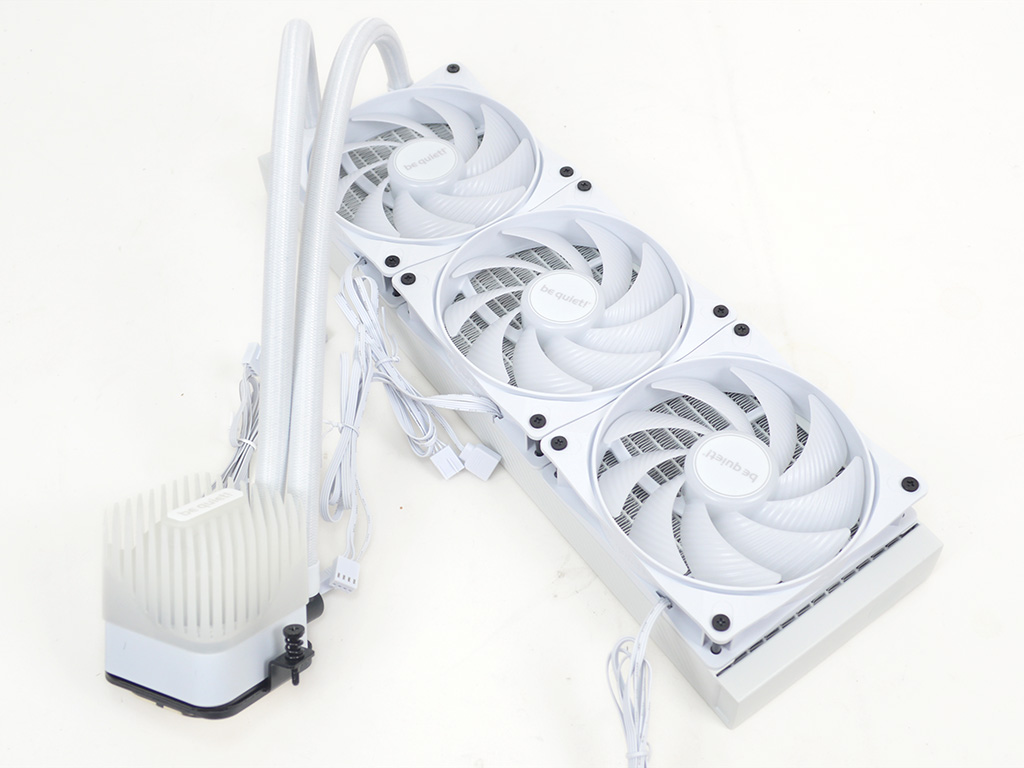
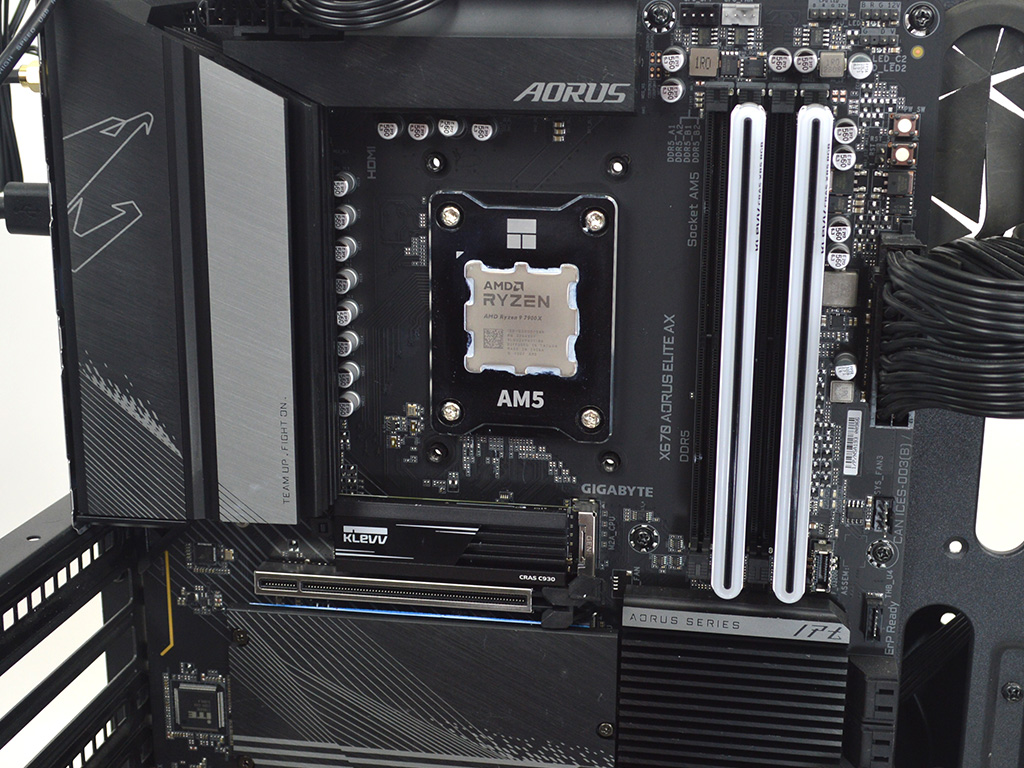

To install the be quiet! Light Loop 360 you will first want to install the fans on the radiator to simplify the process. Then on AMD systems you will need to remove the plastic brackets on the motherboard and then secure the Light Loop's mounting brackets in their place with the included spacers and screws. Do note the unit offers two mounting options for AMD, standard and offset with offset providing better cooling for multi CCD processors.
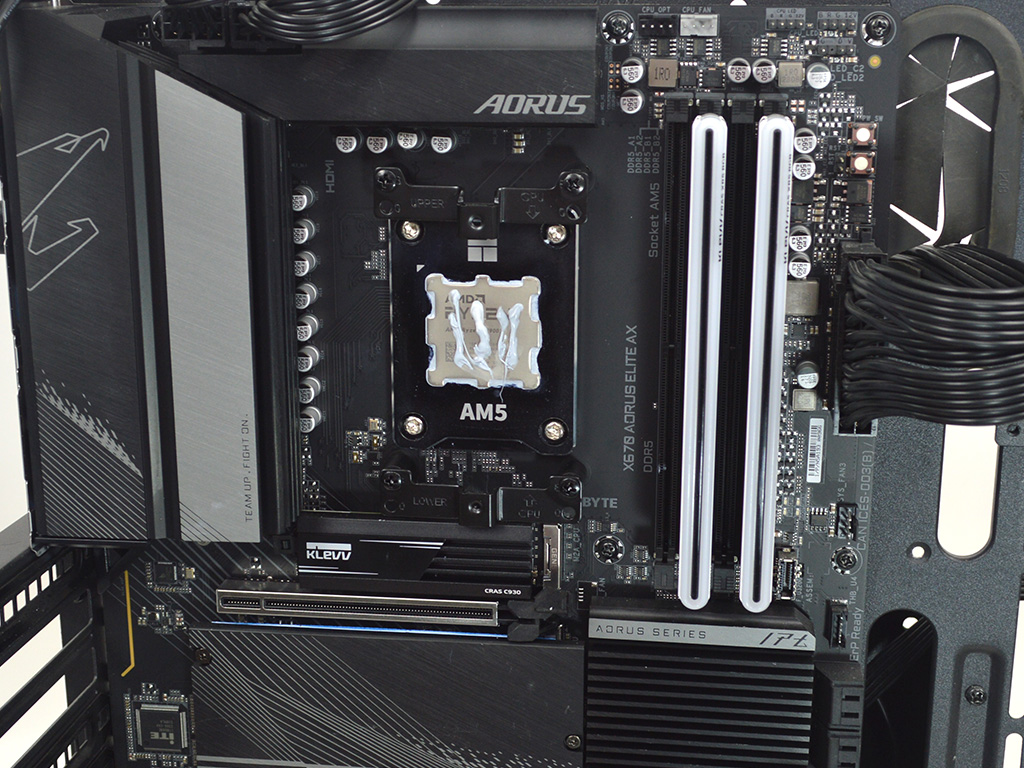
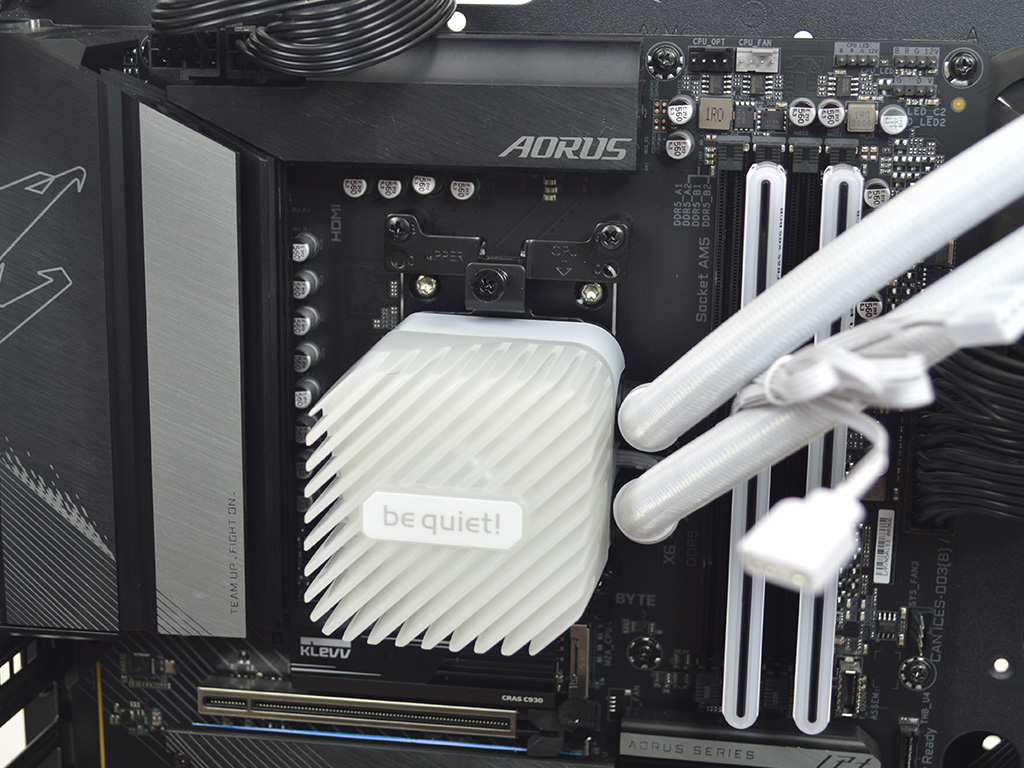
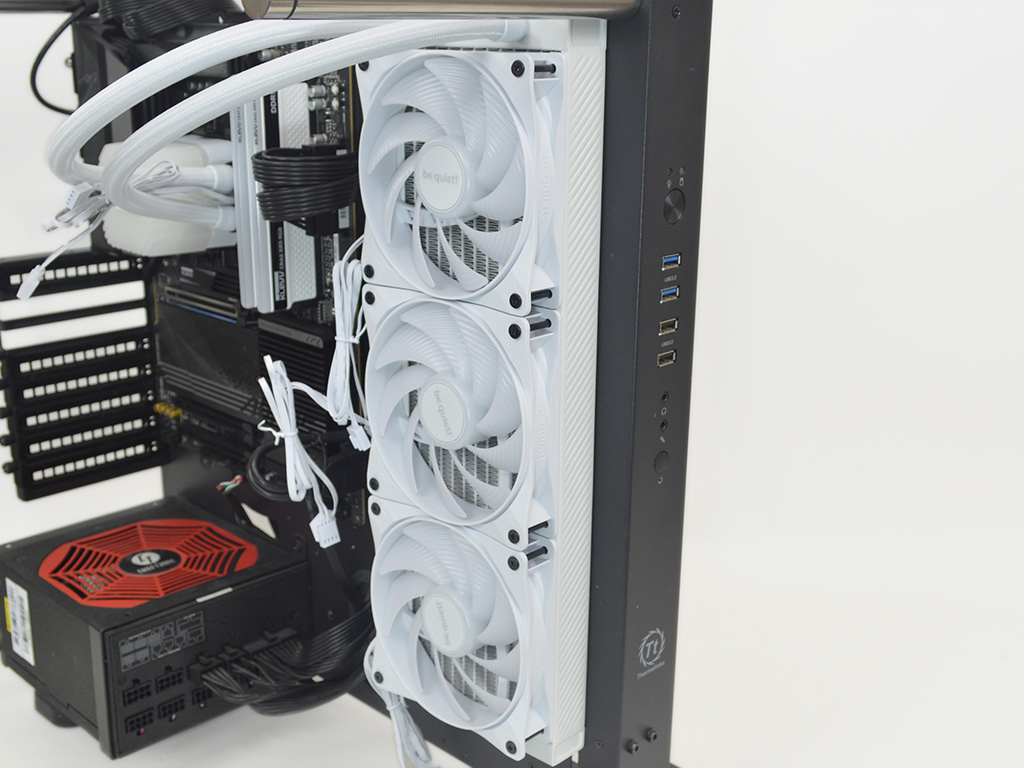
Next apply thermal paste which in my case was Arctic's MX6 before mounting the pump block to the CPU. Make sure to alternate between the two attachment points often in order to more evenly apply pressure. With the pump block mounted it is now time to mount the radiator and fans to the case.


Now plug everything into the ARGB + PWM splitter making sure to connect it to a SATA power plug and then run the needed connections to the motherboard.
Overall, the installation is pretty straightforward on AMD and Intel, with no major hurdles to speak of. The inclusion of an offset mounting position to improve cooling on AMD processors is also a nice touch. My only gripe is two attachment points. While it likely doesn't influence performance by a noticeable margin, four attachment points do tend to offer better distribution of pressure. So while it is a preference I won't knock be quiet! for it if performance is on point.
Nov 21st, 2026 07:20 PST
change timezone
Latest GPU Drivers
New Forum Posts
- Bought MAX-P495 - Which model? (33)
- RX 9000 series GPU Owners Club (2250)
- Honestly, do you care about GTA VI? (221)
- Cpu waterblock water shows some tinting = Bad? (18)
- GeekMagic Ultra Smart WiFi Weather Station (9)
- What's your latest tech Freebie? (87)
- UPS what one to get? (3)
- Differences i might've missed between these ultrawides to decide which to buy during BF. (0)
- Anthrophics IPO (31)
- Without Jensen, PC gaming will be (53)
Popular Reviews
- Microsoft Surface Laptop Ultra Review - The Next-gen Arm Laptop
- Ugreen NASync DXP4800 GT Review
- Corsair RM1200e (Second Generation) Review
- Pulsar Office Tour & First Look at P1 Dual-Sensor Mouse
- Upcoming Hardware Launches 2027 (Updated Nov 2026)
- Acemagic Retro X3 Review
- Biwin Black Opal NV7400 2 TB Review
- AMD Ryzen 7 9800X3D Review - The Best Gaming Processor
- AMD Zen 6 Technical Deep Dive
- Chieftec Iceberg PRO 360 DARK Review
TPU on YouTube
Controversial News Posts
- NVIDIA Co-Founder and CEO Jensen Huang Officially Resigns (491)
- Report: Jensen Huang Eyes NVIDIA Comeback (259)
- Open Letter Asking NVIDIA to Reinstate Jensen Huang Passes 115,000 Signatures (184)
- OpenAI CEO Argues Home PCs Waste the World's Limited DRAM Supply (152)
- NVIDIA Launches Investigation Into Jensen Huang's Relationship With Suspected Chinese Spy (136)
- Intel "Raptor Lake Next" 16-Core and 20-Core CPUs Surface (130)
- Legendary Game Studio BioWare Shuts Down Following EA Layoffs (104)
- NVIDIA GeForce RTX 50-Series Scheduled for up to $500 Price Hike This Week (89)