 26
be quiet! Pure Rock Pro 3 Black Review
Finished Looks »Installation
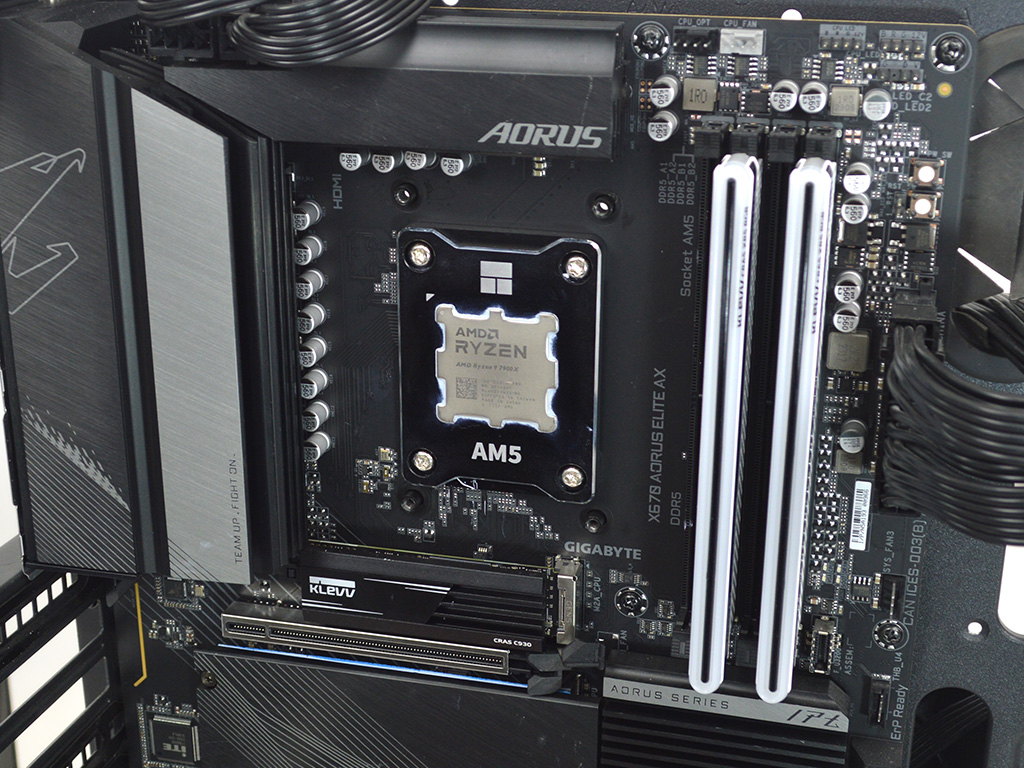
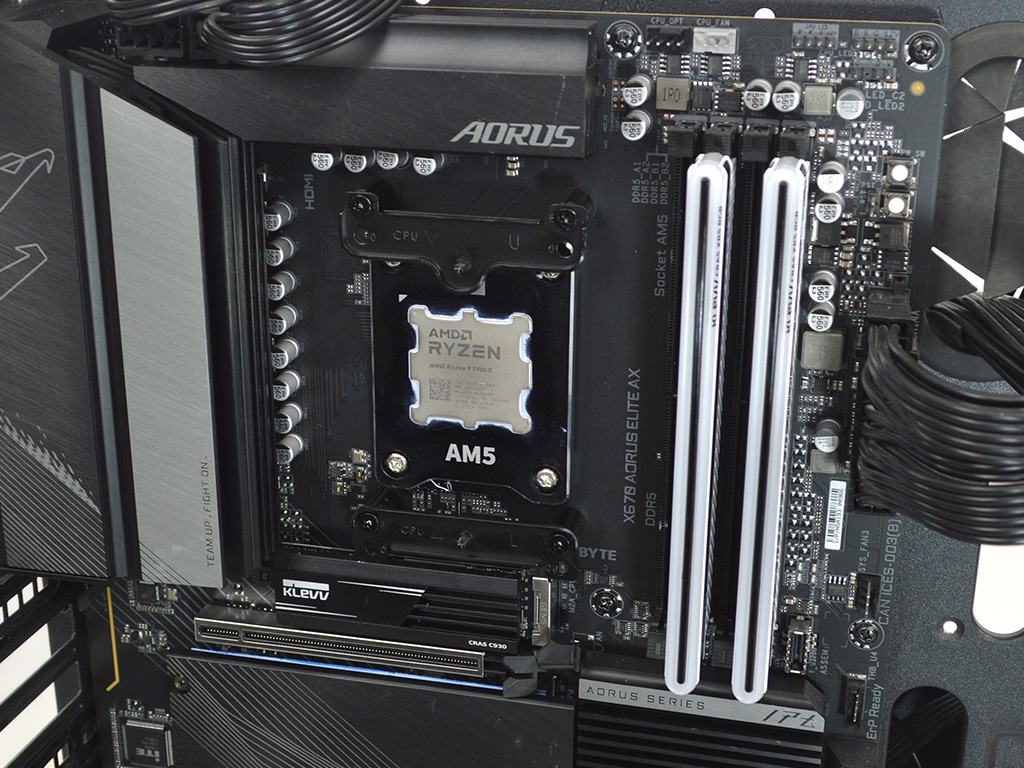
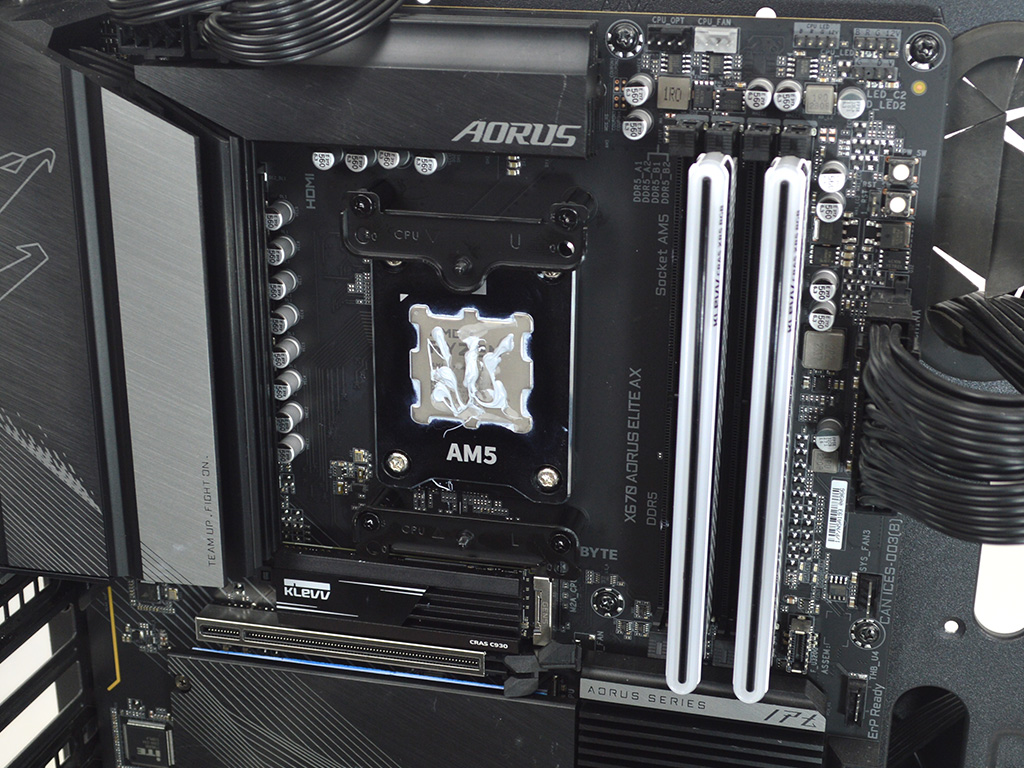
Installing the be quiet! Pure Rock Pro 3 Black is an incredibly simple process, and for AMD users they provide both a standard and offset mount depending on your processor for maximum cooling potential. To get started the first thing to do on Socket AM5 is to remove the black plastic motherboard brackets. Then place the plastic standoffs in position and follow up by attaching the brackets with the proper screws. Since our test system uses a Ryzen 7900X, we used the offset mount positions on the brackets. With that done it's time to apply thermal paste if you're not going to use the pre-applied paste. For testing, I used Arctic's MX6.

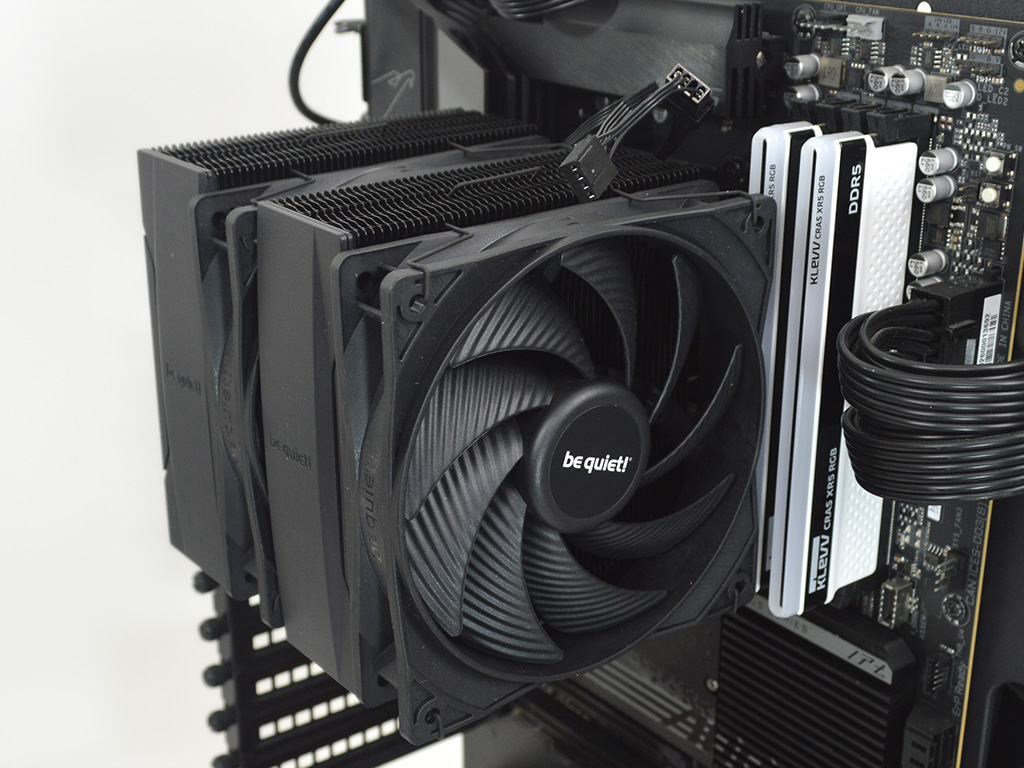
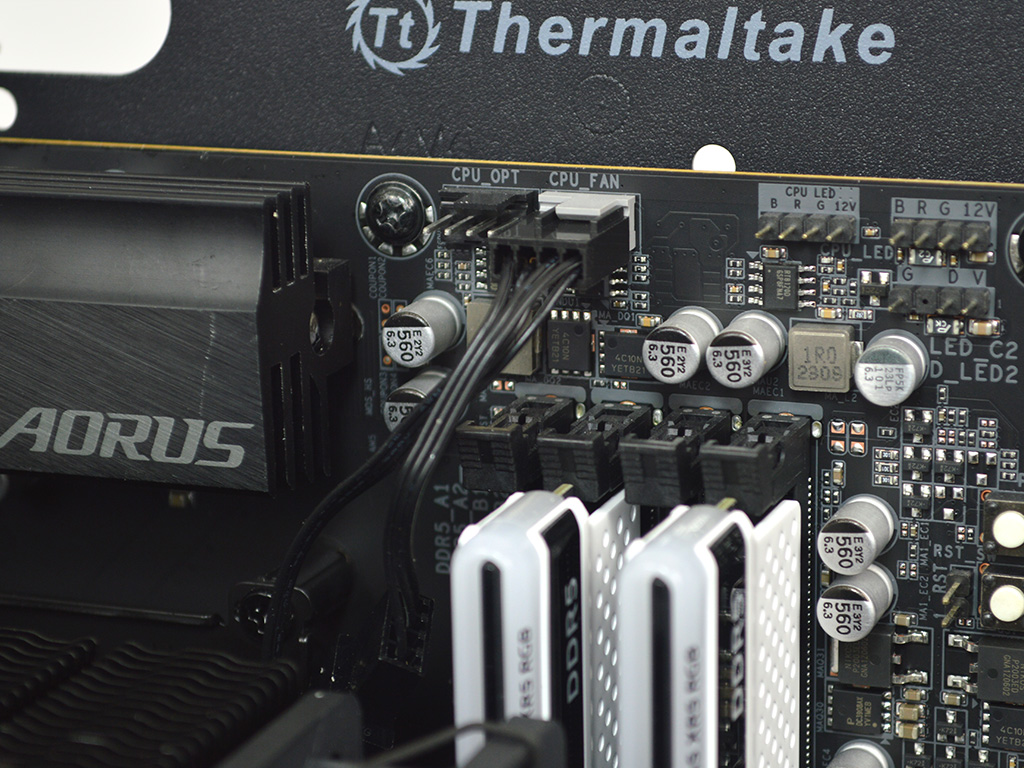
With everything in place it's time to position the heatsink on the CPU and tighten it down alternating between the two screws. Once you have the heatsink fully secured attach the fans and then plug them into the CPU fan header, and you're done.
Overall, the installation is pretty straightforward on AMD and Intel, with no major hurdles to speak of.
Nov 22nd, 2026 16:44 CST
change timezone
Latest GPU Drivers
New Forum Posts
- Your PC ATM (36458)
- Honestly, do you care about GTA VI? (264)
- Gacha Games - Discussions, Pulls, Updates, etc. (1157)
- UPS what one to get? (47)
- Last game you purchased? (1414)
- Making a game in Godot engine (19)
- Intel D270 (5)
- X870E AORUS ELITE WIFI7 thread with setting and OC (69)
- Gigabyte Aorus Master X570 settings / 7900XTX / 5950x /32GB Samsung B-die (13)
- Asus TUF Gaming X870-PLUS WIFI Optimization (2)
Popular Reviews
- Microsoft Surface Laptop Ultra Review - The Next-gen Arm Laptop
- Corsair RM1200e (Second Generation) Review
- Pulsar Office Tour & First Look at P1 Dual-Sensor Mouse
- Upcoming Hardware Launches 2027 (Updated Nov 2026)
- Ugreen NASync DXP4800 GT Review
- AMD Ryzen 7 9800X3D Review - The Best Gaming Processor
- Biwin Black Opal NV7400 2 TB Review
- AMD Zen 6 Technical Deep Dive
- Phantom Blade Zero Performance Benchmark Review - 35 GPUs Tested
- AMD Ryzen 7 5800X3D 10th Anniversary Review
TPU on YouTube
Controversial News Posts
- NVIDIA Co-Founder and CEO Jensen Huang Officially Resigns (492)
- Report: Jensen Huang Eyes NVIDIA Comeback (266)
- Open Letter Asking NVIDIA to Reinstate Jensen Huang Passes 115,000 Signatures (184)
- OpenAI CEO Argues Home PCs Waste the World's Limited DRAM Supply (152)
- NVIDIA Launches Investigation Into Jensen Huang's Relationship With Suspected Chinese Spy (136)
- Intel "Raptor Lake Next" 16-Core and 20-Core CPUs Surface (130)
- NVIDIA GeForce RTX 50-Series Scheduled for up to $500 Price Hike This Week (89)
- Intel Razor Lake Gets a 12 P-Core bLLC Chip With No E-Cores, Per Leak (86)