 21
Borderlands 4 Handheld Performance Review
Performance »Out-of-Box Experience
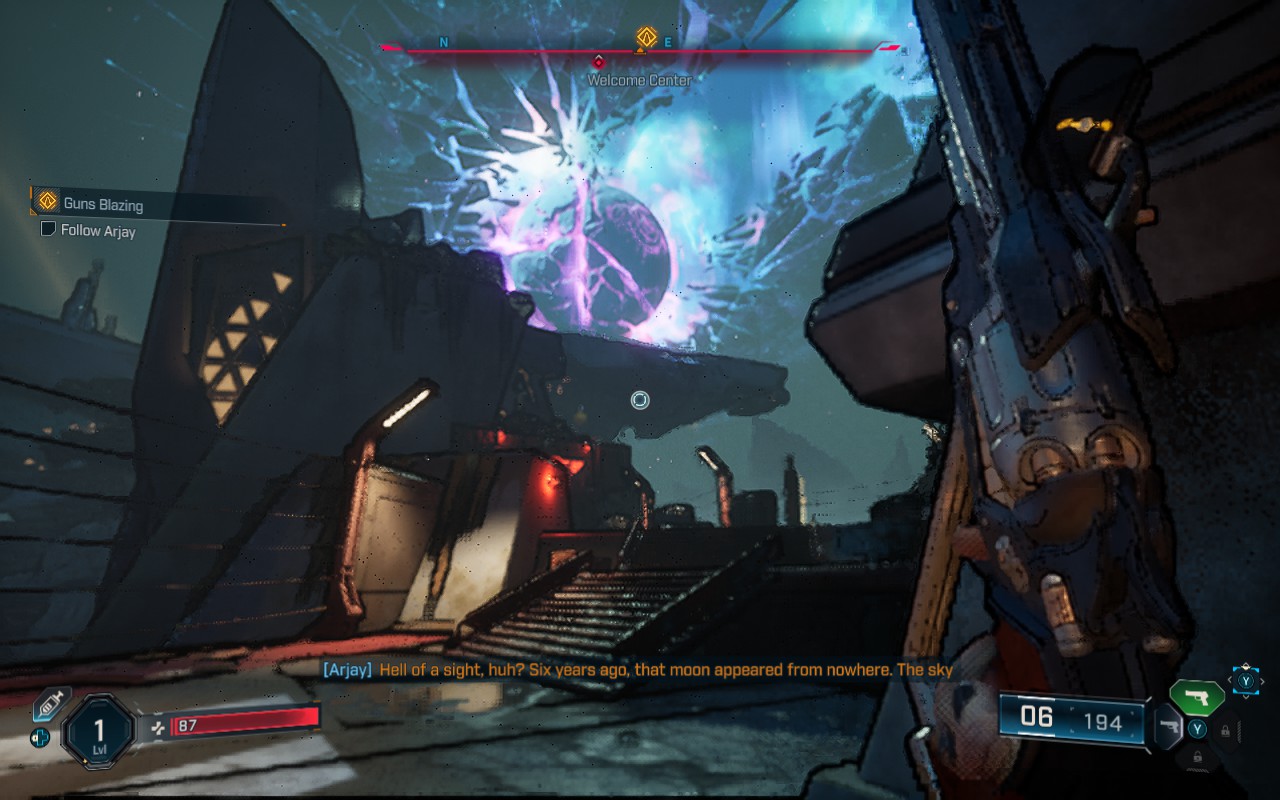
On SteamOS the game launches without issues, aside from the fact it crashes if you try enabling MangoHud via the game's launch parameters.

Your Steam Deck will download the shader pre-cache files before launching, but you'll still have to endure through a short shader compilation screen. The shader compilation step takes about 3–4 minutes to finish, but you'll have to wait for shaders to compile each time you change graphical settings in the main menu. This shader compilation step takes place during the loading screen and is shorter than the one taking place after launching the game for the first time.
Unfortunately, the game cannot reach 30 FPS even if you set temporal upscaling to "Ultra Performance" and spatial upscaling to "Performance."
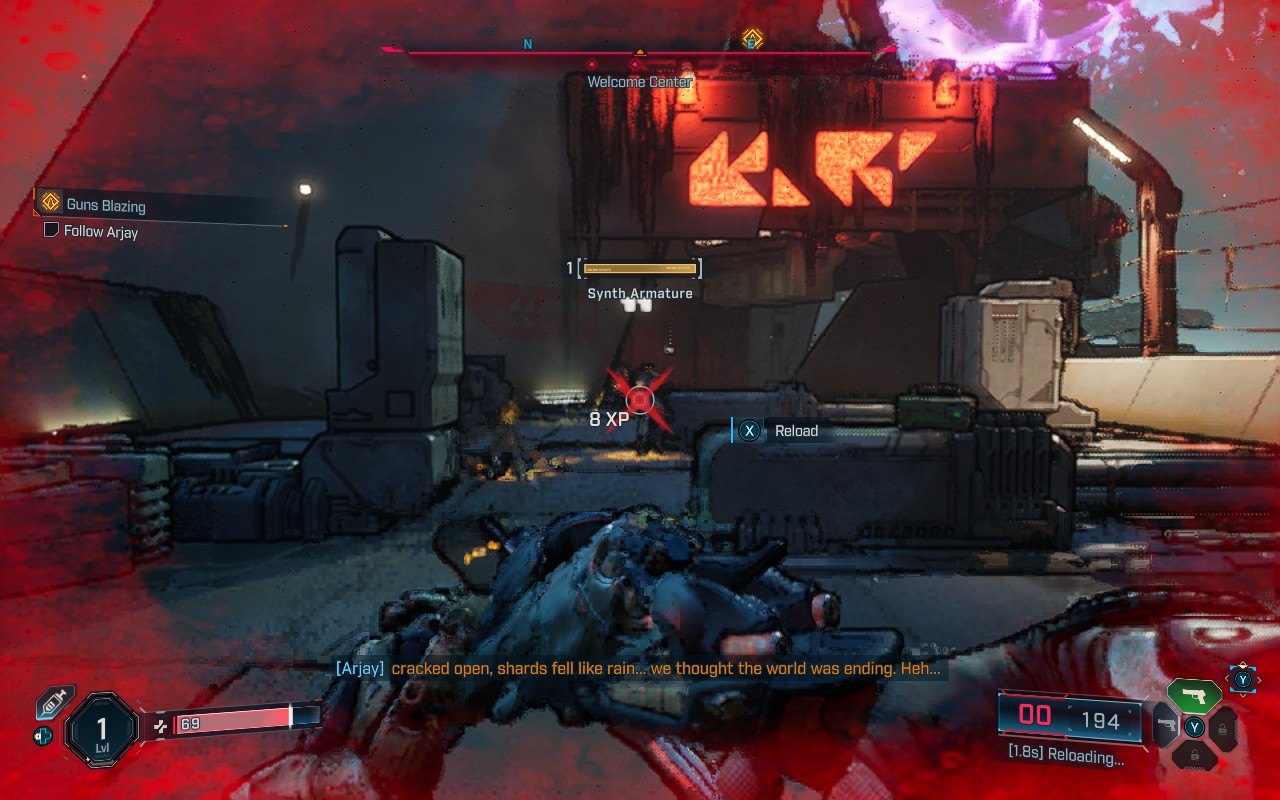
We tried playing the game with the lowest settings and both upscaling options set to their lowest native resolution values and the game ran between 20 and 25 FPS while looking like a watercolor painting put through a vaseline filter.
Enabling frame generation requires disabling spatial upscaling and thus lowering the already poor base frame rate. Frame generation introduces a massive latency penalty, and while it shows higher numbers on the frame rate counter, it makes the already unplayable experience even worse.

In short, the Steam Deck cannot run Borderlands 4 at playable frame rates so we recommend skipping this one if you only own a Steam Deck, or playing it via GeForce Now.
Don't forget that Denuvo—which the game ships with—counts different Proton versions as different PCs. We ended up being locked out of the game on our ROG Ally X because we messed with alternative Proton versions trying to improve performance and make the game run with MangoHud, the reason why our handheld performance review is arriving late. Denuvo's great, isn't it?
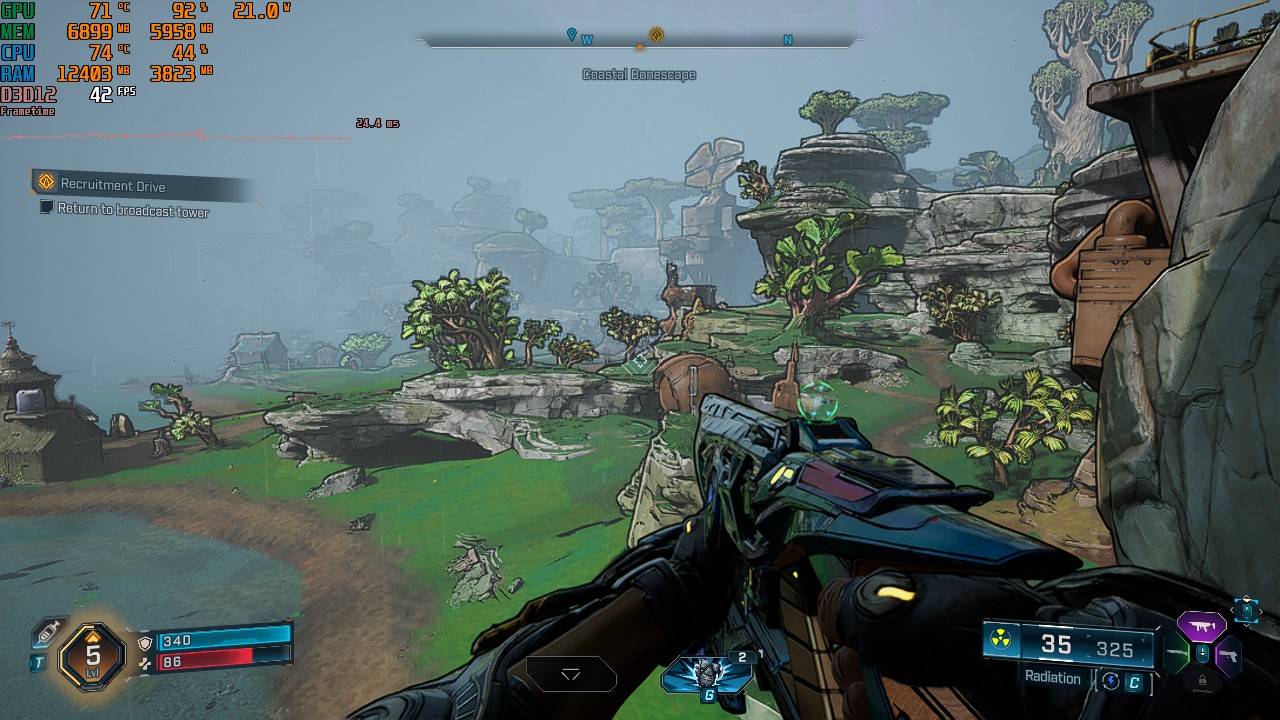
On Windows, things are just as smooth. The shader compilation step is finished in about four to five minutes, after which you'll have to wait for shaders to compile every time you change visual options in the main menu.
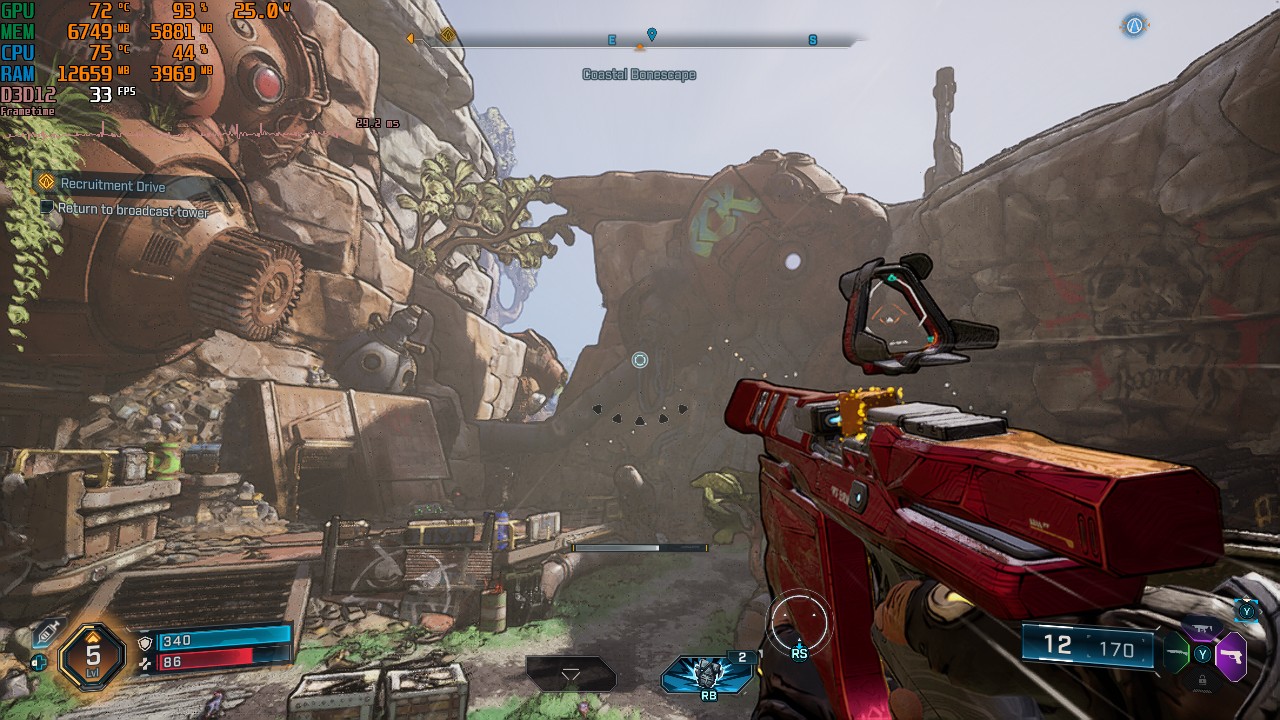
Performance-wise, Borderlands runs much better on the ROG Ally X. Things aren't perfect, but we were able to achieve stable performance with the frame rate jumping between ~45 and 30 FPS.
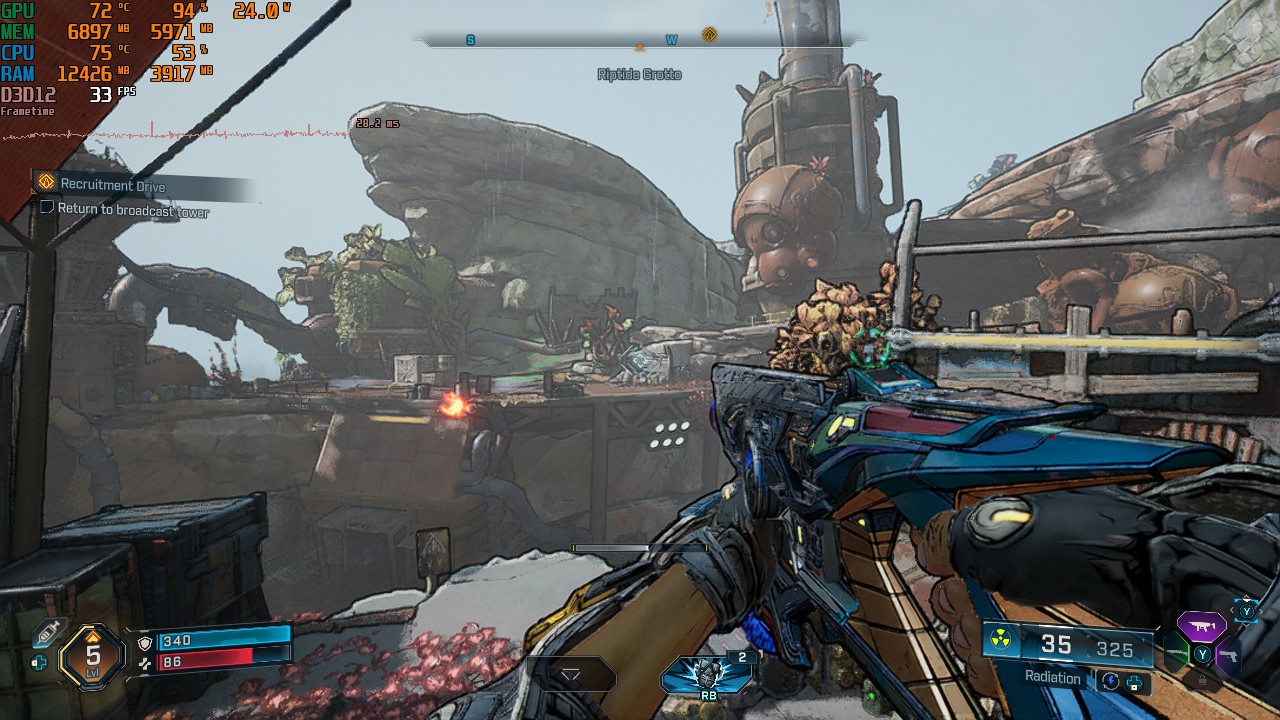
The good news is that we didn't notice the frame rate falling below 30 FPS even during the busiest set pieces and frantic boss battles.
Borderlands 4 comes with full controller support, and we can say that the game plays great on a controller after you tweak deadzones, which are too high by default.
Nov 25th, 2026 17:40 CST
change timezone
Latest GPU Drivers
New Forum Posts
- Sexy Hardware Close-Up Pic Clubhouse. (10345)
- AAF Optimus Modded Driver For Windows 10 & 11 - Only for HDAUDIO Chips [WINDOWS 11 RECOMMENDED] (1155)
- Which ryzen am5 cpu ? (219)
- {NA} 2026 Black November prices / deal (7)
- TPU's Nostalgic Hardware Club (22208)
- UPS what one to get? (74)
- More Nova Lake specs (5)
- Share your CPUZ Benchmarks! (2680)
- X79 and/or rampage IV OC'ing thread for those of us still left.... (2457)
- Asus Rog Maximus Z890 Extreme. (Various questions). (38)
Popular Reviews
- ASRock X870E Challenger Wi-Fi White Review
- Microsoft Surface Laptop Ultra Review - The Next-gen Arm Laptop
- VZMORE AX9 Max Review
- Upcoming Hardware Launches 2027 (Updated Nov 2026)
- AMD Ryzen 7 9800X3D Review - The Best Gaming Processor
- AMD Zen 6 Technical Deep Dive
- Corsair RM1200e (Second Generation) Review
- Phantom Blade Zero Performance Benchmark Review - 35 GPUs Tested
- Pulsar Office Tour & First Look at P1 Dual-Sensor Mouse
- Ocypus lota P1000 Review
TPU on YouTube
Controversial News Posts
- Jensen Huang Reinstated as CEO of NVIDIA (571)
- NVIDIA Co-Founder and CEO Jensen Huang Officially Resigns (492)
- Report: Jensen Huang Eyes NVIDIA Comeback (281)
- Open Letter Asking NVIDIA to Reinstate Jensen Huang Passes 115,000 Signatures (184)
- OpenAI CEO Argues Home PCs Waste the World's Limited DRAM Supply (152)
- NVIDIA Launches Investigation Into Jensen Huang's Relationship With Suspected Chinese Spy (136)
- Intel "Raptor Lake Next" 16-Core and 20-Core CPUs Surface (130)
- Intel Razor Lake Gets a 12 P-Core bLLC Chip With No E-Cores, Per Leak (94)