 270
Borderlands 4 Performance Benchmark Review - 30+ GPUs Tested
Image Quality Comparison »Graphics Settings
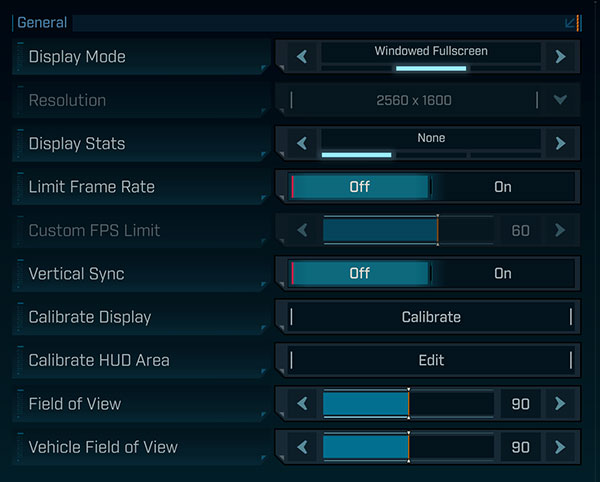
- The first settings screen has mostly monitor related options
- Window mode options are "windowed," "fullscreen" and "borderless"
- You may enable an FPS counter in-game, optionally with additional detail showing GPU frametime and ping latency
- The FPS cap can be set to either 30, 40, 50, 60, 70, 80 FPS
- V-Sync can be disabled completely
- The field of view range goes from 70 to 110 degrees, with the default at 90. I found 90 a bit too narrow and prefer 100

- The second screen called "Advanced" deal with more hardware related settings
- The graphics presets available are "Low," "Medium," "High," "Very High" and "Badass"
- Anti-Aliasing can be disabled when you select upscaler "Disabled"—it looks terrible
- Upscaling methods available are: "Disabled," "DLSS," "FSR," "TSR" and "XeSS"
- "Spatial Upscaling Quality" can only be enabled when FSR is used as upscaler, it offers a bit of additional performance at the loss of quality
- "Scene Capture Quality" controls how the in-game map and menus look like
- Frame generation can be enabled only when the appropriate GPU is installed. For NVIDIA this is expected, but AMD FSR and Intel XeSS works on all GPUs—not in Borderlands 4. I guess the developers weren't aware of that fact
- In addition to that, there's an excellent amount of additional options to fine-tune the performance
- You can disable motion blur completely
Test System
| Test System - GPU 2025.2 | |
|---|---|
| Processor: | AMD Ryzen 7 9800X3D Zen 5, 5.2 GHz, 8 cores / 16 threads |
| Motherboard: | MSI X870E Carbon Wi-Fi BIOS 7E49v1A3 |
| Resizable BAR: | Enabled on all supported cards (NVIDIA, AMD & Intel) |
| Memory: | Thermaltake TOUGHRAM XG 2x 16 GB DDR5-6200 28-36-36-76 UCLK 1:1 |
| Cooling: | Arctic Liquid Freezer III 280 mm AIO |
| Thermal Paste: | Arctic MX-6 |
| Storage: | 4 TB M.2 NVMe SSD |
| Power Supply: | Seasonic Focus GX 1000 W ATX 3.0 / 16-pin 12VHPWR |
| Case: | darkFlash DY470 |
| Operating System: | Windows 11 Professional 64-bit 24H2 VBS enabled (Windows 11 default) |
| Drivers: | NVIDIA: 581.29 WHQL AMD: 25.9.1 WHQL Intel: 101.7029 Beta |
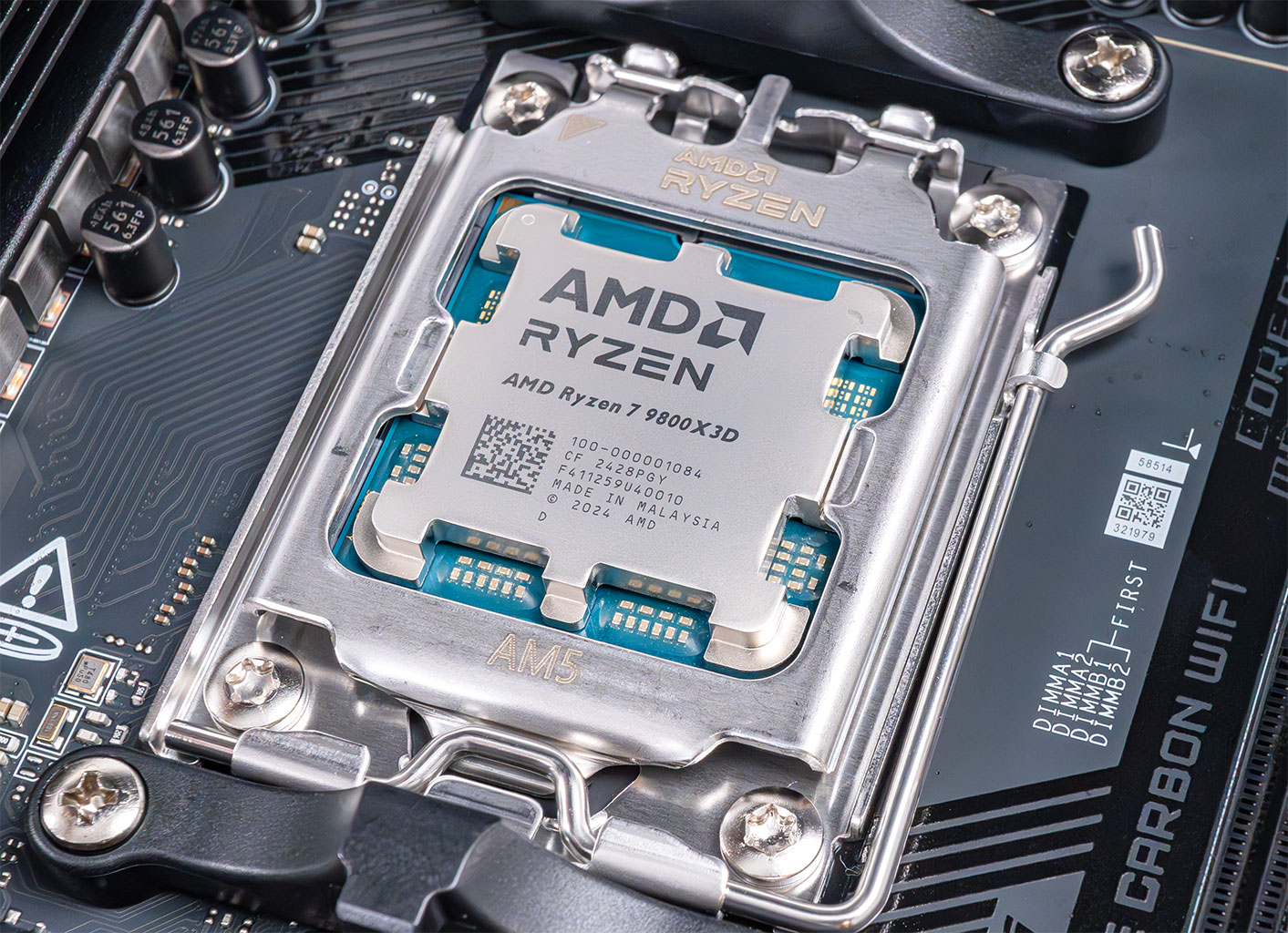
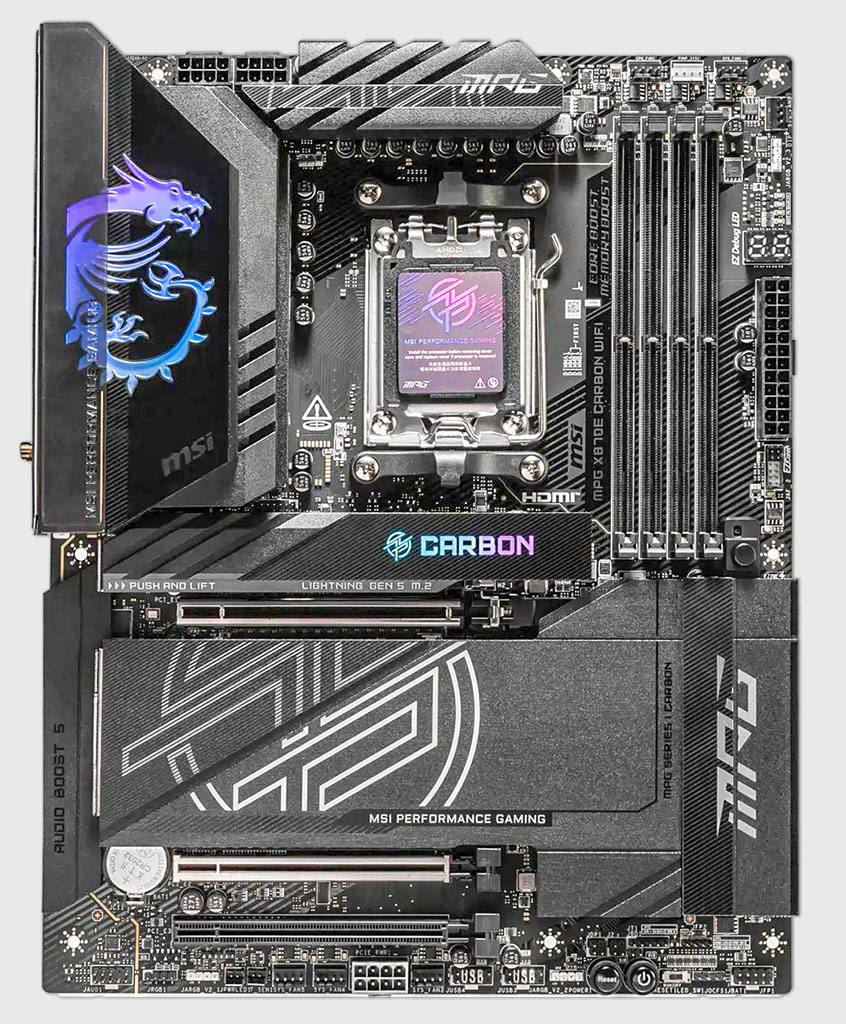

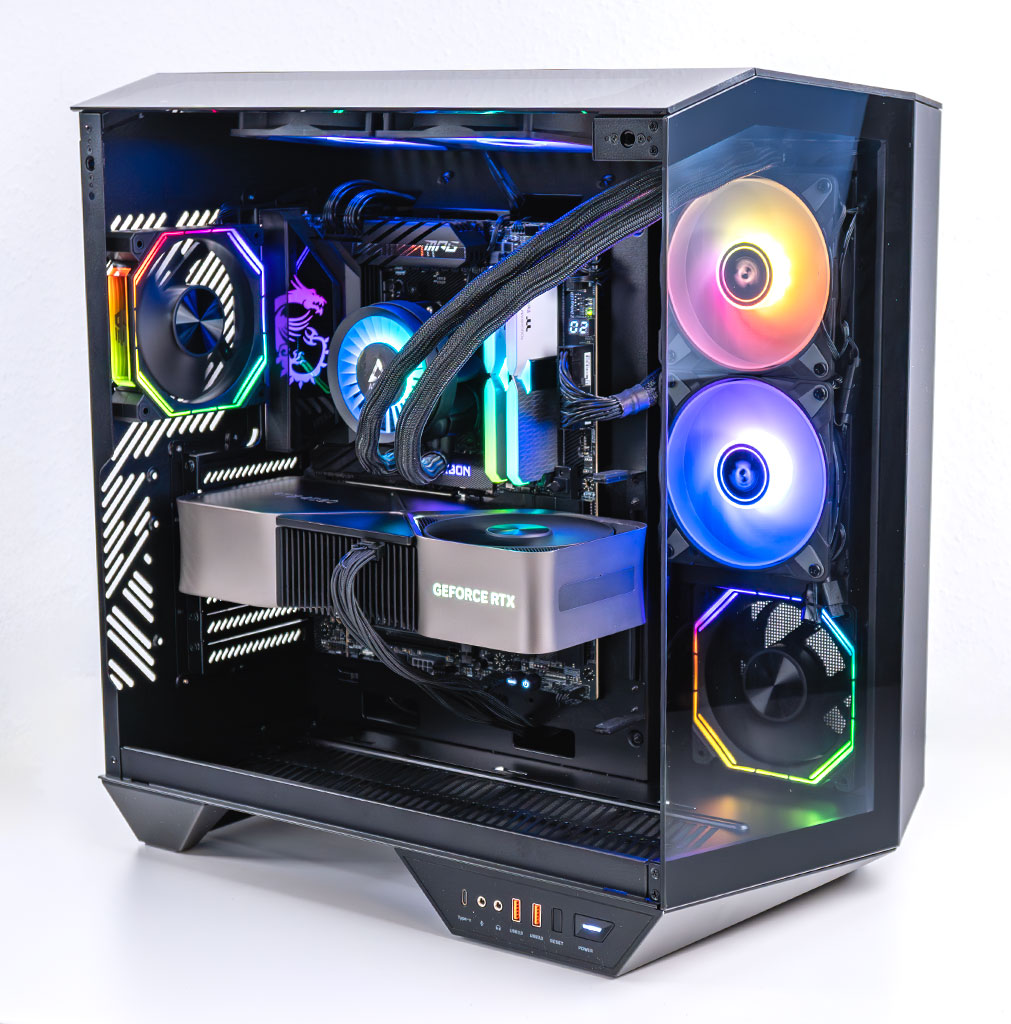

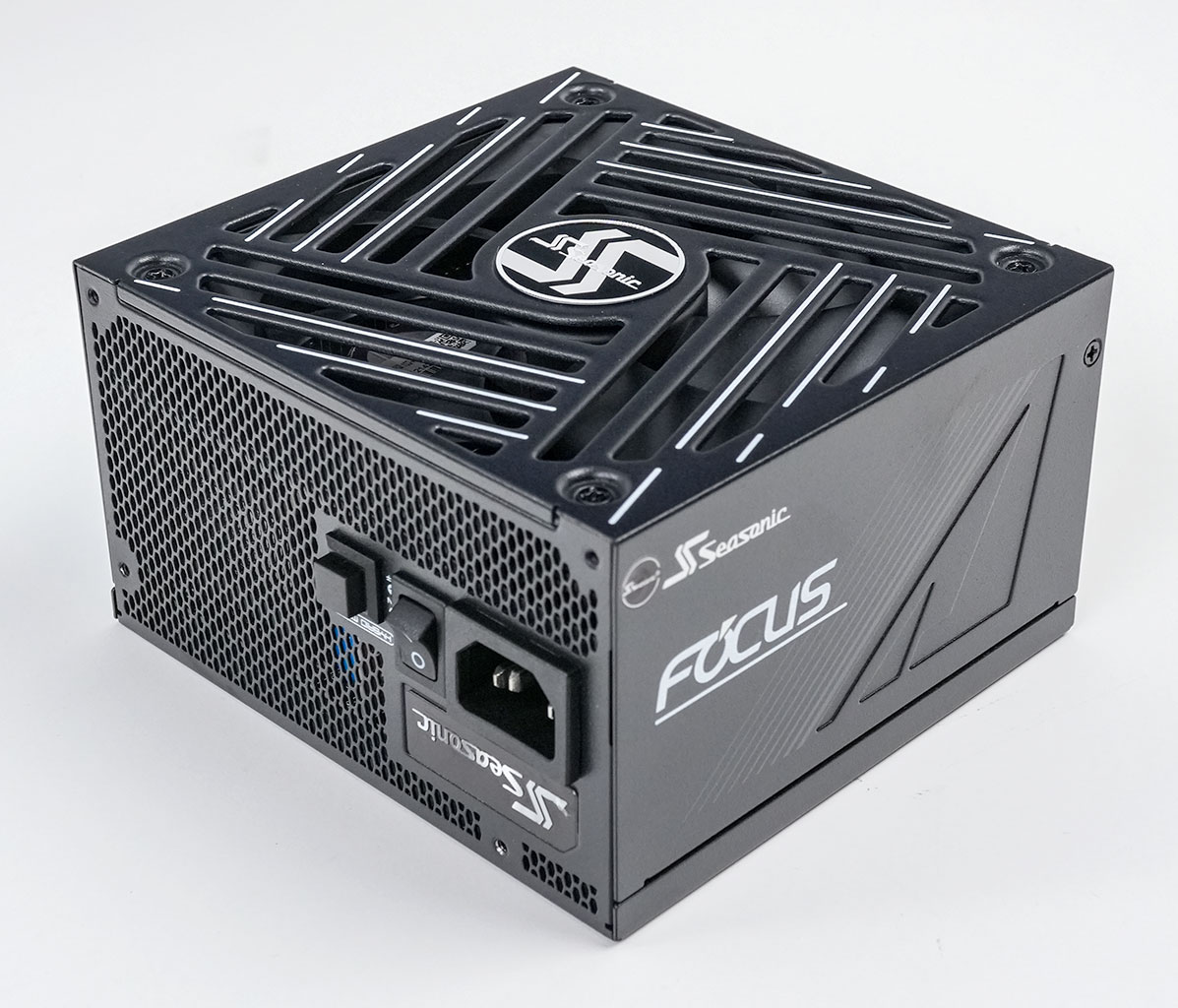
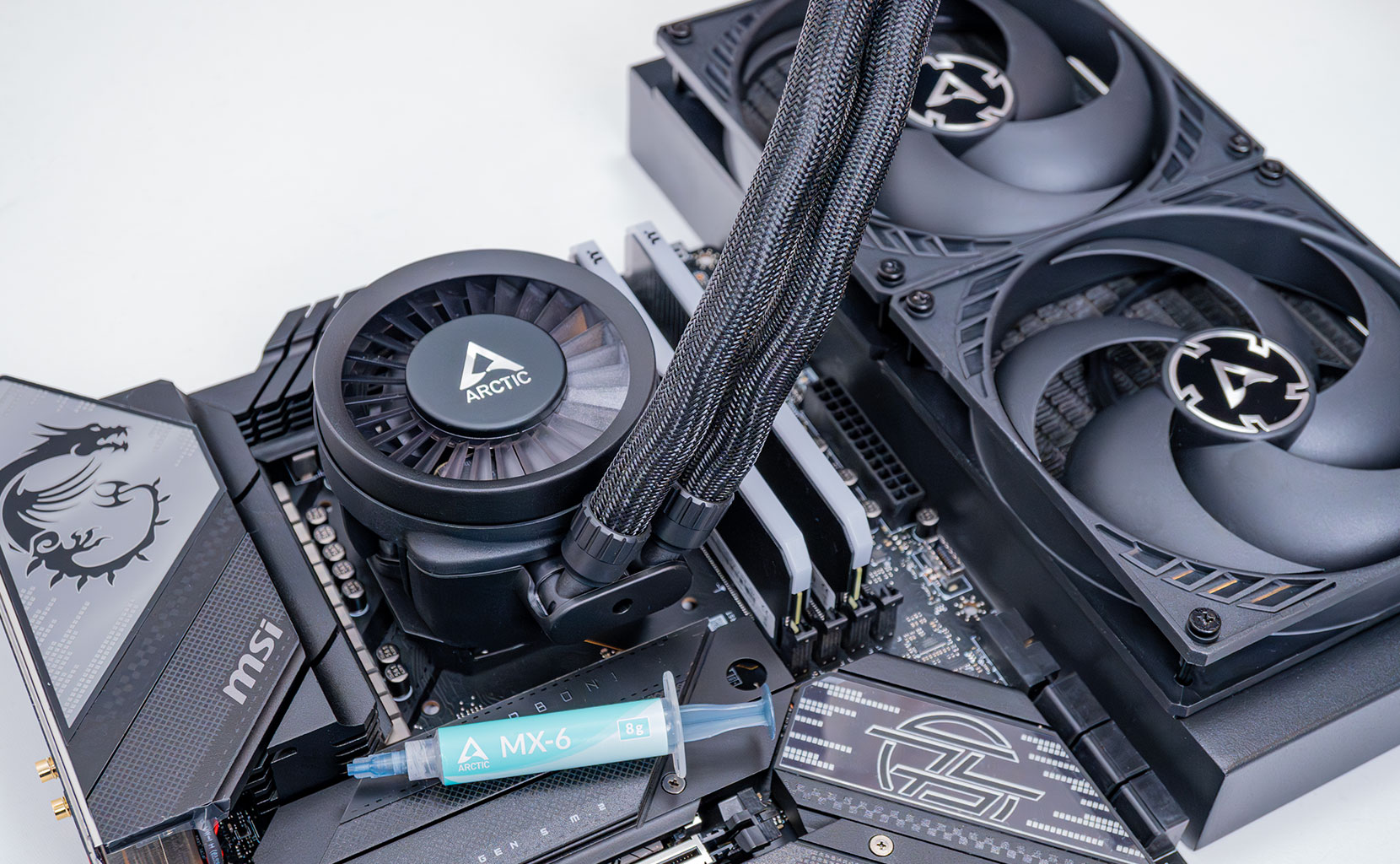
- All cards used for comparison are Founders Edition / reference design. If a reference card does not exist, we use the closest model to ensure default clocks and power limit
- We tested the public Steam release for Borderlands 4, including the day one patch that was posted shortly after release
- Our benchmarking scene uses real in-game gameplay in an outdoors location.
Nov 12th, 2026 07:36 PST
change timezone
New Forum Posts
- budget home NAS – X79, X99 or another platform? (141)
- GeekMagic Ultra Smart WiFi Weather Station (5)
- Youtube channel video downloader, not playlist. (1)
- Unallocated space in ssd , is it normal? (15)
- Can you guess Which game it is? (316)
- Your PC ATM (36406)
- Hey all my intro & love for retro computers (102)
- TPU's Nostalgic Hardware Club (22147)
- What are you playing? (26207)
- So I fixed the r36s “k36” variant and clone with an Onn 128gb sd card and the Onn sd card reader and it BOOTED..so real neat! Take a look. (2)
Popular Reviews
- AMD Zen 6 Technical Deep Dive
- Upcoming Hardware Launches 2027 (Updated Nov 2026)
- NZXT C1200 Platinum Review
- XPG NIMBUS PLUS Review - Mid-range Chair With Strong Competitors
- NZXT H7 RGB+ Review
- Montech King 95 3D PRO Review
- NZXT H5 Review
- Phantom Blade Zero Performance Benchmark Review - 35 GPUs Tested
- Gigabyte Z890I Aorus Ultra Review
- INNOCN 45C1R Review - Two QHD Screens, Zero Bezels
TPU on YouTube
Controversial News Posts
- OpenAI CEO Argues Home PCs Waste the World's Limited DRAM Supply (152)
- NVIDIA Launches Investigation Into Jensen Huang's Relationship With Suspected Chinese Spy (136)
- Intel "Raptor Lake Next" 16-Core and 20-Core CPUs Surface (130)
- Legendary Game Studio BioWare Shuts Down Following EA Layoffs (104)
- Dell CEO Says the Memory Shortage Will Get Worse in 2027 (95)
- NVIDIA GeForce RTX 50-Series Scheduled for up to $500 Price Hike This Week (89)
- Modder Fits RTX 5090 With Four 8-Pin Connectors, Halving Current per Wire (80)
- AMD Radeon Owners Can Now Run Nearly Every DLSS Feature Through Fan-Made Mod (80)