 8
Building a Keyboard 5: MARVODIY Undefined 61, Charcoal Keycaps & Ajazz Diced Fruit Switches
(8 Comments) »Introduction

The "Building a Keyboard" series started out as a way to explore different switch options foremost, but evolved into a natural way to cover DIY keyboard components in combination to present our readers various options to quickly and easily build their own keyboard. This is all the more easier today with the availability of hot-swappable switch sockets in assembled keyboards as well as keyboard kits, and there are more switch and keycap sets coming out than ever before. Today, we examine a brand new to me and likely many of you: MARVODIY, which I shall henceforth refer to as MarvoDIY as per the company's own online presence. This is an offshoot of Marvo—a gaming peripherals brand that is getting into the DIY scene. Joining in is also Ajazz, which we have seen before with pre-assembled keyboards, including the K620T 2.0 and Zinc—today, with its new Diced Fruit switches. Thanks again to MarvoDIY and Ajazz, via Epomaker, for providing the samples to TechPowerUp!

MarvoDIY being a new brand, I went in expecting perhaps one or two products on their website, but was surprised by a pretty good collection already. A lot of these are aftermarket keycap sets and switches, which are sold by MarvoDIY but not of its own designs yet, though the company says it is already working on its own keycap designs at the very least. The kit in question is of a 60% keyboard quite intriguingly called the Undefined 61. When prodded more, the company rep said this was intentional in that the company wishes the product be open for users to define its use case and final design as they please. I am pairing the kit with a set of the Charcoal-themed PBT keycaps and a new option for linear switches from Ajazz, the Diced Fruit series. Currently available in two variants—Banana and Peach—these are meant to be aesthetically and functionally pleasing, and I have the Peach switches to complete the build and try it all out together.
MarvoDIY Undefined 61: Packaging
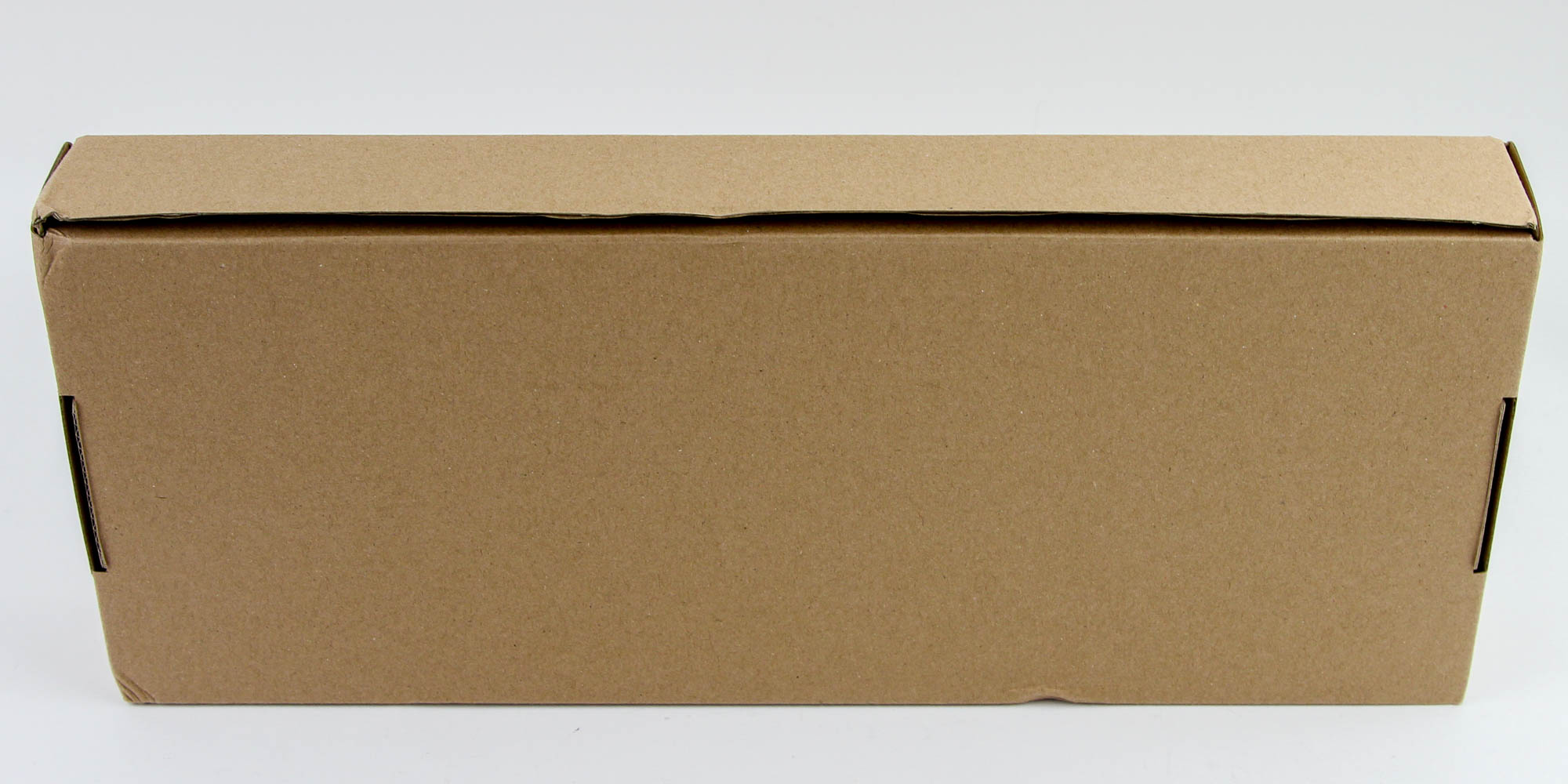
The Undefined 61 kit may well already be available for sale now, but the brand and product itself are officially launching on October 13, 2021 to allow enough time for the media to collect their thoughts and publish/make videos as part of MarvoDIY's marketing campaign. Consider this the opposite of a soft launch then, although you would not be able to tell exactly based on the product box that is missing the customary aesthetic banderole. I imagine the final retail units will be more in line with other such products, including with the company and product name, marketing features, and specifications of the kit, and maybe a render or two. As it stands, my sample shipped in a bare cardboard box that has side flaps to keep the contents inside in place during transit.
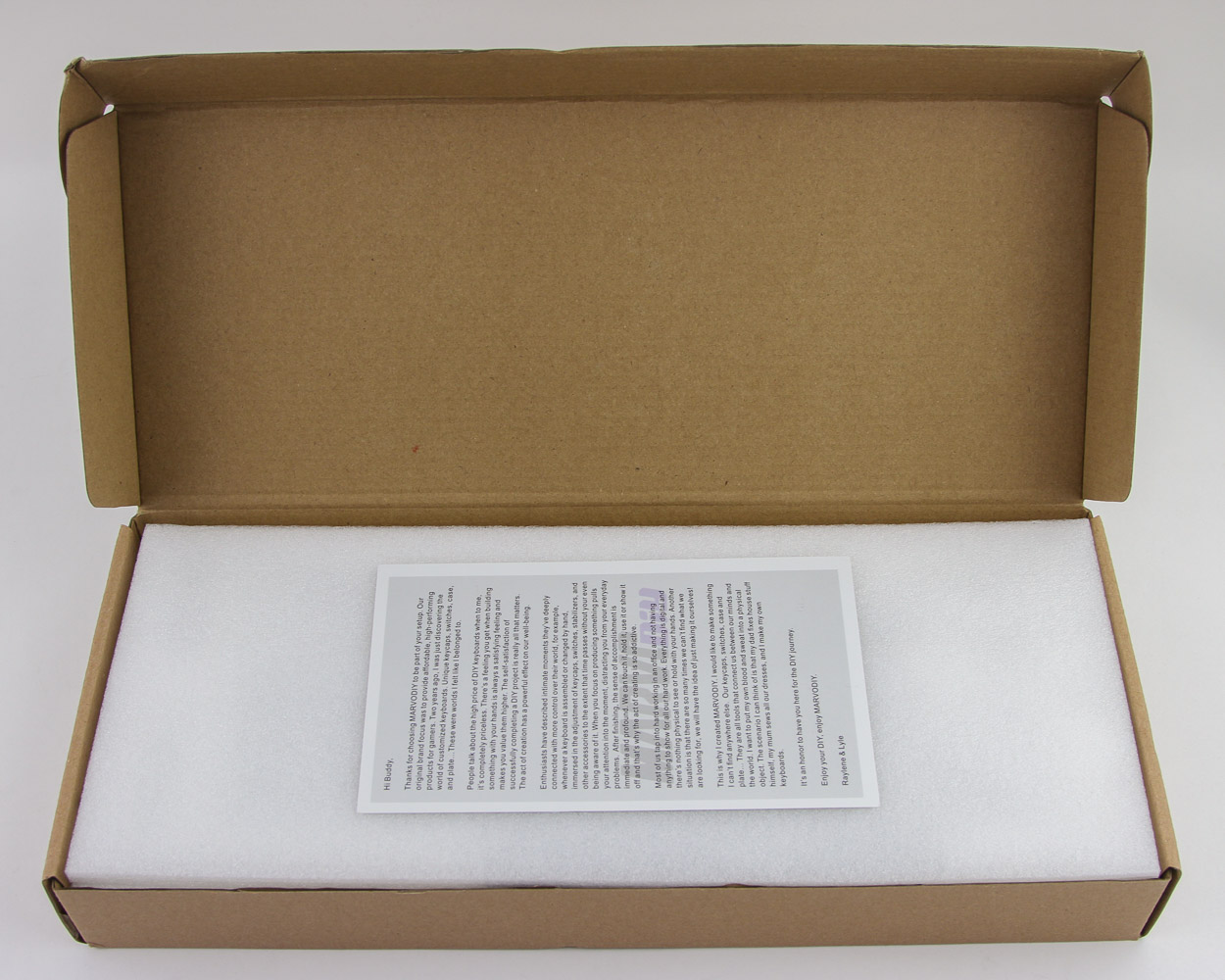
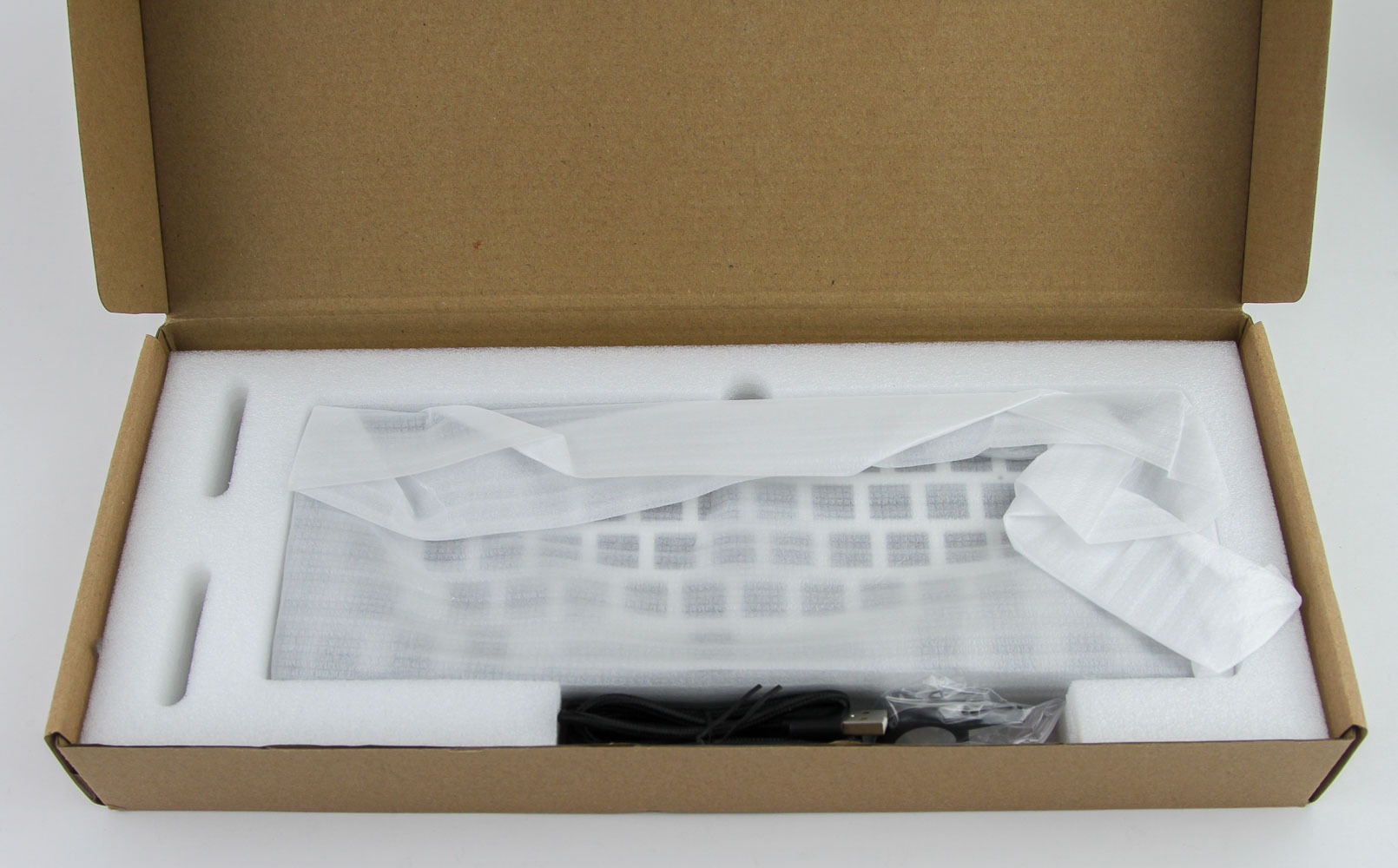
Opening the box, we see thick foam all around the keyboard kit, including a sheet up top to protect it. This review sample also had a note about the company and product, which I am not sure will remain with the final packaging. The kit itself comes inside a thin foam wrap for redundancy, and the bottom foam layer has cutouts to accommodate the provided accessories on the side to further minimizes potential damage to the kit.
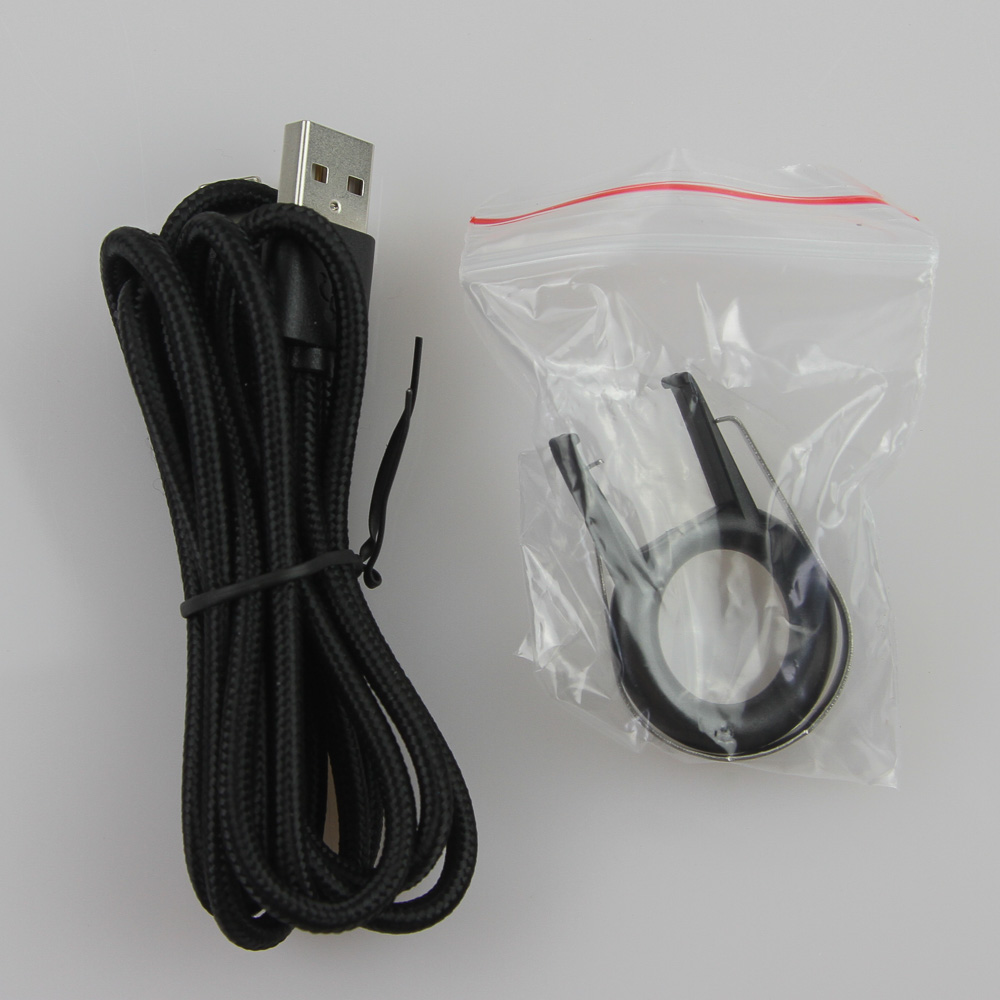
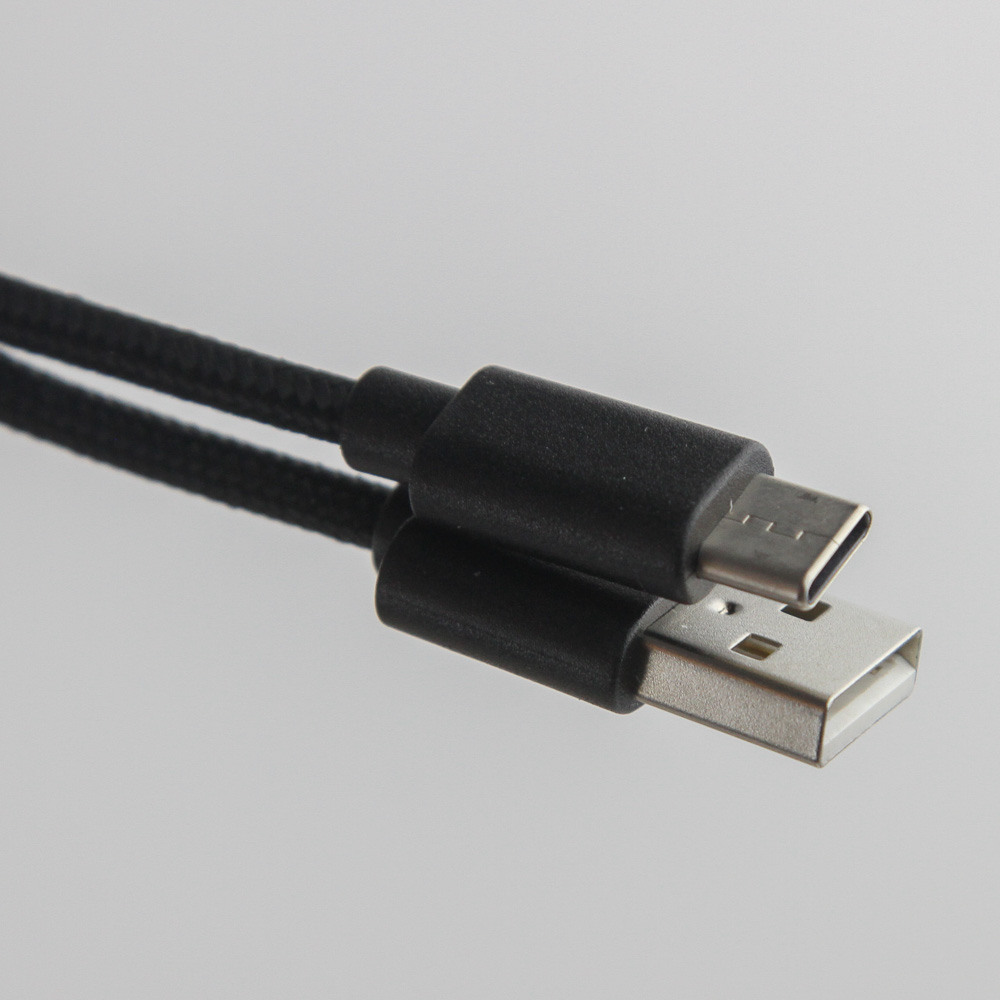
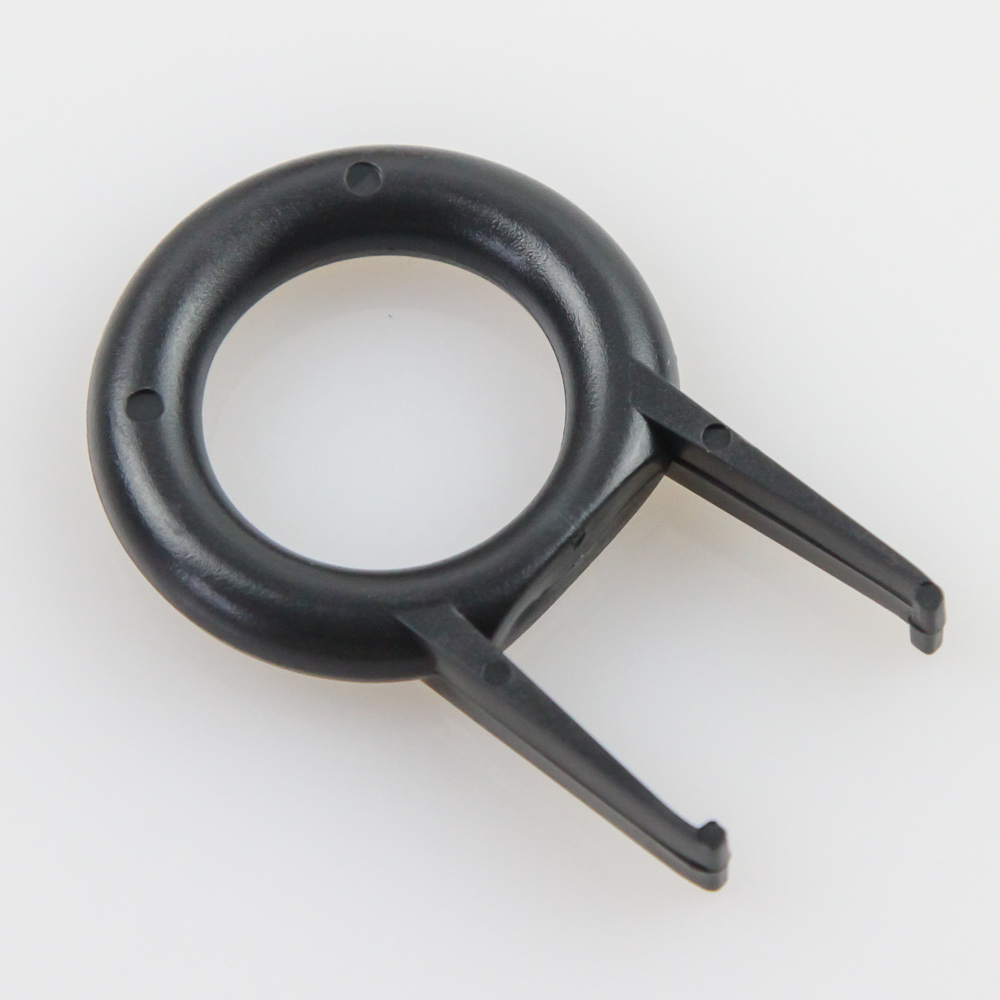
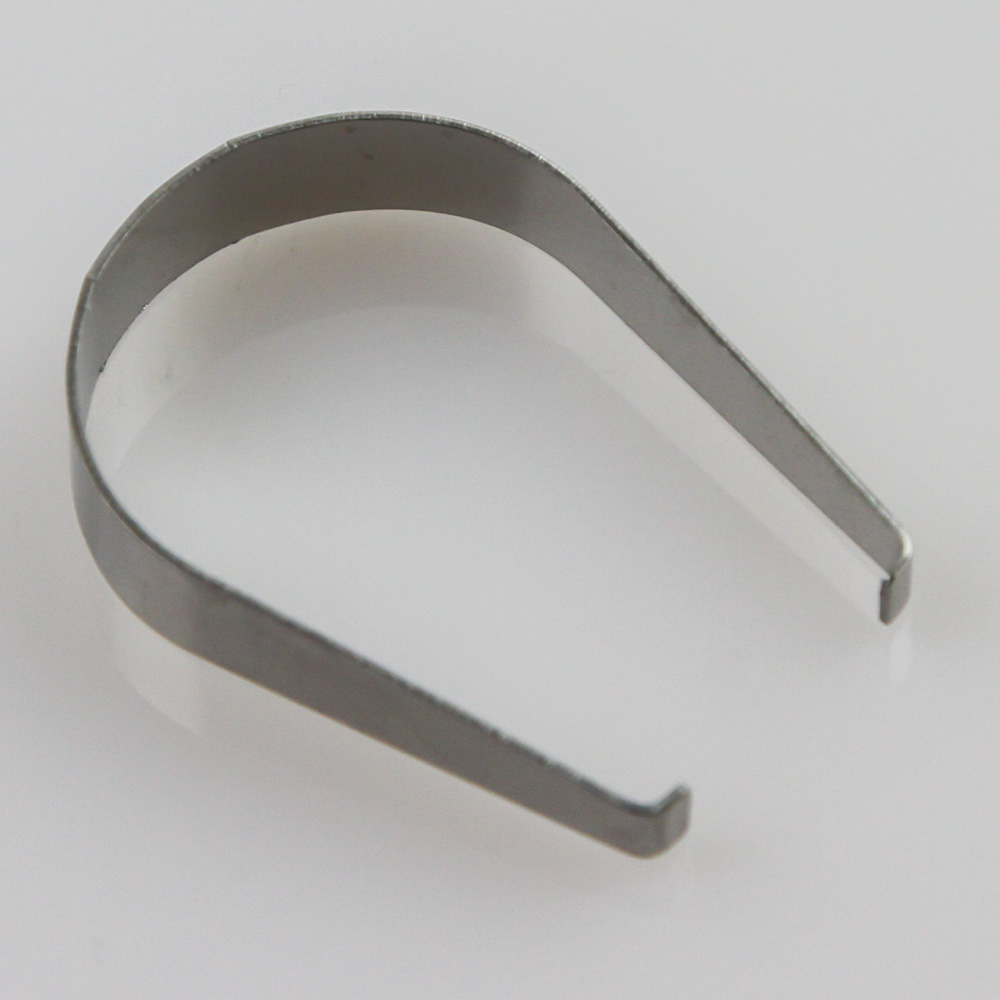
The current configuration is relatively light on accessories; that said, the only things I would really want to see as well are a manual and reminder to download the software configurator available for the MarvoDIY Undefined 61. Other than that, we get a detachable USB Type-C to Type-A cable, which points towards the adoption of Type-C connectivity for the keyboard kit. This cable is all black, including for the braiding itself. inside a plastic bag, we also get the bog-standard plastic ring-style keycap puller and metal switch remover tool. It would have been nice to see a metal wire keycap puller instead, especially for a new brand aiming to break into the market.
MarvoDIY Undefined 61: Closer Examination
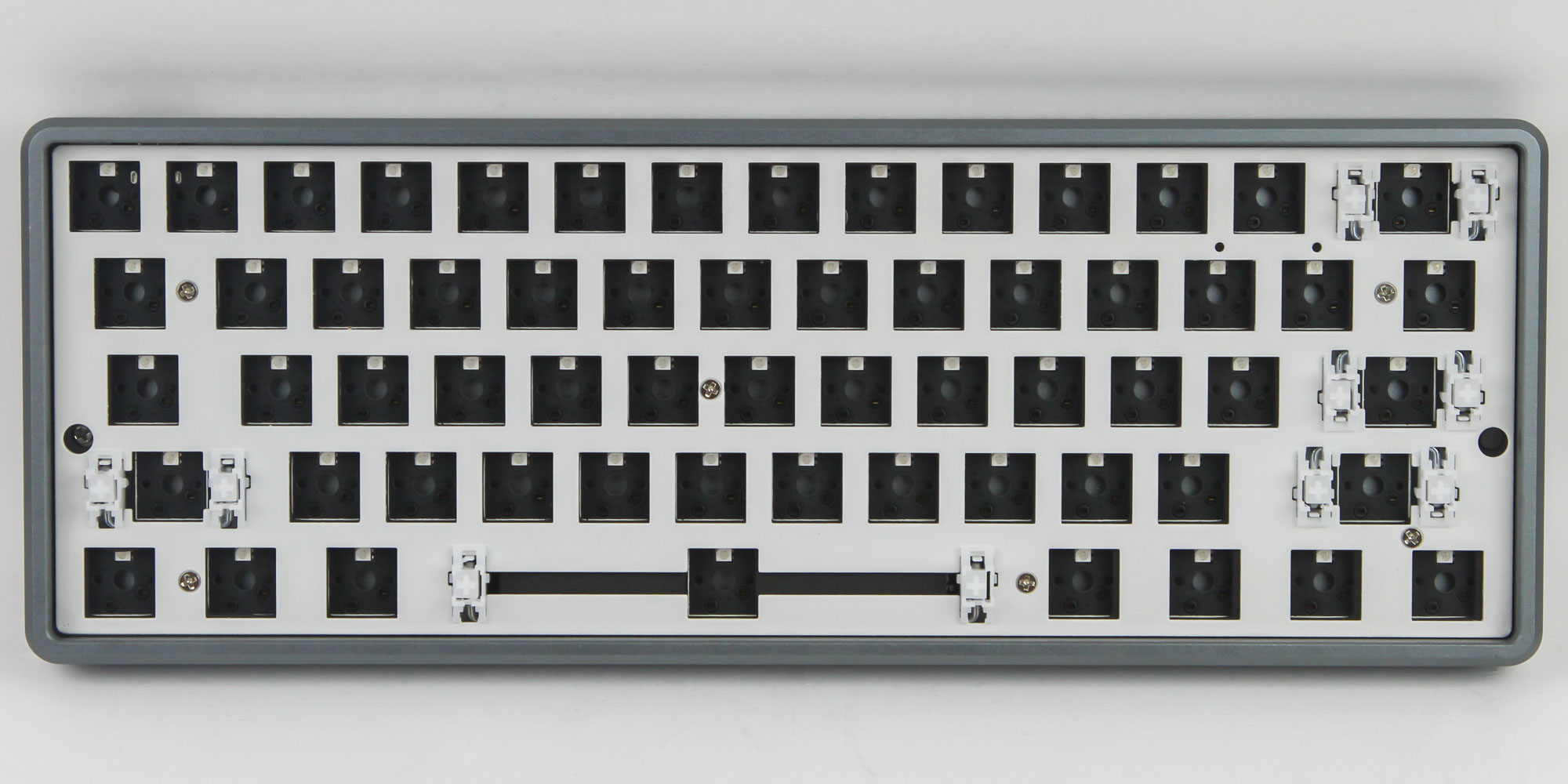
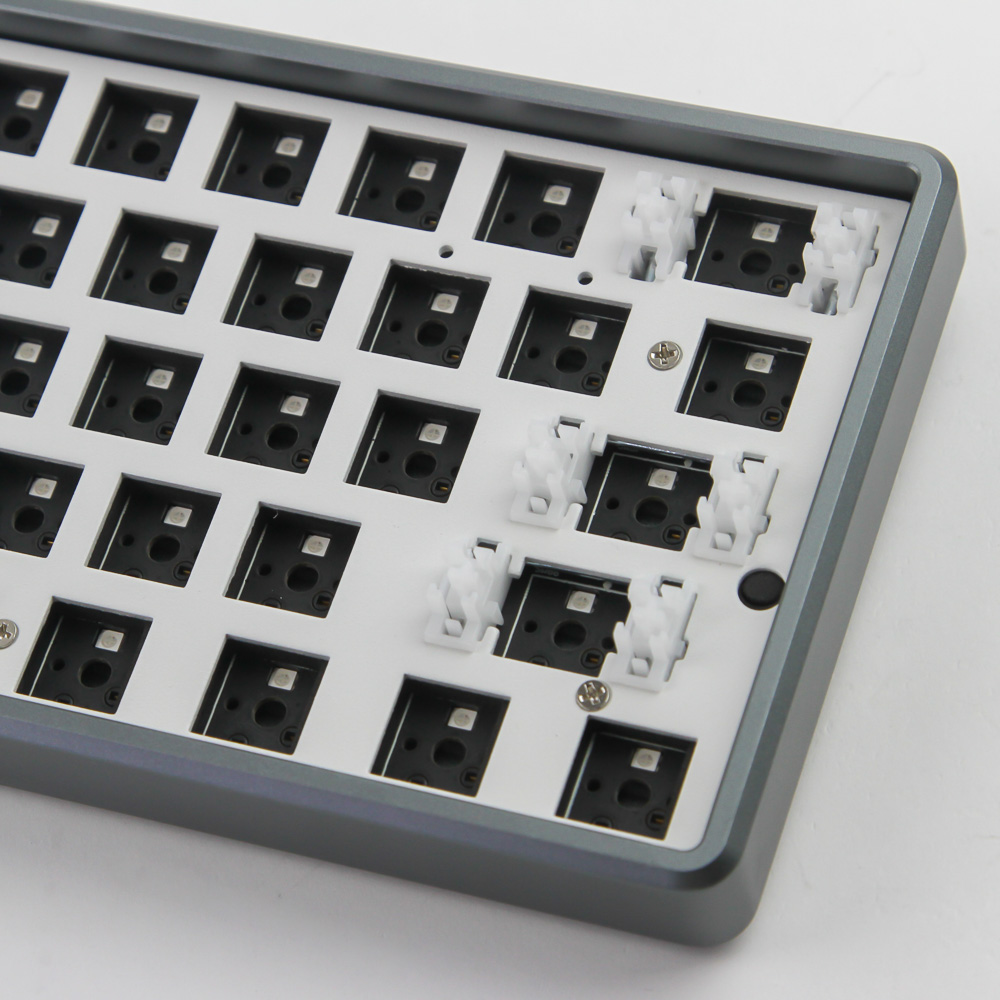

We finally get our first good look at the MarvoDIY Undefined 61, which confirms it is indeed a keyboard kit built to the increasingly popular 60% form factor. I have lost track of how many 60% keyboards and keyboard kits I have reviewed over the last 12 months with mainstream companies getting involved. It is the smallest form factor today that still gets plenty of love from the enthusiast keyboard community, especially with aftermarket cases and PCBs adding to the support, which in itself is easier to justify on the smaller size we have here. What you effectively get with a 60% keyboard is the alphanumeric section of the standard full-size or TKL keyboard only, and with the Esc key replacing tilde (~) almost every single time.
Of course, this is less concrete on kits such as the Undefined 61, which is more of a blank slate for you to fill in with switches and keycaps. It still clearly conforms to the ANSI layout, with spacing between the switches as well as the included stabilizers showing as much. This is also a metal case kit currently only available in a single smooth gunmetal gray color option given to the thick aluminium used for the case. The plate is white, as are the stabilizers. Bezels are smaller than average, which no doubt also saves on material and manufacturing costs. The chamfered edges with rounded corners and no branding in use make for an extremely clean kit.
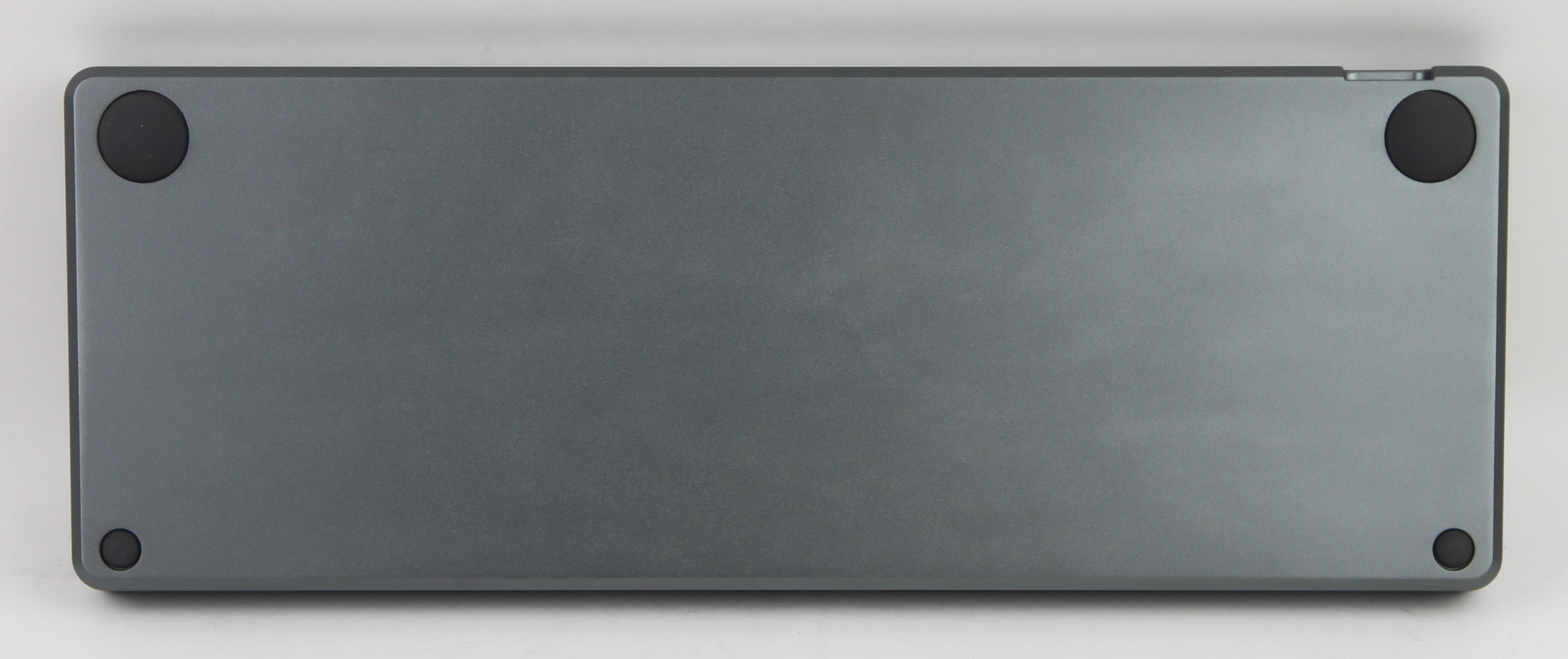
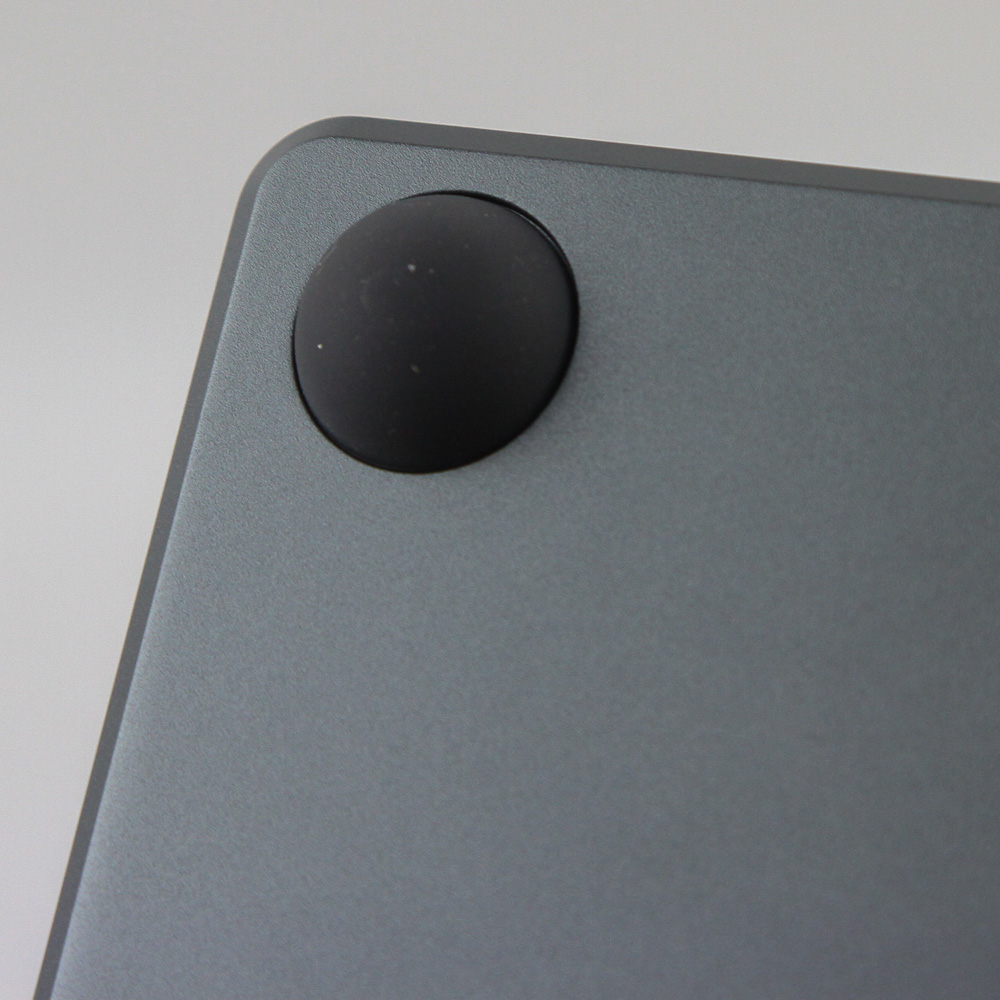
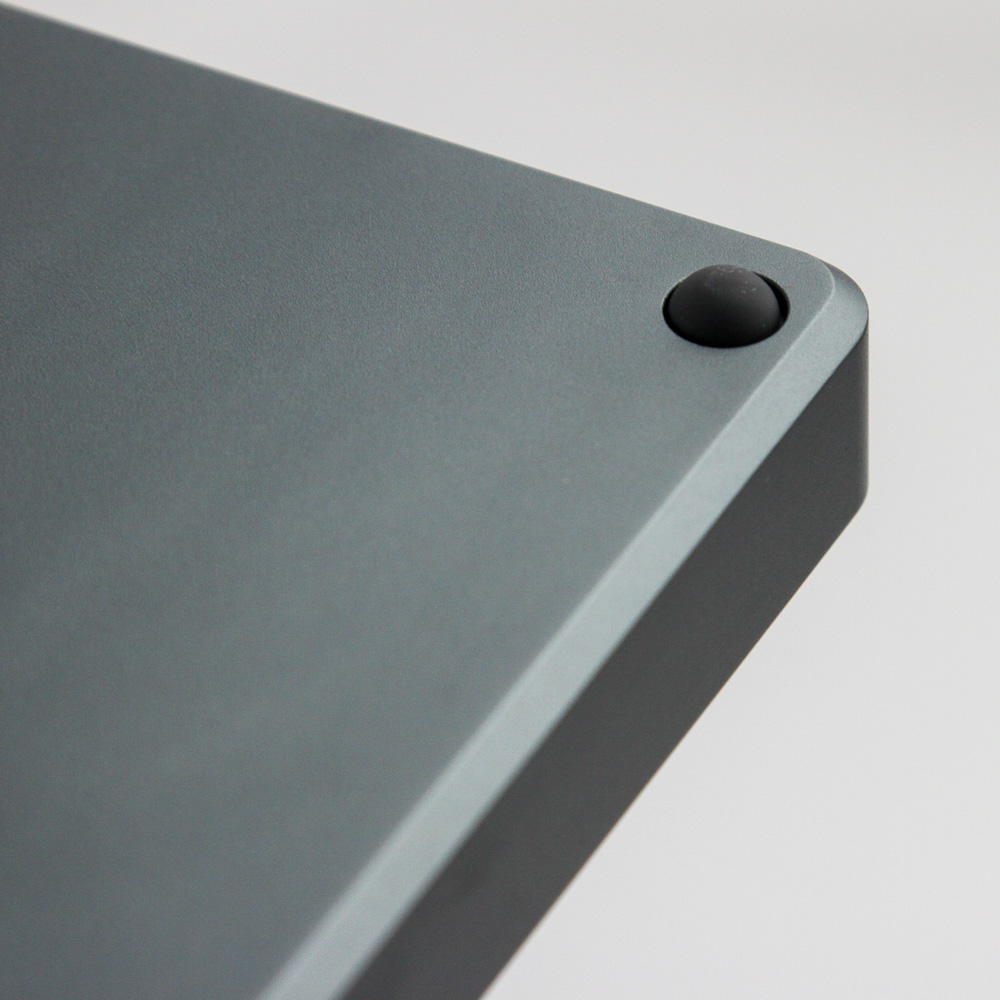
Flipping the kit around, we see no branding yet again, which is surprising, but I do not know whether the final version will also lack any here. This otherwise presents itself as a large aluminium slab weighing in at over 750 g for the kit without any switches or keycaps, which is certainly above average for a 60% keyboard. It results in a solid feeling, but is still light enough to be portable without moving around easily on your desk. Four circular pads on the corners assist with this, while also lifting the case off the resting surface enough to prevent scratches. The pads at the top are larger than on the bottom, which adds further elevation in use. This is all you get as far as keyboard elevation goes; there are no keyboard feet or add-on bars/magnets as with a few others we have seen.
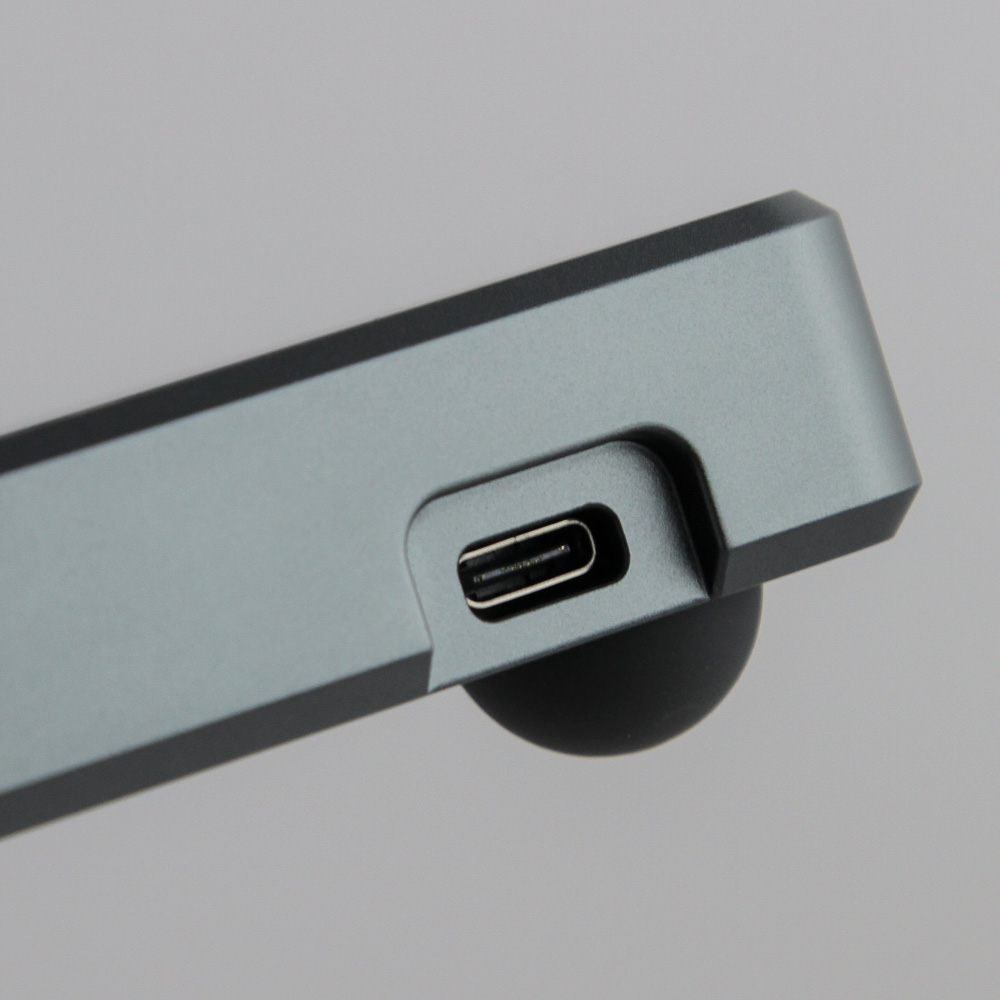
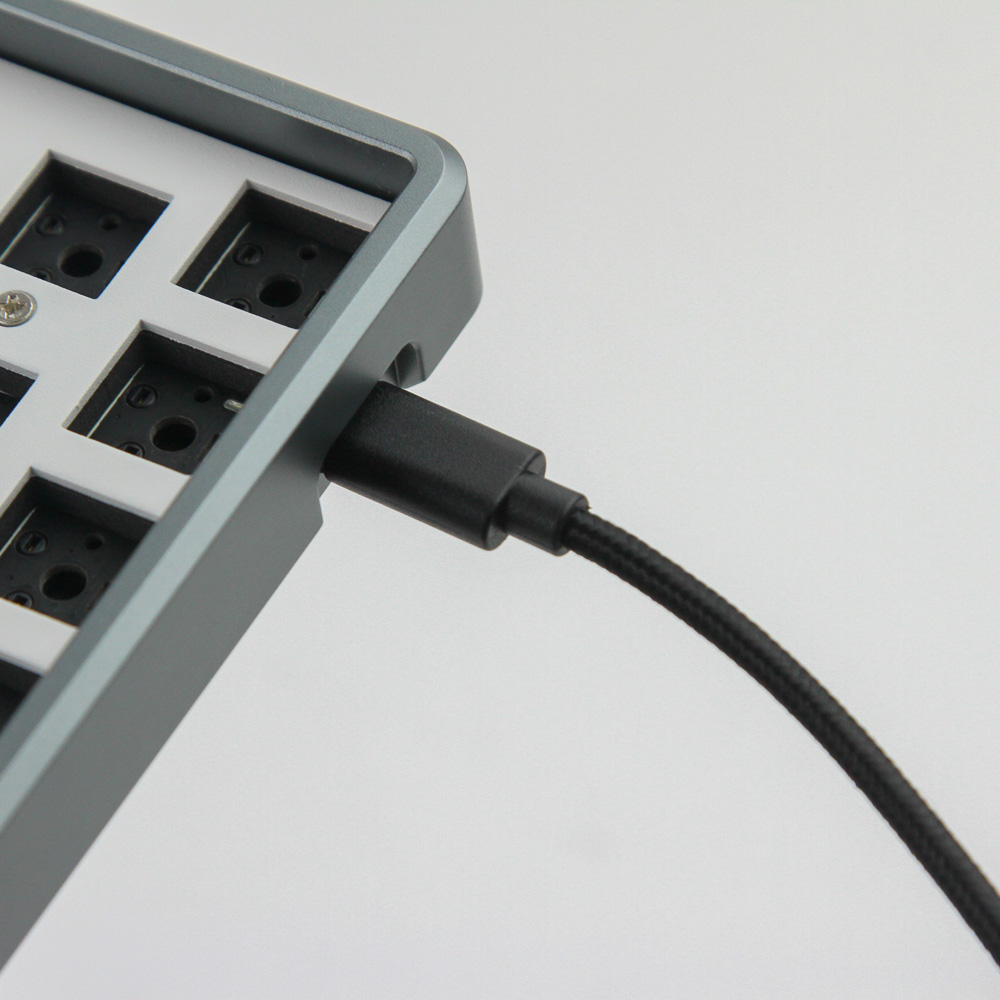

A cutout in the top-left corner facing away from the user has the Type-C port on the kit poke through for the cable. The cutout is large enough to work with aftermarket cables, especially if you want to pair this with a coiled split cable in the color of your choosing. The provided cable is otherwise black as we saw before, which does clash somewhat, but is an understandable default choice. It goes to an available USB Type-A port on your computer, and USB 2.0 will suffice for power and data alike.
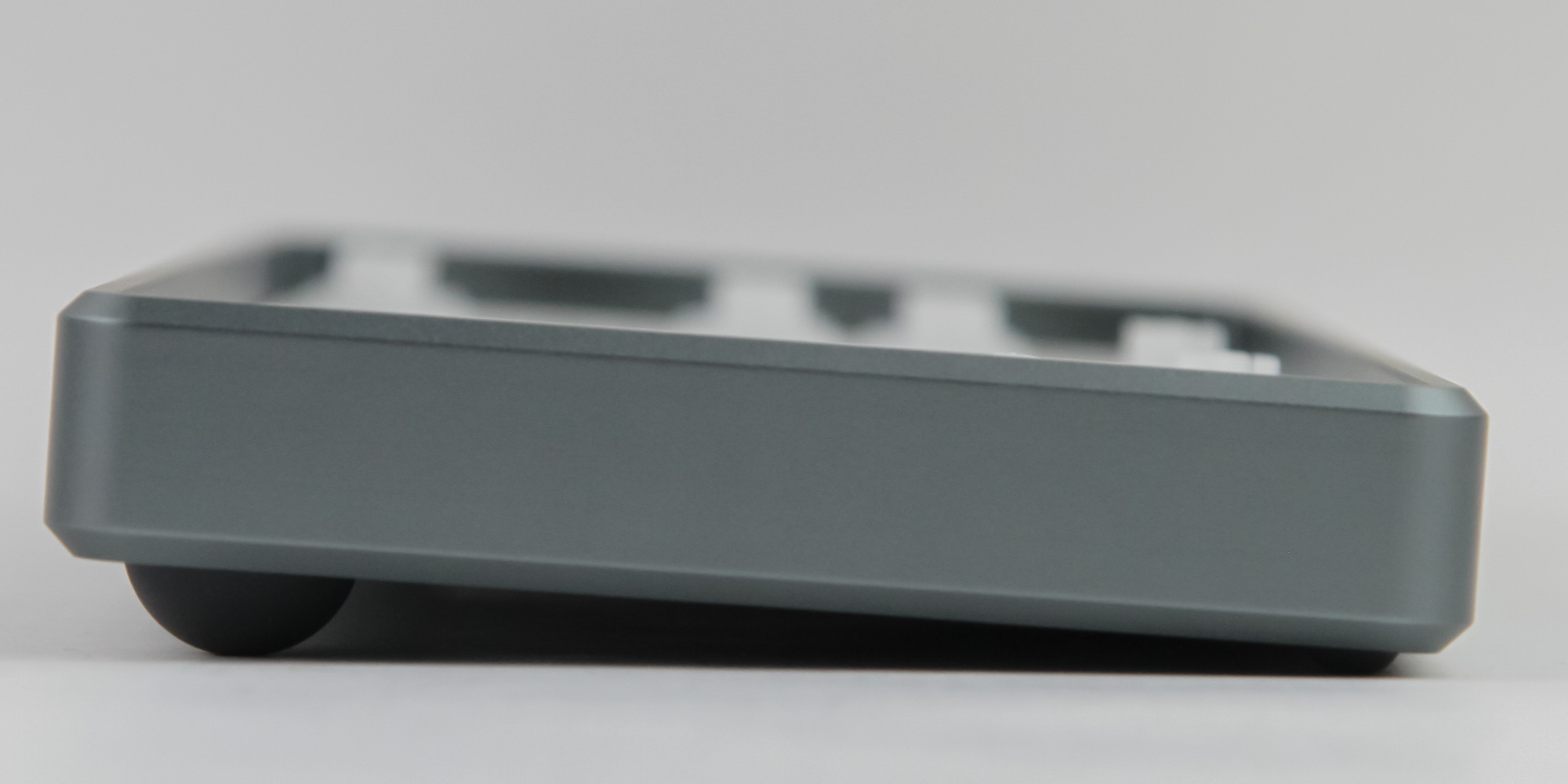
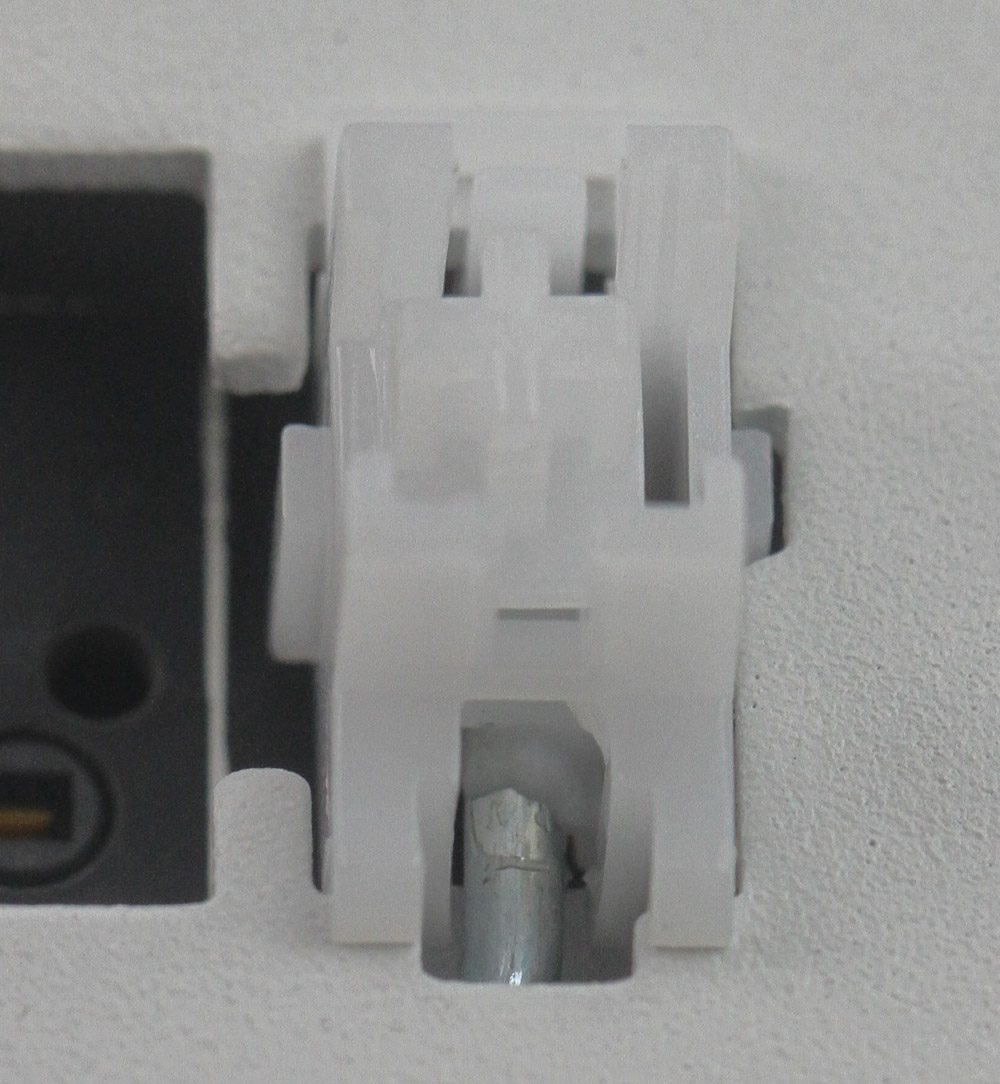
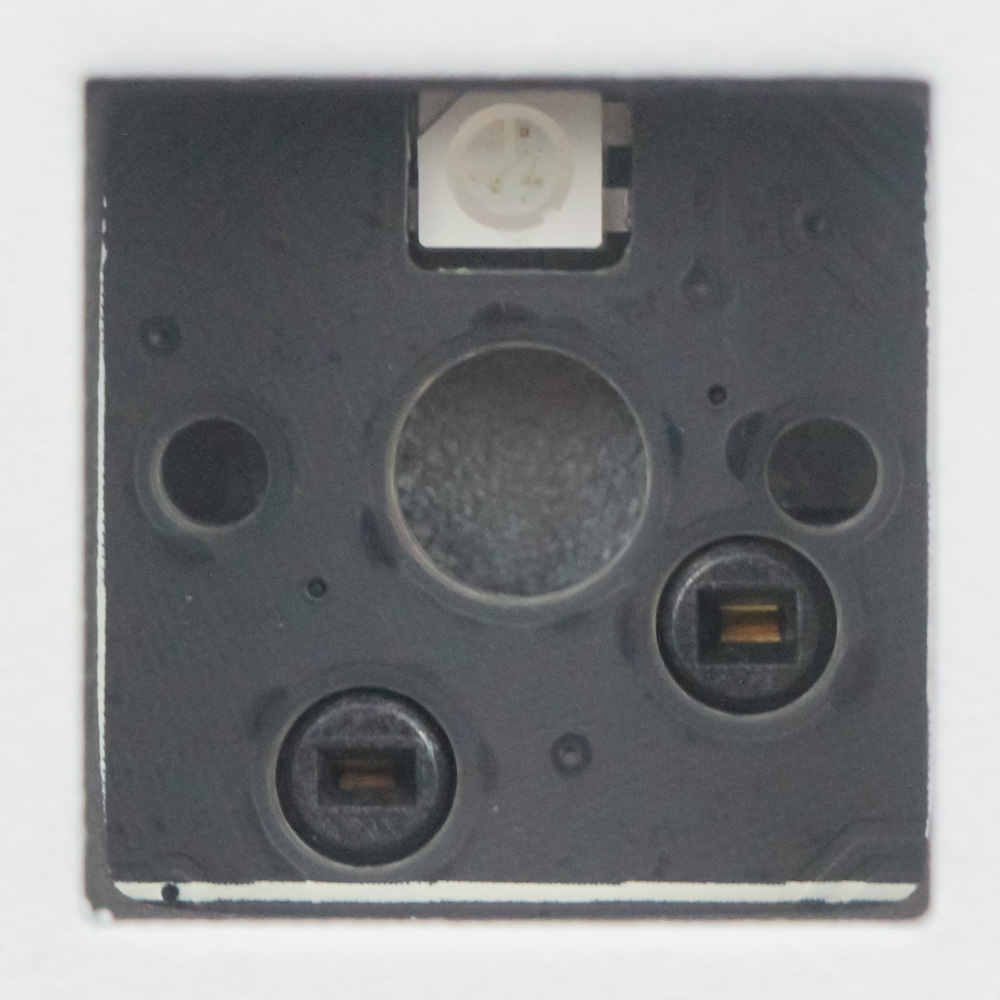
A look at the side shows what I can best describe as a medium profile for the case. It's certainly not low profile, but it is also the pads on the bottom with the elevation in place rather than the case that is more rectangular in profile. We don't have keycaps, of course, so the next relevant point is the use of plate-mounted stabilizers, which come pre-lubed. The lube is well-applied, although plate-mounted stabilizers will not be to everyone's liking. Likewise, the kit does not come with any switches, so we take a look at the hot-swap socket making it possible, which is a 5-pin switch compatible socket. This is nice to see since it allows compatibility with 3 and 5-pin mechanical switches conforming to the Cherry MX form factor. There is an SMD RGB LED for each switch socket, too.
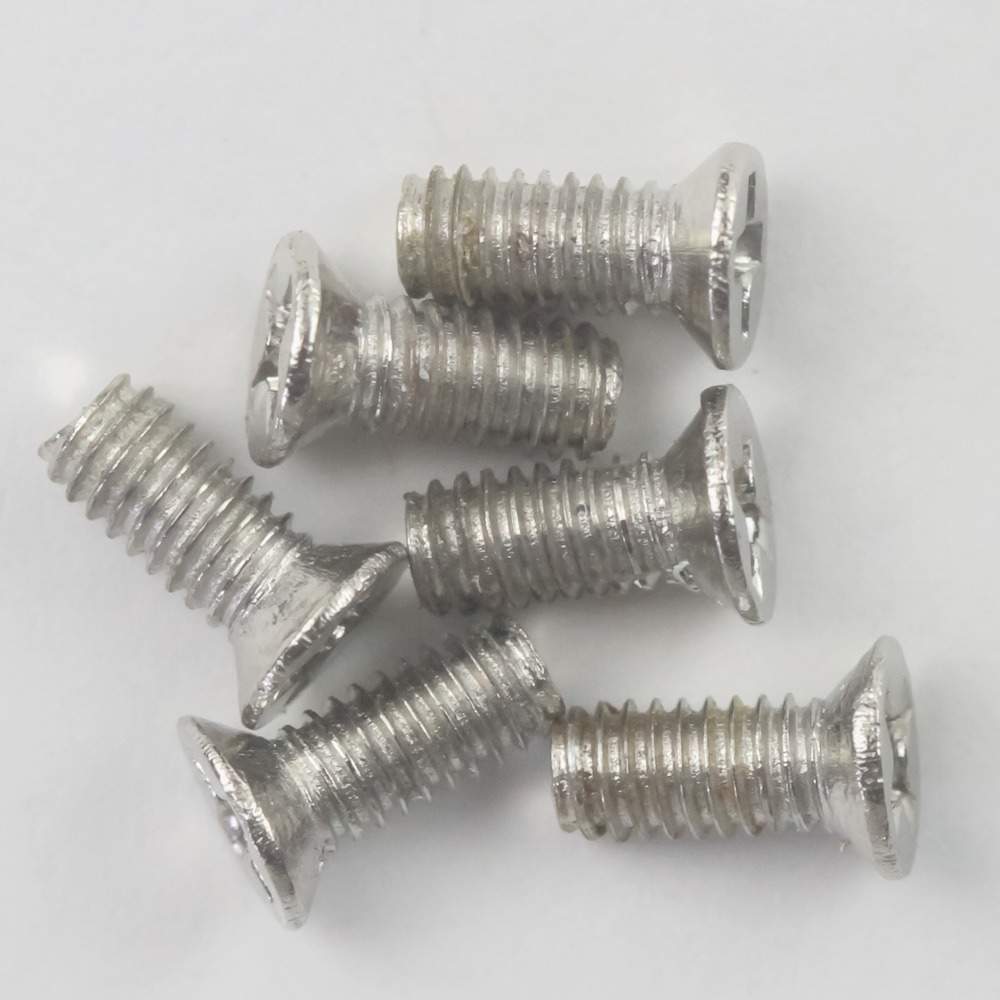
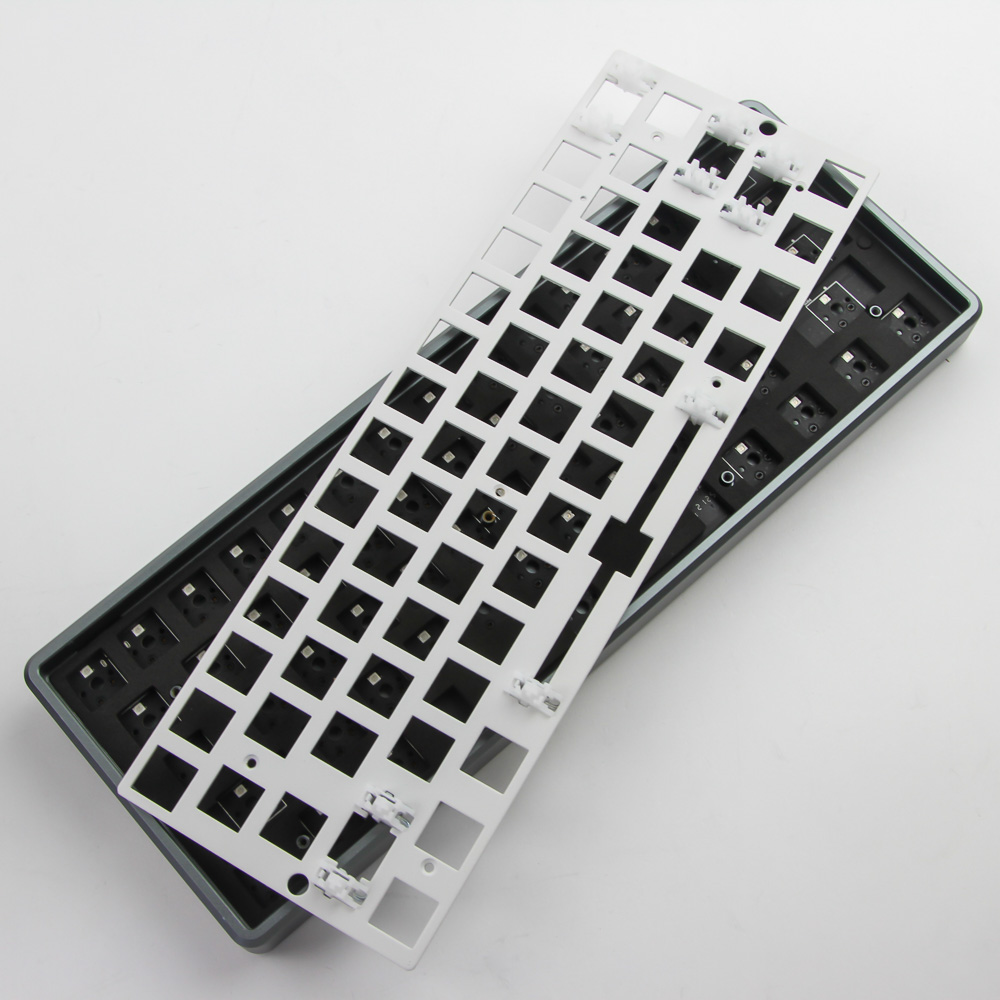
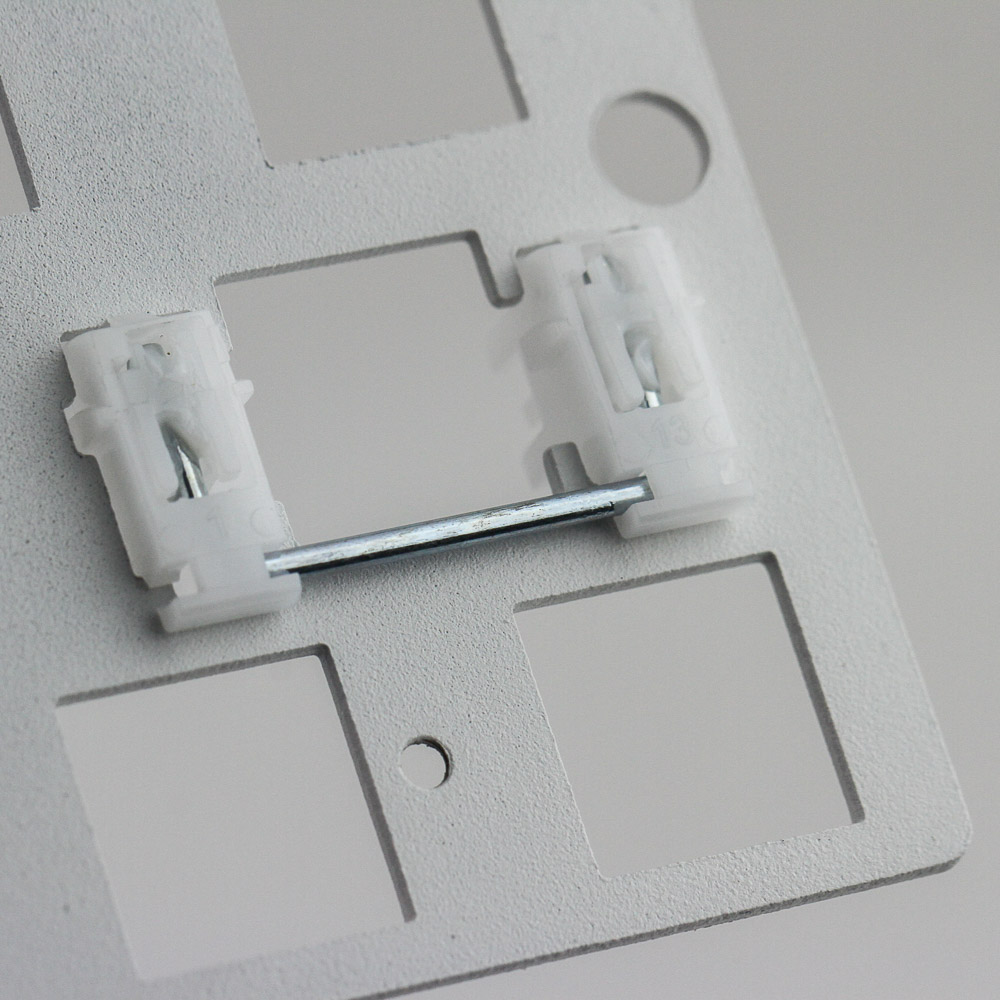

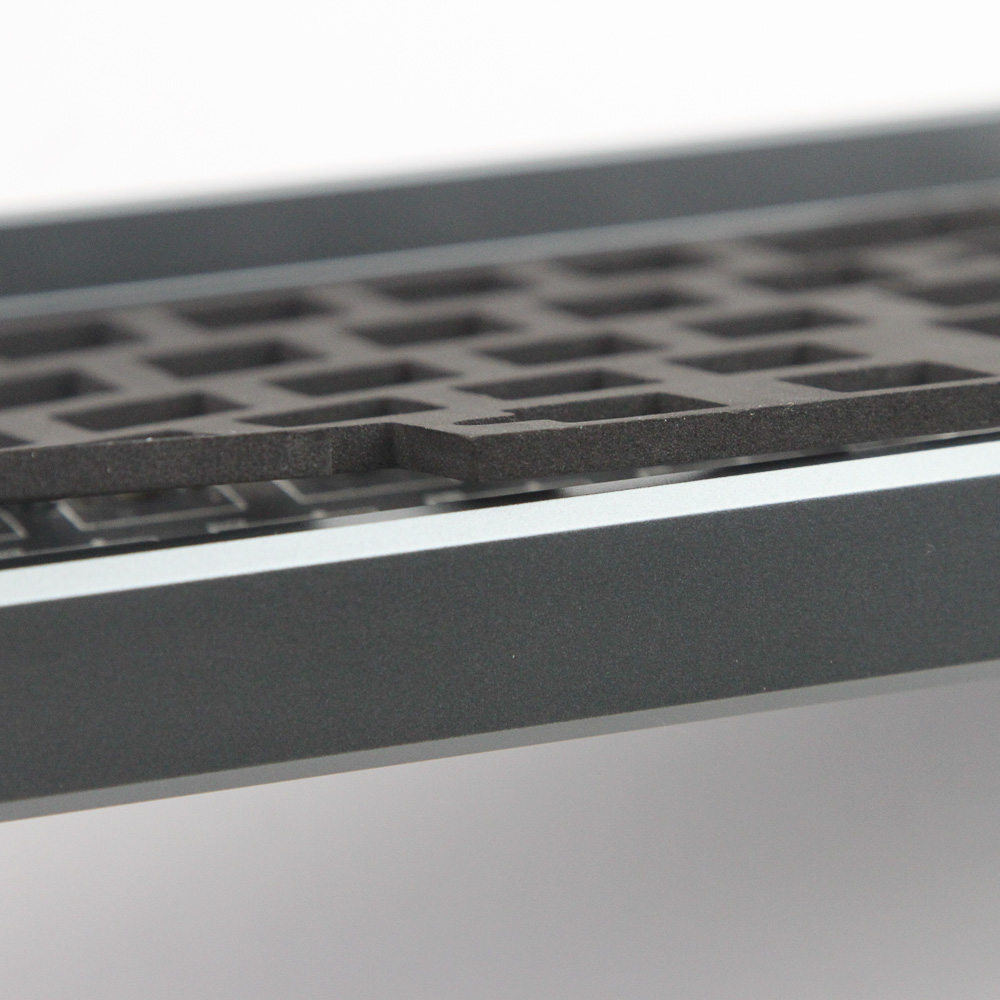
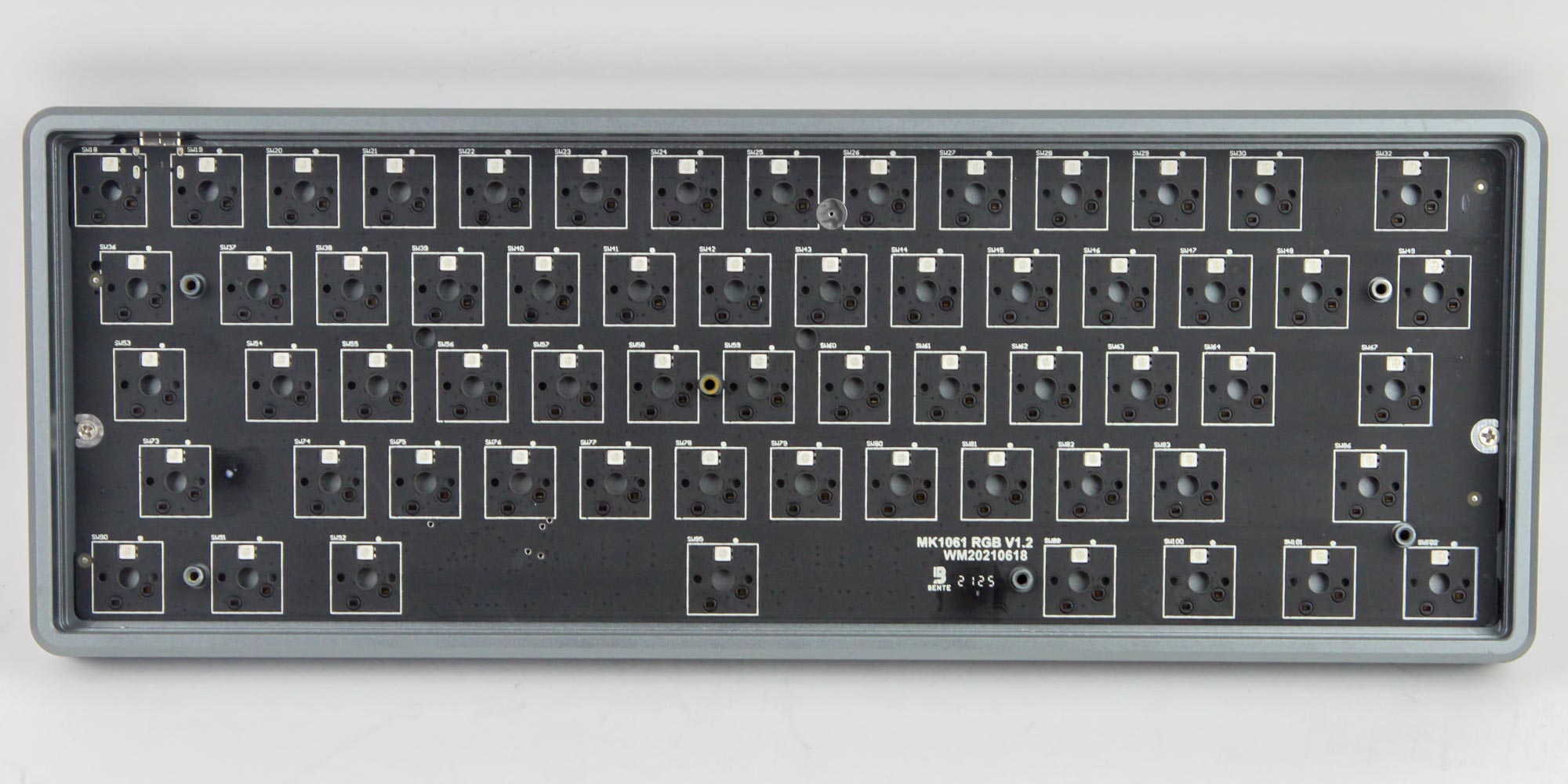
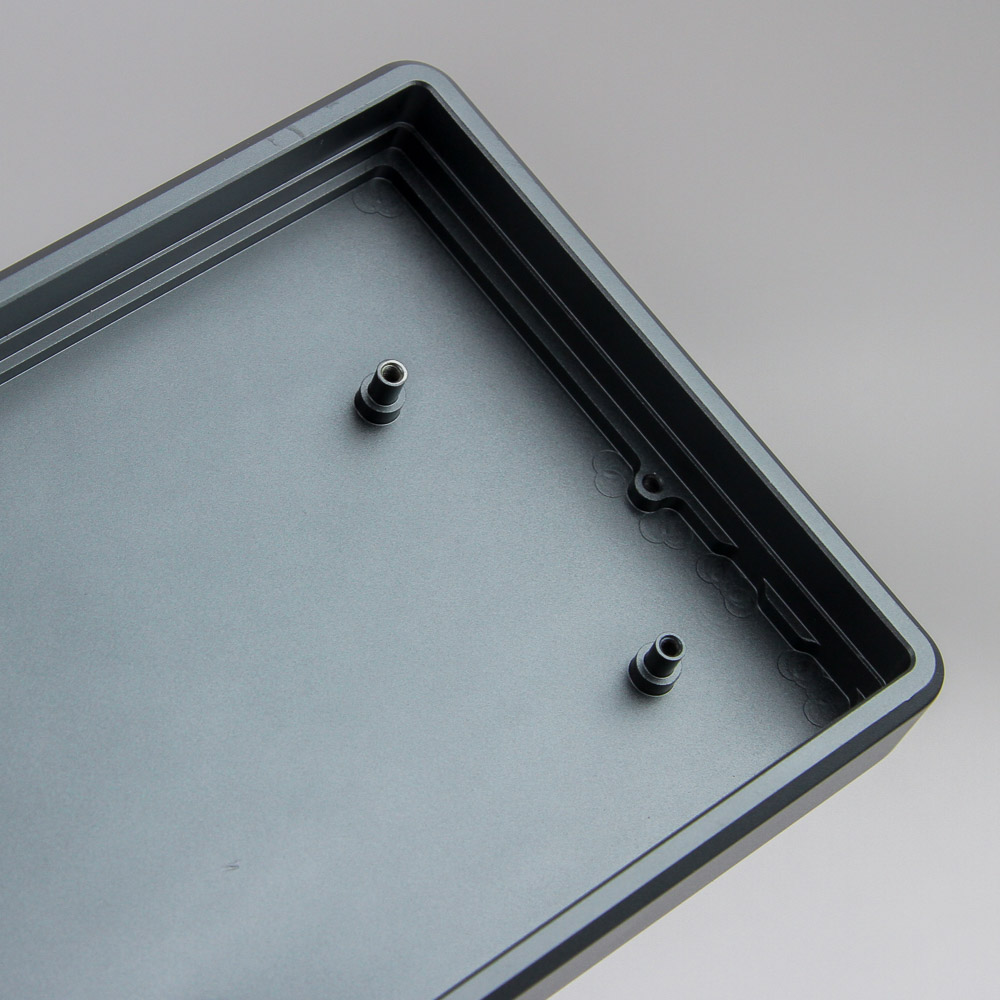
With keyboard kits, disassembly is almost a given for modding. This can be handy for replacing stabilizers and also perhaps re-lubing based on your preference. As such, making this process easy is a positive in my books, and MarvoDIY does a good job by using all of six Phillips-head screws in a silver finish, installed in a countersunk fashion, to start things off. This is on the white steel plate itself, which adds more structural integrity and can potentially minimize switch wobble if machined to a high accuracy. The plate itself is easy enough to remove thus, and the stabilizers can be worked upon from the other side as seen above. More relevant to me personally is the thick foam piece between the plate and PCB, which can dampen downstrokes and is nice to see, it also being a clear enthusiast target. The foam sheet is cut to accommodate the components that go through the plate and on to the PCB—namely, the switches and stabilizer supports. At this point, two more screws hold the PCB in place. Remove both and the PCB can be lifted off to reveal the machining on the underside of the case. This has no obvious machining marks, with the finish done throughout in a move that may not be practical but is a good statement to make for a new brand.
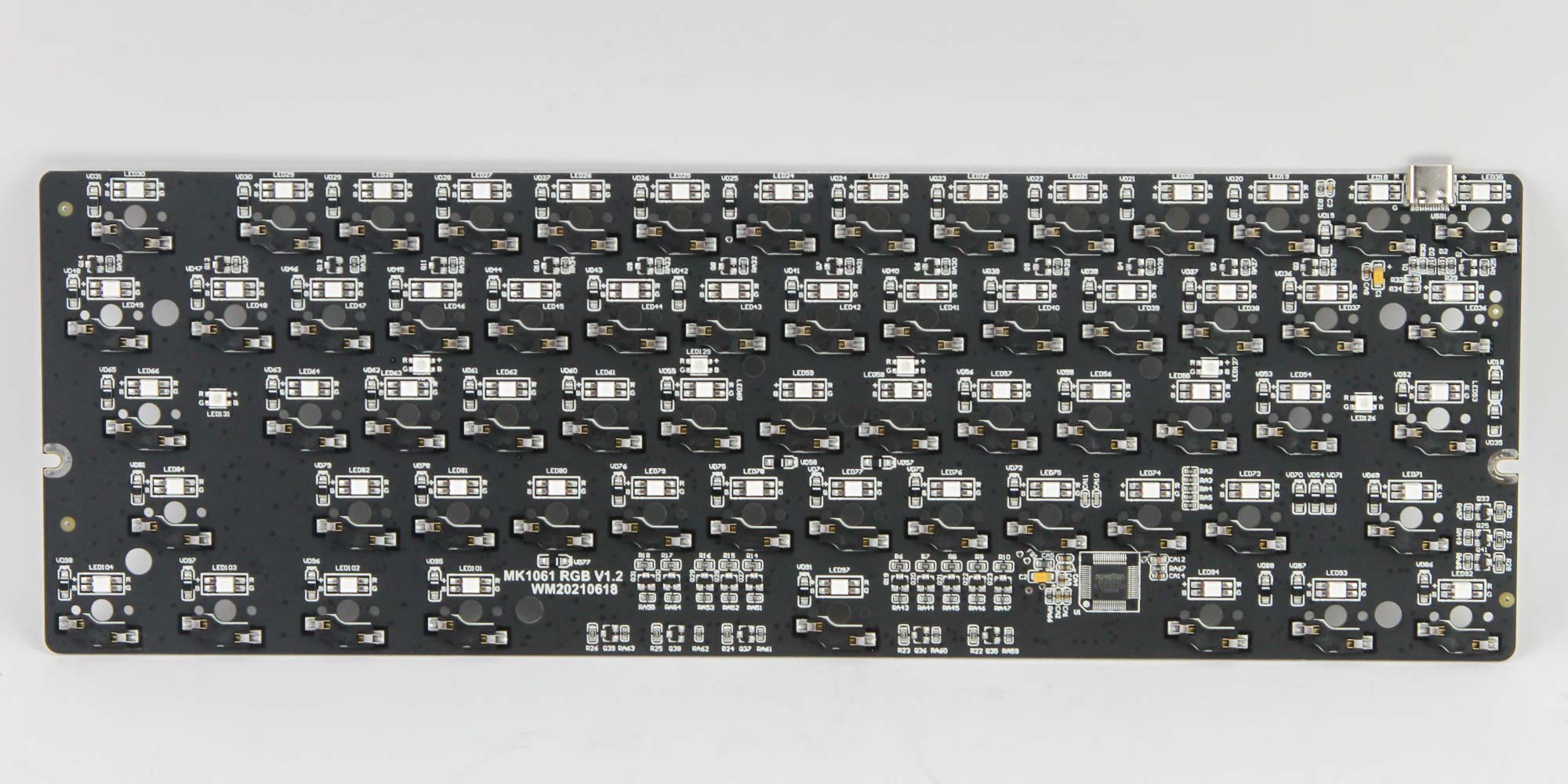
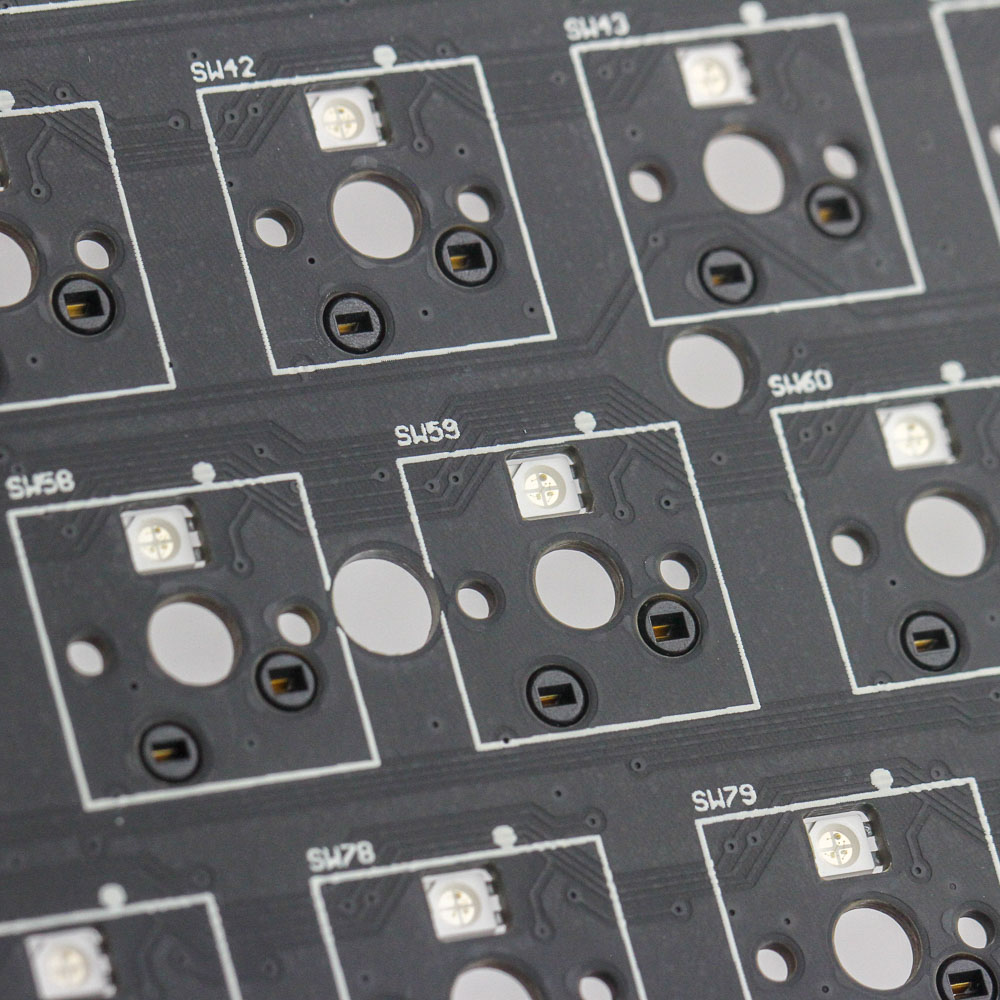
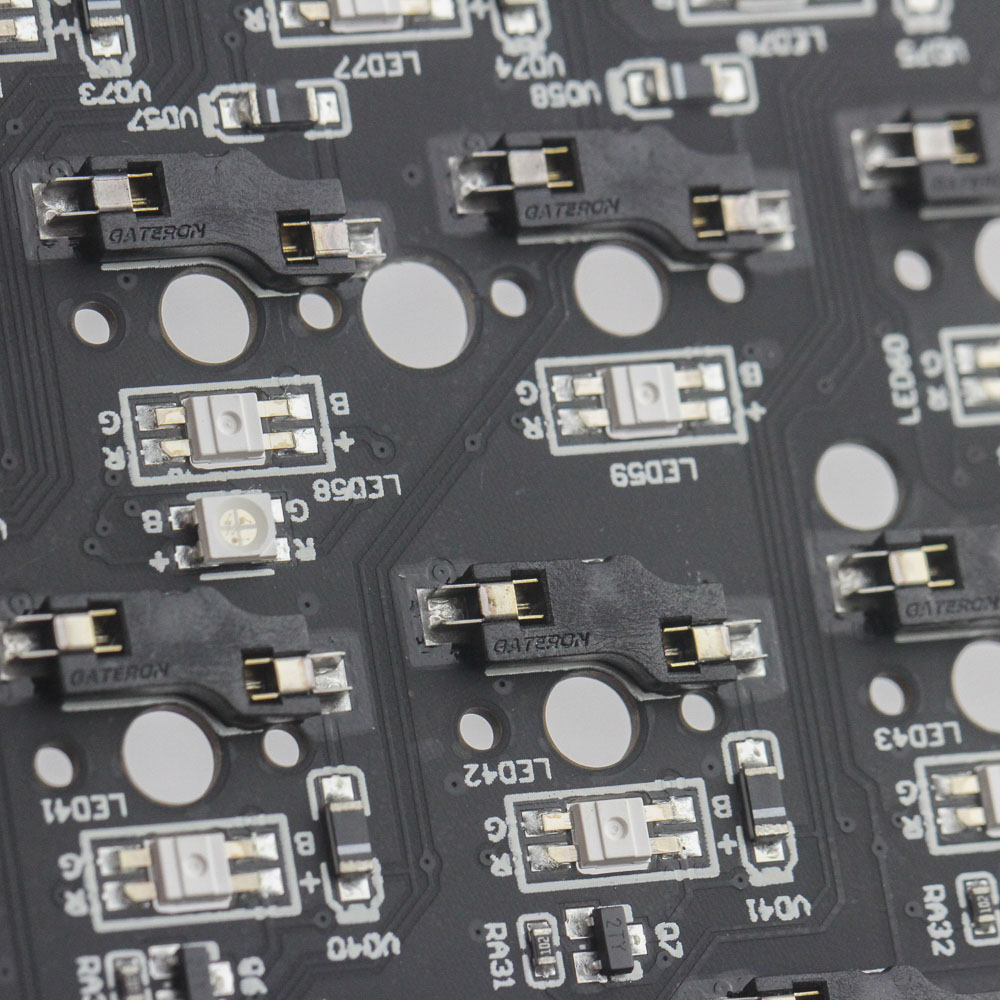
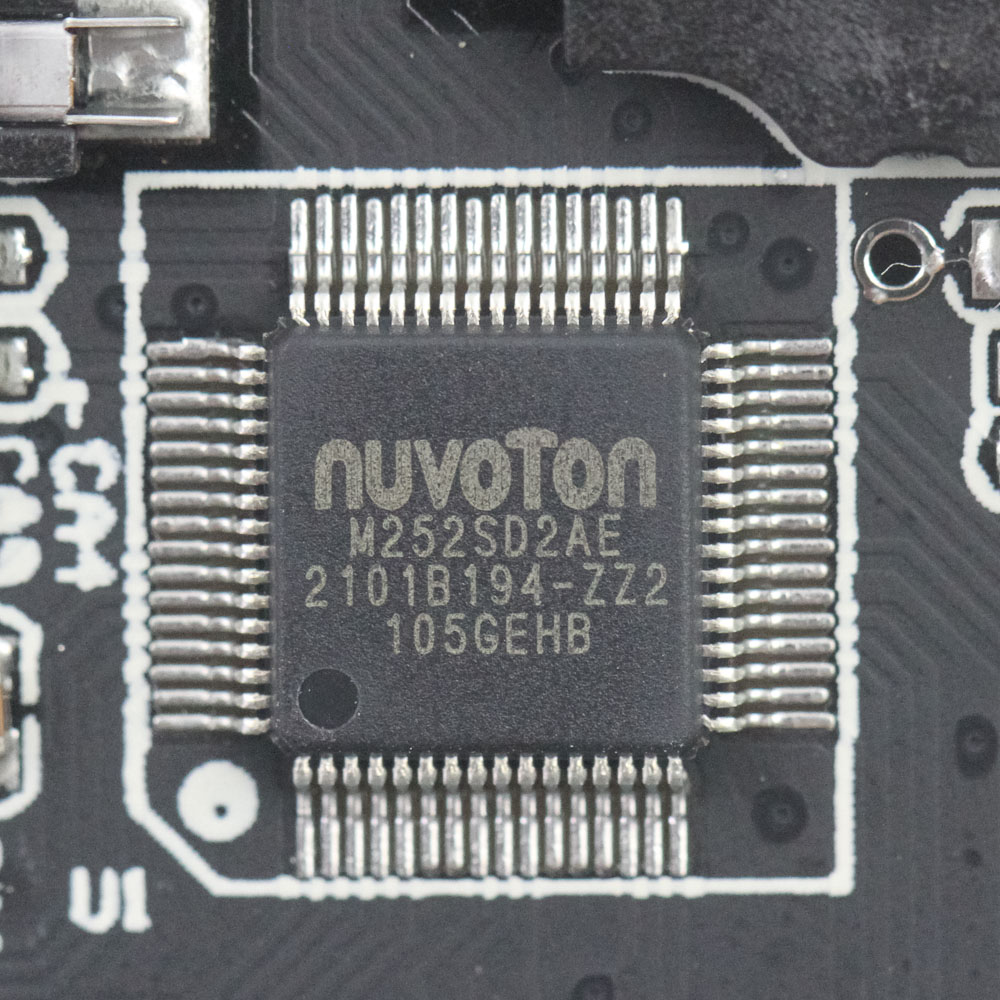
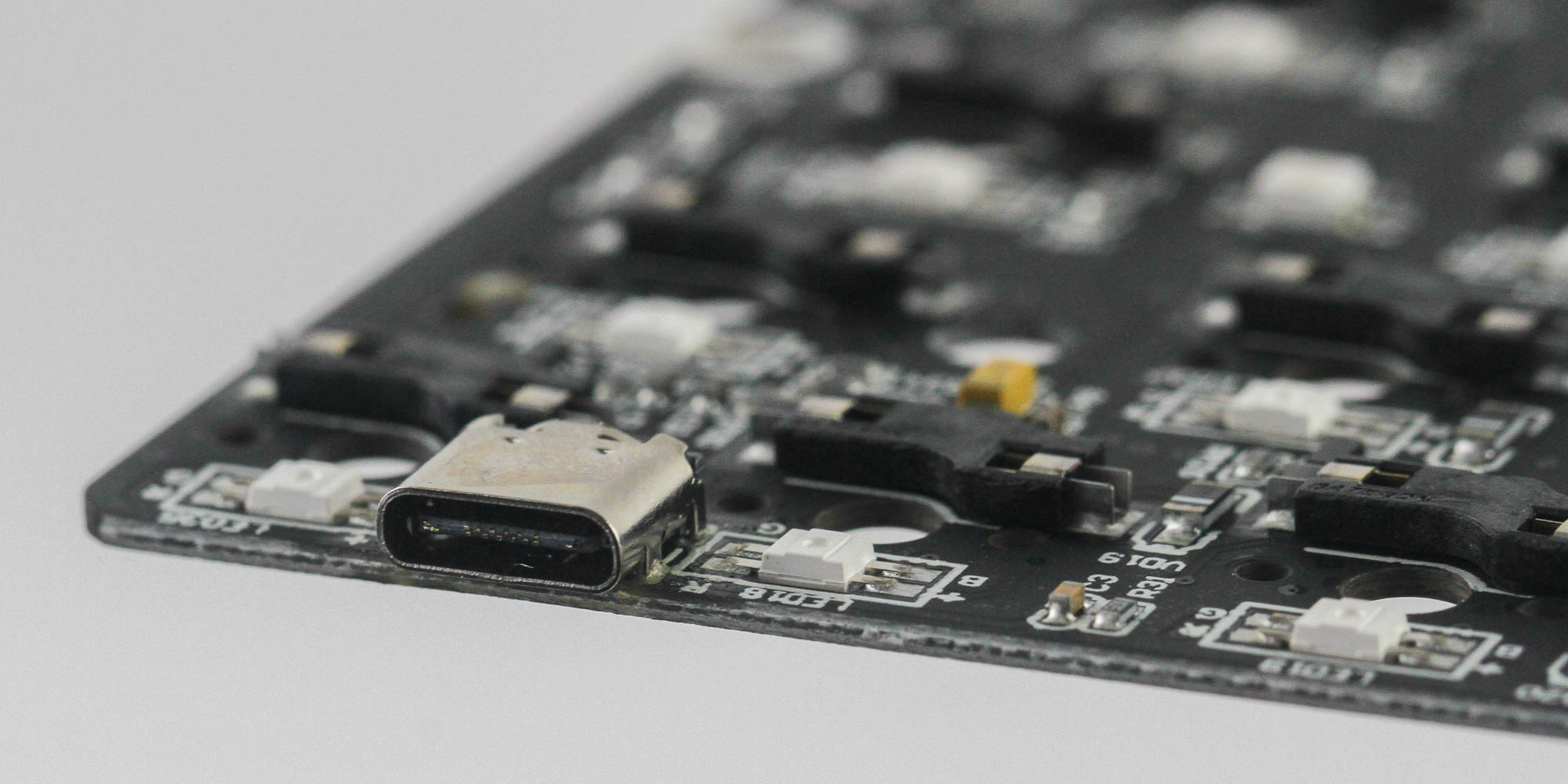
The PCB is black—not that it matters for the RGB lighting as the PCB is under the white plate. It is also chock-full of components and marked "MK1061." I couldn't find any useful information with a cursory Google search, and there is no way of directly telling whether this PCB is made for the Undefined 61 only or not. Solder quality is exceptional; this is clearly a machine-assembled product. We see the use of Gateron hot-swap sockets here, which are also quite good. I have not had any issues with keyboards/kits using these sockets to date. Powering the functionality of the PCB is a NuMicro M252SD2AE 32-bit low-power USB microcontroller based on the Arm Cortex-M23 core for the Armv8-M architecture. It has 64 KB of embedded flash memory, 12 KB embedded SRAM, and 4 KB flash loader memory (LDROM). There are no dedicated LED hardware drivers, so expect simpler lighting effects rather than more custom-layered options. As per usual, all the soldered components are on a multi-layer PCB.
Our Patreon Silver Supporters can read articles in single-page format.
Nov 21st, 2026 11:54 PST
change timezone
Latest GPU Drivers
New Forum Posts
- UPS what one to get? (22)
- Can you guess Which game it is? (343)
- RX 580 2048SP 8GB - SK Hynix - Brand Unknown - BIOS Needed (0)
- Zen 3 IF/IMC degradation (243)
- State of the HPC-AI Market 2026: Processing Elements (0)
- 1 - 5 person file storage server equivalent accasible from anywhere + general VM server. (3)
- Honestly, do you care about GTA VI? (225)
- RX 9000 series GPU Owners Club (2251)
- Windows 11 General Discussion (7746)
- How to prevent OLED burn damage due to PC freezes or power outtages? (51)
Popular Reviews
- Microsoft Surface Laptop Ultra Review - The Next-gen Arm Laptop
- Ugreen NASync DXP4800 GT Review
- Corsair RM1200e (Second Generation) Review
- Pulsar Office Tour & First Look at P1 Dual-Sensor Mouse
- Upcoming Hardware Launches 2027 (Updated Nov 2026)
- Acemagic Retro X3 Review
- Biwin Black Opal NV7400 2 TB Review
- AMD Ryzen 7 9800X3D Review - The Best Gaming Processor
- AMD Zen 6 Technical Deep Dive
- Chieftec Iceberg PRO 360 DARK Review
TPU on YouTube
Controversial News Posts
- NVIDIA Co-Founder and CEO Jensen Huang Officially Resigns (492)
- Report: Jensen Huang Eyes NVIDIA Comeback (260)
- Open Letter Asking NVIDIA to Reinstate Jensen Huang Passes 115,000 Signatures (184)
- OpenAI CEO Argues Home PCs Waste the World's Limited DRAM Supply (152)
- NVIDIA Launches Investigation Into Jensen Huang's Relationship With Suspected Chinese Spy (136)
- Intel "Raptor Lake Next" 16-Core and 20-Core CPUs Surface (130)
- NVIDIA GeForce RTX 50-Series Scheduled for up to $500 Price Hike This Week (89)
- Intel Razor Lake Gets a 12 P-Core bLLC Chip With No E-Cores, Per Leak (86)