 0
Chieftec Iceberg PRO 360 DARK Review
Finished Looks »Installation
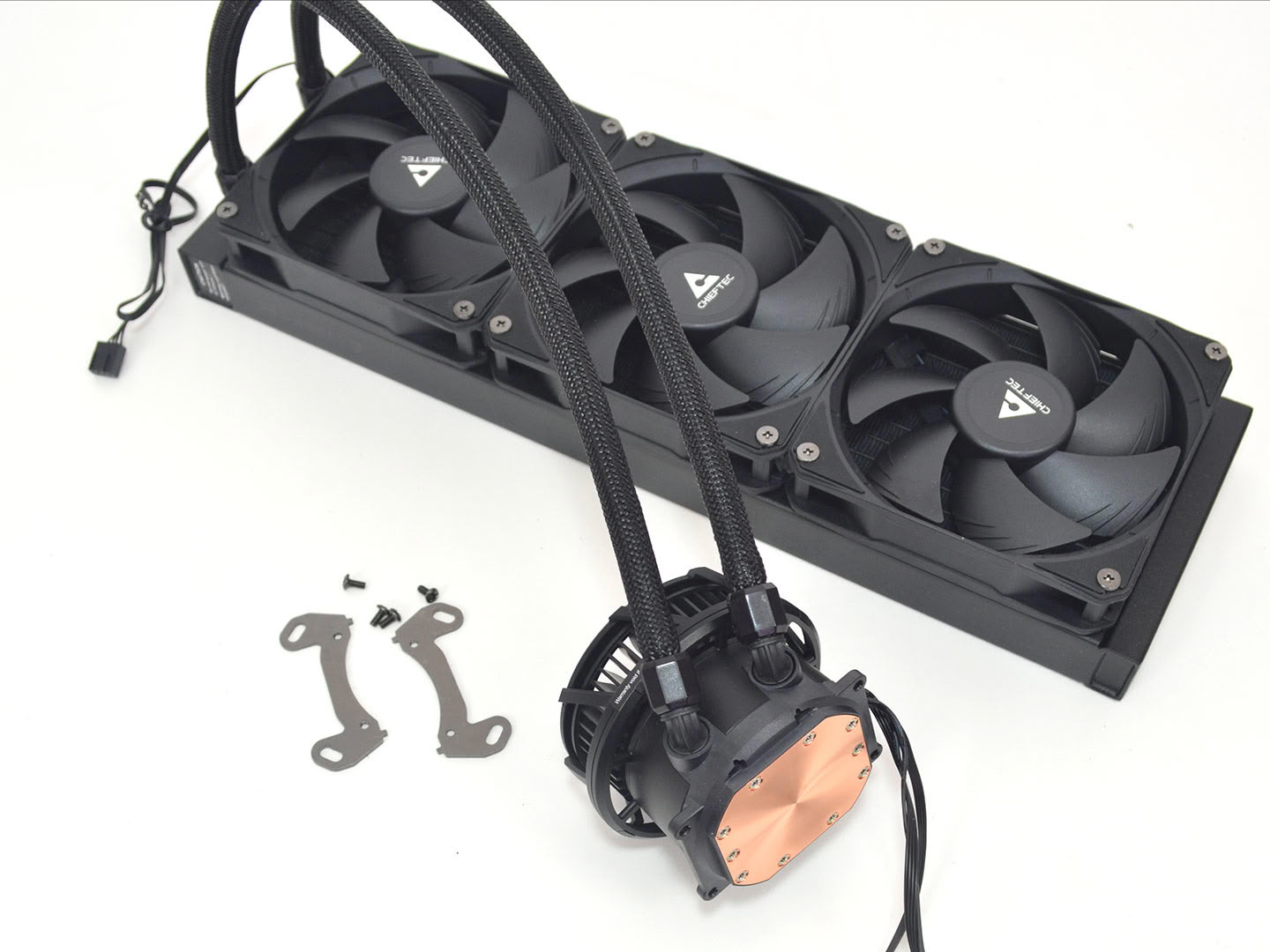
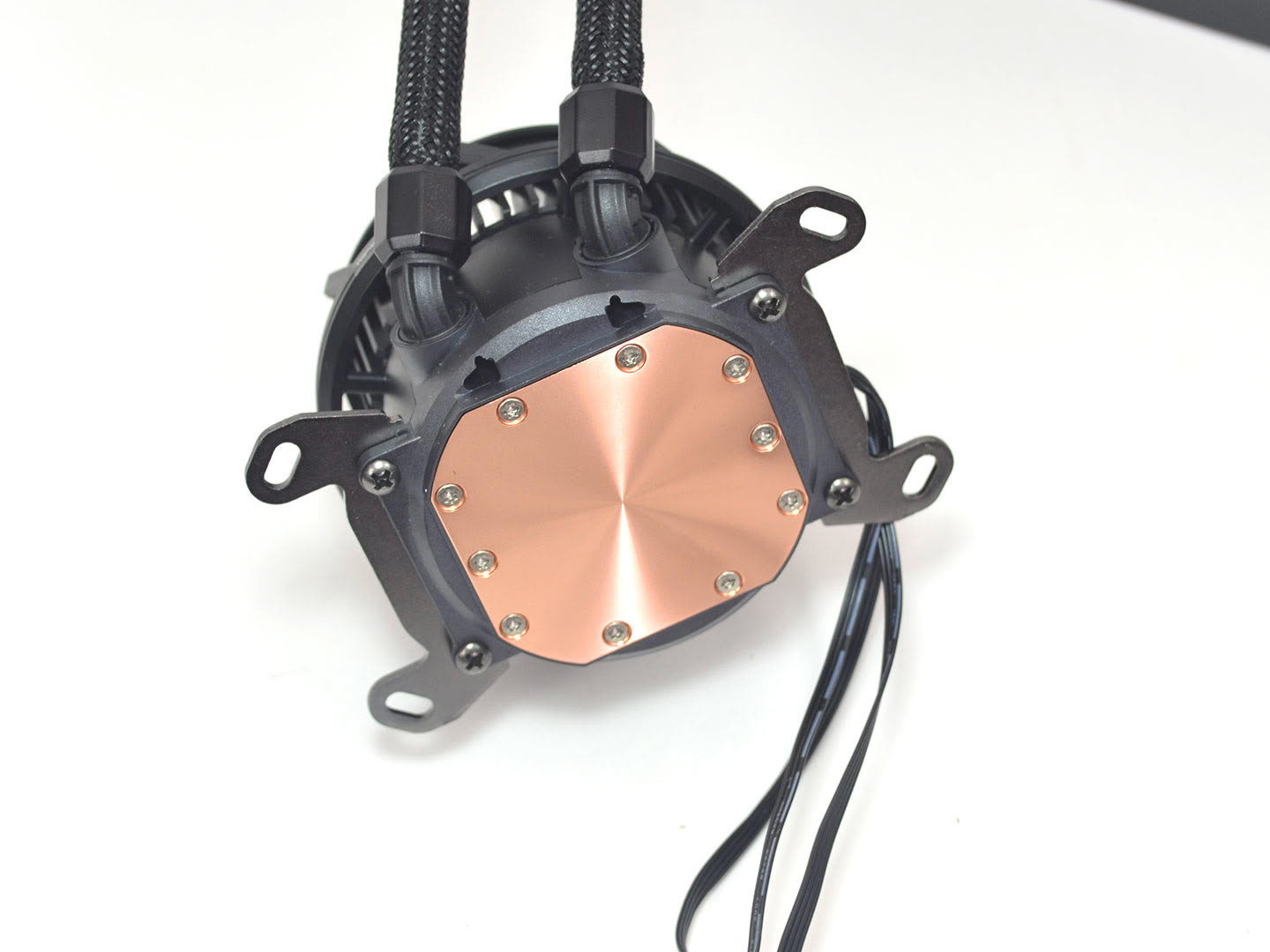
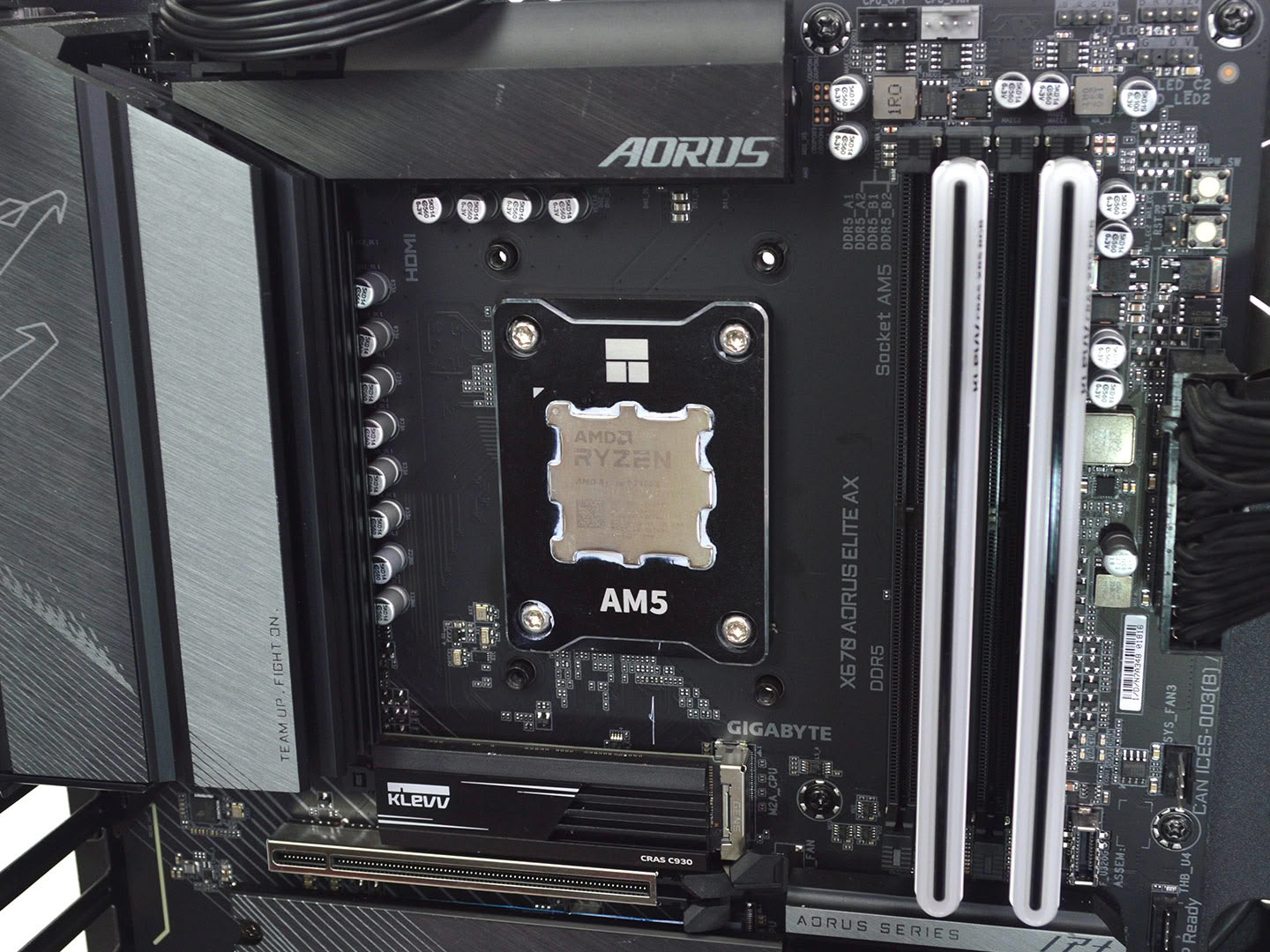
Installing the Chieftec Iceberg PRO 360 DARK is very straightforward. To start, you will need to attach the appropriate brackets to the pump, which in our case were the AMD brackets. Once those were installed, the next bit of prep work is to remove and reattach the fans and position them to fit your needs. If the wiring is located on the end you prefer out of the box, as they are preinstalled, you don't need to worry about this. The final step to prep for install is to remove the AMD motherboard's included plastic brackets.
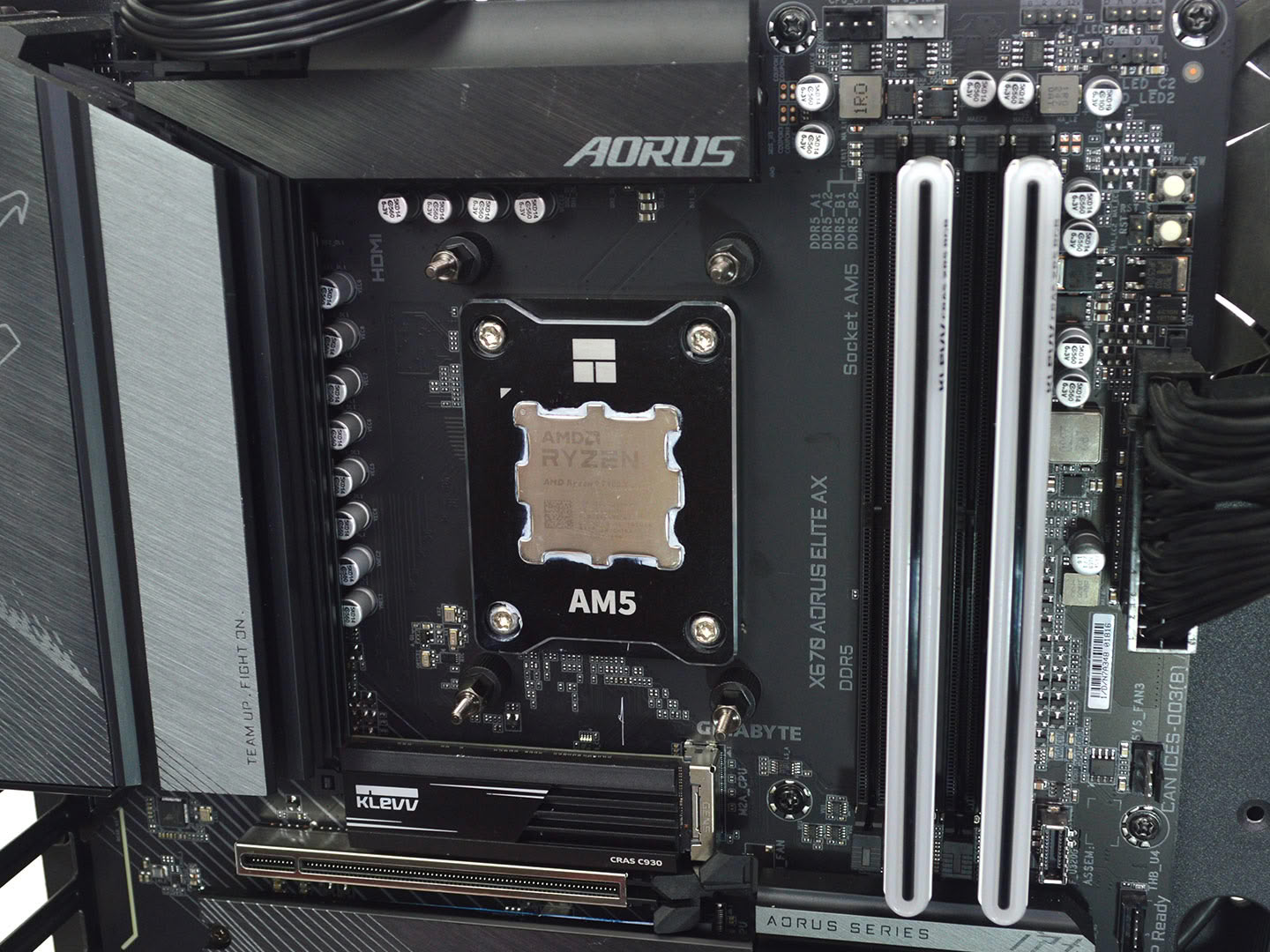
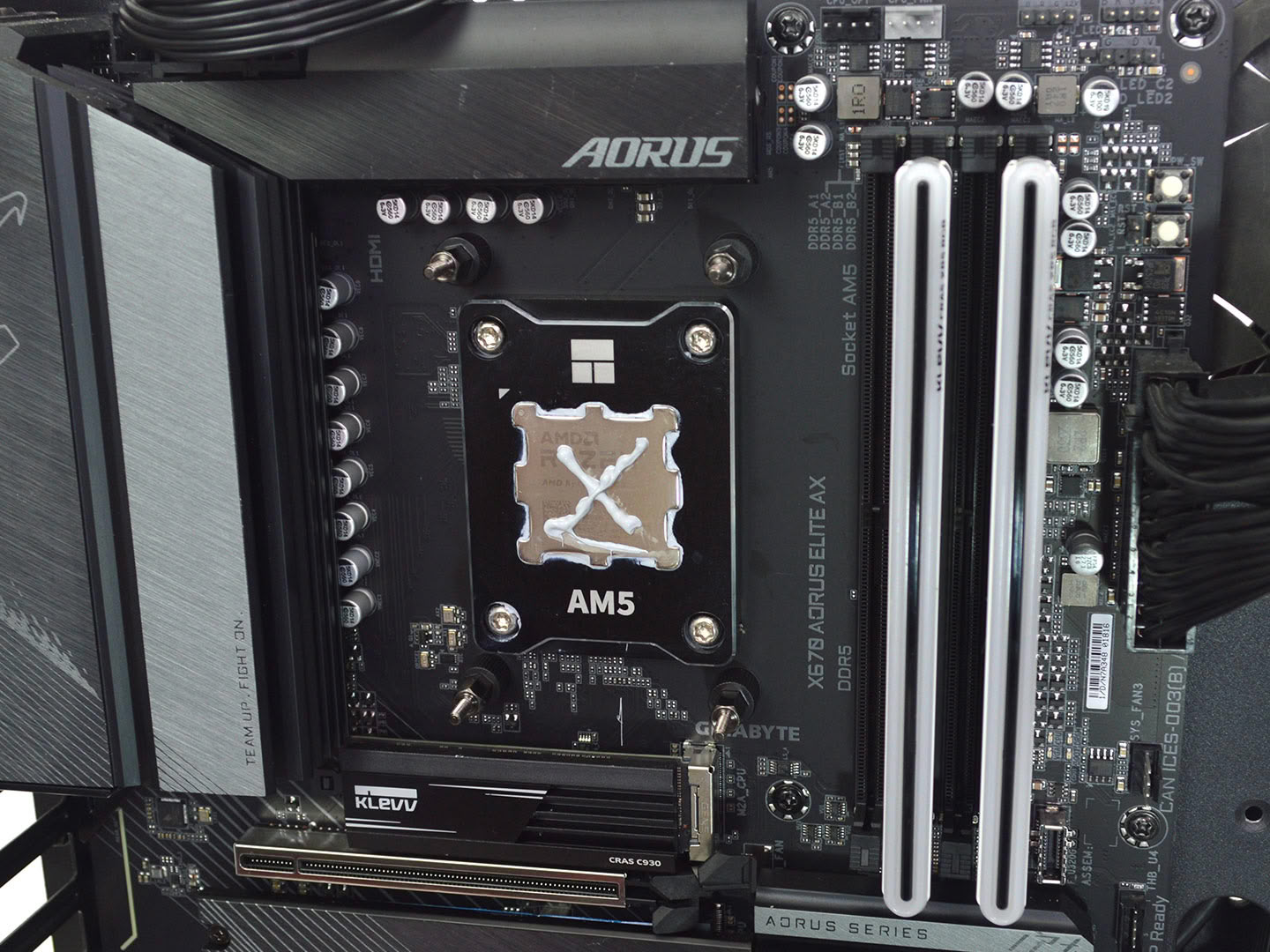
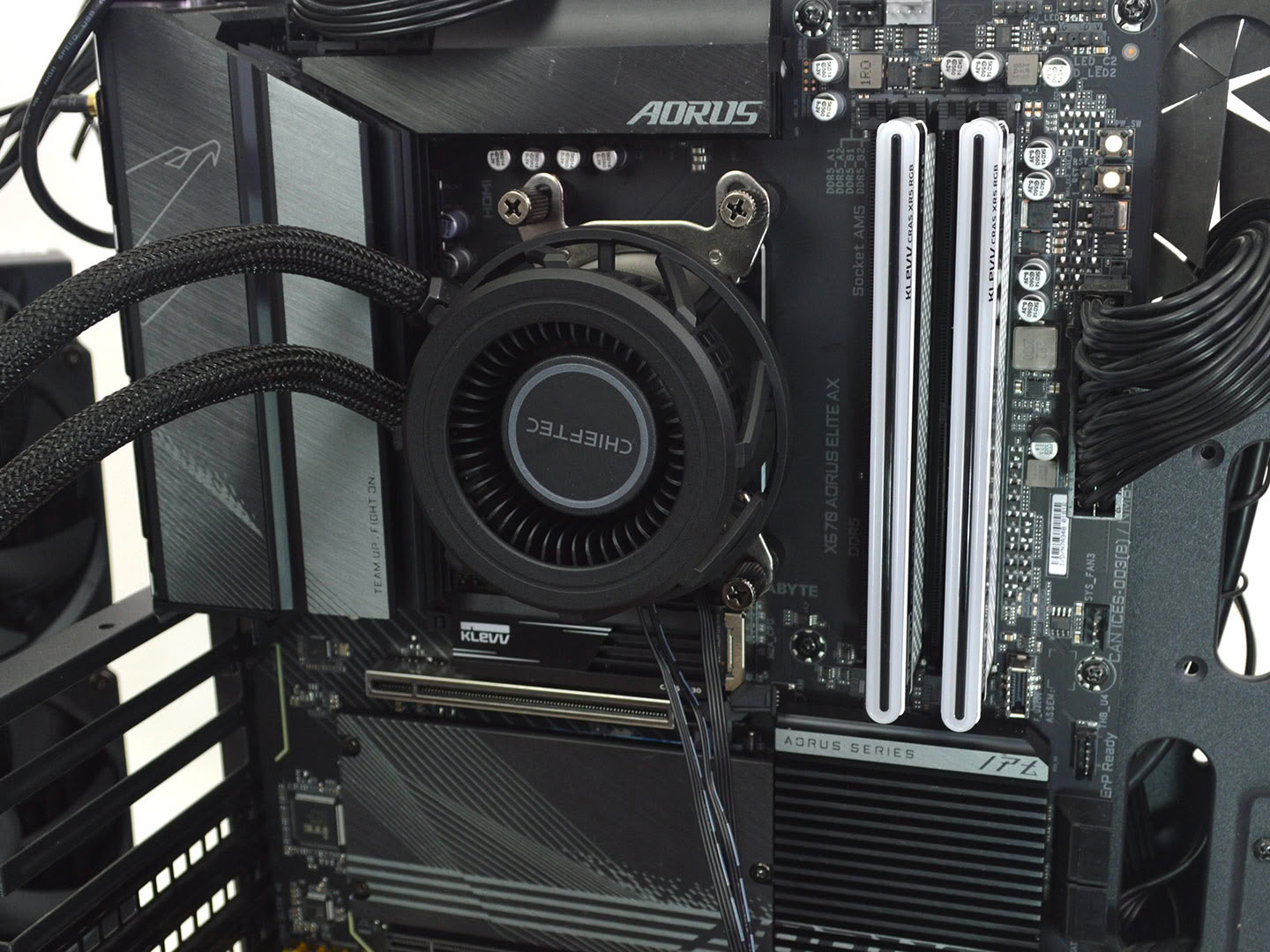
Next it's time to install the AMD standoffs, then apply thermal paste. For actual testing I use Arctic's MX-6. Either way, once the standoffs are installed and paste is applied, it's time to slide the pump into place on the standoffs and then use the thumbscrews to secure it. Make sure to alternate with a crisscross pattern to apply even pressure.
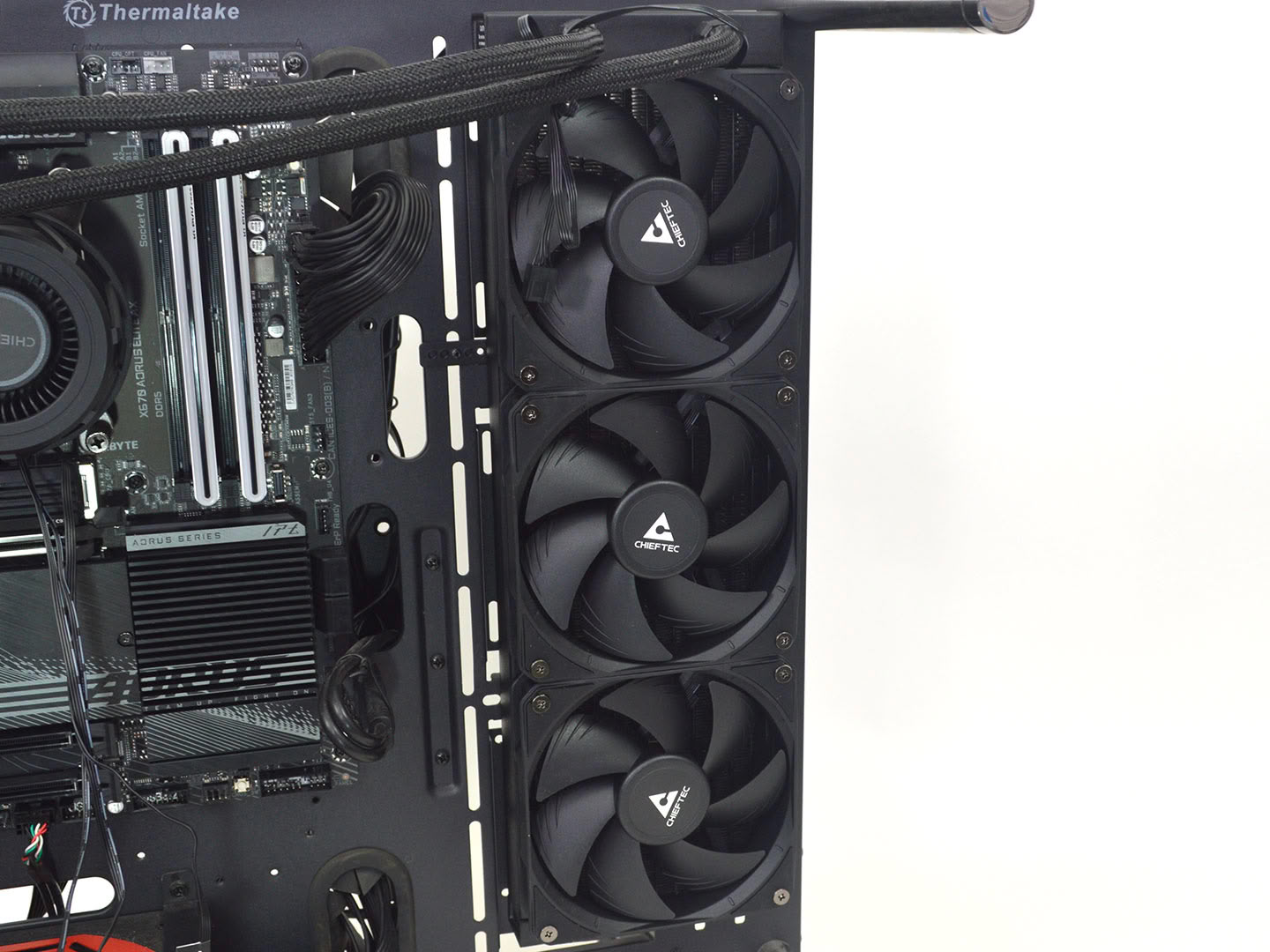
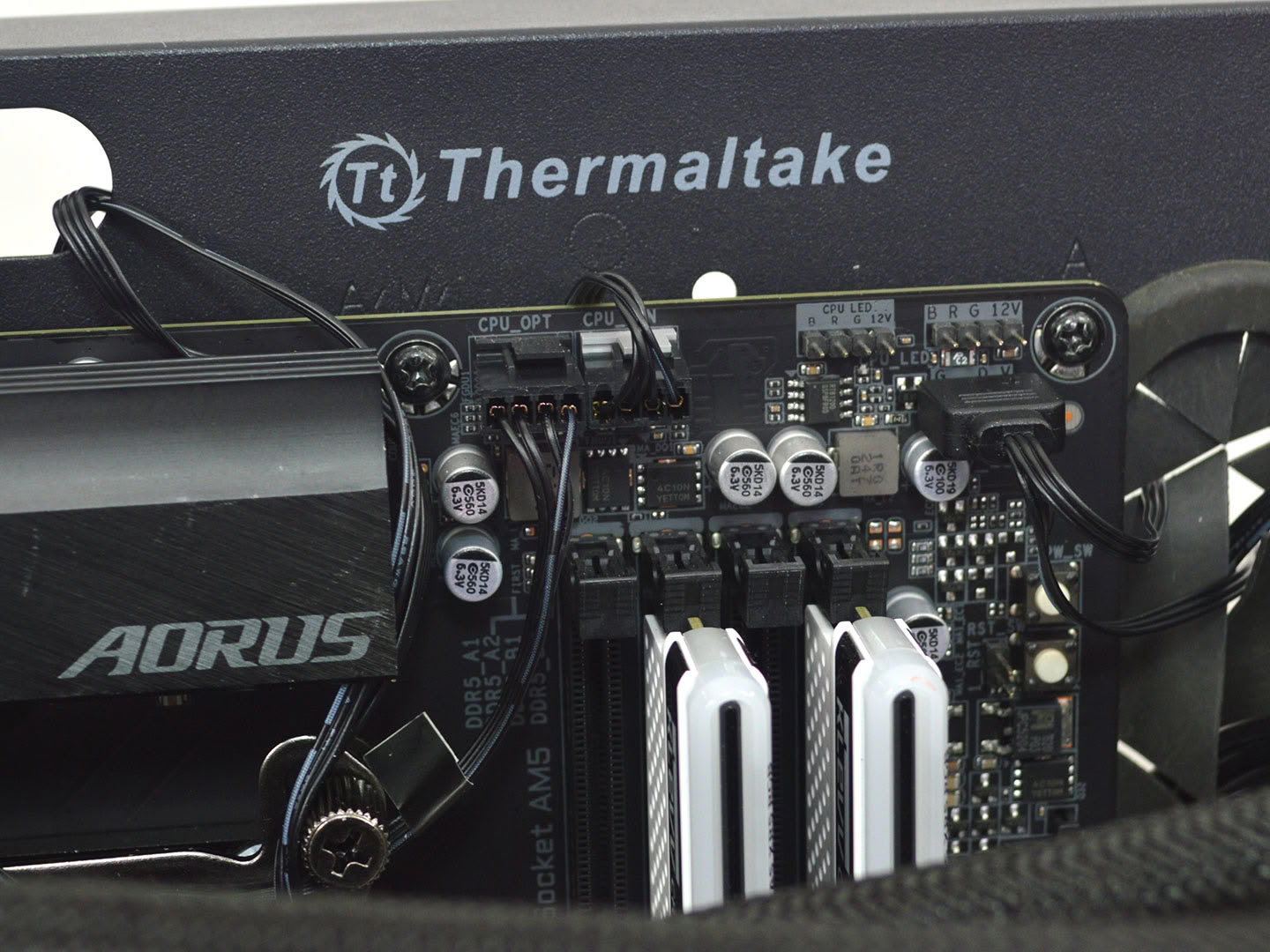
Now attach the radiator and fans to the chassis and plug everything into the motherboard, and you're good to go.
Overall, the installation is pretty straightforward on AMD and Intel, with no major hurdles to speak of. I am also happy to see four direct attachment points for AMD systems, since they will provide more even pressure which typically results in better cooling performance. I am also happy to report that the cooler comes with a proper installation manual, no QR code scanning or other hoops to jump through to get started.
Nov 16th, 2026 15:29 CST
change timezone
Latest GPU Drivers
New Forum Posts
- Honestly, do you care about GTA VI? (78)
- Without Jensen, PC gaming will be (21)
- RX 6700 XT ~2 s screen + cursor freezes with FreeSync: FPO VRAM clock hang, fixed with a longer vblank (MPO stays on) (1)
- What storage medium you lost the most data thus far from failure? HDD/SSD Flash, etc (55)
- TPU's Nostalgic Hardware Club (22167)
- How much does an RTX 5090 cost in your area? (66)
- CMP170HX turned to A100 using voltage glitching and fuse reprogramming (0)
- What phone you use as your daily driver? And, a discussion of them. (2447)
- Current Sales, Bundles, Giveaways (10447)
- I don’t know been building “by hand” for years and we at the point where “Server Quality” is mentioned, is this the future of it or will it continue? (42)
Popular Reviews
- ASUS ROG Strix B850-I Gaming Wi-Fi7 W Review
- Corsair HX1000i Shift Crystal Review
- AMD Zen 6 Technical Deep Dive
- Acemagic Retro X3 Review
- Upcoming Hardware Launches 2027 (Updated Nov 2026)
- Montech King 95 3D PRO Review
- NZXT C1200 Platinum Review
- Phantom Blade Zero Performance Benchmark Review - 35 GPUs Tested
- AMD Ryzen 7 9800X3D Review - The Best Gaming Processor
- NZXT H7 RGB+ Review
TPU on YouTube
Controversial News Posts
- NVIDIA Co-Founder and CEO Jensen Huang Officially Resigns (431)
- Open Letter Asking NVIDIA to Reinstate Jensen Huang Passes 115,000 Signatures (184)
- OpenAI CEO Argues Home PCs Waste the World's Limited DRAM Supply (152)
- NVIDIA Launches Investigation Into Jensen Huang's Relationship With Suspected Chinese Spy (136)
- Intel "Raptor Lake Next" 16-Core and 20-Core CPUs Surface (130)
- Report: Jensen Huang Eyes NVIDIA Comeback (104)
- Legendary Game Studio BioWare Shuts Down Following EA Layoffs (104)
- Dell CEO Says the Memory Shortage Will Get Worse in 2027 (95)