 13
Cooler Master MasterKeys L PBT Review
(13 Comments) »Introduction

Cooler Master's massive global marketing campaign with the "Maker" and "Master" platforms has led to every single product being either re-labelled or updated, which in turn has led to some long and confusing product names. But one thing that has definitely remained the same is their emphasis on providing good quality, no-frills mechanical keyboards at a low price point, and they remain among the few mainstream companies to do so. TechPowerUp covered the launch of their latest keyboards, the MasterKeys PBT series, recently, and today, we take a closer look at one of these keyboards thanks to Cooler Master having provided a review sample.
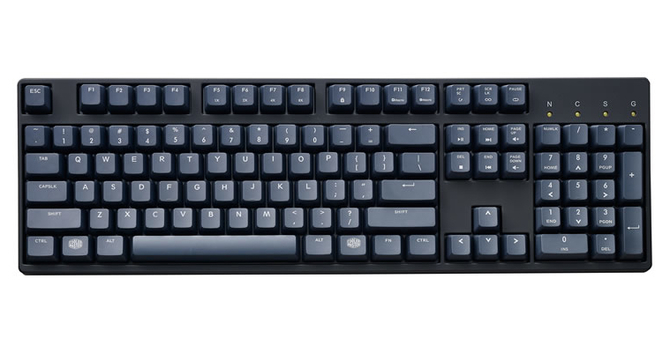
The MasterKeys PBT series has two members in it - the S (TKL) and the L (full size). I have here the MasterKeys L PBT, and as the name suggests, the main selling feature here is the inclusion of thick PBT plastic keycaps out of the box. In doing so, Cooler Master is now by far the largest company offering stock PBT keycaps, and there are a couple other tricks up their sleeve here that will interest those wanting to get into mechanical keyboards or simply looking to expand their collection.
Specifications
| Cooler Master MasterKeys L PBT Keyboard | |
|---|---|
| Layout: | 104 keys |
| Material: | ABS plastic top and bottom panels, PBT plastic keycaps, steel plate |
| Macro Support: | Yes |
| Weight: | 1.14 kg / 2.51 lbs. |
| Wrist Rest: | No |
| Anti-Ghosting: | Full N-Key rollover |
| Media Keys: | Available as a secondary function |
| Dimensions: | 137 (L) x 440 (W) x 28 (H) mm |
| Cable Length: | 5 ft / 1.5 m |
| Software: | No |
| Switch Type: | Choice of genuine Cherry MX Red, Brown, Blue, Green, and Silver mechanical switch |
| Backlighting: | No |
| Interface: | USB |
| Warranty: | 2 years |
Packaging and Accessories
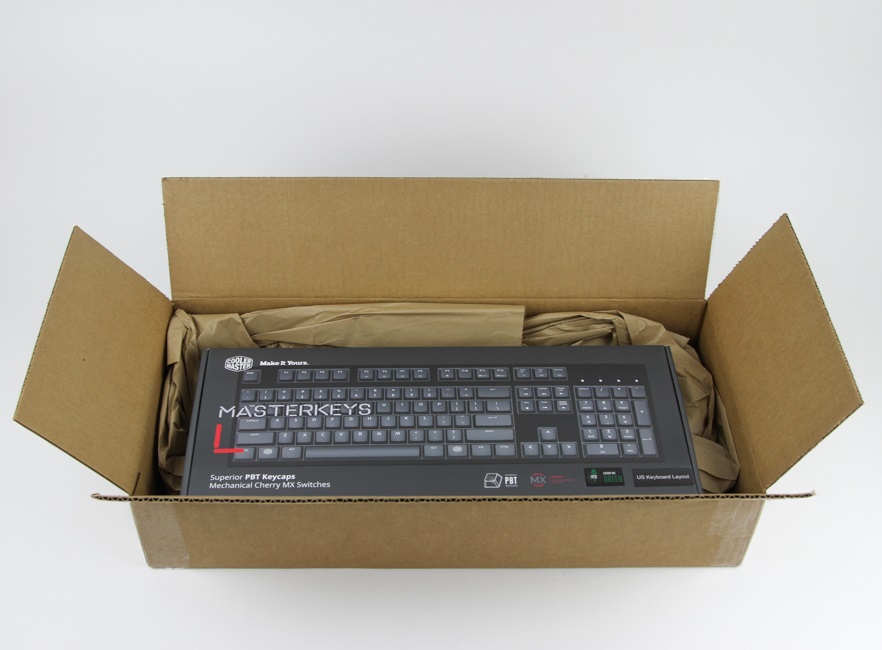
Cooler Master operates a web shop in the USA and so we begin with shipping packaging. This is not my first item from CM USA, and they continue to make sure their products arrive in top shape, inside a well-sized box that has paper packaging all around the product box itself for protection against shipping and handling issues.

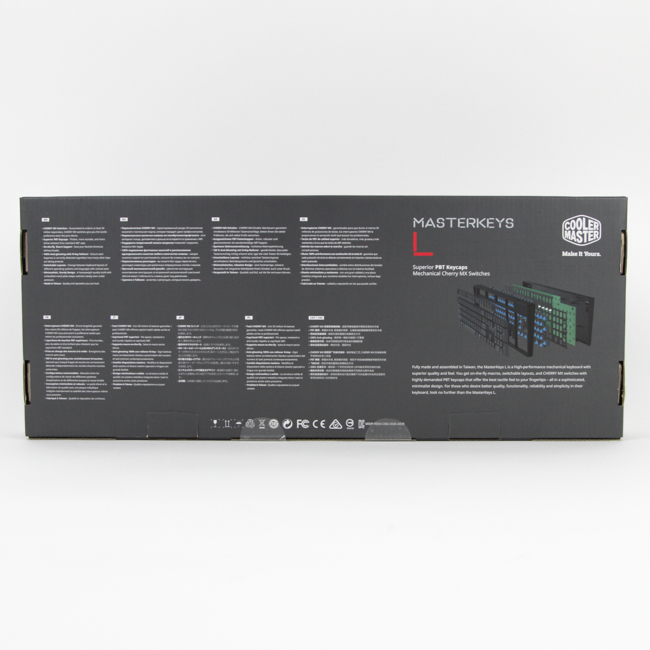
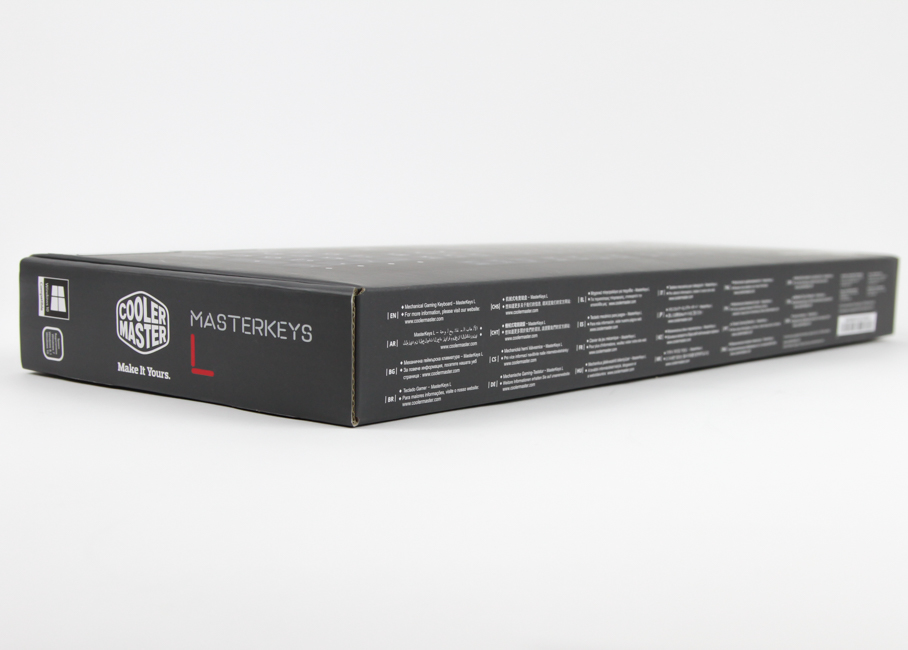
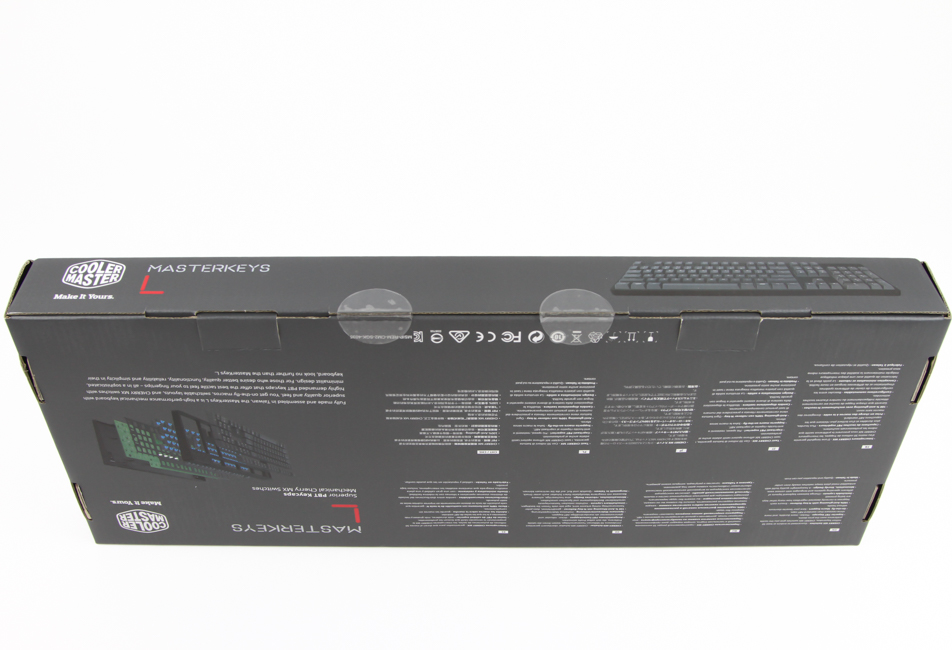
The product box itself has a black color scheme with printed illustrations and wording all over the place. On the front, we see a full keyboard print showing the exact keyboard inside, right down to the color of the keyboard frame and keycaps, alongside the company and product names and some salient marketing features. This continues on the back with more features listed in multiple languages, along with a disassembled cutout of the keyboard, which was interesting to see. Two seals and two flaps here make sure you get the keyboard untampered and in new condition.
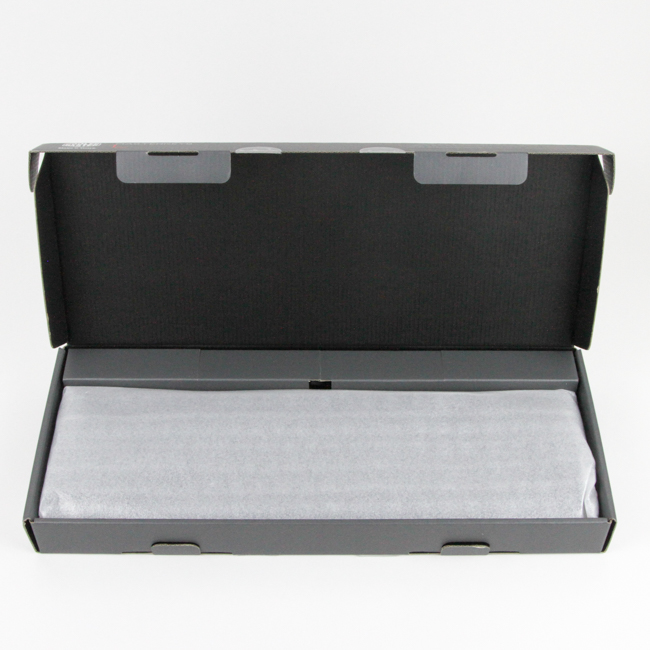

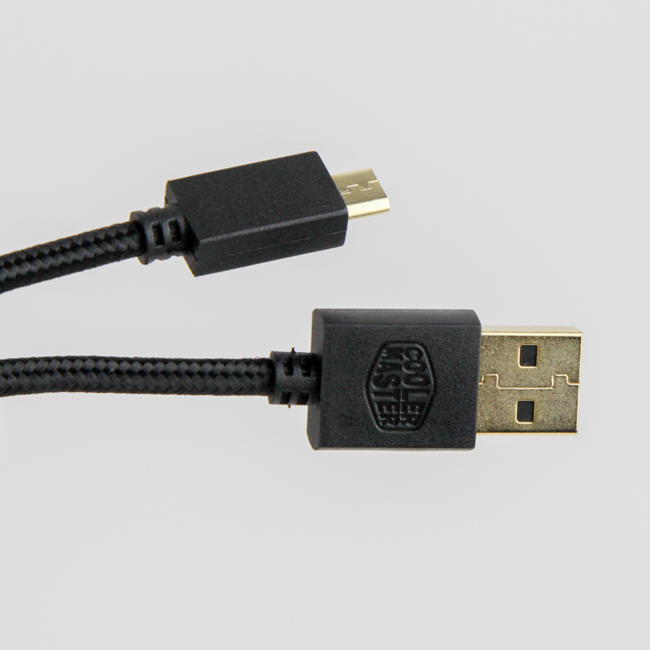
Open the box and we see the keyboard itself front and center, underneath which lies a quick start guide. The other two included accessories are a detachable cable and a set of replacement keycaps along with a keycap puller. The guide has a section on how to use the secondary functions as well as the onboard macro functionality of the keyboard, and the cable is 5' long and with gold-plated connectors - a male micro USB on the keyboard end and a male USB Type-A on the computer end. It would have been nice to see USB-C on the keyboard end, as more and more devices are going that way, but this being an incremental change to an existing keyboard, it re-uses the same mold and PCB, so I was not expecting a design change here necessarily.
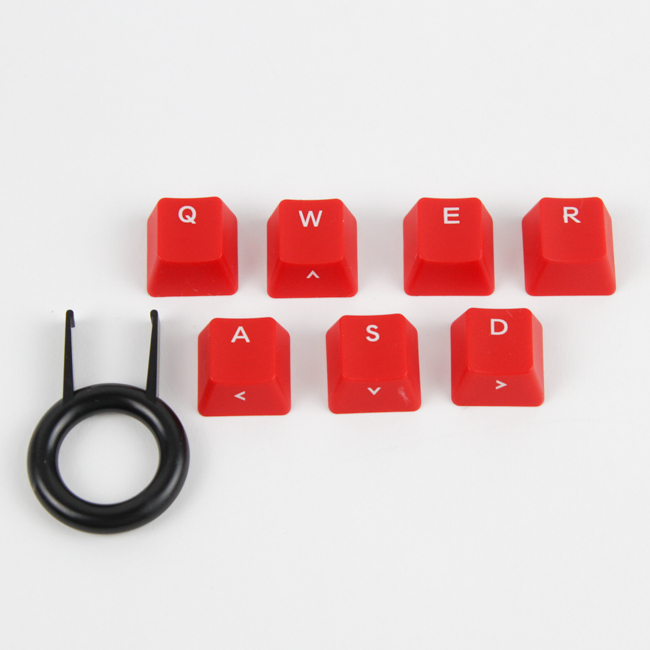
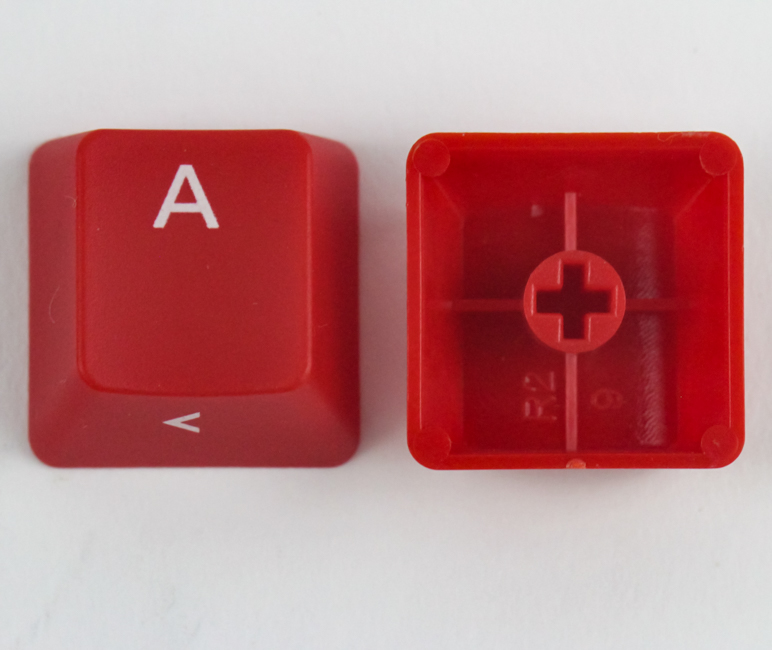

The included ring-style keycap puller is made out of plastic, and I would have liked to see Cooler Master include a wire-style puller as they did with their higher-end keyboards in the past (Novatouch TKL, for example). The ring-style pullers can potentially scratch the sides and bottom of keycaps when used. Cooler Master also provides seven replacement keycaps for the Q, W, E, R, A, S and D keys to add some flair to the keyboard. Unfortunately, these are thin (0.92 mm wall thickness on average) ABS plastic keycaps, which has these feel like an incomplete feature here. They also have laser-etched legends, and the keycap material is more on the transparent side, allowing a lot of light to pass through all sides which, in combination with the absence of any backlighting having been mentioned on the keyboard product box, leads me to believe there is indeed no backlighting here at all. This would also be in line with their naming scheme for their keyboards, wherein the "Pro" moniker is used for their backlit keyboards.
Our Patreon Silver Supporters can read articles in single-page format.
Nov 14th, 2026 21:35 CST
change timezone
Latest GPU Drivers
New Forum Posts
- WarpCoreBench scores! (38)
- Recommendations Wanted - Affordable Enterprise SSD for Boot (3)
- Planning for Prolonged High Prices and Maintaining What You Already Have (71)
- Tell me about your favourite graphics card (81)
- What can the FX 8320 do today? Here is the answer. (45)
- [INTEL]-How To Update Your Microcode for Intel HX 13/14th Gen. CPUs Laptops/Mobile Easily. (260)
- [Intel AX1xx/AX2xx/AX4xx/AX16xx/BE2xx/BE17xx] Intel Modded Wi-Fi Driver with Intel® Killer™ Features (632)
- Optical Disc Drive owners club (208)
- Game Soundtracks You Love (1287)
- 9070 GRE 3.9ghz validation reached. (11)
Popular Reviews
- AMD Zen 6 Technical Deep Dive
- ASUS ROG Strix B850-I Gaming Wi-Fi7 W Review
- Corsair HX1000i Shift Crystal Review
- Upcoming Hardware Launches 2027 (Updated Nov 2026)
- Montech King 95 3D PRO Review
- NZXT C1200 Platinum Review
- NZXT H7 RGB+ Review
- NZXT H5 Review
- Phantom Blade Zero Performance Benchmark Review - 35 GPUs Tested
- AMD Ryzen 7 9800X3D Review - The Best Gaming Processor
TPU on YouTube
Controversial News Posts
- NVIDIA Co-Founder and CEO Jensen Huang Officially Resigns (407)
- OpenAI CEO Argues Home PCs Waste the World's Limited DRAM Supply (152)
- NVIDIA Launches Investigation Into Jensen Huang's Relationship With Suspected Chinese Spy (136)
- Intel "Raptor Lake Next" 16-Core and 20-Core CPUs Surface (130)
- Legendary Game Studio BioWare Shuts Down Following EA Layoffs (104)
- Dell CEO Says the Memory Shortage Will Get Worse in 2027 (95)
- NVIDIA GeForce RTX 50-Series Scheduled for up to $500 Price Hike This Week (89)
- Modder Fits RTX 5090 With Four 8-Pin Connectors, Halving Current per Wire (80)