 20
Corsair iCUE LINK TITAN II 360 RX LCD Review
Finished Looks »Installation

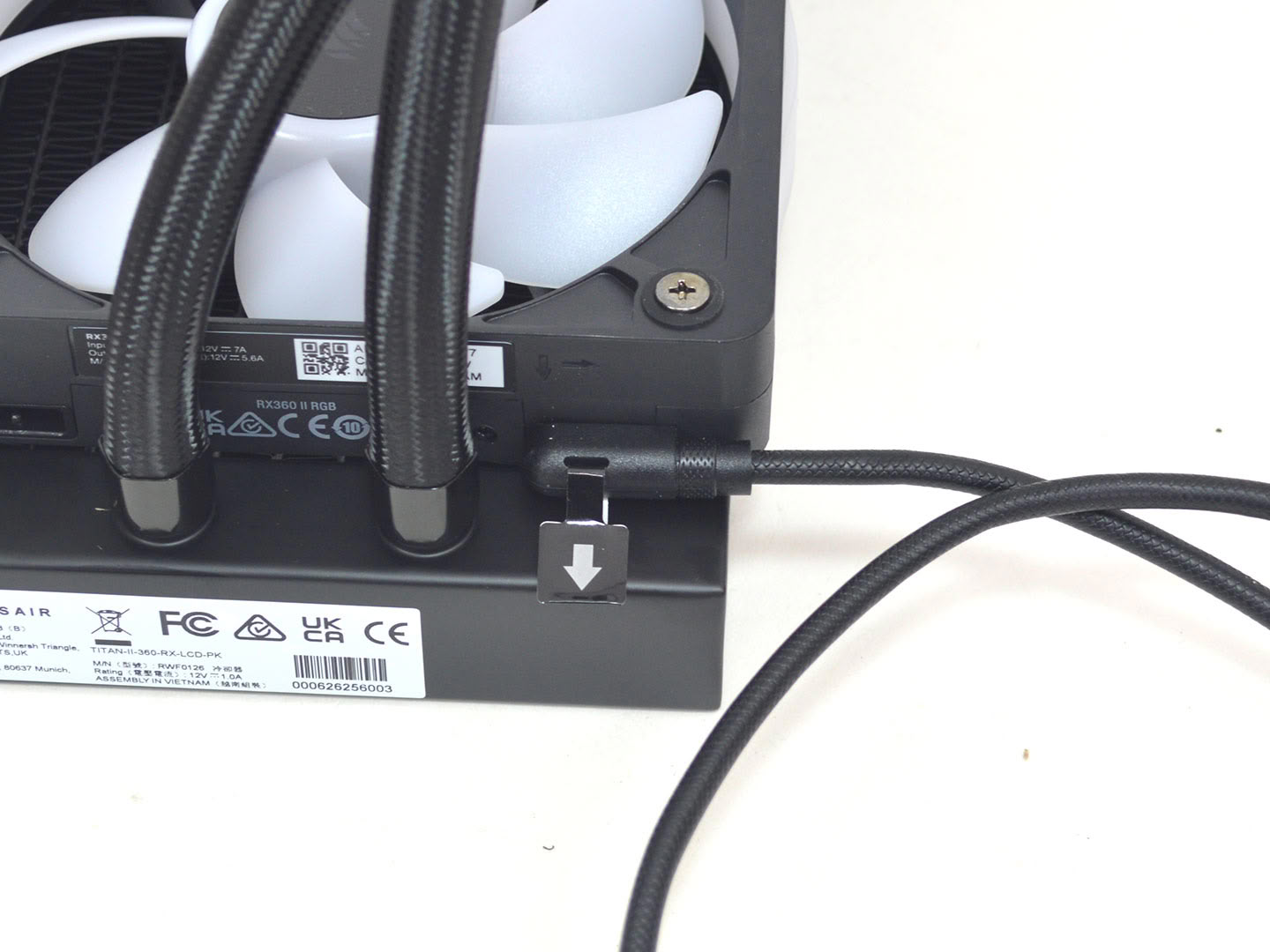

Installing the Corsair iCUE LINK TITAN II 360 RX LCD is a relatively straightforward process, but there is some prep work to do first. To start with for AMD make sure the brackets are installed and secure. Next take one of the Corsair iCUE link cables and plug it into the fan on the radiator. Now is also a good time to remove the AMD motherboard's plastic brackets.
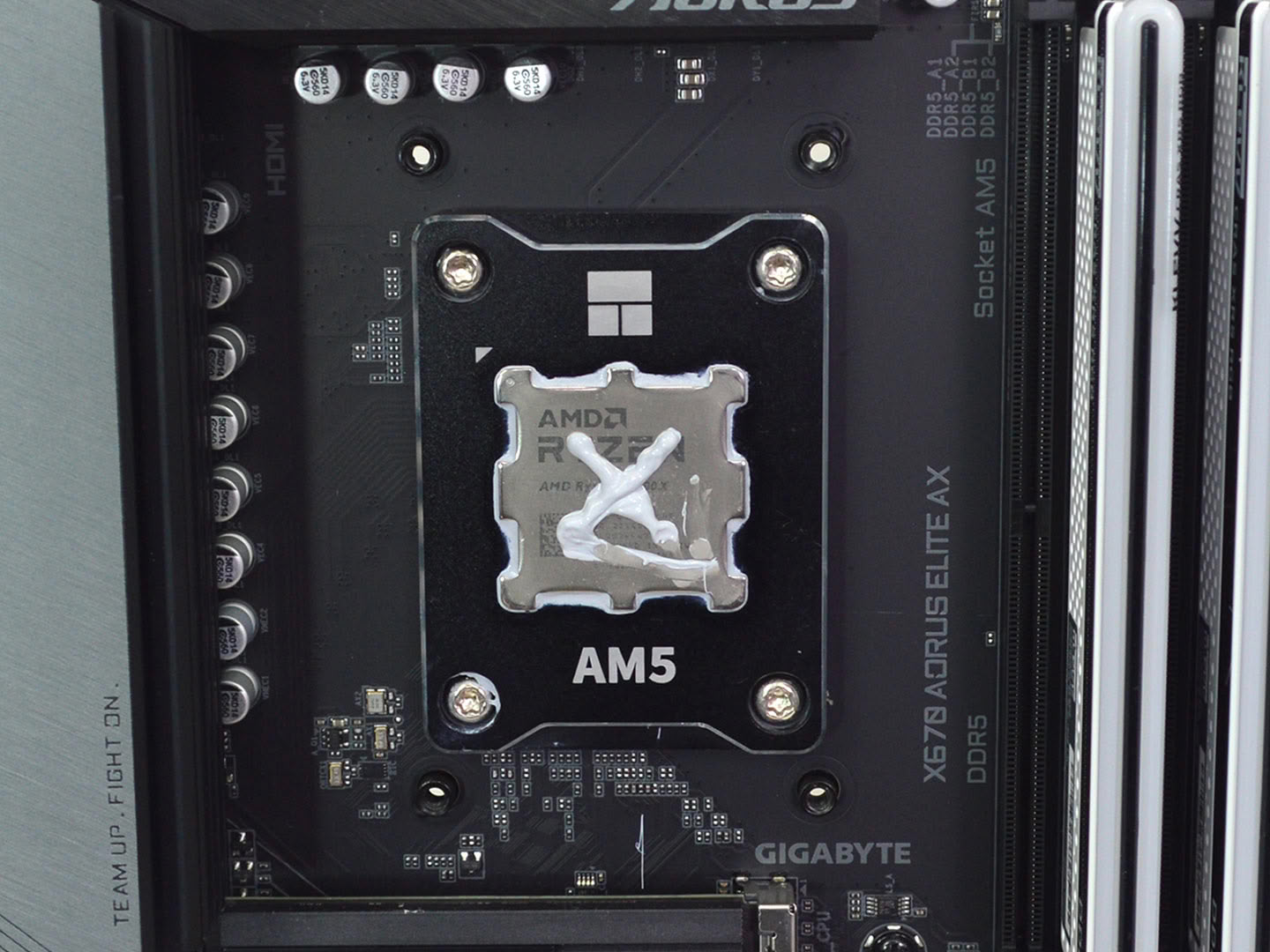
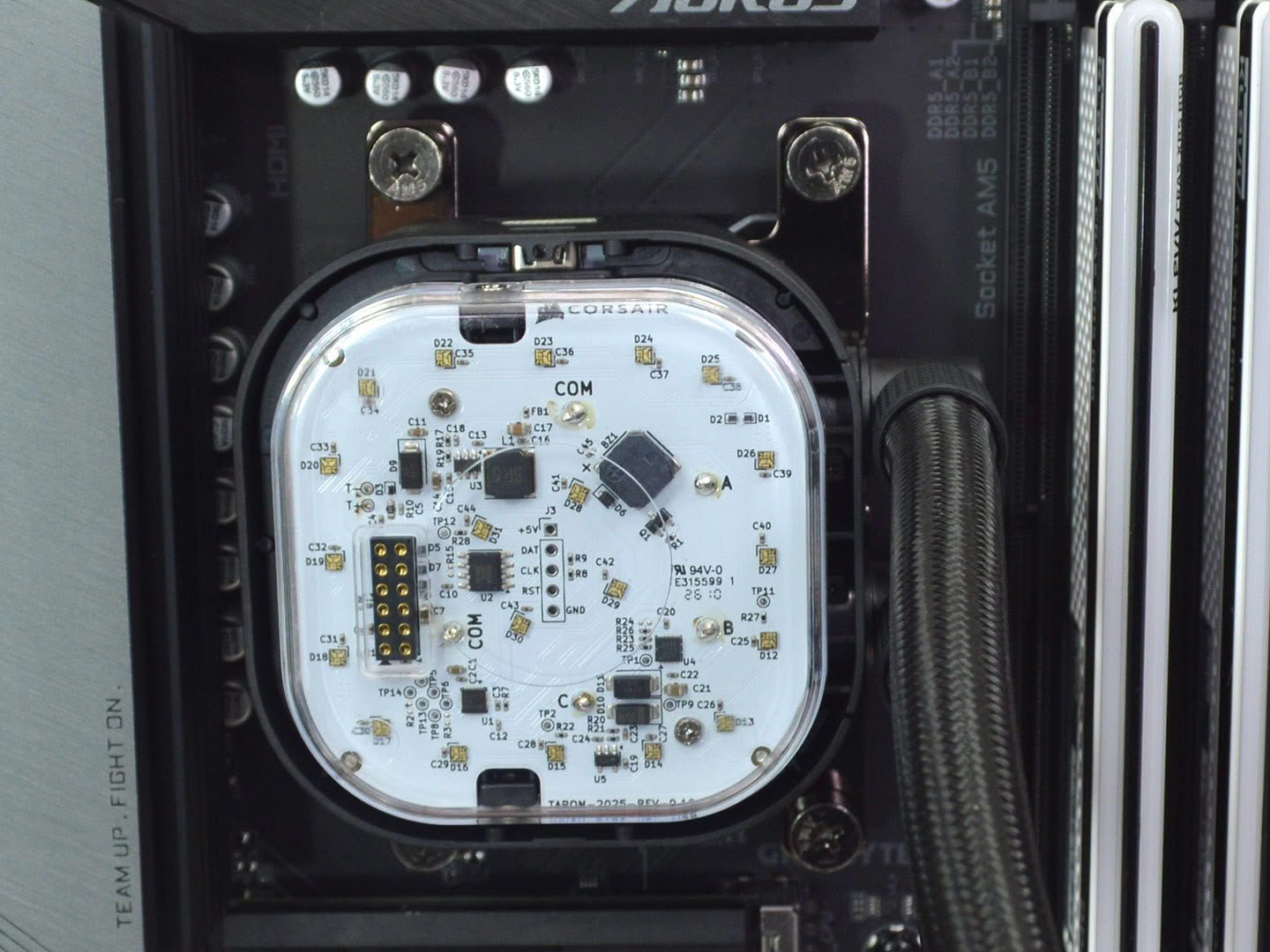
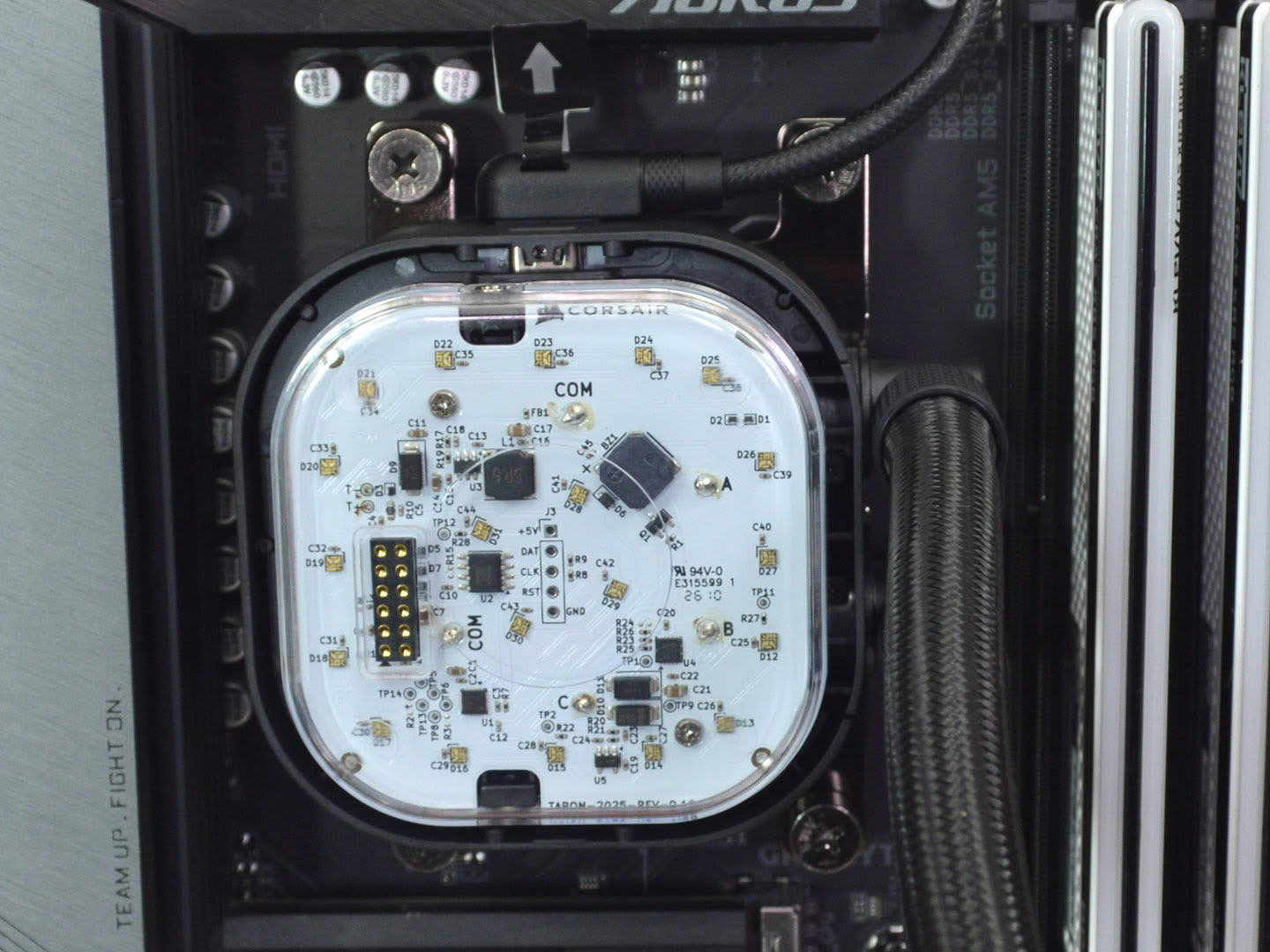
Now if you're using the preinstalled thermal paste you can mount the pump block as is. However, if you have a specific thermal paste you prefer using then clean the copper cold plate and apply said paste now. For testing, I use Arctic's MX-6 thermal paste. With the pump block mounted, you can now install the iCUE cable on the pump. It's also worth noting that with the new bracket revision from Corsair, the pump can be rotated with the tubing at the bottom, thus allowing for a horizontal LCD mount.
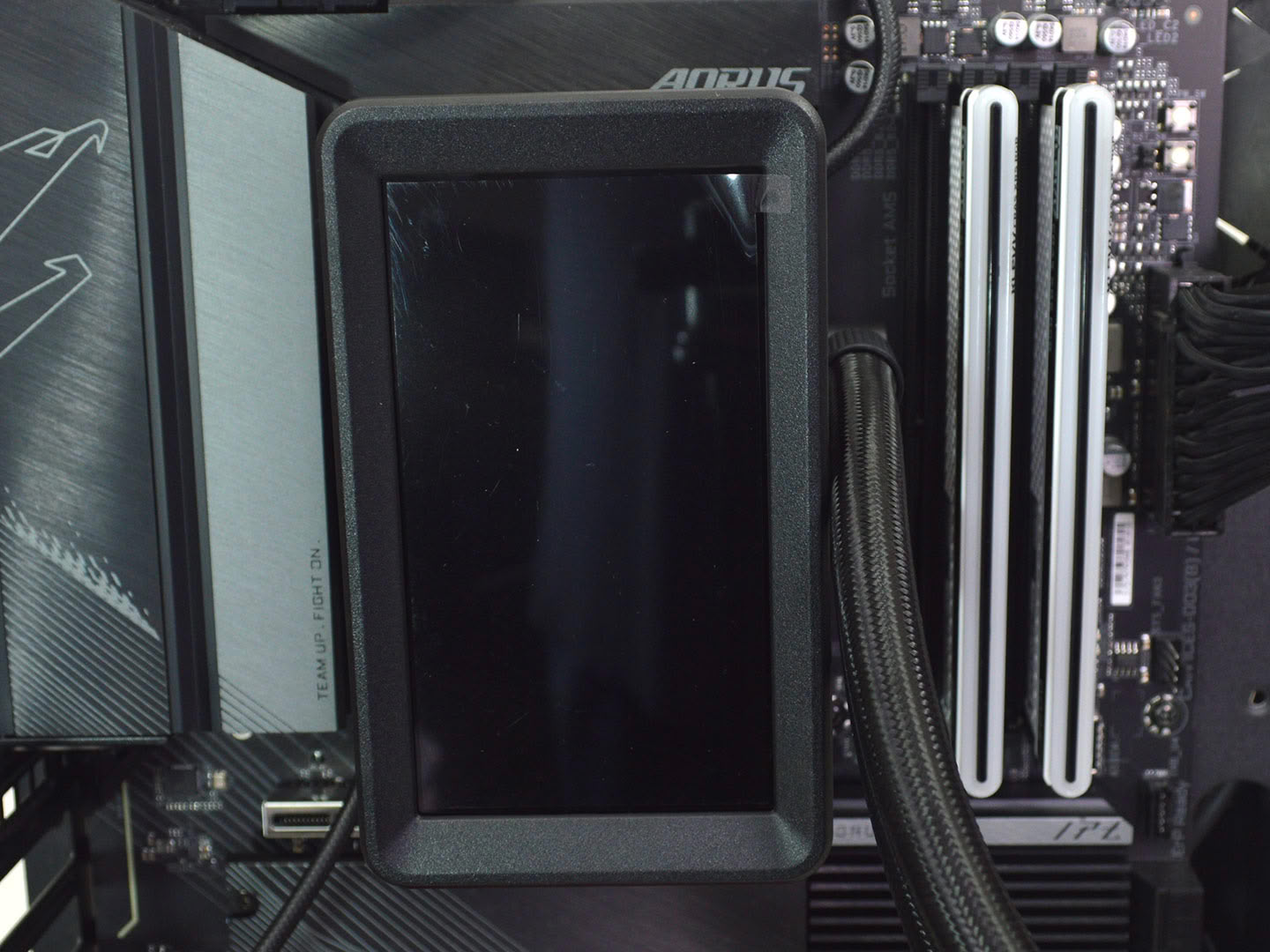
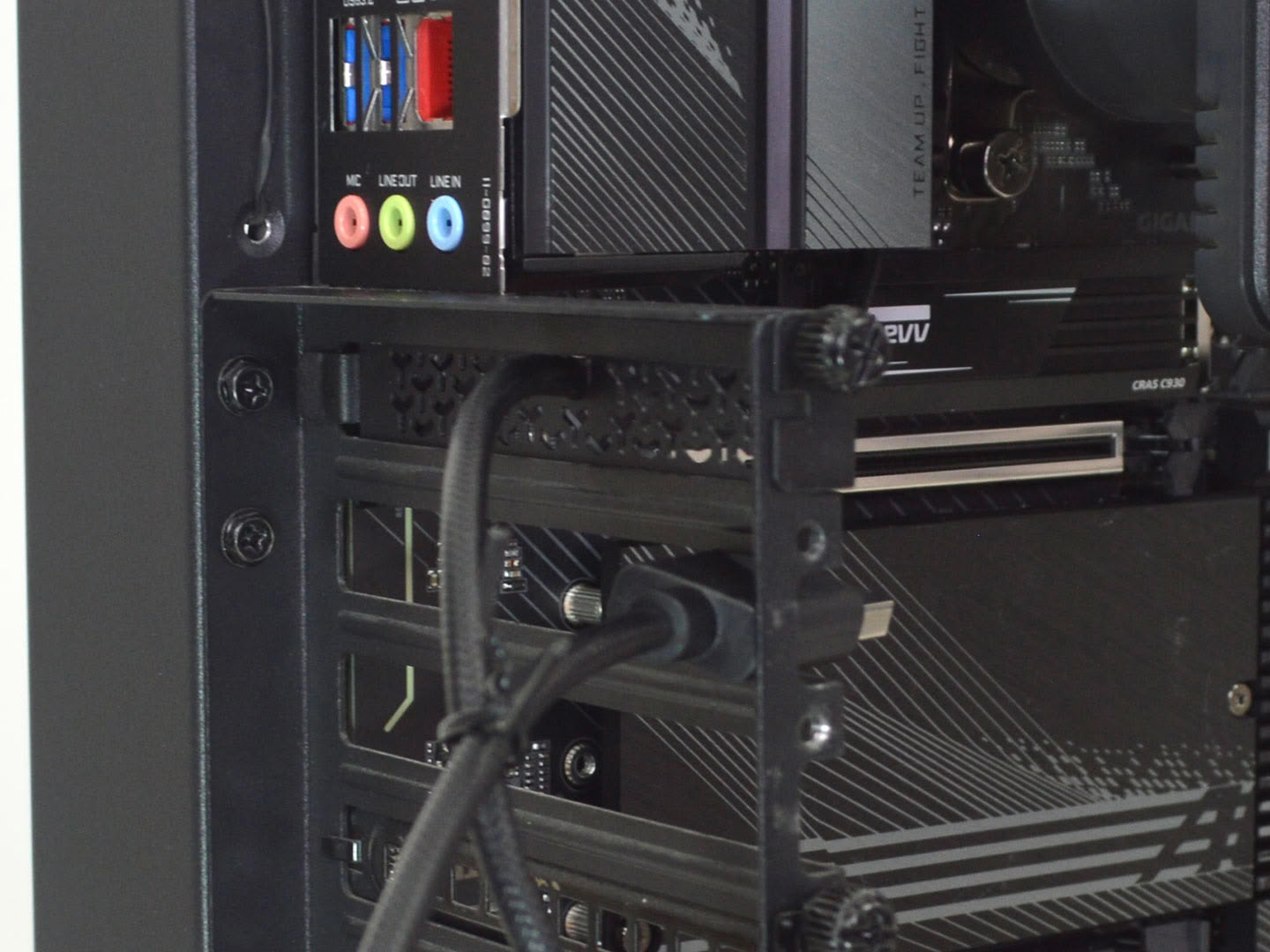
Next line up the display with its attachment pins and the power and data pins and push it into place. Once secure you then need to route the DisplayPort cable through an expansion slot. Use the included slot cover to keep the cable in place.
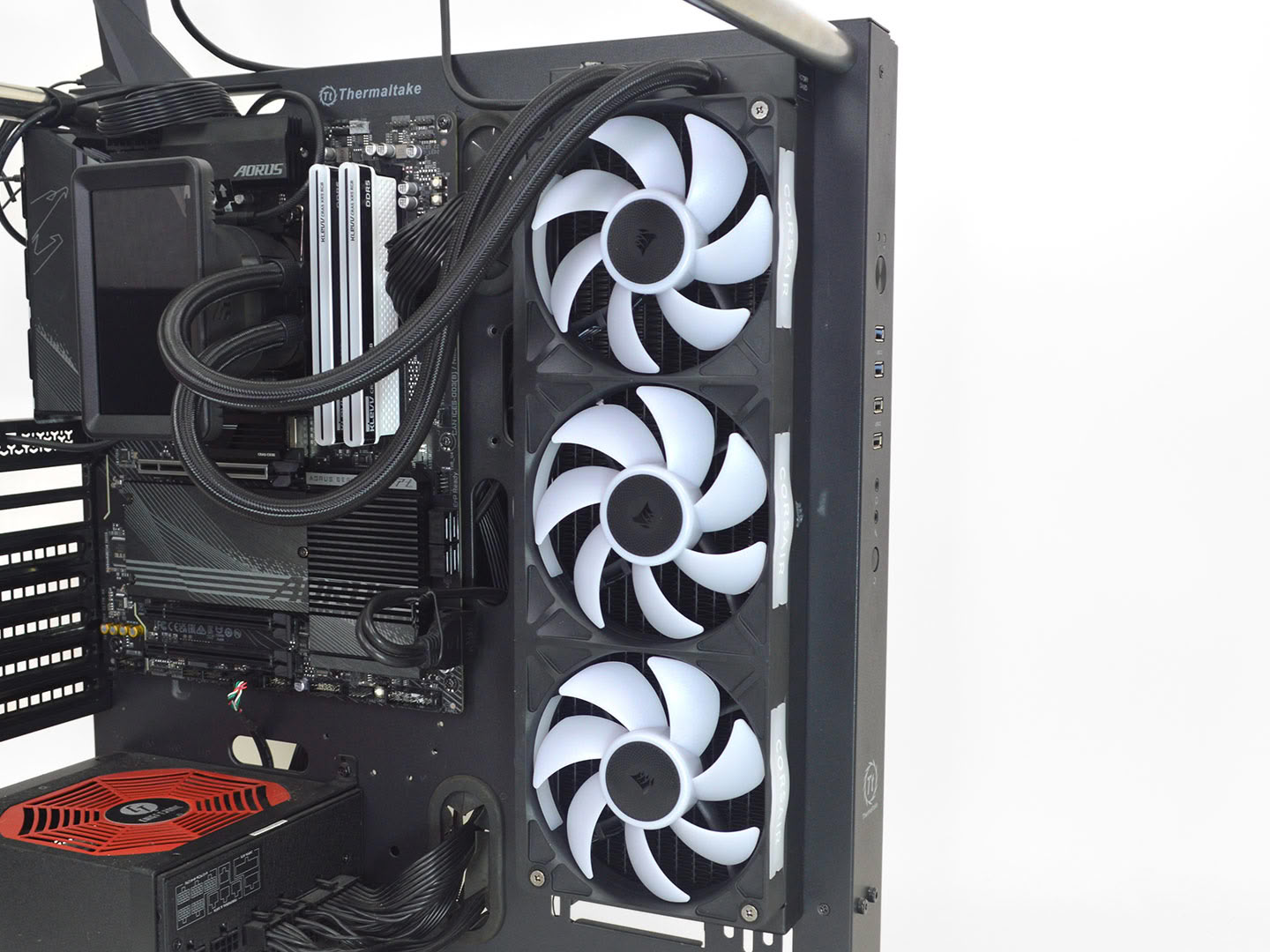
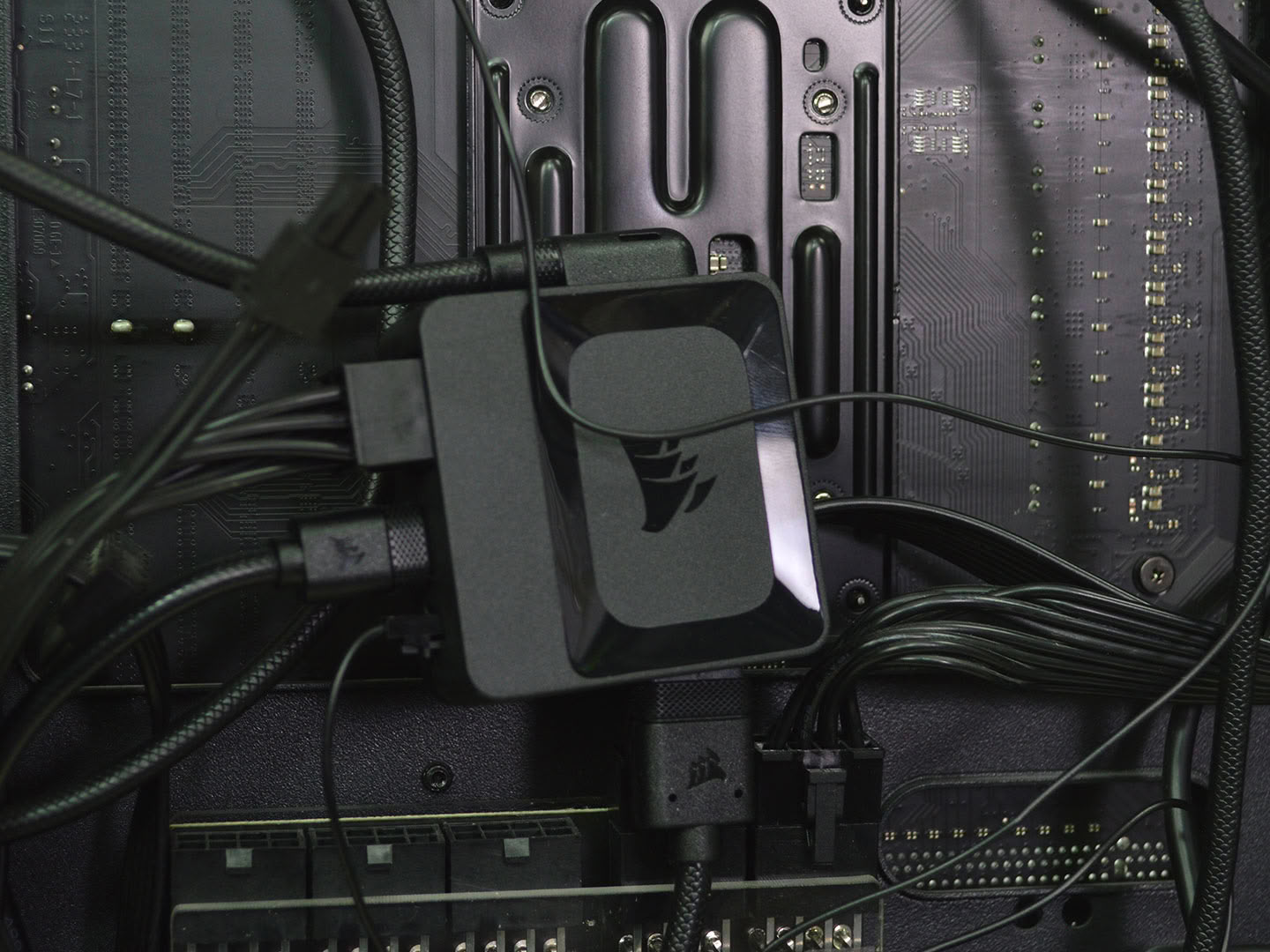
With that taken care of, you can now install the radiator and fan assembly and then plug everything in. Make sure you have an extra 6-pin PCIe power connector handy for the iCUE hub to power everything. After everything is connected you just need to install the iCUE software.
Overall, the installation is pretty straightforward on AMD and Intel with no issues to speak of. With the fans preinstalled and the mounting hardware being simple and easy to work with, it is a very easy AIO to install regardless of platform. It has four mounting points on AMD and Intel which is a plus. The software works as intended with no major hiccups during my testing. The only thing I do not like is that the Intel setup does not use standoffs, meaning the backplate is just held on with the double-sided tape. Four standoffs fully securing the backplate is superior in that regard.
The only other aspect to keep in mind is that earlier units did not support horizontal LCD placement on AMD; however, Corsair does have replacement brackets for those units to make that possible.
Nov 19th, 2026 02:13 PST
change timezone
Latest GPU Drivers
New Forum Posts
- Without Jensen, PC gaming will be (48)
- Time to upgrade CPU and MOBO (43)
- 3DMARK "LEGENDARY" (475)
- [Poll] 12V-2x6 Connector Protection: What Are You Using? (WireView / Ampinel / Equalizer / Other / Nothing) (43)
- Windows HDR on = Tinted colors (5)
- WarpCoreBench scores! (68)
- Honestly, do you care about GTA VI? (155)
- Very unusual two gaming-pc scenarios. (13)
- TPU's Nostalgic Hardware Club (22168)
- Dual B70 or Dual R9700 Pro on Linux (7)
Popular Reviews
- Acemagic Retro X3 Review
- Ugreen NASync DXP4800 GT Review
- Upcoming Hardware Launches 2027 (Updated Nov 2026)
- AMD Zen 6 Technical Deep Dive
- Pulsar Office Tour & First Look at P1 Dual-Sensor Mouse
- Biwin Black Opal NV7400 2 TB Review
- Sapphire Radeon RX 7700 XT Pure Review
- Sapphire Radeon RX 7700 XT Pulse Review
- Chieftec Iceberg PRO 360 DARK Review
- AMD Ryzen 7 9800X3D Review - The Best Gaming Processor
TPU on YouTube
Controversial News Posts
- NVIDIA Co-Founder and CEO Jensen Huang Officially Resigns (483)
- Report: Jensen Huang Eyes NVIDIA Comeback (196)
- Open Letter Asking NVIDIA to Reinstate Jensen Huang Passes 115,000 Signatures (184)
- OpenAI CEO Argues Home PCs Waste the World's Limited DRAM Supply (152)
- NVIDIA Launches Investigation Into Jensen Huang's Relationship With Suspected Chinese Spy (136)
- Intel "Raptor Lake Next" 16-Core and 20-Core CPUs Surface (130)
- Legendary Game Studio BioWare Shuts Down Following EA Layoffs (104)
- Dell CEO Says the Memory Shortage Will Get Worse in 2027 (95)