 2
CORSAIR K57 RGB Wireless Keyboard Review
(2 Comments) »Introduction

CORSAIR's focus this Computex was on the entry into custom watercooling with Hydro X, but earlier this year at CES, the company introduced their new Slipstream wireless technology and Capellix LED technology. The former found its way into the company's mice already, and the latter allowed for the release of the Dominator Platinum RGB LED performance memory without compromising on looks or latency. Neither of those were exactly relevant to me personally as a keyboard editor here (among other things) until today. Enter the K57 RGB wireless keyboard, and thanks again to CORSAIR for sending along a review sample.

CORSAIR's mice and headsets may have the luxury of different names to help differentiate themselves, but their keyboards seem to be all aboard the K-train. There was, and to an extent still is, the Strafe which used to help differentiate a keyboard in a plastic chassis compared to the K-series with an aluminium cover plate, but none of that is valid anymore. The only sort of logic left is that the smaller the number, the lower in the keyboard product hierarchy it generally is. As such, this new K57 RGB wireless with not only Slipstream but also Capellix LEDs for RGB lighting, as well as dedicated keys on top of the 104-keys in the US ANSI layout, means something is amiss. Oh yeah, this is not a mechanical keyboard. We begin the review of this fancy membrane switch keyboard with a look at the specifications below.
Specifications
| CORSAIR K57 RGB Wireless Keyboard | |
|---|---|
| Layout: | >104-key modified US ANSI layout, other languages supported based on the region |
| Material: | ABS plastic case and keycaps |
| Macro Support: | No |
| Weight: | 0.95 kg / 2.09 lbs. |
| Wrist Rest: | Yes, removable |
| Anti-ghosting: | Eight-Key rollover |
| Media Keys: | Dedicated |
| Dimensions: | 166 (L) x 480 (W) x 35.4 (H) mm |
| Cable Length: | 6 ft / 1.8 m, charging + connection |
| Software: | Yes |
| Switch Type: | Rubber dome membrane switch |
| Backlighting: | Yes, 16.8 M per-key RGB backlighting |
| Interface: | 2.4 GHz CORSAIR Slipstream wireless, Bluetooth 4.2 LE, or USB |
| Warranty: | Two years |
Packaging and Accessories


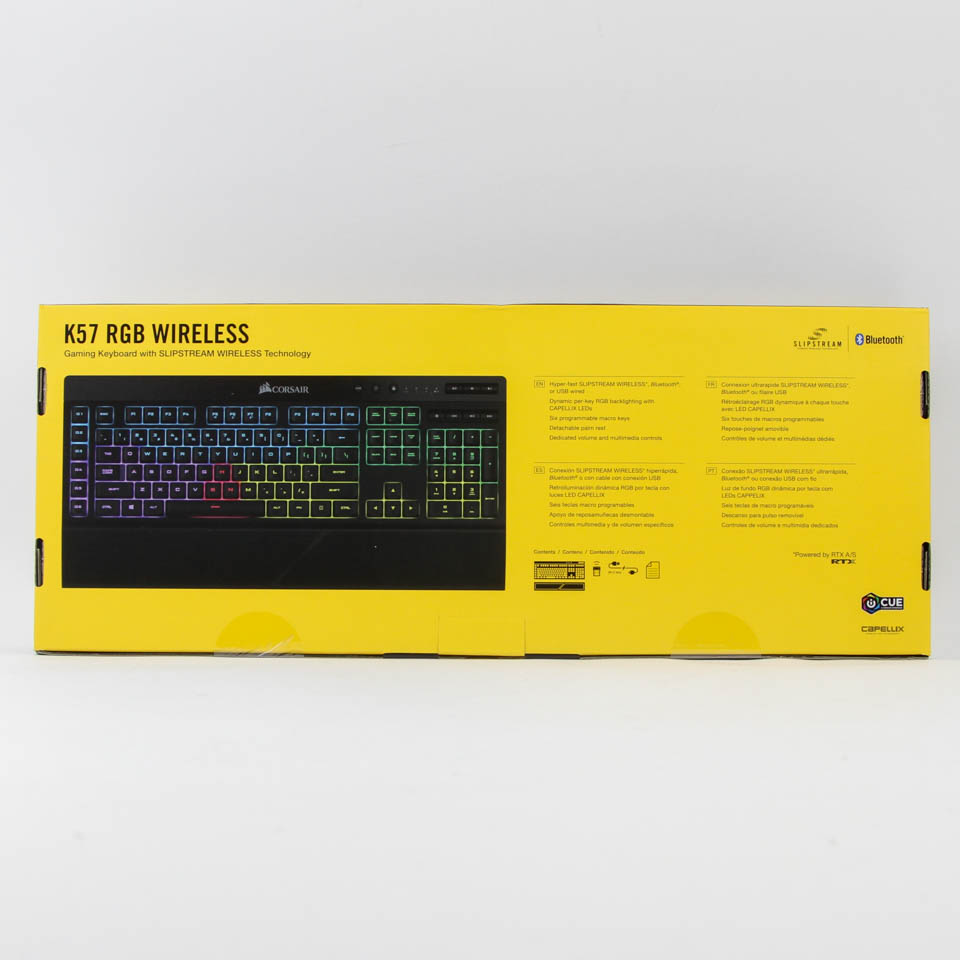

CORSAIR operates a web shop in the USA. However, this sample came from a marketing hub, so we begin with a look at the product packaging. A plastic wrap covers the packaging, which I maintain is not very practical, and removing it shows off the product box in more detail. We have the usual CORSAIR Gaming black and yellow color scheme with a large illustration of the keyboard and the company and product name. There is also the Slipstream feature shown prominently here, which CORSAIR no doubt intends to be the unique selling point of the keyboard, in addition to the use of their Capellix RGB LEDs. Specifications and marketing features continue on the back and sides in multiple languages, along with another printed illustration that highlights more of the salient aspects of the keyboard.


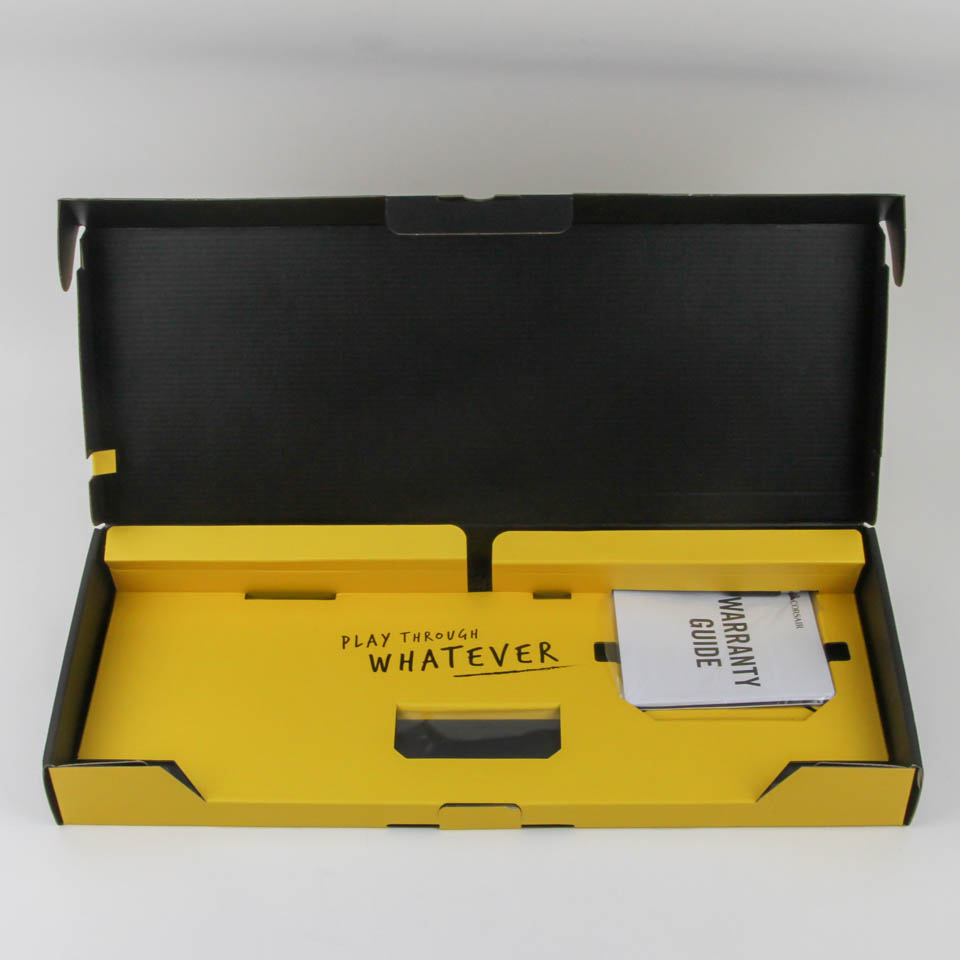

There are two seals as well as a double flap on the side to help keep the contents inside in place during transit. Opening the box, we see the keyboard itself in a plastic wrap with the detachable keyboard cable in the cardboard cutout compartment above. The accessories are housed in separate layers of the cardboard packaging, which is not the best I have seen, but this setup will suffice provided the shipping packaging is done well.
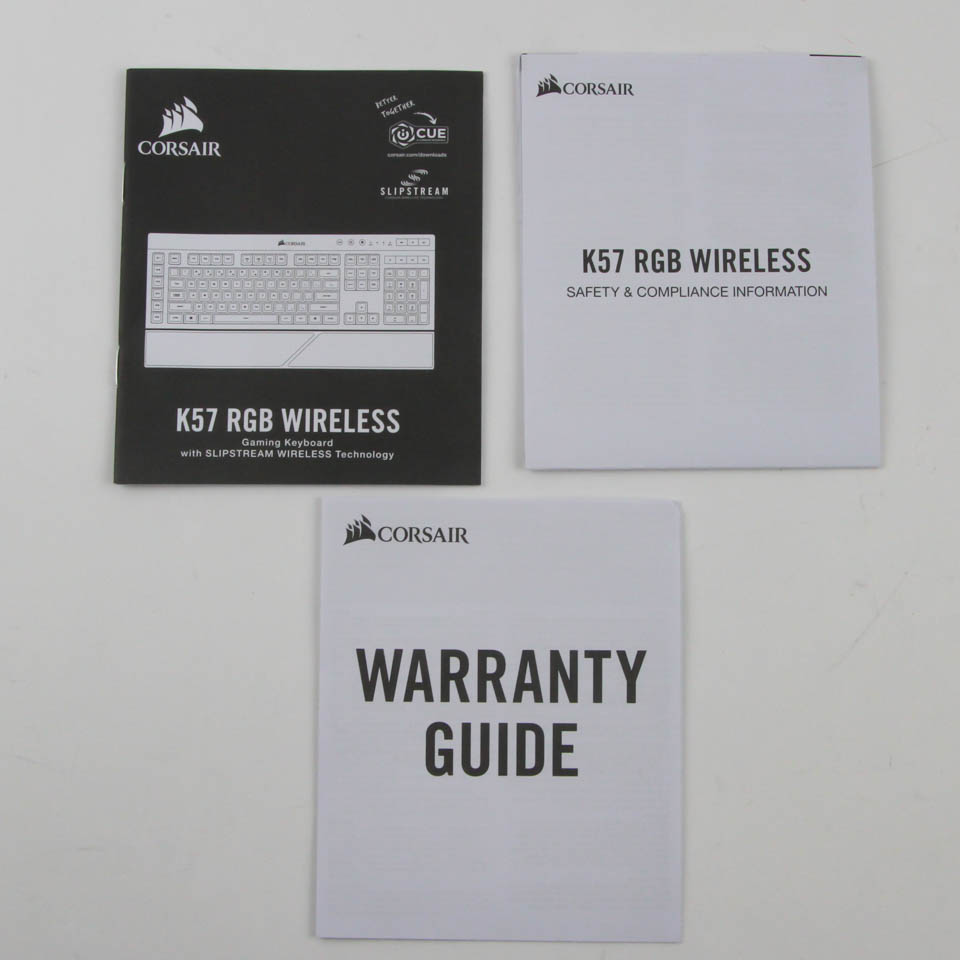
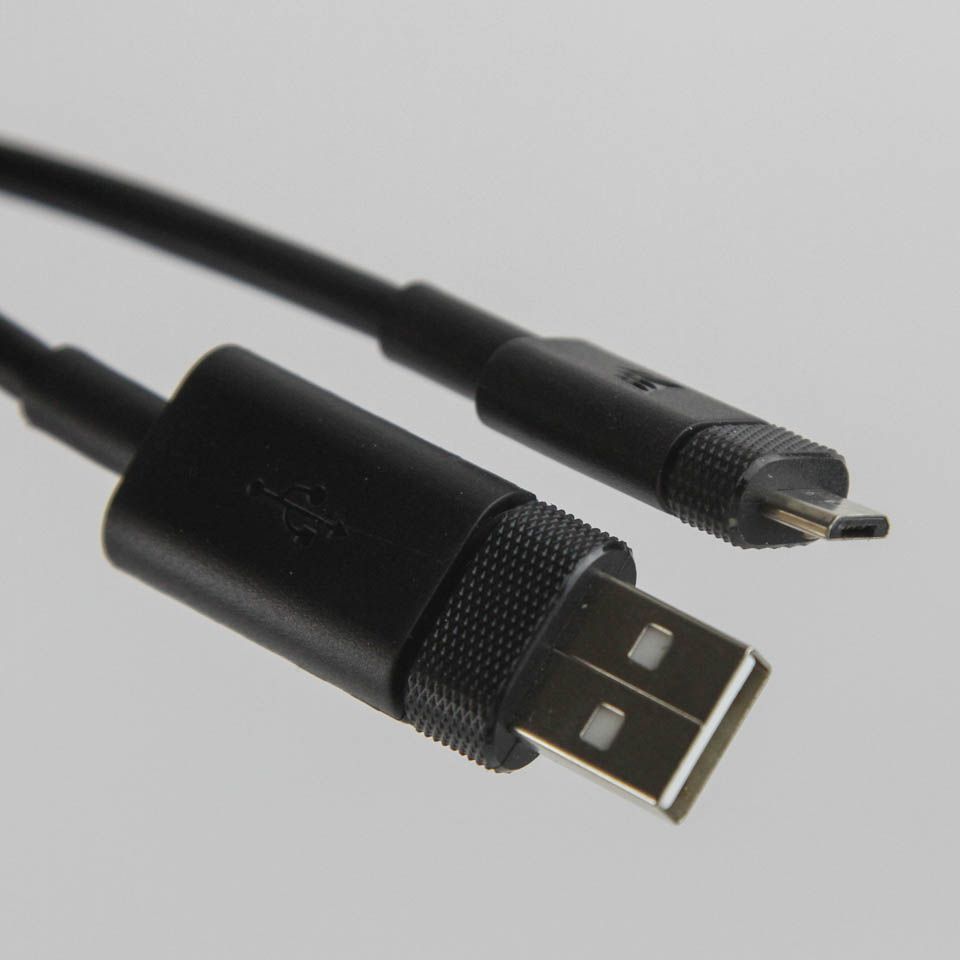
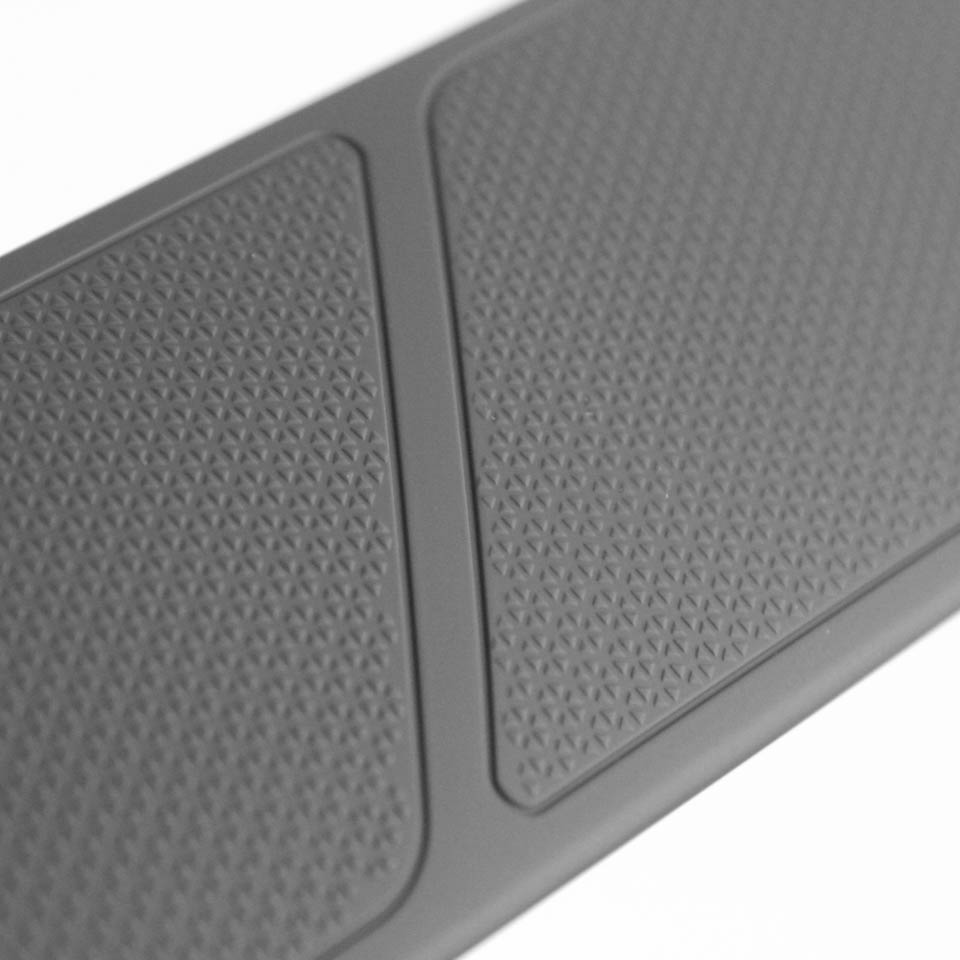

The accessories include the product quick start guide, a warranty guide, and a safety/compliance note as it pertains to the wireless nature of this keyboard with an integrated battery. The provided cable is the usual 6' in length and helps charge the battery as well as use the keyboard in USB mode, and goes from a male micro-USB connector on one end and a male USB Type-A connector on the other. The connectors themselves are sturdy, but I really wanted to see USB Type-C in use here over micro-USB. The final accessory, also in a plastic wrap, is a removable wrist rest. It is completely made out of plastic with no reversible surface and has a dimpled, soft-touch finish to its plastic surface. There are two clips on the back, and rubber pads keep the keyboard and wrist rest from moving around on your desk.
Our Patreon Silver Supporters can read articles in single-page format.
Nov 13th, 2026 04:31 PST
change timezone
Latest GPU Drivers
New Forum Posts
- Slow SSD read speeds - help! (1)
- Microsoft Exchange/365 outages? (32)
- Home page search by category (5)
- Windows 11 General Discussion (7726)
- I won't download games that are larger than 30–40 GB. (103)
- Warning for Windows 10 and 11 users running newer AMD GPU drivers (58)
- TPU's Nostalgic Hardware Club (22150)
- DDR5 CL30 SK HYNIX A Die ram overclocking - End goal is CL26 6400, FCLK 2200 if possible (26)
- CPU debug LED stays red on Gigabyte AORUS X870E Elite WiFi 7, system works normally (1)
- Unigine Superposition GPU Benchmark (1080P Extreme) (462)
Popular Reviews
- AMD Zen 6 Technical Deep Dive
- NZXT C1200 Platinum Review
- Corsair HX1000i Shift Crystal Review
- Upcoming Hardware Launches 2027 (Updated Nov 2026)
- Montech King 95 3D PRO Review
- NZXT H7 RGB+ Review
- NZXT H5 Review
- Phantom Blade Zero Performance Benchmark Review - 35 GPUs Tested
- XPG NIMBUS PLUS Review - Mid-range Chair With Strong Competitors
- Gigabyte Z890I Aorus Ultra Review
TPU on YouTube
Controversial News Posts
- NVIDIA Co-Founder and CEO Jensen Huang Officially Resigns (342)
- OpenAI CEO Argues Home PCs Waste the World's Limited DRAM Supply (152)
- NVIDIA Launches Investigation Into Jensen Huang's Relationship With Suspected Chinese Spy (136)
- Intel "Raptor Lake Next" 16-Core and 20-Core CPUs Surface (130)
- Legendary Game Studio BioWare Shuts Down Following EA Layoffs (104)
- Dell CEO Says the Memory Shortage Will Get Worse in 2027 (95)
- NVIDIA GeForce RTX 50-Series Scheduled for up to $500 Price Hike This Week (89)
- Modder Fits RTX 5090 With Four 8-Pin Connectors, Halving Current per Wire (80)