 4
Cougar Poseidon Vistek Pro ARGB 360 Review
Finished Looks »Installation
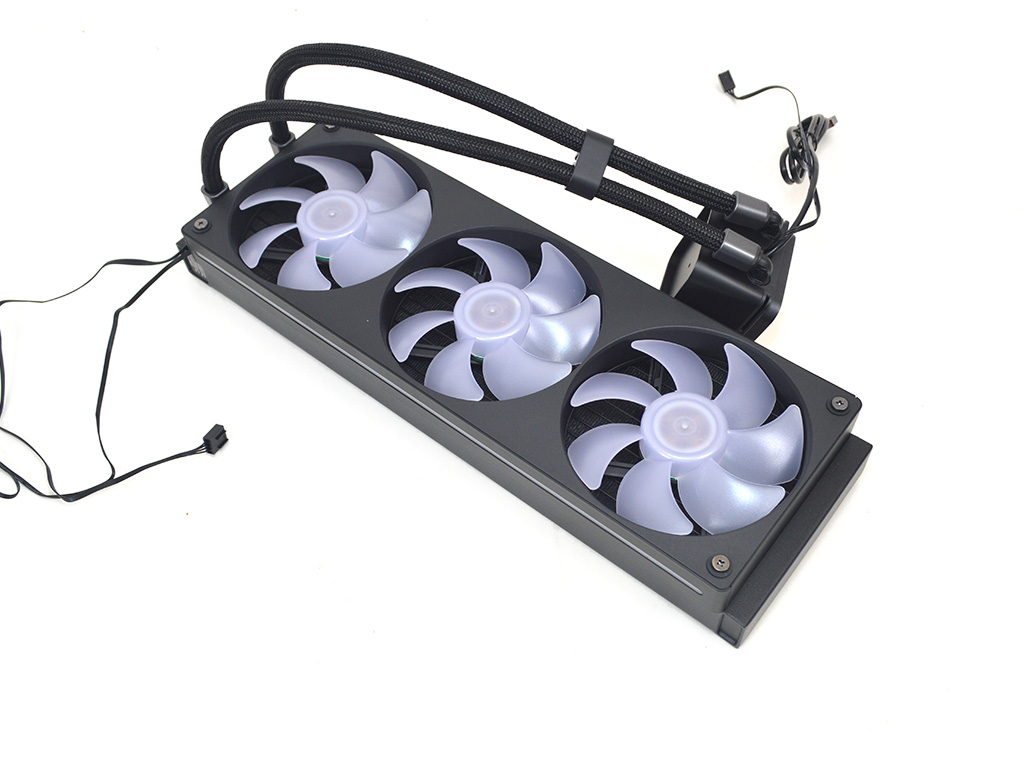
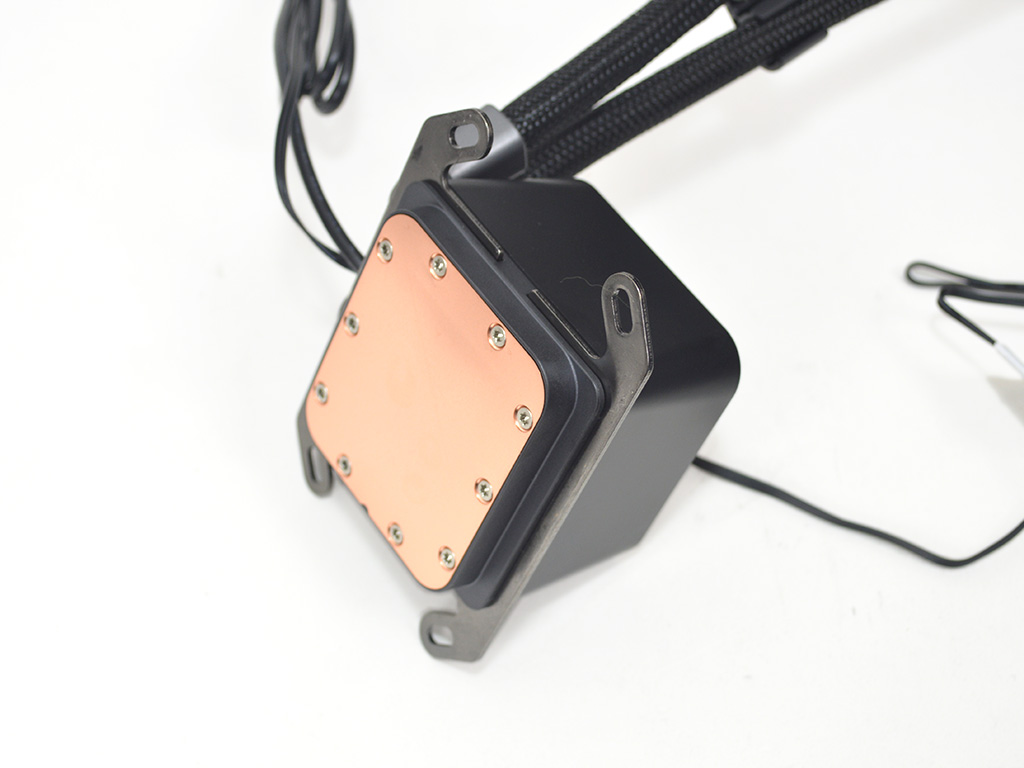
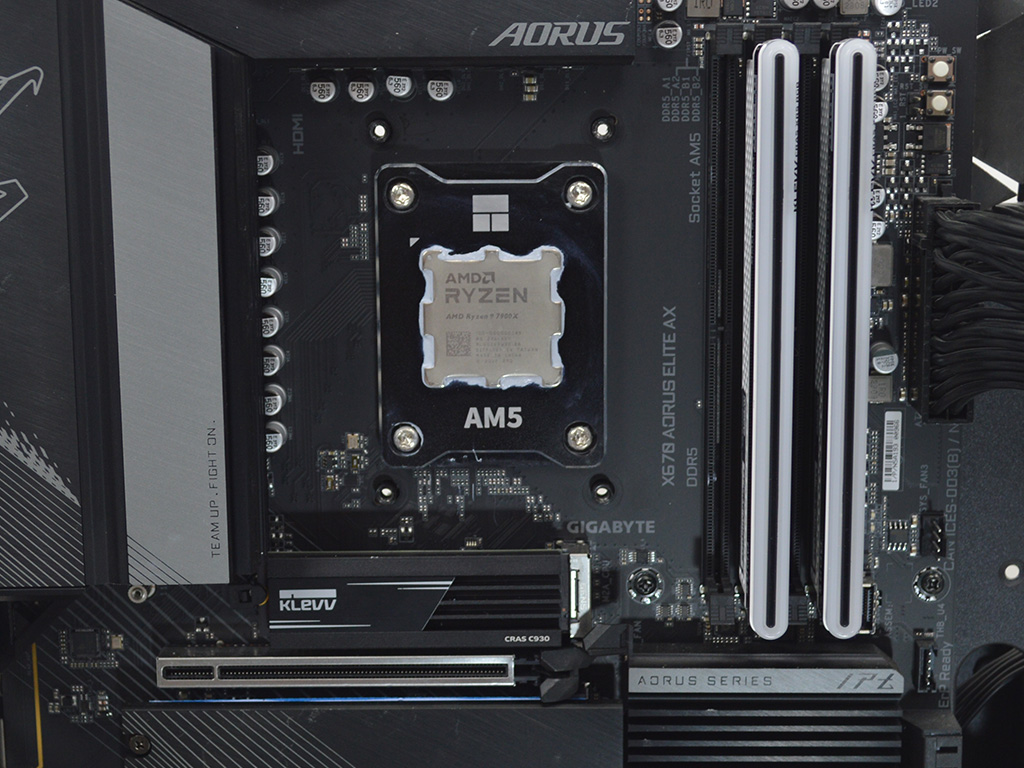
To install the Poseidon Vistek Pro ARGB 360, the first step will be to prepare the cooler, meaning you will want to check the fan orientation—so the cables and the ARGB illuminated stripe on the side are facing in the direction you would prefer. Once the fans are set you will need to slide the mounting brackets into place on the pump, then prepare the motherboard, which for AMD means removing the plastic pre-installed brackets.
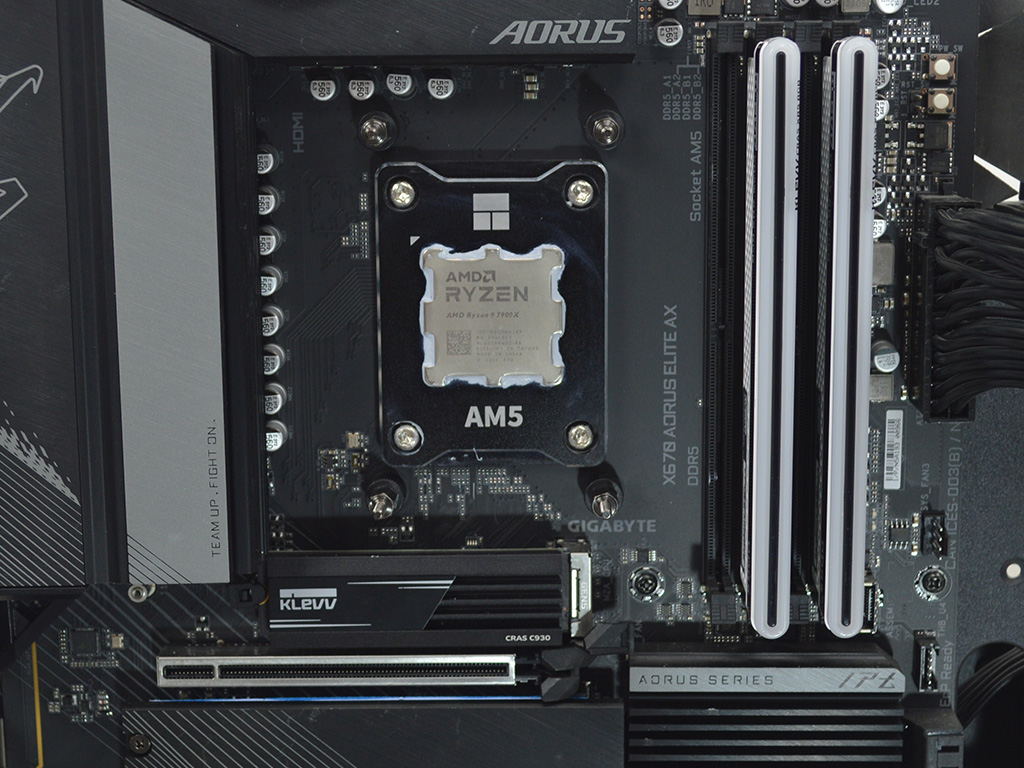
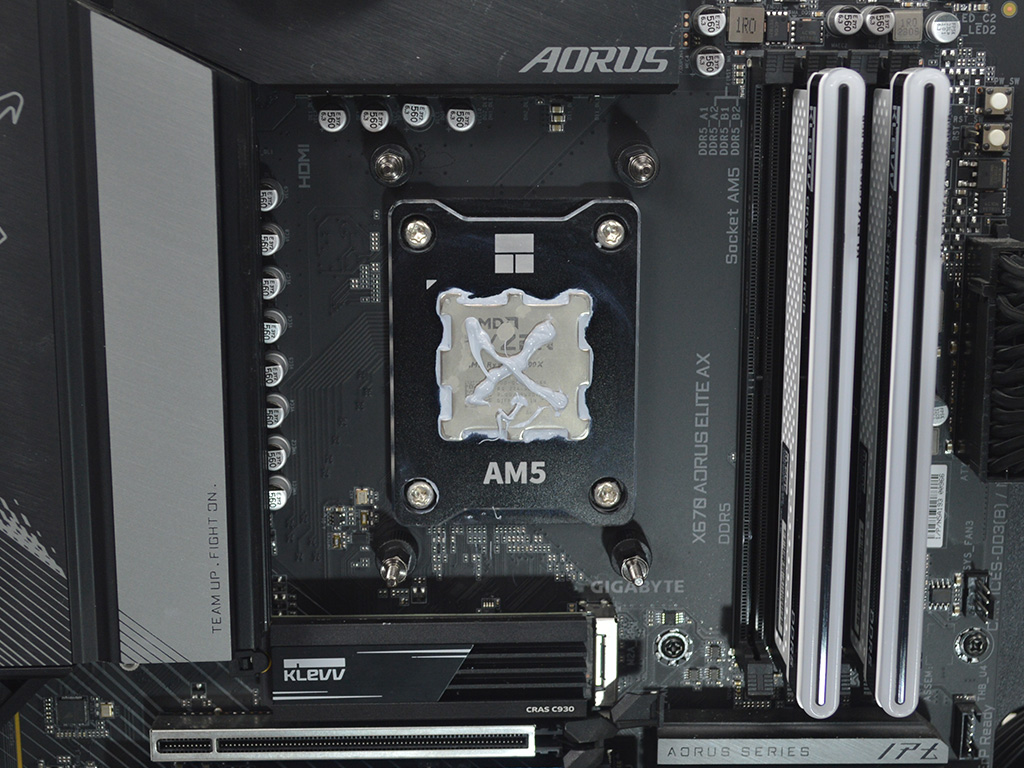
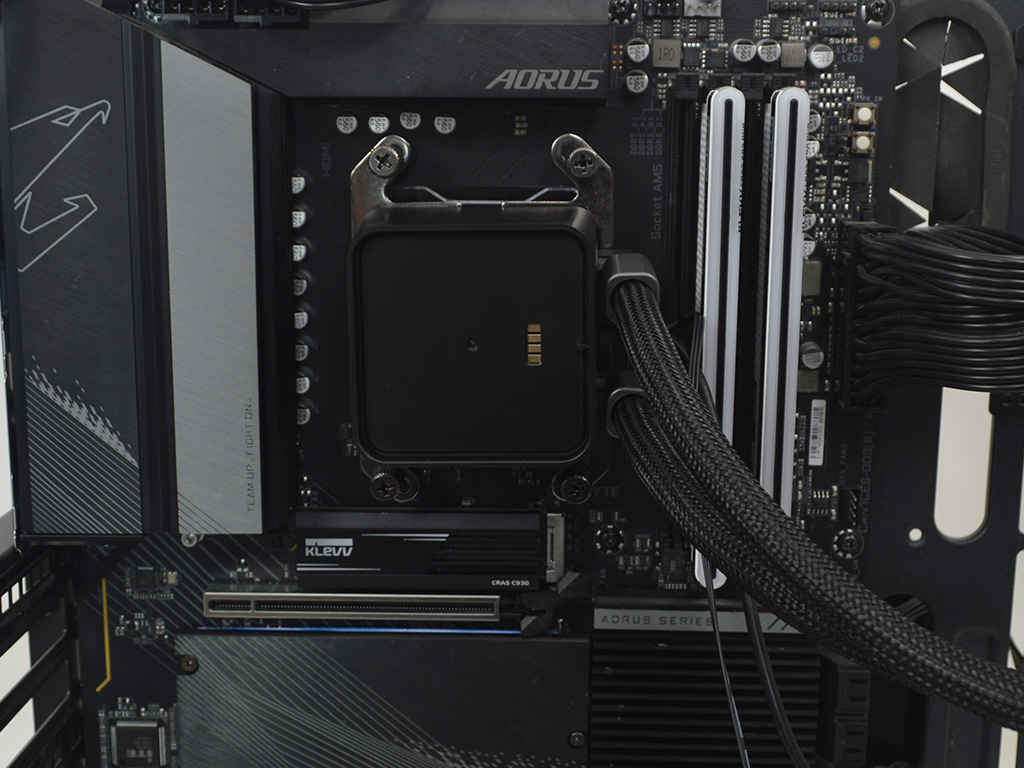
With all the prep work out of the way you can now install the standoffs and then apply thermal paste, for temperature testing I use Arctic MX6. Now install the pump and use the thumb nuts to secure it making sure to use a crisscross pattern, alternating repeatedly for even pressure.
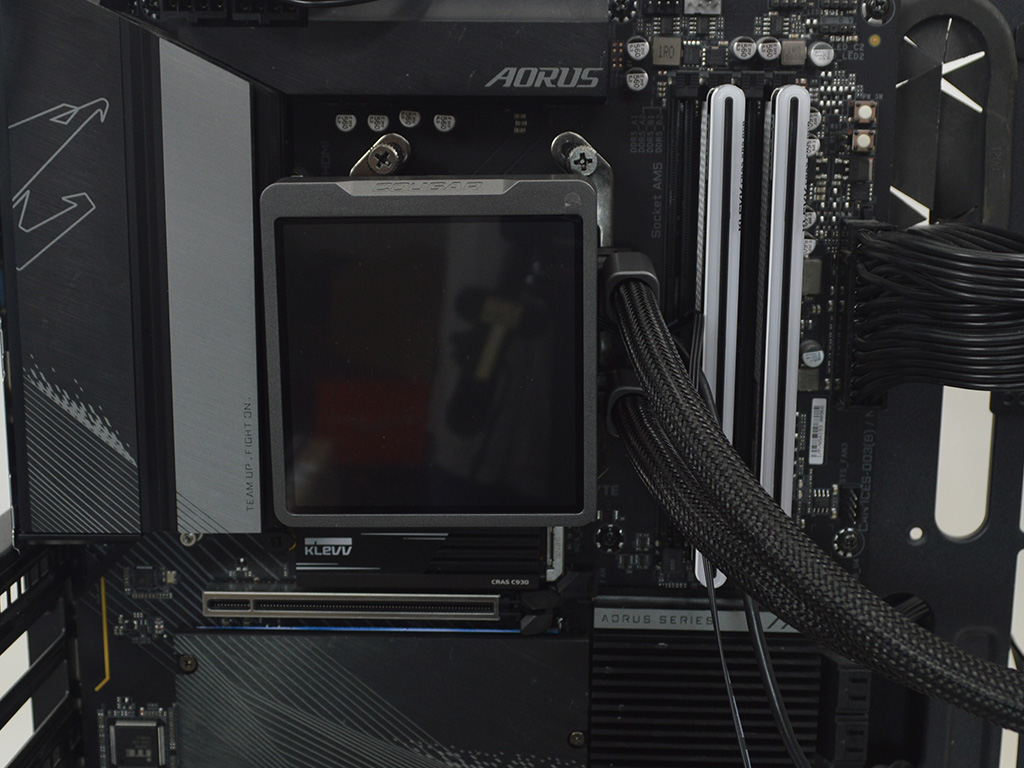
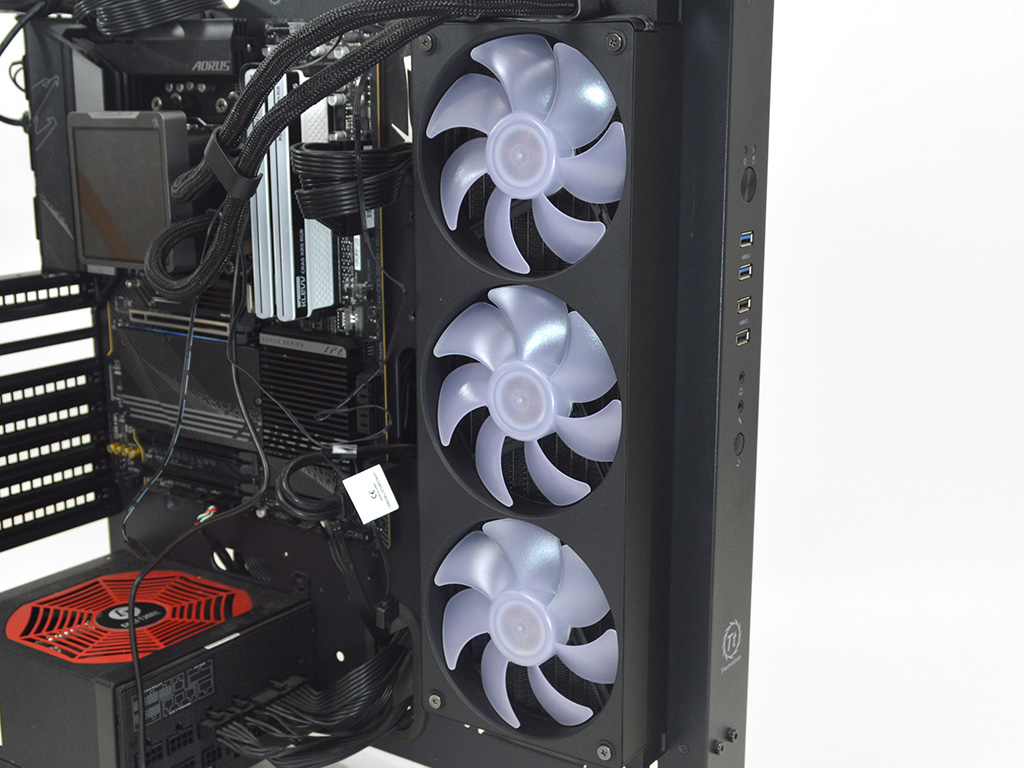
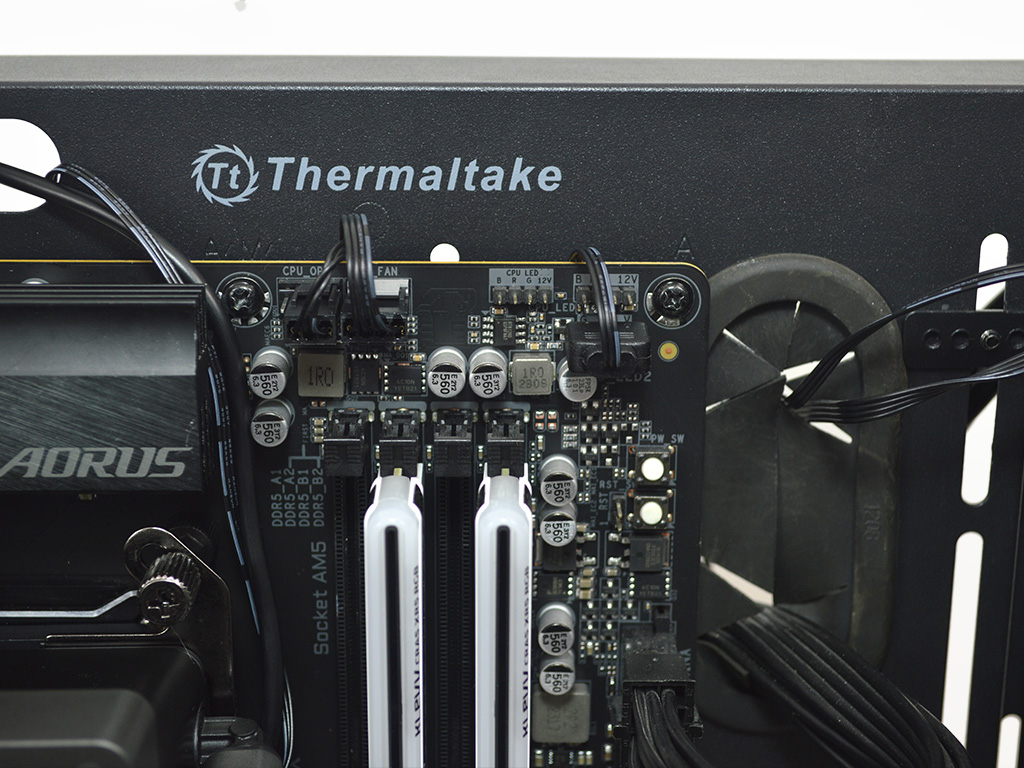
All that is left now is to attach the display to the pump and then install the radiator and fans. Once everything is in place plug everything in, making sure to connect the USB header to the motherboard for display control, which does require some lightweight software. Thankfully the software is incredibly simple and easy to work with.
Overall, installation is very easy on AMD and Intel, with no real complications.
Nov 19th, 2026 01:21 PST
change timezone
Latest GPU Drivers
New Forum Posts
- Without Jensen, PC gaming will be (48)
- Time to upgrade CPU and MOBO (43)
- 3DMARK "LEGENDARY" (475)
- [Poll] 12V-2x6 Connector Protection: What Are You Using? (WireView / Ampinel / Equalizer / Other / Nothing) (43)
- Windows HDR on = Tinted colors (5)
- WarpCoreBench scores! (68)
- Honestly, do you care about GTA VI? (155)
- Very unusual two gaming-pc scenarios. (13)
- TPU's Nostalgic Hardware Club (22168)
- Dual B70 or Dual R9700 Pro on Linux (7)
Popular Reviews
- Acemagic Retro X3 Review
- Ugreen NASync DXP4800 GT Review
- Upcoming Hardware Launches 2027 (Updated Nov 2026)
- AMD Zen 6 Technical Deep Dive
- Pulsar Office Tour & First Look at P1 Dual-Sensor Mouse
- Biwin Black Opal NV7400 2 TB Review
- Sapphire Radeon RX 7700 XT Pure Review
- Sapphire Radeon RX 7700 XT Pulse Review
- Chieftec Iceberg PRO 360 DARK Review
- AMD Ryzen 7 9800X3D Review - The Best Gaming Processor
TPU on YouTube
Controversial News Posts
- NVIDIA Co-Founder and CEO Jensen Huang Officially Resigns (483)
- Report: Jensen Huang Eyes NVIDIA Comeback (196)
- Open Letter Asking NVIDIA to Reinstate Jensen Huang Passes 115,000 Signatures (184)
- OpenAI CEO Argues Home PCs Waste the World's Limited DRAM Supply (152)
- NVIDIA Launches Investigation Into Jensen Huang's Relationship With Suspected Chinese Spy (136)
- Intel "Raptor Lake Next" 16-Core and 20-Core CPUs Surface (130)
- Legendary Game Studio BioWare Shuts Down Following EA Layoffs (104)
- Dell CEO Says the Memory Shortage Will Get Worse in 2027 (95)