 9
CPS PCCooler K101 Mesh Review
A Closer Look - Inside »A Closer Look - Outside

Out of the box, the CPS PCCooler K101 Mesh name makes sense, as it is ventilated all around. The mesh holes are fine enough to act as a basic dust filter as well. The K101 Mesh feels surprisingly sturdy, and the rubber lined handle is comfortable to hold. As such, the chassis does manage to provide a very good shell for portability.


The front is all mesh and CPS PCCooler has folded the edges, so that mesh pattern covers 100% of the area. At the bottom, you will find a USB-C port alongside two USB-A variants. These are orange to fit the company color, which is pretty nifty. To the right a round power button with built-in LED rounds up the I/O section of the K101 Mesh.


Looking at the rear, the K101 Mesh sports a sandwich style layout, which is pretty common for SFF cases of this shape. The power plug in the top left corner means that the PSU is located in the front of the chassis, which again is a pretty common layout for these enclosures. The K101 Mesh can hold GPUs of up to three slots, making it a great candidate for those wanting to build an ultra-compact gaming rig.
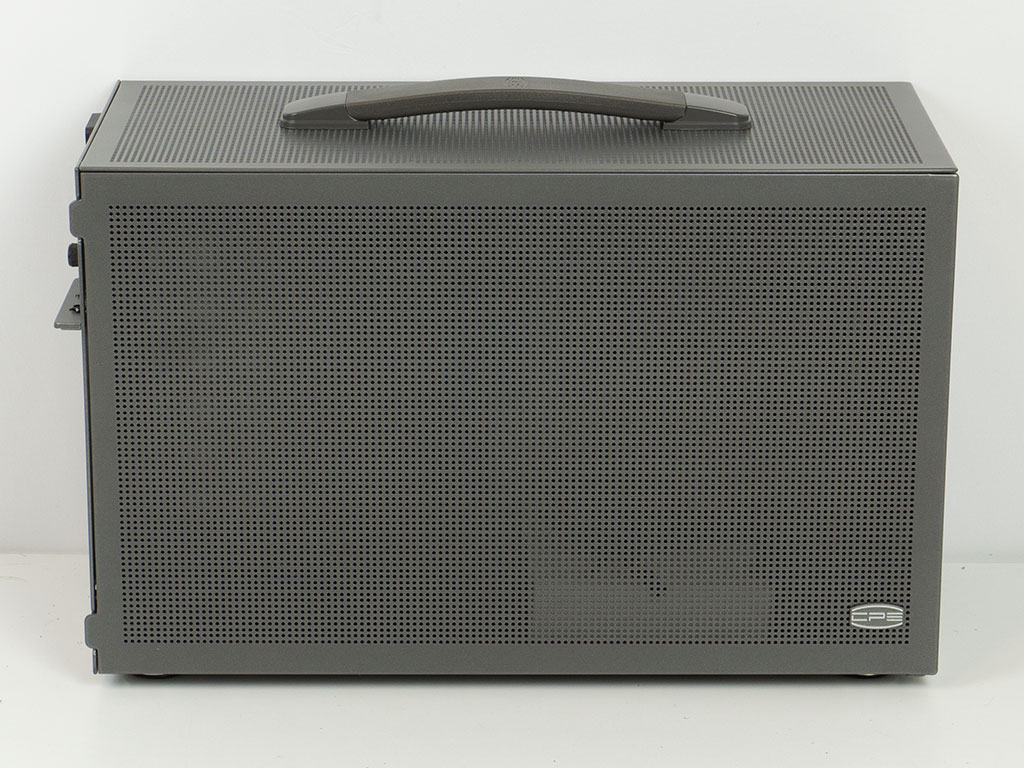

Both side panels are vented but do come with a solid frame at the edges, unlike the front. These come with pull tabs and push pins, which makes accessing the interior nice and easy. There is also some subtle branding on the side in the form of a glued on emblem.
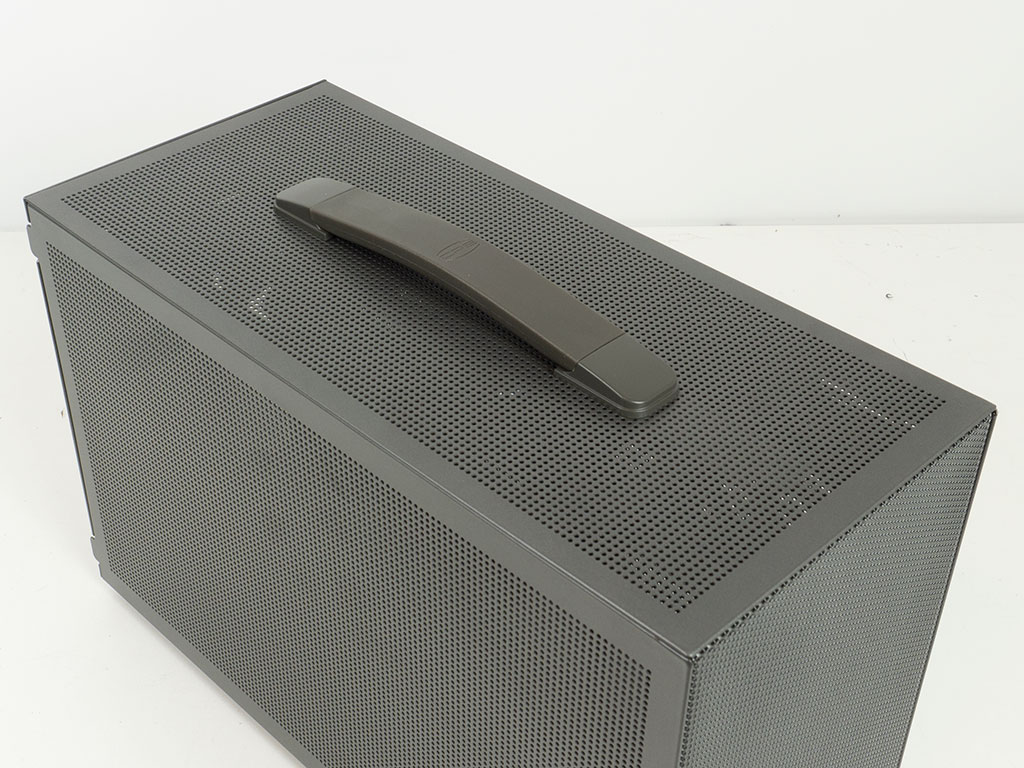

In the top, the handle is gray as well with another very low-key branding at the center. Much like the sides, the top cover is vented with a solid frame at the edges. On the underside of the CPS PCCooler K101 Mesh you will find a simple metal mesh filter protecting the intake area. The chassis ships with one fan in the floor, but there are holes on the other half to accommodate one more. Alternatively, that section may also be used for a 2.5" drive instead.
Nov 18th, 2026 13:20 CST
change timezone
Latest GPU Drivers
New Forum Posts
- All Final Fantasy Discussion Thread (123)
- Very unusual two gaming-pc scenarios. (6)
- [Poll] 12V-2x6 Connector Protection: What Are You Using? (WireView / Ampinel / Equalizer / Other / Nothing) (38)
- Honestly, do you care about GTA VI? (142)
- Wireless Internet sharing between PC and router both-ways, is it possible? (18)
- WarpCoreBench scores! (64)
- ProArt X870E-CREATOR WIFI - Bifurcation~Complication (15)
- My Final Barrier to Exclusively Using Linux has Fallen (Azure Virtual Desktops) (9)
- Ghetto Mods (4883)
- [Intel AX1xx/AX2xx/AX4xx/AX16xx/BE2xx/BE17xx] Intel Modded Wi-Fi Driver with Intel® Killer™ Features (633)
Popular Reviews
- Acemagic Retro X3 Review
- Upcoming Hardware Launches 2027 (Updated Nov 2026)
- AMD Zen 6 Technical Deep Dive
- ASUS ROG Strix B850-I Gaming Wi-Fi7 W Review
- Corsair HX1000i Shift Crystal Review
- Biwin Black Opal NV7400 2 TB Review
- Chieftec Iceberg PRO 360 DARK Review
- AMD Ryzen 7 9800X3D Review - The Best Gaming Processor
- Phantom Blade Zero Performance Benchmark Review - 35 GPUs Tested
- Montech King 95 3D PRO Review
TPU on YouTube
Controversial News Posts
- NVIDIA Co-Founder and CEO Jensen Huang Officially Resigns (477)
- Report: Jensen Huang Eyes NVIDIA Comeback (186)
- Open Letter Asking NVIDIA to Reinstate Jensen Huang Passes 115,000 Signatures (184)
- OpenAI CEO Argues Home PCs Waste the World's Limited DRAM Supply (152)
- NVIDIA Launches Investigation Into Jensen Huang's Relationship With Suspected Chinese Spy (136)
- Intel "Raptor Lake Next" 16-Core and 20-Core CPUs Surface (130)
- Legendary Game Studio BioWare Shuts Down Following EA Layoffs (104)
- Dell CEO Says the Memory Shortage Will Get Worse in 2027 (95)