 16
CPS PCCOOLER RT720 TC Review
A Closer Look »Packaging
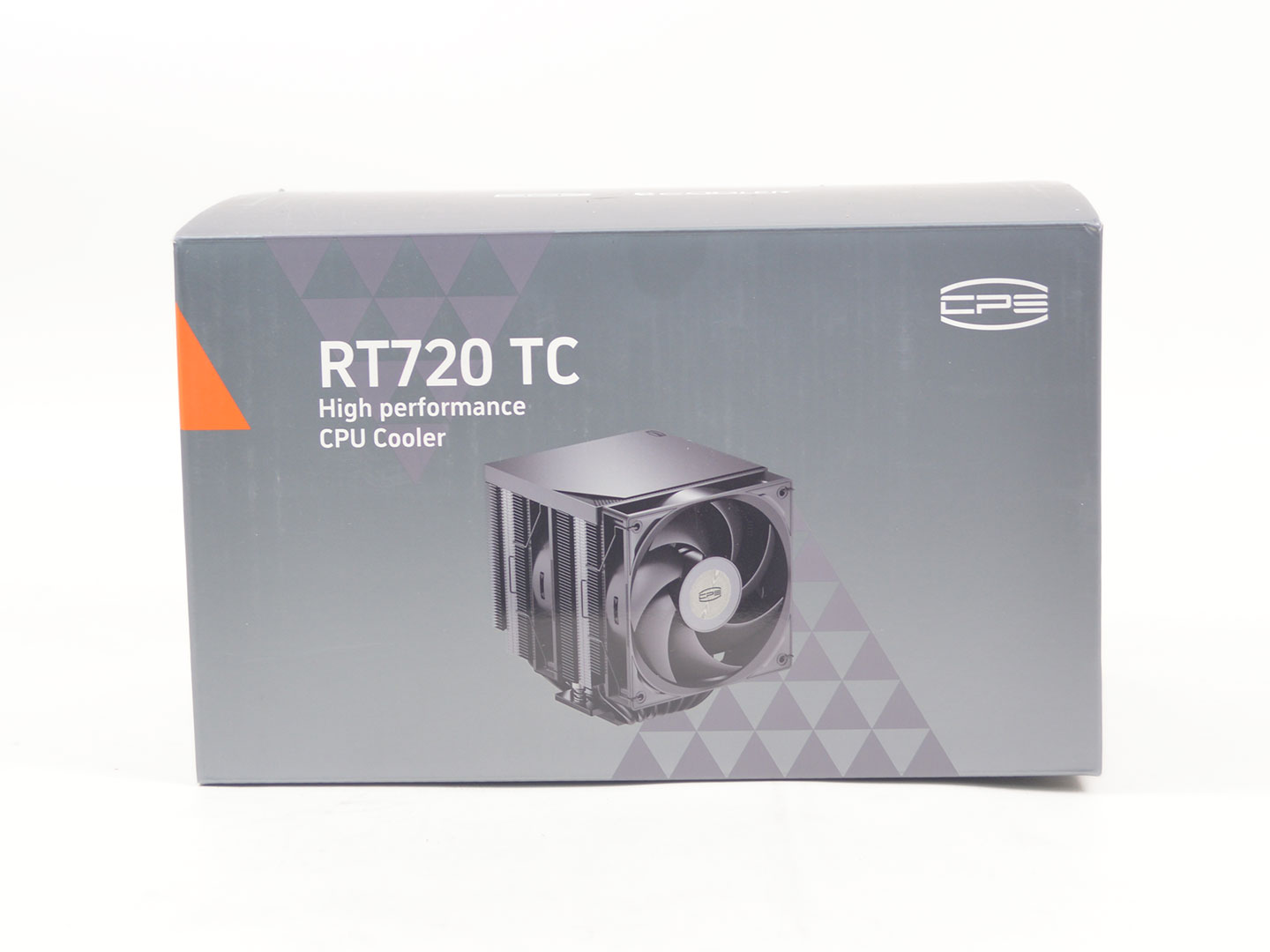
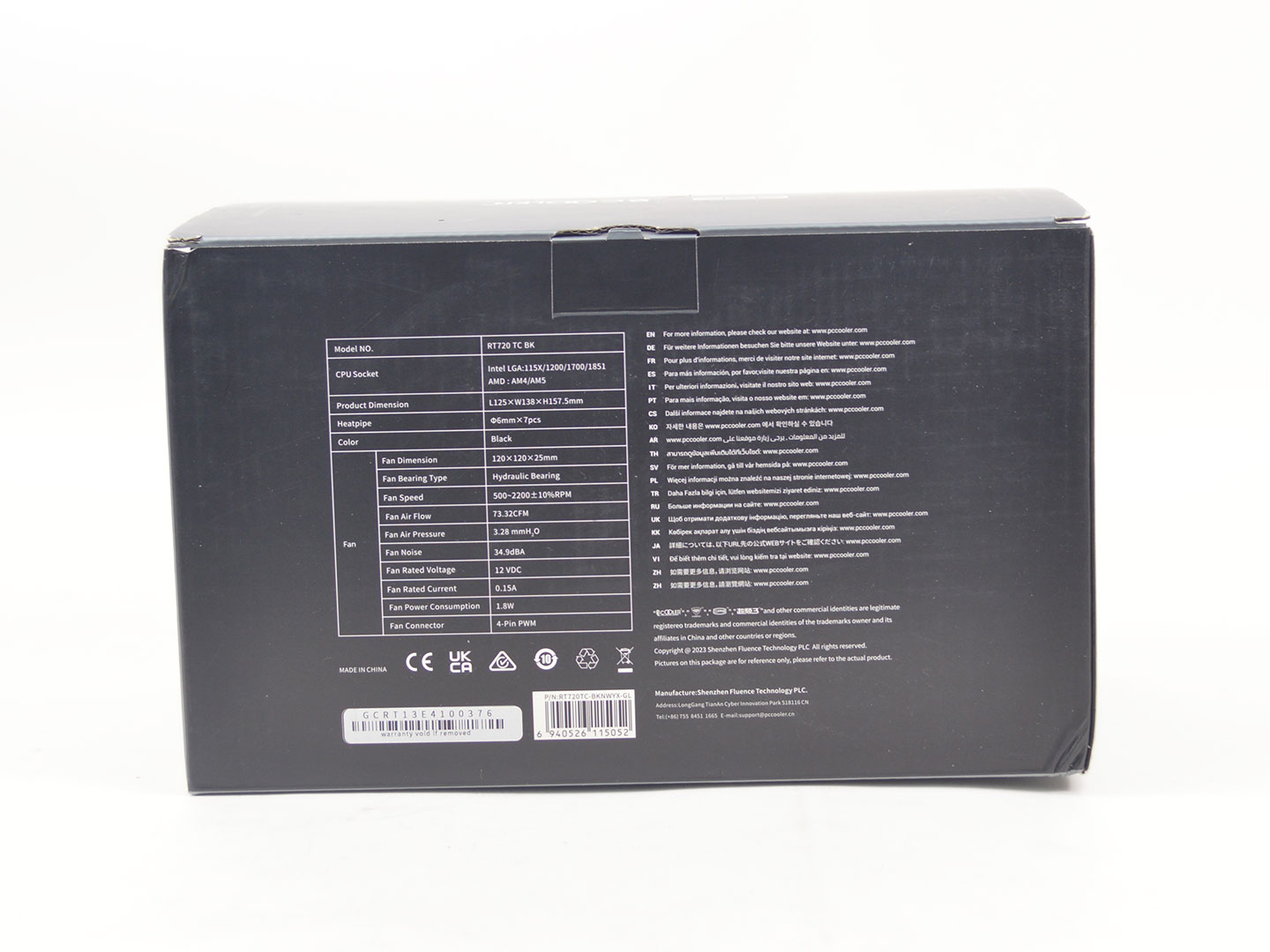
The packaging leans heavily on shades of gray, which makes the full-color image on the front less eye-catching than it could be. However, the image does a good job of displaying the cooler. Aside from that, there's not much info available. On the left side, the gray theme persists with only the RT720 TC cooler name visible. It's not until you flip to the back that you find some useful details. Here, a well-detailed specifications table provides all the necessary information, including supported CPU sockets.
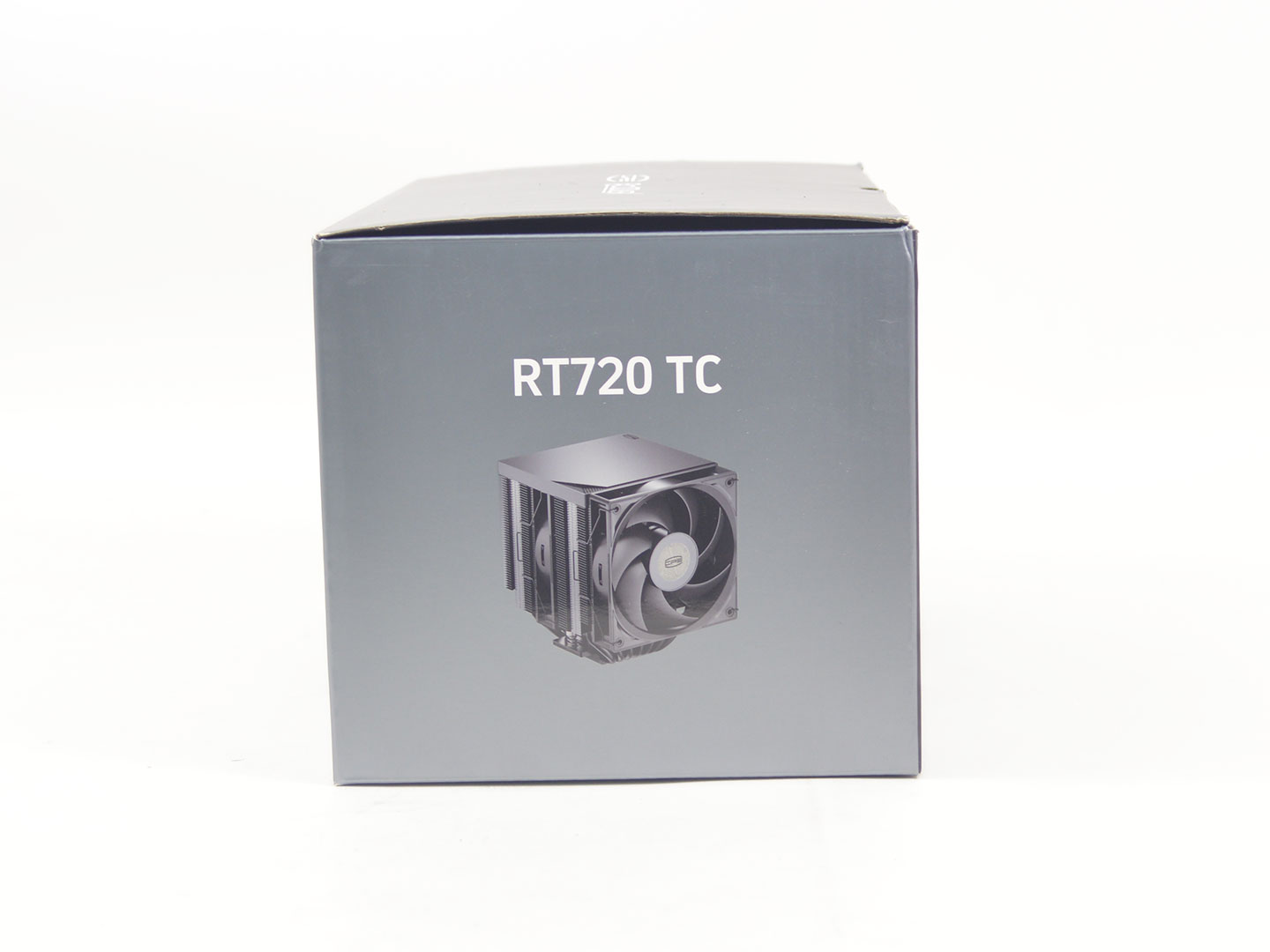
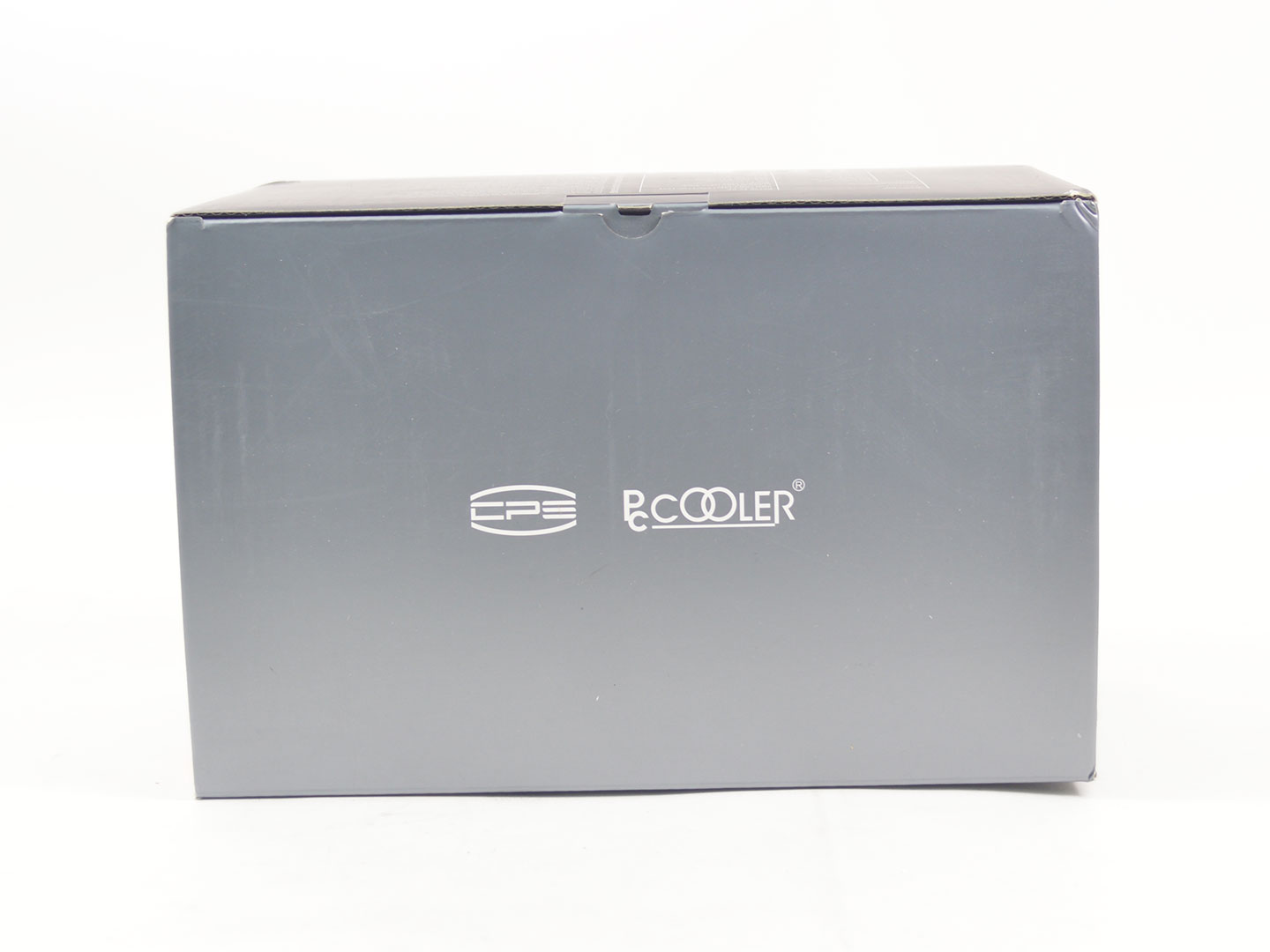
The right side of the box shows off the RT720 TC again but this time it is a bit easier to see as the gray backdrop has no other design elements to interfere with the image of the cooler. Finally, the top of the box just has the CPS and PCCOOLER logos.
Contents
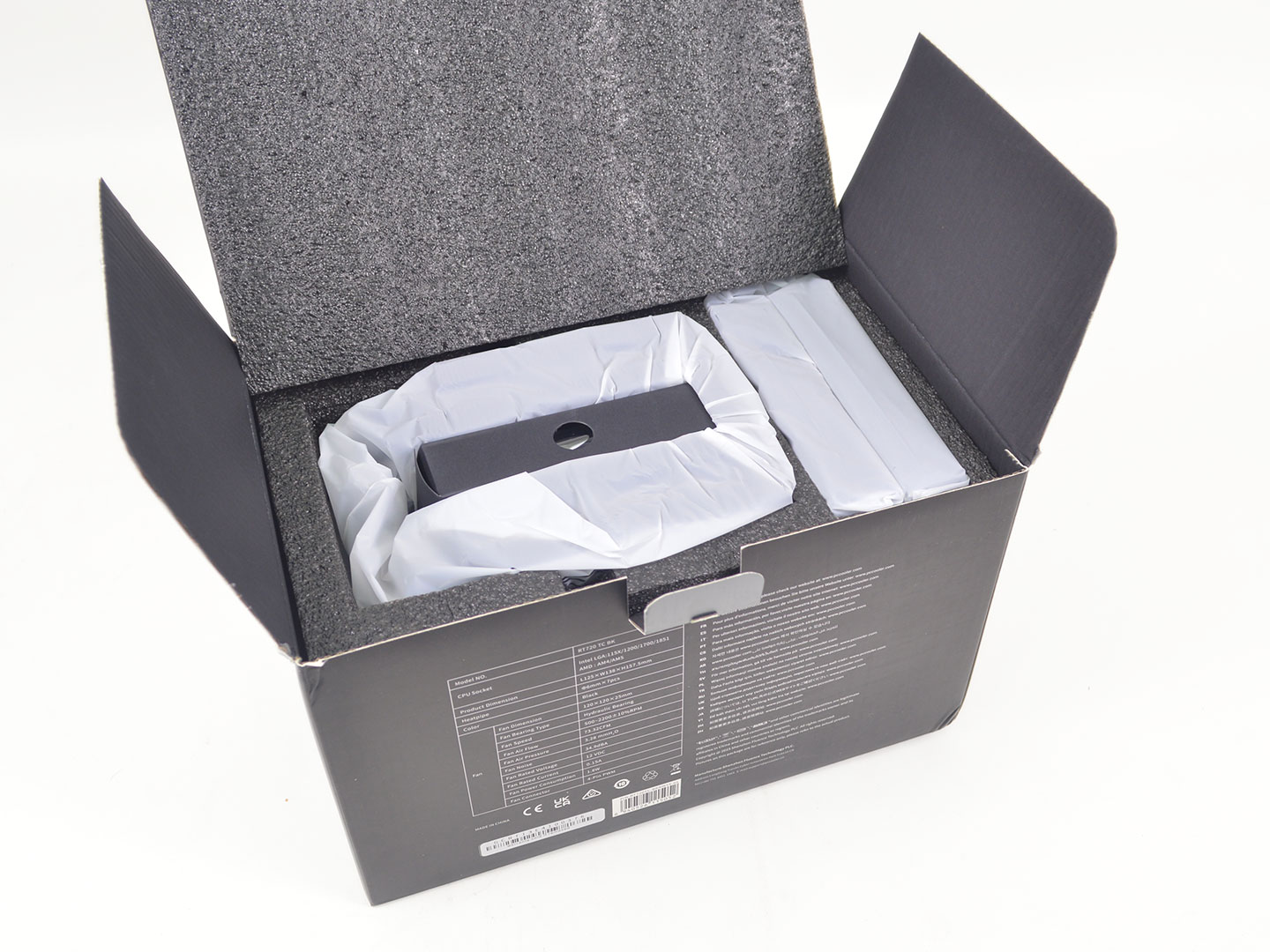
Upon closer inspection, you will find all the mounting hardware in a separate box in the middle, while the heatsink and fans are encased in foam. Overall the packaging is quite good from a product protection standpoint and I have no real issues to speak of here.
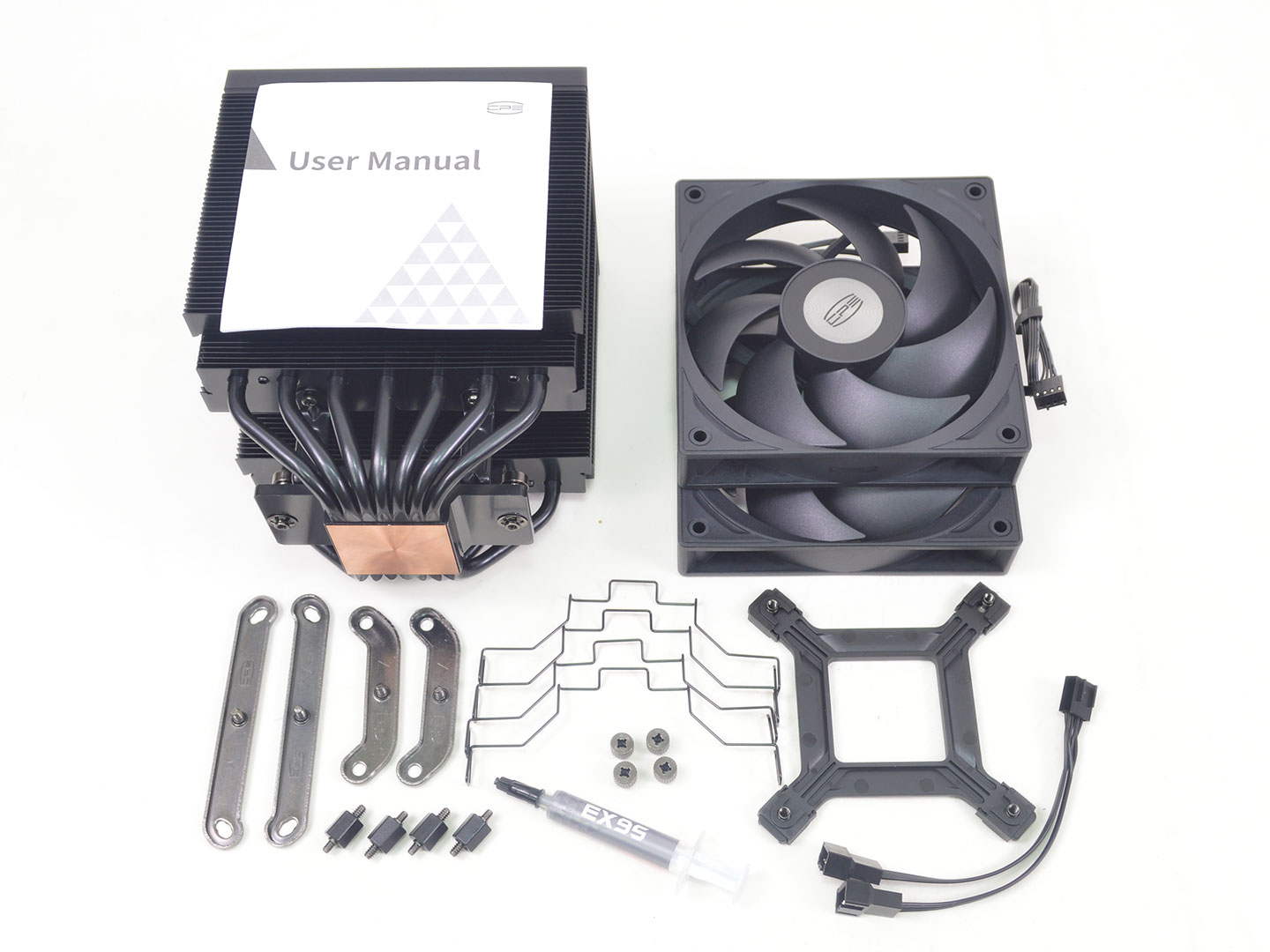
The mounting hardware has everything you need. Beyond that, the mounting hardware itself is incredibly simple and should prove easy to work with, supporting all of today's modern mainstream sockets. In terms of HEDT systems, none are supported. I am also happy to see a simple easy to follow manual is included.
Common parts supplied for mounting include:
- 4× Thumb screws
- 4× Universal spacers
- 4× Fan clips
- 2× AMD mounting arms
- 2× Intel mounting arms
- 2× 120 mm fans
- 1× Fan Y-cable
- 1× Intel backplate
- 1× Tube of thermal paste
- 1× Manual
Nov 20th, 2026 13:01 PST
change timezone
Latest GPU Drivers
New Forum Posts
- Anthrophics IPO (25)
- GeekMagic Ultra Smart WiFi Weather Station (8)
- Very unusual two gaming-pc scenarios. (35)
- Honestly, do you care about GTA VI? (201)
- Can i play GTA 6 now? (Joke) (14)
- How to prevent OLED burn damage due to PC freezes or power outtages? (47)
- Zen 3 IF/IMC degradation (239)
- The Final Upgrade for Legacy AiO's (10)
- Last game you purchased? (1410)
- TechPowerUp Screenshot Thread (MASSIVE 56K WARNING) (4387)
Popular Reviews
- AMD Zen 6 Technical Deep Dive
- Ugreen NASync DXP4800 GT Review
- Microsoft Surface Laptop Ultra Review - The Next-gen Arm Laptop
- Corsair RM1200e (Second Generation) Review
- Acemagic Retro X3 Review
- Upcoming Hardware Launches 2027 (Updated Nov 2026)
- Pulsar Office Tour & First Look at P1 Dual-Sensor Mouse
- Biwin Black Opal NV7400 2 TB Review
- AMD Ryzen 7 9800X3D Memory Performance Scaling
- AMD Ryzen 7 9800X3D Review - The Best Gaming Processor
TPU on YouTube
Controversial News Posts
- NVIDIA Co-Founder and CEO Jensen Huang Officially Resigns (490)
- Report: Jensen Huang Eyes NVIDIA Comeback (254)
- Open Letter Asking NVIDIA to Reinstate Jensen Huang Passes 115,000 Signatures (184)
- OpenAI CEO Argues Home PCs Waste the World's Limited DRAM Supply (152)
- NVIDIA Launches Investigation Into Jensen Huang's Relationship With Suspected Chinese Spy (136)
- Intel "Raptor Lake Next" 16-Core and 20-Core CPUs Surface (130)
- Legendary Game Studio BioWare Shuts Down Following EA Layoffs (104)
- Dell CEO Says the Memory Shortage Will Get Worse in 2027 (95)