 17
Creative Pebble Nova Review
Software »Closer Examination and Build Quality

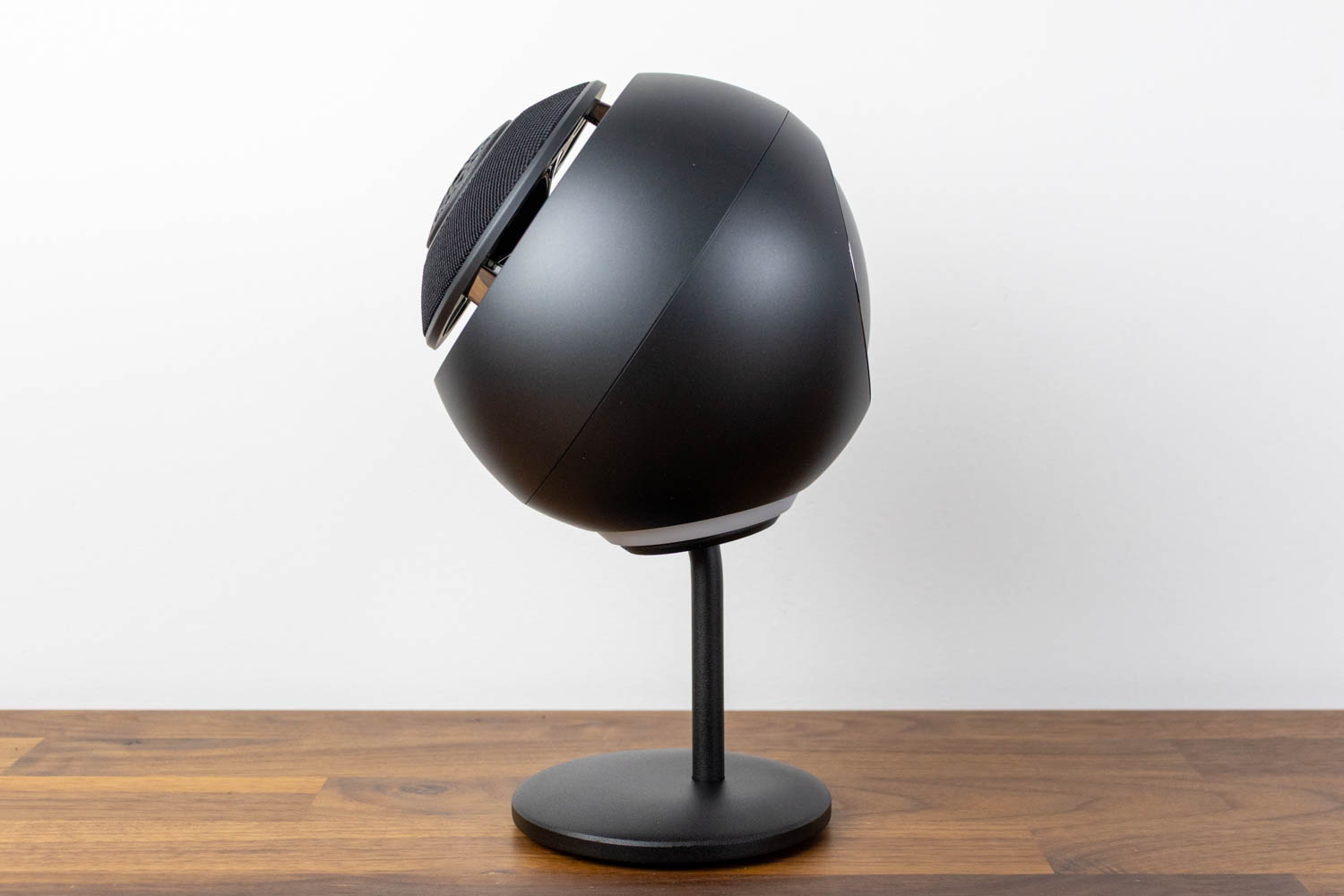


The Creative Pebble Nova retains the spherical Pebble silhouette but is noticeably larger than any of its predecessors. Each speaker measures 149.2 × 150.8 × 153 mm and weighs 1.89 kg – nearly twice the heft of the Pebble X Plus speakers. The front face is cut at the trademark 45 ° angle, where you'll find the coaxial driver arrangement: a 3-inch woofer with a 1-inch tweeter mounted concentrically in front of it. This is the biggest change compared to the rest of the Pebble lineup, which uses single full-range drivers. The idea behind a coaxial layout is that both drivers share the same acoustic axis, which should improve coherence across the frequency spectrum – at least in theory. A fine mesh covers the front of each speaker, with a more open grille over the tweeter. The bronze-colored drivers are clearly visible and serve as a nice visual accent. On the back of each speaker, there's a passive radiator that assists with low-frequency reproduction – the Nova's only means of bass reinforcement, given the absence of a subwoofer. The speakers are available in black and white. Both colorways feature the same bronze-colored driver accents.
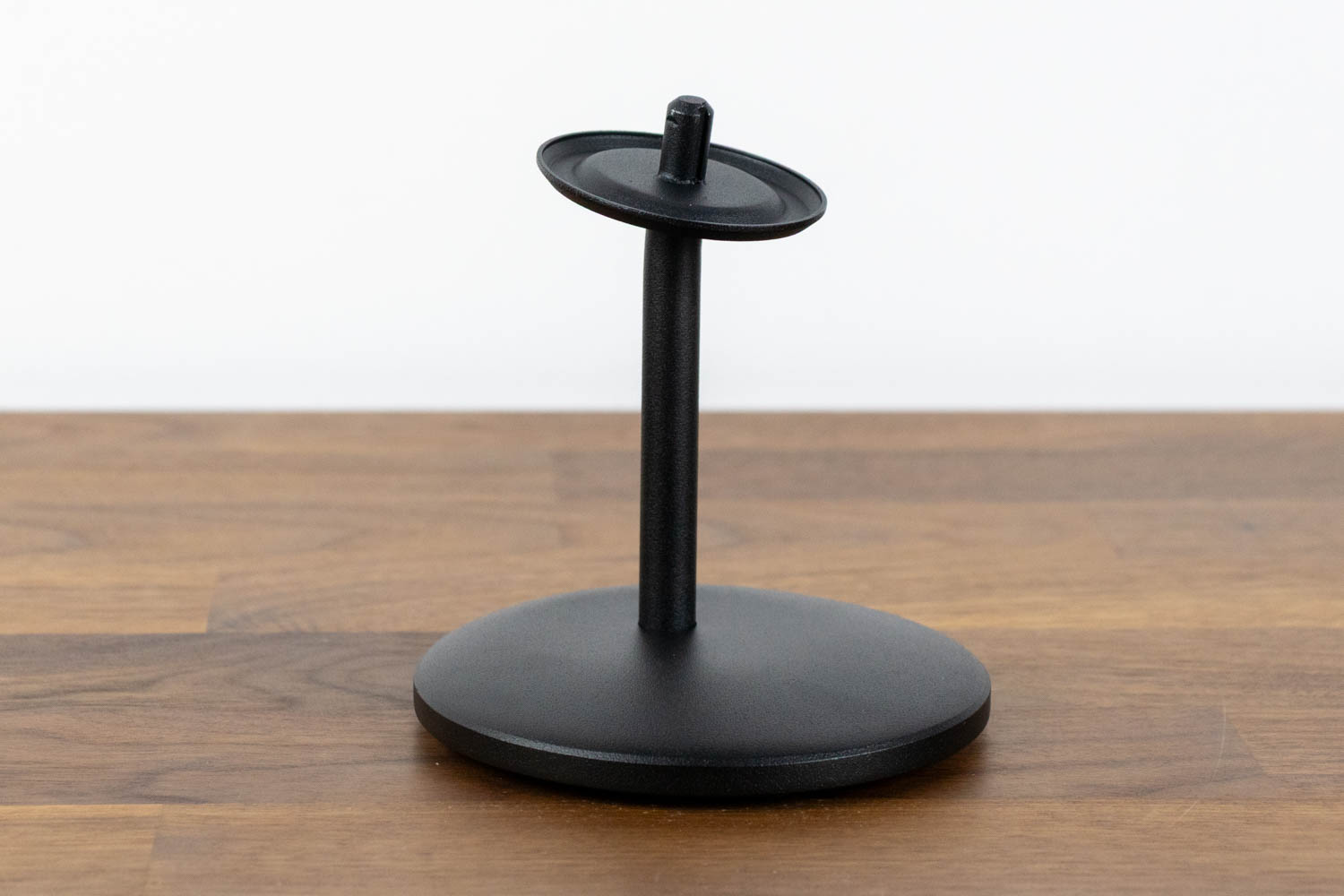
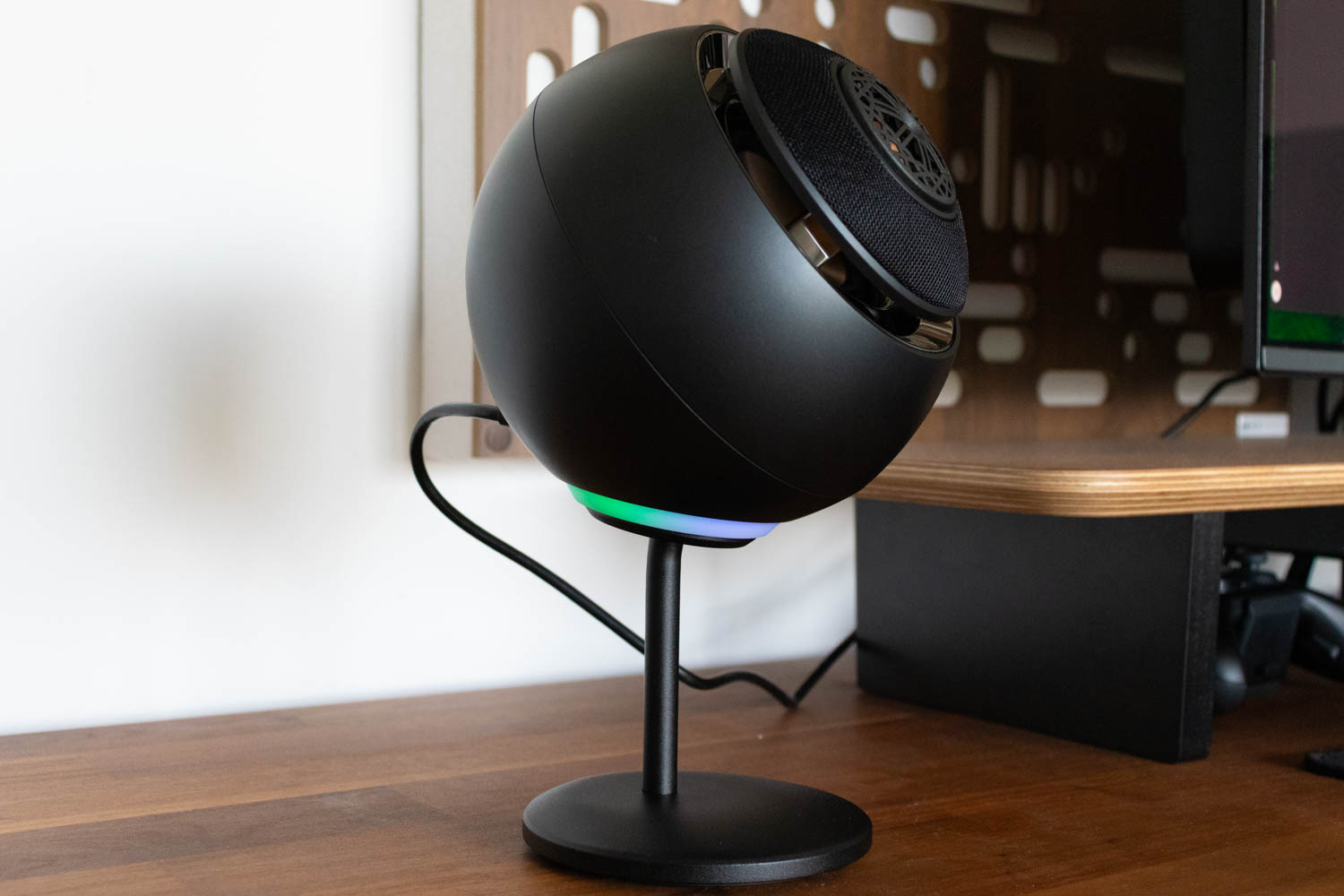
Creative includes a pair of metal stands, consisting of a solid baseplate and an extension pole. The stands are impressively heavy and sturdy – this is genuinely premium hardware and one of the highlights of the entire package. They elevate the speakers roughly 10 centimeters (about 4 inches) off the desk, adding a bit more upward angle. Assembly is straightforward: you screw the pole into the base and attach the speaker. You can also skip the extension pole and mount the speakers directly onto the base plate for a lower profile.
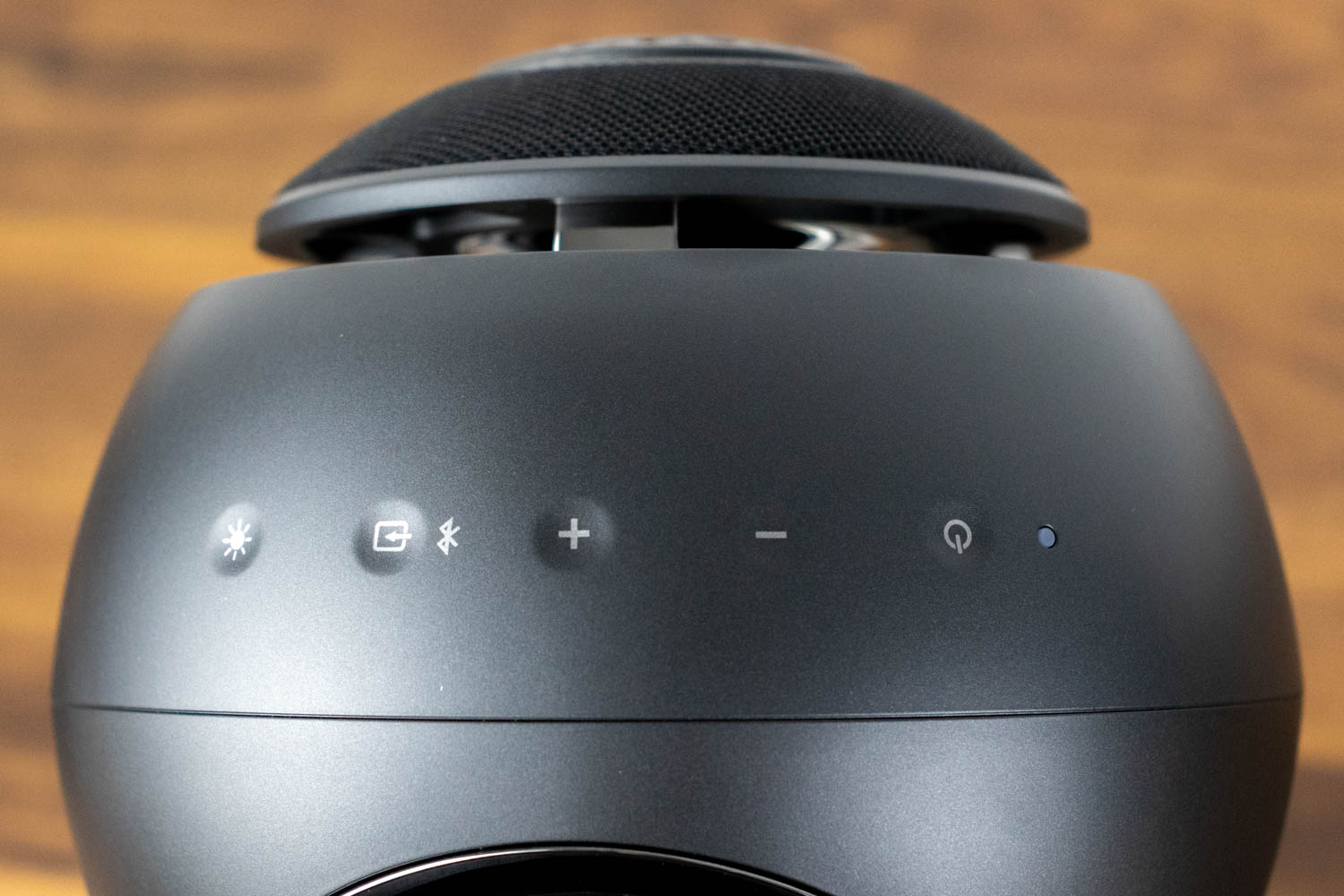
The controls are located on top of the right speaker and are entirely touch-sensitive. There are buttons for power, volume (up and down), input source, and RGB lighting. A small LED indicator sits among them, showing the active input mode: green for AUX, blue for Bluetooth, and purple for USB. Yellow indicates standby. While the touch-sensitive approach looks clean, it's a step backward in terms of usability. You can't feel the buttons at all, so there's no way to distinguish between them by touch alone. Worse, because they're on top of the speaker, you have to physically look at them every time you want to change the volume or switch inputs. The physical volume knob on the Pebble X Plus was more practical.


The Pebble Nova features an RGB lighting ring at the bottom of each speaker, positioned between the speaker body and the stand. It supports up to 16.8 million colors and eight lighting effects: Aurora, Chasers, Cycle, Glowing, Morph, Peak Meter, Static, and Wave. The rings give the speakers more of a subtle under glow than a deliberate light show. Whether that's a positive or a negative depends on your taste; I'd say it fits the Nova's premium, understated aesthetic. The effects can be configured through the Creative App or cycled through using the lighting button on top of the right speaker.
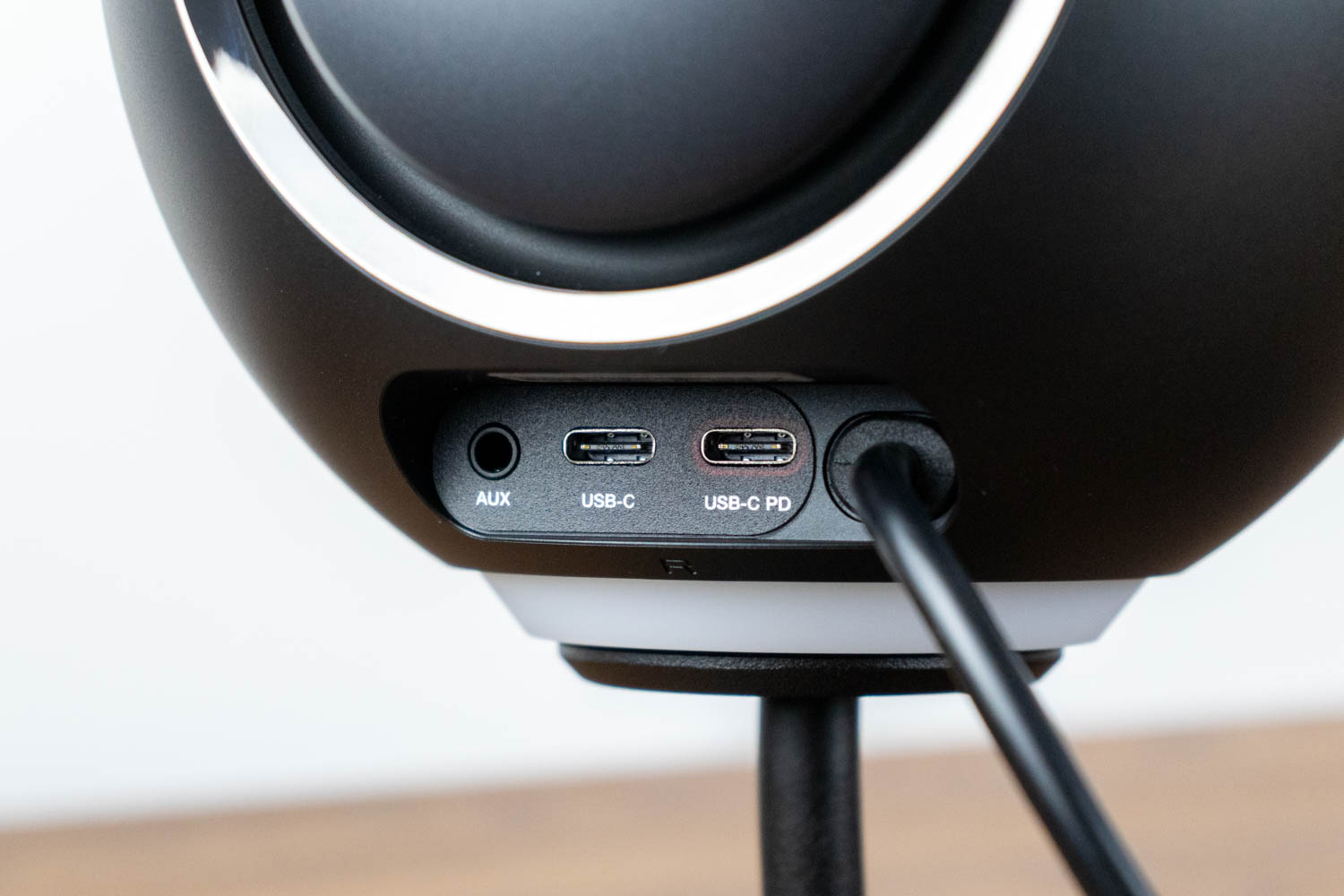
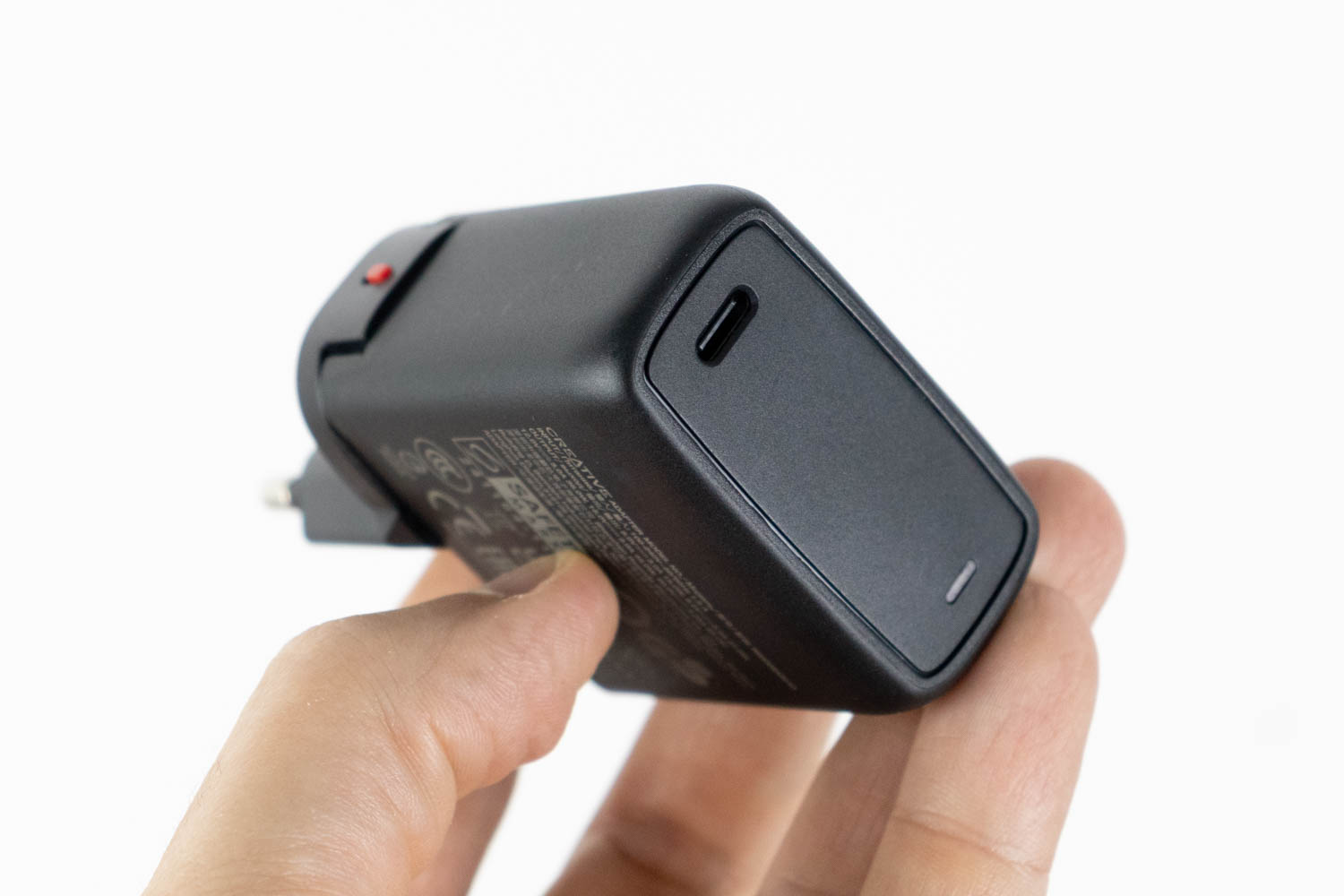
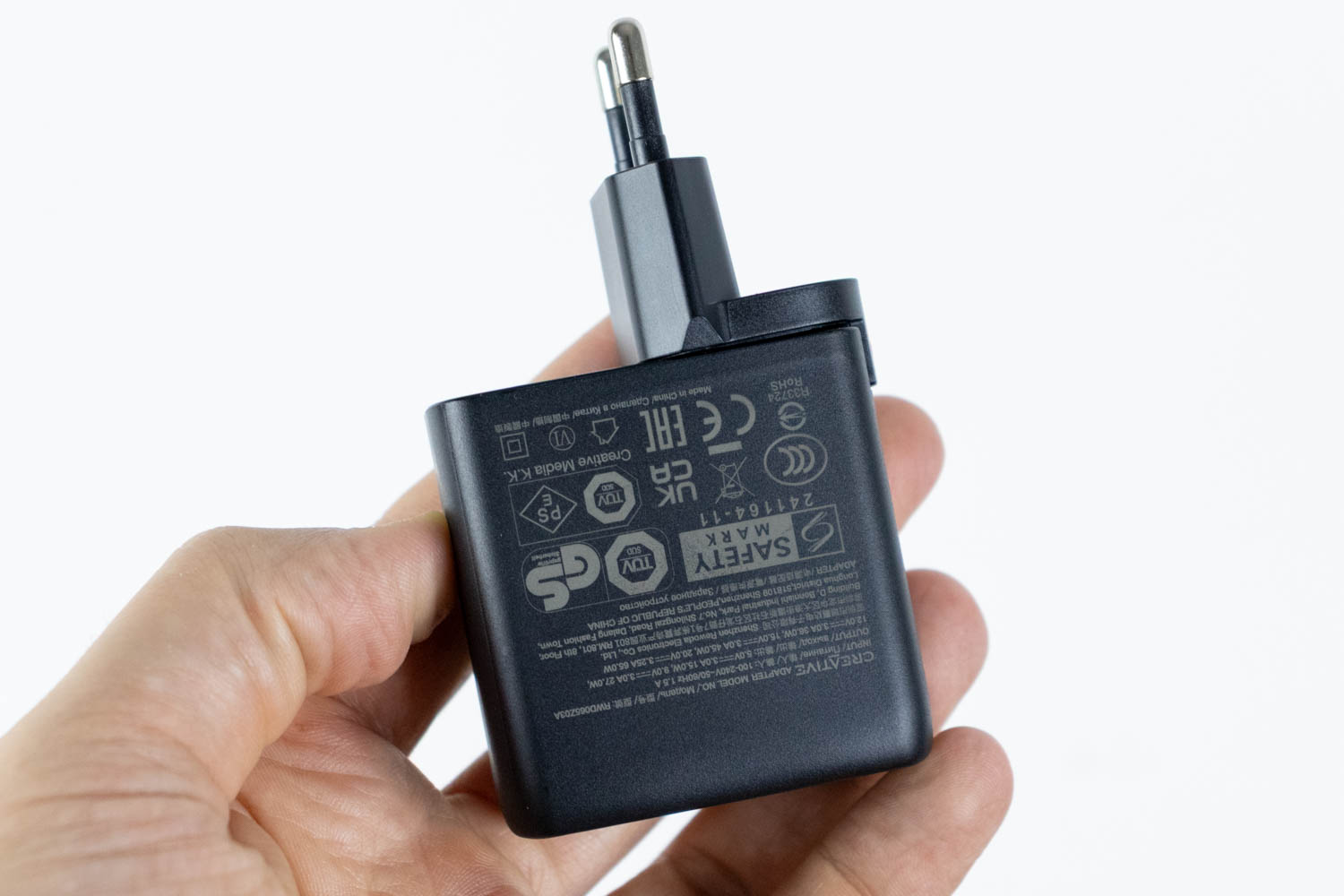
The rear of the right speaker houses three ports: a 3.5-mm AUX input, a USB-C audio input, and a USB-C PD power input (highlighted in red). Unlike the Pebble X Plus, the USB-C PD port here isn't optional – the Pebble Nova cannot be powered through the USB-C audio connection alone. The 65 W USB-C PD adapter is the sole power source, and without it the speakers simply won't turn on.
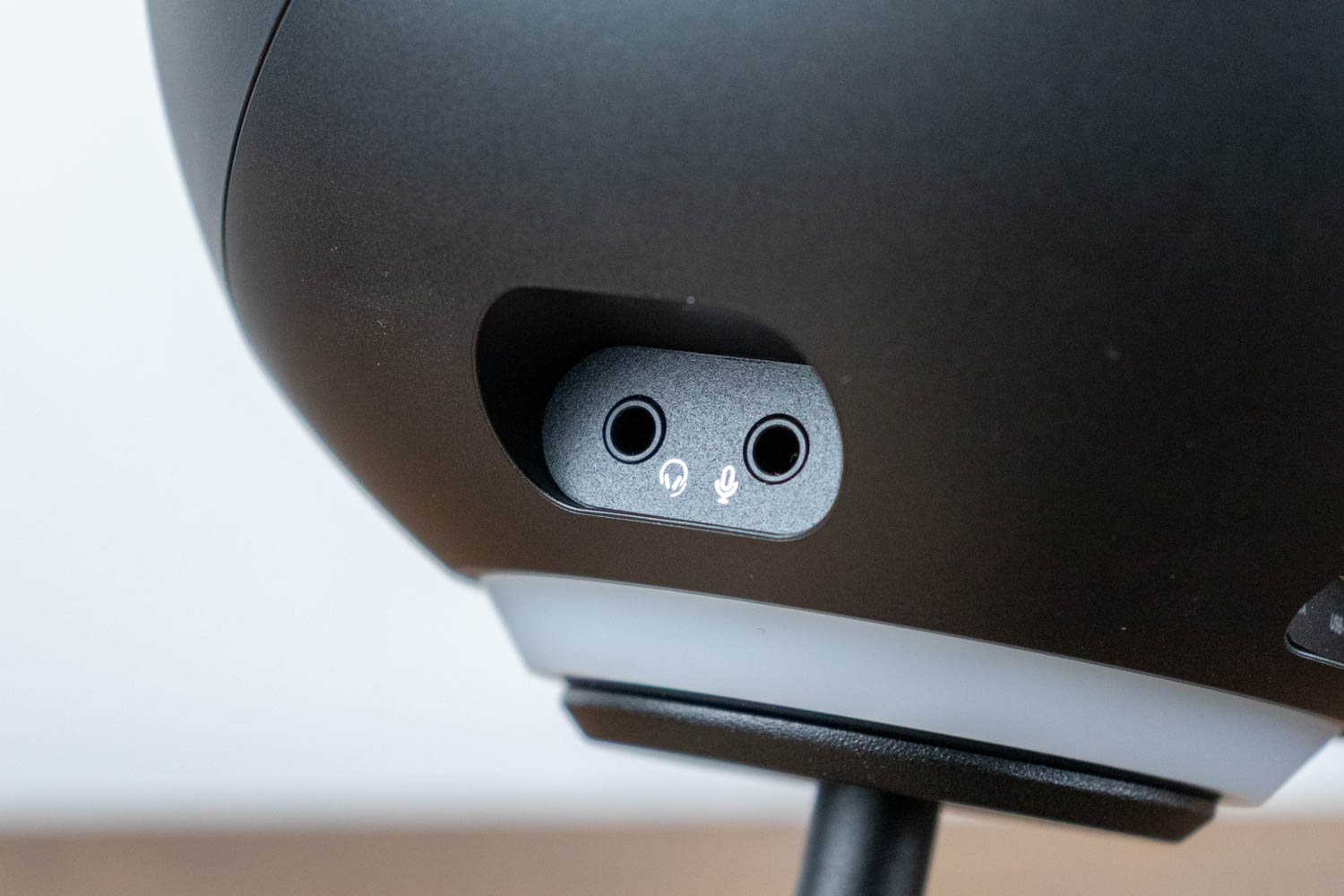
On the right side of the right speaker, behind a rubber cover, you'll find a 3.5-mm headphone output and a 3.5-mm microphone input.

Cable management is somewhat demanding. Three cables protrude from the right speaker: a USB-C cable going to the left speaker, a USB-C cable going to the PD power adapter, and a USB-C cable going to your computer. The cable connecting the two speakers is hardwired to the left speaker and terminates with a USB-C plug on the other end. It's a reasonably thick cable, but its length allows for approximately 1.8 meters (6 ft) of separation between the speakers. In my setup, this was just barely enough. If your monitors are wide or your speakers sit on the far edges of the desk, you might find it too short – and since the cable is permanently attached to the left speaker, replacing it with a longer one isn't an option.
Nov 20th, 2026 14:19 PST
change timezone
Latest GPU Drivers
New Forum Posts
- 1 - 5 person file storage server equivalent accasible from anywhere + general VM server. (0)
- WarpCoreBench scores! (81)
- How to prevent OLED burn damage due to PC freezes or power outtages? (48)
- Honestly, do you care about GTA VI? (208)
- When you could finally run Crysis maxed out? (63)
- GTA VI (20)
- Anthrophics IPO (25)
- GeekMagic Ultra Smart WiFi Weather Station (8)
- Very unusual two gaming-pc scenarios. (35)
- Can i play GTA 6 now? (Joke) (14)
Popular Reviews
- AMD Zen 6 Technical Deep Dive
- Ugreen NASync DXP4800 GT Review
- Microsoft Surface Laptop Ultra Review - The Next-gen Arm Laptop
- Corsair RM1200e (Second Generation) Review
- Acemagic Retro X3 Review
- Upcoming Hardware Launches 2027 (Updated Nov 2026)
- Pulsar Office Tour & First Look at P1 Dual-Sensor Mouse
- Biwin Black Opal NV7400 2 TB Review
- AMD Ryzen 7 9800X3D Memory Performance Scaling
- AMD Ryzen 7 9800X3D Review - The Best Gaming Processor
TPU on YouTube
Controversial News Posts
- NVIDIA Co-Founder and CEO Jensen Huang Officially Resigns (490)
- Report: Jensen Huang Eyes NVIDIA Comeback (255)
- Open Letter Asking NVIDIA to Reinstate Jensen Huang Passes 115,000 Signatures (184)
- OpenAI CEO Argues Home PCs Waste the World's Limited DRAM Supply (152)
- NVIDIA Launches Investigation Into Jensen Huang's Relationship With Suspected Chinese Spy (136)
- Intel "Raptor Lake Next" 16-Core and 20-Core CPUs Surface (130)
- Legendary Game Studio BioWare Shuts Down Following EA Layoffs (104)
- Dell CEO Says the Memory Shortage Will Get Worse in 2027 (95)