 16
Death Stranding 2 Performance Benchmark Review - 30+ GPUs Tested
Preset Performance & Image Quality »Graphics Settings
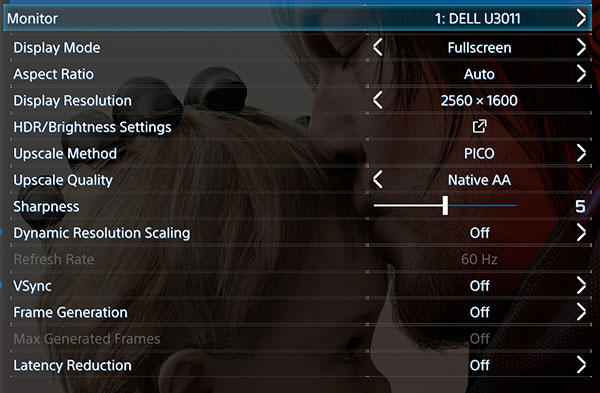
- There are two graphics settings screens, the first one deals with monitor and display-related settings.
- Display mode supports exclusive fullscreen, which is nice to see—many recent titles only offer borderless window. The options are "windowed," "fullscreen" (borderless), and "exclusive fullscreen."
- Upscale Method offers several options including DLSS, FSR, XeSS, and a unique "PICO" method. Upscale Quality can be set independently, with "Native AA" available for those who want native resolution with just antialiasing applied.
- Sharpness is adjustable on a slider from 0 to 10.
- Dynamic Resolution Scaling can be toggled on or off for automatic resolution adjustments based on performance targets (30, 45, 60 FPS).
- VSync can be toggled on or off. Frame Generation and Latency Reduction are separate toggles, with Max Generated Frames becoming available when Frame Generation is enabled. Frame generation supports DLSS, FSR, and XeSS.
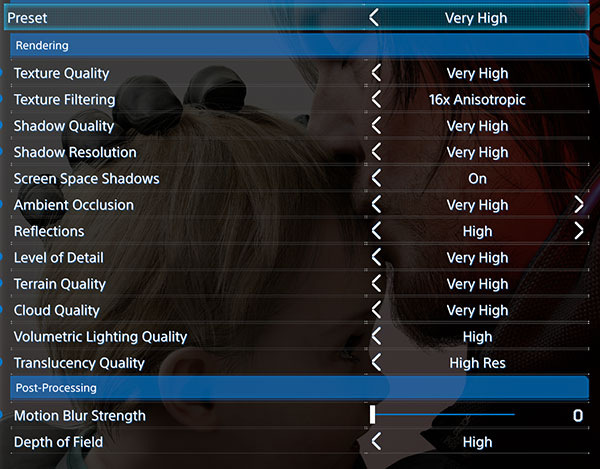
- The second settings screen covers rendering quality and post-processing options, with an overall Preset selector at the top. Available presets are "Portable," "Low," "Medium," "High," and "Very High." Even "Very High" does not enable ray tracing—RT reflections and RT ambient occlusion are separate toggles further down that must be enabled manually.
- The rendering section is comprehensive, with individual controls for Texture Quality, Texture Filtering (up to 16x Anisotropic), Shadow Quality, Shadow Resolution, Screen Space Shadows, Ambient Occlusion, Reflections, Level of Detail, Terrain Quality, Cloud Quality, Volumetric Lighting Quality, and Translucency Quality.
- Post-Processing settings include Motion Blur Strength, which is adjustable on a slider and can be set to 0 to disable it entirely, and Depth of Field quality.
- Please note that 16:10 and probably other exotic resolutions are not supported, so on my 2560×1600 screen, it runs in 16:9. There are black bars on top and bottom of the whole game—not just in cutscenes—which is very sad, considering it's 2026. 21:9 and 32:9 are supported though.
Test System
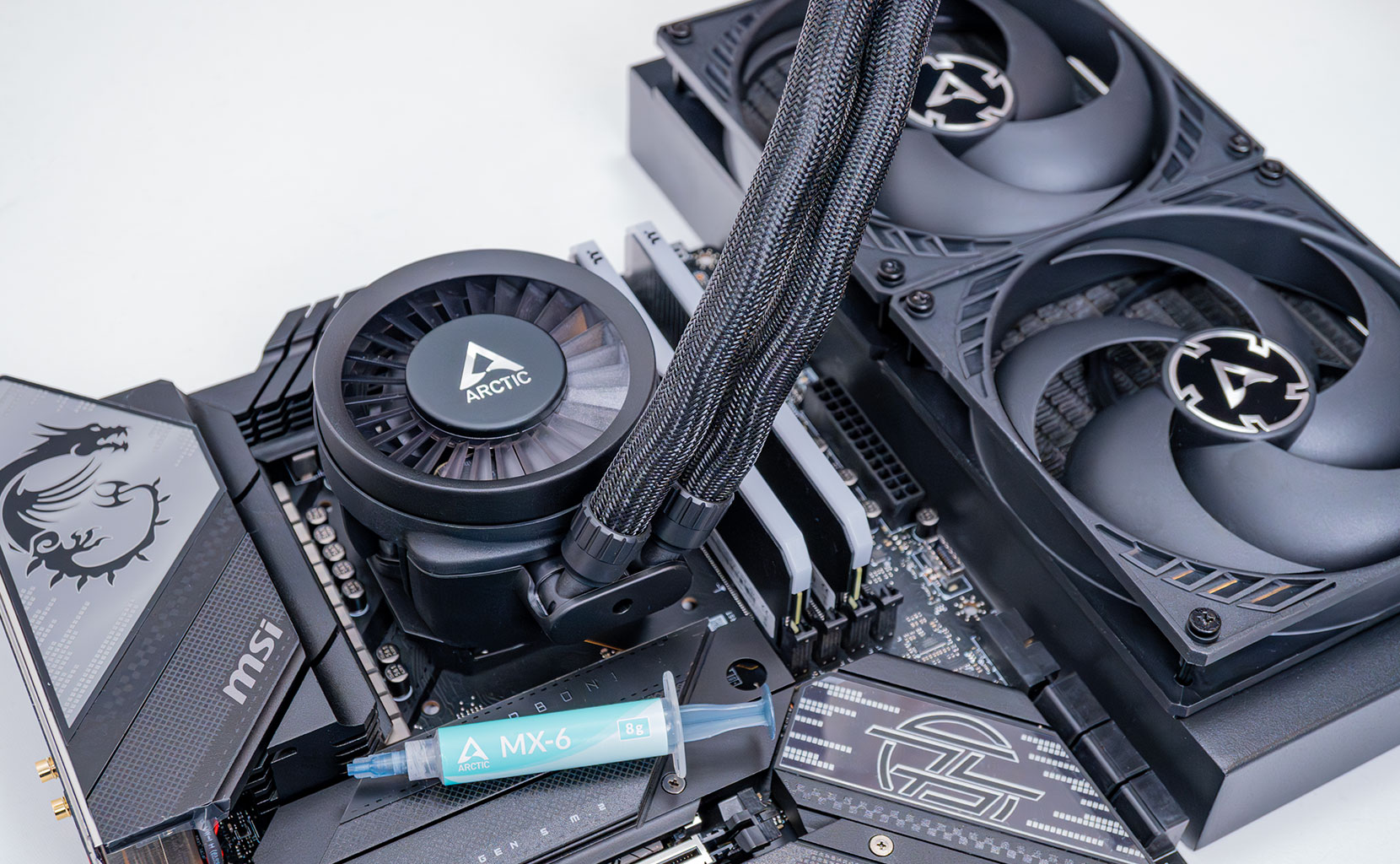
| Test System - GPU 2025.2 | |
|---|---|
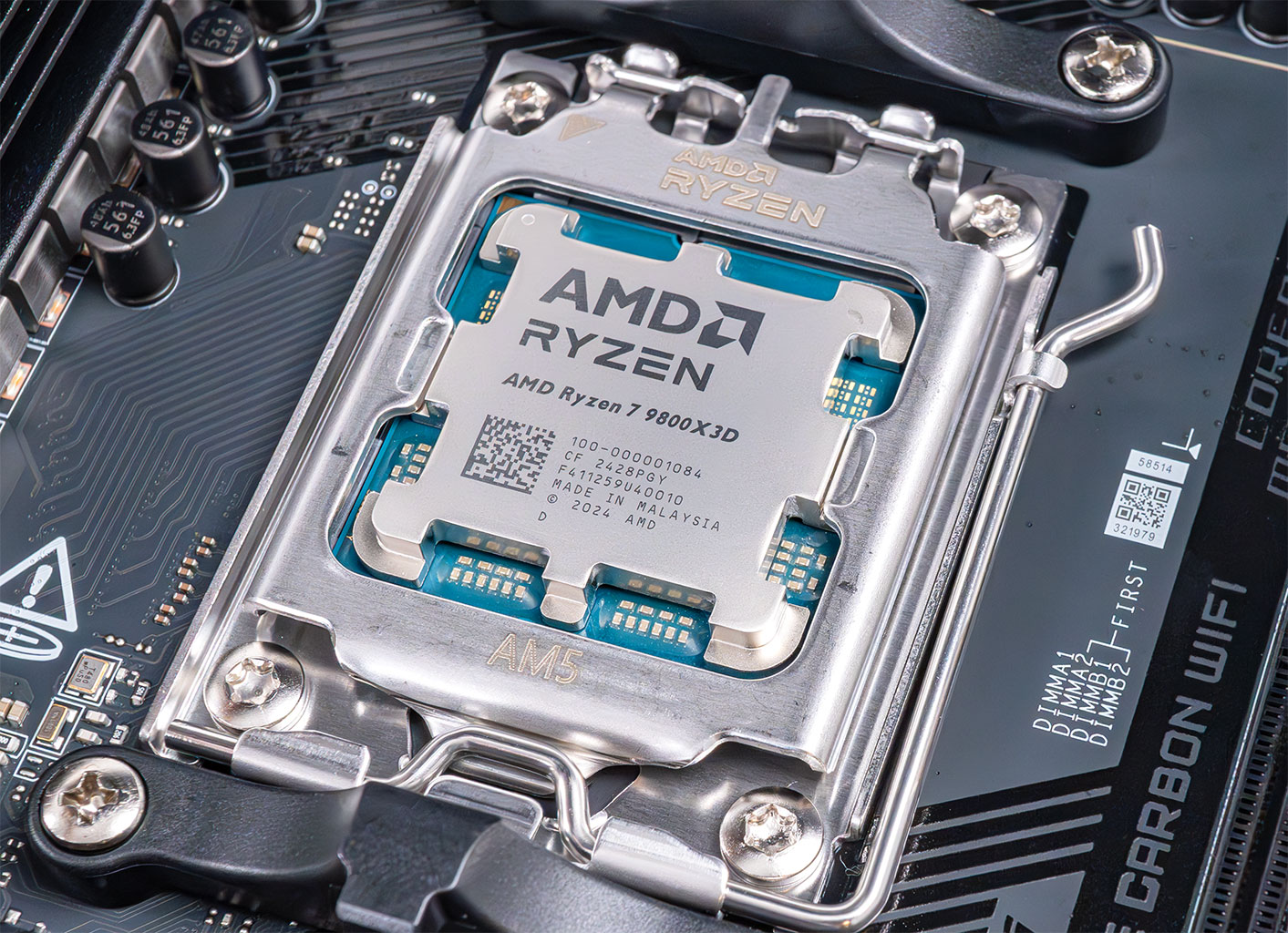
| Processor: | AMD Ryzen 7 9800X3D Zen 5, 5.2 GHz, 8 cores/16 threads |
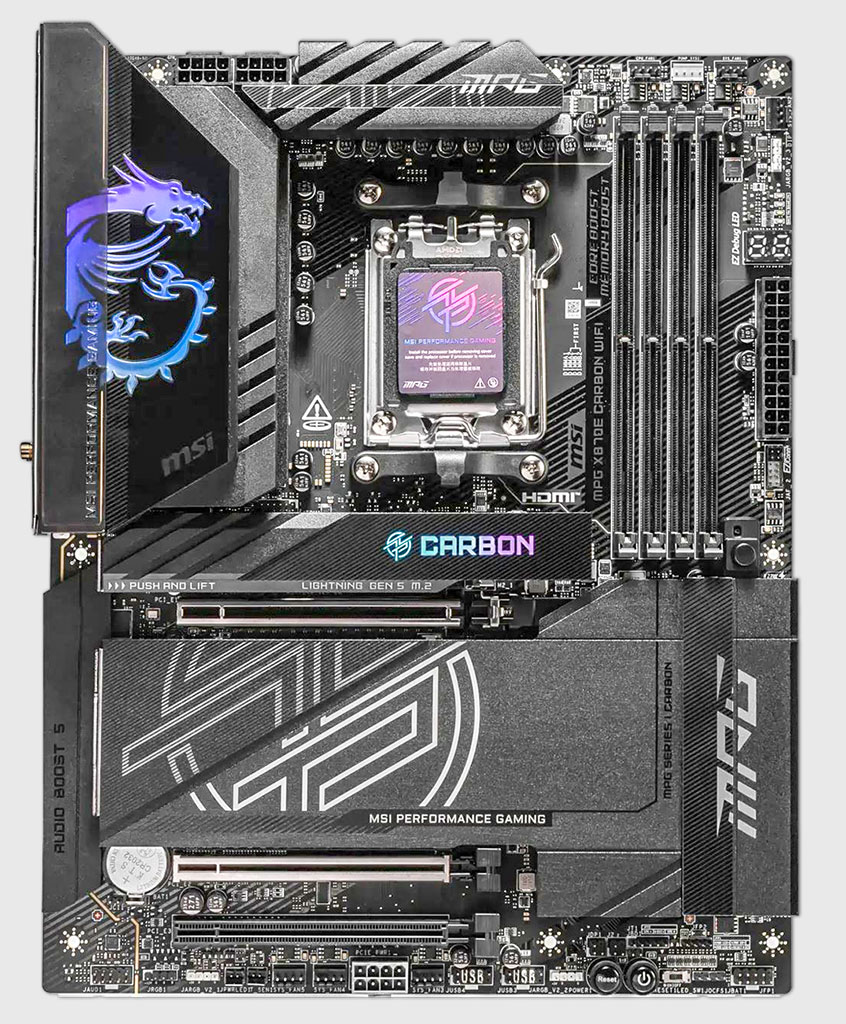
| Motherboard: | MSI X870E Carbon Wi-Fi BIOS 7E49v1A3 |
| Resizable BAR: | Enabled on all supported cards (NVIDIA, AMD & Intel) |
| Memory: | Thermaltake TOUGHRAM XG 2× 16 GB DDR5 6200 MT 28-36-36-76 UCLK 1:1 |
| Cooling: | Arctic Liquid Freezer III 280 mm AIO |
| Thermal Paste: | Arctic MX-6 |
| Storage: | 4 TB M.2 NVMe SSD |
| Power Supply: | Seasonic Focus GX 1000 W ATX 3.0 / 16-pin 12VHPWR |
| Case: | darkFlash DY470 |
| Operating System: | Windows 11 Professional 64-bit 24H2 VBS enabled (Windows 11 default) |
| Drivers: | NVIDIA: 595.97 WHQL AMD: 26.3.1 WHQL Intel: 101.8626 WHQL |
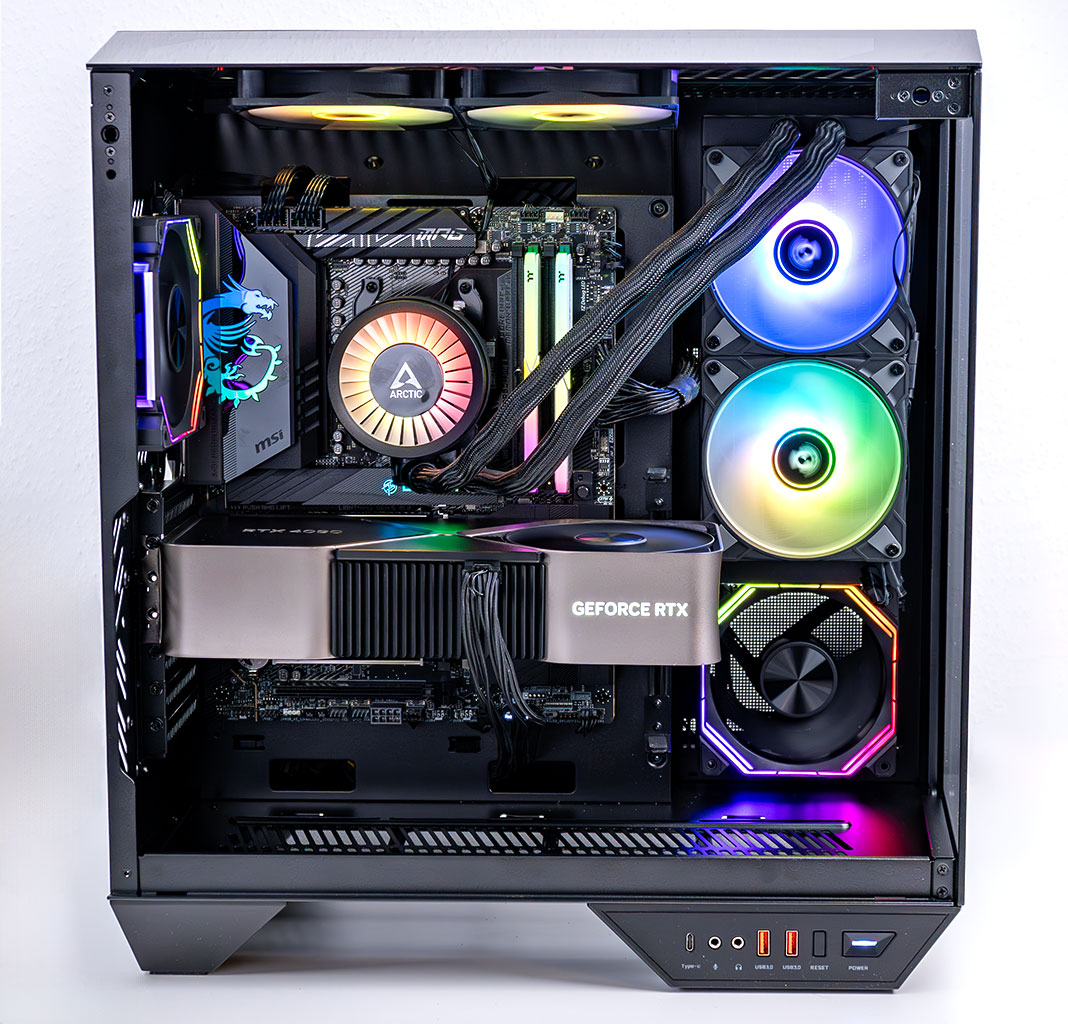
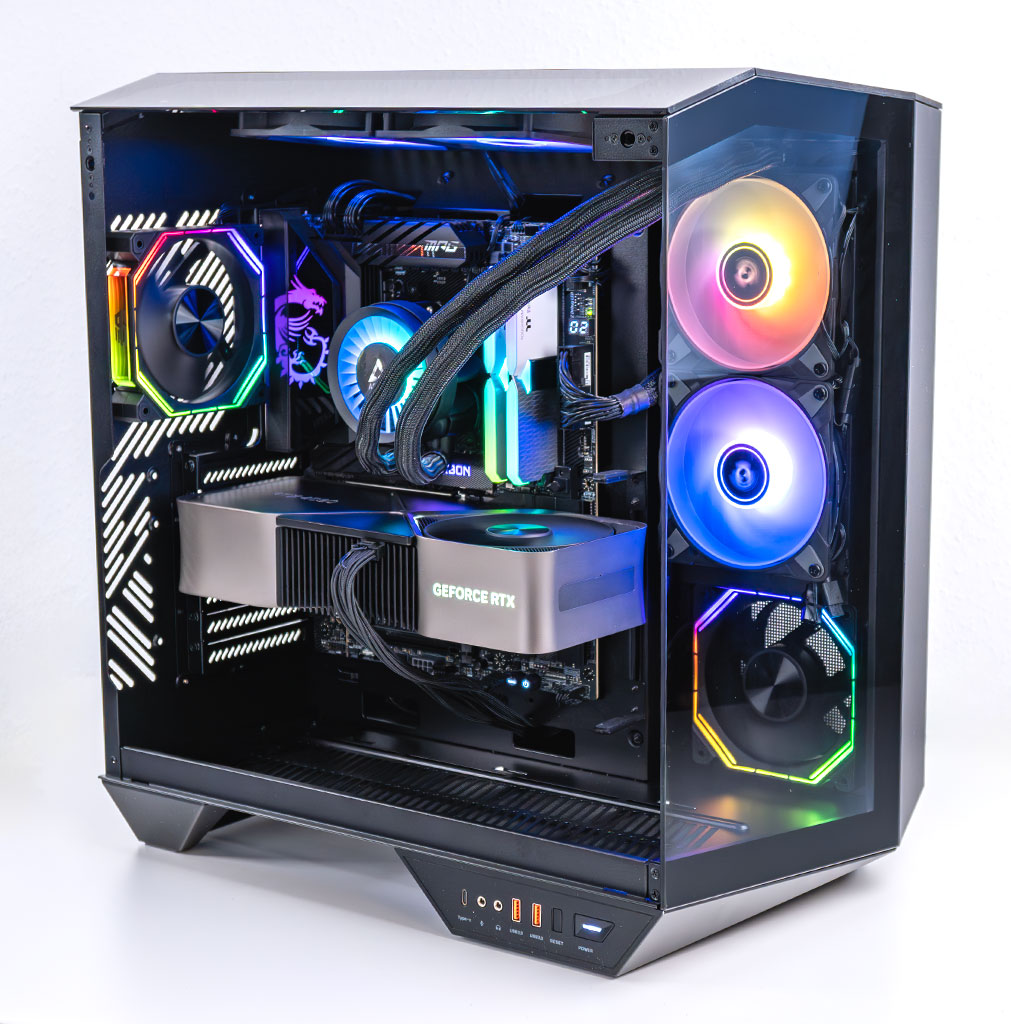
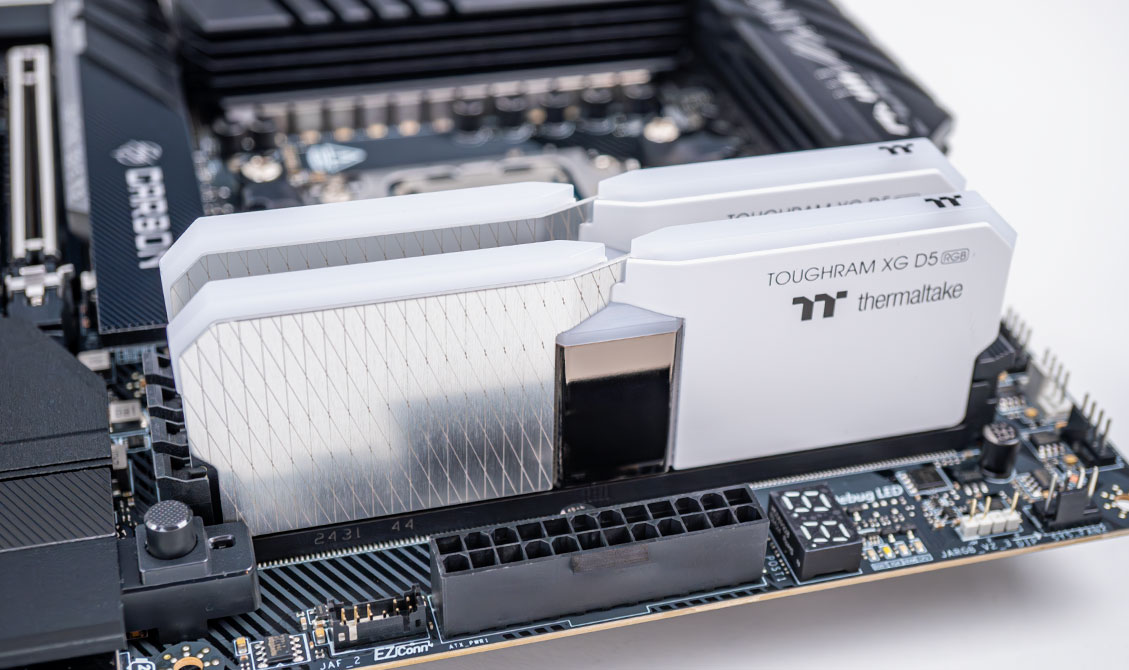
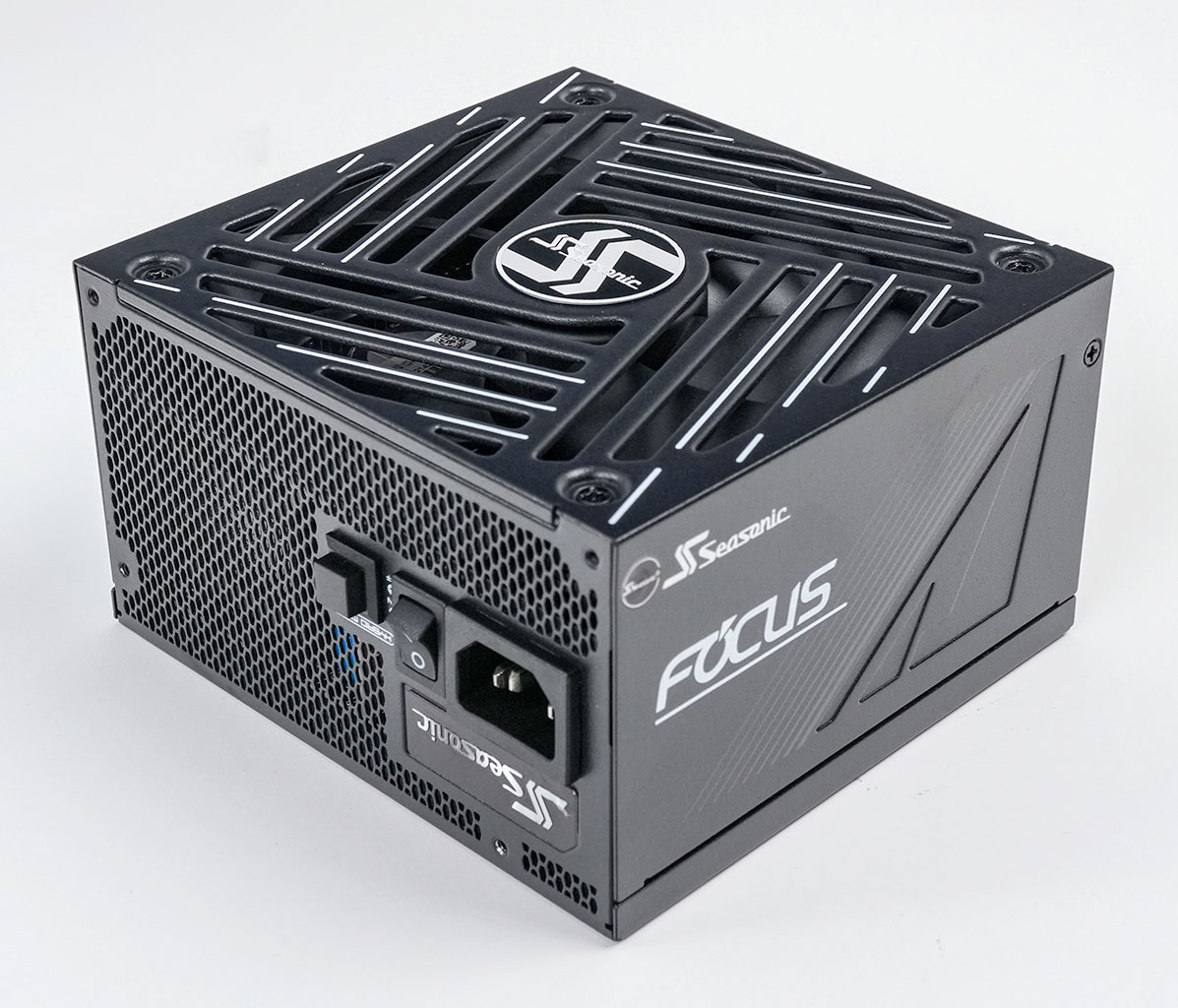
- All cards used for comparison are Founders Edition/reference design. If a reference card does not exist, we use the closest model to ensure default clocks and power limit.
- We tested the public Steam release version, including the PC Hotfix 1 Update.
- Our benchmarking scene uses real in-game gameplay in an open-world location.
Nov 18th, 2026 14:18 PST
change timezone
Latest GPU Drivers
New Forum Posts
- Making a game in Godot engine (0)
- Last game you purchased? (1406)
- Time to upgrade CPU and MOBO (34)
- Can i play GTA 6 now? (Joke) (7)
- Honestly, do you care about GTA VI? (146)
- What are you playing? (26234)
- Very unusual two gaming-pc scenarios. (12)
- Dell Workstation Owners Club (3513)
- Any other old-timers here planning to play WoW Forever? (151)
- The Filthy, Rotten, Nasty, Helpdesk-Nightmare picture clubhouse (2876)
Popular Reviews
- Acemagic Retro X3 Review
- Upcoming Hardware Launches 2027 (Updated Nov 2026)
- AMD Zen 6 Technical Deep Dive
- ASUS ROG Strix B850-I Gaming Wi-Fi7 W Review
- Corsair HX1000i Shift Crystal Review
- Biwin Black Opal NV7400 2 TB Review
- Chieftec Iceberg PRO 360 DARK Review
- AMD Ryzen 7 9800X3D Review - The Best Gaming Processor
- Pulsar Office Tour & First Look at P1 Dual-Sensor Mouse
- Phantom Blade Zero Performance Benchmark Review - 35 GPUs Tested
TPU on YouTube
Controversial News Posts
- NVIDIA Co-Founder and CEO Jensen Huang Officially Resigns (478)
- Report: Jensen Huang Eyes NVIDIA Comeback (188)
- Open Letter Asking NVIDIA to Reinstate Jensen Huang Passes 115,000 Signatures (184)
- OpenAI CEO Argues Home PCs Waste the World's Limited DRAM Supply (152)
- NVIDIA Launches Investigation Into Jensen Huang's Relationship With Suspected Chinese Spy (136)
- Intel "Raptor Lake Next" 16-Core and 20-Core CPUs Surface (130)
- Legendary Game Studio BioWare Shuts Down Following EA Layoffs (104)
- Dell CEO Says the Memory Shortage Will Get Worse in 2027 (95)